Lab 7: Redistribution
Task
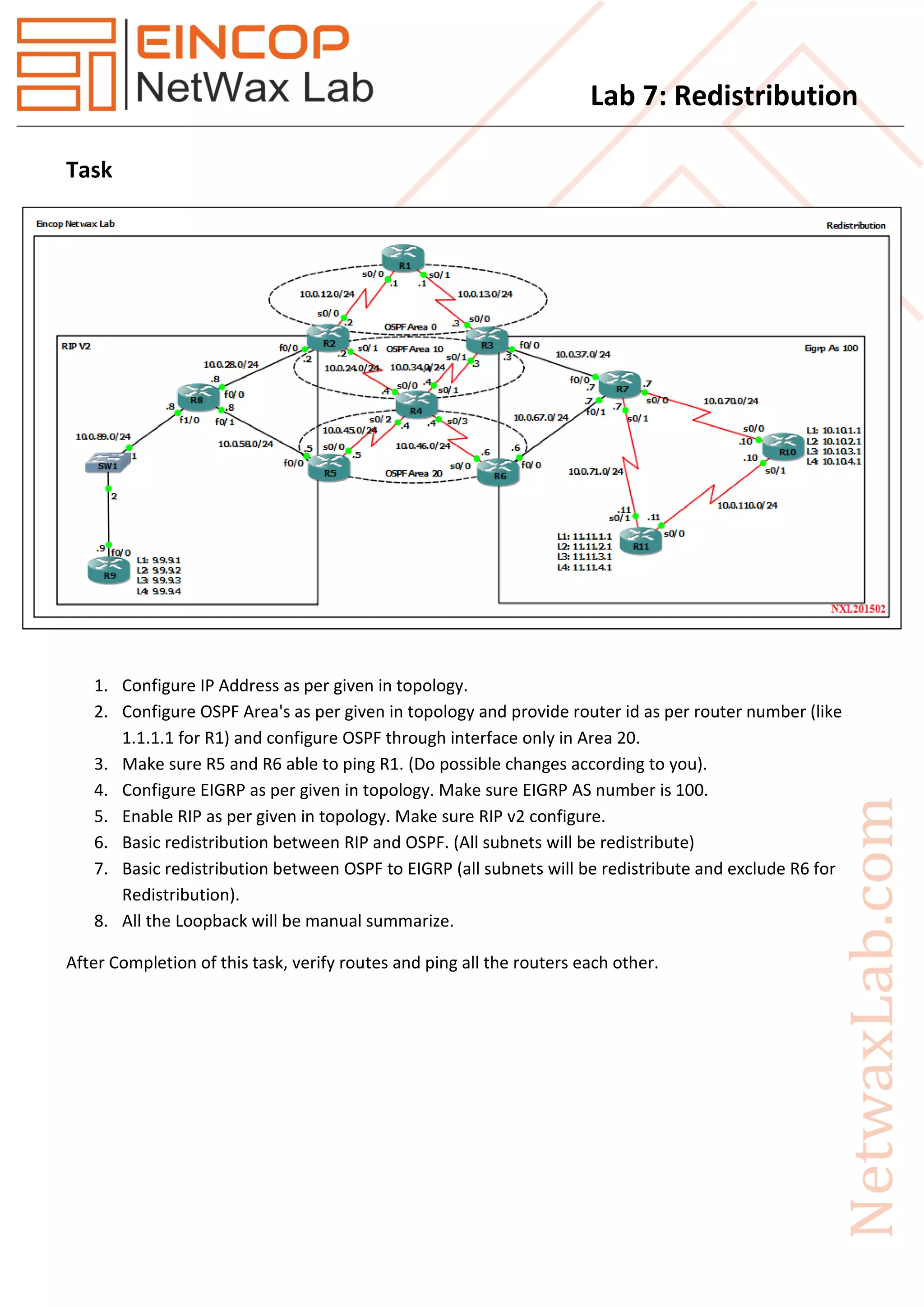
1. Configure IP Address as per given in topology.
2. Configure OSPF Area's as per given in topology and provide router id as per router number (like
1.1.1.1 for R1) and configure OSPF through interface only in Area 20.
3. Make sure R5 and R6 able to ping R1. (Do possible changes according to you).
4. Configure EIGRP as per given in topology. Make sure EIGRP AS number is 100.
5. Enable RIP as per given in topology. Make sure RIP v2 configure.
6. Basic redistribution between RIP and OSPF. (All subnets will be redistribute)
7. Basic redistribution between OSPF to EIGRP (all subnets will be redistribute and exclude R6 for
Redistribution).
8. All the Loopback will be manual summarize.
After Completion of this task, verify routes and ping all the routers each other.
Lab 7: Redistribution
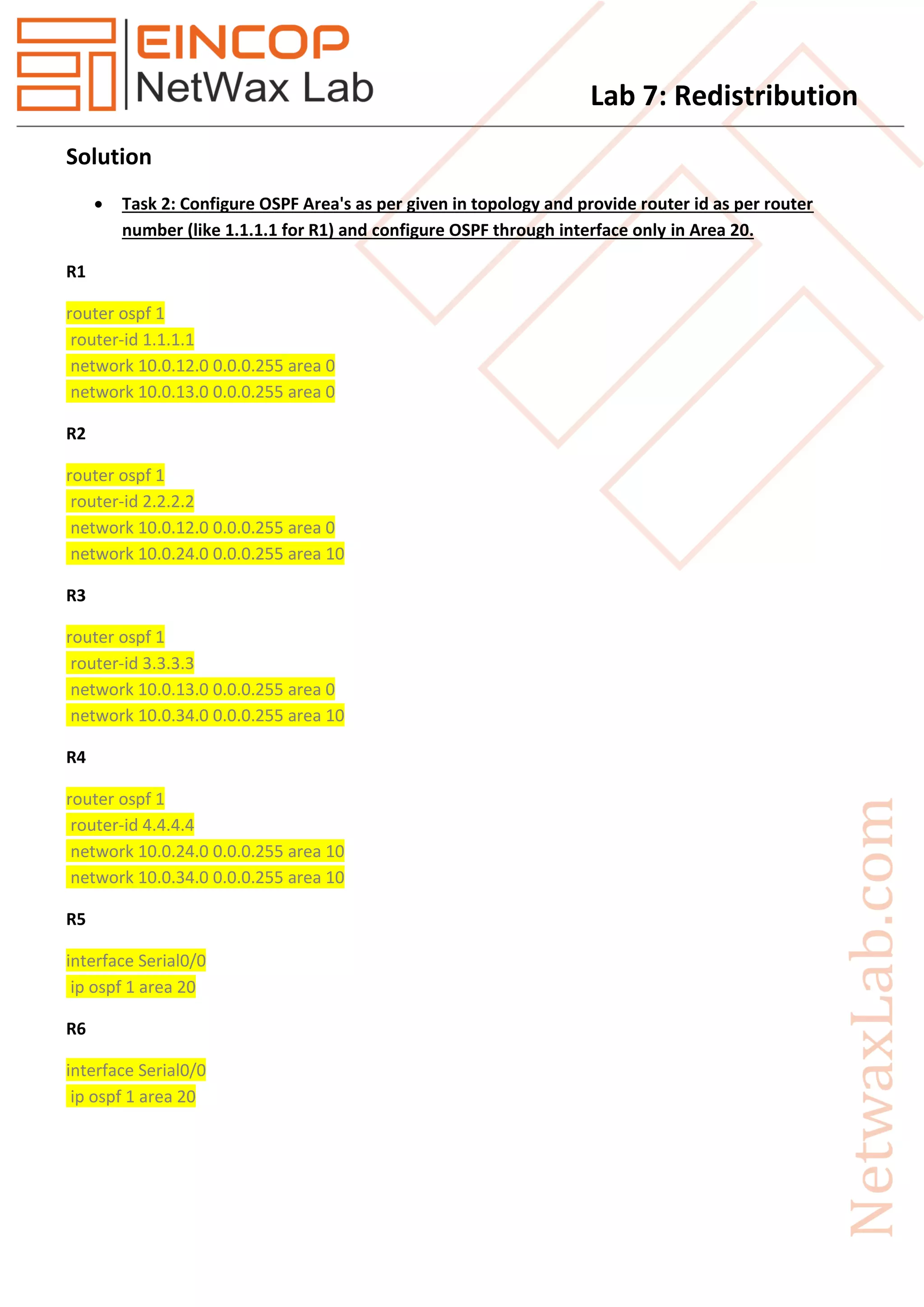
Solution
 Task 2: Configure OSPF Area's as per given in topology and provide router id as per router
number (like 1.1.1.1 for R1) and configure OSPF through interface only in Area 20.
R1
router ospf 1
router-id 1.1.1.1
network 10.0.12.0 0.0.0.255 area 0
network 10.0.13.0 0.0.0.255 area 0
R2
router ospf 1
router-id 2.2.2.2
network 10.0.12.0 0.0.0.255 area 0
network 10.0.24.0 0.0.0.255 area 10
R3
router ospf 1
router-id 3.3.3.3
network 10.0.13.0 0.0.0.255 area 0
network 10.0.34.0 0.0.0.255 area 10
R4
router ospf 1
router-id 4.4.4.4
network 10.0.24.0 0.0.0.255 area 10
network 10.0.34.0 0.0.0.255 area 10
R5
interface Serial0/0
ip ospf 1 area 20
R6
interface Serial0/0
ip ospf 1 area 20
Lab 7: Redistribution
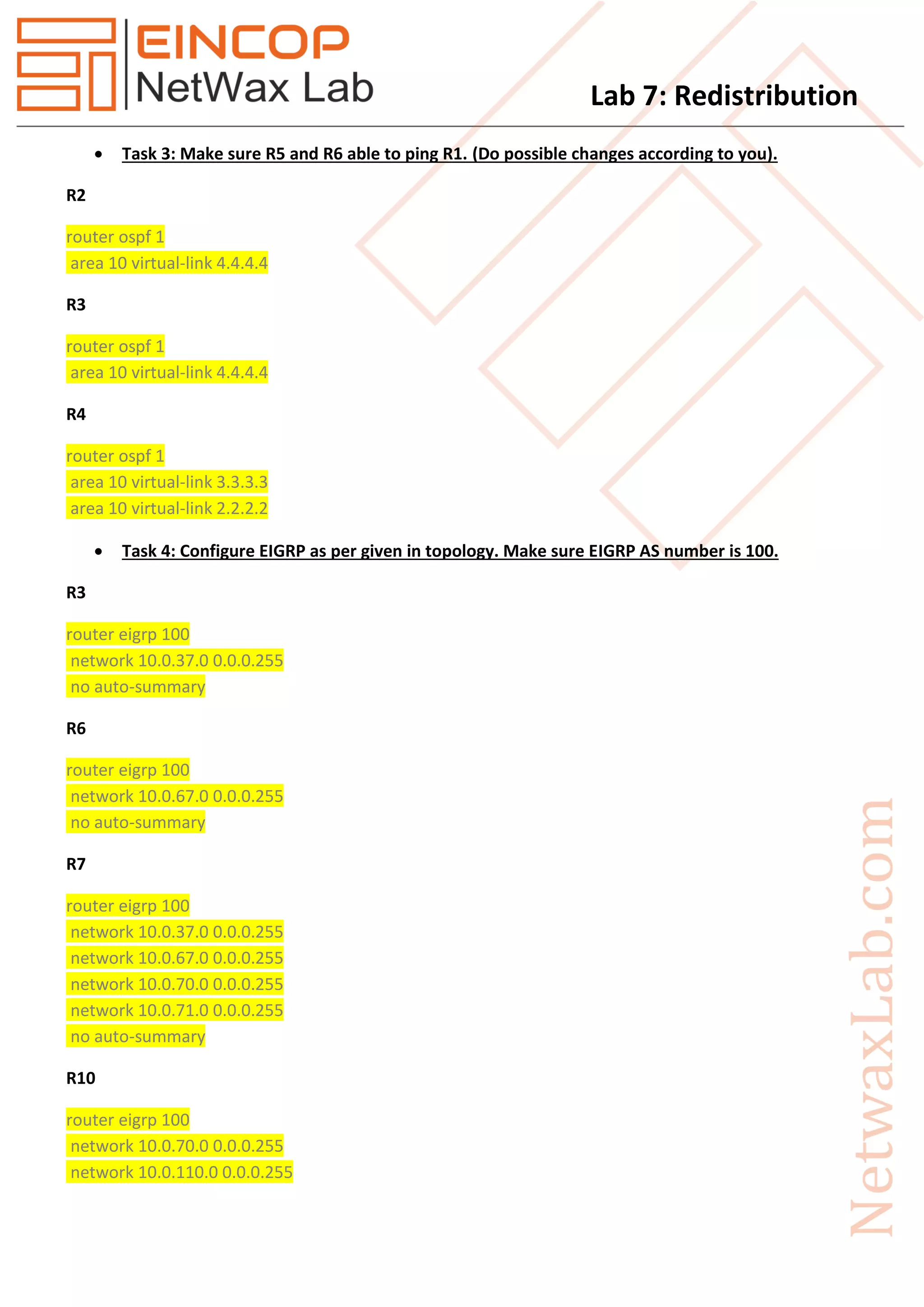
 Task 3: Make sure R5 and R6 able to ping R1. (Do possible changes according to you).
R2
router ospf 1
area 10 virtual-link 4.4.4.4
R3
router ospf 1
area 10 virtual-link 4.4.4.4
R4
router ospf 1
area 10 virtual-link 3.3.3.3
area 10 virtual-link 2.2.2.2
 Task 4: Configure EIGRP as per given in topology. Make sure EIGRP AS number is 100.
R3
router eigrp 100
network 10.0.37.0 0.0.0.255
no auto-summary
R6
router eigrp 100
network 10.0.67.0 0.0.0.255
no auto-summary
R7
router eigrp 100
network 10.0.37.0 0.0.0.255
network 10.0.67.0 0.0.0.255
network 10.0.70.0 0.0.0.255
network 10.0.71.0 0.0.0.255
no auto-summary
R10
router eigrp 100
network 10.0.70.0 0.0.0.255
network 10.0.110.0 0.0.0.255
Lab 7: Redistribution
network 10.10.1.0 0.0.0.255
network 10.10.2.0 0.0.0.255
network 10.10.3.0 0.0.0.255
network 10.10.4.0 0.0.0.255
no auto-summary
R11
router eigrp 100
network 10.0.71.0 0.0.0.255
network 10.0.110.0 0.0.0.255
network 11.11.1.0 0.0.0.255
network 11.11.2.0 0.0.0.255
network 11.11.3.0 0.0.0.255
network 11.11.4.0 0.0.0.255
no auto-summary
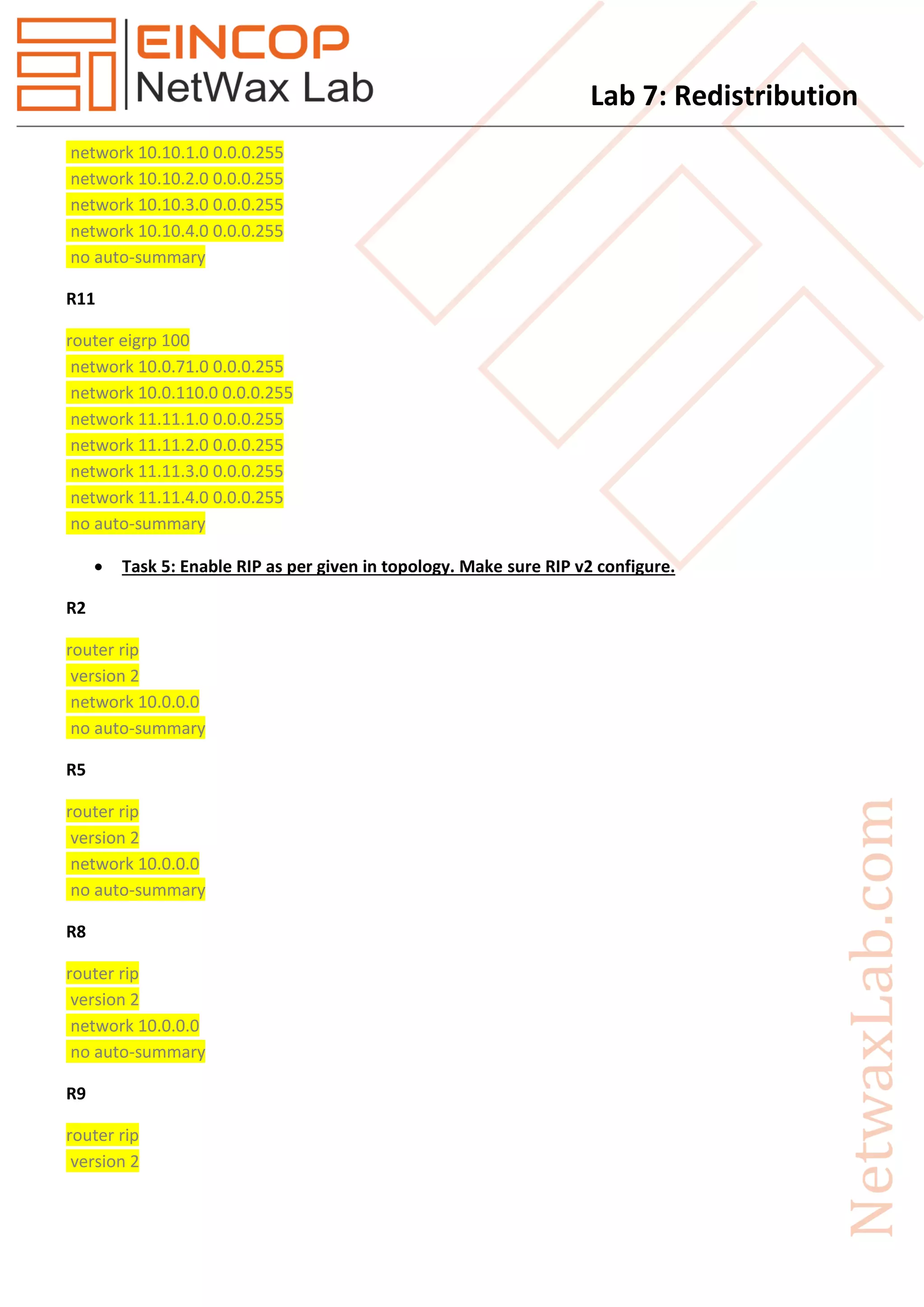
 Task 5: Enable RIP as per given in topology. Make sure RIP v2 configure.
R2
router rip
version 2
network 10.0.0.0
no auto-summary
R5
router rip
version 2
network 10.0.0.0
no auto-summary
R8
router rip
version 2
network 10.0.0.0
no auto-summary
R9
router rip
version 2
Lab 7: Redistribution
network 9.0.0.0
network 10.0.0.0
no auto-summary
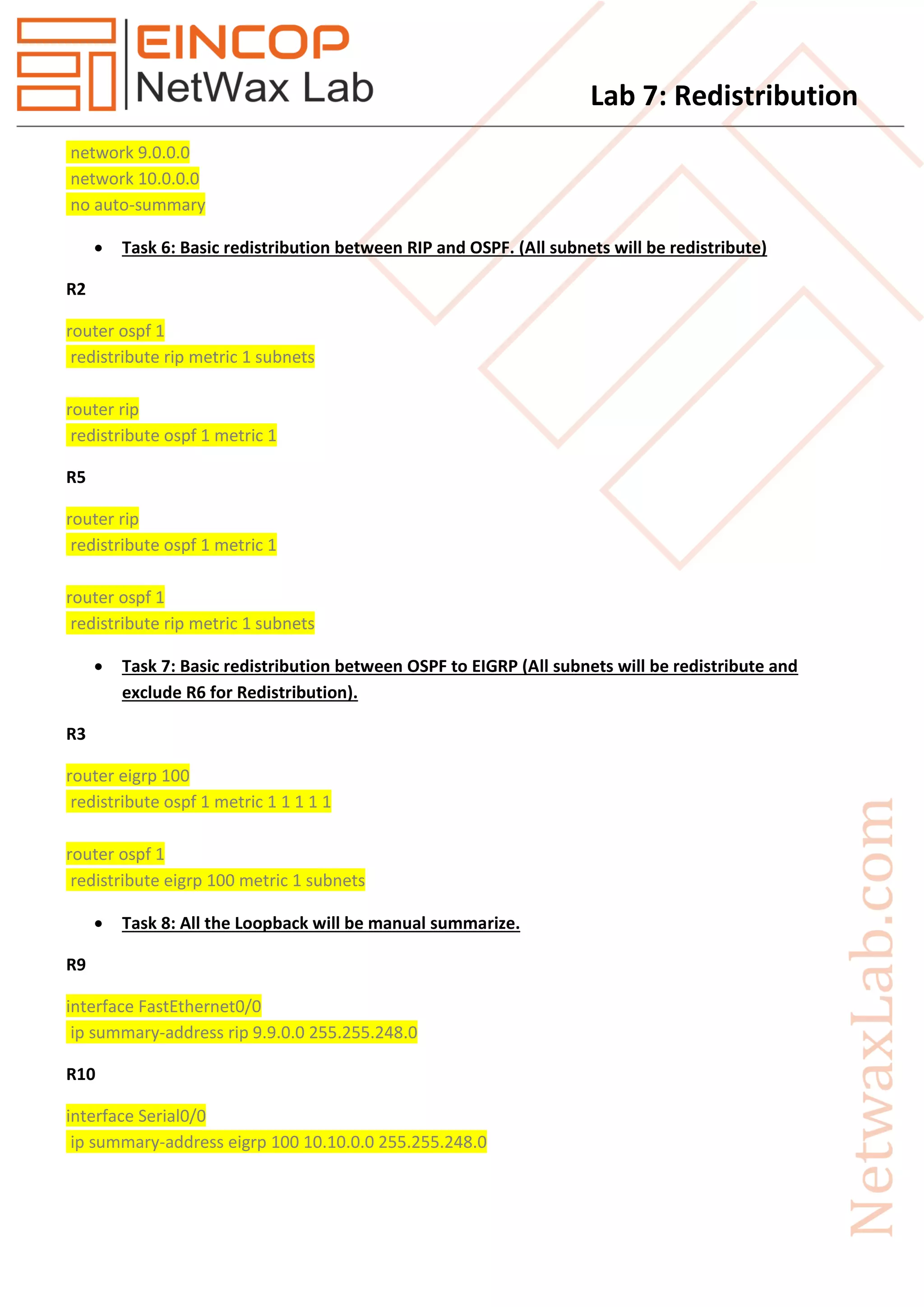
 Task 6: Basic redistribution between RIP and OSPF. (All subnets will be redistribute)
R2
router ospf 1
redistribute rip metric 1 subnets
router rip
redistribute ospf 1 metric 1
R5
router rip
redistribute ospf 1 metric 1
router ospf 1
redistribute rip metric 1 subnets
 Task 7: Basic redistribution between OSPF to EIGRP (All subnets will be redistribute and
exclude R6 for Redistribution).
R3
router eigrp 100
redistribute ospf 1 metric 1 1 1 1 1
router ospf 1
redistribute eigrp 100 metric 1 subnets
 Task 8: All the Loopback will be manual summarize.
R9
interface FastEthernet0/0
ip summary-address rip 9.9.0.0 255.255.248.0
R10
interface Serial0/0
ip summary-address eigrp 100 10.10.0.0 255.255.248.0
Lab 7: Redistribution
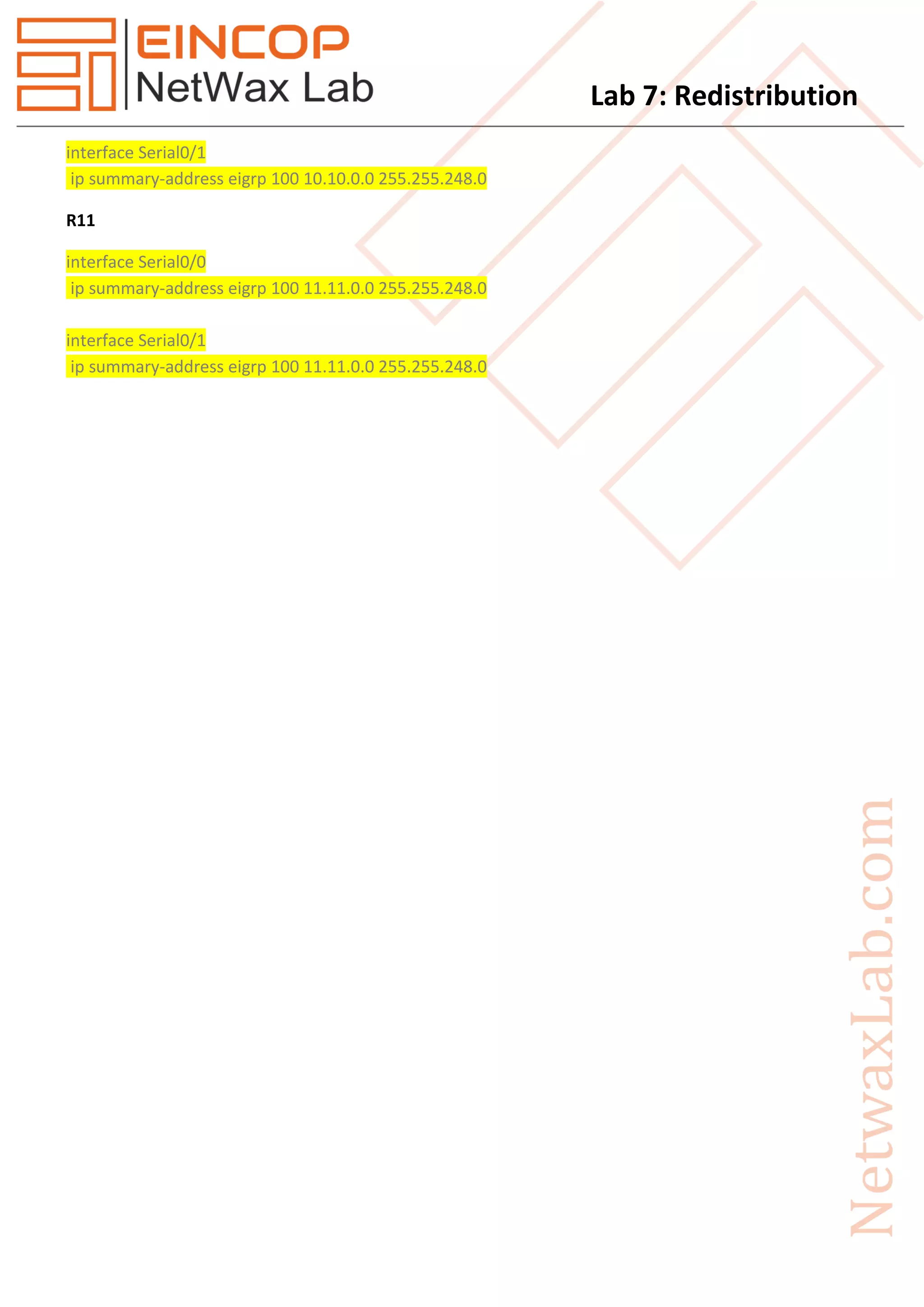
interface Serial0/1
ip summary-address eigrp 100 10.10.0.0 255.255.248.0
R11
interface Serial0/0
ip summary-address eigrp 100 11.11.0.0 255.255.248.0
interface Serial0/1
ip summary-address eigrp 100 11.11.0.0 255.255.248.0

Eincop Netwax Lab: Redistribution

  • 1.
    Lab 7: Redistribution Task 1.Configure IP Address as per given in topology. 2. Configure OSPF Area's as per given in topology and provide router id as per router number (like 1.1.1.1 for R1) and configure OSPF through interface only in Area 20. 3. Make sure R5 and R6 able to ping R1. (Do possible changes according to you). 4. Configure EIGRP as per given in topology. Make sure EIGRP AS number is 100. 5. Enable RIP as per given in topology. Make sure RIP v2 configure. 6. Basic redistribution between RIP and OSPF. (All subnets will be redistribute) 7. Basic redistribution between OSPF to EIGRP (all subnets will be redistribute and exclude R6 for Redistribution). 8. All the Loopback will be manual summarize. After Completion of this task, verify routes and ping all the routers each other.
  • 2.
    Lab 7: Redistribution Solution Task 2: Configure OSPF Area's as per given in topology and provide router id as per router number (like 1.1.1.1 for R1) and configure OSPF through interface only in Area 20. R1 router ospf 1 router-id 1.1.1.1 network 10.0.12.0 0.0.0.255 area 0 network 10.0.13.0 0.0.0.255 area 0 R2 router ospf 1 router-id 2.2.2.2 network 10.0.12.0 0.0.0.255 area 0 network 10.0.24.0 0.0.0.255 area 10 R3 router ospf 1 router-id 3.3.3.3 network 10.0.13.0 0.0.0.255 area 0 network 10.0.34.0 0.0.0.255 area 10 R4 router ospf 1 router-id 4.4.4.4 network 10.0.24.0 0.0.0.255 area 10 network 10.0.34.0 0.0.0.255 area 10 R5 interface Serial0/0 ip ospf 1 area 20 R6 interface Serial0/0 ip ospf 1 area 20
  • 3.
    Lab 7: Redistribution Task 3: Make sure R5 and R6 able to ping R1. (Do possible changes according to you). R2 router ospf 1 area 10 virtual-link 4.4.4.4 R3 router ospf 1 area 10 virtual-link 4.4.4.4 R4 router ospf 1 area 10 virtual-link 3.3.3.3 area 10 virtual-link 2.2.2.2  Task 4: Configure EIGRP as per given in topology. Make sure EIGRP AS number is 100. R3 router eigrp 100 network 10.0.37.0 0.0.0.255 no auto-summary R6 router eigrp 100 network 10.0.67.0 0.0.0.255 no auto-summary R7 router eigrp 100 network 10.0.37.0 0.0.0.255 network 10.0.67.0 0.0.0.255 network 10.0.70.0 0.0.0.255 network 10.0.71.0 0.0.0.255 no auto-summary R10 router eigrp 100 network 10.0.70.0 0.0.0.255 network 10.0.110.0 0.0.0.255
  • 4.
    Lab 7: Redistribution network10.10.1.0 0.0.0.255 network 10.10.2.0 0.0.0.255 network 10.10.3.0 0.0.0.255 network 10.10.4.0 0.0.0.255 no auto-summary R11 router eigrp 100 network 10.0.71.0 0.0.0.255 network 10.0.110.0 0.0.0.255 network 11.11.1.0 0.0.0.255 network 11.11.2.0 0.0.0.255 network 11.11.3.0 0.0.0.255 network 11.11.4.0 0.0.0.255 no auto-summary  Task 5: Enable RIP as per given in topology. Make sure RIP v2 configure. R2 router rip version 2 network 10.0.0.0 no auto-summary R5 router rip version 2 network 10.0.0.0 no auto-summary R8 router rip version 2 network 10.0.0.0 no auto-summary R9 router rip version 2
  • 5.
    Lab 7: Redistribution network9.0.0.0 network 10.0.0.0 no auto-summary  Task 6: Basic redistribution between RIP and OSPF. (All subnets will be redistribute) R2 router ospf 1 redistribute rip metric 1 subnets router rip redistribute ospf 1 metric 1 R5 router rip redistribute ospf 1 metric 1 router ospf 1 redistribute rip metric 1 subnets  Task 7: Basic redistribution between OSPF to EIGRP (All subnets will be redistribute and exclude R6 for Redistribution). R3 router eigrp 100 redistribute ospf 1 metric 1 1 1 1 1 router ospf 1 redistribute eigrp 100 metric 1 subnets  Task 8: All the Loopback will be manual summarize. R9 interface FastEthernet0/0 ip summary-address rip 9.9.0.0 255.255.248.0 R10 interface Serial0/0 ip summary-address eigrp 100 10.10.0.0 255.255.248.0
  • 6.
    Lab 7: Redistribution interfaceSerial0/1 ip summary-address eigrp 100 10.10.0.0 255.255.248.0 R11 interface Serial0/0 ip summary-address eigrp 100 11.11.0.0 255.255.248.0 interface Serial0/1 ip summary-address eigrp 100 11.11.0.0 255.255.248.0