CNIT 121: 4 Getting the Investigation Started on the Right Foot & 5 Initial Development of Leads
The document outlines essential steps for initiating a computer forensics investigation, including collecting initial facts, using designated checklists, and documenting incident details. It emphasizes the importance of validating data from detection sources and collecting comprehensive information on individual systems, networks, and malware. Additionally, it discusses turning leads into actionable indicators and the significance of legal considerations and collaboration with law enforcement during investigations.
Collecting Initial Facts
•You need specific information
• Such as IP Addresses and times
• Validate facts and check context
3.
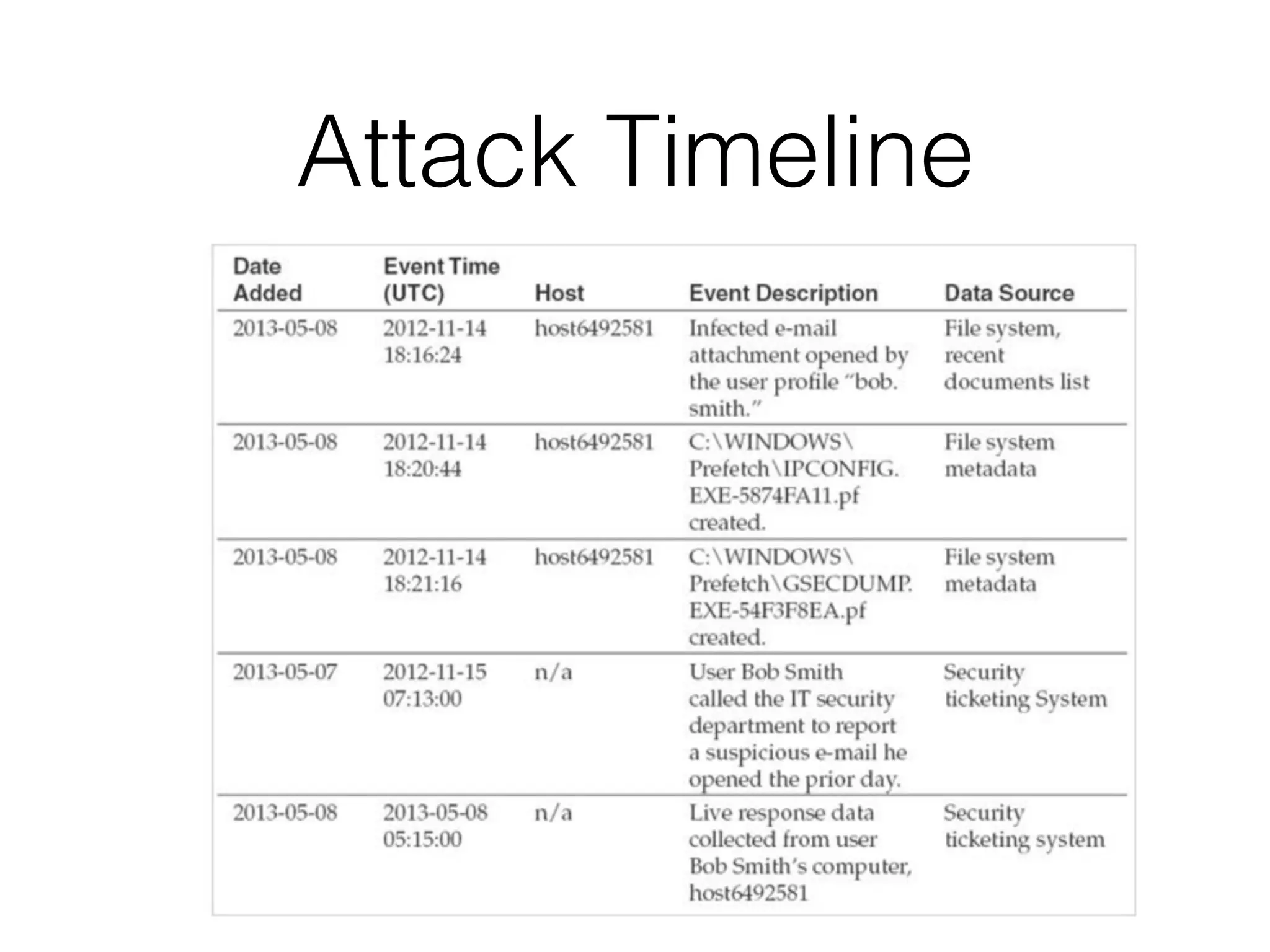
Time Zones
• Abig problem
• Simple solution: use UTC for everything
4.
Five Checklists
• Incidentsummary
• How the incident was detected
• Individual system details
• Network details
• Malware details
5.
Documentation
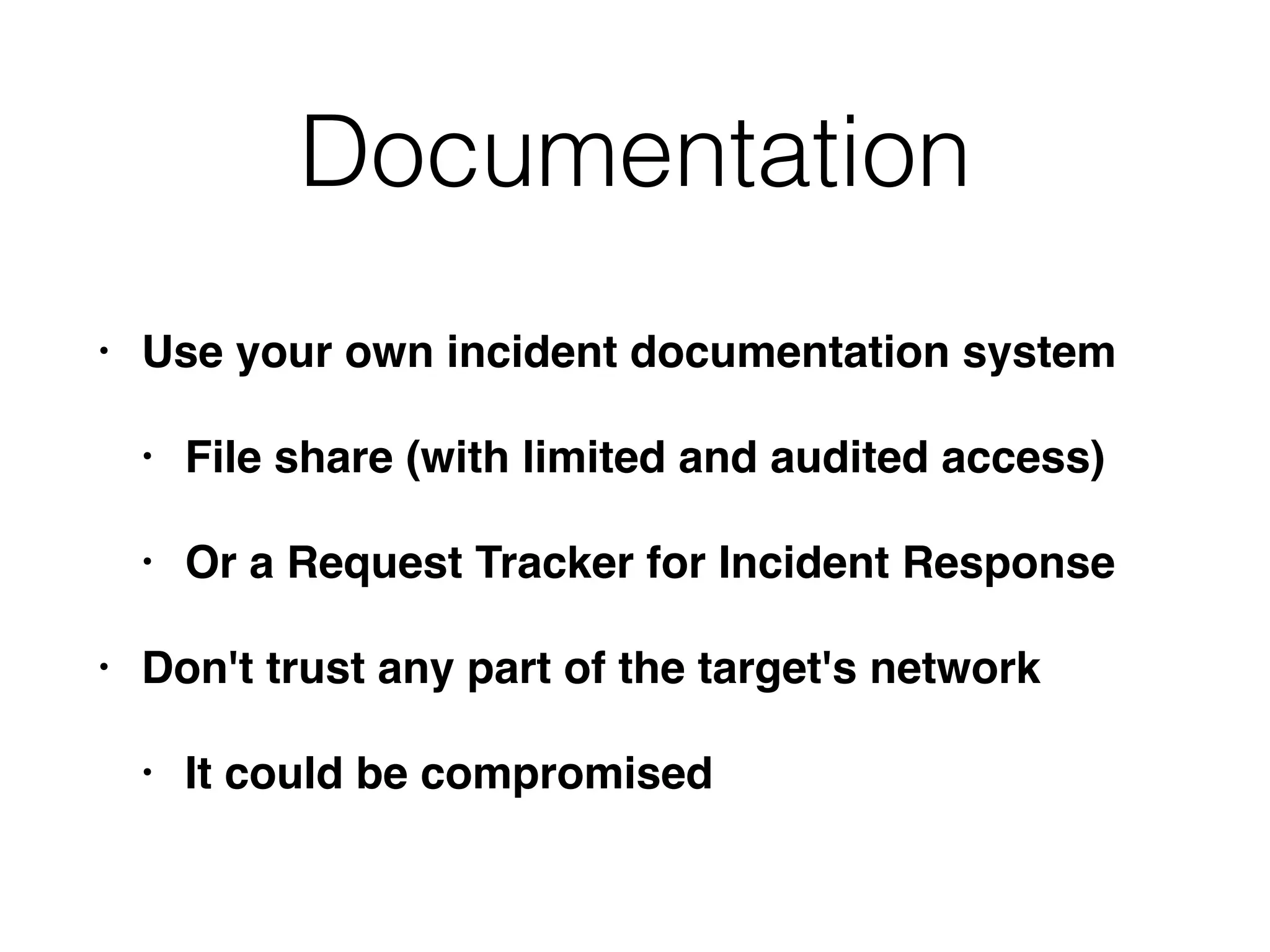
• Use yourown incident documentation system
• File share (with limited and audited access)
• Or a Request Tracker for Incident Response
• Don't trust any part of the target's network
• It could be compromised
Incident Detection Checklist
•Was the detection through an automated or
manual process?
• What information was part of the initial
detection?
• What sources provided the data?
• Has the source data been validated as accurate?
• Is the source data being preserved?
10.
Incident Detection Checklist
•How long have the detection sources been in
operation and who runs them?
• What are the detection and error rates?
• Has anything related to the data sources
changed?
11.
Collect Additional Details
•Individual systems
• Physical location, asset tag number
• System's make and model, OS, primary function
• Responsible administrator or user
• IP address, hostname, domain
• Critical information stored on the system and
backups
12.
Collect Additional Details
•Individual systems
• Whether the system is still connected to the network
• List of malware detected, back as far as log data goes
• List of remediation steps that have been taken
• It can be difficult to tell attacker actions from
administrator actions, such as changing
passwords
• Data that is being preserved by staff
13.
Collect Additional Details
•Network details
• All external malicious IPs and domain names
• Whether network monitoring is being conducted
• List of remediation steps that have been
conducted
• Is data being preserved?
• Updates to network diagrams and
configurations
14.
Collect Additional Details
•Malware details
• Date, time, and how malware was detected
• List of systems where malware was found
• Malware filenames, directories
• Findings of detection mechanism: name and
family of the malicious file
• Is malware active? What network connections
are present?
15.
Collect Additional Details
•Malware details
• Is a copy of the malware preserved?
• Status of any analysis: network and
host indicators of compromise
• Was malware submitted to any third
party?
16.
Case Notes
• Recordthe main actions your team takes
• Be professional--your case notes may be
discoverable
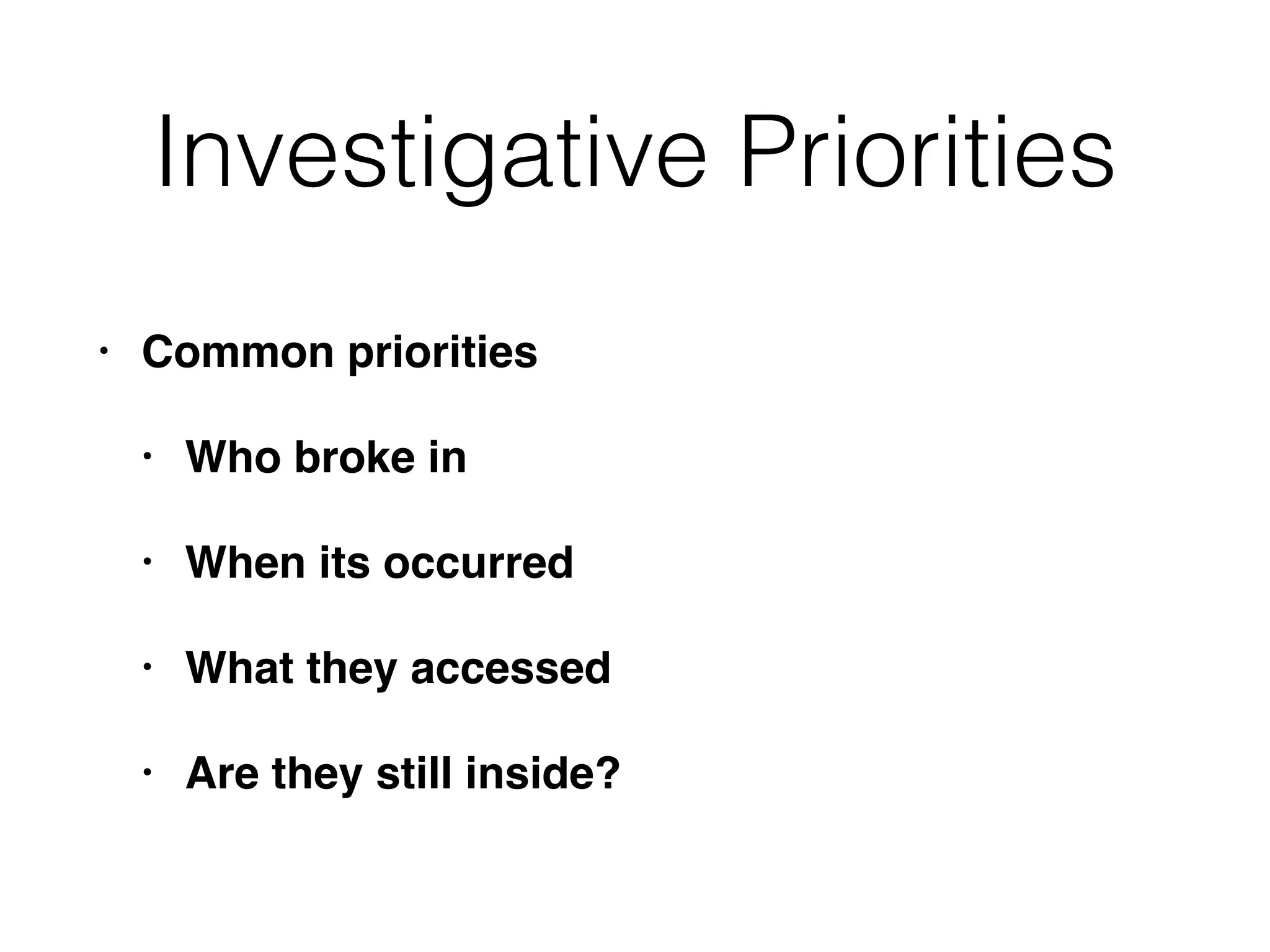
Investigative Priorities
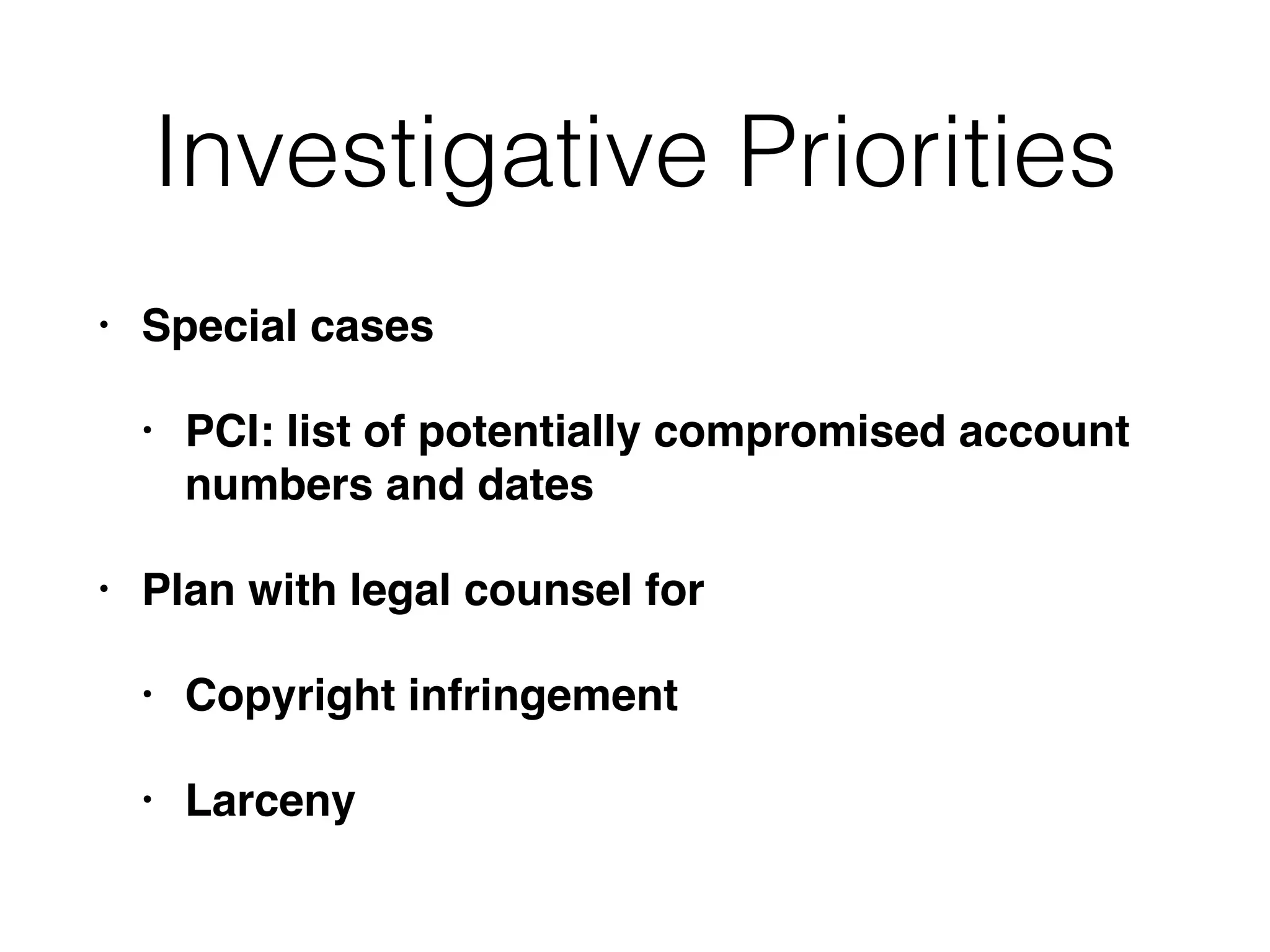
• Specialcases
• PCI: list of potentially compromised account
numbers and dates
• Plan with legal counsel for
• Copyright infringement
• Larceny
20.
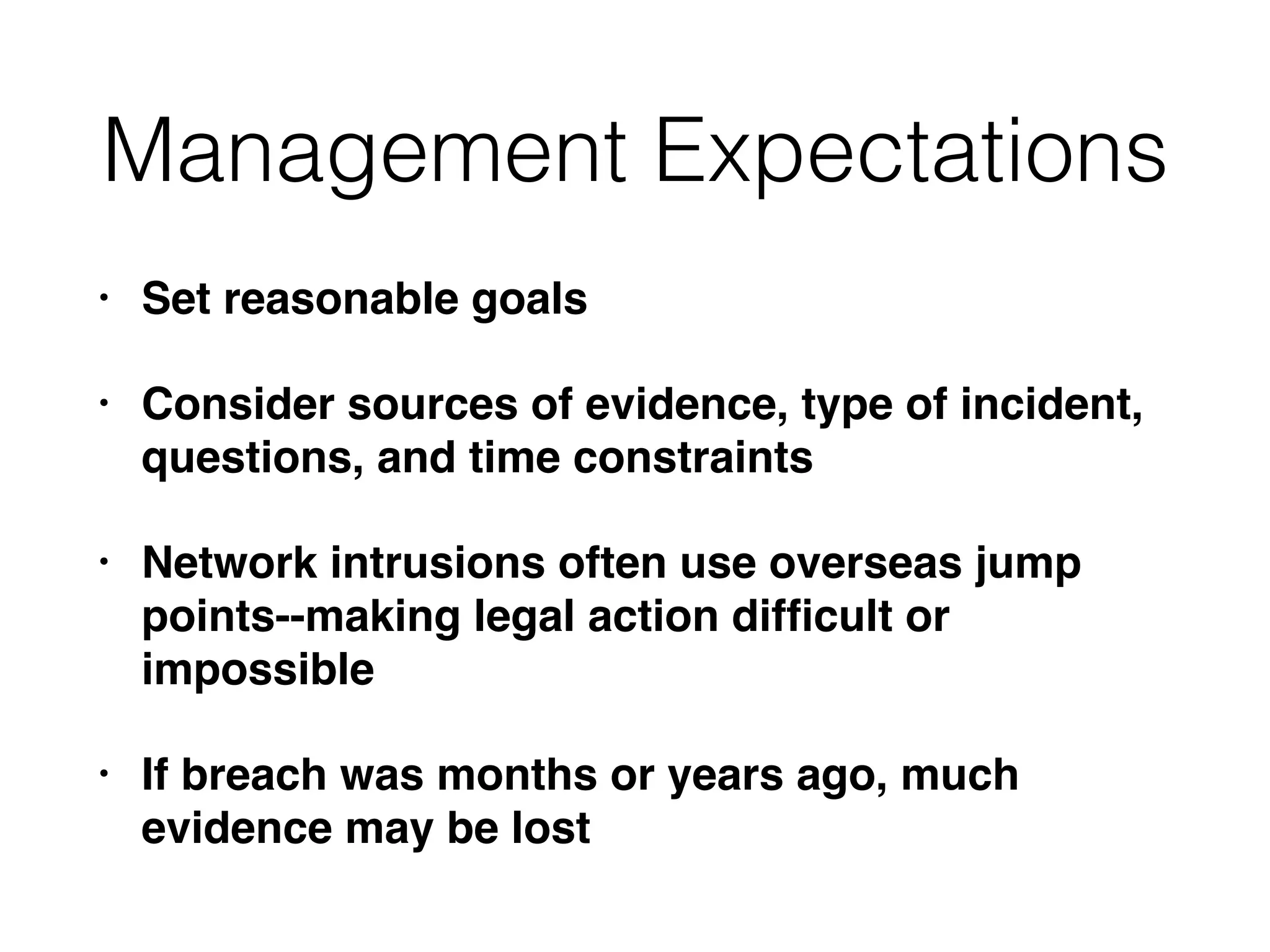
Management Expectations
• Setreasonable goals
• Consider sources of evidence, type of incident,
questions, and time constraints
• Network intrusions often use overseas jump
points--making legal action difficult or
impossible
• If breach was months or years ago, much
evidence may be lost
21.
Case: Warez Site
•Someone ran an automated vulnerability scan on a
web server
• Entered through management interface
• Set up a Warez site (selling stolen or illegal files)
• Management wanted to find and prosecute the
attacker
• But this is a common, automated attack
• More realistic to just find and patch the vulnerability
Leads
• Actionable itemsabout stolen
data (tasks to perform), like
• Network indicators
• Identities of potential subjects
• Issues that led to compromise
or a security incident
Example: NIDS
• NetworkIntrusion Detection System generates
an alert
• Connection to a command-and-control server
• Identify internal origin if NAT obscures it
• Inspect raw packets
• Search other connections made by that host
26.
Veracity and Context
•Especially important when humans are the
source
• Humans may be misinterpreting normal traffic
• Automated systems sometimes do too
27.
Acting on Leads
•Turn leads into viable indicators
• That can detect ongoing events and future
attacks
• Detect suspicious conditions beyond the leads
you already have
28.
Turning Leads into
Indicators
•Property-based indicators
• Observable characteristics of malicious software or
actions
• Registry key, MD5 hash, mutex with an unique
name
• mutex is an internal Windows object used for
inter-process communication
• Often used by malware to avoid repeat infections
29.
Turning Leads into
Indicators
•Methodology-based or anomaly-based
indicators
• Less specific leads, where a combination of
characteristics is suspicious
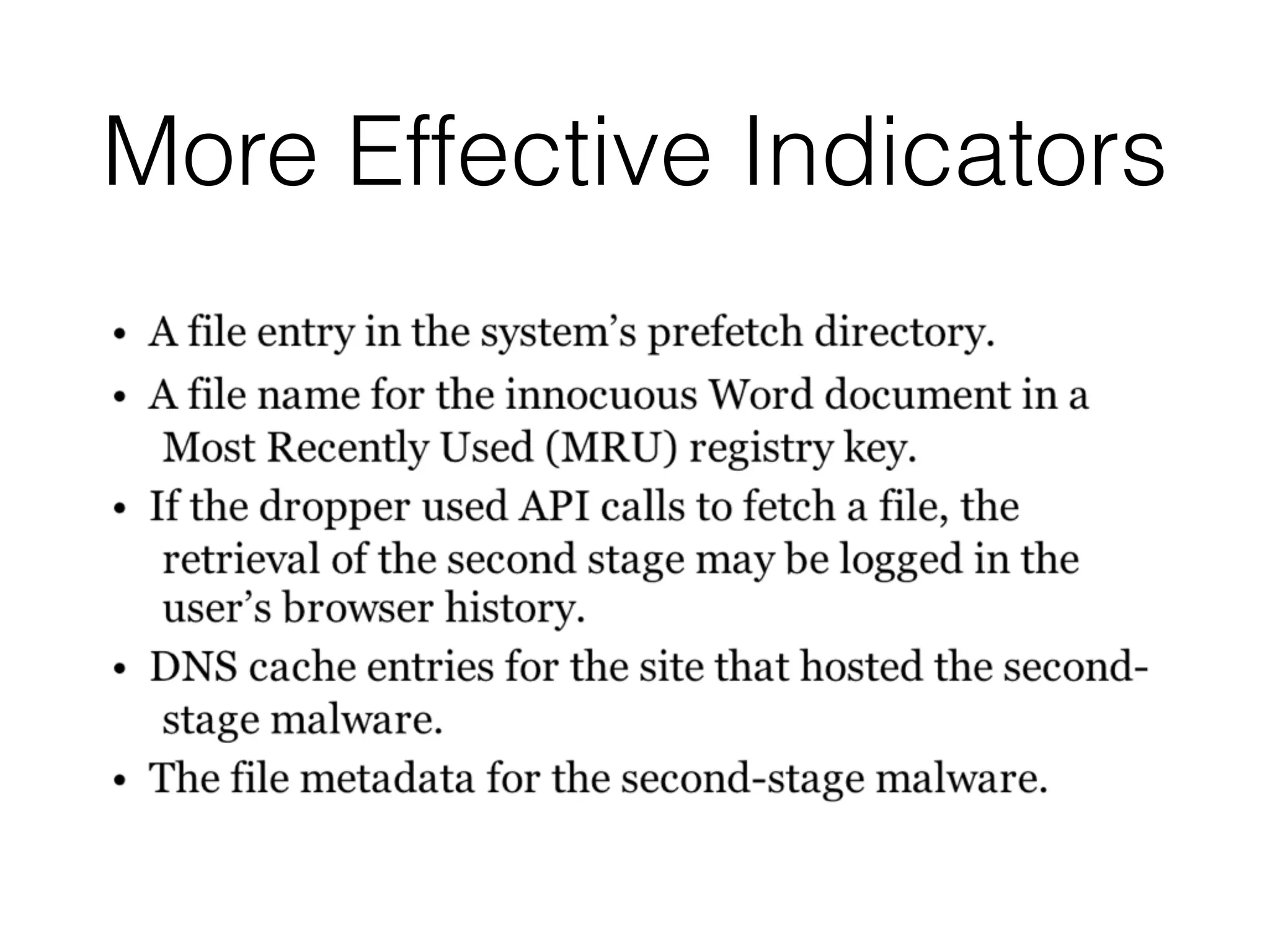
• Unexpected executables in the WindowsHelp
directory
Editing Host-based
Indicators
• Binaryclassification: endpoint is either of
interest to the investigation, or not
• Assemble a set of observables that are
suspicious
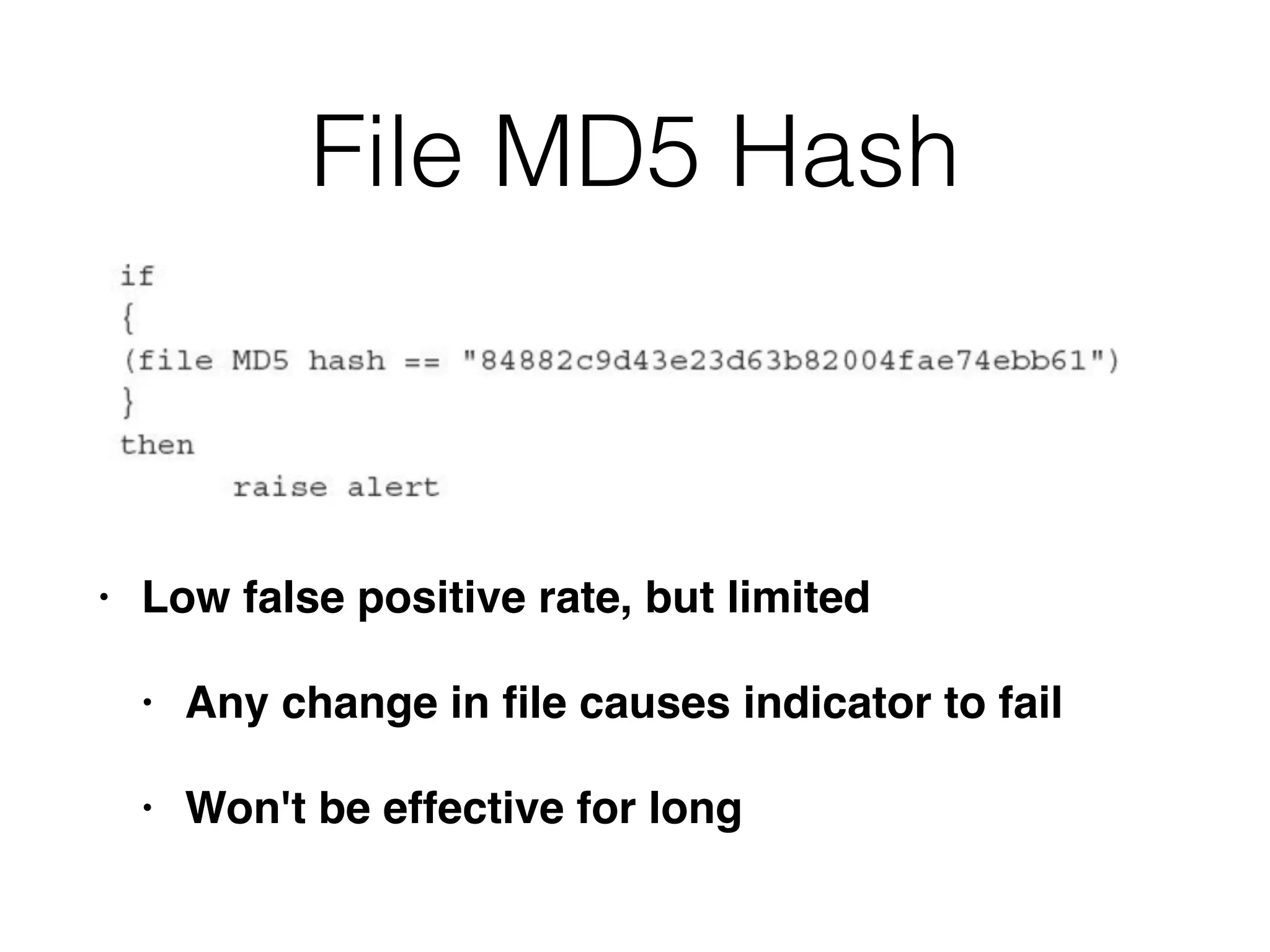
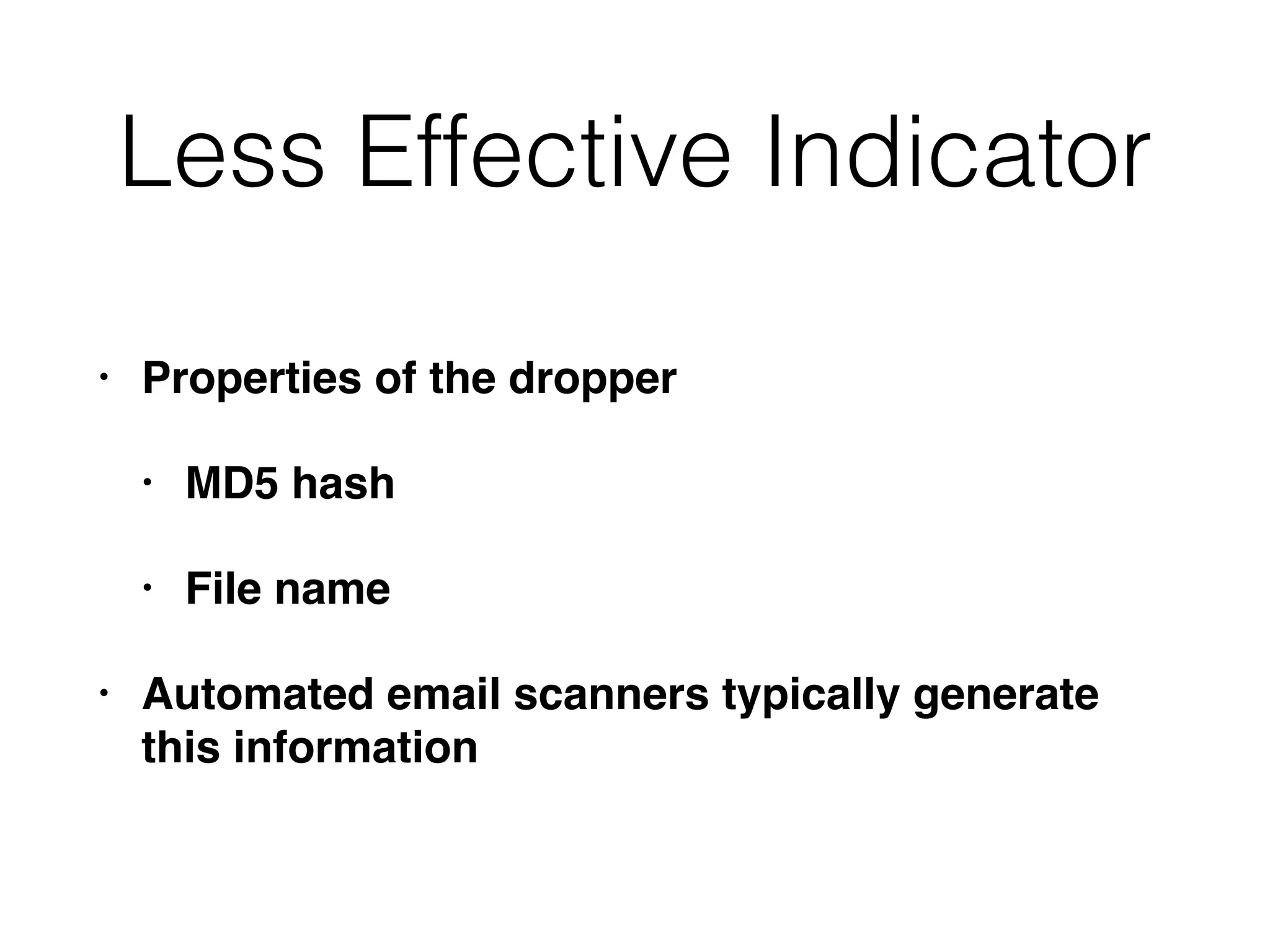
File MD5 Hash
•Low false positive rate, but limited
• Any change in file causes indicator to fail
• Won't be effective for long
34.
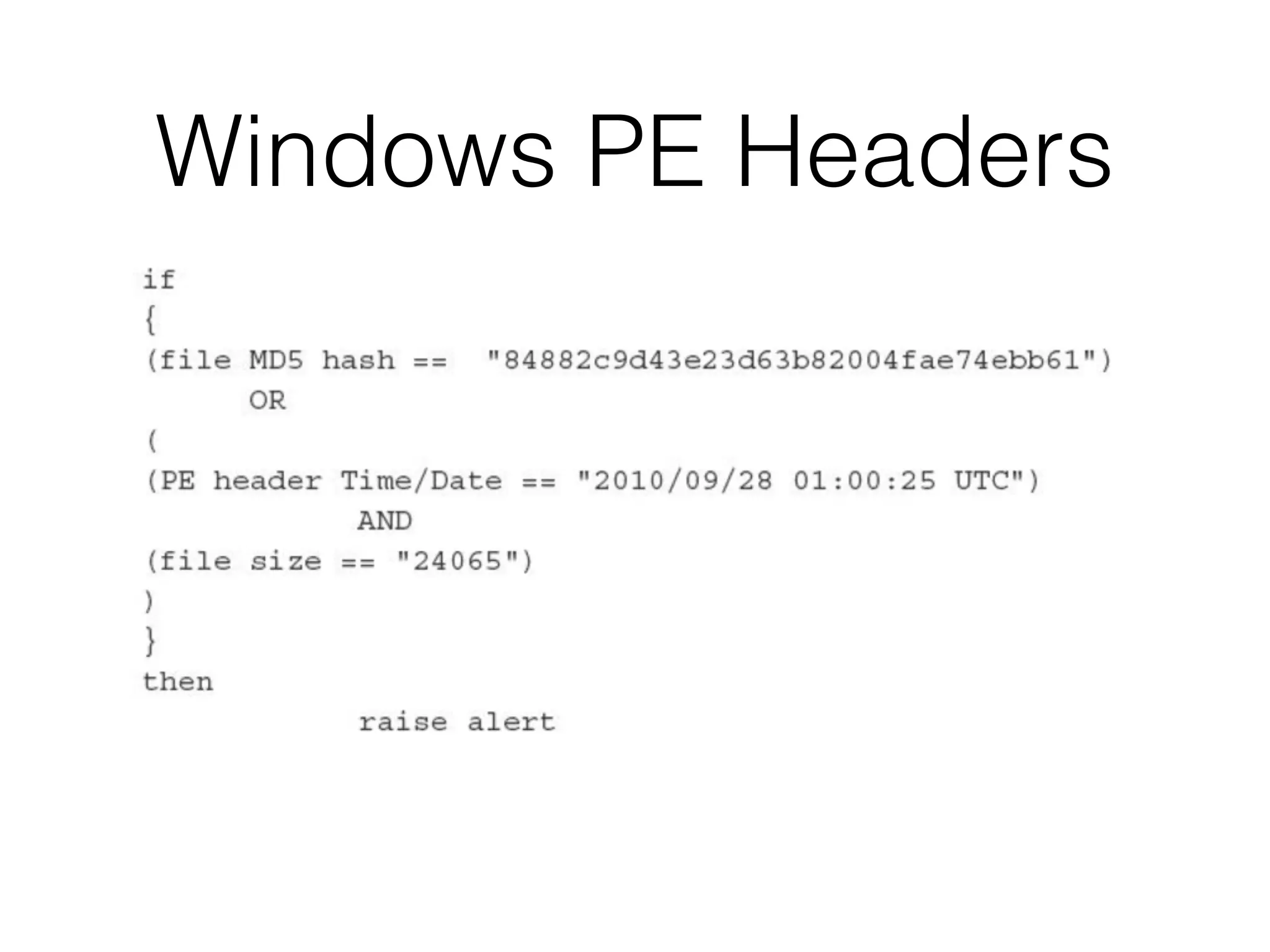
Windows PE Headers
•Windows programs are Portable Executable
(PE) files
• .exe, .com, or .dll
• The PE format has a header that specifies
general information about the file
Balance
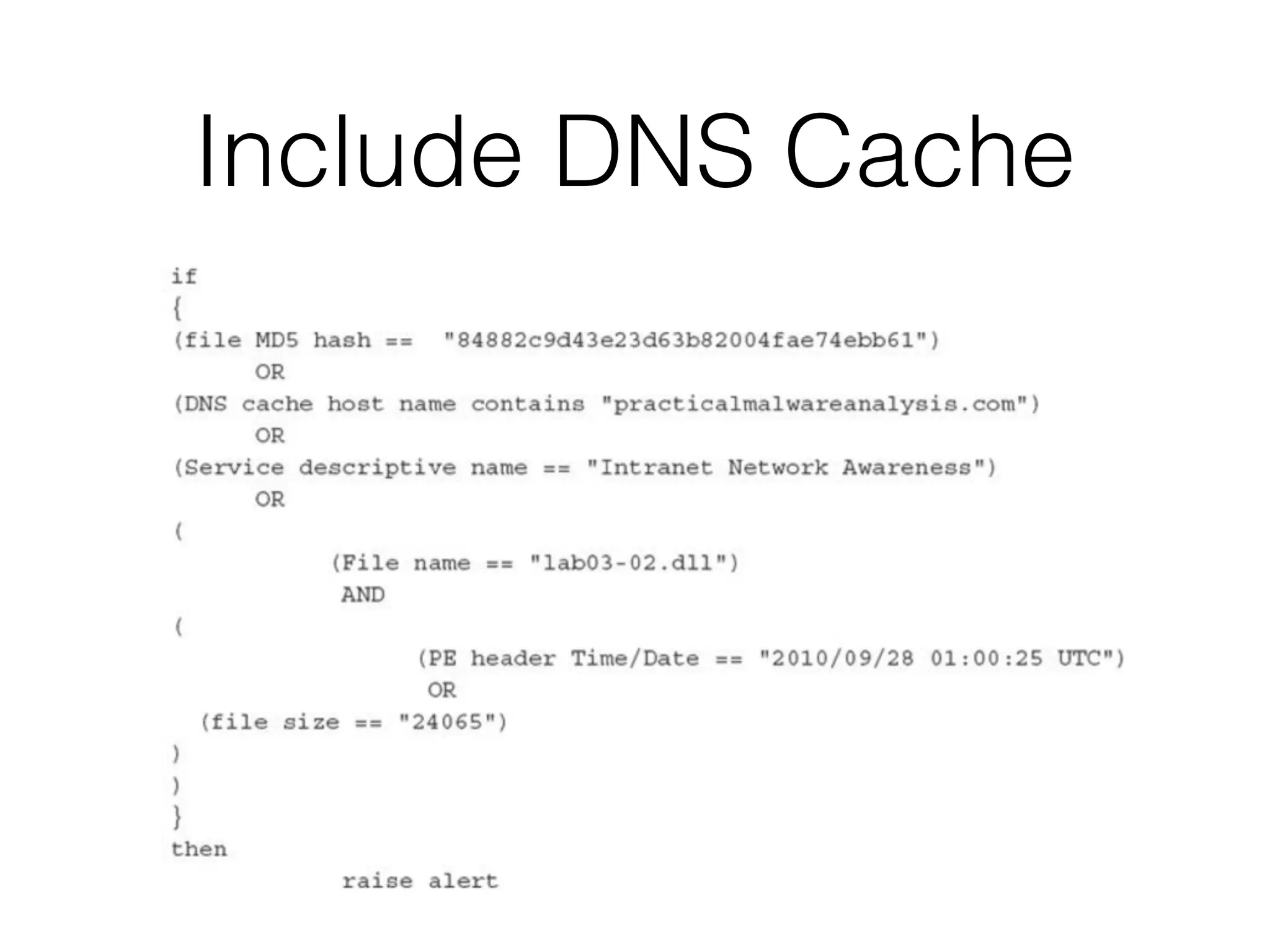
• Goal: enoughinformation to reliably detect files
• But not too much time lost analyzing malware
• And not too slow for scanner to process
• Snort drops packets when rules are too
complex
38.
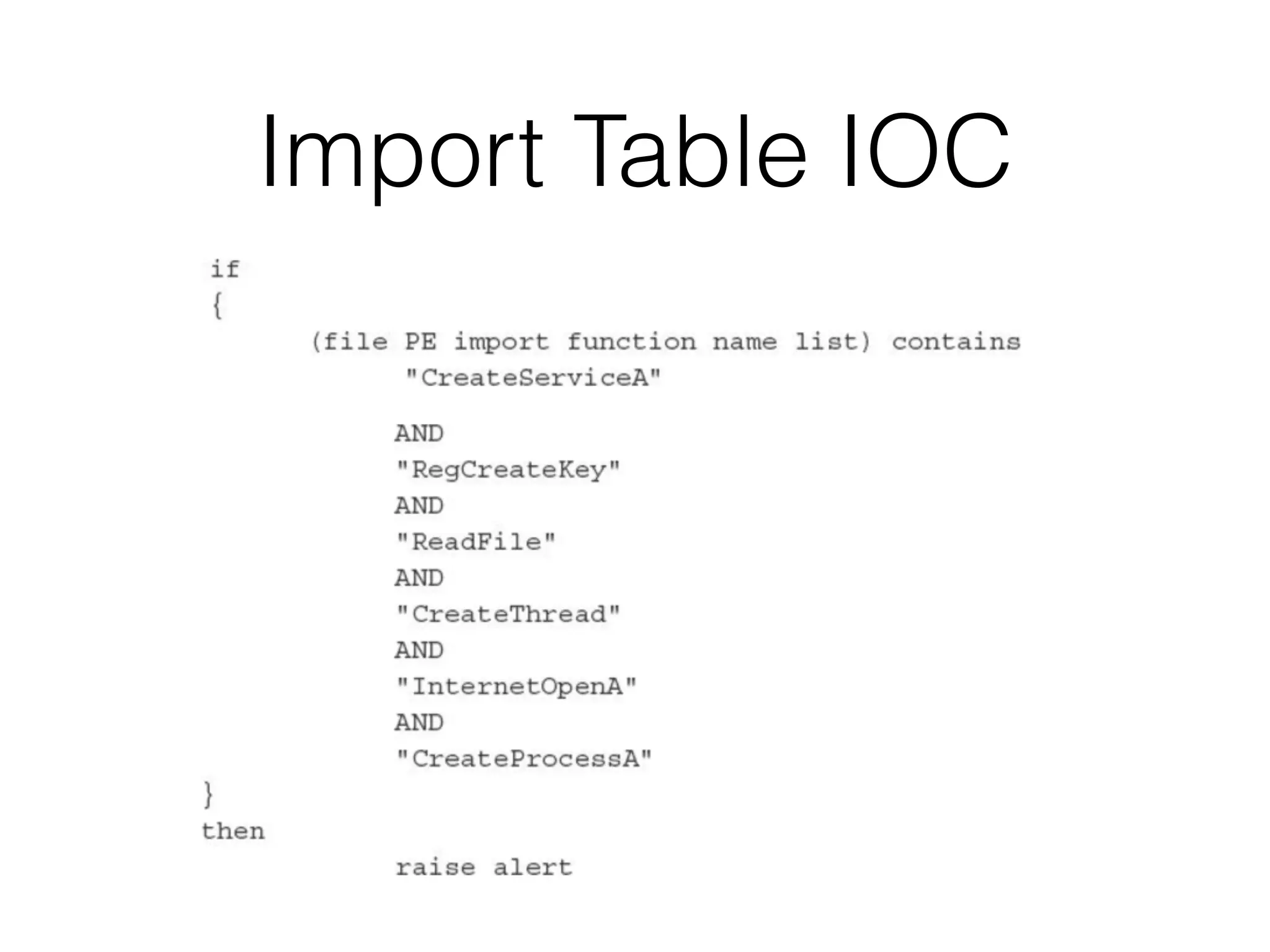
Import Table
• Partof PE header
• Lists libraries required to run the program
• Normal programs use libraries in common,
predictable patterns
• Malware often uses strange patterns of libraries
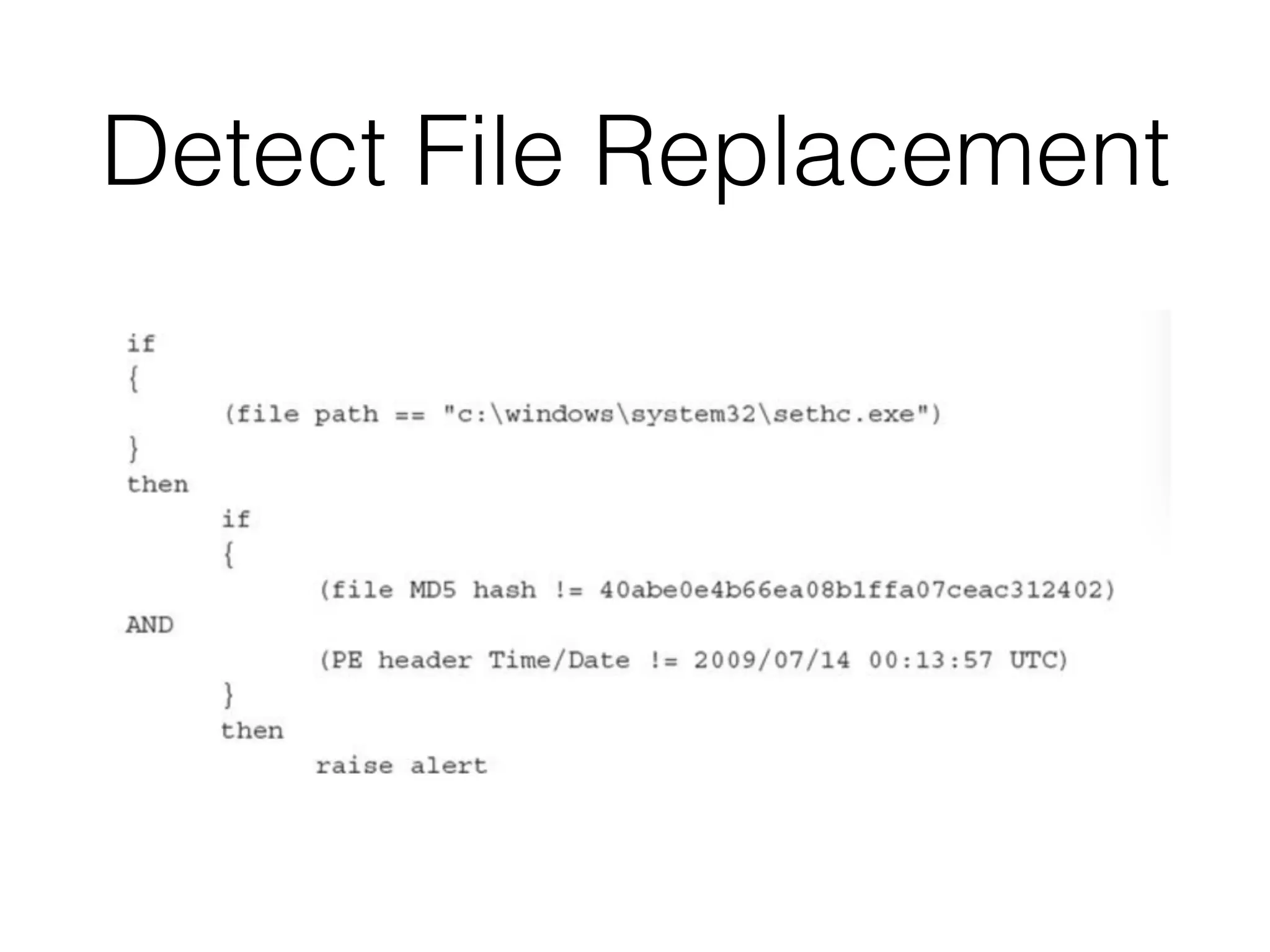
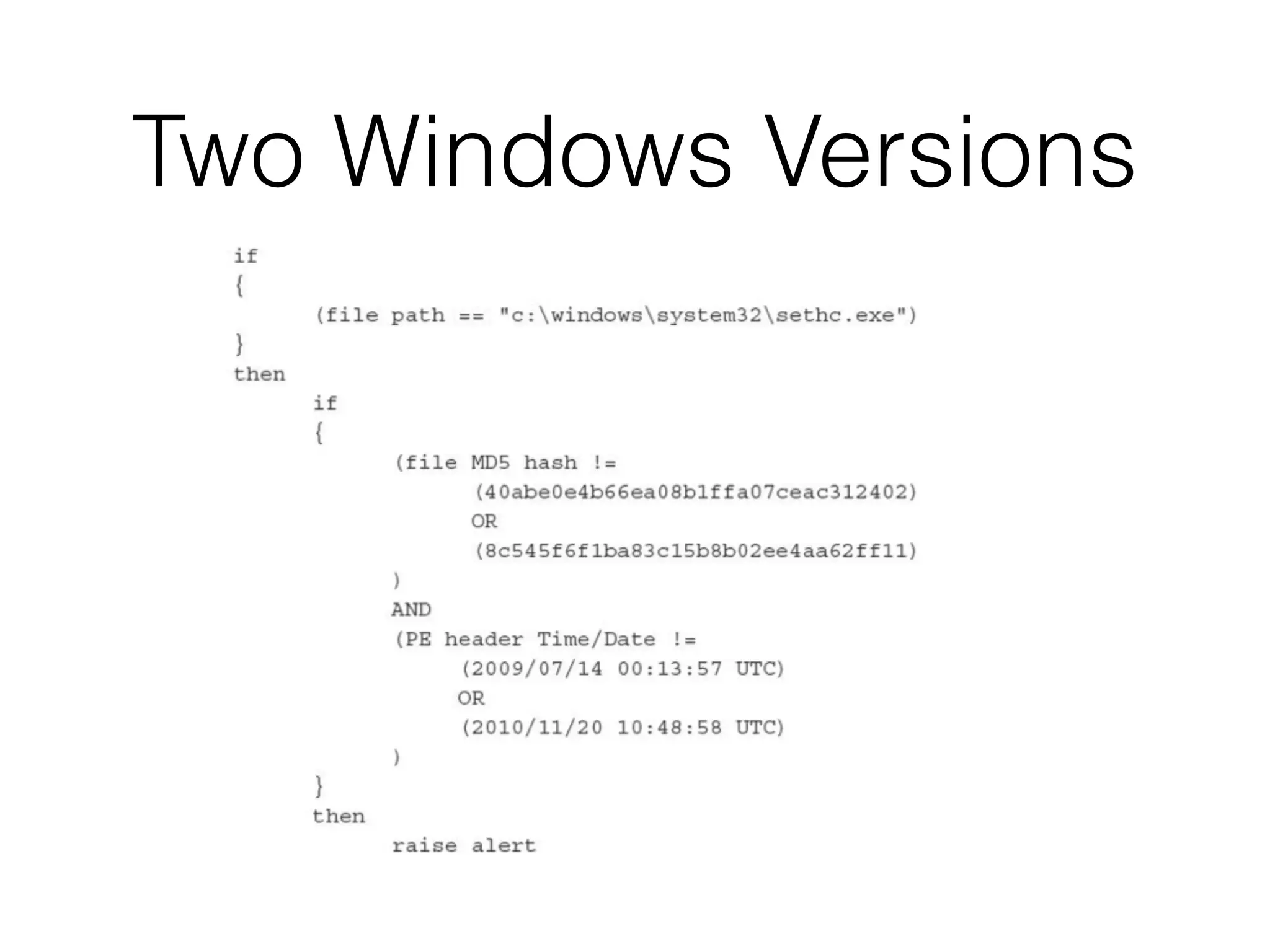
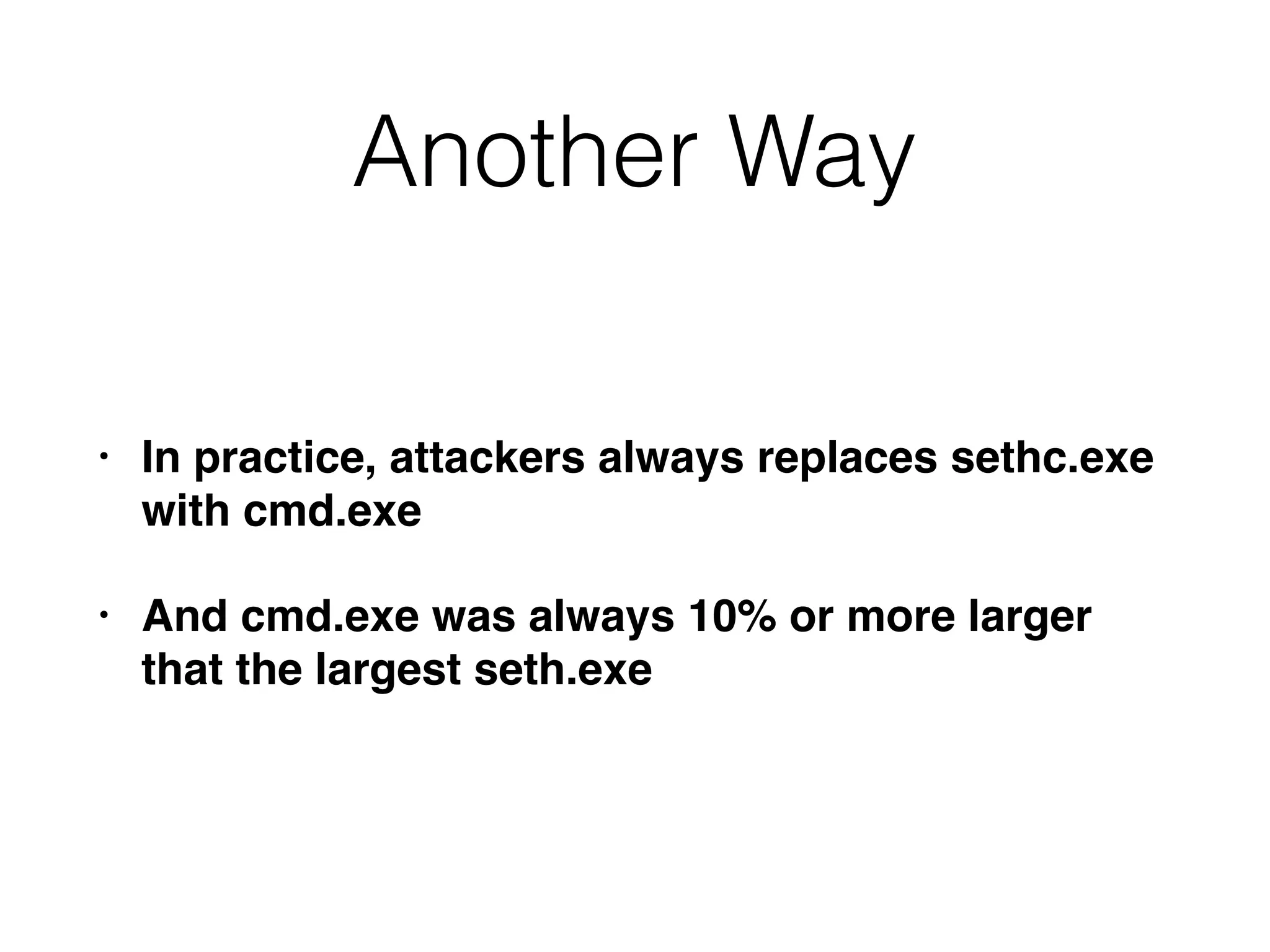
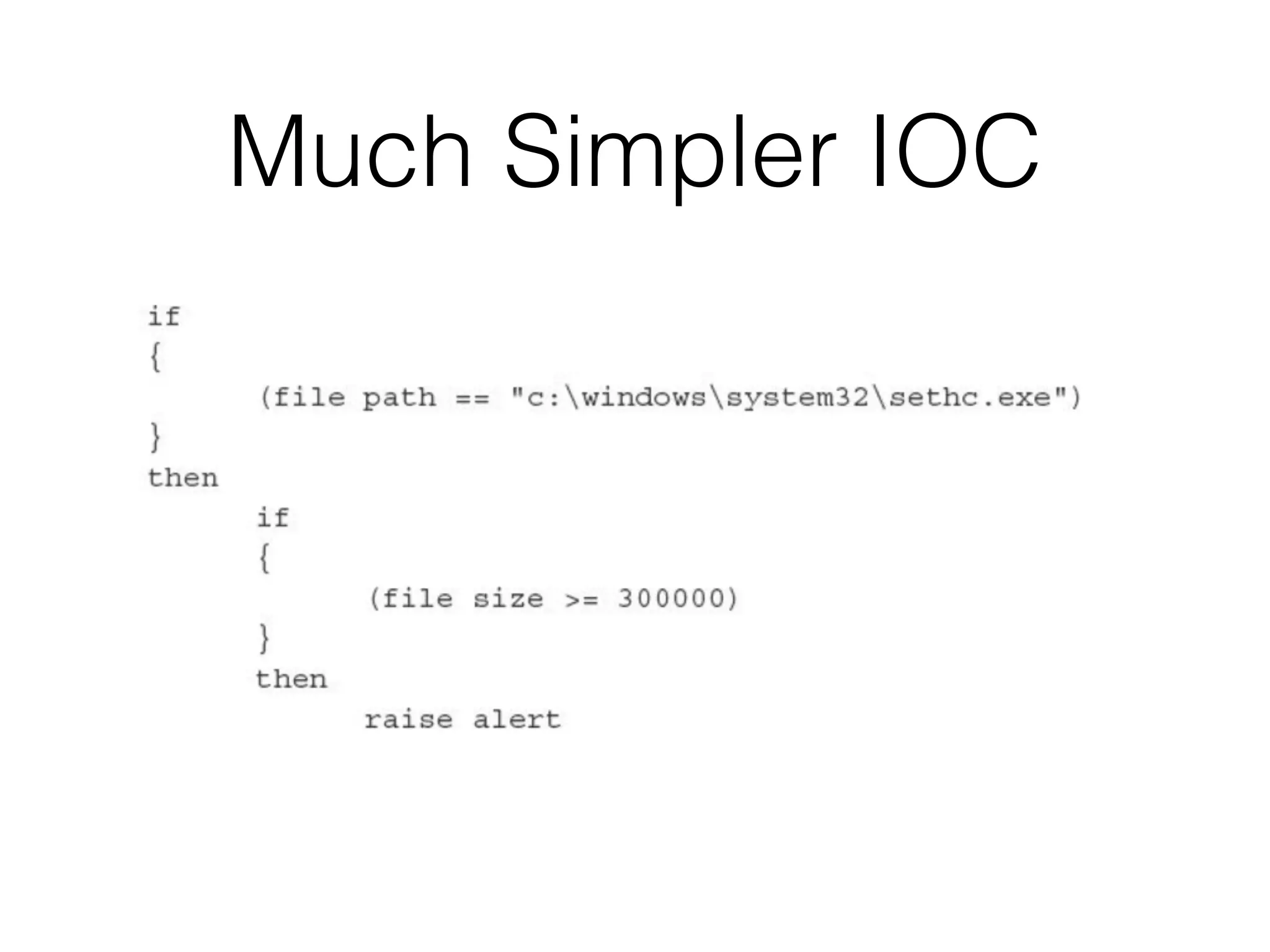
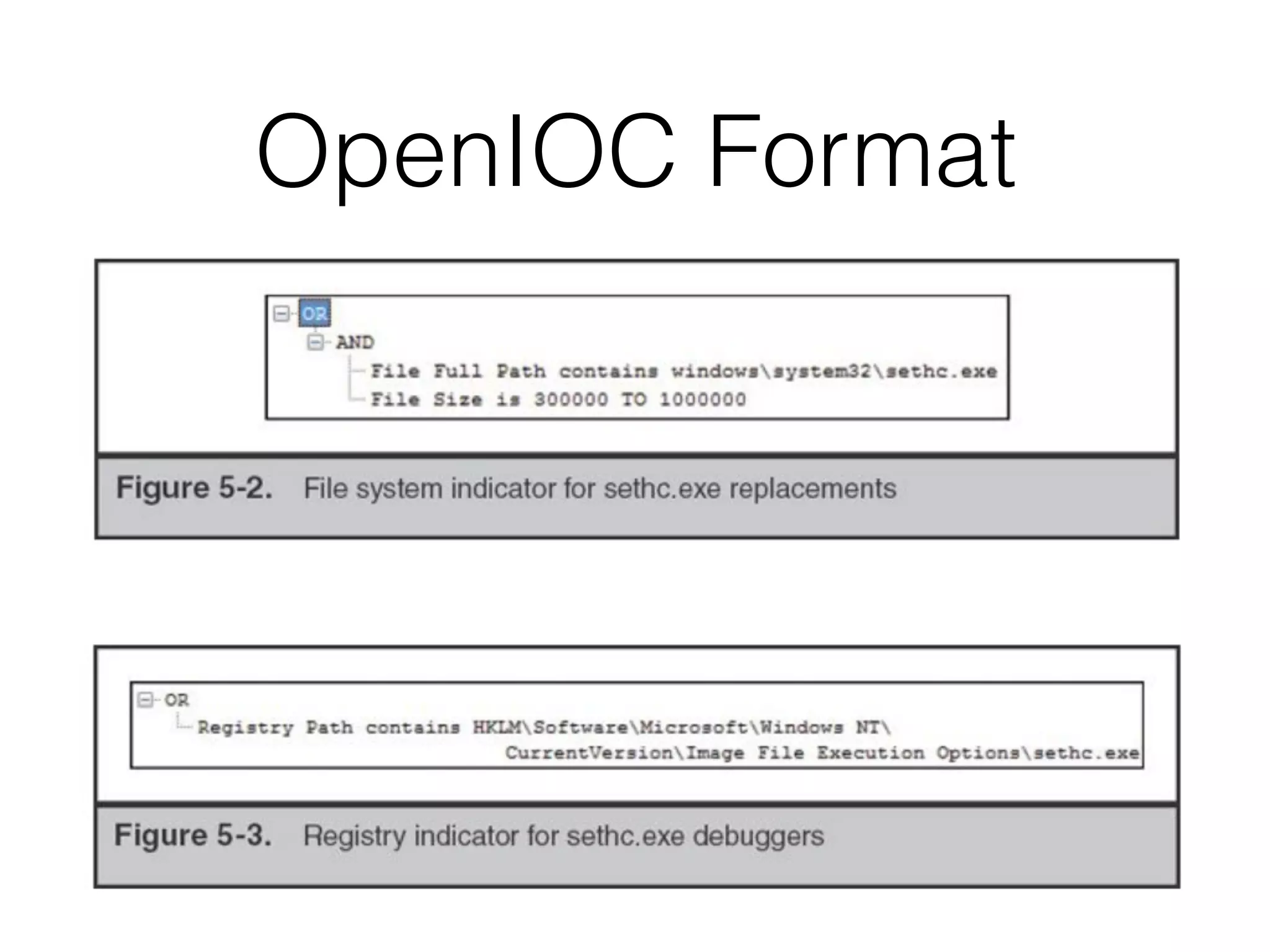
Non-Malware IOC
• Actionsan attacker may perform
• Example: sethc.exe replacement attack
• sethc.exe enables handicapped accessibility
• Press Shift key five times before login
• Windows offers accessible login options
• By launching sethc.exe with System
privileges
41.
Seth.exe Replacement
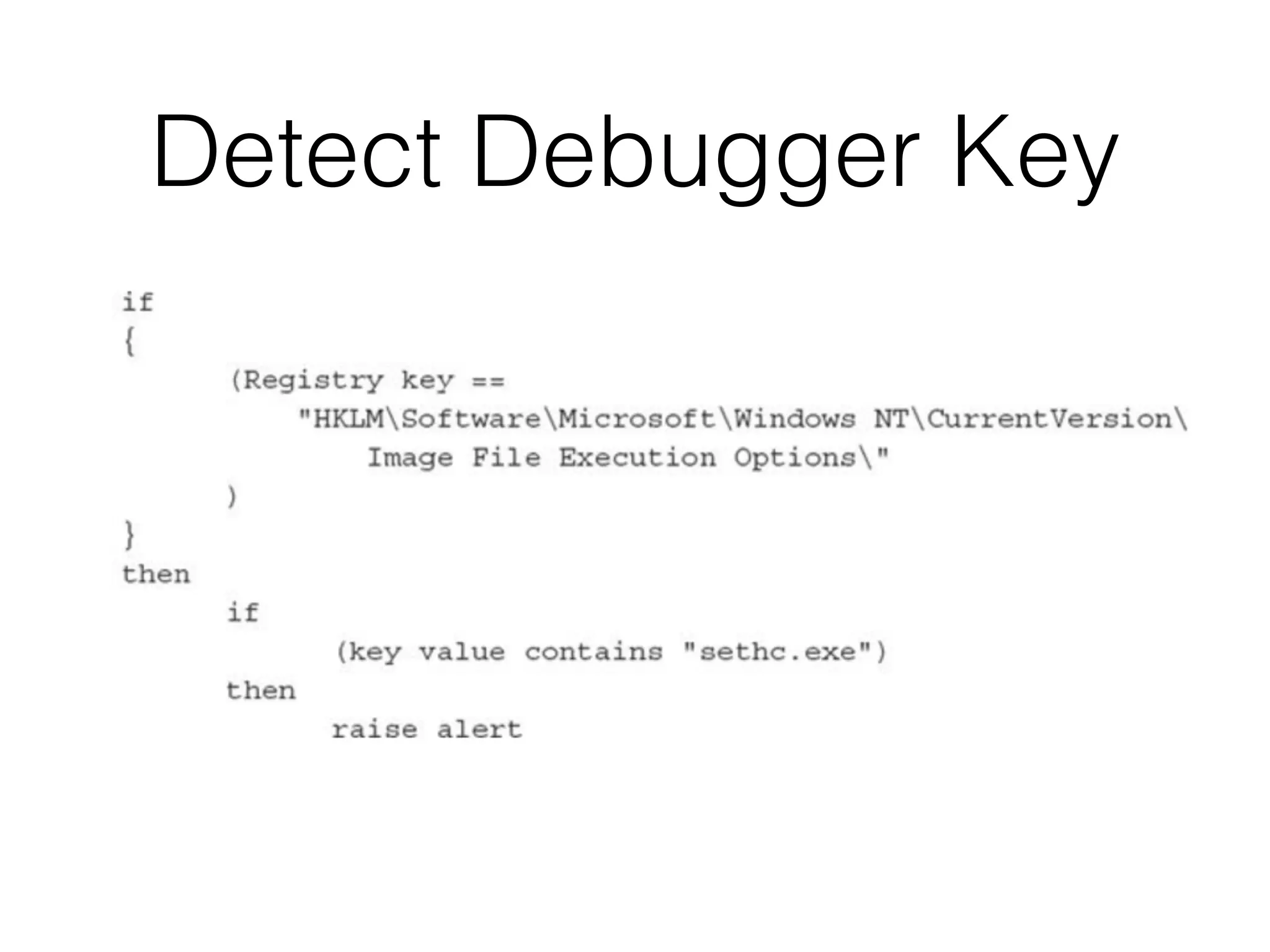
• Replacethe file at C:Windows
System32sethc.exe, or
• Add cmd.exe to the seth executable's debug
handler in the registry
Editing Network-Based
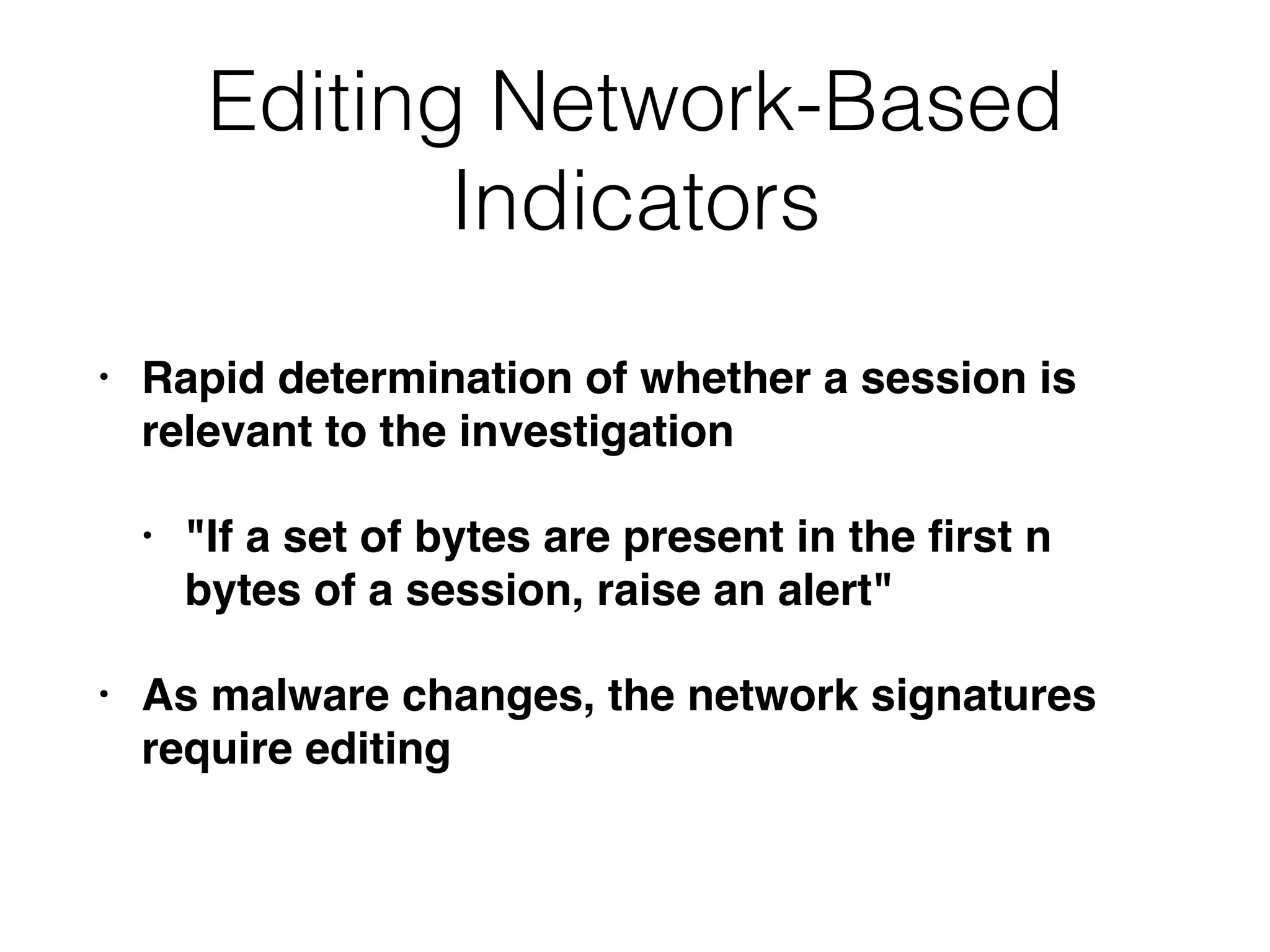
Indicators
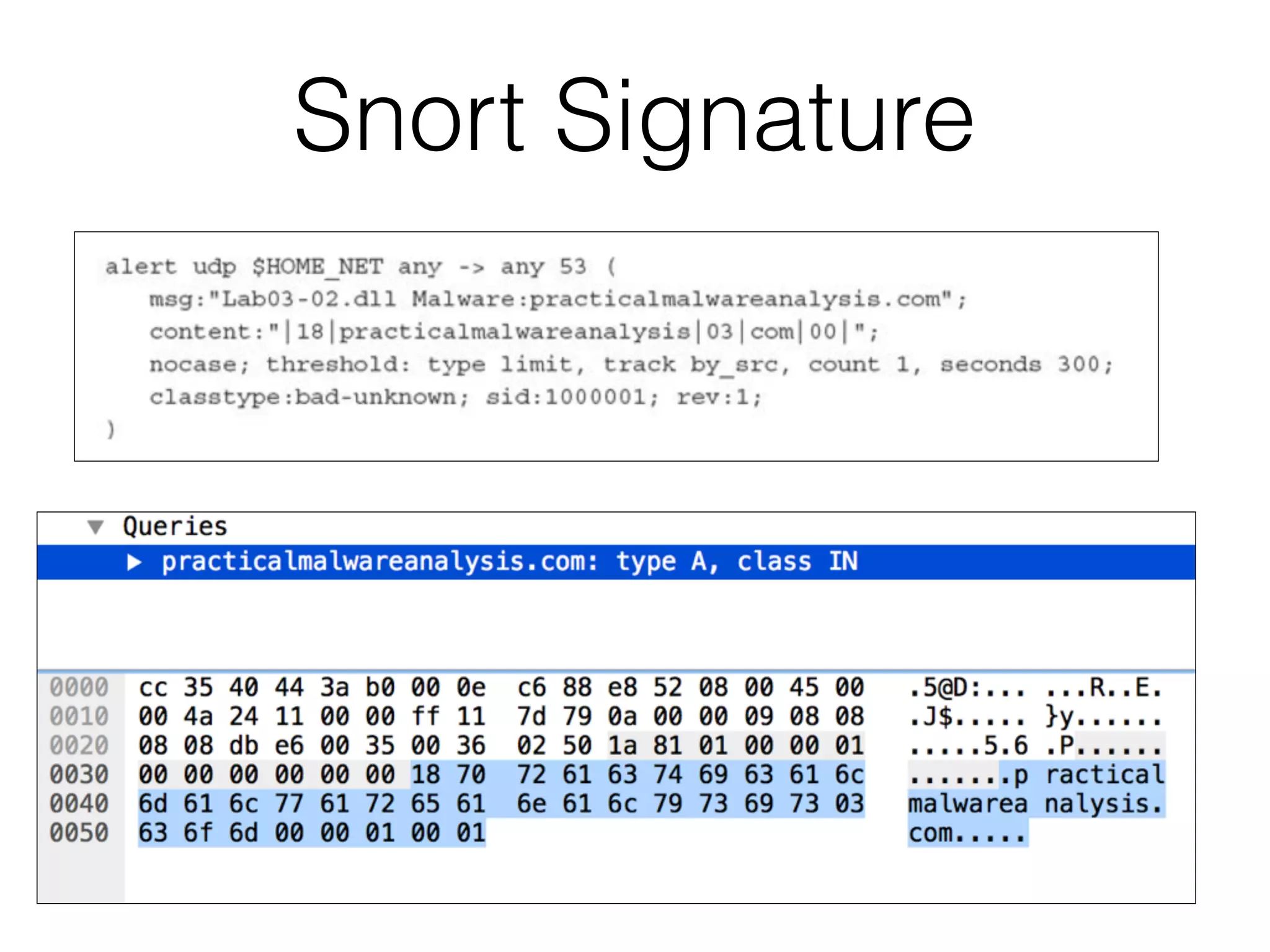
• Rapiddetermination of whether a session is
relevant to the investigation
• "If a set of bytes are present in the first n
bytes of a session, raise an alert"
• As malware changes, the network signatures
require editing
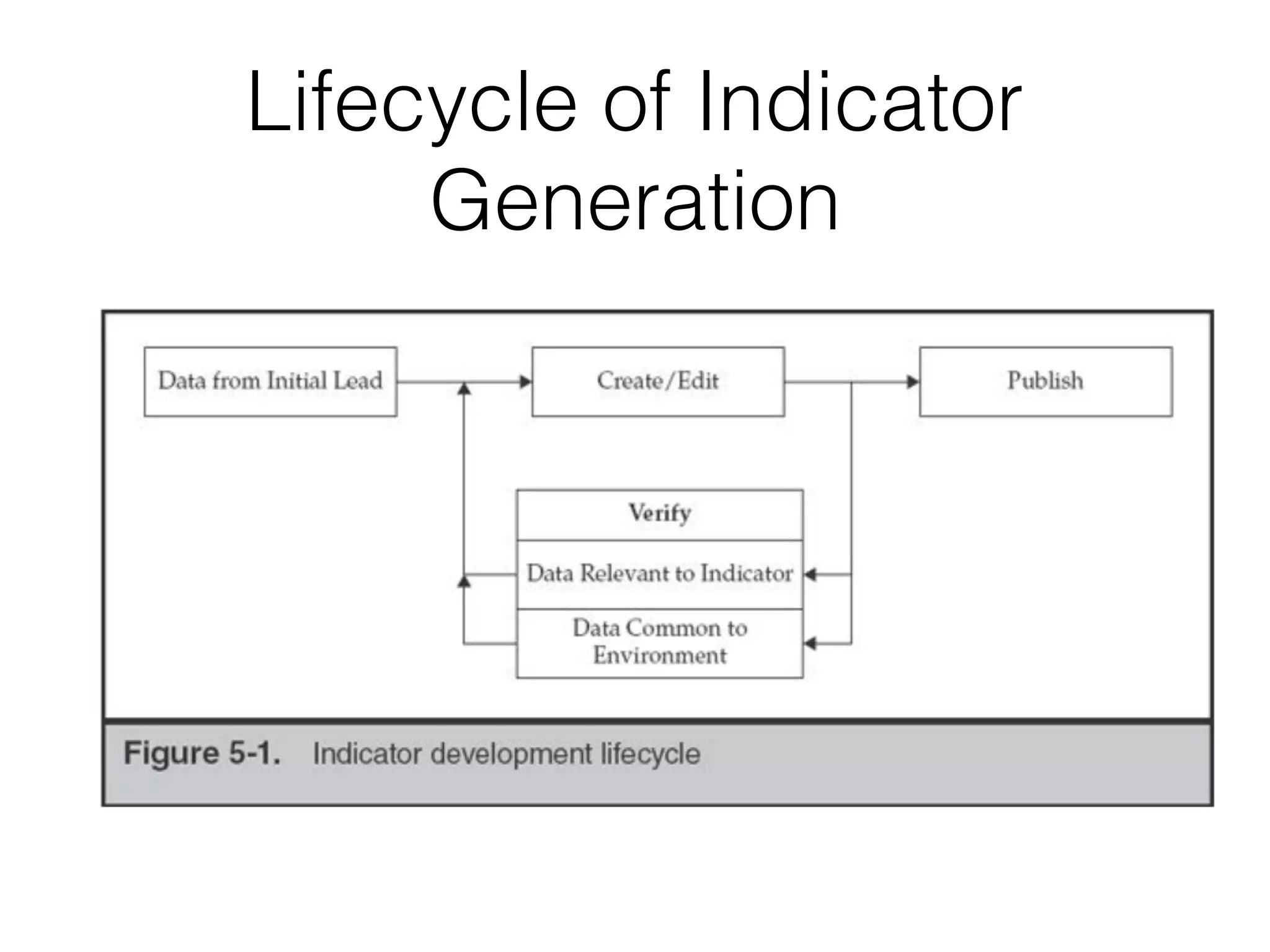
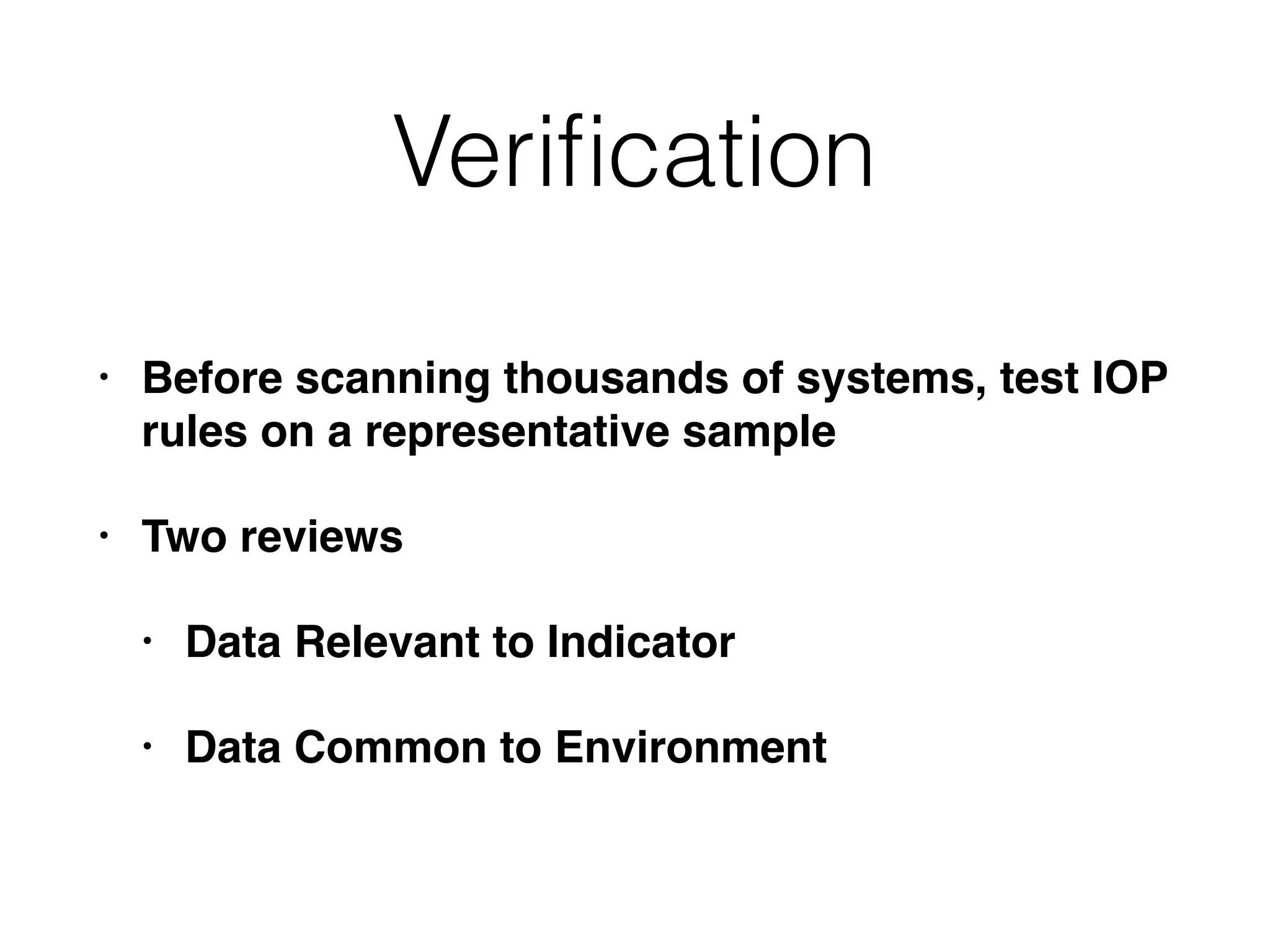
Verification
• Before scanningthousands of systems, test IOP
rules on a representative sample
• Two reviews
• Data Relevant to Indicator
• Data Common to Environment
Data Common to
Environment
•Run indicator on a sample of clean workstations
• Ensure that parameters don't match
• If they do, modify indicators to reduce false
positives
60.
Impact on Environment
•Run indicator on a representative subset of
systems, including servers
• Use a resource manager to see the load on the
systems
• If you bring down important systems with the
scan, your customer won't be happy
61.
Resolving Internal Leads
(fromhumans)
• Thoroughly document any statement
• Allow the interviewee to tell a story
• Avoid leading questions, and ones that require
yes/no answers
• Collect the facts before allowing interview to
opine; don't criticize or confront
• Know when to get others involved
62.
Resolving External Leads
•External parties are not usually nobliged to
provide you with information
• They may do so, if it does not cause undue
risk
• Private organizations cannot serve grand jury
subpoenas, 2703(d) court orders, or subpoenas
Filing a Subpoenato
Perform Discovery
• Your legal counsel files a complaint which leads
to civil discovery
• This can compel an organization, such as an
ISP, to divulge information about a subscriber
65.
Reporting an Incidentto
Law Enforcement
• Most organizations avoid this, to prevent a
public relations issue
• US very rarely requires notification of criminal
acts
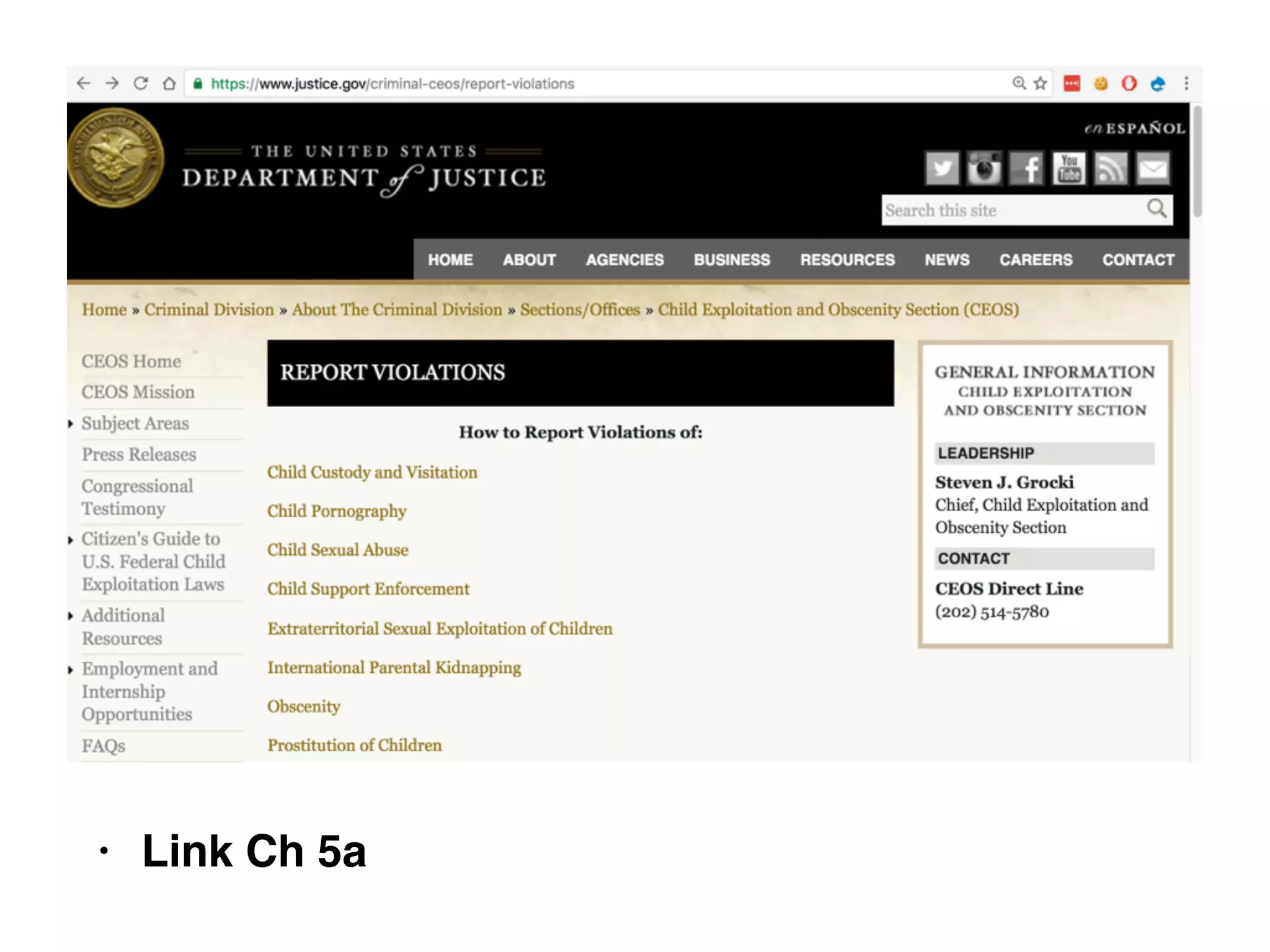
• Child pronography requires you to contact the
Foreign Entities
• ISPsor hosting sites
• Quite complicated
• Require civil requests through formal channels
• State Dept. and Federal law enforcement
agencies
68.
Advantages of Law
Enforcement
•Greater capacity to investigate and prosecute
• Quicker response to subpoenas and court orders
• And target is not notified
• Can bring criminal action at no cost to your
organization
• Or a small cost preparing materials
69.
Preparing for Law
EnforcementInvolvement
• Document the incident appropriately
• Maintain chain of custody of evidence
• Clear and concise picture of the unlawful
activity that took place
• Convey the information in a clear and simple
manner