CNIT 128
Hacking Mobile Devices
2. Analyzing iOS Apps
Part 1 Updated 11-21-22
Topics: Part 1
• The Security Model
• iOS Apps
• Jailbreaking Explained
Topics: Part 2
• The Data Protection API
• The iOS Keychain
• TouchID
• Reverse Engineering iOS Binaries
The Security Model
Security Features
• Secure boot chain
• Code signing
• Process-level sandboxing
• Data-at-rest encryption
• Generic native language exploit mitigations
• Address space layout randomization
• Non-executable memory
• Stack smashing protection
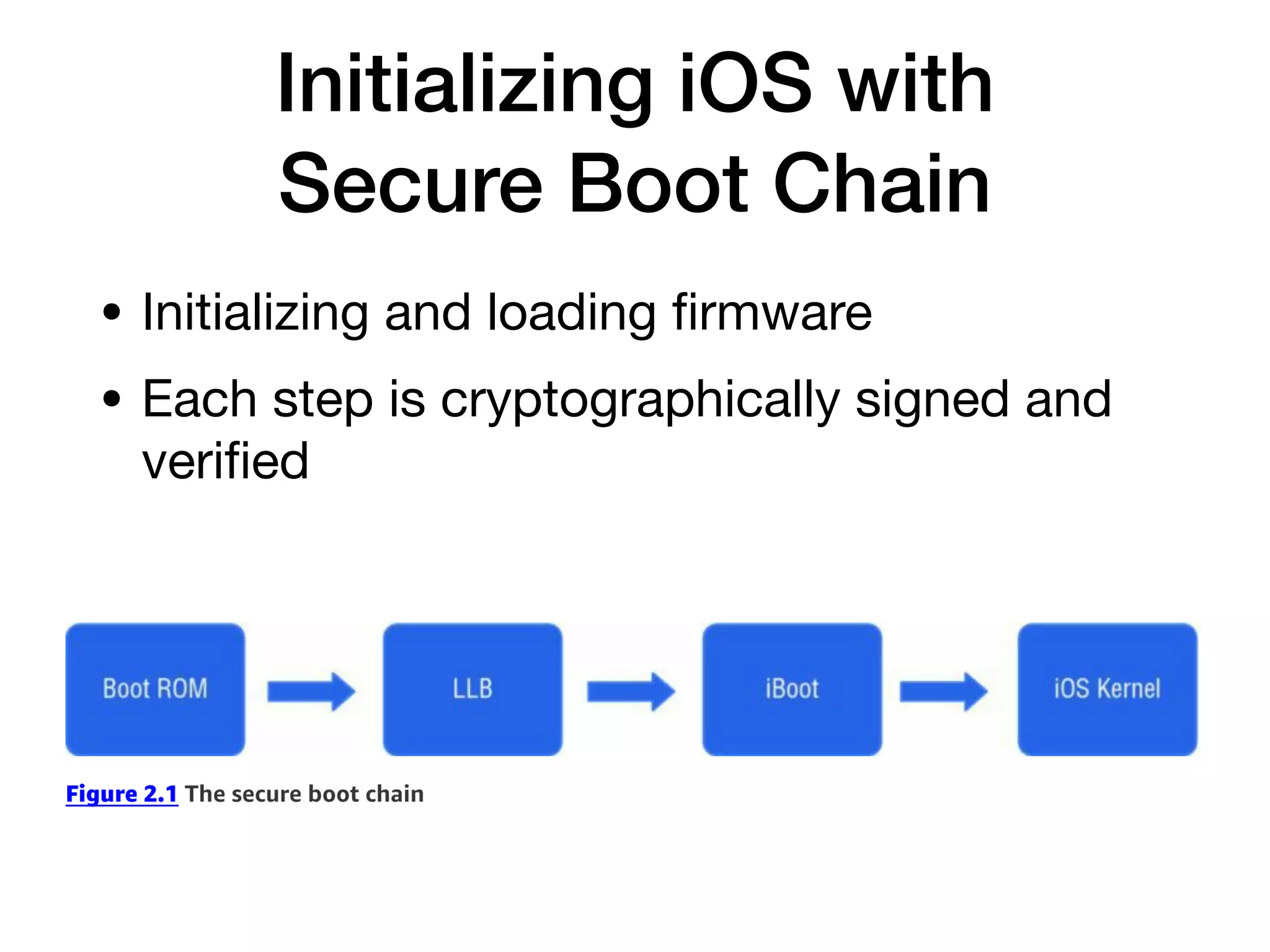
Initializing iOS with
Secure Boot Chain
• Initializing and loading
fi
rmware
• Each step is cryptographically signed and
veri
fi
ed
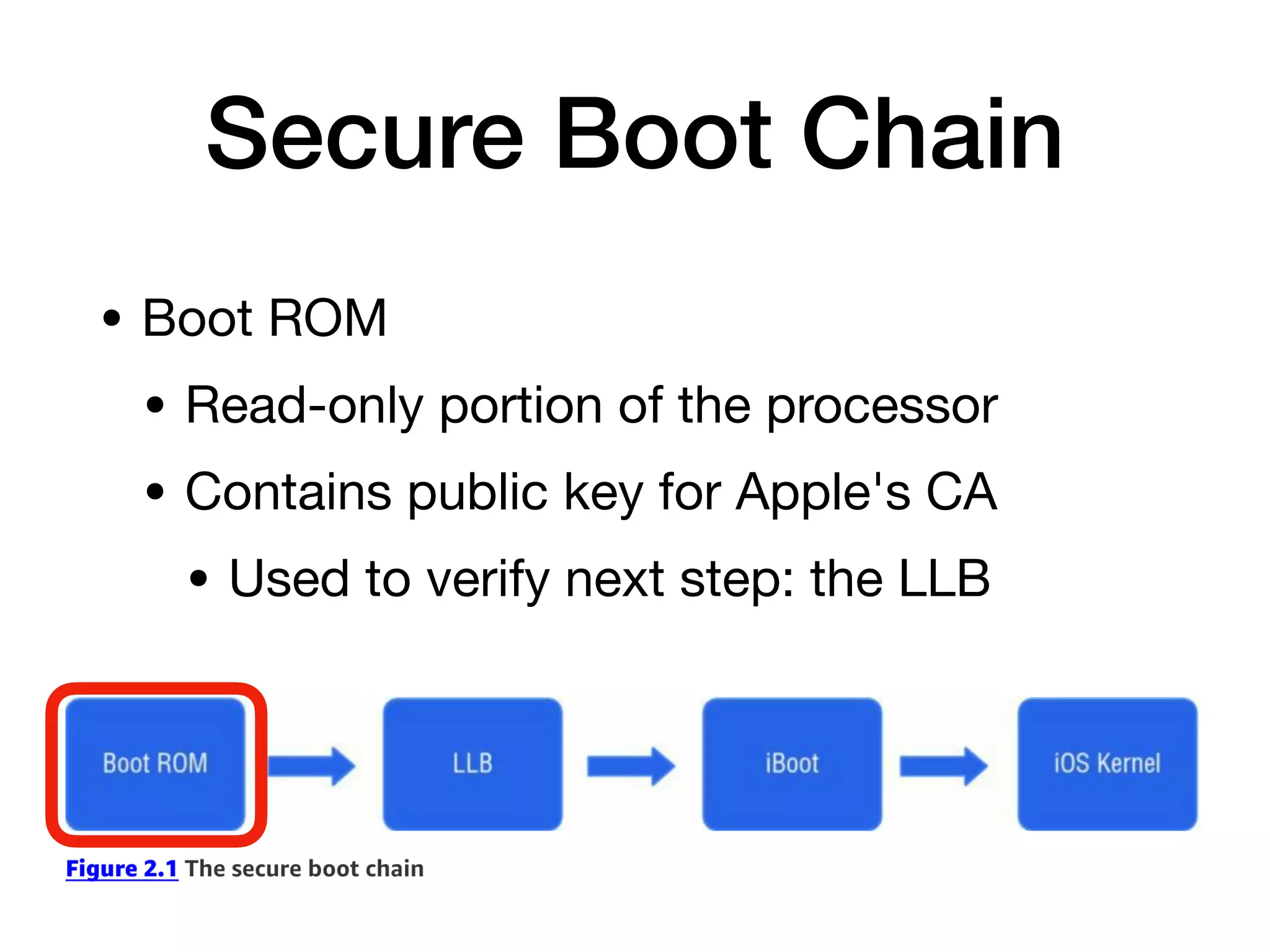
Secure Boot Chain
• Boot ROM
• Read-only portion of the processor
• Contains public key for Apple's CA
• Used to verify next step: the LLB
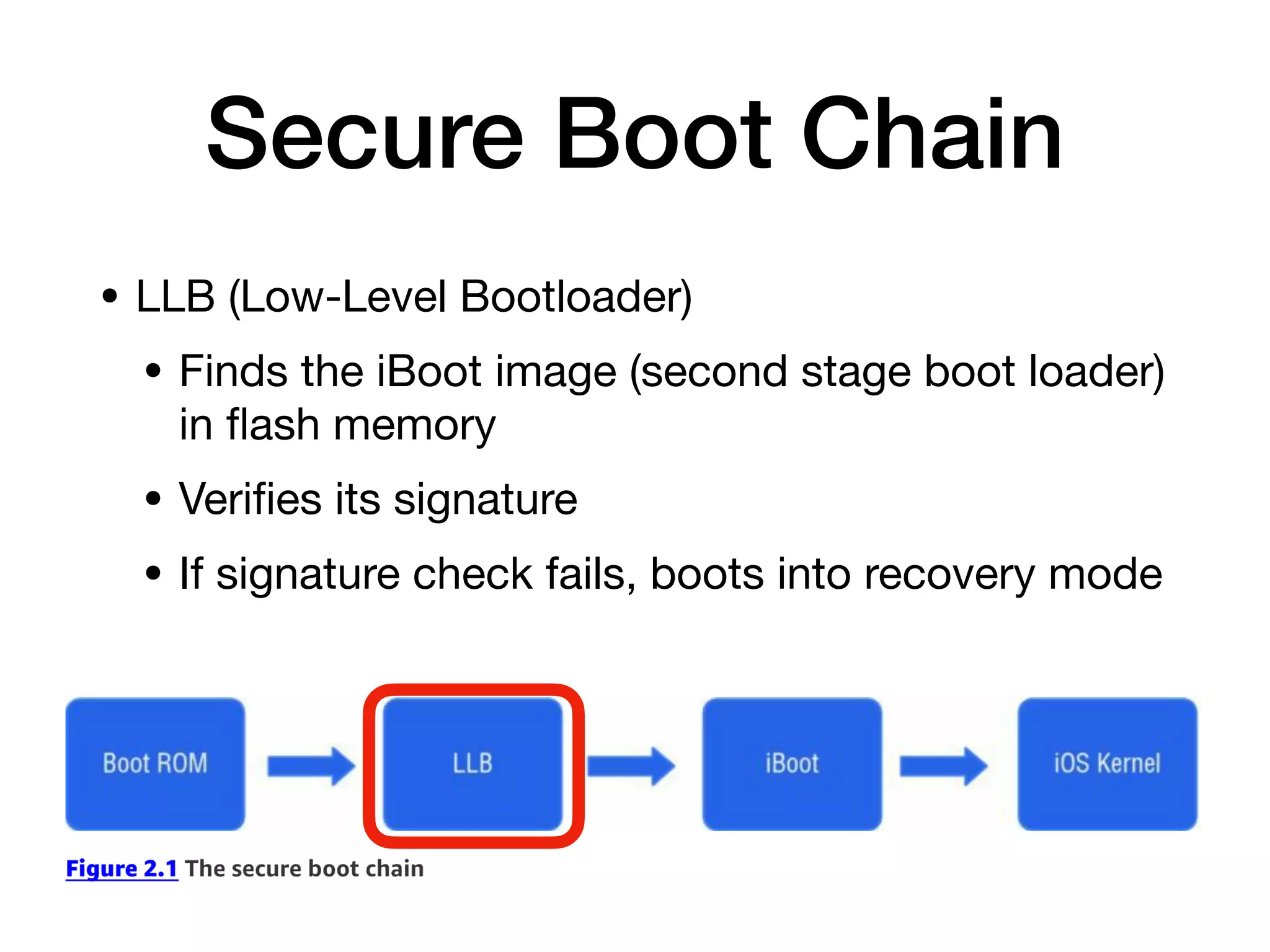
Secure Boot Chain
• LLB (Low-Level Bootloader)
• Finds the iBoot image (second stage boot loader)
in
fl
ash memory
• Veri
fi
es its signature
• If signature check fails, boots into recovery mode
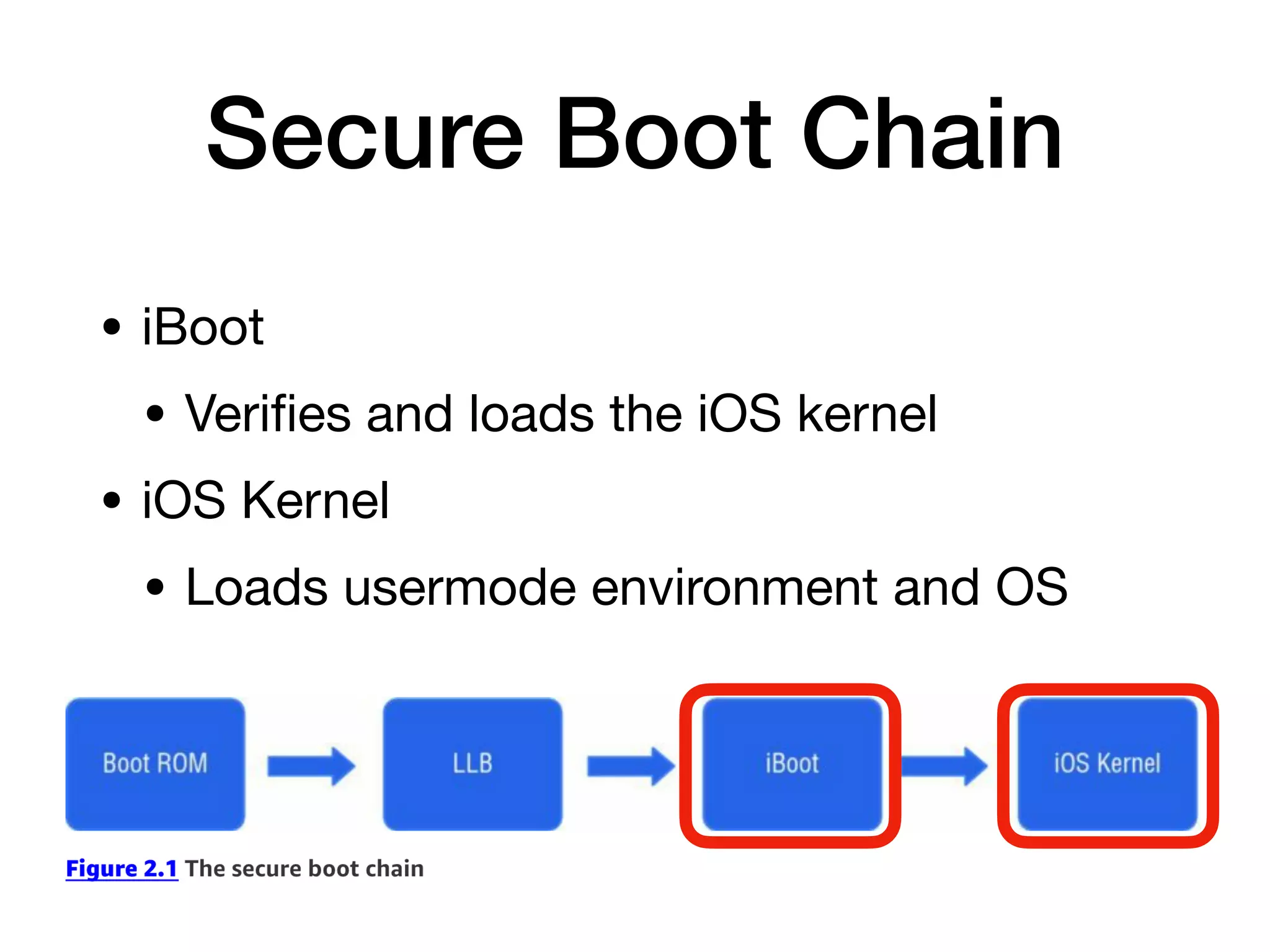
Secure Boot Chain
• iBoot
• Veri
fi
es and loads the iOS kernel
• iOS Kernel
• Loads usermode environment and OS
Secure Enclave
• Secure coprocessor shipped with all
modern iPhones and iPads
• Since iPhone 5s
• Handles cryptography on device
• Key management for
• Data Protection API
• Touch ID
fi
ngerprint data
Secure Enclave
• A customized version of ARM TrustZone
• Partitions itself from main processor
• Provides data integrity even if kernel is
compromised
• Even if device is jailbroken
• Secrets cannot be extracted
• Such as
fi
ngerprint data
Cachegrab
• Released in Dec. 2017
• Kernel code can deduce some information
about contents of the Secure Enclave
• Because it shares cache memory with
kernel processes
• Link Ch 2a
Restricting Application
Processes with Code Signing
• Validates signatures each time an app is
executed
• Only code signed with a trusted signature
can run
• Developers can install trusted certi
fi
cates
• In a provisioning pro
fi
le signed by Apple
App Store
• Production apps must be signed by Apple
• After submitting them to the App Store
• Apple bans risky activities
• Private APIs
• Apps that download and install executable
code
• To prevent apps from upgrading themselves
Isolating Apps with
Process-Level Sandboxing
• All third-party apps run in a sandbox
• Isolated from one another and from OS
• All apps run as the same mobile system user
• Each app is contained in its unique
directory
• Separation maintained by the XNU
Sandbox kernel extension
• From Jonathan Levin (link Ch 2b)
Permissions
• Since iOS 7, app needs permission from
user to access
• Media
• Microphone
• Address book
Protecting Information with
Data-at-Rest Encryption
• All
fi
le system data encrypted with AES
• Filesystem key generated on
fi
rst boot
• Stored on block 1 of NAND
fl
ash storage
• Device decrypts
fi
lesystem on bootup
• Filesystem is only encrypted at rest
• Remote wipe erases the key
Data Protection API
• Can encrypt individual
fi
les and keychain
items
• Key derived from passcode
• Encrypted items are inaccessible when
device is locked
Exploit Mitigations
Write or Execute (W^X)
• Memory pages cannot be both writable and
executable at the same time
• Implemented with ARM's Execute Never
(XN) feature
• Pages marked as writable cannot be later
reverted to executable
• Similar to Data Execution Protection (DEP)
in Windows, Linux, and Mac OS X
Return-Oriented
Programming
• Bypasses non-executable memory
• Injection contains only addresses
• Pointing to fragments of code
• Exploit is built from these fragments
ASLR
• Address Space Layout Randomization
• Code location randomized
• Attacker cannot
fi
nd the injected code to
run it
• Makes ROP chains more di
ffi
cult to use
ASLR Weaknesses
• Before iOS 5, dynamic linker was not relocated
• Memory disclosure bugs
• Can be used to improve exploits
• Apps compiled with PIE (Position Independent
Execution) can use full ASLR
• All memory regions randomized
• Other apps put base binary and dynamic linker
at a
fi
xed address
Stack Smashing
• Uses stack canaries
• Pseudorandom values on stack
• Bu
ff
er over
fl
ow attacks overwrite the
canary values
• And terminate the app
iOS Apps
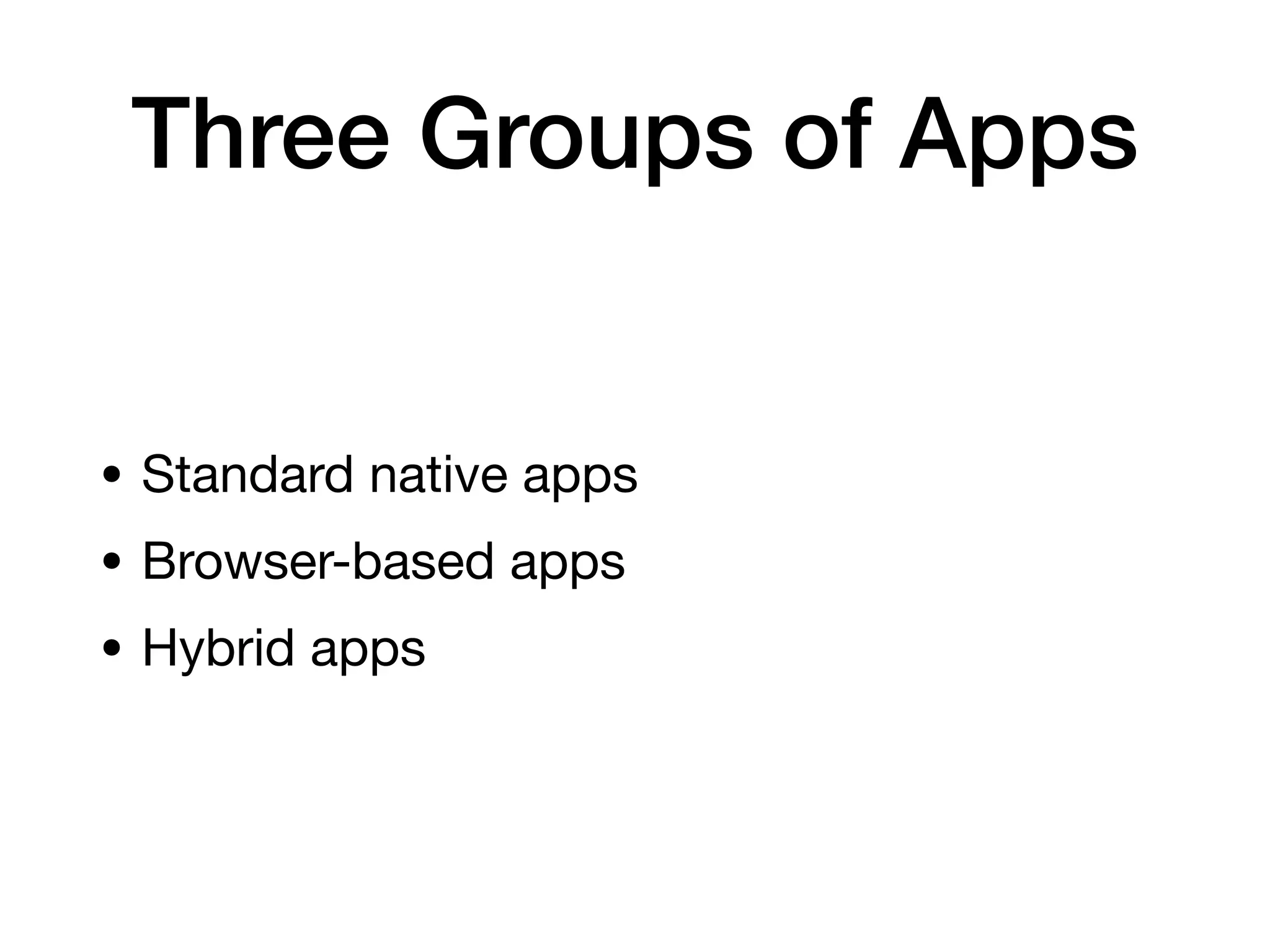
Three Groups of Apps
• Standard native apps
• Browser-based apps
• Hybrid apps
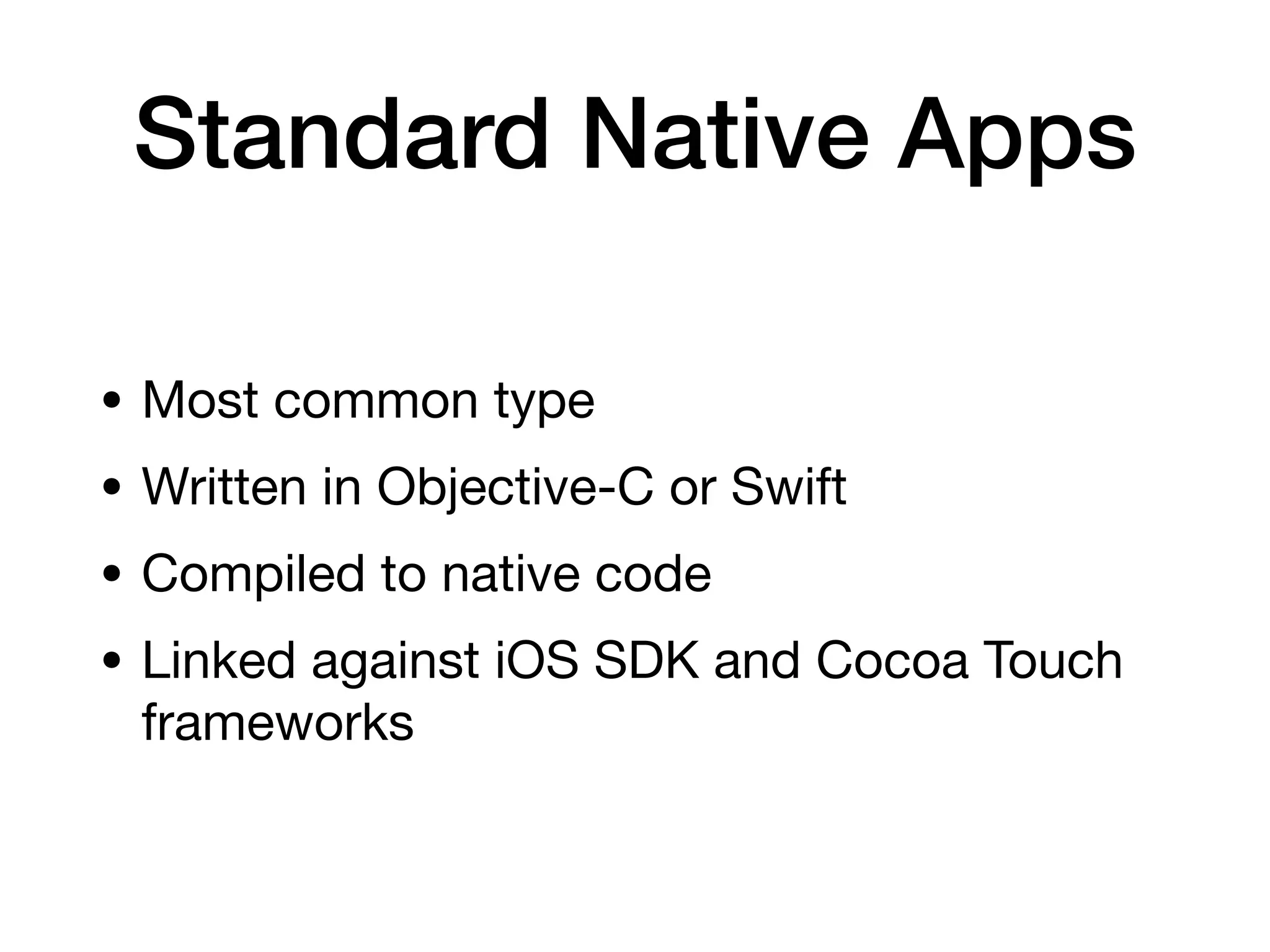
Standard Native Apps
• Most common type
• Written in Objective-C or Swift
• Compiled to native code
• Linked against iOS SDK and Cocoa Touch
frameworks
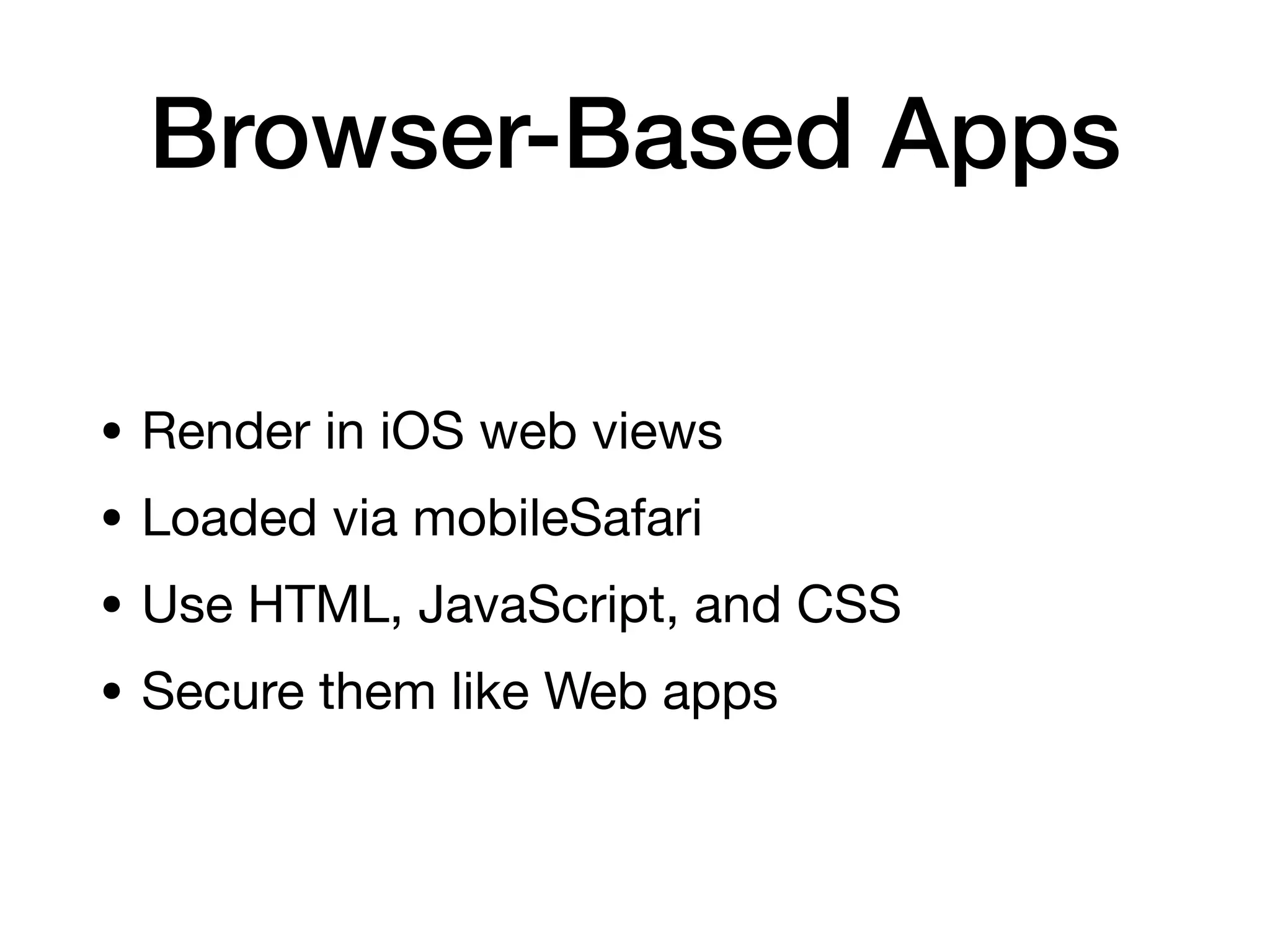
Browser-Based Apps
• Render in iOS web views
• Loaded via mobileSafari
• Use HTML, JavaScript, and CSS
• Secure them like Web apps
Hybrid Apps
• Deployed with a native wrapper
• Used to display browser-based apps
• Mobile Enterprise App Platform deployment
Distribution of iOS Apps
• App Store
• Need an Apple Developer account
• Apps signed with a developer certi
fi
cate
can run on up to 100 iOS devices for
testing
• App store approval has manual and
automated tests
• Blocks malicious apps
Distribution of iOS Apps
• Enterprise Distribution
• Organizations can develop and distribute
custom apps in-house
• Apps signed with enterprise developer
certi
fi
cate can run on any number of devices
• Apple screens developers entering this
program
• Must have a legitimate business and a Dun
and Bradsheet number
Abuse of Certi
fi
cates
• An expired enterprise developer certi
fi
cate
was used
• By changing system date back to the past
• To run a Game Boy advanced emulator
• For Pangu jailbreak
App Structure
• IPA archive is a Zip archive containing
• Payload
• Payload/Application.app
• Data, compiled code, and resources
• iTunesArtwork
• Icon
• iTunesMetadata.plist
• Developer's name, copyright info
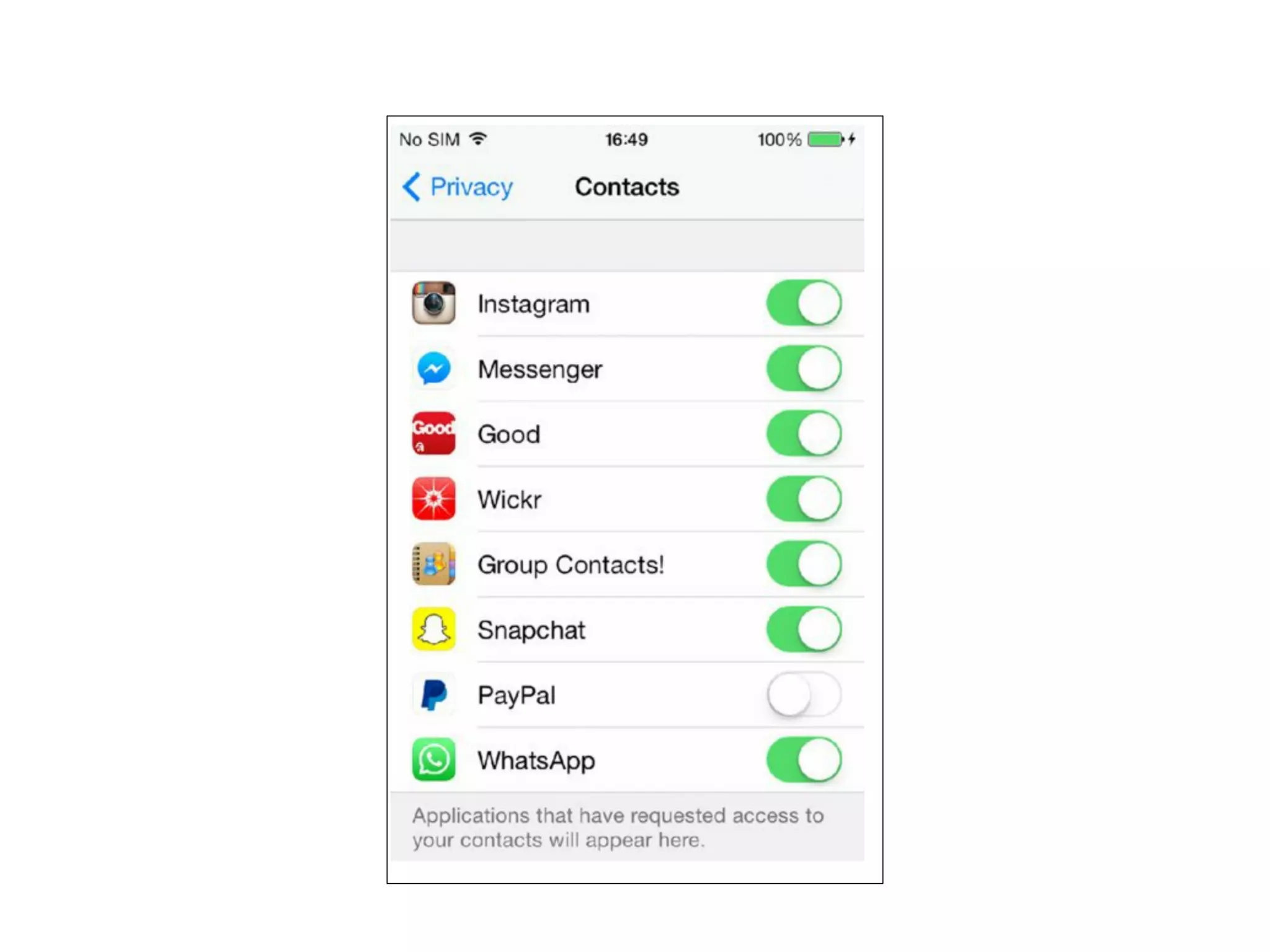
App Permissions
• Before iOS 6, every app in the App Store
had access to
• Contact, photos, other sensitive data
Data Classes in iOS 6
• Location services
• Contacts
• Calendar
• Photos
• Reminders
• Microphone access
• Motion activity
• Bluetooth access
• Social media data
Privacy Prompt
iOS 8 Location Information
• Three possible values: app is
• Never allowed access to location
information
• Allowed access only while the app is in
the foreground and in use
• Always allowed access to location
information
Jailbreaking Explained
Reasons for Jailbreaking
• Get apps from unauthorized marketplaces
like Cydia
• Piracy
• Access to restricted functions like tethering
Risks
• Weakens security of OS
• Allow unsigned code to run
• Most iOS malware only runs on jailbroken
phones
• iKee -
fi
rst iPhone worm, rickrolled
phones using default password
• iKee.B - Botted phones, phished Dutch
users
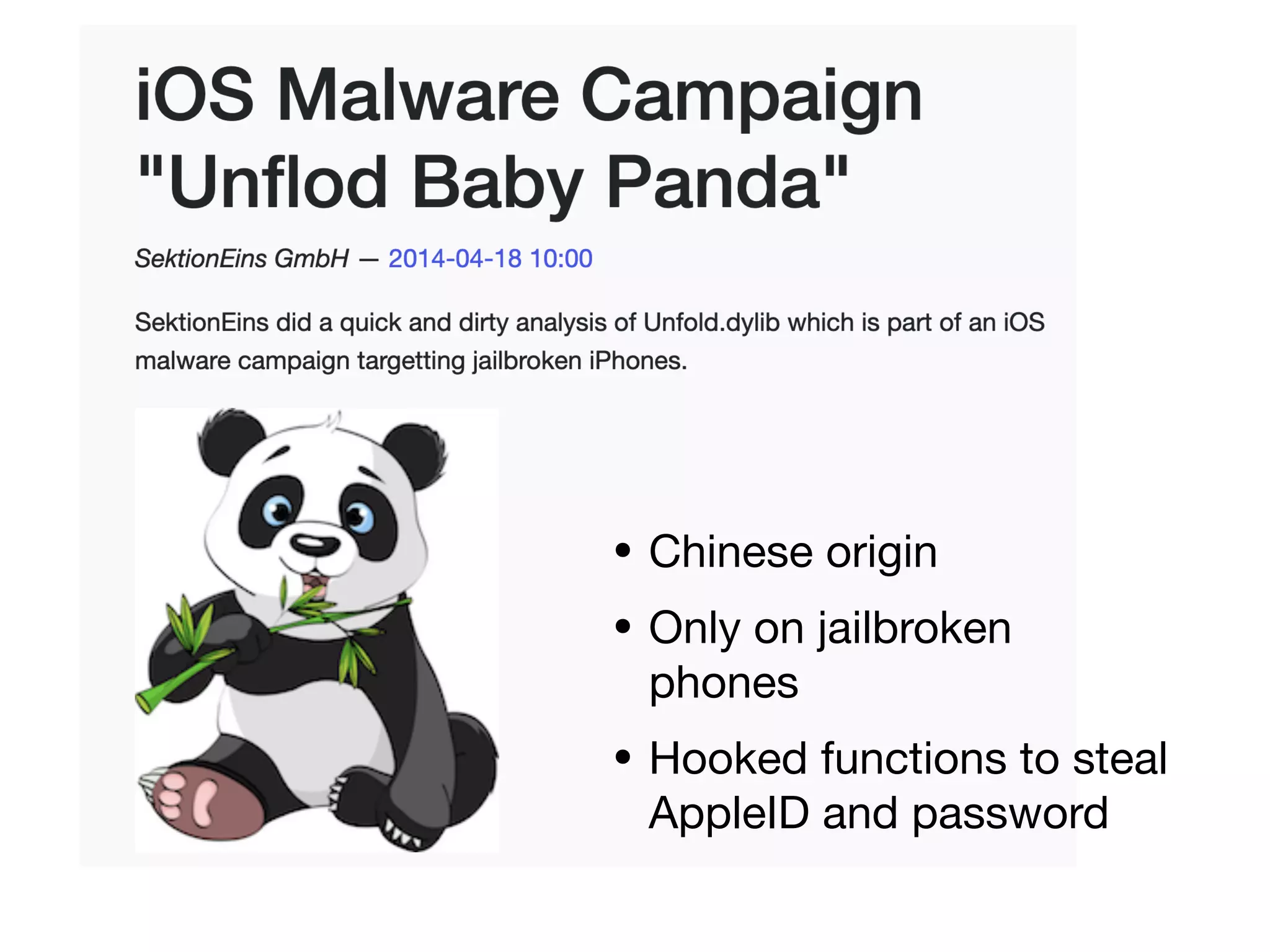
• Chinese origin
• Only on jailbroken
phones
• Hooked functions to steal
AppleID and password
Types of Jailbreaks
• Untethered - persists across reboots
• Tethered - requires a computer to start the
phone; otherwise you get Recovery Mode
• Semi-tethered - requires a computer to
start into jailbroken state, booting without
the computer ends up in non-jailbroken
state
Jailbreakme v3 Saffron
• Simply visit a Web site hosting a PDF
fi
le
• Works for iOS before 4.3.4
• Uses:
• Integer signedness issue to gain code
execution
• ROP payload
• Type confusion vulnerability
evasi0n Jailbreak
• Worked for iOS 6.0 - 6.1.2
• No memory corruption
• Used bypasses and logic bugs
• Lockdownd service allowed
fi
le
permissions to be changed
• USB driver allowed arbitrary functions to
be called
Building a Test
Environment
Accessing the Phone
• After jailbreaking
• Install OpenSSH in Cydia
• Connect via Wi-Fi or USB
• Default credentials are
• mobile / alpine
• root / alpine
Toolkit
• Cydia -- open app store
• BigBoss Recommended Tools
• Command-line UNIX tools
• Including apt
Apple's CC Tools
• Tools to parse, assemble, and link Mach-O
binaries
• File format for iOS and OSX apps
• Part of the iOS and OS X development
toolchain
• Run on OS X or Linux
• otool
• Object
fi
le-displaying tool
• All-purpose tool for Mach-O binary analysis
• Reveals class and method names
• Lists libraries, symbols
• Shows header information and load
commands
Apple's CC Tools
• nm
• Displays symbol table of a binary or
object
fi
le
• lipo
• Can combine or remove architecture
types from an app
Apple's CC Tools
Debuggers
• gdb
• Cydia's version doesn't work well on
modern iOS versions
• Radare's version is better
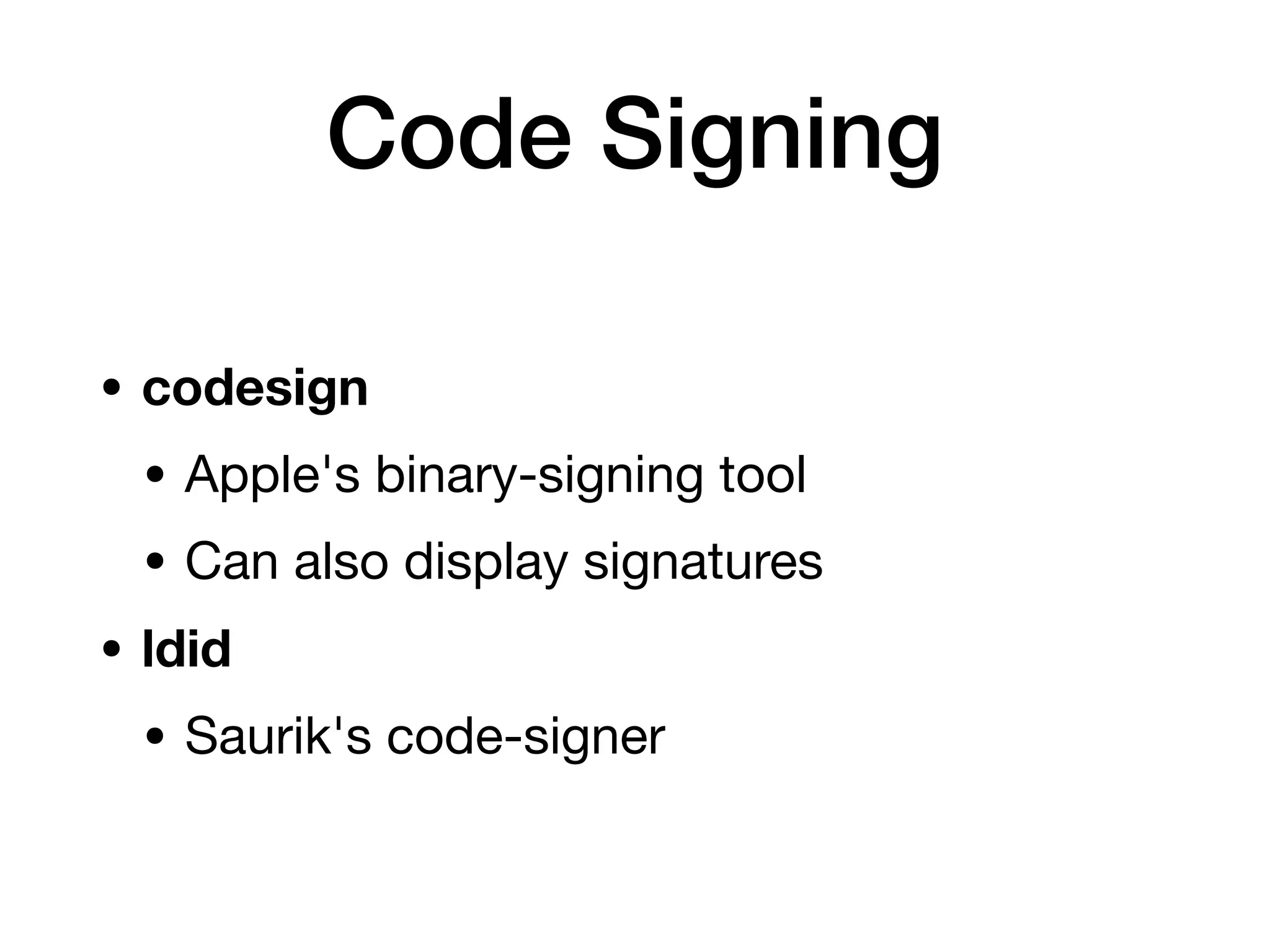
Code Signing
• codesign
• Apple's binary-signing tool
• Can also display signatures
• ldid
• Saurik's code-signer
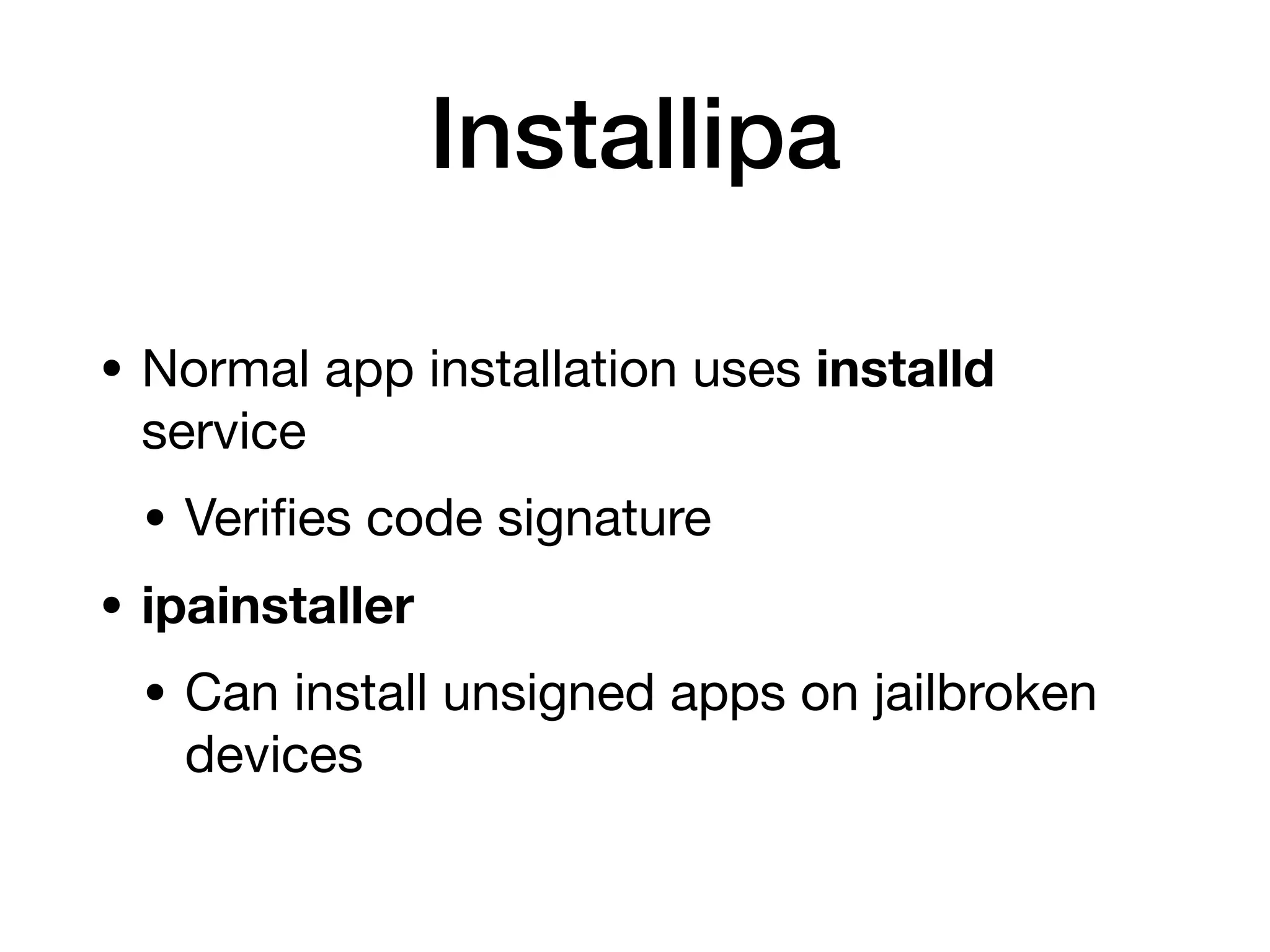
Installipa
• Normal app installation uses installd
service
• Veri
fi
es code signature
• ipainstaller
• Can install unsigned apps on jailbroken
devices
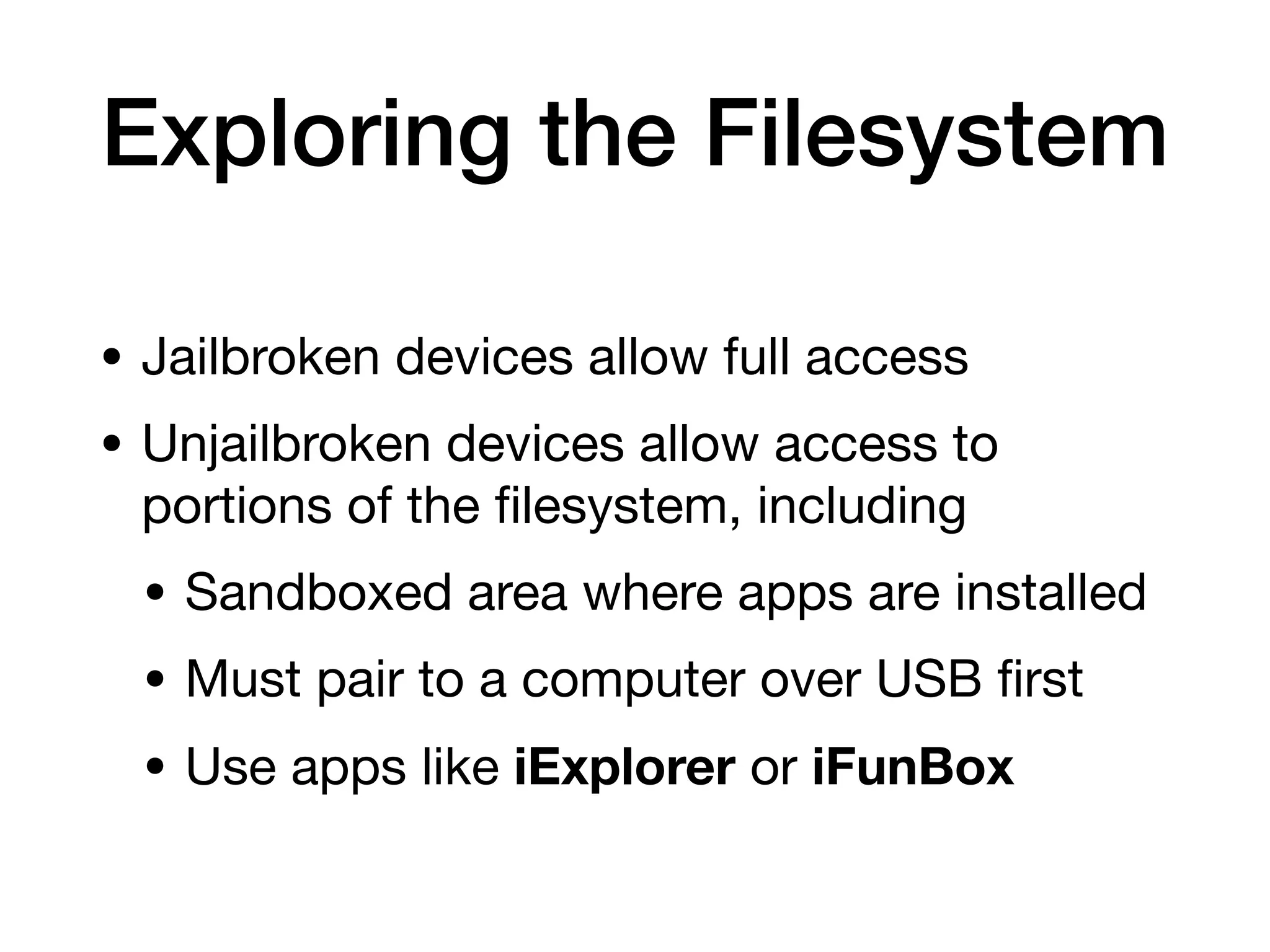
Exploring the Filesystem
• Jailbroken devices allow full access
• Unjailbroken devices allow access to
portions of the
fi
lesystem, including
• Sandboxed area where apps are installed
• Must pair to a computer over USB
fi
rst
• Use apps like iExplorer or iFunBox
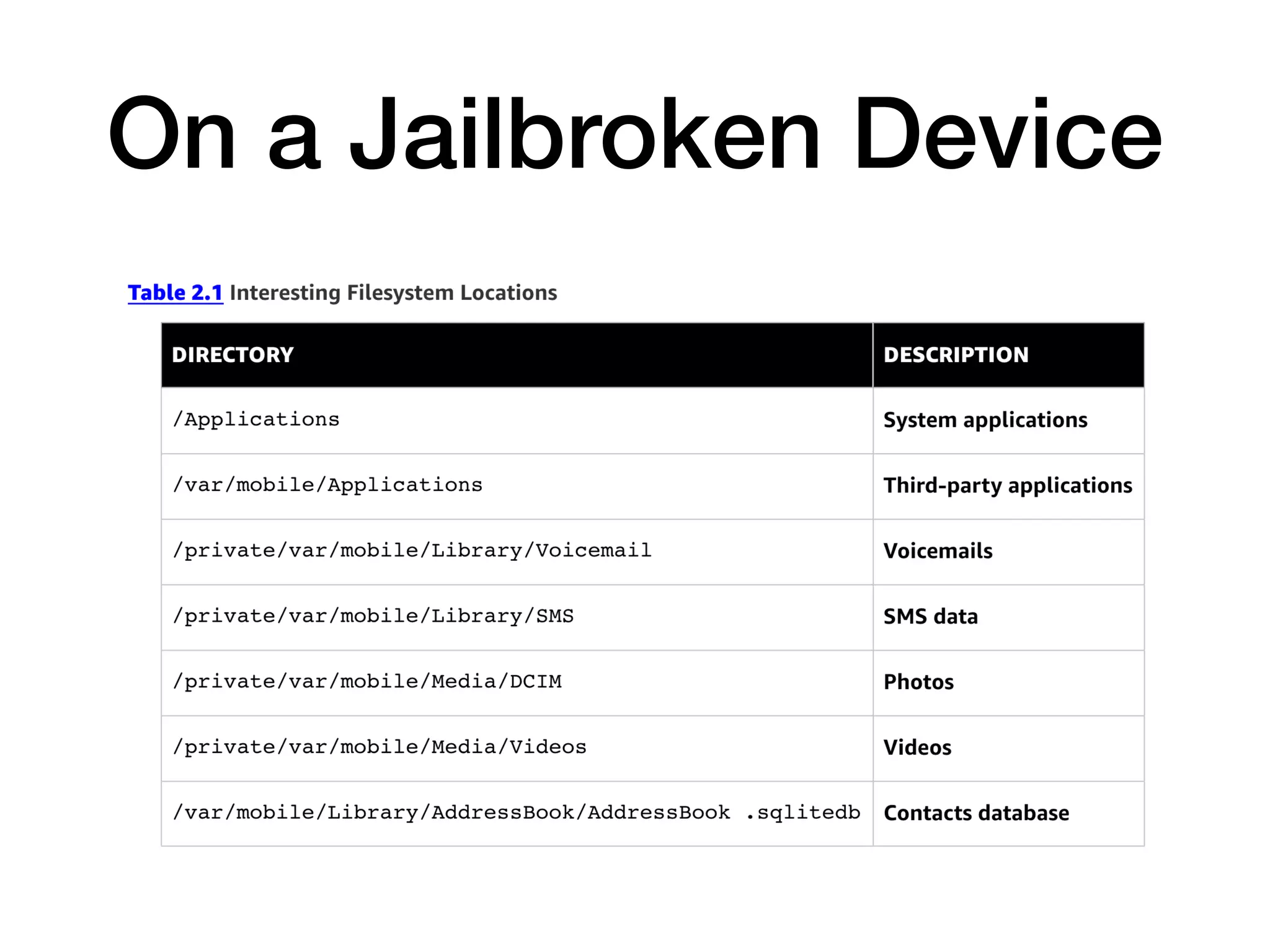
On a Jailbroken Device
Property Lists
• .plist
fi
les
• Binary format similar to XML
• Stores serialized objects and key-value
pairs
• plutil can convert plists to XML
Other Files
• Binary Cookies
• From Web pages
• Can be opened with
BinaryCookieReader.py
• SQLite Databases
2a Analyzing iOS Apps Part 1

2a Analyzing iOS Apps Part 1

  • 1.
    CNIT 128 Hacking MobileDevices 2. Analyzing iOS Apps Part 1 Updated 11-21-22
  • 2.
    Topics: Part 1 •The Security Model • iOS Apps • Jailbreaking Explained
  • 3.
    Topics: Part 2 •The Data Protection API • The iOS Keychain • TouchID • Reverse Engineering iOS Binaries
  • 4.
  • 5.
    Security Features • Secureboot chain • Code signing • Process-level sandboxing • Data-at-rest encryption • Generic native language exploit mitigations • Address space layout randomization • Non-executable memory • Stack smashing protection
  • 6.
    Initializing iOS with SecureBoot Chain • Initializing and loading fi rmware • Each step is cryptographically signed and veri fi ed
  • 7.
    Secure Boot Chain •Boot ROM • Read-only portion of the processor • Contains public key for Apple's CA • Used to verify next step: the LLB
  • 8.
    Secure Boot Chain •LLB (Low-Level Bootloader) • Finds the iBoot image (second stage boot loader) in fl ash memory • Veri fi es its signature • If signature check fails, boots into recovery mode
  • 9.
    Secure Boot Chain •iBoot • Veri fi es and loads the iOS kernel • iOS Kernel • Loads usermode environment and OS
  • 10.
    Secure Enclave • Securecoprocessor shipped with all modern iPhones and iPads • Since iPhone 5s • Handles cryptography on device • Key management for • Data Protection API • Touch ID fi ngerprint data
  • 11.
    Secure Enclave • Acustomized version of ARM TrustZone • Partitions itself from main processor • Provides data integrity even if kernel is compromised • Even if device is jailbroken • Secrets cannot be extracted • Such as fi ngerprint data
  • 12.
    Cachegrab • Released inDec. 2017 • Kernel code can deduce some information about contents of the Secure Enclave • Because it shares cache memory with kernel processes • Link Ch 2a
  • 13.
    Restricting Application Processes withCode Signing • Validates signatures each time an app is executed • Only code signed with a trusted signature can run • Developers can install trusted certi fi cates • In a provisioning pro fi le signed by Apple
  • 14.
    App Store • Productionapps must be signed by Apple • After submitting them to the App Store • Apple bans risky activities • Private APIs • Apps that download and install executable code • To prevent apps from upgrading themselves
  • 15.
    Isolating Apps with Process-LevelSandboxing • All third-party apps run in a sandbox • Isolated from one another and from OS • All apps run as the same mobile system user • Each app is contained in its unique directory • Separation maintained by the XNU Sandbox kernel extension
  • 16.
    • From JonathanLevin (link Ch 2b)
  • 17.
    Permissions • Since iOS7, app needs permission from user to access • Media • Microphone • Address book
  • 18.
    Protecting Information with Data-at-RestEncryption • All fi le system data encrypted with AES • Filesystem key generated on fi rst boot • Stored on block 1 of NAND fl ash storage • Device decrypts fi lesystem on bootup • Filesystem is only encrypted at rest • Remote wipe erases the key
  • 19.
    Data Protection API •Can encrypt individual fi les and keychain items • Key derived from passcode • Encrypted items are inaccessible when device is locked
  • 20.
  • 21.
    Write or Execute(W^X) • Memory pages cannot be both writable and executable at the same time • Implemented with ARM's Execute Never (XN) feature • Pages marked as writable cannot be later reverted to executable • Similar to Data Execution Protection (DEP) in Windows, Linux, and Mac OS X
  • 22.
    Return-Oriented Programming • Bypasses non-executablememory • Injection contains only addresses • Pointing to fragments of code • Exploit is built from these fragments
  • 23.
    ASLR • Address SpaceLayout Randomization • Code location randomized • Attacker cannot fi nd the injected code to run it • Makes ROP chains more di ffi cult to use
  • 24.
    ASLR Weaknesses • BeforeiOS 5, dynamic linker was not relocated • Memory disclosure bugs • Can be used to improve exploits • Apps compiled with PIE (Position Independent Execution) can use full ASLR • All memory regions randomized • Other apps put base binary and dynamic linker at a fi xed address
  • 25.
    Stack Smashing • Usesstack canaries • Pseudorandom values on stack • Bu ff er over fl ow attacks overwrite the canary values • And terminate the app
  • 26.
  • 27.
    Three Groups ofApps • Standard native apps • Browser-based apps • Hybrid apps
  • 28.
    Standard Native Apps •Most common type • Written in Objective-C or Swift • Compiled to native code • Linked against iOS SDK and Cocoa Touch frameworks
  • 29.
    Browser-Based Apps • Renderin iOS web views • Loaded via mobileSafari • Use HTML, JavaScript, and CSS • Secure them like Web apps
  • 30.
    Hybrid Apps • Deployedwith a native wrapper • Used to display browser-based apps • Mobile Enterprise App Platform deployment
  • 31.
    Distribution of iOSApps • App Store • Need an Apple Developer account • Apps signed with a developer certi fi cate can run on up to 100 iOS devices for testing • App store approval has manual and automated tests • Blocks malicious apps
  • 32.
    Distribution of iOSApps • Enterprise Distribution • Organizations can develop and distribute custom apps in-house • Apps signed with enterprise developer certi fi cate can run on any number of devices • Apple screens developers entering this program • Must have a legitimate business and a Dun and Bradsheet number
  • 33.
    Abuse of Certi fi cates •An expired enterprise developer certi fi cate was used • By changing system date back to the past • To run a Game Boy advanced emulator • For Pangu jailbreak
  • 34.
    App Structure • IPAarchive is a Zip archive containing • Payload • Payload/Application.app • Data, compiled code, and resources • iTunesArtwork • Icon • iTunesMetadata.plist • Developer's name, copyright info
  • 35.
    App Permissions • BeforeiOS 6, every app in the App Store had access to • Contact, photos, other sensitive data
  • 36.
    Data Classes iniOS 6 • Location services • Contacts • Calendar • Photos • Reminders • Microphone access • Motion activity • Bluetooth access • Social media data
  • 37.
  • 39.
    iOS 8 LocationInformation • Three possible values: app is • Never allowed access to location information • Allowed access only while the app is in the foreground and in use • Always allowed access to location information
  • 40.
  • 41.
    Reasons for Jailbreaking •Get apps from unauthorized marketplaces like Cydia • Piracy • Access to restricted functions like tethering
  • 42.
    Risks • Weakens securityof OS • Allow unsigned code to run • Most iOS malware only runs on jailbroken phones • iKee - fi rst iPhone worm, rickrolled phones using default password • iKee.B - Botted phones, phished Dutch users
  • 43.
    • Chinese origin •Only on jailbroken phones • Hooked functions to steal AppleID and password
  • 44.
    Types of Jailbreaks •Untethered - persists across reboots • Tethered - requires a computer to start the phone; otherwise you get Recovery Mode • Semi-tethered - requires a computer to start into jailbroken state, booting without the computer ends up in non-jailbroken state
  • 45.
    Jailbreakme v3 Saffron •Simply visit a Web site hosting a PDF fi le • Works for iOS before 4.3.4 • Uses: • Integer signedness issue to gain code execution • ROP payload • Type confusion vulnerability
  • 46.
    evasi0n Jailbreak • Workedfor iOS 6.0 - 6.1.2 • No memory corruption • Used bypasses and logic bugs • Lockdownd service allowed fi le permissions to be changed • USB driver allowed arbitrary functions to be called
  • 47.
  • 48.
    Accessing the Phone •After jailbreaking • Install OpenSSH in Cydia • Connect via Wi-Fi or USB • Default credentials are • mobile / alpine • root / alpine
  • 49.
    Toolkit • Cydia --open app store • BigBoss Recommended Tools • Command-line UNIX tools • Including apt
  • 50.
    Apple's CC Tools •Tools to parse, assemble, and link Mach-O binaries • File format for iOS and OSX apps • Part of the iOS and OS X development toolchain • Run on OS X or Linux
  • 51.
    • otool • Object fi le-displayingtool • All-purpose tool for Mach-O binary analysis • Reveals class and method names • Lists libraries, symbols • Shows header information and load commands Apple's CC Tools
  • 52.
    • nm • Displayssymbol table of a binary or object fi le • lipo • Can combine or remove architecture types from an app Apple's CC Tools
  • 53.
    Debuggers • gdb • Cydia'sversion doesn't work well on modern iOS versions • Radare's version is better
  • 54.
    Code Signing • codesign •Apple's binary-signing tool • Can also display signatures • ldid • Saurik's code-signer
  • 55.
    Installipa • Normal appinstallation uses installd service • Veri fi es code signature • ipainstaller • Can install unsigned apps on jailbroken devices
  • 56.
    Exploring the Filesystem •Jailbroken devices allow full access • Unjailbroken devices allow access to portions of the fi lesystem, including • Sandboxed area where apps are installed • Must pair to a computer over USB fi rst • Use apps like iExplorer or iFunBox
  • 57.
  • 58.
    Property Lists • .plist fi les •Binary format similar to XML • Stores serialized objects and key-value pairs • plutil can convert plists to XML
  • 59.
    Other Files • BinaryCookies • From Web pages • Can be opened with BinaryCookieReader.py • SQLite Databases