CNIT 121:
Computer
Forensics
6. Discovering the Scope of the Incident
Scope
• What did the attacker do?
• Initial detection is usually only part of the story
Examining Initial Data
• Look at original alert
• You may notice more than the person who reported
it did
• Ask about other detection systems and review what
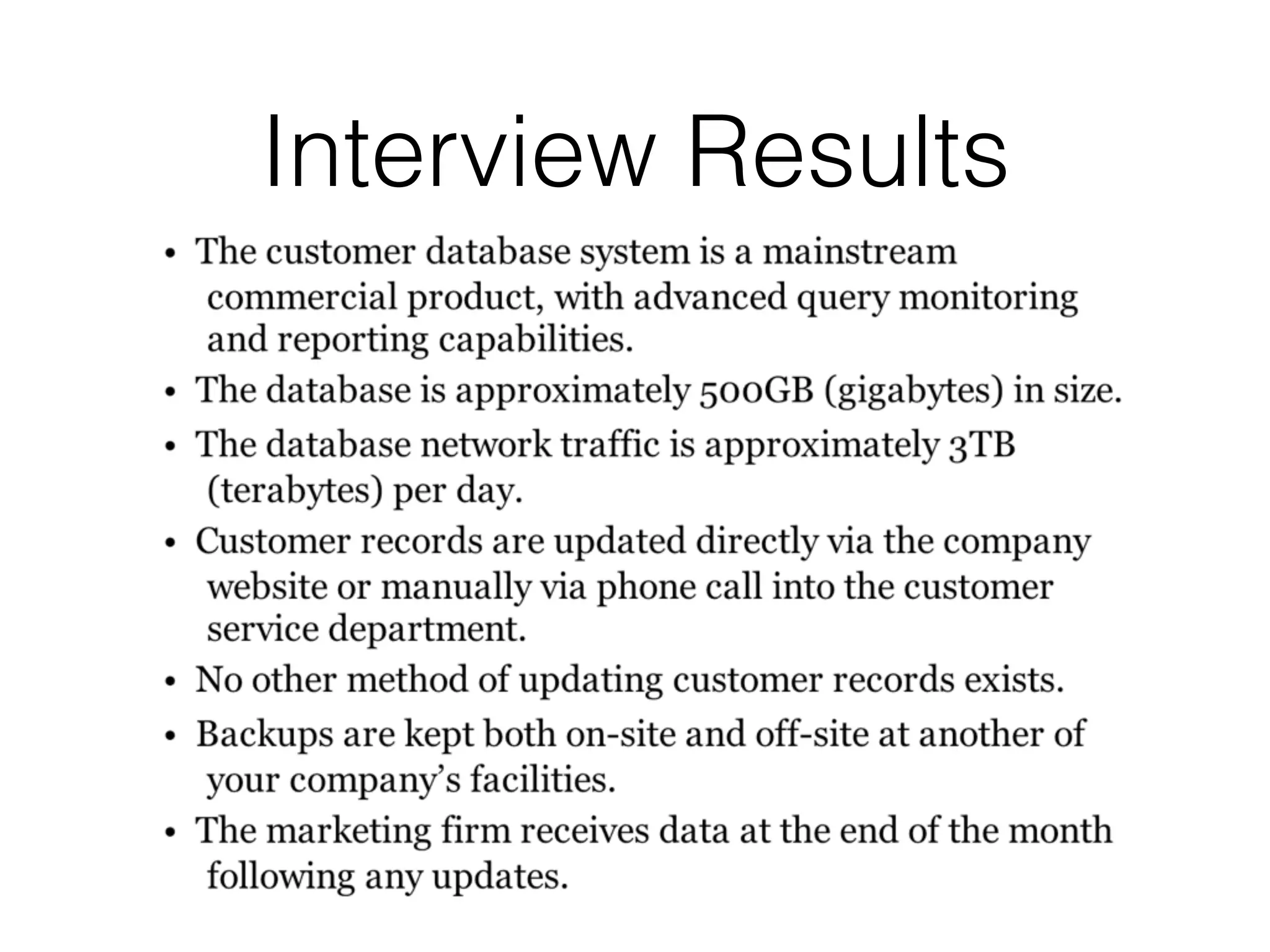
they recorded
• Network administrators may not think like
investigators
• Gather context for the detection event
Preliminary Evidence
• Determine what sources of preliminary evidence
may help
• Decide which sources you will actually use
• Collect and review the evidence
• Identify sources that are easy to analyze, and
that quickly provide initial answers
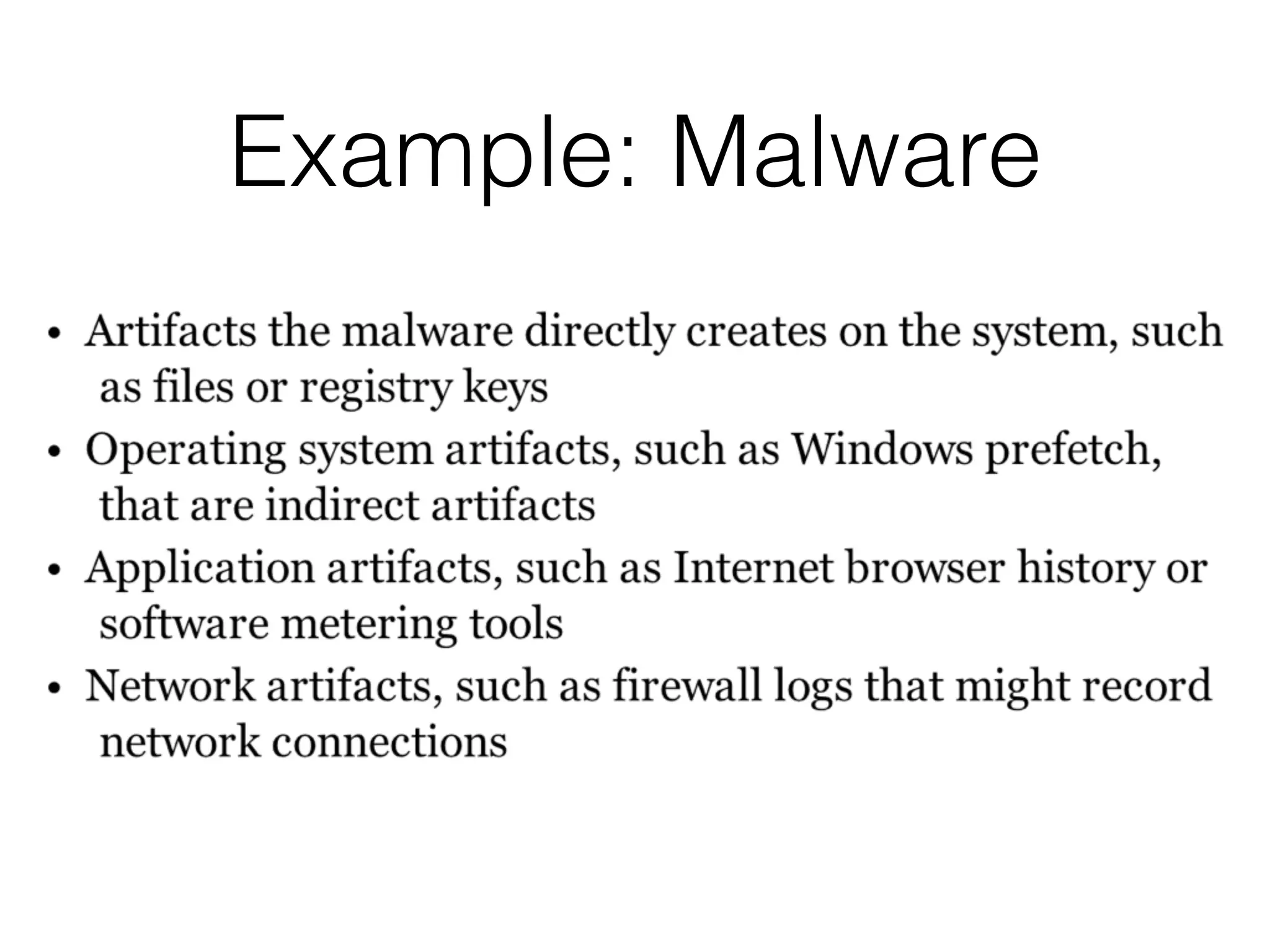
Example: Malware
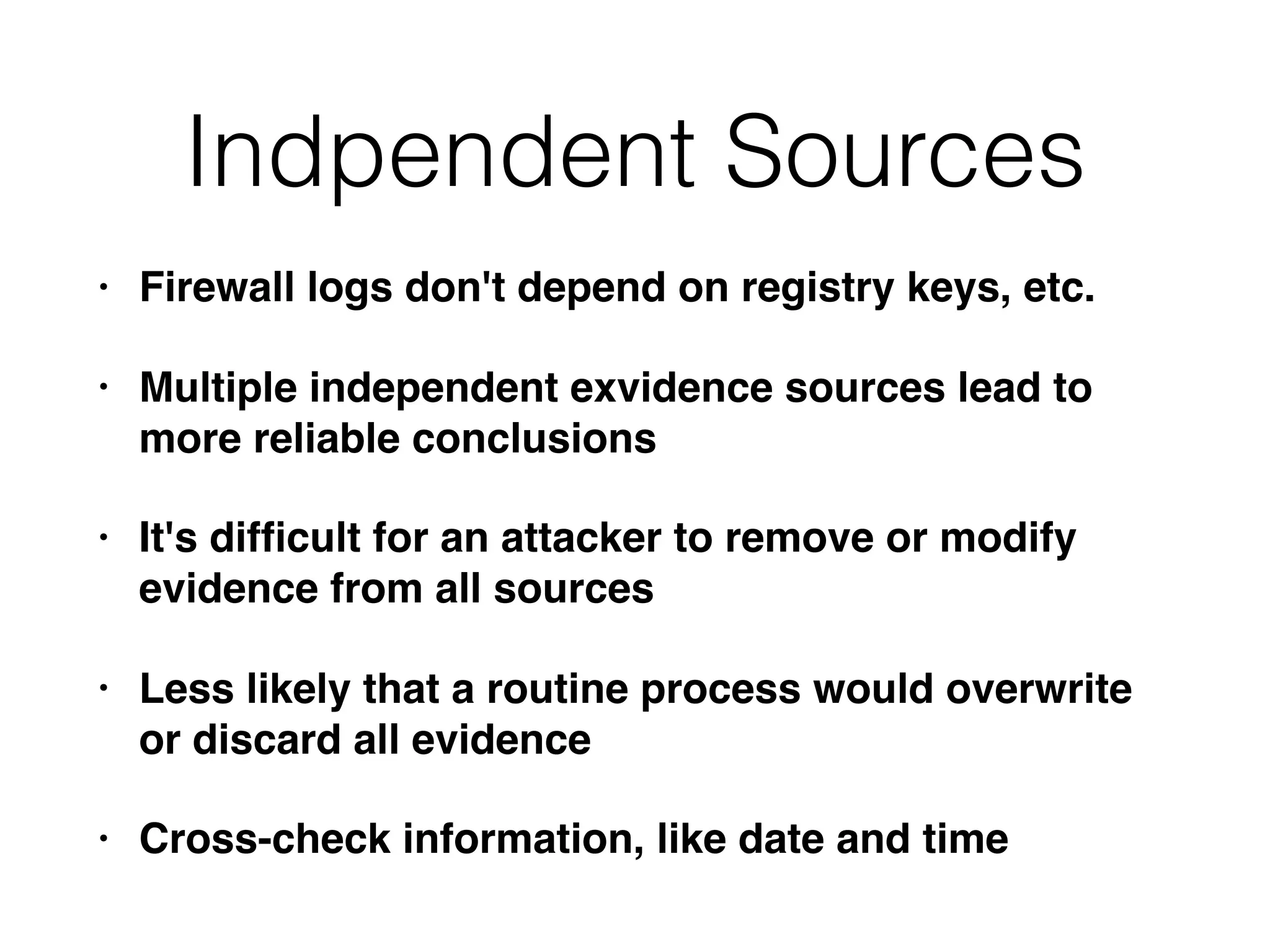
Indpendent Sources
• Firewall logs don't depend on registry keys, etc.
• Multiple independent exvidence sources lead to
more reliable conclusions
• It's difficult for an attacker to remove or modify
evidence from all sources
• Less likely that a routine process would overwrite
or discard all evidence
• Cross-check information, like date and time
Review
• Attacker may be causing more damage
• Test a detection method on one system, or a
small date range of log entries
• Make sure your detection method is fast and
effective
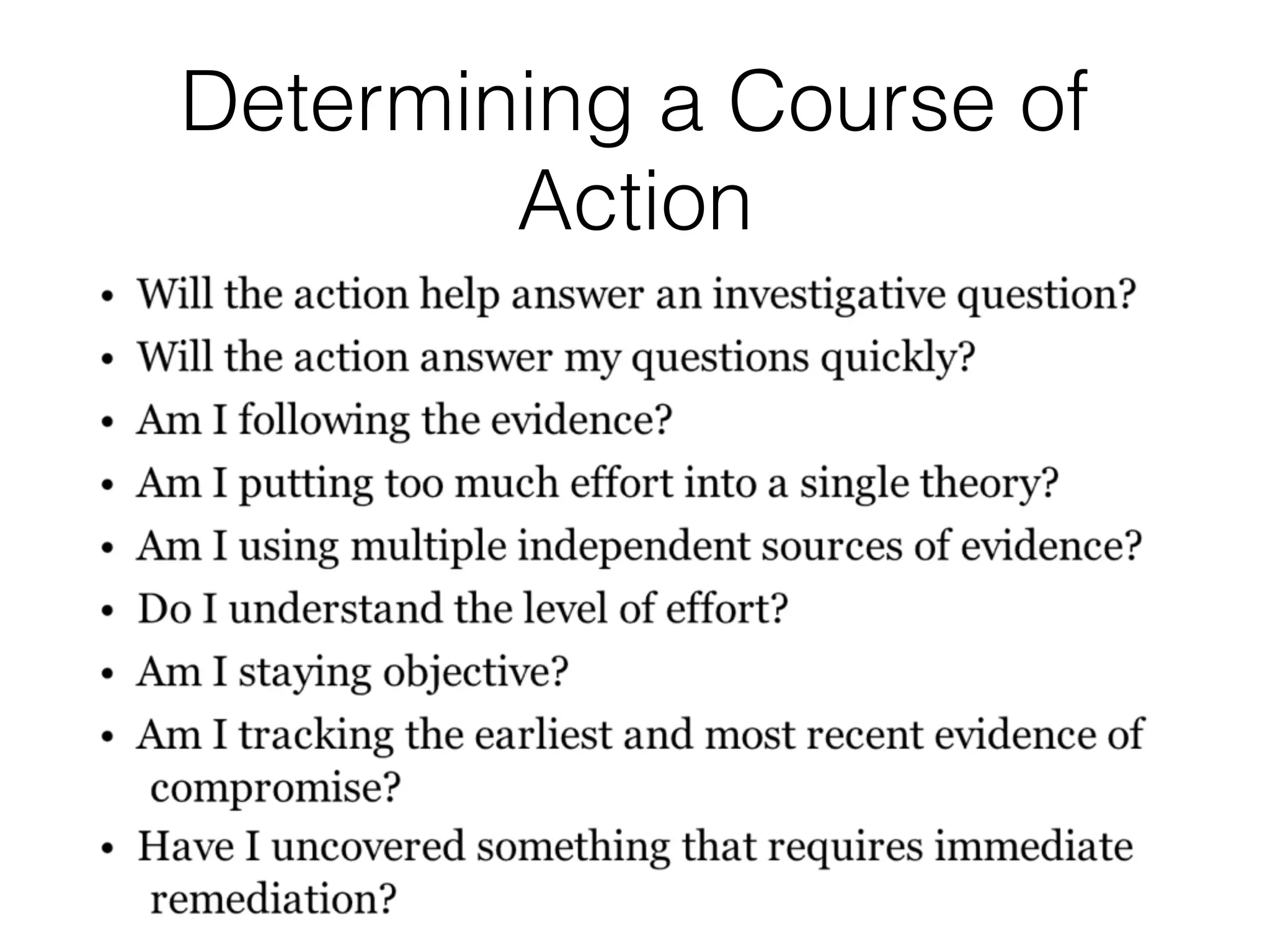
Determining a Course of
Action
Data Loss Scenario
• Large online retailer
• You work in IT security department
• Customers are complaining about spam after
becoming a new customer
Finding Something Concrete
• Anecdotal customer complaints are
inconclusive
• Options
• Work with customers and review their email
• Relability and privacy problems
• Create fake customer accounts with unique
email addresses
Fake Accounts
• Use 64-character random usernames
• Unlikely that spammers would guess the
usernames
• Monitor those accounts
Preliminary Evidence
• Assuming customer data is being lost
somehow:
• Find where customer data is and how it is
managed
• One internal database on production server
• One external database at a third-party marketing
firm
Interview Results
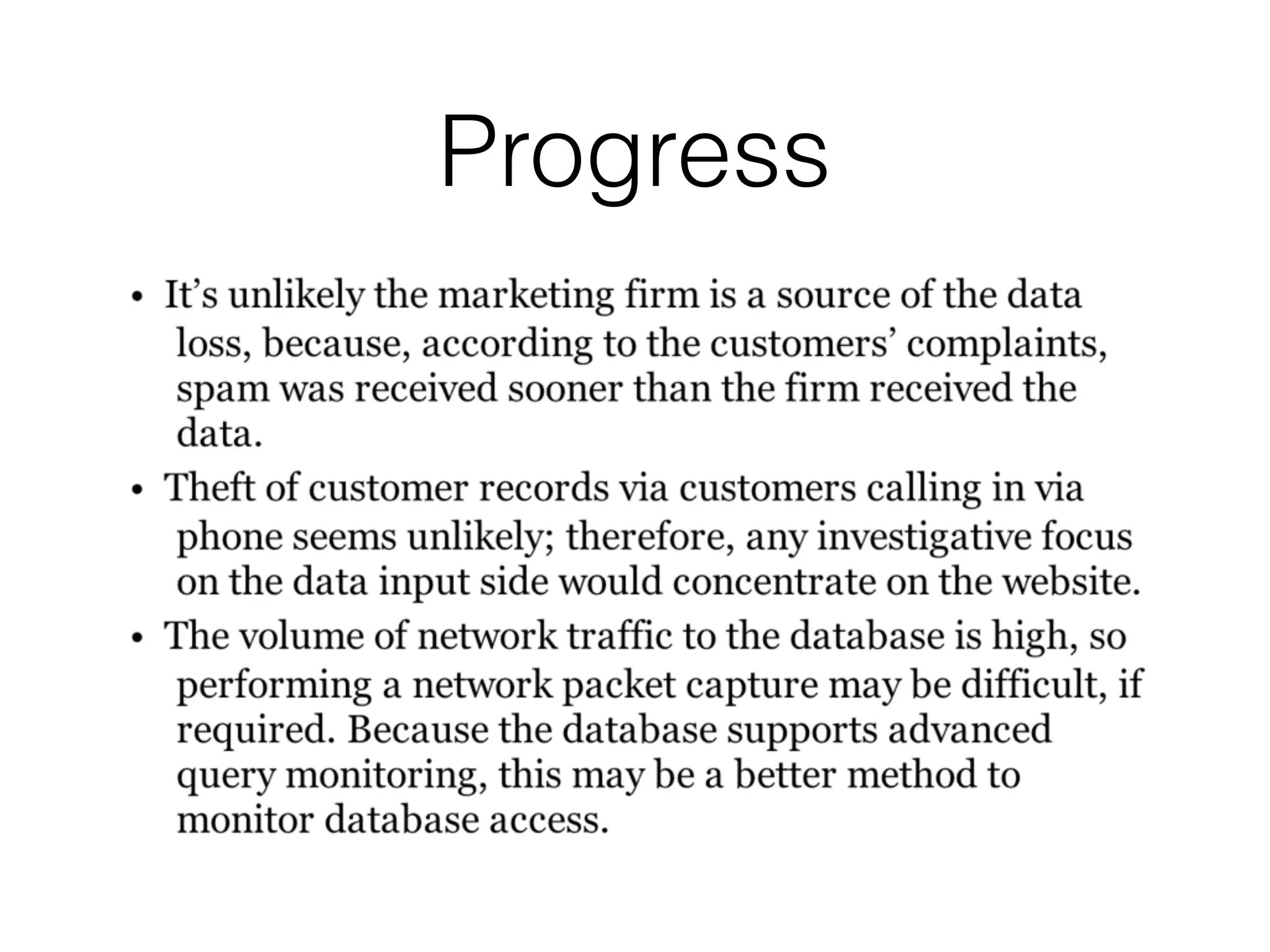
Progress
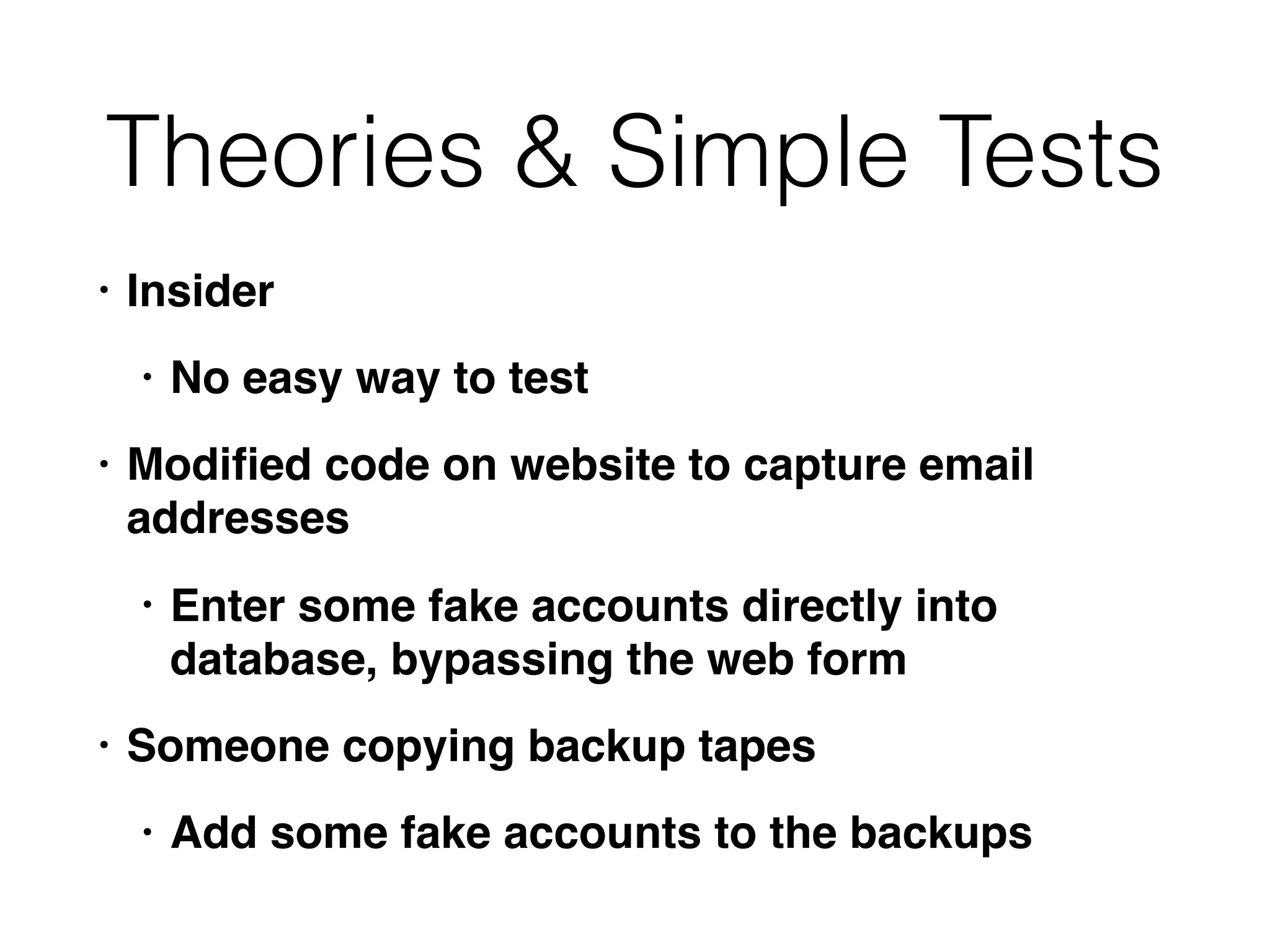
Theories & Simple Tests
• Insider
• No easy way to test
• Modified code on website to capture email
addresses
• Enter some fake accounts directly into
database, bypassing the web form
• Someone copying backup tapes
• Add some fake accounts to the backups
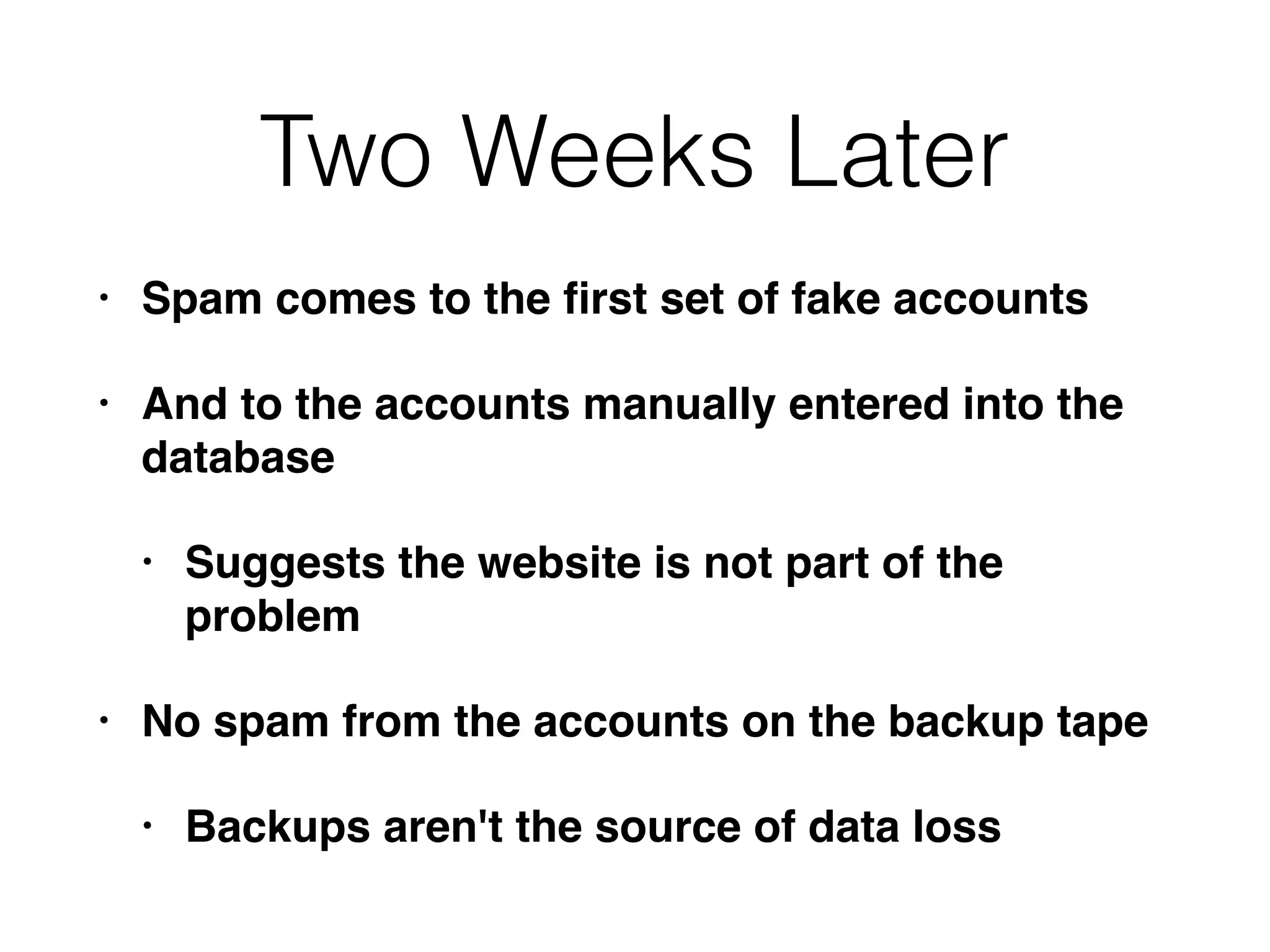
Two Weeks Later
• Spam comes to the first set of fake accounts
• And to the accounts manually entered into the
database
• Suggests the website is not part of the
problem
• No spam from the accounts on the backup tape
• Backups aren't the source of data loss
New Theories
• Direct access to the database
• Malware on the database server
• Accessing it over the network
Monitoring Queries
• Network-level packet captures
• Expensive, powerful system required
• If queries are encrypted, or malware is
obfuscating them, it may be hard to decode
the traffic
• Database-level query monitoring and logging
• Most efficient and reliable technique
Next Steps
• Create a few more fake accounts
• Talk to database and application administrators
• To find out where data is stored
• Scan through logs to see what is "normal"
• No queries or stored procedures perform a bulk
export of email addresses on a daily basis
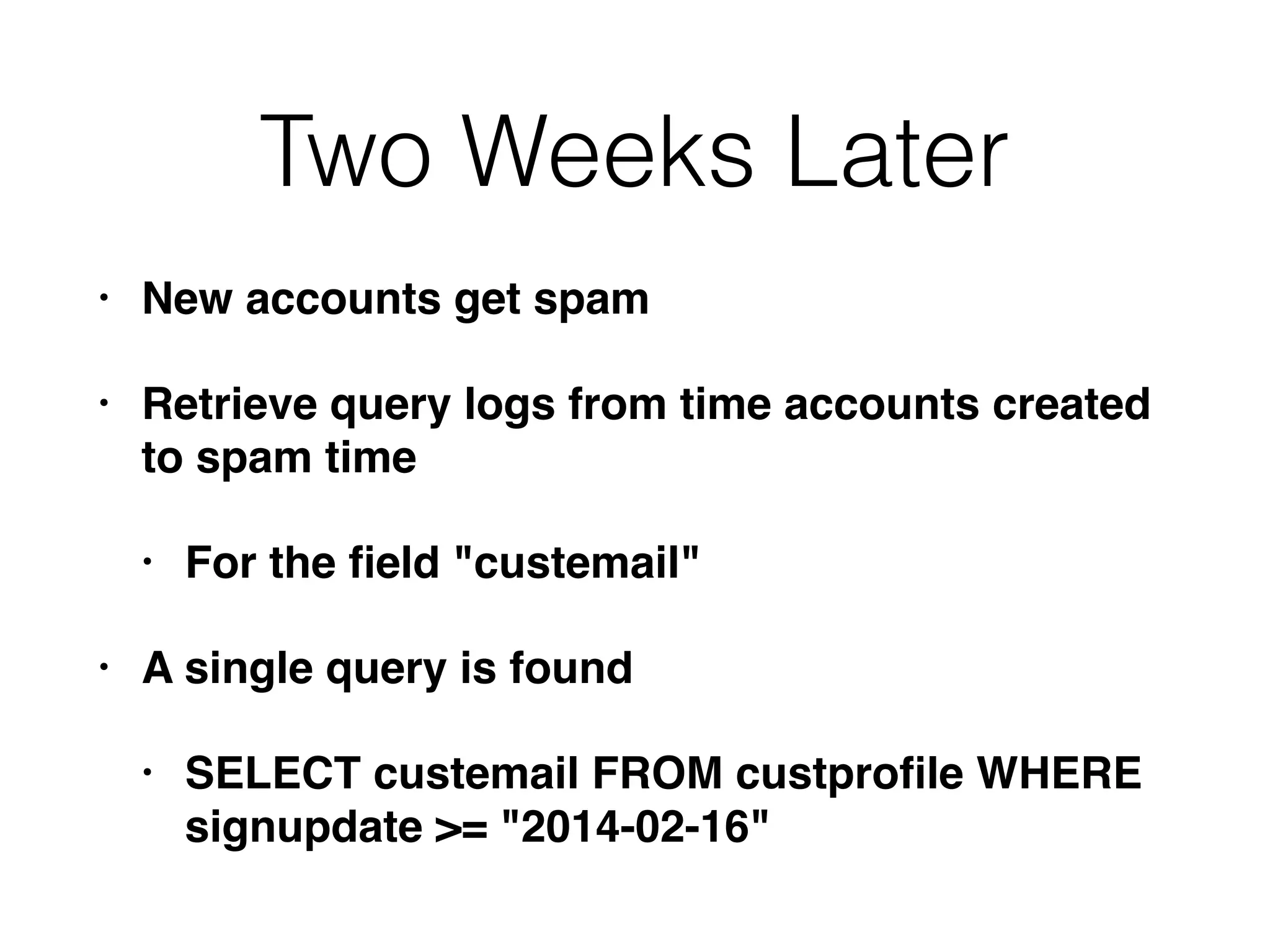
Two Weeks Later
• New accounts get spam
• Retrieve query logs from time accounts created
to spam time
• For the field "custemail"
• A single query is found
• SELECT custemail FROM custprofile WHERE
signupdate >= "2014-02-16"
Query Details
• Feb 17, 2014 at 11:42 am GMT
• Originated from IP in graphics arts dept.
• Query used an database administrator's
username from the IT dept.
• Interview reveals that graphics arts dept. has no
direct interaction with customers, only outside
vendors
Leads
Action: Graphics Arts
Desktop
Action: Database Server
Results from Workstation
• Examine images, focusing on actions at the time of
the query
• Malware found on workstation
• Persistent, provides remote shell, remote graphical
interface, ability to launch and terminate processes
• Connects to a foreign IP
• Has been installed for two years
• Cannot determine how system was originally
compromised
Final Steps of Investigation
Scoping Gone Wrong
• After complaints from customers
• Search every computer in the company for
unique strings in the customer data,
• And files large enough to include all the
customer records
Problems
• No evidence that the stolen data is stored on
company servers
• No evidence that the data is all being stolen at
once in a large file
• And even so, it would probably be
compressed
• Large amount of effort; low chance of success
Another Unwise Path
• Focus on insiders
• Who had access and knowledge to steal the
customer data
• Compile profiles of numerous employees
• Review personnel files
• Background checks, surveillance softare
capturing keystrokes and screen images
• Video surveillance installed
Problems
• Leads to a "witch hunt"
• Invades privacy of employees
• Large effort, small chance of success
Another Unwise Path
• Because the data resides on the database
server
• Image and analyze RAM from the database
server to hunt for malware
• Because the hard drives are massive and too
large to investigate easily
Problems
• Once again, they have jumped to a conclusion
• And ignored other possibilities
• Large effort, low chance of success
Scenario 2: Automated
Clearing House Fraud
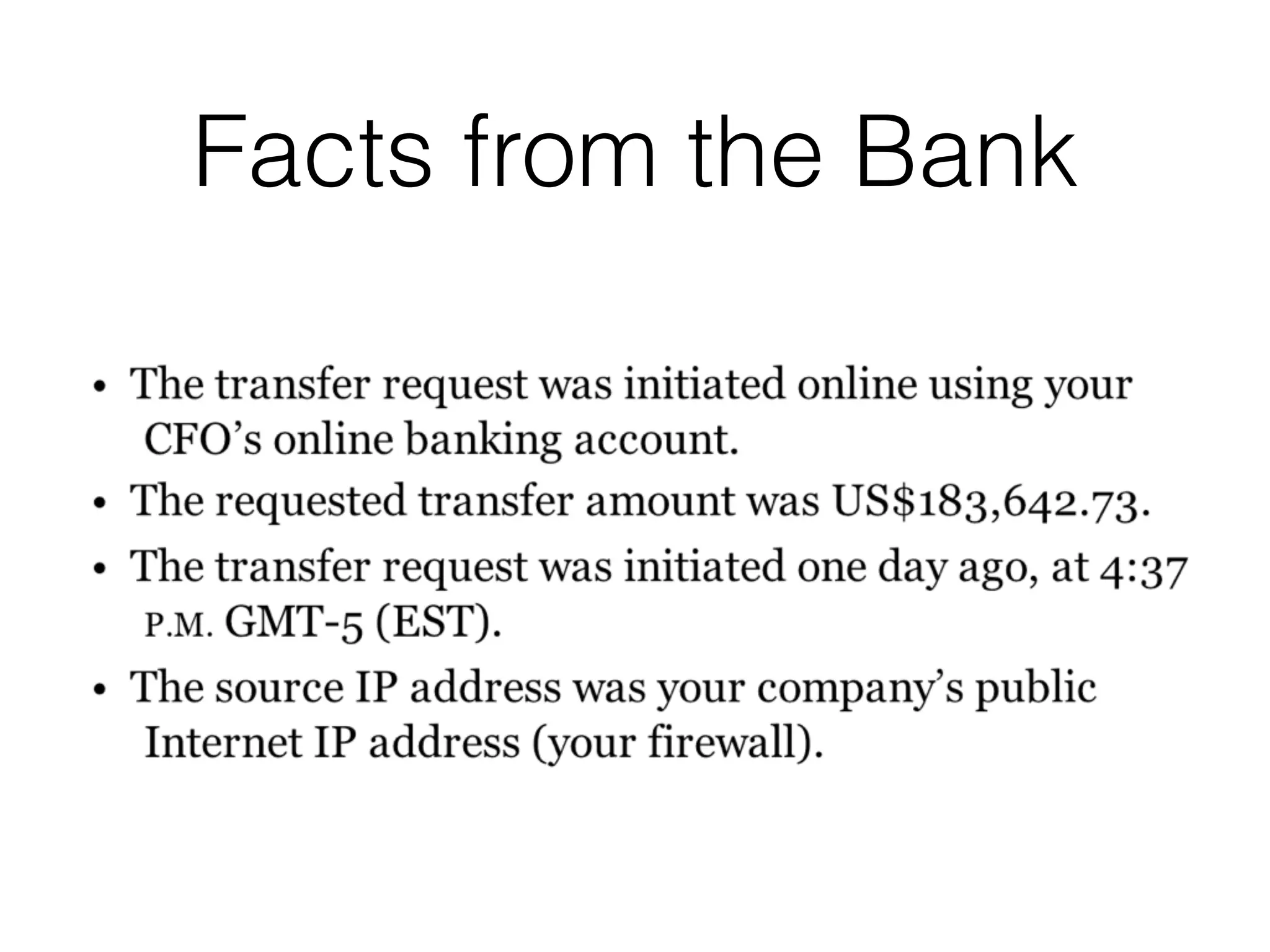
• Bank called the CEO--they blocked an ACH
transfer of $183,642.73
• To an account that was never used before
• Flagged by their fraud prevention system
• Transfer from CFO's account, but he says he
never authorized it
Facts from the Bank
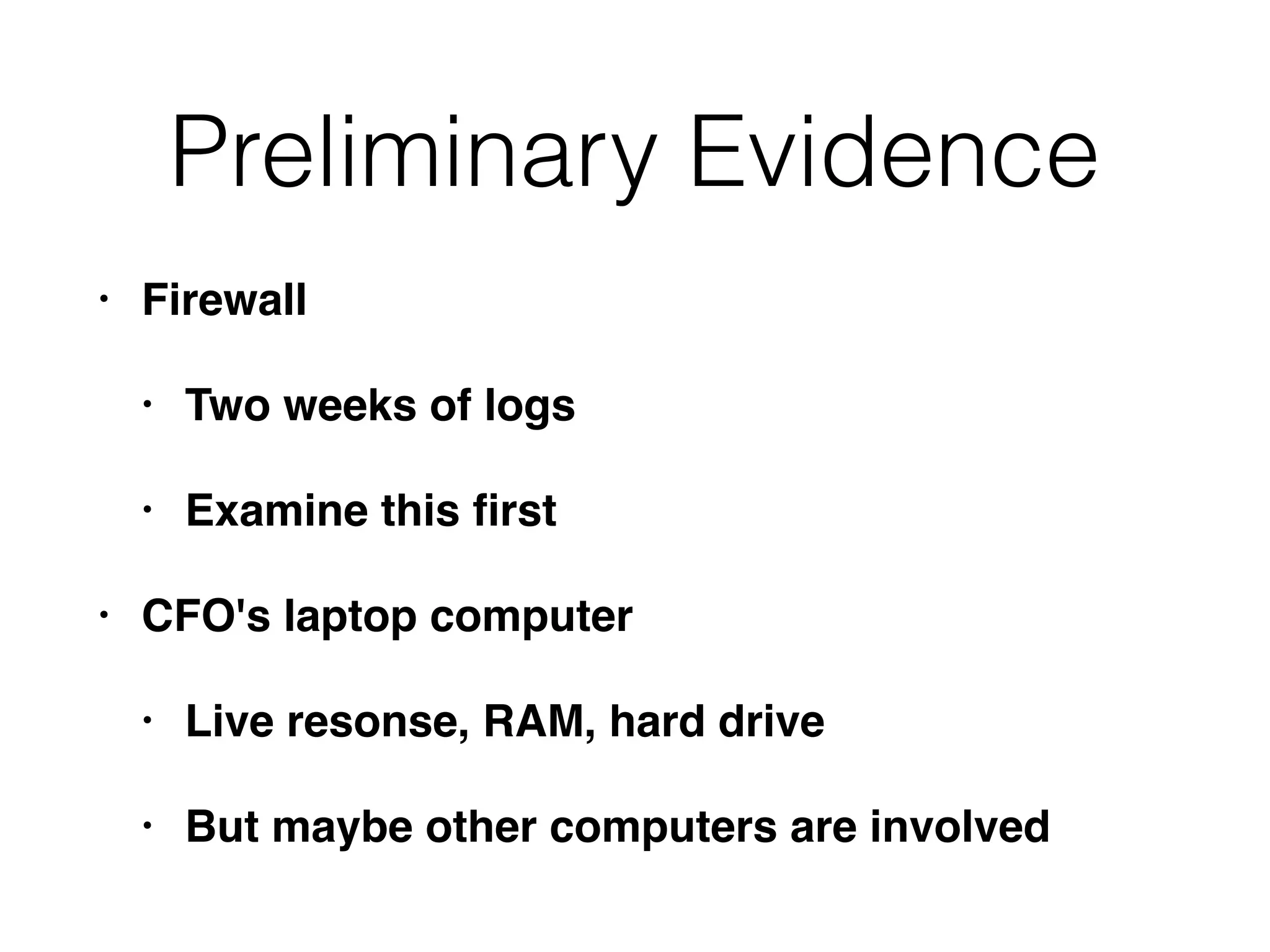
Preliminary Evidence
• Firewall
• Two weeks of logs
• Examine this first
• CFO's laptop computer
• Live resonse, RAM, hard drive
• But maybe other computers are involved
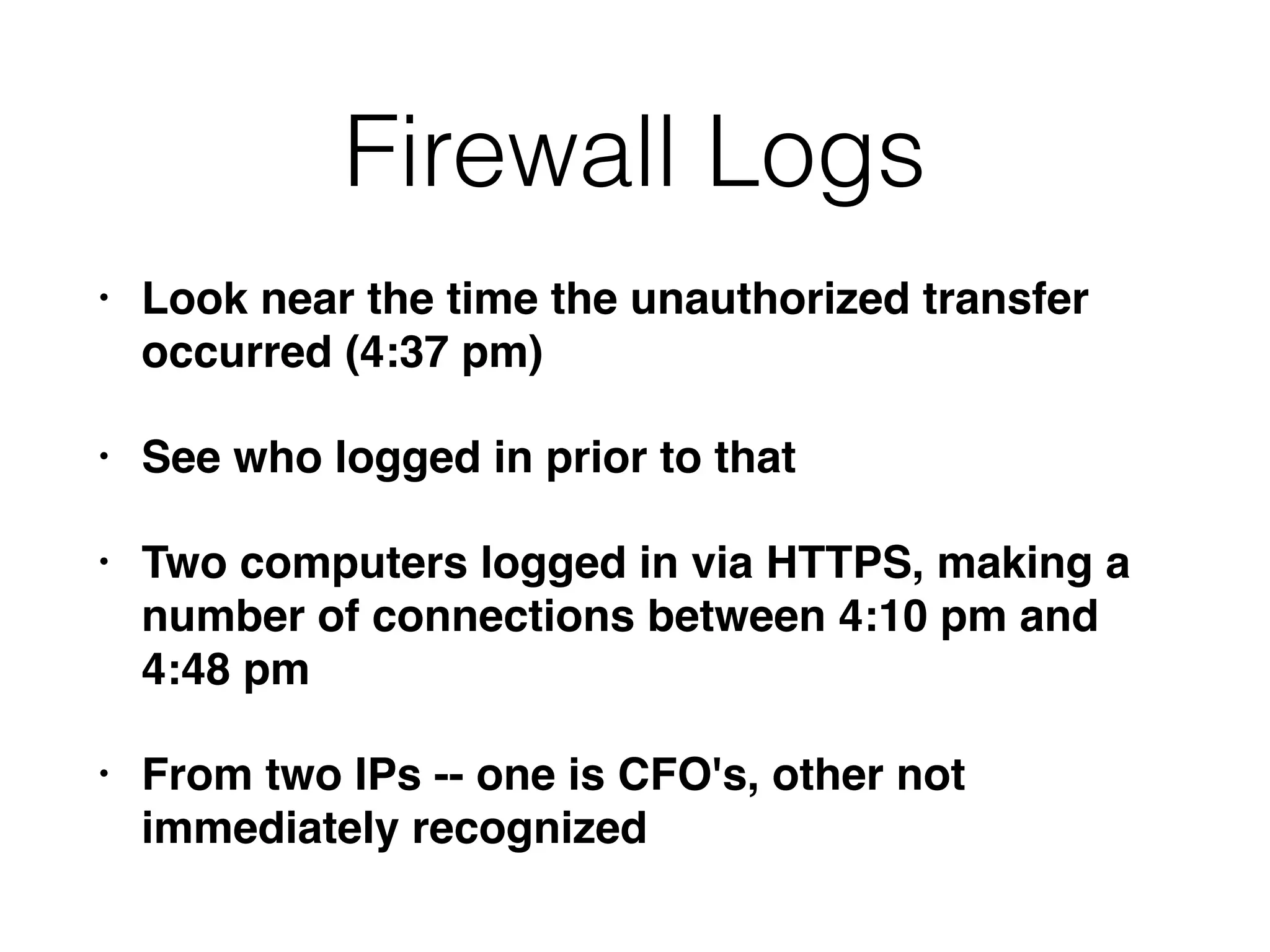
Firewall Logs
• Look near the time the unauthorized transfer
occurred (4:37 pm)
• See who logged in prior to that
• Two computers logged in via HTTPS, making a
number of connections between 4:10 pm and
4:48 pm
• From two IPs -- one is CFO's, other not
immediately recognized
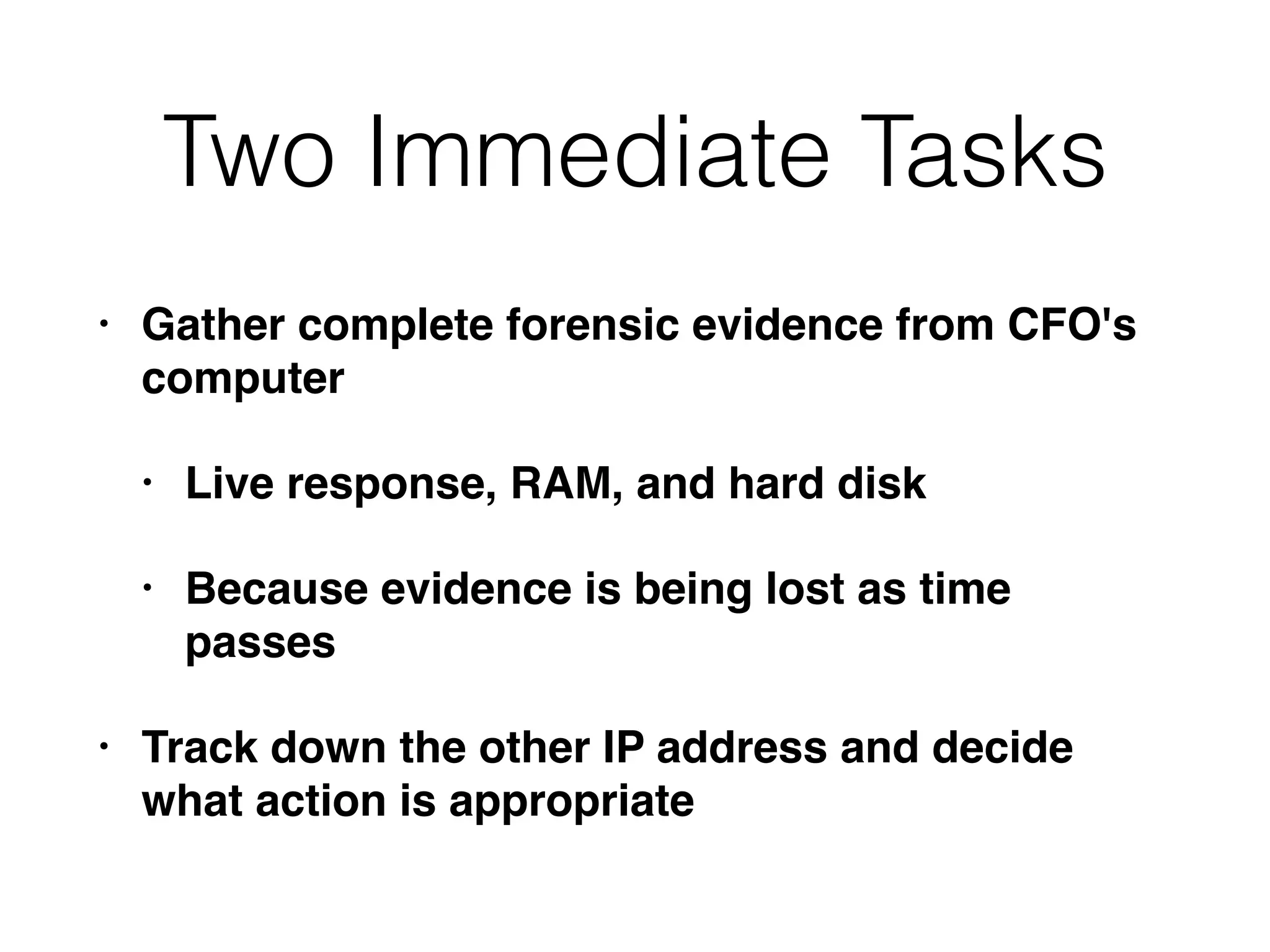
Two Immediate Tasks
• Gather complete forensic evidence from CFO's
computer
• Live response, RAM, and hard disk
• Because evidence is being lost as time
passes
• Track down the other IP address and decide
what action is appropriate
DHCP Logs
• Search for the time in question
• Get MAC address from DHCP logs
• It's the MAC of the CFO's laptop!
Interview the CFO
Recap
Theories
Open Office Space
• CFO's office is in clear view of other workers
• It's unlikely that someone could go into it
unobserved
CFO's Computer
• Recently installed persistent executable
• Send it to a third-party analysis site
• It's a variant of the Zeus banking malware
Final Steps of Investigation
Scoping Gone Wrong
• There are no recent antivirus or IDS alerts
• So you believe the security issue must be at the
bank
• Tell the bank to find the attacker and put them in
jail
Problems
• No attempt to validate the bank's original data
• Company assumes that existing network
security measures would detect a problem, if
there was one
• Assumption that a third-party can help you
• While you wait, data on company systems is
lost
Another Unwise Path
• CEO believes that security measures are in
place to prevent malware, so the CFO must have
initiated the transfer
• The CEO wants you to investigate the CFO and
avoid tipping him (or her) off
Problem
• No security measures are perfect, not even two-
factor authentication
• Also, that sort of investigation is outside your
expertise, and should be referred to an outside
contractor
CNIT 121:
Computer
Forensics
7. Live Data Collection
Purpose of Live Collection
• Preserve volatile evidence that will further the
investigation
• Also collect log files and file listings
• Get answers quickly
• Minimize changes to the system
• Avoid disrupting business, causing crashes, or
destroying evidence
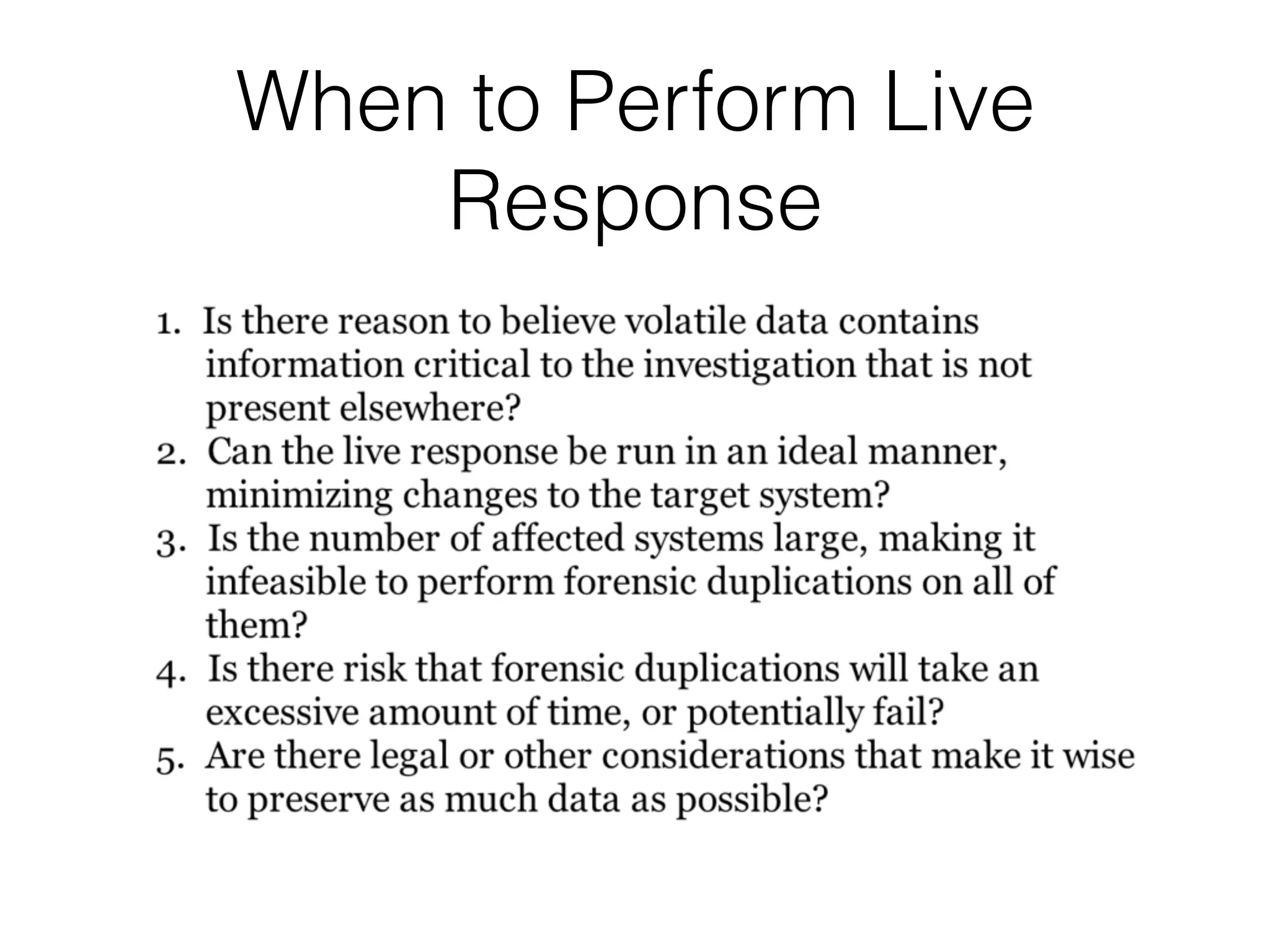
When to Perform Live
Response
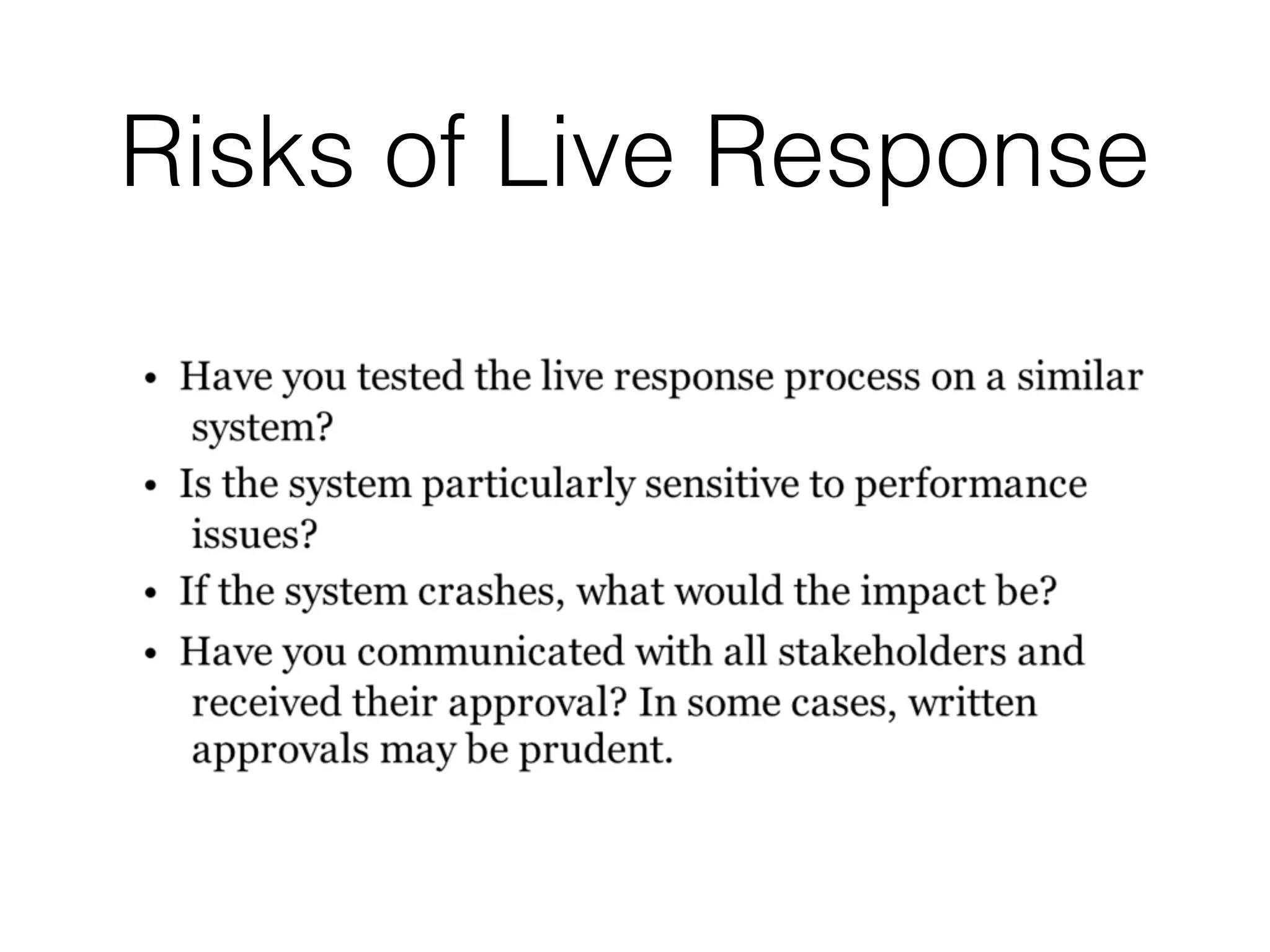
Risks of Live Response
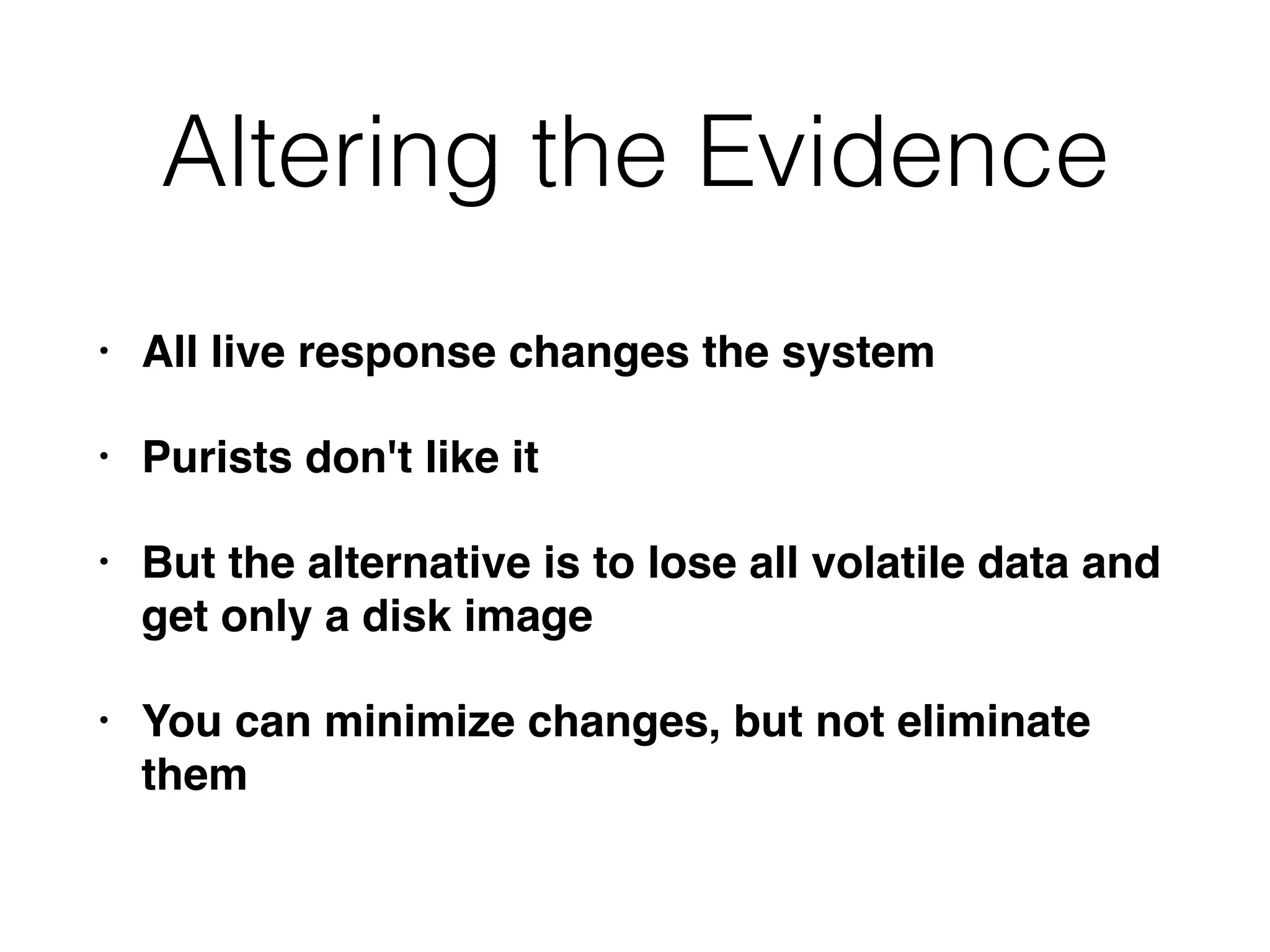
Altering the Evidence
• All live response changes the system
• Purists don't like it
• But the alternative is to lose all volatile data and
get only a disk image
• You can minimize changes, but not eliminate
them
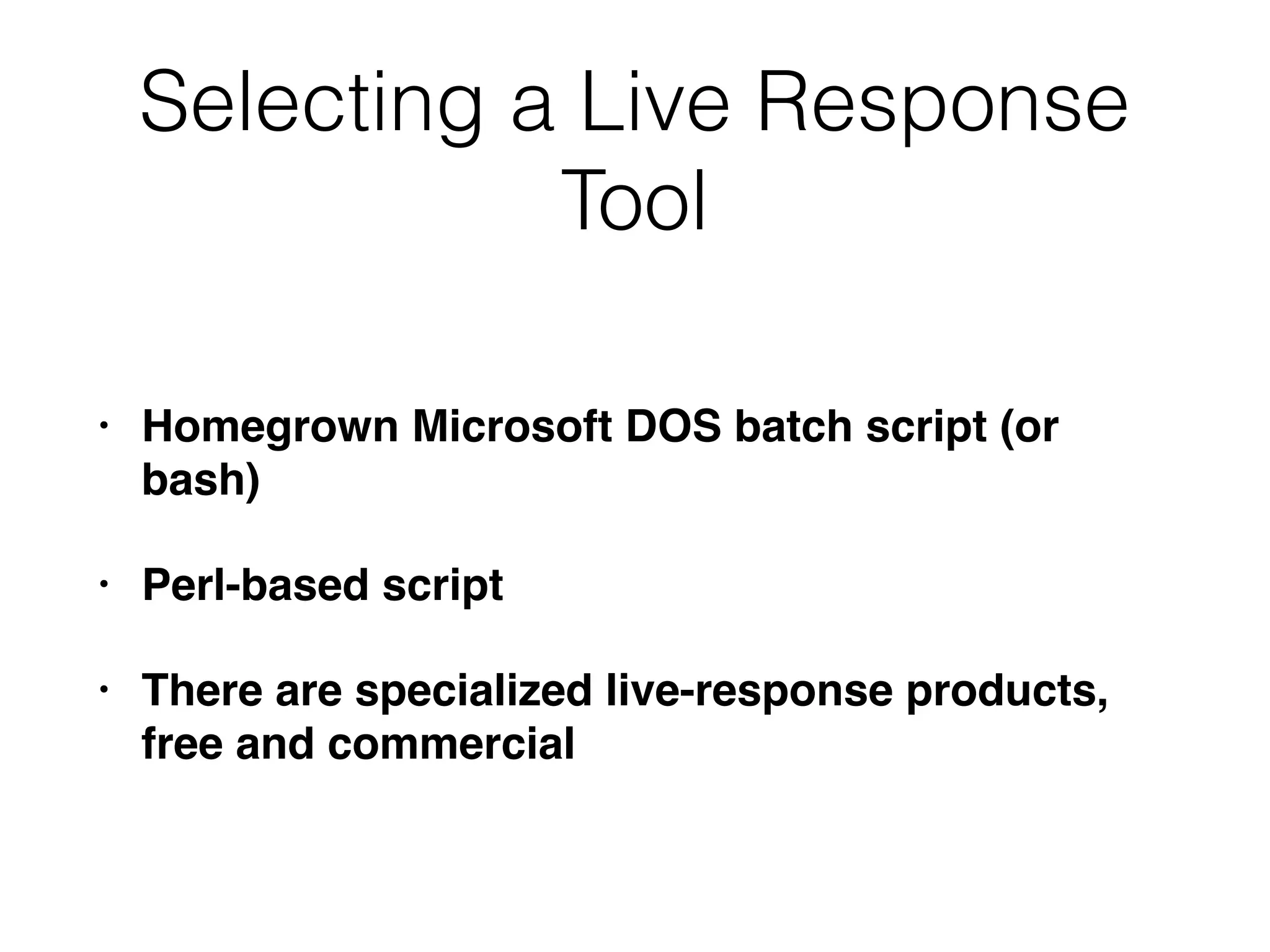
Selecting a Live Response
Tool
• Homegrown Microsoft DOS batch script (or
bash)
• Perl-based script
• There are specialized live-response products,
free and commercial
Factors to Consider
• Is the tool generally accepted in the forensic
community?
• Does the solution address the common
operating systems in your environment?
• Tools that use OS commands should contain
known good copies of those commands, not
trust the local commands on the suspect
system
Factors to Consider
• Does the solution collect data that is important
to have, in your environment?
• How long does a collection take?
• Recommended: less than an hour per system
• Is the system configurable?
• Is the output easily reviewed and understood?
What to Collect
• Current running state of the system
• Network connections
• Running Processes
• What happened in the past
• File listings, system logs
• Usually a higher priority
The Deep End
• Some oranizations always collect entire RAM
contents, or hard disk images
• Don't collect data that you can't effectively use
or understand
• Collect data you can really use to quickly
determine the impact of the incident
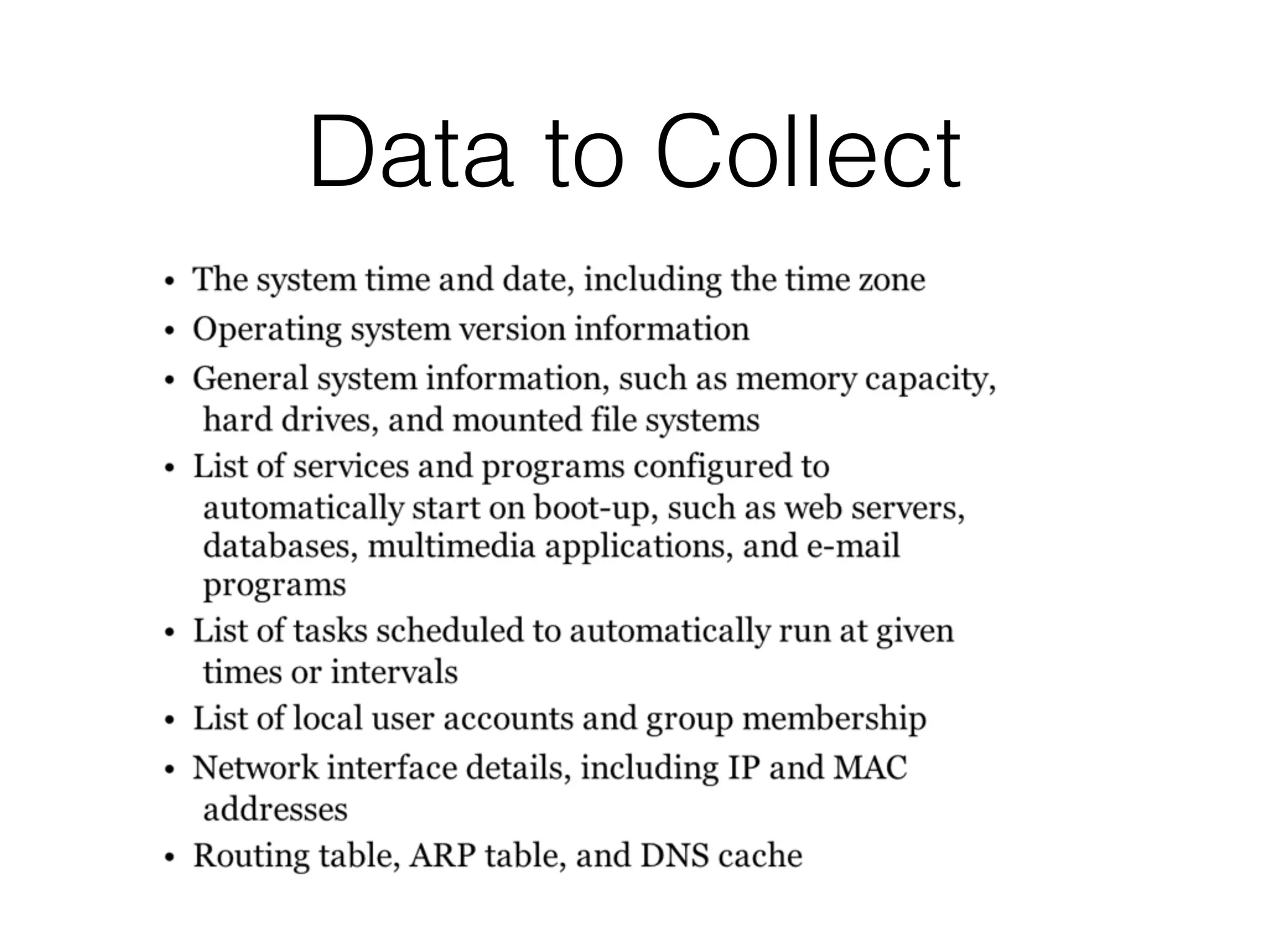
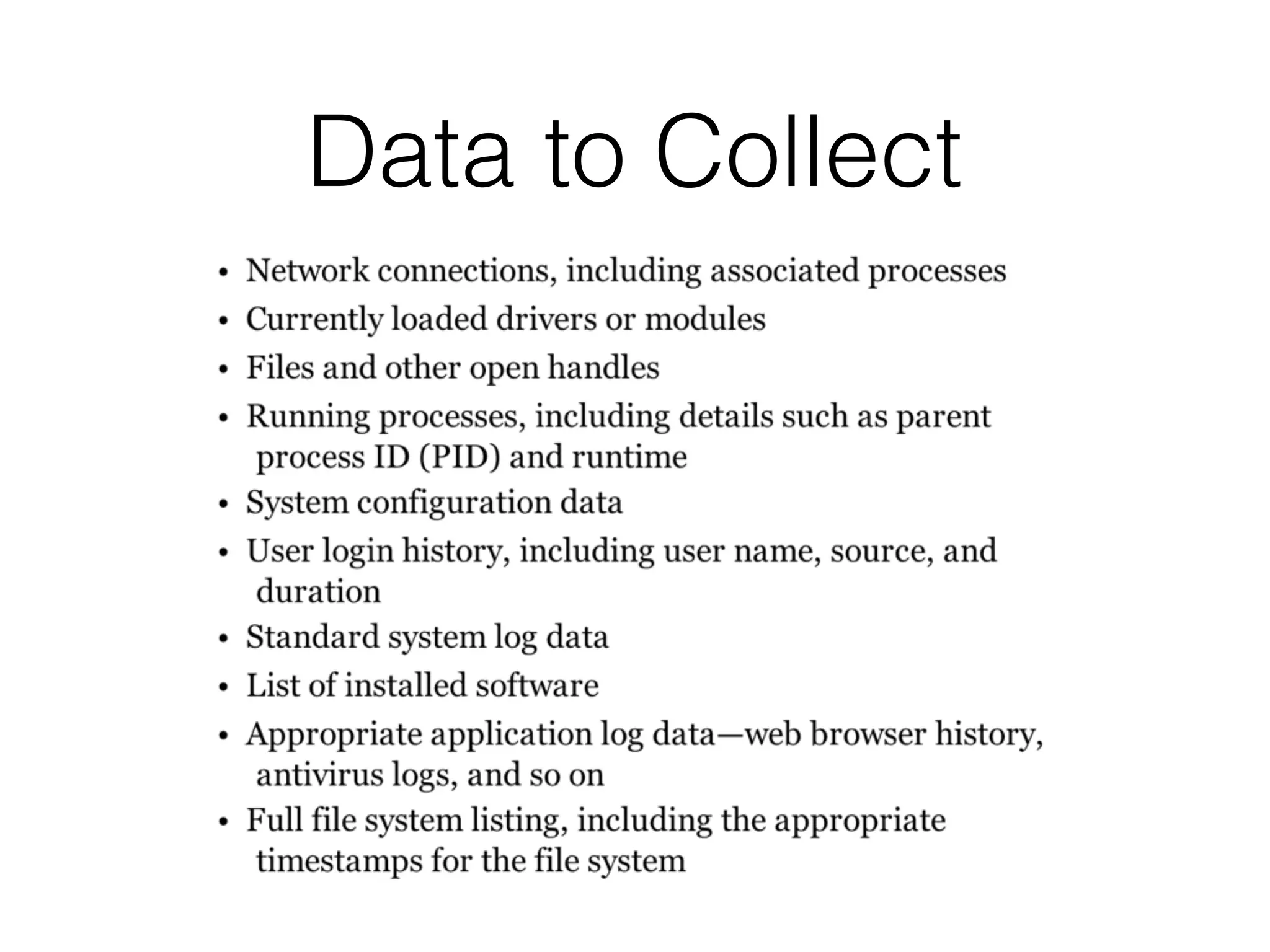
Data to Collect
Data to Collect
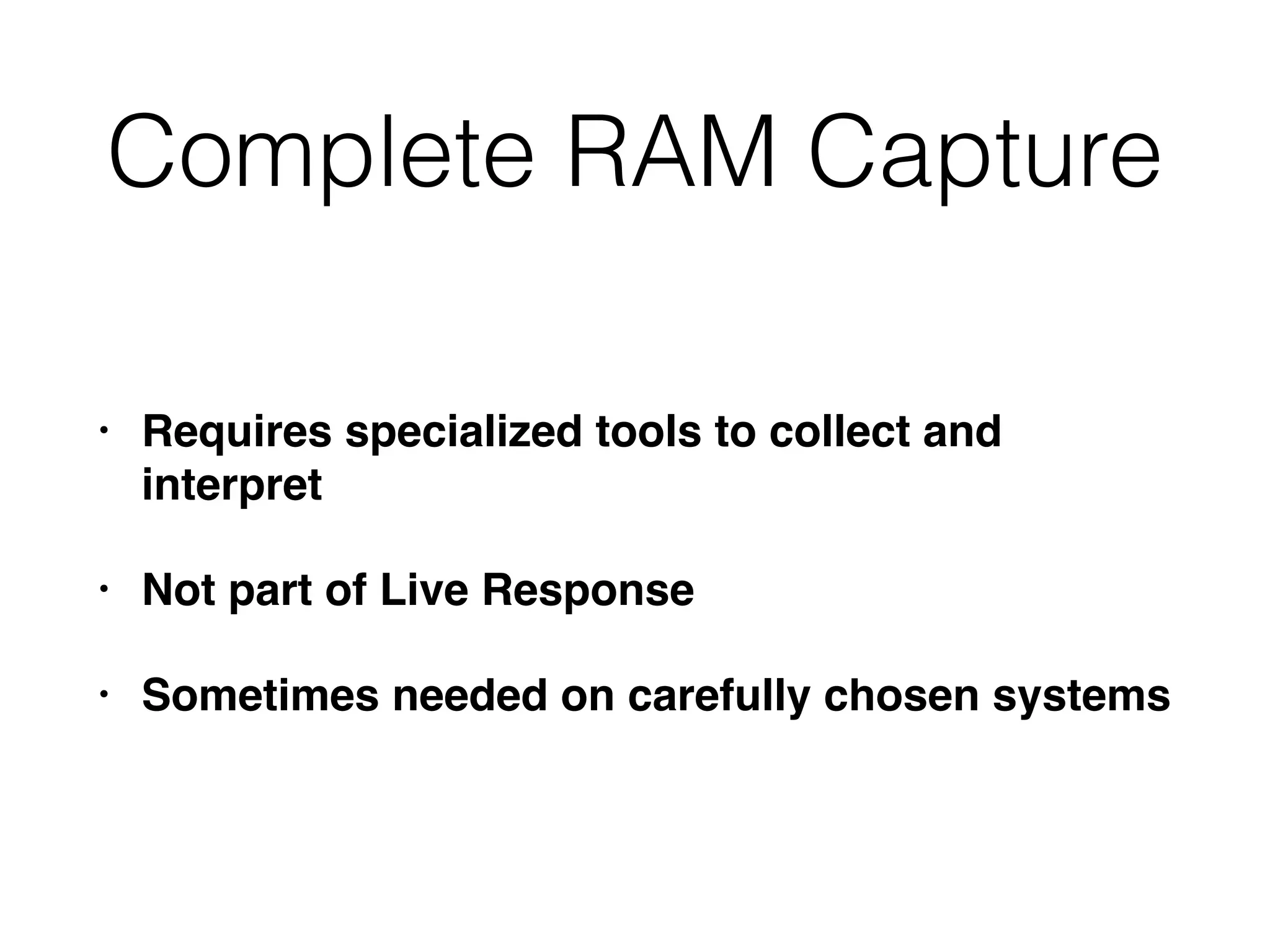
Complete RAM Capture
• Requires specialized tools to collect and
interpret
• Not part of Live Response
• Sometimes needed on carefully chosen systems
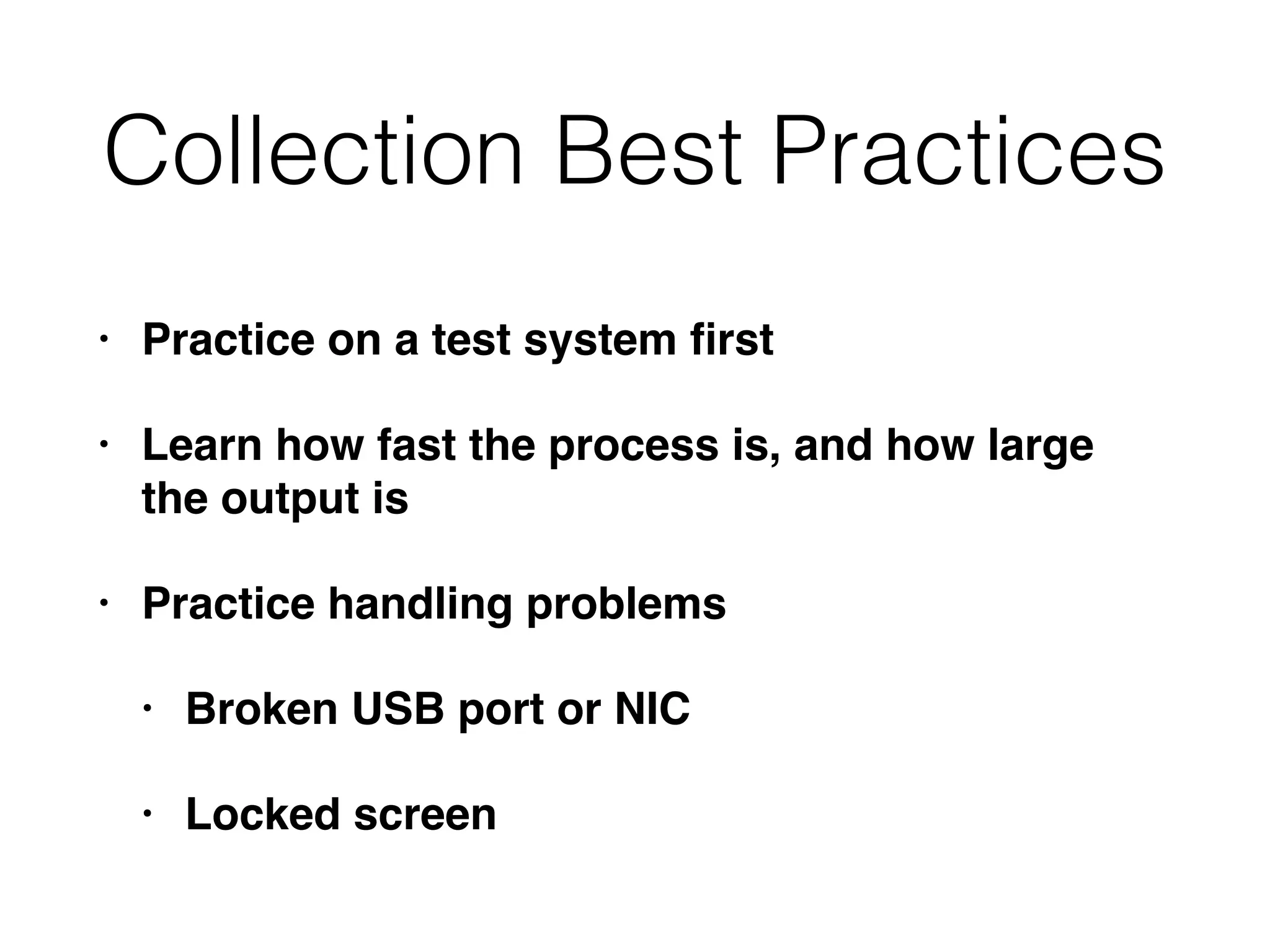
Collection Best Practices
• Practice on a test system first
• Learn how fast the process is, and how large
the output is
• Practice handling problems
• Broken USB port or NIC
• Locked screen
Caution: Malware
• The system you are examining may be infected
with malware
• Any media you connect may become infected
• Any credentials you use may be compromised
Recommended Procedure
Horror Stories:
IR Procedures
• Copy live response toolkit to affected systems,
save collected data back to that same system
including full RAM dump, several gigabytes in
size
• Remotely log in with domain administrator
account, run netstat & Task Manager
• Pull out the plug, image the hard drive
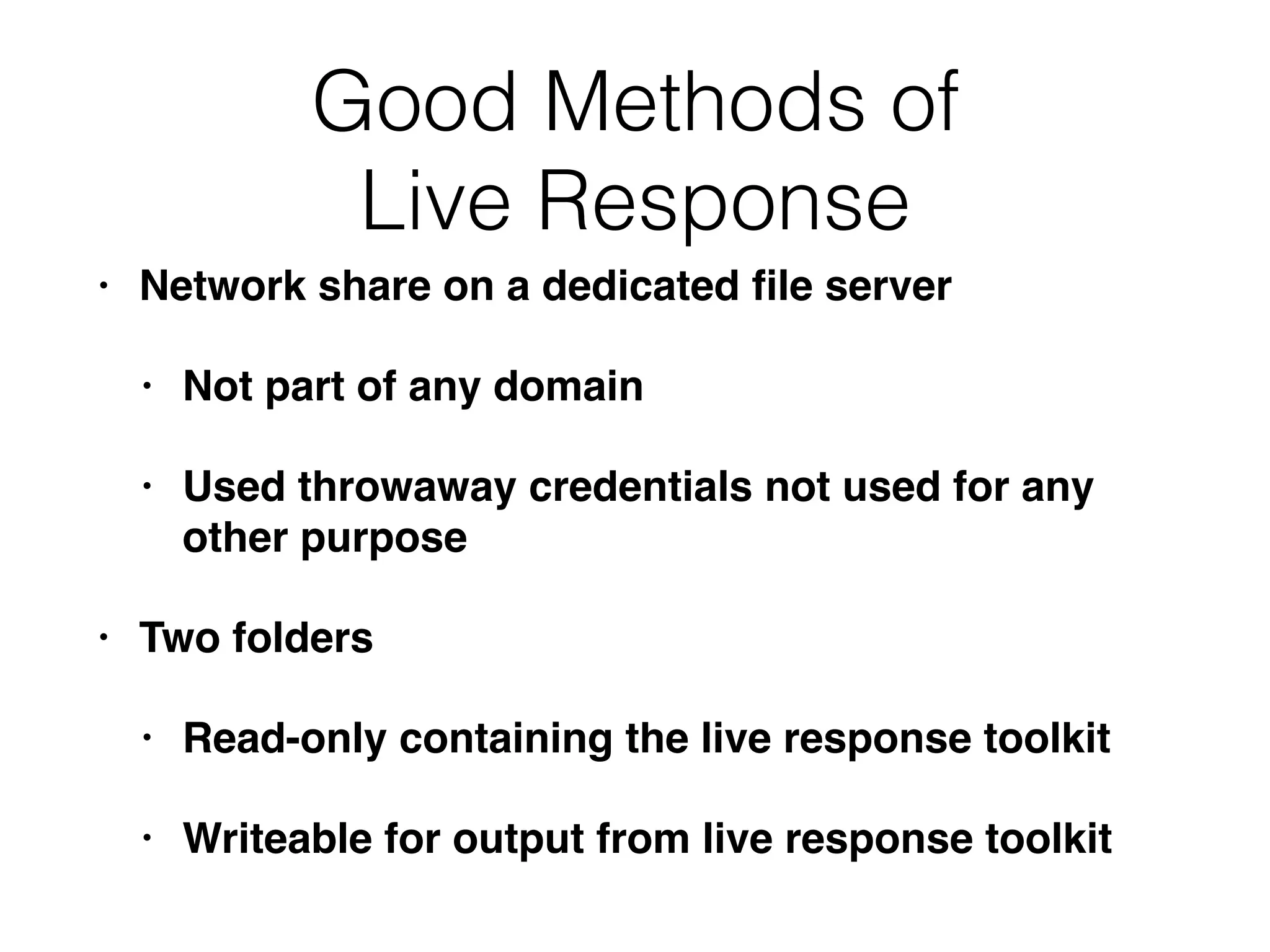
Good Methods of
Live Response
• Network share on a dedicated file server
• Not part of any domain
• Used throwaway credentials not used for any
other purpose
• Two folders
• Read-only containing the live response toolkit
• Writeable for output from live response toolkit
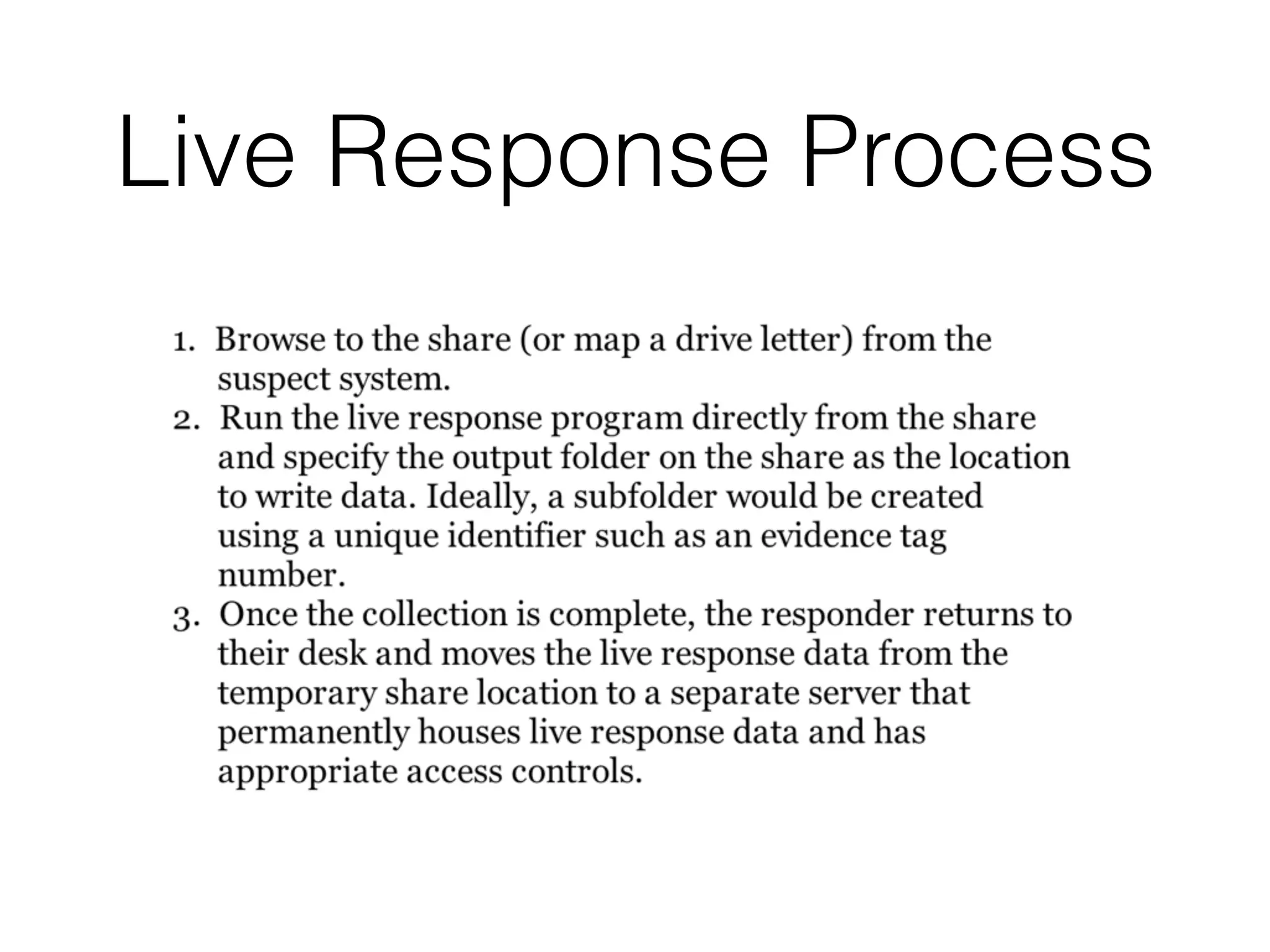
Live Response Process
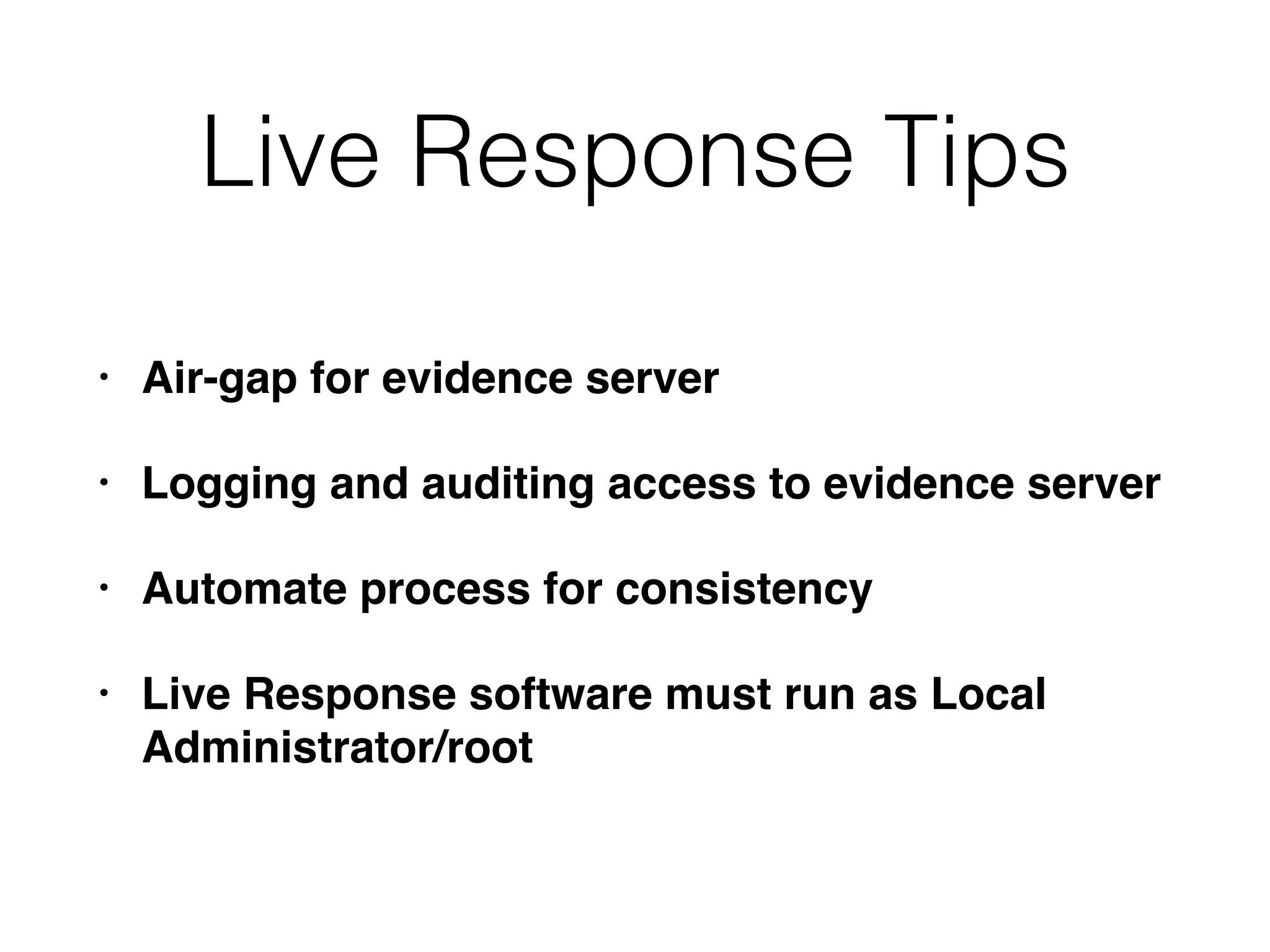
Live Response Tips
• Air-gap for evidence server
• Logging and auditing access to evidence server
• Automate process for consistency
• Live Response software must run as Local
Administrator/root
Media
• Some computers cannot connect external media
• Hardware failure, configuration, etc.
• Common options for running toolkit
• CD-ROM, DVD, network share
• Encrypted network streaming tool like
cryptcat or stunnel to send output to another
system
Unexpected OS
• Cannot run your normal live response toolkit
• If you can't update or modify your toolkit to run
• Perform manual live response
Unexpected OS
• Create a checklist of the automated steps in the
toolkit for a similar OS
• Research command-line options
• Test them on a known clean system, if possible
• Manually perform steps to collect evidence
Automation
• Decreases human error
• Makes processes more consistent and faster
• Helps to prevent bad guys from gathering
intelligence about how you respond to incidents
• Anything you do on the evidence system may
be sent to the bad guys
Live Data Collection on
Microsoft Windows Systems
Three Main Options
• Use a prebuilt kit (Mandiant Redline)
• Create your own
• Use a hybrid of the two
Mandiant Redline
• Install the Redline MSI package on a trusted
workstation
• Create the Redline collector on the trusted
system
• The only step you take on a suspect system is to
run the stand-alone Redline collector batch script
• Automatically saves data to the same location
you ran the script from
Do It Yourself
• Make your own live response toolkit
• Decide what OS to support
• Windows has many versions, and big
differences between 32-bit and 64-bit
• Find tools that collect the information you want
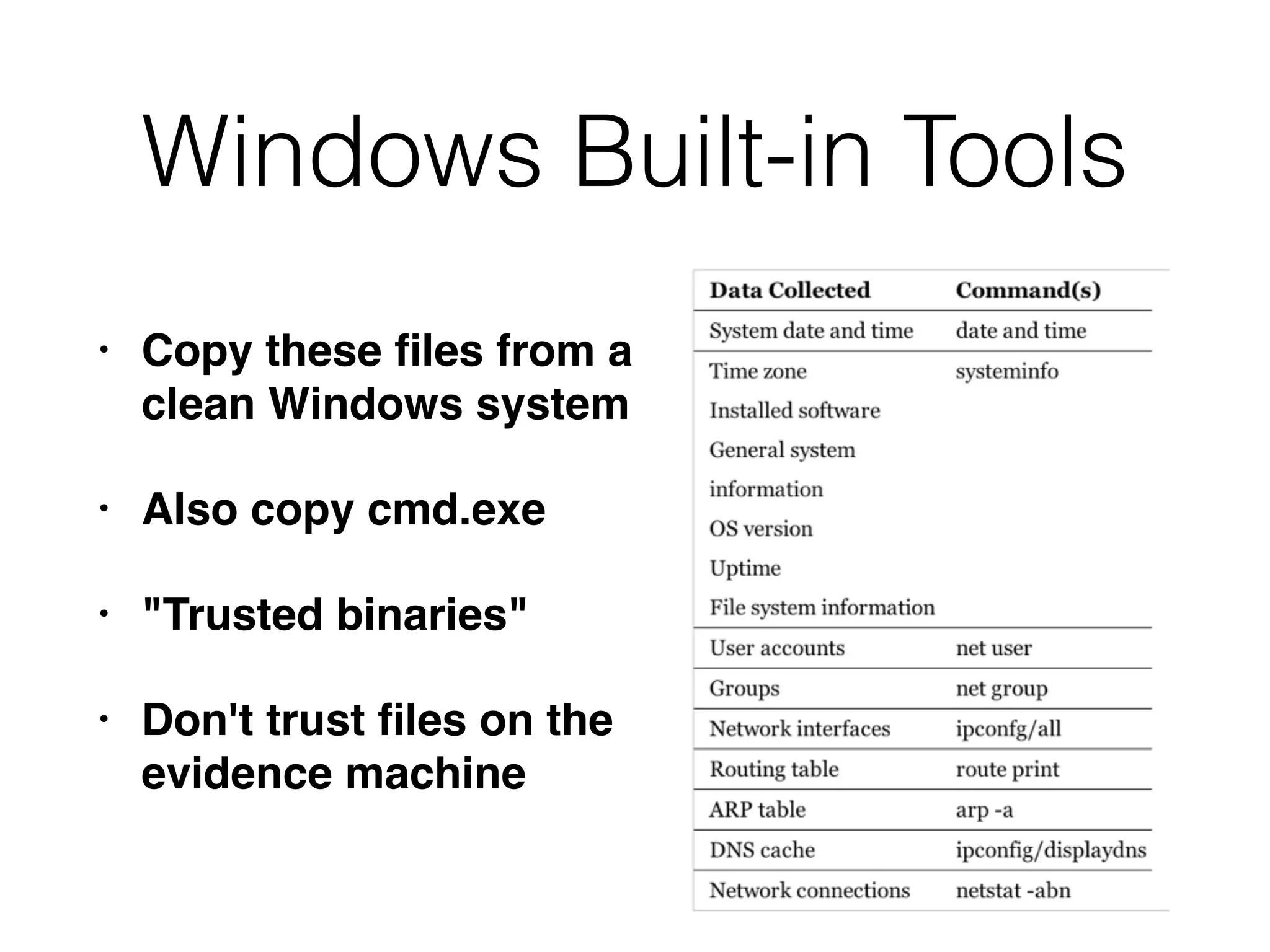
Windows Built-in Tools
• Copy these files from a
clean Windows system
• Also copy cmd.exe
• "Trusted binaries"
• Don't trust files on the
evidence machine
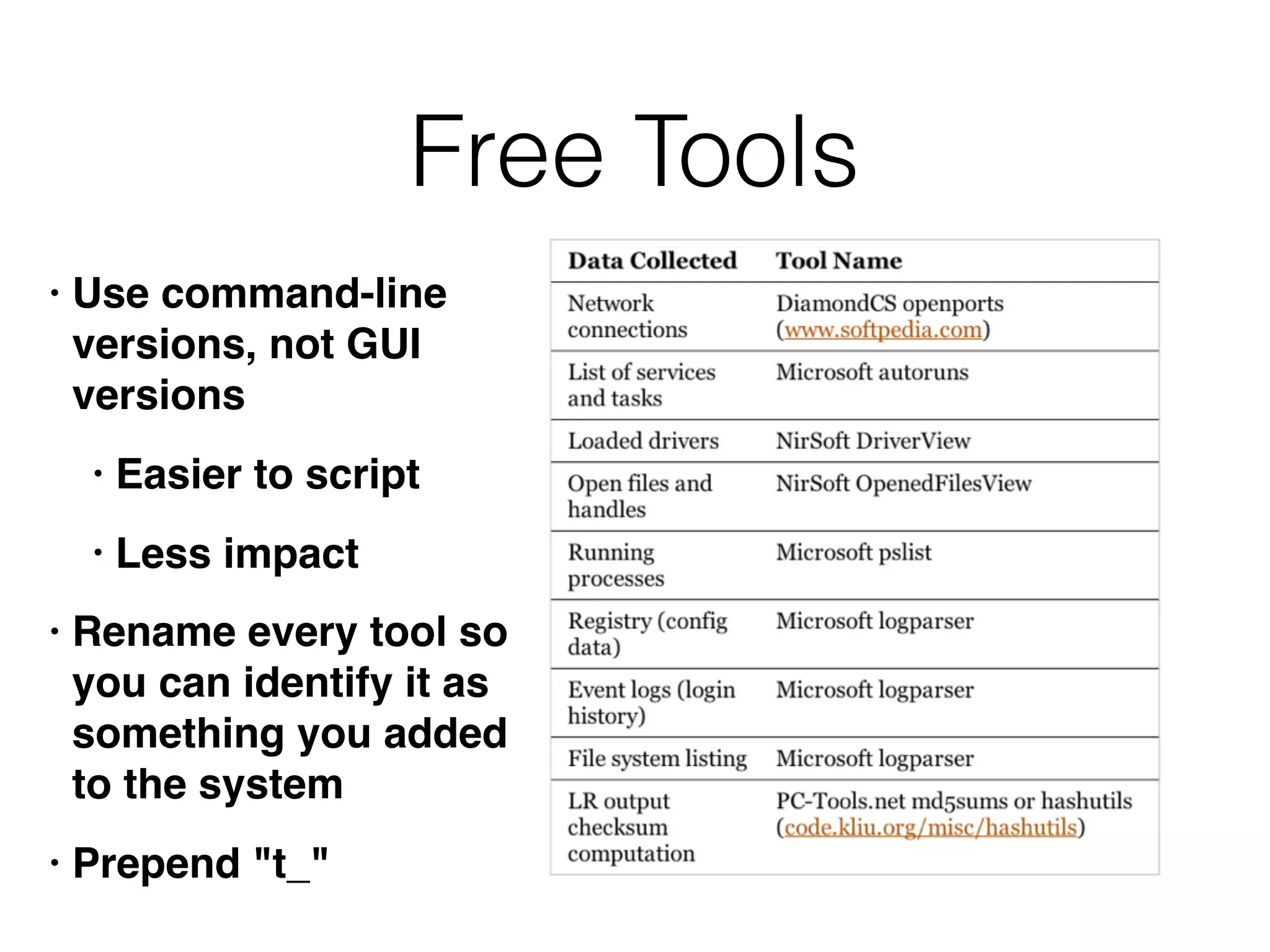
Free Tools
• Use command-line
versions, not GUI
versions
• Easier to script
• Less impact
• Rename every tool so
you can identify it as
something you added
to the system
• Prepend "t_"
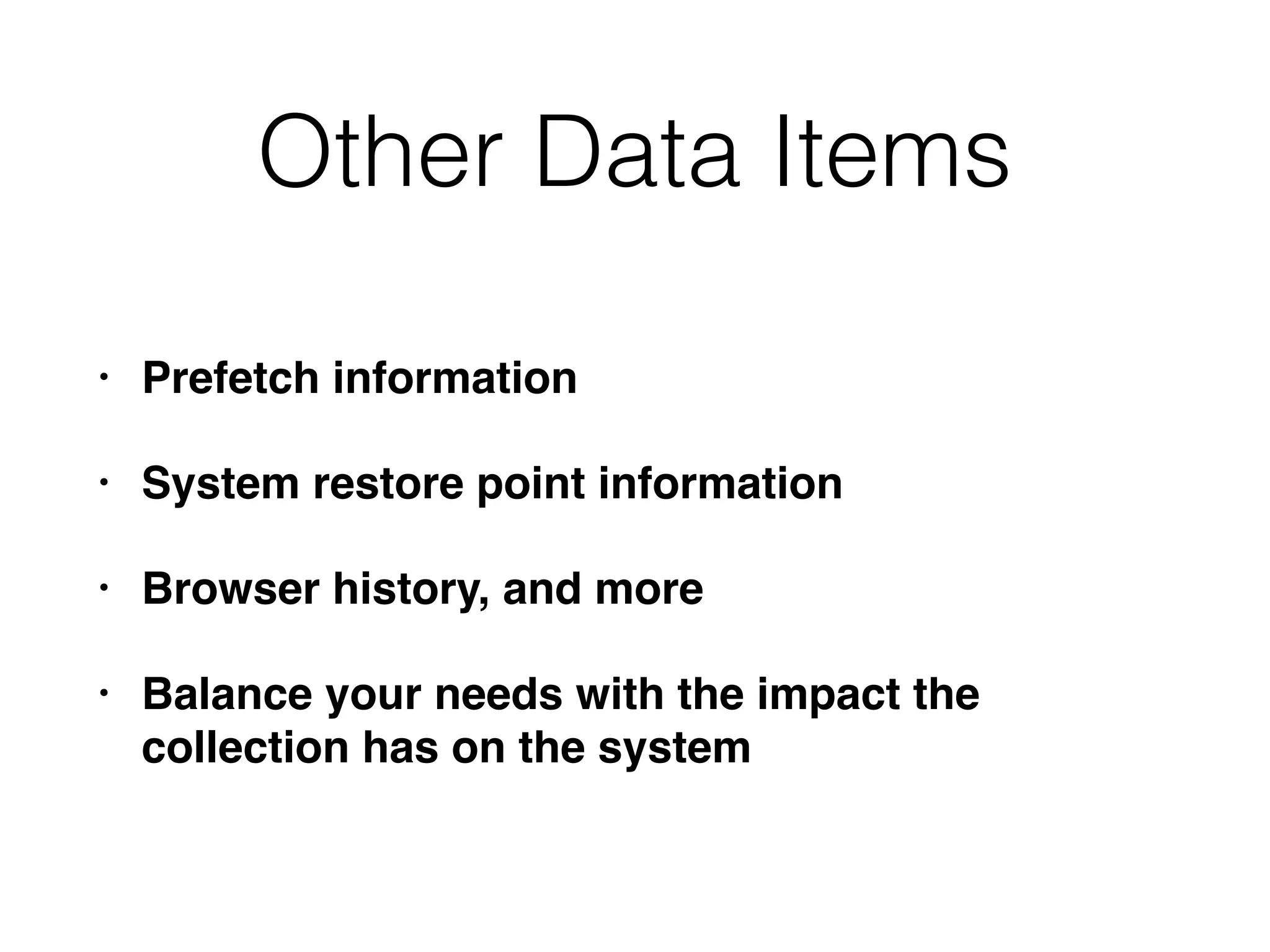
Other Data Items
• Prefetch information
• System restore point information
• Browser history, and more
• Balance your needs with the impact the
collection has on the system
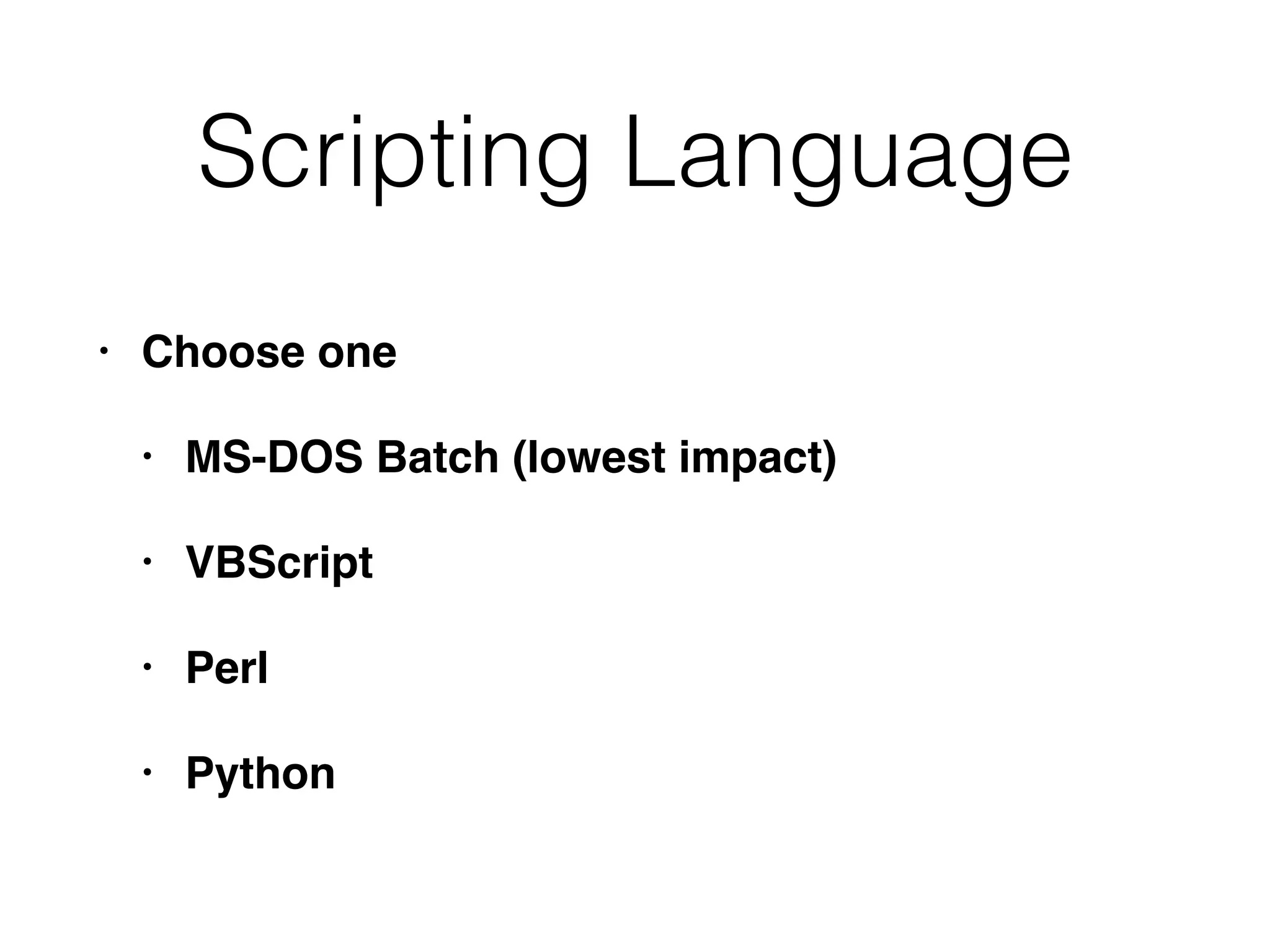
Scripting Language
• Choose one
• MS-DOS Batch (lowest impact)
• VBScript
• Perl
• Python
Scripting Tips
• Add logging and compute a checksum of
collected data
• Be careful with file and directory names
• They may be long or include spaces
• Test your script extensively
• Built a test environment that resembles your
production systems
• Watch for errors and unexpected results
Memory Collection
• Tools for a full memory dump
• AccessData FTK Imager Lite
• Mandiant Memoryze
• Monsools Windows Memory Toolkit
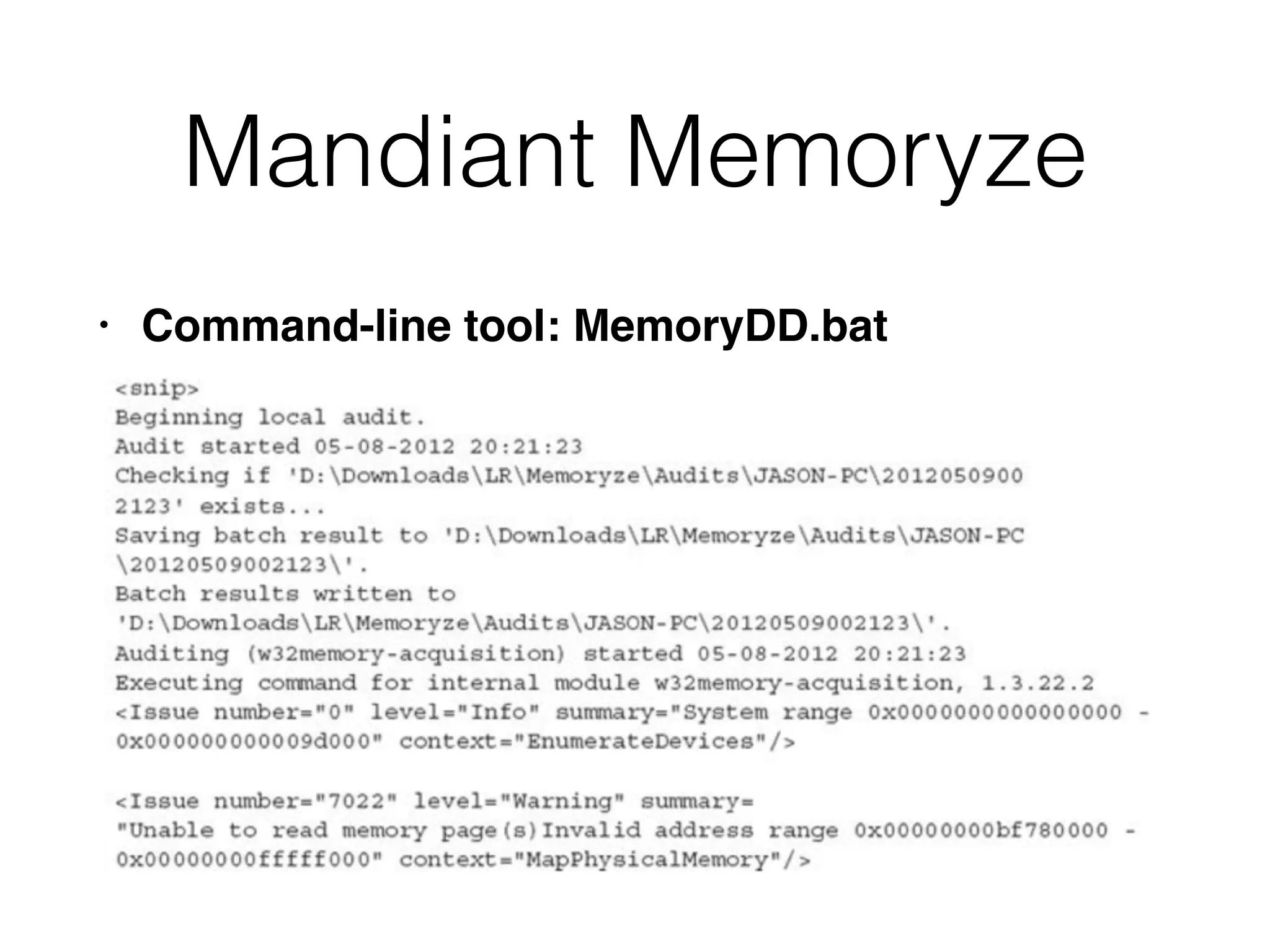
Mandiant Memoryze
• Command-line tool: MemoryDD.bat
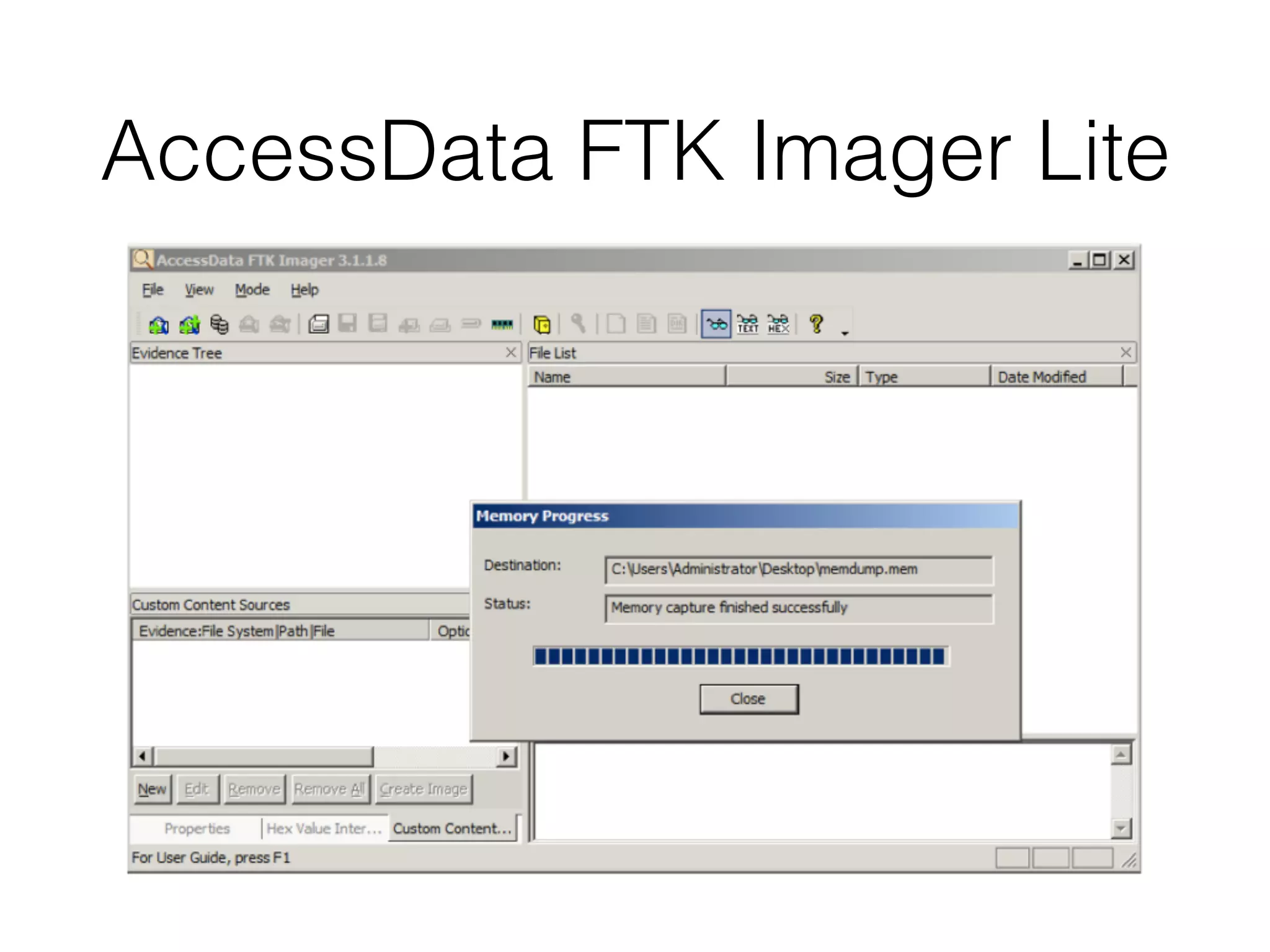
AccessData FTK Imager Lite
Individual Process RAM
Dump
• Tools
• Mandiant Memoryze
• Microsoft userdump
• Microsoft procdump
• Ntsecurity.nu pmdump
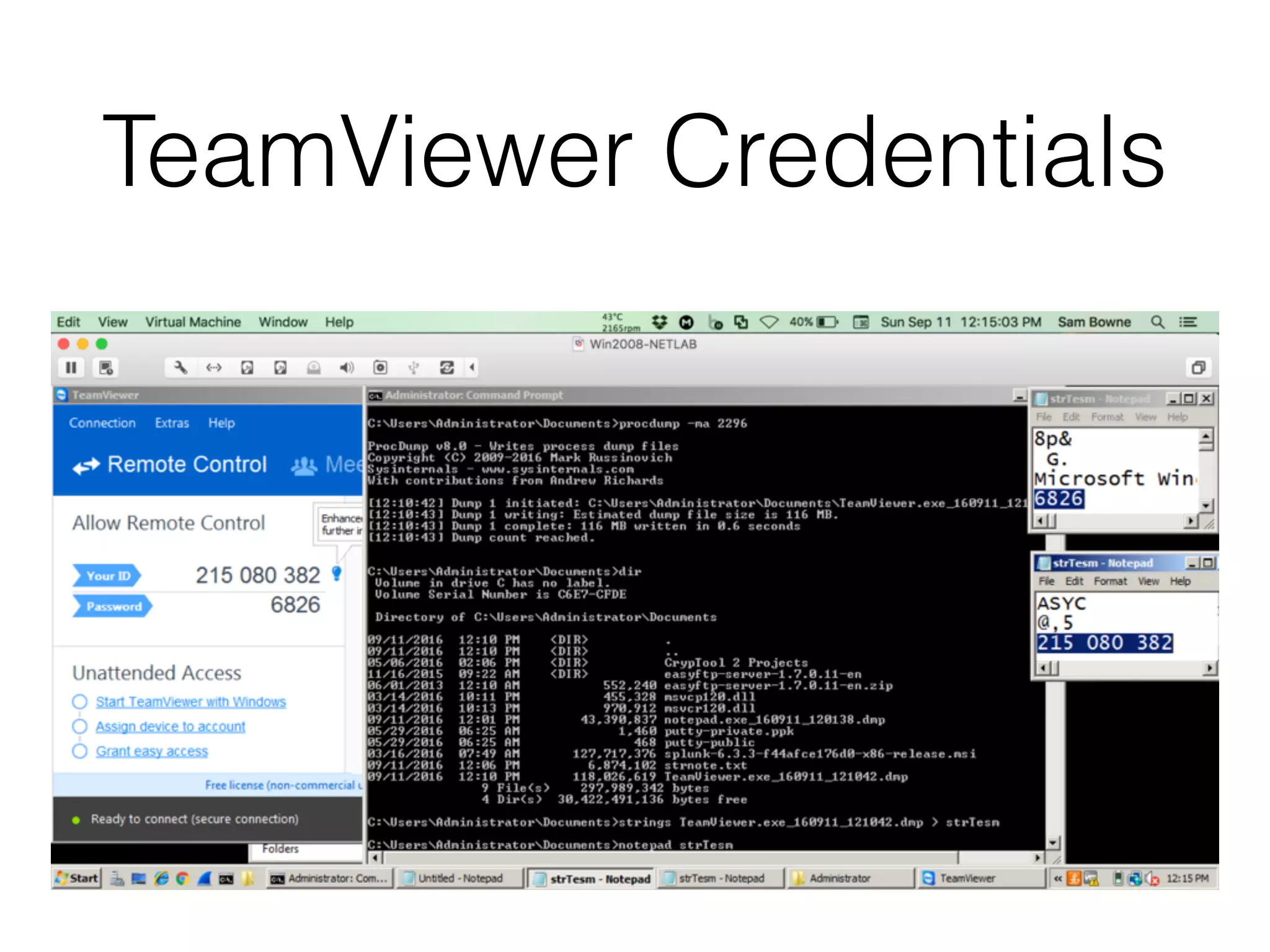
TeamViewer Credentials
Live Data Collection on
Unix-Based Systems
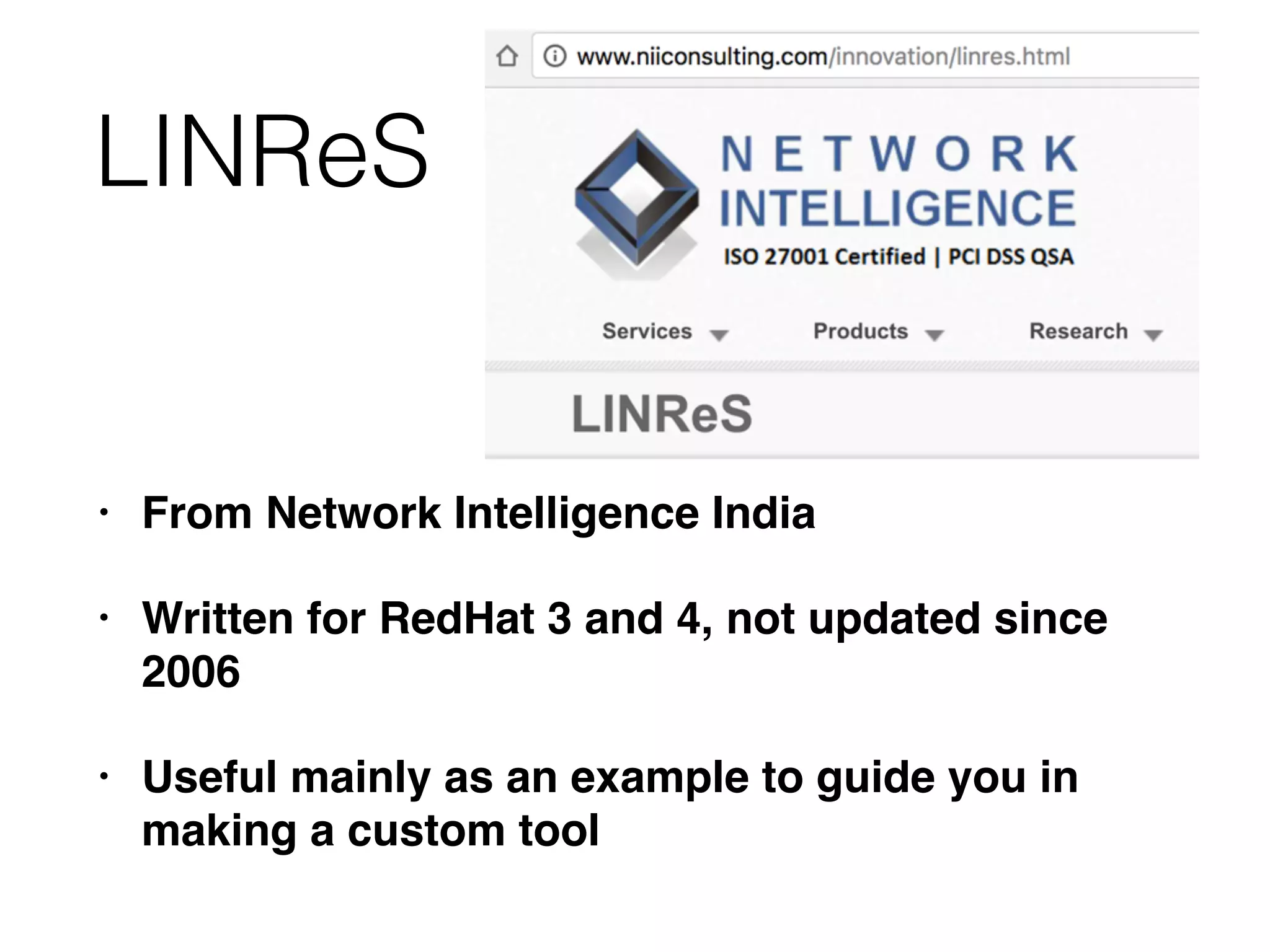
LINReS
• From Network Intelligence India
• Written for RedHat 3 and 4, not updated since
2006
• Useful mainly as an example to guide you in
making a custom tool
Do It Yourself
• Really the only option
• Make some scripts
• Mandiant uses Bourne shell scripts that make
scripts for various Unix/Linux versions
• Requires constant maintenance
Language Choices
• Perl
• Python
• Bourne shell
• BASH (Mandiant uses this)
• others
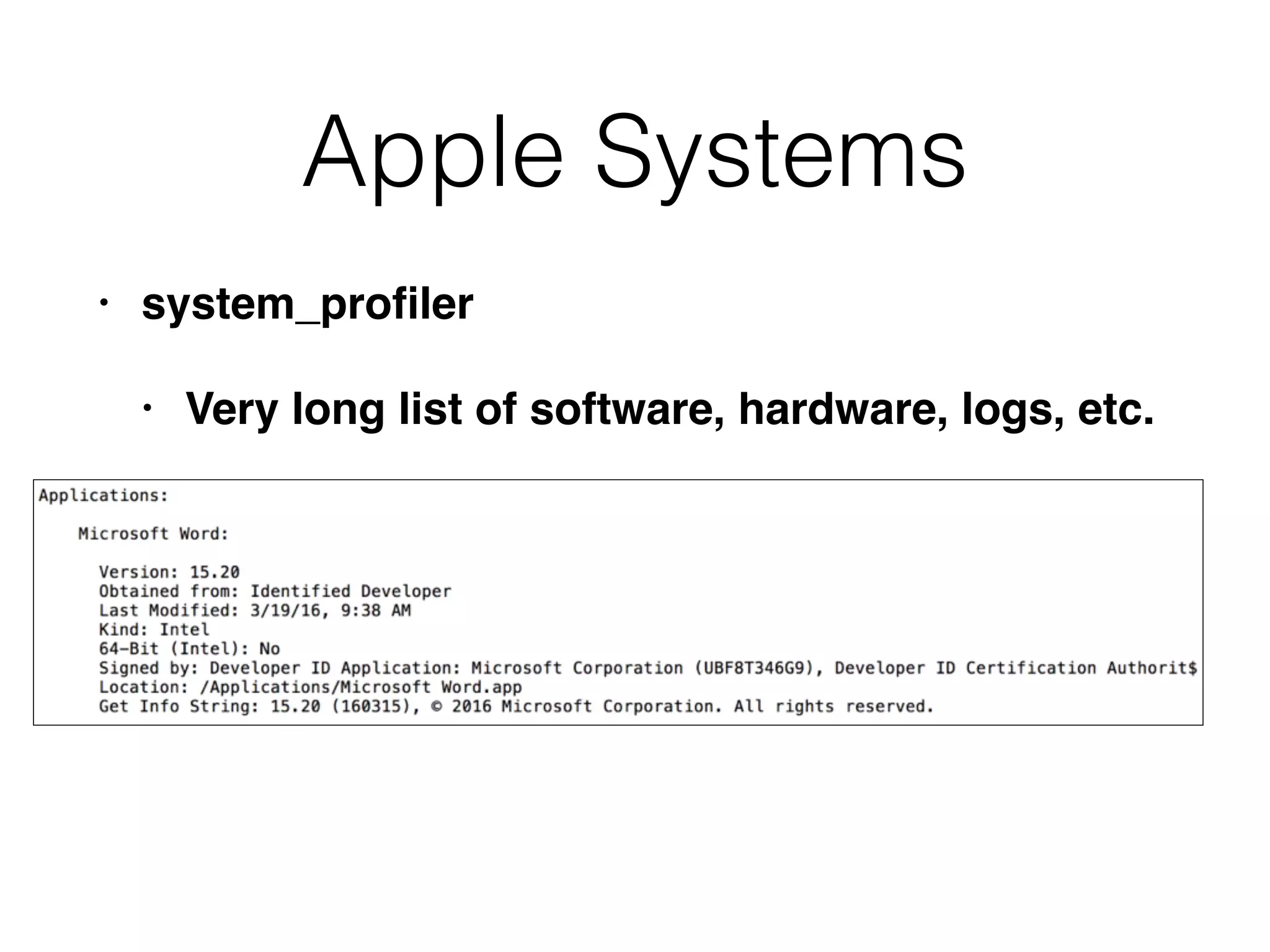
Apple Systems
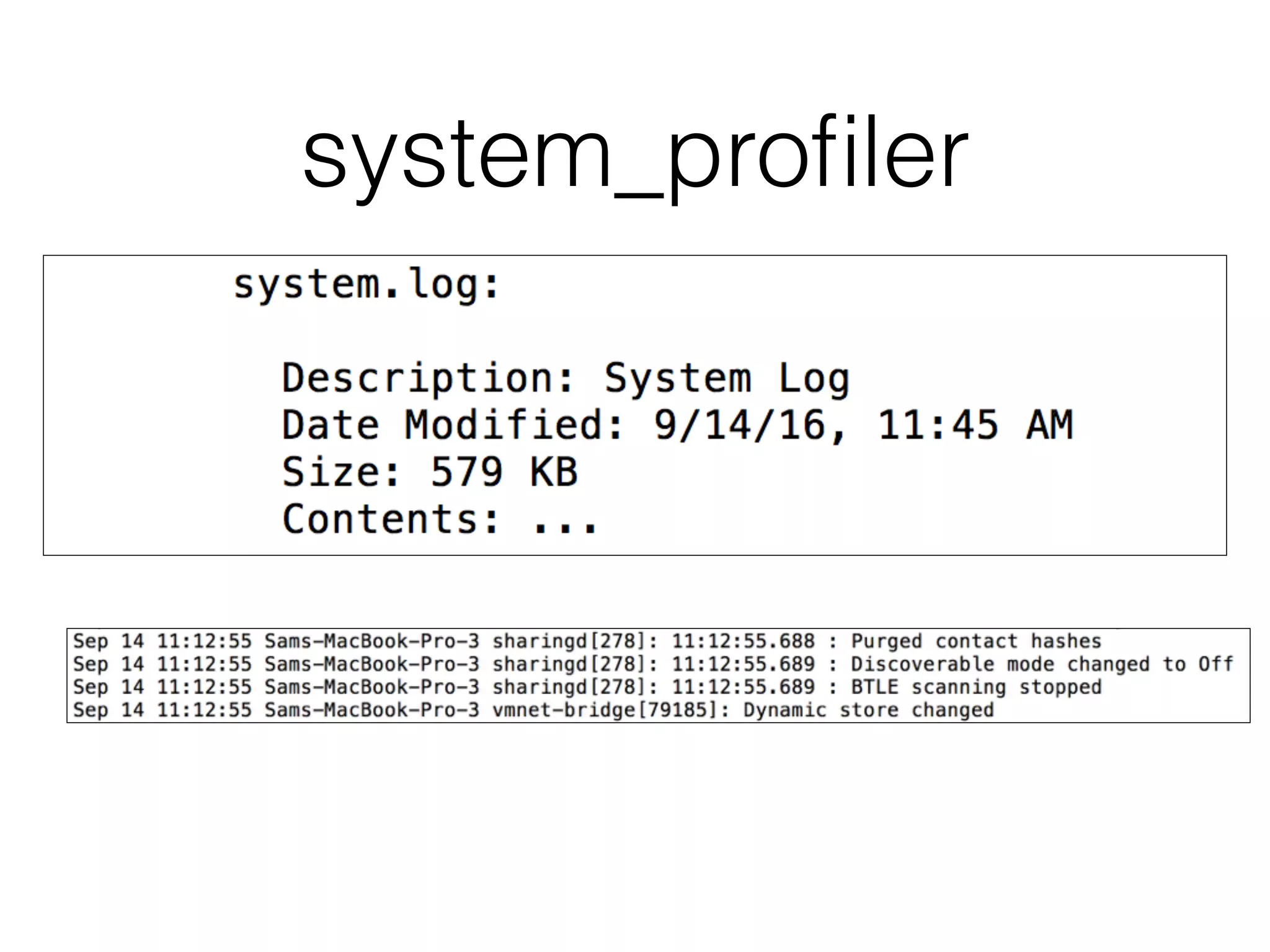
• system_profiler
• Very long list of software, hardware, logs, etc.
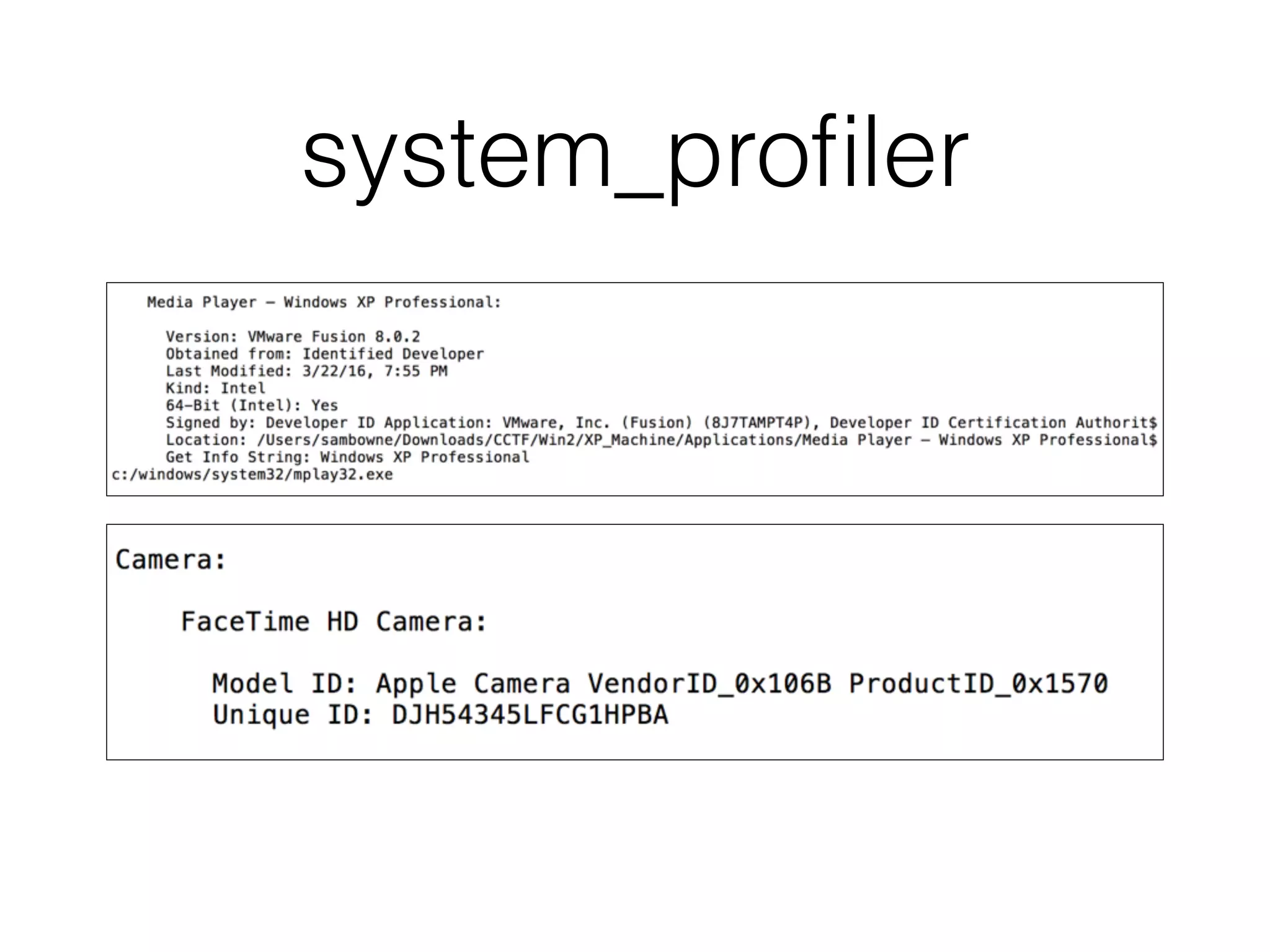
system_profiler
system_profiler
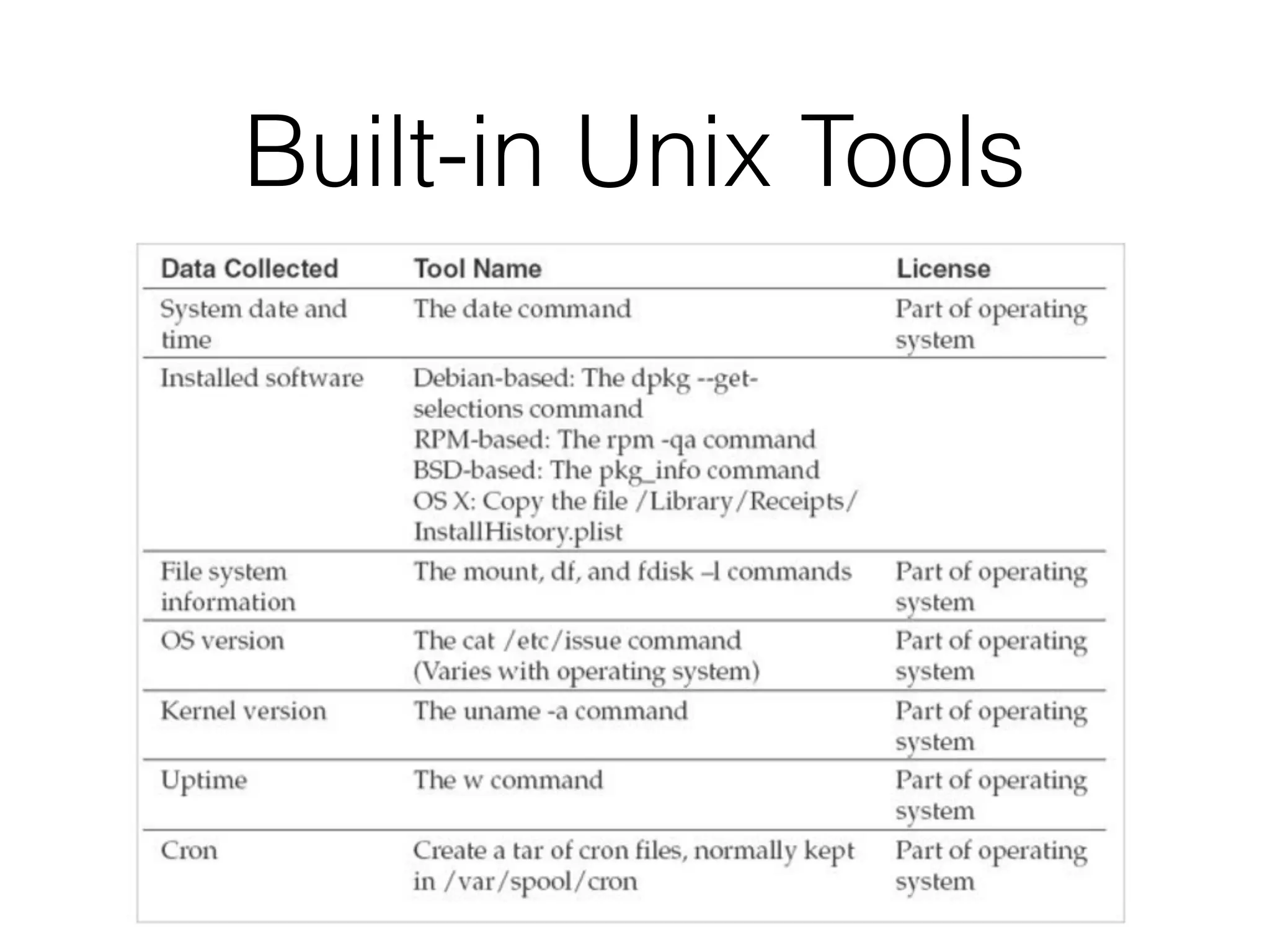
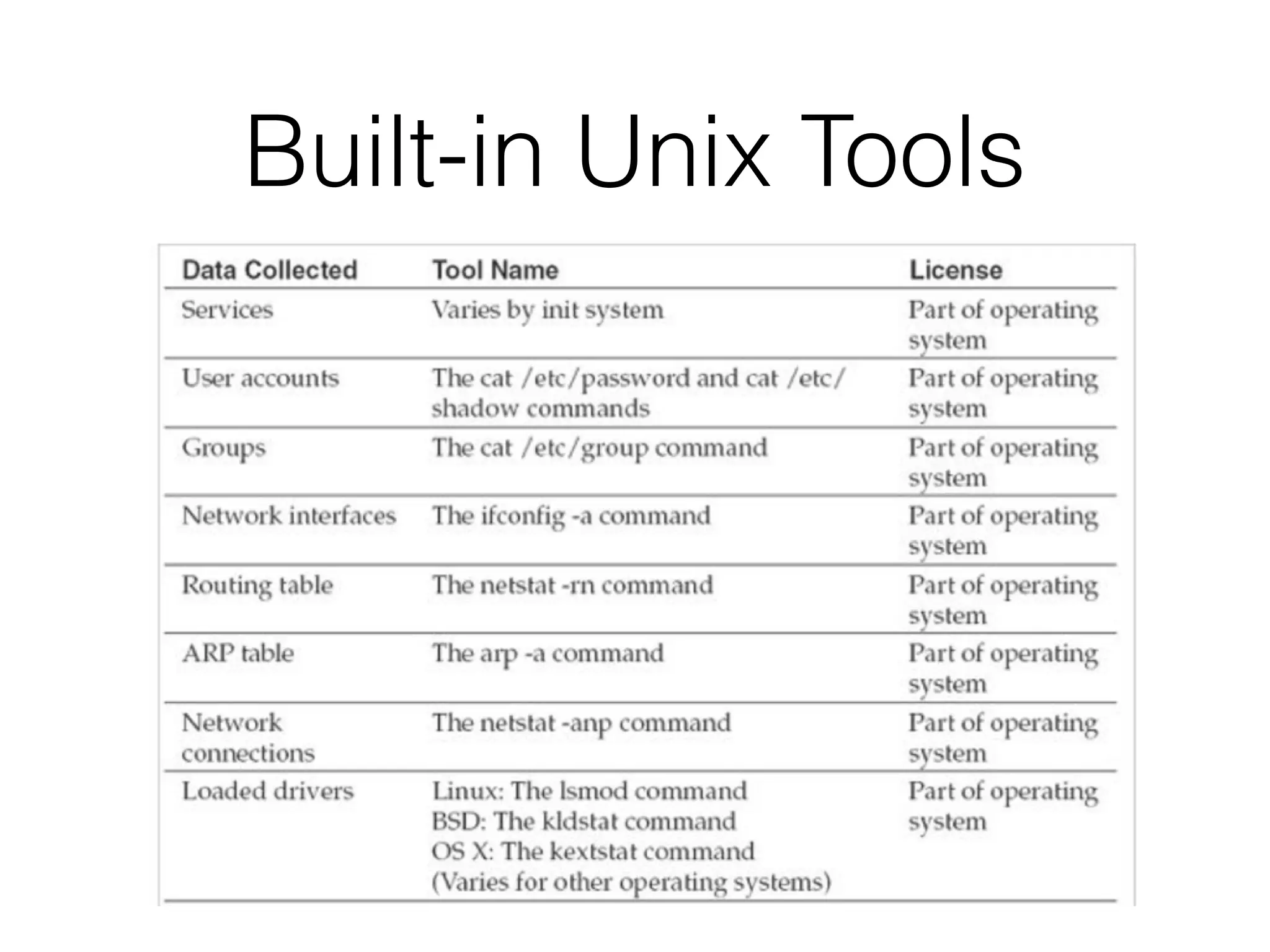
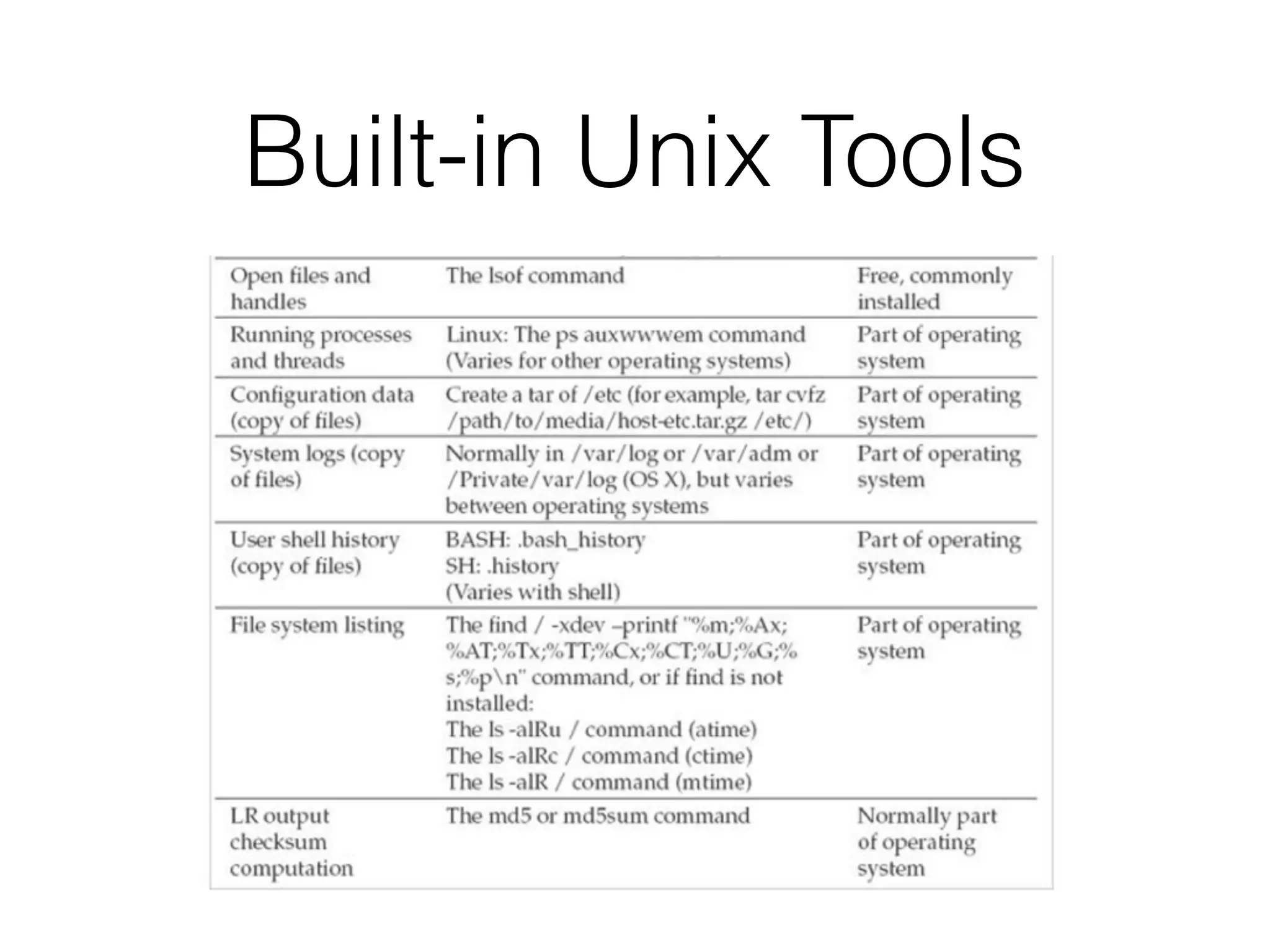
Built-in Unix Tools
Built-in Unix Tools
Built-in Unix Tools
Memory Collection
• The memory device is handled differently in
every version of Unix, BSD, and Linux
• In earlier versions, you could just use dd to
collect RAM through the /dev/mem device
• Direct access to memory os now blocked for
security reasons
• Use LiME – Linux Memory Extractor (link Ch 7c)
Loadable Kernel Modules
• LiME is an LKM
• Must be compiled for the exact kernel version
running on the target system
• No ability to include checksums of the output
• You must do that yourself
Collection from BSD-Based
Kernels
• Use dc3dd or dcfldd to capture contents of 

/dev/mem
• They are like dd but also include checksums
• In recent versions, there's no End Of File mark
in /dev/mem, so you must manually specify how
many bytes to capture
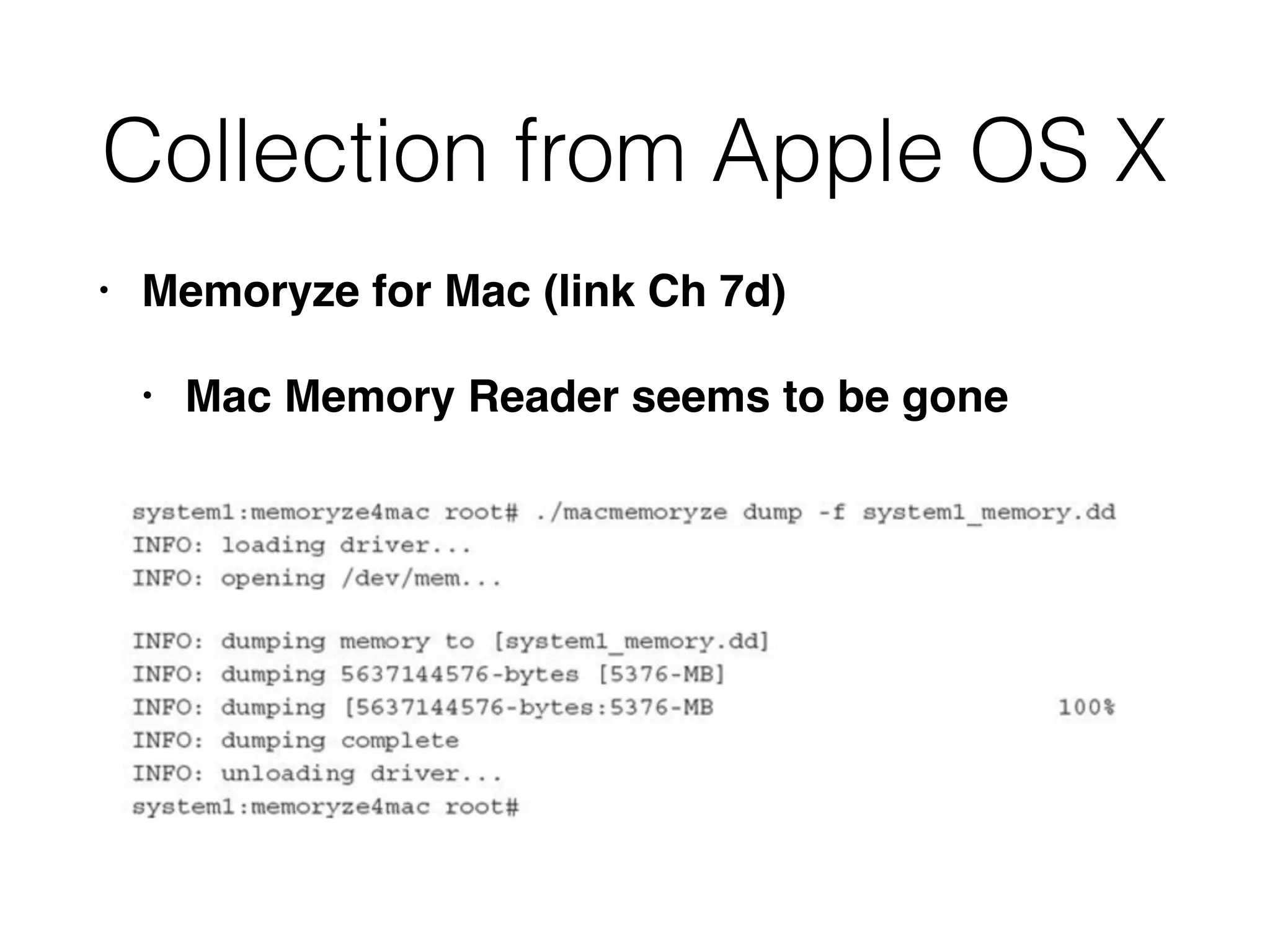
Collection from Apple OS X
• Memoryze for Mac (link Ch 7d)
• Mac Memory Reader seems to be gone
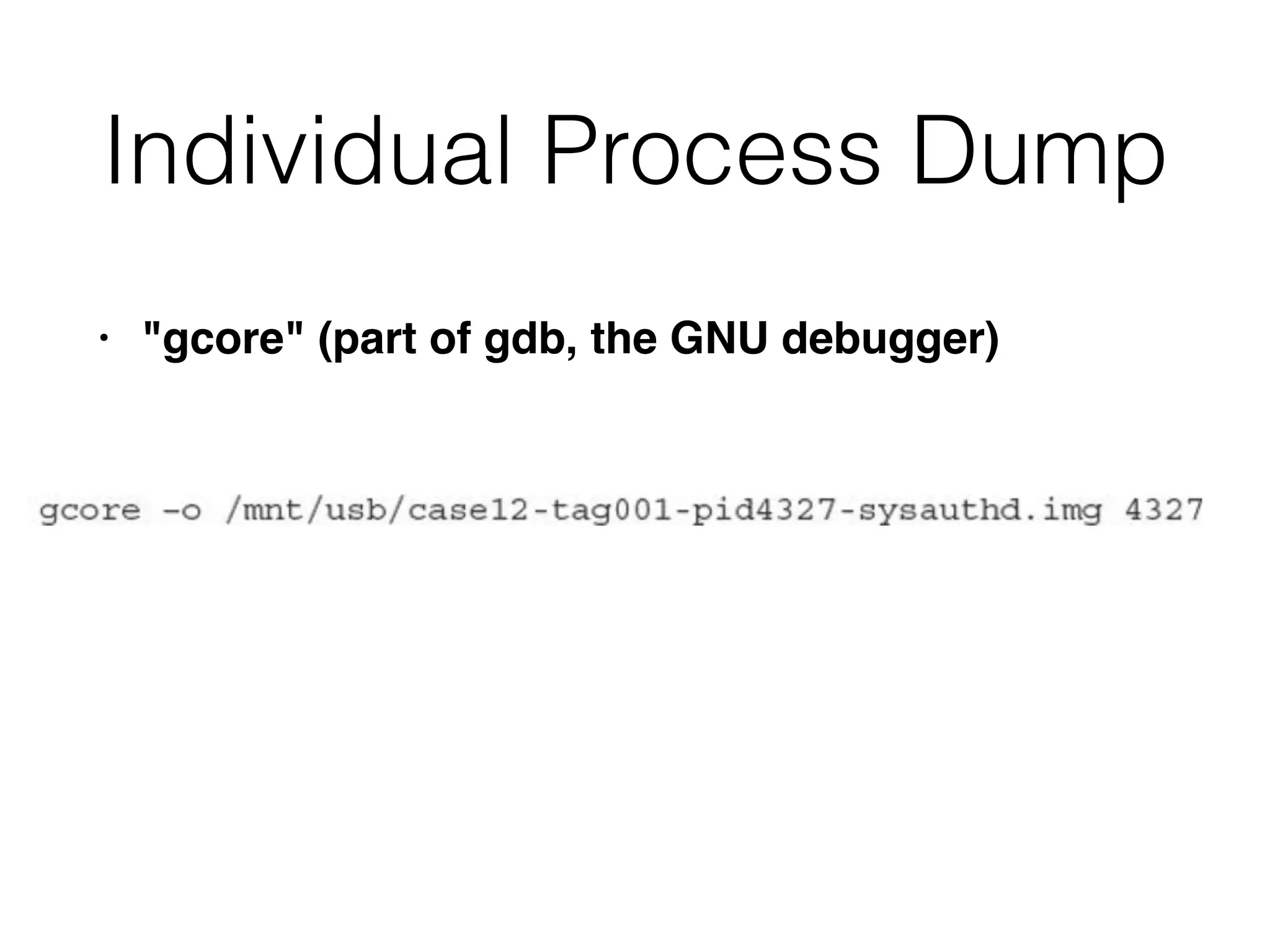
Individual Process Dump
• "gcore" (part of gdb, the GNU debugger)
Live Data Collection on
Microsoft Windows Systems
CNIT 121: 6 Discovering the Scope of the Incident & 7 Live Data Collection

CNIT 121: 6 Discovering the Scope of the Incident & 7 Live Data Collection

  • 1.
  • 2.
    Scope • What didthe attacker do? • Initial detection is usually only part of the story
  • 3.
    Examining Initial Data •Look at original alert • You may notice more than the person who reported it did • Ask about other detection systems and review what they recorded • Network administrators may not think like investigators • Gather context for the detection event
  • 4.
    Preliminary Evidence • Determinewhat sources of preliminary evidence may help • Decide which sources you will actually use • Collect and review the evidence • Identify sources that are easy to analyze, and that quickly provide initial answers
  • 5.
  • 6.
    Indpendent Sources • Firewalllogs don't depend on registry keys, etc. • Multiple independent exvidence sources lead to more reliable conclusions • It's difficult for an attacker to remove or modify evidence from all sources • Less likely that a routine process would overwrite or discard all evidence • Cross-check information, like date and time
  • 7.
    Review • Attacker maybe causing more damage • Test a detection method on one system, or a small date range of log entries • Make sure your detection method is fast and effective
  • 8.
  • 9.
    Data Loss Scenario •Large online retailer • You work in IT security department • Customers are complaining about spam after becoming a new customer
  • 10.
    Finding Something Concrete •Anecdotal customer complaints are inconclusive • Options • Work with customers and review their email • Relability and privacy problems • Create fake customer accounts with unique email addresses
  • 11.
    Fake Accounts • Use64-character random usernames • Unlikely that spammers would guess the usernames • Monitor those accounts
  • 12.
    Preliminary Evidence • Assumingcustomer data is being lost somehow: • Find where customer data is and how it is managed • One internal database on production server • One external database at a third-party marketing firm
  • 13.
  • 14.
  • 15.
    Theories & SimpleTests • Insider • No easy way to test • Modified code on website to capture email addresses • Enter some fake accounts directly into database, bypassing the web form • Someone copying backup tapes • Add some fake accounts to the backups
  • 16.
    Two Weeks Later •Spam comes to the first set of fake accounts • And to the accounts manually entered into the database • Suggests the website is not part of the problem • No spam from the accounts on the backup tape • Backups aren't the source of data loss
  • 17.
    New Theories • Directaccess to the database • Malware on the database server • Accessing it over the network
  • 18.
    Monitoring Queries • Network-levelpacket captures • Expensive, powerful system required • If queries are encrypted, or malware is obfuscating them, it may be hard to decode the traffic • Database-level query monitoring and logging • Most efficient and reliable technique
  • 19.
    Next Steps • Createa few more fake accounts • Talk to database and application administrators • To find out where data is stored • Scan through logs to see what is "normal" • No queries or stored procedures perform a bulk export of email addresses on a daily basis
  • 20.
    Two Weeks Later •New accounts get spam • Retrieve query logs from time accounts created to spam time • For the field "custemail" • A single query is found • SELECT custemail FROM custprofile WHERE signupdate >= "2014-02-16"
  • 21.
    Query Details • Feb17, 2014 at 11:42 am GMT • Originated from IP in graphics arts dept. • Query used an database administrator's username from the IT dept. • Interview reveals that graphics arts dept. has no direct interaction with customers, only outside vendors
  • 22.
  • 23.
  • 24.
  • 25.
    Results from Workstation •Examine images, focusing on actions at the time of the query • Malware found on workstation • Persistent, provides remote shell, remote graphical interface, ability to launch and terminate processes • Connects to a foreign IP • Has been installed for two years • Cannot determine how system was originally compromised
  • 26.
    Final Steps ofInvestigation
  • 27.
    Scoping Gone Wrong •After complaints from customers • Search every computer in the company for unique strings in the customer data, • And files large enough to include all the customer records
  • 28.
    Problems • No evidencethat the stolen data is stored on company servers • No evidence that the data is all being stolen at once in a large file • And even so, it would probably be compressed • Large amount of effort; low chance of success
  • 29.
    Another Unwise Path •Focus on insiders • Who had access and knowledge to steal the customer data • Compile profiles of numerous employees • Review personnel files • Background checks, surveillance softare capturing keystrokes and screen images • Video surveillance installed
  • 30.
    Problems • Leads toa "witch hunt" • Invades privacy of employees • Large effort, small chance of success
  • 31.
    Another Unwise Path •Because the data resides on the database server • Image and analyze RAM from the database server to hunt for malware • Because the hard drives are massive and too large to investigate easily
  • 32.
    Problems • Once again,they have jumped to a conclusion • And ignored other possibilities • Large effort, low chance of success
  • 33.
    Scenario 2: Automated ClearingHouse Fraud • Bank called the CEO--they blocked an ACH transfer of $183,642.73 • To an account that was never used before • Flagged by their fraud prevention system • Transfer from CFO's account, but he says he never authorized it
  • 34.
  • 35.
    Preliminary Evidence • Firewall •Two weeks of logs • Examine this first • CFO's laptop computer • Live resonse, RAM, hard drive • But maybe other computers are involved
  • 36.
    Firewall Logs • Looknear the time the unauthorized transfer occurred (4:37 pm) • See who logged in prior to that • Two computers logged in via HTTPS, making a number of connections between 4:10 pm and 4:48 pm • From two IPs -- one is CFO's, other not immediately recognized
  • 37.
    Two Immediate Tasks •Gather complete forensic evidence from CFO's computer • Live response, RAM, and hard disk • Because evidence is being lost as time passes • Track down the other IP address and decide what action is appropriate
  • 38.
    DHCP Logs • Searchfor the time in question • Get MAC address from DHCP logs • It's the MAC of the CFO's laptop!
  • 39.
  • 40.
  • 41.
  • 42.
    Open Office Space •CFO's office is in clear view of other workers • It's unlikely that someone could go into it unobserved
  • 43.
    CFO's Computer • Recentlyinstalled persistent executable • Send it to a third-party analysis site • It's a variant of the Zeus banking malware
  • 44.
    Final Steps ofInvestigation
  • 45.
    Scoping Gone Wrong •There are no recent antivirus or IDS alerts • So you believe the security issue must be at the bank • Tell the bank to find the attacker and put them in jail
  • 46.
    Problems • No attemptto validate the bank's original data • Company assumes that existing network security measures would detect a problem, if there was one • Assumption that a third-party can help you • While you wait, data on company systems is lost
  • 47.
    Another Unwise Path •CEO believes that security measures are in place to prevent malware, so the CFO must have initiated the transfer • The CEO wants you to investigate the CFO and avoid tipping him (or her) off
  • 48.
    Problem • No securitymeasures are perfect, not even two- factor authentication • Also, that sort of investigation is outside your expertise, and should be referred to an outside contractor
  • 49.
  • 50.
    Purpose of LiveCollection • Preserve volatile evidence that will further the investigation • Also collect log files and file listings • Get answers quickly • Minimize changes to the system • Avoid disrupting business, causing crashes, or destroying evidence
  • 51.
    When to PerformLive Response
  • 52.
    Risks of LiveResponse
  • 53.
    Altering the Evidence •All live response changes the system • Purists don't like it • But the alternative is to lose all volatile data and get only a disk image • You can minimize changes, but not eliminate them
  • 54.
    Selecting a LiveResponse Tool • Homegrown Microsoft DOS batch script (or bash) • Perl-based script • There are specialized live-response products, free and commercial
  • 55.
    Factors to Consider •Is the tool generally accepted in the forensic community? • Does the solution address the common operating systems in your environment? • Tools that use OS commands should contain known good copies of those commands, not trust the local commands on the suspect system
  • 56.
    Factors to Consider •Does the solution collect data that is important to have, in your environment? • How long does a collection take? • Recommended: less than an hour per system • Is the system configurable? • Is the output easily reviewed and understood?
  • 57.
    What to Collect •Current running state of the system • Network connections • Running Processes • What happened in the past • File listings, system logs • Usually a higher priority
  • 58.
    The Deep End •Some oranizations always collect entire RAM contents, or hard disk images • Don't collect data that you can't effectively use or understand • Collect data you can really use to quickly determine the impact of the incident
  • 59.
  • 60.
  • 61.
    Complete RAM Capture •Requires specialized tools to collect and interpret • Not part of Live Response • Sometimes needed on carefully chosen systems
  • 62.
    Collection Best Practices •Practice on a test system first • Learn how fast the process is, and how large the output is • Practice handling problems • Broken USB port or NIC • Locked screen
  • 63.
    Caution: Malware • Thesystem you are examining may be infected with malware • Any media you connect may become infected • Any credentials you use may be compromised
  • 64.
  • 65.
  • 66.
  • 67.
    Horror Stories: IR Procedures •Copy live response toolkit to affected systems, save collected data back to that same system including full RAM dump, several gigabytes in size • Remotely log in with domain administrator account, run netstat & Task Manager • Pull out the plug, image the hard drive
  • 68.
    Good Methods of LiveResponse • Network share on a dedicated file server • Not part of any domain • Used throwaway credentials not used for any other purpose • Two folders • Read-only containing the live response toolkit • Writeable for output from live response toolkit
  • 69.
  • 70.
    Live Response Tips •Air-gap for evidence server • Logging and auditing access to evidence server • Automate process for consistency • Live Response software must run as Local Administrator/root
  • 71.
    Media • Some computerscannot connect external media • Hardware failure, configuration, etc. • Common options for running toolkit • CD-ROM, DVD, network share • Encrypted network streaming tool like cryptcat or stunnel to send output to another system
  • 72.
    Unexpected OS • Cannotrun your normal live response toolkit • If you can't update or modify your toolkit to run • Perform manual live response
  • 73.
    Unexpected OS • Createa checklist of the automated steps in the toolkit for a similar OS • Research command-line options • Test them on a known clean system, if possible • Manually perform steps to collect evidence
  • 74.
    Automation • Decreases humanerror • Makes processes more consistent and faster • Helps to prevent bad guys from gathering intelligence about how you respond to incidents • Anything you do on the evidence system may be sent to the bad guys
  • 75.
    Live Data Collectionon Microsoft Windows Systems
  • 76.
    Three Main Options •Use a prebuilt kit (Mandiant Redline) • Create your own • Use a hybrid of the two
  • 77.
    Mandiant Redline • Installthe Redline MSI package on a trusted workstation • Create the Redline collector on the trusted system • The only step you take on a suspect system is to run the stand-alone Redline collector batch script • Automatically saves data to the same location you ran the script from
  • 78.
    Do It Yourself •Make your own live response toolkit • Decide what OS to support • Windows has many versions, and big differences between 32-bit and 64-bit • Find tools that collect the information you want
  • 79.
    Windows Built-in Tools •Copy these files from a clean Windows system • Also copy cmd.exe • "Trusted binaries" • Don't trust files on the evidence machine
  • 80.
    Free Tools • Usecommand-line versions, not GUI versions • Easier to script • Less impact • Rename every tool so you can identify it as something you added to the system • Prepend "t_"
  • 81.
    Other Data Items •Prefetch information • System restore point information • Browser history, and more • Balance your needs with the impact the collection has on the system
  • 82.
    Scripting Language • Chooseone • MS-DOS Batch (lowest impact) • VBScript • Perl • Python
  • 83.
    Scripting Tips • Addlogging and compute a checksum of collected data • Be careful with file and directory names • They may be long or include spaces • Test your script extensively • Built a test environment that resembles your production systems • Watch for errors and unexpected results
  • 84.
    Memory Collection • Toolsfor a full memory dump • AccessData FTK Imager Lite • Mandiant Memoryze • Monsools Windows Memory Toolkit
  • 85.
  • 86.
  • 87.
    Individual Process RAM Dump •Tools • Mandiant Memoryze • Microsoft userdump • Microsoft procdump • Ntsecurity.nu pmdump
  • 88.
  • 89.
    Live Data Collectionon Unix-Based Systems
  • 90.
    LINReS • From NetworkIntelligence India • Written for RedHat 3 and 4, not updated since 2006 • Useful mainly as an example to guide you in making a custom tool
  • 91.
    Do It Yourself •Really the only option • Make some scripts • Mandiant uses Bourne shell scripts that make scripts for various Unix/Linux versions • Requires constant maintenance
  • 92.
    Language Choices • Perl •Python • Bourne shell • BASH (Mandiant uses this) • others
  • 93.
    Apple Systems • system_profiler •Very long list of software, hardware, logs, etc.
  • 94.
  • 95.
  • 96.
  • 97.
  • 98.
  • 99.
    Memory Collection • Thememory device is handled differently in every version of Unix, BSD, and Linux • In earlier versions, you could just use dd to collect RAM through the /dev/mem device • Direct access to memory os now blocked for security reasons • Use LiME – Linux Memory Extractor (link Ch 7c)
  • 100.
    Loadable Kernel Modules •LiME is an LKM • Must be compiled for the exact kernel version running on the target system • No ability to include checksums of the output • You must do that yourself
  • 101.
    Collection from BSD-Based Kernels •Use dc3dd or dcfldd to capture contents of 
 /dev/mem • They are like dd but also include checksums • In recent versions, there's no End Of File mark in /dev/mem, so you must manually specify how many bytes to capture
  • 102.
    Collection from AppleOS X • Memoryze for Mac (link Ch 7d) • Mac Memory Reader seems to be gone
  • 103.
    Individual Process Dump •"gcore" (part of gdb, the GNU debugger)
  • 105.
    Live Data Collectionon Microsoft Windows Systems