
How to make  e-learning work! Tips & Tools CIPD Conference Presentation 23 April 2009 Jane Hart Social Media & Learning Consultant Centre for Learning &  Performance Technologies www.C4LPT.co.uk
Is E-Learning broken?
Online courses take too much time and money to create; and  employees (often) don’t like or fully use them Blended solutions provide limited interaction (communication and collaboration) between learners Systems and tools  are costly; and  are not paying off or living up to expectations Some of the problems …
5 Tips
1 Re-think your definition of “e-learning” REMEMBER the 80%-20% rule Focus more on the informal Place efforts on formal only where essential  (compliance, regulatory training) “ Information, instruction, education, training, communication, collaboration and knowledge sharing” Tom Kelly, Cisco Systems, 2000
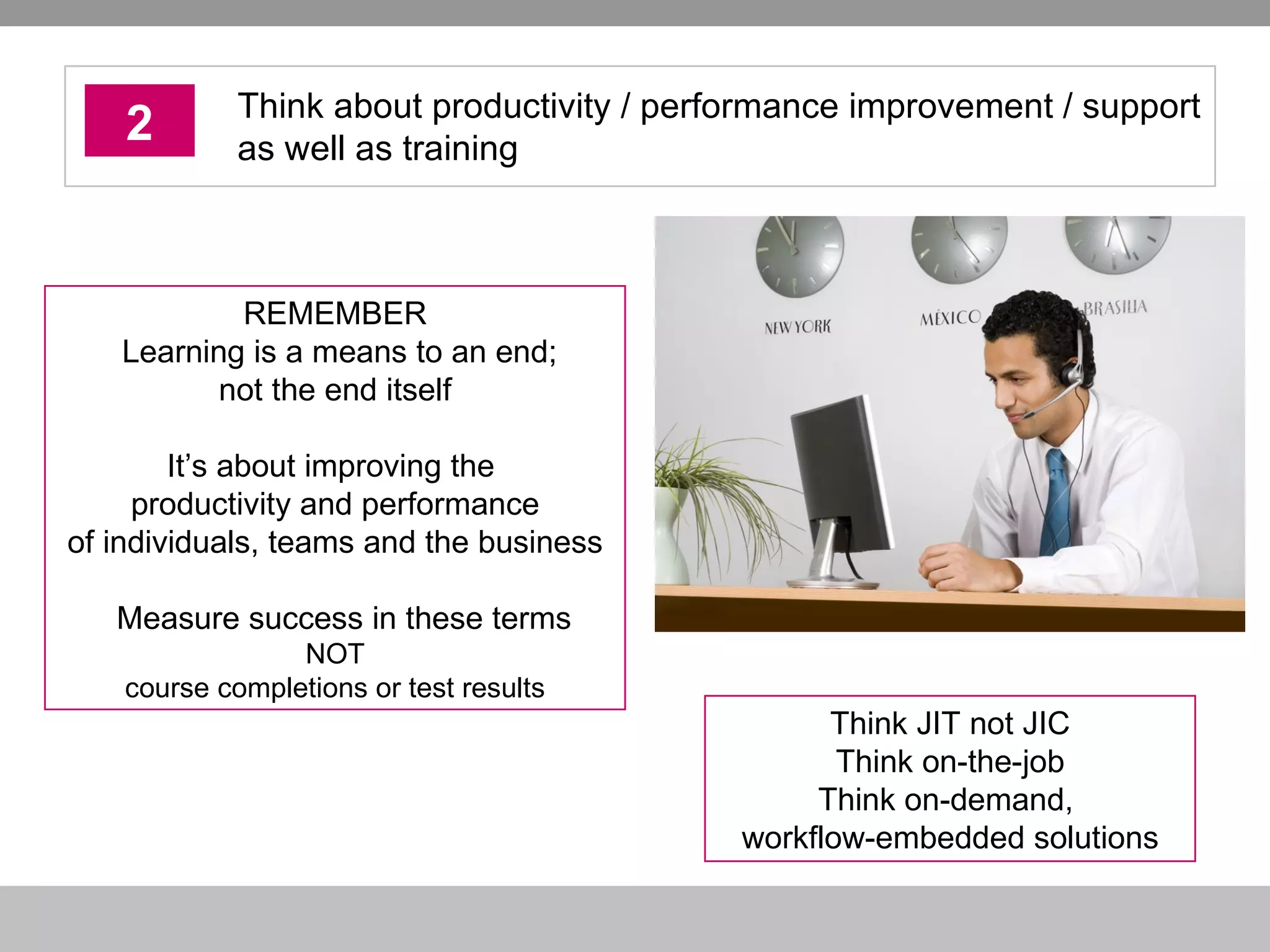
2 Think about productivity / performance improvement / support as well as training Think JIT not JIC Think on-the-job Think on-demand,  workflow-embedded solutions REMEMBER  Learning is a means to an end; not the end itself It’s about improving the  productivity and performance of individuals, teams and the business Measure success in these terms NOT course completions or test results
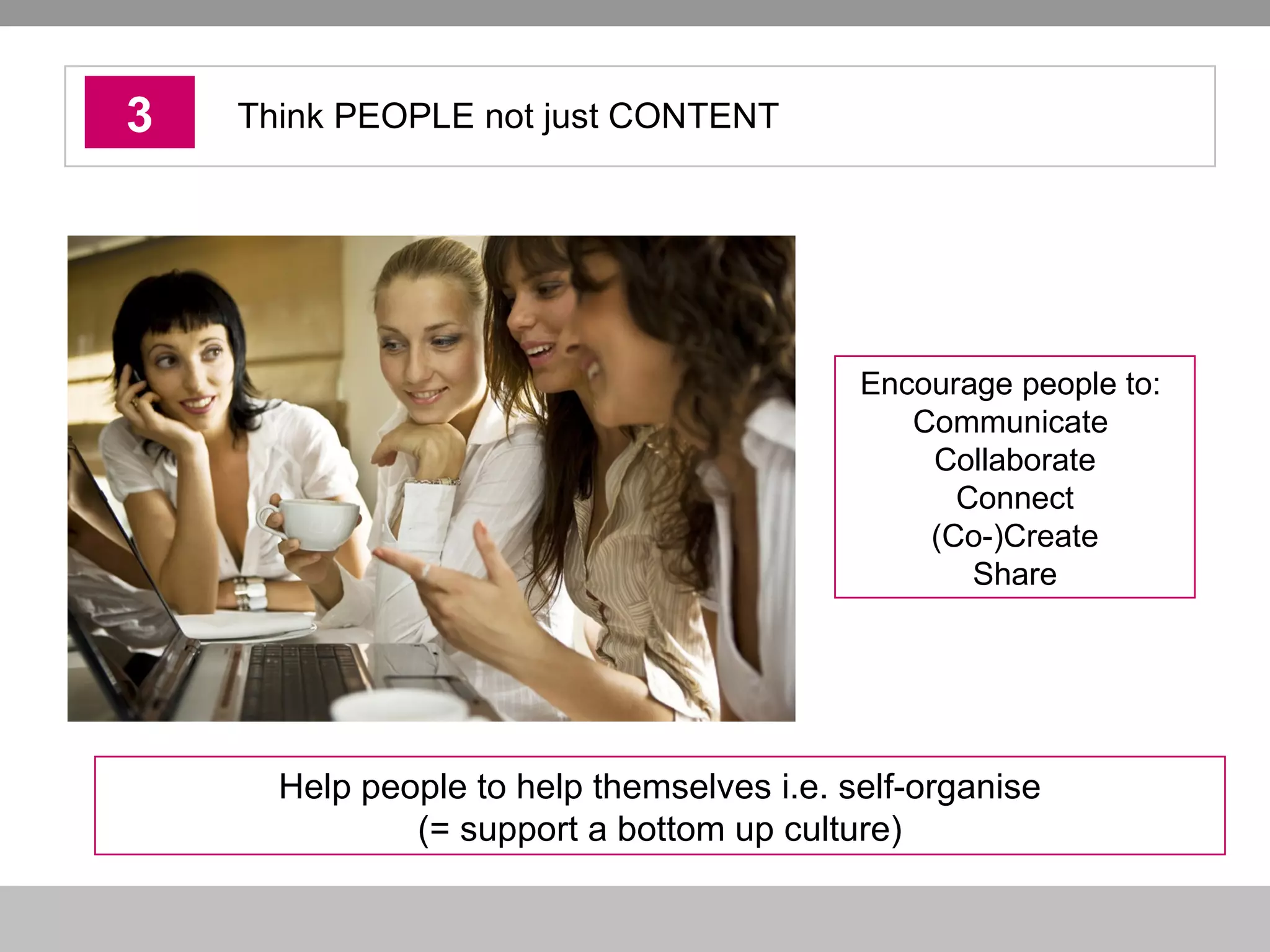
3 Think PEOPLE not just CONTENT Help people to help themselves i.e. self-organise (= support a bottom up culture) Encourage people to:  Communicate  Collaborate Connect (Co-)Create Share
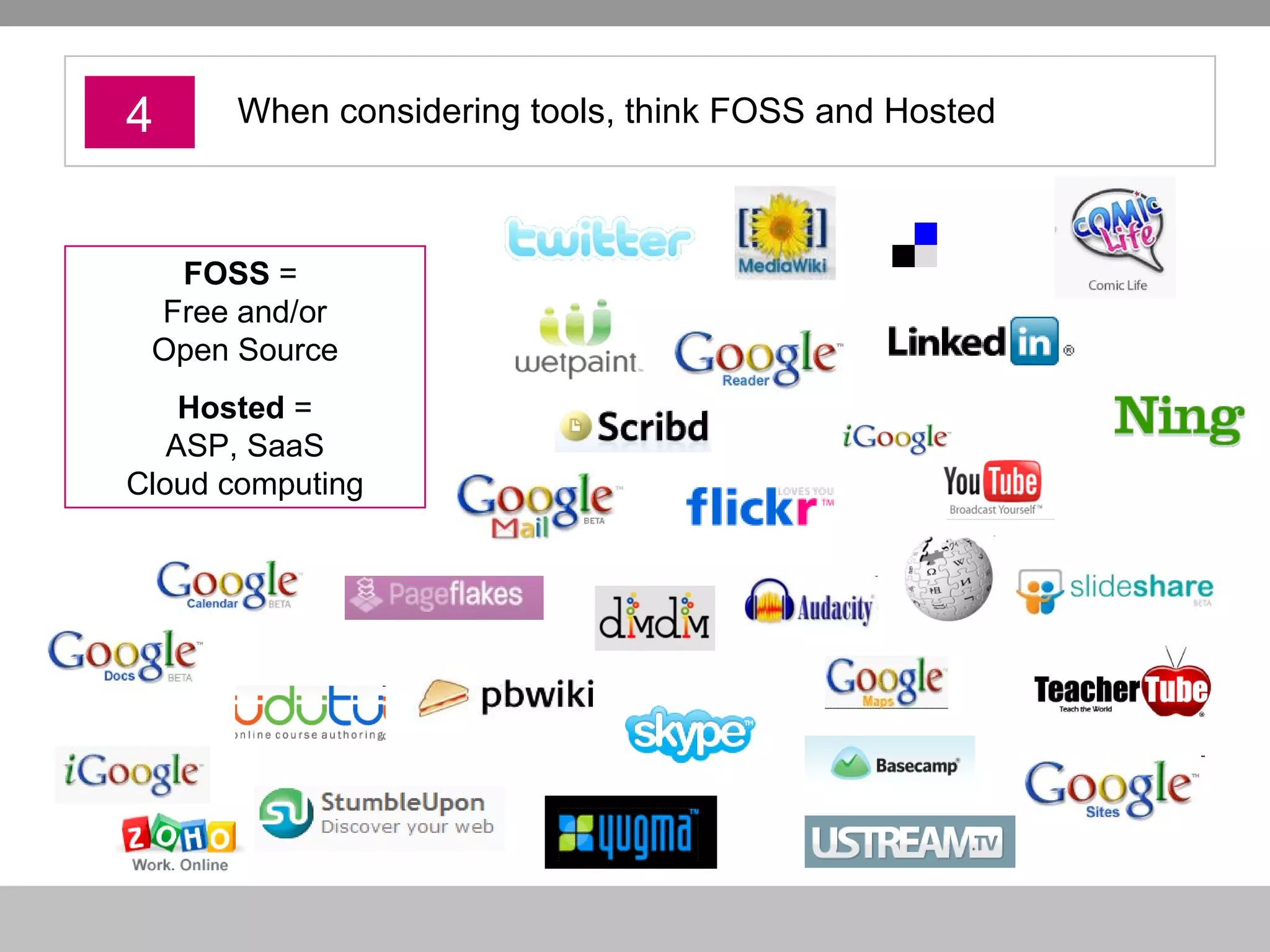
4 When considering tools, think FOSS and Hosted FOSS  =  Free and/or Open Source Hosted  = ASP, SaaS Cloud computing
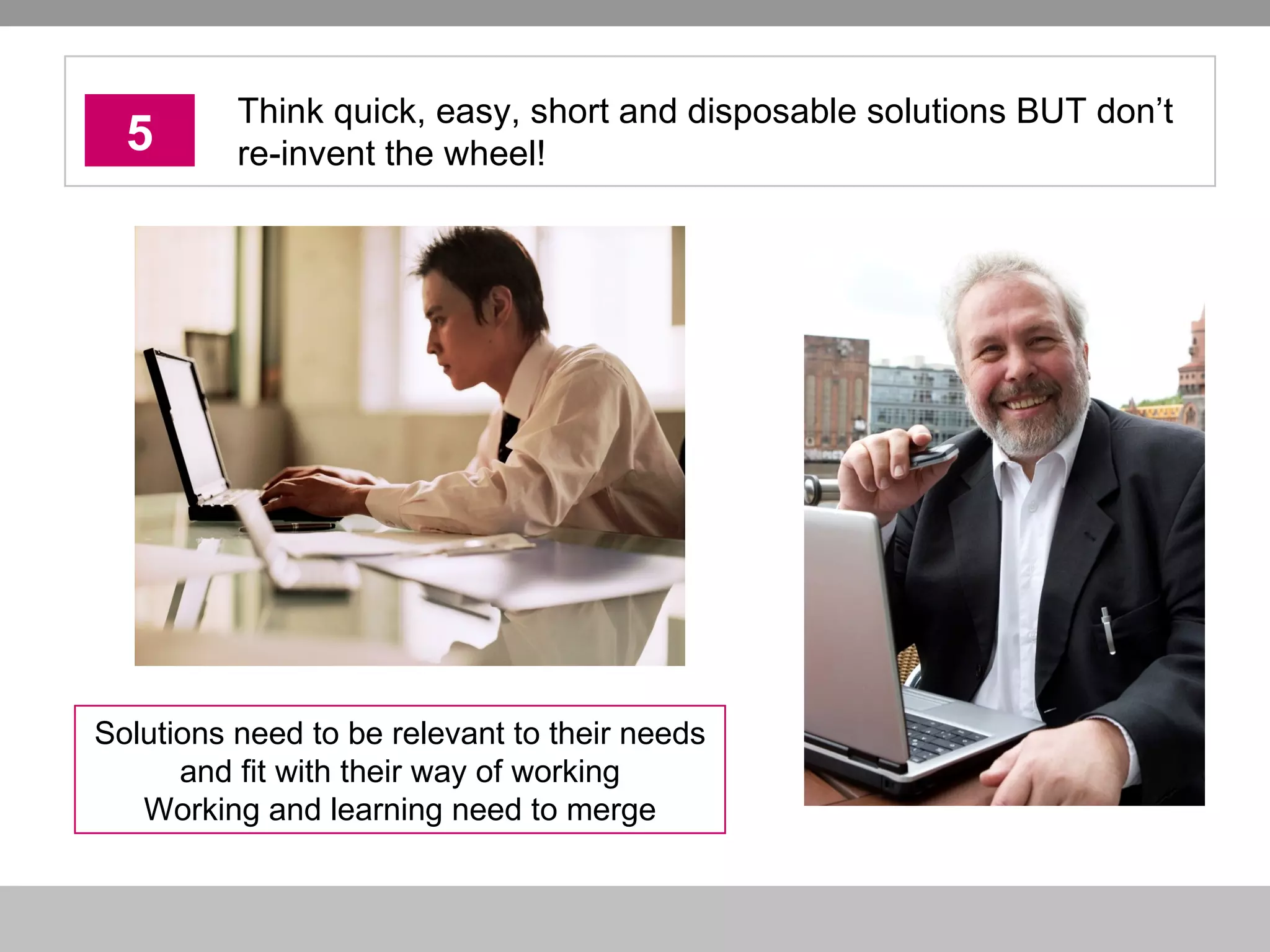
5 Think quick, easy, short and disposable solutions BUT don’t re-invent the wheel! Solutions need to be relevant to their needs and fit with their way of working Working and learning need to merge
10 Tools
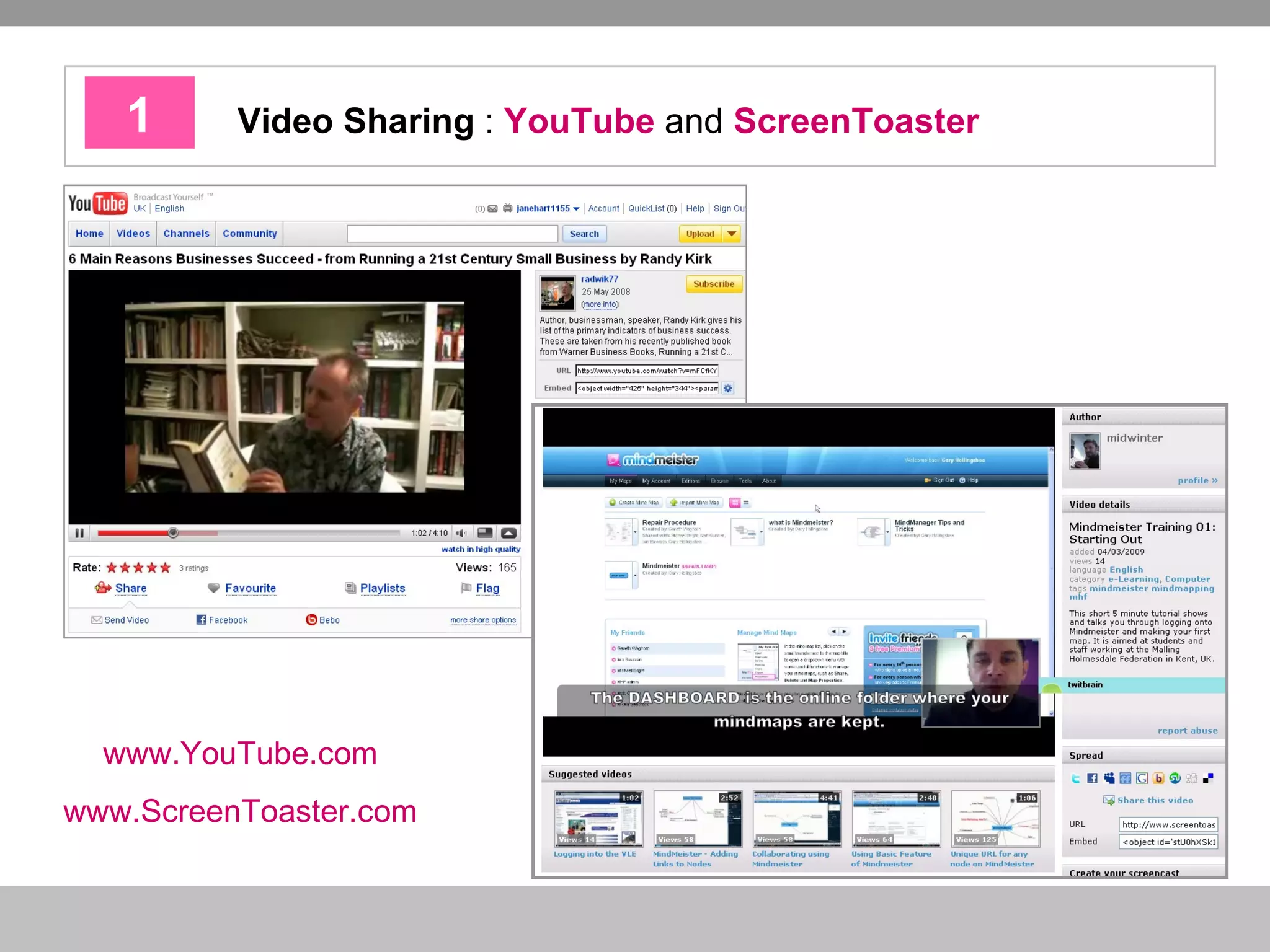
1 Video Sharing  :  YouTube  and  ScreenToaster   www.YouTube.com   www.ScreenToaster.com
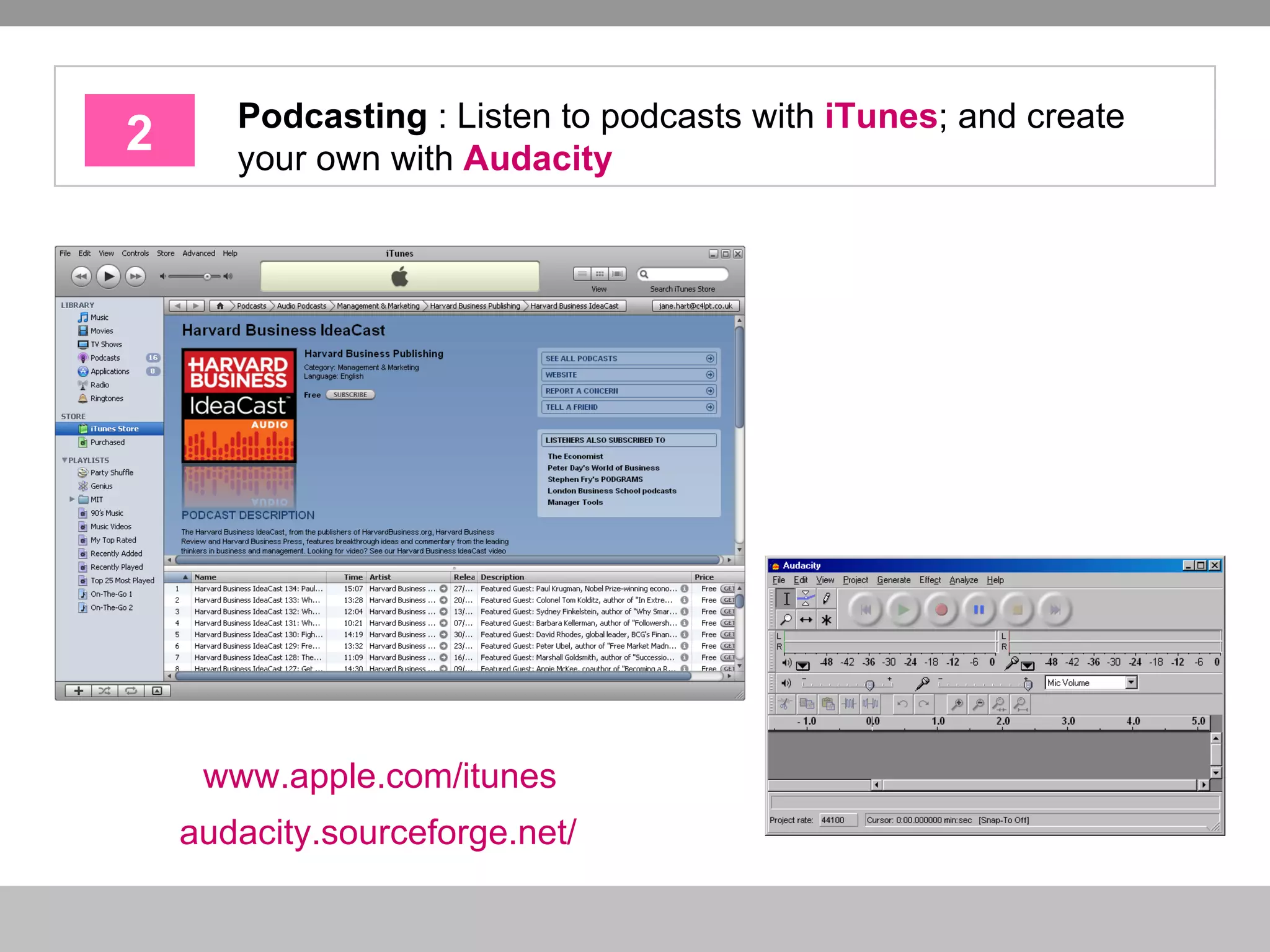
2 Podcasting  : Listen to podcasts with  iTunes ; and create your own with  Audacity www.apple.com/itunes   audacity.sourceforge.net/
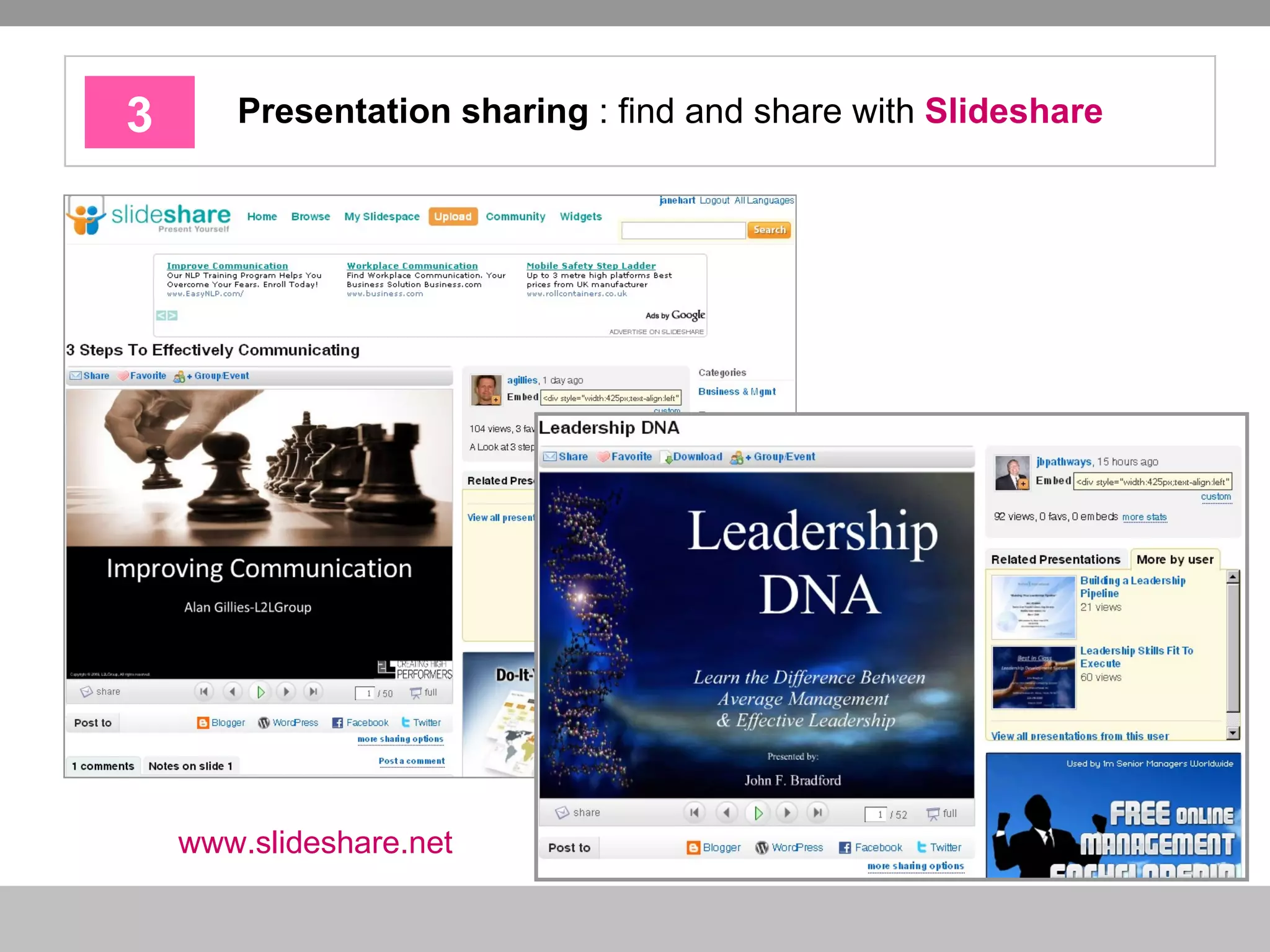
3 Presentation sharing  : find and share with  Slideshare www.slideshare.net
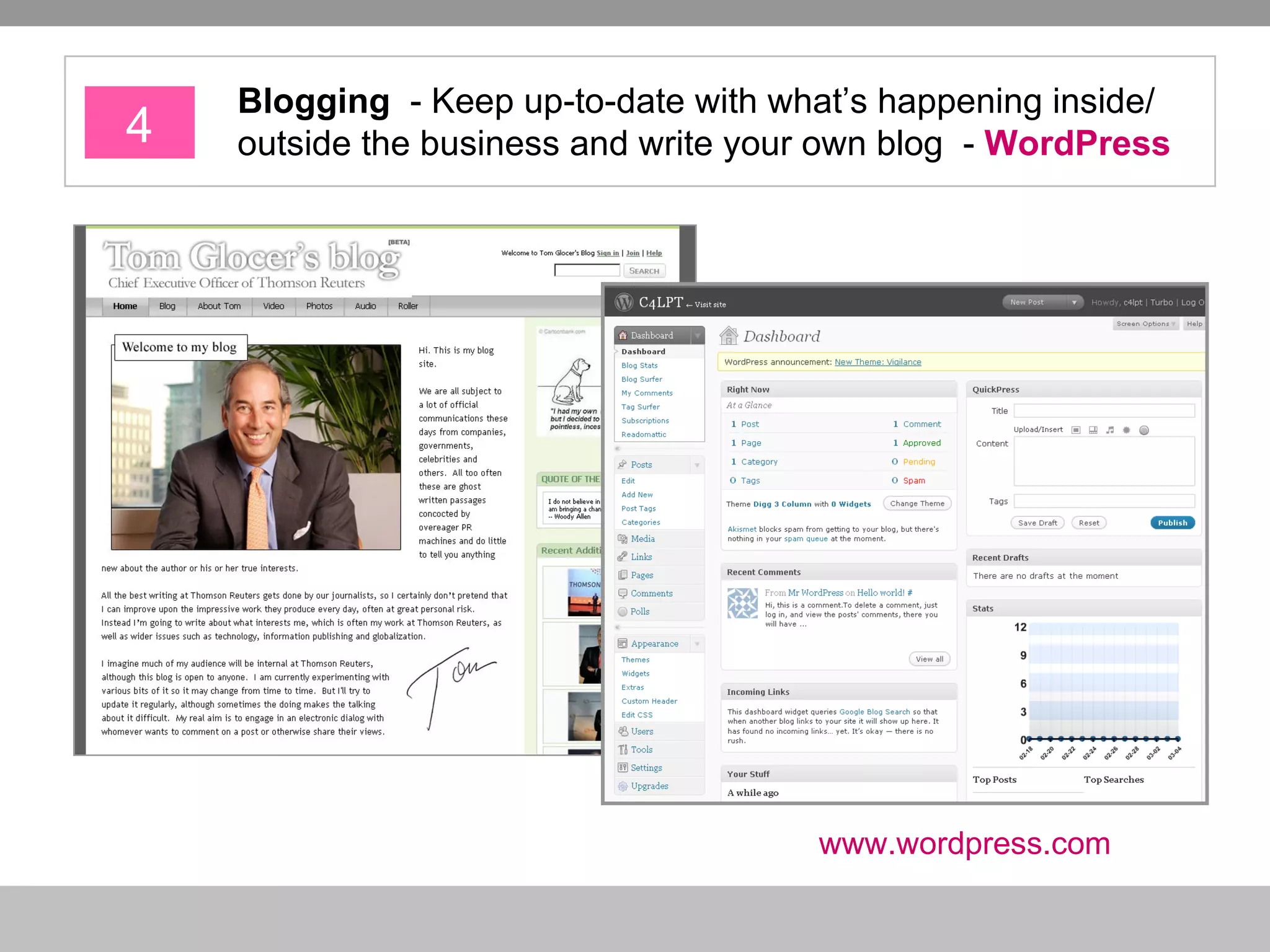
4 Blogging   - Keep up-to-date with what’s happening inside/ outside the business and write your own blog  -  WordPress www.wordpress.com
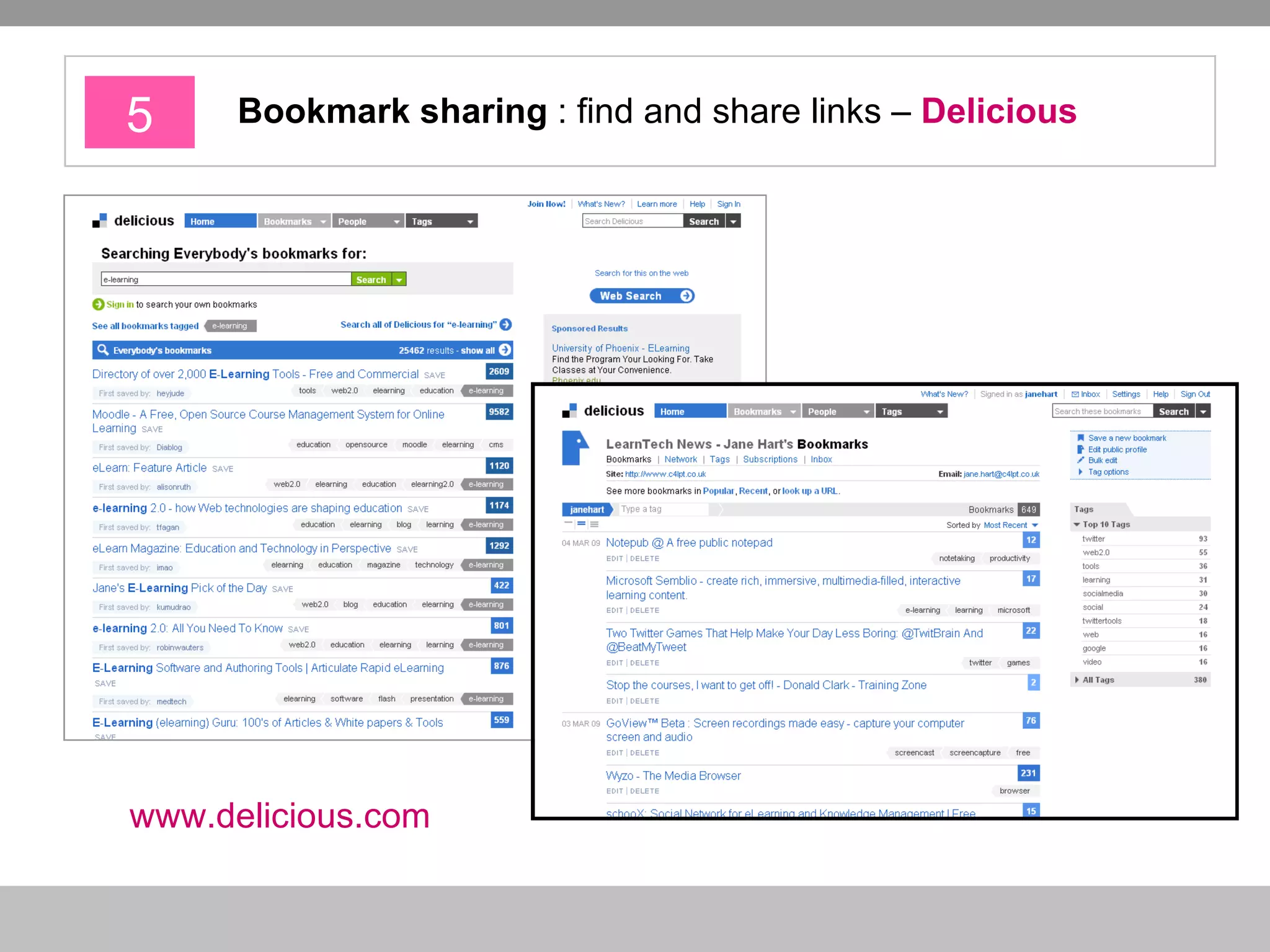
5 Bookmark sharing  : find and share links –  Delicious www.delicious.com
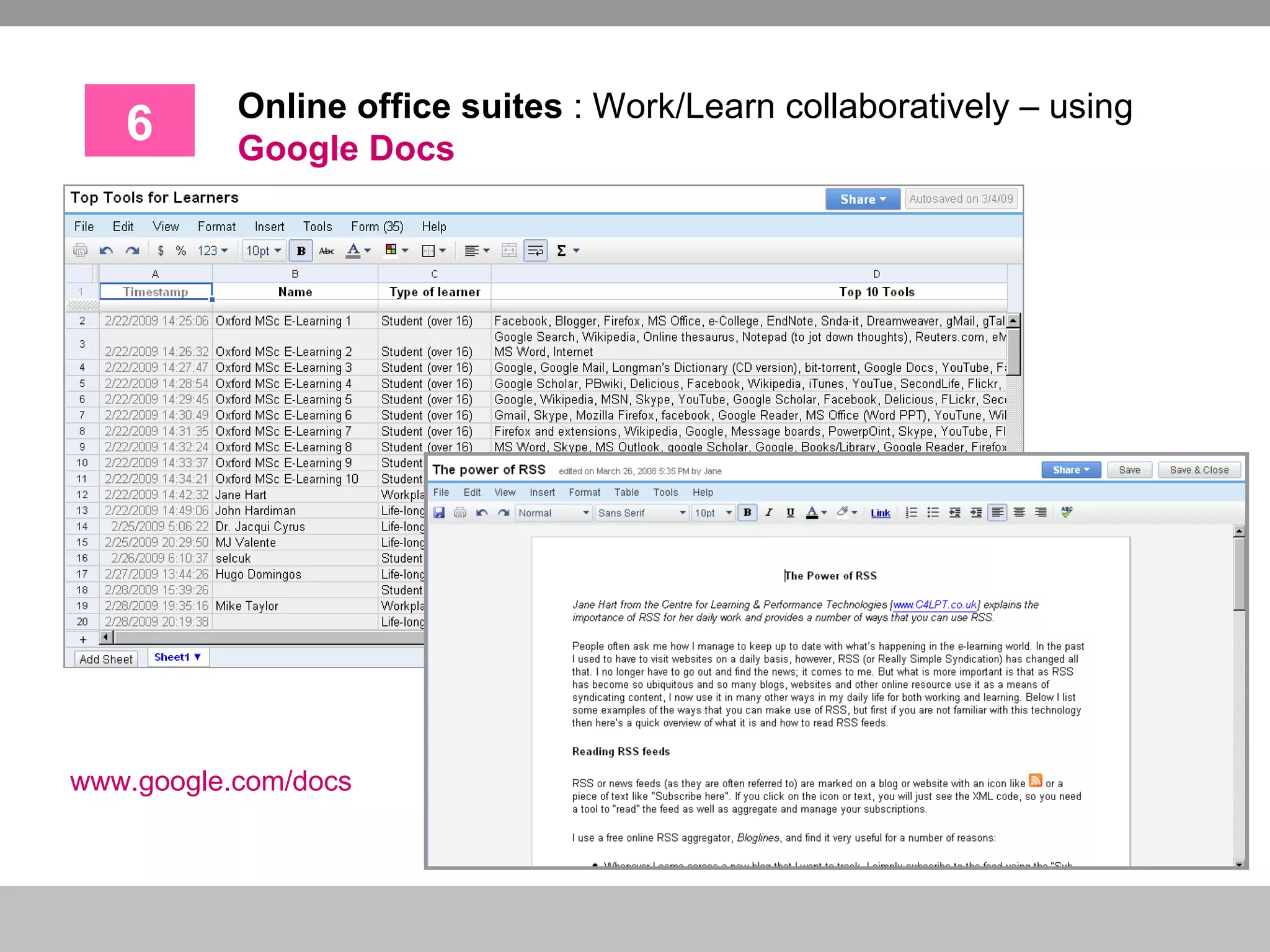
6 Online office suites  : Work/Learn collaboratively – using  Google Docs www.google.com/docs
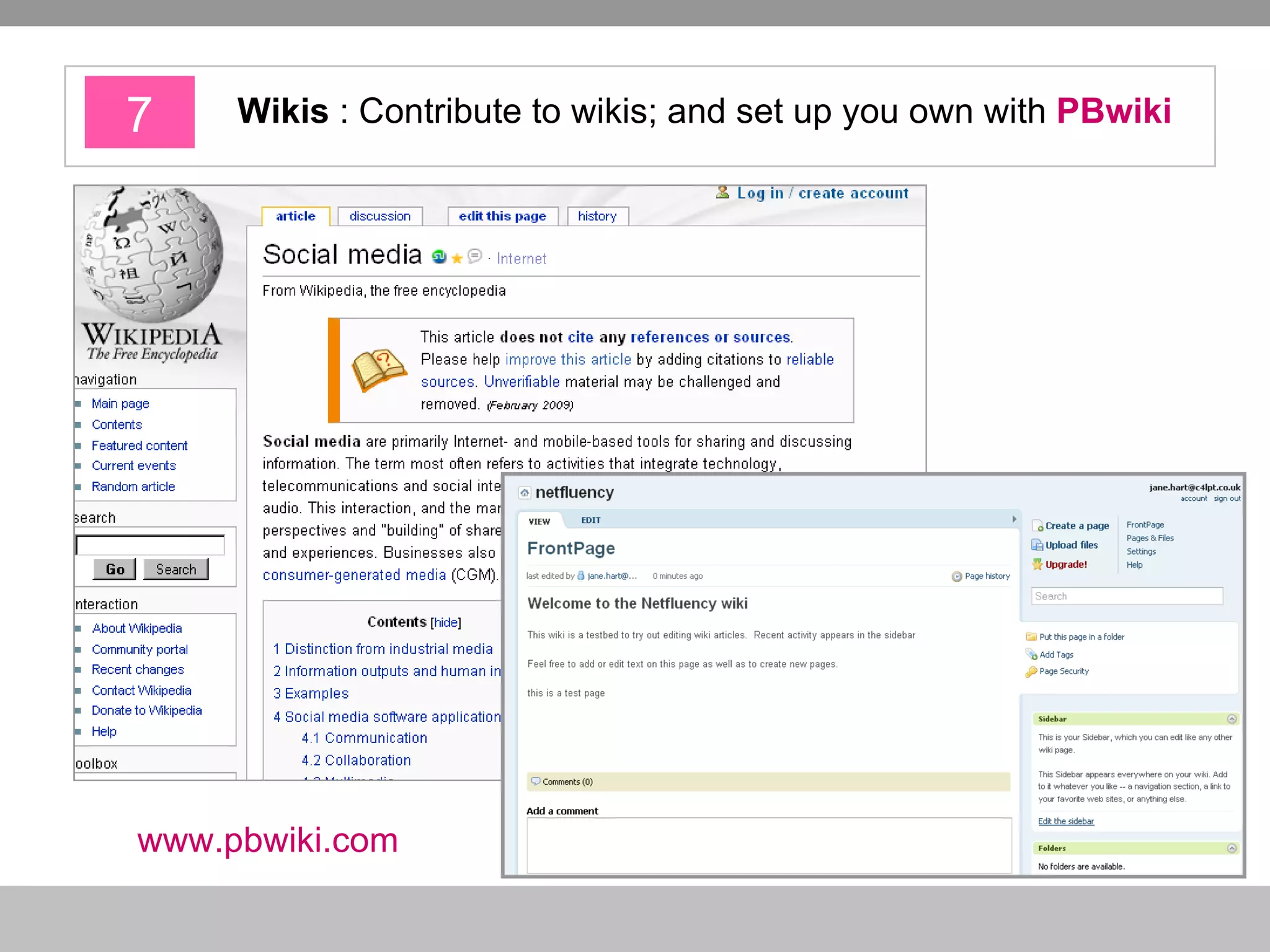
7 Wikis  : Contribute to wikis; and set up you own with  PBwiki   www.pbwiki.com
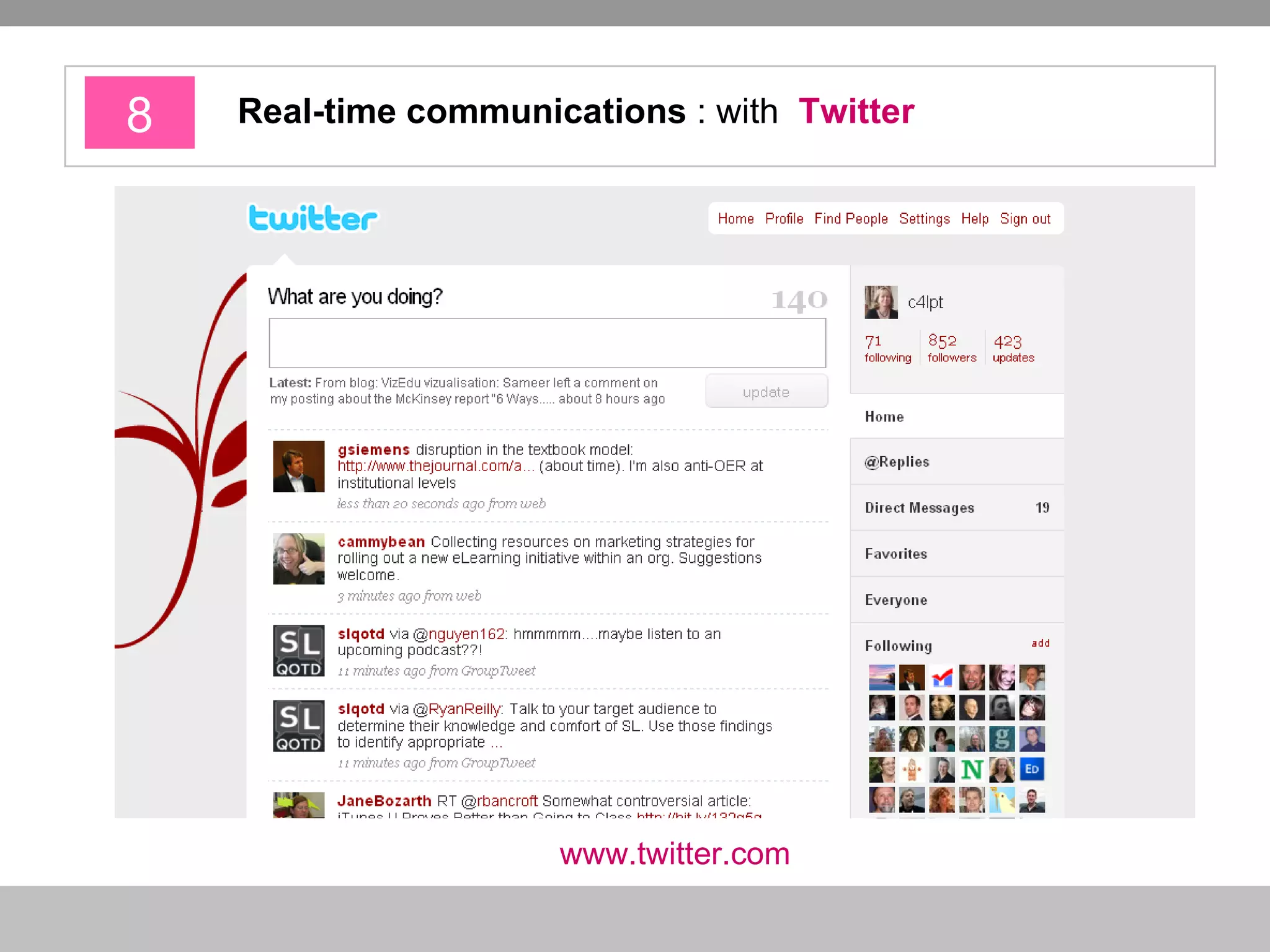
8 Real-time communications  : with  Twitter www.twitter.com
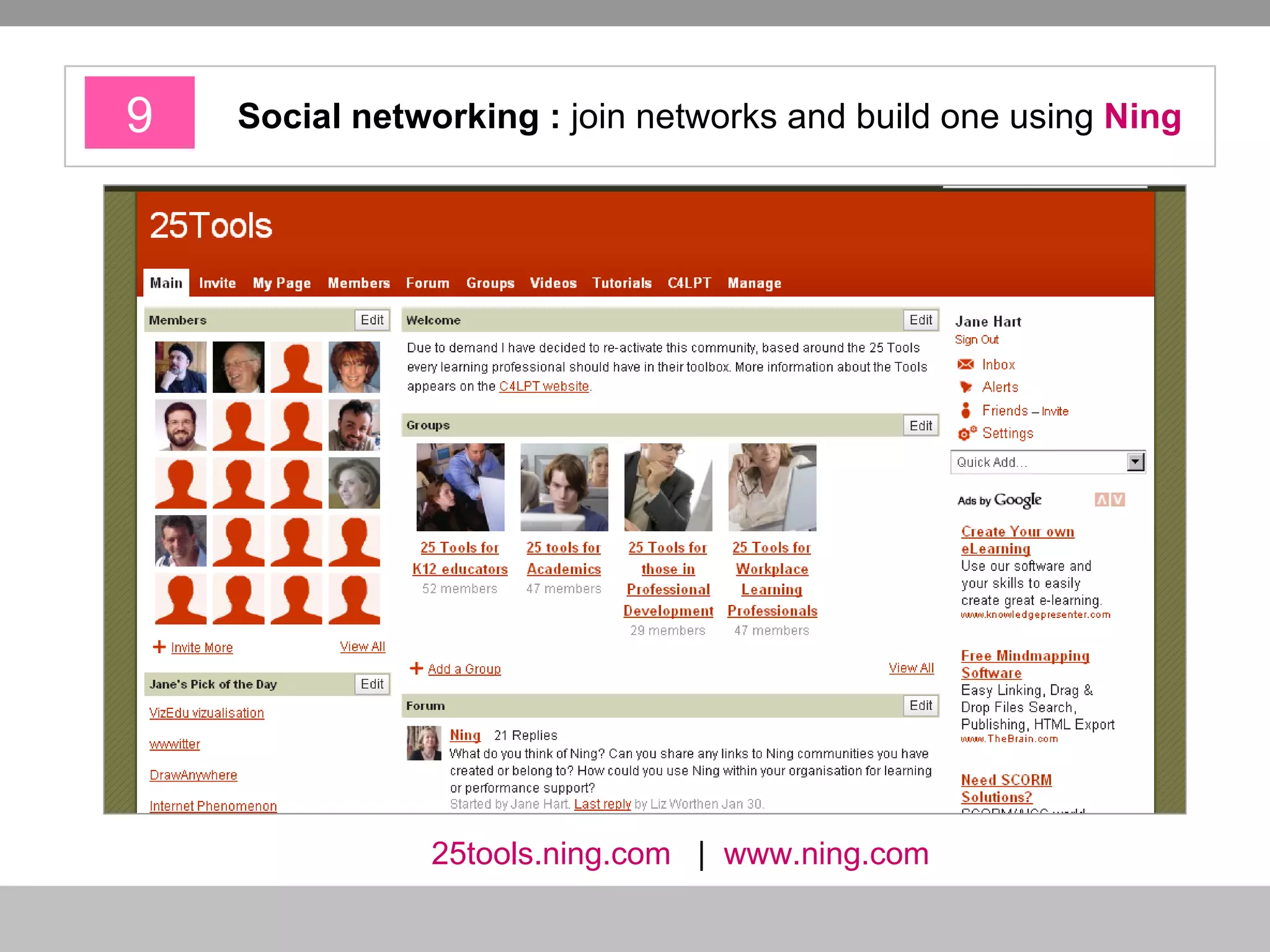
9 Social networking :  join networks and build one using  Ning 25tools.ning.com   |   www.ning.com
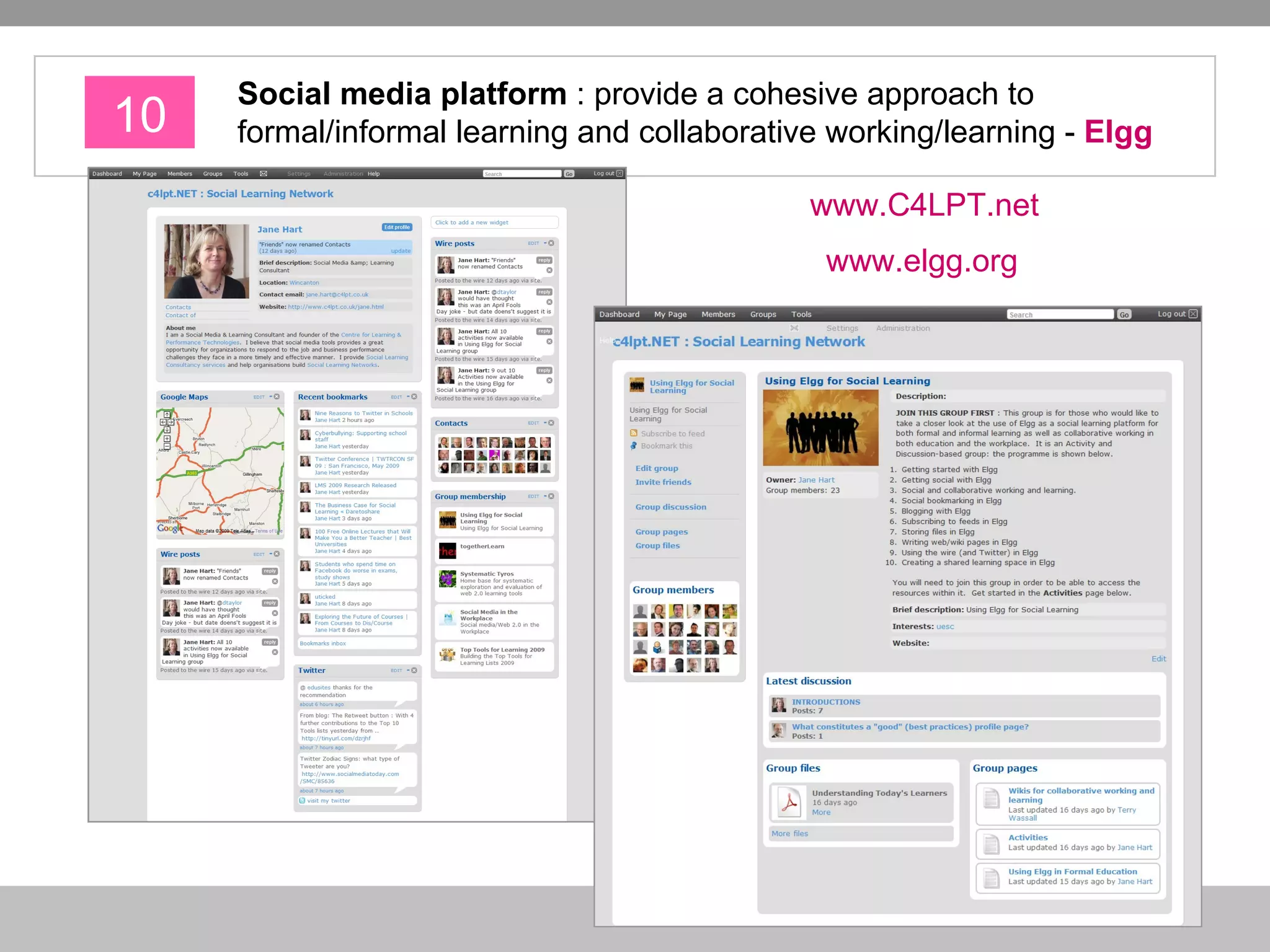
10 Social media platform   : provide   a cohesive approach to formal/informal learning and collaborative working/learning -  Elgg www.C4LPT.net   www.elgg.org
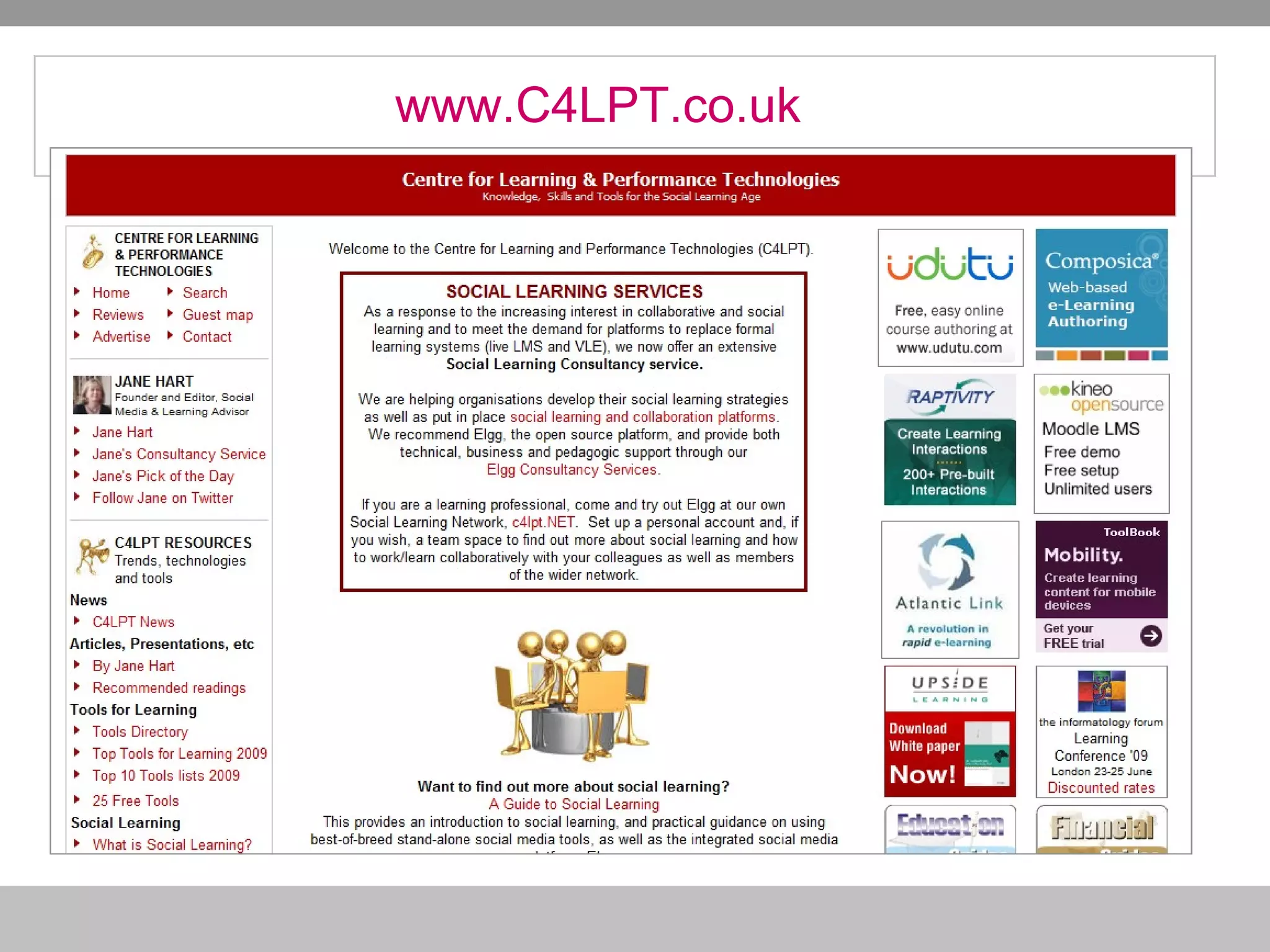
www.C4LPT.co.uk

How To Make E Learning Work

  • 1.
    How to make e-learning work! Tips & Tools CIPD Conference Presentation 23 April 2009 Jane Hart Social Media & Learning Consultant Centre for Learning & Performance Technologies www.C4LPT.co.uk
  • 2.
  • 3.
    Online courses taketoo much time and money to create; and employees (often) don’t like or fully use them Blended solutions provide limited interaction (communication and collaboration) between learners Systems and tools are costly; and are not paying off or living up to expectations Some of the problems …
  • 4.
  • 5.
    1 Re-think yourdefinition of “e-learning” REMEMBER the 80%-20% rule Focus more on the informal Place efforts on formal only where essential (compliance, regulatory training) “ Information, instruction, education, training, communication, collaboration and knowledge sharing” Tom Kelly, Cisco Systems, 2000
  • 6.
    2 Think aboutproductivity / performance improvement / support as well as training Think JIT not JIC Think on-the-job Think on-demand, workflow-embedded solutions REMEMBER Learning is a means to an end; not the end itself It’s about improving the productivity and performance of individuals, teams and the business Measure success in these terms NOT course completions or test results
  • 7.
    3 Think PEOPLEnot just CONTENT Help people to help themselves i.e. self-organise (= support a bottom up culture) Encourage people to: Communicate Collaborate Connect (Co-)Create Share
  • 8.
    4 When consideringtools, think FOSS and Hosted FOSS = Free and/or Open Source Hosted = ASP, SaaS Cloud computing
  • 9.
    5 Think quick,easy, short and disposable solutions BUT don’t re-invent the wheel! Solutions need to be relevant to their needs and fit with their way of working Working and learning need to merge
  • 10.
  • 11.
    1 Video Sharing : YouTube and ScreenToaster www.YouTube.com www.ScreenToaster.com
  • 12.
    2 Podcasting : Listen to podcasts with iTunes ; and create your own with Audacity www.apple.com/itunes audacity.sourceforge.net/
  • 13.
    3 Presentation sharing : find and share with Slideshare www.slideshare.net
  • 14.
    4 Blogging - Keep up-to-date with what’s happening inside/ outside the business and write your own blog - WordPress www.wordpress.com
  • 15.
    5 Bookmark sharing : find and share links – Delicious www.delicious.com
  • 16.
    6 Online officesuites : Work/Learn collaboratively – using Google Docs www.google.com/docs
  • 17.
    7 Wikis : Contribute to wikis; and set up you own with PBwiki www.pbwiki.com
  • 18.
    8 Real-time communications : with Twitter www.twitter.com
  • 19.
    9 Social networking: join networks and build one using Ning 25tools.ning.com | www.ning.com
  • 20.
    10 Social mediaplatform : provide a cohesive approach to formal/informal learning and collaborative working/learning - Elgg www.C4LPT.net www.elgg.org
  • 21.