(c) C4LPT, 2008 Introduction to Web 2.0 Digital 20/20 Workshop Web 2.0 in Teaching and Learning Leeds, 24 March 2009
(c) C4LPT, 2008
(c) C4LPT, 2008 13 March 1989
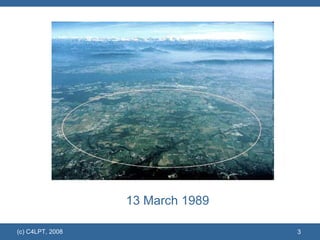
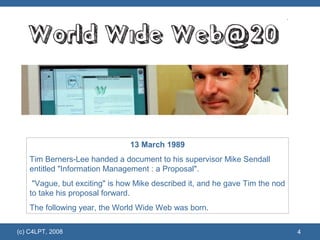
(c) C4LPT, 2008 13 March 1989 Tim Berners-Lee handed a document to his supervisor Mike Sendall entitled "Information Management : a Proposal". "Vague, but exciting" is how Mike described it, and he gave Tim the nod to take his proposal forward.  The following year, the World Wide Web was born.
What is Web 2.0?
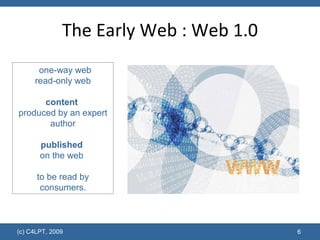
The Early Web : Web 1.0 (c) C4LPT, 2009 one-way web read-only web content   produced by an expert author published   on the web  to be read by consumers.
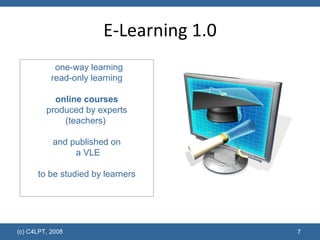
E-Learning 1.0 (c) C4LPT, 2008 one-way learning read-only learning online courses produced by experts (teachers)  and published on  a VLE to be studied by learners
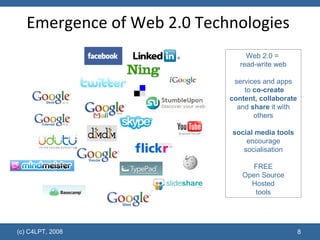
Emergence of Web 2.0 Technologies  (c) C4LPT, 2008 Web 2.0 =  read-write web services and apps  to  co-create content, collaborate  and  share  it with others social media tools encourage socialisation FREE Open Source Hosted tools
Why Web 2.0?
Generation Y and Technology 97% own a computer  97% have downloaded music and other media using peer-to-peer file sharing  94% own a cell phone  76% use instant messaging and social networking sites  75% of college students have a Facebook profile and most of them check it daily 60% own some type of portable music and/or video device such as an iPod  49% regularly download music and other media using peer-to-peer file sharing  34% use websites as their primary source of news  28% author a blog and 44% read blogs  15% of IM users are logged on 24 hours a day/7 days a week  (c) C4LPT, 2009 Source:  Connecting to the Net.Generation: What Higher Education Professionals Need to Know About Today's Students , Reynold Junco and Jeanna Mastrodicasa, 2007
(c) C4LPT, 2009
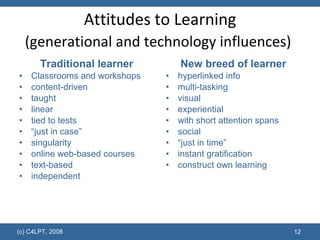
Attitudes to Learning (generational and technology influences)   Traditional learner Classrooms and workshops content-driven taught linear tied to tests “ just in case” singularity online web-based courses text-based independent New breed of learner hyperlinked info multi-tasking visual  experiential with short attention spans social “ just in time” instant gratification construct own learning (c) C4LPT, 2008
Impact of Web 2.0 on  Teaching and Learning?
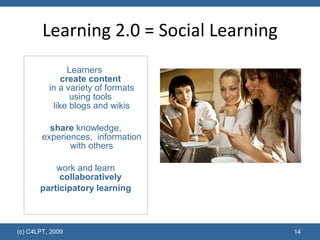
Learning 2.0 = Social Learning Learners  create content   in a variety of formats using tools  like blogs and wikis share  knowledge, experiences,  information with others work and learn collaboratively   participatory learning (c) C4LPT, 2009
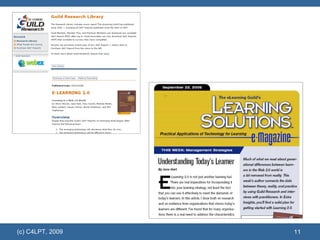
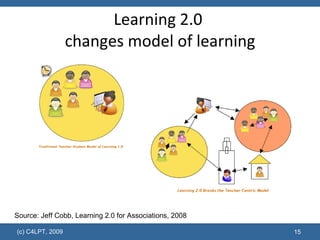
Learning 2.0  changes model of learning (c) C4LPT, 2009 Source: Jeff Cobb, Learning 2.0 for Associations, 2008
Engaging with Social Media
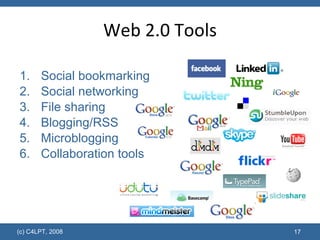
Web 2.0 Tools Social bookmarking Social networking File sharing Blogging/RSS Microblogging Collaboration tools (c) C4LPT, 2008
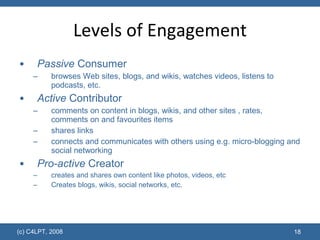
Levels of Engagement Passive  Consumer browses Web sites, blogs, and wikis, watches videos, listens to podcasts, etc. Active  Contributor comments on content in blogs, wikis, and other sites , rates, comments on and favourites items shares links connects and communicates with others using e.g. micro-blogging and social networking  Pro-active  Creator creates and shares own content like photos, videos, etc  Creates blogs, wikis, social networks, etc. (c) C4LPT, 2008
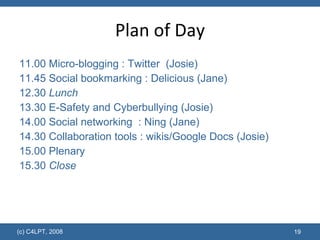
Plan of Day 11.00 Micro-blogging : Twitter  (Josie) 11.45 Social bookmarking : Delicious (Jane) 12.30  Lunch 13.30 E-Safety and Cyberbullying (Josie) 14.00 Social networking  : Ning (Jane) 14.30 Collaboration tools : wikis/Google Docs (Josie) 15.00 Plenary 15.30  Close (c) C4LPT, 2008
Activities Brief demo and explanation Experienced users guide the beginners Ensure everyone has some time on a computer  Reflect on use for teaching and learning within the group (c) C4LPT, 2008
Social Bookmarking with Delicious
Delicious Activity Go to  www.delicious.com  and view popular bookmarks (people, tags) Existing Delicious user sign in and show their bookmarks.  Visit others using “Go to a user”. One new user join up with an account (skip button set up) Save some bookmarks (using “”Save a new bookmark”) and use tag  d2020w2 Explore the tag:  d2020w2  to see what others have saved Reflect on the use of Delicious for teaching and learning  (c) C4LPT, 2008
Social Networking with Ning
Ning Activity Go to  d2020w2.ning.com One member log in and view profiles of members already on the system Help one new user log in and set up their profile. Change their page theme and layout; add RSS feed; make friends with other members Respond to a discussion Set up a new discussion topic Reflect on the use of Ning for teaching and learning  (c) C4LPT, 2008

Introduction to Web 2.0

  • 1.
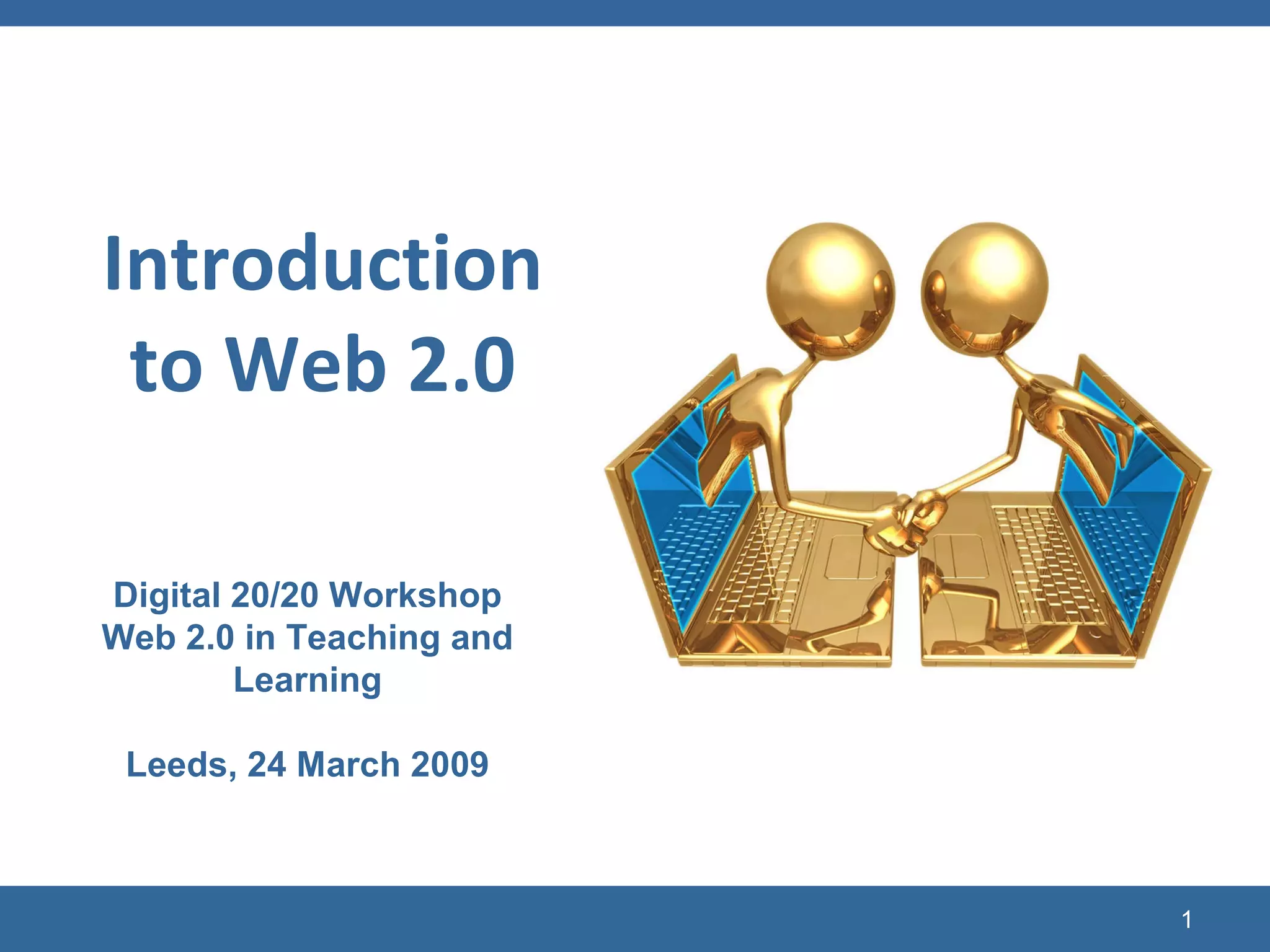
    (c) C4LPT, 2008Introduction to Web 2.0 Digital 20/20 Workshop Web 2.0 in Teaching and Learning Leeds, 24 March 2009
  • 2.
  • 3.
    (c) C4LPT, 200813 March 1989
  • 4.
    (c) C4LPT, 200813 March 1989 Tim Berners-Lee handed a document to his supervisor Mike Sendall entitled "Information Management : a Proposal". "Vague, but exciting" is how Mike described it, and he gave Tim the nod to take his proposal forward. The following year, the World Wide Web was born.
  • 5.
  • 6.
    The Early Web: Web 1.0 (c) C4LPT, 2009 one-way web read-only web content produced by an expert author published on the web to be read by consumers.
  • 7.
    E-Learning 1.0 (c)C4LPT, 2008 one-way learning read-only learning online courses produced by experts (teachers) and published on a VLE to be studied by learners
  • 8.
    Emergence of Web2.0 Technologies (c) C4LPT, 2008 Web 2.0 = read-write web services and apps to co-create content, collaborate and share it with others social media tools encourage socialisation FREE Open Source Hosted tools
  • 9.
  • 10.
    Generation Y andTechnology 97% own a computer 97% have downloaded music and other media using peer-to-peer file sharing 94% own a cell phone 76% use instant messaging and social networking sites 75% of college students have a Facebook profile and most of them check it daily 60% own some type of portable music and/or video device such as an iPod 49% regularly download music and other media using peer-to-peer file sharing 34% use websites as their primary source of news 28% author a blog and 44% read blogs 15% of IM users are logged on 24 hours a day/7 days a week (c) C4LPT, 2009 Source: Connecting to the Net.Generation: What Higher Education Professionals Need to Know About Today's Students , Reynold Junco and Jeanna Mastrodicasa, 2007
  • 11.
  • 12.
    Attitudes to Learning(generational and technology influences) Traditional learner Classrooms and workshops content-driven taught linear tied to tests “ just in case” singularity online web-based courses text-based independent New breed of learner hyperlinked info multi-tasking visual experiential with short attention spans social “ just in time” instant gratification construct own learning (c) C4LPT, 2008
  • 13.
    Impact of Web2.0 on Teaching and Learning?
  • 14.
    Learning 2.0 =Social Learning Learners create content in a variety of formats using tools like blogs and wikis share knowledge, experiences, information with others work and learn collaboratively participatory learning (c) C4LPT, 2009
  • 15.
    Learning 2.0 changes model of learning (c) C4LPT, 2009 Source: Jeff Cobb, Learning 2.0 for Associations, 2008
  • 16.
  • 17.
    Web 2.0 ToolsSocial bookmarking Social networking File sharing Blogging/RSS Microblogging Collaboration tools (c) C4LPT, 2008
  • 18.
    Levels of EngagementPassive Consumer browses Web sites, blogs, and wikis, watches videos, listens to podcasts, etc. Active Contributor comments on content in blogs, wikis, and other sites , rates, comments on and favourites items shares links connects and communicates with others using e.g. micro-blogging and social networking Pro-active Creator creates and shares own content like photos, videos, etc Creates blogs, wikis, social networks, etc. (c) C4LPT, 2008
  • 19.
    Plan of Day11.00 Micro-blogging : Twitter (Josie) 11.45 Social bookmarking : Delicious (Jane) 12.30 Lunch 13.30 E-Safety and Cyberbullying (Josie) 14.00 Social networking : Ning (Jane) 14.30 Collaboration tools : wikis/Google Docs (Josie) 15.00 Plenary 15.30 Close (c) C4LPT, 2008
  • 20.
    Activities Brief demoand explanation Experienced users guide the beginners Ensure everyone has some time on a computer Reflect on use for teaching and learning within the group (c) C4LPT, 2008
  • 21.
  • 22.
    Delicious Activity Goto www.delicious.com and view popular bookmarks (people, tags) Existing Delicious user sign in and show their bookmarks. Visit others using “Go to a user”. One new user join up with an account (skip button set up) Save some bookmarks (using “”Save a new bookmark”) and use tag d2020w2 Explore the tag: d2020w2 to see what others have saved Reflect on the use of Delicious for teaching and learning (c) C4LPT, 2008
  • 23.
  • 24.
    Ning Activity Goto d2020w2.ning.com One member log in and view profiles of members already on the system Help one new user log in and set up their profile. Change their page theme and layout; add RSS feed; make friends with other members Respond to a discussion Set up a new discussion topic Reflect on the use of Ning for teaching and learning (c) C4LPT, 2008