Downloaded 186 times


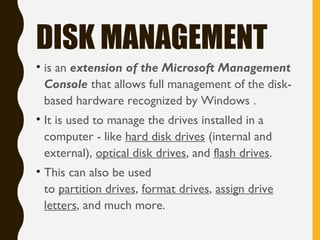



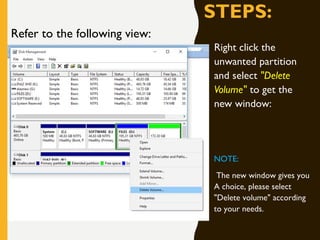
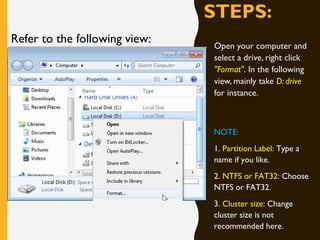

Partitioning a hard drive involves creating, deleting, and formatting partitions to organize and manage the drive's storage space. It is commonly done when purchasing a new hard drive. Using disk management built into Windows, you can create partitions by selecting "New Simple Volume" on unallocated space. You can delete partitions by right clicking the unwanted partition and selecting "Delete Volume." Formatting a partition allows changing its file system or wiping data; right click the partition and select "Format" to begin this process. Partitioning provides benefits like independent storage areas that won't break other partitions if one fails, easier data organization, and the ability to encrypt partitions for security.


