PREPARE AN INSTALLER
TOPIC: HOW TO PREPARE A
PORTABLE BOOTABLE DEVICES
LEARNING OBJECTIVES:
1. Discussed the different ways/methods on
how to create portable bootable devices.
2. Performed the different steps in creating
portable bootable devices (USB installer).
3. Recognize the importance of USB installer,
or portable bootable device.
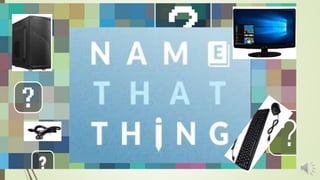
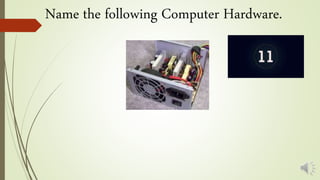
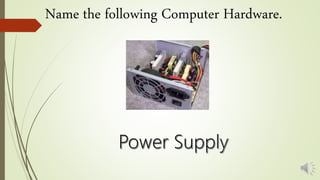
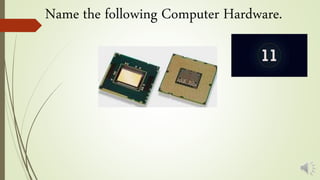
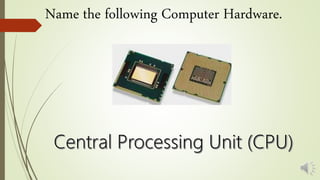
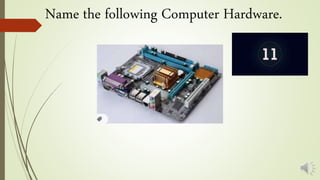
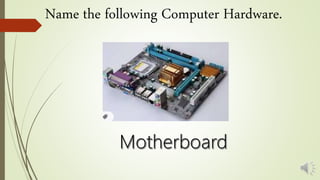
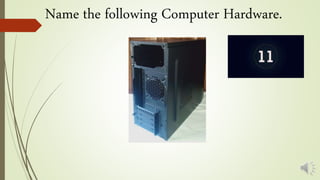
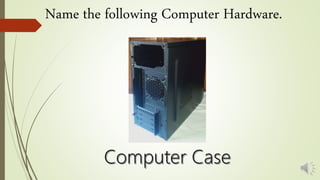
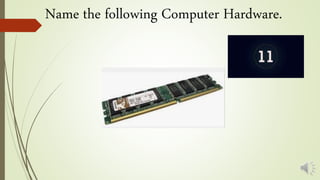
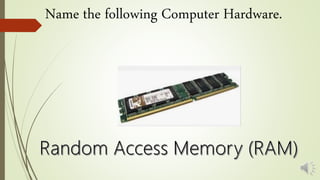
Name the following Computer Hardware.
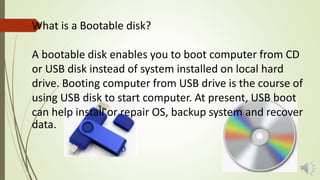
What is a Bootable disk?
A bootable disk enables you to boot computer from CD
or USB disk instead of system installed on local hard
drive. Booting computer from USB drive is the course of
using USB disk to start computer. At present, USB boot
can help install or repair OS, backup system and recover
data.
HOW TO CREATE A BOOTABLE WINDOWS 10 USB DRIVE?
https://www.youtube.com/watch?v=SYQHNITc7uU
TechnoFusion
HOW TO CREATE A WINDOWS 10 UEFI BOOT MEDIA
USING MEDIA CREATION TOOL?
Unified Extensible Firmware Interface (UEFI) is
a specification for a software program that
connects a computer's firmware to its
operating system (OS). UEFI is expected to
eventually replace BIOS.
https://www.youtube.com/watch?v=9ElESiLIFas
ASA Technical
How to prepare a portable bootable devices

How to prepare a portable bootable devices