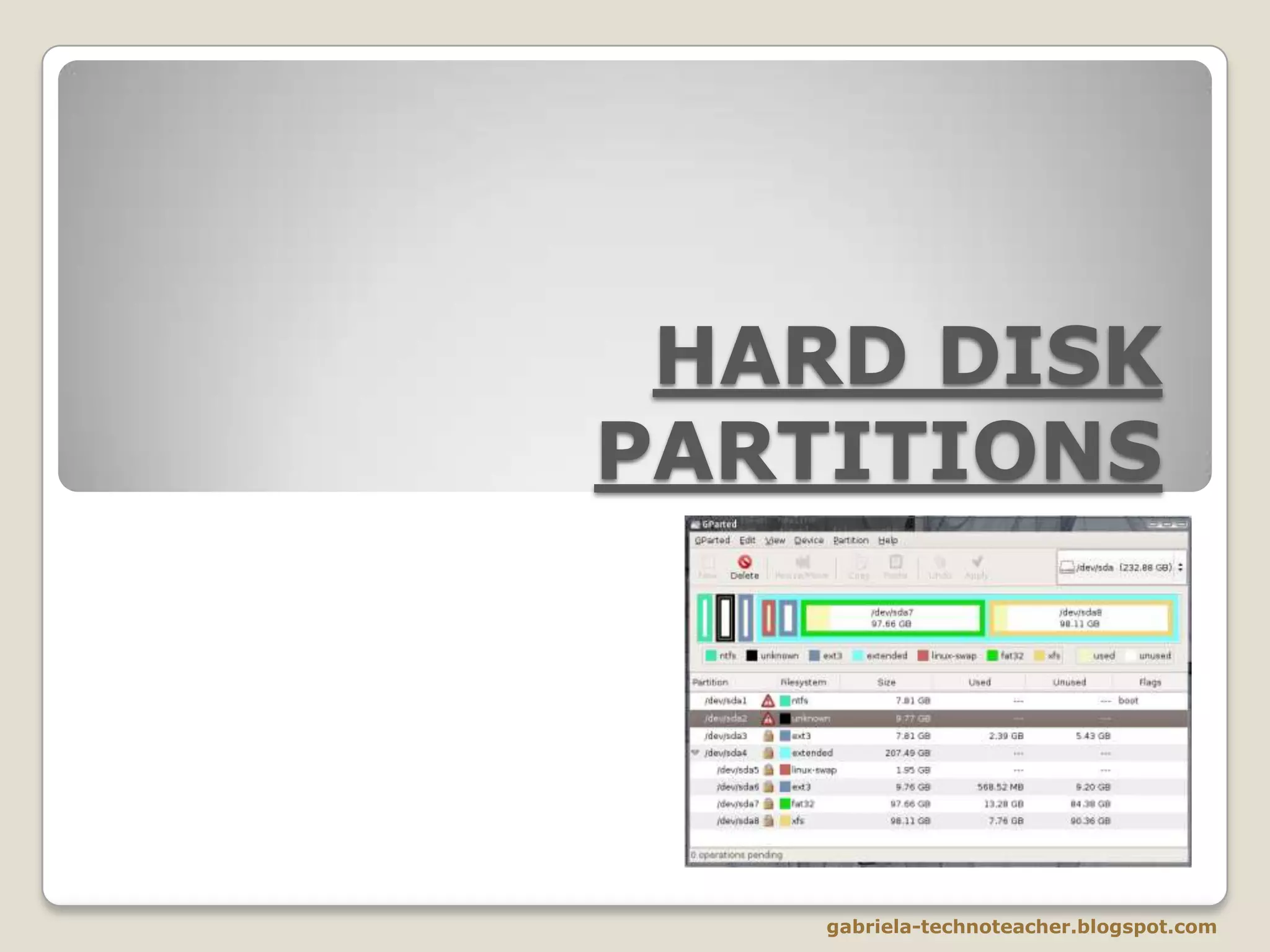
HARD DISK
PARTITIONS

gabriela-technoteacher.blogspot.com
LOGICAL STRUCTURE OF A HARD DISC
The logical structure of a hard drive is composed of:


The Start-up sector (platter 0, track 0, sector 1)
contains the information about the partition (partition
descriptors) and the MBR (Master Boot Record), a small
start-up program.



The Partitioned space is the part of the hard drive that
has been assigned to any partition.



The Non-partitioted space hasn’t been assigned to any
partition, so it is not accesible nor usable.

gabriela-technoteacher.blogspot.com
WHAT ARE PARTITIONS?


Each hard disc is a physical unit.



Nevertheless, operating systems don’t work with physical
but with logic units.



Inside the physical entity of a hard drive, there can be
several logic units. Each of these logic units forms a hard
drive’s partition.



So we can divide a hard disk into, for instance, two
partitions (two logic units in the same physical unit), and we
will be able to work as if we had two hard drives.

gabriela-technoteacher.blogspot.com
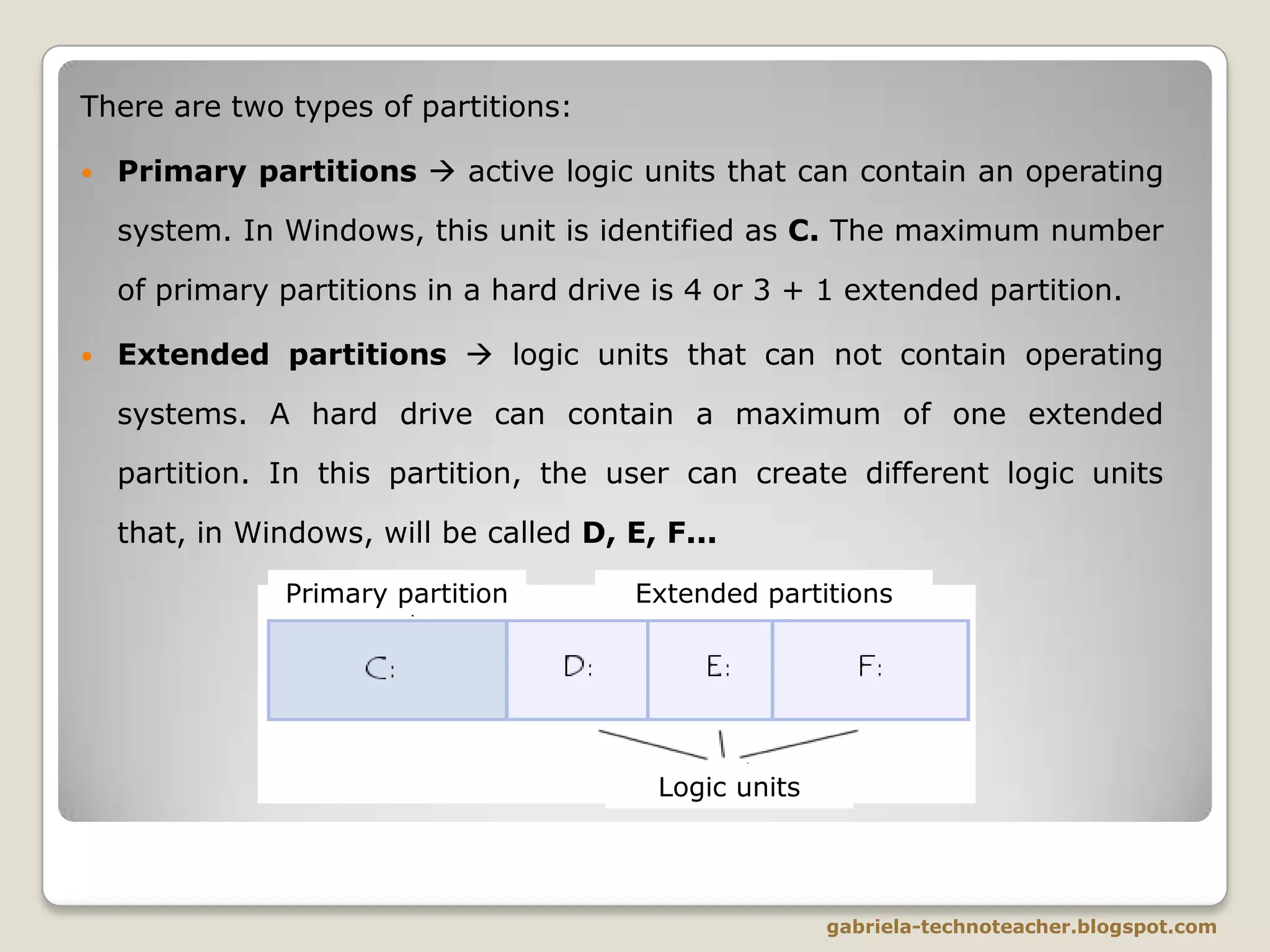
There are two types of partitions:


Primary partitions  active logic units that can contain an operating
system. In Windows, this unit is identified as C. The maximum number

of primary partitions in a hard drive is 4 or 3 + 1 extended partition.


Extended partitions  logic units that can not contain operating
systems. A hard drive can contain a maximum of one extended
partition. In this partition, the user can create different logic units
that, in Windows, will be called D, E, F...
Primary partition

Extended partitions

Logic units

gabriela-technoteacher.blogspot.com


If a hard drive has more than one primary partition, the
active one is the one in charge of starting up the
operating system when we turn on the computer.



All the rest of the primary partitions remain hidden, so
that nobody can access the data stored in them. Thus,
the only way to access such data is through the
operating system.



The extended partitions allow us to create as many logic
units as we one in addition to the four maximun
primaries.

gabriela-technoteacher.blogspot.com
Examples:
Hard disc of 500 GB with a single partition and some
non-partitioned, yet useless, space.
Disco duro con espacio particionado (2 particiones
primarias y 2 lógicas) y espacio todavía sin particionar.

Hard disc of 500 GB with 2 primary partitions and 2
logic units, plus some non-partitioned space.

gabriela-technoteacher.blogspot.com
The main reasons to create partitions are:
1) Management reasons  In the case of computers that are shared
among several users, it can be useful to split the hard drive into
different logic units. This way, each user’s data will be better
organised and safer.
2) Installation of more than one operating system  Each
operating system needs its own partition in order to work. For
example, if we want to have Linux and Windows in the same hard
disk, we will need two partitions at least.
3) Efficiency reasons  The bigger a partition is, the most space of
such partition will be unused.
4) Security reasons  If we normally work in a logic unit, we can
program our computer so that it creates backup copies the data into
a different logic unit. This way, we can make sure we don’t lose any
important information.
5) Maintenance reasons  If we store all our personal files
(pictures, documents, music files…) in an individual logic unit, we
can format the rest of the units or change the operating system
without losing our information.

gabriela-technoteacher.blogspot.com

Hard drive partitions

  • 1.
  • 2.
    LOGICAL STRUCTURE OFA HARD DISC The logical structure of a hard drive is composed of:  The Start-up sector (platter 0, track 0, sector 1) contains the information about the partition (partition descriptors) and the MBR (Master Boot Record), a small start-up program.  The Partitioned space is the part of the hard drive that has been assigned to any partition.  The Non-partitioted space hasn’t been assigned to any partition, so it is not accesible nor usable. gabriela-technoteacher.blogspot.com
  • 3.
    WHAT ARE PARTITIONS?  Eachhard disc is a physical unit.  Nevertheless, operating systems don’t work with physical but with logic units.  Inside the physical entity of a hard drive, there can be several logic units. Each of these logic units forms a hard drive’s partition.  So we can divide a hard disk into, for instance, two partitions (two logic units in the same physical unit), and we will be able to work as if we had two hard drives. gabriela-technoteacher.blogspot.com
  • 4.
    There are twotypes of partitions:  Primary partitions  active logic units that can contain an operating system. In Windows, this unit is identified as C. The maximum number of primary partitions in a hard drive is 4 or 3 + 1 extended partition.  Extended partitions  logic units that can not contain operating systems. A hard drive can contain a maximum of one extended partition. In this partition, the user can create different logic units that, in Windows, will be called D, E, F... Primary partition Extended partitions Logic units gabriela-technoteacher.blogspot.com
  • 5.
     If a harddrive has more than one primary partition, the active one is the one in charge of starting up the operating system when we turn on the computer.  All the rest of the primary partitions remain hidden, so that nobody can access the data stored in them. Thus, the only way to access such data is through the operating system.  The extended partitions allow us to create as many logic units as we one in addition to the four maximun primaries. gabriela-technoteacher.blogspot.com
  • 6.
    Examples: Hard disc of500 GB with a single partition and some non-partitioned, yet useless, space. Disco duro con espacio particionado (2 particiones primarias y 2 lógicas) y espacio todavía sin particionar. Hard disc of 500 GB with 2 primary partitions and 2 logic units, plus some non-partitioned space. gabriela-technoteacher.blogspot.com
  • 7.
    The main reasonsto create partitions are: 1) Management reasons  In the case of computers that are shared among several users, it can be useful to split the hard drive into different logic units. This way, each user’s data will be better organised and safer. 2) Installation of more than one operating system  Each operating system needs its own partition in order to work. For example, if we want to have Linux and Windows in the same hard disk, we will need two partitions at least. 3) Efficiency reasons  The bigger a partition is, the most space of such partition will be unused. 4) Security reasons  If we normally work in a logic unit, we can program our computer so that it creates backup copies the data into a different logic unit. This way, we can make sure we don’t lose any important information. 5) Maintenance reasons  If we store all our personal files (pictures, documents, music files…) in an individual logic unit, we can format the rest of the units or change the operating system without losing our information. gabriela-technoteacher.blogspot.com