Backups
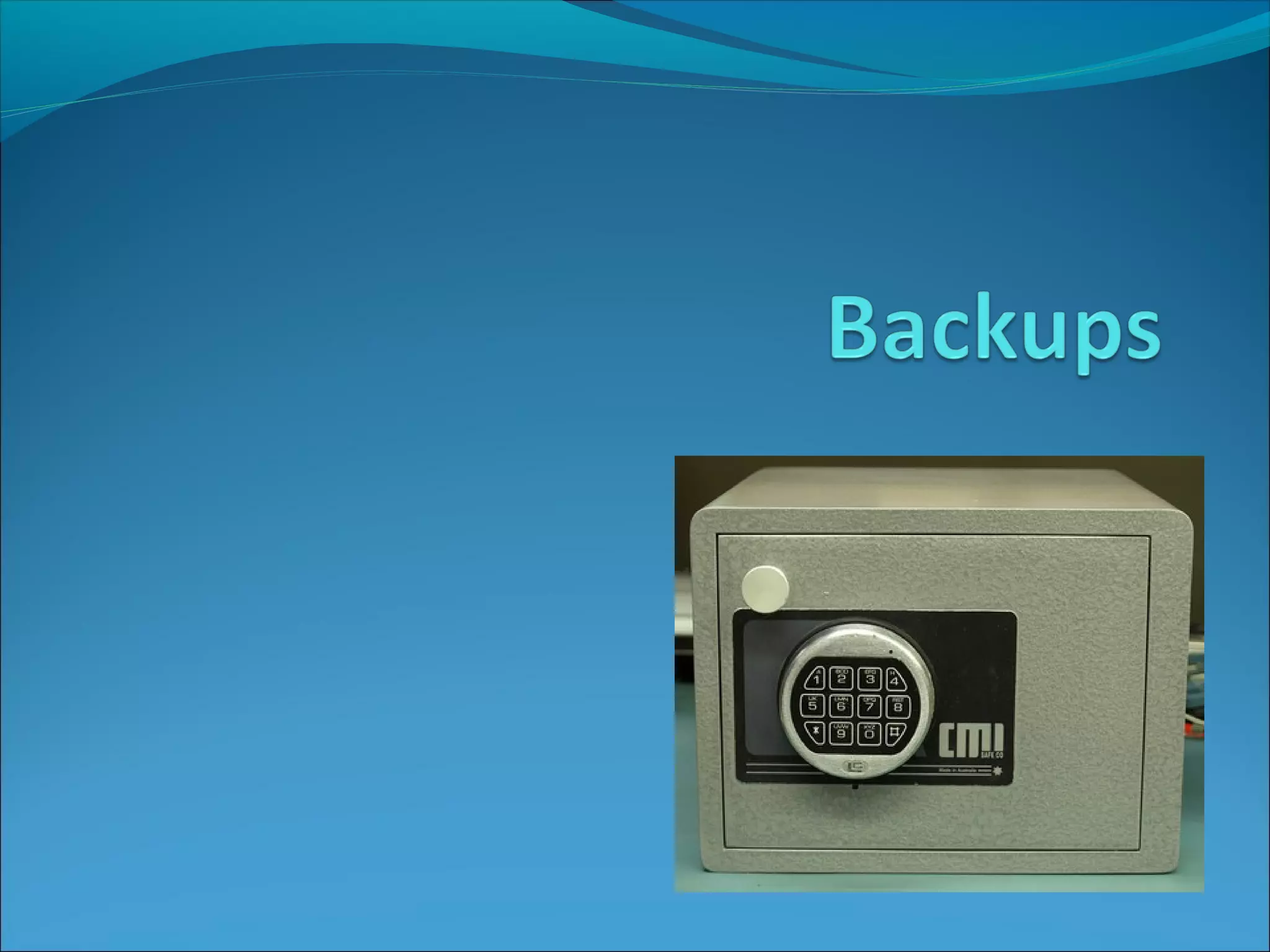
Data and files need to be backed up and archived regularly.
Distributed Storage
Storing data in multiple computers/servers or in computers that are
geographically dispersed. Cloud storage is an example of distributed storage.
Offline Storage (Removable storage)
A storage medium that must be inserted into a storage drive by a person
before it can be accessed by the computer system.
(e.g. USB flash drive, magnetic tape)
Backups
There are various back up solutions depending on the size and importance of
the data.
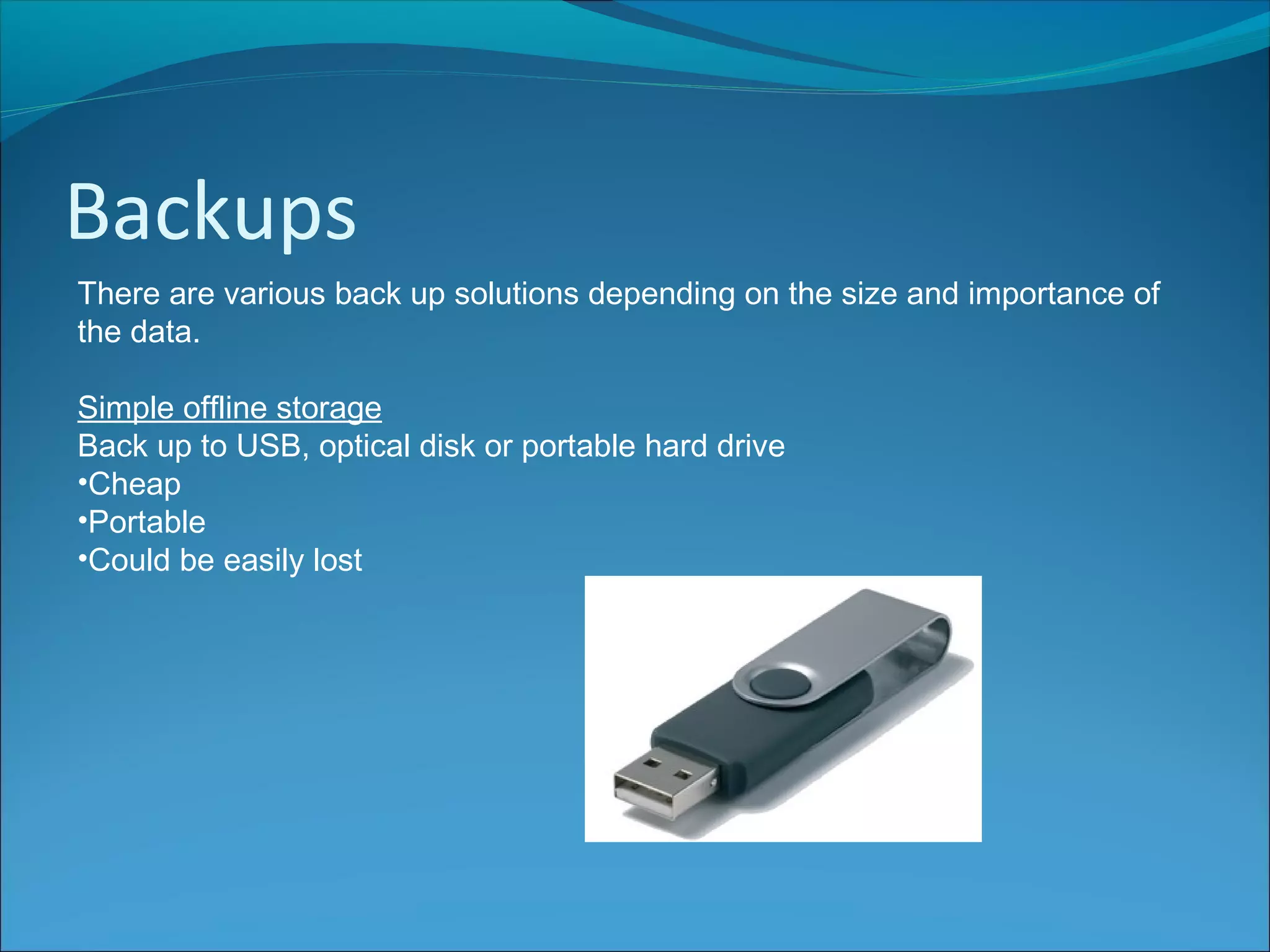
Simple offline storage
Back up to USB, optical disk or portable hard drive
•Cheap
•Portable
•Could be easily lost
Backups
There are various back up solutions depending on the size and importance of
the data.
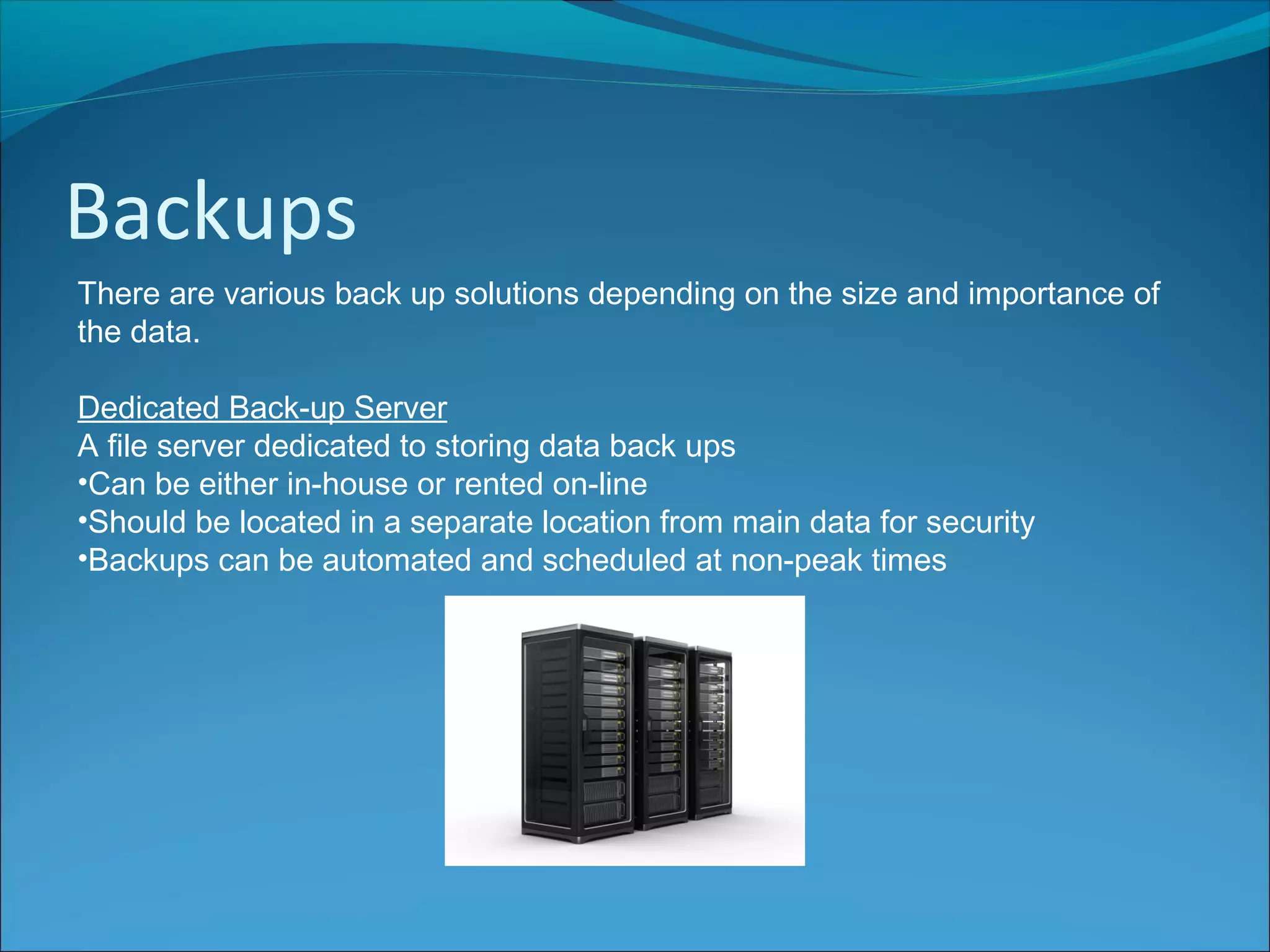
Dedicated Back-up Server
A file server dedicated to storing data back ups
•Can be either in-house or rented on-line
•Should be located in a separate location from main data for security
•Backups can be automated and scheduled at non-peak times
Backups
There are various back up solutions depending on the size and importance of
the data.
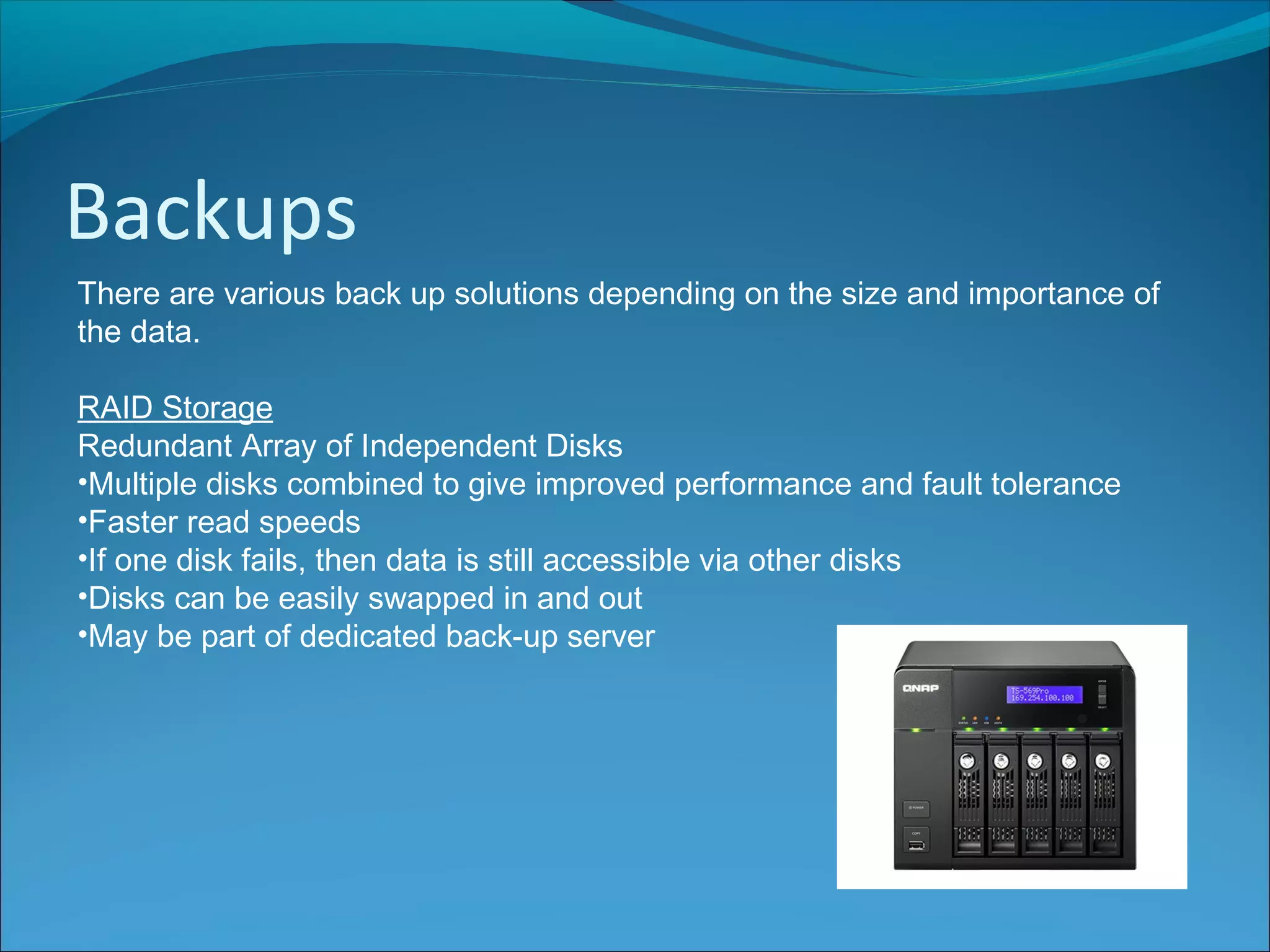
RAID Storage
Redundant Array of Independent Disks
•Multiple disks combined to give improved performance and fault tolerance
•Faster read speeds
•If one disk fails, then data is still accessible via other disks
•Disks can be easily swapped in and out
•May be part of dedicated back-up server
Backups
There are various back up solutions depending on the size and importance of
the data.
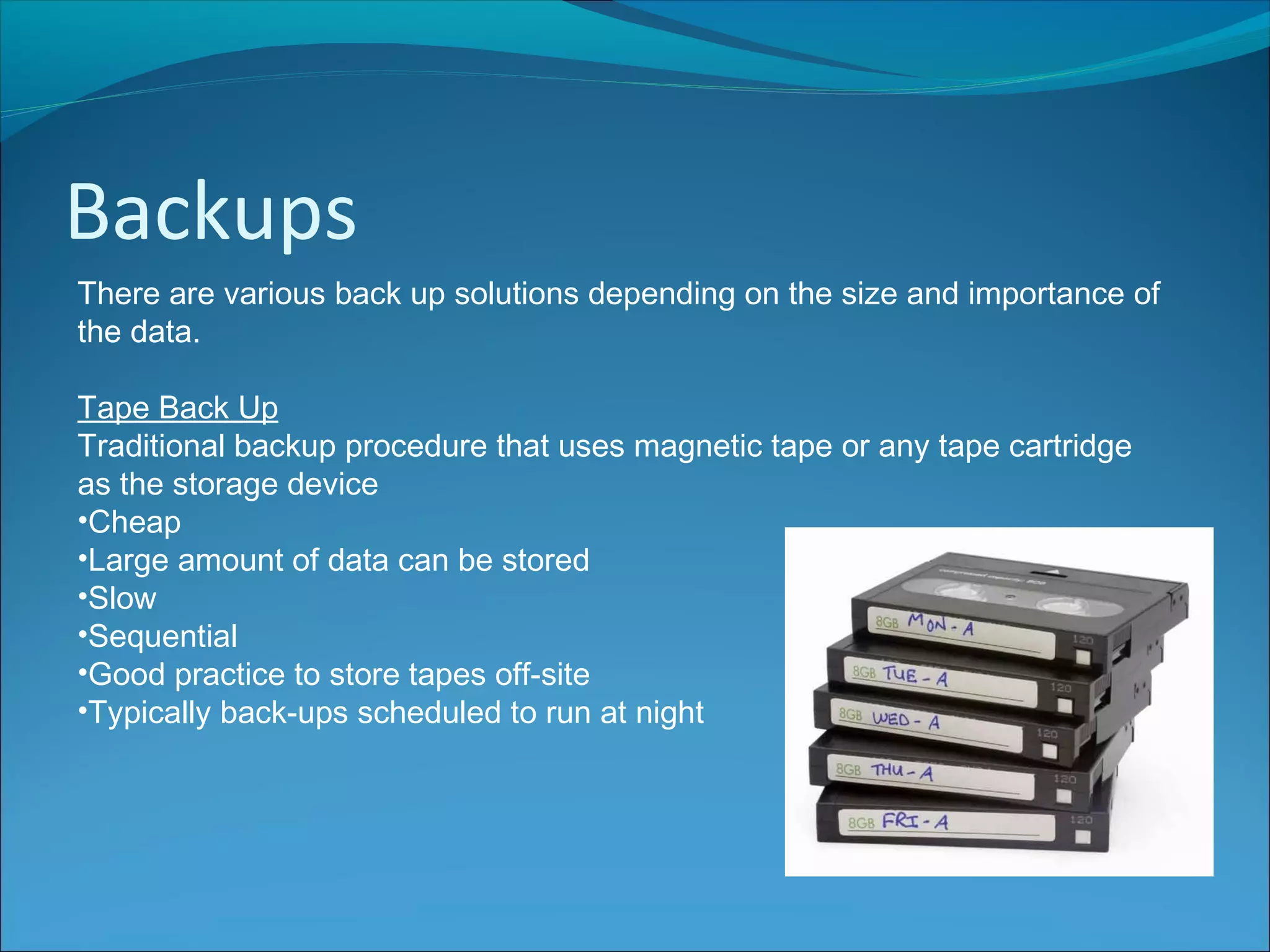
Tape Back Up
Traditional backup procedure that uses magnetic tape or any tape cartridge
as the storage device
•Cheap
•Large amount of data can be stored
•Slow
•Sequential
•Good practice to store tapes off-site
•Typically back-ups scheduled to run at night
Backup Strategies
It is important to consider not just the back up hardware but also when and
how backups will be taken.
•Backups should be taken regularly
•Backups should be stored in different / offsite locations
Backup Strategies
It is important to consider not just the back up hardware but also when and
how backups will be taken.
Full
Copies all data whether it has been changed since last backup or not
Differential
Only backup files which have changed since last full backup
Incremental
Only backup files which have changed since last backup of any kind
Backup Strategies
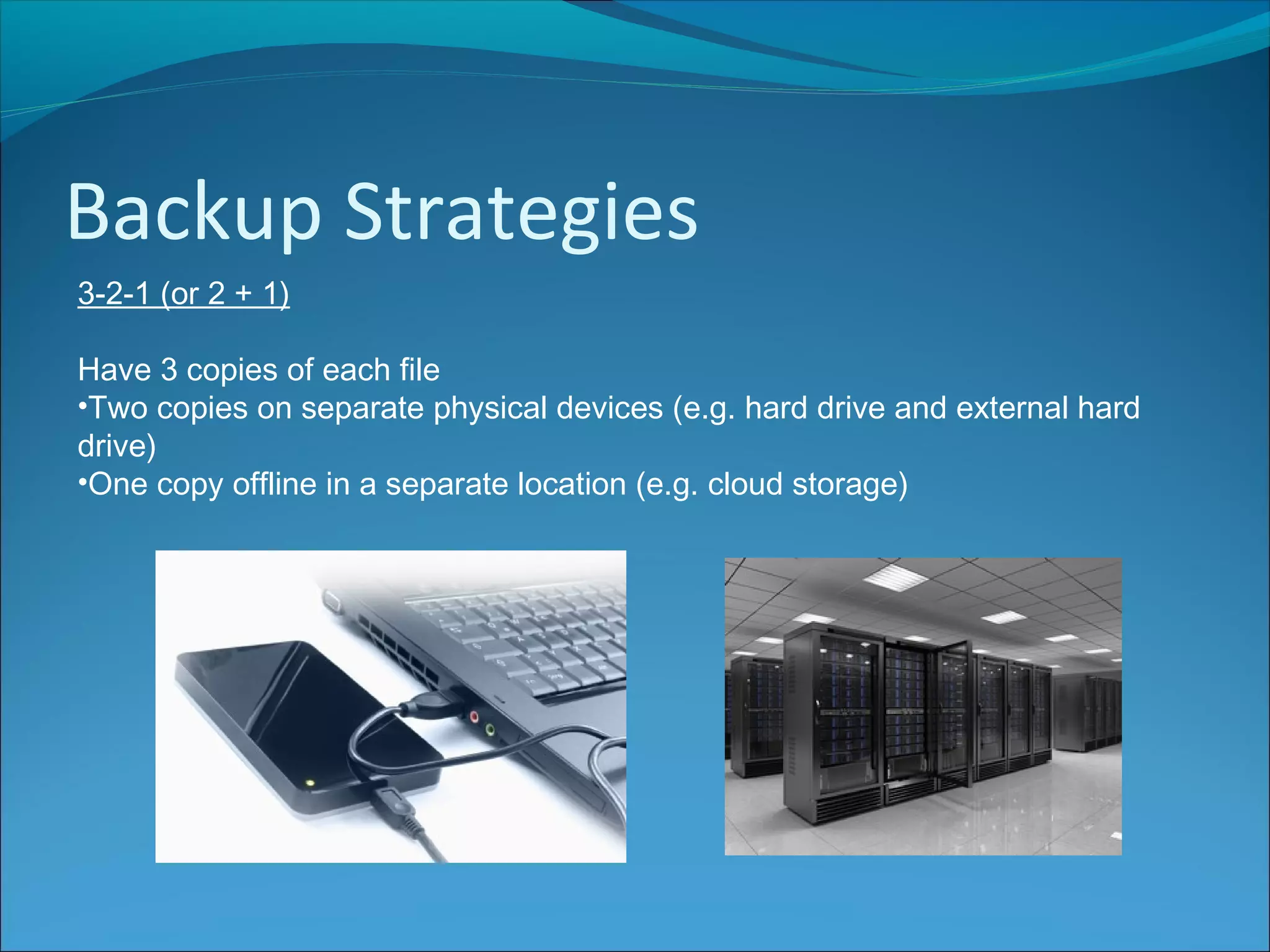
3-2-1 (or 2 + 1)
Have 3 copies of each file
•Two copies on separate physical devices (e.g. hard drive and external hard
drive)
•One copy offline in a separate location (e.g. cloud storage)
Backup Strategies
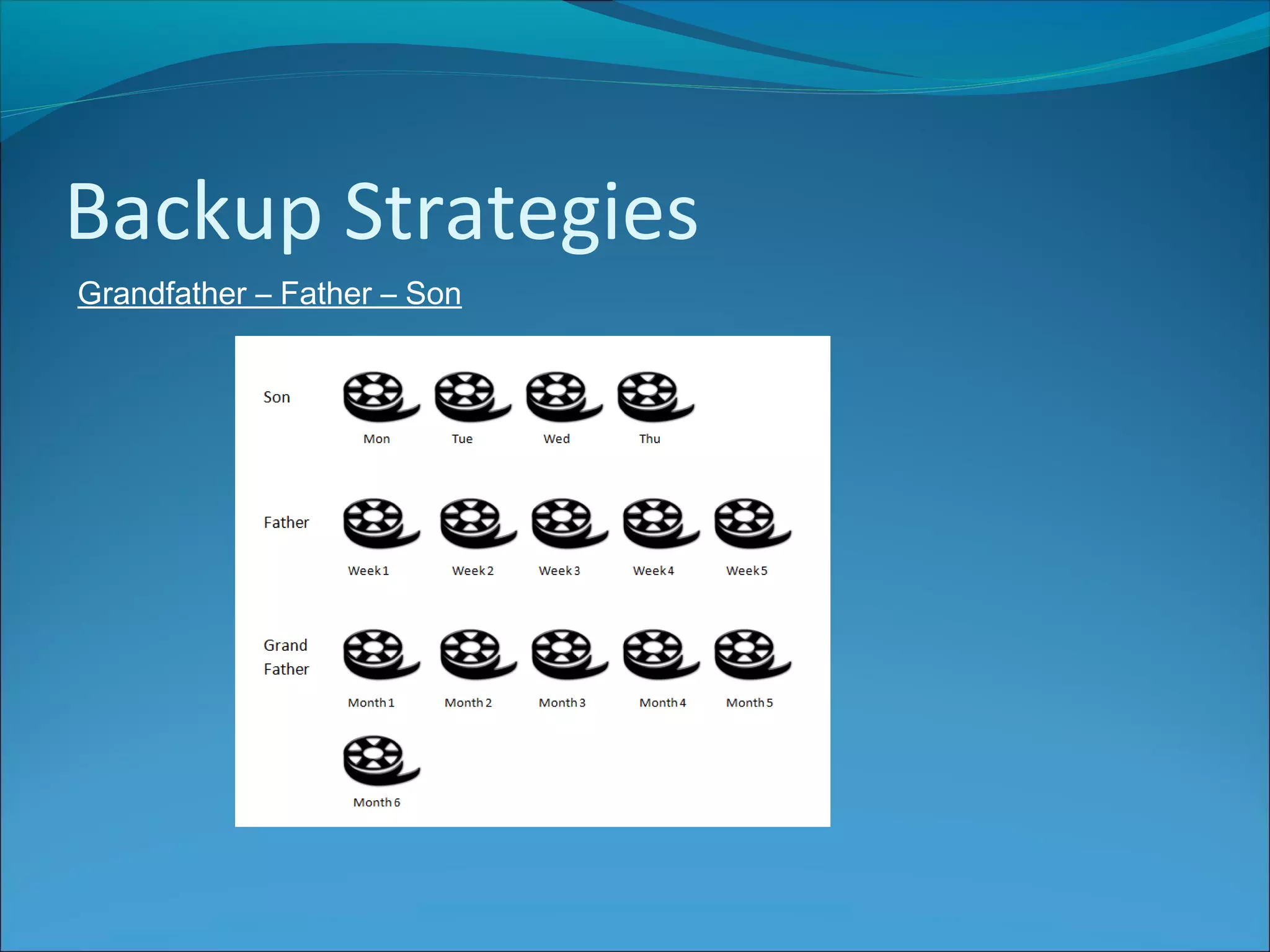
Grandfather – Father – Son

ISDD Back Up Strategies

  • 2.
    Backups Data and filesneed to be backed up and archived regularly. Distributed Storage Storing data in multiple computers/servers or in computers that are geographically dispersed. Cloud storage is an example of distributed storage. Offline Storage (Removable storage) A storage medium that must be inserted into a storage drive by a person before it can be accessed by the computer system. (e.g. USB flash drive, magnetic tape)
  • 3.
    Backups There are variousback up solutions depending on the size and importance of the data. Simple offline storage Back up to USB, optical disk or portable hard drive •Cheap •Portable •Could be easily lost
  • 4.
    Backups There are variousback up solutions depending on the size and importance of the data. Dedicated Back-up Server A file server dedicated to storing data back ups •Can be either in-house or rented on-line •Should be located in a separate location from main data for security •Backups can be automated and scheduled at non-peak times
  • 5.
    Backups There are variousback up solutions depending on the size and importance of the data. RAID Storage Redundant Array of Independent Disks •Multiple disks combined to give improved performance and fault tolerance •Faster read speeds •If one disk fails, then data is still accessible via other disks •Disks can be easily swapped in and out •May be part of dedicated back-up server
  • 6.
    Backups There are variousback up solutions depending on the size and importance of the data. Tape Back Up Traditional backup procedure that uses magnetic tape or any tape cartridge as the storage device •Cheap •Large amount of data can be stored •Slow •Sequential •Good practice to store tapes off-site •Typically back-ups scheduled to run at night
  • 7.
    Backup Strategies It isimportant to consider not just the back up hardware but also when and how backups will be taken. •Backups should be taken regularly •Backups should be stored in different / offsite locations
  • 8.
    Backup Strategies It isimportant to consider not just the back up hardware but also when and how backups will be taken. Full Copies all data whether it has been changed since last backup or not Differential Only backup files which have changed since last full backup Incremental Only backup files which have changed since last backup of any kind
  • 9.
    Backup Strategies 3-2-1 (or2 + 1) Have 3 copies of each file •Two copies on separate physical devices (e.g. hard drive and external hard drive) •One copy offline in a separate location (e.g. cloud storage)
  • 10.