+
STORAGE
DEVICESAN 2015
+
Storage Devices vs Storage Media
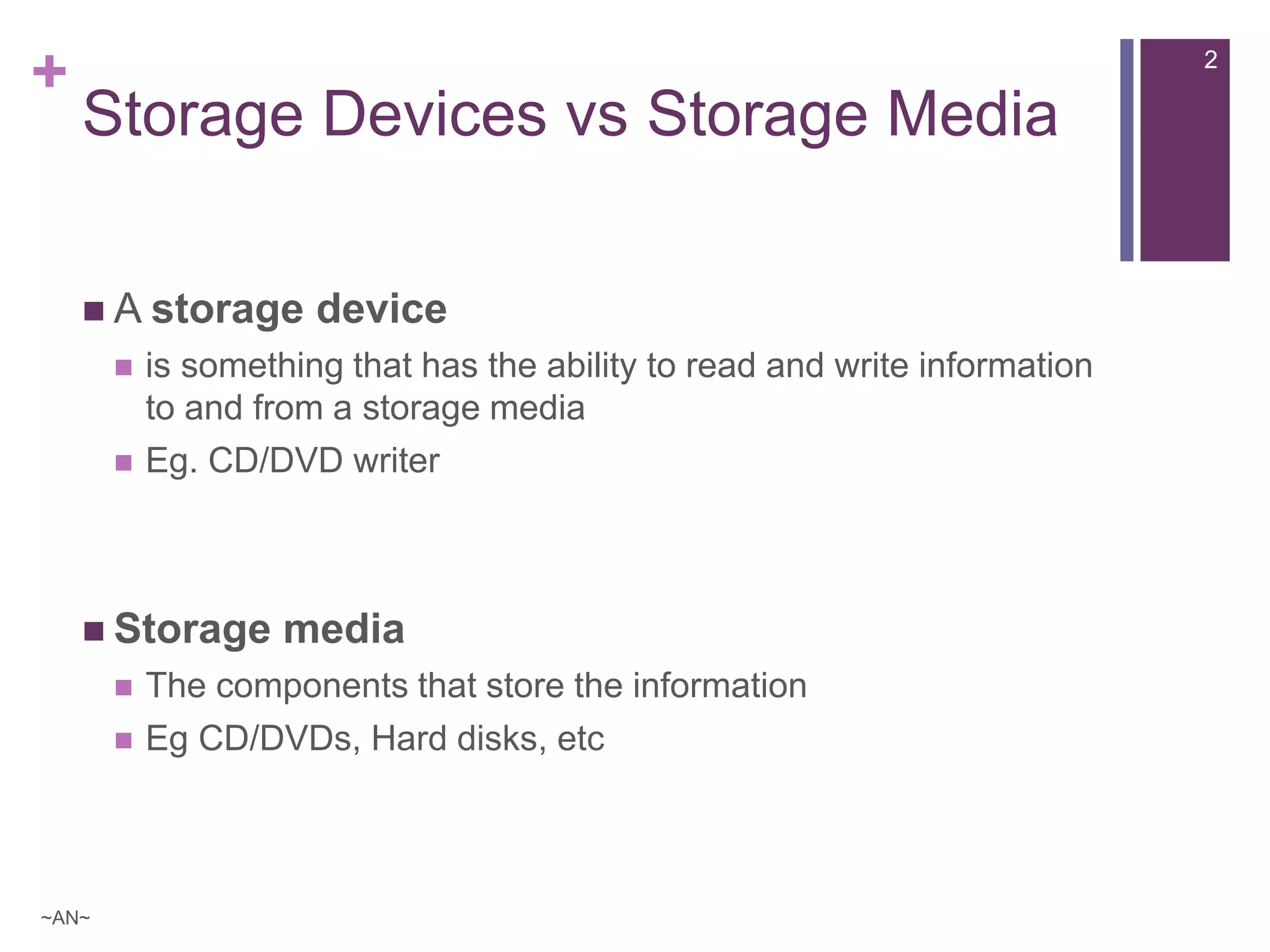
 A storage device
 is something that has the ability to read and write information
to and from a storage media
 Eg. CD/DVD writer
 Storage media
 The components that store the information
 Eg CD/DVDs, Hard disks, etc
2
~AN~
+
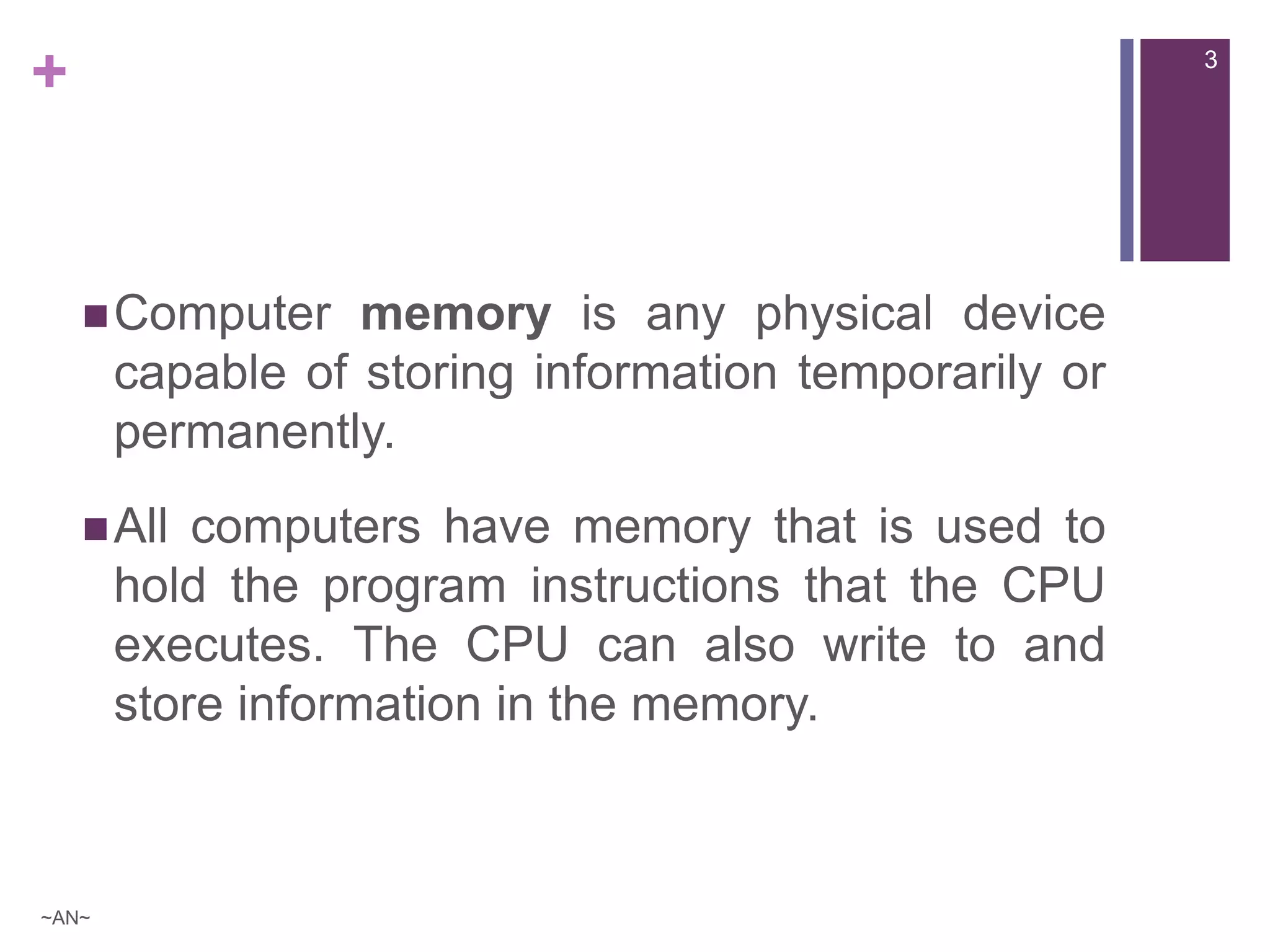
Computer memory is any physical device
capable of storing information temporarily or
permanently.
All computers have memory that is used to
hold the program instructions that the CPU
executes. The CPU can also write to and
store information in the memory.
3
~AN~
+
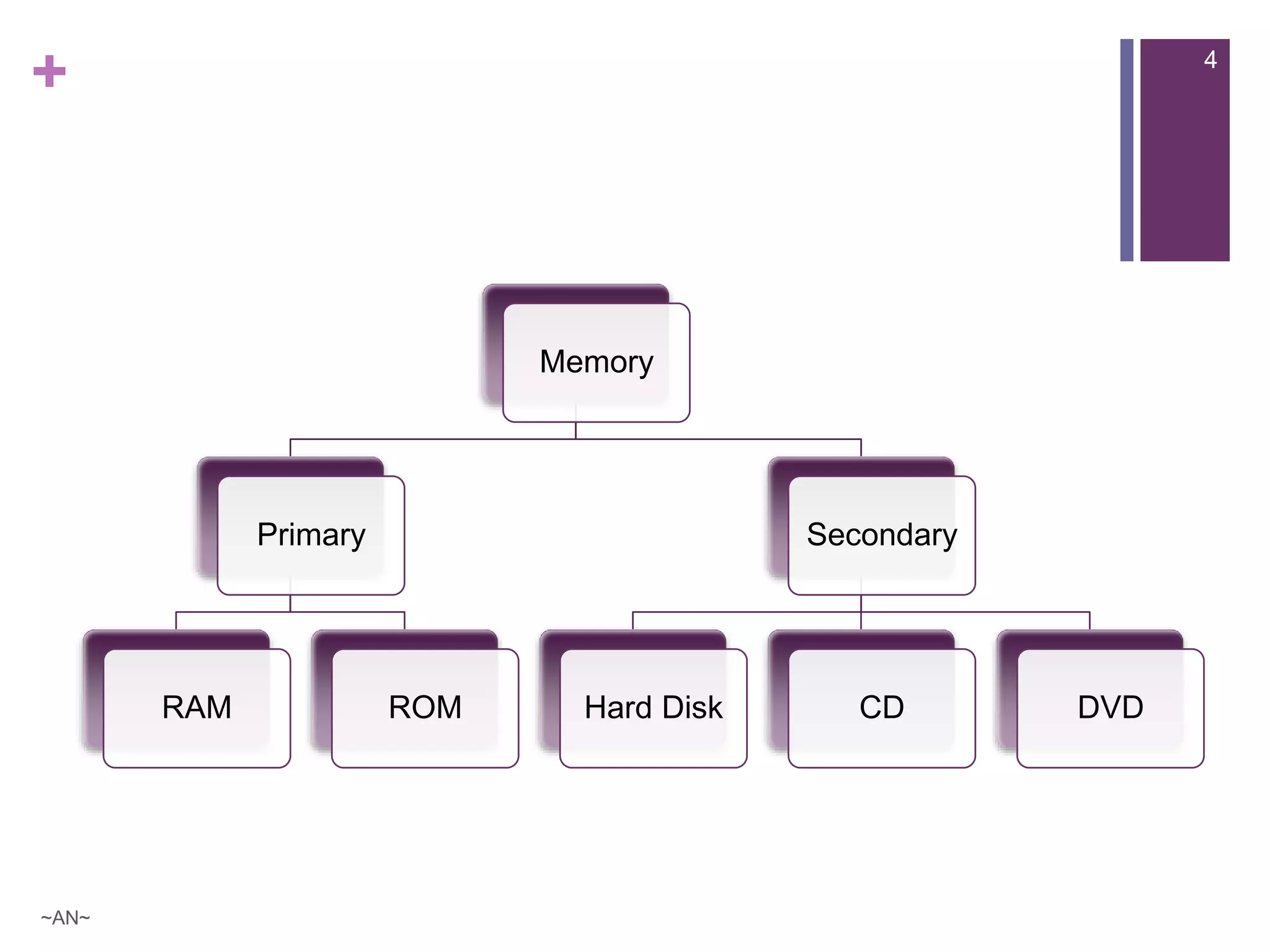
Memory
Primary
RAM ROM
Secondary
Hard Disk CD DVD
4
~AN~
+
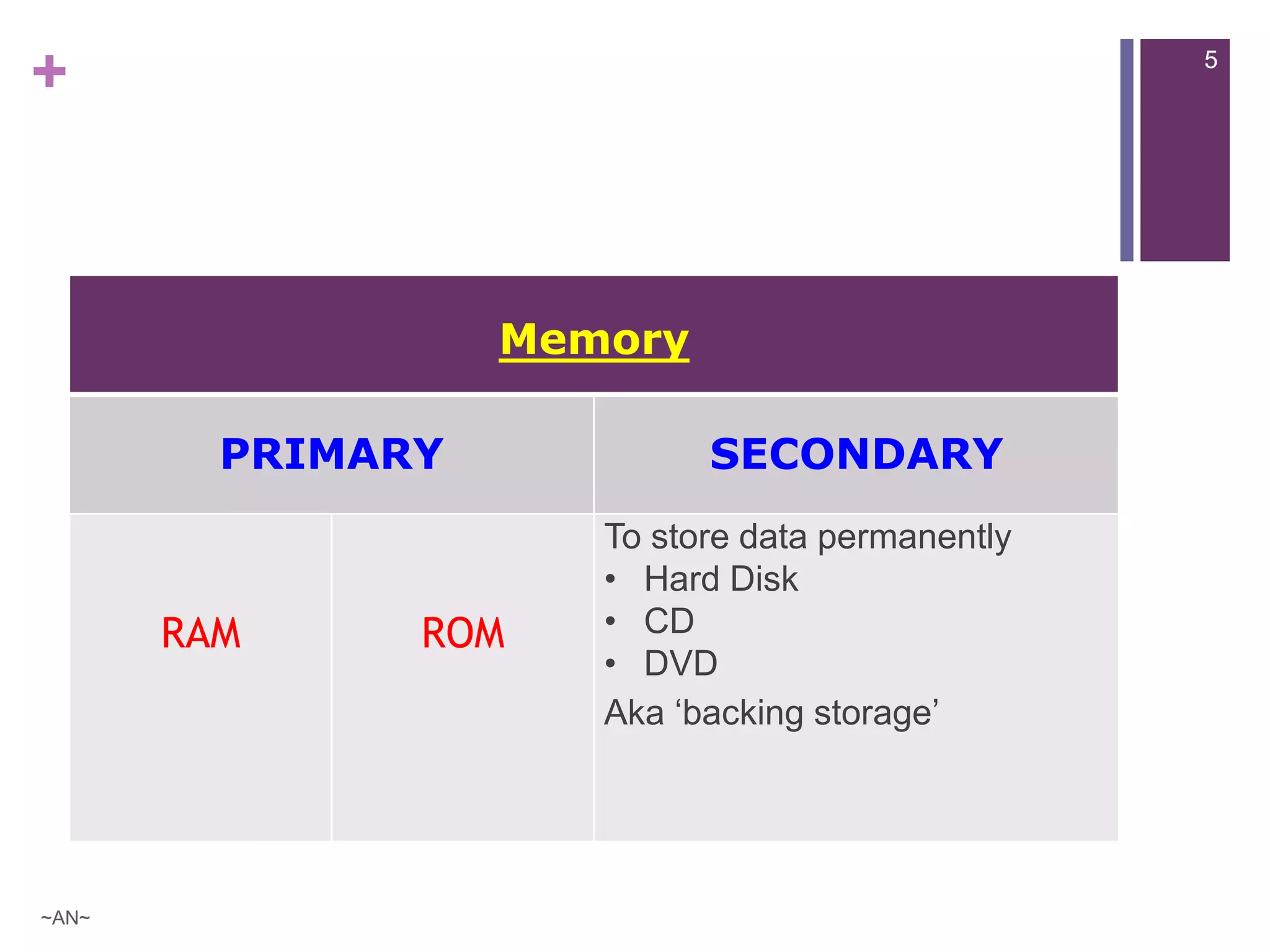
Memory
PRIMARY SECONDARY
RAM ROM
To store data permanently
• Hard Disk
• CD
• DVD
Aka ‘backing storage’
5
~AN~
+
Primary Memory
RAM ROM
 is a Volatile memory
 is temporary memory
 is memory that loses its
contents when the computer is
turned off
 the more RAM a system has –
the faster it will run
 is Non-volatile memory
 is permanent memory
 is memory that keeps its
contents even if the power is
lost
 usually used to store the
essential program drivers to
start the computer
6
~AN~
+
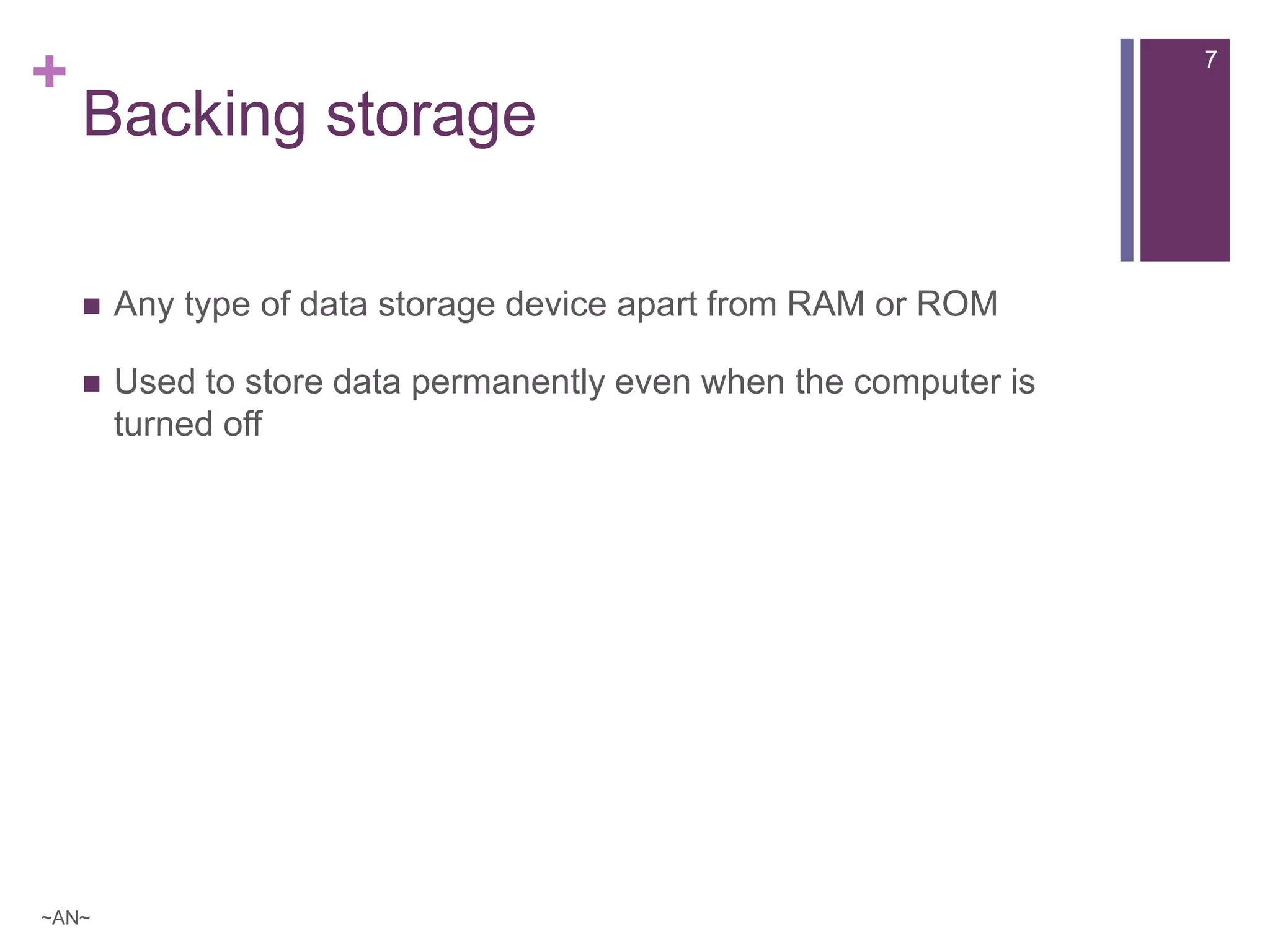
Backing storage
 Any type of data storage device apart from RAM or ROM
 Used to store data permanently even when the computer is
turned off
~AN~
7
+
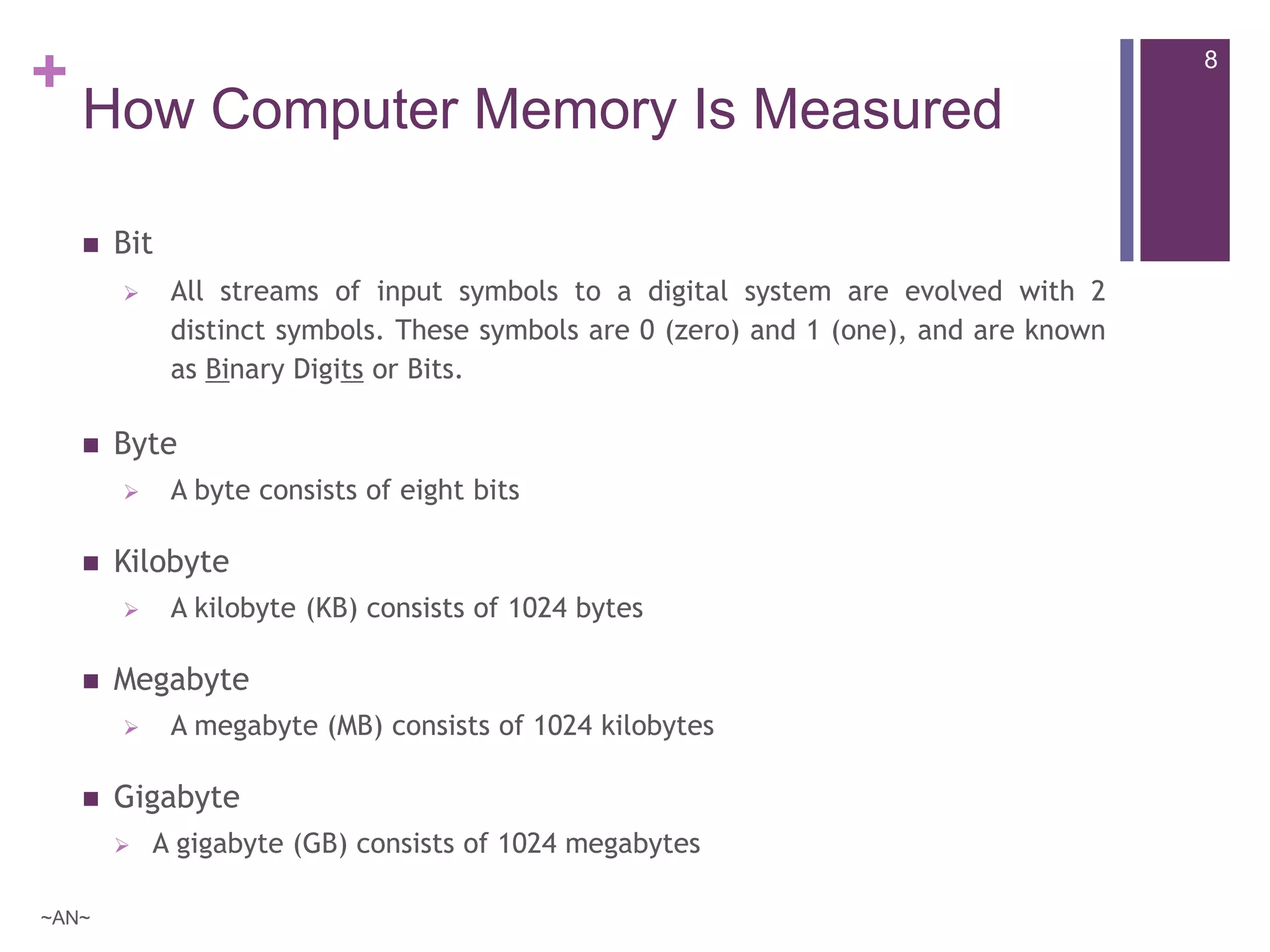
How Computer Memory Is Measured
 Bit
 All streams of input symbols to a digital system are evolved with 2
distinct symbols. These symbols are 0 (zero) and 1 (one), and are known
as Binary Digits or Bits.
 Byte
 A byte consists of eight bits
 Kilobyte
 A kilobyte (KB) consists of 1024 bytes
 Megabyte
 A megabyte (MB) consists of 1024 kilobytes
 Gigabyte
 A gigabyte (GB) consists of 1024 megabytes
8
~AN~
+
Secondary Storage Devices
[also known as . . .
. . . external memory and auxiliary storage]
Secondary storage is a storage
medium that holds information
permanently until it is deleted or
overwritten even when the computer is
turned off
9
~AN~
+ 10
~AN~
+
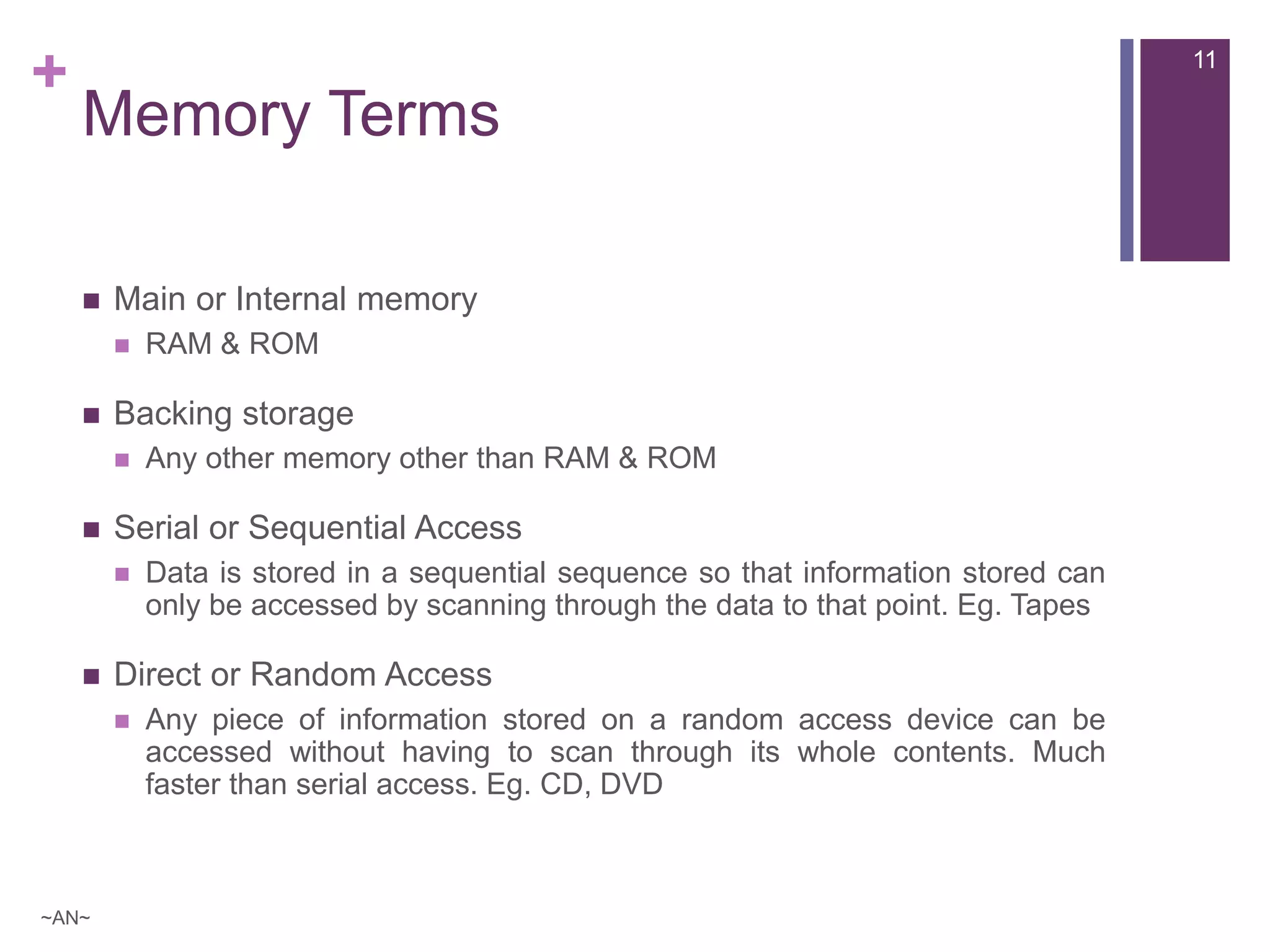
Memory Terms
 Main or Internal memory
 RAM & ROM
 Backing storage
 Any other memory other than RAM & ROM
 Serial or Sequential Access
 Data is stored in a sequential sequence so that information stored can
only be accessed by scanning through the data to that point. Eg. Tapes
 Direct or Random Access
 Any piece of information stored on a random access device can be
accessed without having to scan through its whole contents. Much
faster than serial access. Eg. CD, DVD
11
~AN~
+
Backing Up – Backup Models
 Unstructured Backup
 Selecting files
 Full System Backup
 Incremental Backup
 Backups after Full System Backup
 Off-site Backup
~AN~
12
+
Backup Solutions
 Manually copying
 Software backup
 Mirroring (RAID)
 Two or more hard discs are linked such that information is written to
both of them at the same time, creating clones
 Online or Remote backup
 Files backed up via the internet to an online server usually by a third
party software installed on computer. Cloud computing !
~AN~
13
+
Thank You 
14
~AN~

[ICT] Storage Devices

  • 1.
  • 2.
    + Storage Devices vsStorage Media  A storage device  is something that has the ability to read and write information to and from a storage media  Eg. CD/DVD writer  Storage media  The components that store the information  Eg CD/DVDs, Hard disks, etc 2 ~AN~
  • 3.
    + Computer memory isany physical device capable of storing information temporarily or permanently. All computers have memory that is used to hold the program instructions that the CPU executes. The CPU can also write to and store information in the memory. 3 ~AN~
  • 4.
  • 5.
    + Memory PRIMARY SECONDARY RAM ROM Tostore data permanently • Hard Disk • CD • DVD Aka ‘backing storage’ 5 ~AN~
  • 6.
    + Primary Memory RAM ROM is a Volatile memory  is temporary memory  is memory that loses its contents when the computer is turned off  the more RAM a system has – the faster it will run  is Non-volatile memory  is permanent memory  is memory that keeps its contents even if the power is lost  usually used to store the essential program drivers to start the computer 6 ~AN~
  • 7.
    + Backing storage  Anytype of data storage device apart from RAM or ROM  Used to store data permanently even when the computer is turned off ~AN~ 7
  • 8.
    + How Computer MemoryIs Measured  Bit  All streams of input symbols to a digital system are evolved with 2 distinct symbols. These symbols are 0 (zero) and 1 (one), and are known as Binary Digits or Bits.  Byte  A byte consists of eight bits  Kilobyte  A kilobyte (KB) consists of 1024 bytes  Megabyte  A megabyte (MB) consists of 1024 kilobytes  Gigabyte  A gigabyte (GB) consists of 1024 megabytes 8 ~AN~
  • 9.
    + Secondary Storage Devices [alsoknown as . . . . . . external memory and auxiliary storage] Secondary storage is a storage medium that holds information permanently until it is deleted or overwritten even when the computer is turned off 9 ~AN~
  • 10.
  • 11.
    + Memory Terms  Mainor Internal memory  RAM & ROM  Backing storage  Any other memory other than RAM & ROM  Serial or Sequential Access  Data is stored in a sequential sequence so that information stored can only be accessed by scanning through the data to that point. Eg. Tapes  Direct or Random Access  Any piece of information stored on a random access device can be accessed without having to scan through its whole contents. Much faster than serial access. Eg. CD, DVD 11 ~AN~
  • 12.
    + Backing Up –Backup Models  Unstructured Backup  Selecting files  Full System Backup  Incremental Backup  Backups after Full System Backup  Off-site Backup ~AN~ 12
  • 13.
    + Backup Solutions  Manuallycopying  Software backup  Mirroring (RAID)  Two or more hard discs are linked such that information is written to both of them at the same time, creating clones  Online or Remote backup  Files backed up via the internet to an online server usually by a third party software installed on computer. Cloud computing ! ~AN~ 13
  • 14.