Online Fraud
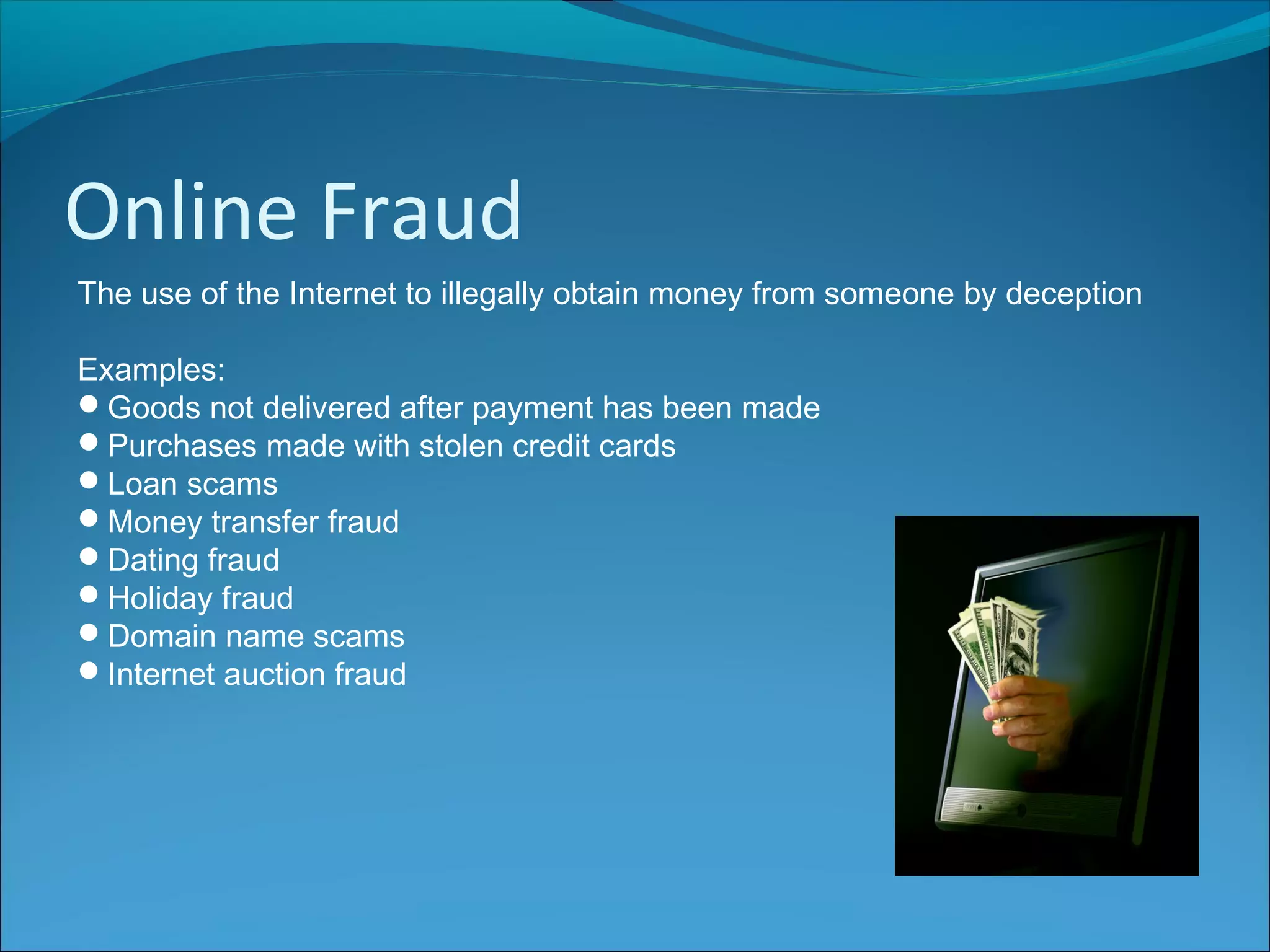
The use of the Internet to illegally obtain money from someone by deception
Examples:
Goods not delivered after payment has been made
Purchases made with stolen credit cards
Loan scams
Money transfer fraud
Dating fraud
Holiday fraud
Domain name scams
Internet auction fraud
Identity Theft
Using key pieces of personal information in order to impersonate someone
else's identity
True Name
Opening a new credit card, bank account, mobile phone account using
someone else’s identity
Account Takeover
The imposter uses personal information to gain access to the person's
existing accounts
Phishing emails are one common way of getting hold
of personal details
Protection
In order to protect against online fraud and identity theft, people can:
Avoid giving out personal information
Never respond to emails from banks or other financial organisations asking
for login details
Shred any receipts, statements or letters with financial information and
name/address
Install anti-virus software and keep it up-to-date
Install a firewall
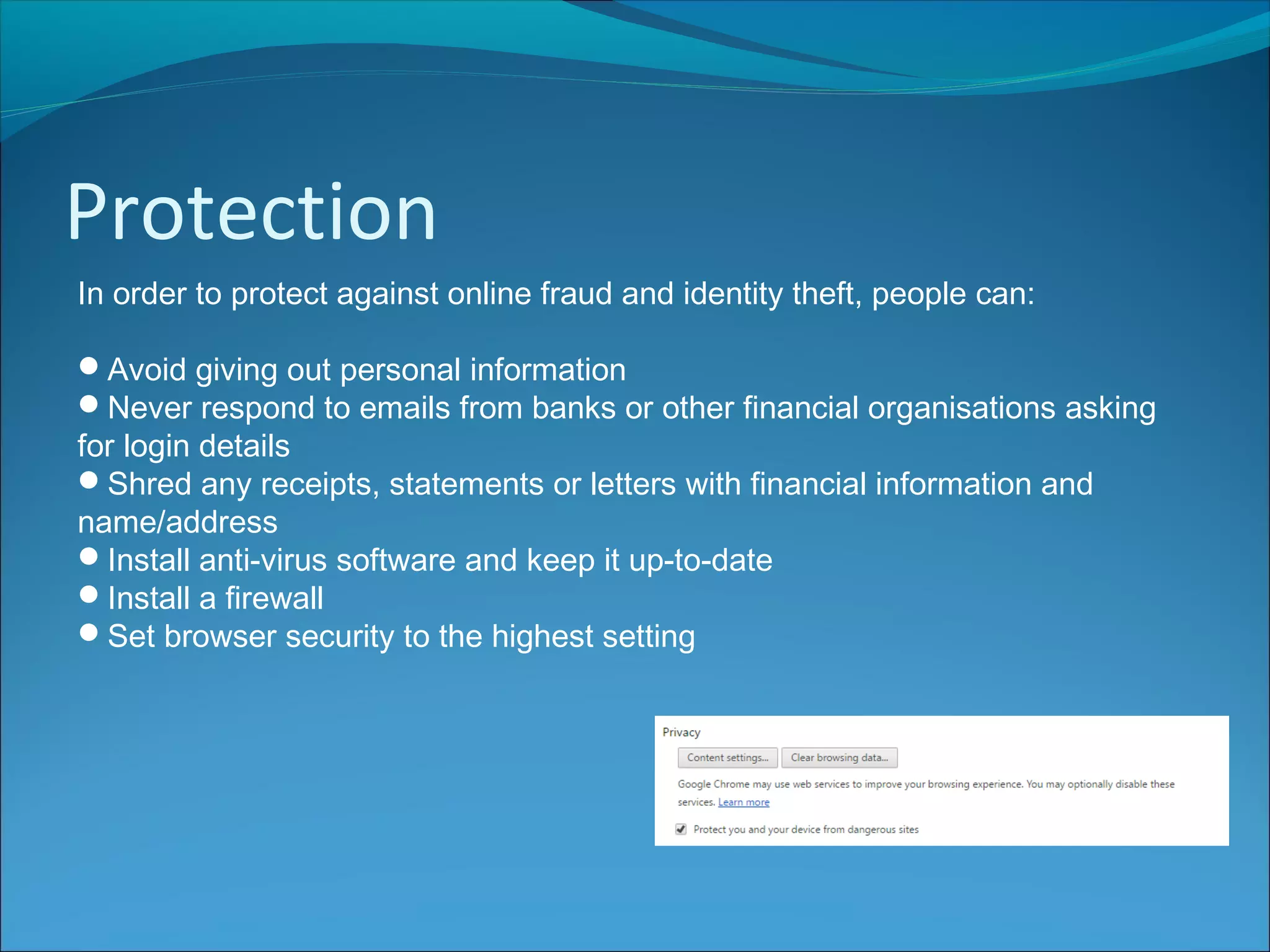
Set browser security to the highest setting
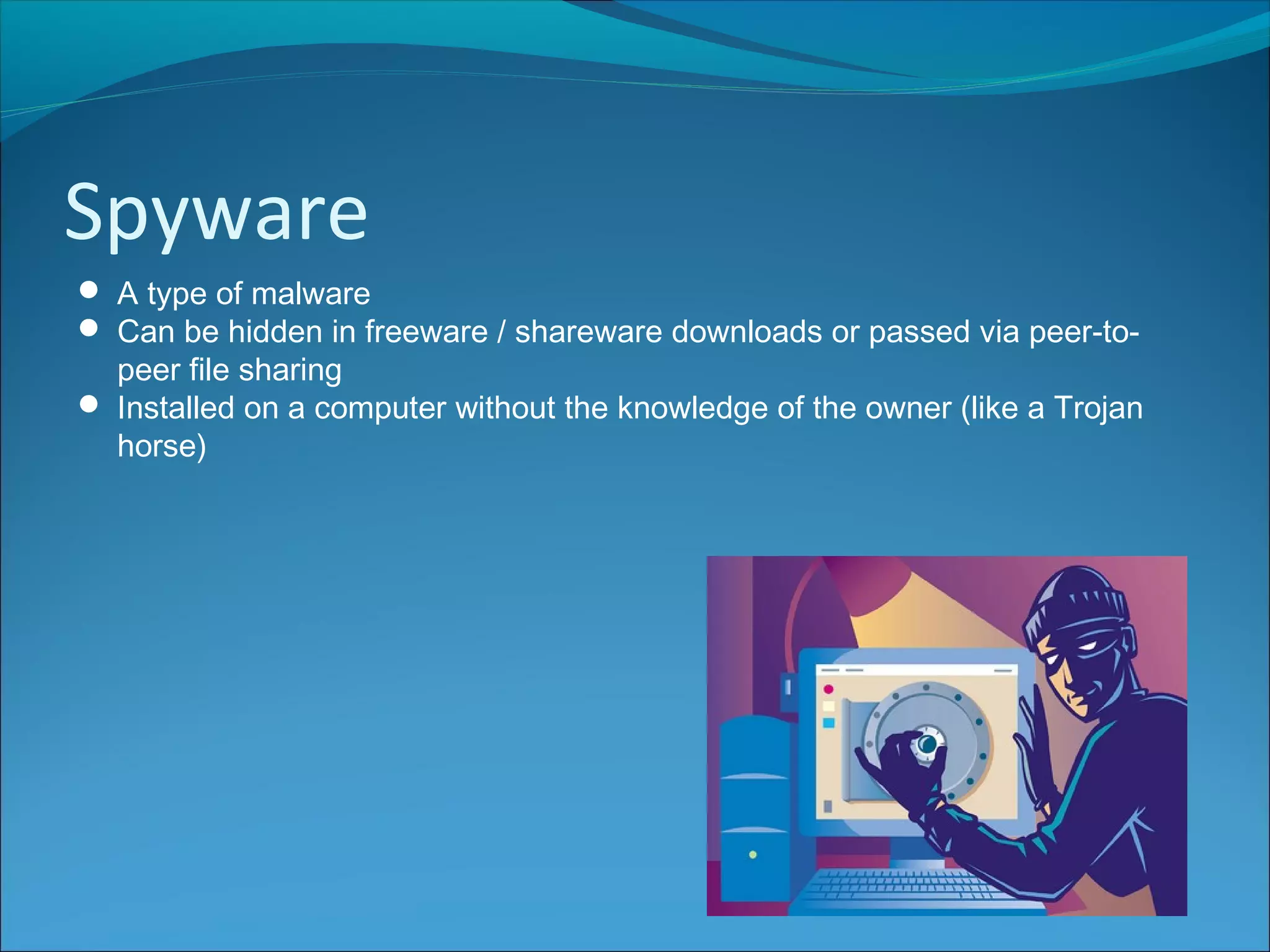
Spyware
 A type of malware
 Can be hidden in freeware / shareware downloads or passed via peer-to-
peer file sharing
 Installed on a computer without the knowledge of the owner (like a Trojan
horse)
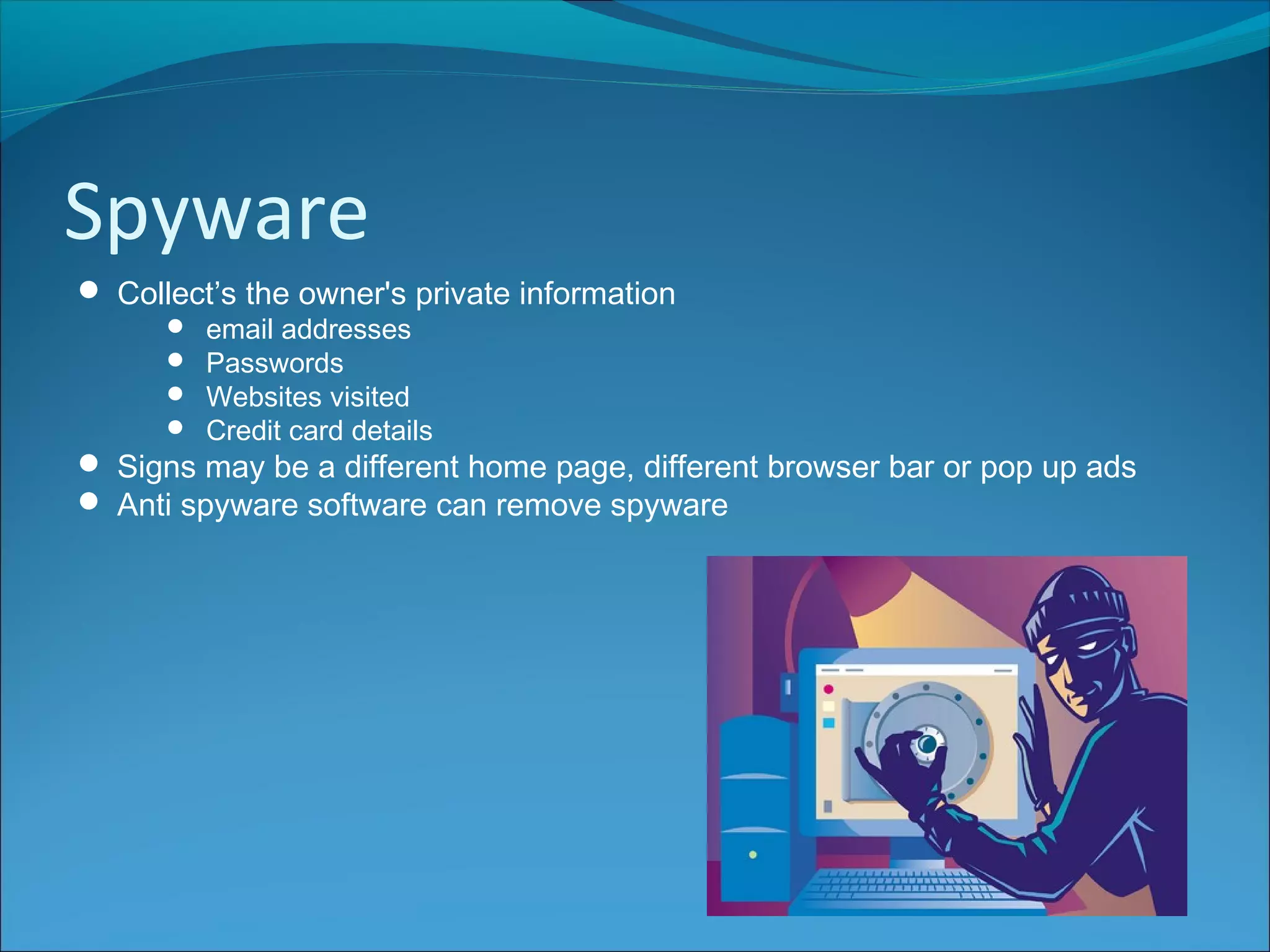
Spyware
 Collect’s the owner's private information
 email addresses
 Passwords
 Websites visited
 Credit card details
 Signs may be a different home page, different browser bar or pop up ads
 Anti spyware software can remove spyware
Keylogging
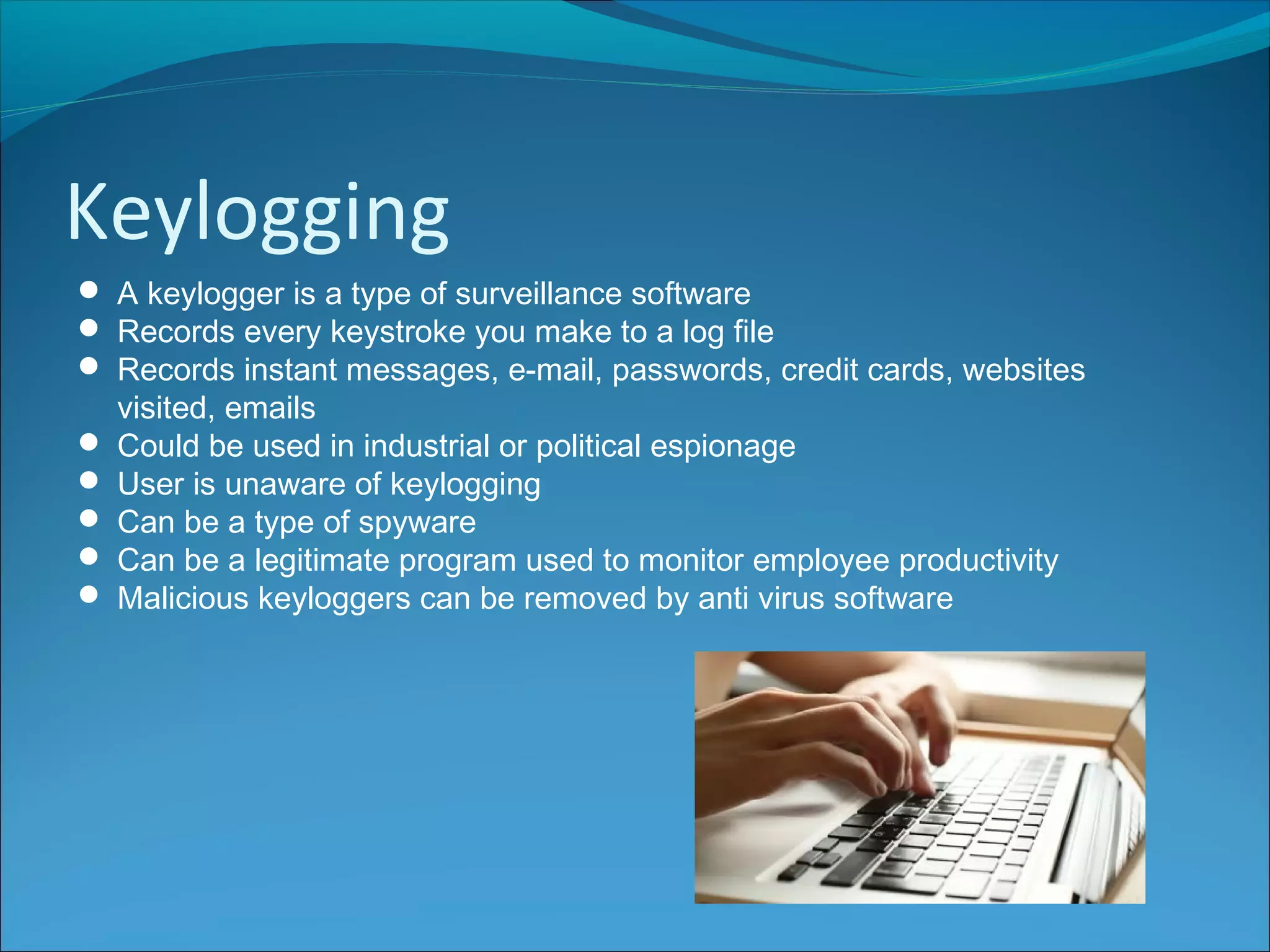
 A keylogger is a type of surveillance software
 Records every keystroke you make to a log file
 Records instant messages, e-mail, passwords, credit cards, websites
visited, emails
 Could be used in industrial or political espionage
 User is unaware of keylogging
 Can be a type of spyware
 Can be a legitimate program used to monitor employee productivity
 Malicious keyloggers can be removed by anti virus software
Phishing
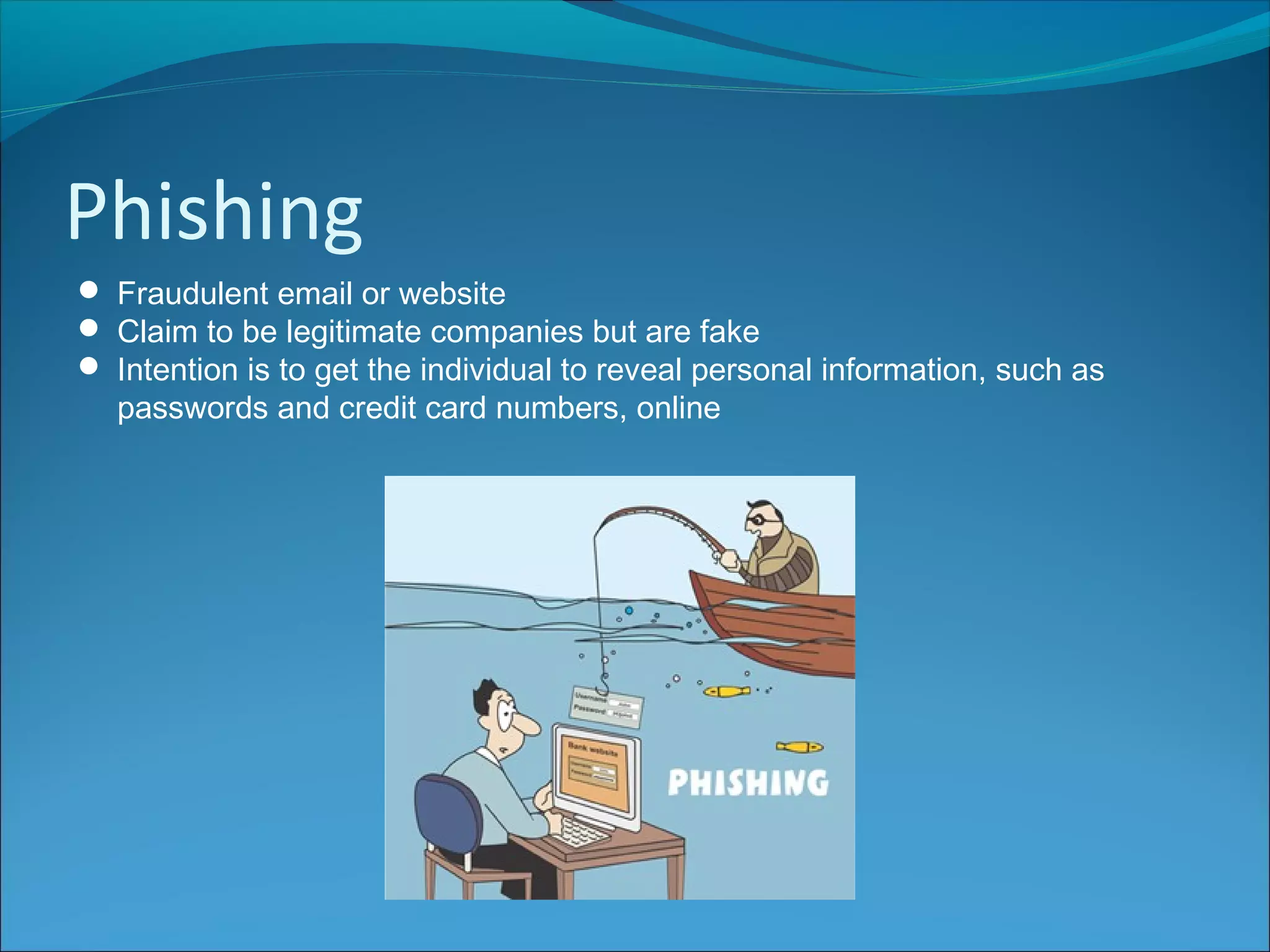
 Fraudulent email or website
 Claim to be legitimate companies but are fake
 Intention is to get the individual to reveal personal information, such as
passwords and credit card numbers, online
Phishing
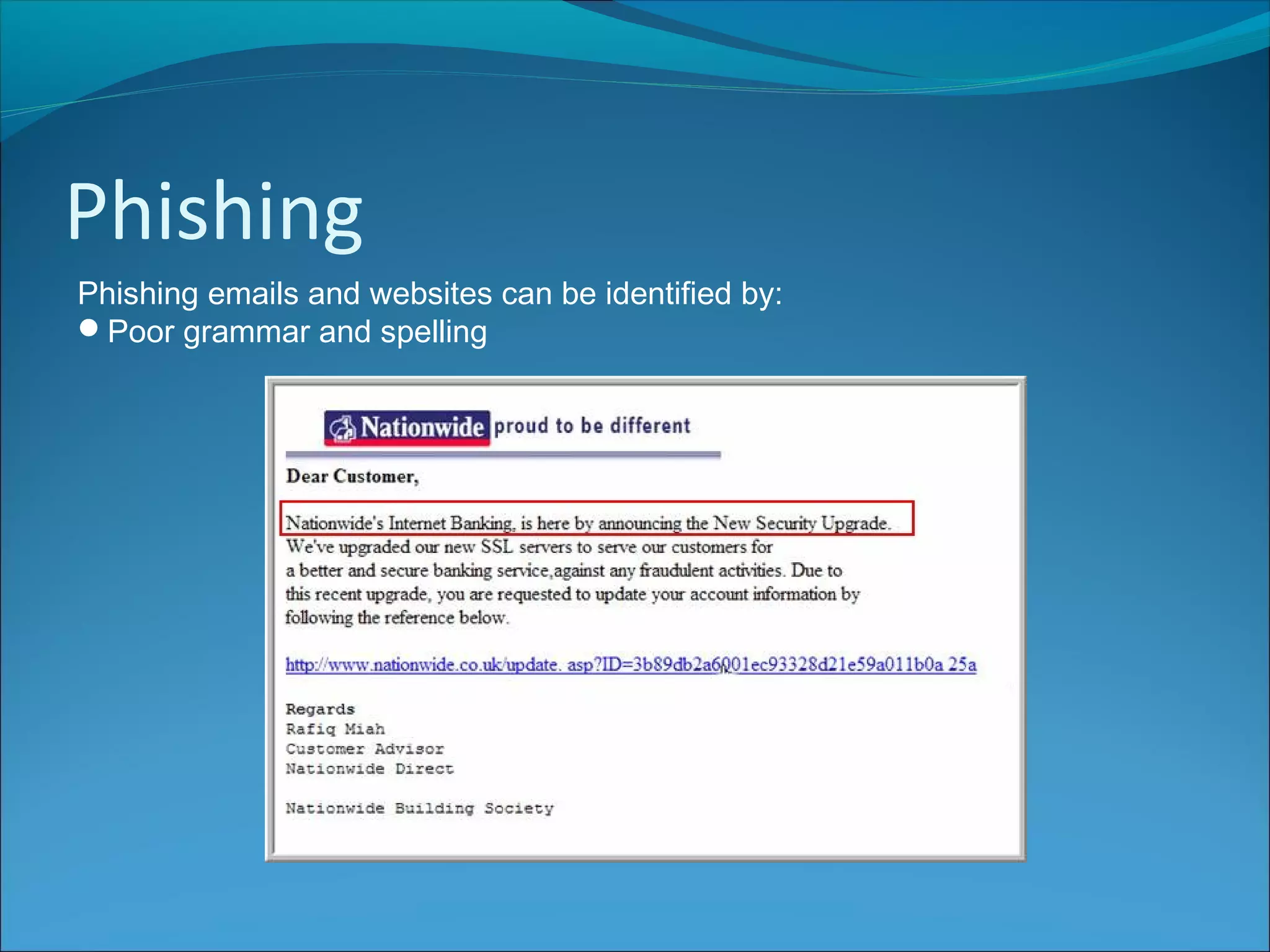
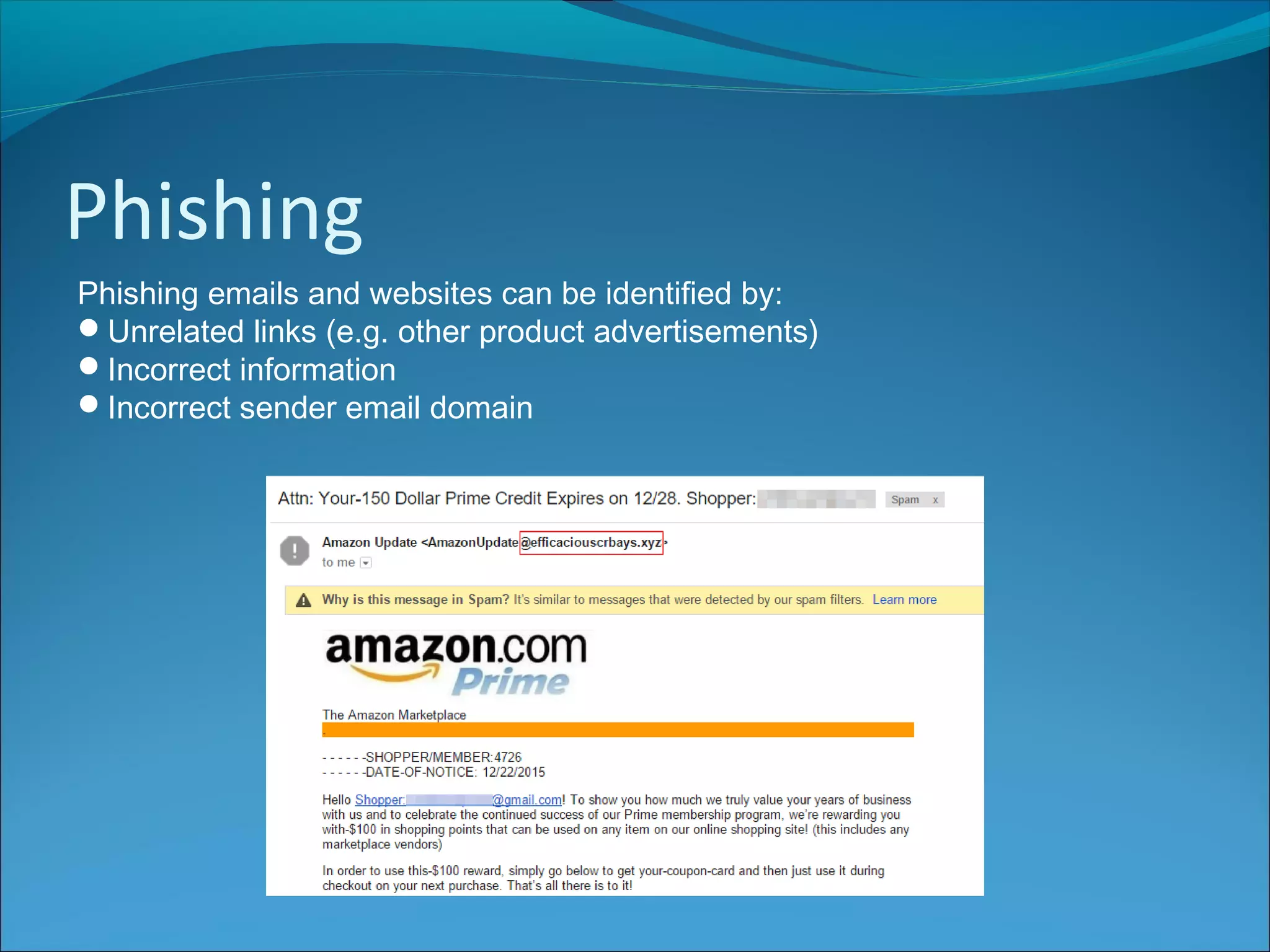
Phishing emails and websites can be identified by:
Poor grammar and spelling
Phishing
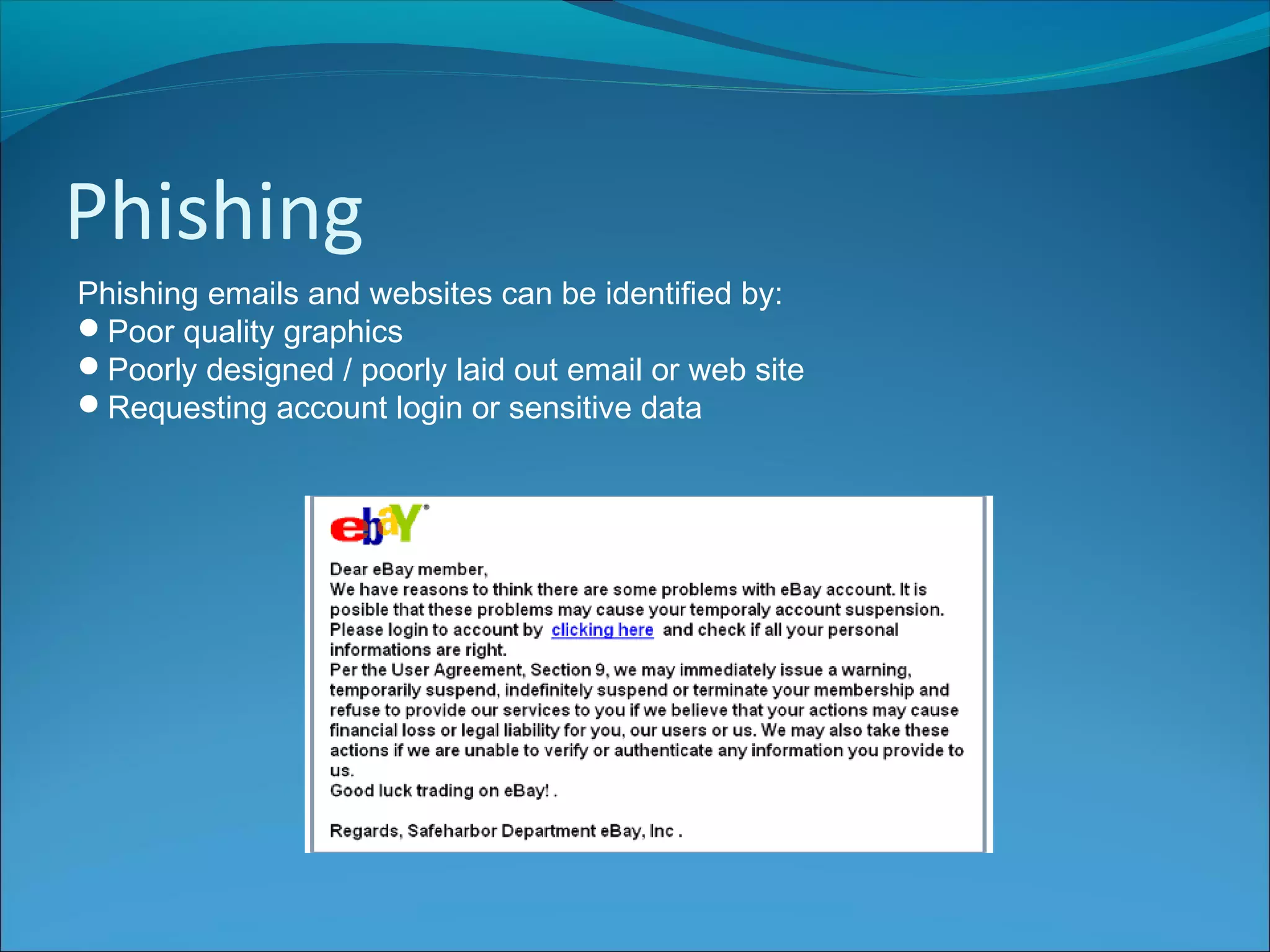
Phishing emails and websites can be identified by:
Poor quality graphics
Poorly designed / poorly laid out email or web site
Requesting account login or sensitive data
Phishing
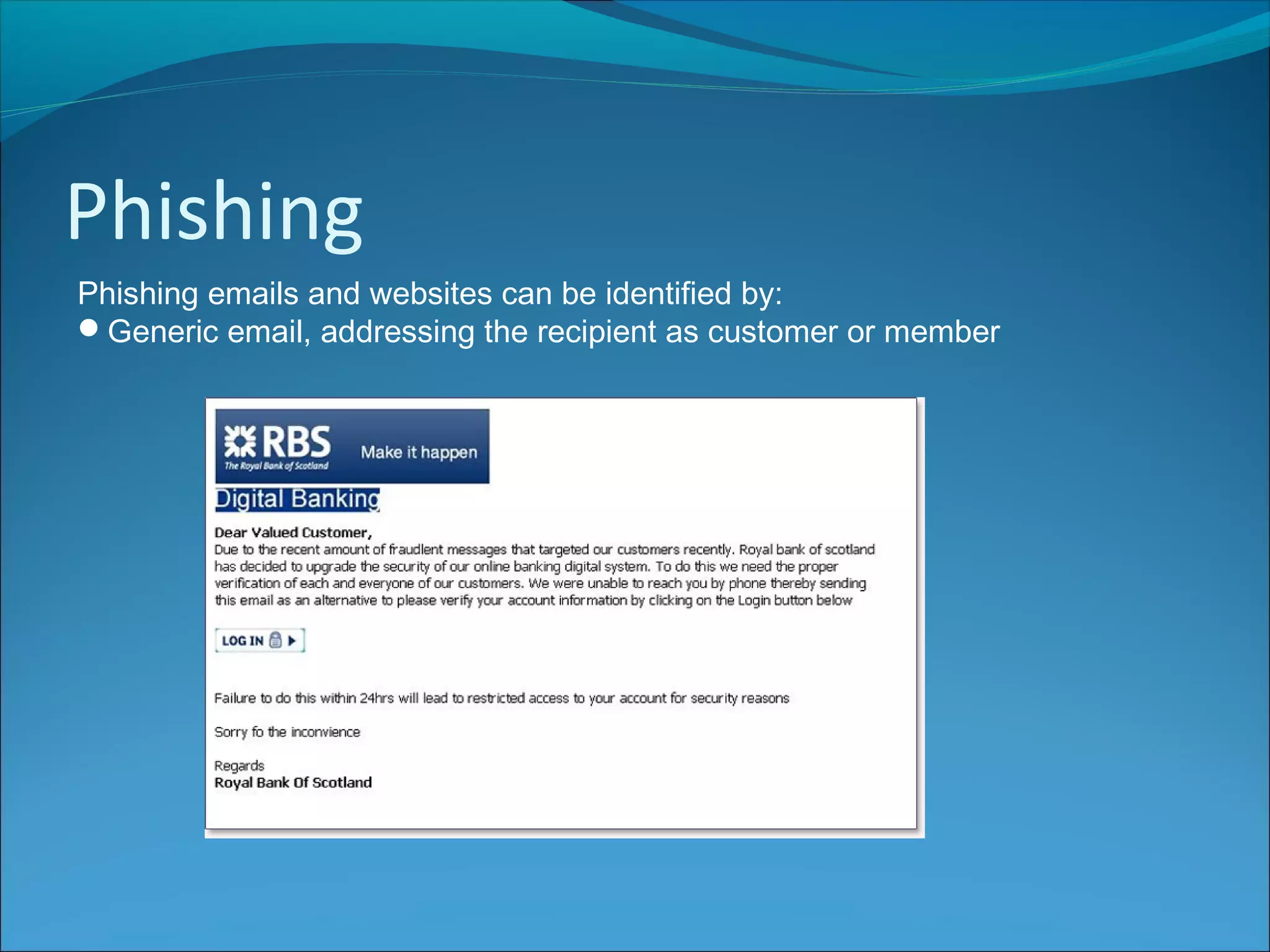
Phishing emails and websites can be identified by:
Generic email, addressing the recipient as customer or member
Phishing
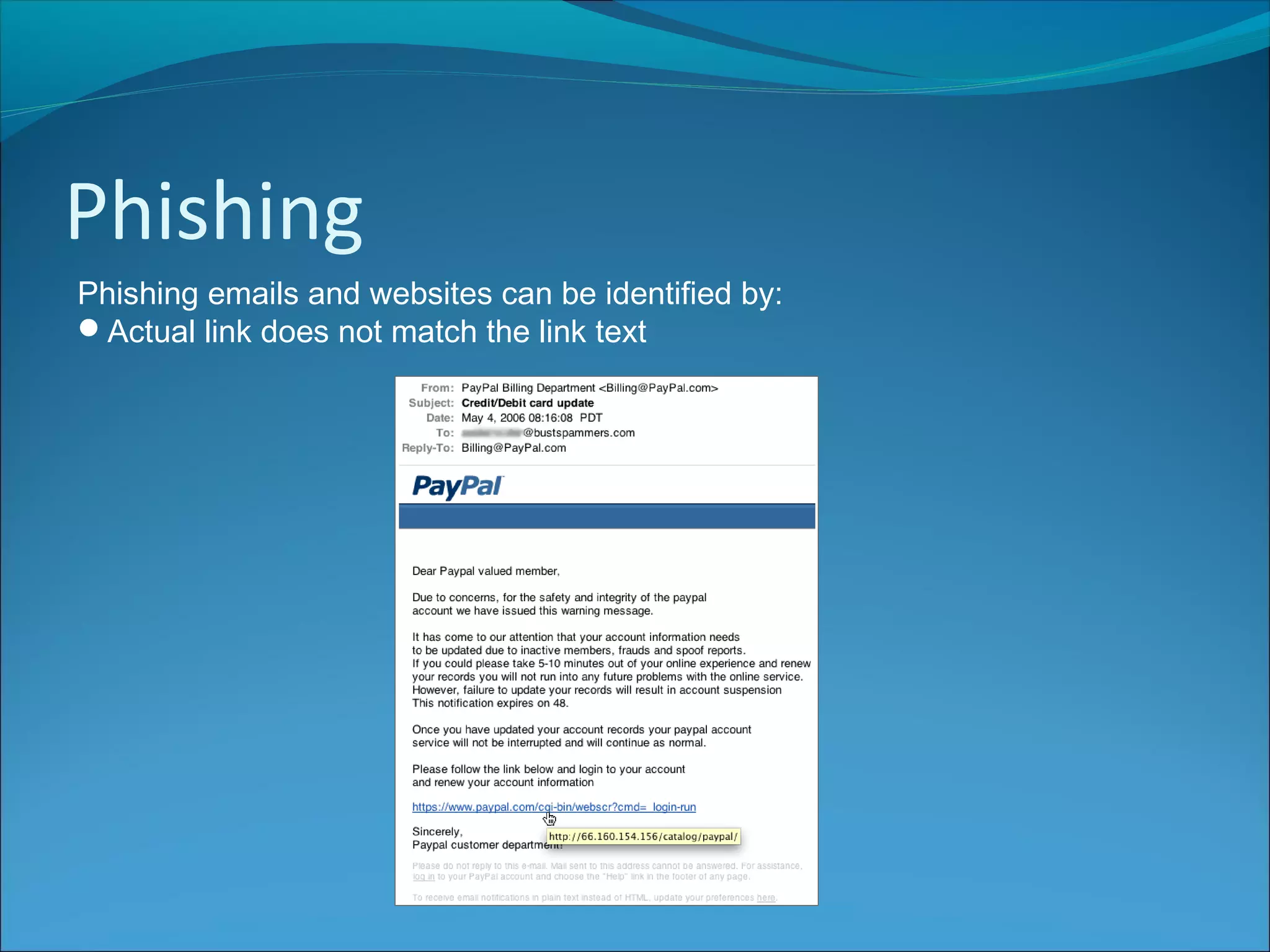
Phishing emails and websites can be identified by:
Actual link does not match the link text
Phishing
Phishing emails and websites can be identified by:
Unrelated links (e.g. other product advertisements)
Incorrect information
Incorrect sender email domain
Denial of Service Attacks
An attack on a network that is designed to bring the network to its knees or to
a stop by flooding it with useless traffic
Known as DoS attack
Flood services - occur when the system receives too much traffic for the
server to buffer, causing them to slow down and eventually stop
Crash services - takes advantage of bugs in the target that subsequently
crash or severely destabilize the system, so that it can’t be accessed or used.
Distributed DoS Attacks
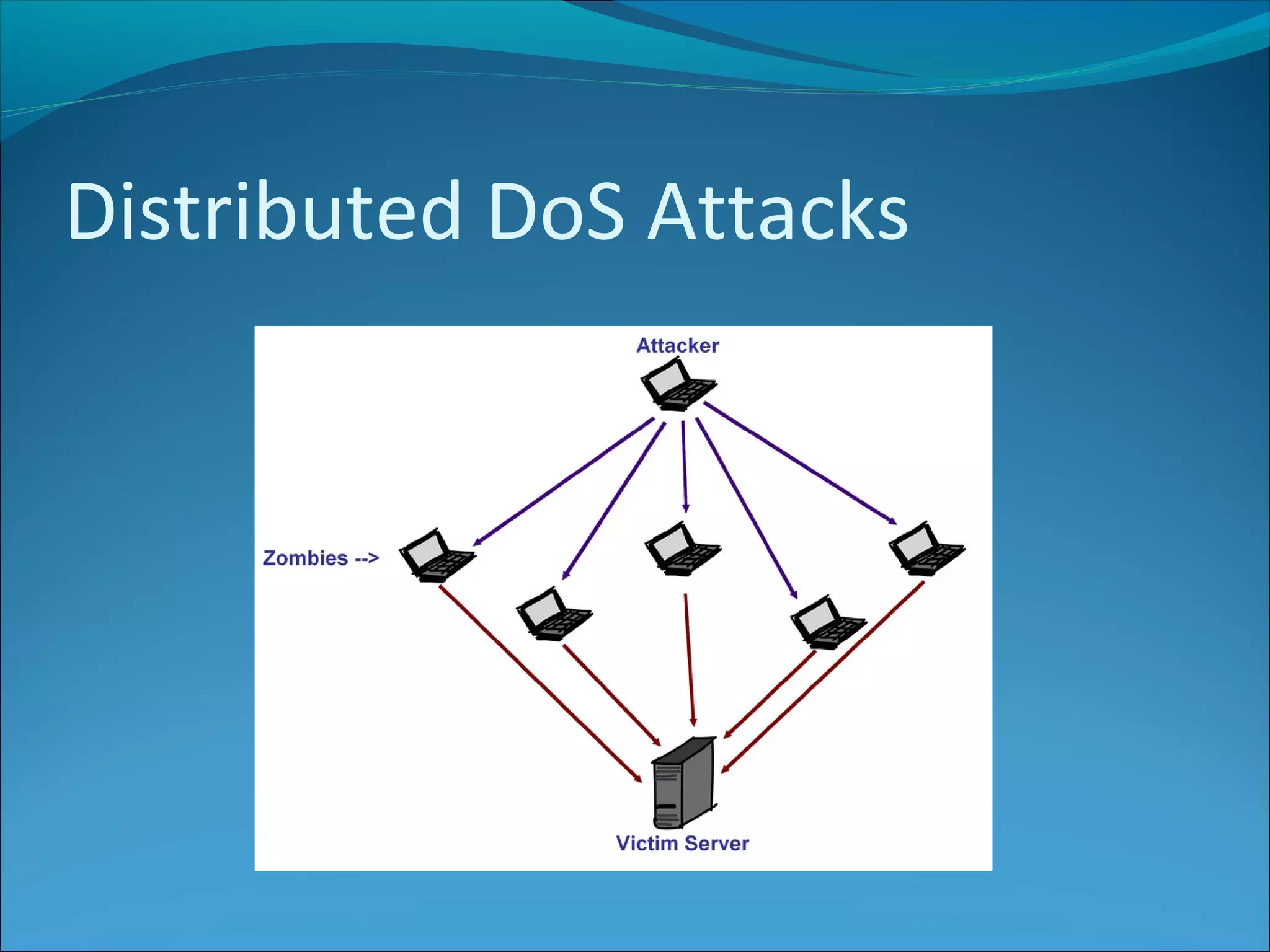
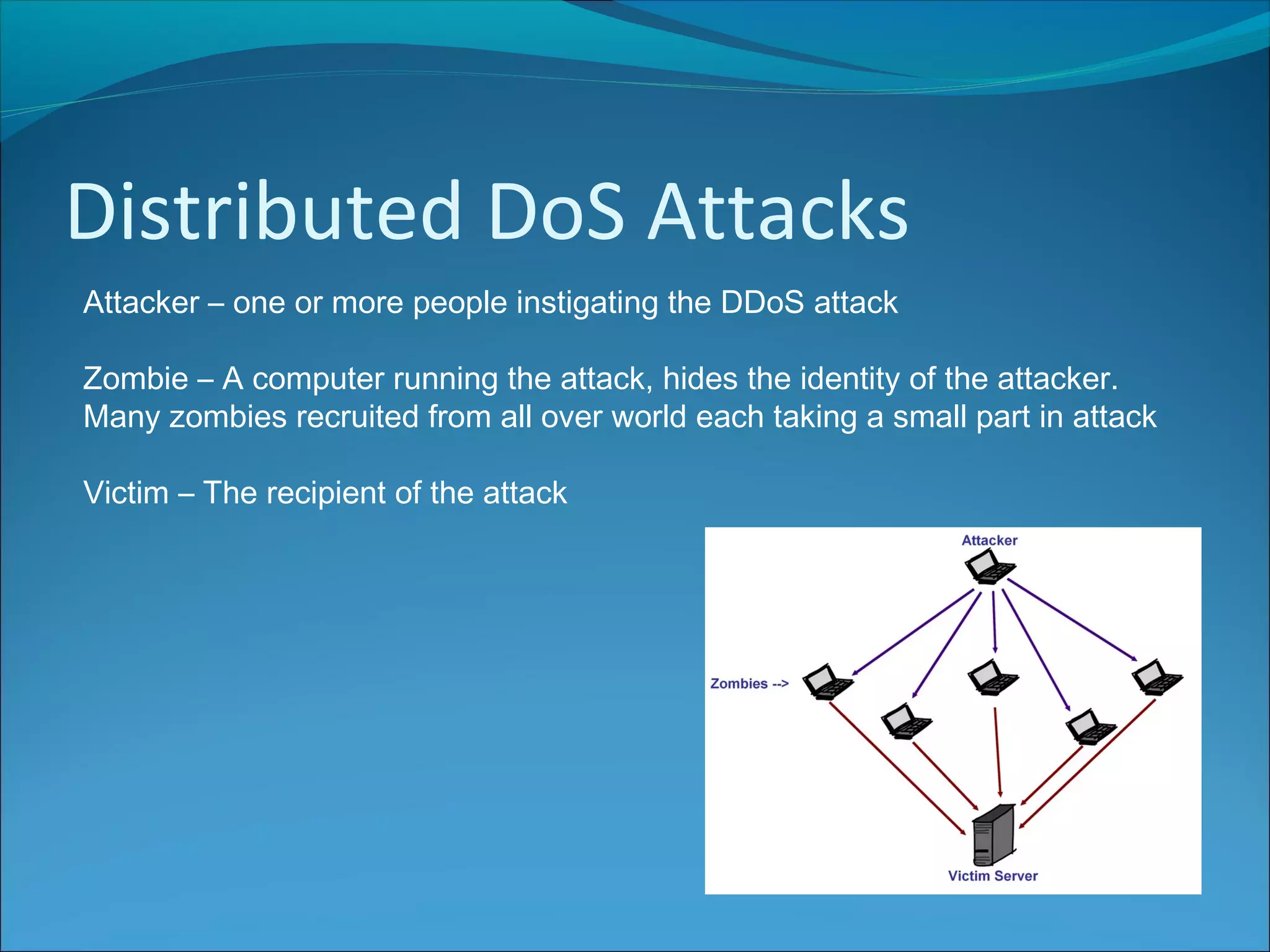
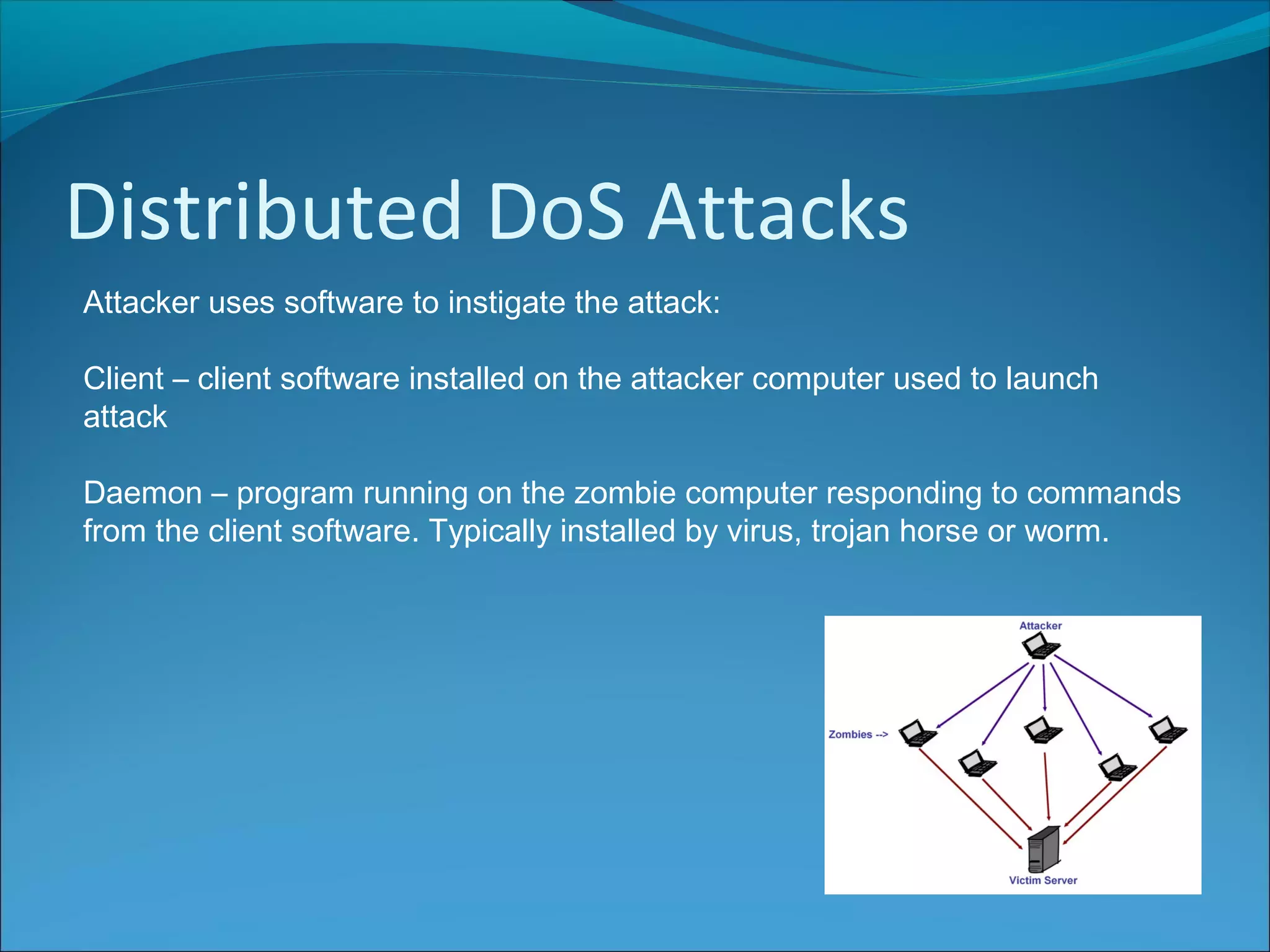
Attacker – one or more people instigating the DDoS attack
Zombie – A computer running the attack, hides the identity of the attacker.
Many zombies recruited from all over world each taking a small part in attack
Victim – The recipient of the attack
Distributed DoS Attacks
Attacker uses software to instigate the attack:
Client – client software installed on the attacker computer used to launch
attack
Daemon – program running on the zombie computer responding to commands
from the client software. Typically installed by virus, trojan horse or worm.
Purposes of DDOS
Financial – victim required to pay a ransom, or loses business through
downtime
Malicious – hackers take down websites as a badge of honour
Political – attack on party or government websites
Hacktivism – hackers taking down a website to make a statement
Personal – someone who has a grudge against an organisation
Impact of DDOS

ISDD - Security Risks

  • 2.
    Online Fraud The useof the Internet to illegally obtain money from someone by deception Examples: Goods not delivered after payment has been made Purchases made with stolen credit cards Loan scams Money transfer fraud Dating fraud Holiday fraud Domain name scams Internet auction fraud
  • 3.
    Identity Theft Using keypieces of personal information in order to impersonate someone else's identity True Name Opening a new credit card, bank account, mobile phone account using someone else’s identity Account Takeover The imposter uses personal information to gain access to the person's existing accounts Phishing emails are one common way of getting hold of personal details
  • 4.
    Protection In order toprotect against online fraud and identity theft, people can: Avoid giving out personal information Never respond to emails from banks or other financial organisations asking for login details Shred any receipts, statements or letters with financial information and name/address Install anti-virus software and keep it up-to-date Install a firewall Set browser security to the highest setting
  • 5.
    Spyware  A typeof malware  Can be hidden in freeware / shareware downloads or passed via peer-to- peer file sharing  Installed on a computer without the knowledge of the owner (like a Trojan horse)
  • 6.
    Spyware  Collect’s theowner's private information  email addresses  Passwords  Websites visited  Credit card details  Signs may be a different home page, different browser bar or pop up ads  Anti spyware software can remove spyware
  • 7.
    Keylogging  A keyloggeris a type of surveillance software  Records every keystroke you make to a log file  Records instant messages, e-mail, passwords, credit cards, websites visited, emails  Could be used in industrial or political espionage  User is unaware of keylogging  Can be a type of spyware  Can be a legitimate program used to monitor employee productivity  Malicious keyloggers can be removed by anti virus software
  • 8.
    Phishing  Fraudulent emailor website  Claim to be legitimate companies but are fake  Intention is to get the individual to reveal personal information, such as passwords and credit card numbers, online
  • 9.
    Phishing Phishing emails andwebsites can be identified by: Poor grammar and spelling
  • 10.
    Phishing Phishing emails andwebsites can be identified by: Poor quality graphics Poorly designed / poorly laid out email or web site Requesting account login or sensitive data
  • 11.
    Phishing Phishing emails andwebsites can be identified by: Generic email, addressing the recipient as customer or member
  • 12.
    Phishing Phishing emails andwebsites can be identified by: Actual link does not match the link text
  • 13.
    Phishing Phishing emails andwebsites can be identified by: Unrelated links (e.g. other product advertisements) Incorrect information Incorrect sender email domain
  • 14.
    Denial of ServiceAttacks An attack on a network that is designed to bring the network to its knees or to a stop by flooding it with useless traffic Known as DoS attack Flood services - occur when the system receives too much traffic for the server to buffer, causing them to slow down and eventually stop Crash services - takes advantage of bugs in the target that subsequently crash or severely destabilize the system, so that it can’t be accessed or used.
  • 15.
  • 16.
    Distributed DoS Attacks Attacker– one or more people instigating the DDoS attack Zombie – A computer running the attack, hides the identity of the attacker. Many zombies recruited from all over world each taking a small part in attack Victim – The recipient of the attack
  • 17.
    Distributed DoS Attacks Attackeruses software to instigate the attack: Client – client software installed on the attacker computer used to launch attack Daemon – program running on the zombie computer responding to commands from the client software. Typically installed by virus, trojan horse or worm.
  • 18.
    Purposes of DDOS Financial– victim required to pay a ransom, or loses business through downtime Malicious – hackers take down websites as a badge of honour Political – attack on party or government websites Hacktivism – hackers taking down a website to make a statement Personal – someone who has a grudge against an organisation
  • 19.