Types of Storage Devices
Describing Storage Devices Store data when computer is off Two processes Writing data Reading data
Describing Storage Devices Storage terms Media is the material storing data Storage devices manage the media Magnetic devices use a magnet Optical devices use lasers Solid-state devices have physical switches
Magnetic Storage Devices Most common form of storage Hard drives, floppy drives, tape All magnetic drives work the same
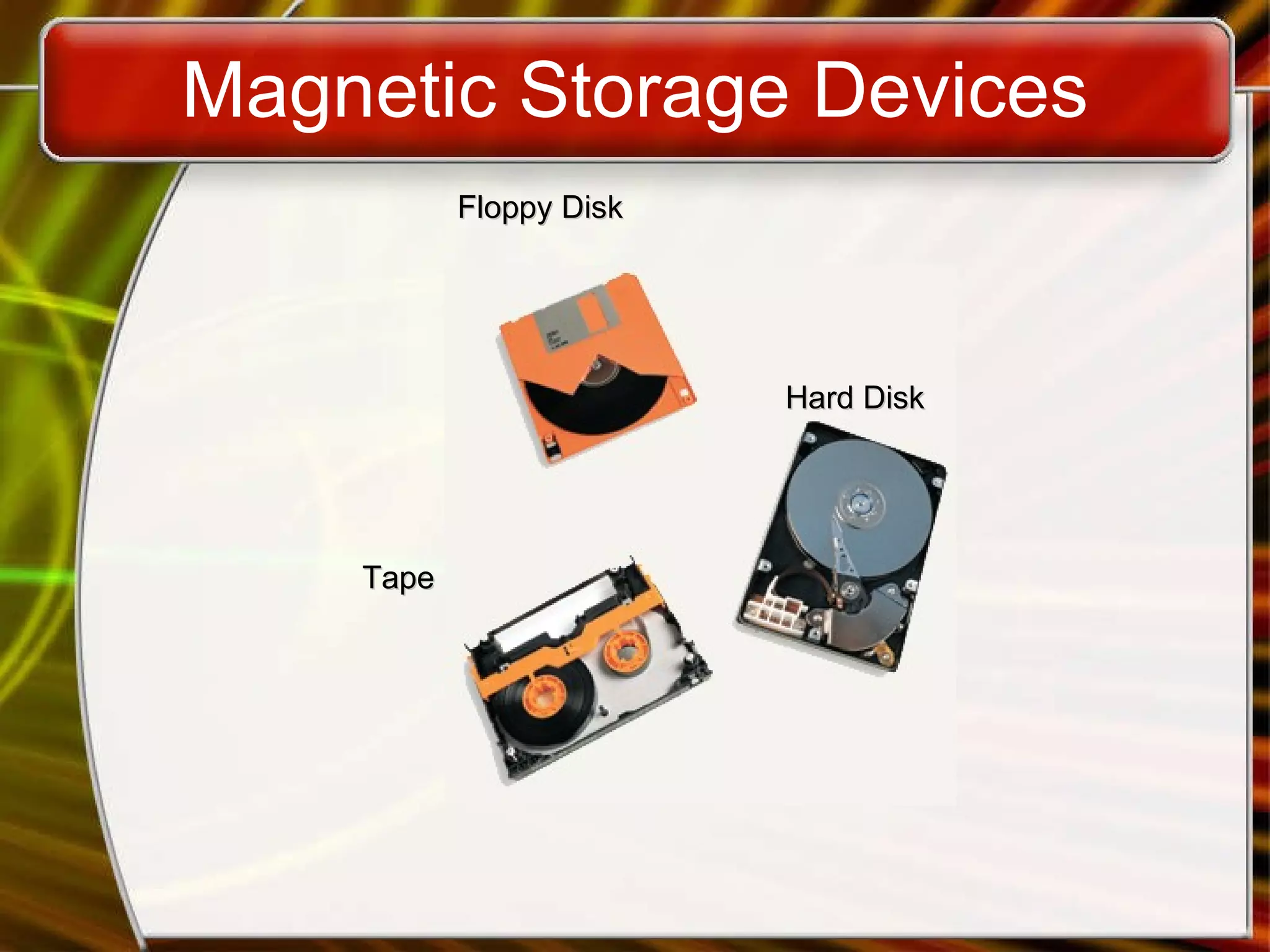
Magnetic Storage Devices Floppy Disk Hard Disk Tape
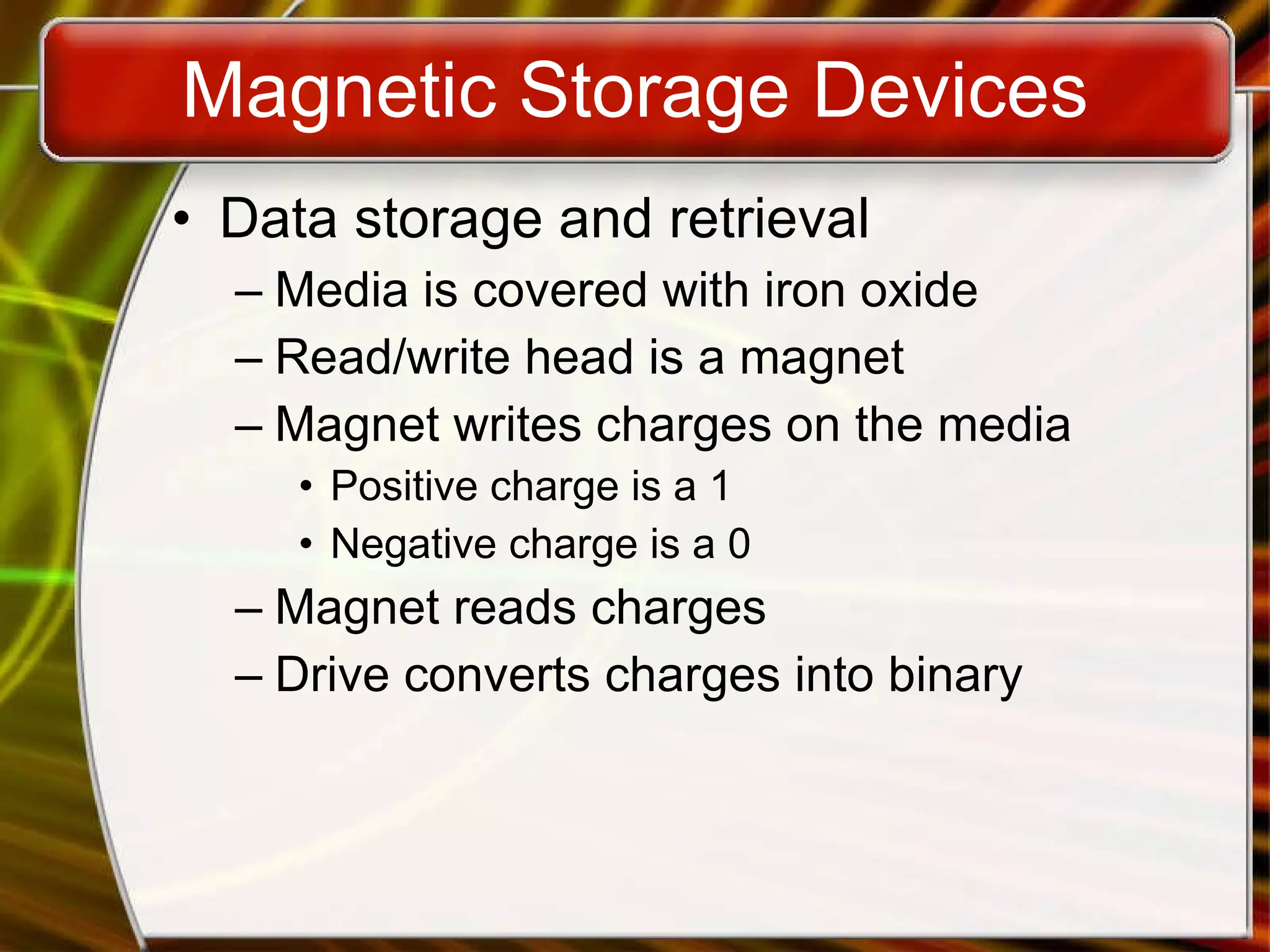
Magnetic Storage Devices Data storage and retrieval Media is covered with iron oxide Read/write head is a magnet Magnet writes charges on the media Positive charge is a 1 Negative charge is a 0 Magnet reads charges Drive converts charges into binary
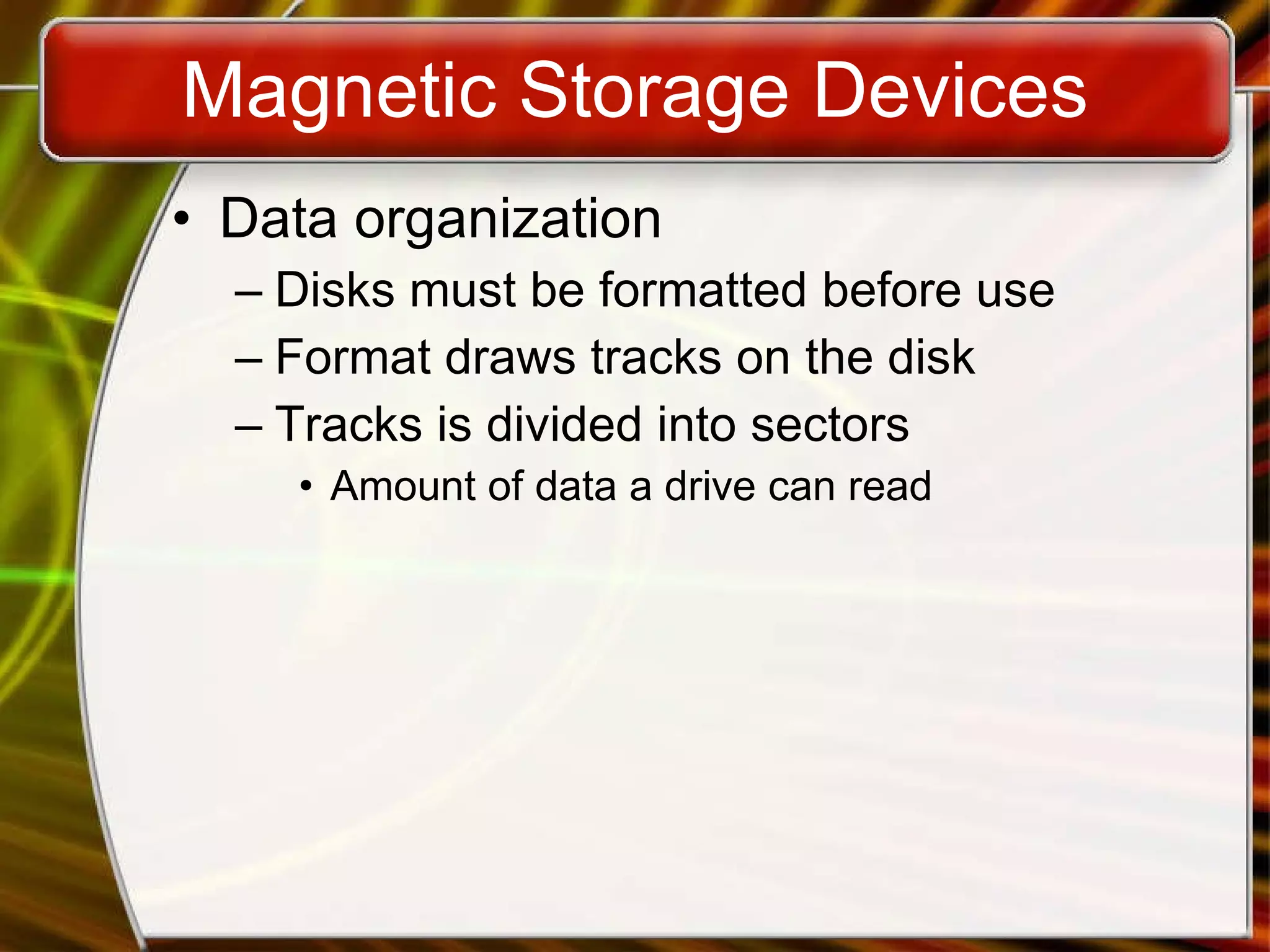
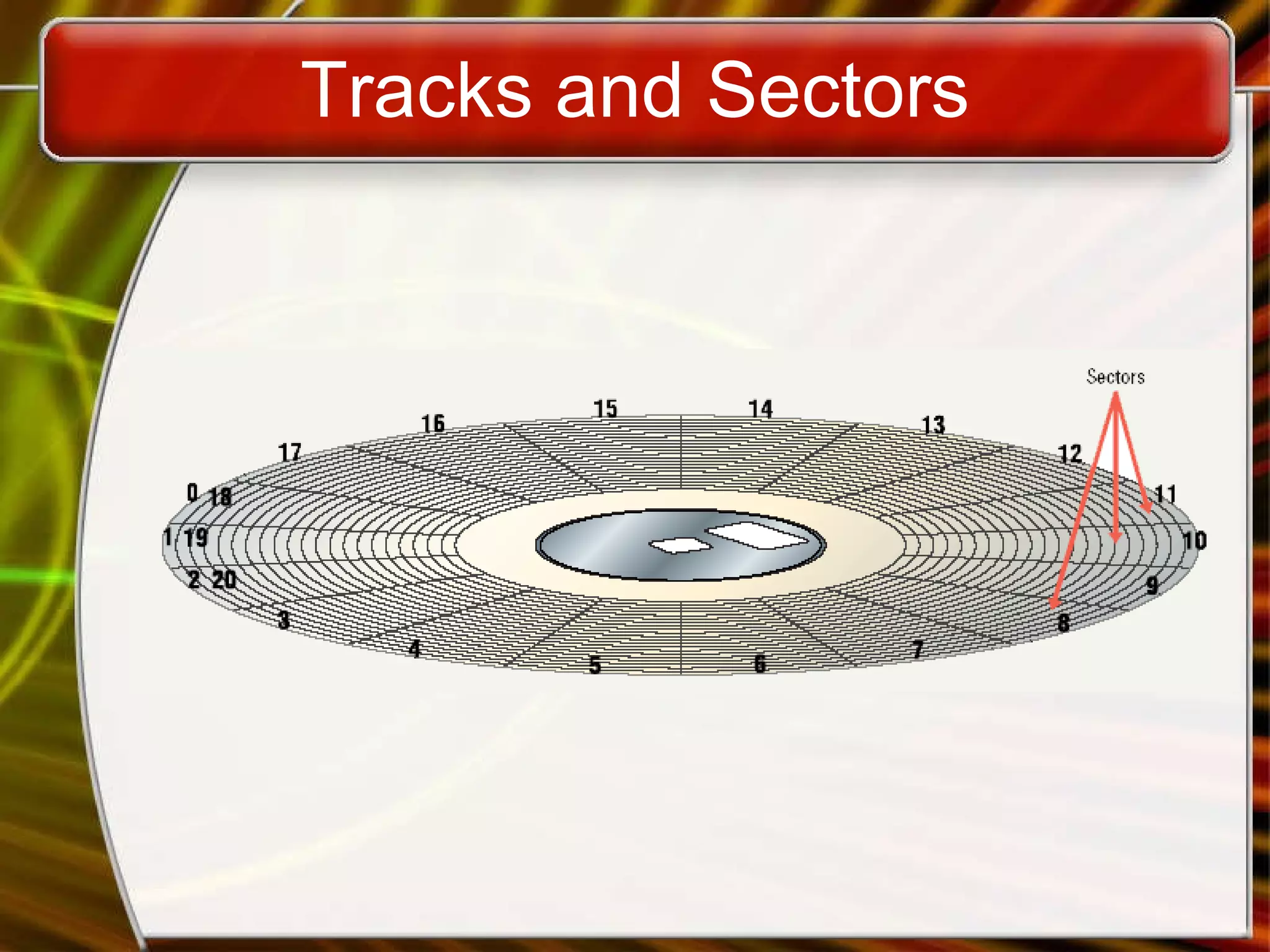
Magnetic Storage Devices Data organization Disks must be formatted before use Format draws tracks on the disk Tracks is divided into sectors Amount of data a drive can read
Tracks and Sectors
Magnetic Storage Devices Finding data on disk Each track and sector is labeled Some are reserved Listing of where files are stored File Allocation Table (FAT) FAT32 NTFS Data is organized in clusters Size of data the OS handles
Magnetic Storage Devices Diskettes Also known as floppy disks Read with a disk drive Mylar disk Spin at 300 RPM Takes .2 second to find data 3 ½ floppy disk holds 1.44 MB
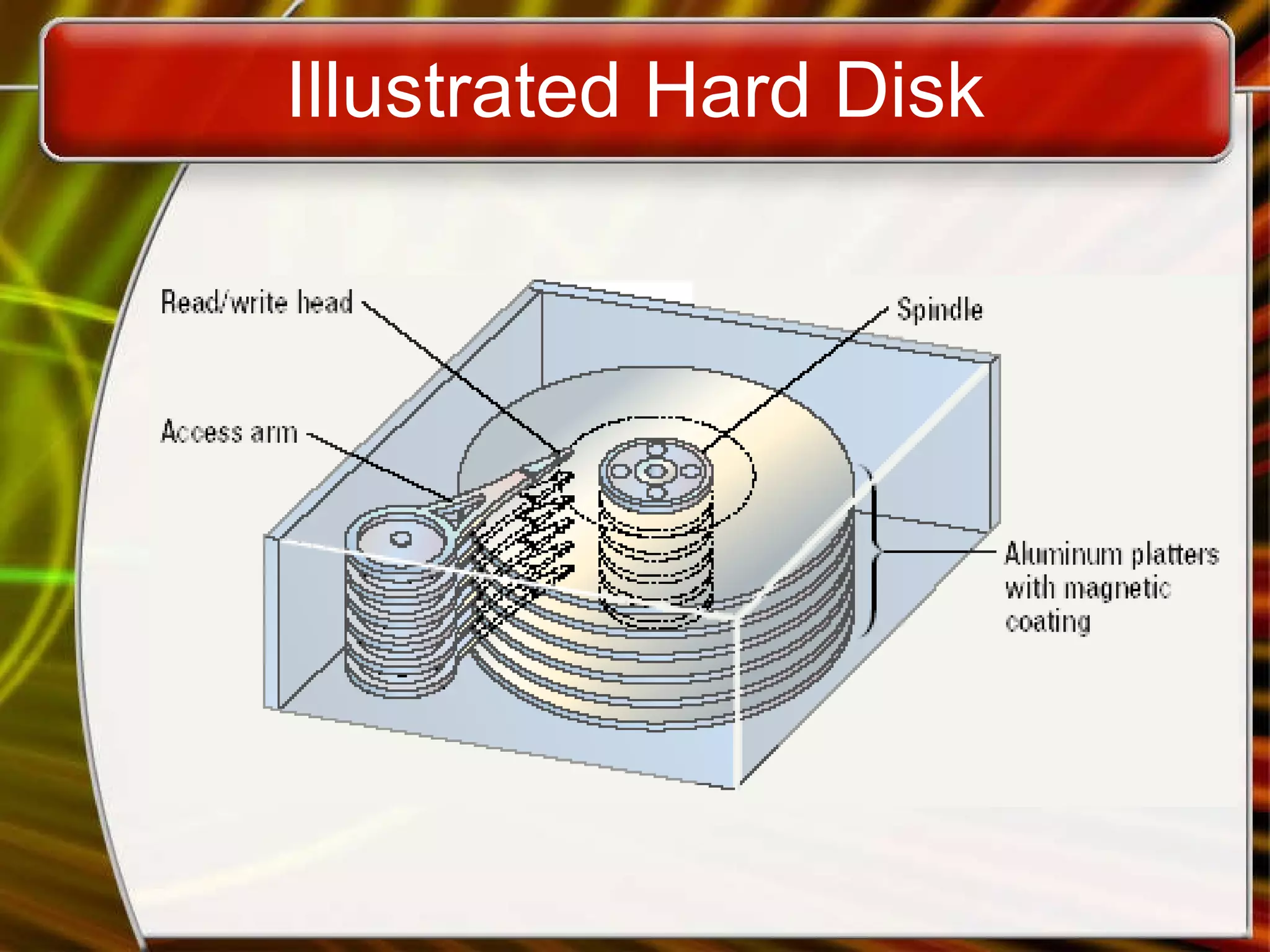
Magnetic Storage Devices Hard disks Primary storage device in a computer 2 or more aluminum platters Each platter has 2 sides Spin between 5,400 to 15,000 RPM Data found in 9.5 ms or less Drive capacity greater than 40 GB
Illustrated Hard Disk
Magnetic Storage Devices Removable high capacity disks Speed of hard disk Portability of floppy disk Several variants have emerged High capacity floppy disk Stores up to 750 MB of data Hot swappable hard disks Provide GB of data Connect via USB
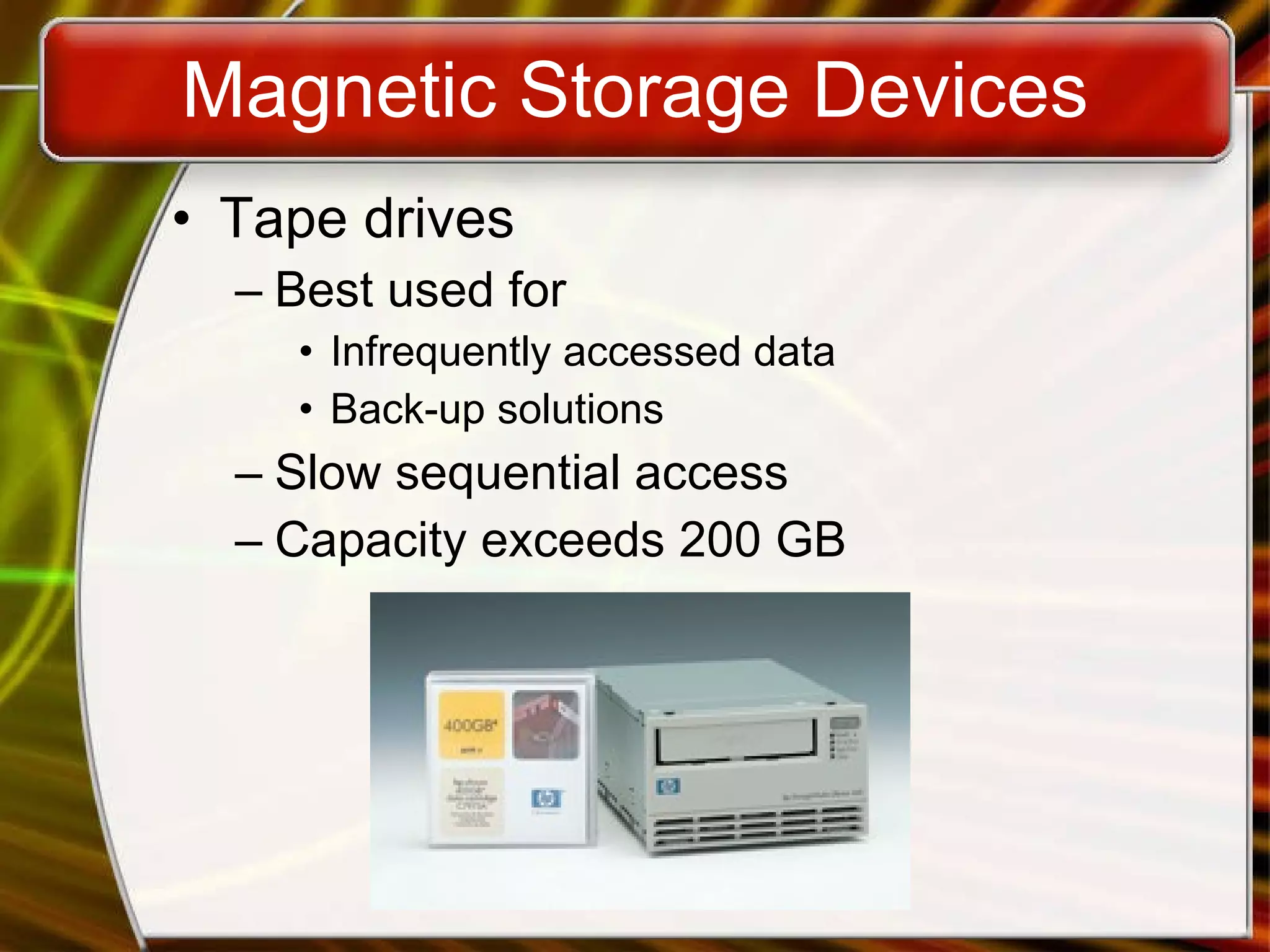
Magnetic Storage Devices Tape drives Best used for Infrequently accessed data Back-up solutions Slow sequential access Capacity exceeds 200 GB
Optical Storage Devices CD-ROM Most software ships on a CD Read using a laser Lands, binary 1, reflect data Pits scatter data Written from the inside out CD speed is based on the original Original CD read 150 Kbps A 10 X will read 1,500 Kbps Standard CD holds 650 MB
Optical Storage Devices DVD-ROM Digital Video Disk Use both sides of the disk Capacities can reach 18 GB DVD players can read CDs
Recordable Optical Technologies CD Recordable (CD-R) Create a data or audio CD Data cannot be changed Can continue adding until full
Recordable Optical Technologies CD Regrettable (CD-RW) Create a reusable CD Cannot be read in all CD players Can reuse about 100 times
Recordable Optical Technologies Photo CD Developed by Kodak Provides for photo storage Photos added to CD until full Original pictures cannot be changed
Recordable Optical Technologies DVD Recordable Several different formats exist None are standardized Allows home users to create DVDs Cannot be read in all players
Recordable Optical Technologies DVD-RAM Allow reusing of DVD media Not standardized Cannot be read in all players

magnetic and optic based storage devices

  • 1.
  • 2.
    Describing Storage DevicesStore data when computer is off Two processes Writing data Reading data
  • 3.
    Describing Storage DevicesStorage terms Media is the material storing data Storage devices manage the media Magnetic devices use a magnet Optical devices use lasers Solid-state devices have physical switches
  • 4.
    Magnetic Storage DevicesMost common form of storage Hard drives, floppy drives, tape All magnetic drives work the same
  • 5.
    Magnetic Storage DevicesFloppy Disk Hard Disk Tape
  • 6.
    Magnetic Storage DevicesData storage and retrieval Media is covered with iron oxide Read/write head is a magnet Magnet writes charges on the media Positive charge is a 1 Negative charge is a 0 Magnet reads charges Drive converts charges into binary
  • 7.
    Magnetic Storage DevicesData organization Disks must be formatted before use Format draws tracks on the disk Tracks is divided into sectors Amount of data a drive can read
  • 8.
  • 9.
    Magnetic Storage DevicesFinding data on disk Each track and sector is labeled Some are reserved Listing of where files are stored File Allocation Table (FAT) FAT32 NTFS Data is organized in clusters Size of data the OS handles
  • 10.
    Magnetic Storage DevicesDiskettes Also known as floppy disks Read with a disk drive Mylar disk Spin at 300 RPM Takes .2 second to find data 3 ½ floppy disk holds 1.44 MB
  • 11.
    Magnetic Storage DevicesHard disks Primary storage device in a computer 2 or more aluminum platters Each platter has 2 sides Spin between 5,400 to 15,000 RPM Data found in 9.5 ms or less Drive capacity greater than 40 GB
  • 12.
  • 13.
    Magnetic Storage DevicesRemovable high capacity disks Speed of hard disk Portability of floppy disk Several variants have emerged High capacity floppy disk Stores up to 750 MB of data Hot swappable hard disks Provide GB of data Connect via USB
  • 14.
    Magnetic Storage DevicesTape drives Best used for Infrequently accessed data Back-up solutions Slow sequential access Capacity exceeds 200 GB
  • 15.
    Optical Storage DevicesCD-ROM Most software ships on a CD Read using a laser Lands, binary 1, reflect data Pits scatter data Written from the inside out CD speed is based on the original Original CD read 150 Kbps A 10 X will read 1,500 Kbps Standard CD holds 650 MB
  • 16.
    Optical Storage DevicesDVD-ROM Digital Video Disk Use both sides of the disk Capacities can reach 18 GB DVD players can read CDs
  • 17.
    Recordable Optical TechnologiesCD Recordable (CD-R) Create a data or audio CD Data cannot be changed Can continue adding until full
  • 18.
    Recordable Optical TechnologiesCD Regrettable (CD-RW) Create a reusable CD Cannot be read in all CD players Can reuse about 100 times
  • 19.
    Recordable Optical TechnologiesPhoto CD Developed by Kodak Provides for photo storage Photos added to CD until full Original pictures cannot be changed
  • 20.
    Recordable Optical TechnologiesDVD Recordable Several different formats exist None are standardized Allows home users to create DVDs Cannot be read in all players
  • 21.
    Recordable Optical TechnologiesDVD-RAM Allow reusing of DVD media Not standardized Cannot be read in all players

Editor's Notes

  • #2 Teaching tip A good warm-up to storage devices is to discuss the time before we could save items on disk. Discuss the perils of typing papers on a typewriter. Then contrast with the simplicity of saving to disk.
  • #5 Teaching tip Figure 6A.2 and 6A.3 on page 227 provide illustrations of devices and the read/write process.
  • #7 Teaching tip This process is difficult for students to see. Draw a diagram on the board that illustrates the process .
  • #8 Discussion point Discuss the sector size limitation. Discuss what can happen when writing a 1-byte file or a 513-byte file. After the waste issue is brought up, then discuss the problem from the hardware issue. How can a manufacturer make a 1-byte head?
  • #10 Teaching tip Draw clustering on the board. Discuss why it can improve the performance of a system.
  • #11 Teaching tip The formula for the disk capacity is listed on page 232 of the text.
  • #12 Teaching tip Students often have a hard time grasping the speed of a hard drive. Use an analogy: The circumference of a hard drive platter is nearly 1 foot. A drive spinning 5,400 RPM can travel 5,400 feet in one minute, or a little over 1 mile in a minute!
  • #15 Teaching tip Students often do not understand why random access hard drives and floppy drives are faster than sequential drives. To illustrate, compare the modern audio CD to the antiquated 8-track. On a CD if you wish to hear song 1 over and over, you simply press repeat. In an 8-track, you often must play the entire tape before the song can be repeated.
  • #19 Insider Information When a CD-R or RW is ‘burned’, the laser modifies the reflectivity of a dye that is sandwiched between the bottom clear layer and a top reflective layer. The lands are transparent sections while the pits are non-reflective.
  • #21 Teaching tip There are several formats of DVD recordable. Current research indicates that DVD+R is more compatible with devices than the other formats. Spend time researching the different standards.