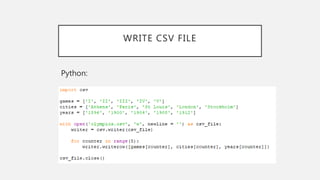
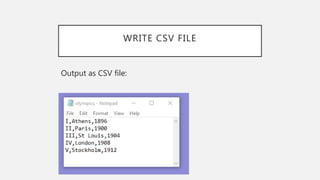
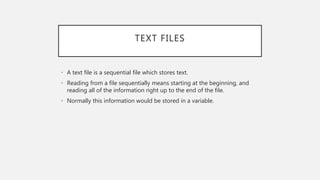
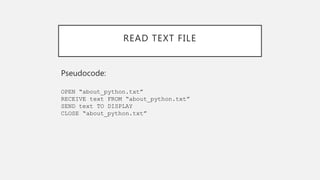
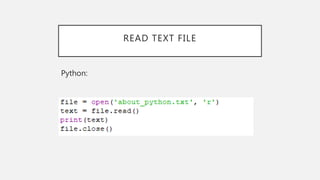
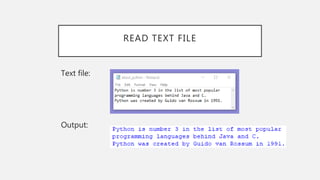
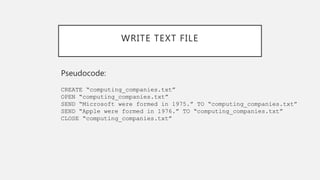
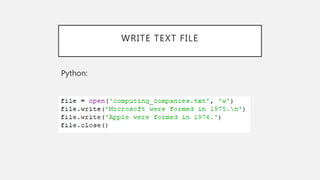
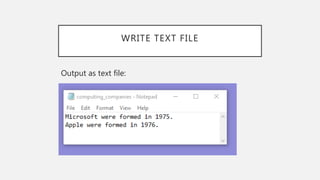
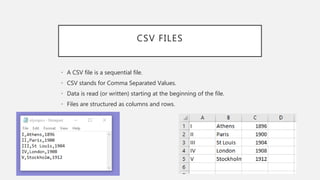
The document discusses file handling in Python. It describes text files and CSV files, how to read from and write to these file types in Python. It provides pseudocode and Python code examples to open, read, and write data from text and CSV files, then close the files. The key steps are to open the file, read or write data, then close the file.
![READ CSV FILE
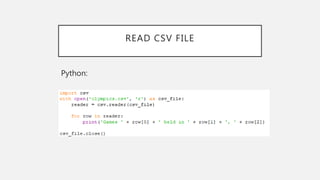
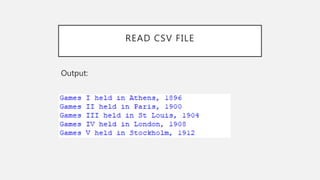
Pseudocode:
OPEN “olympics.csv”
RECEIVE reader FROM “olympics.csv”
FOR EACH row IN reader
SEND “ Games ” & row[0] & “ held in ” & row[1] & “, ” & row[2]
TO DISPLAY
END FOR
CLOSE “olympics.csv”](https://image.slidesharecdn.com/filehandling-200411132518/85/File-Handling-10-320.jpg)
![WRITE CSV FILE
Pseudocode:
INITIALISE games array
INITIALISE cities array
INITIALISE years array
OPEN “olympics.csv”
REPEAT WITH counter 5 TIMES
SEND games[counter] & cities[counter] & years[counter]
TO “olympics.csv”
END FOR
CLOSE “olympics.csv”](https://image.slidesharecdn.com/filehandling-200411132518/85/File-Handling-13-320.jpg)