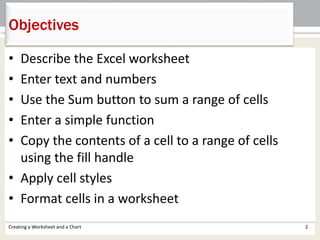
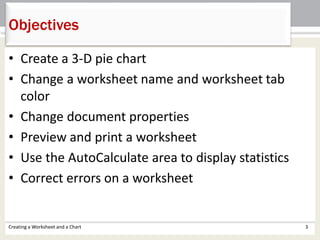
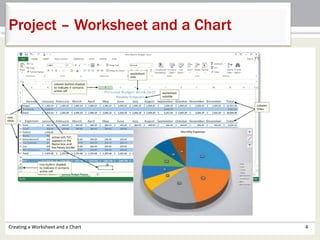
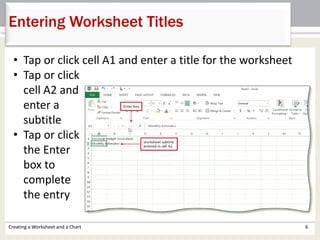
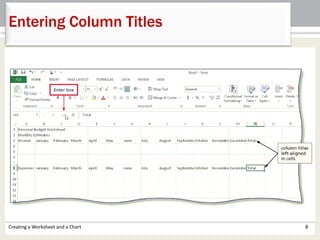
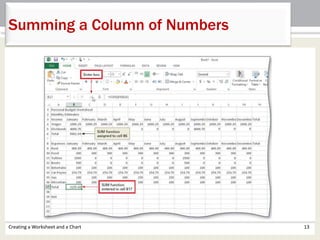
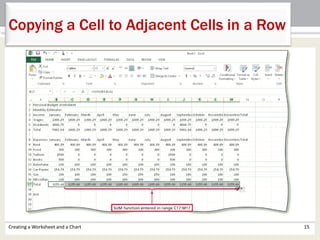
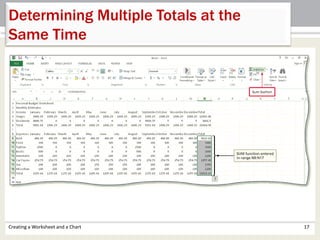
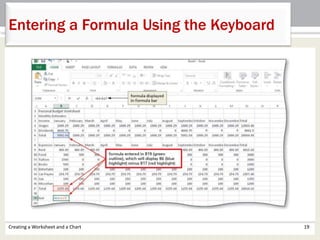
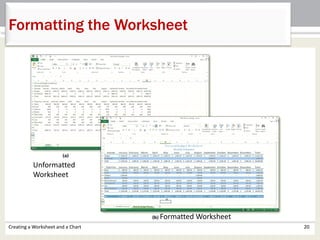
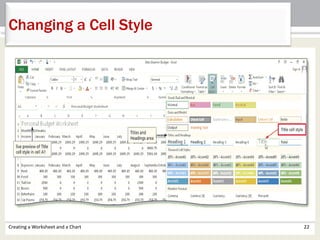
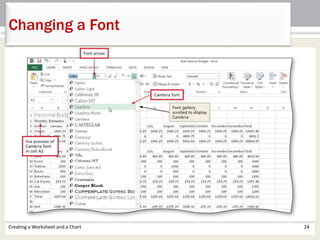
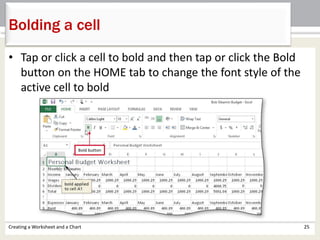
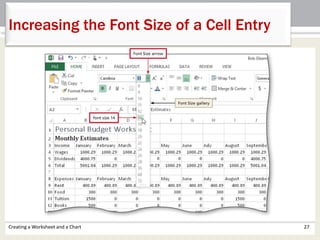
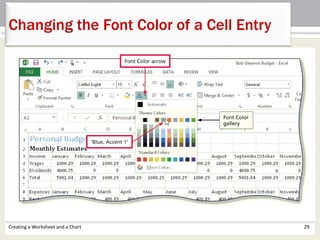
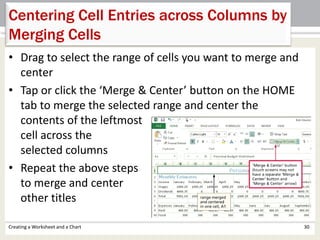
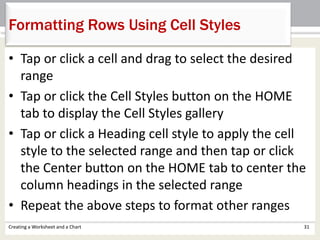
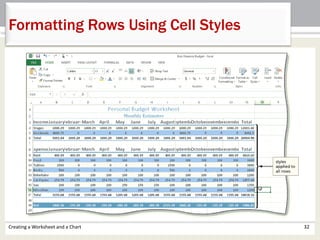
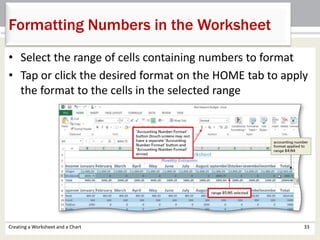
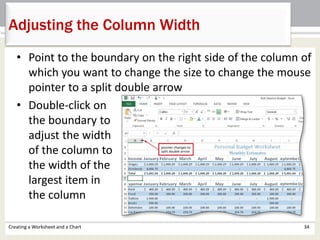
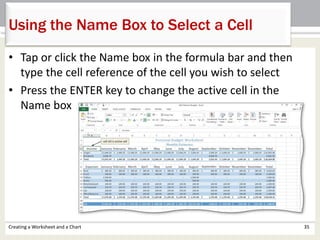
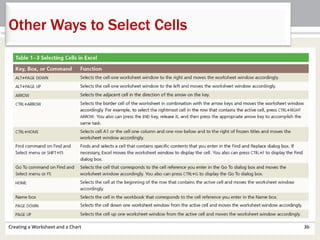
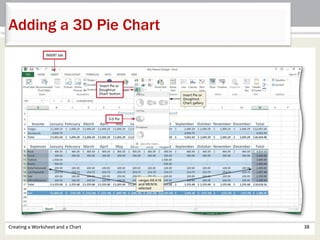
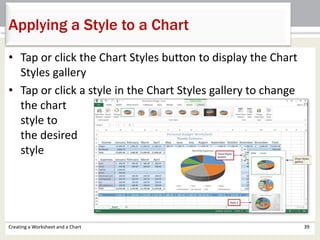
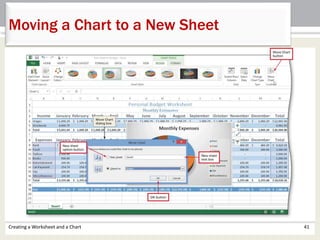
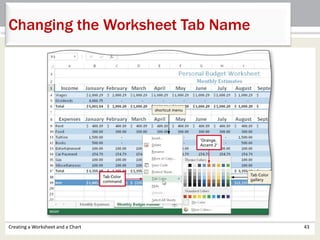
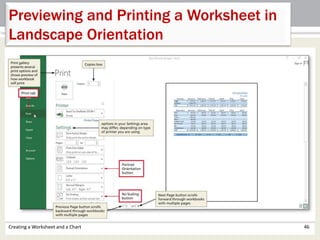
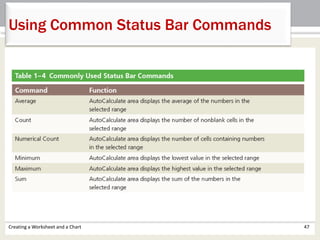
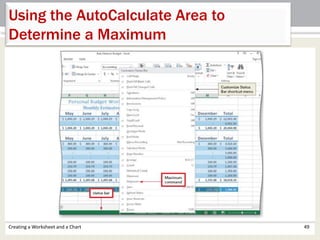
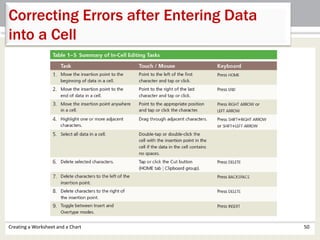
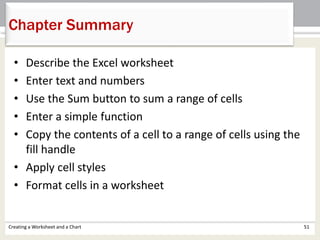
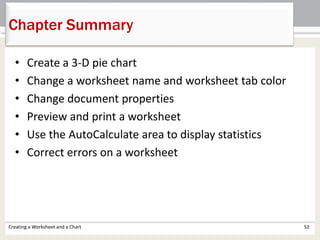
This document provides step-by-step instructions for creating worksheets and charts in Microsoft Excel 2013. It describes how to enter and format text and numbers, calculate sums using functions, copy cells using fill handle, apply cell styles, insert and format charts, change worksheet properties, and preview and print worksheets. The objectives covered include describing Excel worksheets, entering and summing data, formatting cells, inserting pie charts, changing tab names and colors, using AutoCalculate for statistics, and correcting errors.