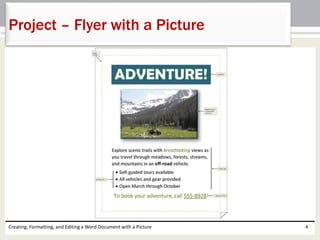
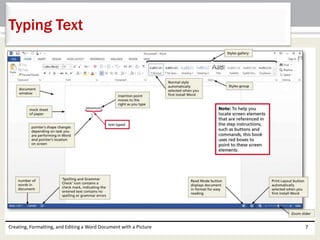
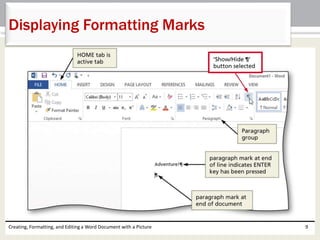
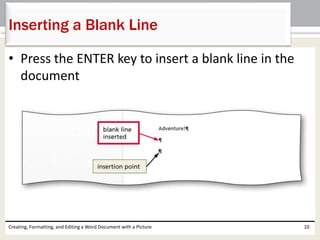
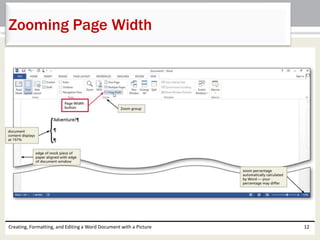
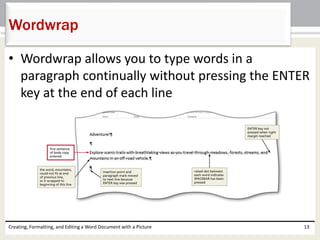
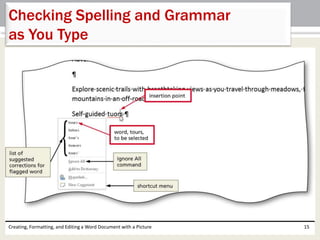
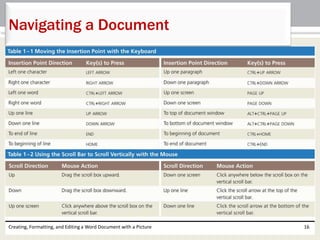
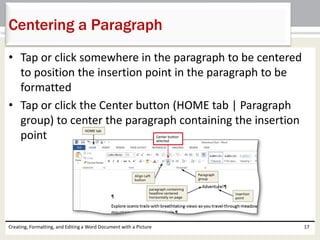
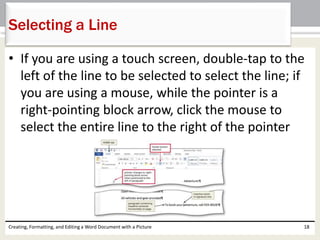
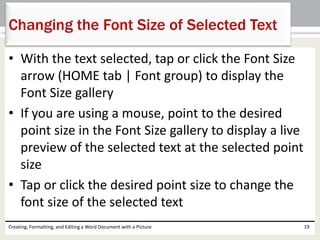
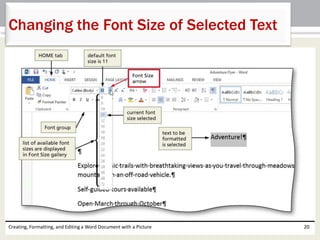
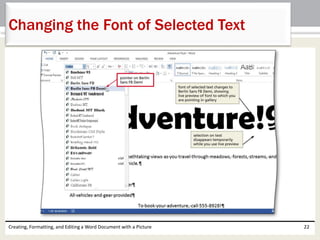
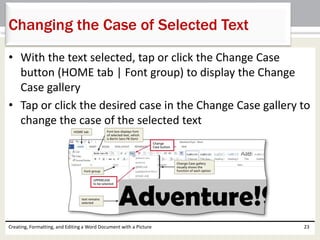
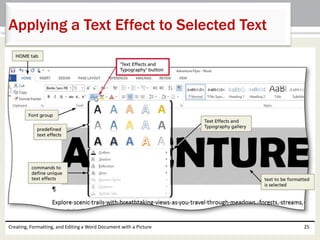
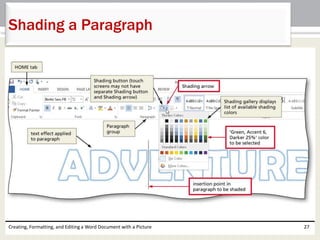
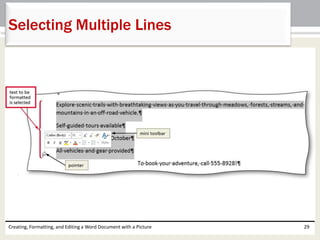
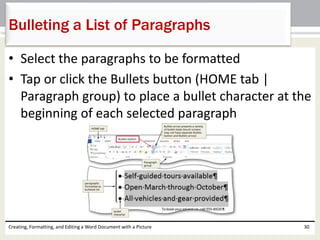
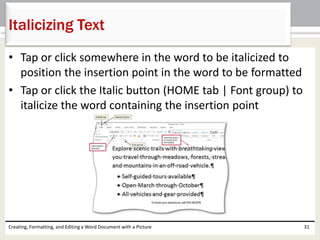
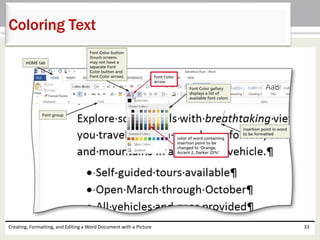
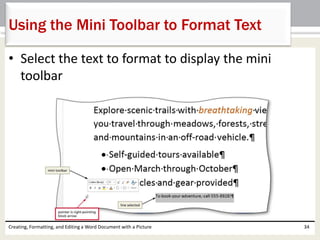
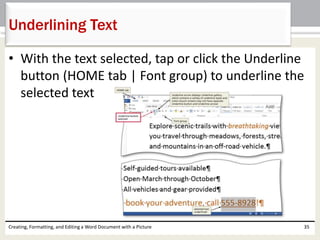
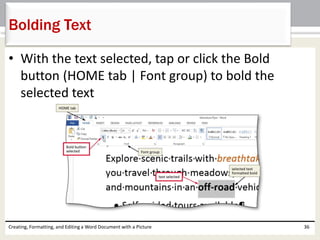
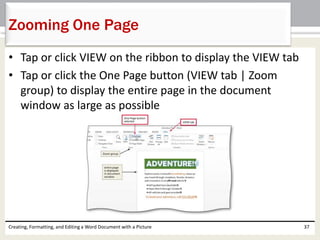
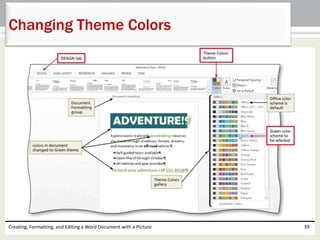
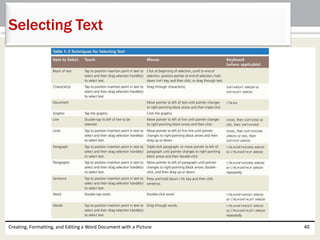
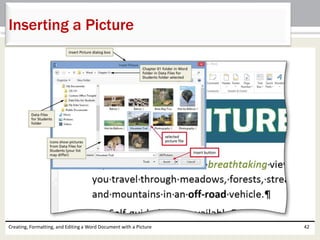
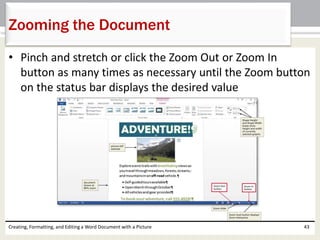
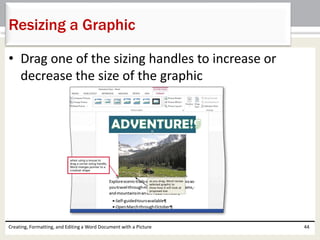
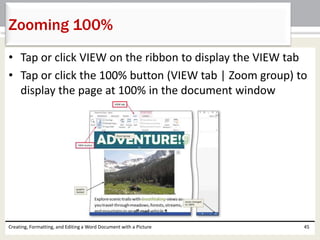
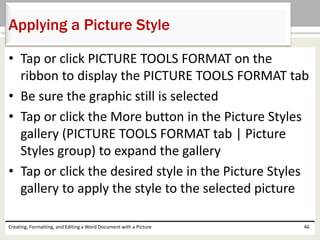
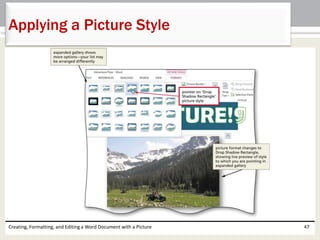
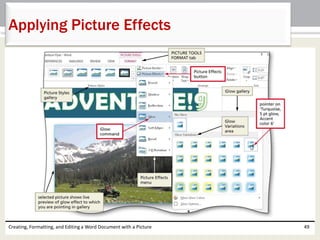
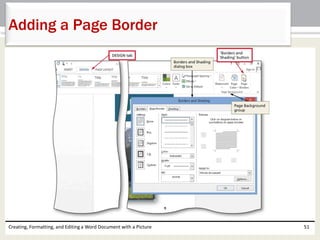
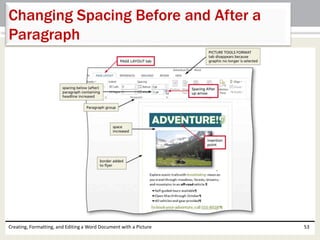
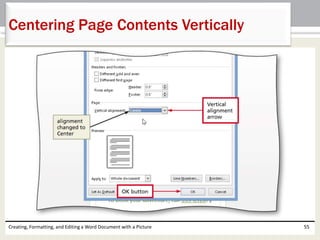
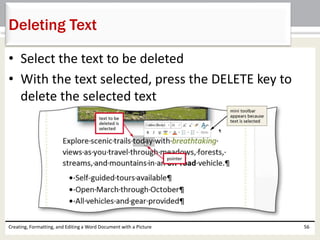
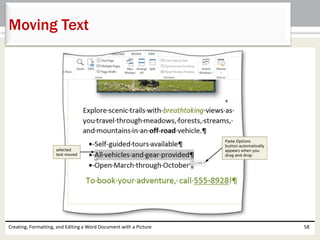
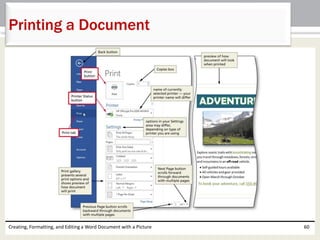
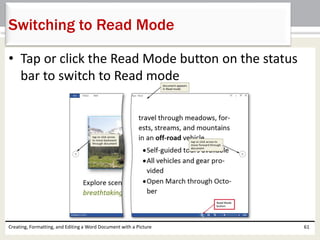
This document provides instructions for creating, formatting, and editing a Word document with pictures. It describes how to enter and format text; insert and format pictures; add page borders and adjust spacing; check spelling, move and delete text; change theme colors; and print or read the document. The chapter aims to teach the basics of working with Word documents through a project of making a flyer with text and a picture.