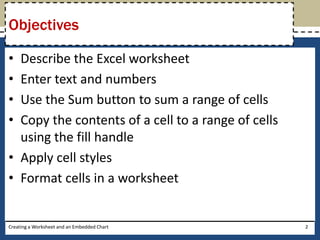
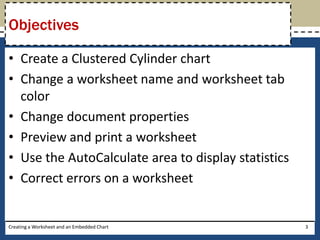
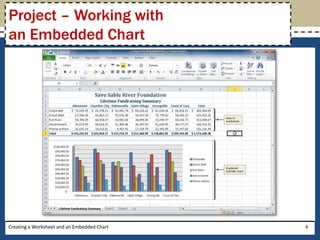
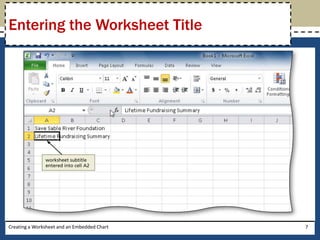
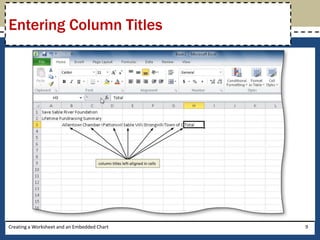
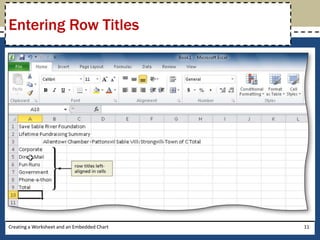
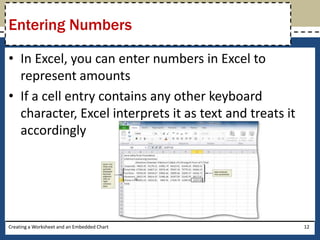
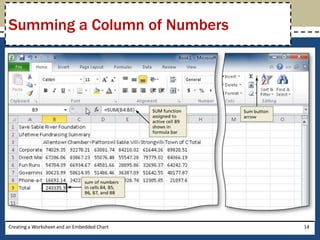
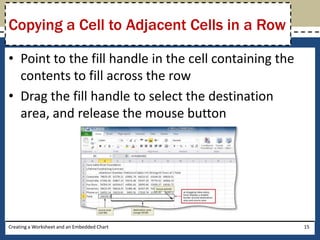
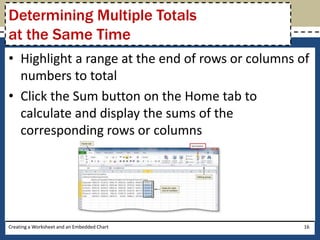
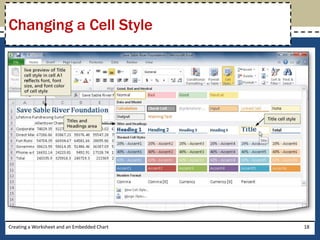
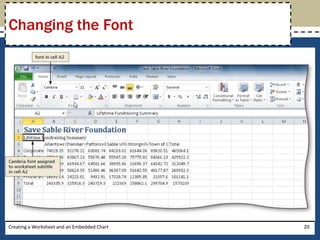
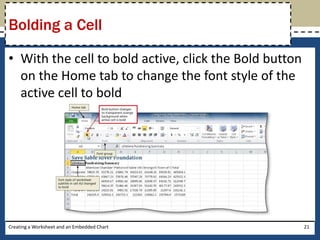
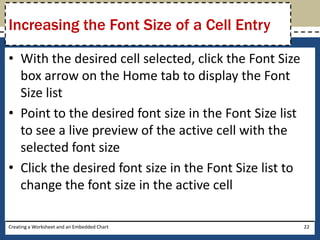
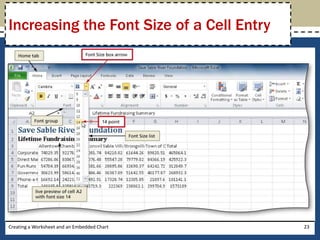
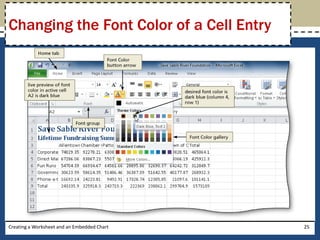
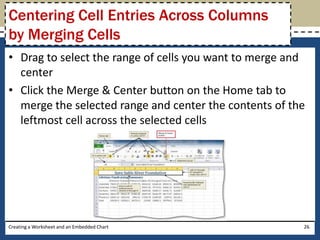
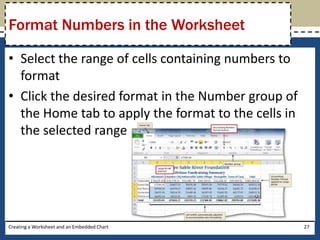
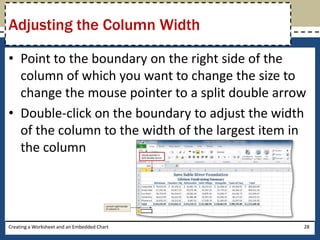
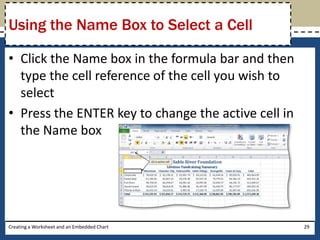
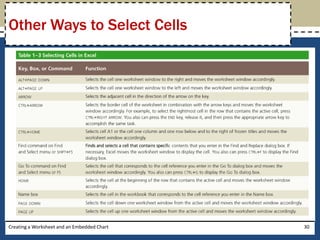
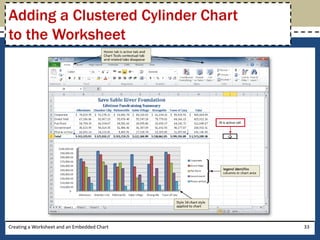
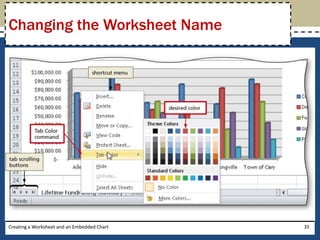
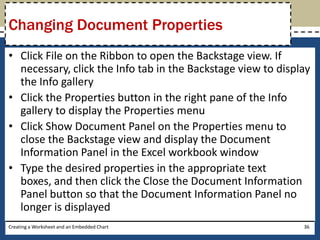
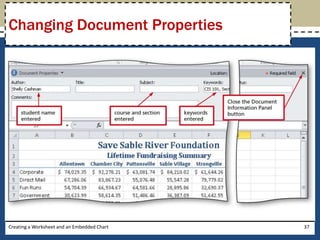
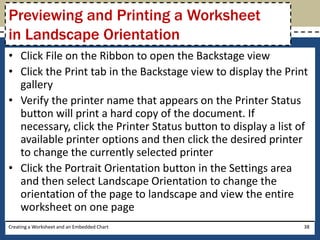
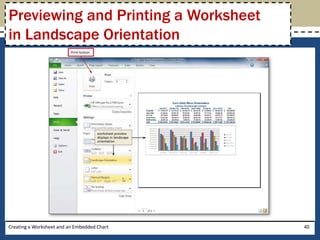
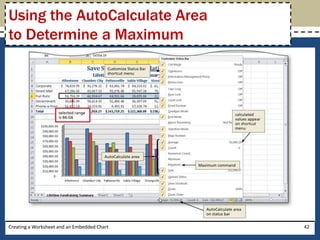
This document provides instructions for creating a worksheet and embedded chart in Microsoft Excel 2010. It describes how to enter text, numbers, and formulas into cells; format cells; sum ranges; copy cells; insert a clustered cylinder chart; change worksheet properties; and preview and print the worksheet. The objectives are to learn the basic features of Excel worksheets and how to create and format an embedded chart on a worksheet.