Digital communications involves the transfer of data between sending and receiving devices via communications channels. Networks connect computers and devices together, providing advantages like facilitating communications, sharing resources, and transferring information. The chapter describes various network types including LANs, WANs, MANs, and PANs, as well as different network architectures, topologies, standards, protocols, communications software, lines, devices, transmission media, and how to set up a home network.
In this document
Powered by AI
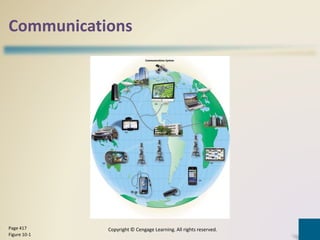
Overview of Chapter 10 discussing communications and networks in technology.
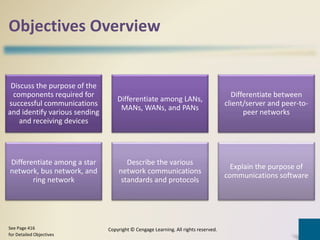
Objectives include components for communication, types of networks (LANs, MANs, WANs, PANs), and transmission media.
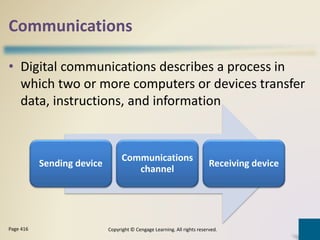
Definition of digital communications involving data transfers among devices.
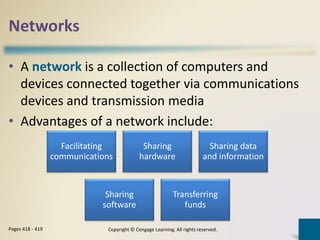
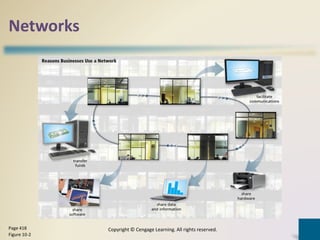
Networks connect computers/devices, facilitating communication, sharing hardware/software, and data.
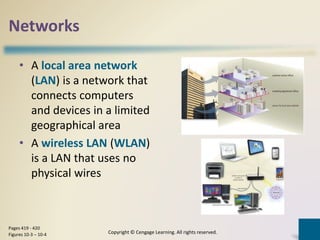
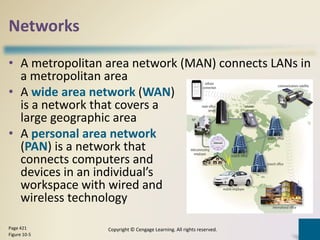
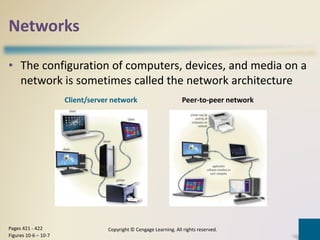
Descriptions of LAN, WLAN, MAN, WAN, PAN, and basic network architecture.
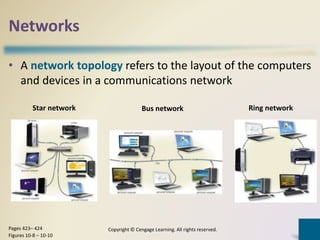
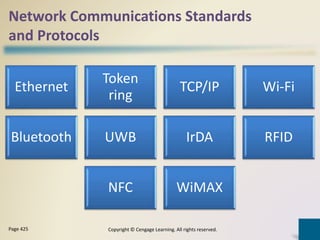
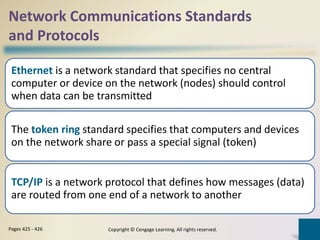
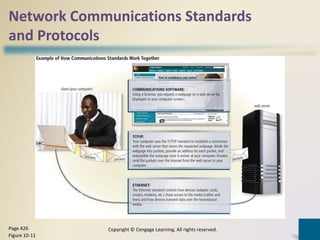
Network topology types (star, bus, ring) and standards/protocols like Ethernet, TCP/IP.
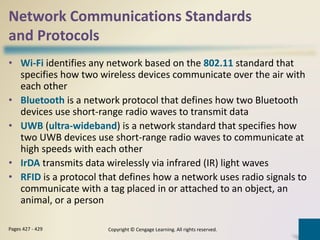
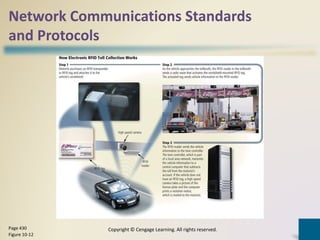
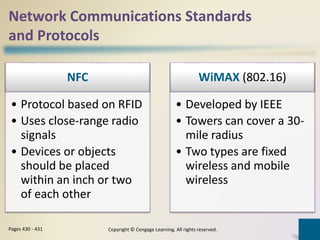
Various communication protocols including Wi-Fi, Bluetooth, RFID, NFC, and WiMAX.
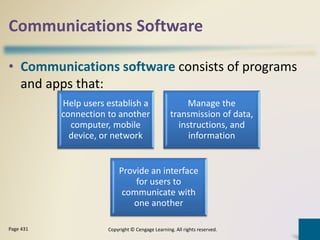
Definition of communications software and its functions for user connectivity and data management.
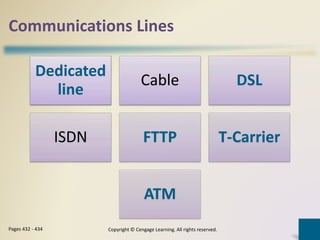
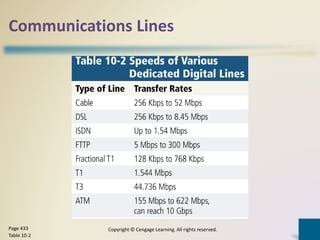
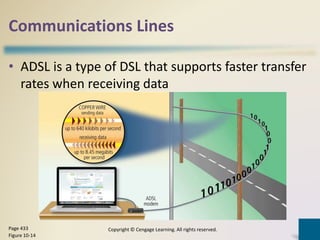
Overview of various communication lines including DSL, ADSL, and ISDN.
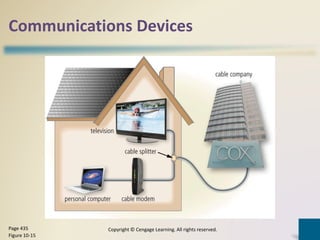
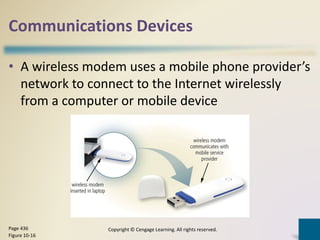
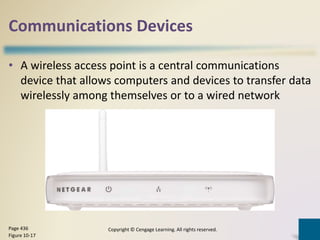
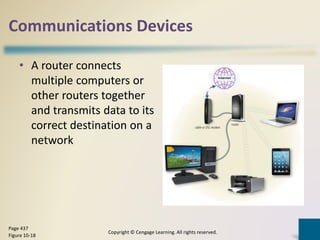
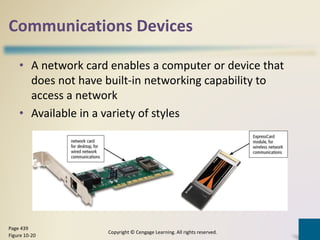
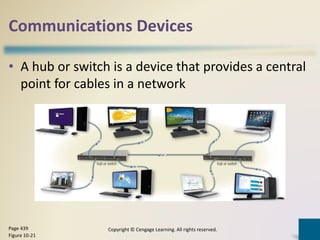
Definition and examples of communications devices like modems, routers, and Wi-Fi access points.
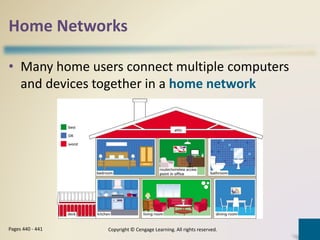
Concept of connecting multiple devices in a home network.
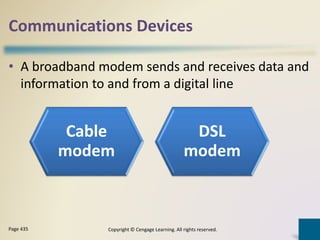
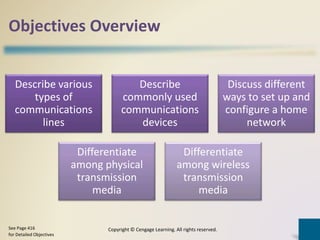
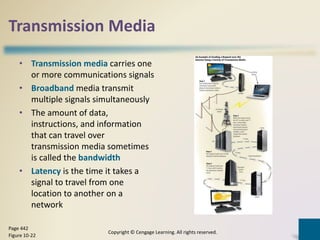
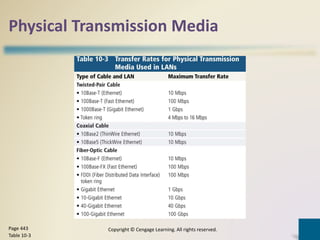
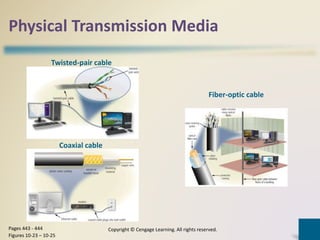
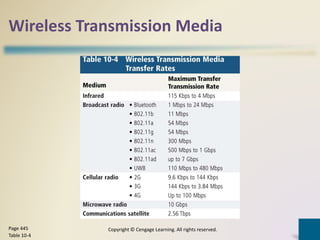
Types of transmission media including broadband, physical, and wireless transmission methods.
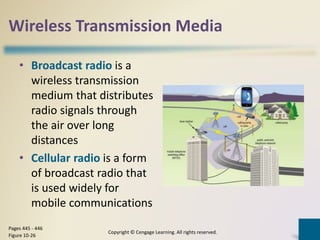
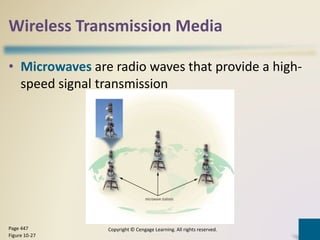
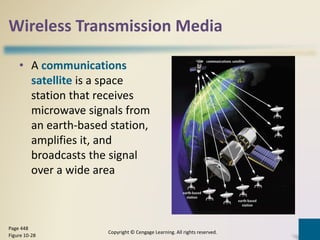
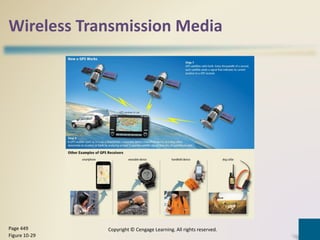
Various wireless transmission media types including radio, microwave, satellites, and GPS.
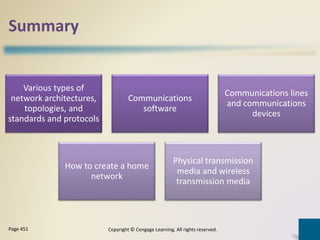
Summary of network architectures, communications software, lines, devices, and creating home networks.
Closure of Chapter 10 on communications and networks in the context of modern technology.