Linux For Embedded Systems
ForArabs
Ahmed ElArabawy
Cairo University
Computer Eng. Dept.
CMP445-Embedded Systems
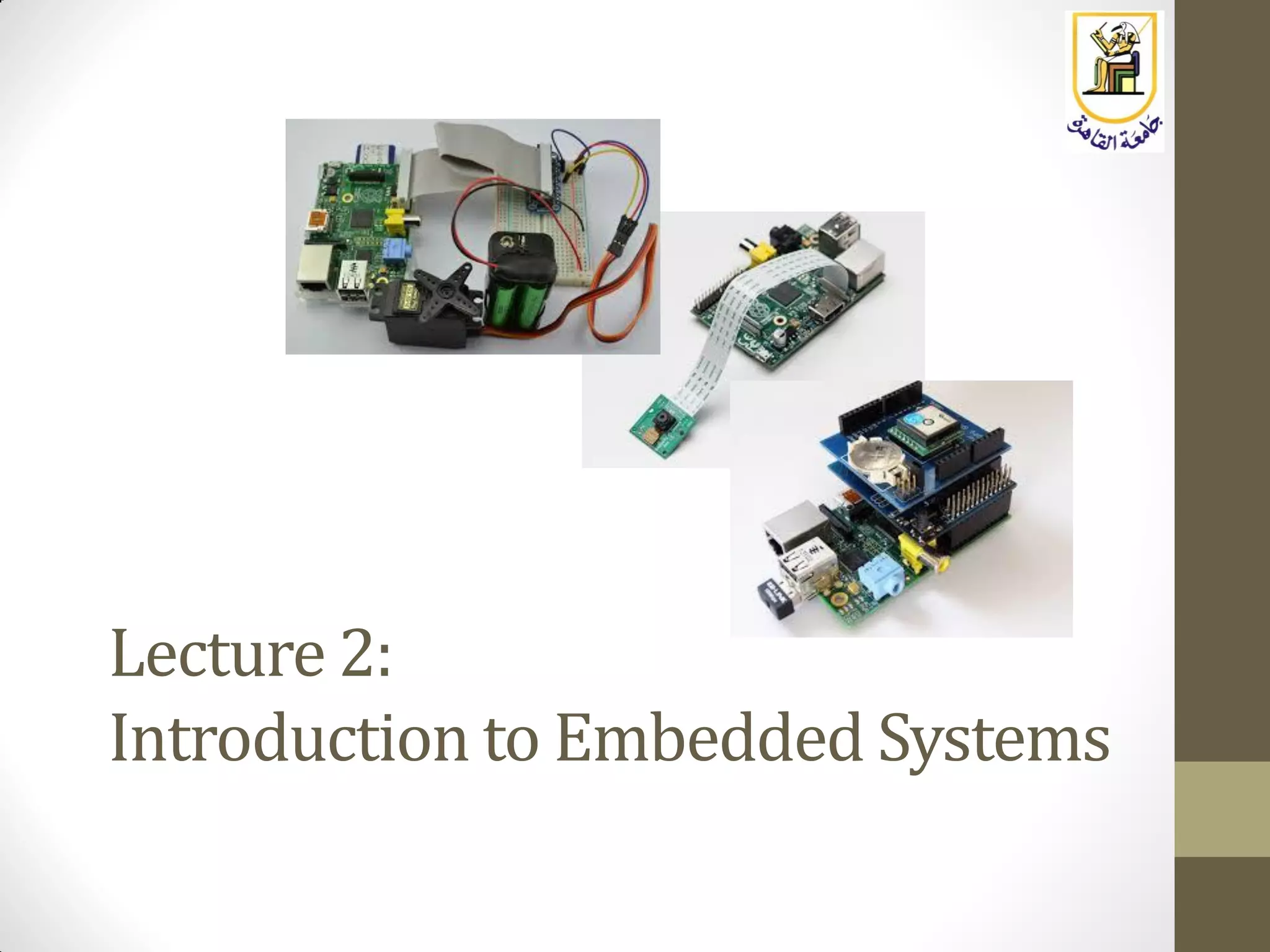
Lecture 2:
Introduction to Embedded Systems
What is an Embedded System ?
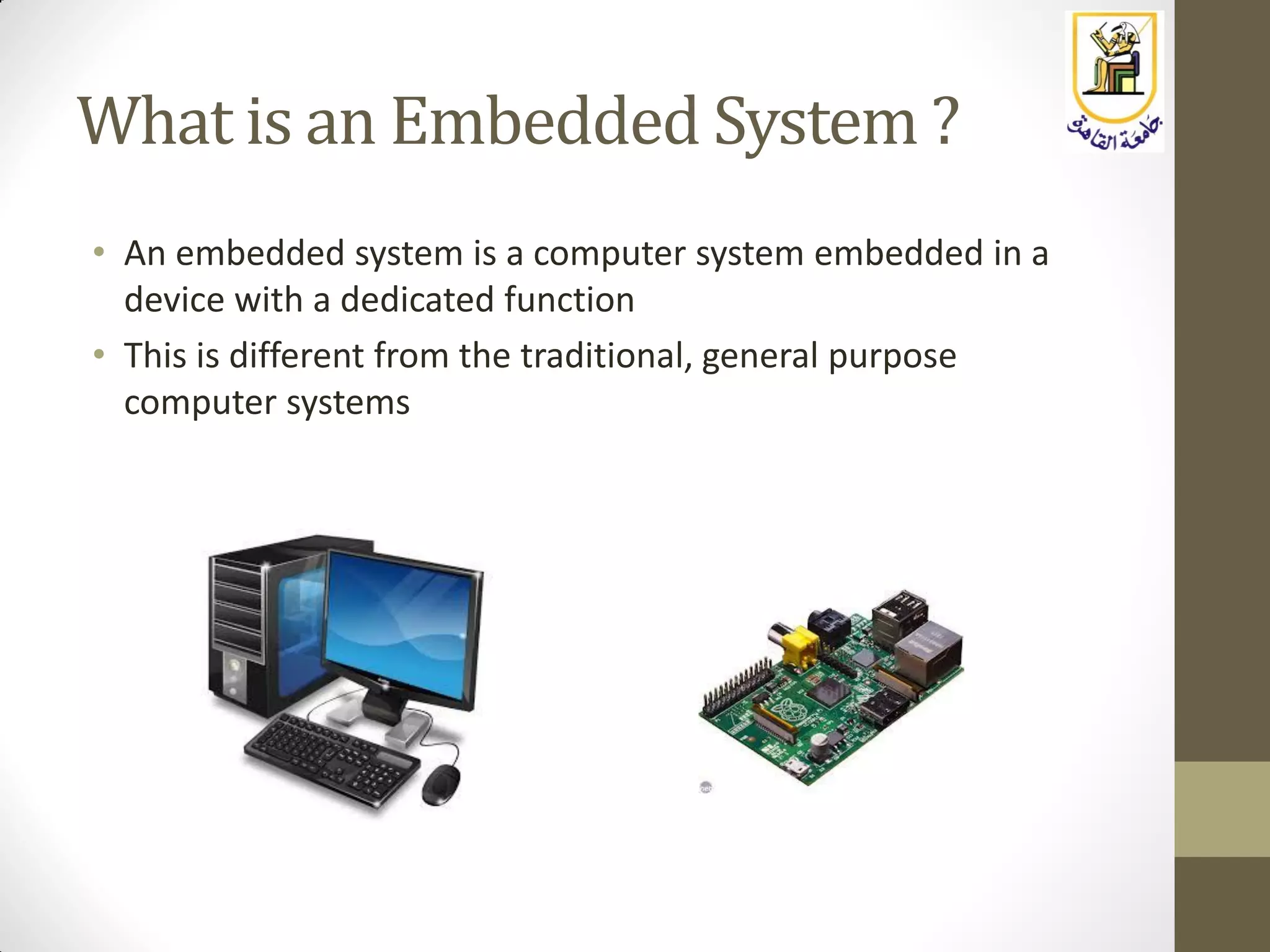
• An embedded system is a computer system embedded in a
device with a dedicated function
• This is different from the traditional, general purpose
computer systems
EXAMPLES OF EMBEDDED SYSTEMS
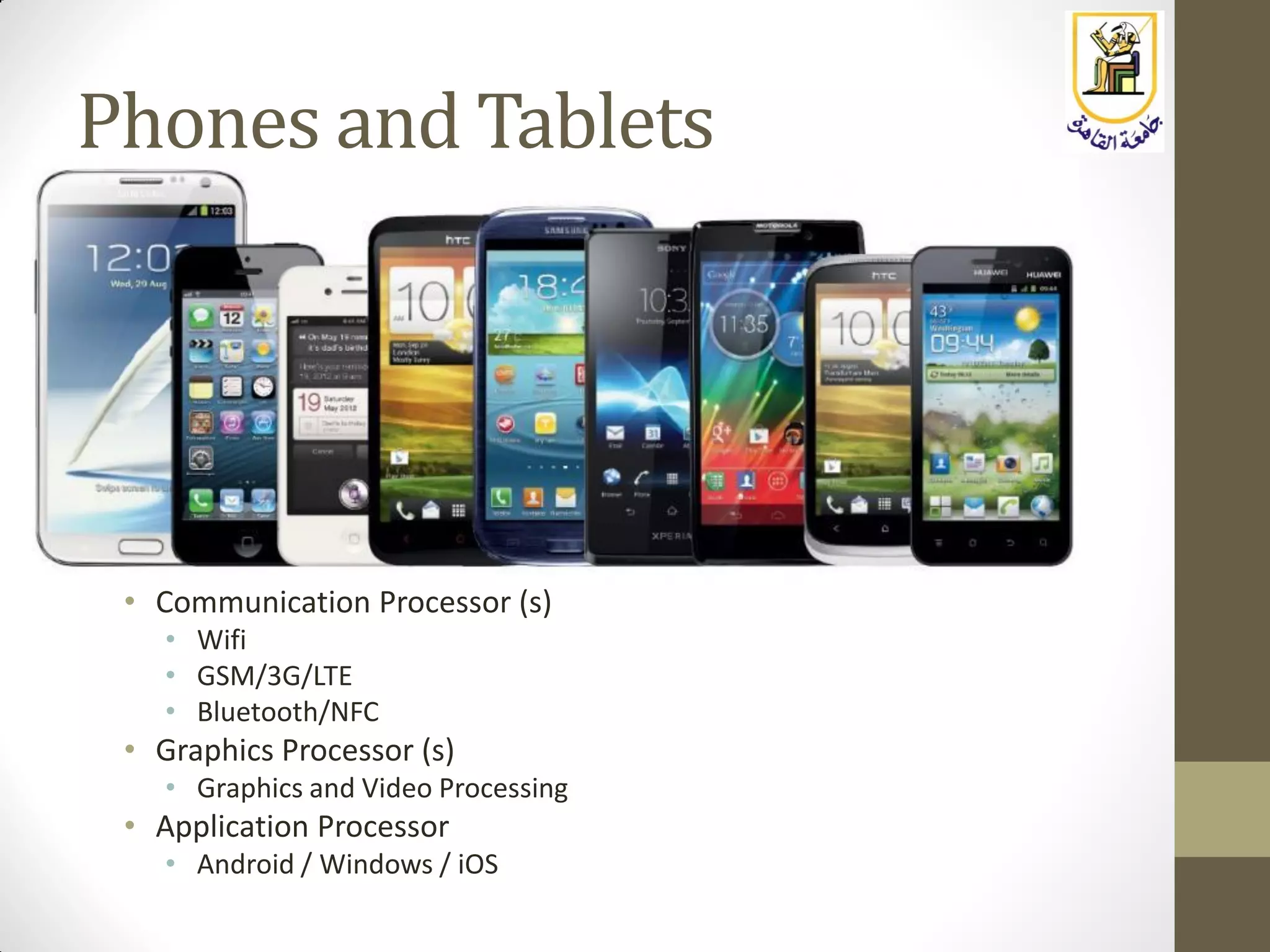
Phones and Tablets
• Communication Processor (s)
• Wifi
• GSM/3G/LTE
• Bluetooth/NFC
• Graphics Processor (s)
• Graphics and Video Processing
• Application Processor
• Android / Windows / iOS
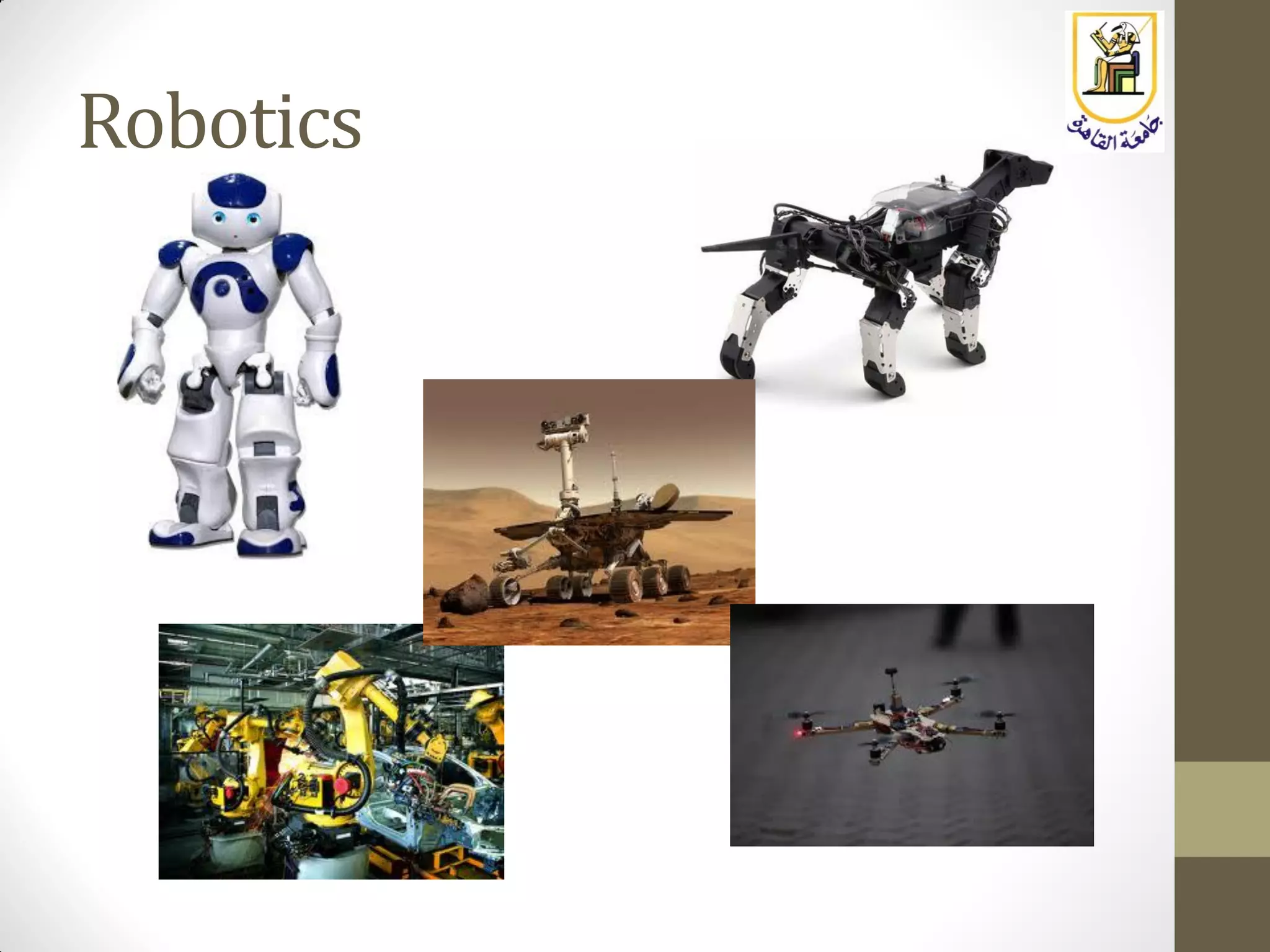
Robotics
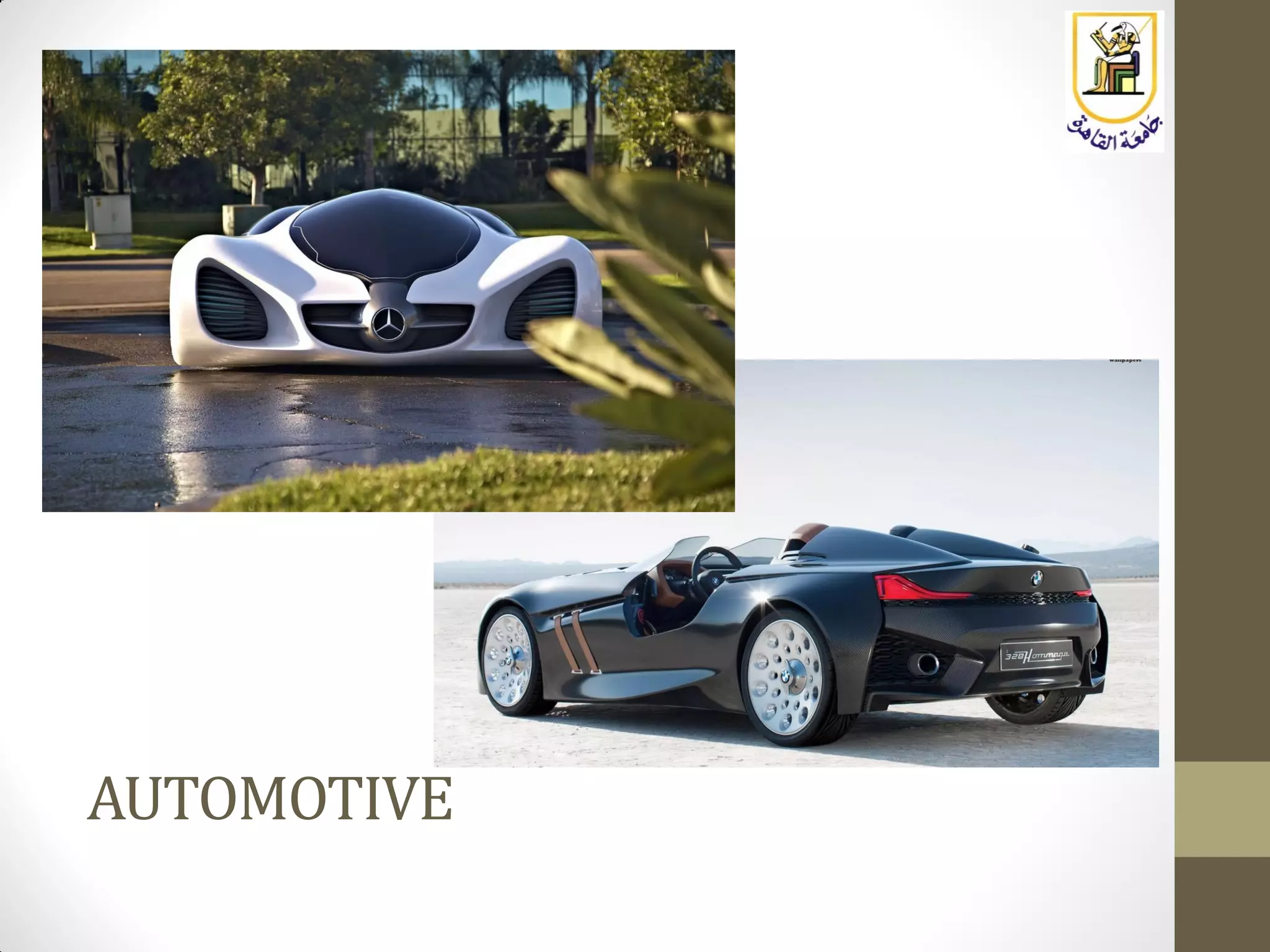
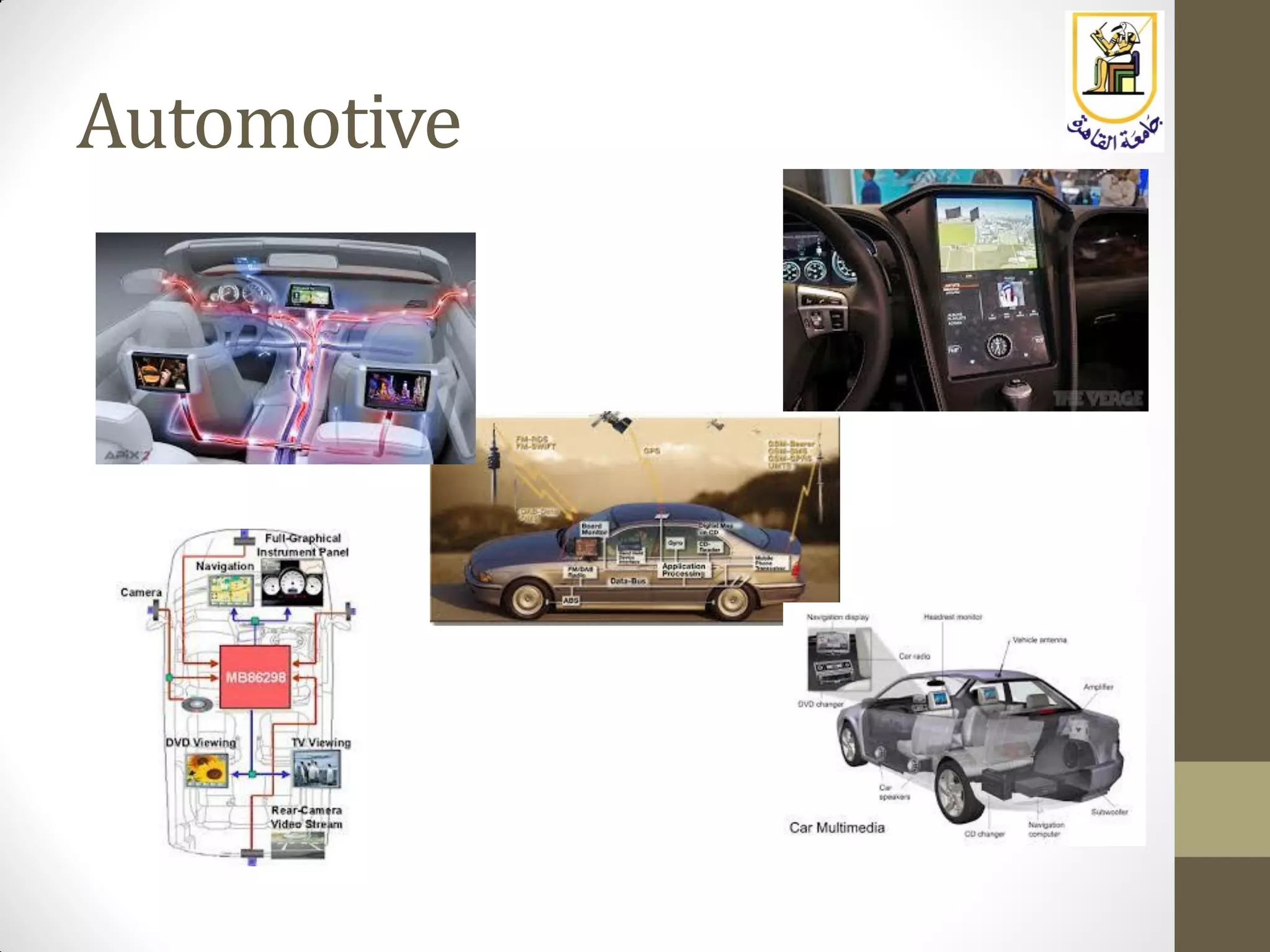
AUTOMOTIVE
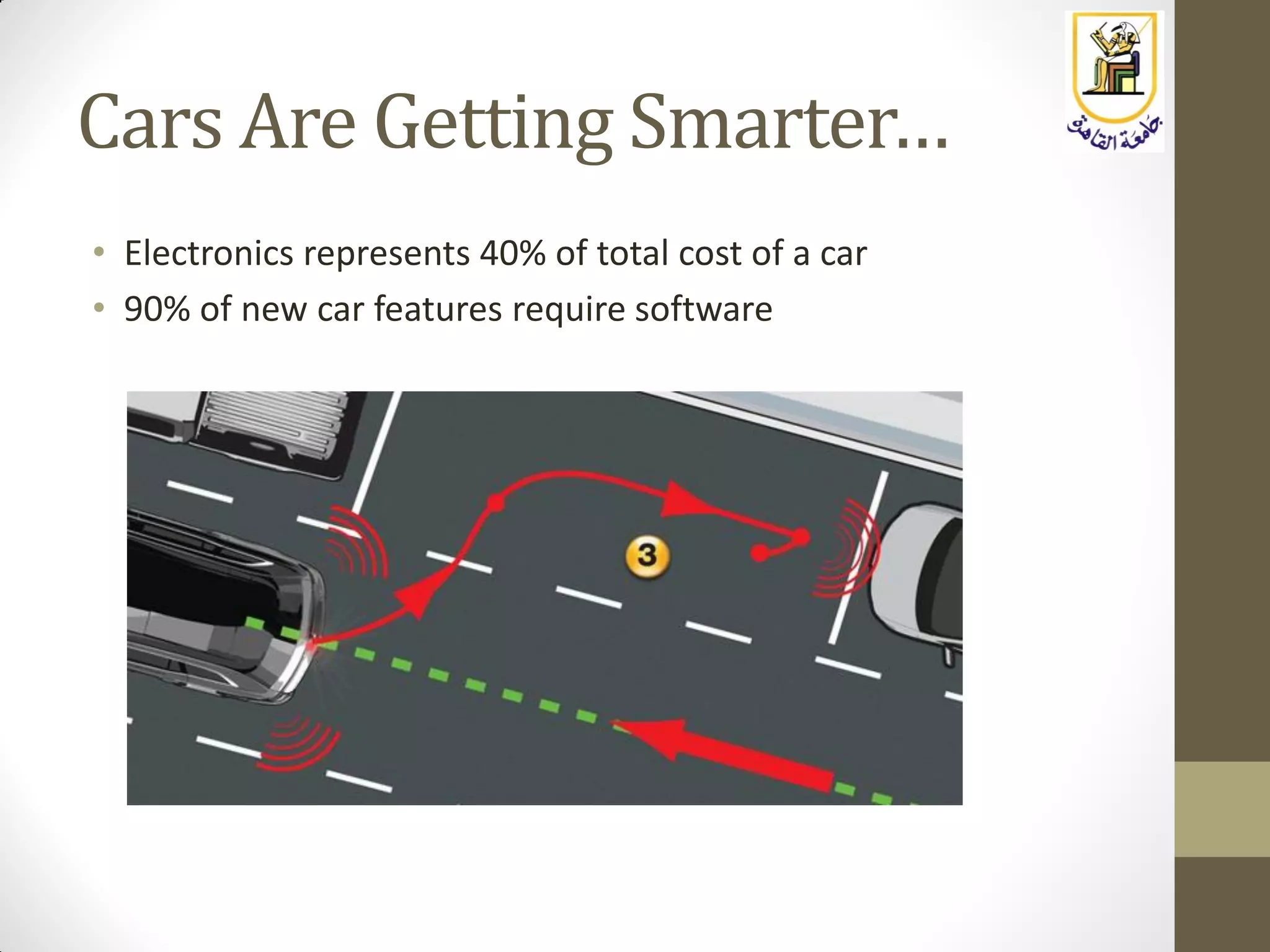
Cars Are Getting Smarter…
• Electronics represents 40% of total cost of a car
• 90% of new car features require software
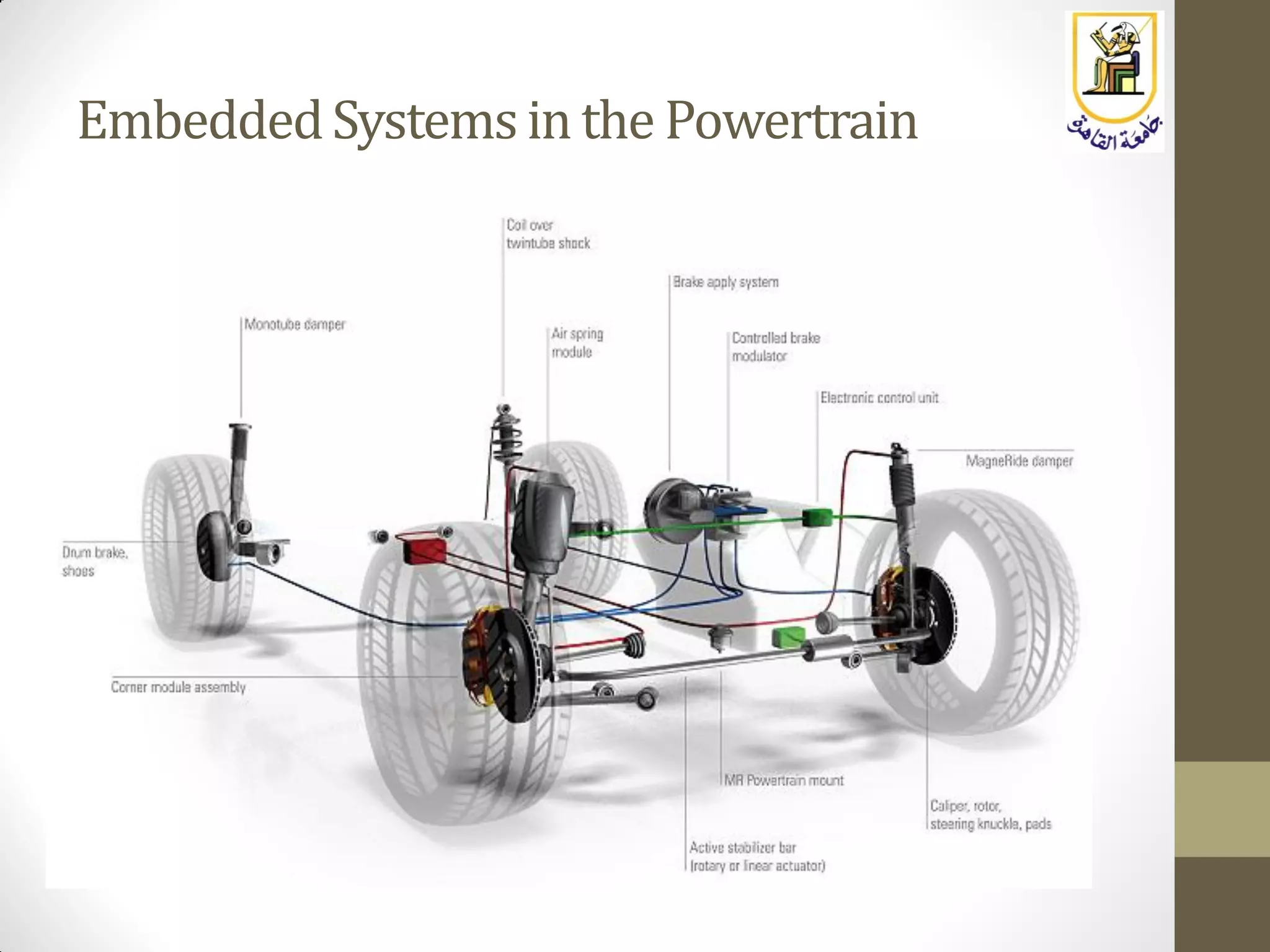
EmbeddedSystemsin the Powertrain
Automotive
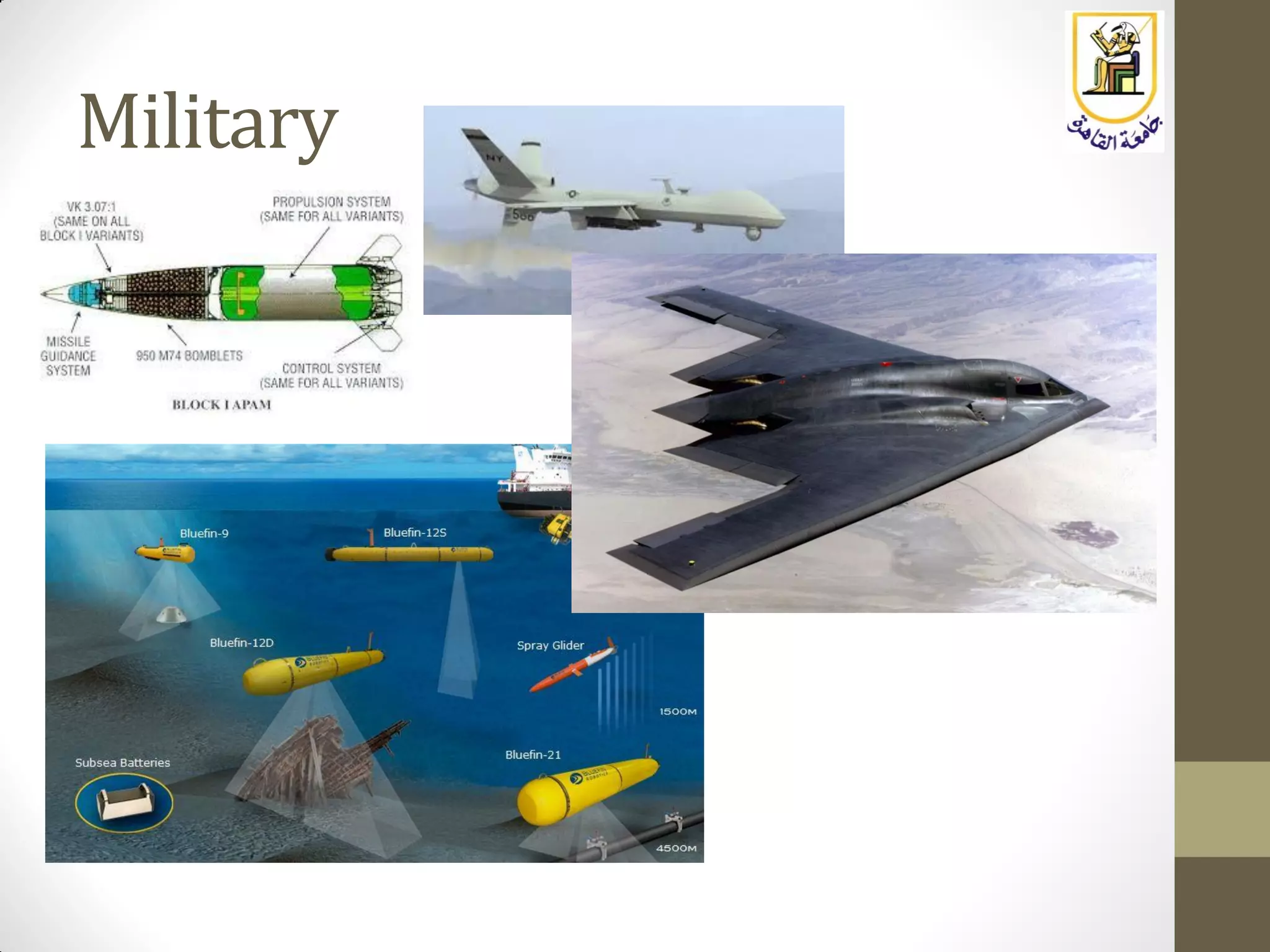
Military
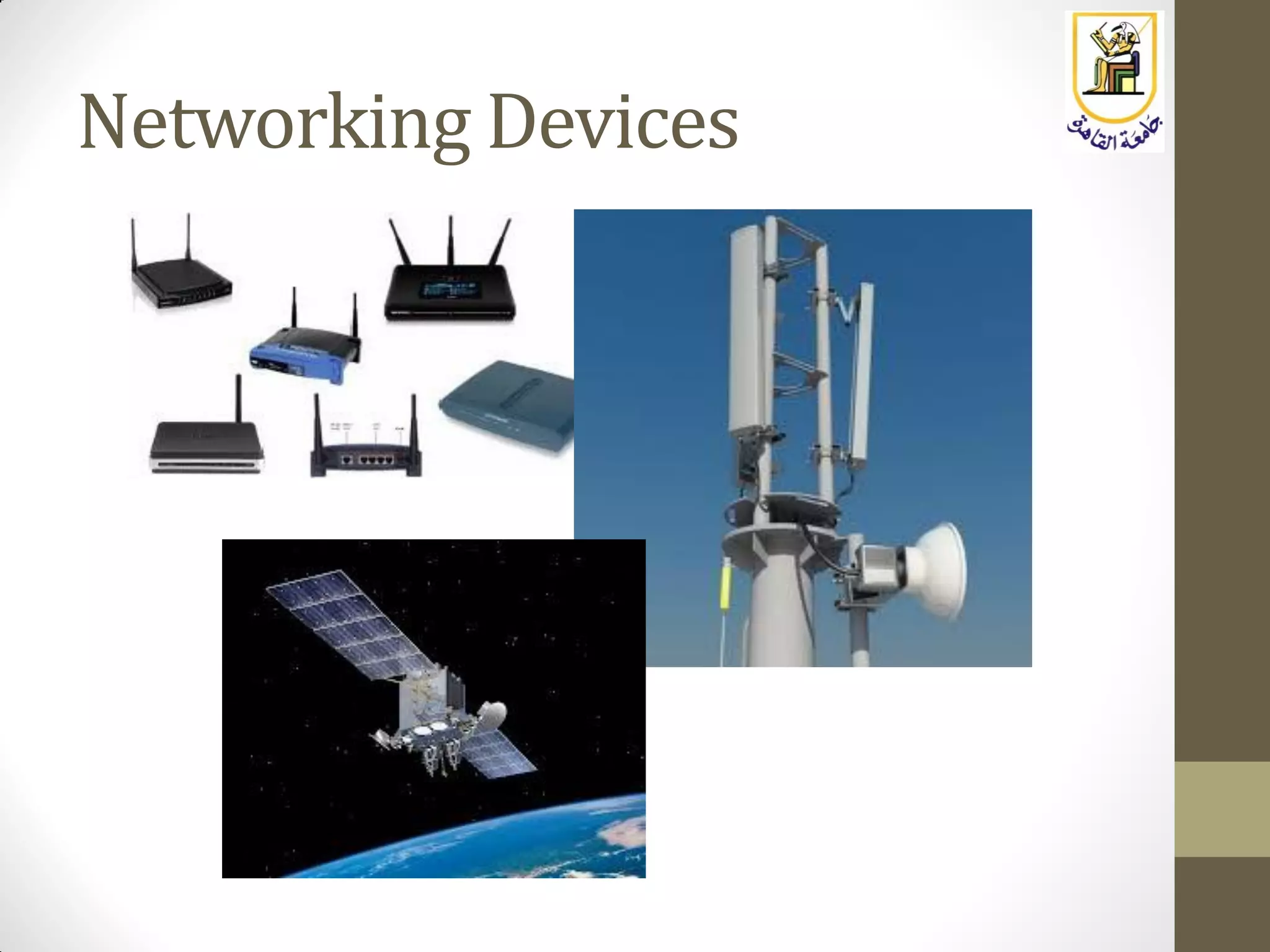
Networking Devices
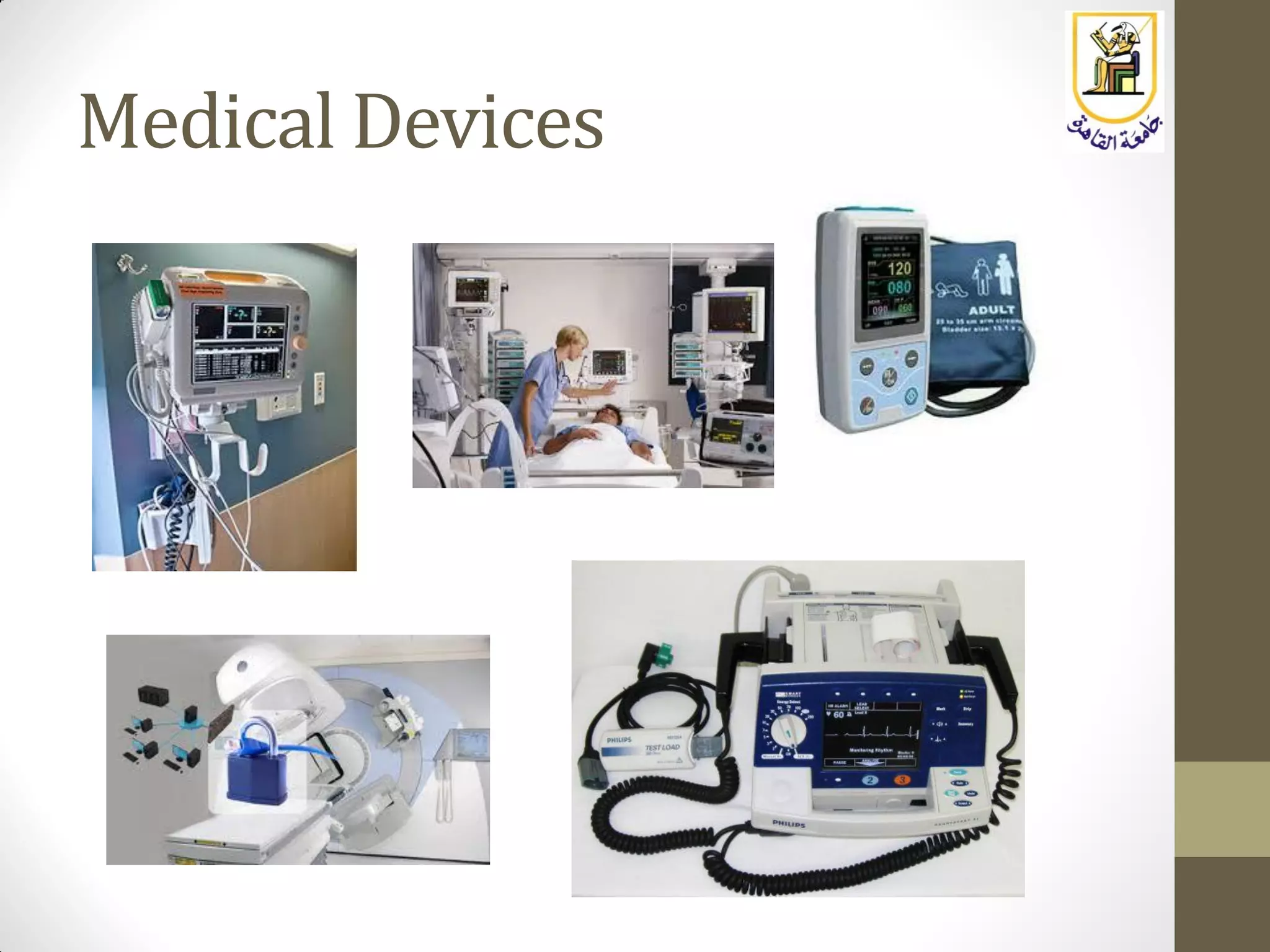
Medical Devices
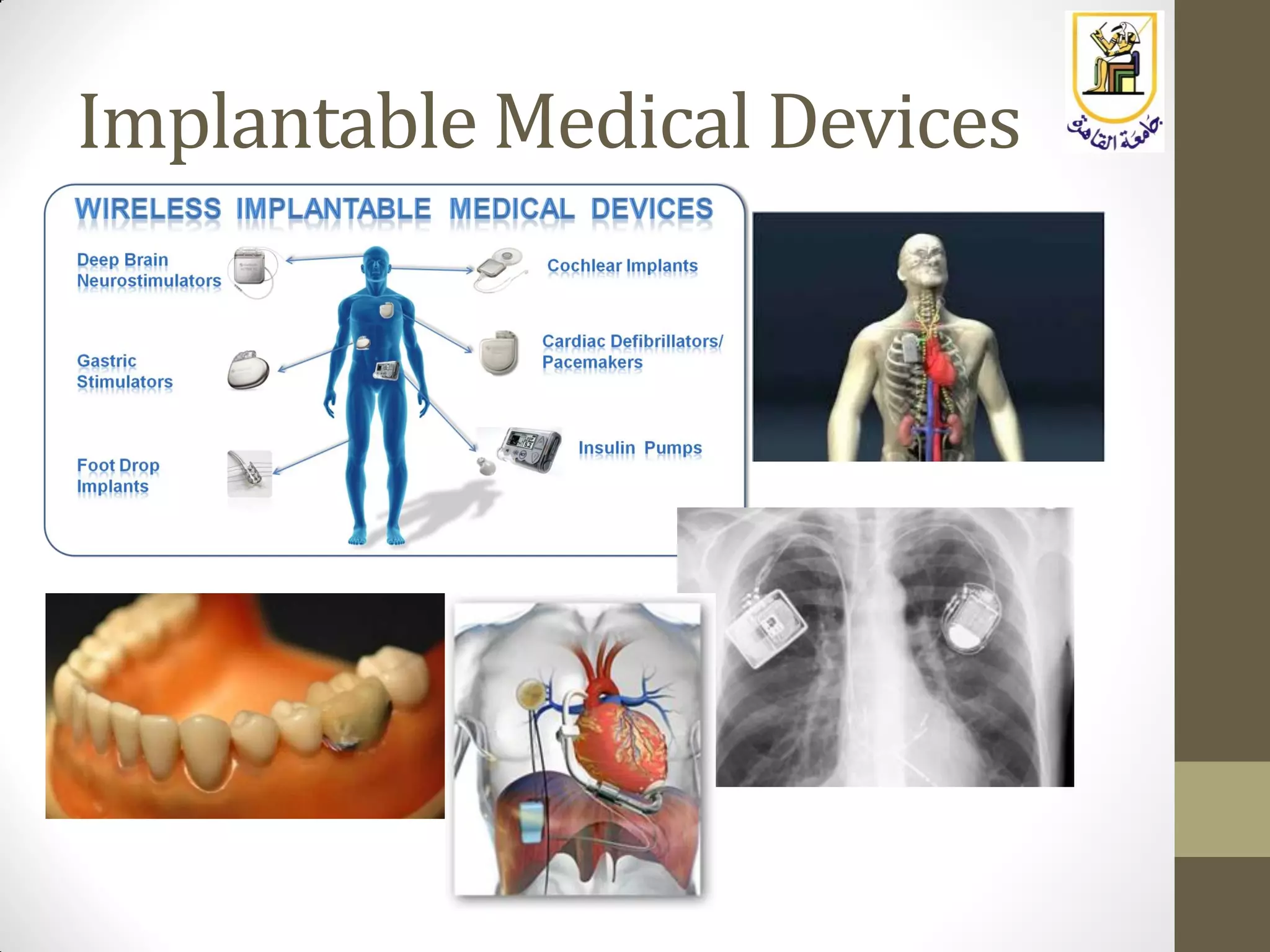
Implantable Medical Devices
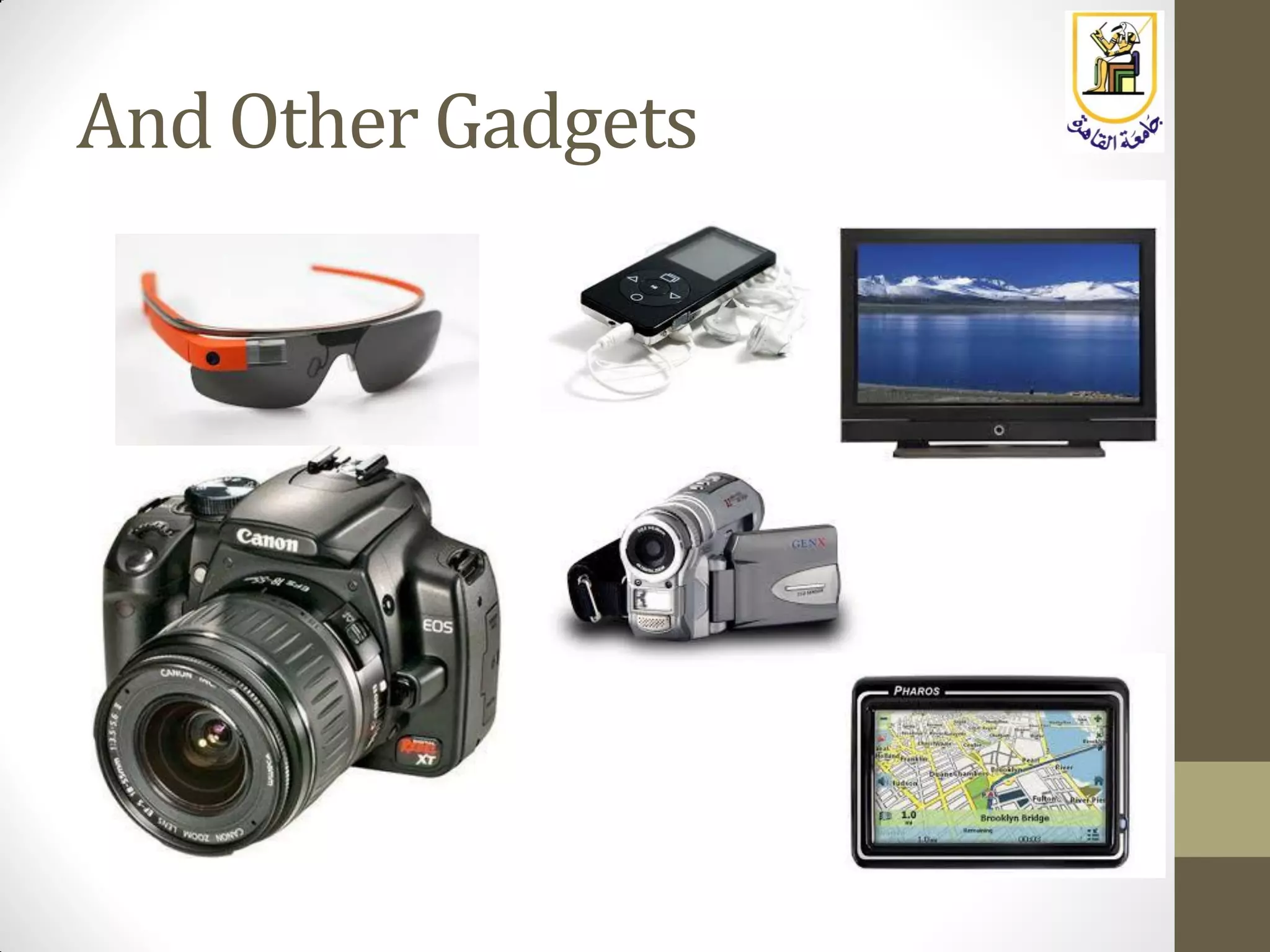
And Other Gadgets
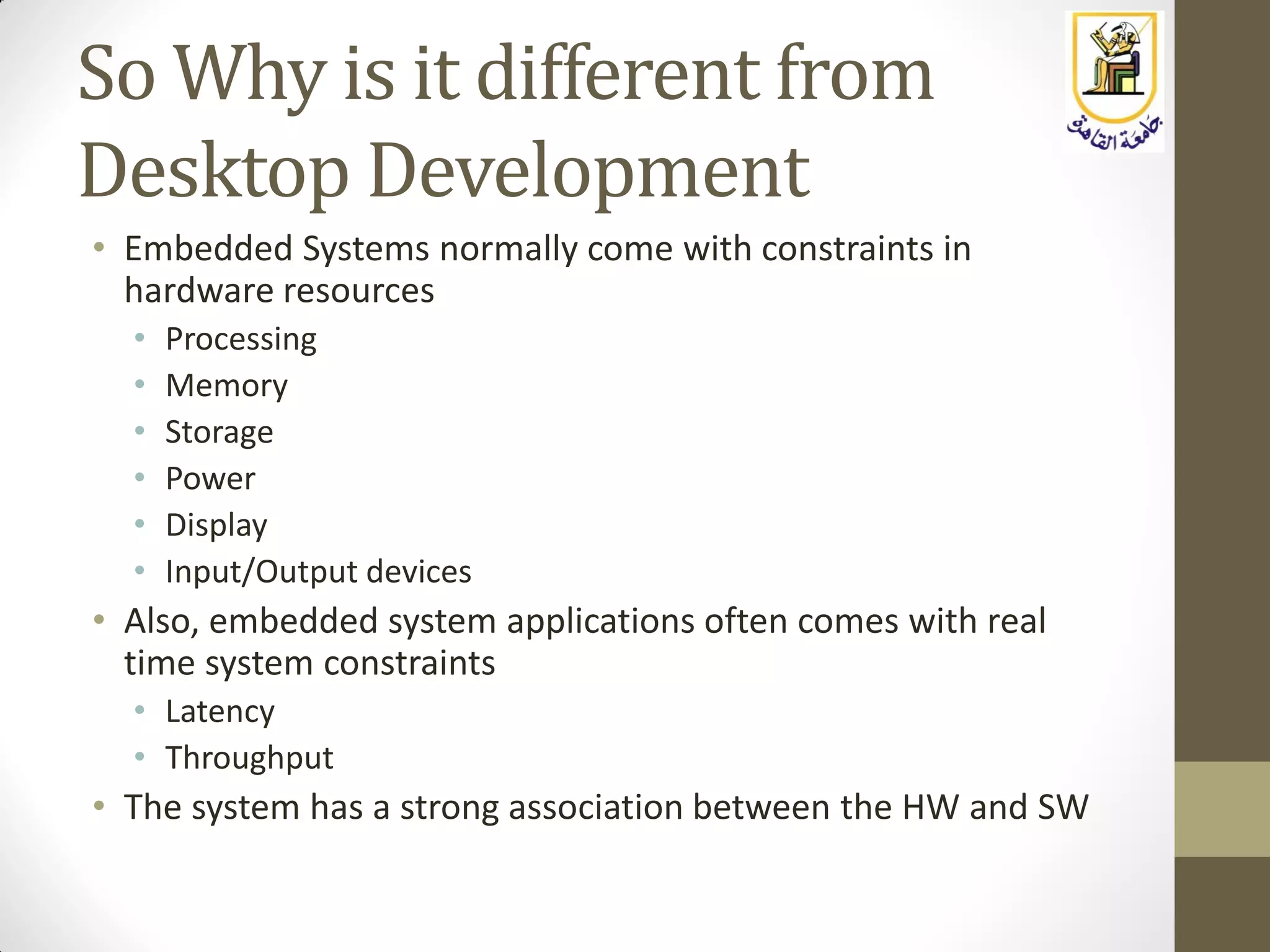
So Why is it different from
Desktop Development
• Embedded Systems normally come with constraints in
hardware resources
• Processing
• Memory
• Storage
• Power
• Display
• Input/Output devices
• Also, embedded system applications often comes with real
time system constraints
• Latency
• Throughput
• The system has a strong association between the HW and SW
OK ….. So What ??
• The developer has to deal with all of these constraints
• Development should take into consideration, code efficiency, and
code foot print
• Debugging tools are “closer to the metal”
• Special attention to power consumption in some cases
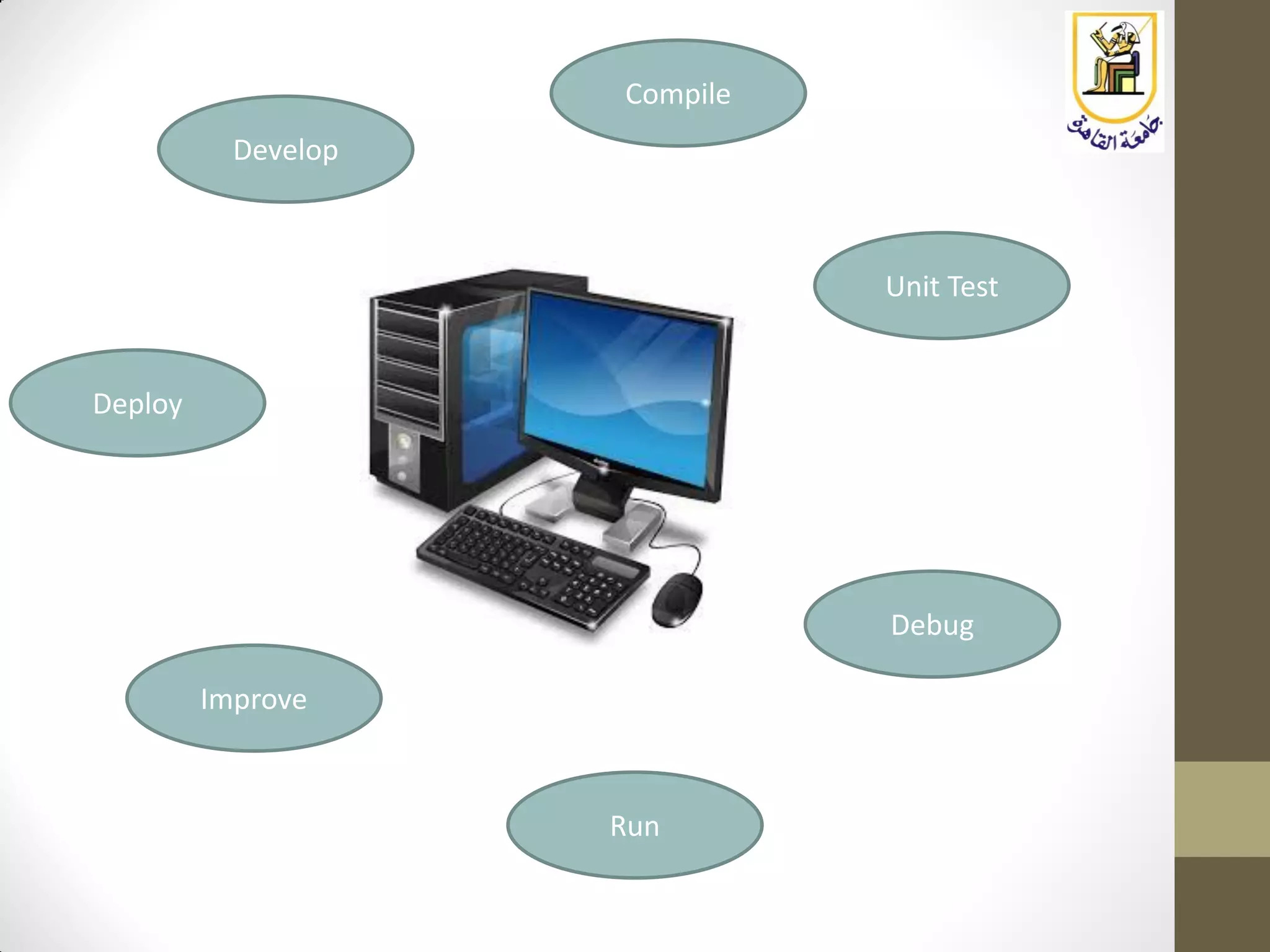
Develop
Compile
Run
Unit Test
Debug
Improve
Deploy
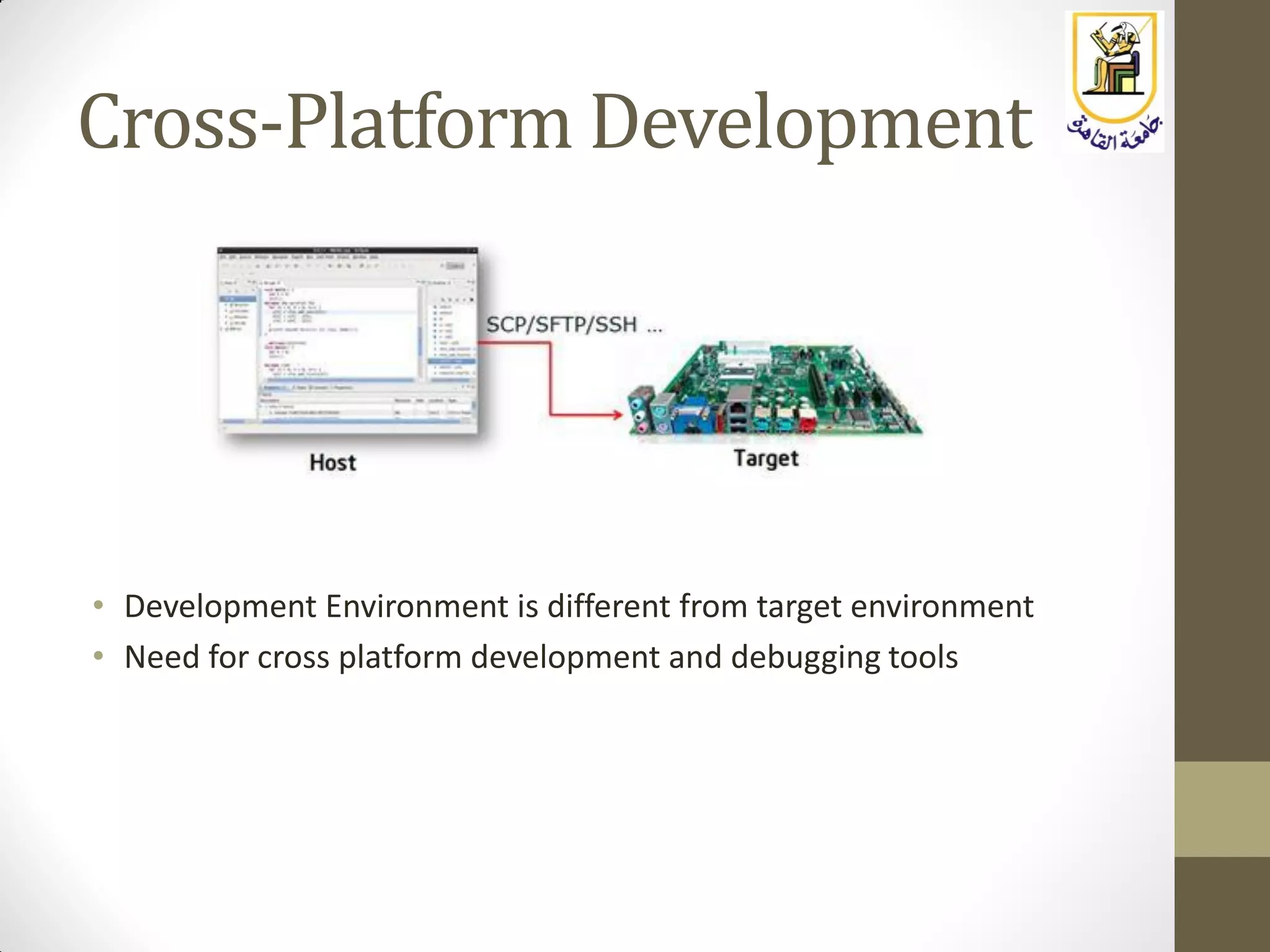
Cross-Platform Development
• Development Environment is different from target environment
• Need for cross platform development and debugging tools
Embedded Systems Classification
• There are two main families of embedded system platforms:
• Microcontroller Family
• Microprocessor Family
Embedded Systems Classification
Microcontrollers
• Examples: PIC (MicroChip), AVR (Atmel), …
• Used for example in Arduino Boards
• Originally 8/16 bit but recently there are 32 bit chips
• Simple instruction set
• No or simple OS Support
• Limited performance (clock speed up to 10s MHz)
• Programming in assembly, or C
• Useful in small systems with lower Cost
• Typical usage:
• Interfacing to sensors
• Control of motors in simple robotics systems
• Simple home automation
• etc…
Embedded Systems Classification
Microprocessors
• Examples: ARM, Intel ATOM, MIPS
• Used for example in Raspberry Pi, BeagleBone Black, …
• 32 bit (and sometimes 64 bits)
• Support Linux and other RTOSs
• Higher performance (clock speed in 100s MHz to few GHz)
• Programming in C/C++ (sometimes with little assembly), Java, Python, …
• Strong library support (act as a small computer)
• Useful in more complicated systems but with higher cost
• Typical Usage:
• All what the microcontroller can do
• Sophisticated control systems
• Audio Processing
• Image Processing
• Video Processing
• Communication Systems
• Advanced guidance and navigation systems
In this course
• We will address microprocessor based systems
• We will be working with the Raspberry Pi board which uses an
ARM
• Why,
• Because we will be able to do everything the microcontroller can
do
• On top of that, we will be able to do more advanced projects
• We will be able to build projects beyond reading sensors and
simple control
• We will be able to run with Linux, and make use of all of its
available tools and libraries
• We will be prepared to understand sophisticated products in the
industry
http://Linux4EmbeddedSystems.com

Embedded Systems: Lecture 2: Introduction to Embedded Systems

  • 1.
    Linux For EmbeddedSystems ForArabs Ahmed ElArabawy Cairo University Computer Eng. Dept. CMP445-Embedded Systems
  • 2.
  • 3.
    What is anEmbedded System ? • An embedded system is a computer system embedded in a device with a dedicated function • This is different from the traditional, general purpose computer systems
  • 4.
  • 5.
    Phones and Tablets •Communication Processor (s) • Wifi • GSM/3G/LTE • Bluetooth/NFC • Graphics Processor (s) • Graphics and Video Processing • Application Processor • Android / Windows / iOS
  • 6.
  • 7.
  • 8.
    Cars Are GettingSmarter… • Electronics represents 40% of total cost of a car • 90% of new car features require software
  • 9.
  • 10.
  • 11.
  • 12.
  • 13.
  • 14.
  • 15.
  • 16.
    So Why isit different from Desktop Development • Embedded Systems normally come with constraints in hardware resources • Processing • Memory • Storage • Power • Display • Input/Output devices • Also, embedded system applications often comes with real time system constraints • Latency • Throughput • The system has a strong association between the HW and SW
  • 17.
    OK ….. SoWhat ?? • The developer has to deal with all of these constraints • Development should take into consideration, code efficiency, and code foot print • Debugging tools are “closer to the metal” • Special attention to power consumption in some cases
  • 18.
  • 19.
    Cross-Platform Development • DevelopmentEnvironment is different from target environment • Need for cross platform development and debugging tools
  • 20.
    Embedded Systems Classification •There are two main families of embedded system platforms: • Microcontroller Family • Microprocessor Family
  • 21.
    Embedded Systems Classification Microcontrollers •Examples: PIC (MicroChip), AVR (Atmel), … • Used for example in Arduino Boards • Originally 8/16 bit but recently there are 32 bit chips • Simple instruction set • No or simple OS Support • Limited performance (clock speed up to 10s MHz) • Programming in assembly, or C • Useful in small systems with lower Cost • Typical usage: • Interfacing to sensors • Control of motors in simple robotics systems • Simple home automation • etc…
  • 22.
    Embedded Systems Classification Microprocessors •Examples: ARM, Intel ATOM, MIPS • Used for example in Raspberry Pi, BeagleBone Black, … • 32 bit (and sometimes 64 bits) • Support Linux and other RTOSs • Higher performance (clock speed in 100s MHz to few GHz) • Programming in C/C++ (sometimes with little assembly), Java, Python, … • Strong library support (act as a small computer) • Useful in more complicated systems but with higher cost • Typical Usage: • All what the microcontroller can do • Sophisticated control systems • Audio Processing • Image Processing • Video Processing • Communication Systems • Advanced guidance and navigation systems
  • 23.
    In this course •We will address microprocessor based systems • We will be working with the Raspberry Pi board which uses an ARM • Why, • Because we will be able to do everything the microcontroller can do • On top of that, we will be able to do more advanced projects • We will be able to build projects beyond reading sensors and simple control • We will be able to run with Linux, and make use of all of its available tools and libraries • We will be prepared to understand sophisticated products in the industry
  • 24.