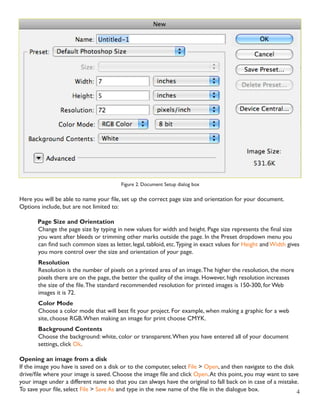
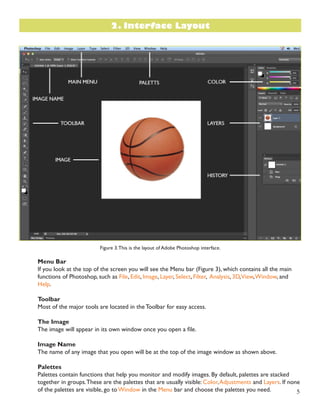
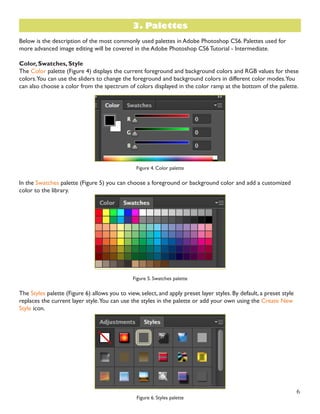
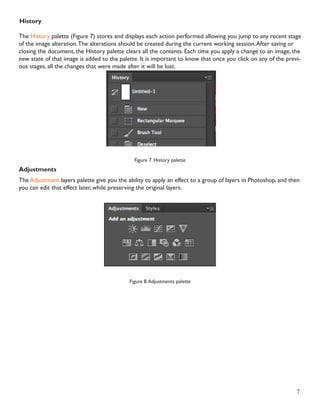
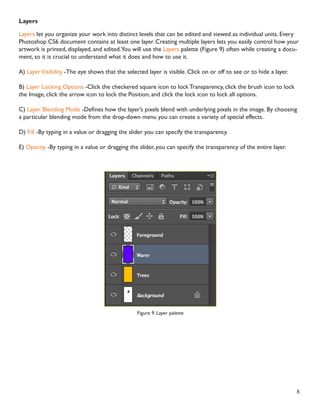
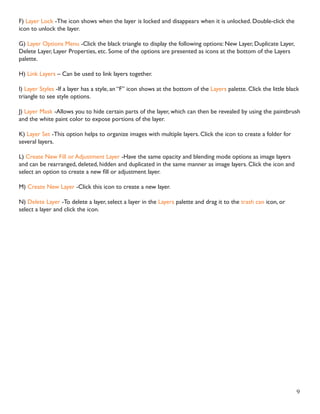
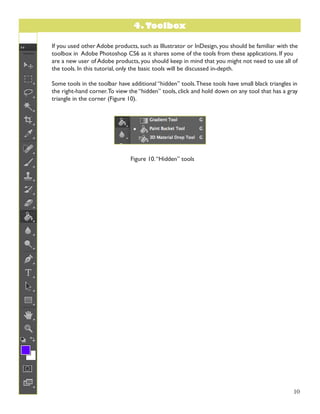
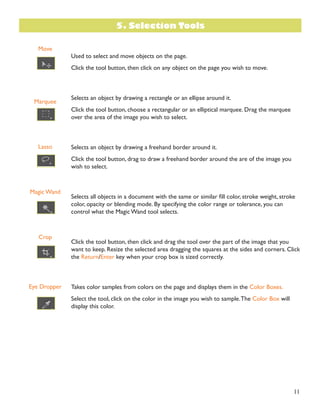
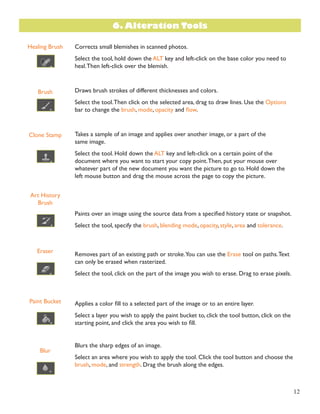
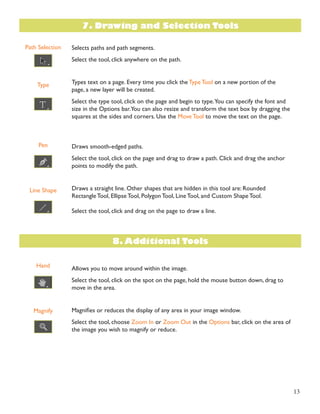
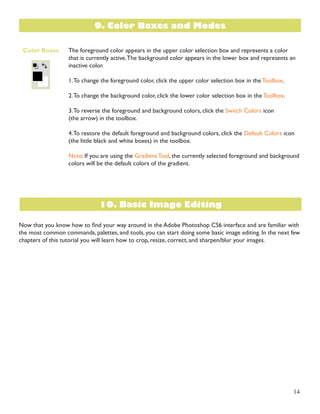
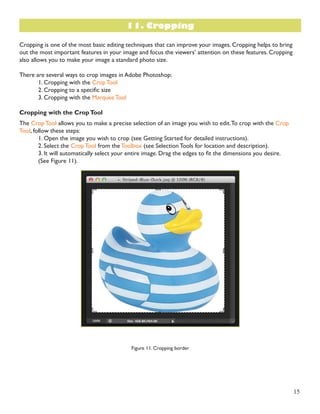
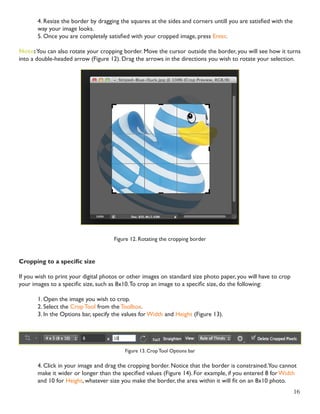
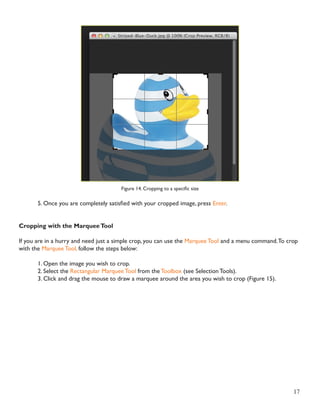
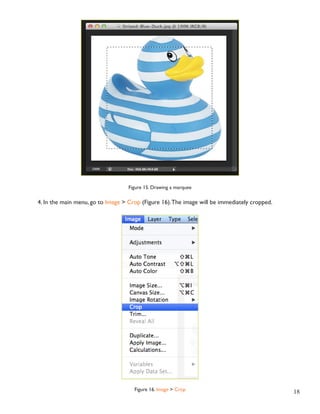
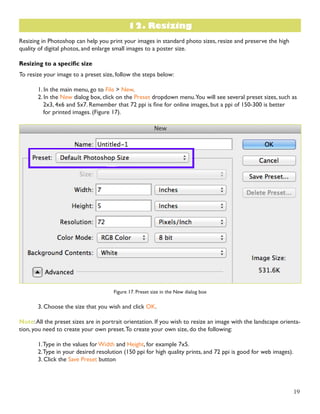
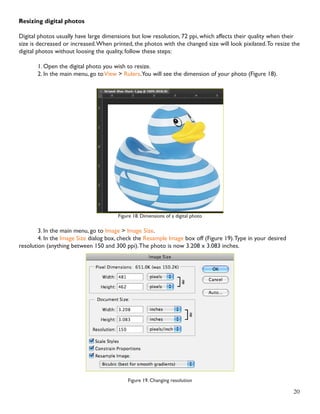
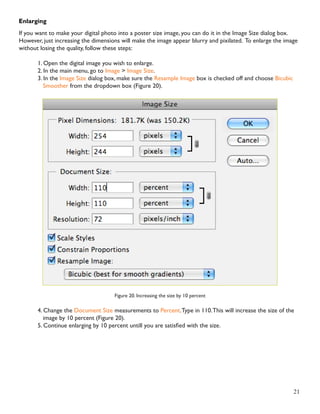
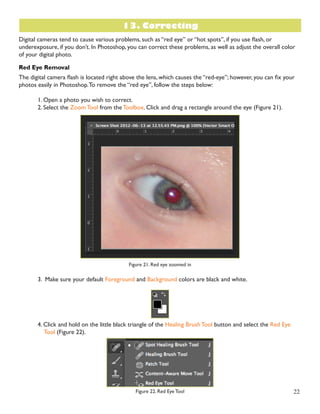
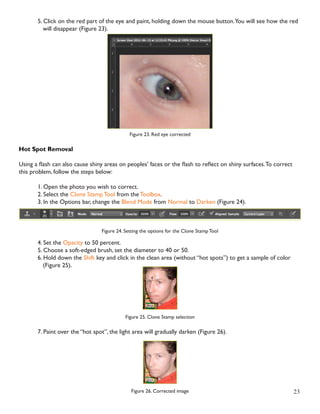
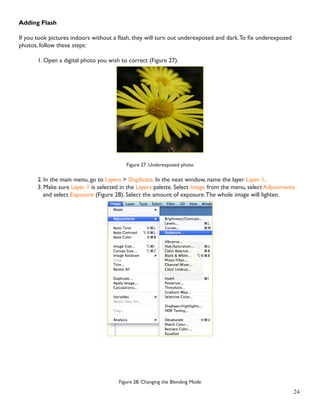
This document provides an overview of the Adobe Photoshop CS6 interface and basic tools. It explains how to open and set up a new document, including page size and orientation options. It then describes the main interface elements like the menu bar, toolbox, image window and palettes for adjusting colors, layers and more. Finally, it provides details on the selection, alteration and drawing tools available and how to use basic editing functions like cropping and resizing images.