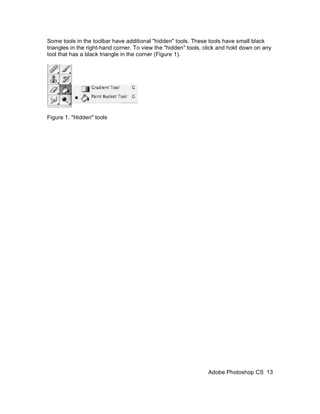
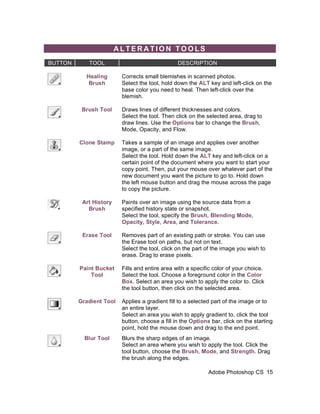
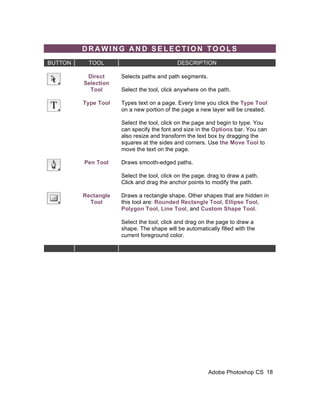
This document provides an introduction to using Adobe Photoshop CS. It explains how to open and set up documents, navigate the interface, and use basic tools. The interface is outlined, including the menu bar, toolbox, options bar, and palettes like layers, history and navigator. Common tools like selection, alteration and drawing tools are described. Basic functions like working with layers, colors and modes are also introduced. The goal is to get users started using Photoshop's core features for image editing.