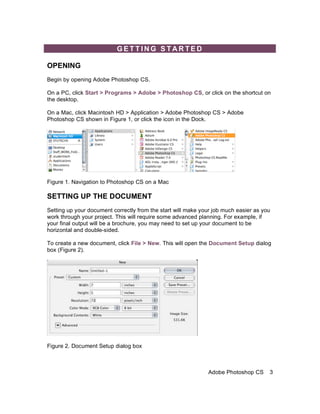
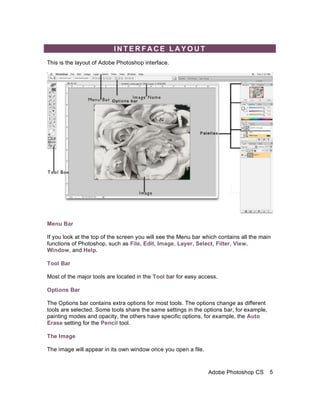
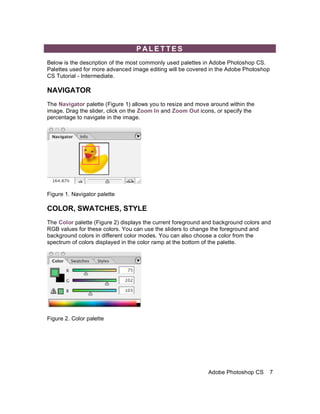
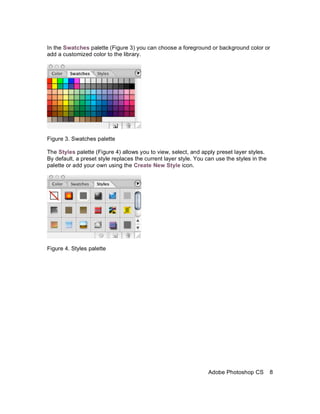
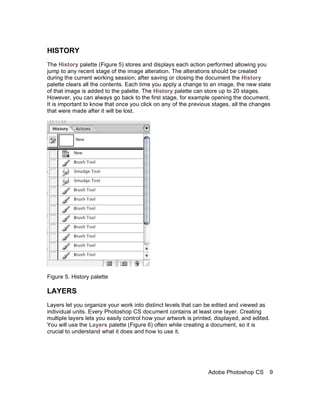
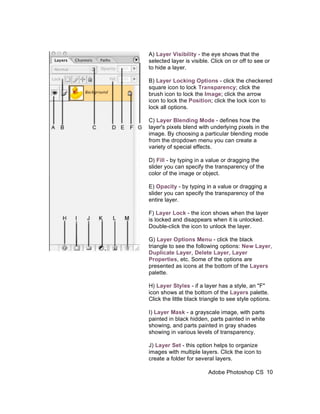
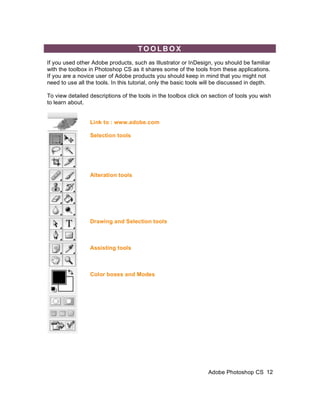
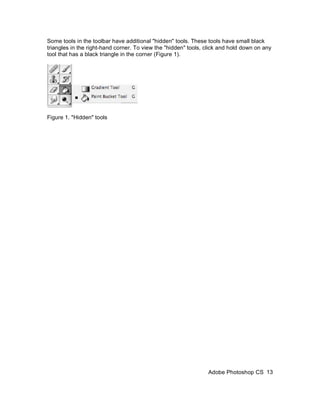
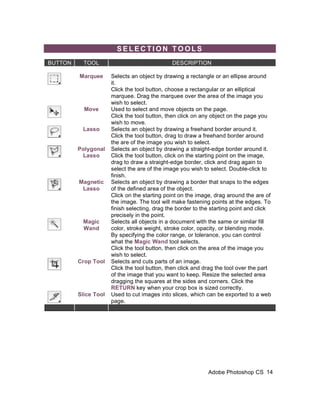
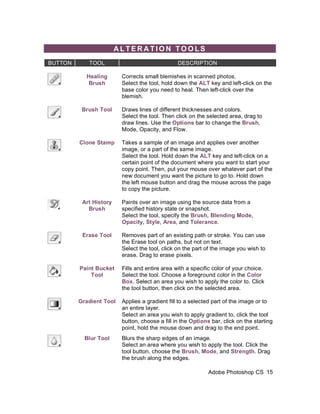
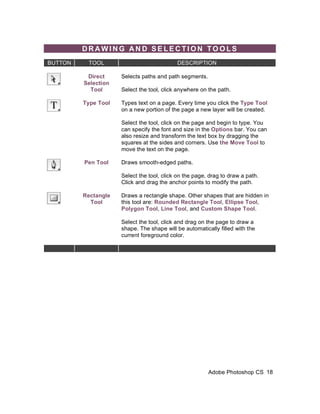
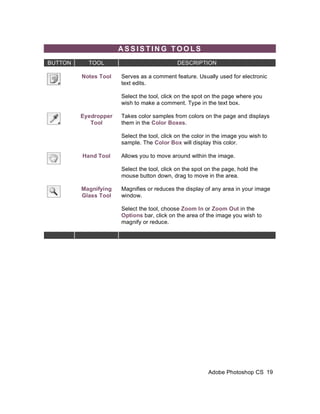
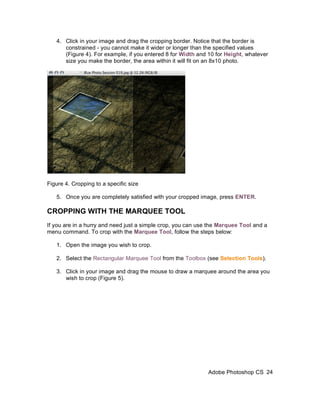
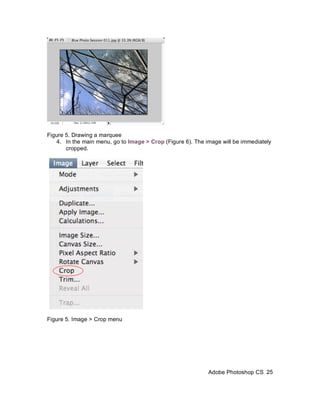
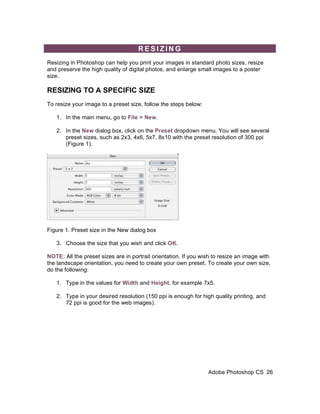
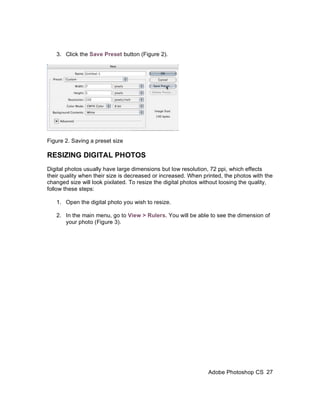
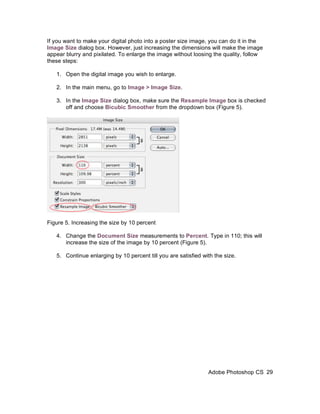
This document provides an introduction to using Adobe Photoshop CS. It discusses how to get started by opening Photoshop and creating new documents. It describes the basic Photoshop interface including the menu bar, tool bar, options bar, and palettes. Common palettes like Navigator, Color, Layers, and History are explained. Basic tools for image editing are also outlined. The document serves as a starting point for learning key concepts and components of the Photoshop interface.