Download to read offline


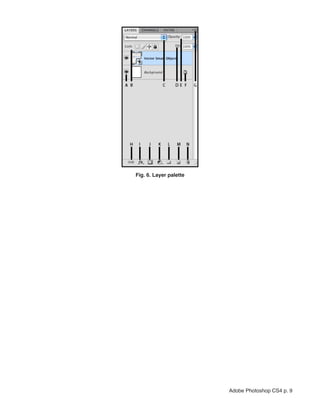
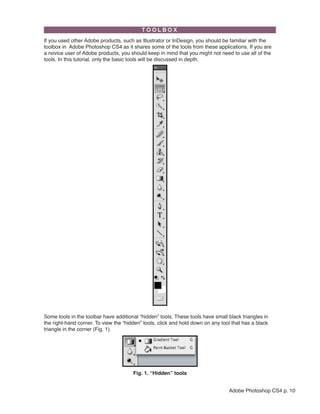




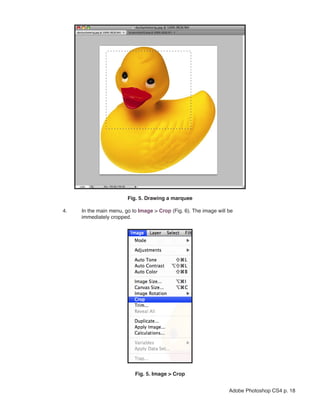
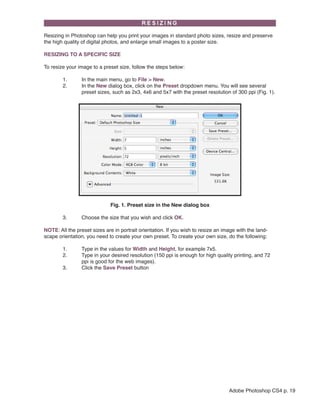
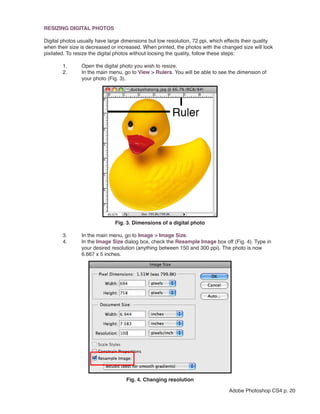

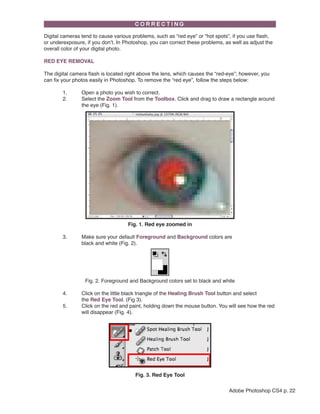


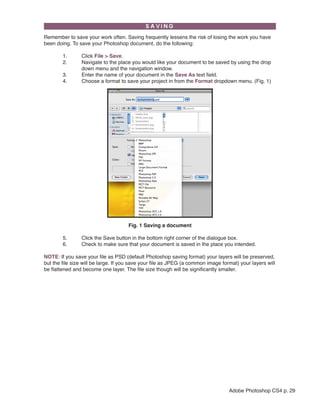

This document provides an overview of the Adobe Photoshop CS4 tutorial. It introduces the software and explains that the tutorial will cover getting started, using the interface, and modifying images with basic tools. It then outlines 15 sections that will be covered, including getting started, interface layout, palettes, the toolbox, selection tools, and saving files. It provides examples of how to open Photoshop CS4, set up a new document, and open an existing image. It also describes some of the main components of the Photoshop interface like the menu bar, tool bar, and palettes for adjusting colors, layers, and images.


