MICROSOFT WORDUsing different tools when working with MS Word…
Microsoft Word is excellent for creating different documents on your computer!This presentation will cover the basic steps for the following:
Let’s say you have an essay to write… First, you panic – your paper is due in 3 days
Then, you open your Microsoft Word
You start typing away… Words become sentences, sentences turn into paragraphs… And the formatting begins…         ABCDEFGHIJKLMNOPQRSTUVWXYZ
You can make text bold by clicking this button
You can underline your text by clicking this button
You can make your text italic by clicking this button
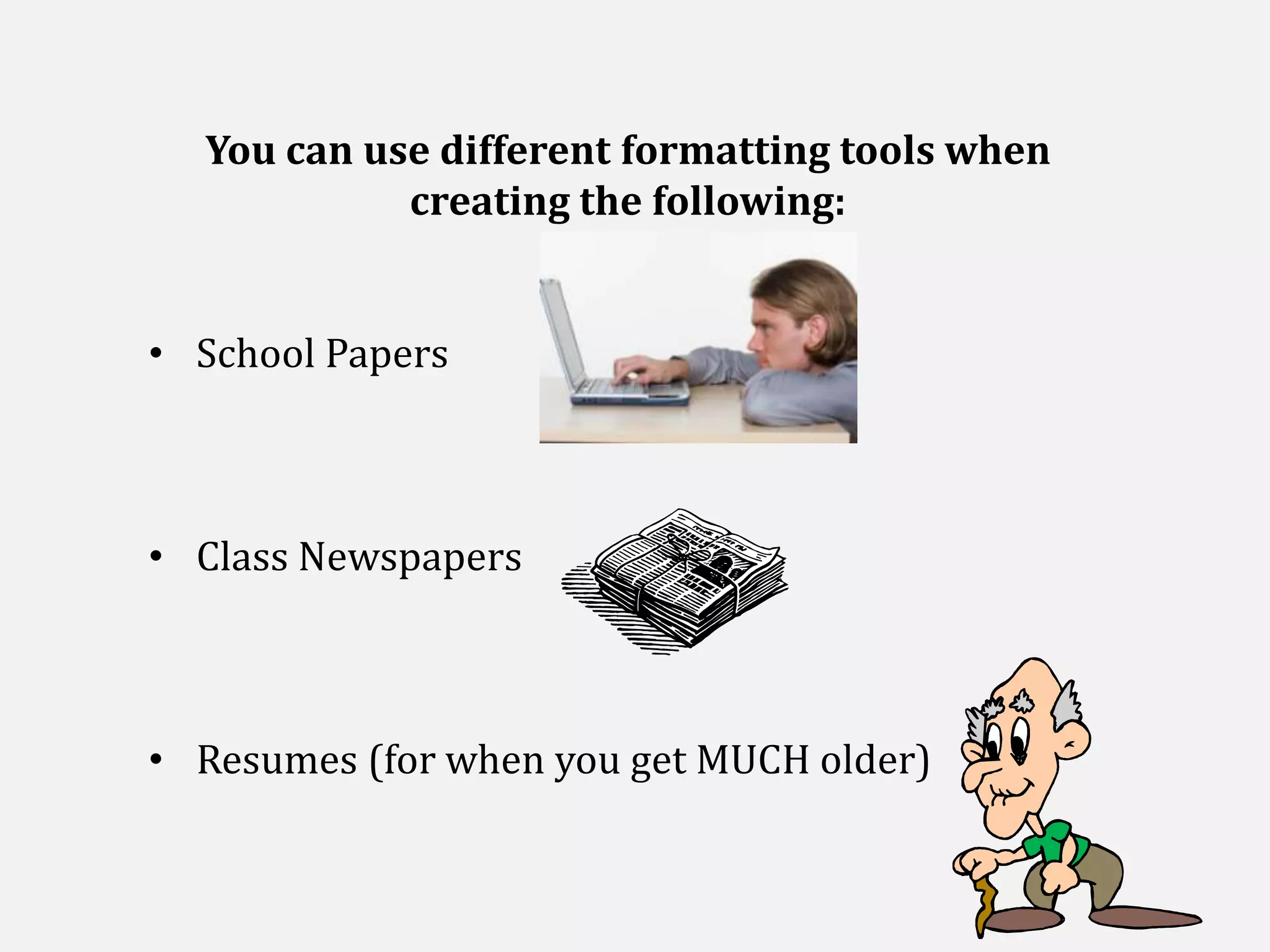
You can change colors by clicking these buttons belowYou can use different formatting tools when creating the following:School Papers
Class Newspapers
Resumes (for when you get MUCH older)Whatever you type, just remember to always check spelling
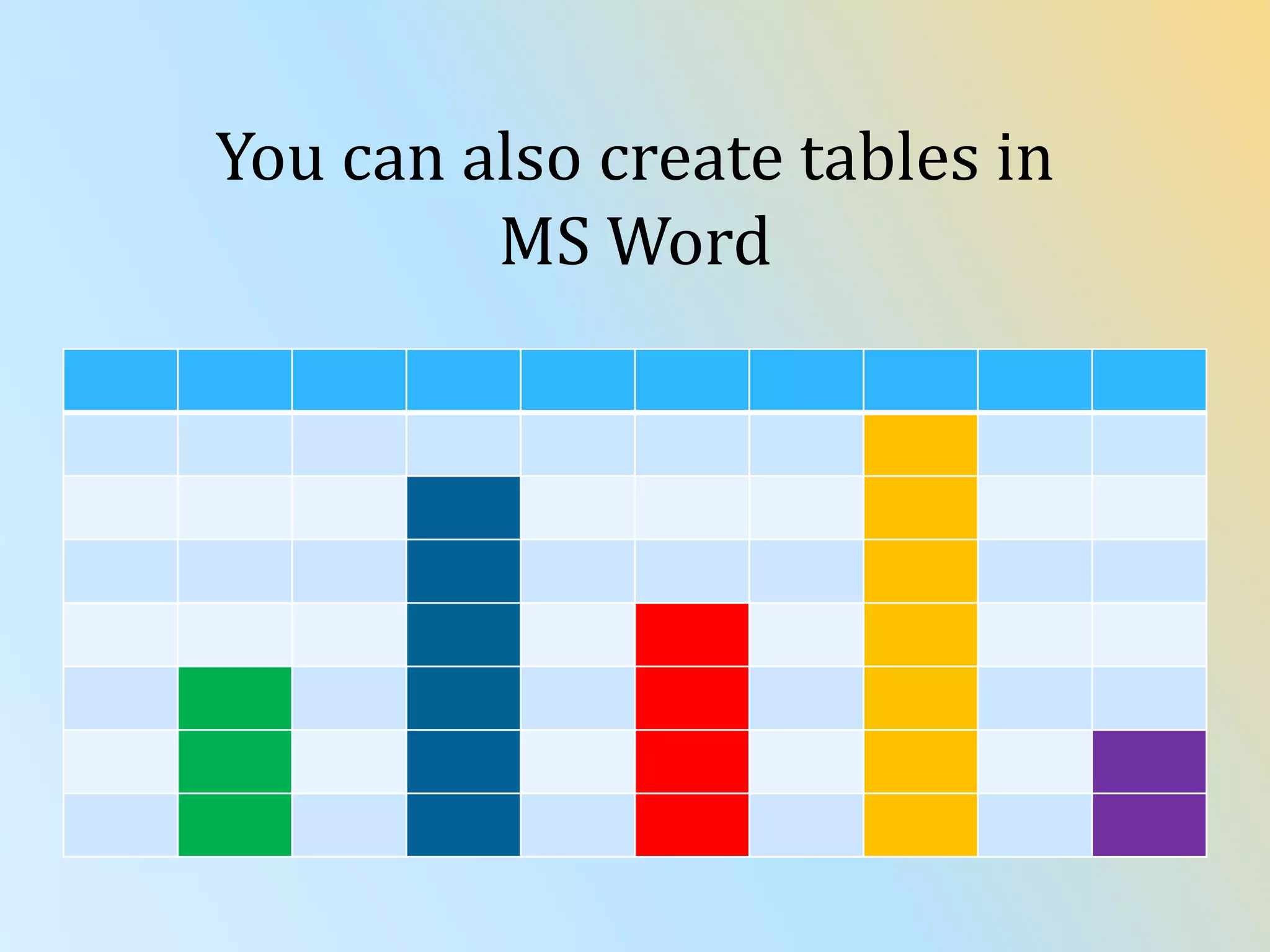
You can also create tables in MS Word
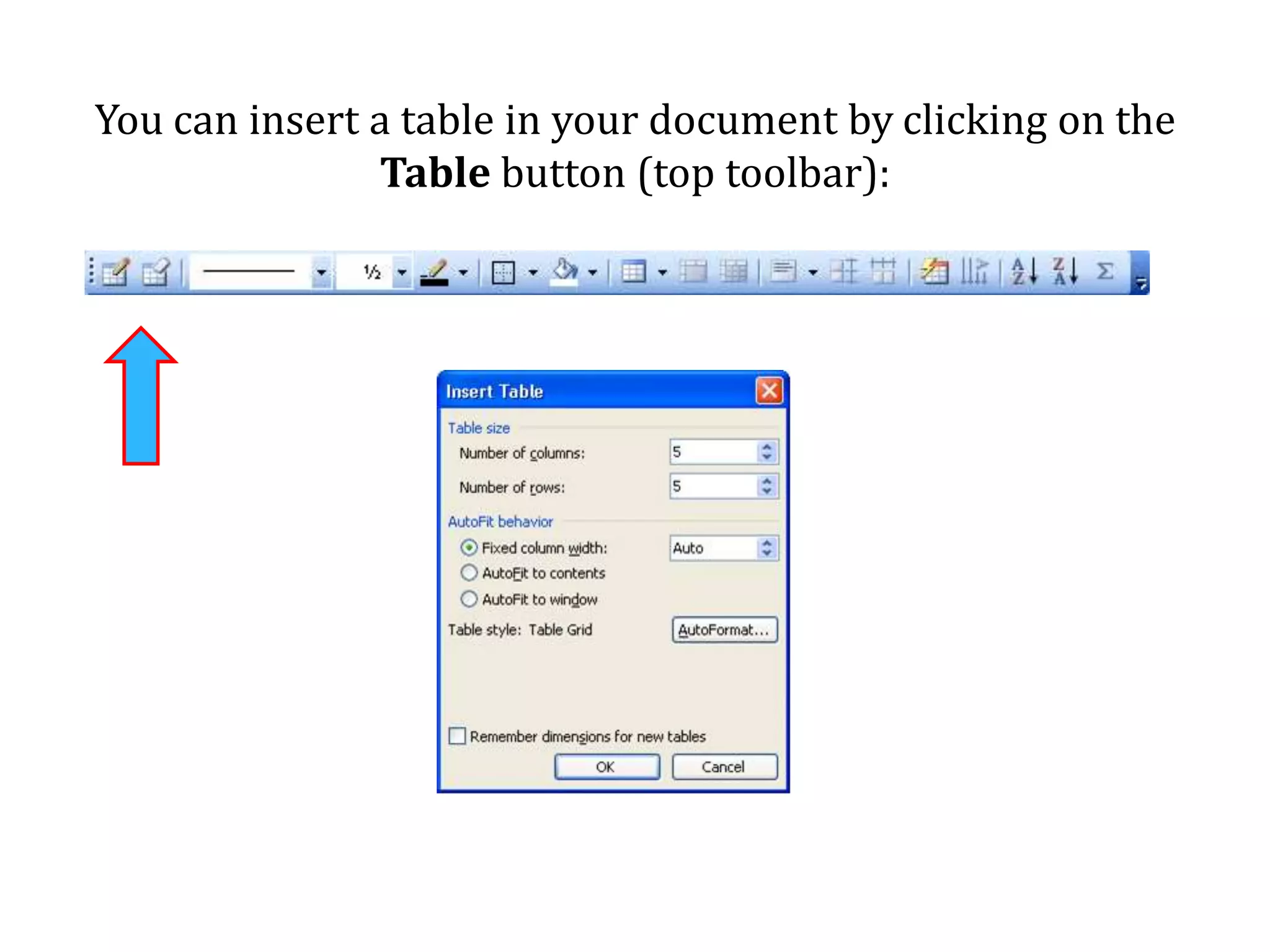
You can insert a table in your document by clicking on the Table button (top toolbar):
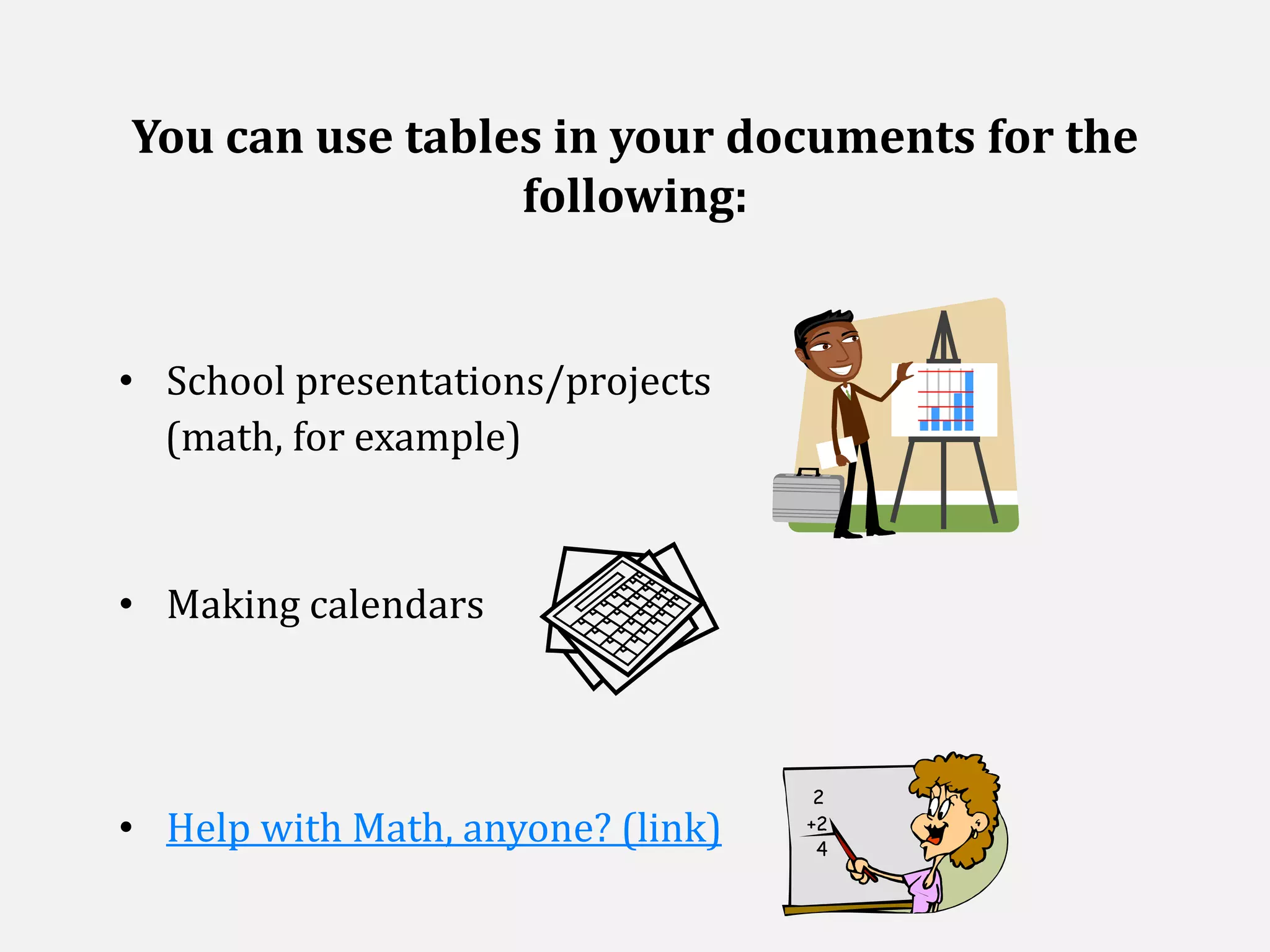
You can use tables in your documents for the following:School presentations/projects     (math, for example)Making calendarsHelp with Math, anyone? (link)
You could also insert pictures, photosandclip art into your documents…
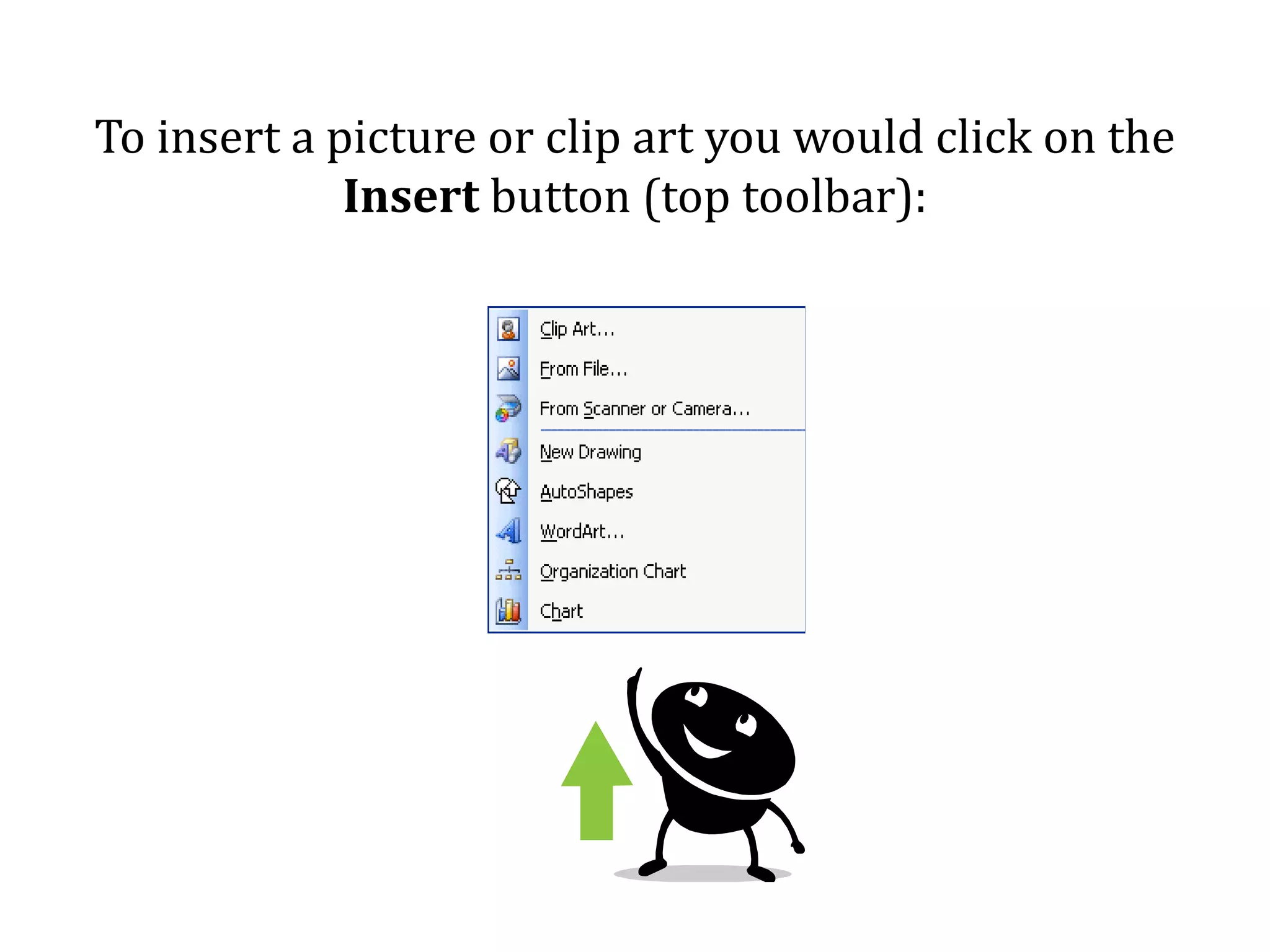
To insert a picture or clip art you would click on the Insert button (top toolbar):

Microsoft word presentation

  • 1.
    MICROSOFT WORDUsing differenttools when working with MS Word…
  • 2.
    Microsoft Word isexcellent for creating different documents on your computer!This presentation will cover the basic steps for the following:
  • 3.
    Let’s say youhave an essay to write… First, you panic – your paper is due in 3 days
  • 4.
    Then, you openyour Microsoft Word
  • 5.
    You start typingaway… Words become sentences, sentences turn into paragraphs… And the formatting begins… ABCDEFGHIJKLMNOPQRSTUVWXYZ
  • 6.
    You can maketext bold by clicking this button
  • 7.
    You can underlineyour text by clicking this button
  • 8.
    You can makeyour text italic by clicking this button
  • 9.
    You can changecolors by clicking these buttons belowYou can use different formatting tools when creating the following:School Papers
  • 10.
  • 11.
    Resumes (for whenyou get MUCH older)Whatever you type, just remember to always check spelling
  • 12.
    You can alsocreate tables in MS Word
  • 13.
    You can inserta table in your document by clicking on the Table button (top toolbar):
  • 14.
    You can usetables in your documents for the following:School presentations/projects (math, for example)Making calendarsHelp with Math, anyone? (link)
  • 15.
    You could alsoinsert pictures, photosandclip art into your documents…
  • 16.
    To insert apicture or clip art you would click on the Insert button (top toolbar):
  • 17.
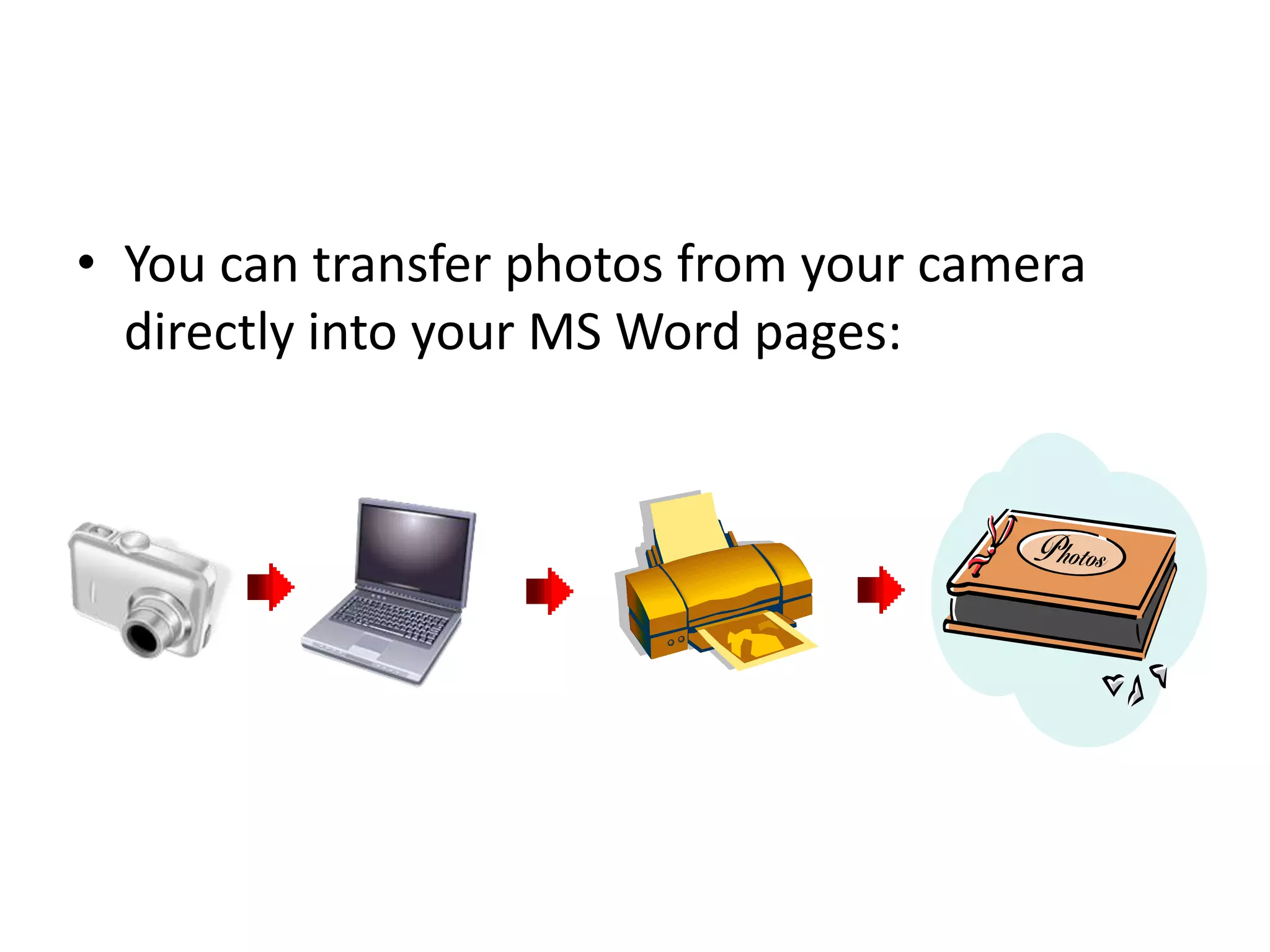
    You can transferphotos from your camera directly into your MS Word pages:
  • 18.
    You can makefun birthday cardsBirthday Cards in MS Word(link)Or, you can write a book…Book Writing in MS Word (link)
  • 19.
    So now, thatyou know a thing or too about different tools…WHAT WOULD YOU USE MS WORD FOR?
  • 20.
  • 21.
    CREDITS:EvelinaGirshovich(creative design, content)ULearn Office (link)MS Office Tutorial Training (link)How To Teach MS Word to Kids (link)