Downloaded 737 times
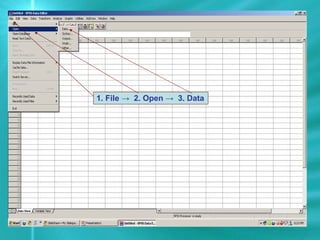
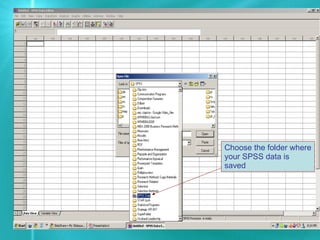
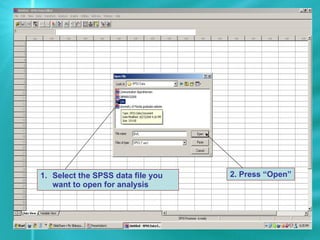
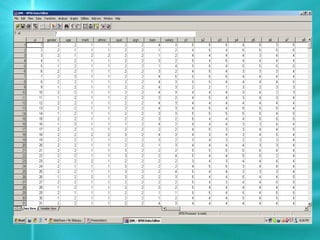

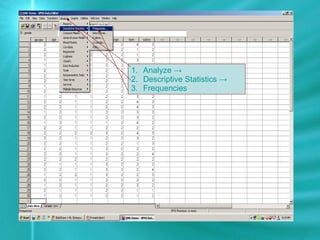
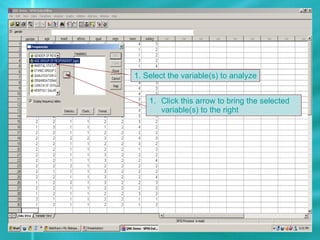
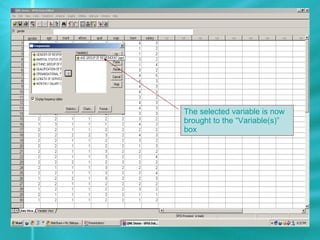
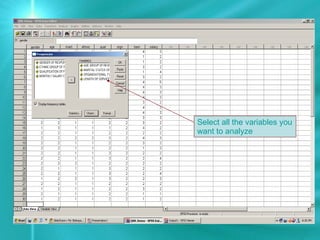
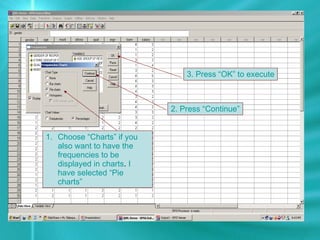

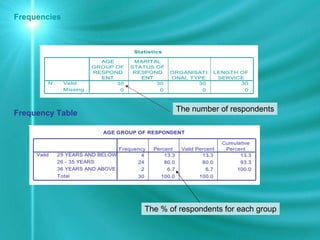
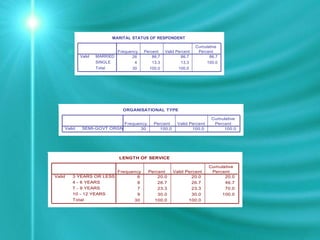
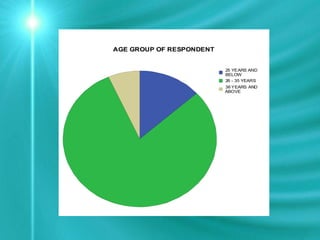
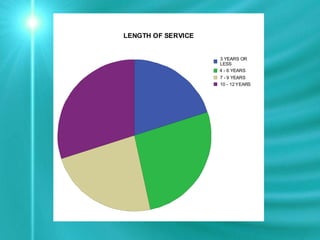


This document provides instructions for opening an SPSS data file and performing descriptive analysis. It outlines the steps to open a data file from the File menu, select the file, and press Open. It then describes how to perform frequencies analysis by selecting variables, clicking Continue, and OK to output a frequencies table showing counts and percentages.


