Downloaded 21 times
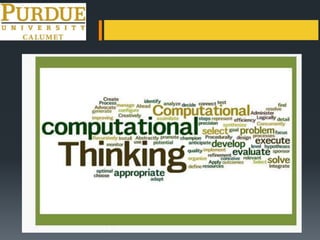
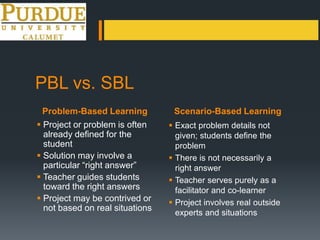



This document discusses using computational thinking and scenario-based learning to teach students. It defines computational thinking as a problem-solving process that uses tools and technology to solve problems. Scenario-based learning focuses on having students define real-world problems and scenarios without a single right answer, while problem-based learning often has predefined problems and answers. The document provides examples of scenarios and shares resources developed through an NSF grant, including a Google Sites template for building scenarios and a rubric for assessing computational thinking skills. It encourages teachers to partner with businesses to develop authentic scenarios that help students build important critical thinking abilities.


