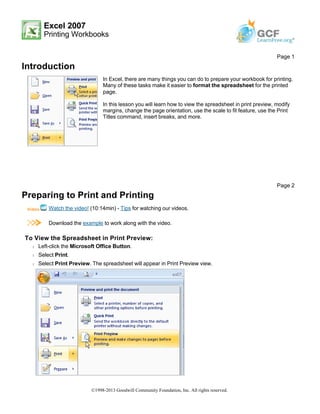
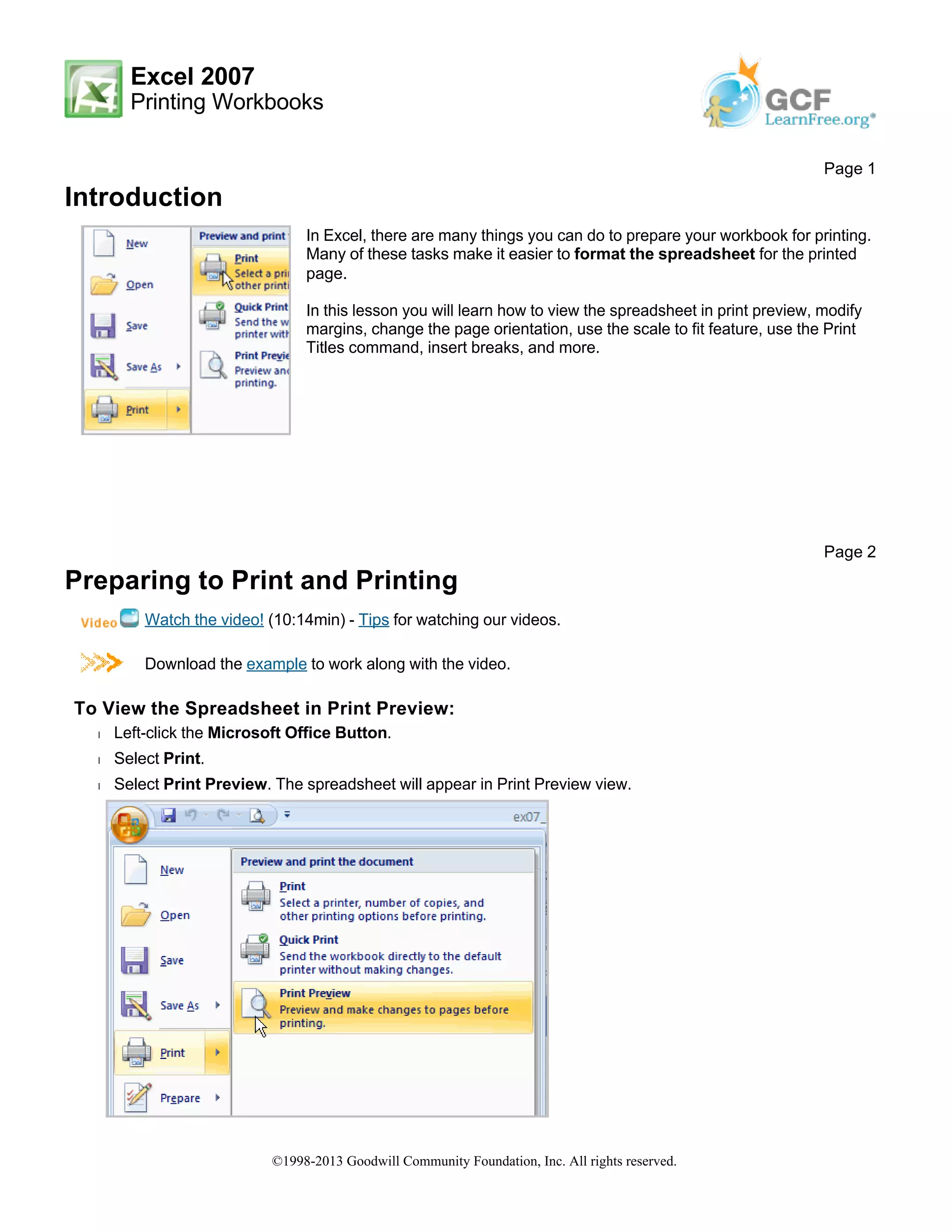
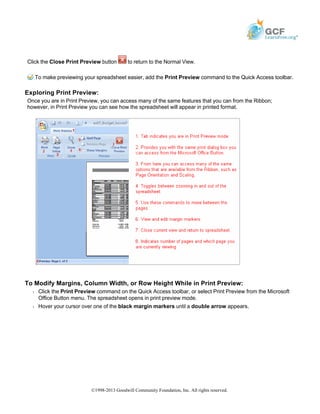
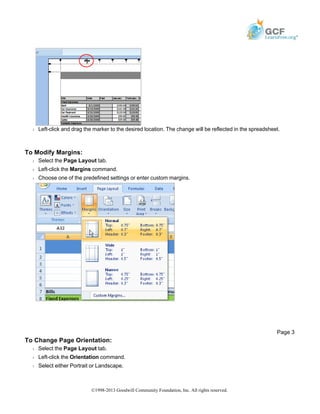
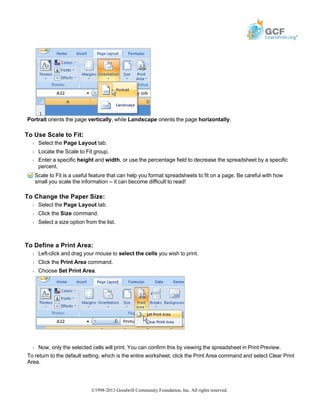
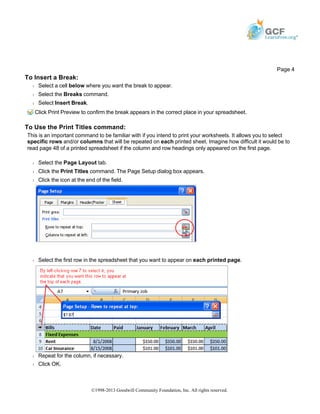
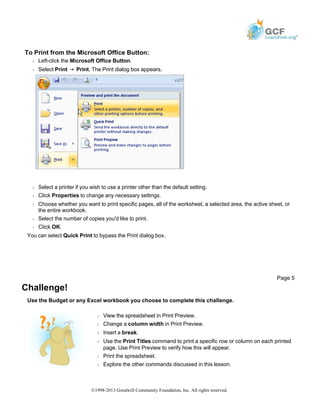
This document discusses various ways to format and print worksheets in Excel, including viewing the worksheet in print preview, modifying margins and page orientation, using scale to fit and print titles features, inserting breaks, and defining a print area. It provides step-by-step instructions for tasks like changing column width or inserting breaks directly in print preview, as well as modifying general print settings from the Page Layout tab and using the Print dialog box. The document concludes with a challenge to practice these skills on a sample budget worksheet.