Downloaded 50 times
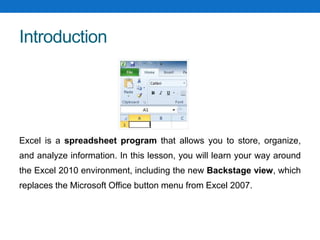
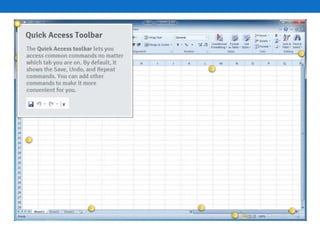
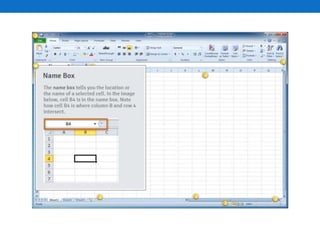
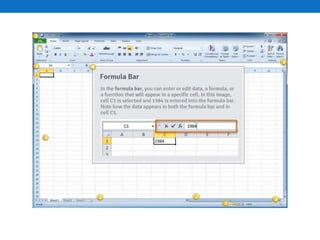
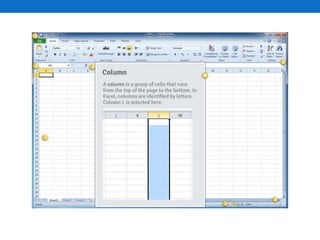
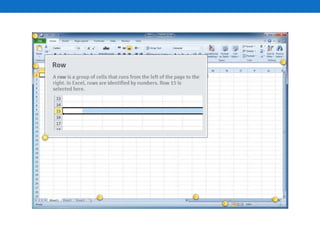
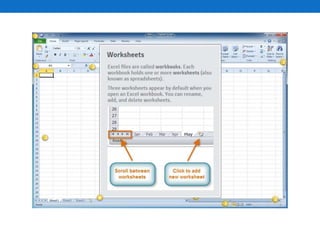
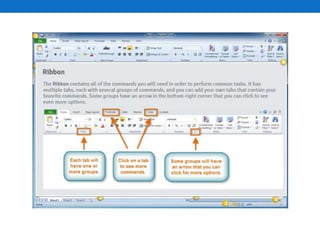
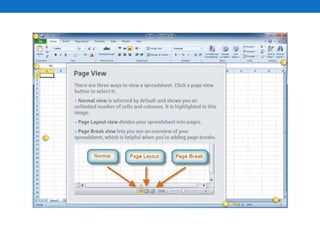
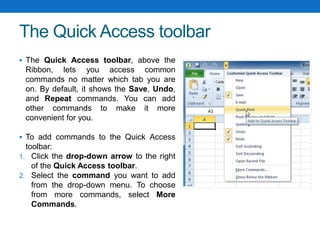
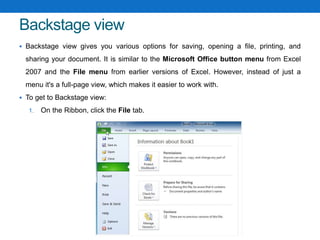
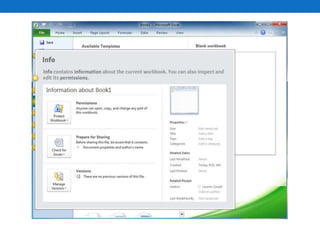
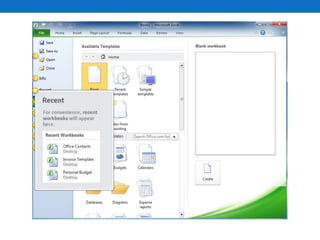
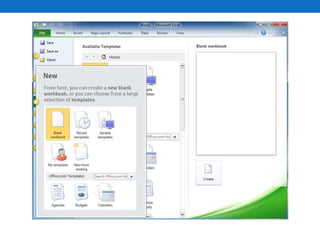
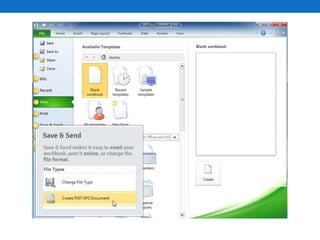
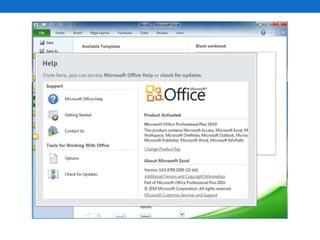
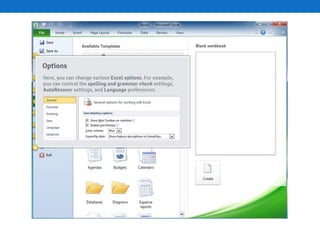
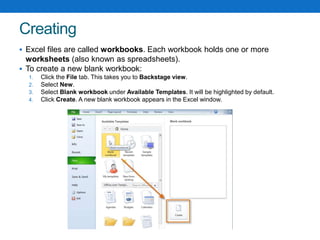
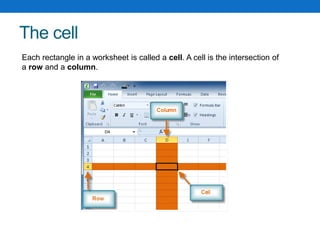
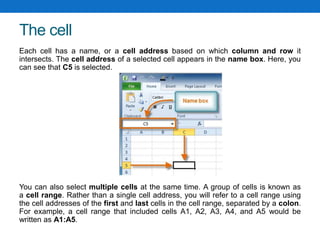
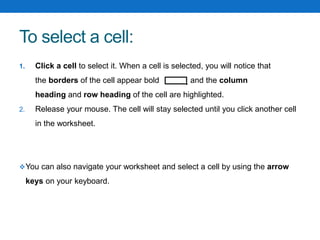
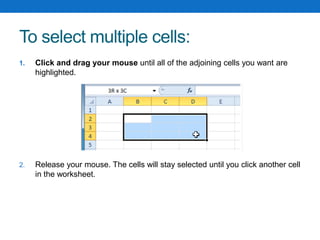
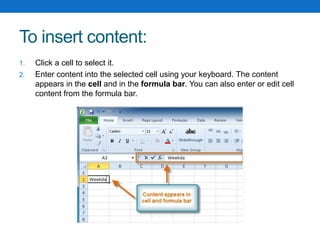
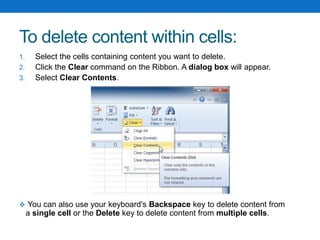
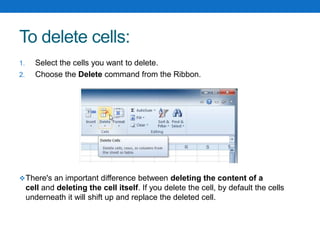
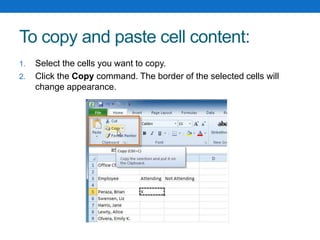
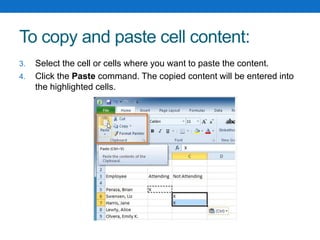
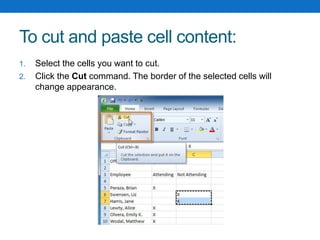
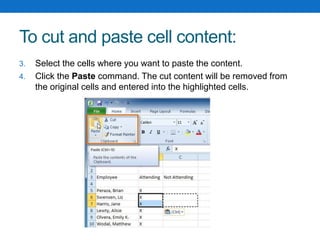
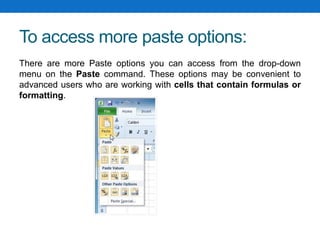
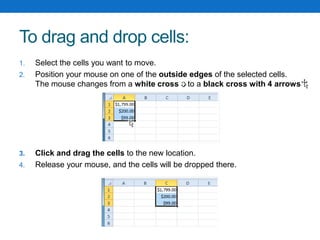
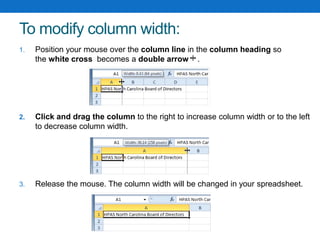
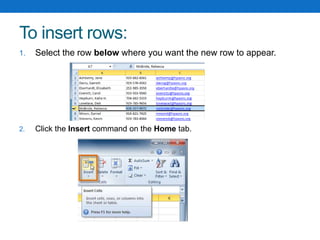
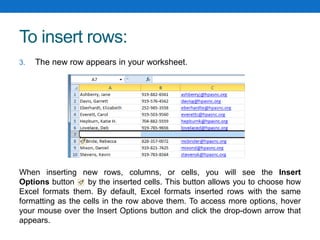
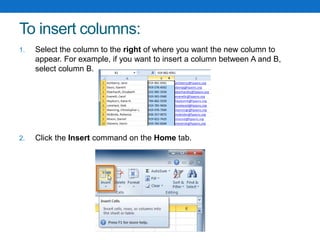
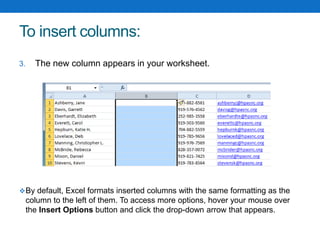
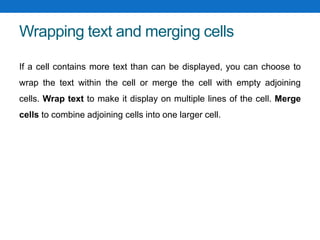
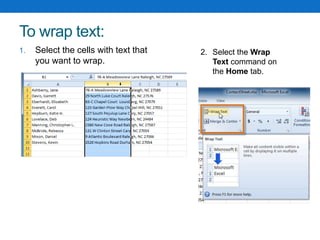
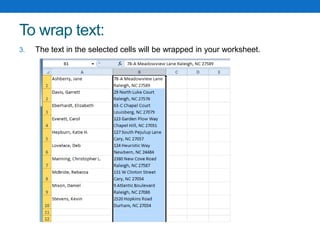
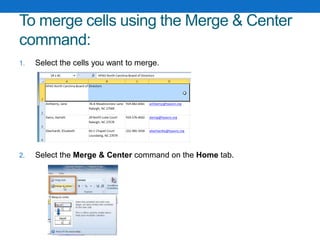
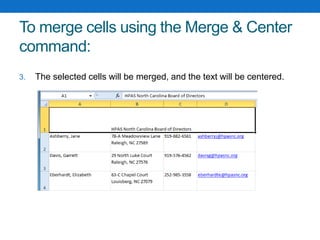
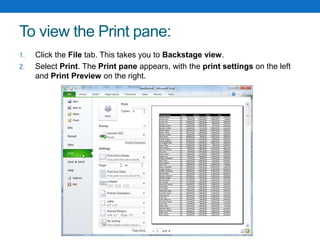
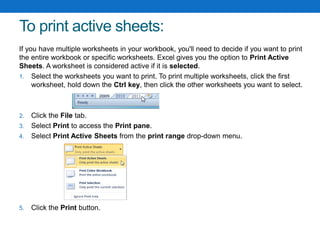
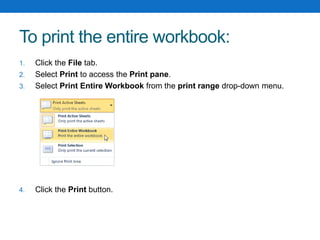
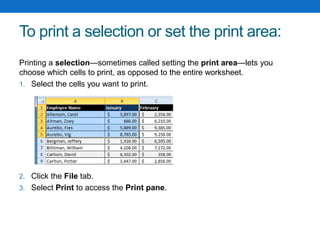
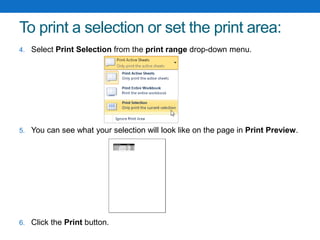
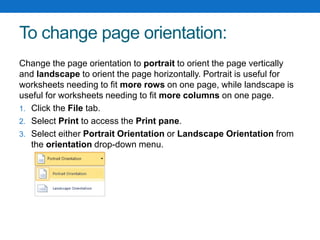
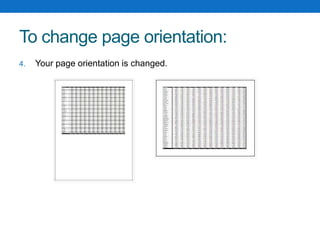
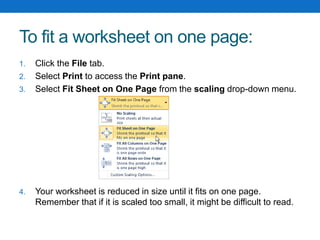
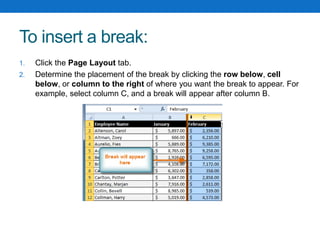
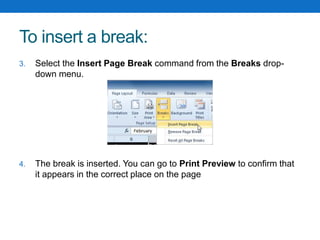

This document provides an overview of the Excel interface and basic functions. It introduces the Backstage view, Quick Access toolbar, and Ribbon. It describes how to navigate and select cells, enter and format cell content, insert and delete rows and columns, copy and paste data, and print worksheets. The document also explains how to wrap text, merge cells, set print areas, fit worksheets to pages, and insert breaks.


![20260201 [FOSDEM] gomodjail - library sandboxing for Go modules.pdf](https://cdn.slidesharecdn.com/ss_thumbnails/20260201fosdemgomodjail-librarysandboxingforgomodules-260201225659-76609ec4-thumbnail.jpg?width=640&height=640&fit=bounds)


![谷歌留痕技术教程[ 𝙩𝙤𝙥 𝟮𝟯𝟯. 𝙘 𝙤𝙢 ]](https://cdn.slidesharecdn.com/ss_thumbnails/top233-260130173900-2eb784f9-thumbnail.jpg?width=640&height=640&fit=bounds)


