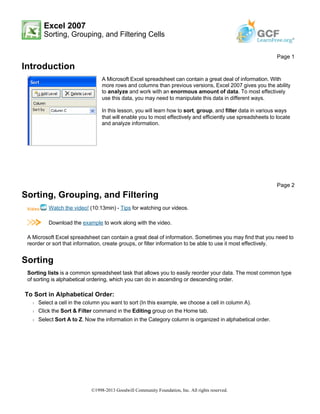
1) Sorting allows you to reorder data alphabetically or numerically in Excel. Grouping uses subtotals to organize data into categories. Filtering temporarily hides rows to focus on specific data.
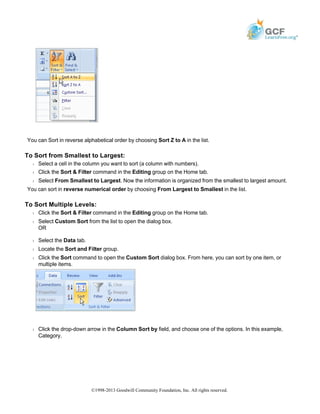
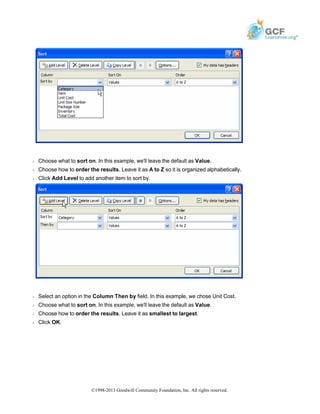
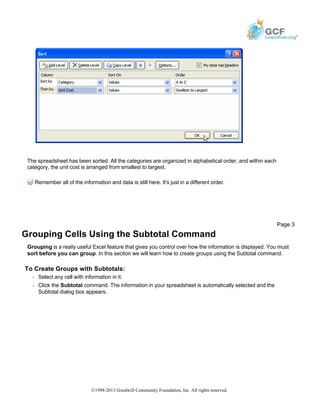
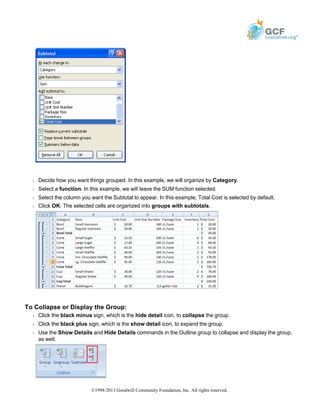
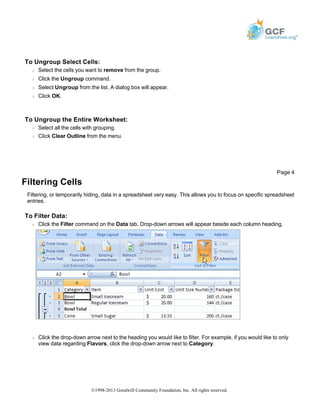
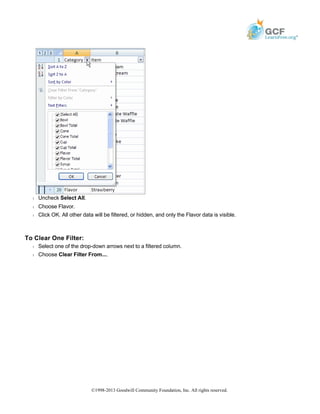
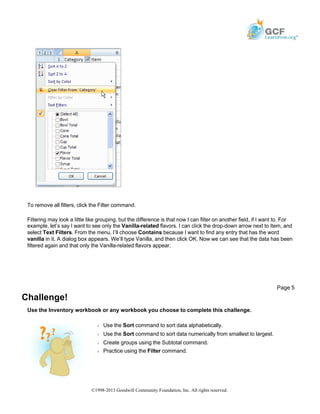
2) To sort, select a cell in the column to sort, click Sort & Filter, and choose a sorting option. To group, sort first then use Subtotal and select a grouping column and function. To filter, click the filter button and select or deselect rows under column headings.
3) The document provides step-by-step instructions for sorting, grouping, and filtering data in Excel, including sorting alphabetically or numerically, creating groups with subtotals, collapsing and expanding groups, filtering specific data, and