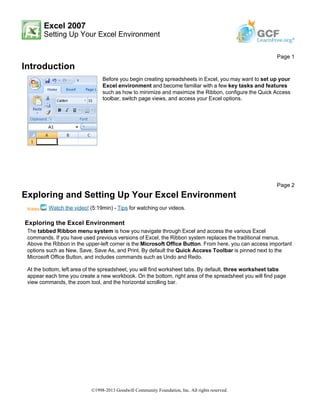
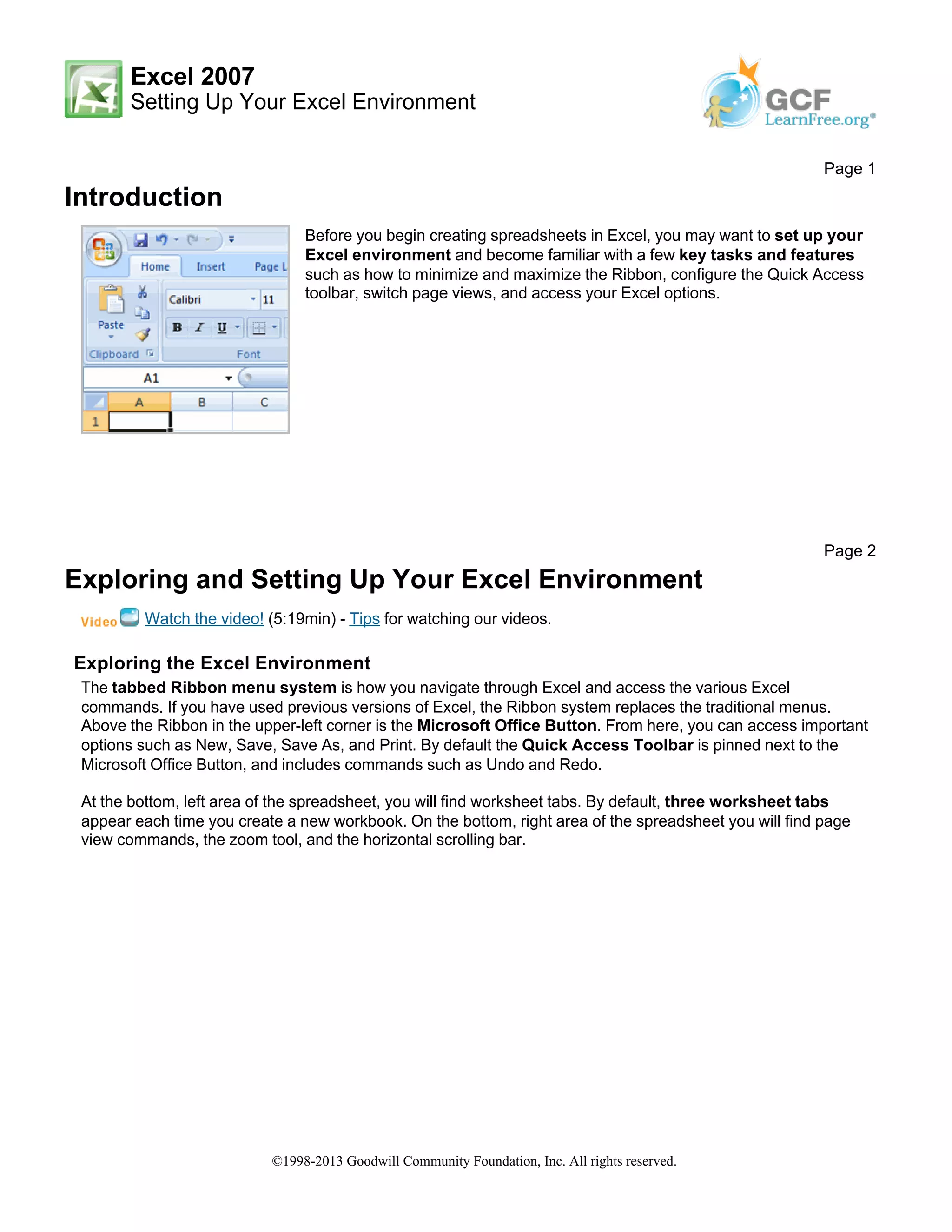
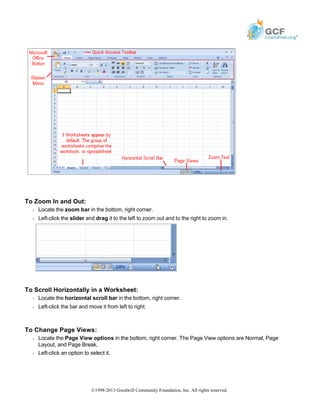
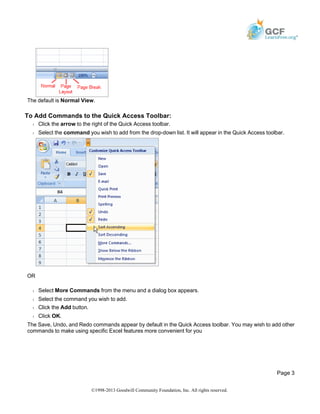
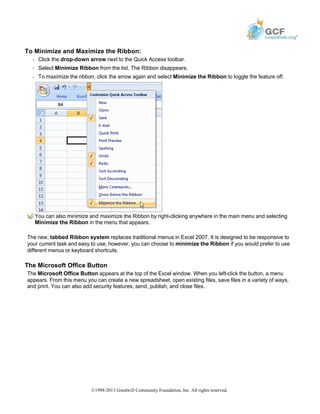
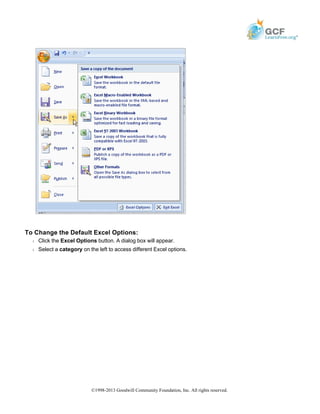
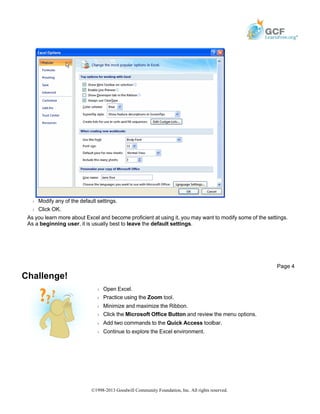
This document provides an overview of how to set up and explore the Excel environment. It describes the key components of the Excel interface including the Ribbon menu, Quick Access toolbar, worksheet tabs, zoom and scroll tools, and page view options. It also explains how to customize the Quick Access toolbar, minimize and maximize the Ribbon, access Excel options, and get familiar with basic navigation and viewing tasks in Excel.