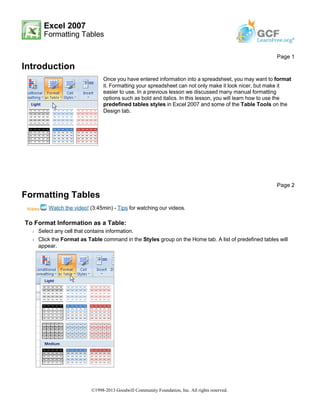
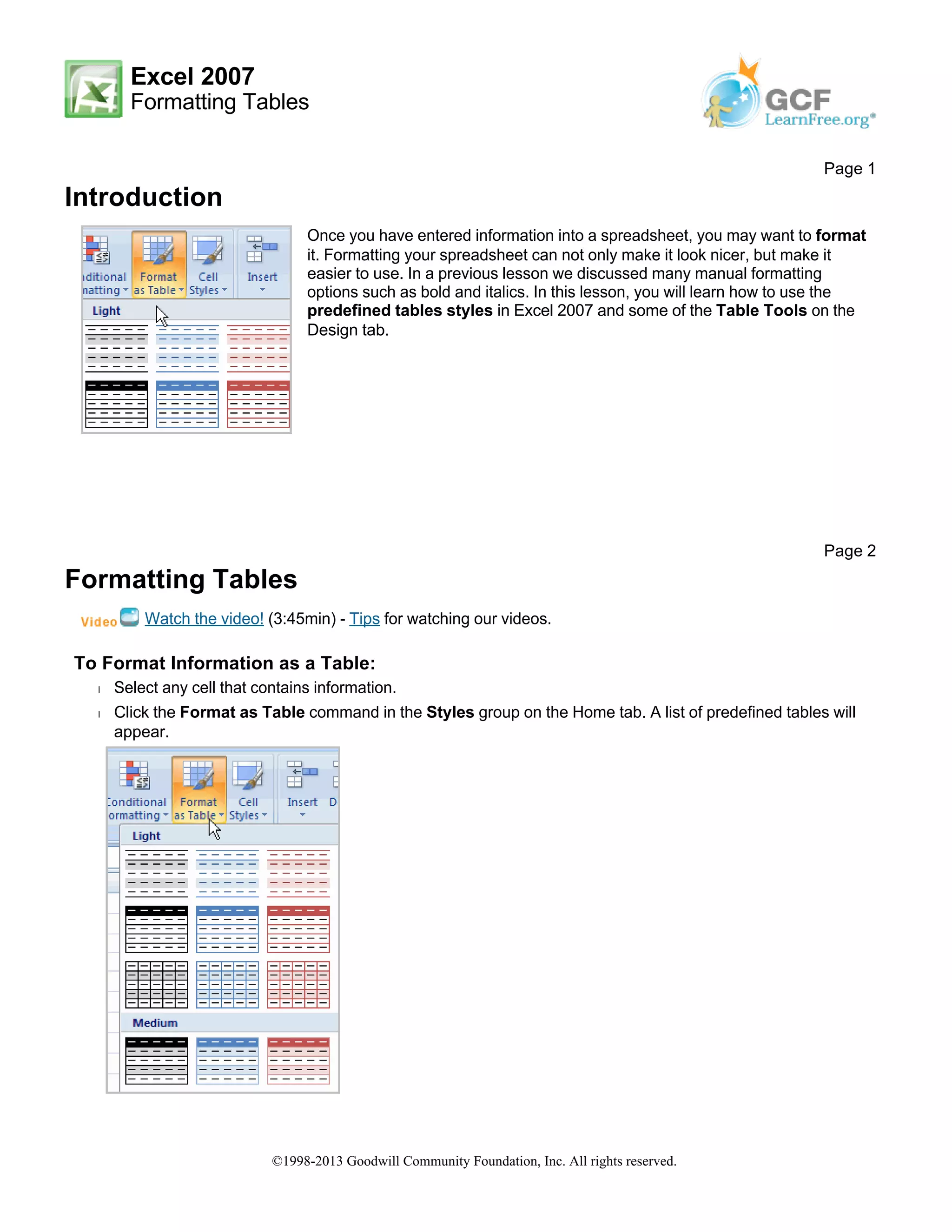
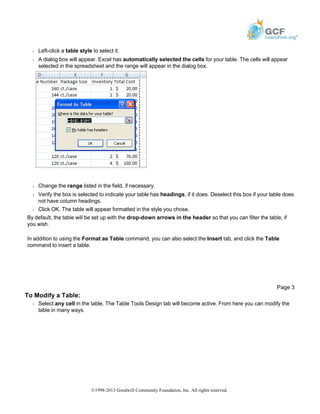
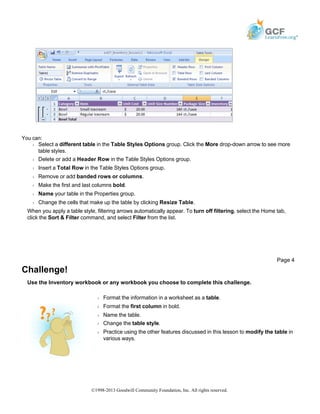
This document discusses how to format information as a table in Excel 2007. It explains how to select cells and apply a predefined table style, which will automatically format the cells. It also describes how to modify existing tables using the Table Tools options, such as changing the table style, adding or deleting rows, and filtering data. The challenge at the end instructs the reader to practice these skills by formatting information in a workbook as a table and modifying it in different ways.