Copyright © 2006 by The McGraw-Hill Companies, Inc. All rights reserved.McGraw-Hill Technology Education
Operating System
Basics
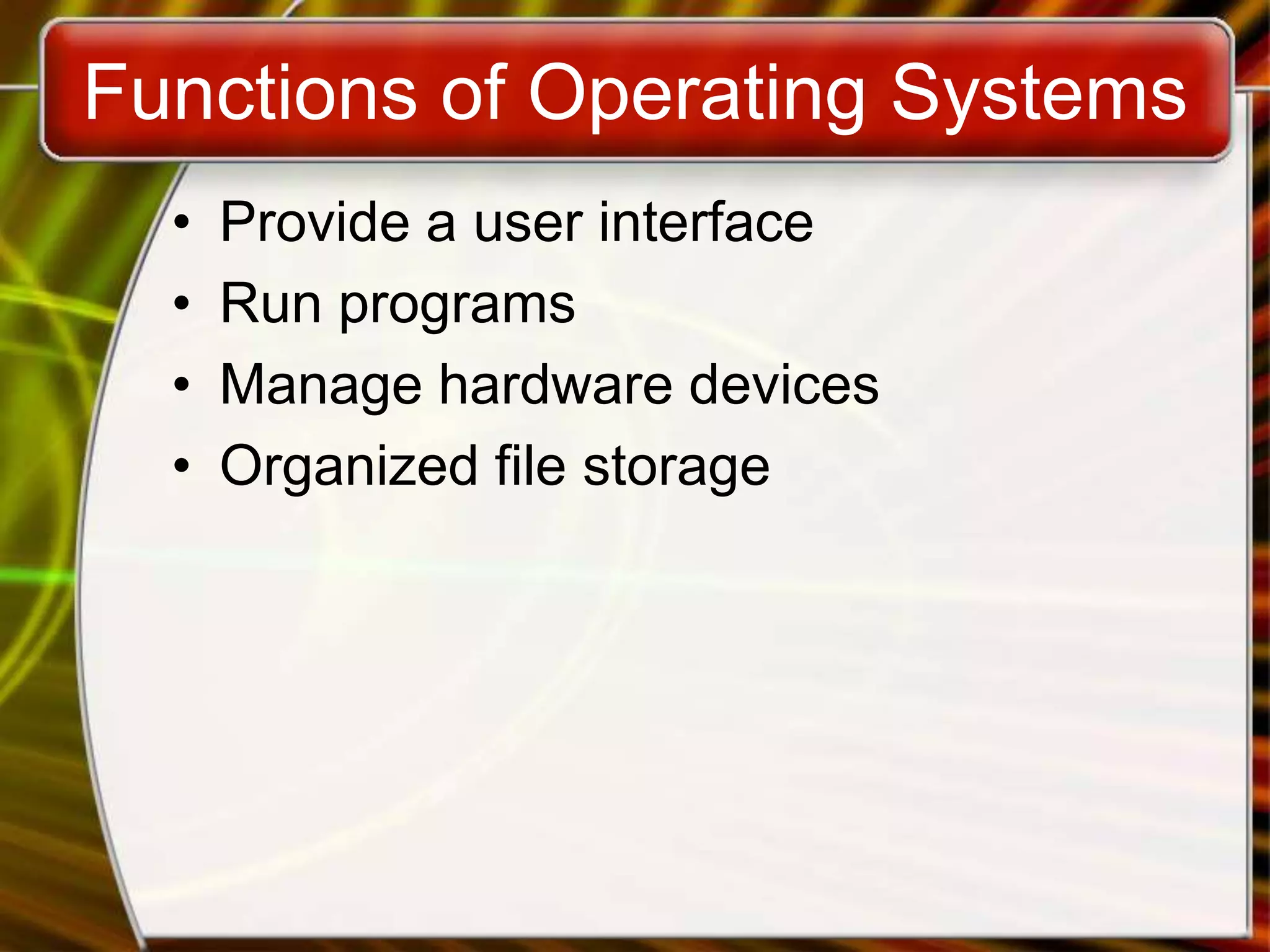
Functions of Operating Systems
• Provide a user interface
• Run programs
• Manage hardware devices
• Organized file storage
5
WHAT IS AN OPERATING SYSTEM?
• An interface between users and hardware - an
environment "architecture”
• Allows convenient usage; hides the tedious stuff
• Allows efficient usage; parallel activity, avoids wasted
cycles
• Provides information protection
• Gives each user a slice of the resources
• Acts as a control program.
OPERATING SYSTEM
OVERVIEW
What is OS?
• Operating System is a software, which makes a
computer to actually work.
• It is the software the enables all the programs we use.
• The OS organizes and controls the hardware.
• OS acts as an interface between the application
programs and the machine hardware.
• Examples: Windows, Linux, Unix and Mac OS, etc.,
OPERATING SYSTEM
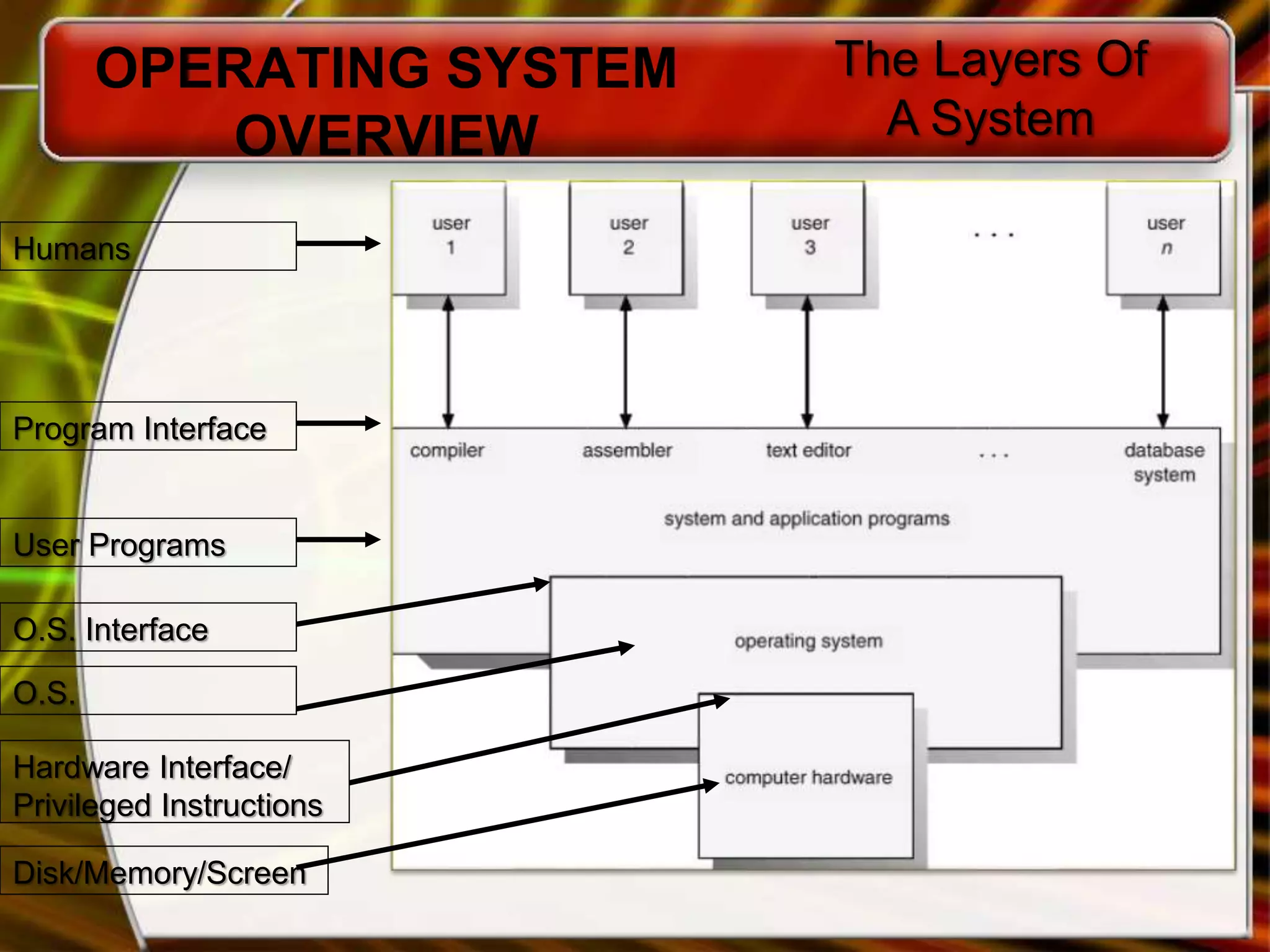
OVERVIEW
The Layers Of
A System
Program Interface
Humans
User Programs
O.S. Interface
O.S.
Hardware Interface/
Privileged Instructions
Disk/Memory/Screen
Structure of Operating System:
Application Programs
System Programs
Software (Operating System)
HARDWARE
Types of Operating Systems
• Real-time operating system
– Very fast small OS
– Built into a device
– Respond quickly to user input
– MP3 players, Medical devices
Types of Operating Systems
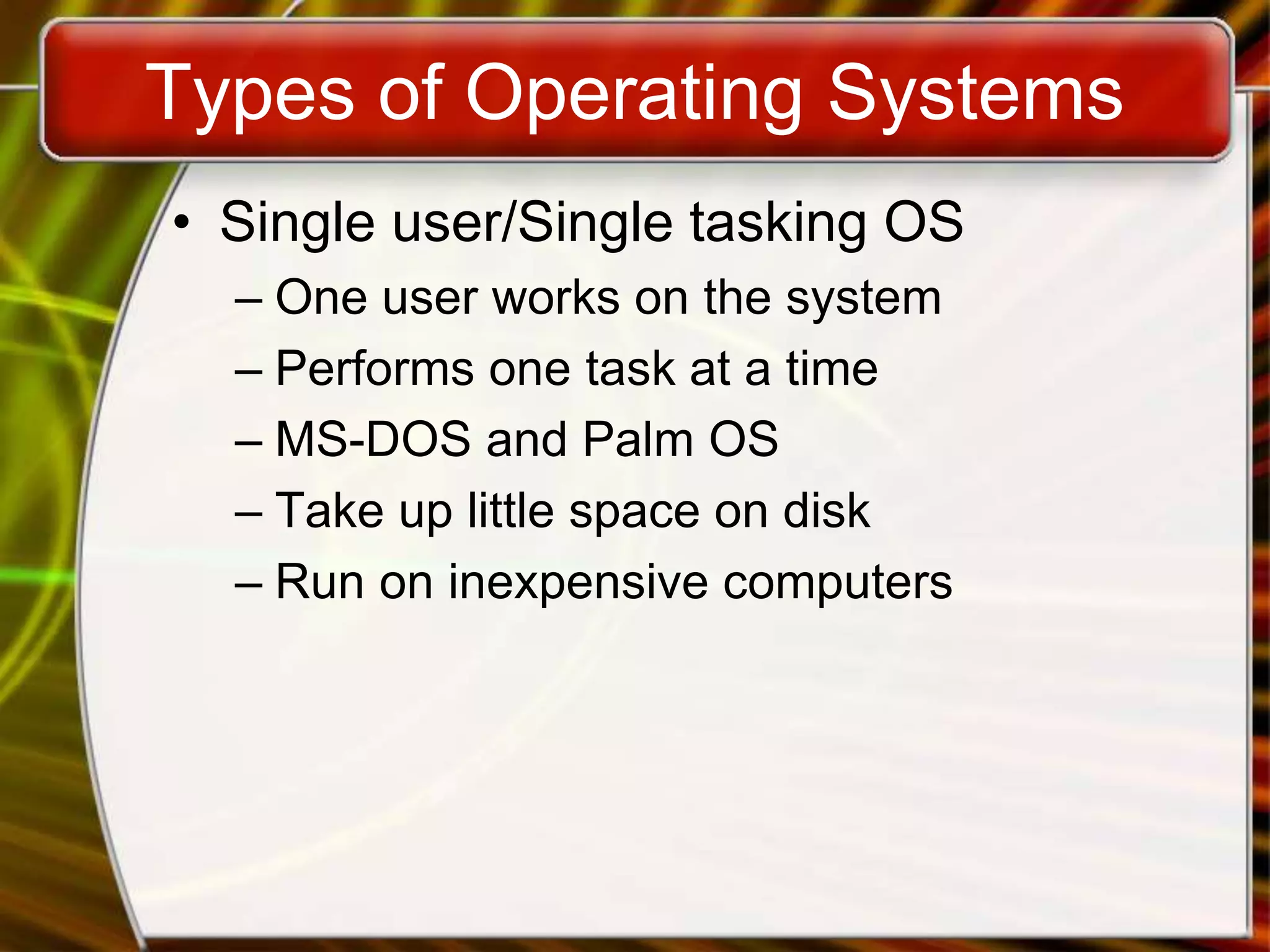
• Single user/Single tasking OS
– One user works on the system
– Performs one task at a time
– MS-DOS and Palm OS
– Take up little space on disk
– Run on inexpensive computers
Types of Operating Systems
• Single user/Multitasking OS
– User performs many tasks at once
– Most common form of OS
– Windows XP and OS X
– Require expensive computers
– Tend to be complex
Types of Operating Systems
• Multi user/Multitasking OS
– Many users connect to one computer
– Each user has a unique session
– UNIX, Linux, and VMS
– Maintenance can be easy
– Requires a powerful computer
Multi user/Multi tasking OS
Copyright © 2006 by The McGraw-Hill Companies, Inc. All rights reserved.McGraw-Hill Technology Education
End of Chapter
opreting system
opreting system

opreting system

  • 2.
    Copyright © 2006by The McGraw-Hill Companies, Inc. All rights reserved.McGraw-Hill Technology Education
  • 3.
    Copyright © 2006by The McGraw-Hill Companies, Inc. All rights reserved.McGraw-Hill Technology Education Operating System Basics
  • 4.
    Functions of OperatingSystems • Provide a user interface • Run programs • Manage hardware devices • Organized file storage
  • 5.
    5 WHAT IS ANOPERATING SYSTEM? • An interface between users and hardware - an environment "architecture” • Allows convenient usage; hides the tedious stuff • Allows efficient usage; parallel activity, avoids wasted cycles • Provides information protection • Gives each user a slice of the resources • Acts as a control program. OPERATING SYSTEM OVERVIEW
  • 6.
    What is OS? •Operating System is a software, which makes a computer to actually work. • It is the software the enables all the programs we use. • The OS organizes and controls the hardware. • OS acts as an interface between the application programs and the machine hardware. • Examples: Windows, Linux, Unix and Mac OS, etc.,
  • 7.
    OPERATING SYSTEM OVERVIEW The LayersOf A System Program Interface Humans User Programs O.S. Interface O.S. Hardware Interface/ Privileged Instructions Disk/Memory/Screen
  • 8.
    Structure of OperatingSystem: Application Programs System Programs Software (Operating System) HARDWARE
  • 9.
    Types of OperatingSystems • Real-time operating system – Very fast small OS – Built into a device – Respond quickly to user input – MP3 players, Medical devices
  • 10.
    Types of OperatingSystems • Single user/Single tasking OS – One user works on the system – Performs one task at a time – MS-DOS and Palm OS – Take up little space on disk – Run on inexpensive computers
  • 11.
    Types of OperatingSystems • Single user/Multitasking OS – User performs many tasks at once – Most common form of OS – Windows XP and OS X – Require expensive computers – Tend to be complex
  • 12.
    Types of OperatingSystems • Multi user/Multitasking OS – Many users connect to one computer – Each user has a unique session – UNIX, Linux, and VMS – Maintenance can be easy – Requires a powerful computer
  • 13.
  • 14.
    Copyright © 2006by The McGraw-Hill Companies, Inc. All rights reserved.McGraw-Hill Technology Education End of Chapter