The Basics
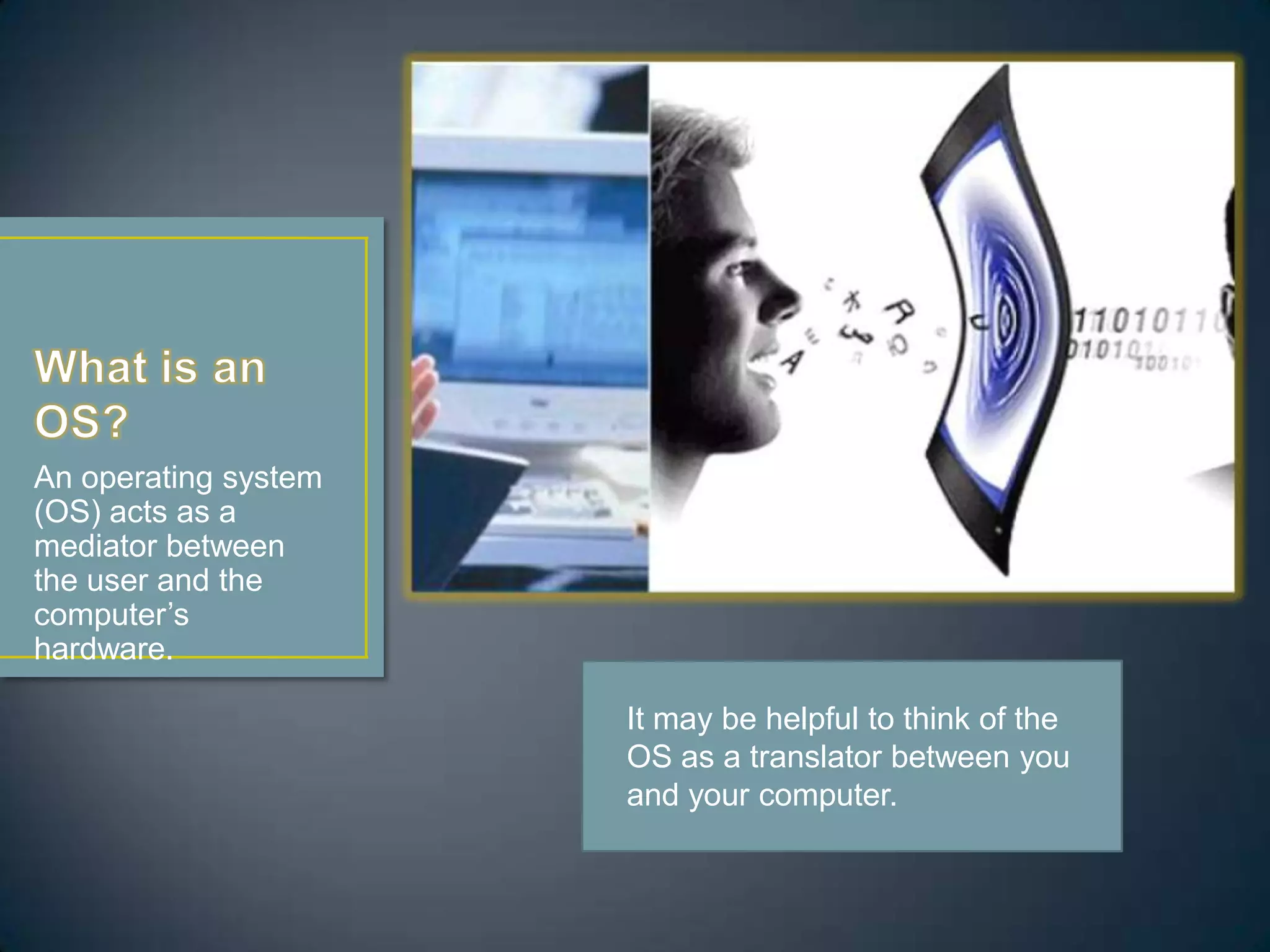
An operating system
(OS) acts as a
mediator between
the user and the
computer’s
hardware.
It may be helpful to think of the
OS as a translator between you
and your computer.
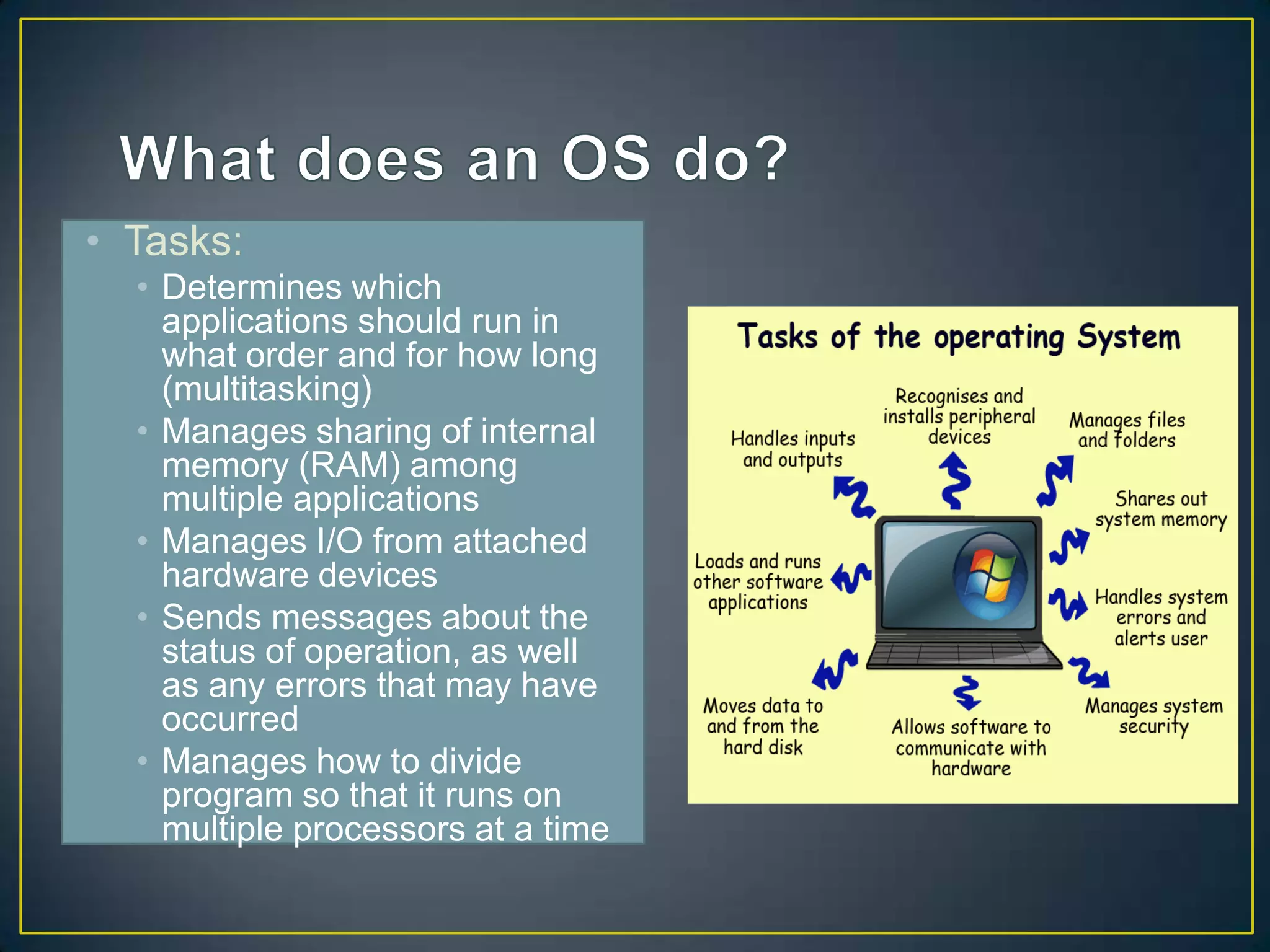
• Tasks:
• Determines which
applications should run in
what order and for how long
(multitasking)
• Manages sharing of internal
memory (RAM) among
multiple applications
• Manages I/O from attached
hardware devices
• Sends messages about the
status of operation, as well
as any errors that may have
occurred
• Manages how to divide
program so that it runs on
multiple processors at a time
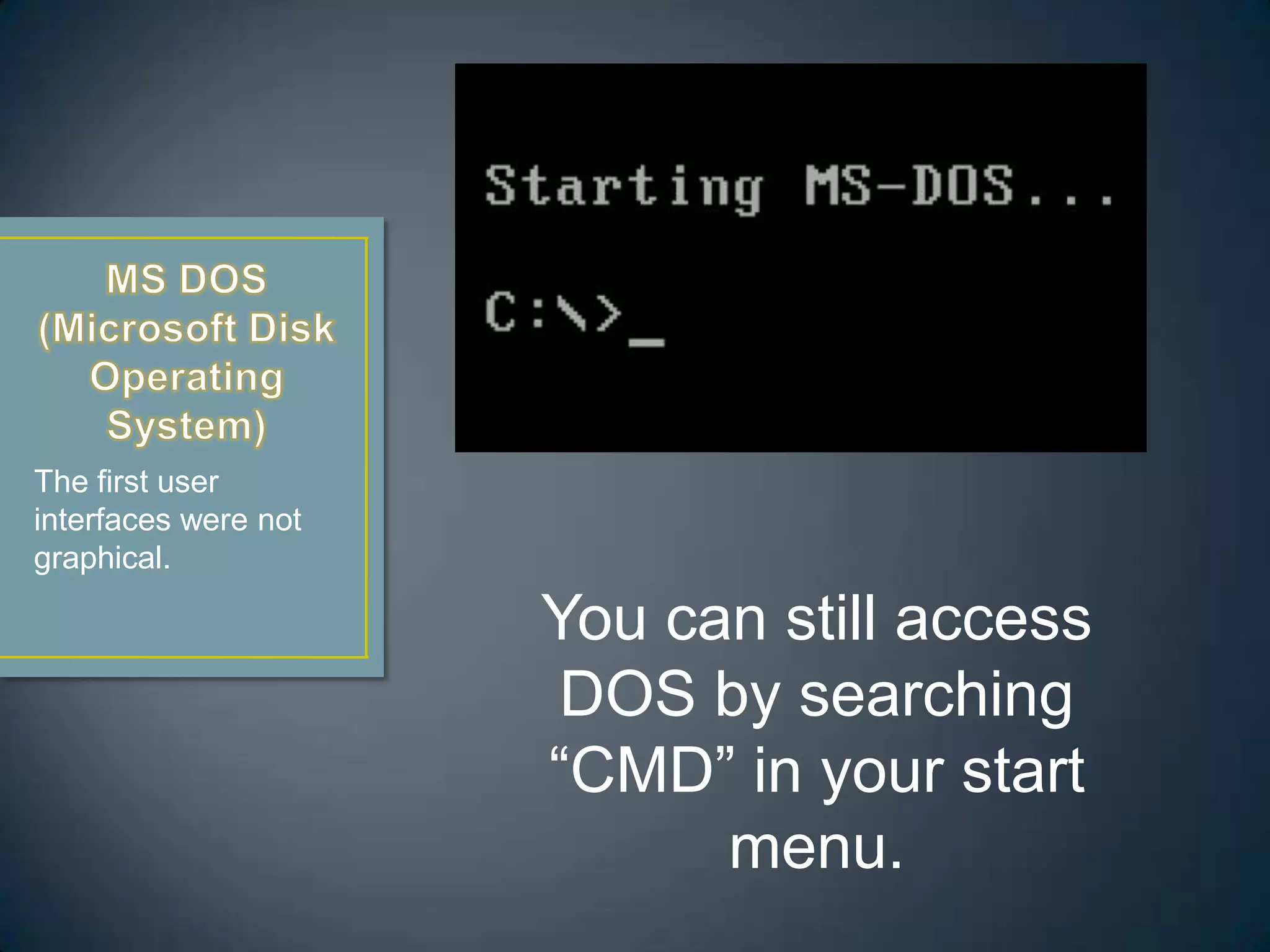
The first user
interfaces were not
graphical.

You can still access
DOS by searching
“CMD” in your start
menu.
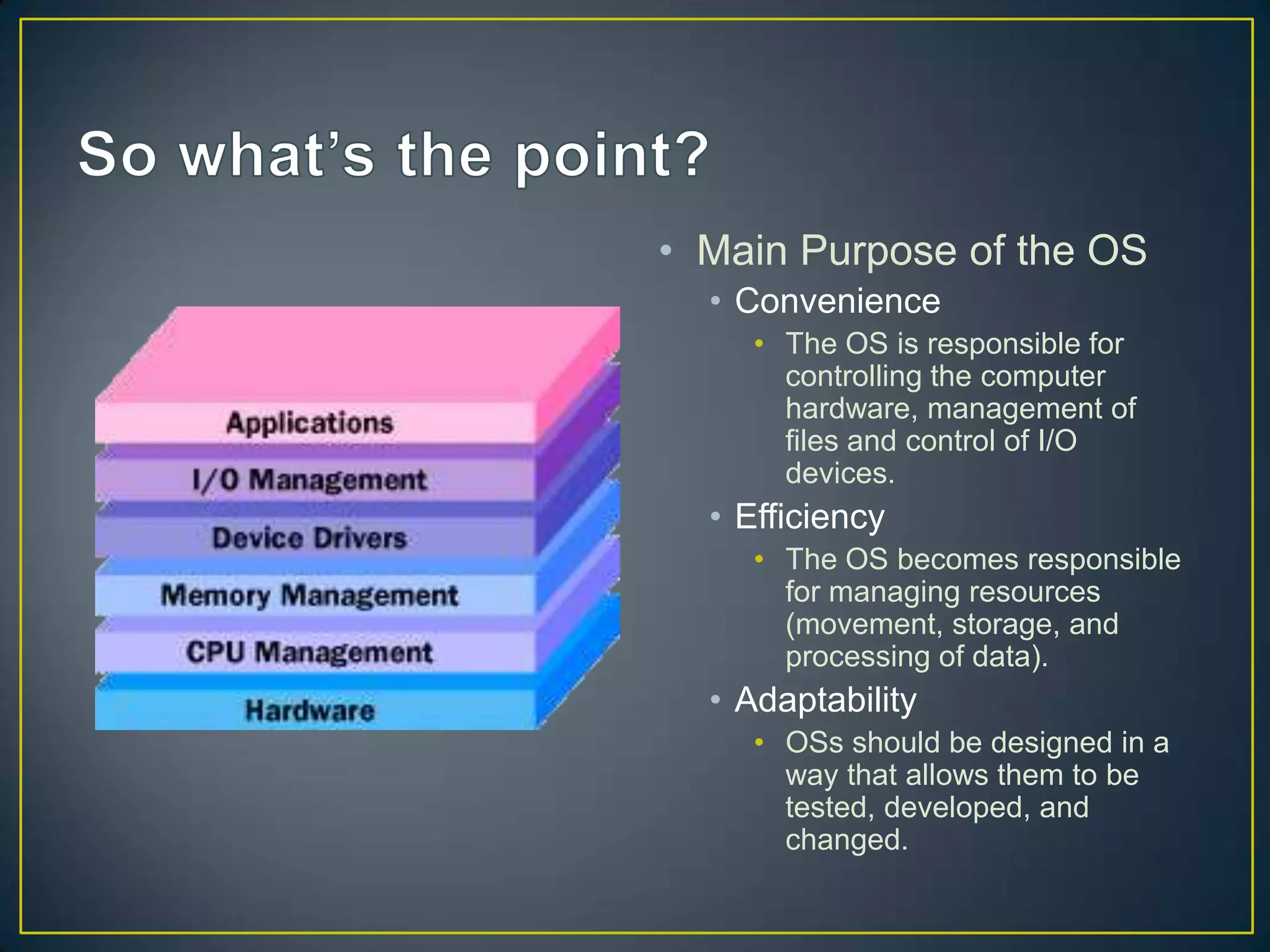
• Main Purpose of the OS
• Convenience
• The OS is responsible for
controlling the computer
hardware, management of
files and control of I/O
devices.

• Efficiency
• The OS becomes responsible
for managing resources
(movement, storage, and
processing of data).

• Adaptability
• OSs should be designed in a
way that allows them to be
tested, developed, and
changed.
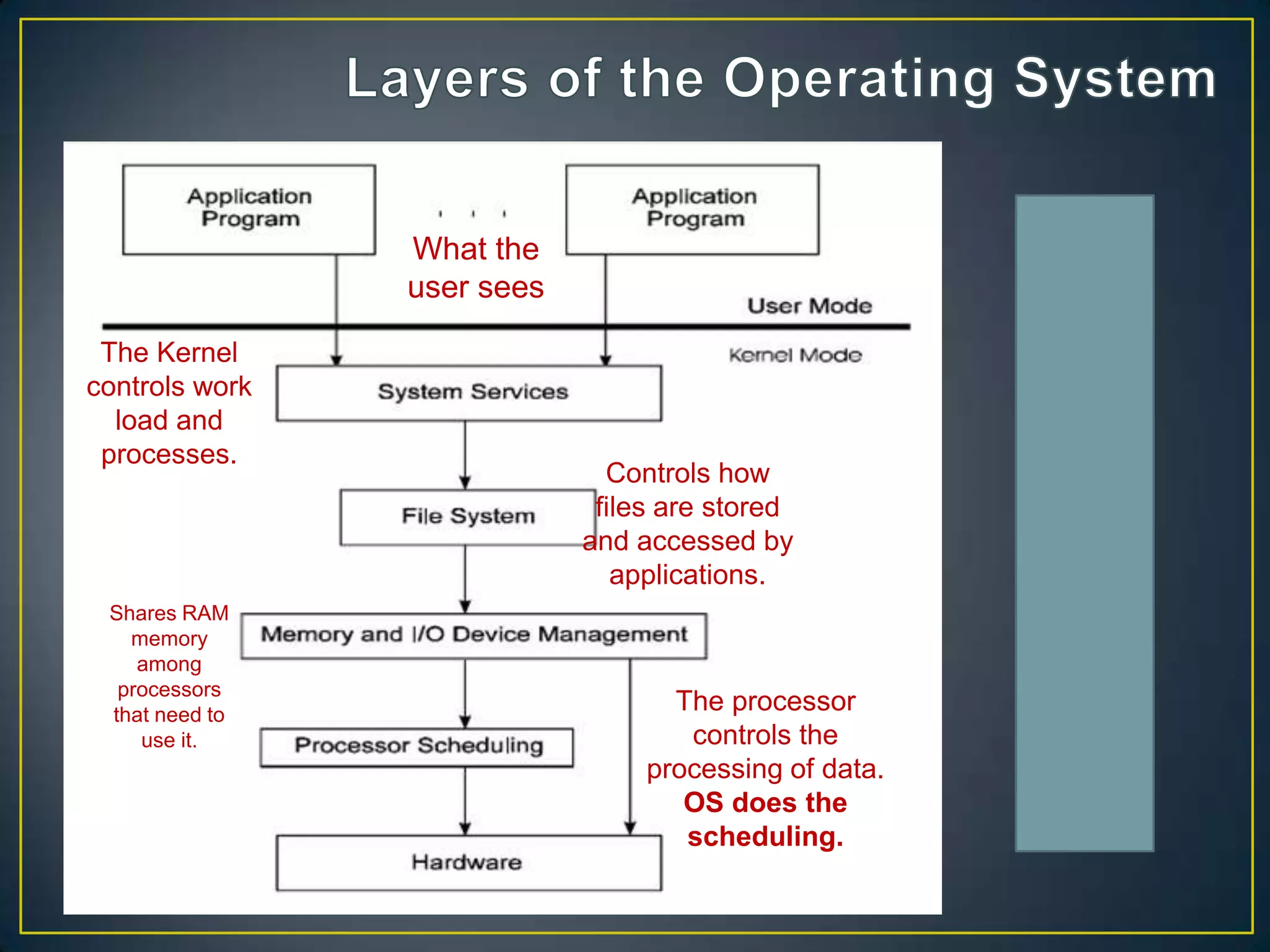
What the
user sees
The Kernel
controls work
load and
processes.

Shares RAM
memory
among
processors
that need to
use it.

Controls how
files are stored
and accessed by
applications.

The processor
controls the
processing of data.
OS does the
scheduling.
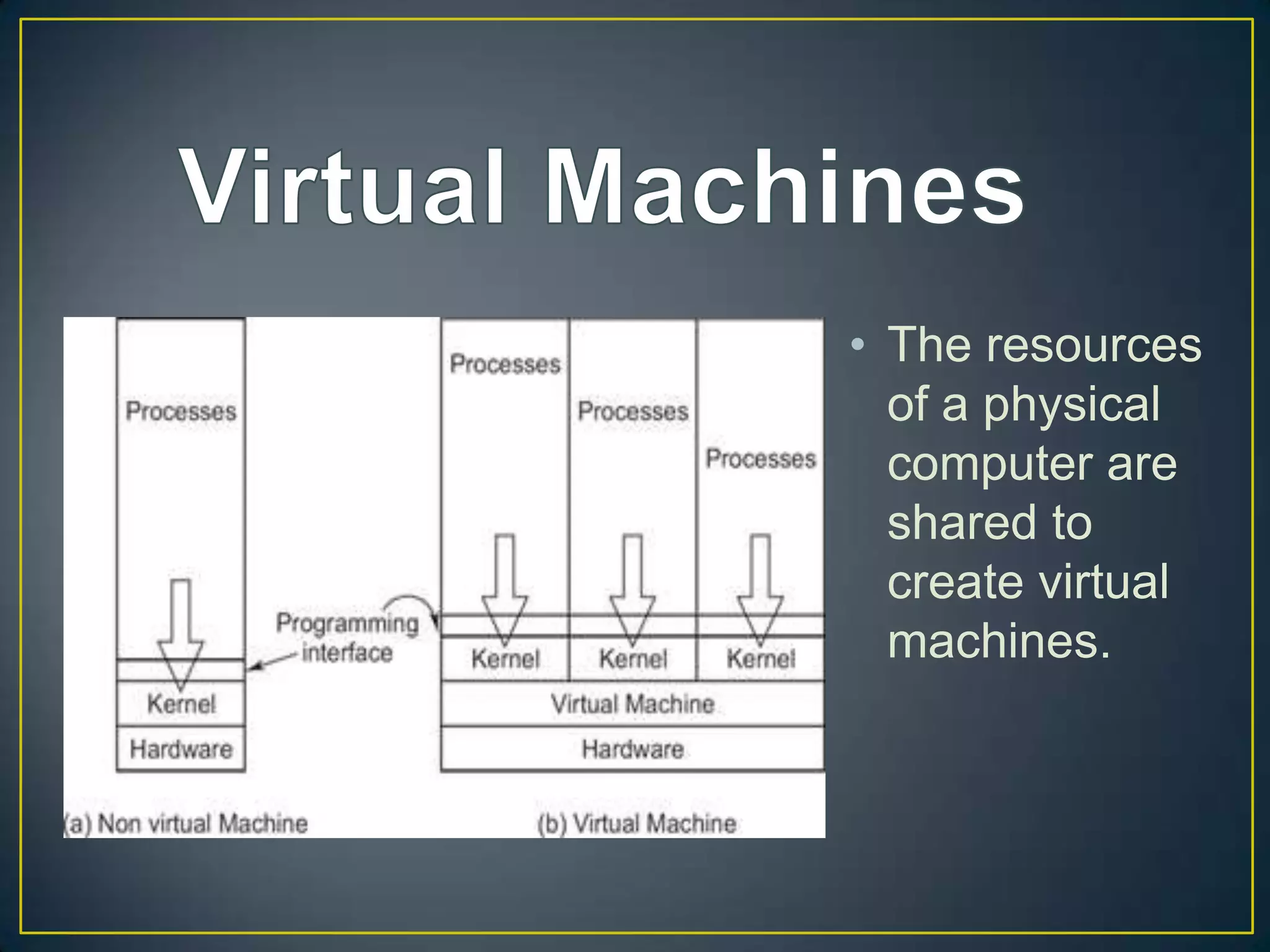
• The resources
of a physical
computer are
shared to
create virtual
machines.

Operating Systems (OS)

  • 1.
  • 2.
    An operating system (OS)acts as a mediator between the user and the computer’s hardware. It may be helpful to think of the OS as a translator between you and your computer.
  • 3.
    • Tasks: • Determineswhich applications should run in what order and for how long (multitasking) • Manages sharing of internal memory (RAM) among multiple applications • Manages I/O from attached hardware devices • Sends messages about the status of operation, as well as any errors that may have occurred • Manages how to divide program so that it runs on multiple processors at a time
  • 6.
    The first user interfaceswere not graphical. You can still access DOS by searching “CMD” in your start menu.
  • 7.
    • Main Purposeof the OS • Convenience • The OS is responsible for controlling the computer hardware, management of files and control of I/O devices. • Efficiency • The OS becomes responsible for managing resources (movement, storage, and processing of data). • Adaptability • OSs should be designed in a way that allows them to be tested, developed, and changed.
  • 8.
    What the user sees TheKernel controls work load and processes. Shares RAM memory among processors that need to use it. Controls how files are stored and accessed by applications. The processor controls the processing of data. OS does the scheduling.
  • 9.
    • The resources ofa physical computer are shared to create virtual machines.