



















MS.
3
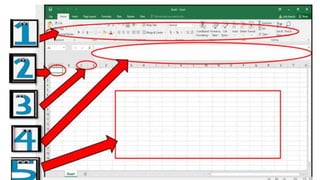
Direction:
Identify the Parts of
an Excel Window. Write your
answer on your drill board.
6
17
ANSWER K EY:
170
116
9
54
tekhnologic
Whyisitimportantto
followthecorrectin
creatingabargraph
usingMSExcel?
SPIN
tekhnologic
SPIN
tekhnologic
SPIN
4
UNFAMILIAR WORDS
6
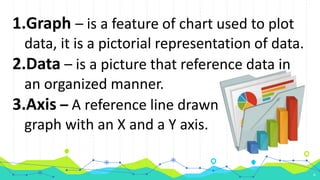
1.Graph – is a feature of chart used to plot
data, it is a pictorial representation of data.
2.Data – is a picture that reference data in
an organized manner.
3.Axis – A reference line drawn on a
graph with an X and a Y axis.
5
6
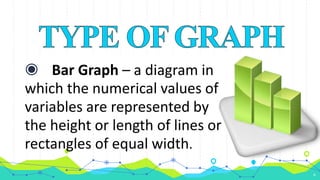
◉ Bar Graph – a diagram in
which the numerical values of
variables are represented by
the height or length of lines or
rectangles of equal width.
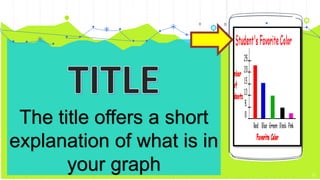
The title offers a short
explanation of what is in
your graph 21
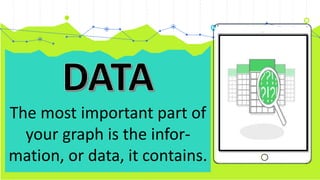
The most important part of
your graph is the infor-
mation, or data, it contains.
Place your screenshot here
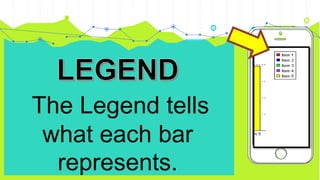
The Legend tells
what each bar
represents.
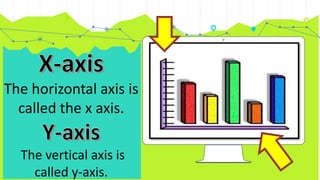
The horizontal axis is
called the x axis.
The vertical axis is
called y-axis.
1. Sit Properly
2. Set aside time for talking
3. Listen and make sure to hear important
message.
4. Don’t make noise and unnecessary movement.
5. Stay focus while watching.
Task 1: Create a table with names, year
level and grades, calculates the grade
point average and draw a suitable graph.
2
Encircle the letter of
the correct answer.
7
DIRECTION:
1.) This is a graphical display of data
using bars of different heights?
A. Data
B. Table
C. Spread sheet
D. Bar Graph
26
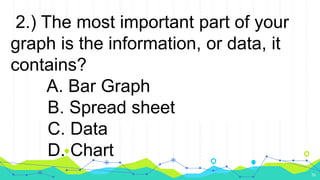
2.) The most important part of your
graph is the information, or data, it
contains?
A. Bar Graph
B. Spread sheet
C. Data
D. Chart
26
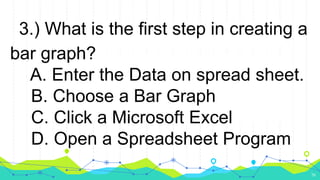
3.) What is the first step in creating a
bar graph?
A. Enter the Data on spread sheet.
B. Choose a Bar Graph
C. Click a Microsoft Excel
D. Open a Spreadsheet Program
26
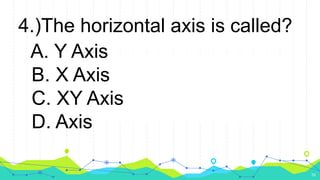
4.)The horizontal axis is called?
A. Y Axis
B. X Axis
C. XY Axis
D. Axis
26
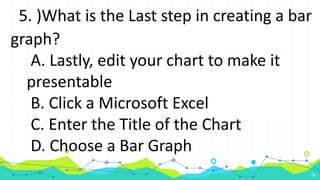
5. )What is the Last step in creating a bar
graph?
A. Lastly, edit your chart to make it
presentable
B. Click a Microsoft Excel
C. Enter the Title of the Chart
D. Choose a Bar Graph
26
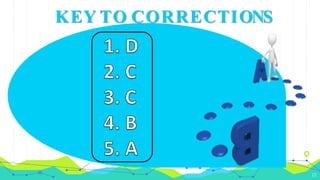
KEY TO CORRECTIONS
12
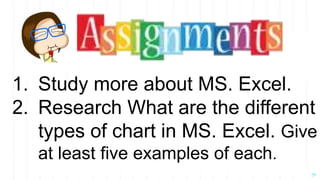
1. Study more about MS. Excel.
2. Research What are the different
types of chart in MS. Excel. Give
at least five examples of each.
29
16

Excel-bar-graph

Editor's Notes