›  Topic : Introduction Of Computer
Asif Jamal
Lecturer
Management Science
National University Of Modern
Languages (NUML)
Hard Disks
›  Low-level format- organizes both sides of
each platter into tracks and sectors to define
where items will be stored on the disk.
›  Partitioning: divide hard disk into separate
areas called partitions; each partition
functions as if it were a separate hard disk
drive.
›  High-level format defines the file allocation
table (FAT) for each partition, which is a table
of information used to locate files on the disk.
Storage Systems
› Hard Drives
›  2 Types: SCSI and IDE
› IDE drives-
›  originally developed as alternative to more
expensive SCSI drives.
›  Modern versions called EIDE drives.
›  Support up to 4 multigigabyte drives.
›  If you want more devices, use SCSI or USB
›  Low-level formatted at the factory
Low Level Formatting
›  Low level format scans disk for defects
and sets aside sectors with defects so they
are not used for data.
›  IDE drives should never be low level
formatted by a user or technician. Only
high level format necessary.
Installing IDE/EIDE drives
›  IDE supports TWO drives in a system
›  one master (boot disk) and one slave
›  set master and slave using jumpers
›  EIDE supports FOUR drives per system
›  2 drives on each of 2 cables
›  only one master, all others are slaves
›  IDE and EIDE drives both use 40-pin ribbon
cable aligned to pin 1
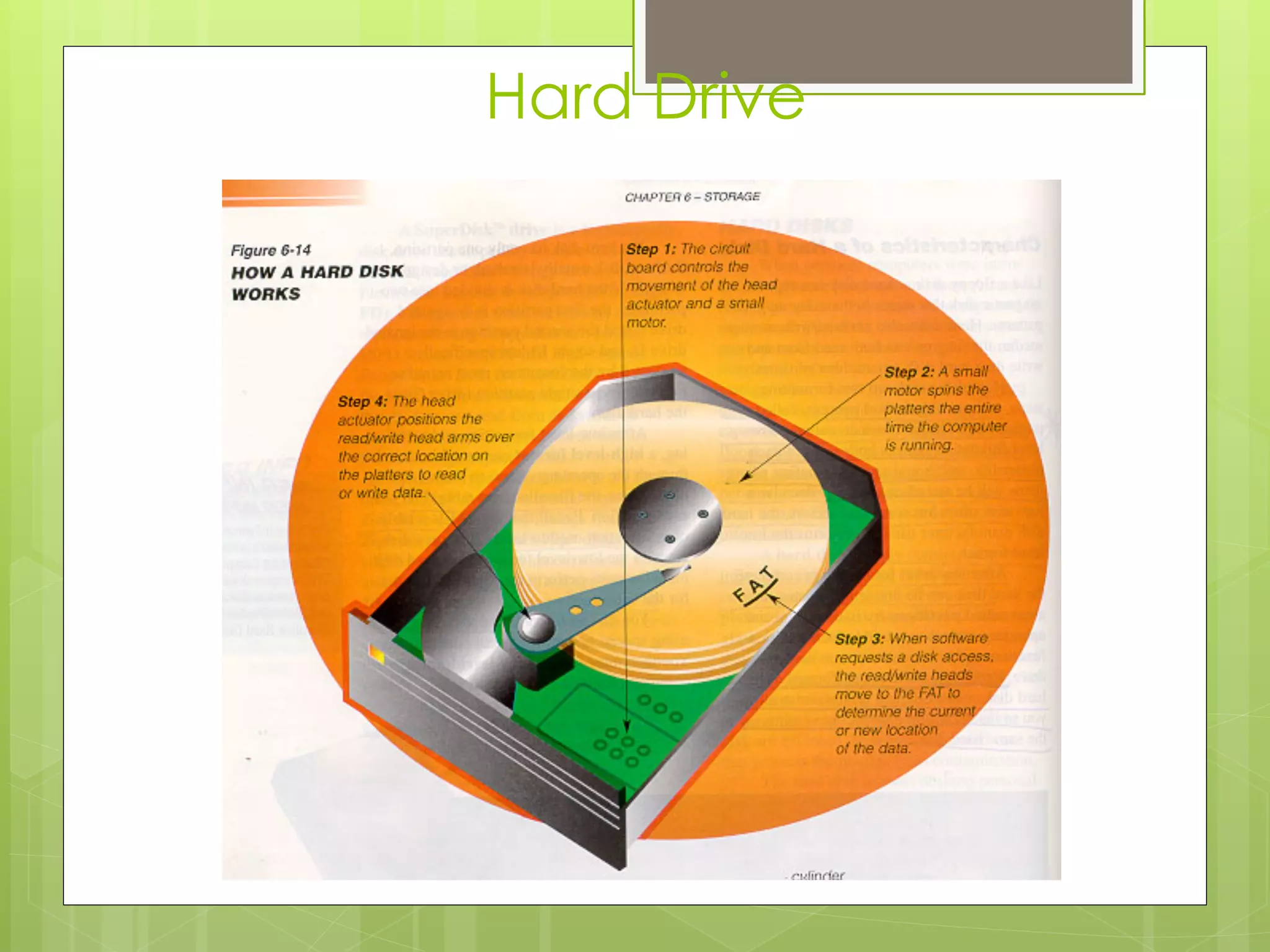
Hard Drive
Floppies
›  Two sizes
›  3.5 inch
›  5.25 inch
›  3.5 inch holds 1.44 MB for High density and
750 KB for Double Density
›  Connected with 34 pin ribbon cable
›  Two Floppy Drives possible
›  Has twist in cable to distinguish A drive
from B drive
SCSI
› Pronounced Scuzzy
› Small Computer Systems Interface
› For wide range of peripheral devices, including
hard disks, tape drives, optical drives, CD-ROMs
and disk arrays.
› 8 devices can connect to a daisy chain
› This chain must be terminated at both ends
› Each device on chain is assigned unique
device ID number that is determined by
jumpers or DIP switches
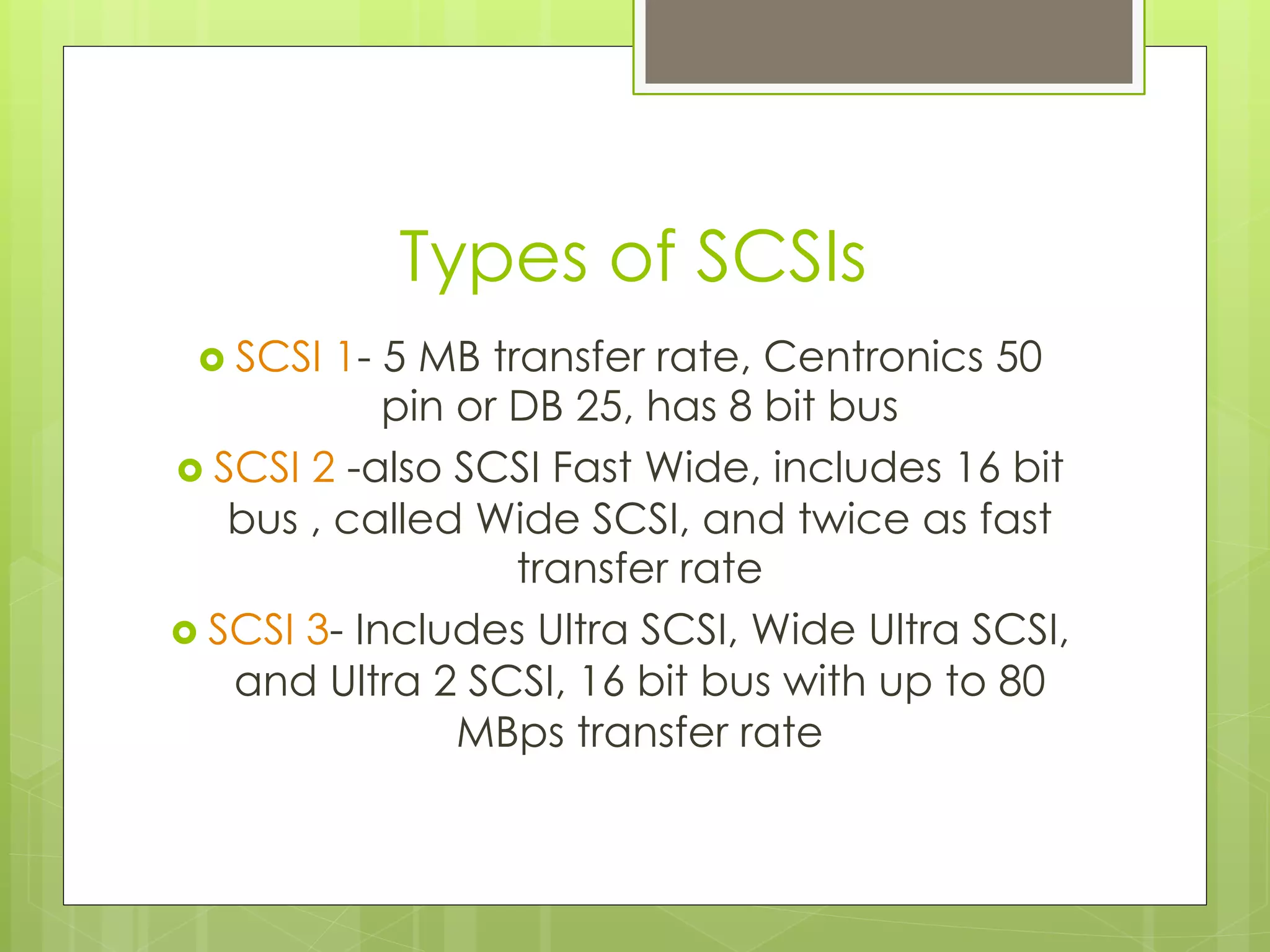
Installing and configuring SCSI
›  SCSI bus supports 8 devices
›  There are eight SCSI IDs numbered 0
through 7
›  ID 7 is always reserved for the SCSI host
adapter
›  SCSI hard disk, if used as a boot drive, is
assigned SCSI ID 0
›  If you have both IDE and SCSI hard drive,
IDE drive should be boot drive
Types of SCSIs
›  SCSI 1- 5 MB transfer rate, Centronics 50
pin or DB 25, has 8 bit bus
›  SCSI 2 -also SCSI Fast Wide, includes 16 bit
bus , called Wide SCSI, and twice as fast
transfer rate
›  SCSI 3- Includes Ultra SCSI, Wide Ultra SCSI,
and Ultra 2 SCSI, 16 bit bus with up to 80
MBps transfer rate
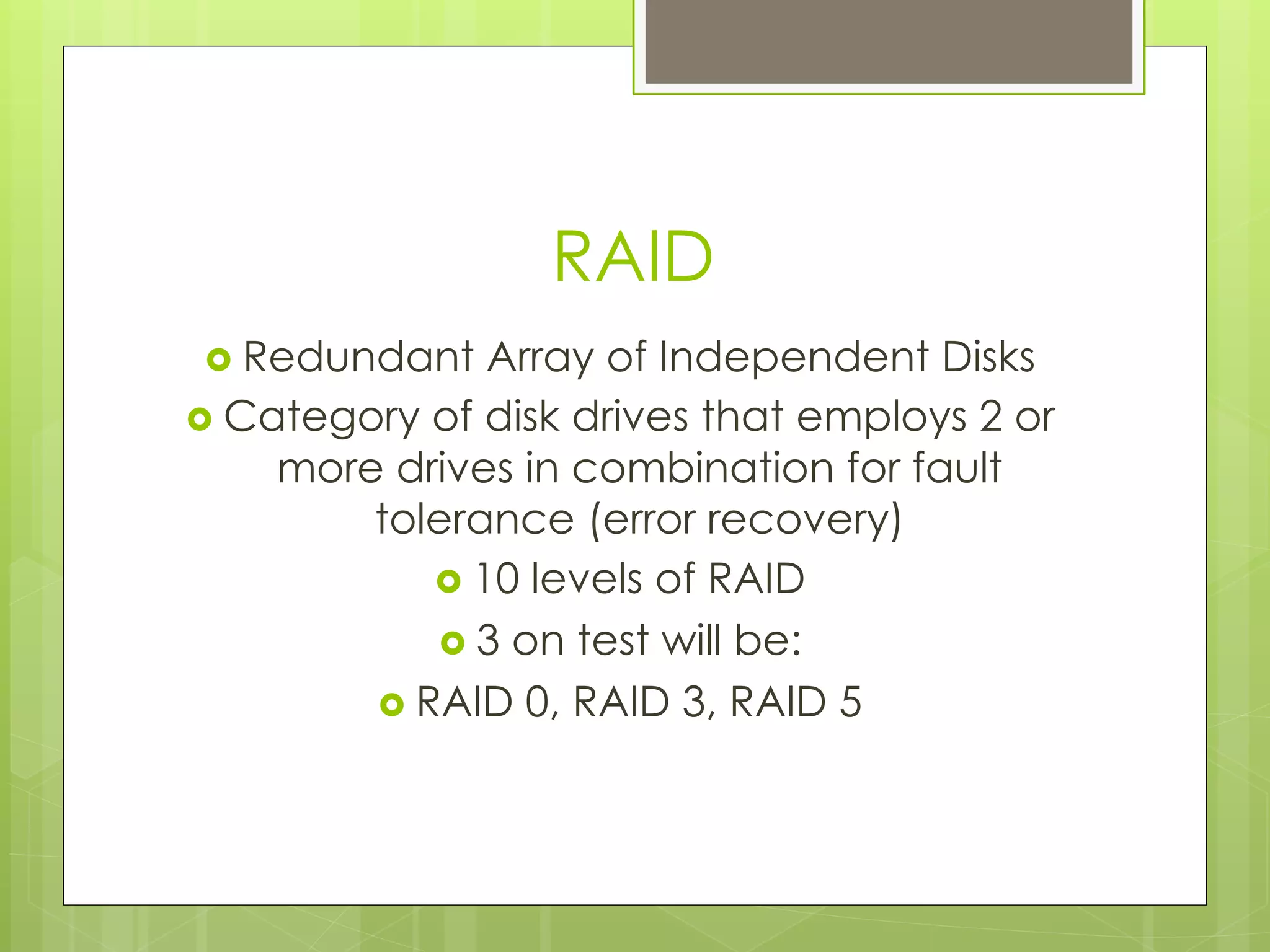
RAID
›  Redundant Array of Independent Disks
›  Category of disk drives that employs 2 or
more drives in combination for fault
tolerance (error recovery)
›  10 levels of RAID
›  3 on test will be:
›  RAID 0, RAID 3, RAID 5
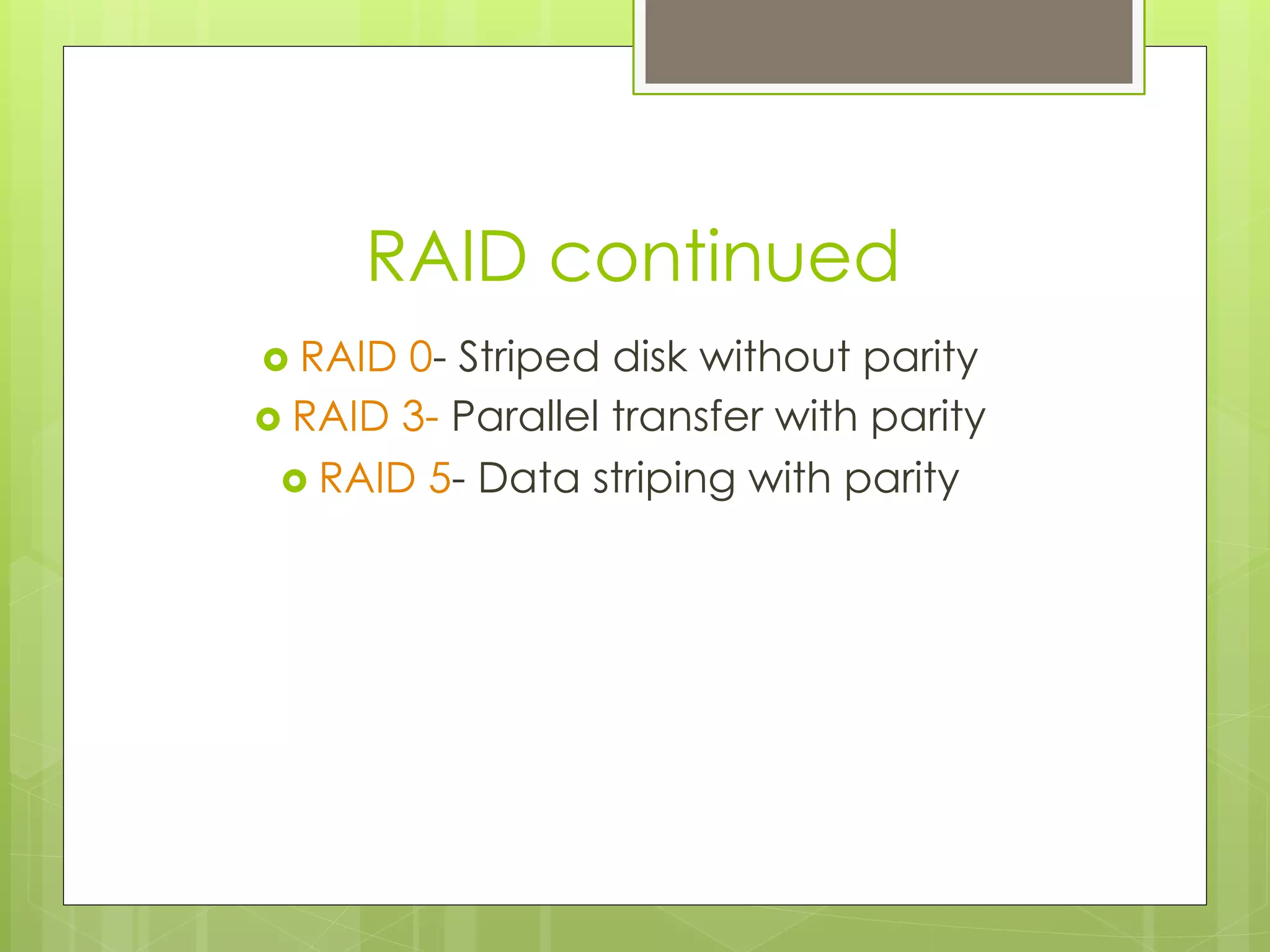
RAID continued
›  RAID 0- Striped disk without parity
›  RAID 3- Parallel transfer with parity
›  RAID 5- Data striping with parity
How Data is Organized on Disk
›  Tracks-
›  circular areas of the disk
›  Length of a track one circumference of disk
›  Over 1000 on a hard disk
›  Data first written to outer most track
›  Sectors-
›  Divides tracks sections
›  On a floppy 9 sectors exits
›  Cylinders-
›  Logical groupings of the the same track on each disk
surface in a disk unit
›  Clusters-
›  Groups of sectors used by operating system
›  64 sectors in one cluster
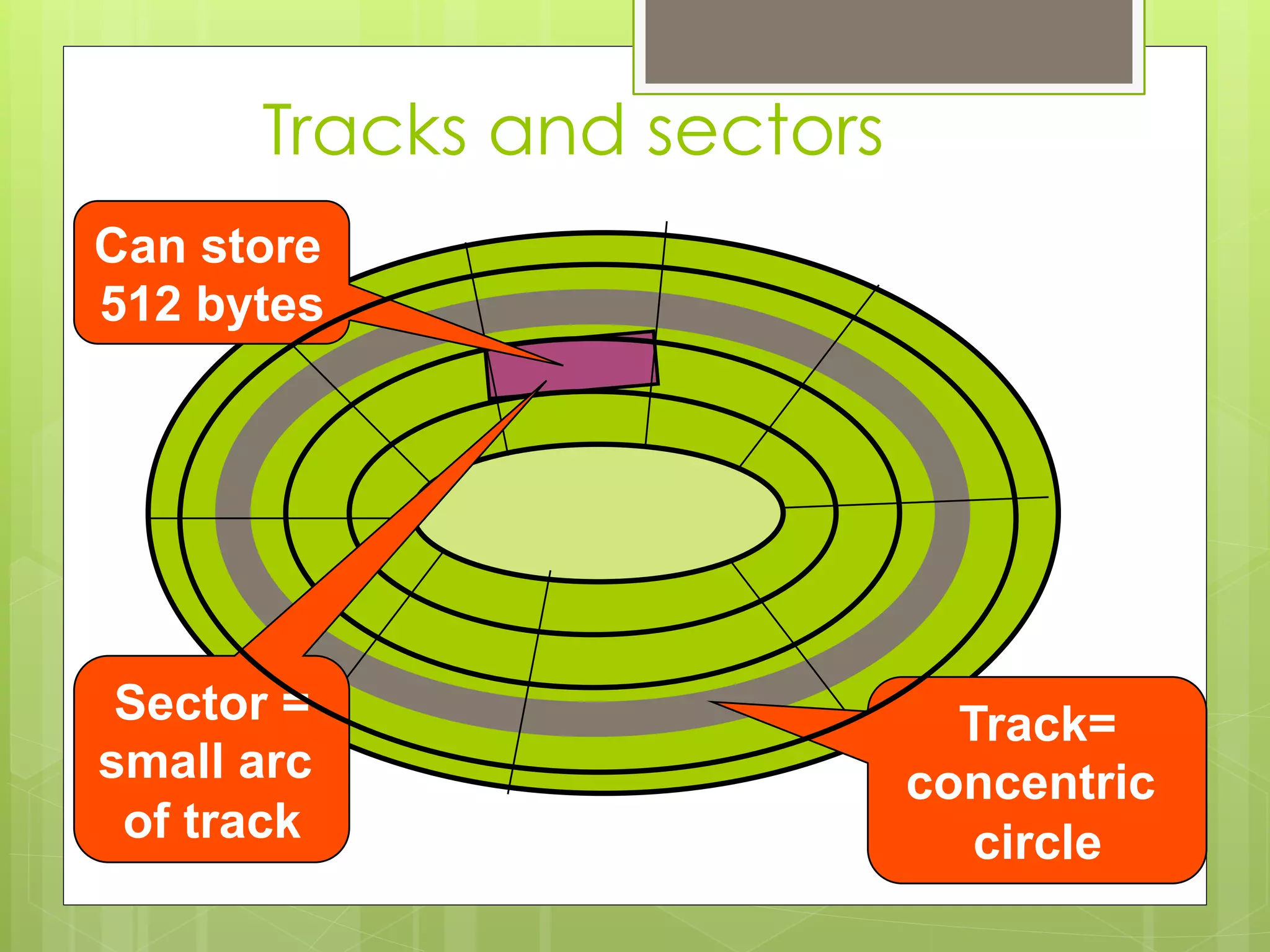
Track=
concentric
circle
Sector =
small arc
of track
Can store
512 bytes
Tracks and sectors
Interleaving
›  Allows the read/write head to use the
rotation of the disk to its advantage
›  One sector is written to and the disk skips
to several sectors down
Formatting
›  Low level formatting done at factory
›  Builds the File Allocation Table (FAT)
›  Physically scans the disk media for defects
›  Remember FAT is always located at Track
0
›  High level formatting is automatically
done during installation of operating
system
Operating System File Systems
›  DOS uses FAT
›  Windows 3.x uses Virtual FAT
›  Win 95 uses VFAT and FAT32
›  Win NT uses NTFS
Partitioning
›  FDISK command is used
›  Divides hard drive into logical subdivisions which are
seen by the operating system as separate logical
hard disks.
›  Hard drives divided into primary and extended
partitions. The primary partition boots the system.
Can have up to 4 primary partitions
Partitioning
›  Extended can be divided up to 23 times on
disk.
›  Partitioning disks improves disk efficiency
through reduced cluster size.
›  In DOS, Win 3x and early versions of Win 95 a
hard disk over 2 GB must be divided into
smaller partions
›  Now Win 95 and Win 98 can create a primary
partition of up to 8 GB
›  Following partition, the first sector on cylinder
0 reserved for master boot record
Disk compression
›  Reduce amount of space taken up by
files by substituting codes for repeating
patterns of data
›  To access data on compressed disk, must
load disk compression utility into RAM first
›  This disk compression utility works between
OS and disk controller to intercept
requests and compress or decompress
files- the result is slower disk access
Backing up data
›  Archival: full backup- contains everything
from the hard disk
›  Incremental: contains only files that have
been modified since last (previous)
backup
›  Differential: backs up all the data
modified since last full backup
›  Copy backup: copy duplicate of file,
directory, or disk to another disk
CD ROM
›  Capacity of 650 MB
›  Transfer speeds of around 24X speed
›  X refers to the transfer speed in the first CD
ROM, which was 150 K
›  CD is the slowest device on PC
›  When installing to IDE system must be
configured as slave
›  WORM and EO

Asif Jamal disk (it)

  • 1.
    ›  Topic :Introduction Of Computer Asif Jamal Lecturer Management Science National University Of Modern Languages (NUML)
  • 2.
    Hard Disks ›  Low-levelformat- organizes both sides of each platter into tracks and sectors to define where items will be stored on the disk. ›  Partitioning: divide hard disk into separate areas called partitions; each partition functions as if it were a separate hard disk drive. ›  High-level format defines the file allocation table (FAT) for each partition, which is a table of information used to locate files on the disk.
  • 3.
    Storage Systems › Hard Drives › 2 Types: SCSI and IDE › IDE drives- ›  originally developed as alternative to more expensive SCSI drives. ›  Modern versions called EIDE drives. ›  Support up to 4 multigigabyte drives. ›  If you want more devices, use SCSI or USB ›  Low-level formatted at the factory
  • 4.
    Low Level Formatting › Low level format scans disk for defects and sets aside sectors with defects so they are not used for data. ›  IDE drives should never be low level formatted by a user or technician. Only high level format necessary.
  • 5.
    Installing IDE/EIDE drives › IDE supports TWO drives in a system ›  one master (boot disk) and one slave ›  set master and slave using jumpers ›  EIDE supports FOUR drives per system ›  2 drives on each of 2 cables ›  only one master, all others are slaves ›  IDE and EIDE drives both use 40-pin ribbon cable aligned to pin 1
  • 6.
  • 7.
    Floppies ›  Two sizes › 3.5 inch ›  5.25 inch ›  3.5 inch holds 1.44 MB for High density and 750 KB for Double Density ›  Connected with 34 pin ribbon cable ›  Two Floppy Drives possible ›  Has twist in cable to distinguish A drive from B drive
  • 8.
    SCSI › Pronounced Scuzzy › Small ComputerSystems Interface › For wide range of peripheral devices, including hard disks, tape drives, optical drives, CD-ROMs and disk arrays. › 8 devices can connect to a daisy chain › This chain must be terminated at both ends › Each device on chain is assigned unique device ID number that is determined by jumpers or DIP switches
  • 9.
    Installing and configuringSCSI ›  SCSI bus supports 8 devices ›  There are eight SCSI IDs numbered 0 through 7 ›  ID 7 is always reserved for the SCSI host adapter ›  SCSI hard disk, if used as a boot drive, is assigned SCSI ID 0 ›  If you have both IDE and SCSI hard drive, IDE drive should be boot drive
  • 10.
    Types of SCSIs › SCSI 1- 5 MB transfer rate, Centronics 50 pin or DB 25, has 8 bit bus ›  SCSI 2 -also SCSI Fast Wide, includes 16 bit bus , called Wide SCSI, and twice as fast transfer rate ›  SCSI 3- Includes Ultra SCSI, Wide Ultra SCSI, and Ultra 2 SCSI, 16 bit bus with up to 80 MBps transfer rate
  • 11.
    RAID ›  Redundant Arrayof Independent Disks ›  Category of disk drives that employs 2 or more drives in combination for fault tolerance (error recovery) ›  10 levels of RAID ›  3 on test will be: ›  RAID 0, RAID 3, RAID 5
  • 12.
    RAID continued ›  RAID0- Striped disk without parity ›  RAID 3- Parallel transfer with parity ›  RAID 5- Data striping with parity
  • 13.
    How Data isOrganized on Disk ›  Tracks- ›  circular areas of the disk ›  Length of a track one circumference of disk ›  Over 1000 on a hard disk ›  Data first written to outer most track ›  Sectors- ›  Divides tracks sections ›  On a floppy 9 sectors exits ›  Cylinders- ›  Logical groupings of the the same track on each disk surface in a disk unit ›  Clusters- ›  Groups of sectors used by operating system ›  64 sectors in one cluster
  • 14.
    Track= concentric circle Sector = small arc oftrack Can store 512 bytes Tracks and sectors
  • 15.
    Interleaving ›  Allows theread/write head to use the rotation of the disk to its advantage ›  One sector is written to and the disk skips to several sectors down
  • 16.
    Formatting ›  Low levelformatting done at factory ›  Builds the File Allocation Table (FAT) ›  Physically scans the disk media for defects ›  Remember FAT is always located at Track 0 ›  High level formatting is automatically done during installation of operating system
  • 17.
    Operating System FileSystems ›  DOS uses FAT ›  Windows 3.x uses Virtual FAT ›  Win 95 uses VFAT and FAT32 ›  Win NT uses NTFS
  • 18.
    Partitioning ›  FDISK commandis used ›  Divides hard drive into logical subdivisions which are seen by the operating system as separate logical hard disks. ›  Hard drives divided into primary and extended partitions. The primary partition boots the system. Can have up to 4 primary partitions
  • 19.
    Partitioning ›  Extended canbe divided up to 23 times on disk. ›  Partitioning disks improves disk efficiency through reduced cluster size. ›  In DOS, Win 3x and early versions of Win 95 a hard disk over 2 GB must be divided into smaller partions ›  Now Win 95 and Win 98 can create a primary partition of up to 8 GB ›  Following partition, the first sector on cylinder 0 reserved for master boot record
  • 20.
    Disk compression ›  Reduceamount of space taken up by files by substituting codes for repeating patterns of data ›  To access data on compressed disk, must load disk compression utility into RAM first ›  This disk compression utility works between OS and disk controller to intercept requests and compress or decompress files- the result is slower disk access
  • 21.
    Backing up data › Archival: full backup- contains everything from the hard disk ›  Incremental: contains only files that have been modified since last (previous) backup ›  Differential: backs up all the data modified since last full backup ›  Copy backup: copy duplicate of file, directory, or disk to another disk
  • 22.
    CD ROM ›  Capacityof 650 MB ›  Transfer speeds of around 24X speed ›  X refers to the transfer speed in the first CD ROM, which was 150 K ›  CD is the slowest device on PC ›  When installing to IDE system must be configured as slave ›  WORM and EO