Downloaded 71 times



The document outlines the differences between Baan and Infor LN, focusing on enhancements in architecture, functionality, and usability. It details components related to currency systems, item data structures, cost price calculations, and warehouse management, as well as improvements in pricing structures and user personalization features. Overall, the document emphasizes centralized control, efficiency, and flexibility across various business processes.
Introduction to Baan-to-LN Differences training focusing on sales, purchasing, and pricing.
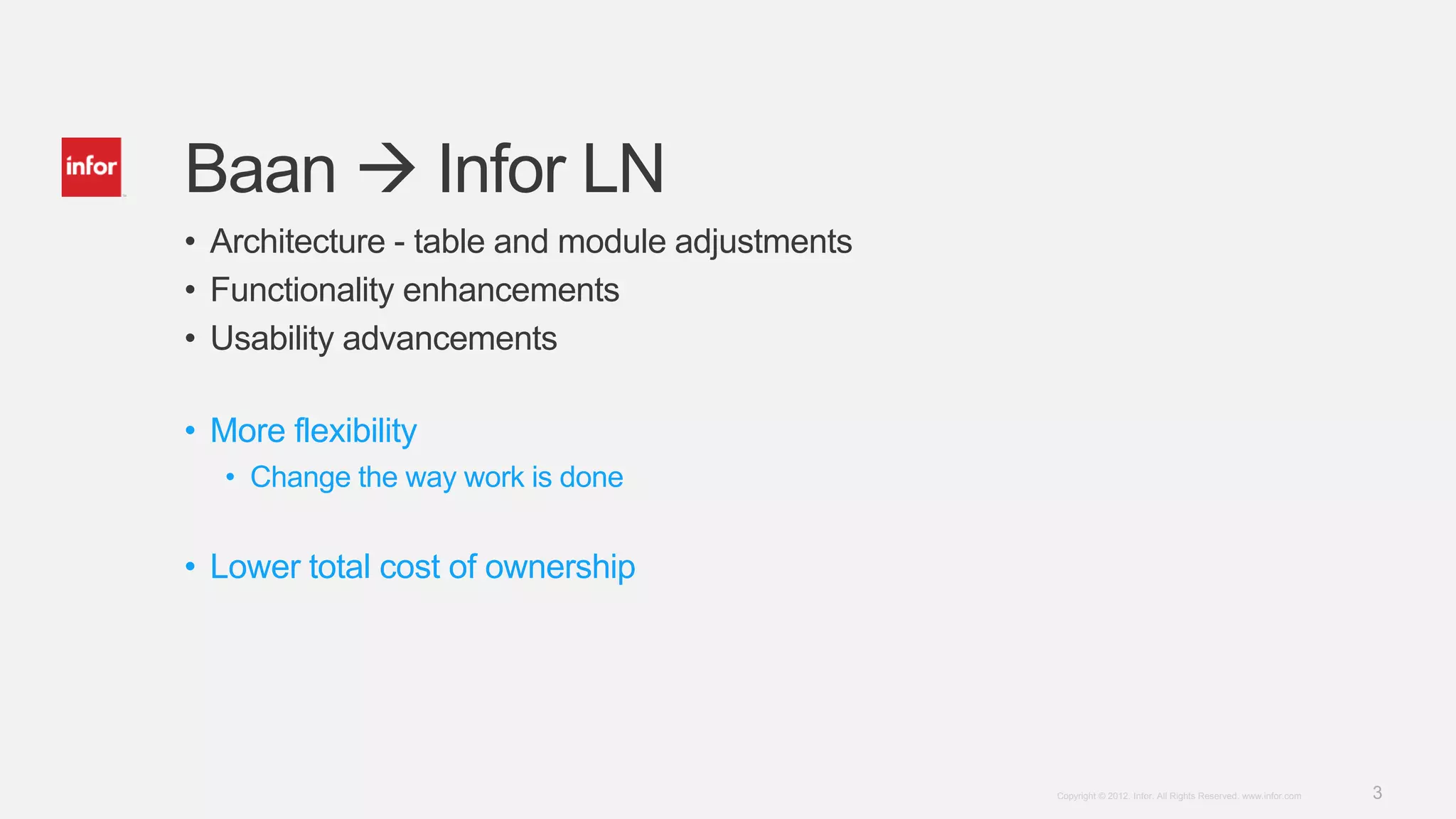
Discusses architecture adjustments, enhanced functionality, usability advancements, and lower costs.
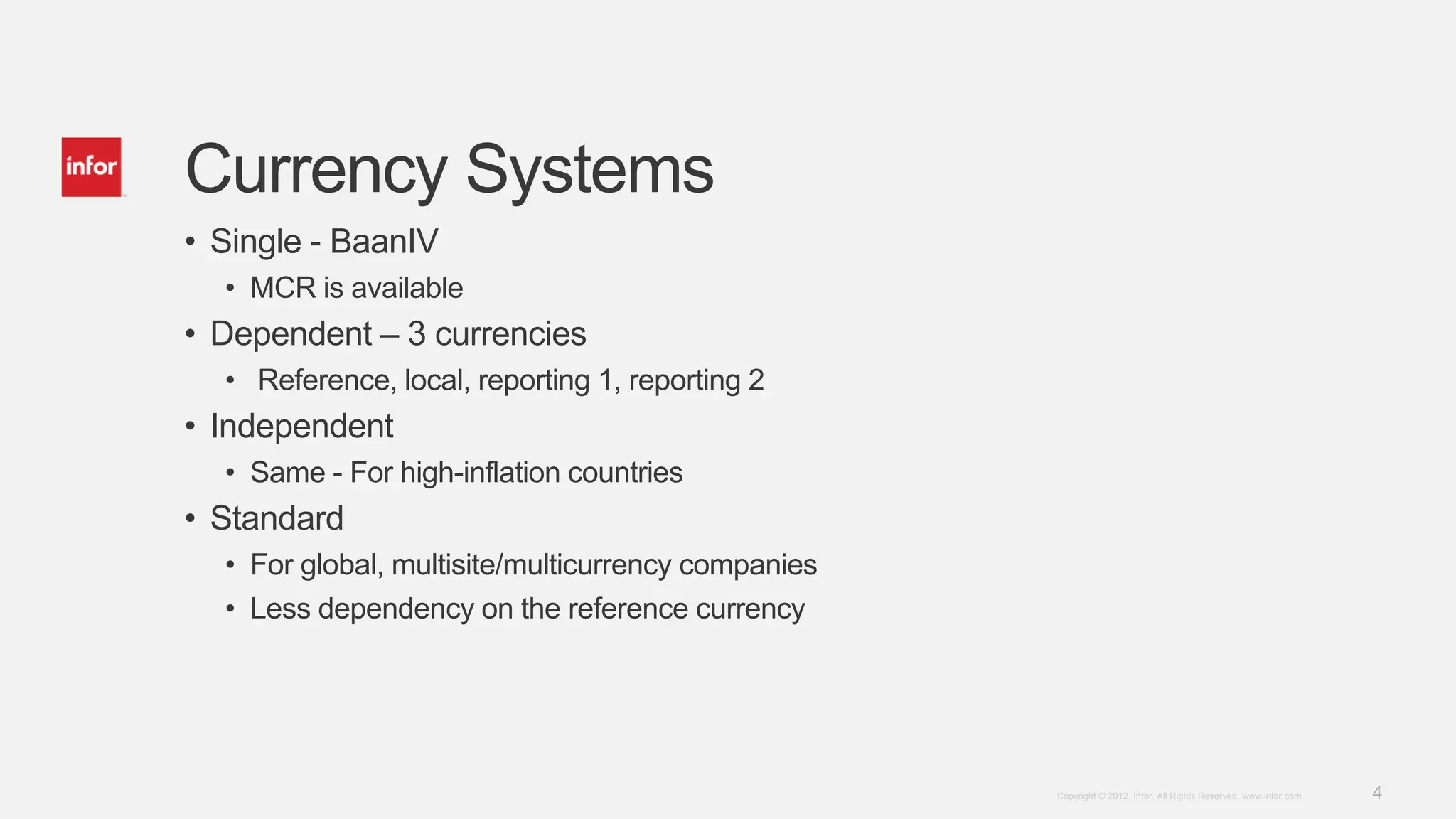
Explains different currency systems: single, dependent, and independent with reference to high-inflation countries.
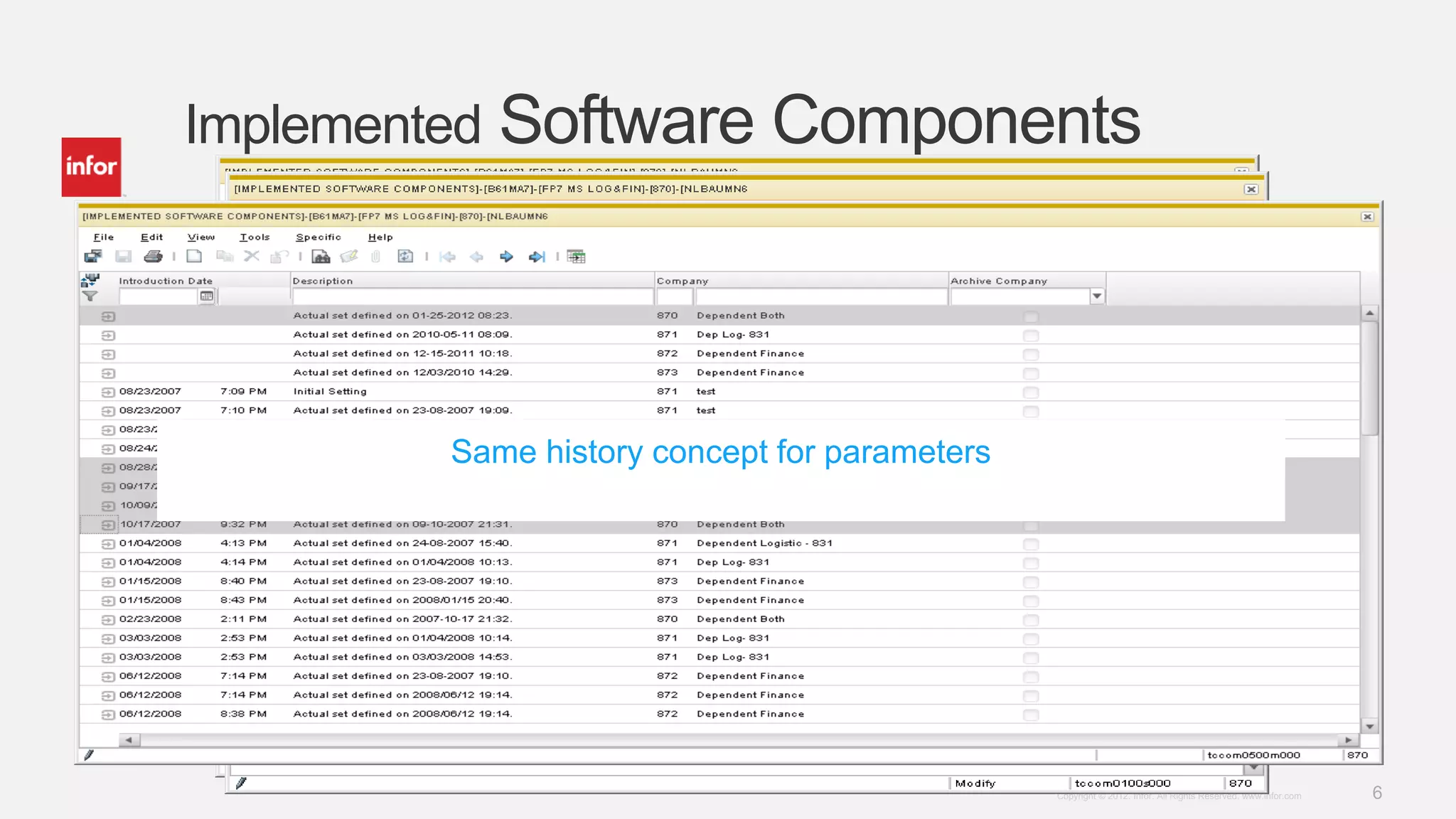
Covers enabling functionality at company levels, easy implementations, dynamic form building, and history concepts.
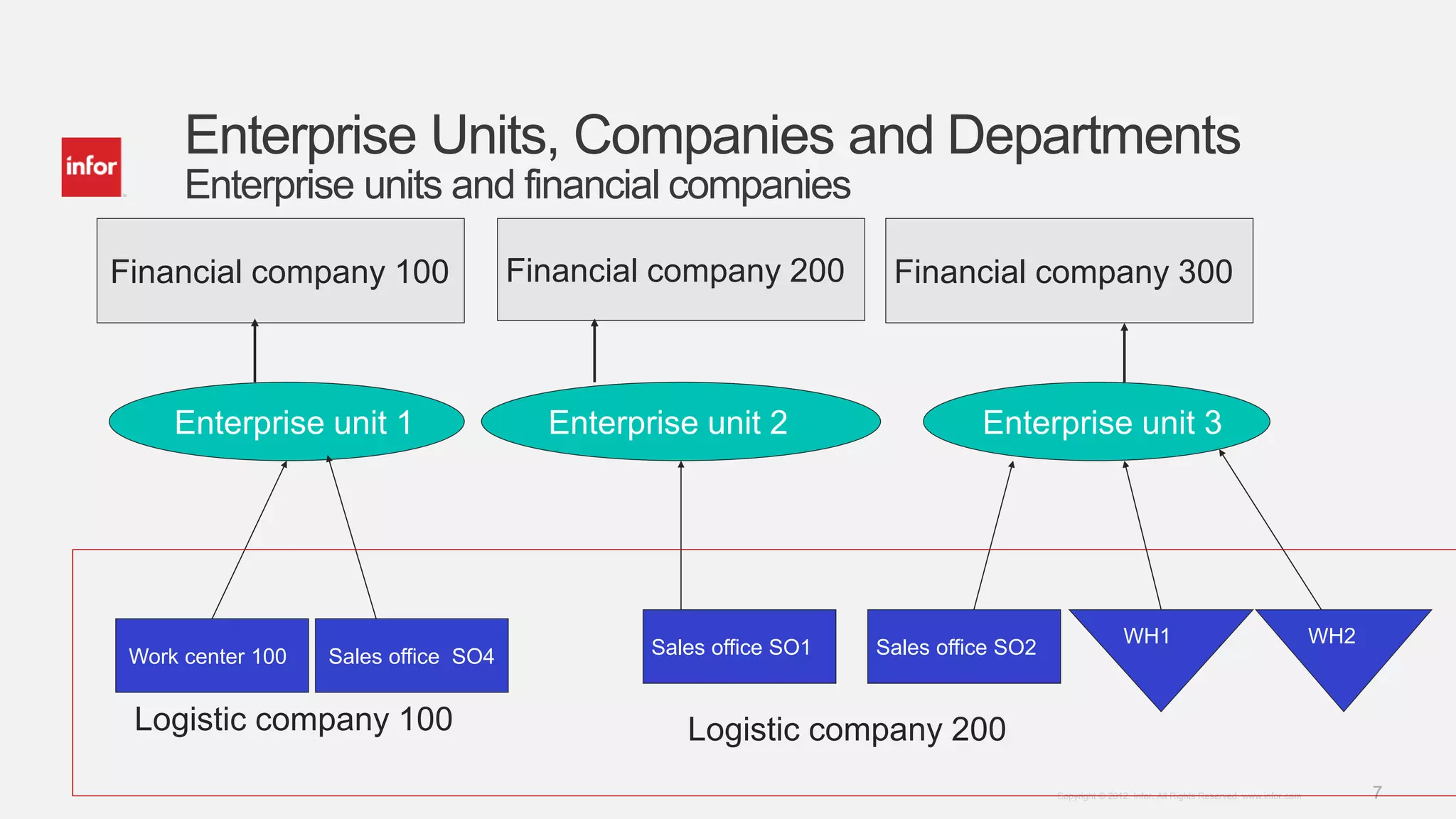
Details enterprise units, companies, and departments with various financial and logistical entities.
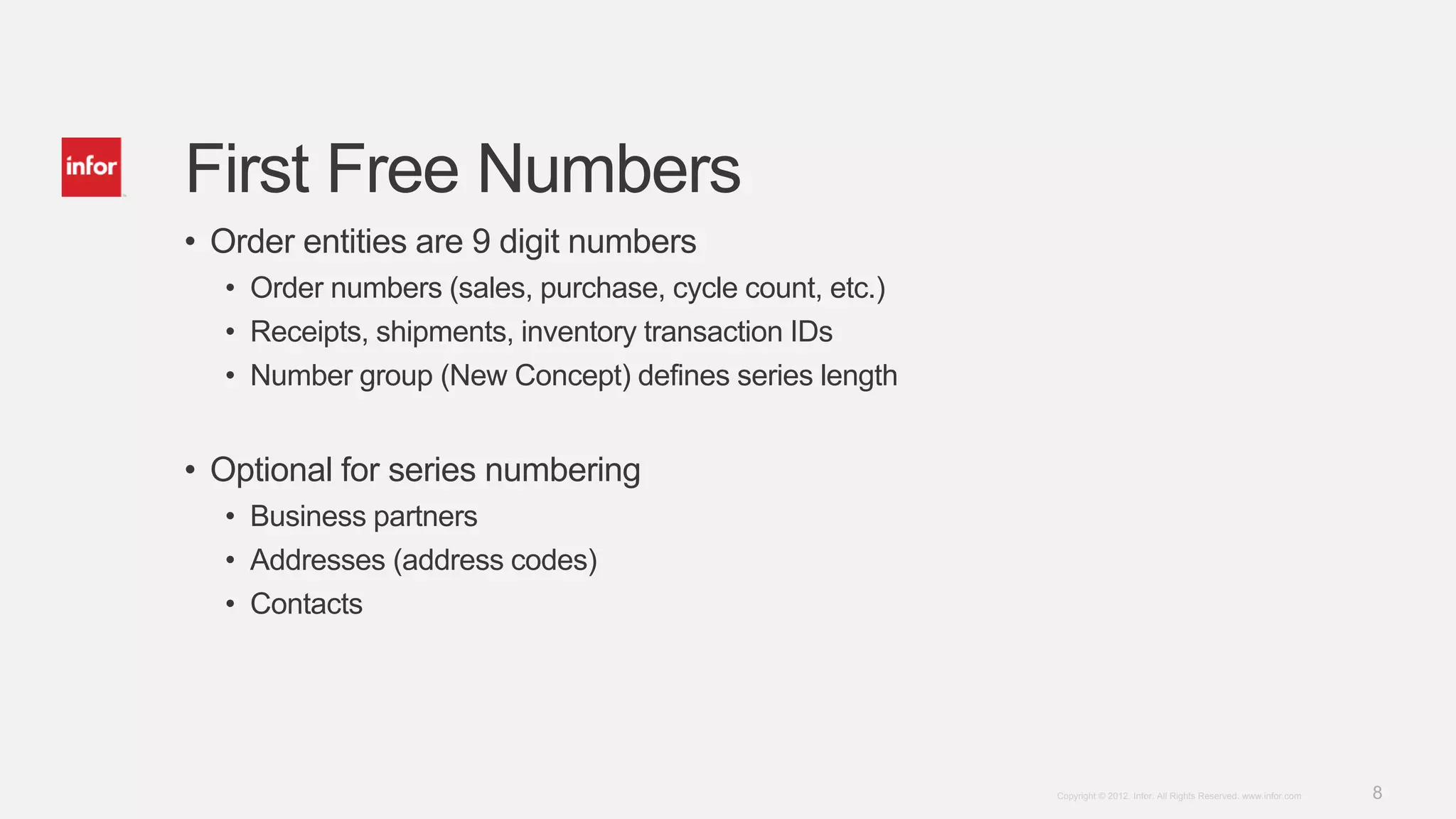
Introduces 9-digit order entities, including order numbers for sales and purchases and new concepts in series numbering.
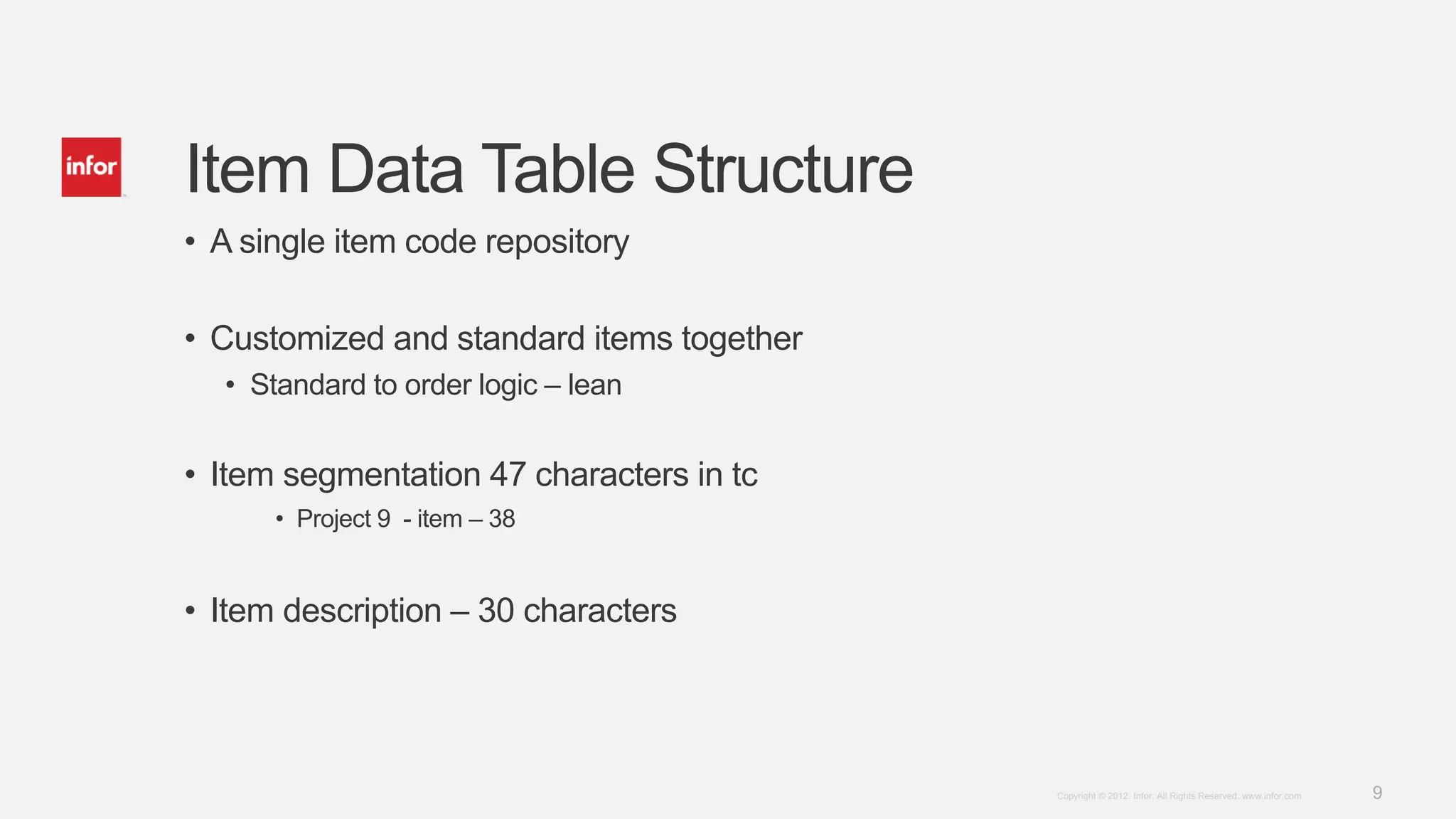
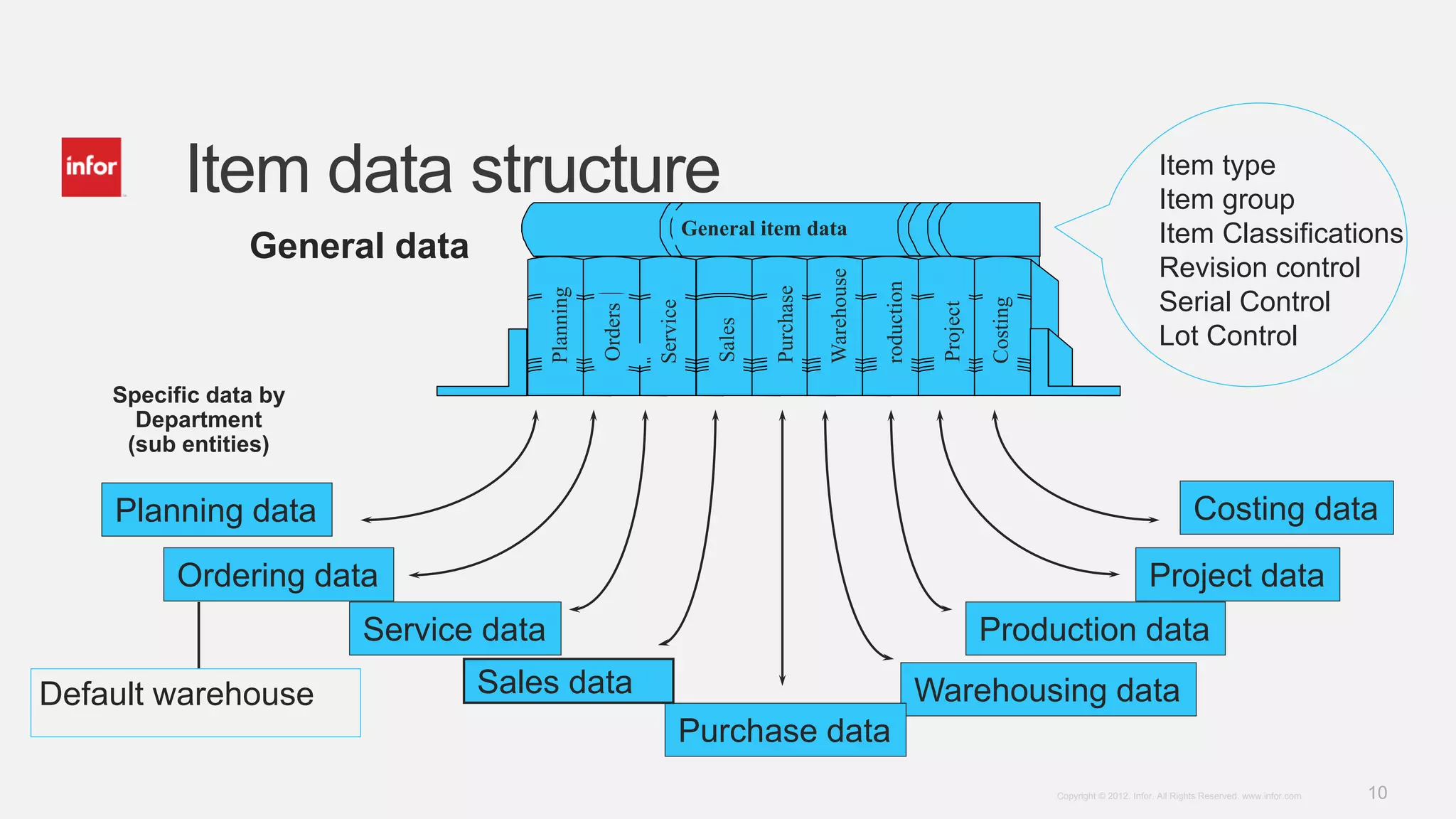
Discusses item code repository, data segmentation, and various types of item data like warehousing and sales.
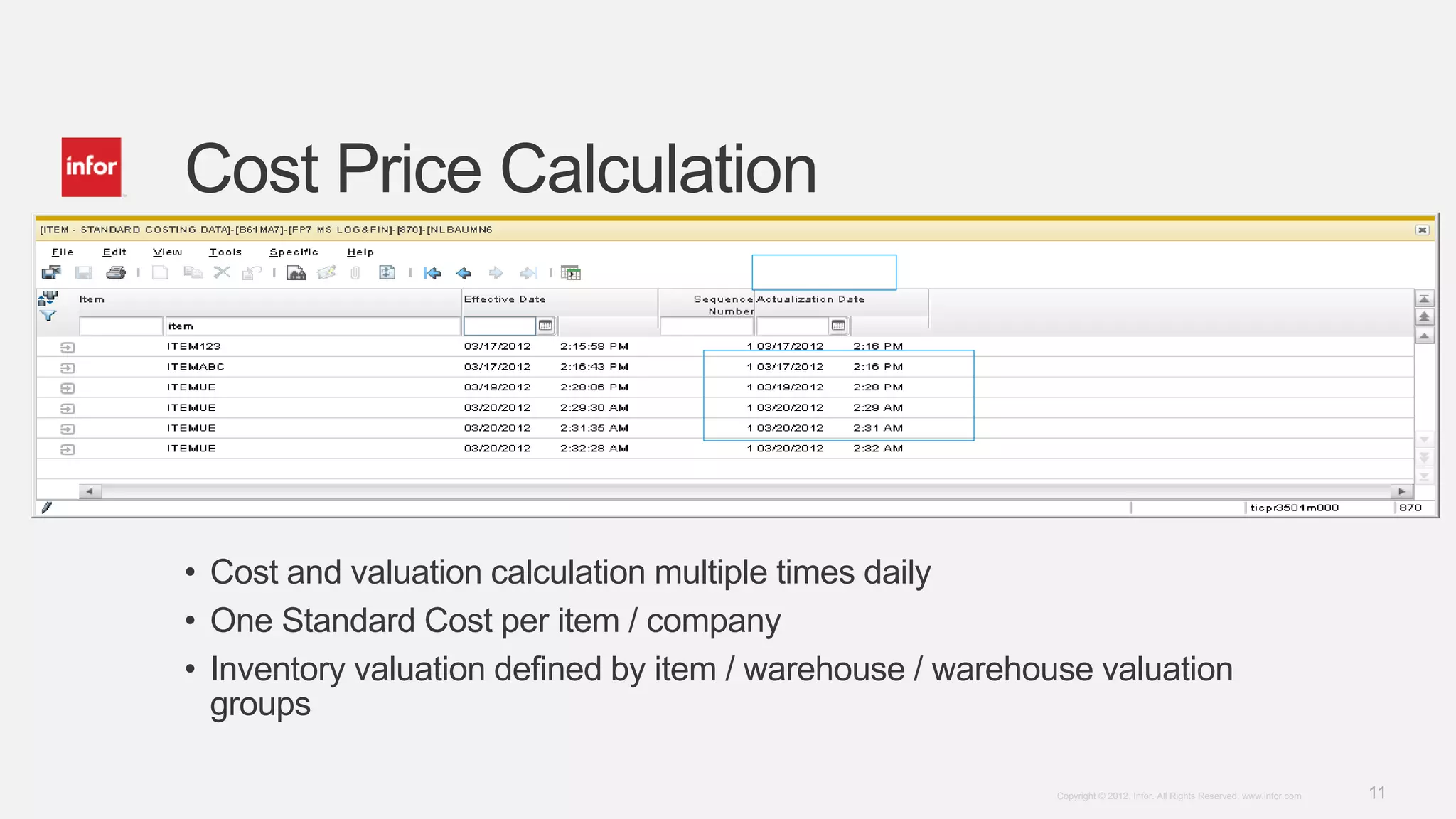
Describes frequent cost calculations and valuation methods based on item and warehouse valuations.
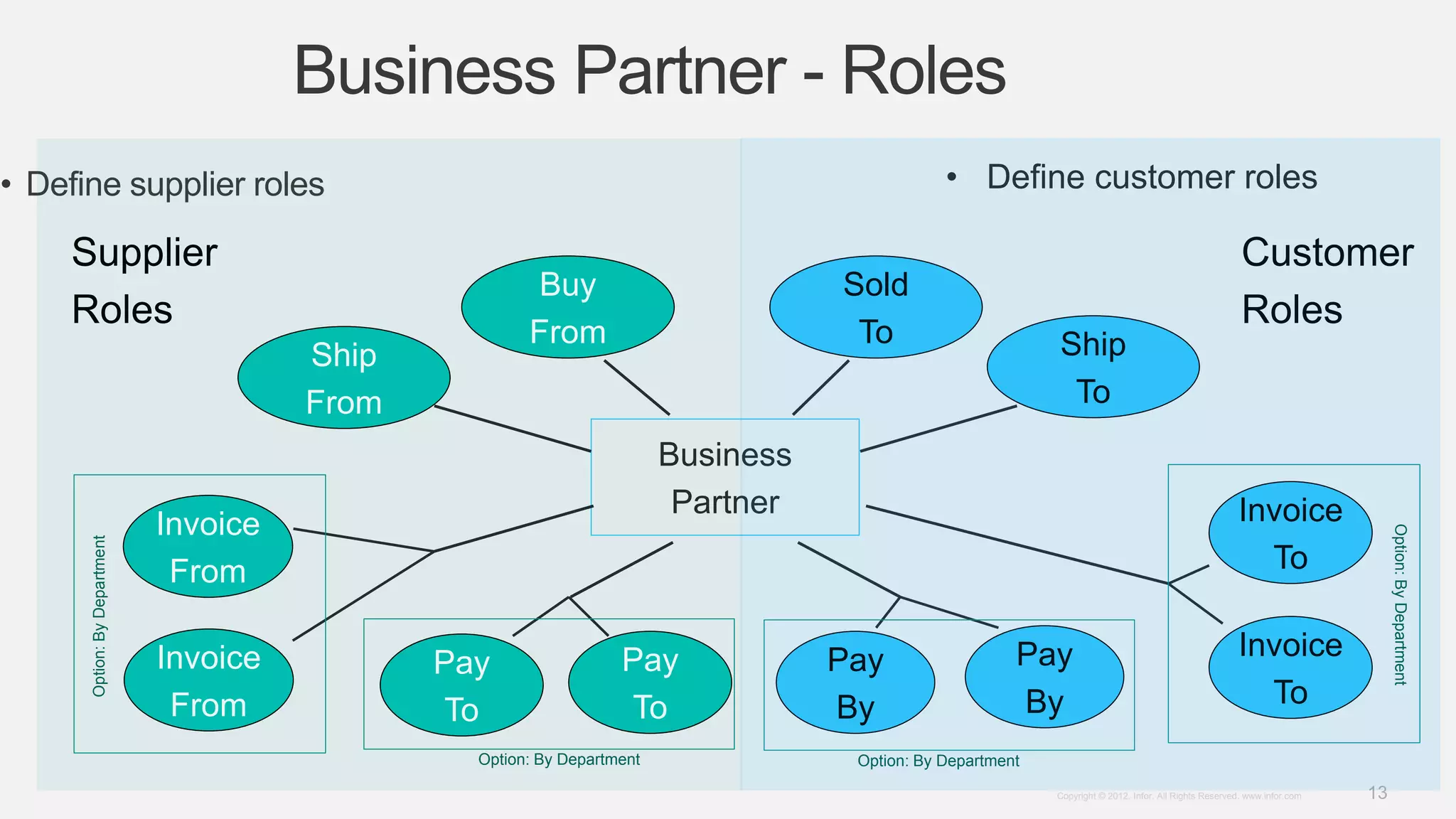
Details on business partner roles as customers and suppliers with definitions and functionalities.
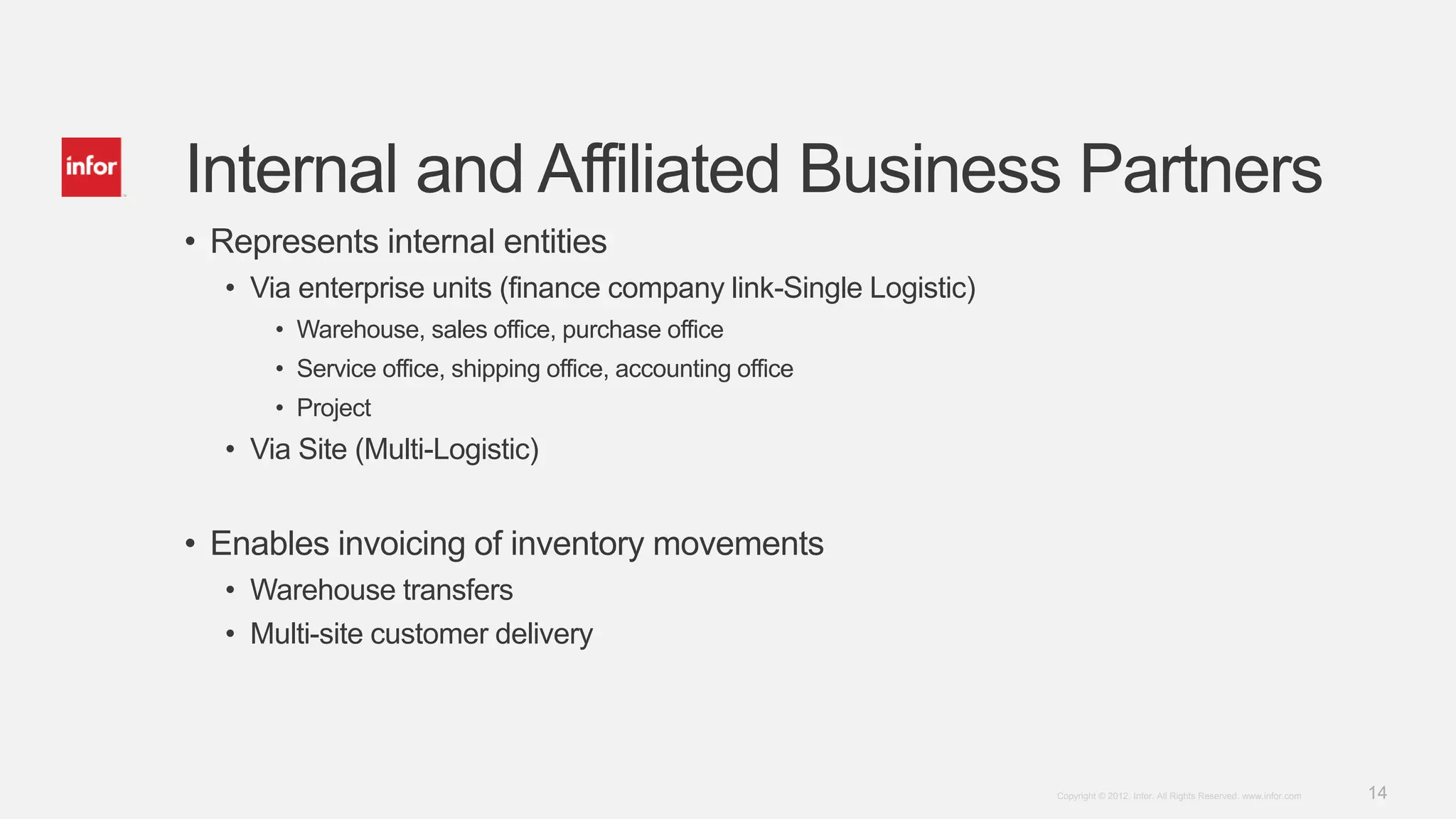
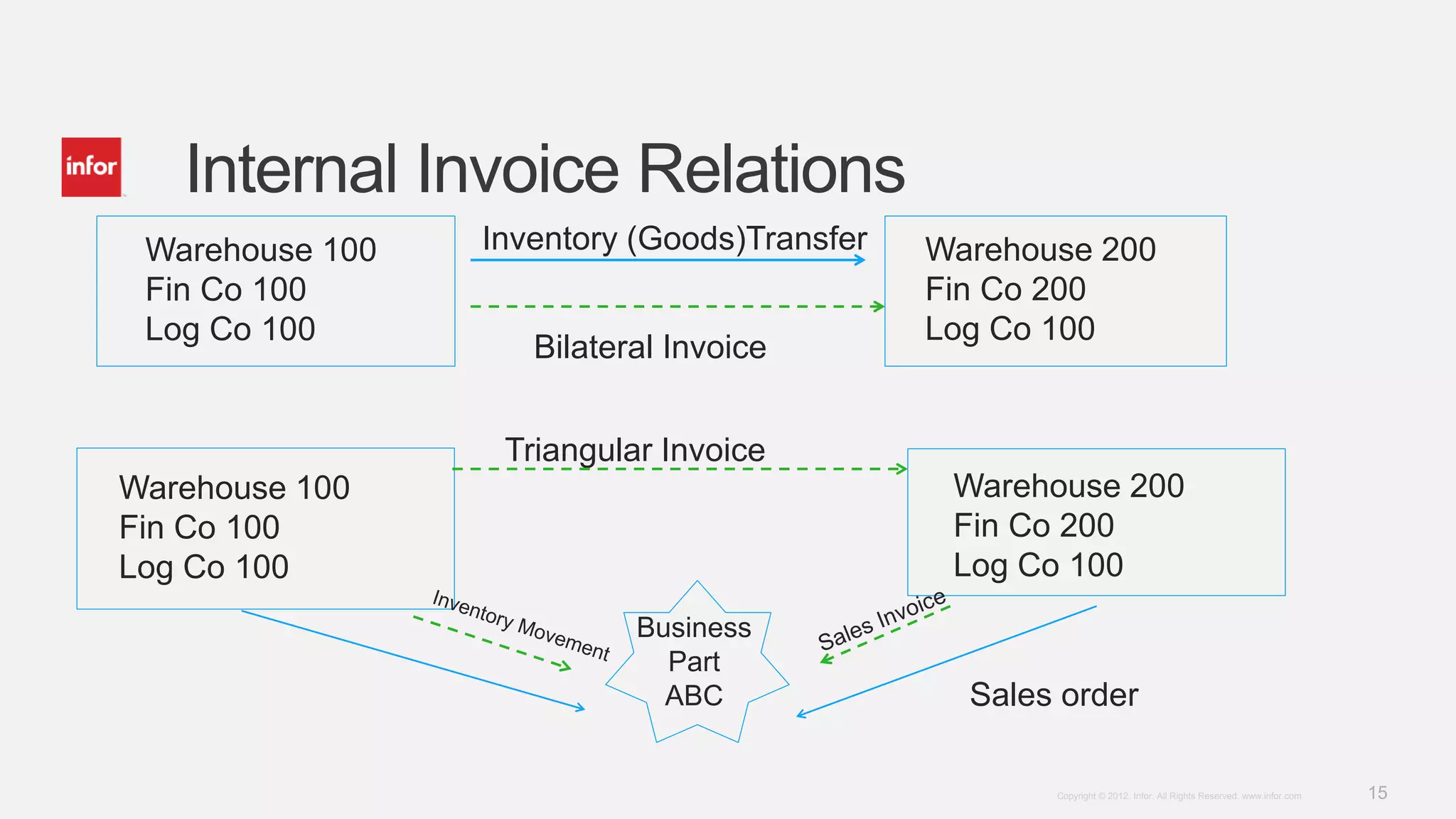
Explains internal entities via enterprise units, invoicing movements, and bilateral/triangular invoice relations.
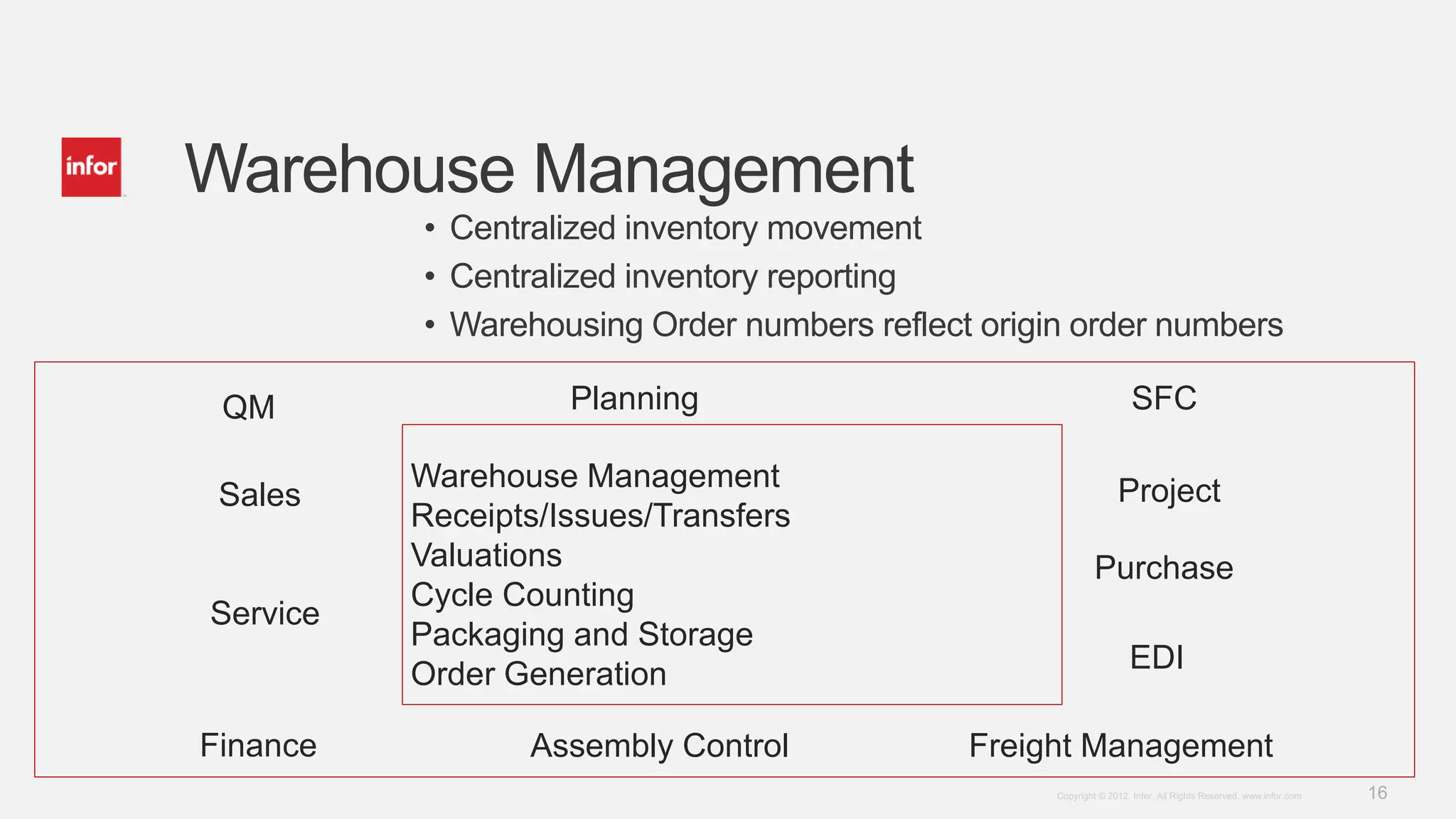
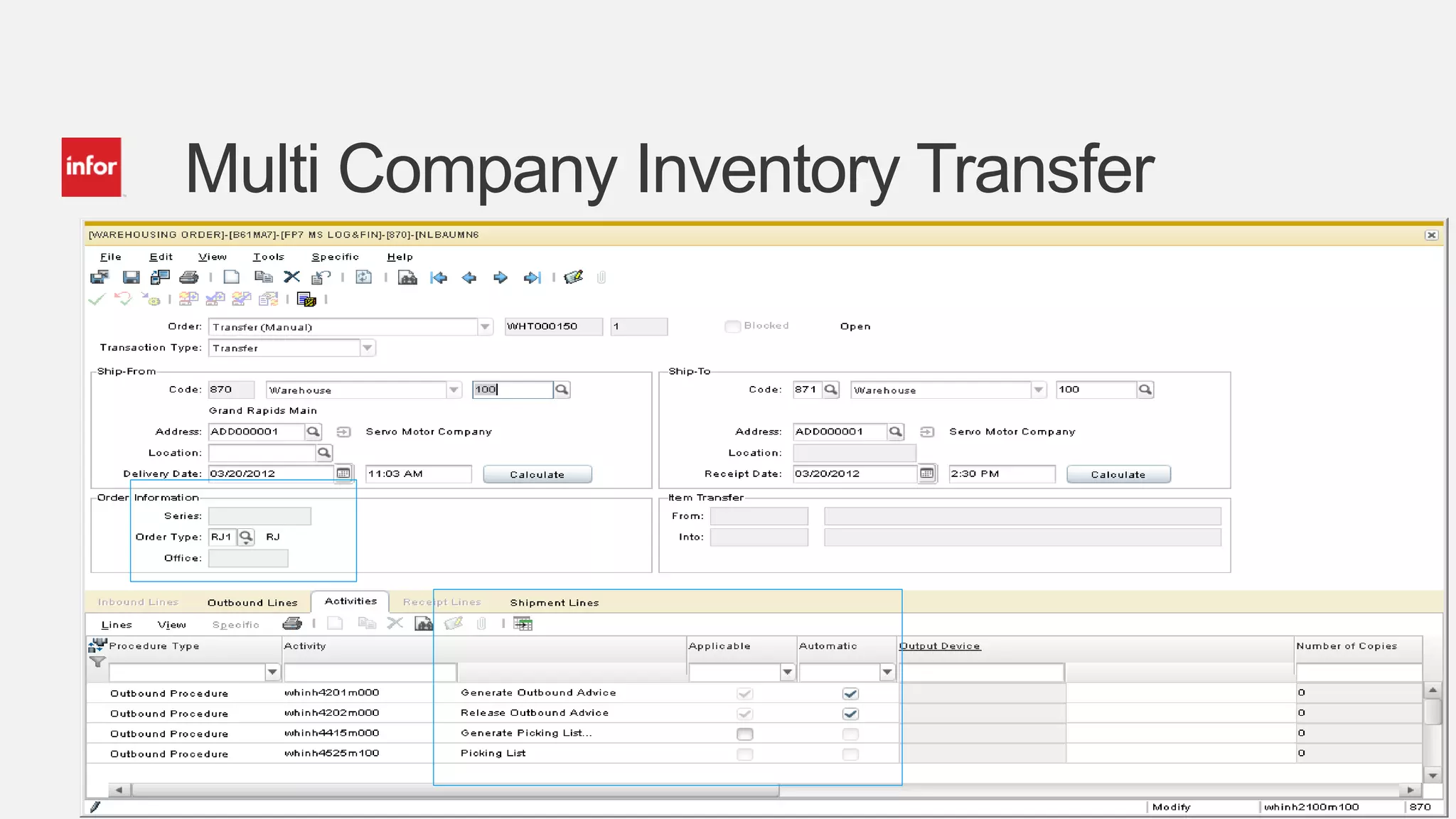
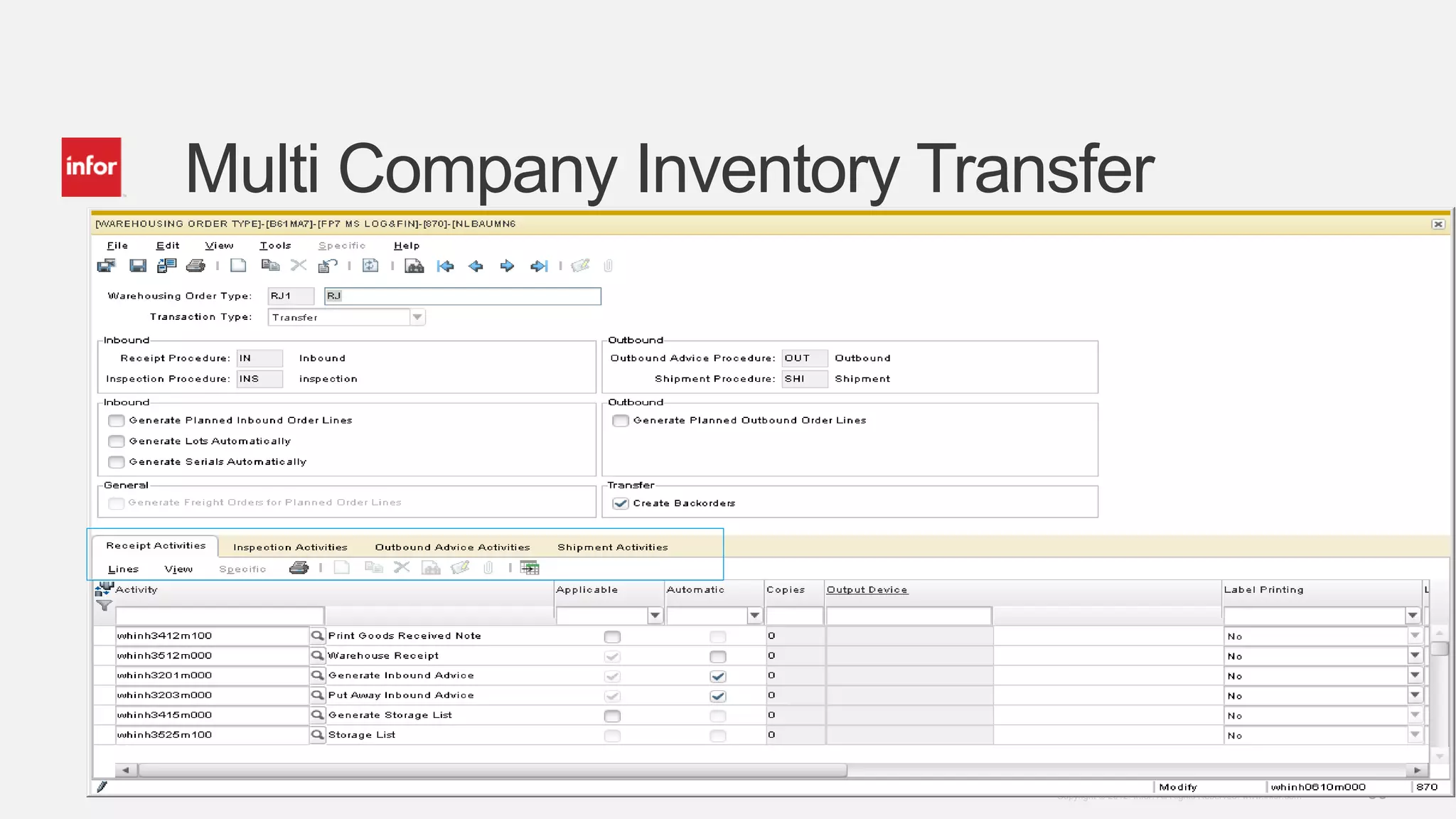
Describes centralized inventory movement and reporting, along with warehousing order management.
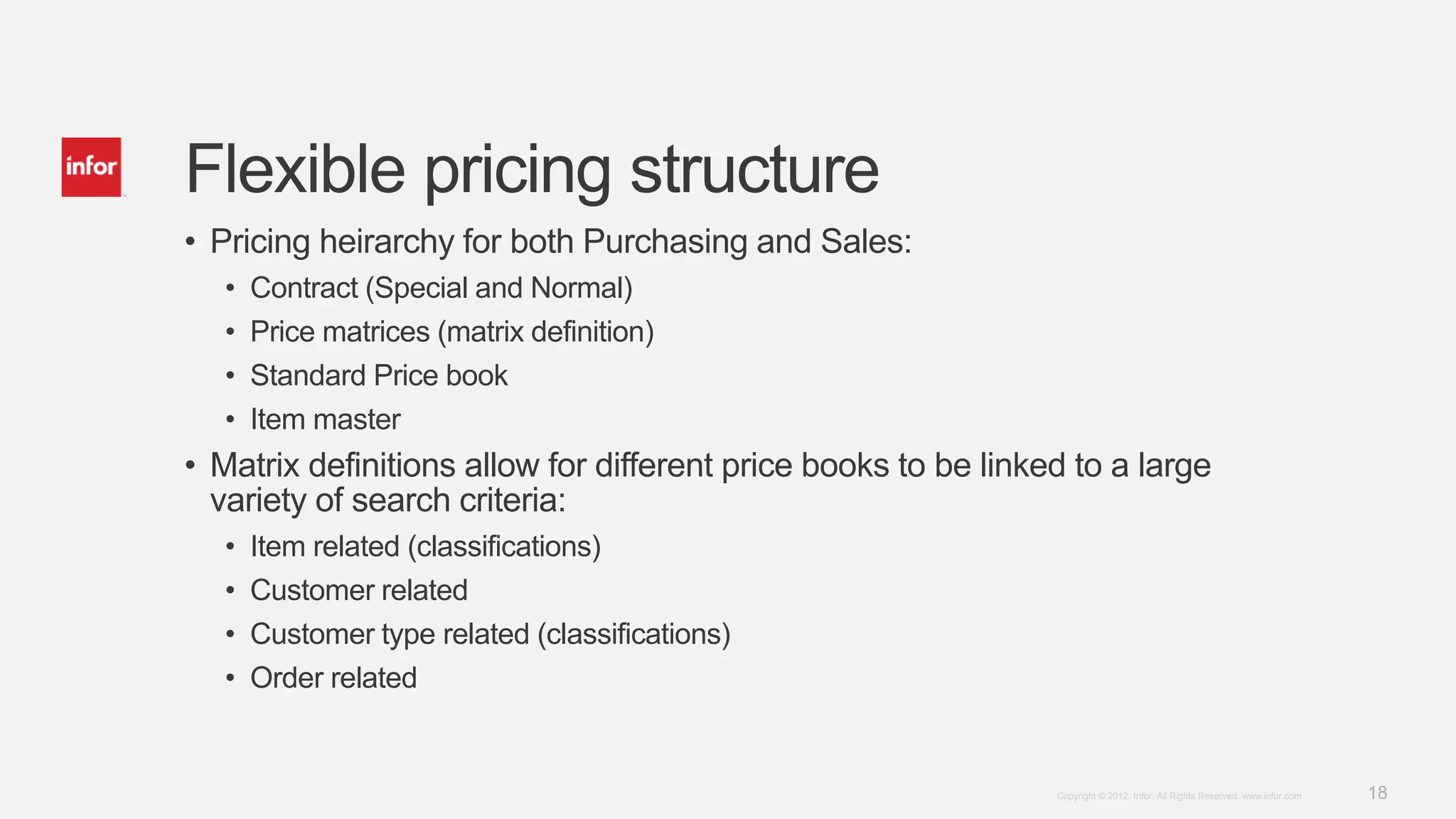
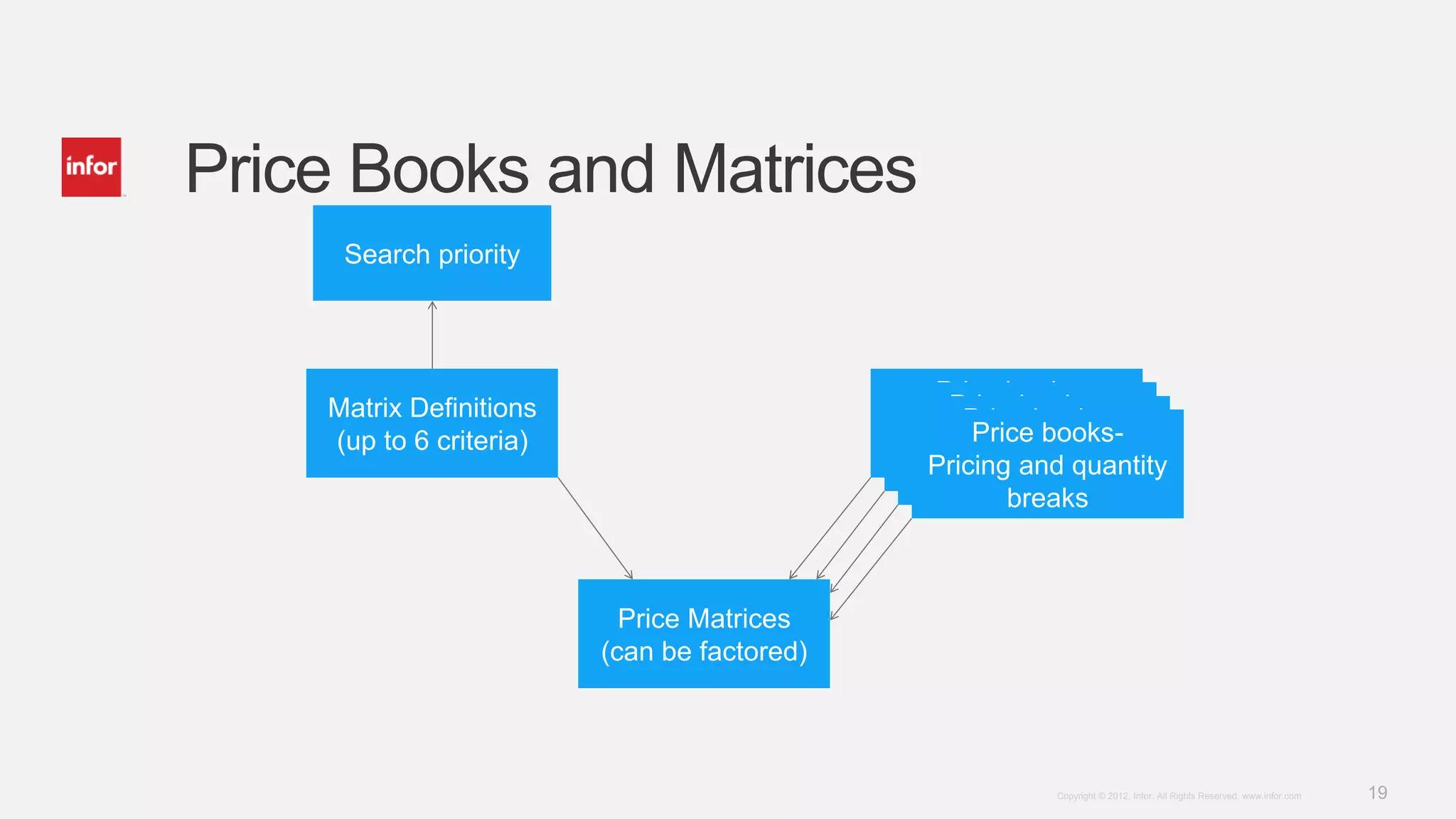
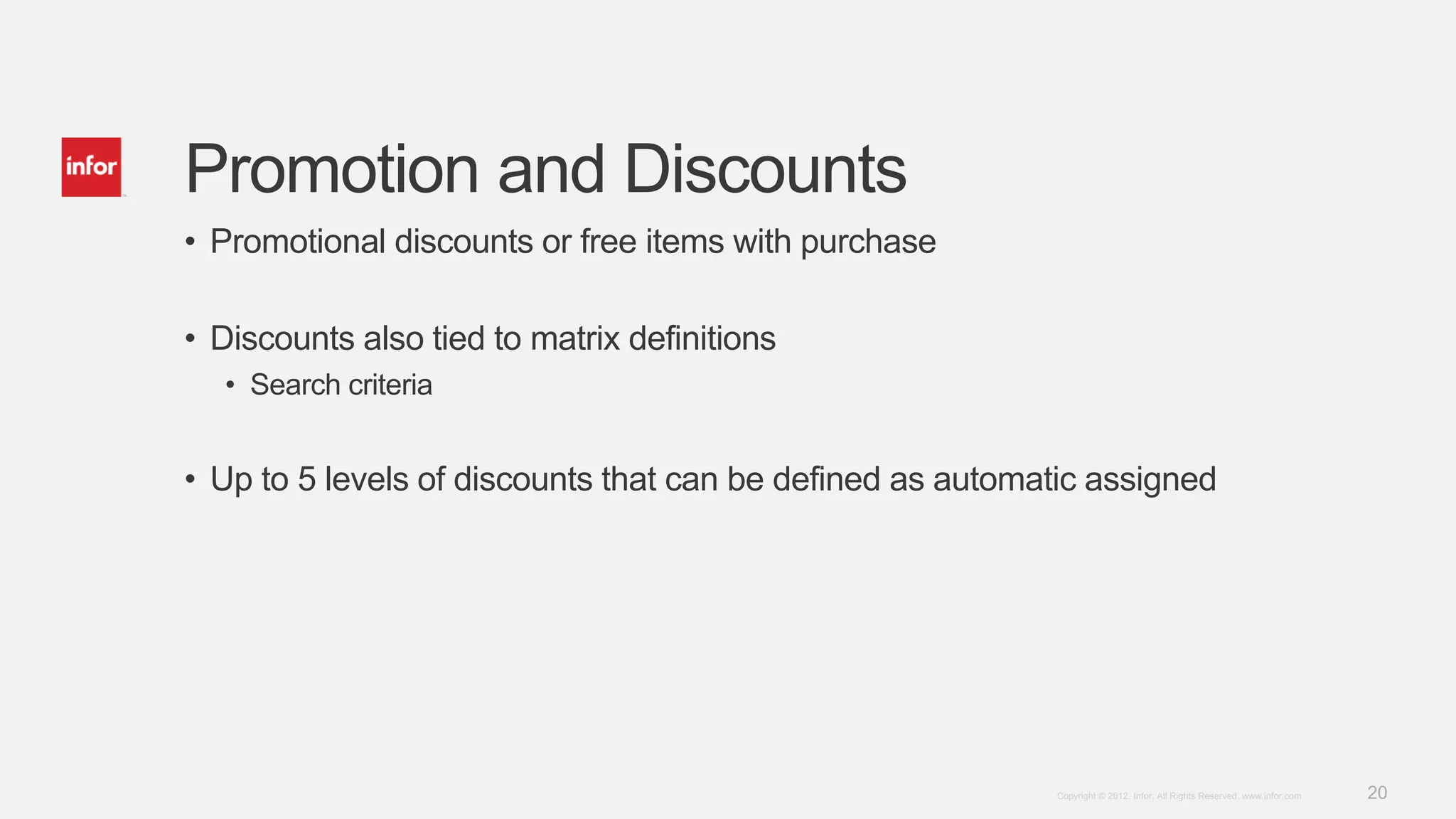
Details on breaking out sales and purchasing packages with flexible pricing and discount structures.
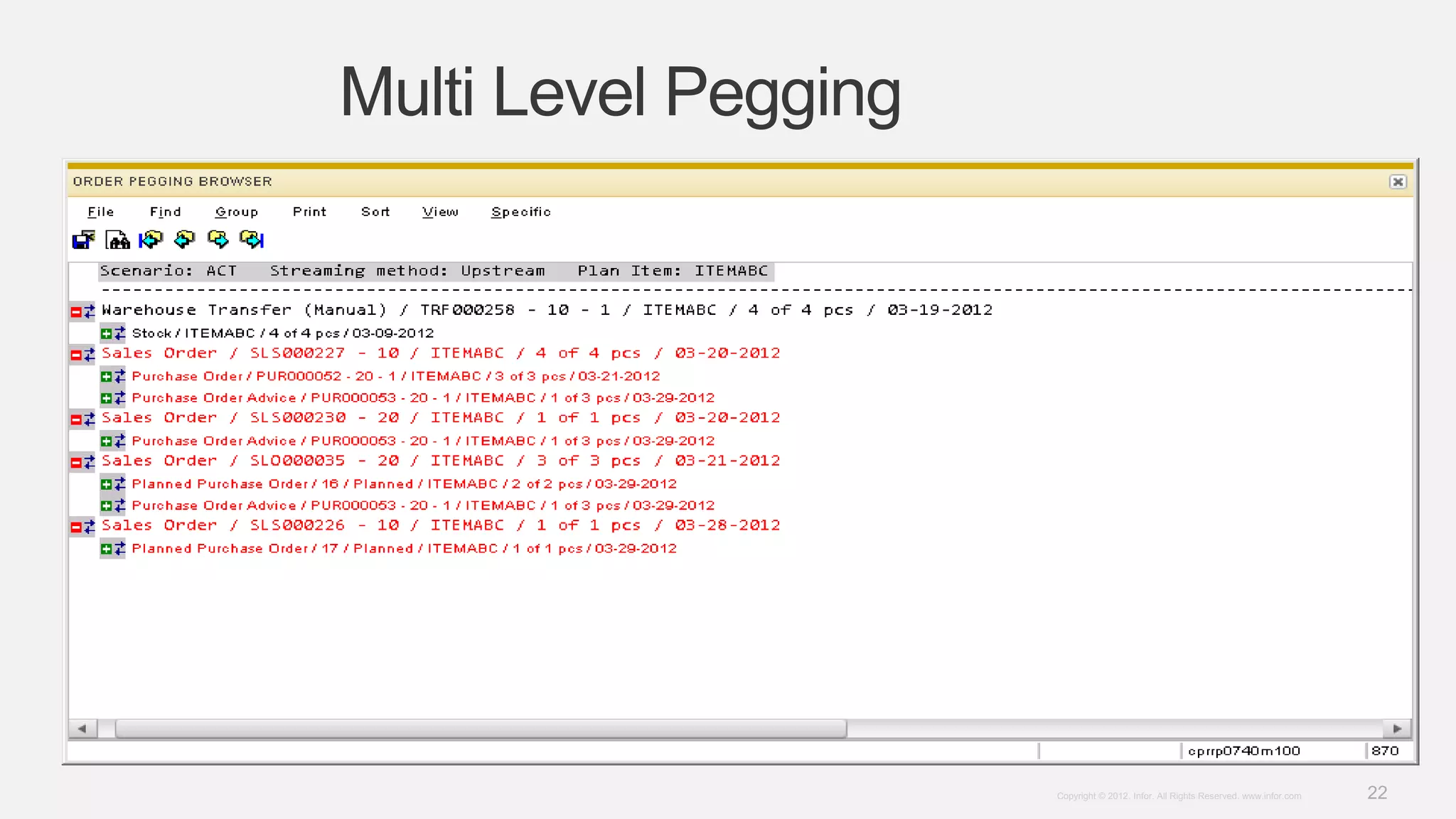
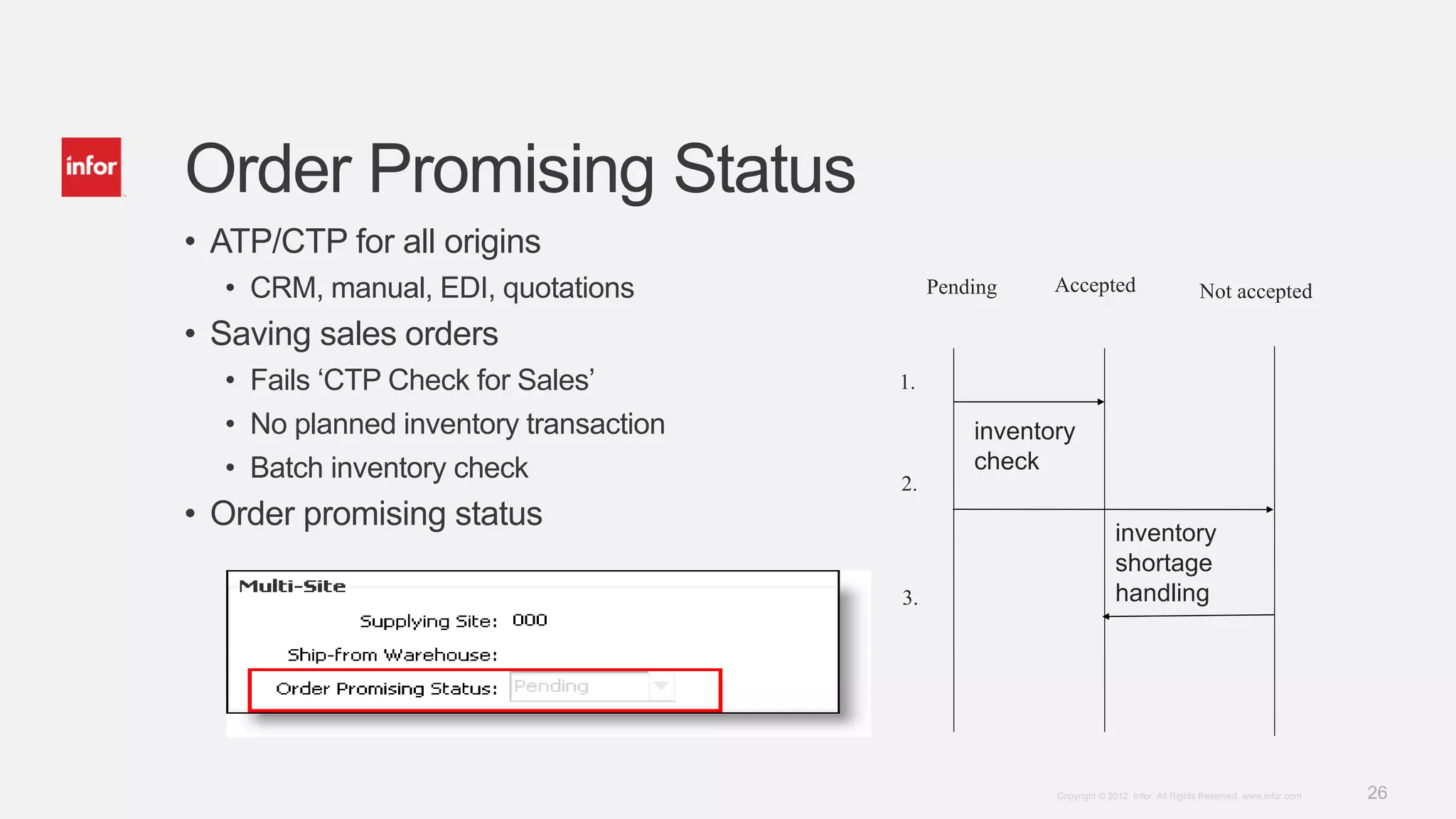
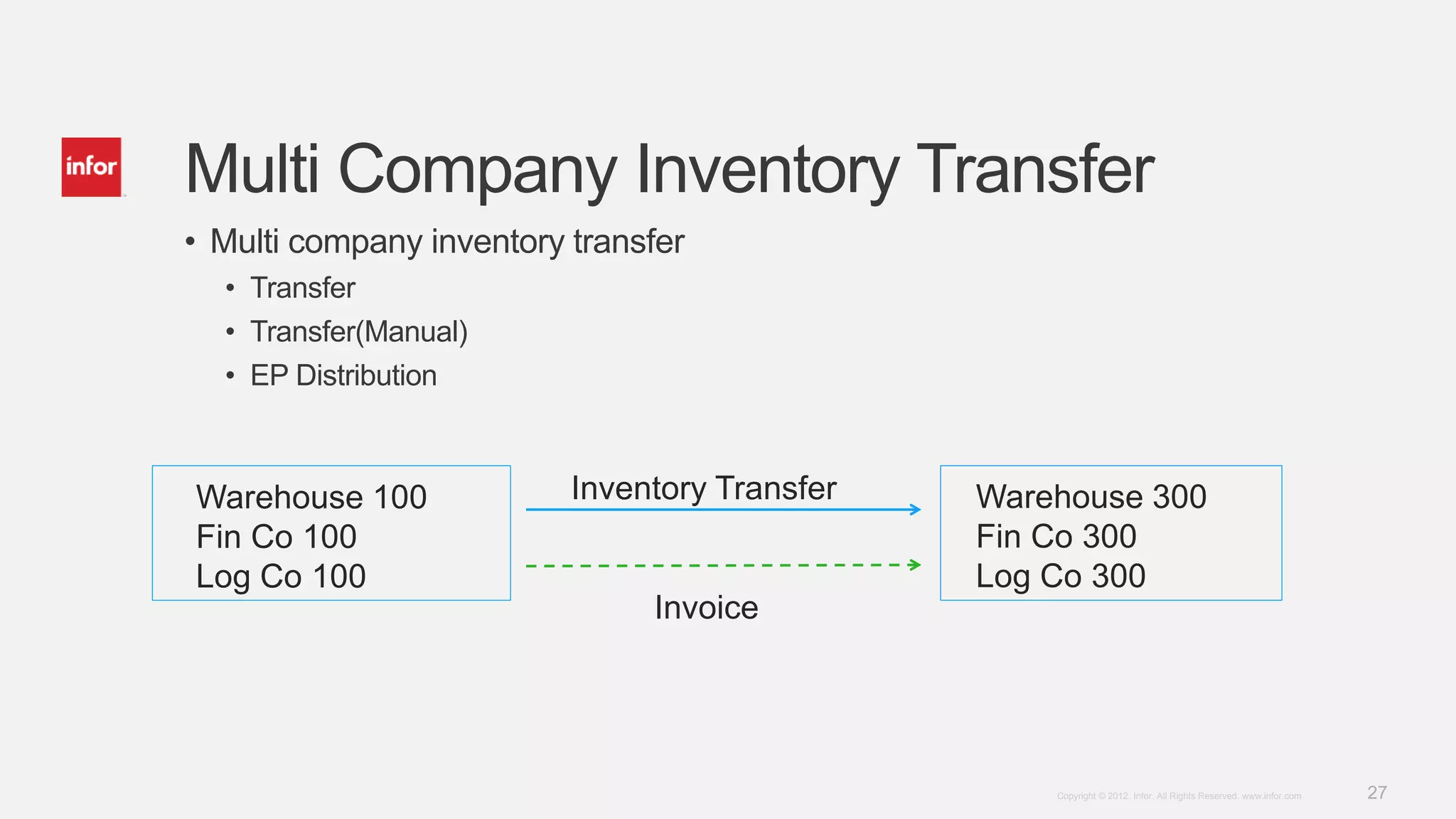
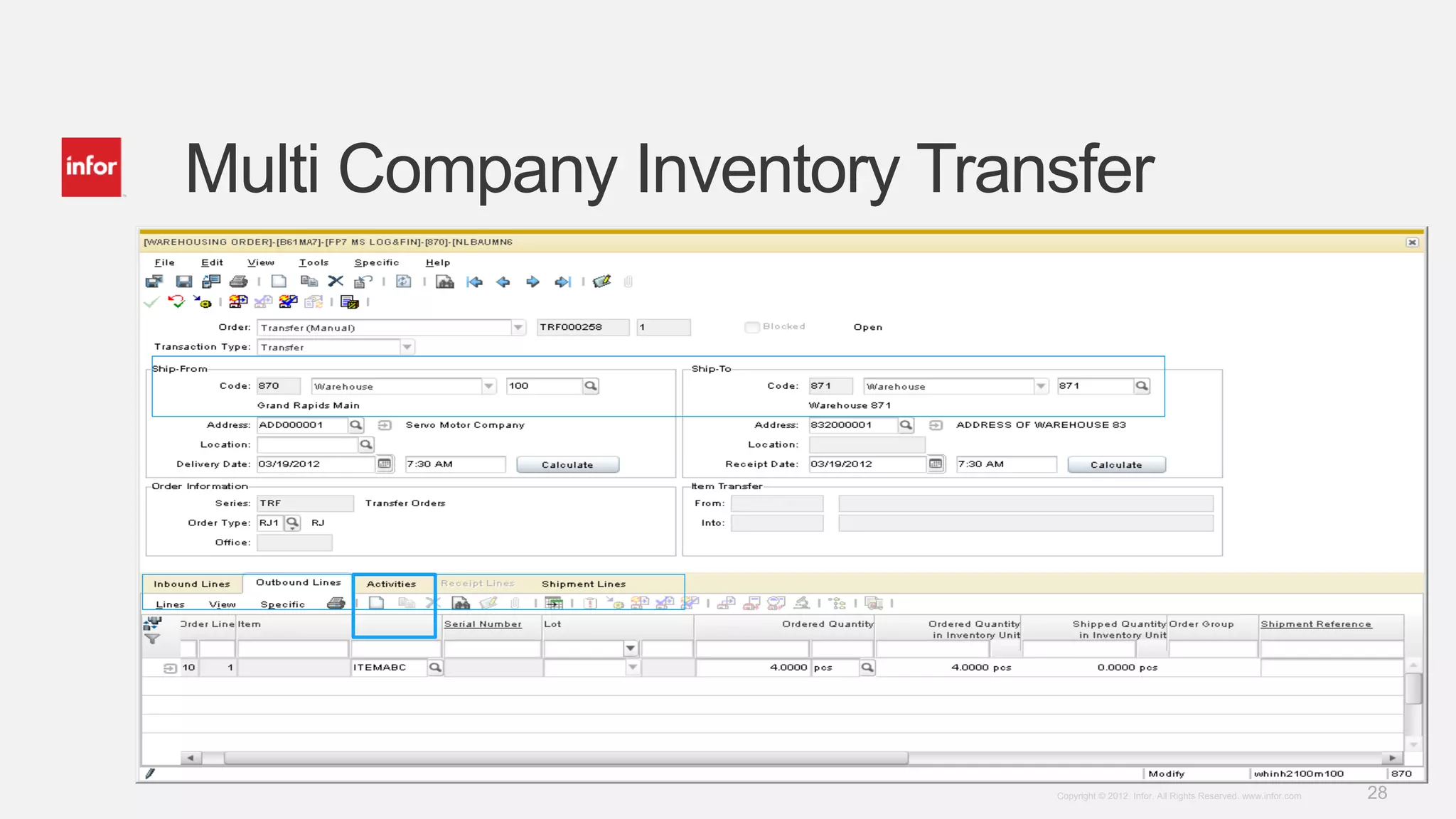
Explains multi-level pegging, inventory transfers, and order promising status for sales and production.
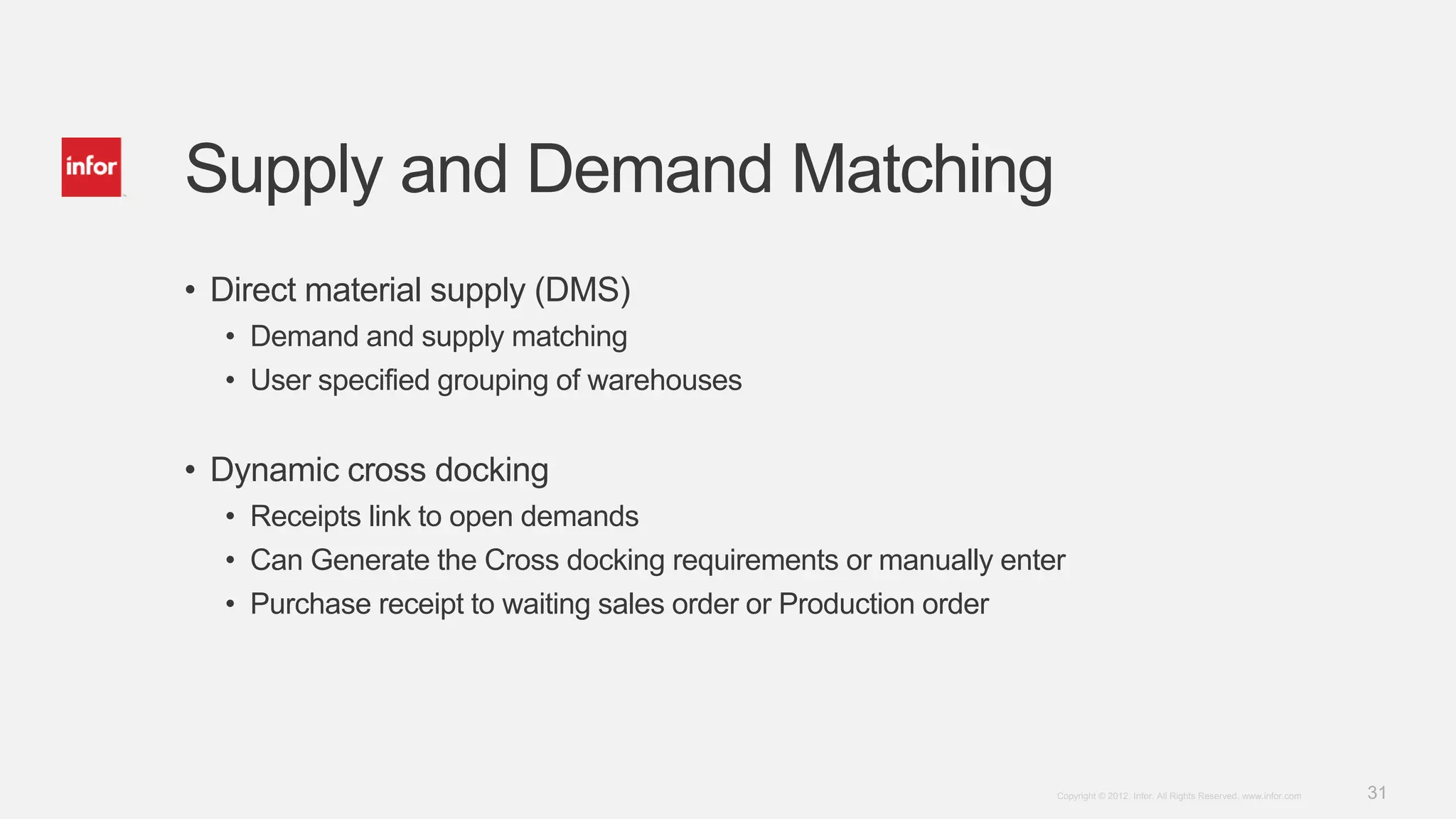
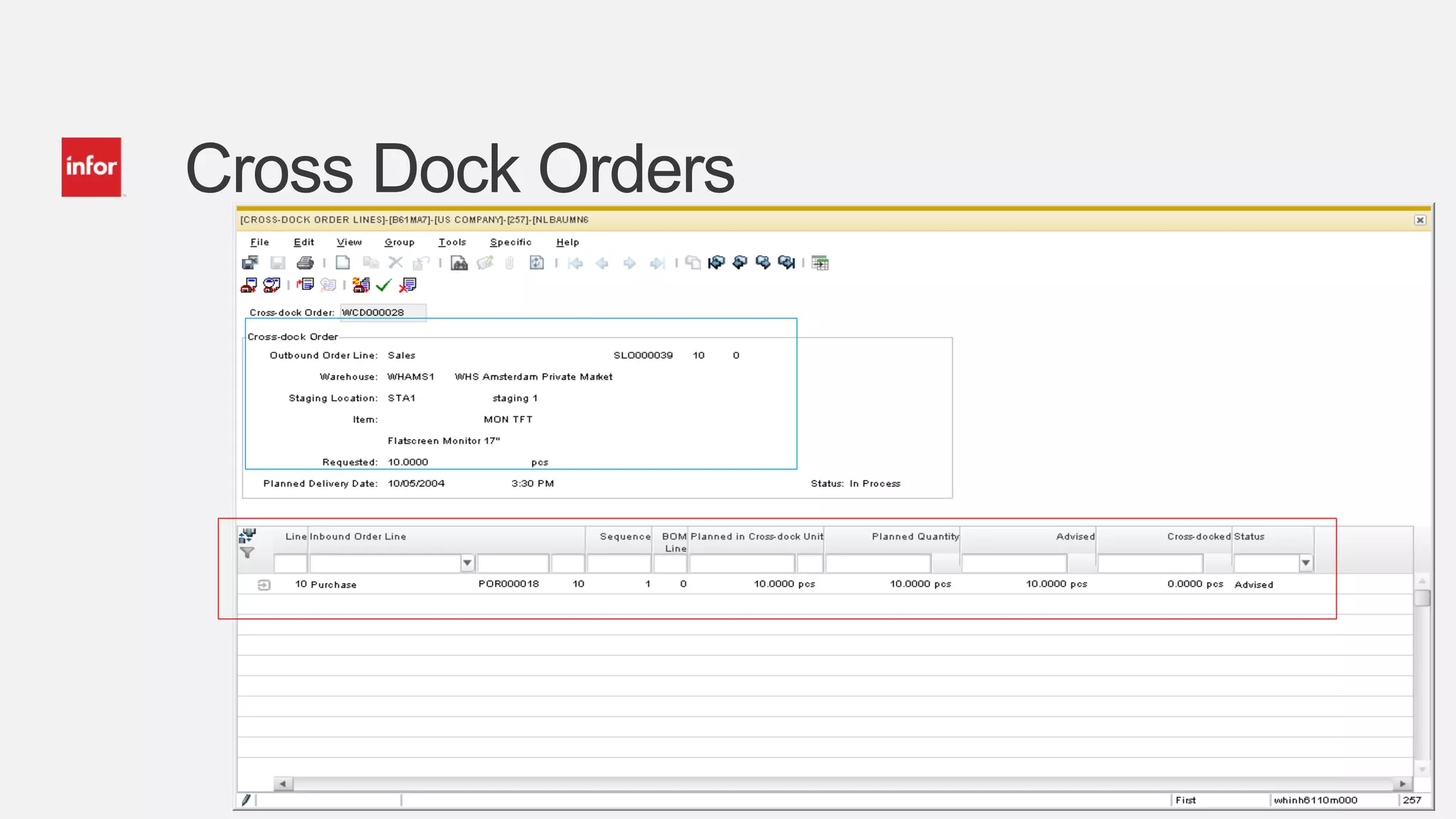
Focuses on direct material supply matching, dynamic cross docking, and inventory addressing demands.
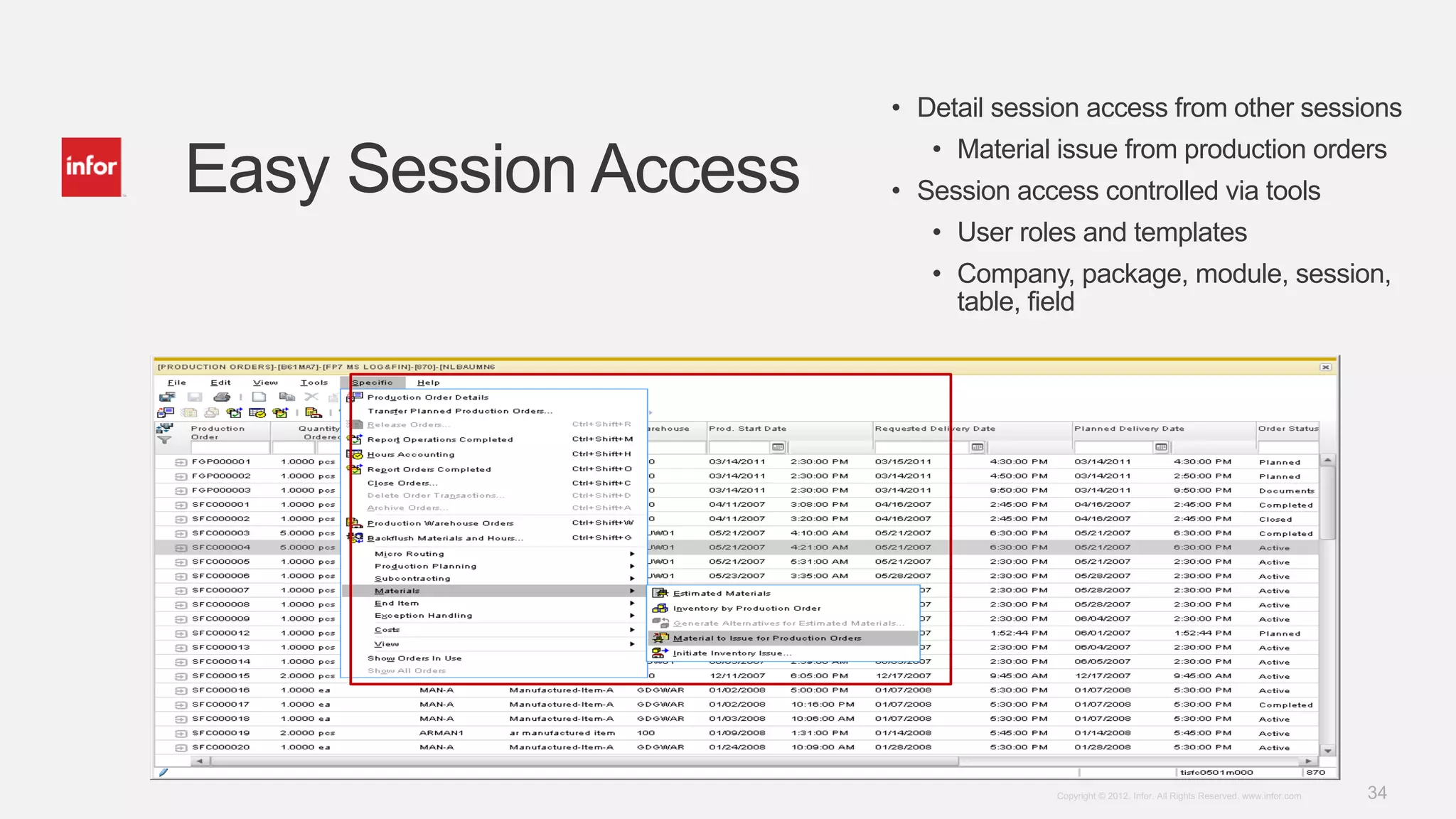
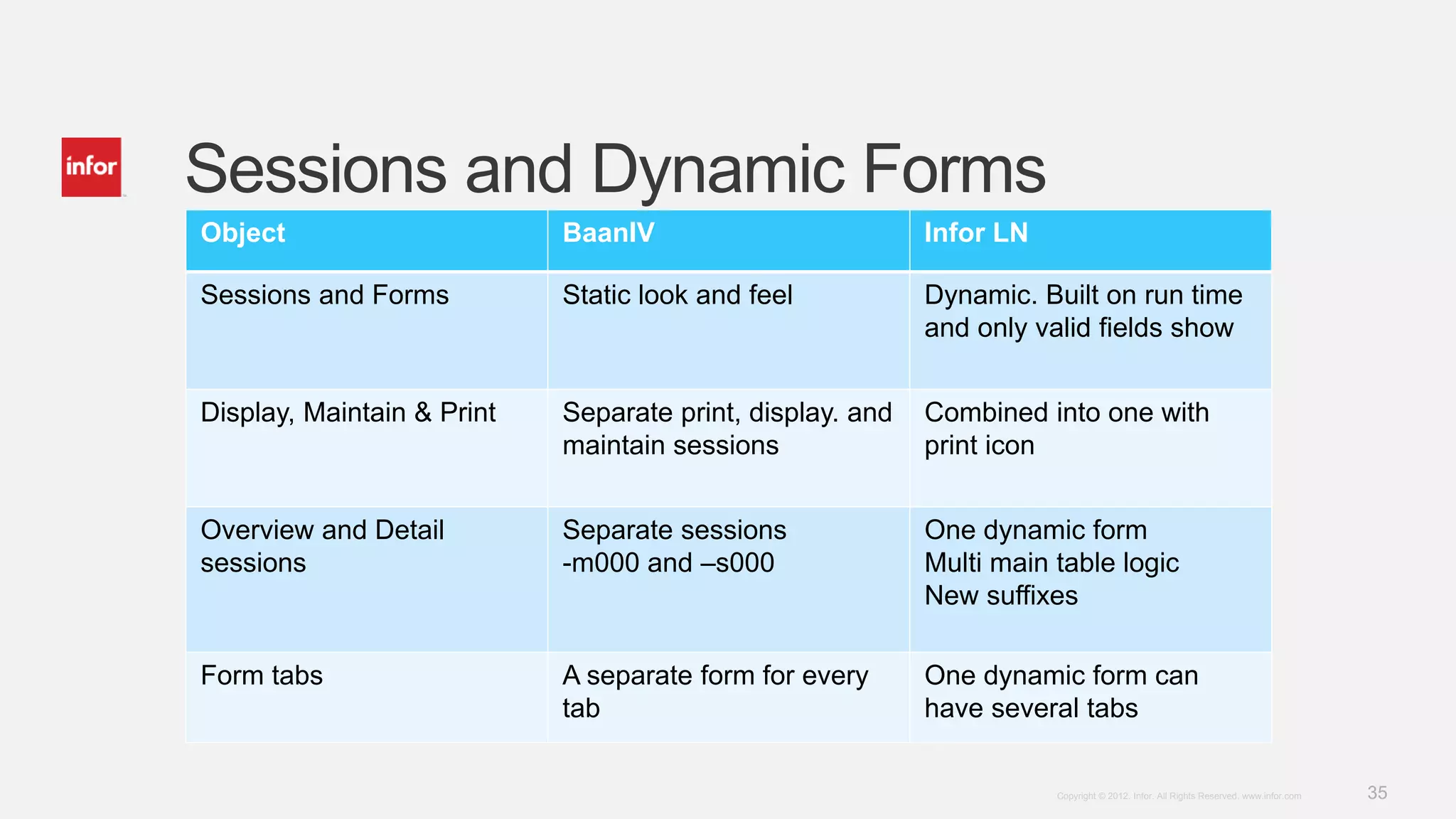
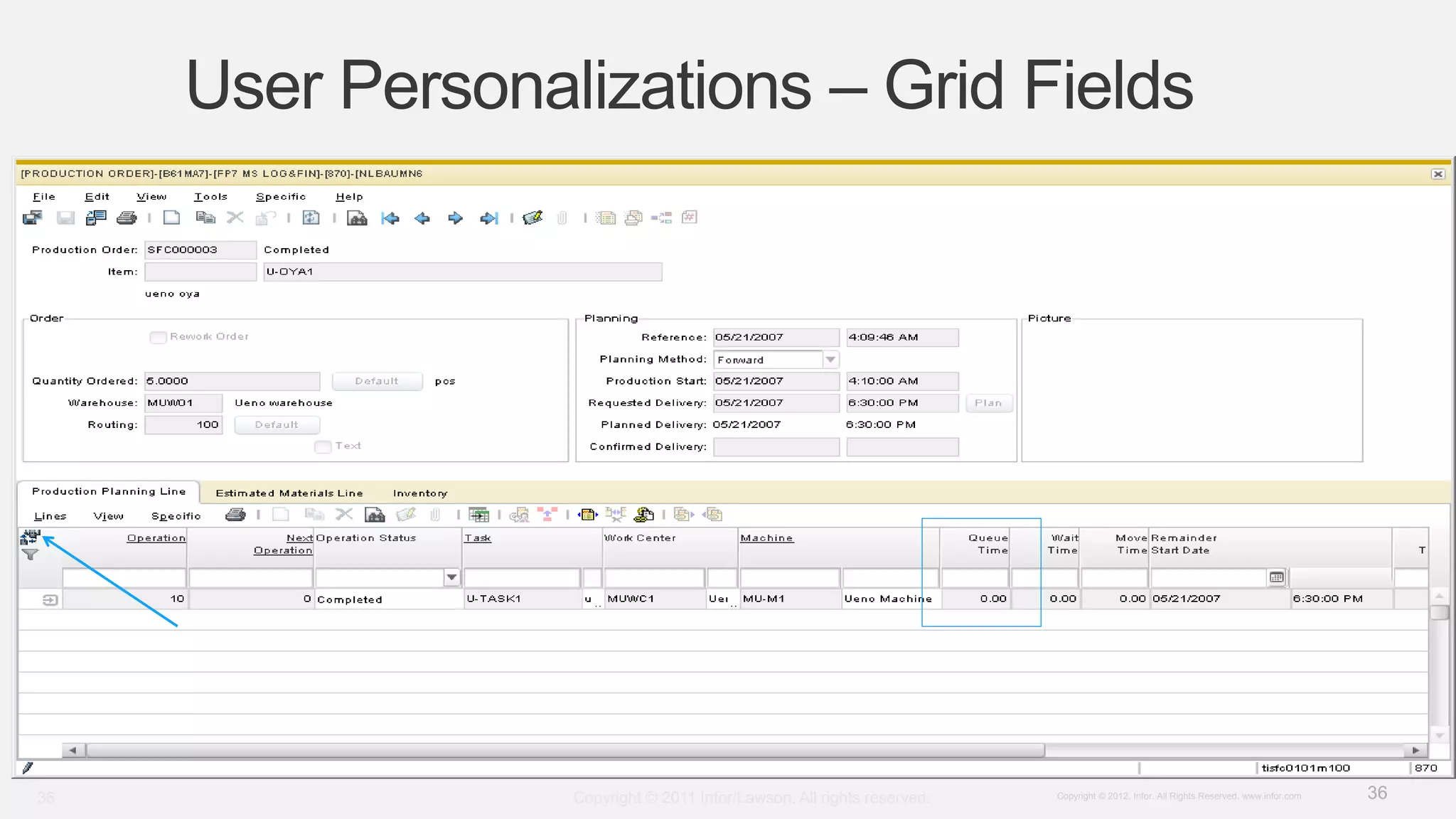
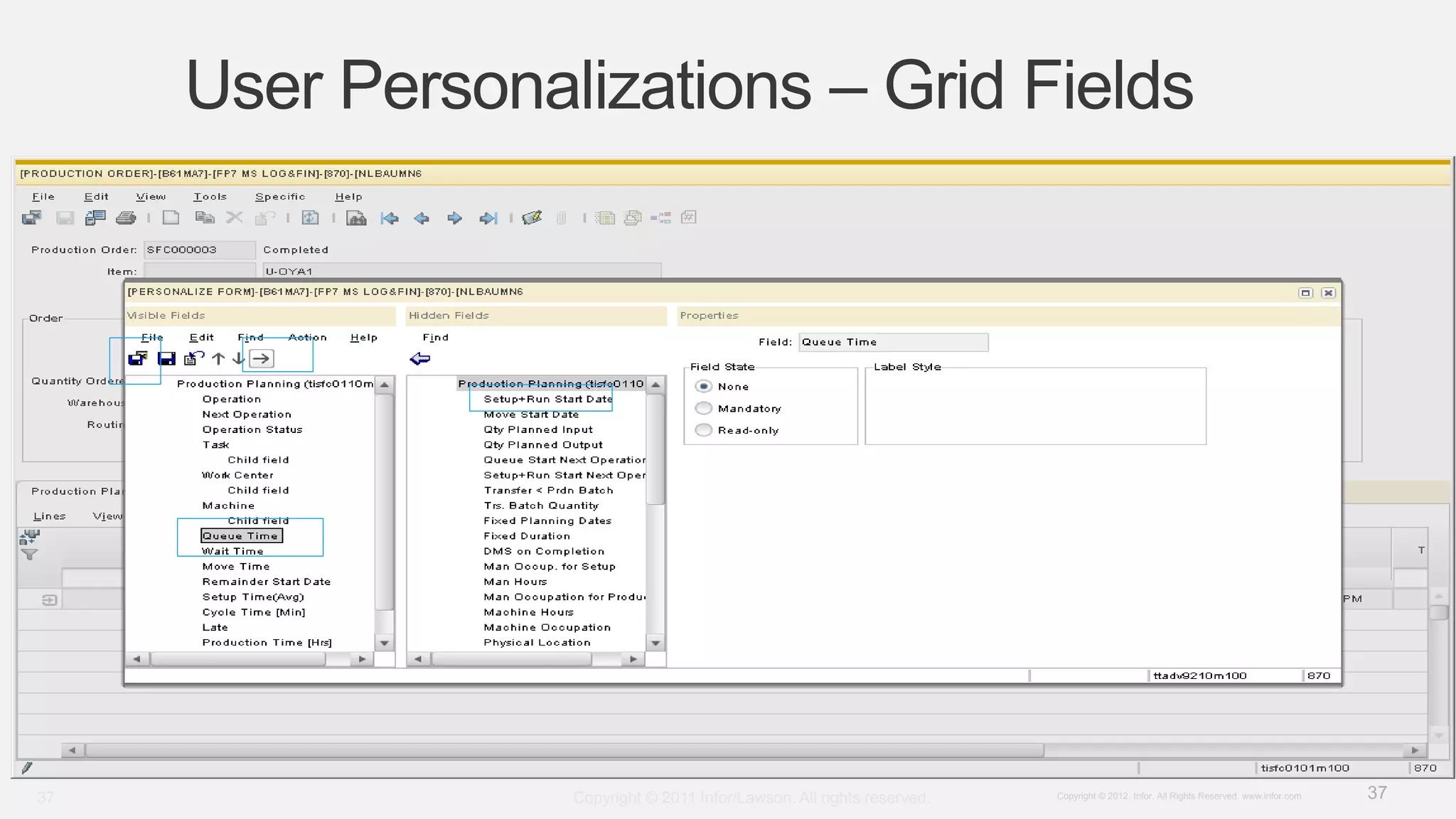
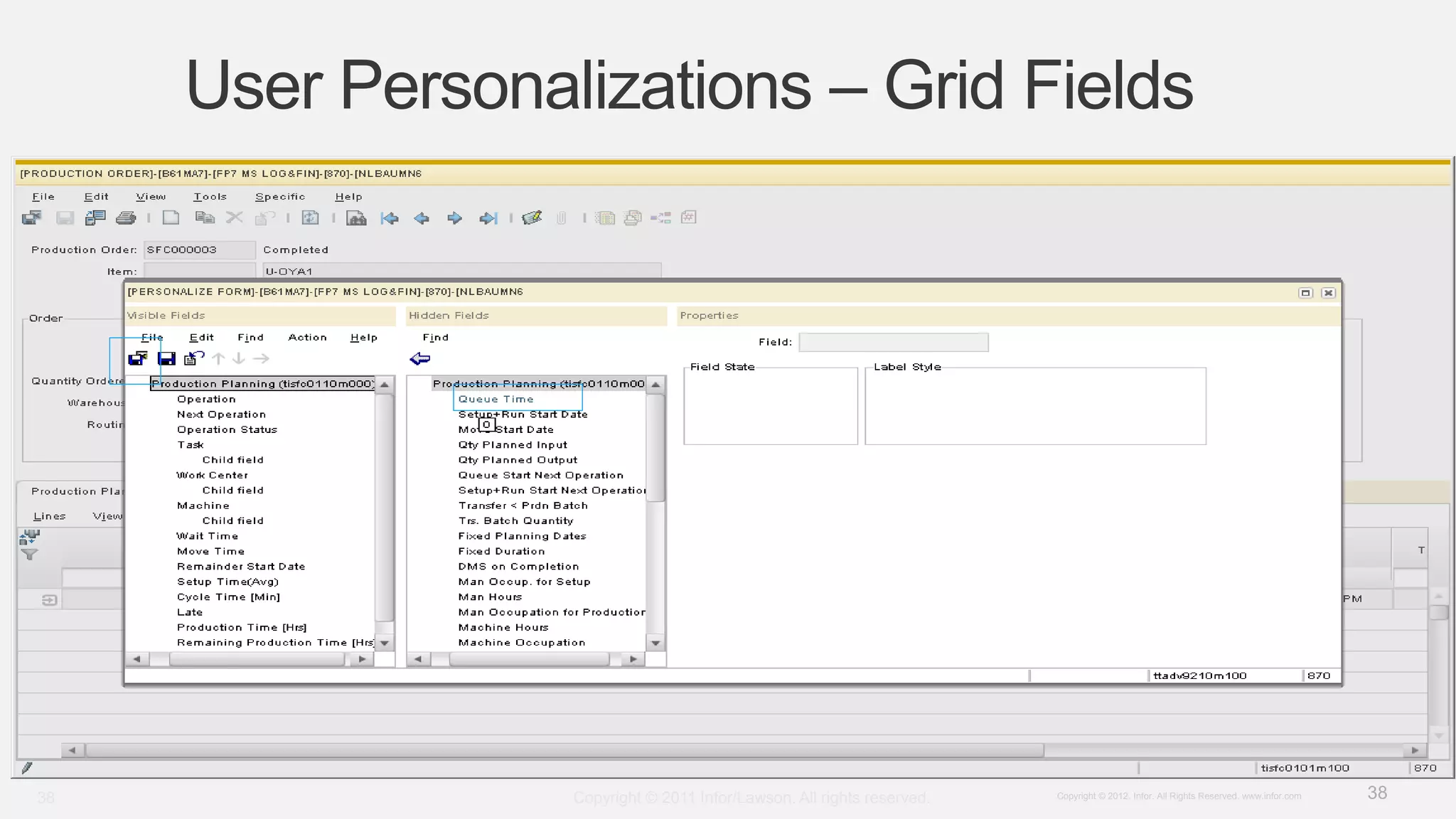
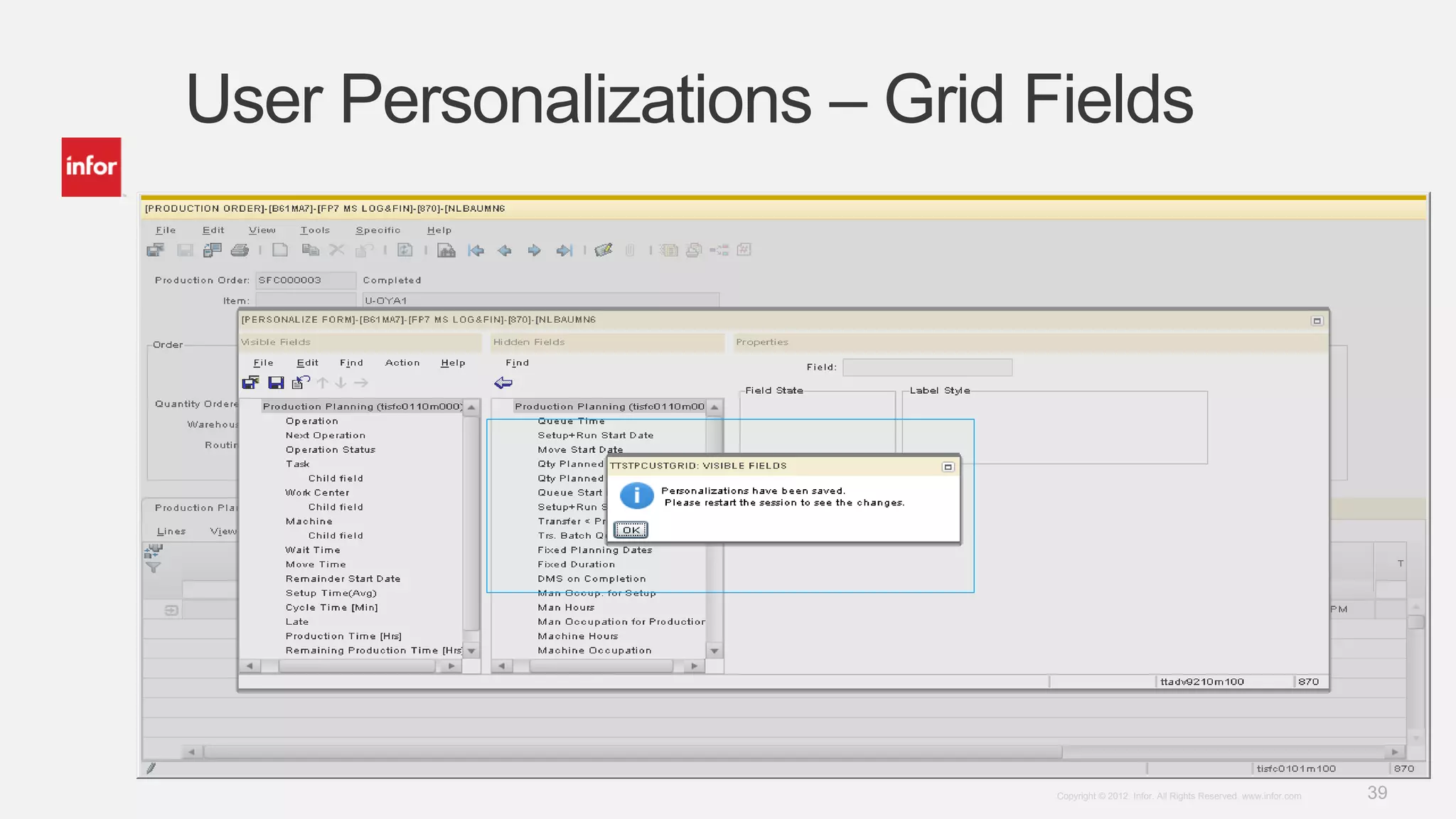
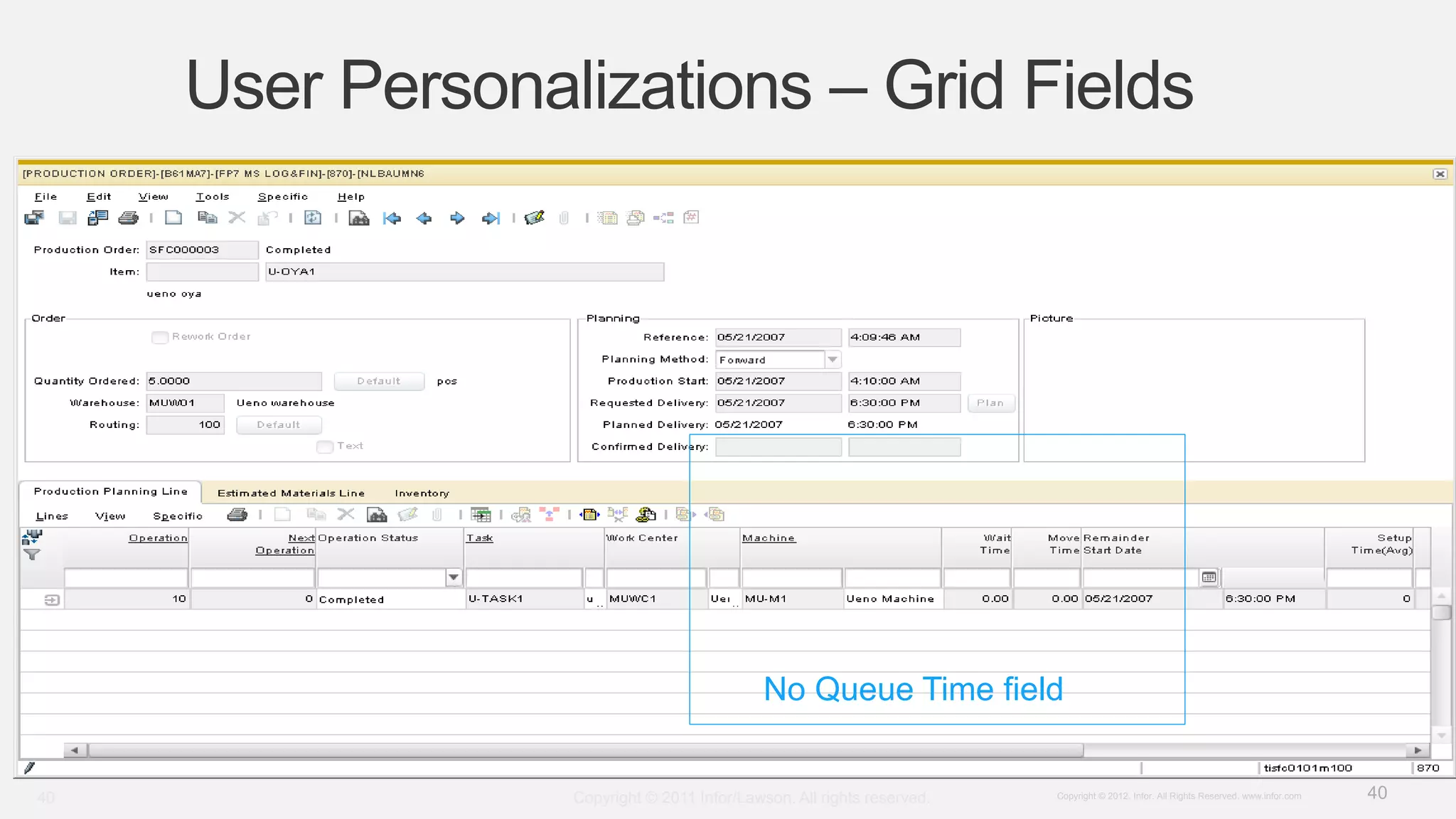
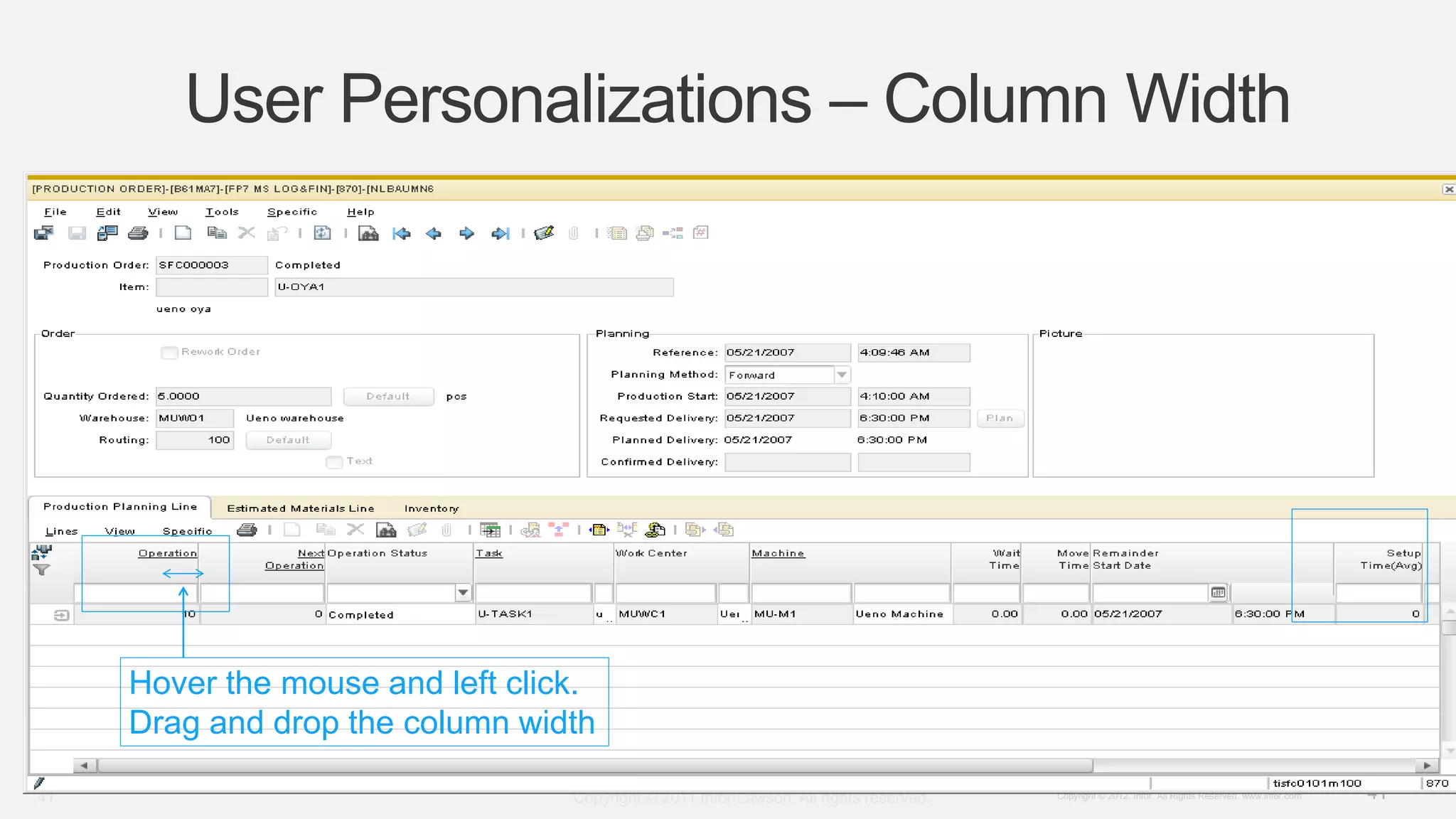
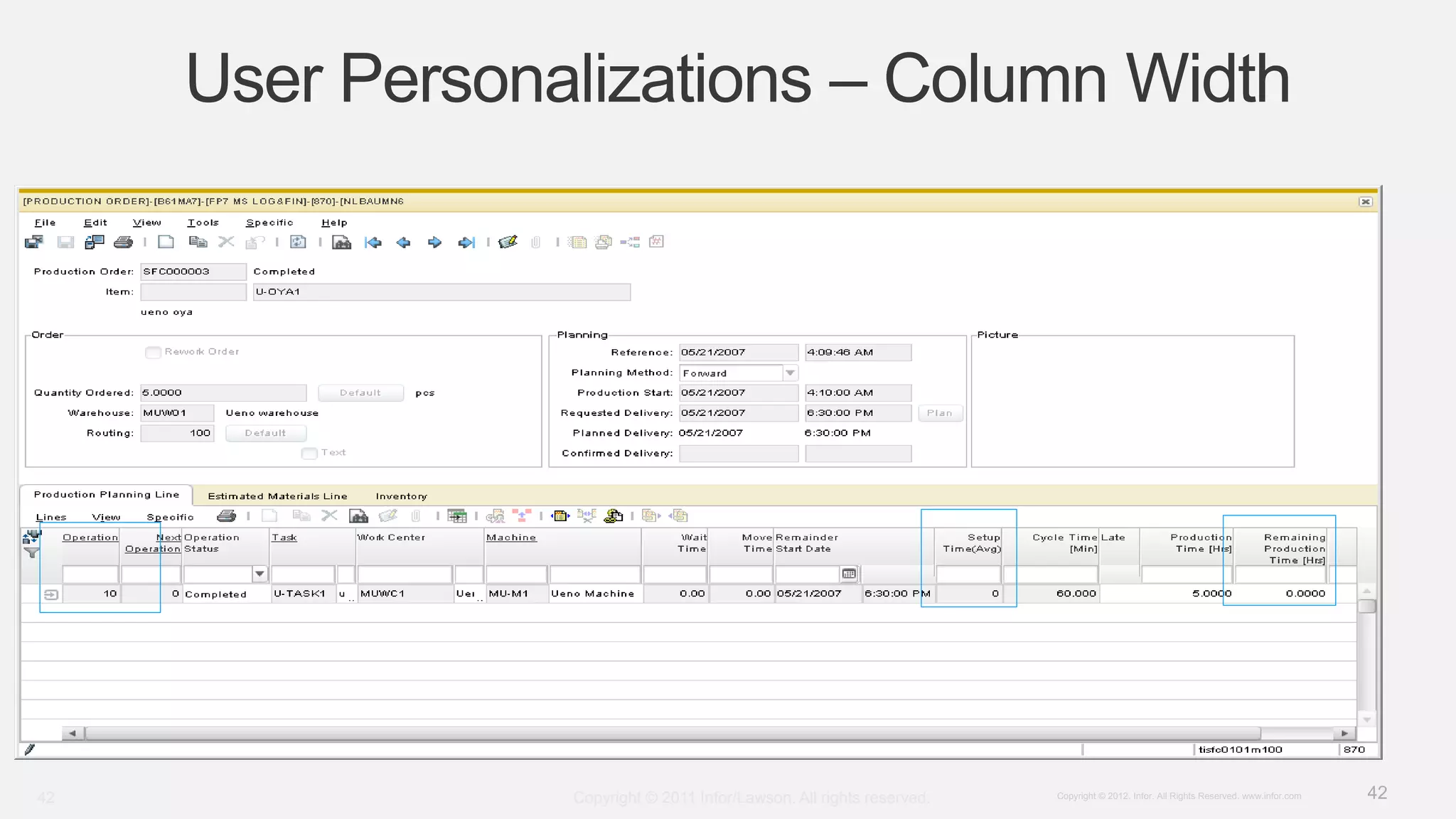
Discusses usability improvements, dynamic forms, and personalization enhancing user experiences.Highlights user customization options across various grid fields and colum width adjustments.
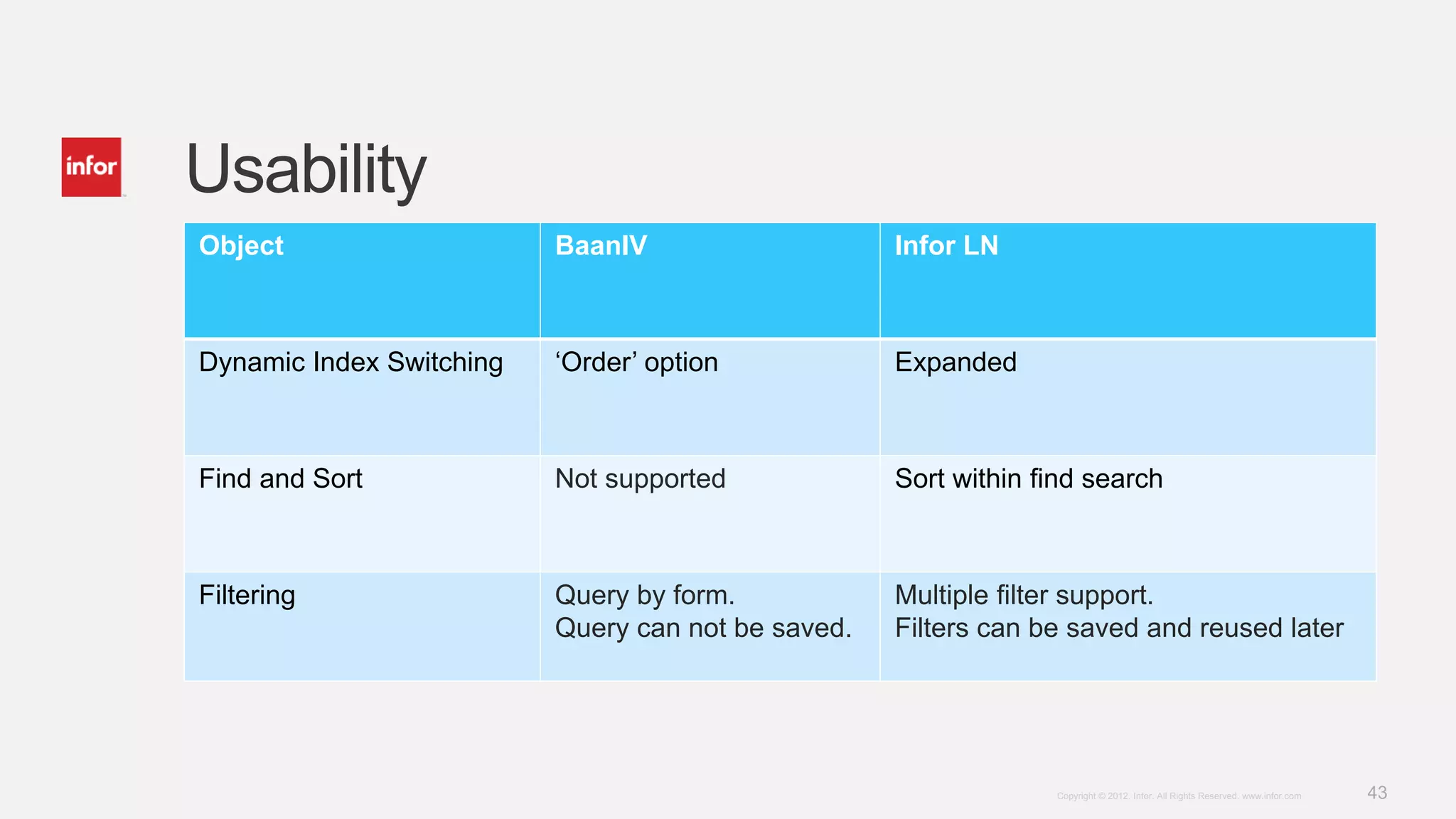
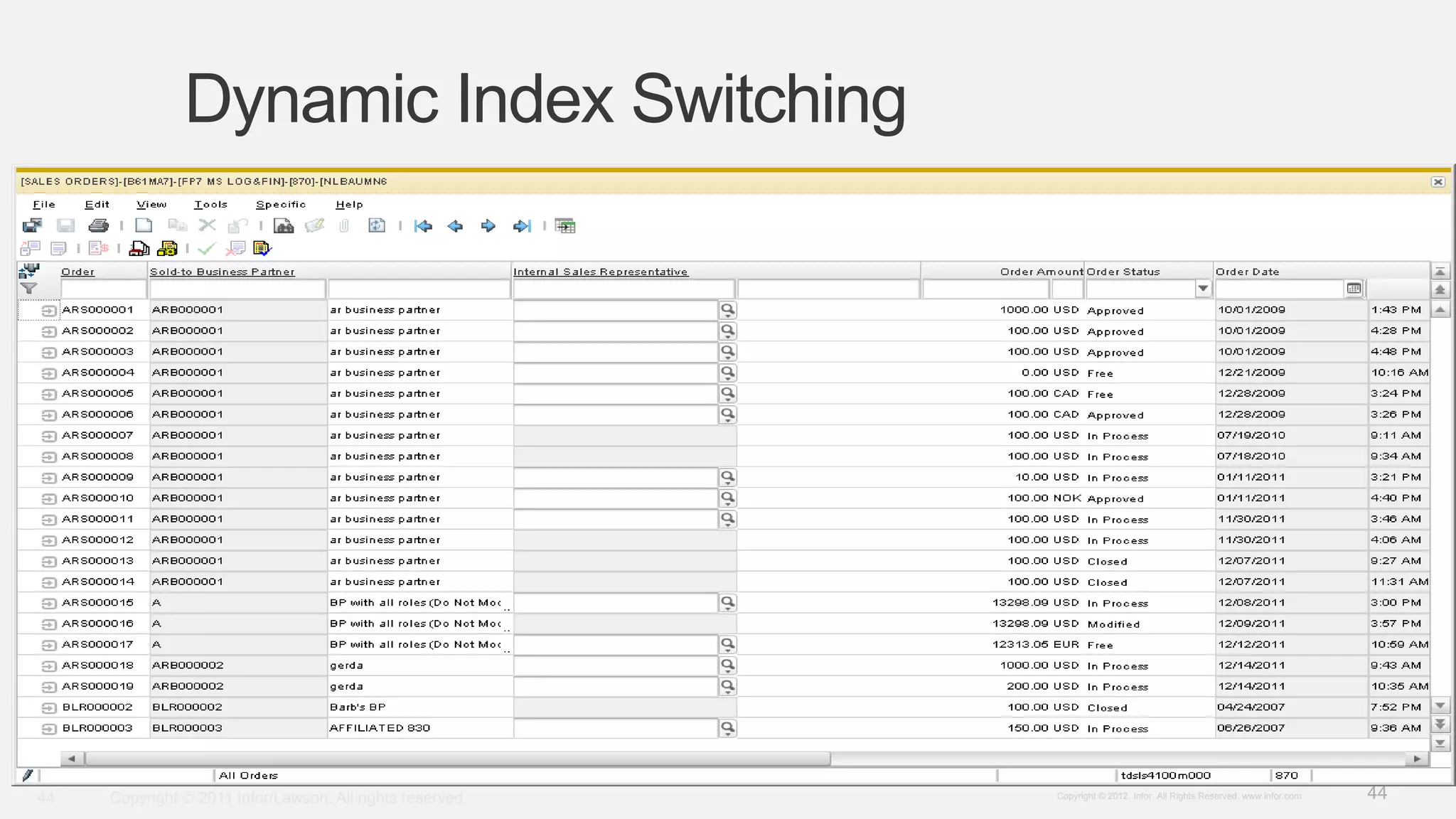
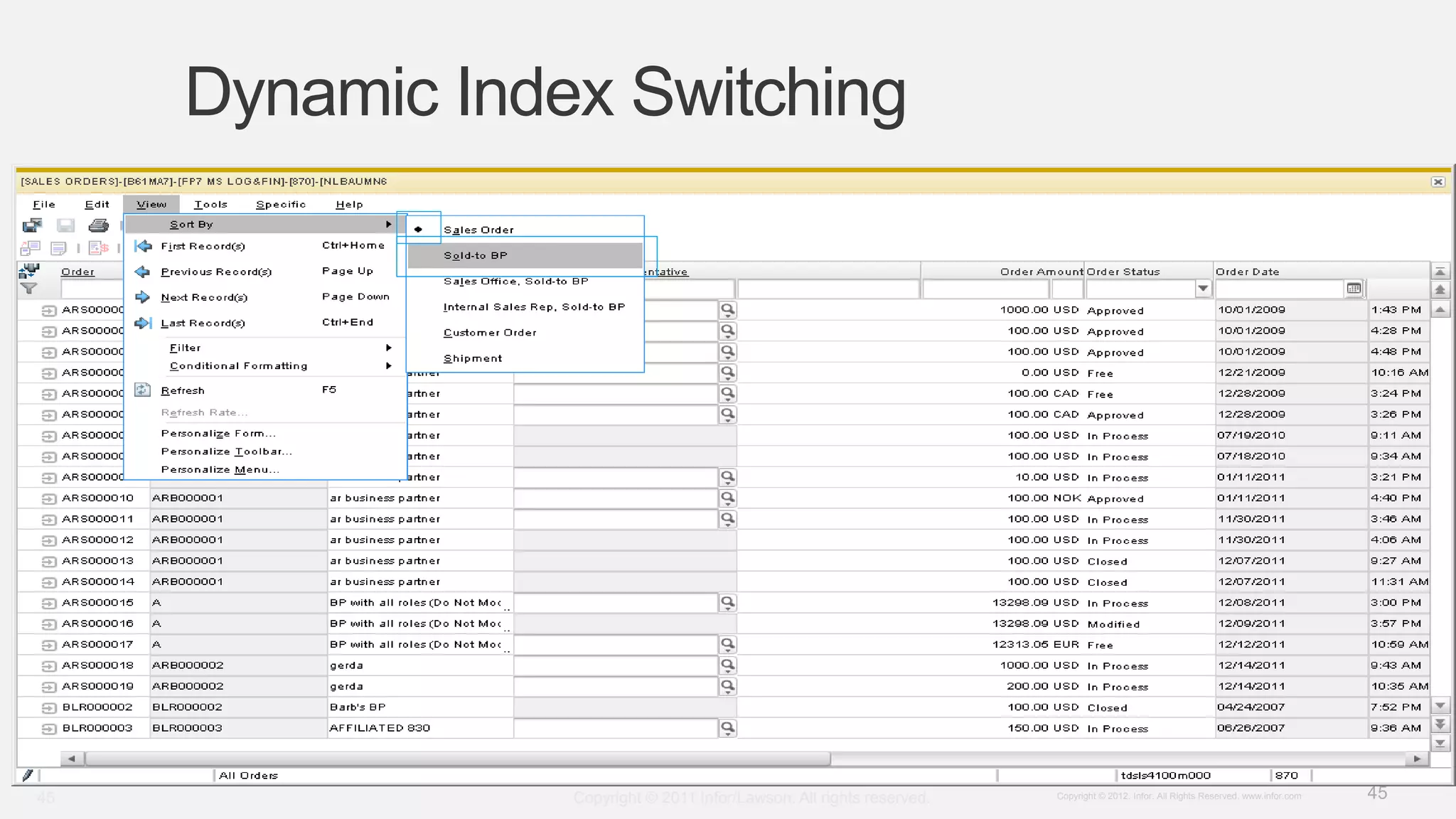
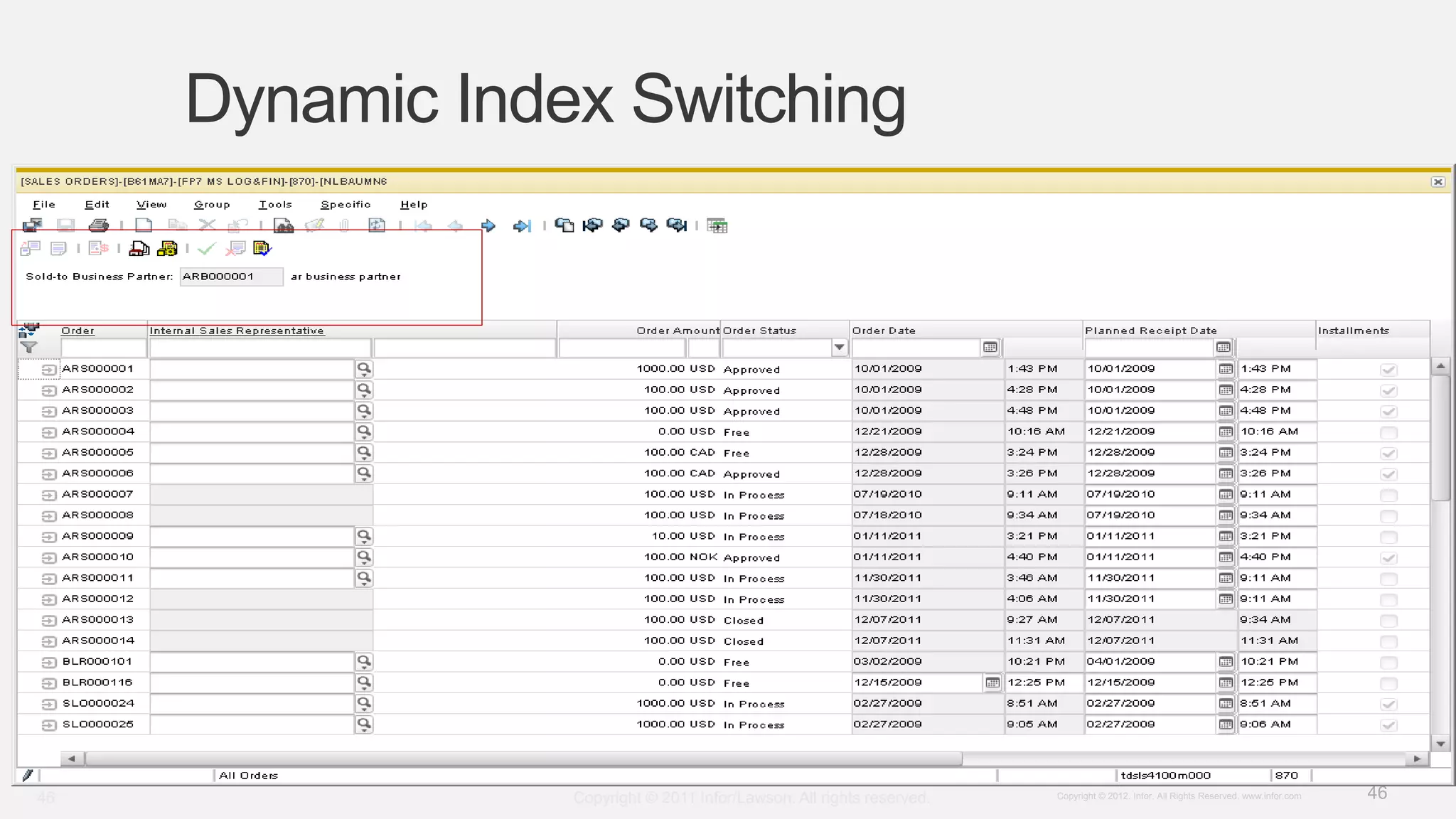
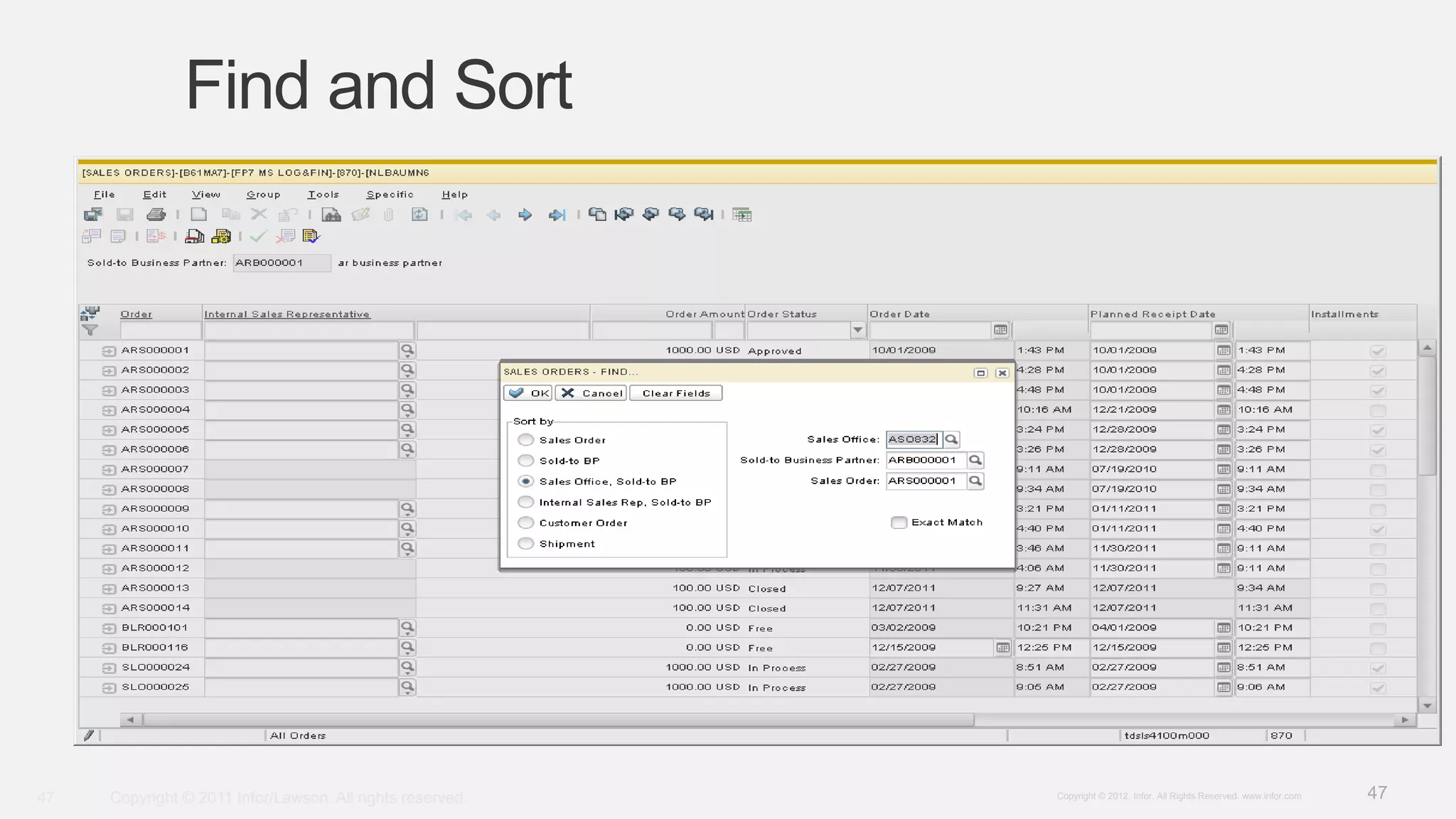
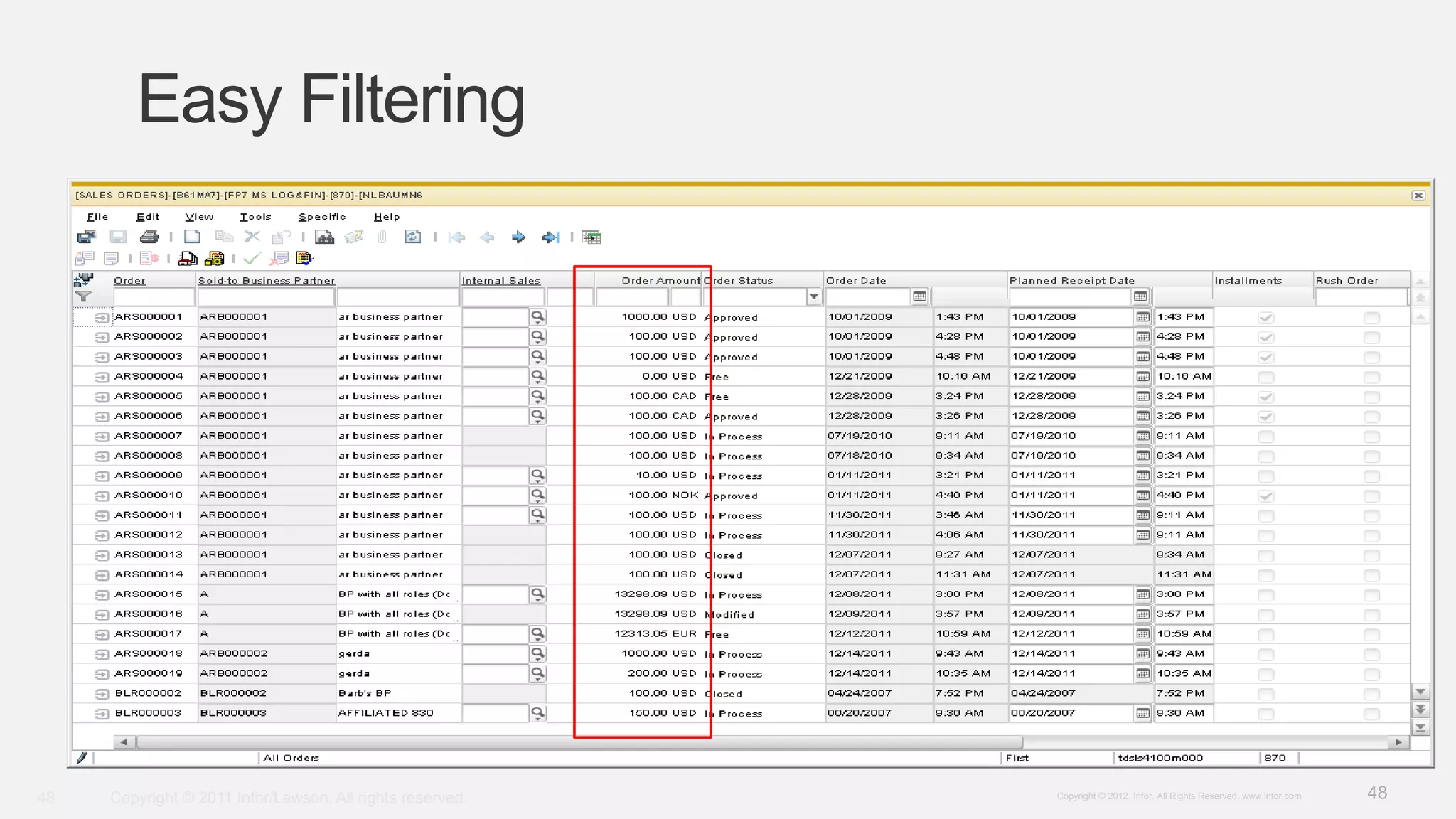
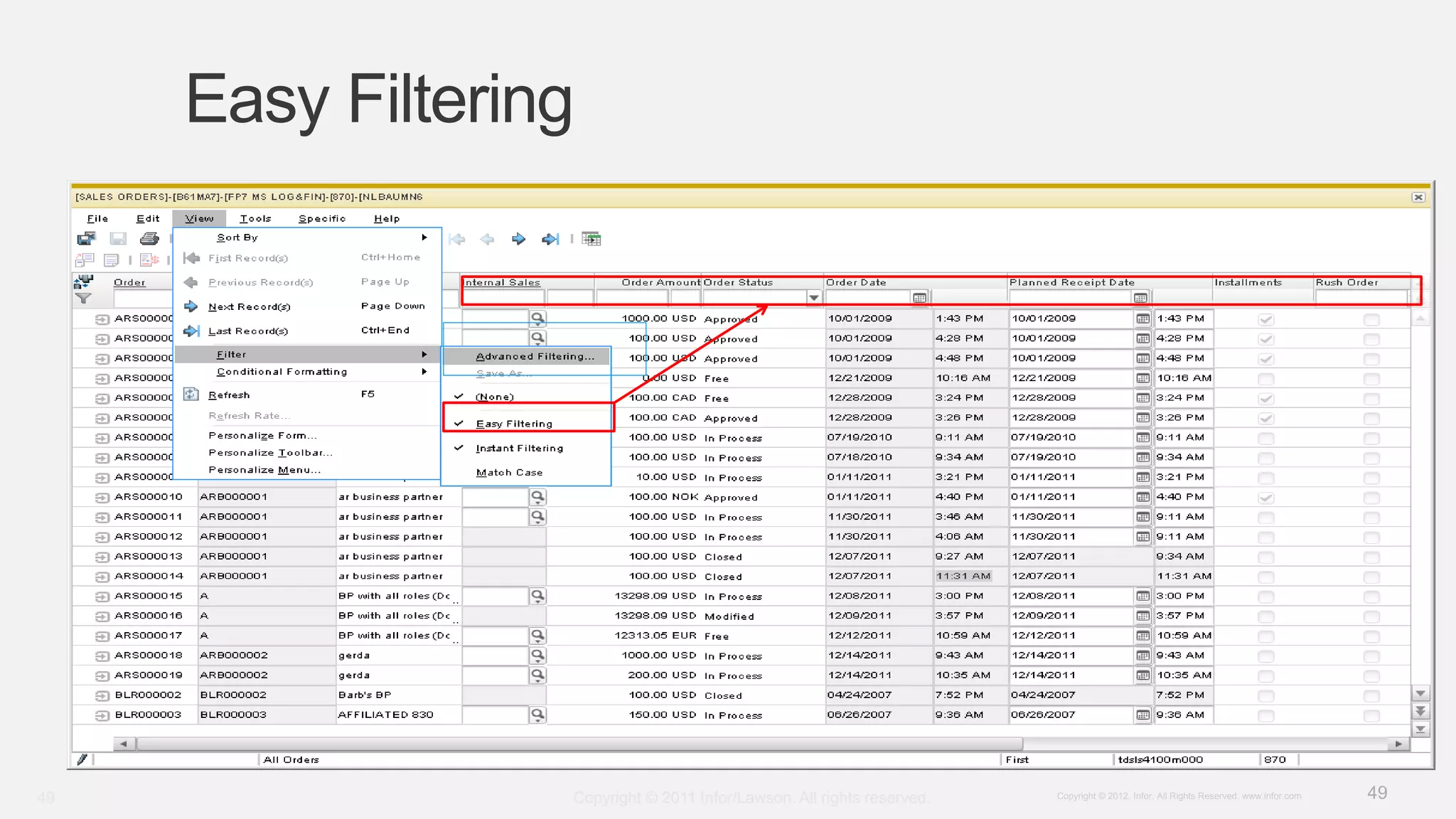
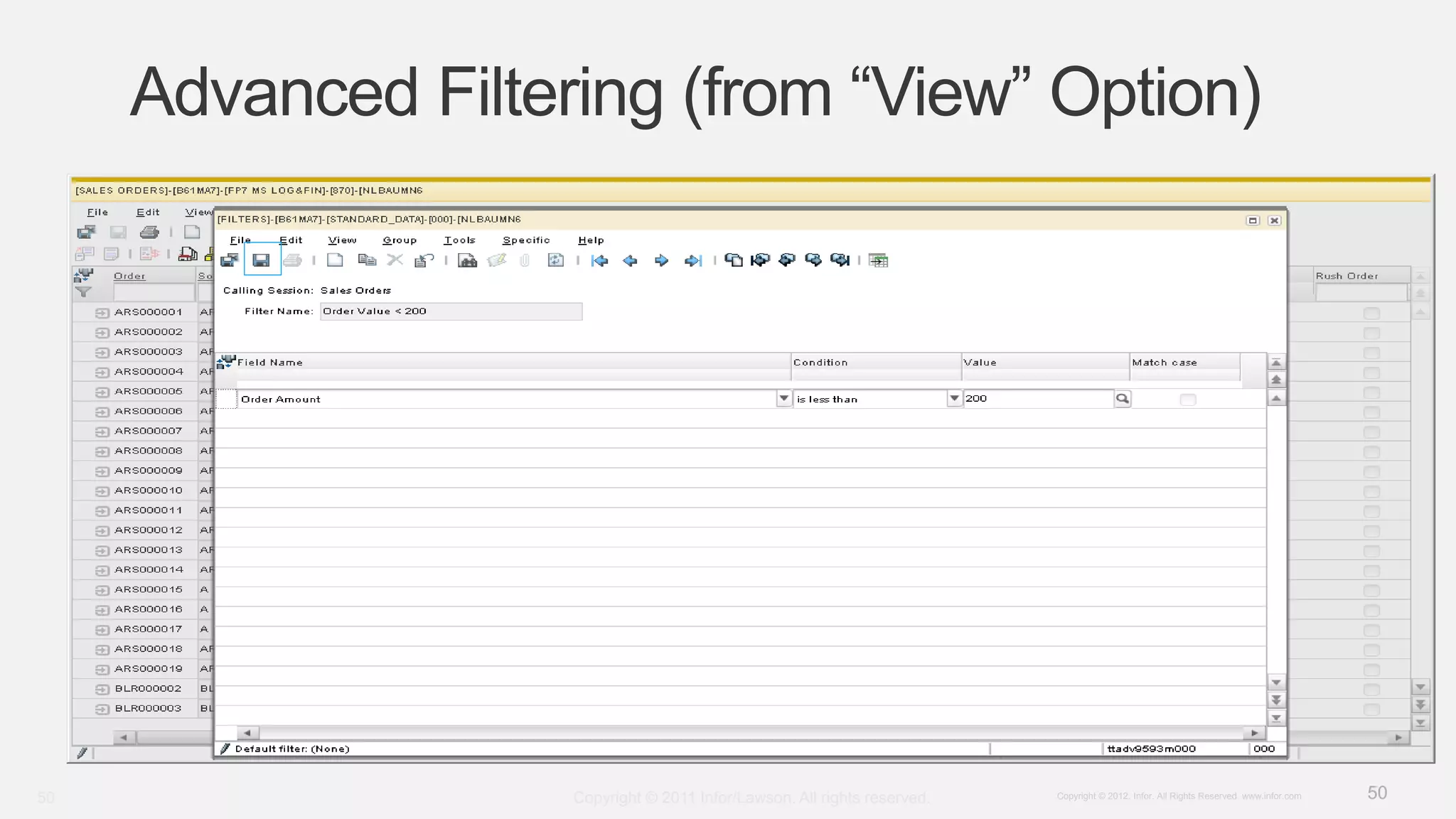
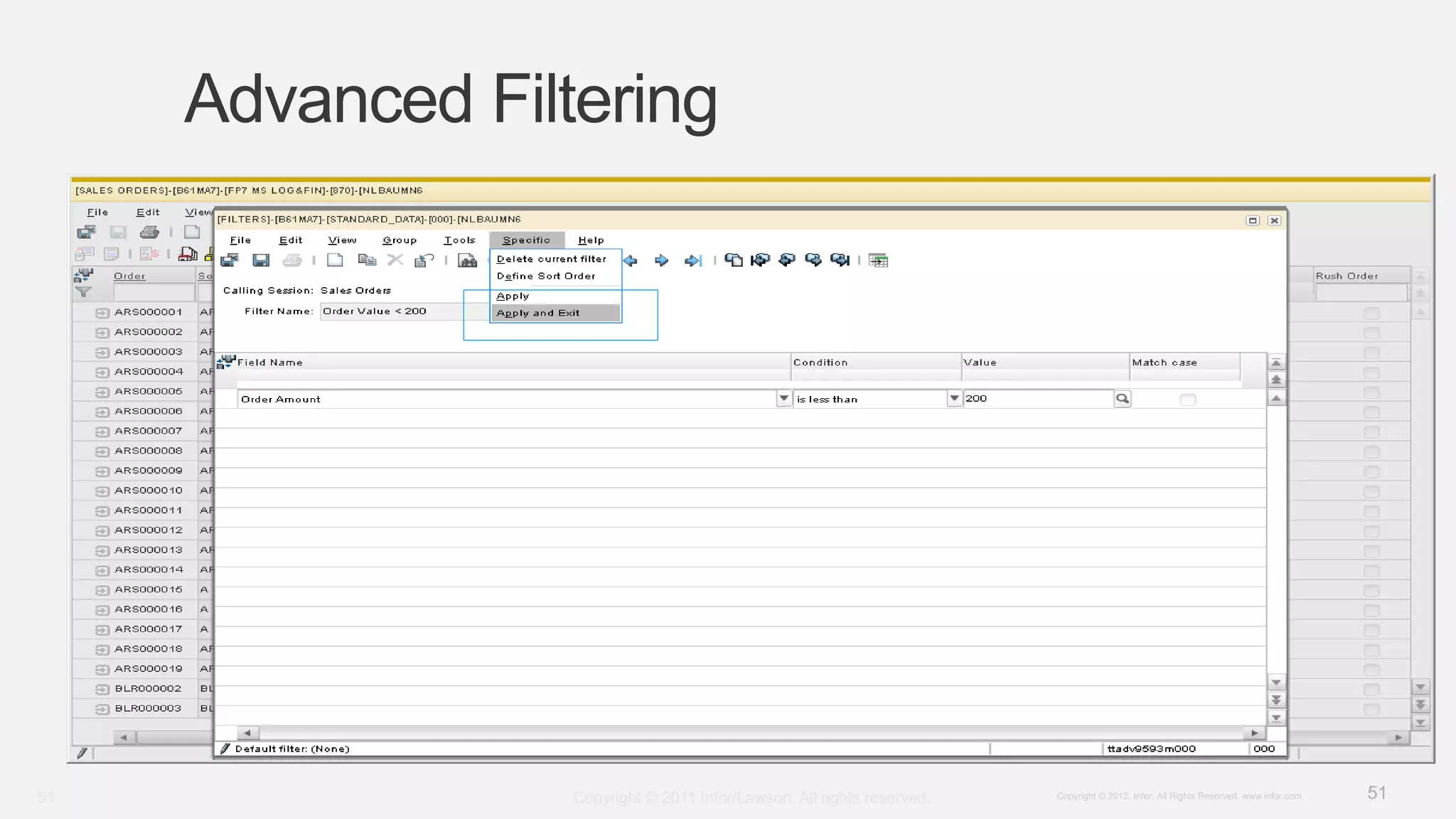
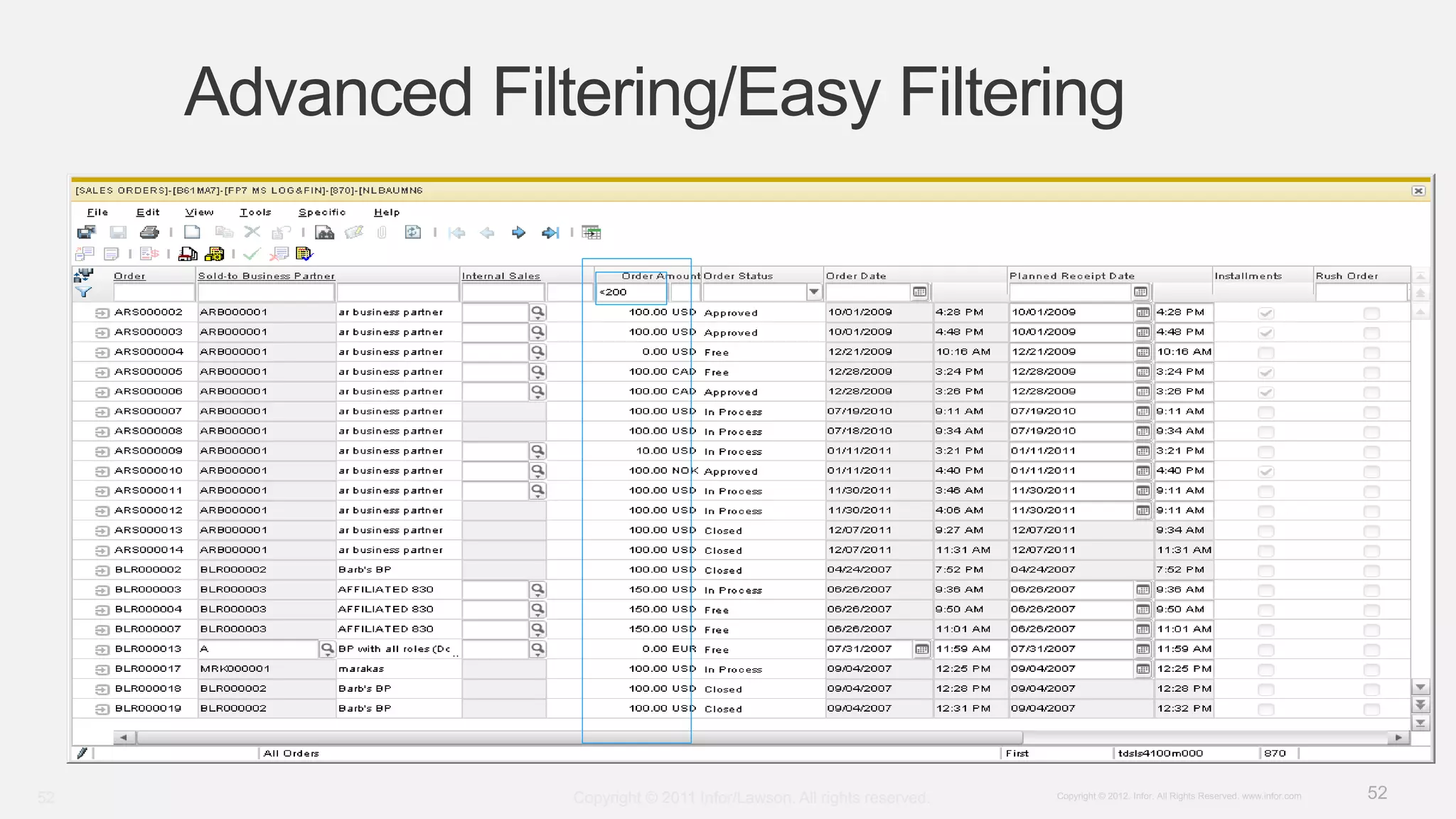
Covers dynamic index switching and advanced filtering capabilities for improved data handling.
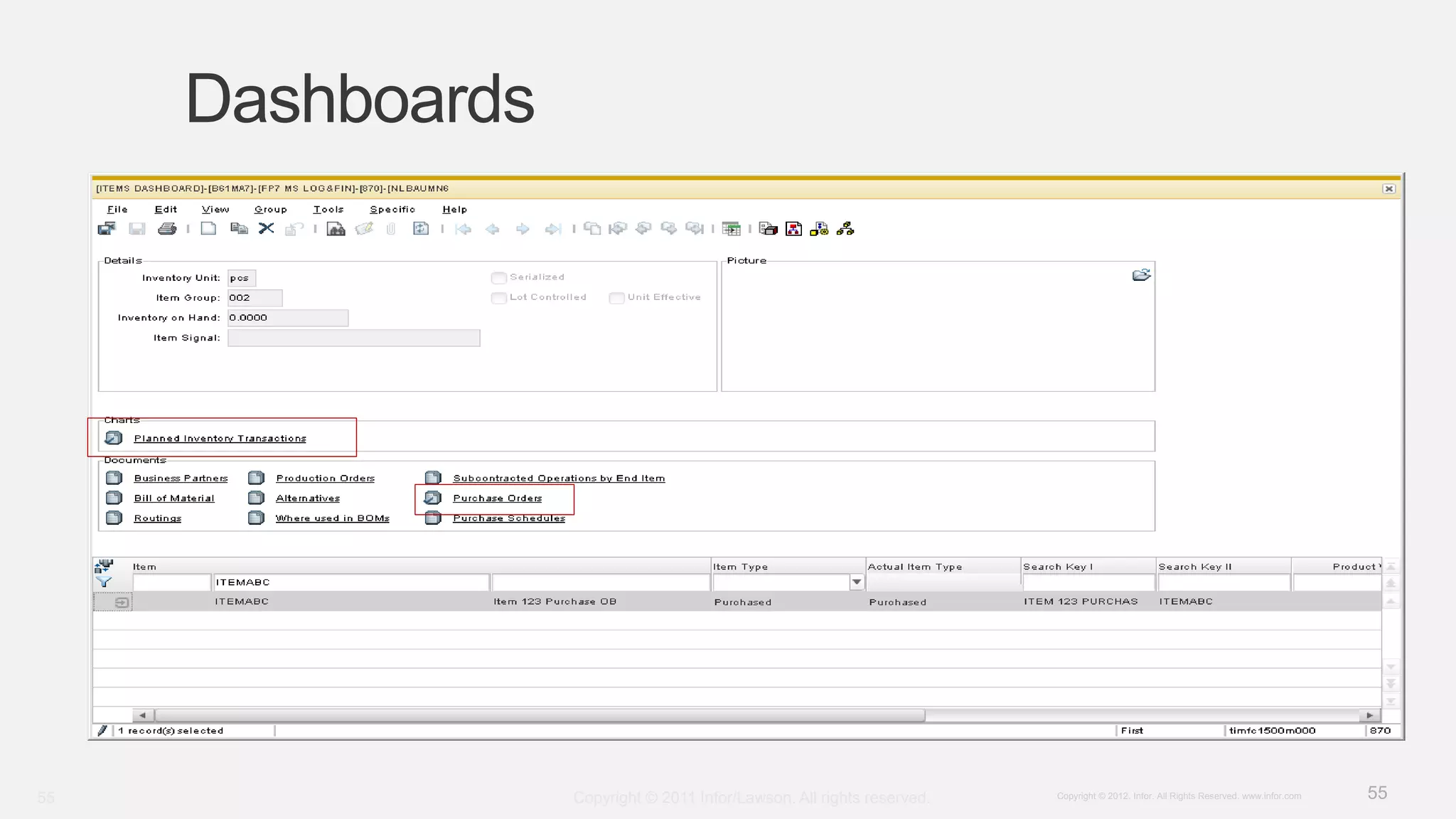
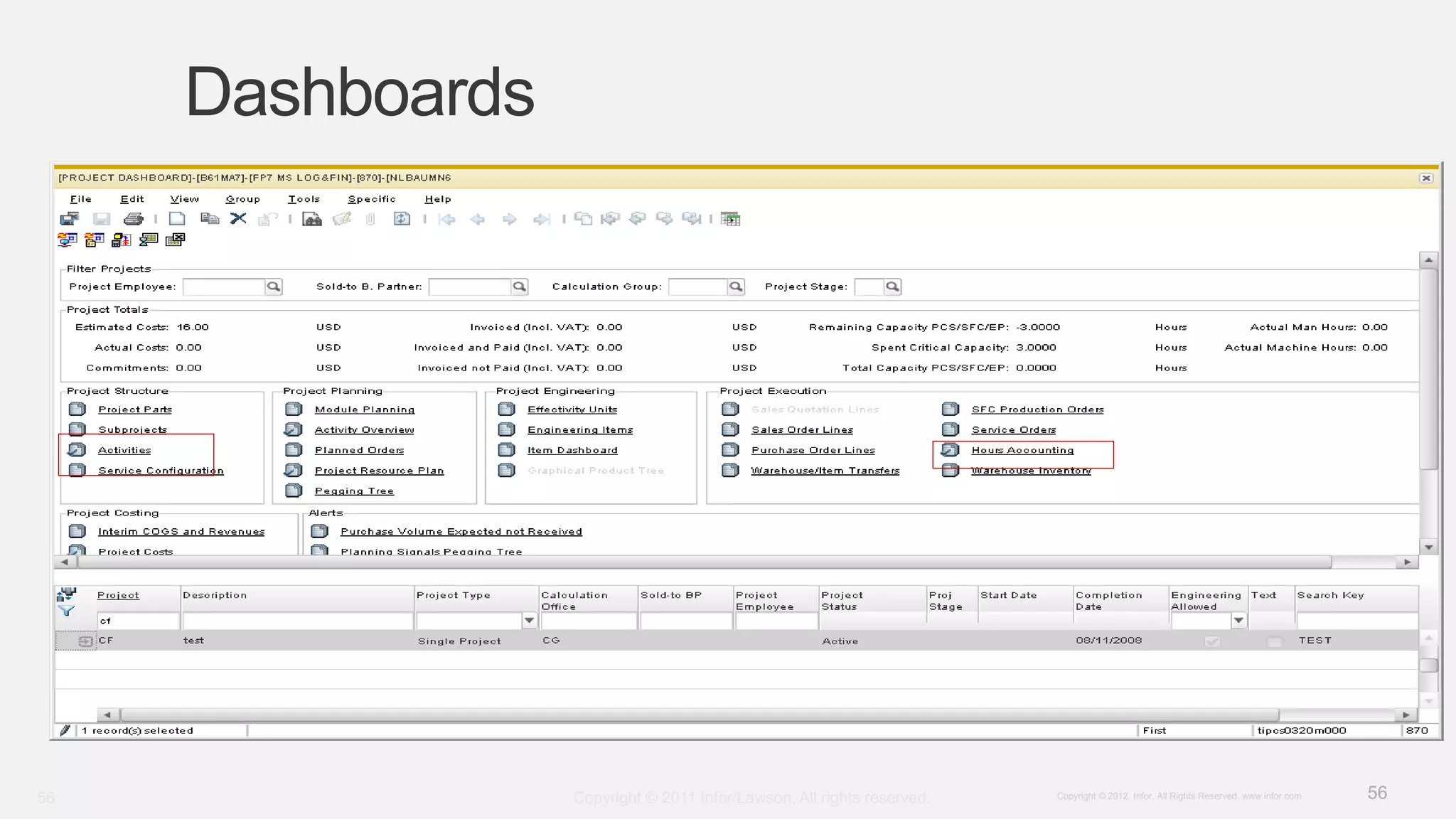
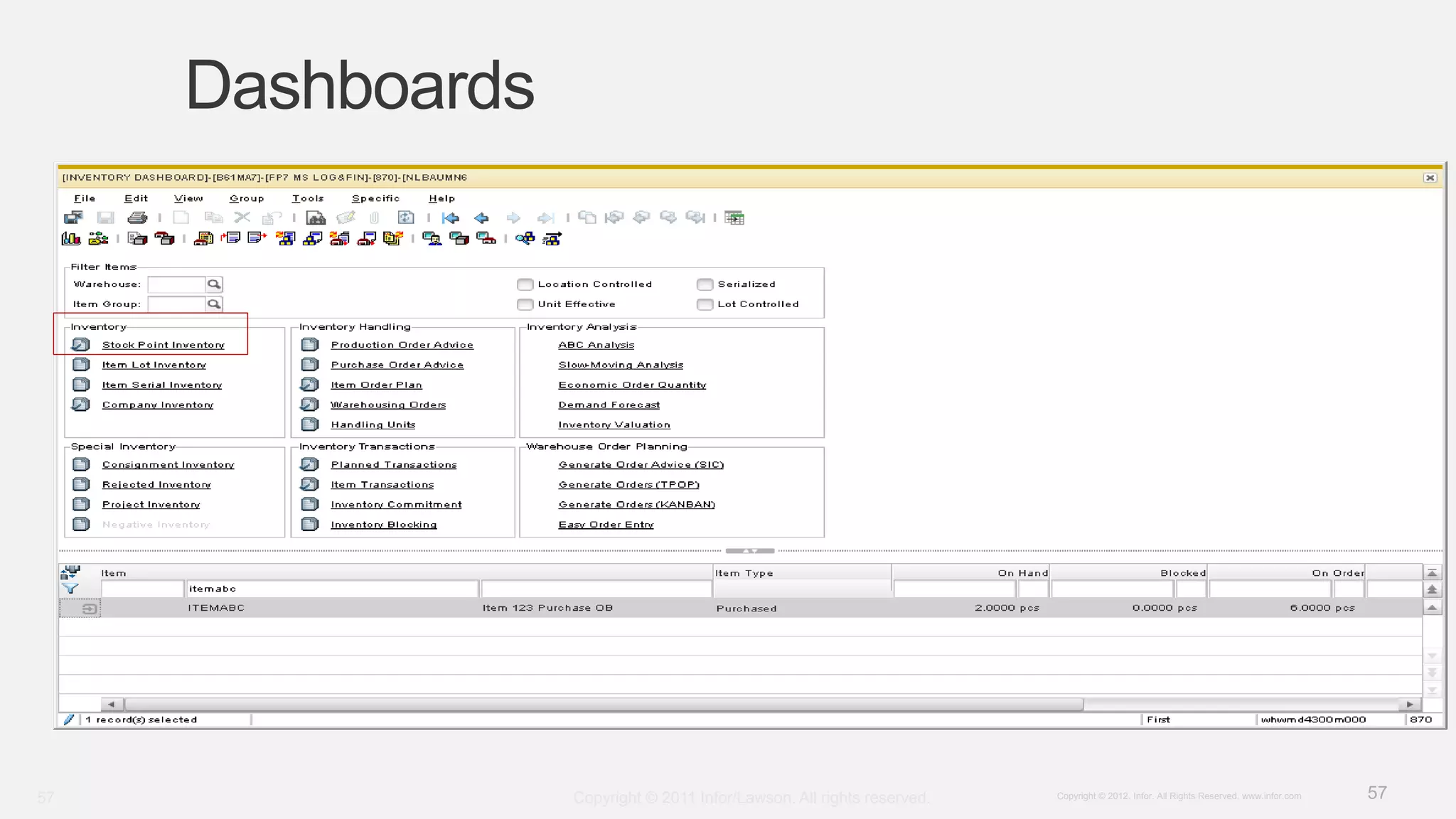
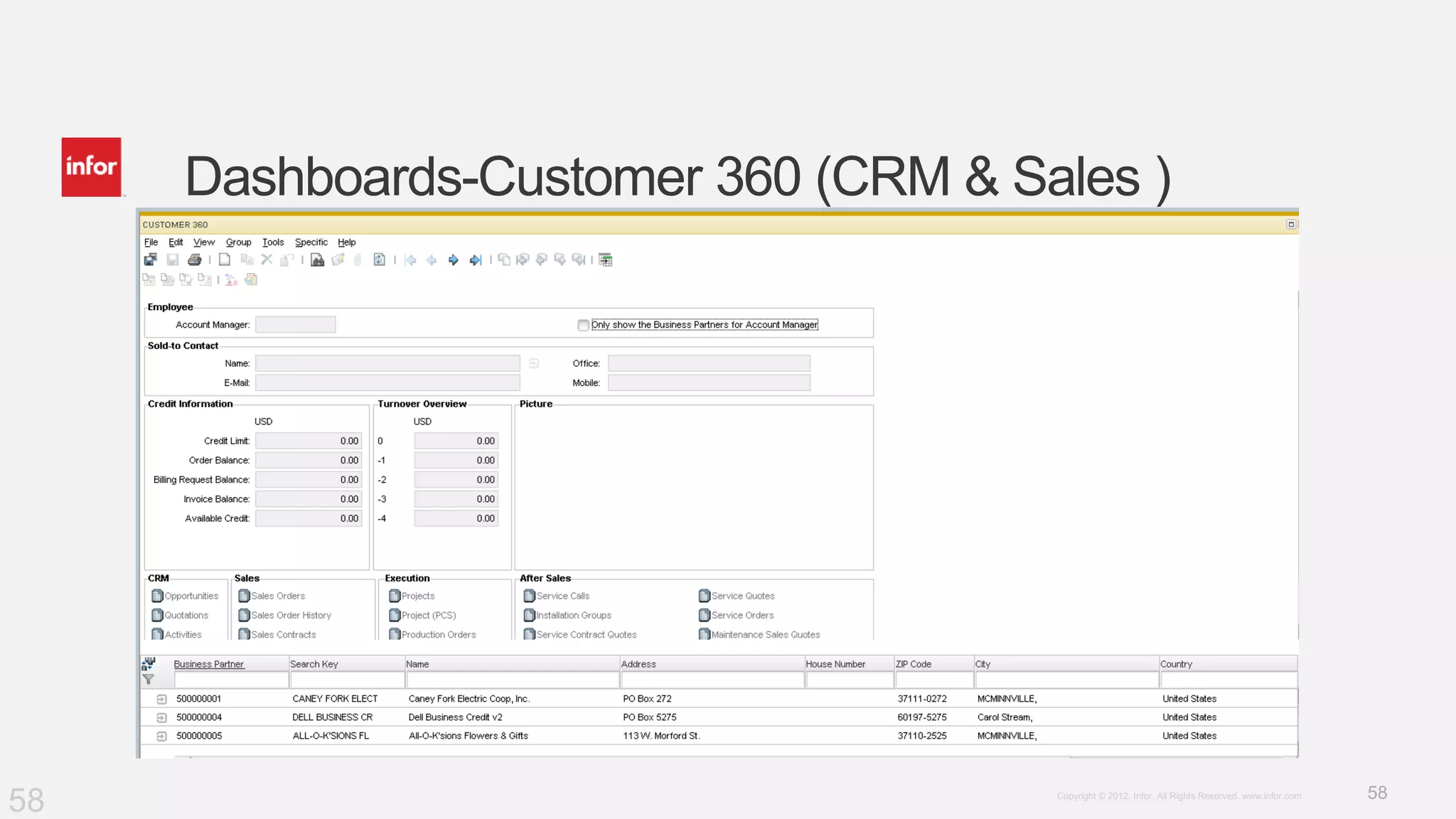
Discusses the introduction of dashboards providing visibility into inventory, customer data, and operations.
Provides information for further inquiries and contact details regarding the training and presentation.


