
1Copyright © 2014. Infor. All Rights Reserved. www.infor.comCopyright © 2014. Infor. All Rights Reserved. www.infor.com 1
Infor LN: Crediting and Rebilling Invoices
Enhancements
Rollout training
Campus Course Code: 02_0021040_EEN0474_ELN
August 2014
Ramamurthy Mahesh
2Copyright © 2014. Infor. All Rights Reserved. www.infor.com
Agenda
• Credit and Rebill
• Need
• Solution Overview
• Solution Details
• Master data
• Conditions
• Process
• Limitations
• Demo
3Copyright © 2014. Infor. All Rights Reserved. www.infor.com
Credit and Rebill - Need
• Scenarios
• Error noticed after an invoice is printed, Example – Text not filled correctly.
• Customer calls up and point out an error in the invoice, Example Tax ID of the
customer is wrong.
• Error in Printer – No invoice printed.
• No standard way to handle this currently
• Benefits of this functionality
• Standard way to cancel an issued invoice and restart billing process.
• Easy and saves time
4Copyright © 2014. Infor. All Rights Reserved. www.infor.com
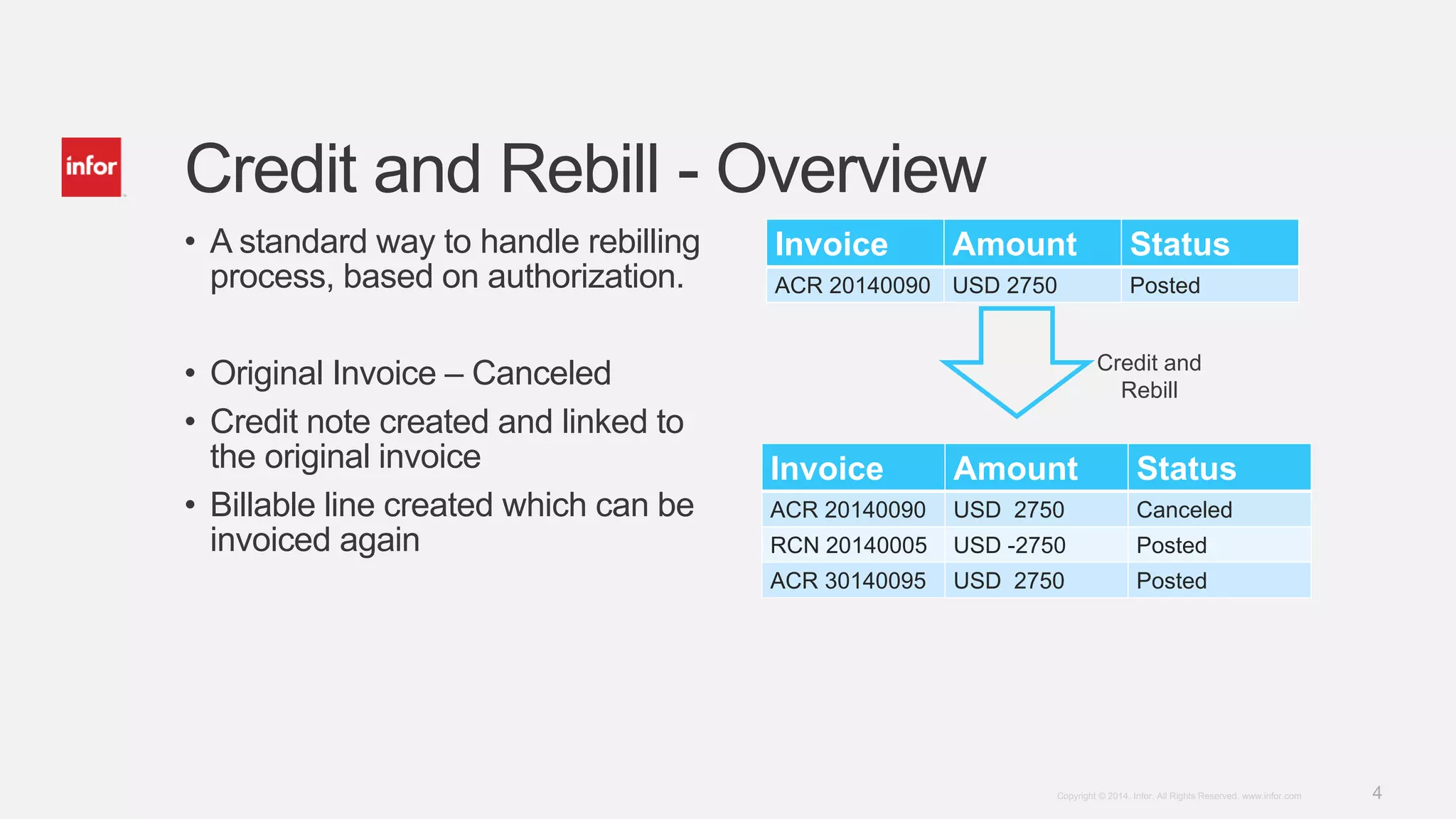
• A standard way to handle rebilling
process, based on authorization.
• Original Invoice – Canceled
• Credit note created and linked to
the original invoice
• Billable line created which can be
invoiced again
Credit and Rebill - Overview
Invoice Amount Status
ACR 20140090 USD 2750 Posted
Credit and
Rebill
Invoice Amount Status
ACR 20140090 USD 2750 Canceled
RCN 20140005 USD -2750 Posted
ACR 30140095 USD 2750 Posted
5Copyright © 2014. Infor. All Rights Reserved. www.infor.com
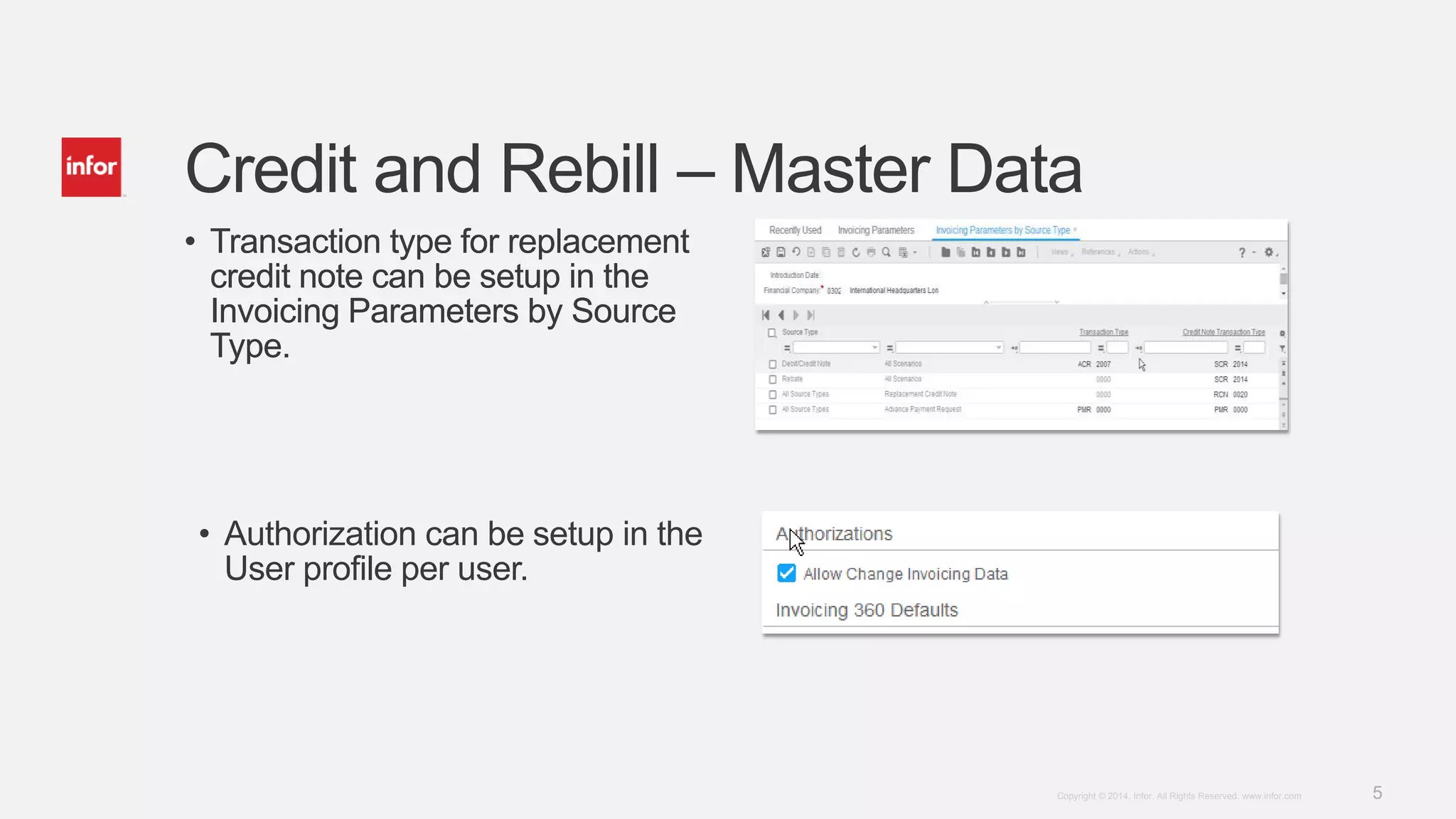
• Transaction type for replacement
credit note can be setup in the
Invoicing Parameters by Source
Type.
Credit and Rebill – Master Data
• Transaction type for replacement
credit note can be setup in the
Invoicing Parameters by Source
Type.
• Authorization can be setup in the
User profile per user.
6Copyright © 2014. Infor. All Rights Reserved. www.infor.com
Credit and Rebill - Conditions
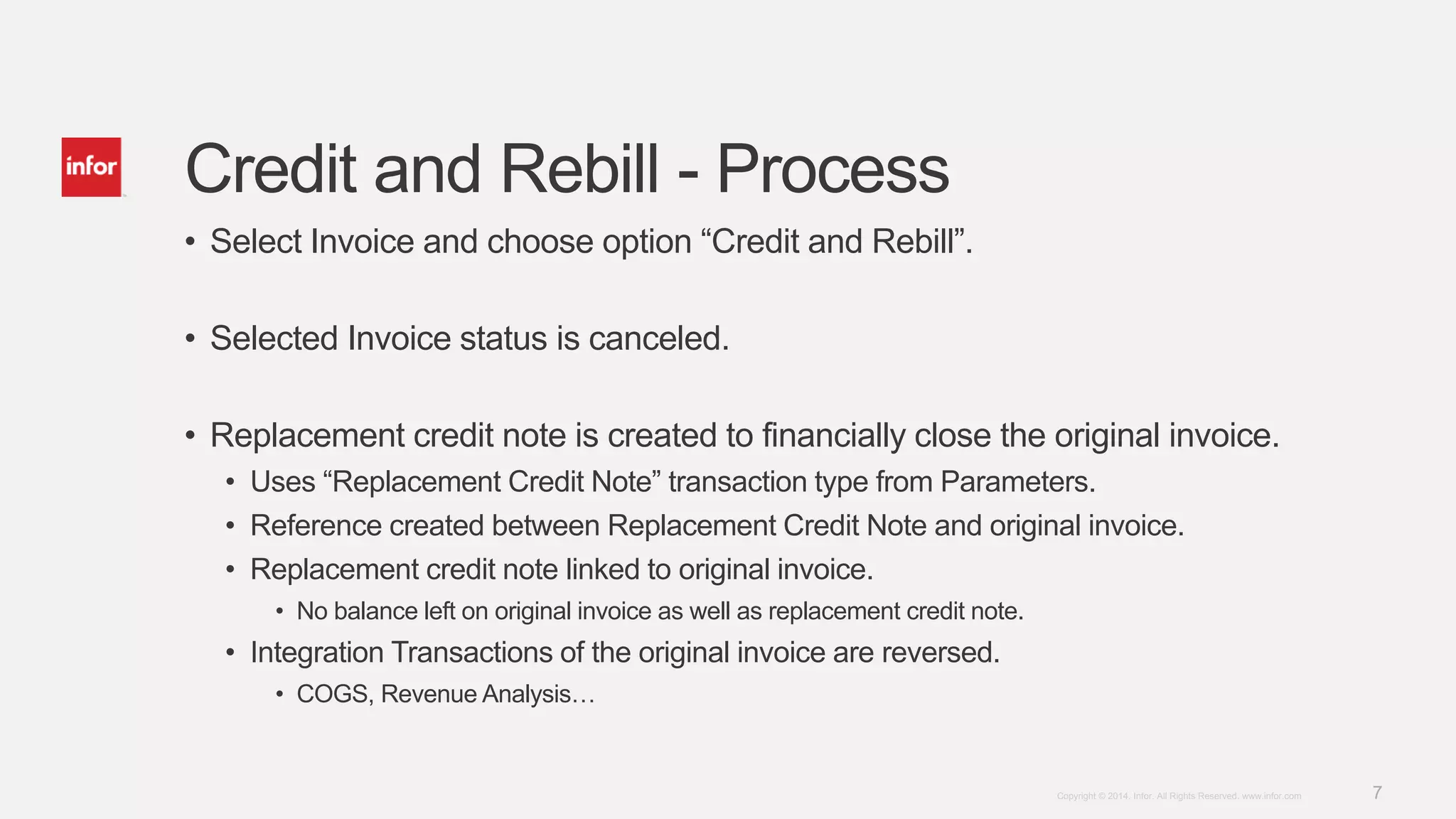
• Credit and Rebill is allowed on Invoices subject to the following conditions.
• Invoice is posted
• Source document ( order / contract, …) should still allow changes.
• Financial periods of original invoice should be open.
• Original Invoice is still fully open. So no payments orcredit notes linked to it.
• Restriction on some types of invoices – Credit Notes, Internal invoices, …
• Invoice is not already replaced earlier or is a result of replacement
• User is authorized
7Copyright © 2014. Infor. All Rights Reserved. www.infor.com
Credit and Rebill - Process
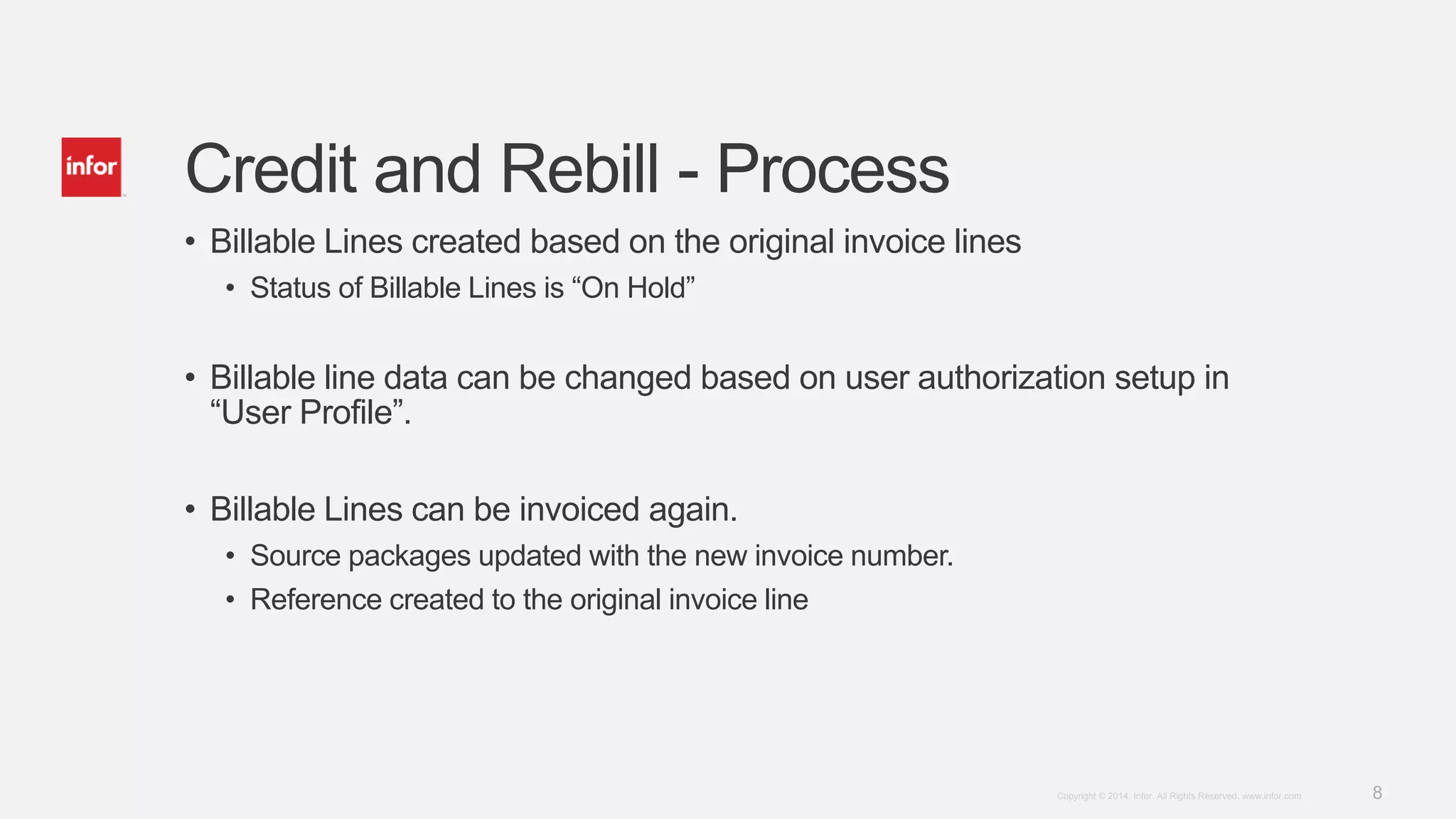
• Select Invoice and choose option “Credit and Rebill”.
• Selected Invoice status is canceled.
• Replacement credit note is created to financially close the original invoice.
• Uses “Replacement Credit Note” transaction type from Parameters.
• Reference created between Replacement Credit Note and original invoice.
• Replacement credit note linked to original invoice.
• No balance left on original invoice as well as replacement credit note.
• Integration Transactions of the original invoice are reversed.
• COGS, Revenue Analysis…
8Copyright © 2014. Infor. All Rights Reserved. www.infor.com
Credit and Rebill - Process
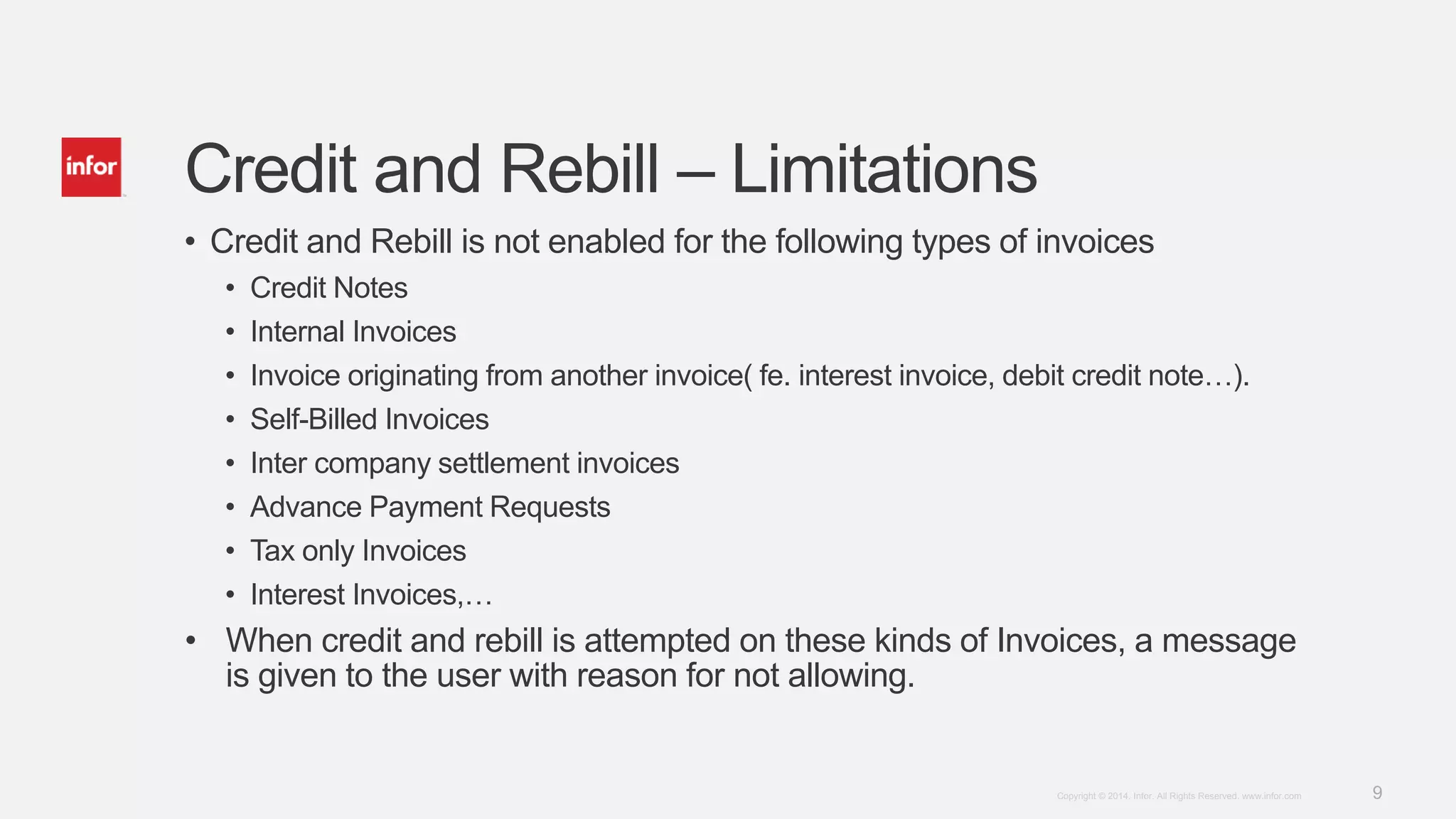
• Billable Lines created based on the original invoice lines
• Status of Billable Lines is “On Hold”
• Billable line data can be changed based on user authorization setup in
“User Profile”.
• Billable Lines can be invoiced again.
• Source packages updated with the new invoice number.
• Reference created to the original invoice line
9Copyright © 2014. Infor. All Rights Reserved. www.infor.com
Credit and Rebill – Limitations
• Credit and Rebill is not enabled for the following types of invoices
• Credit Notes
• Internal Invoices
• Invoice originating from another invoice( fe. interest invoice, debit credit note…).
• Self-Billed Invoices
• Inter company settlement invoices
• Advance Payment Requests
• Tax only Invoices
• Interest Invoices,…
• When credit and rebill is attempted on these kinds of Invoices, a message
is given to the user with reason for not allowing.
10Copyright © 2014. Infor. All Rights Reserved. www.infor.comCopyright © 2014. Infor. All Rights Reserved. www.infor.com 10
Demo
11Copyright © 2014. Infor. All Rights Reserved. www.infor.com

Inforln.com ERP LN 10.4 Credit and Rebill Invoices Enhancements

  • 1.
    1Copyright © 2014.Infor. All Rights Reserved. www.infor.comCopyright © 2014. Infor. All Rights Reserved. www.infor.com 1 Infor LN: Crediting and Rebilling Invoices Enhancements Rollout training Campus Course Code: 02_0021040_EEN0474_ELN August 2014 Ramamurthy Mahesh
  • 2.
    2Copyright © 2014.Infor. All Rights Reserved. www.infor.com Agenda • Credit and Rebill • Need • Solution Overview • Solution Details • Master data • Conditions • Process • Limitations • Demo
  • 3.
    3Copyright © 2014.Infor. All Rights Reserved. www.infor.com Credit and Rebill - Need • Scenarios • Error noticed after an invoice is printed, Example – Text not filled correctly. • Customer calls up and point out an error in the invoice, Example Tax ID of the customer is wrong. • Error in Printer – No invoice printed. • No standard way to handle this currently • Benefits of this functionality • Standard way to cancel an issued invoice and restart billing process. • Easy and saves time
  • 4.
    4Copyright © 2014.Infor. All Rights Reserved. www.infor.com • A standard way to handle rebilling process, based on authorization. • Original Invoice – Canceled • Credit note created and linked to the original invoice • Billable line created which can be invoiced again Credit and Rebill - Overview Invoice Amount Status ACR 20140090 USD 2750 Posted Credit and Rebill Invoice Amount Status ACR 20140090 USD 2750 Canceled RCN 20140005 USD -2750 Posted ACR 30140095 USD 2750 Posted
  • 5.
    5Copyright © 2014.Infor. All Rights Reserved. www.infor.com • Transaction type for replacement credit note can be setup in the Invoicing Parameters by Source Type. Credit and Rebill – Master Data • Transaction type for replacement credit note can be setup in the Invoicing Parameters by Source Type. • Authorization can be setup in the User profile per user.
  • 6.
    6Copyright © 2014.Infor. All Rights Reserved. www.infor.com Credit and Rebill - Conditions • Credit and Rebill is allowed on Invoices subject to the following conditions. • Invoice is posted • Source document ( order / contract, …) should still allow changes. • Financial periods of original invoice should be open. • Original Invoice is still fully open. So no payments orcredit notes linked to it. • Restriction on some types of invoices – Credit Notes, Internal invoices, … • Invoice is not already replaced earlier or is a result of replacement • User is authorized
  • 7.
    7Copyright © 2014.Infor. All Rights Reserved. www.infor.com Credit and Rebill - Process • Select Invoice and choose option “Credit and Rebill”. • Selected Invoice status is canceled. • Replacement credit note is created to financially close the original invoice. • Uses “Replacement Credit Note” transaction type from Parameters. • Reference created between Replacement Credit Note and original invoice. • Replacement credit note linked to original invoice. • No balance left on original invoice as well as replacement credit note. • Integration Transactions of the original invoice are reversed. • COGS, Revenue Analysis…
  • 8.
    8Copyright © 2014.Infor. All Rights Reserved. www.infor.com Credit and Rebill - Process • Billable Lines created based on the original invoice lines • Status of Billable Lines is “On Hold” • Billable line data can be changed based on user authorization setup in “User Profile”. • Billable Lines can be invoiced again. • Source packages updated with the new invoice number. • Reference created to the original invoice line
  • 9.
    9Copyright © 2014.Infor. All Rights Reserved. www.infor.com Credit and Rebill – Limitations • Credit and Rebill is not enabled for the following types of invoices • Credit Notes • Internal Invoices • Invoice originating from another invoice( fe. interest invoice, debit credit note…). • Self-Billed Invoices • Inter company settlement invoices • Advance Payment Requests • Tax only Invoices • Interest Invoices,… • When credit and rebill is attempted on these kinds of Invoices, a message is given to the user with reason for not allowing.
  • 10.
    10Copyright © 2014.Infor. All Rights Reserved. www.infor.comCopyright © 2014. Infor. All Rights Reserved. www.infor.com 10 Demo
  • 11.
    11Copyright © 2014.Infor. All Rights Reserved. www.infor.com

Editor's Notes

  • #2 Version: July 3, 2014