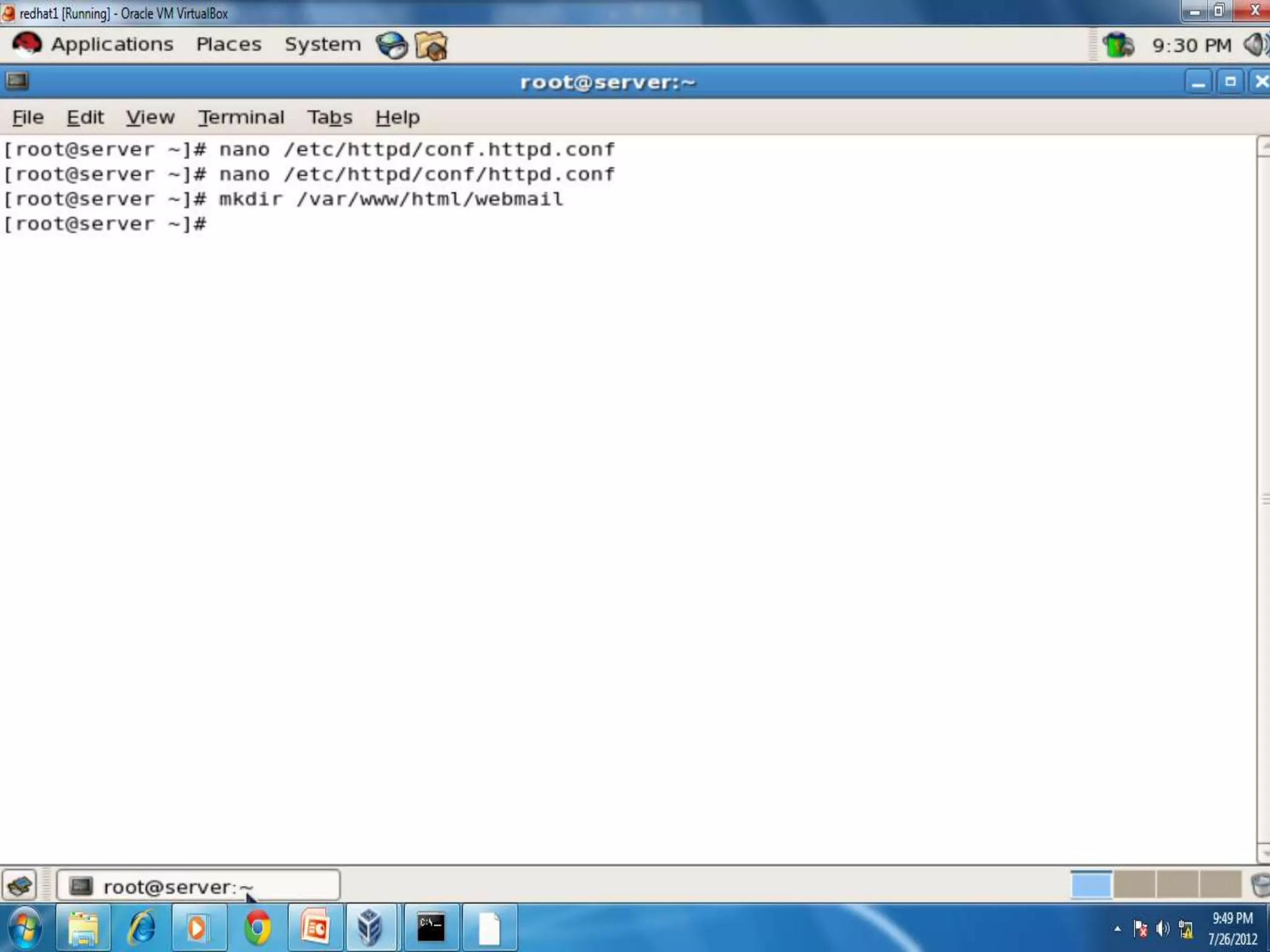
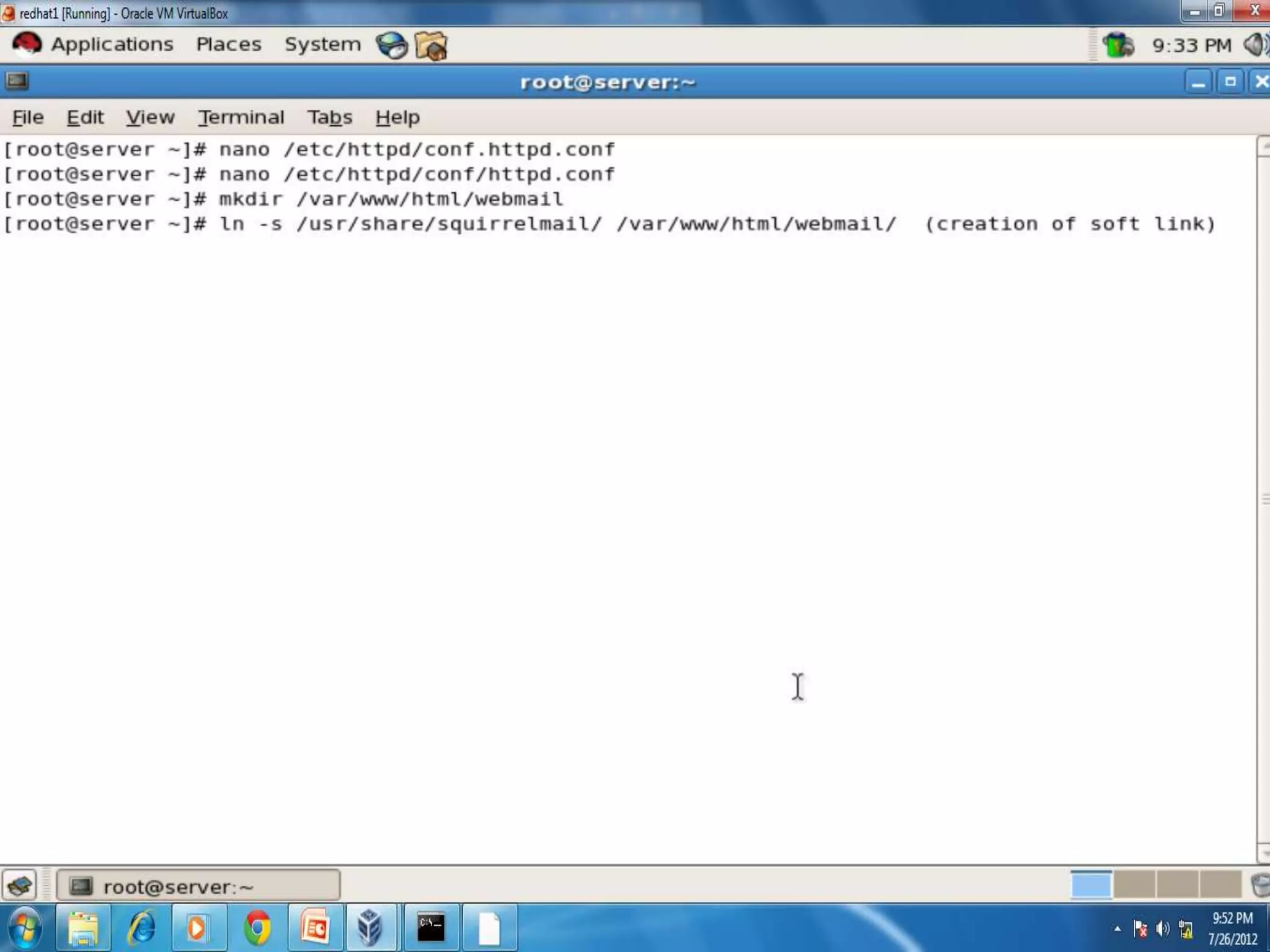
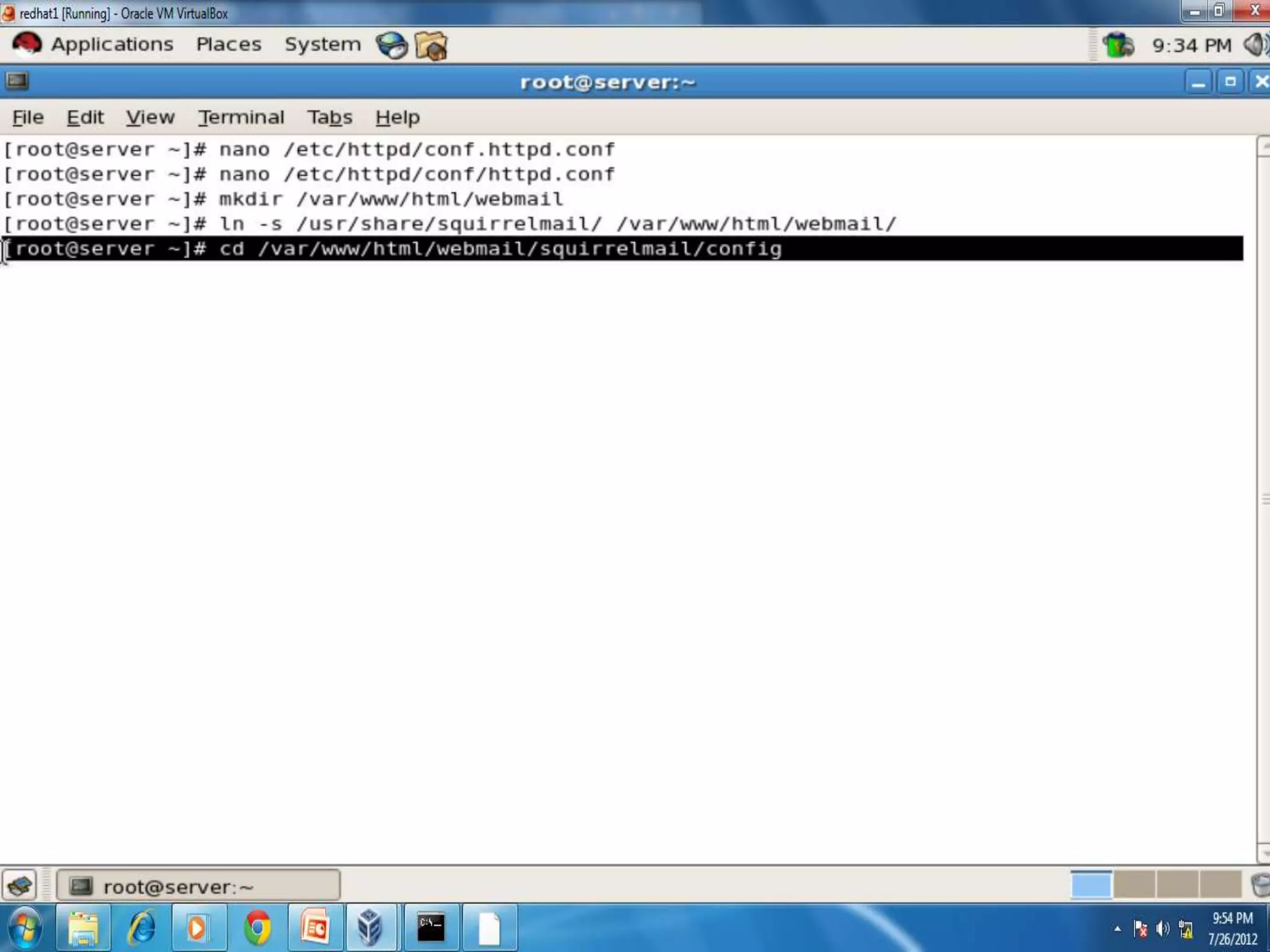
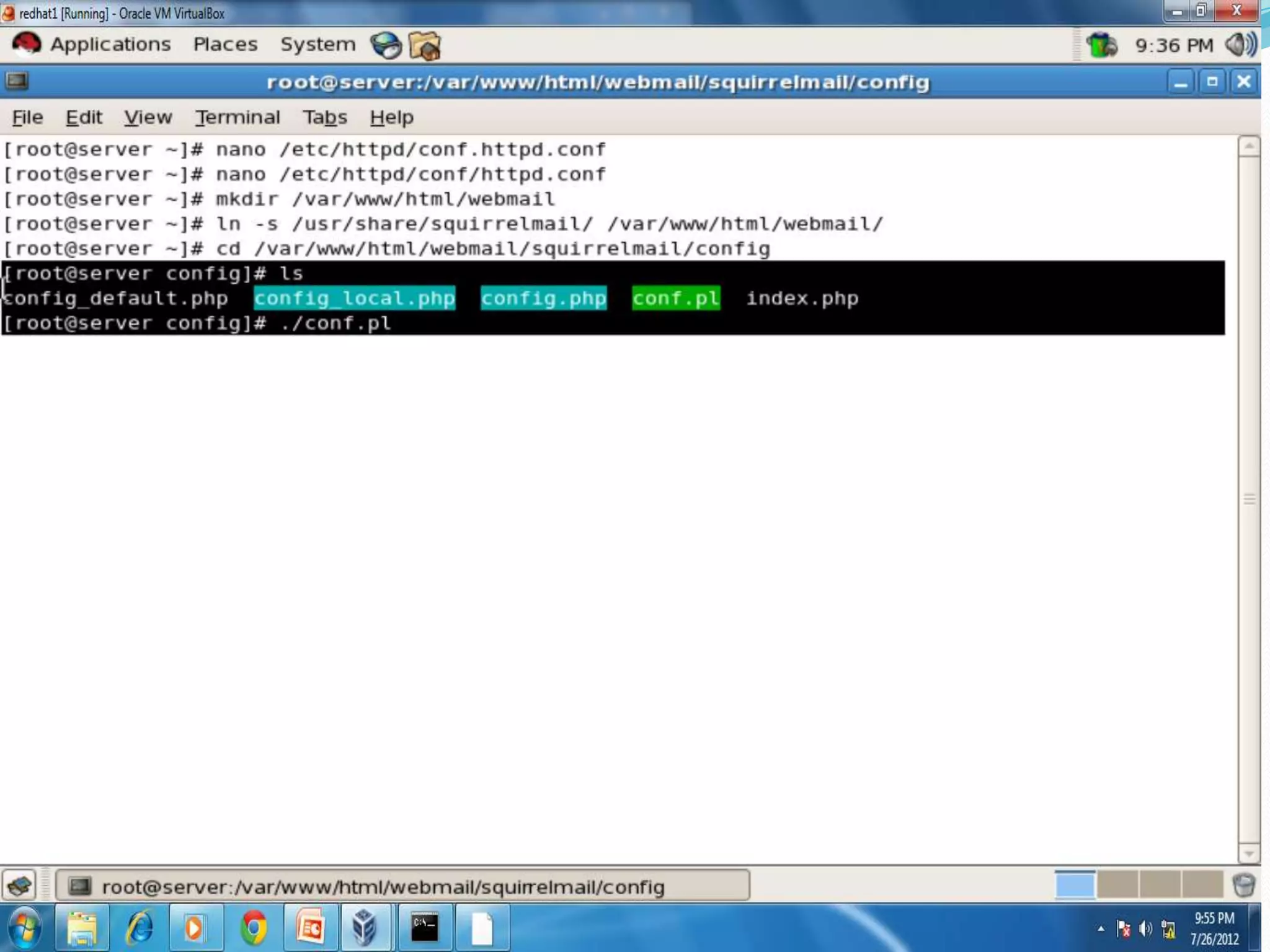
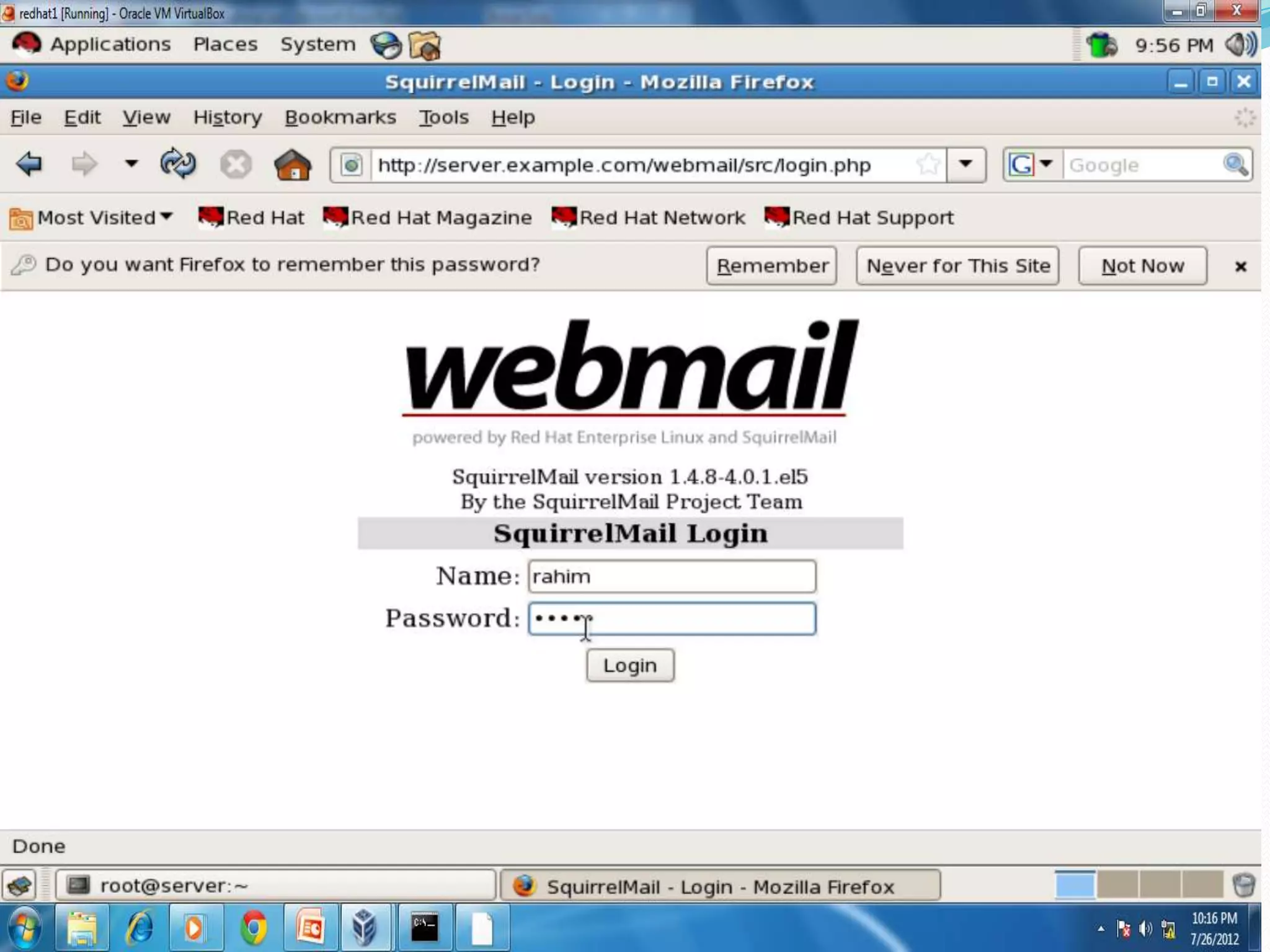
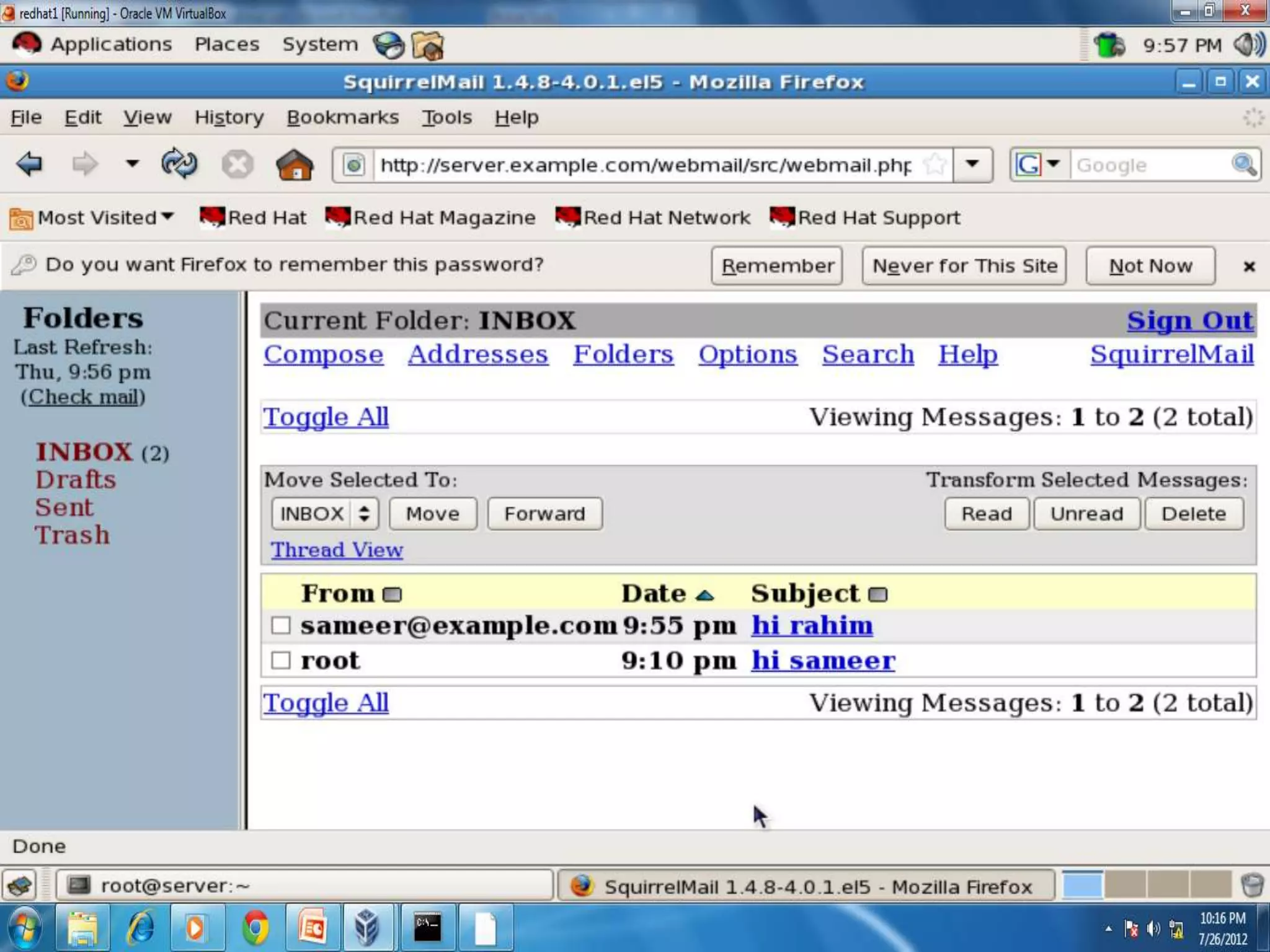
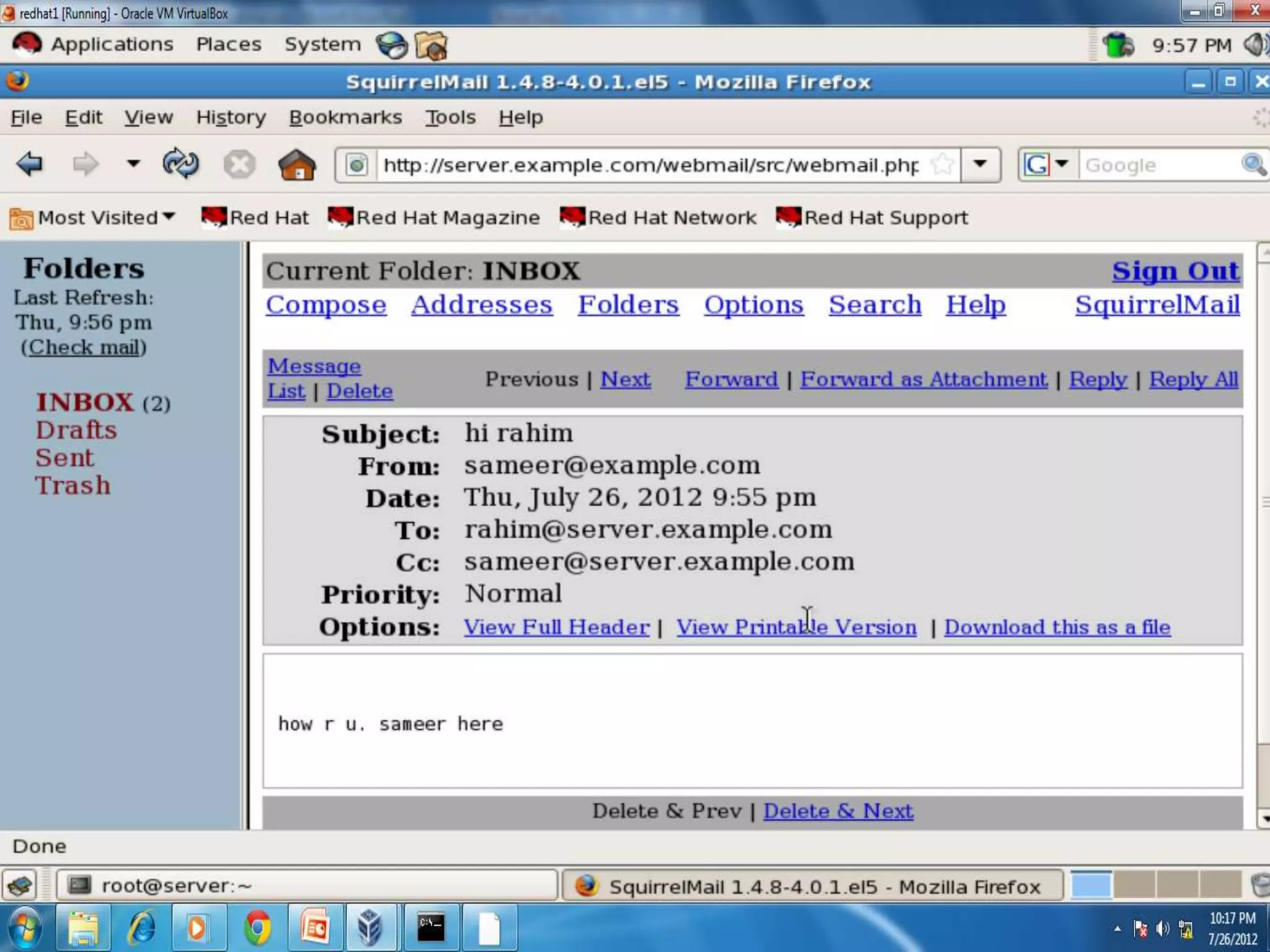
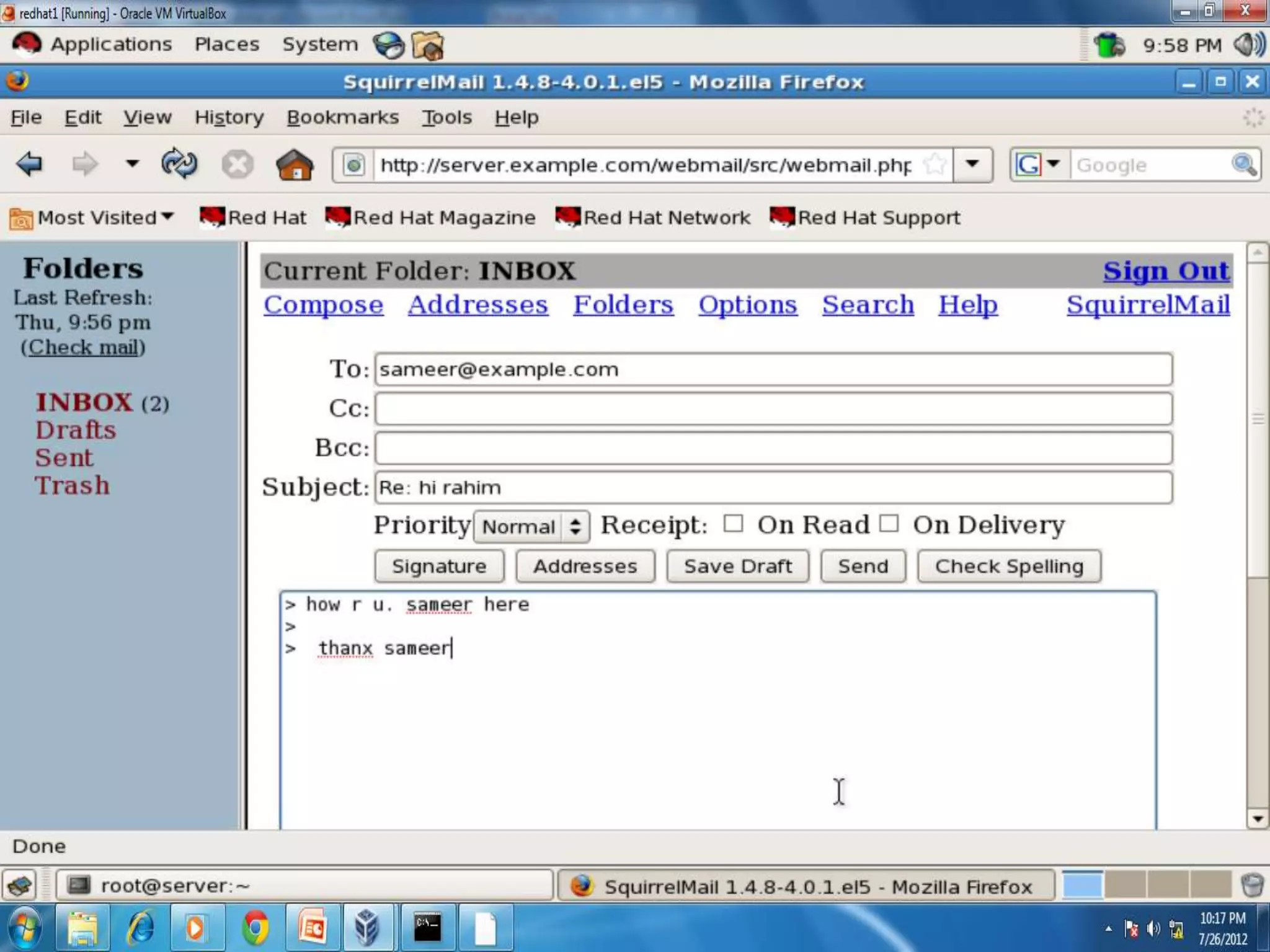
Web Server
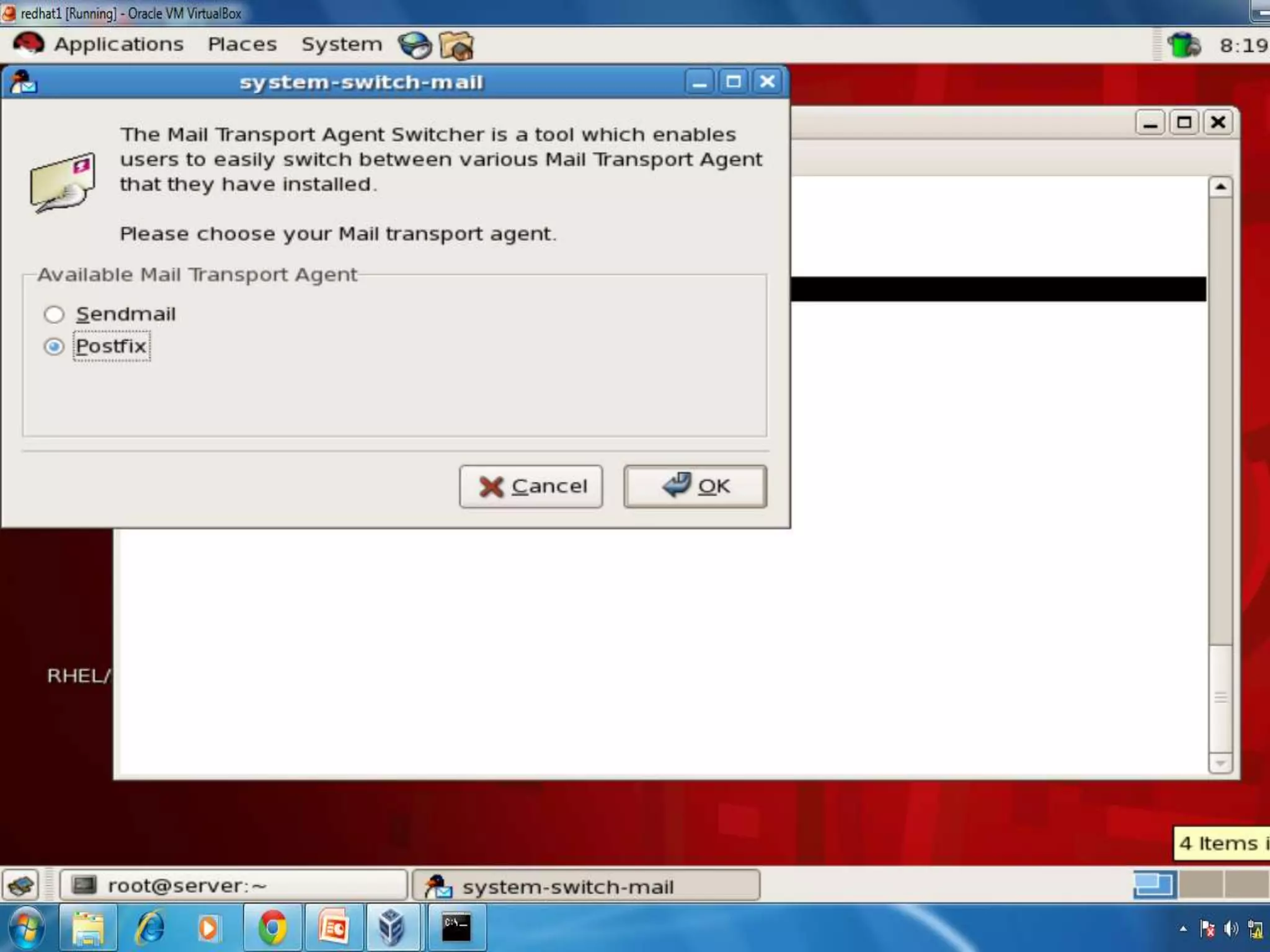
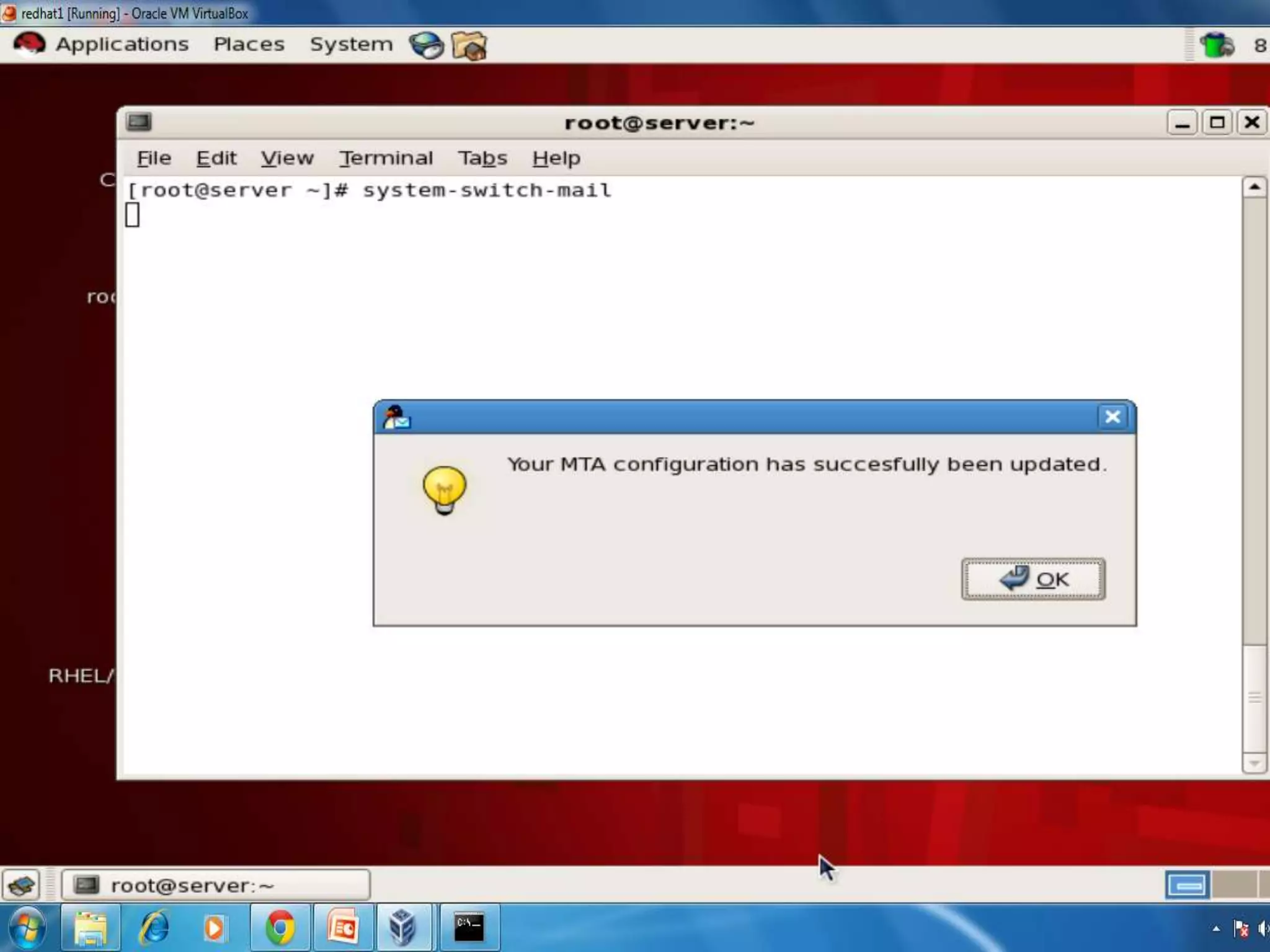
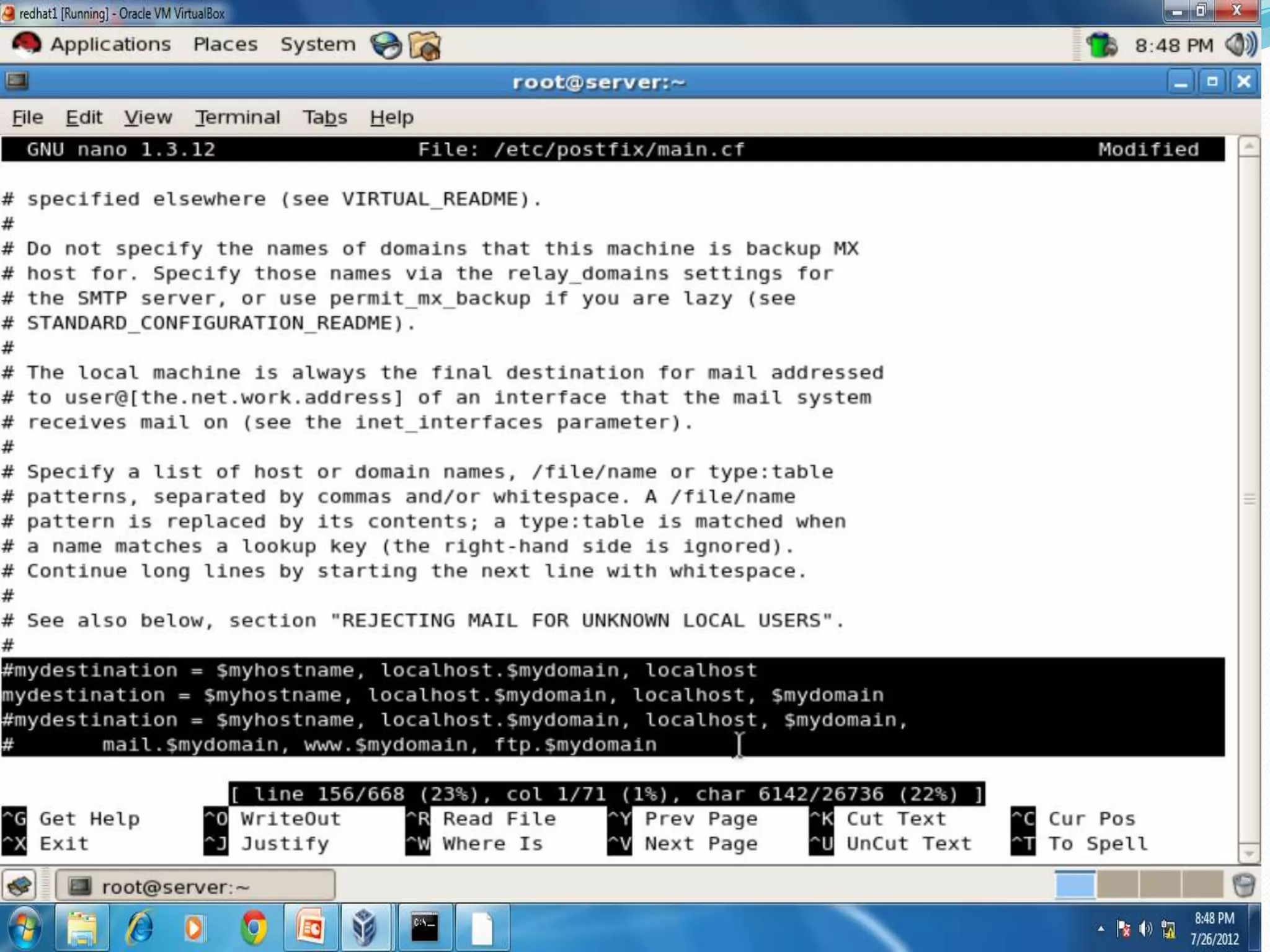
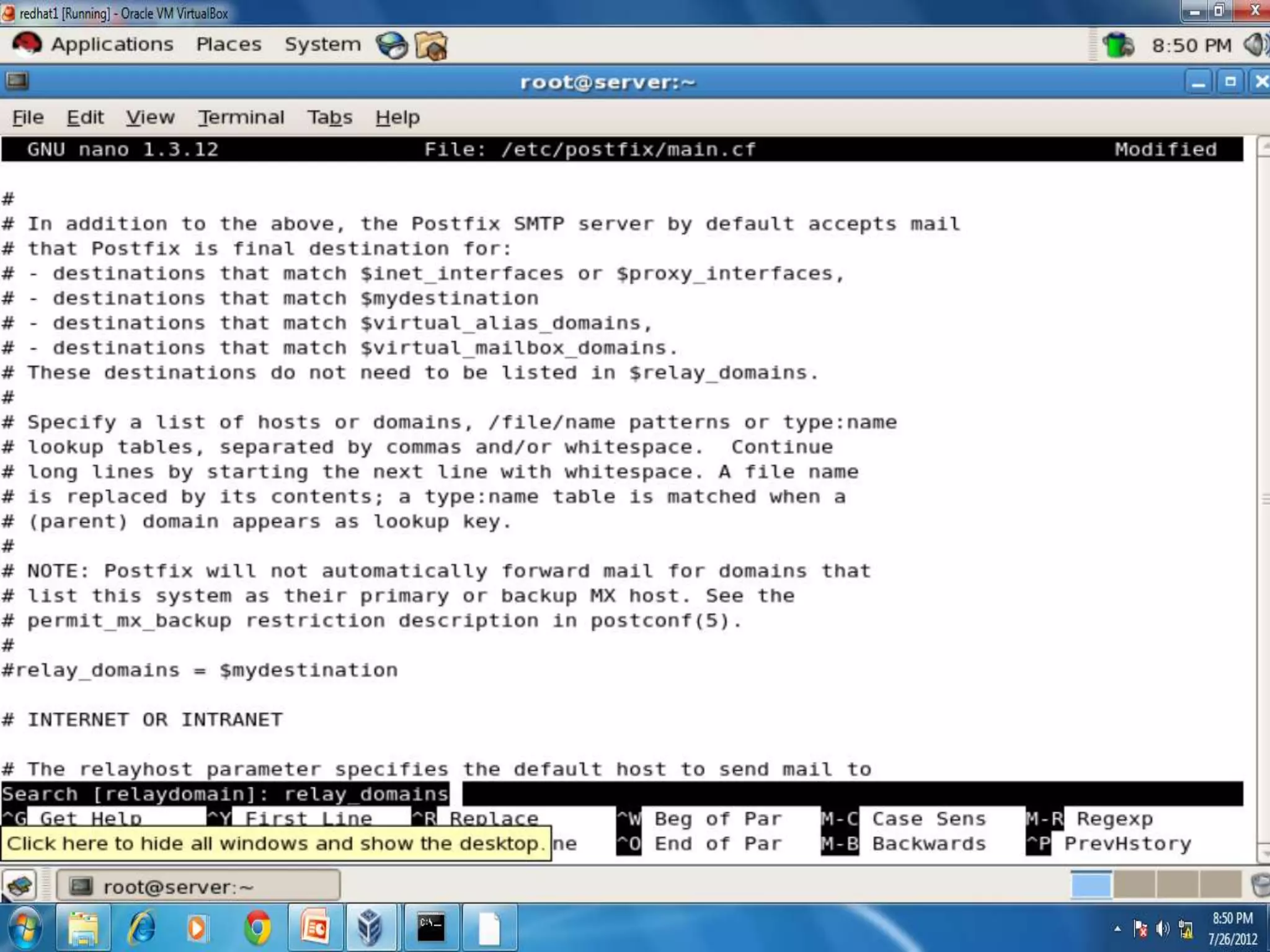
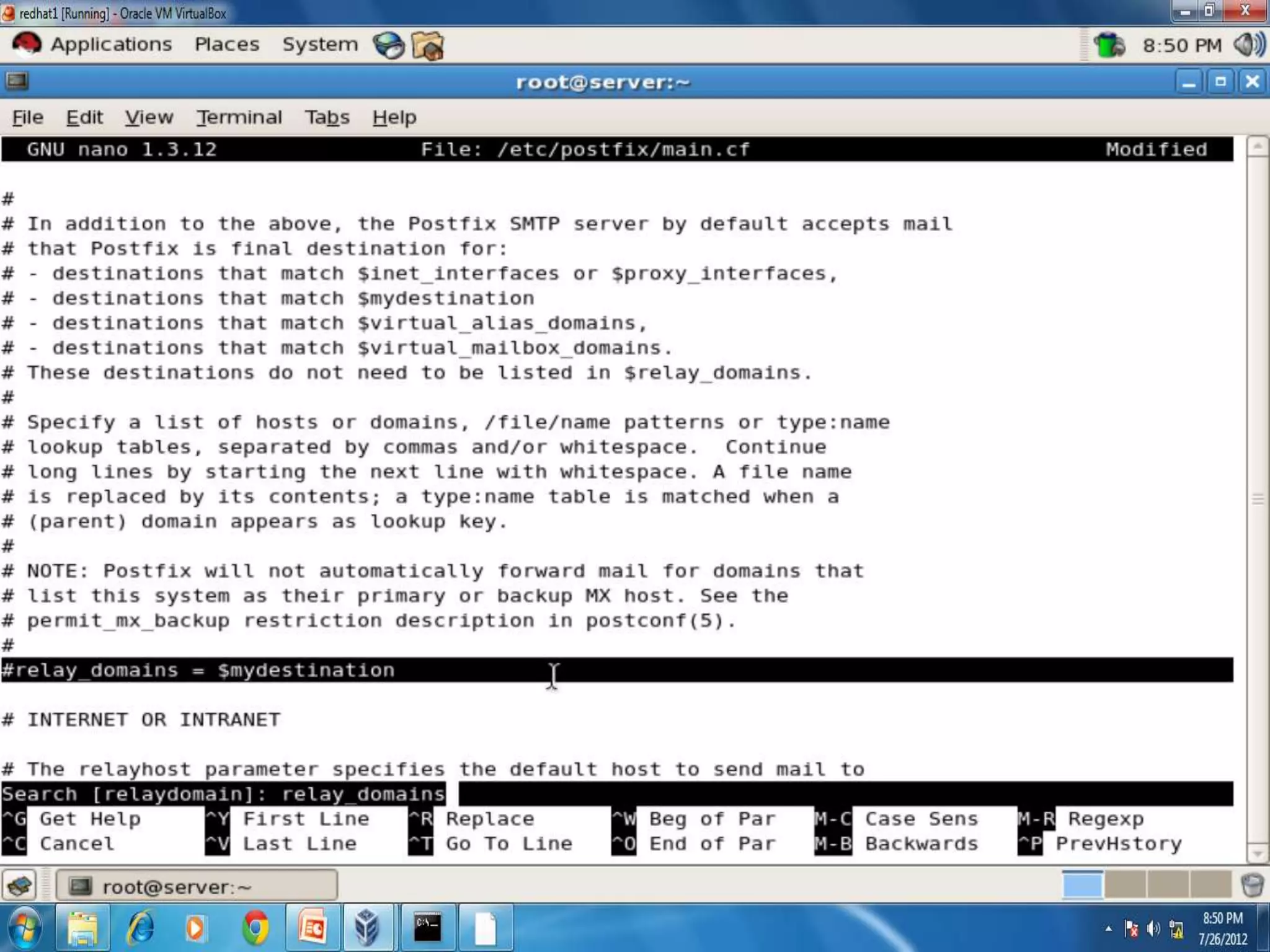
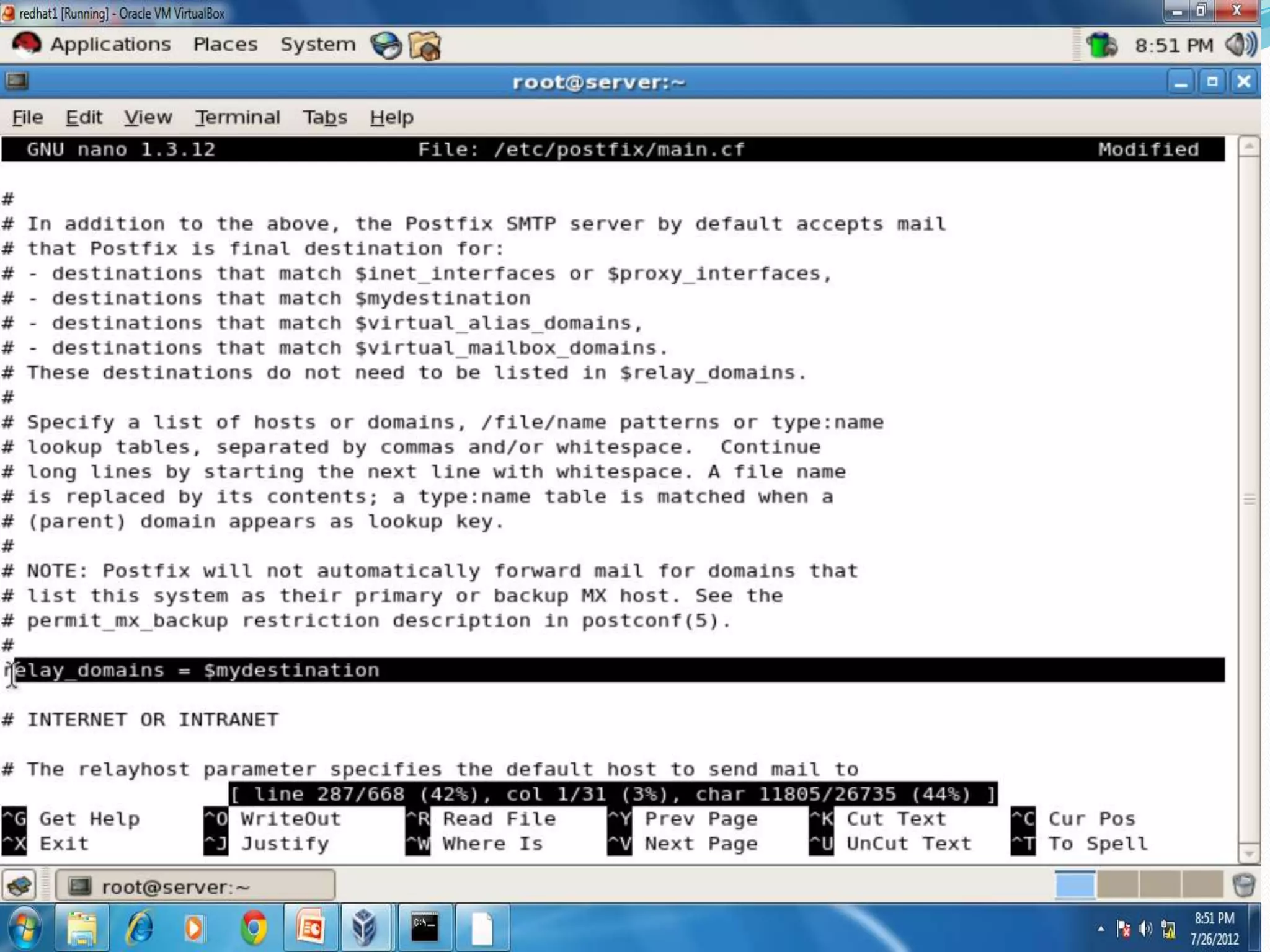
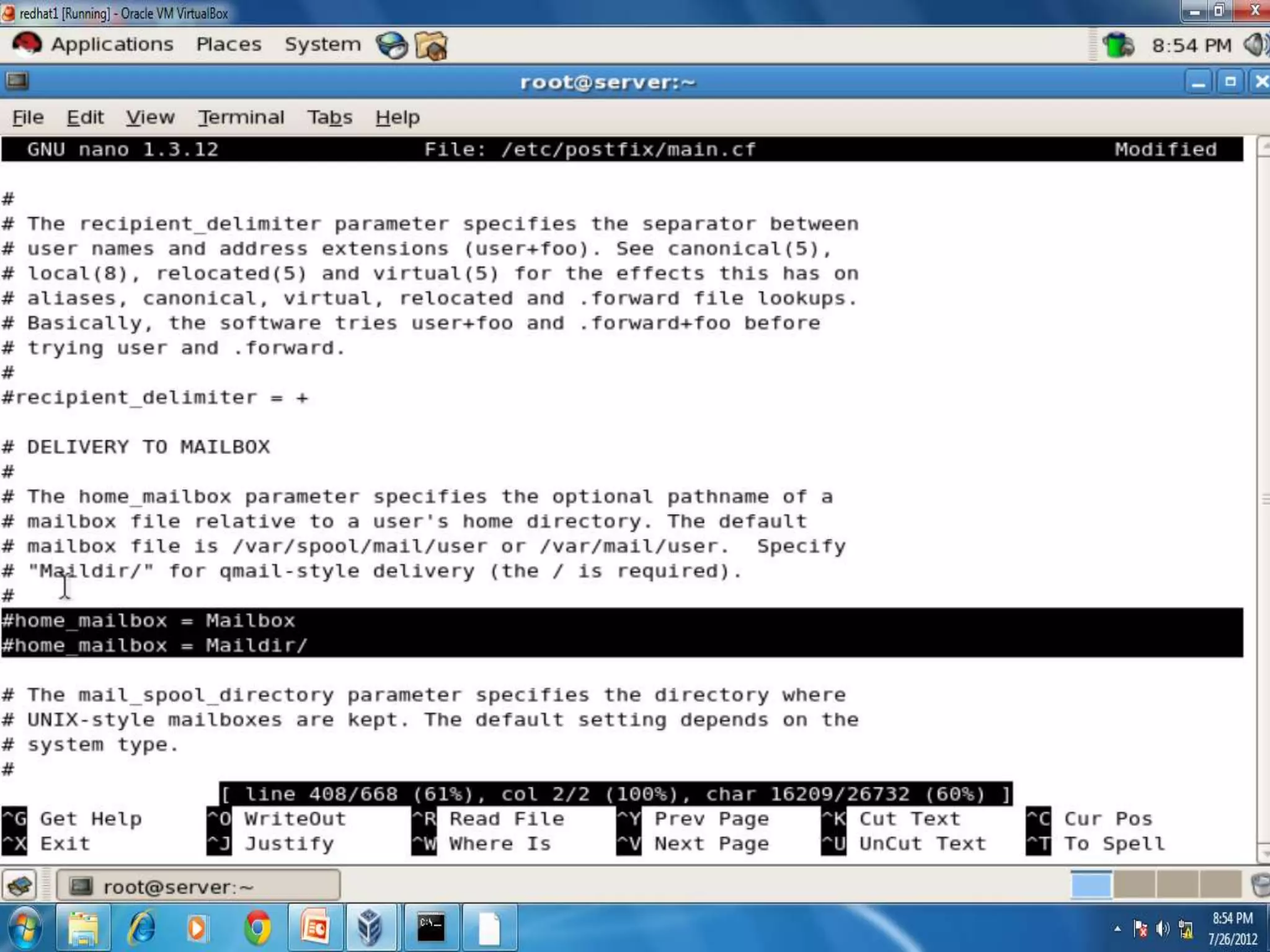
 By default mail server(MTA) is configured for Send
 Mail. To change it to Postfix we have to install
 system-switchmail-gnome either during insatalltion
 of redhat or by installing .rpm package. Then proceed
 as follows:-

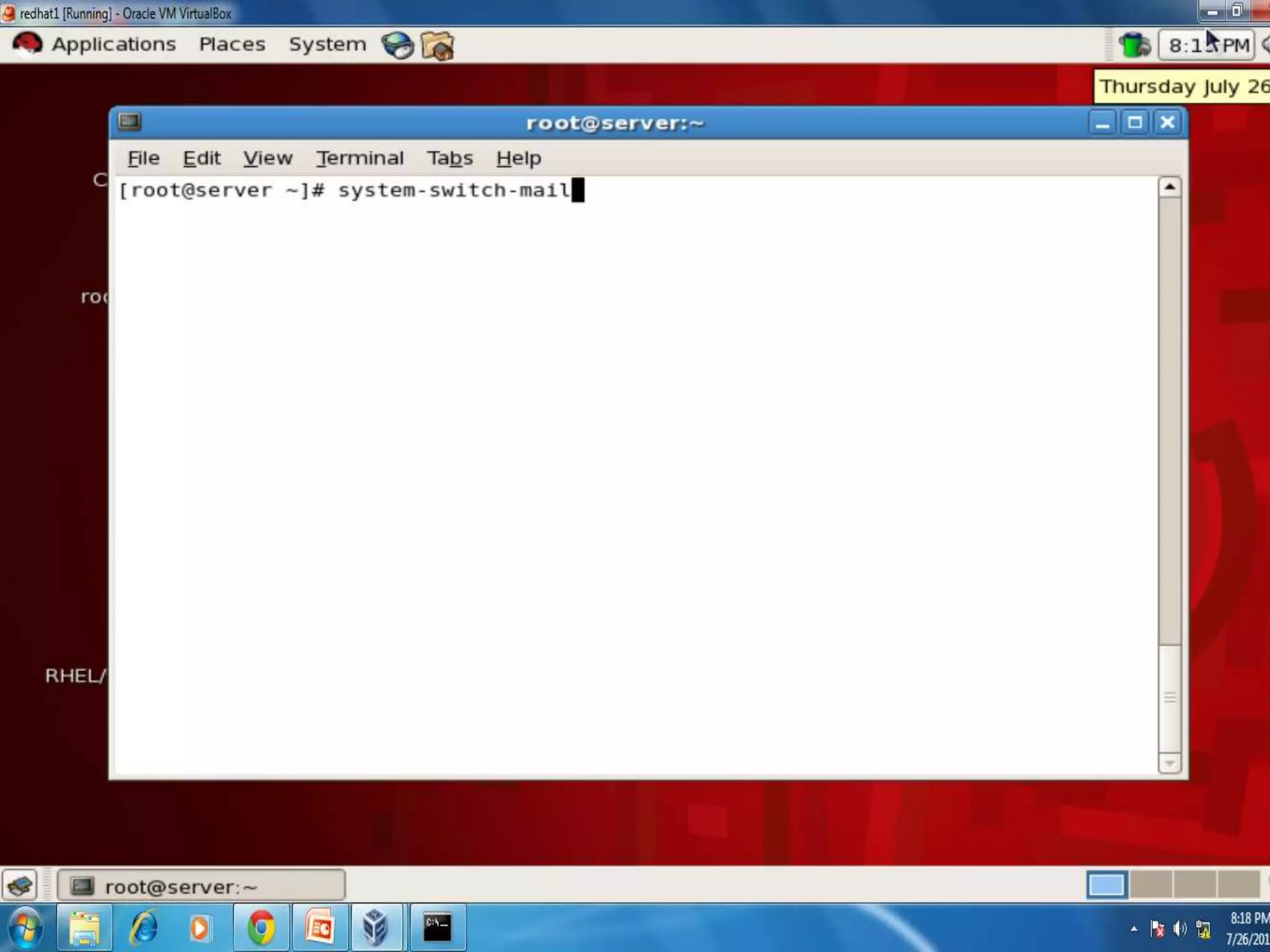
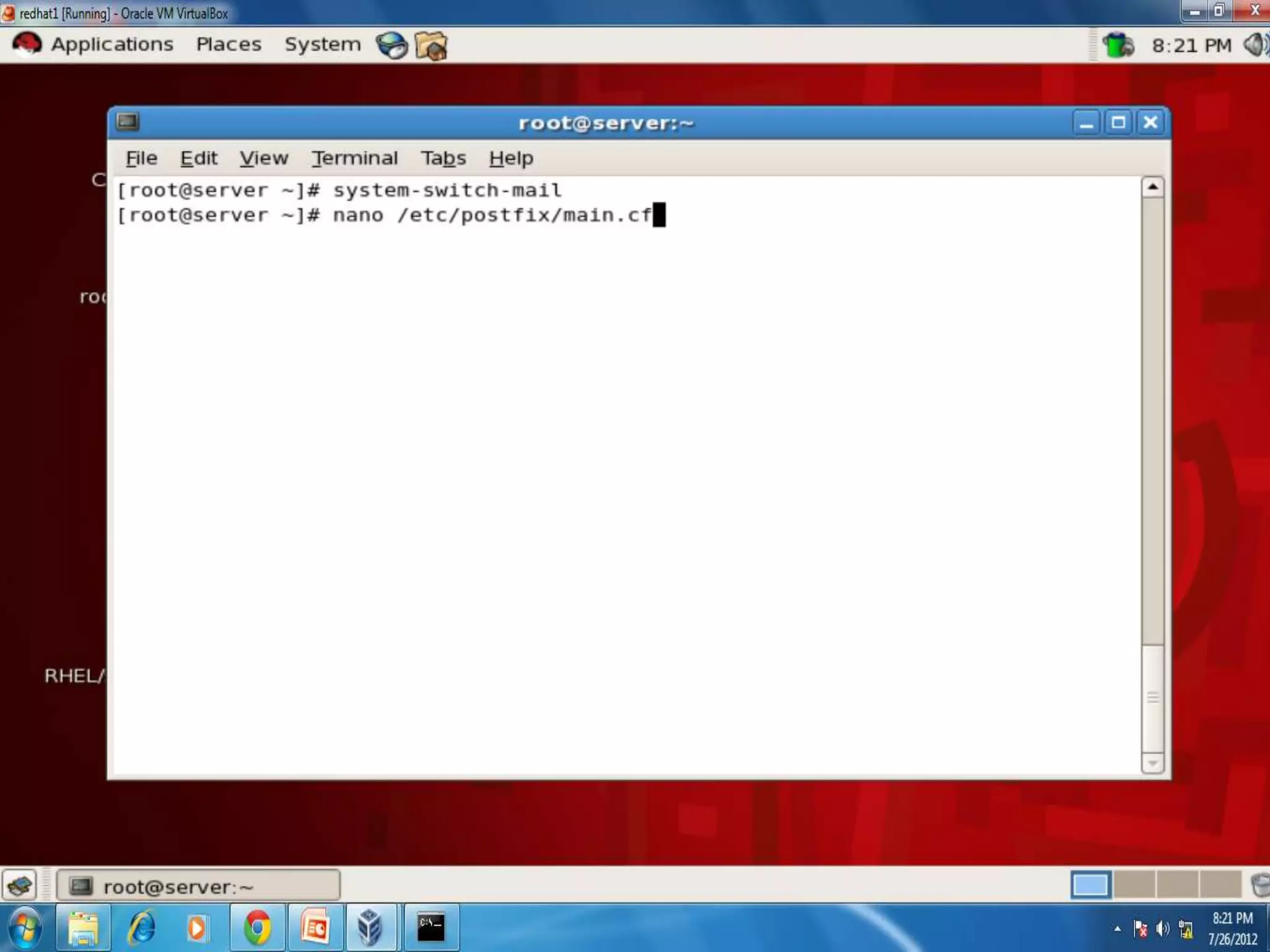
 #system-switch-mail
Web Server
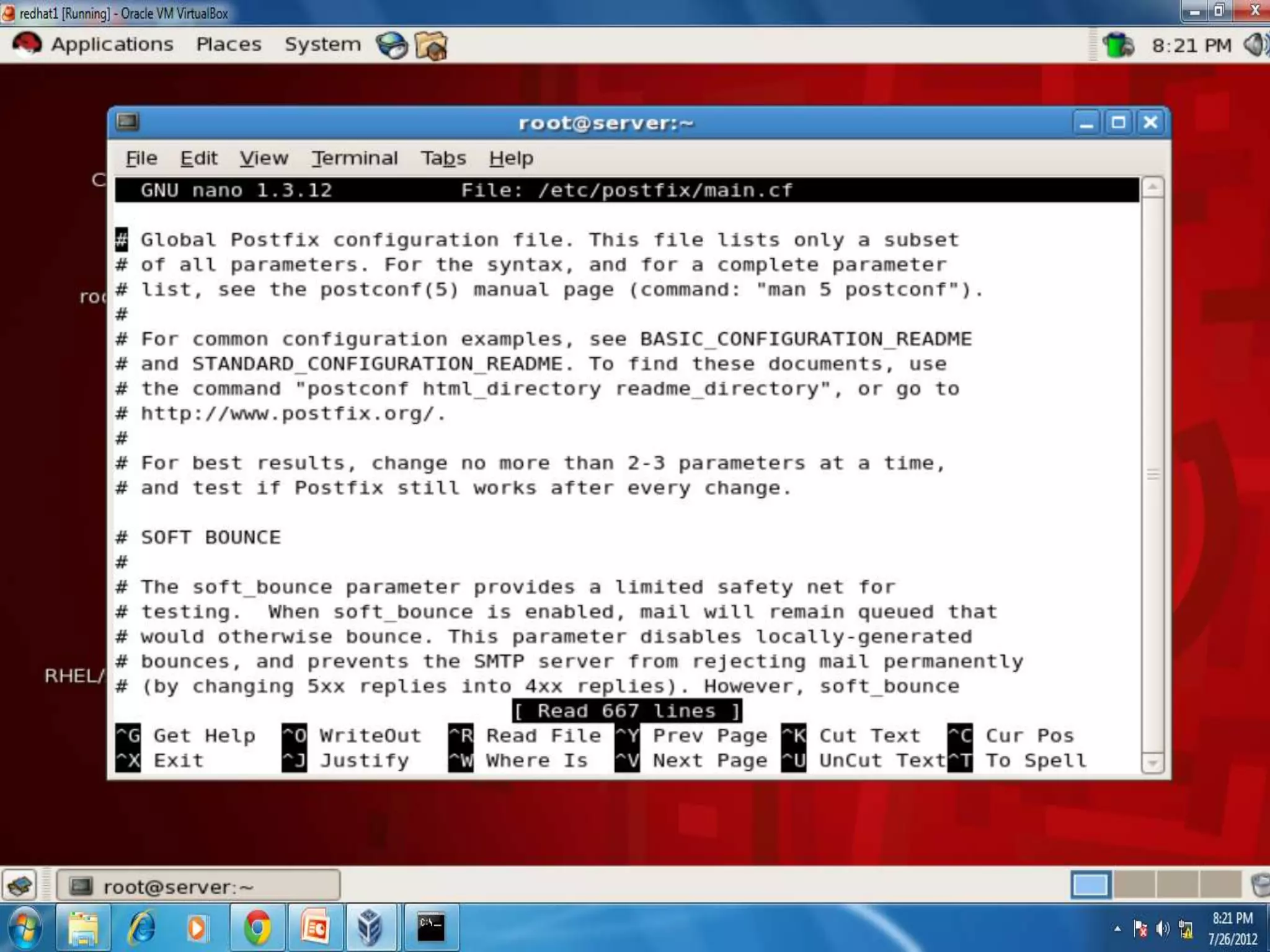
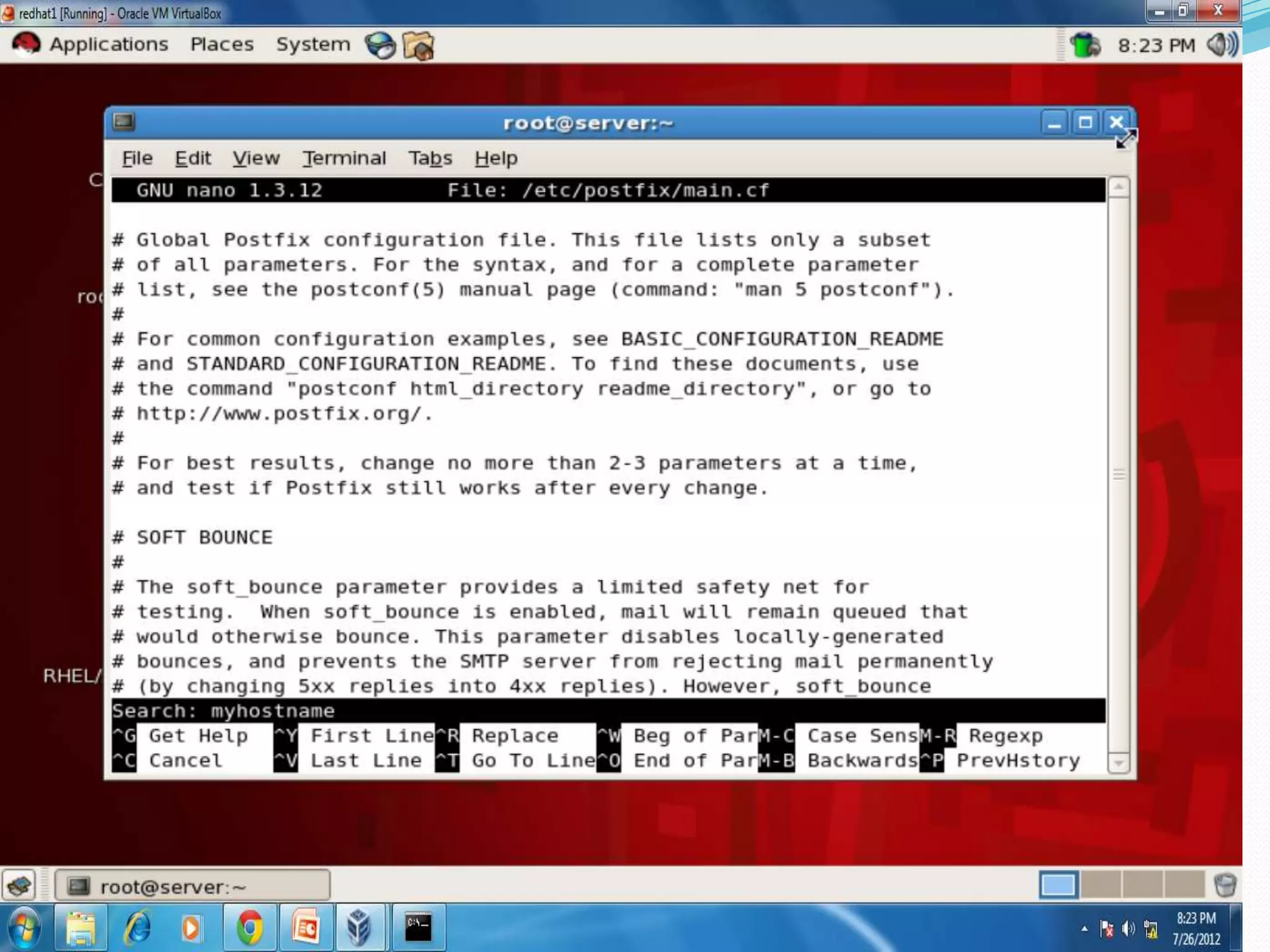
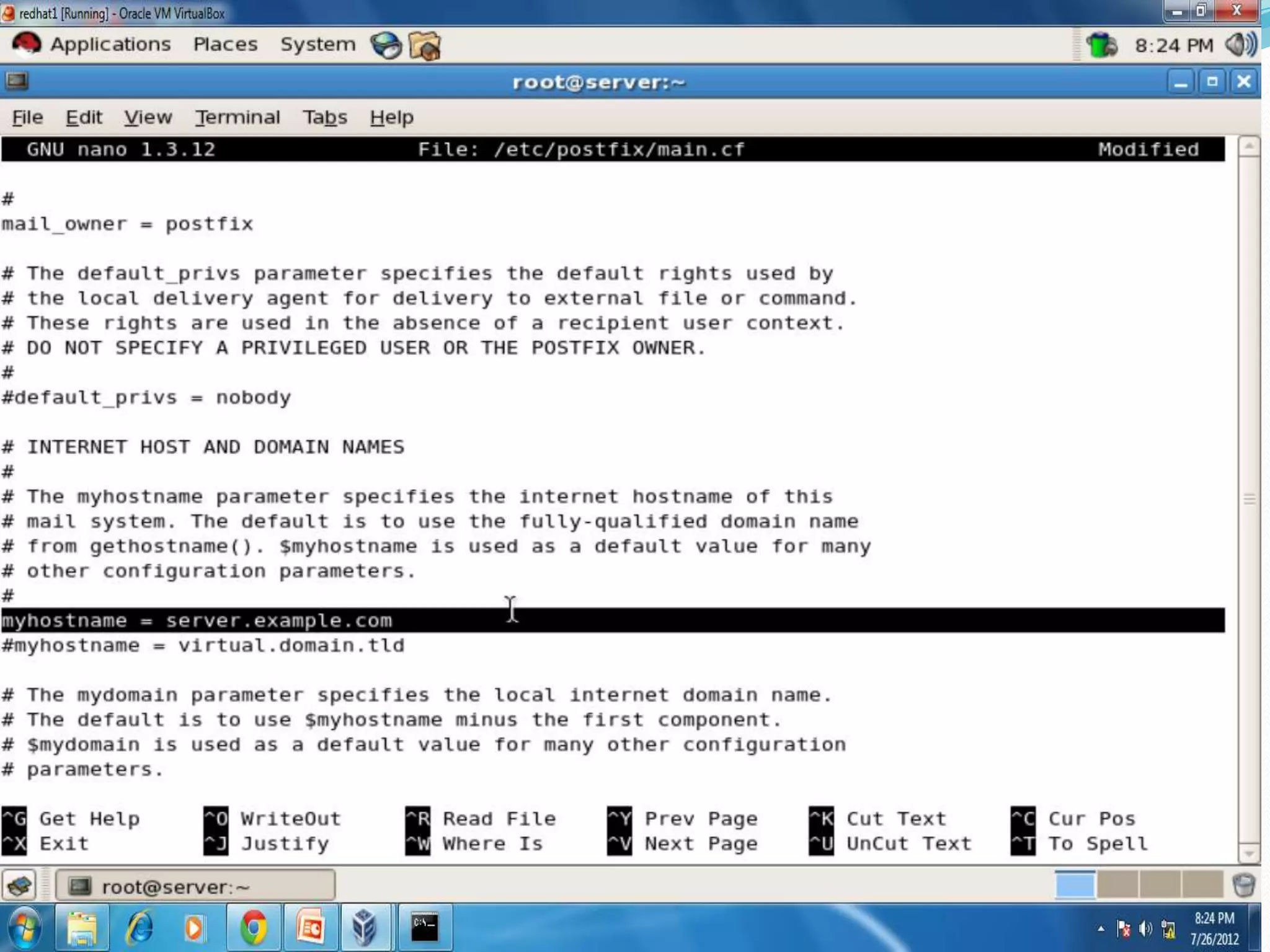
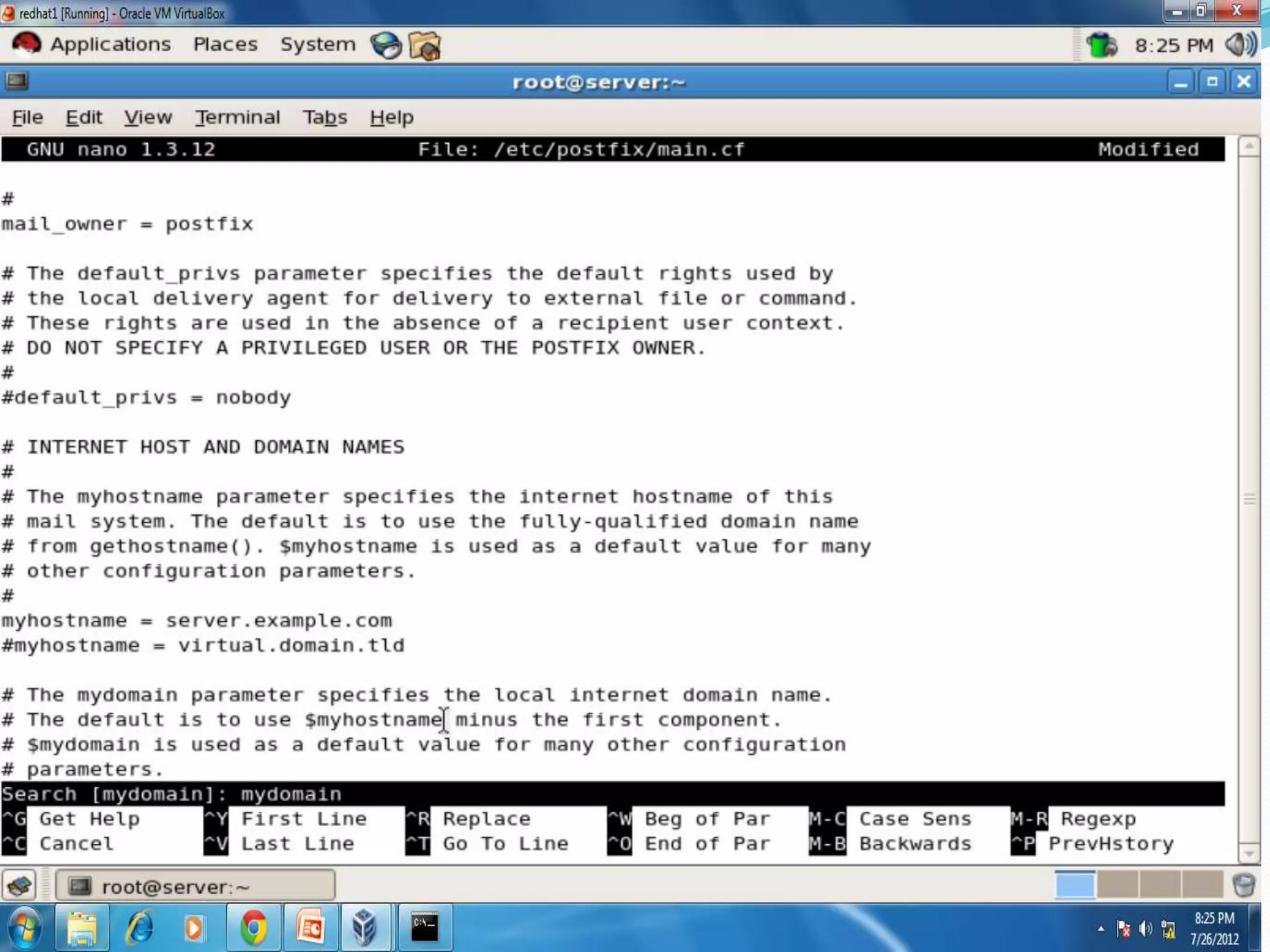
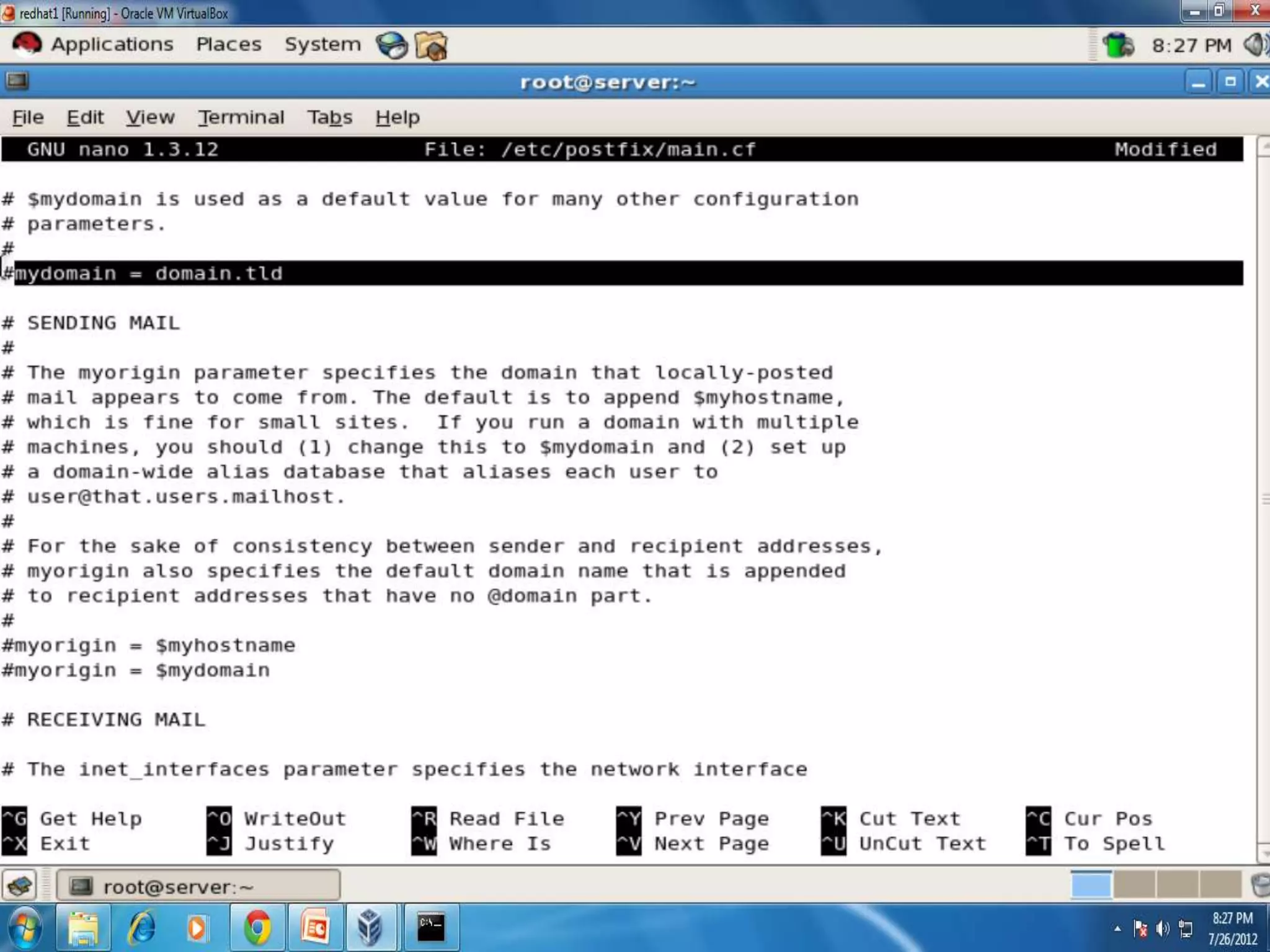
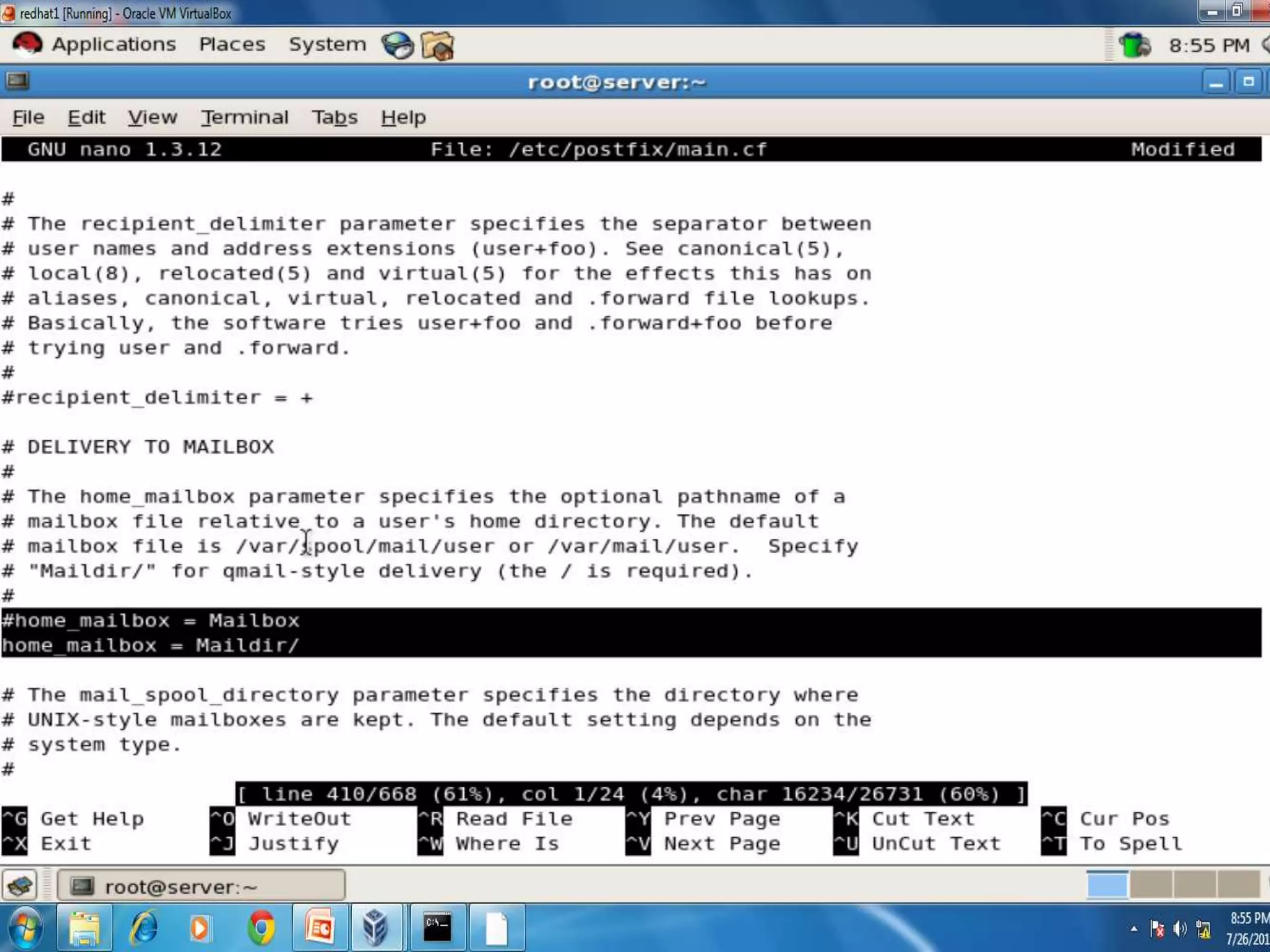
 Save and quit
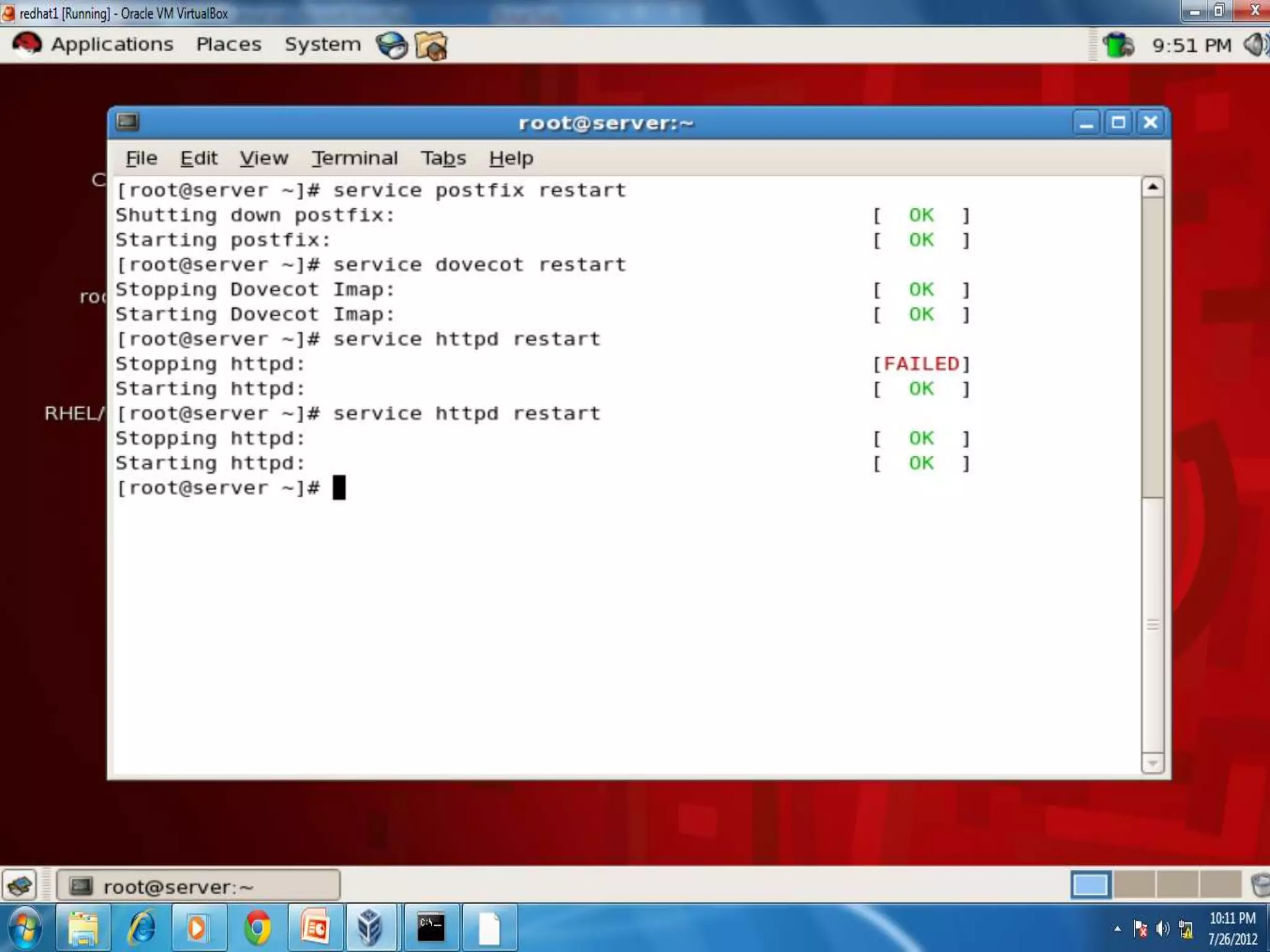
 #service postfix restart
 #chkconfig postfix on
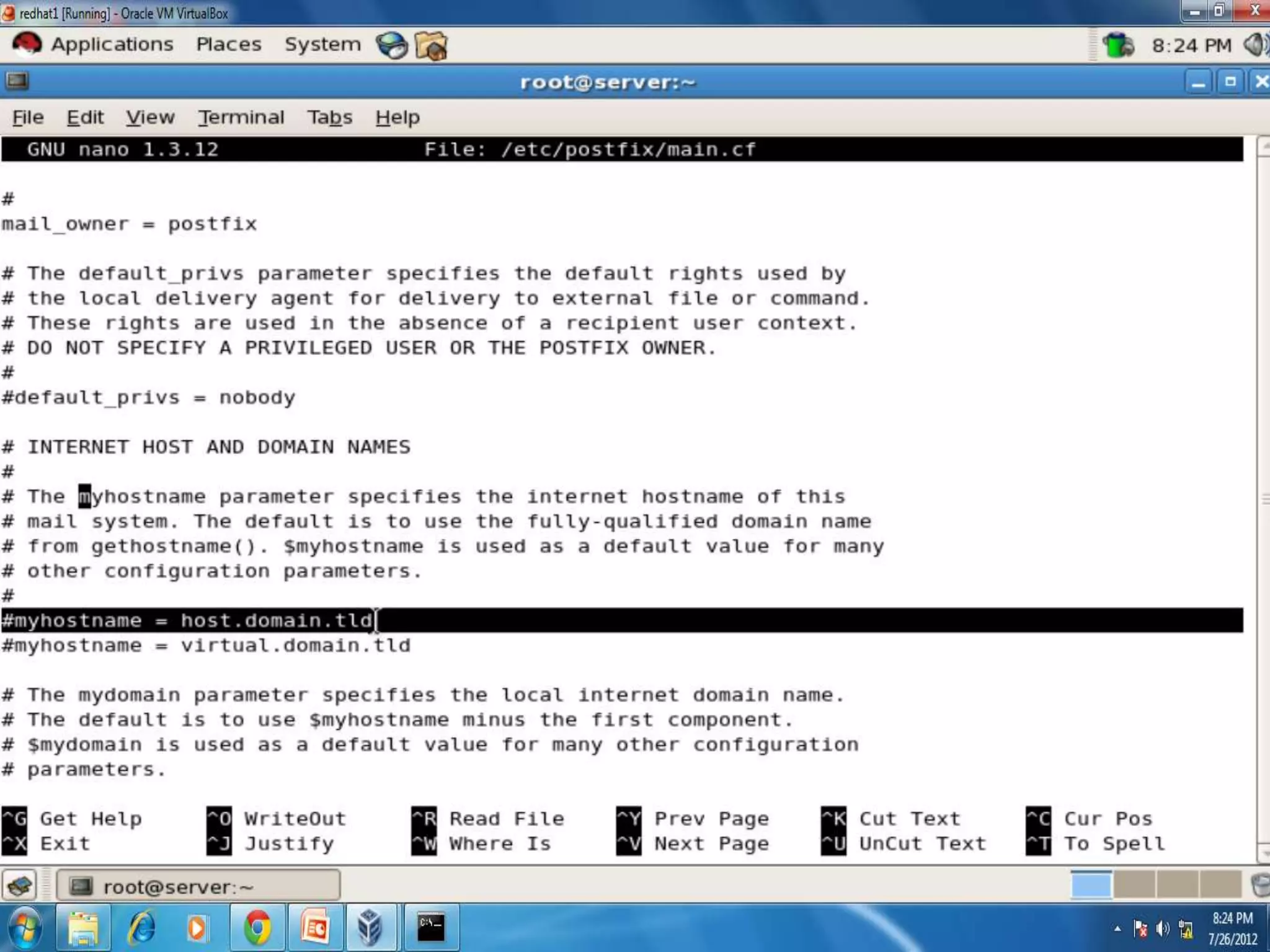
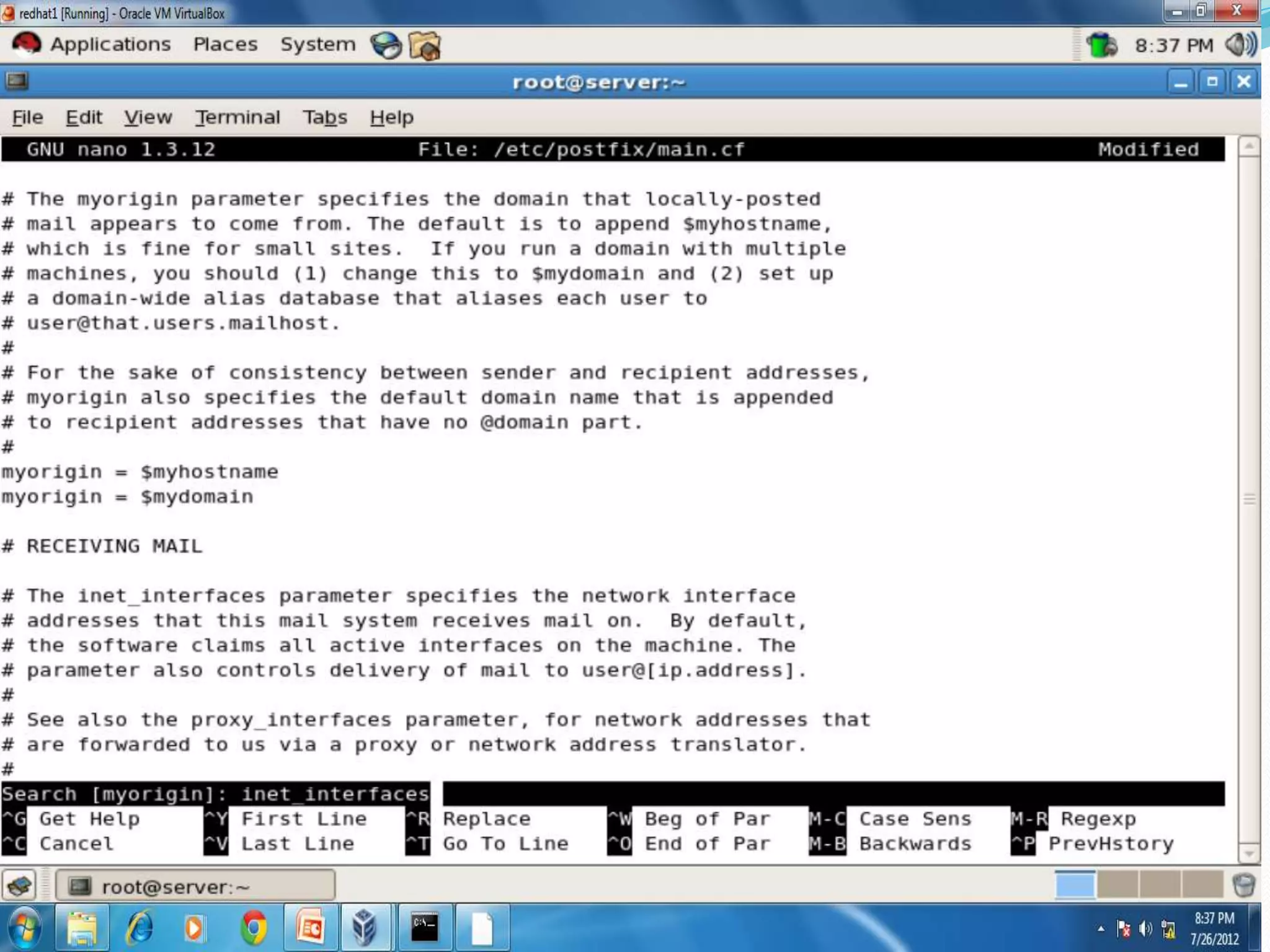
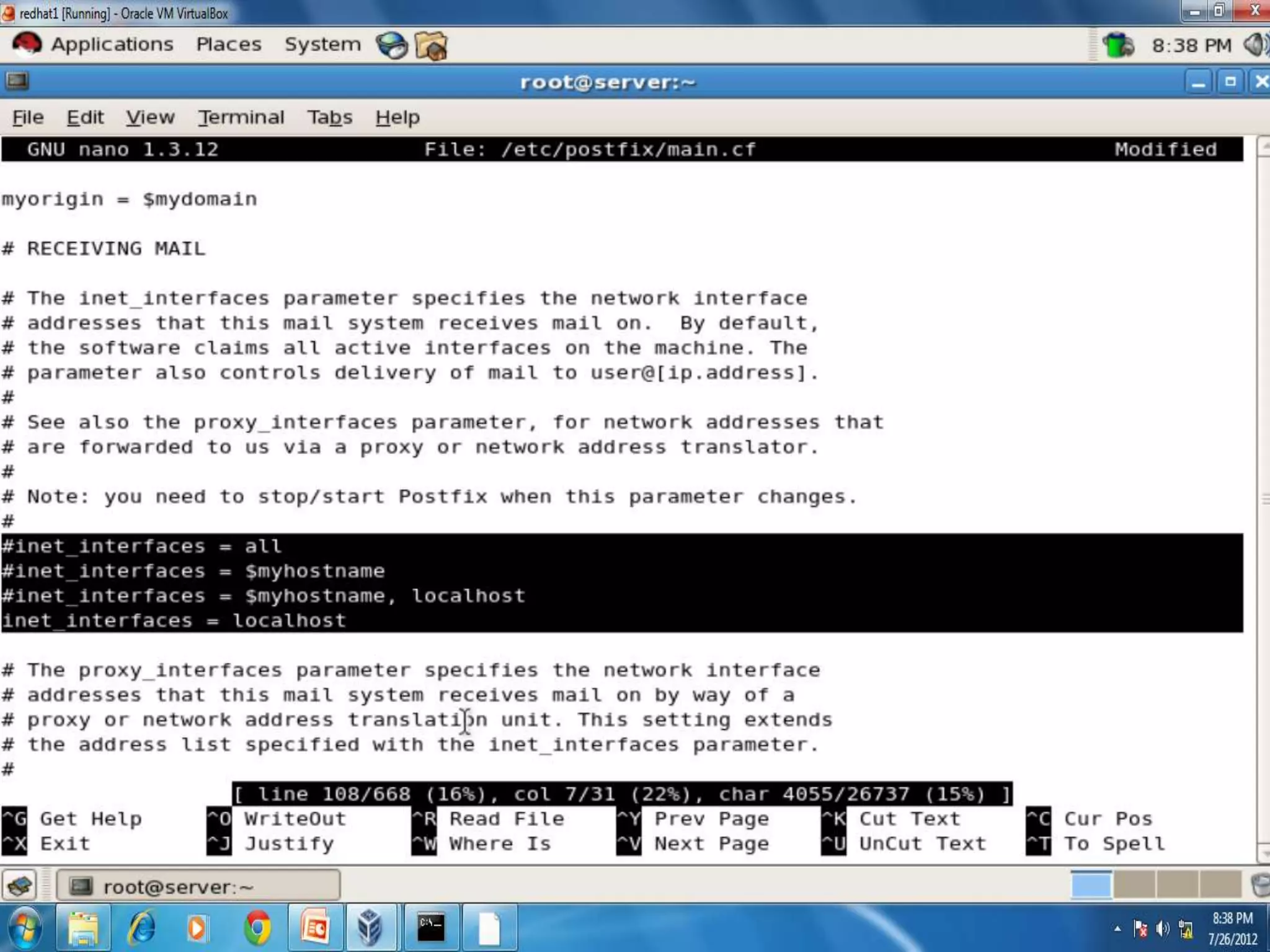
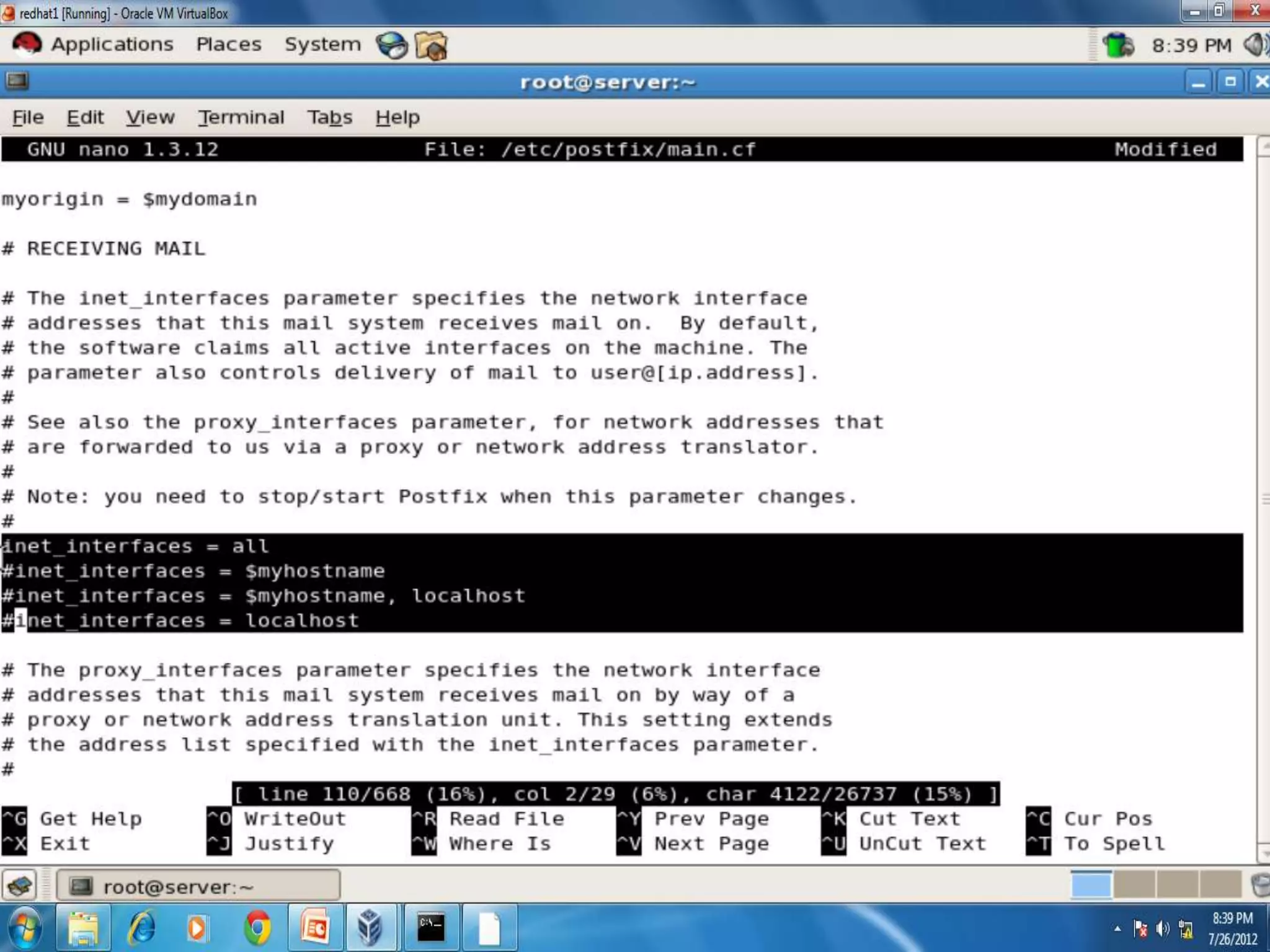
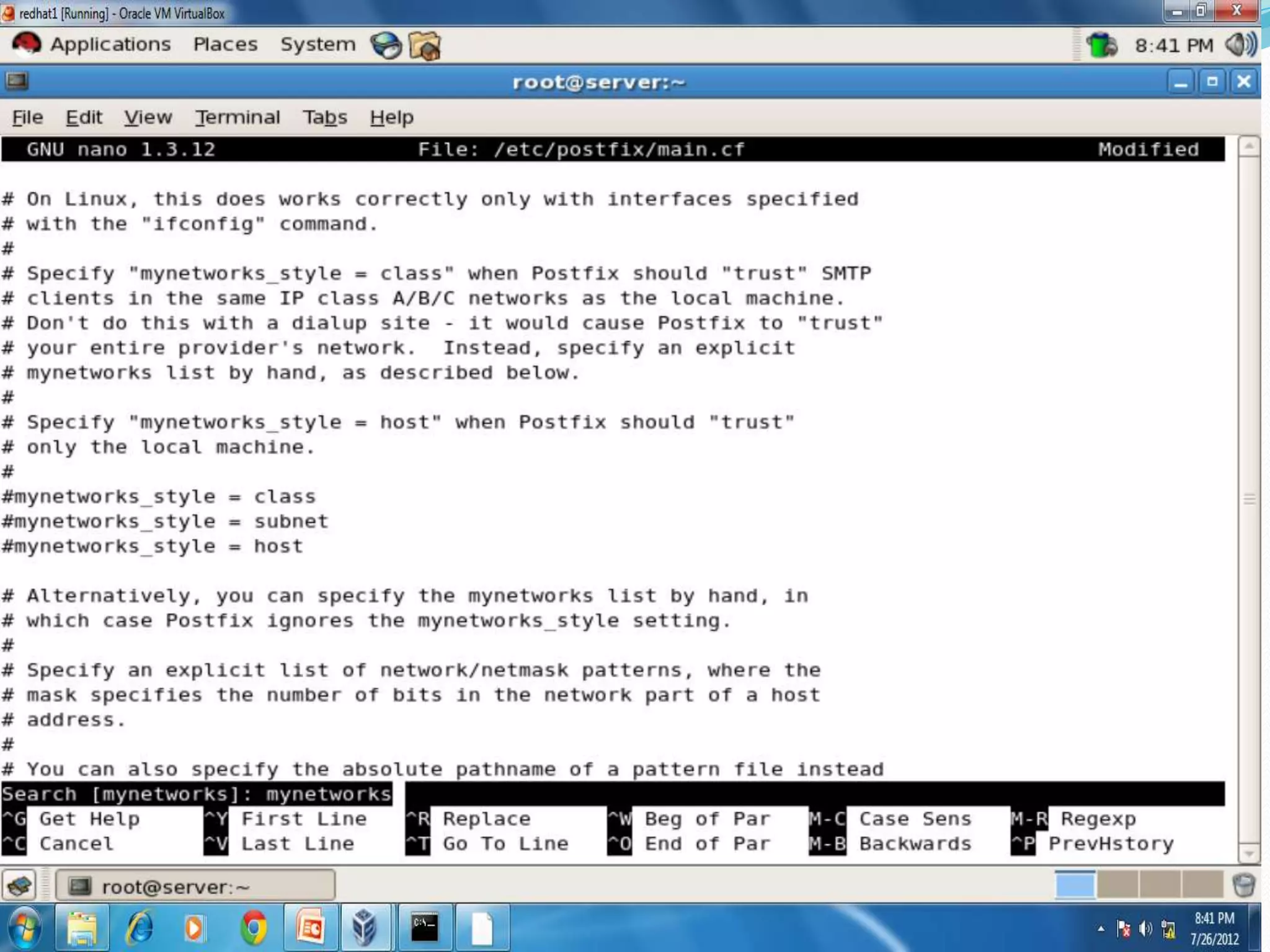
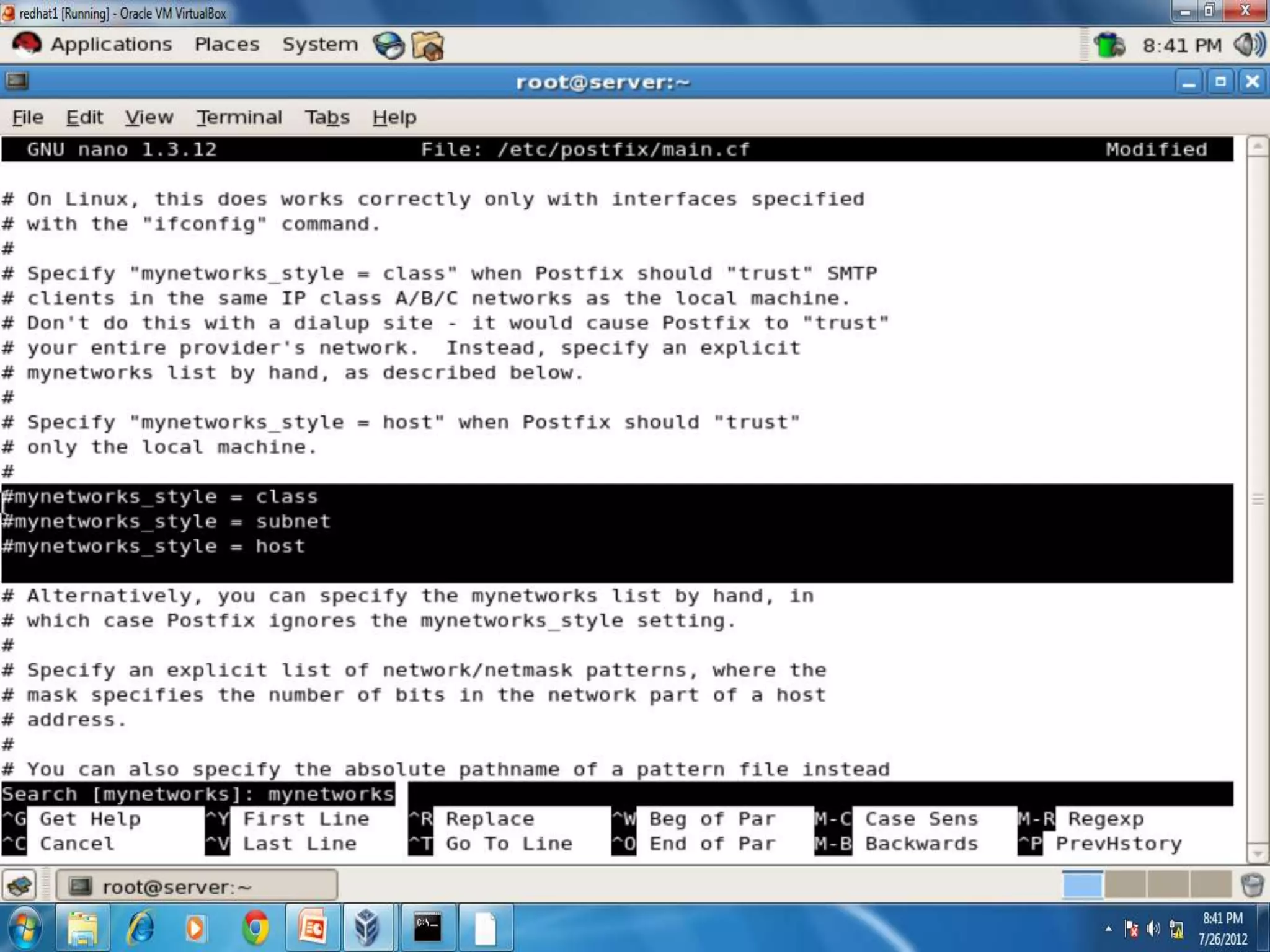
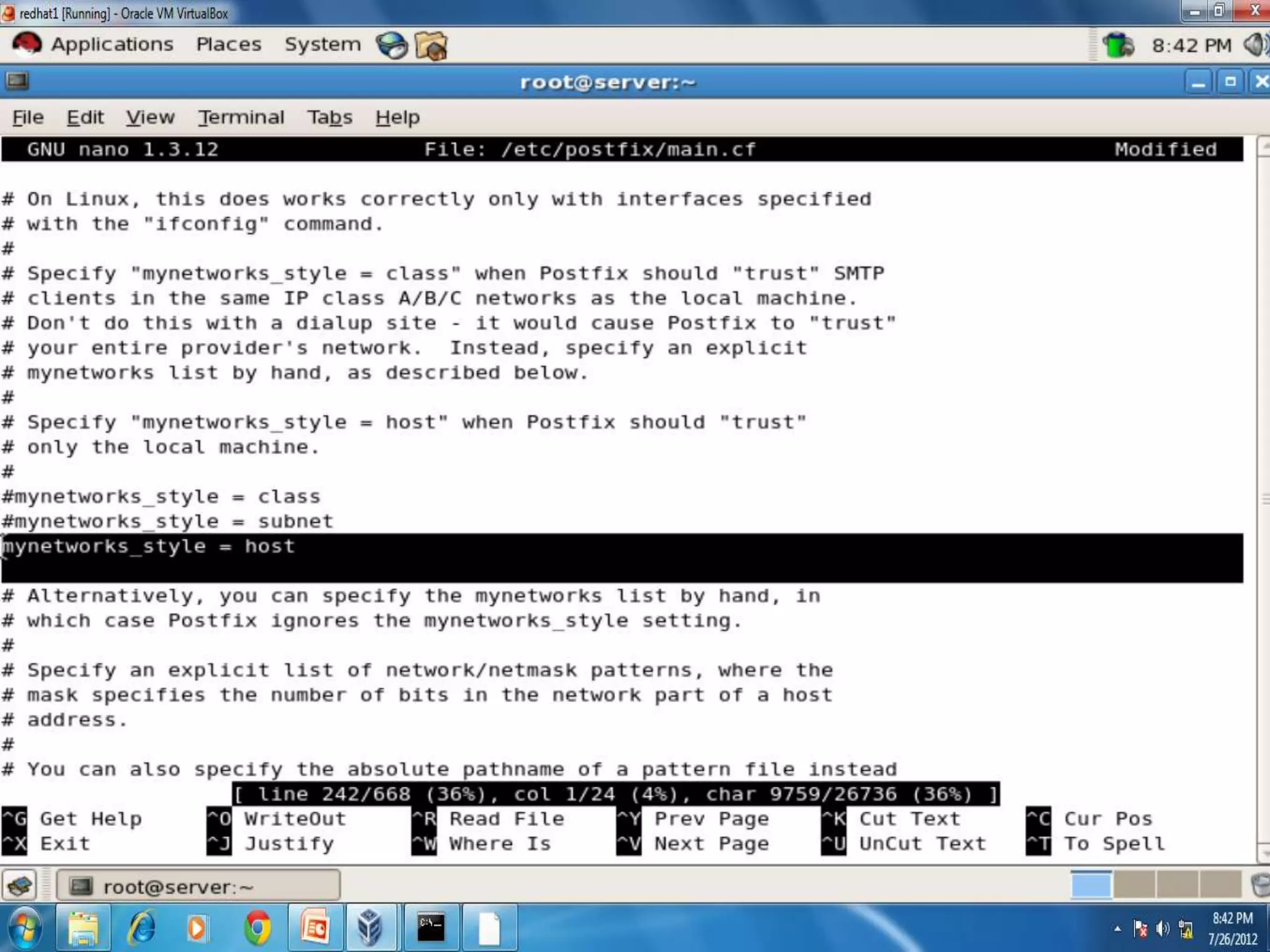
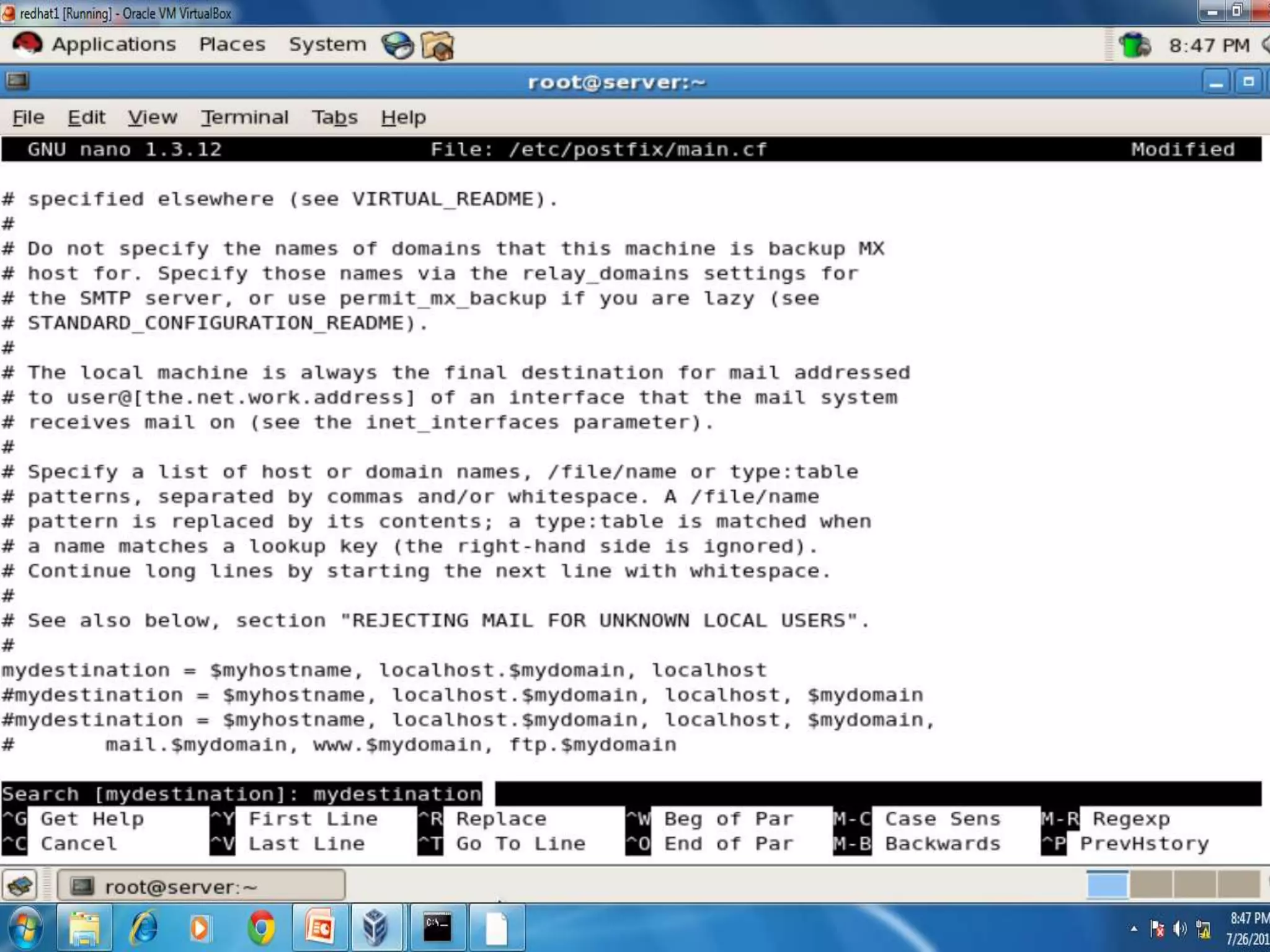
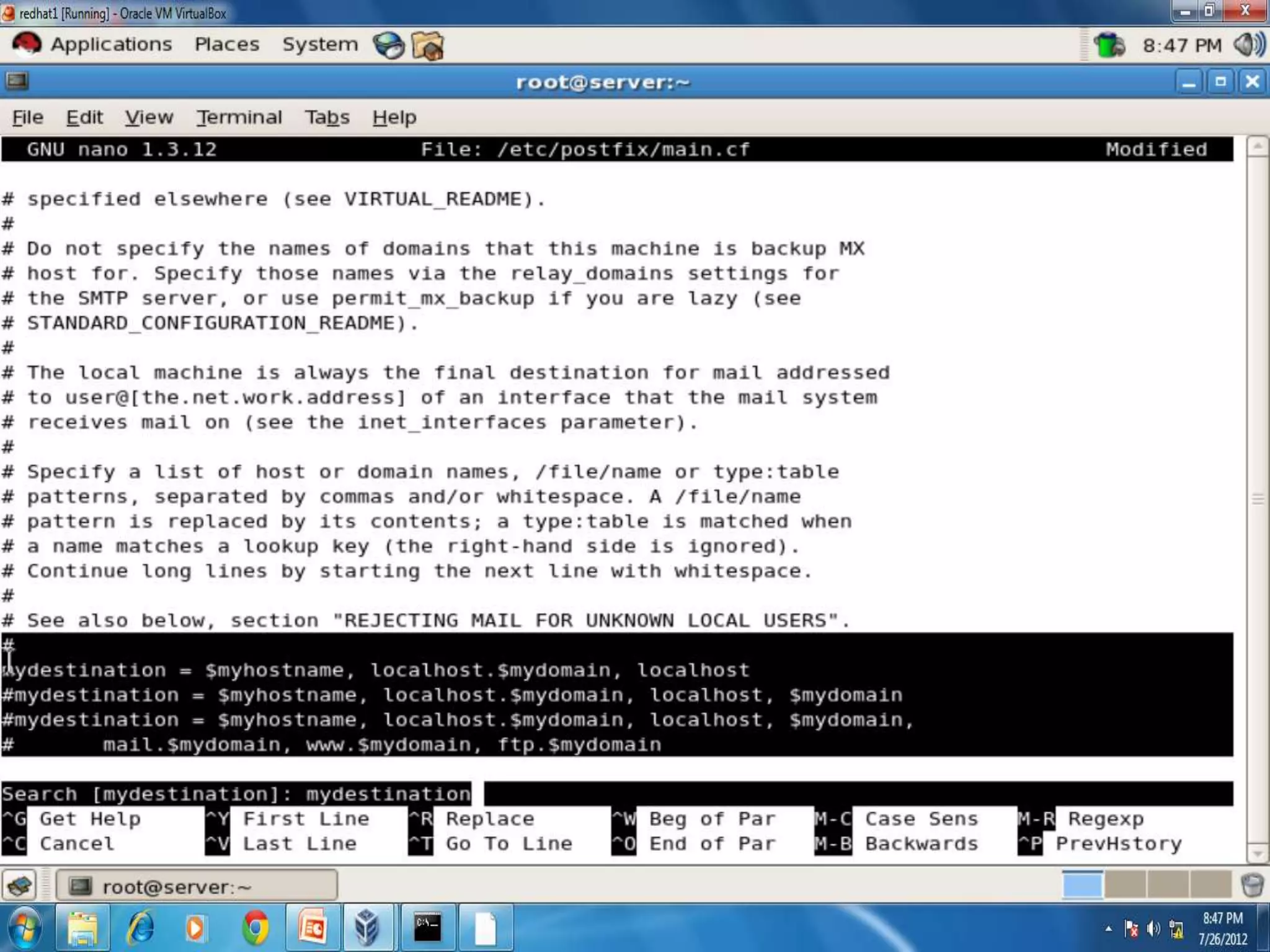
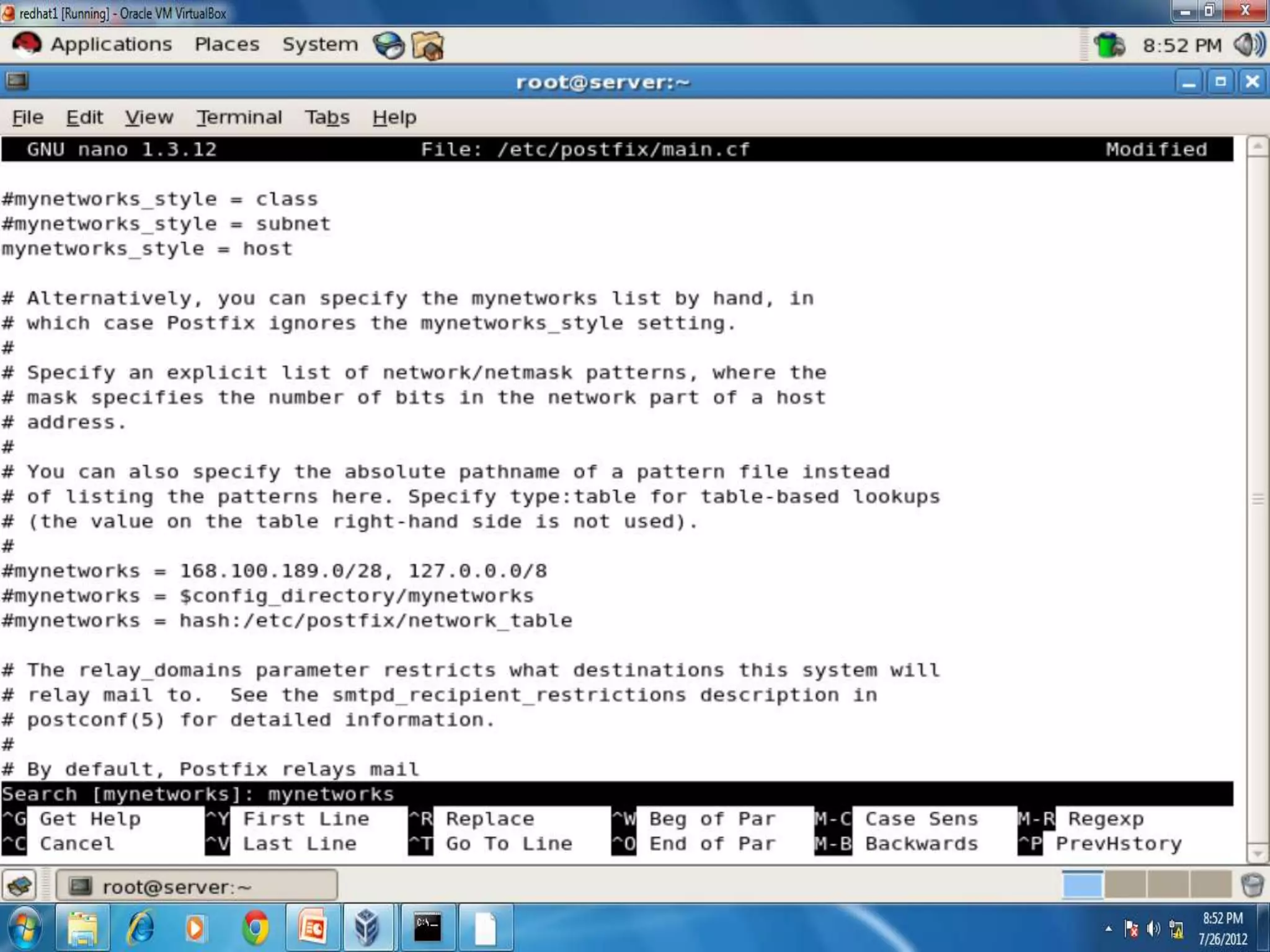
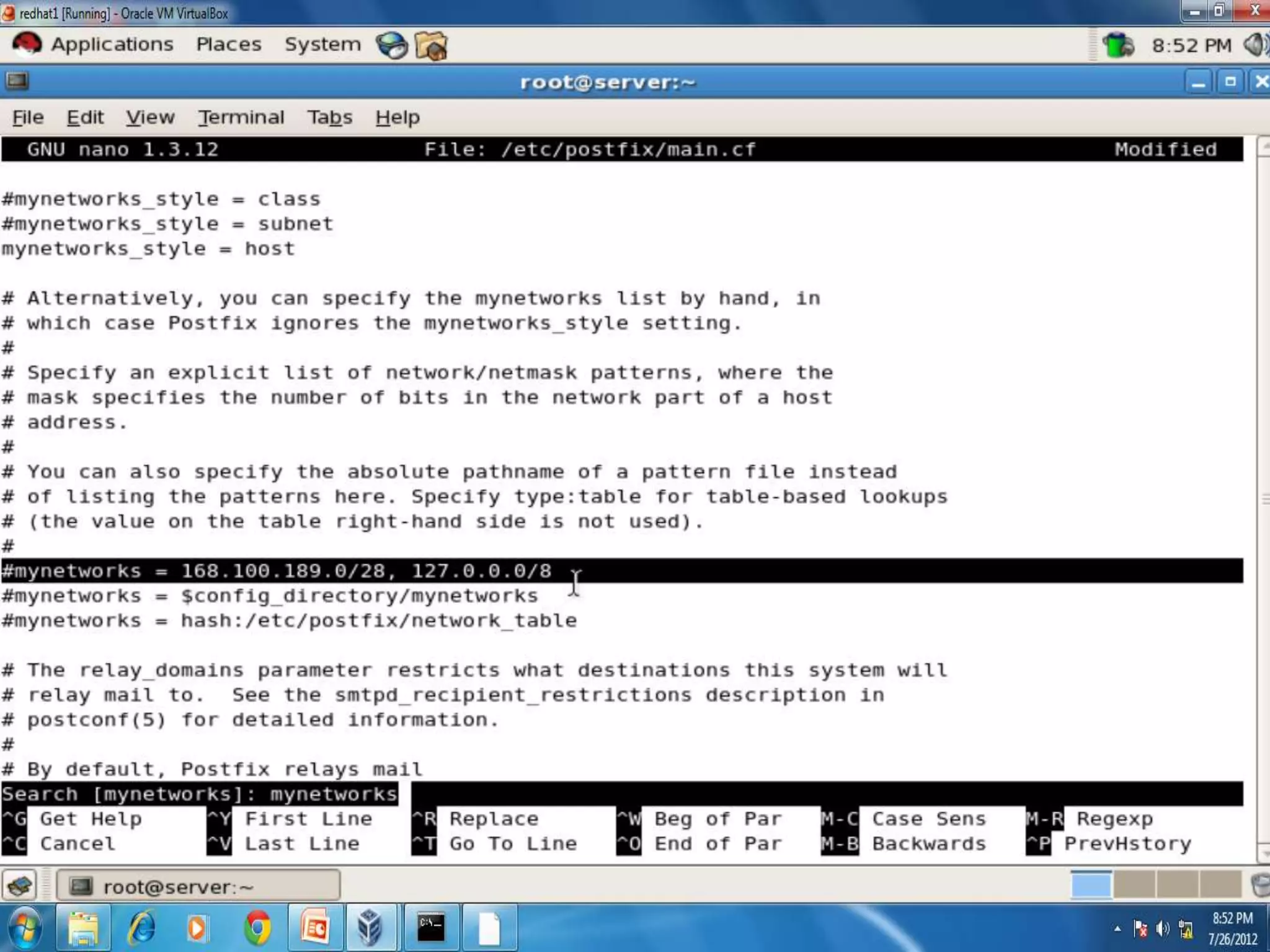
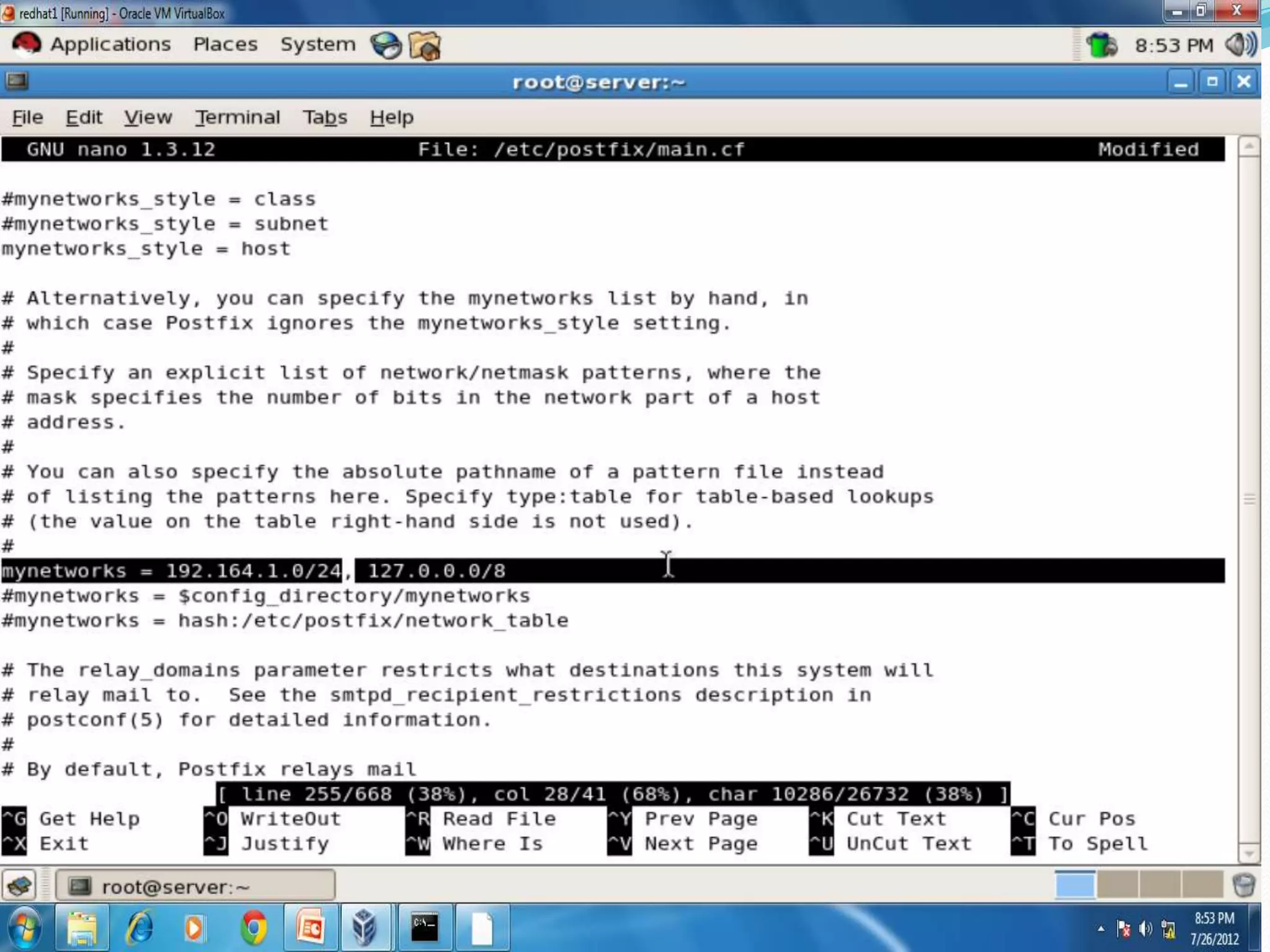
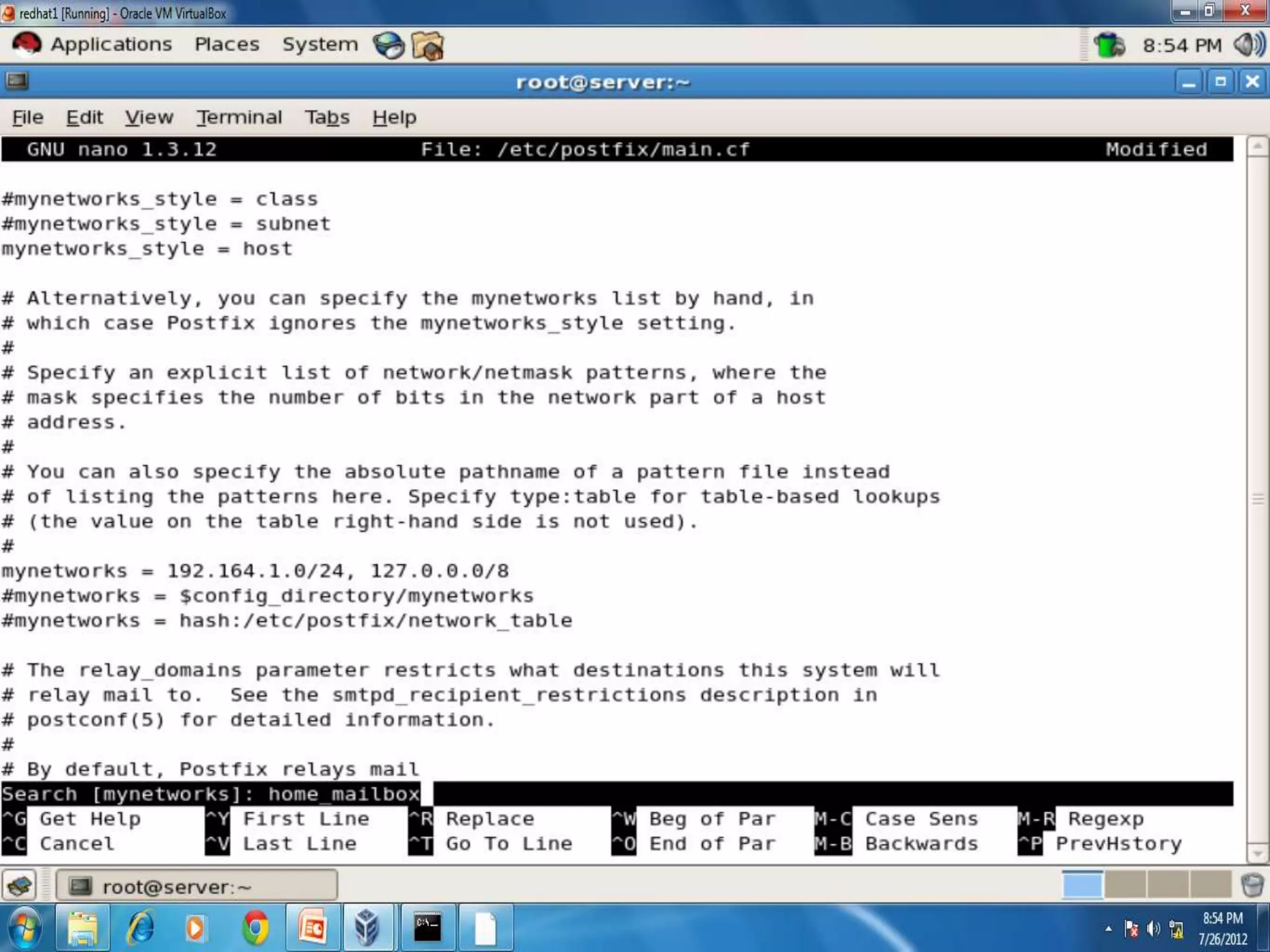
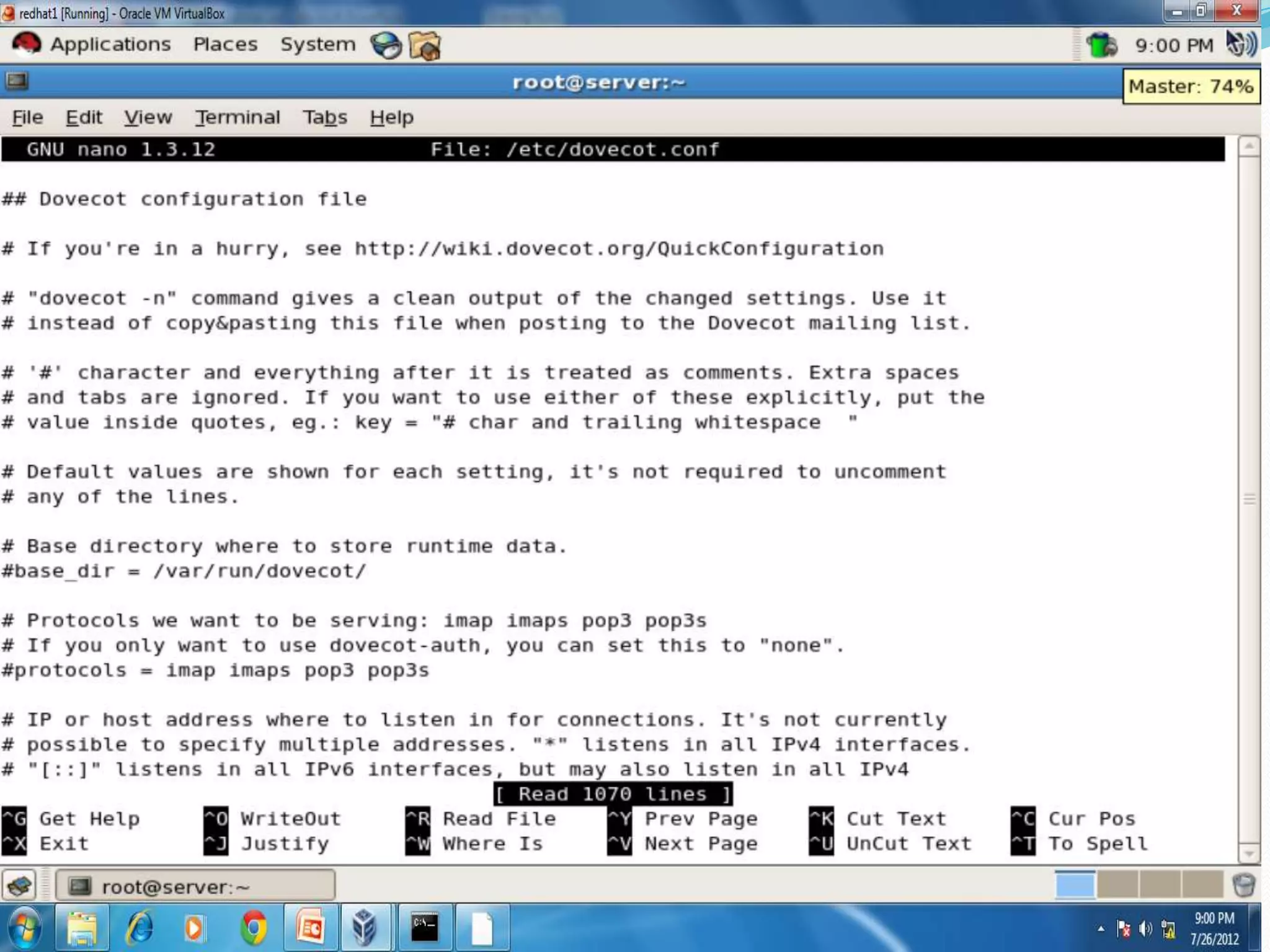
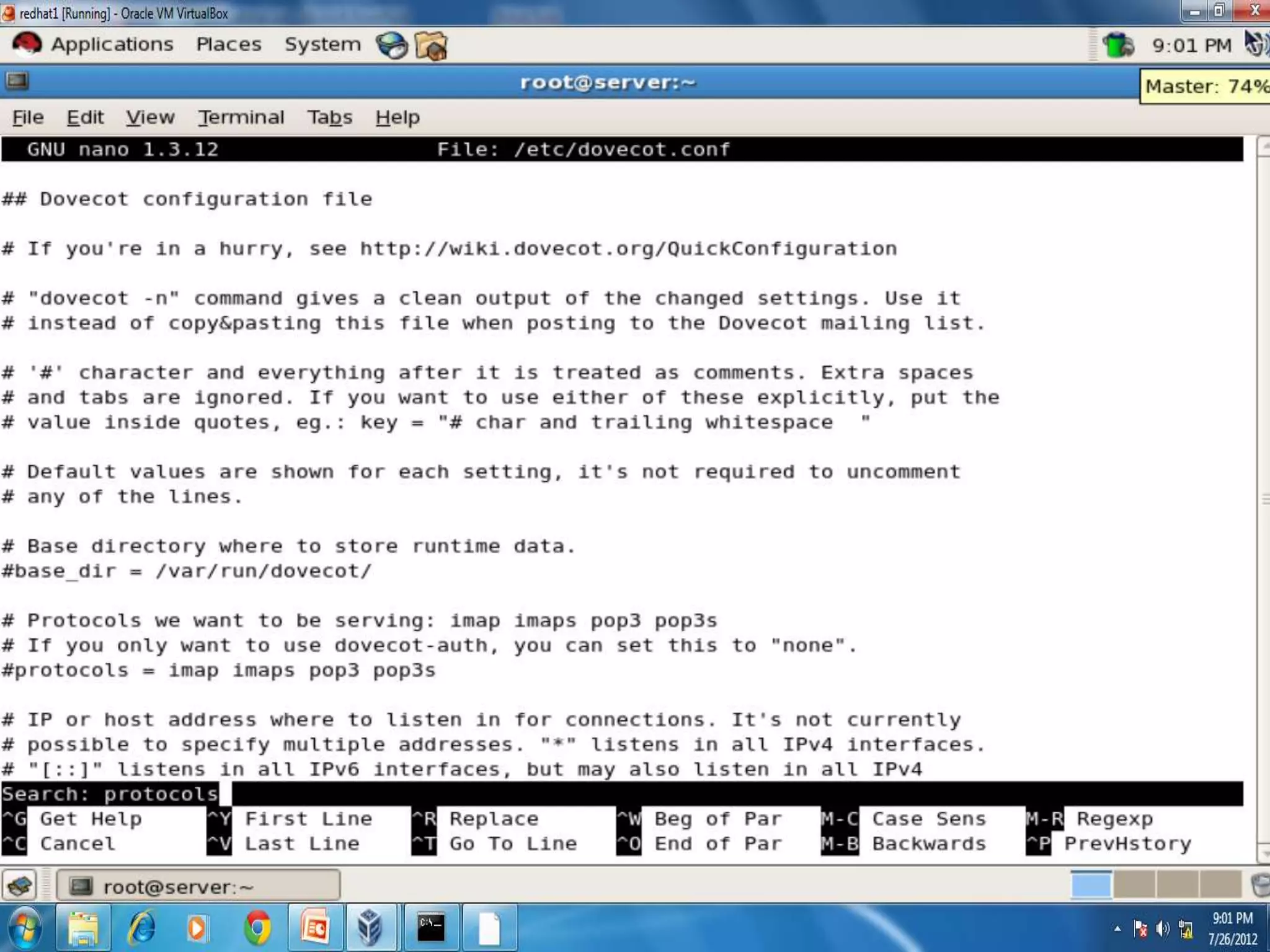
 Now configure Dovecot(MUA-Mail User Agent)-it uses
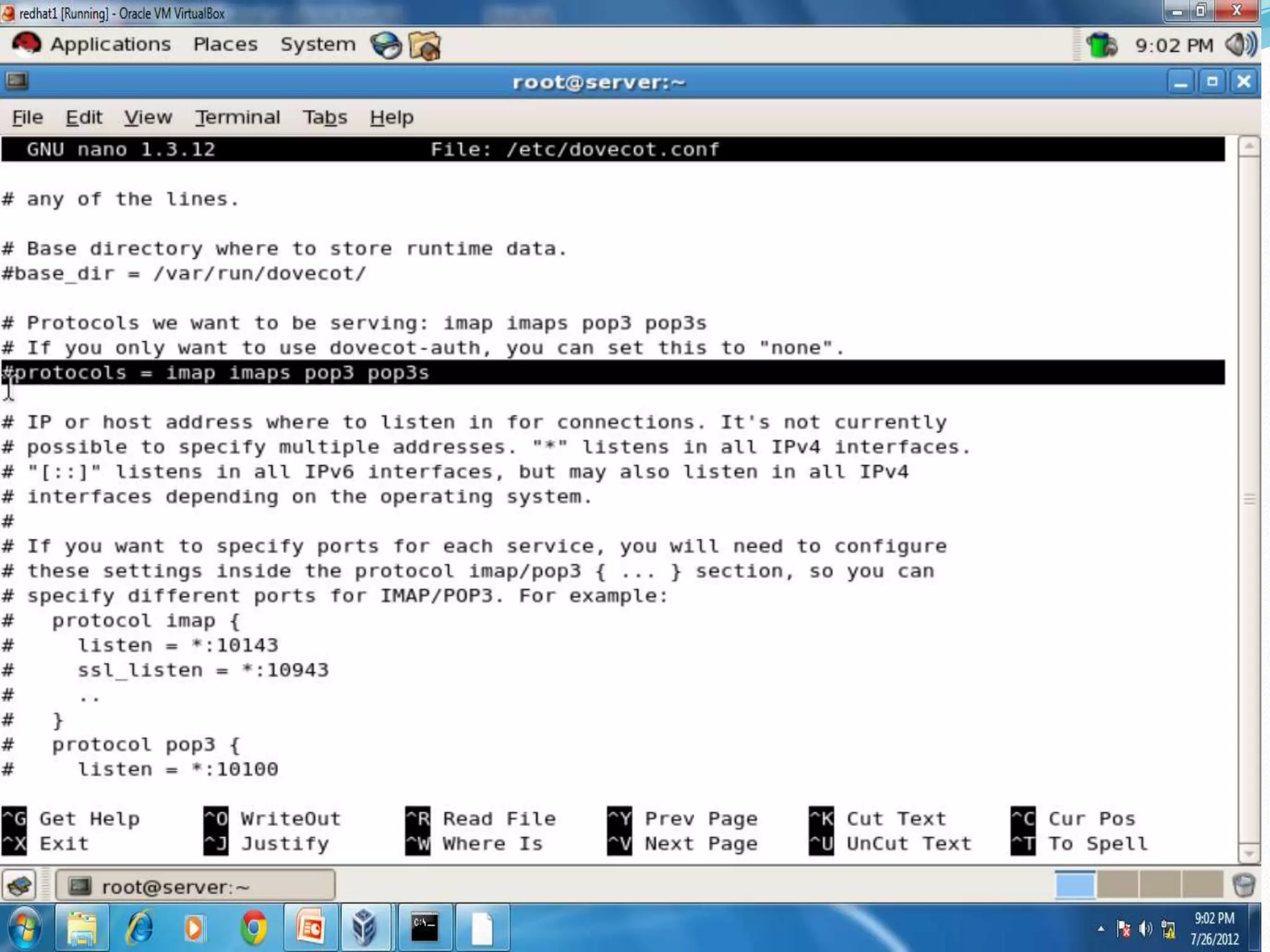
  POP (post office protocol)and IMAP(intenet messege
  acess protocol) protocol.
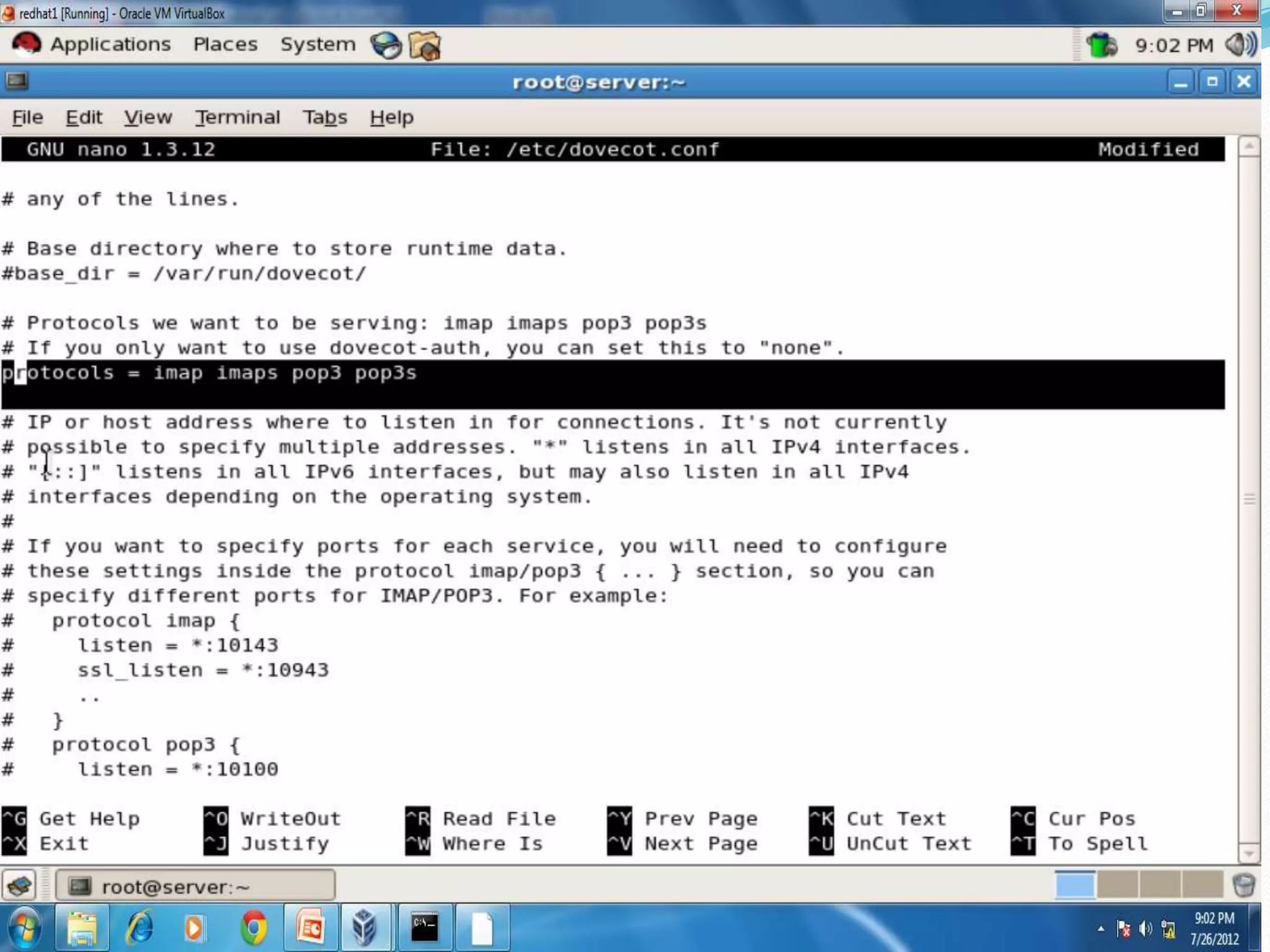
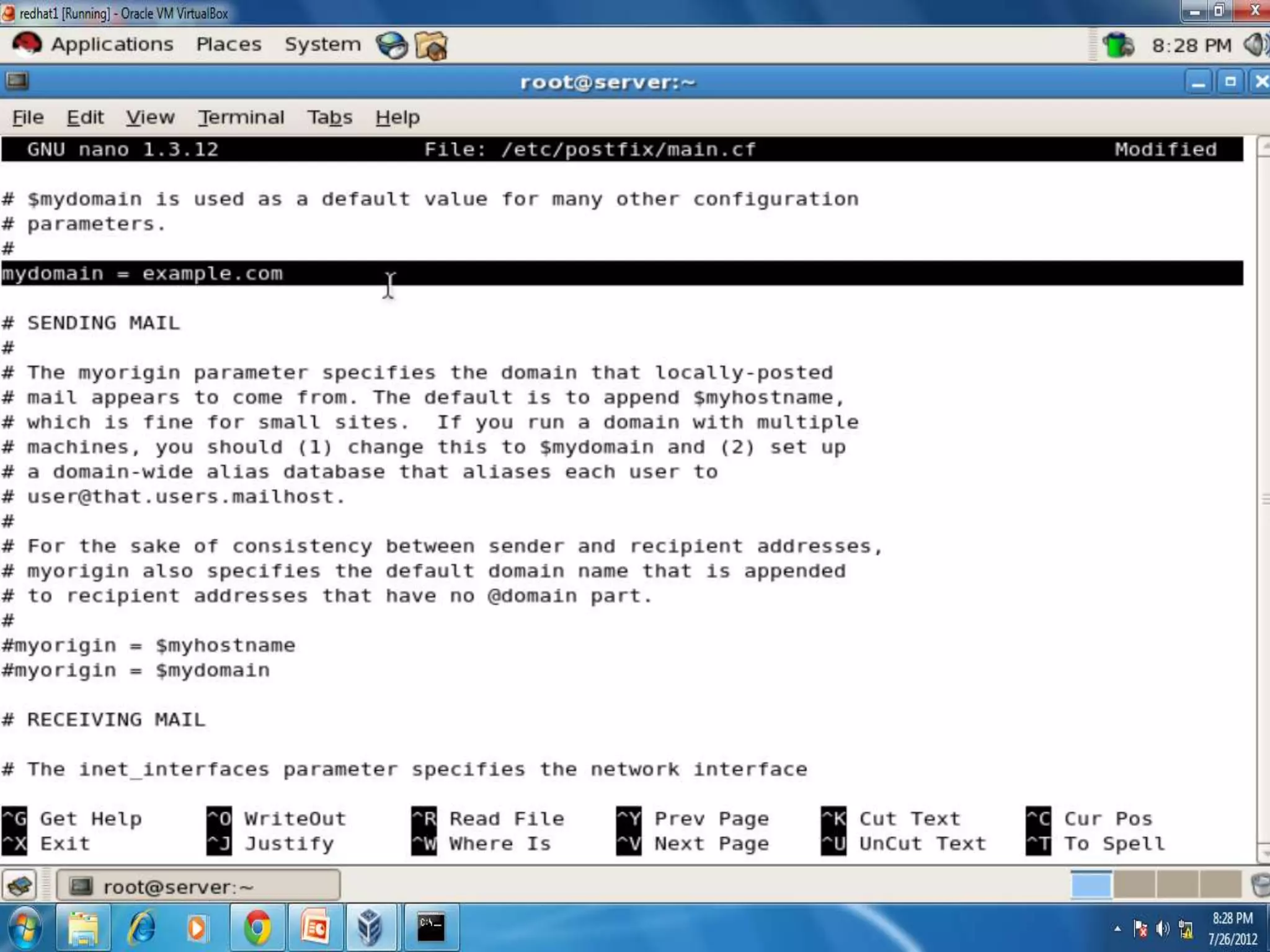
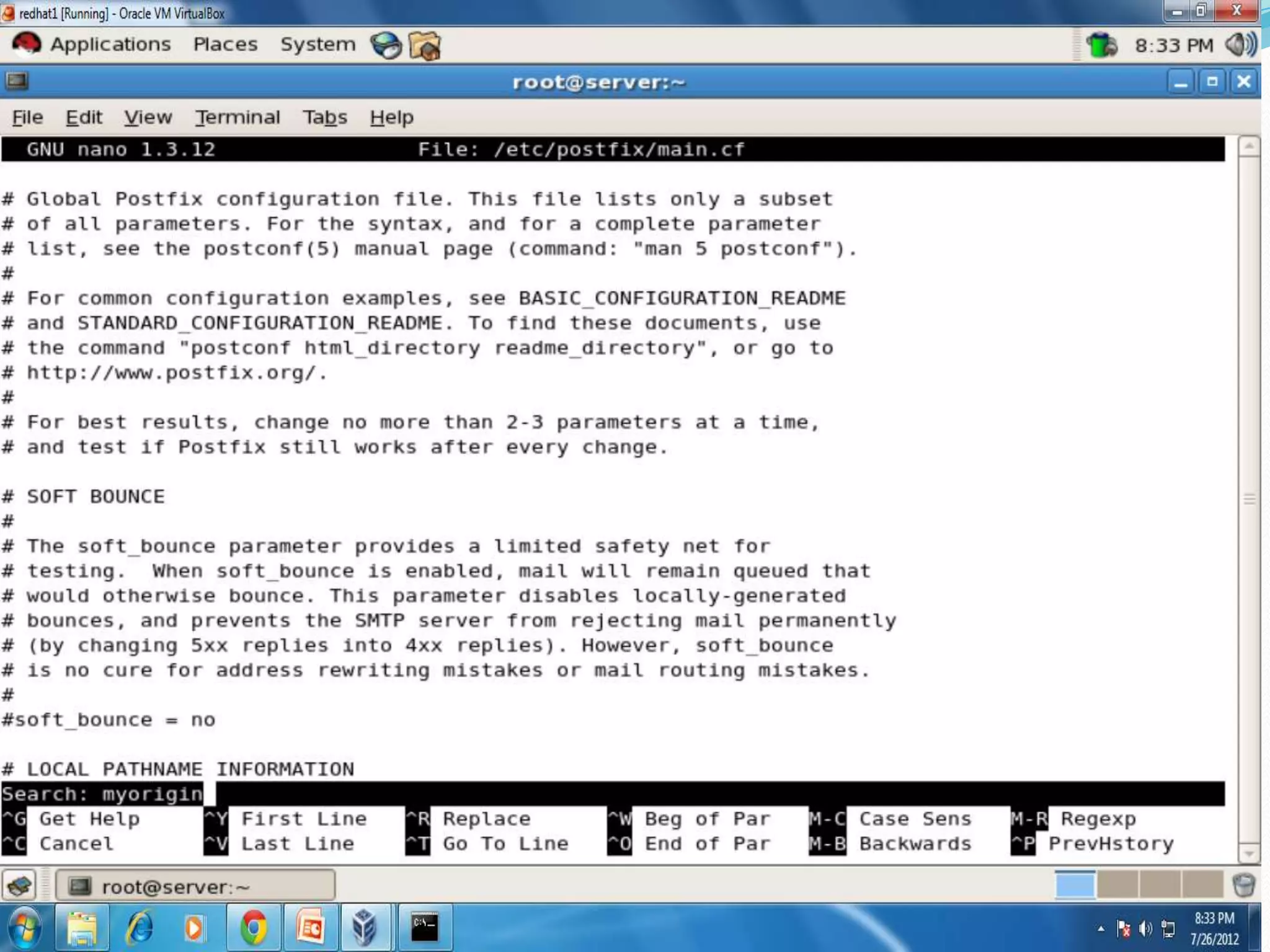
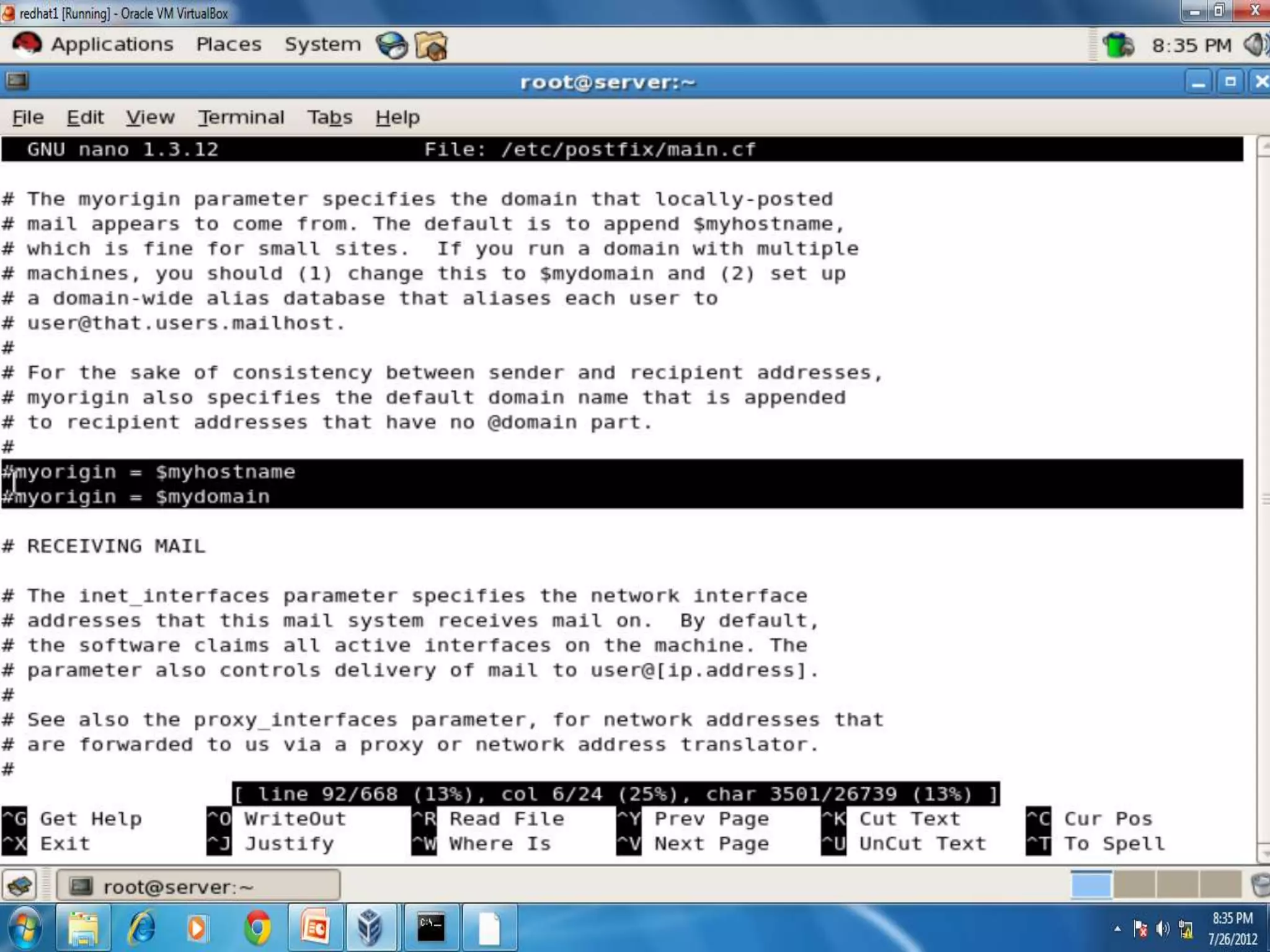
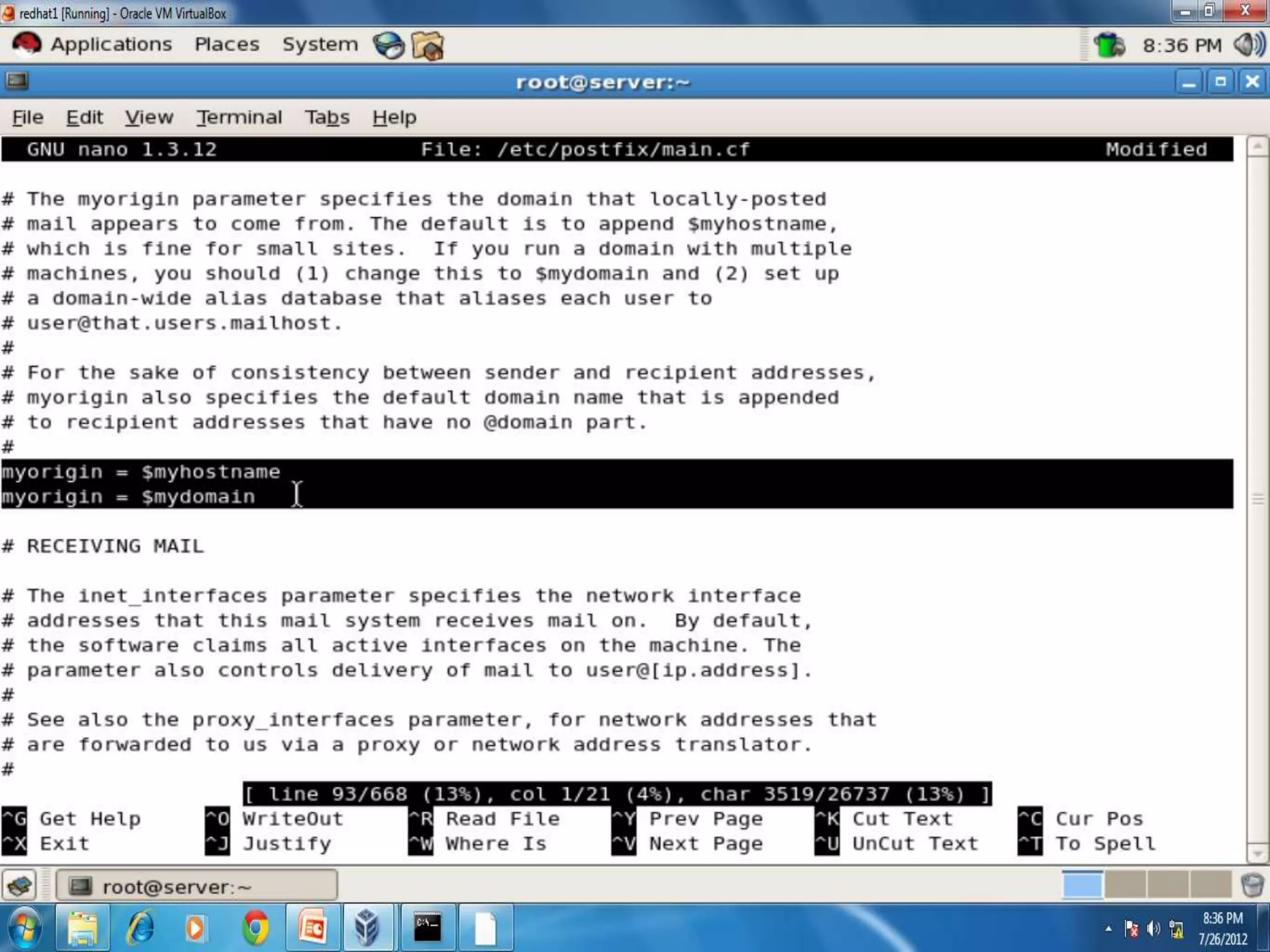
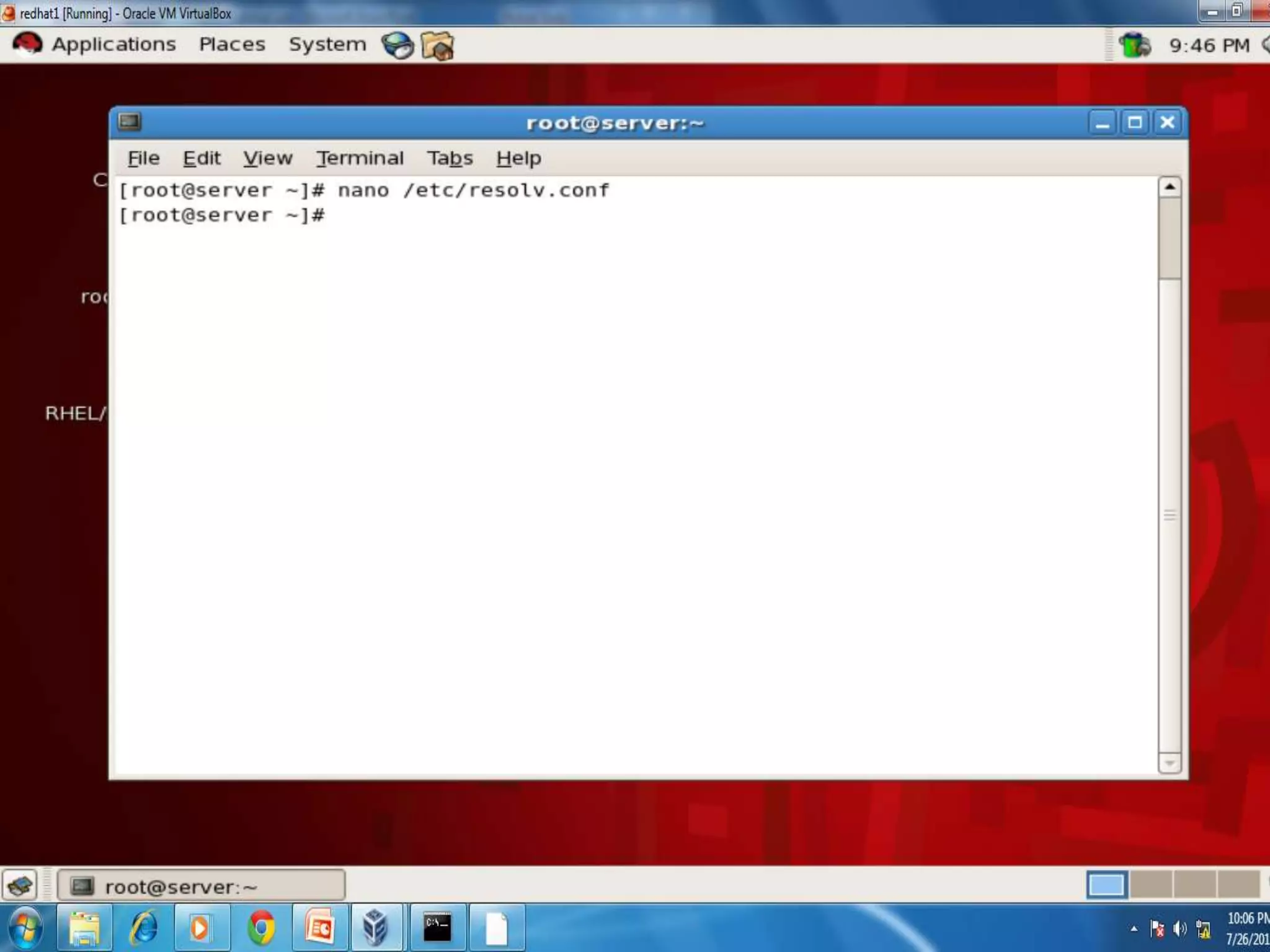
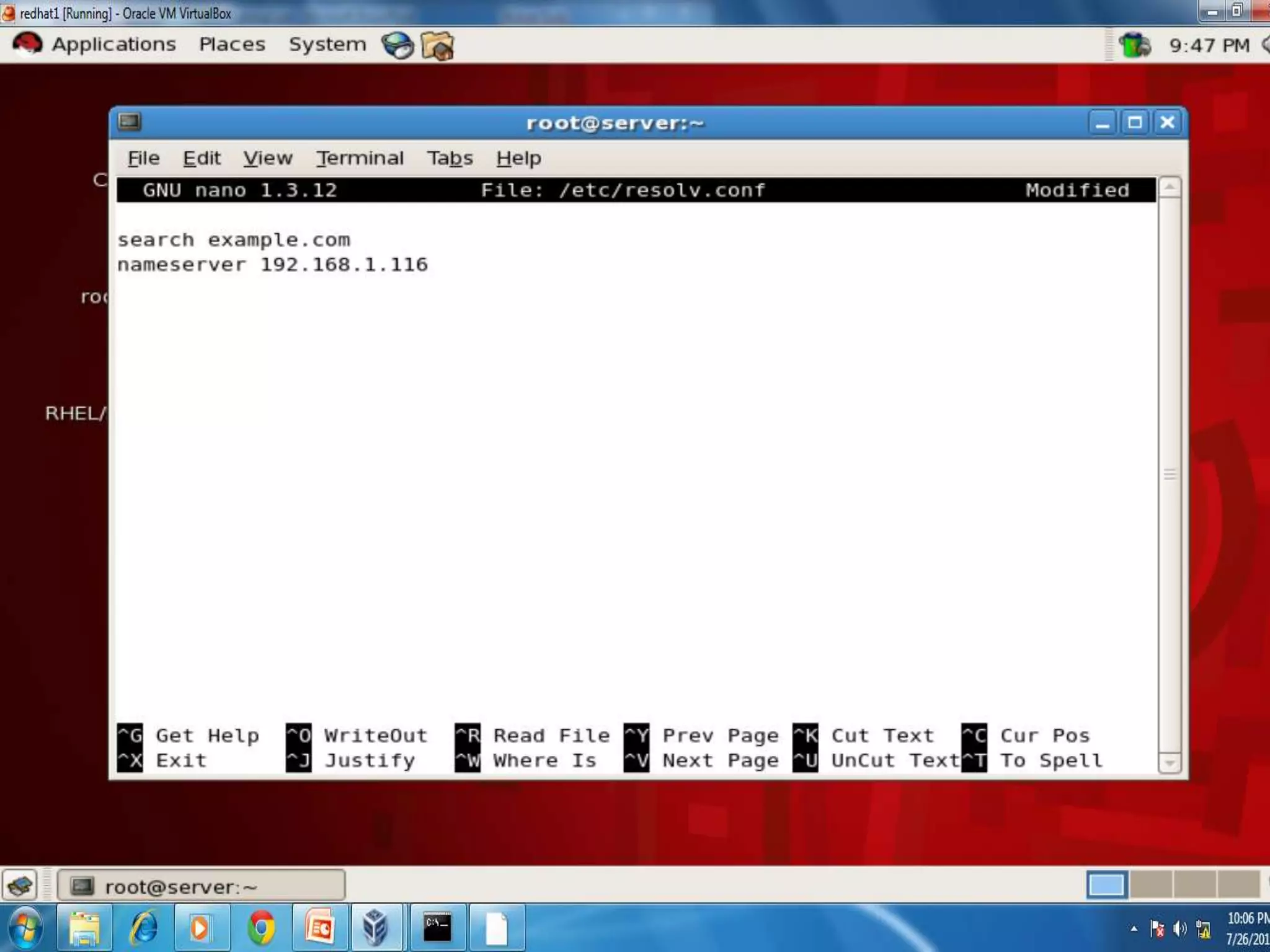
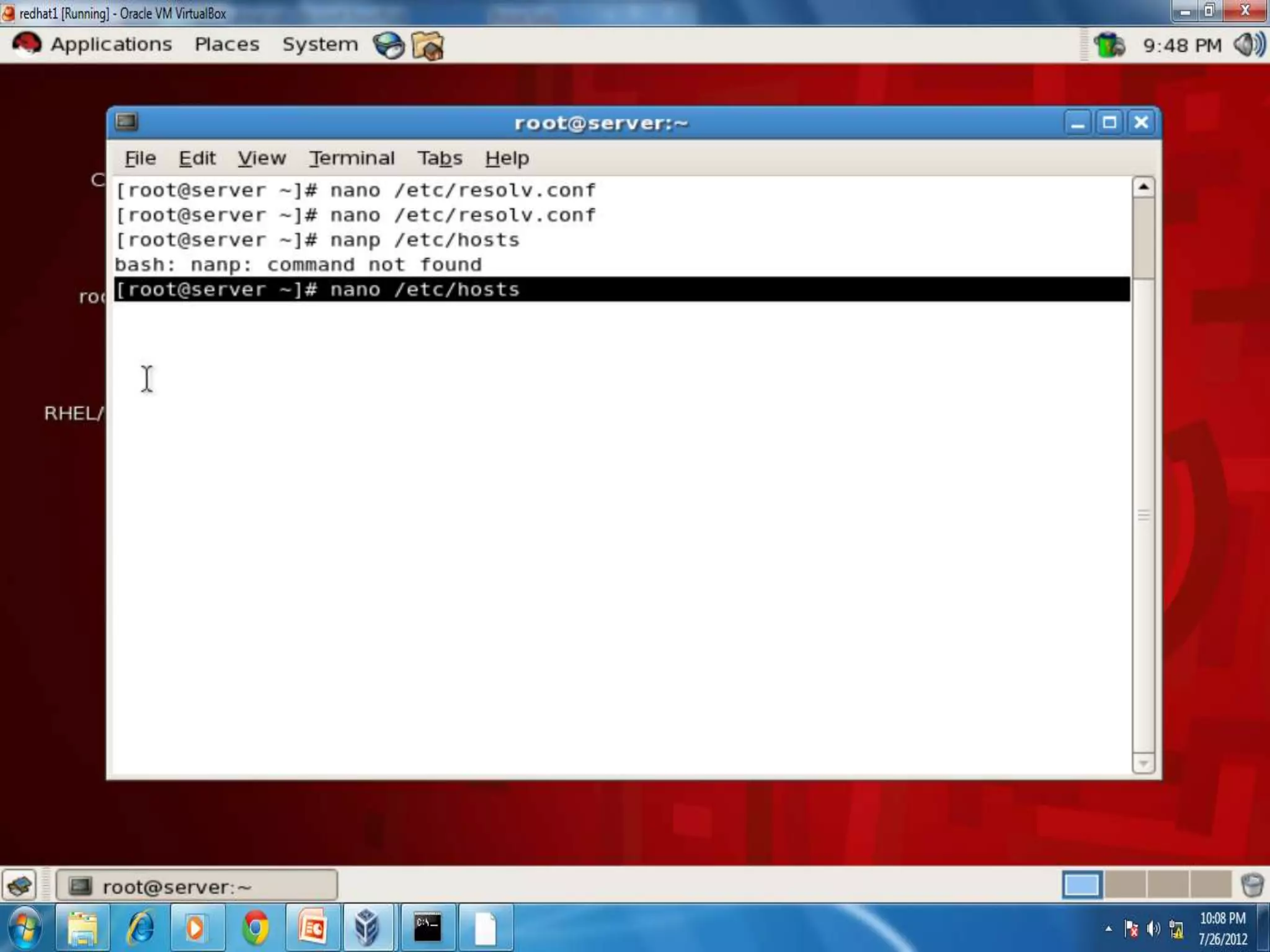
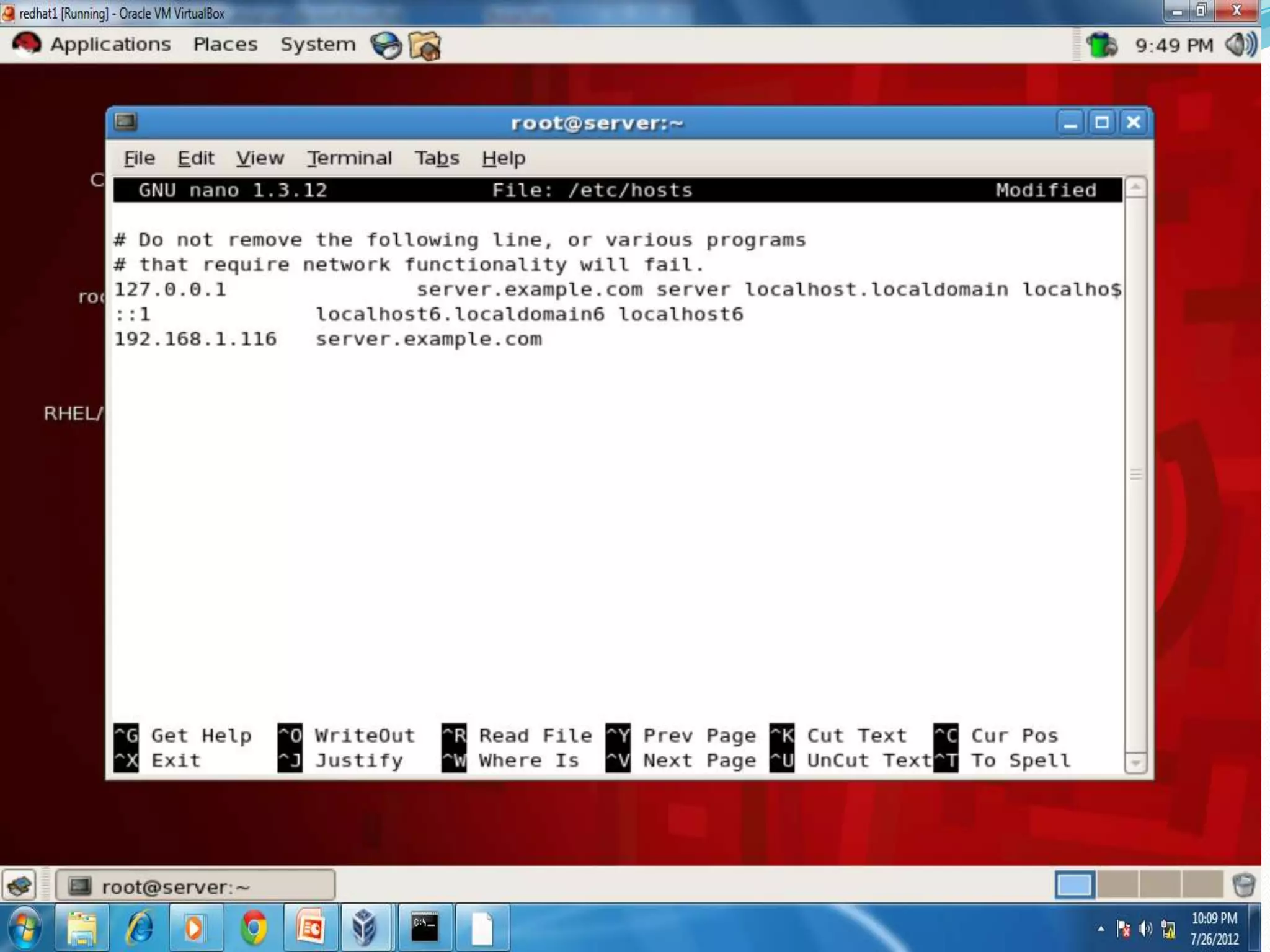
 # nano /etc/dovecot.conf
Web Server
 Save and quit
 #service dovecot restart
 #chkconfig dovecot on
 Now create users
 # adduser sameer
 #passwd sameer
 # adduser rahim
 #passwd rahim
Web Server
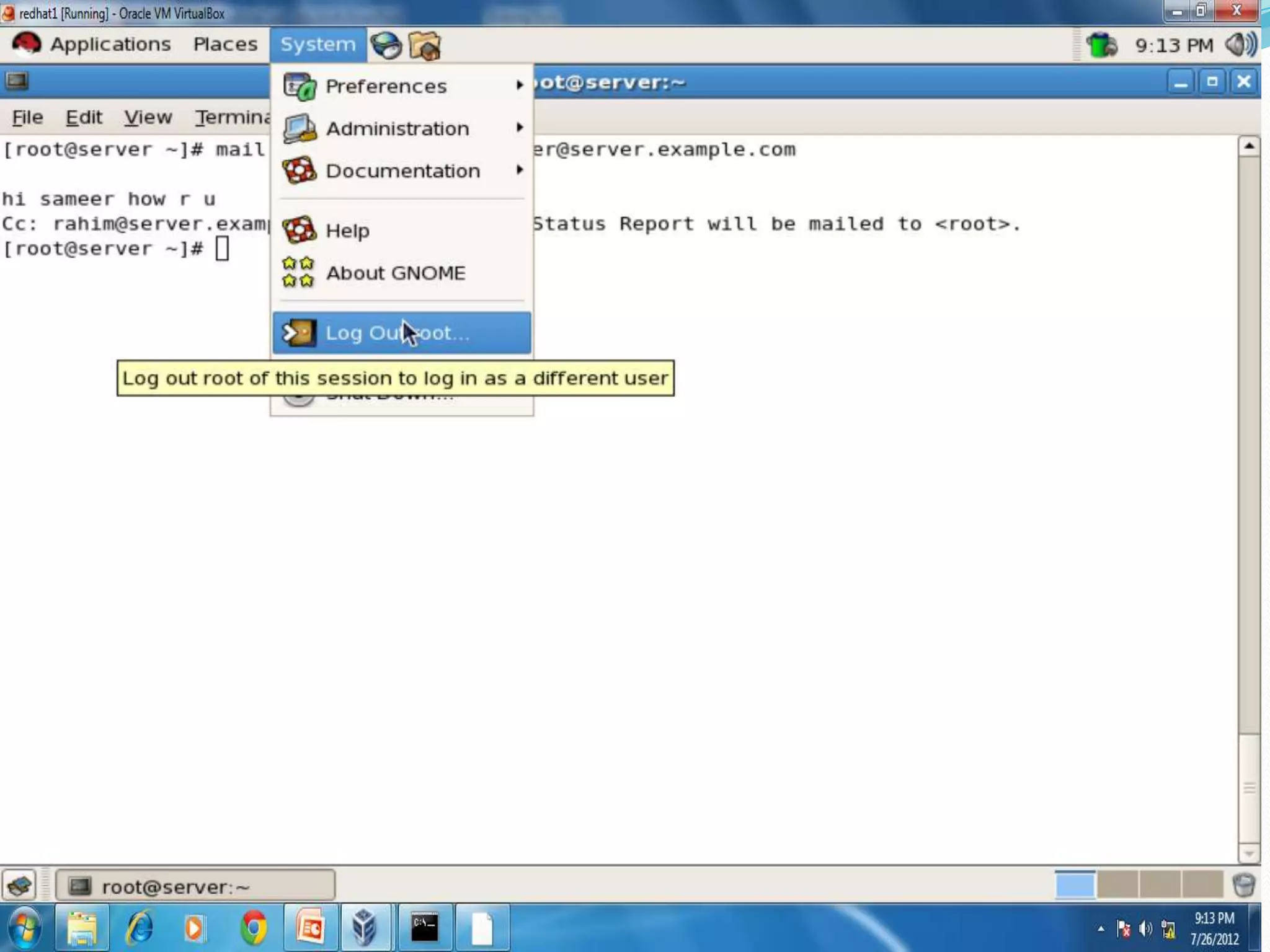
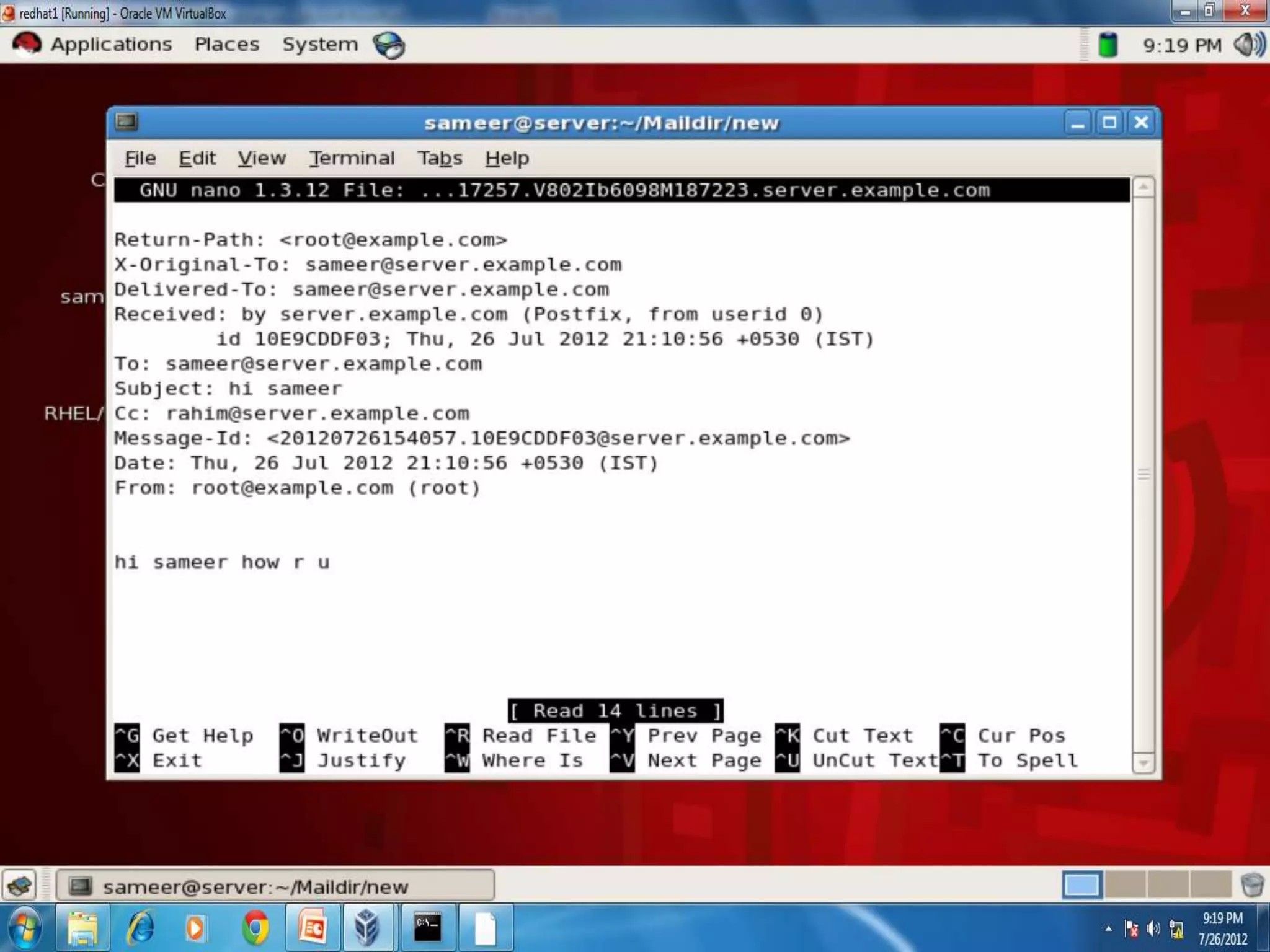
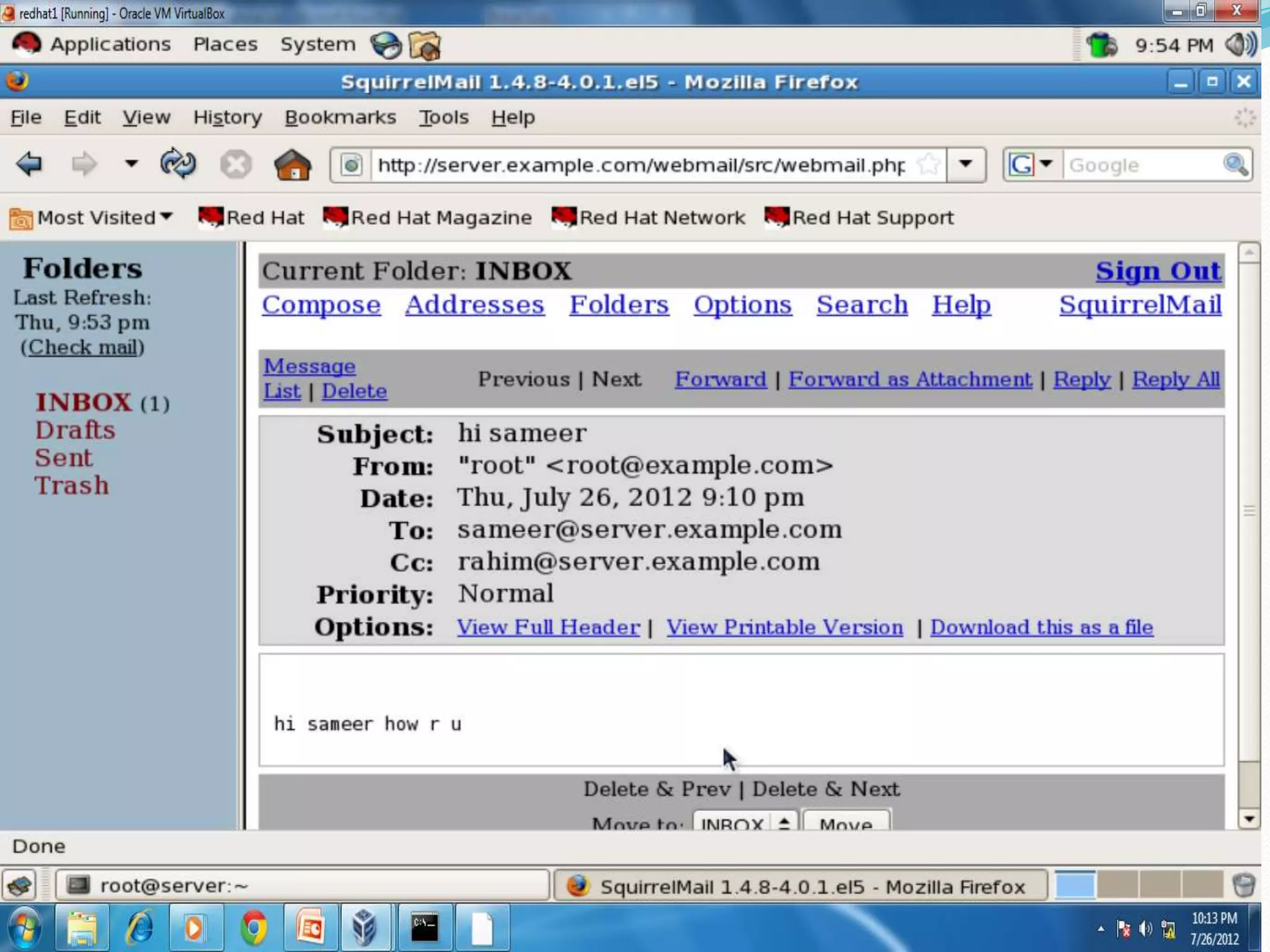
 To send mail:- from root
 #mail –vs(verify subject) “hi sameer”
  sameer@server.example.com (enter)
 Type body: Hi how r u sameer (Cntrl +D)
 Cc:rahim2server.example.com (Cntrl +D)
#
Web Server
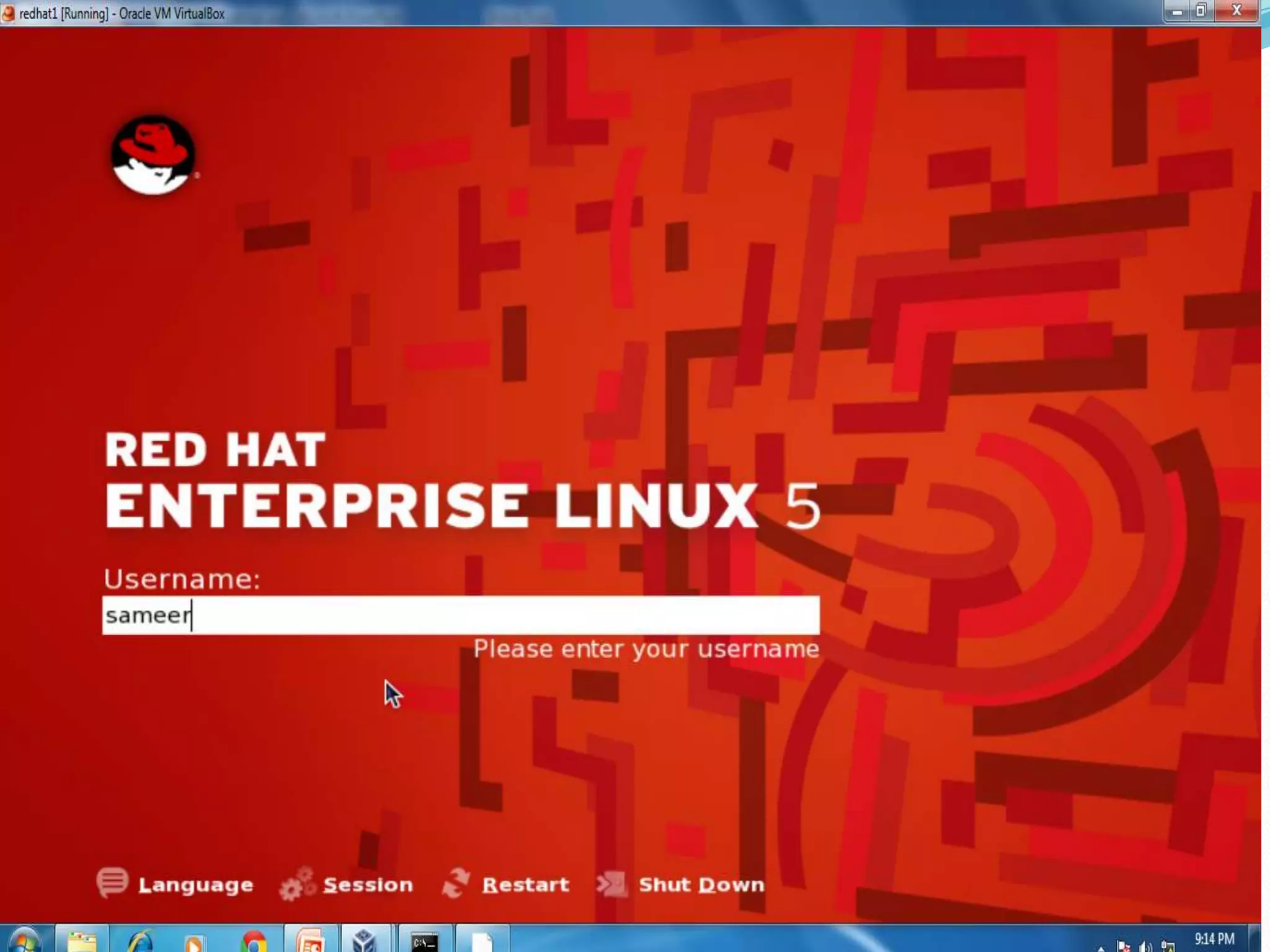
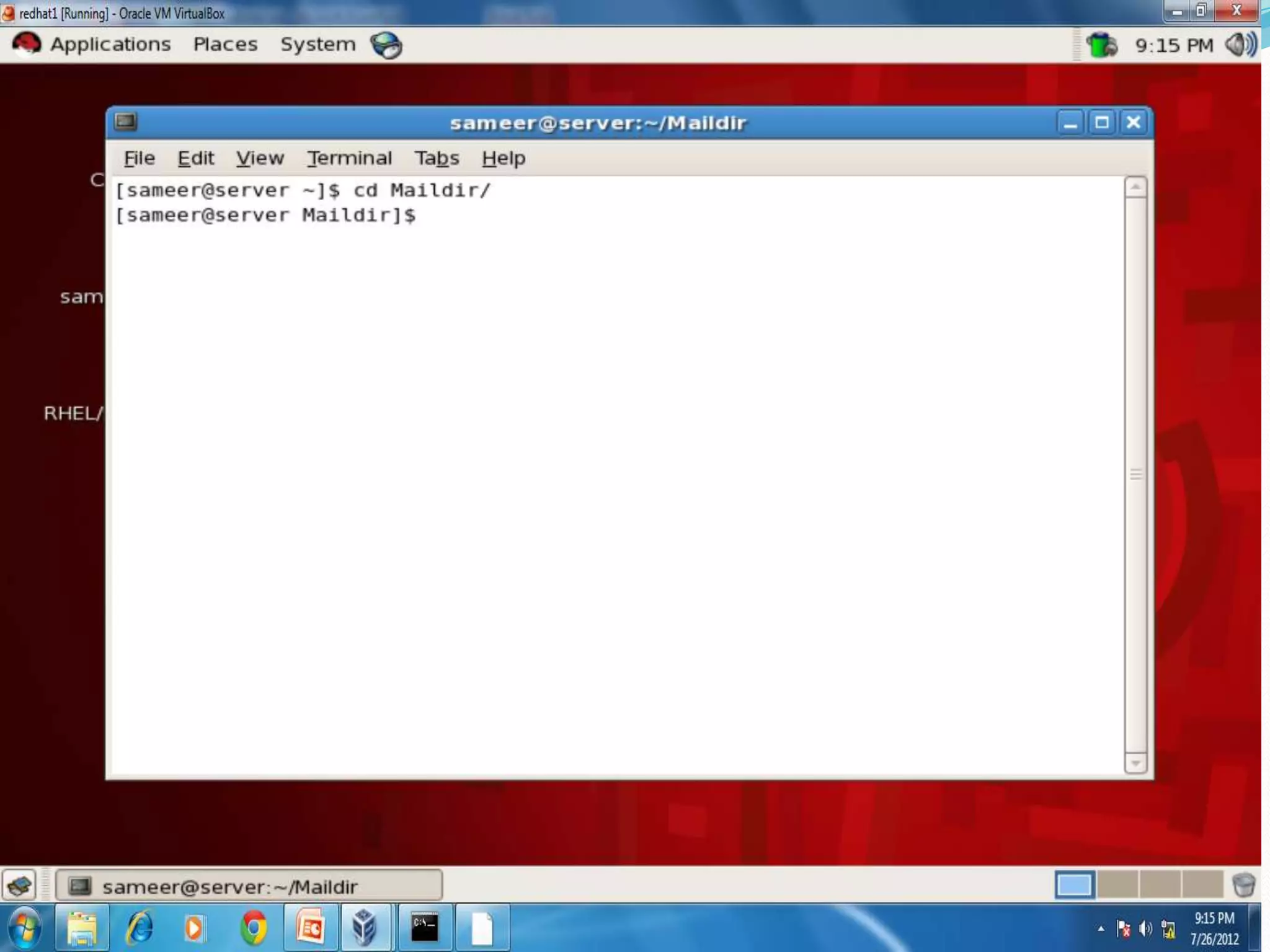
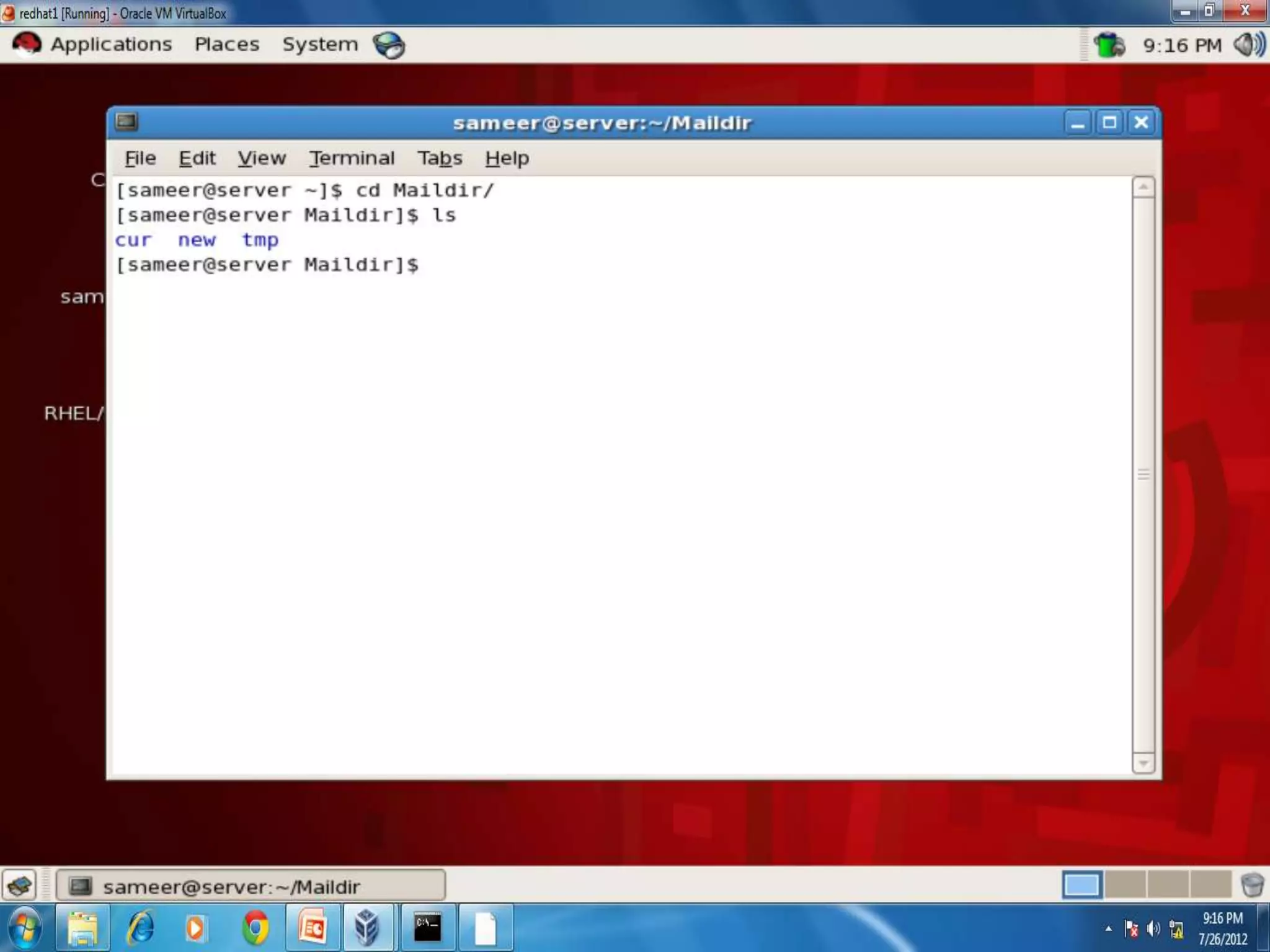
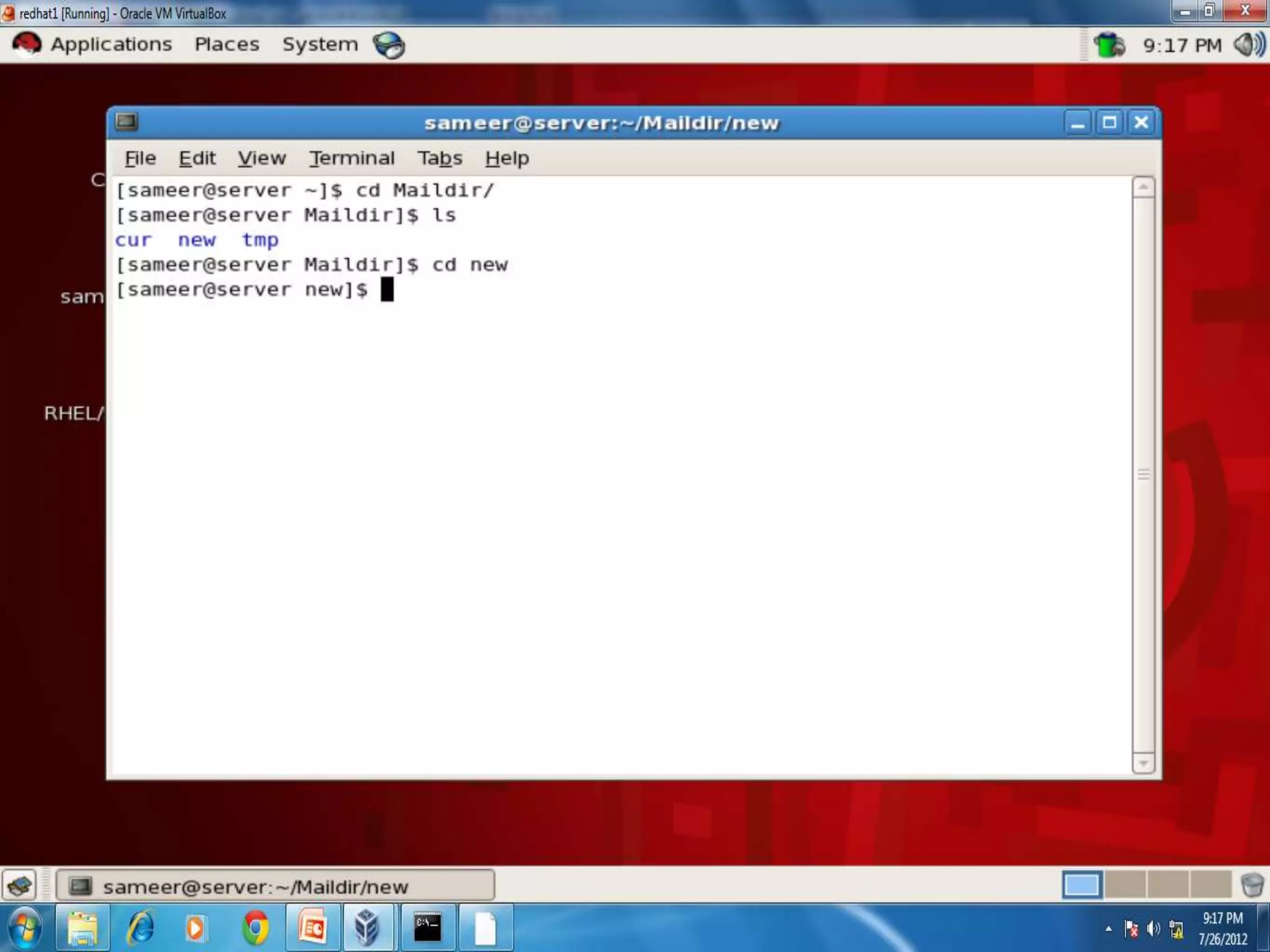
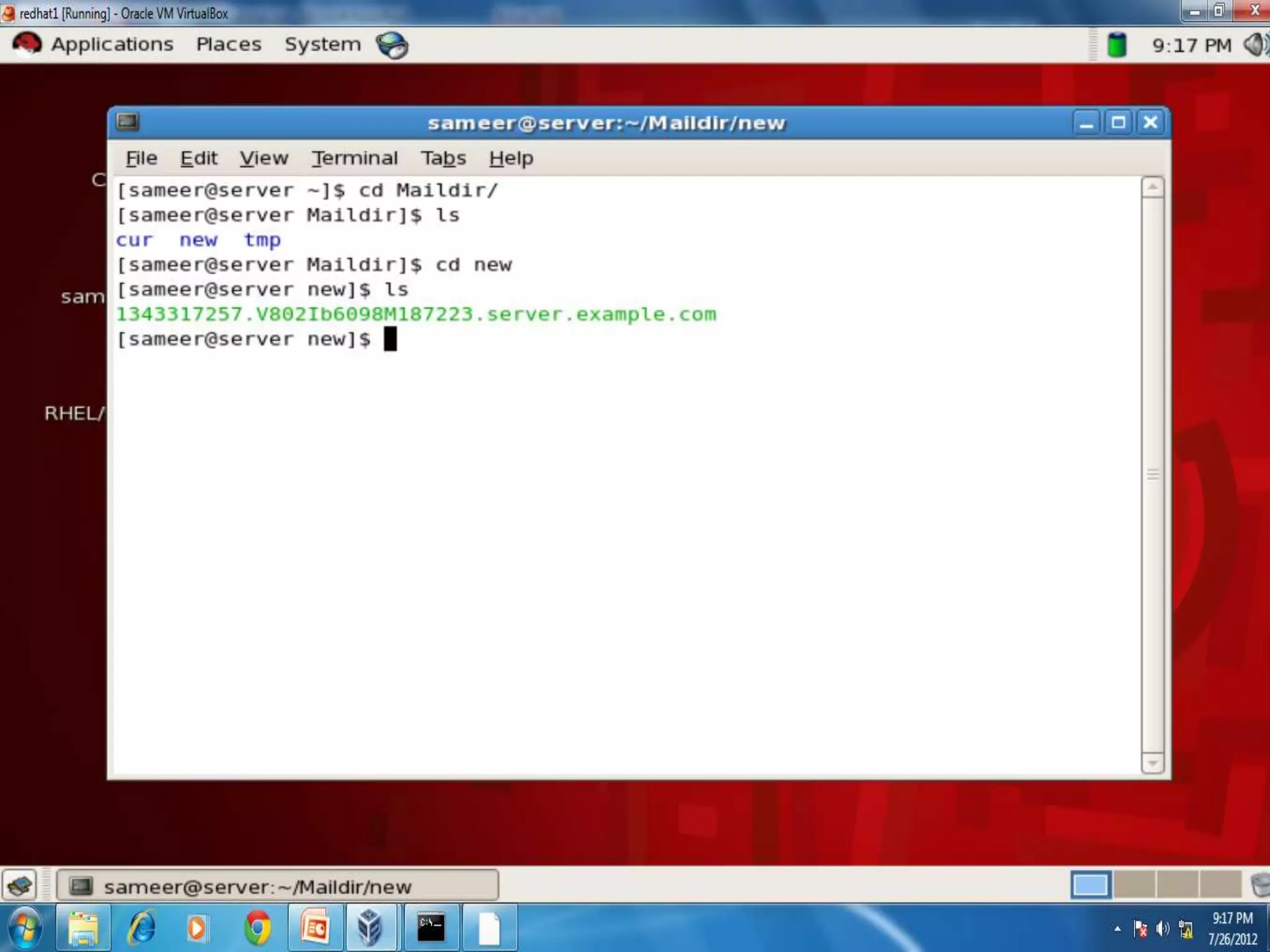
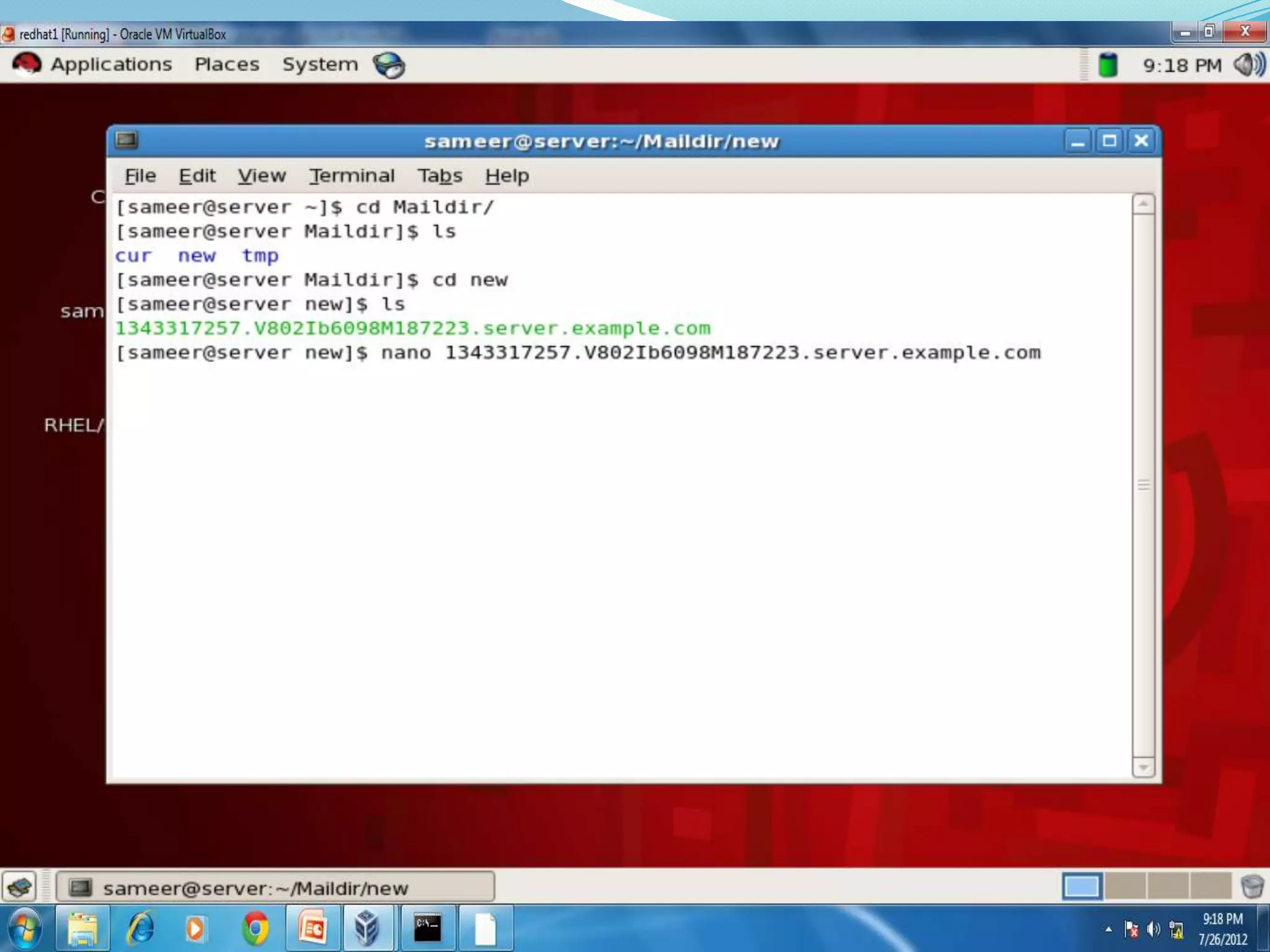
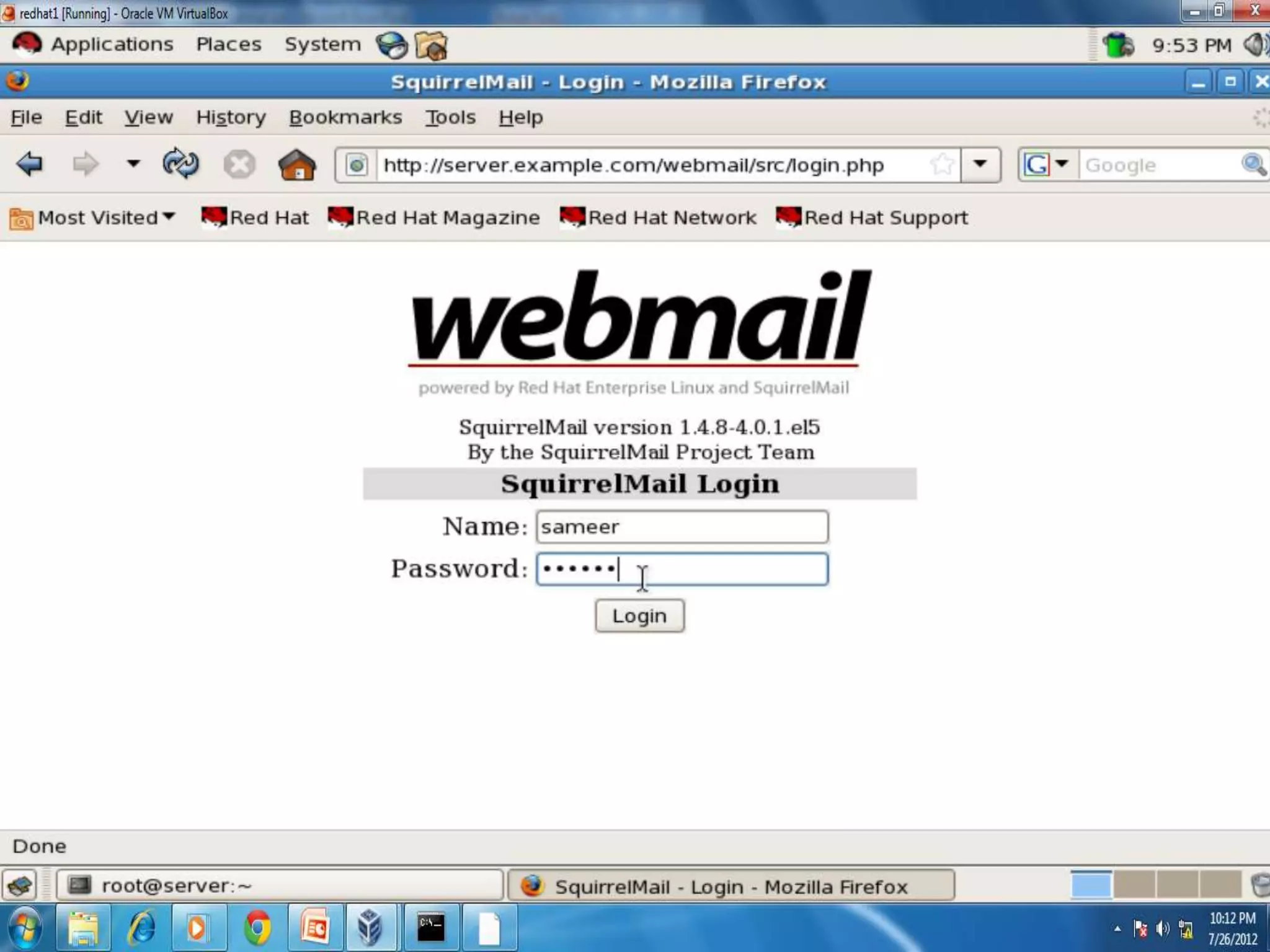
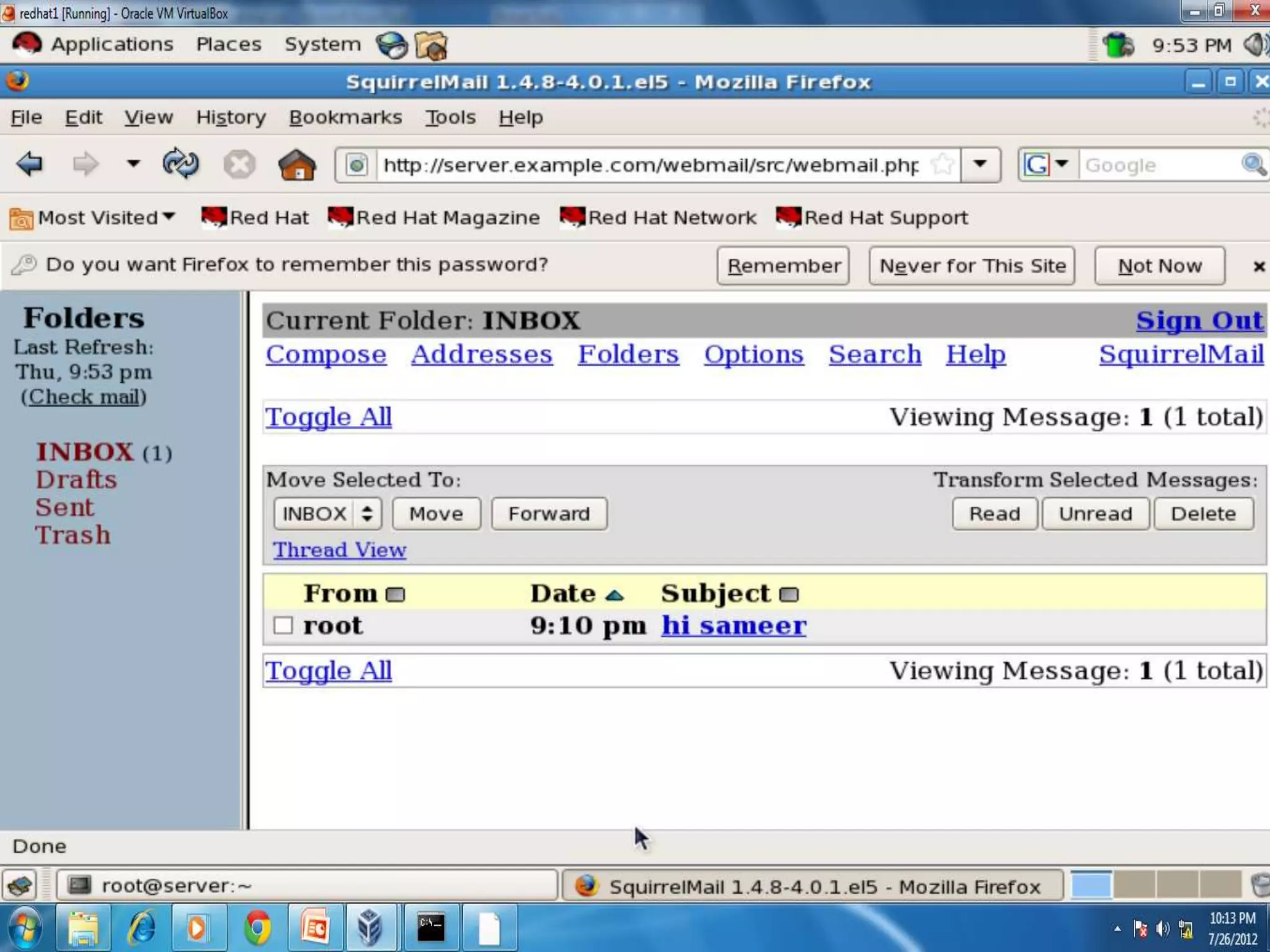
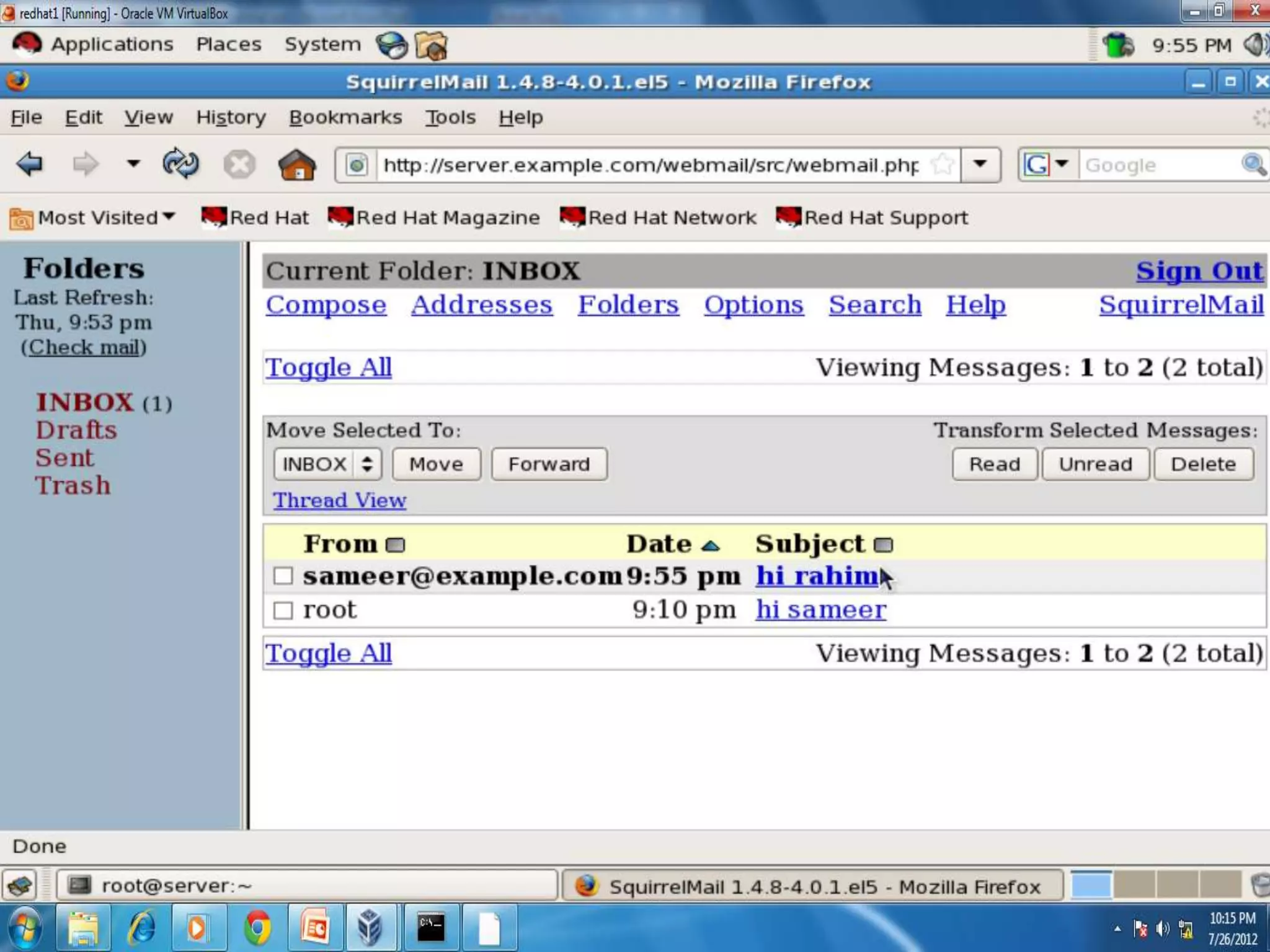
 To check mail:- log out from root login sameer
Web Server
 Now log out from sameer and login again as root
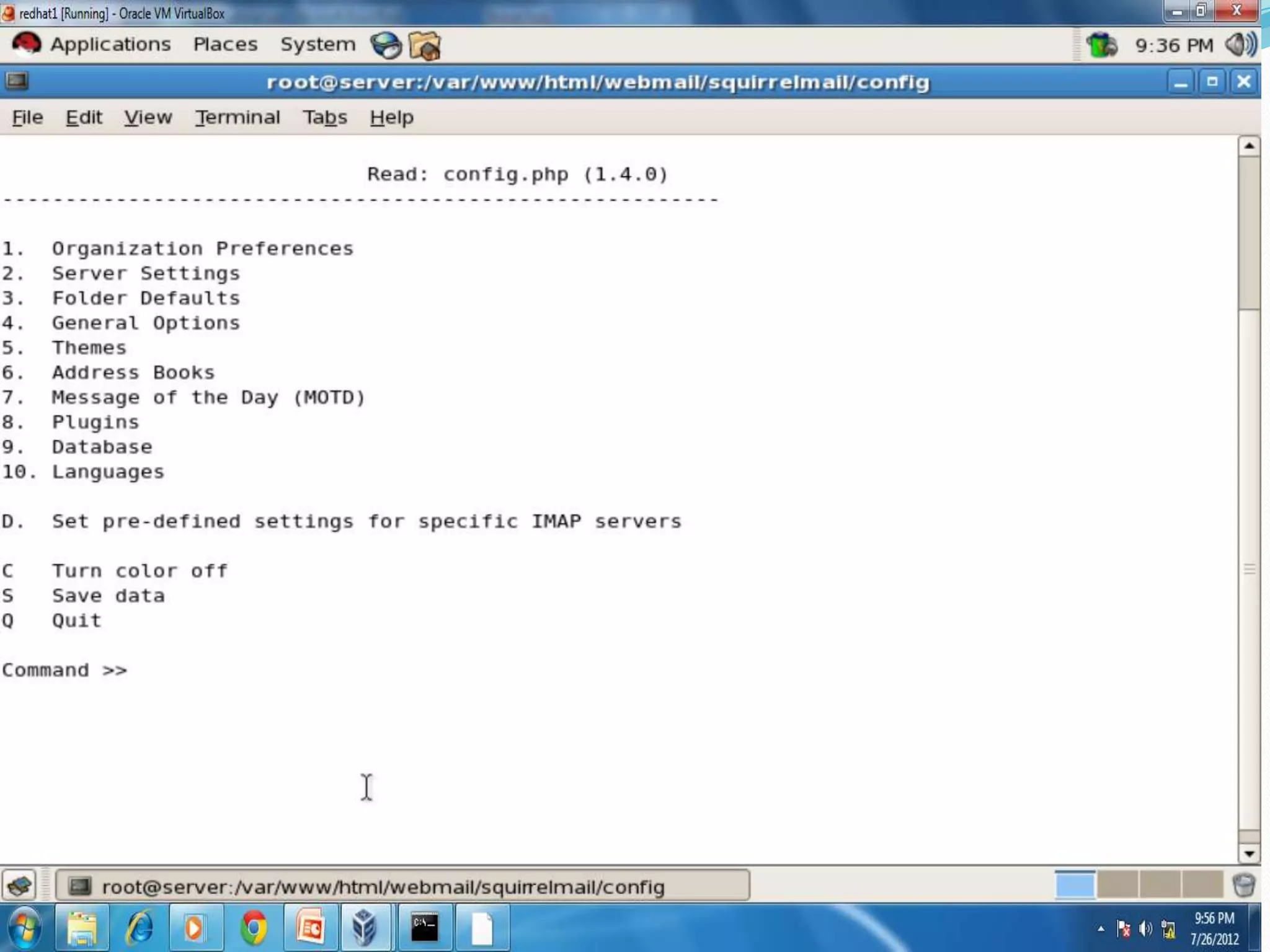
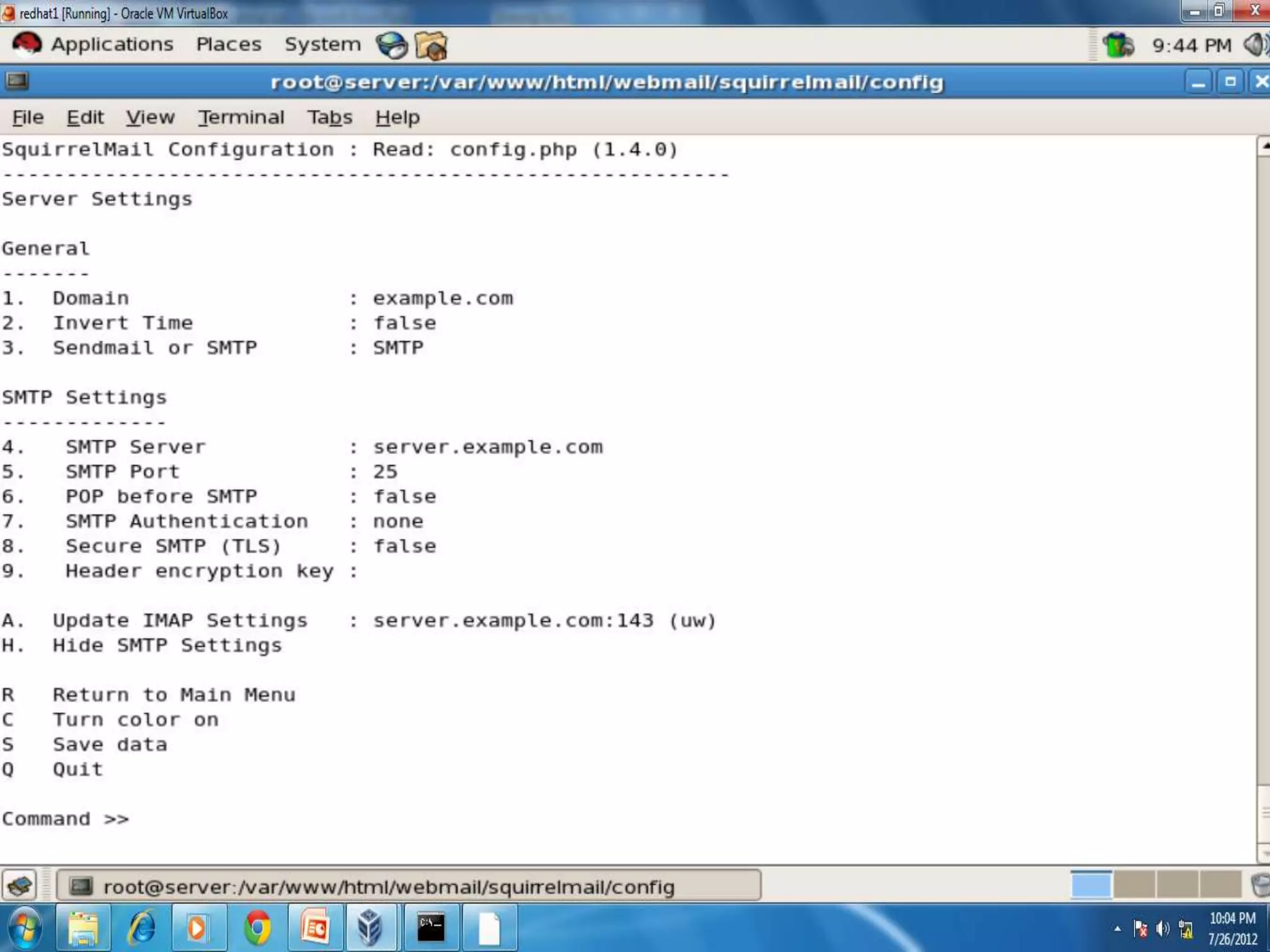
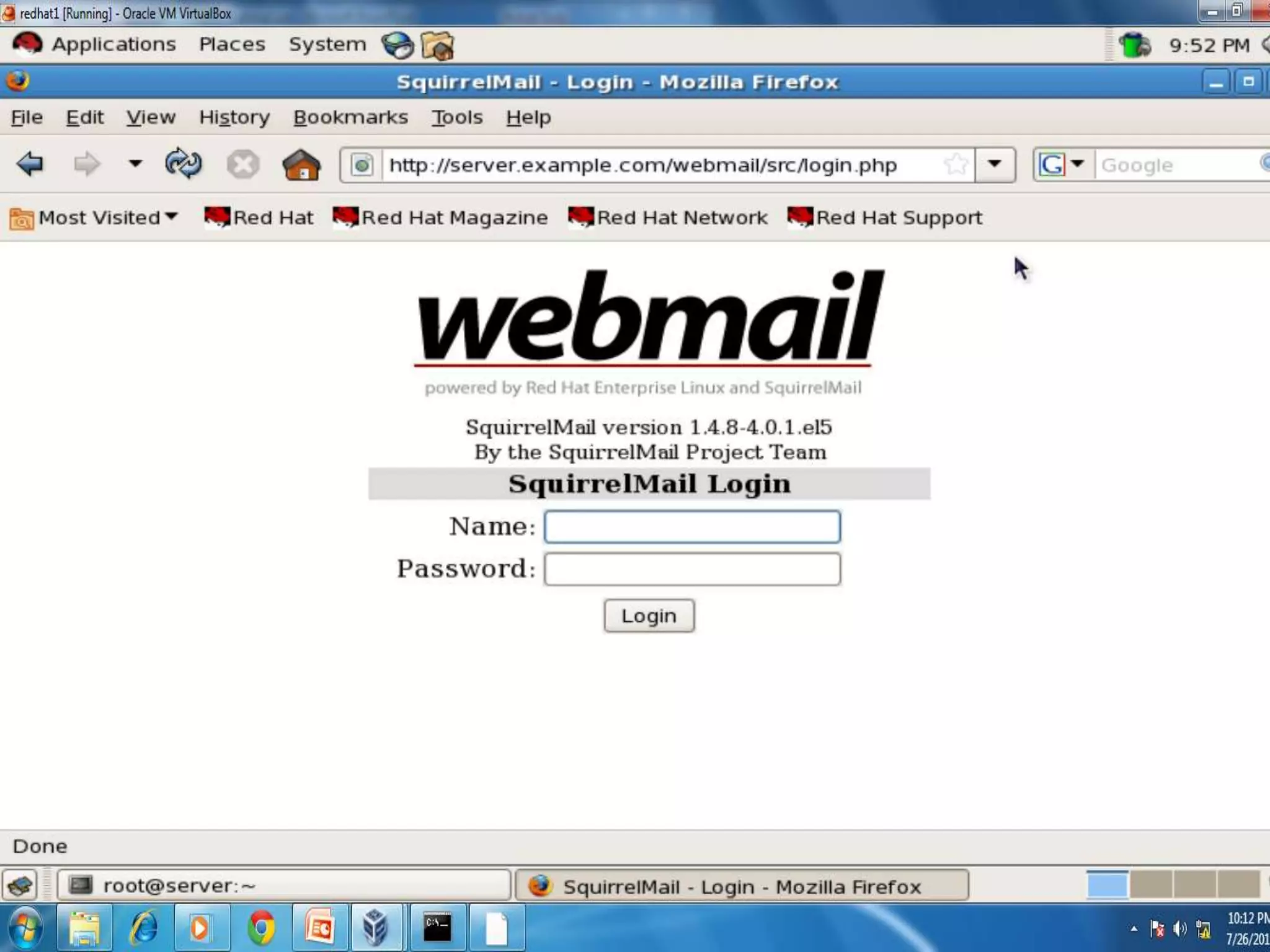
 Proceed to configure Squirrelmail
Web Server
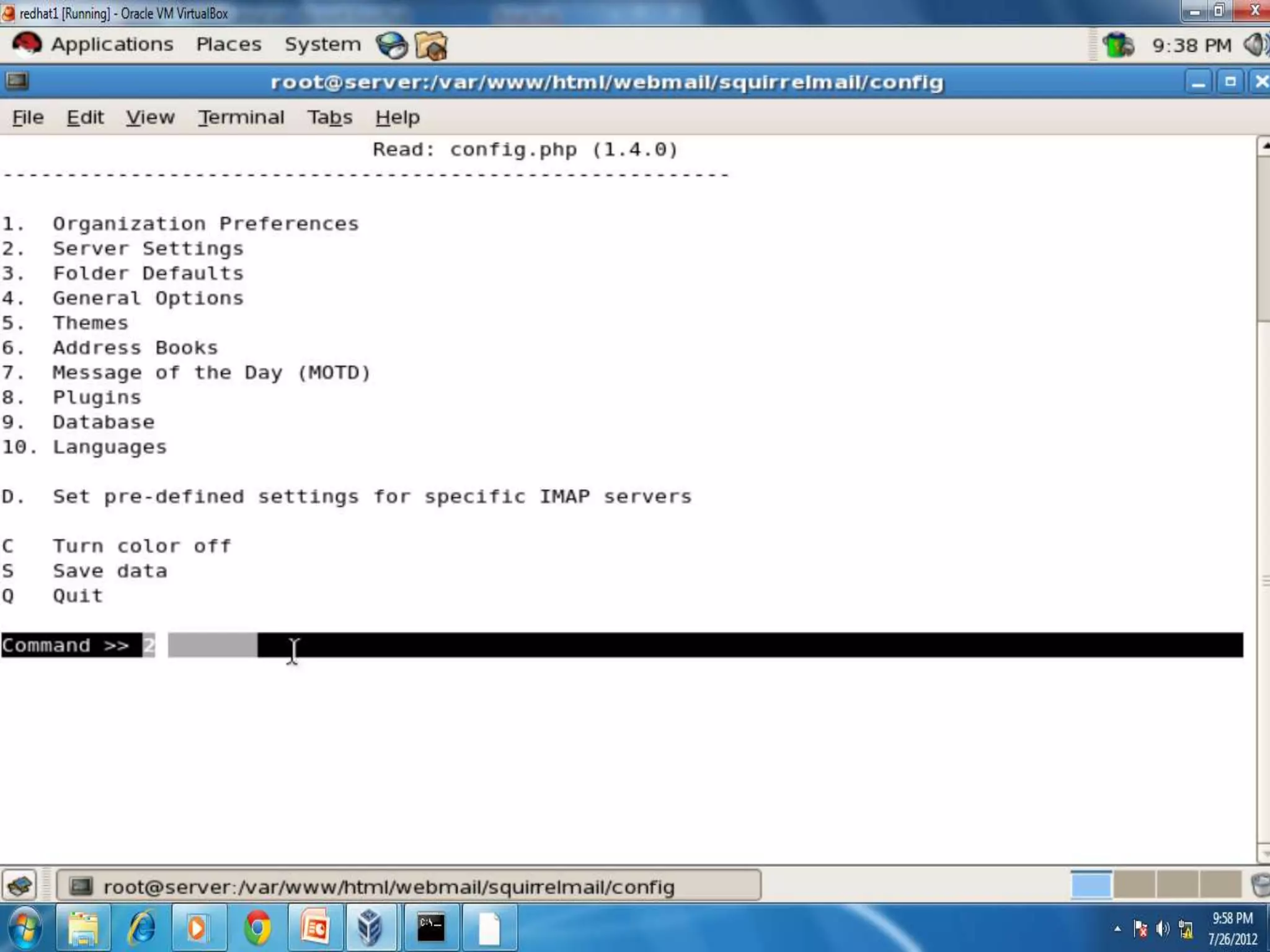
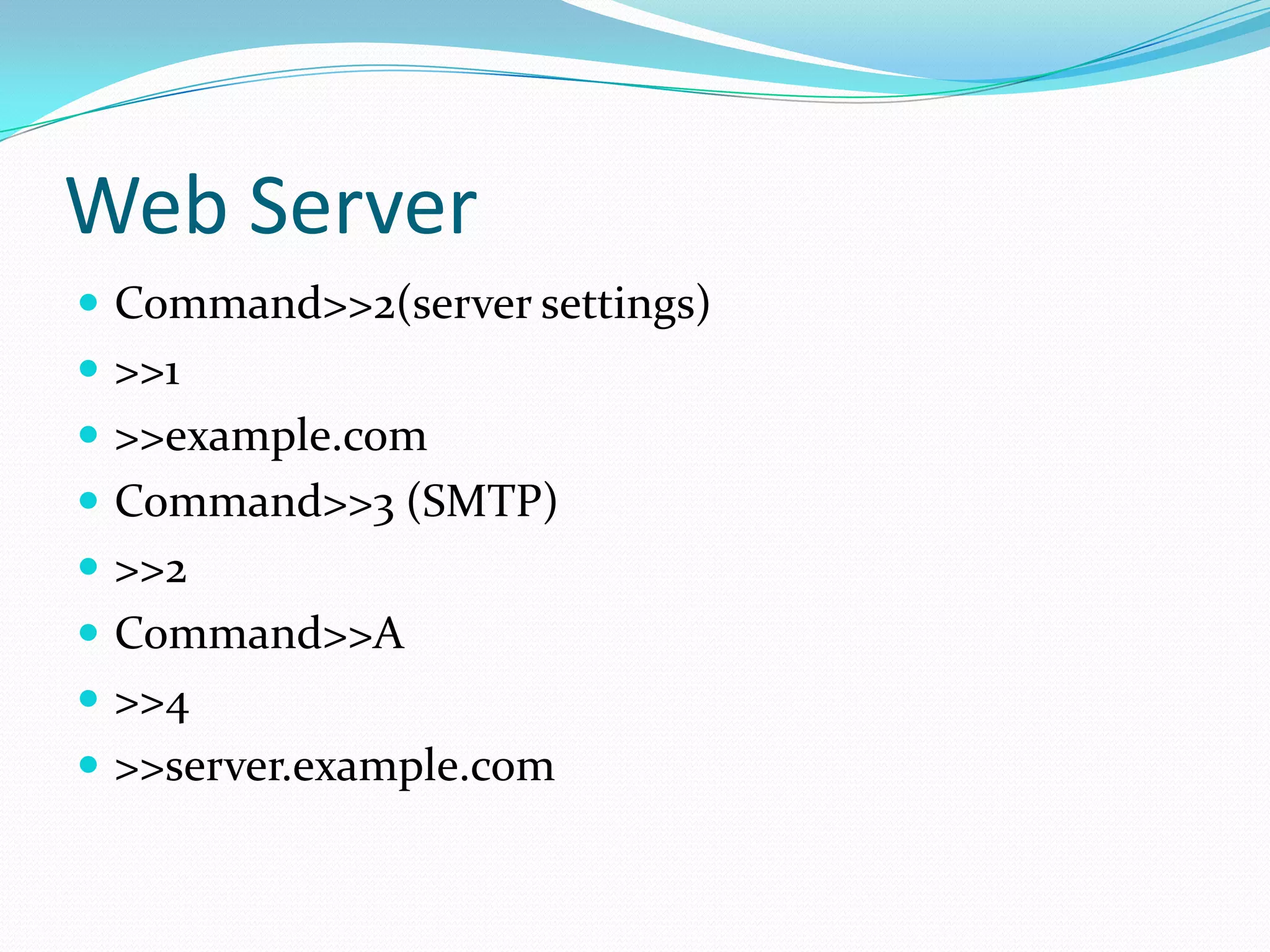
 Command>>2(server settings)
 >>1
 >>example.com
 Command>>3 (SMTP)
 >>2
 Command>>A
 >>4
 >>server.example.com
Web Server
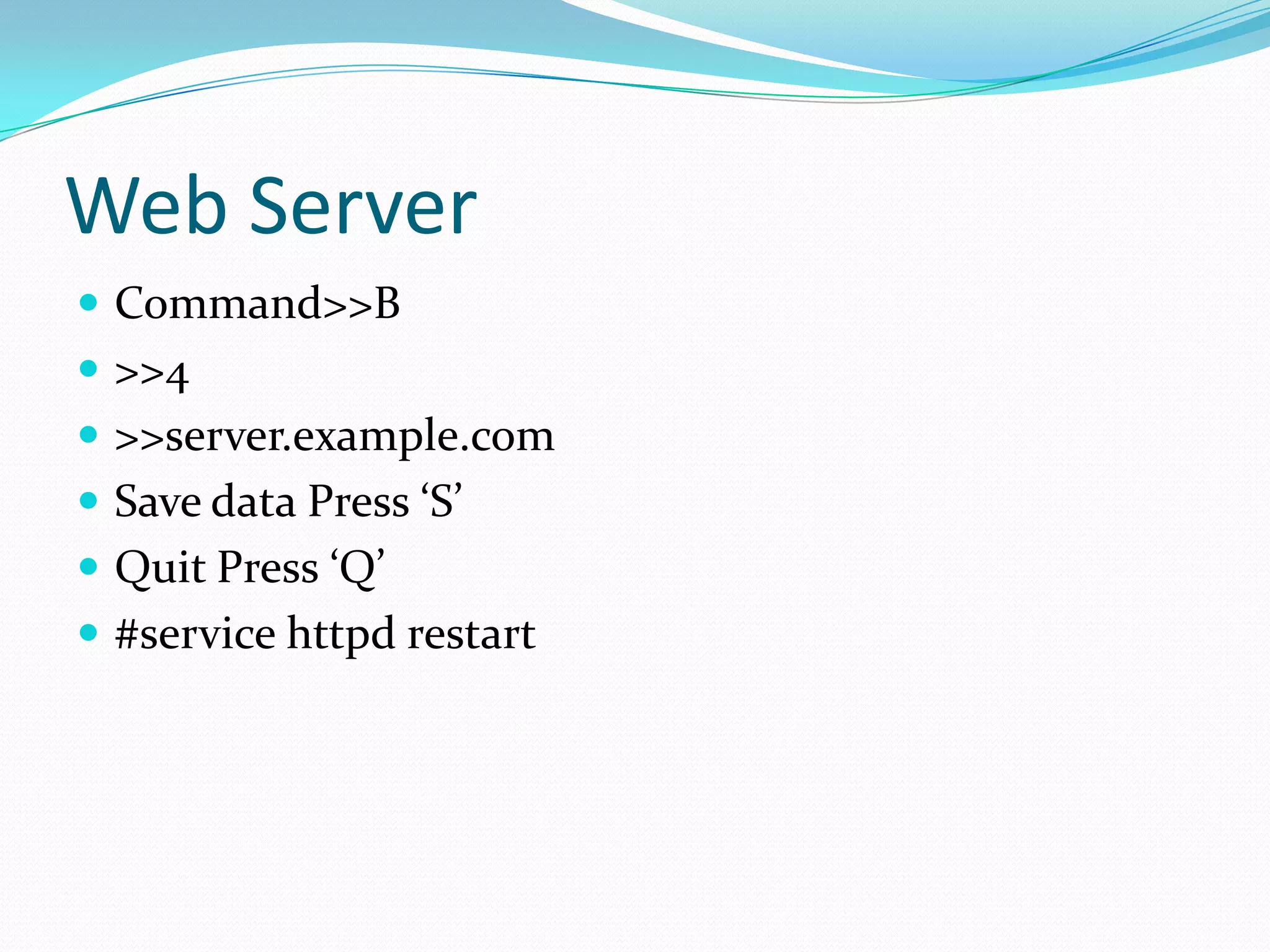
 Command>>B
 >>4
 >>server.example.com
 Save data Press ‘S’
 Quit Press ‘Q’
 #service httpd restart
Finally!

I know that by now you
 have no questions to
 ask……………..

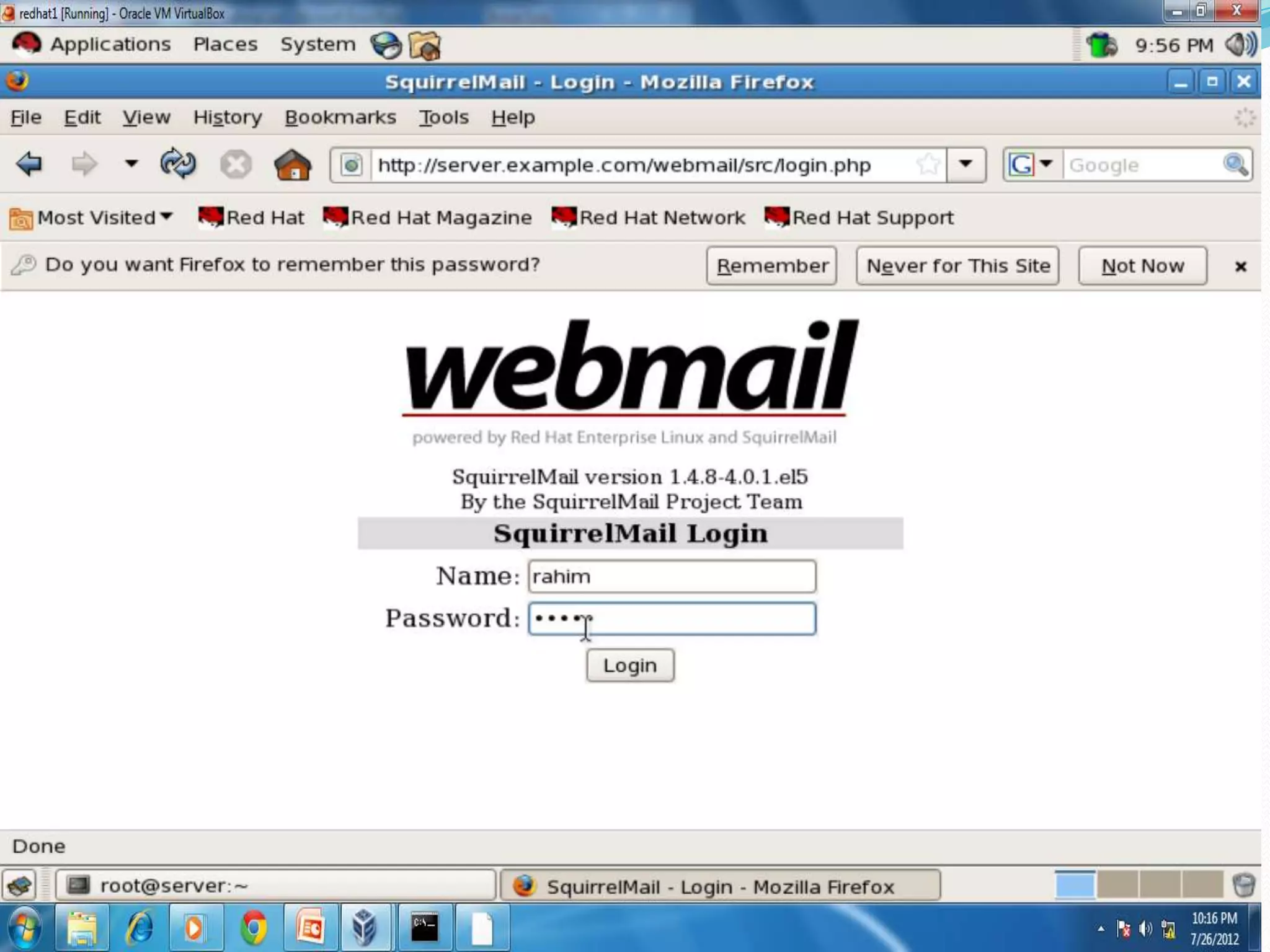
Webmail

  • 2.
    Web Server  Bydefault mail server(MTA) is configured for Send Mail. To change it to Postfix we have to install system-switchmail-gnome either during insatalltion of redhat or by installing .rpm package. Then proceed as follows:-  #system-switch-mail
  • 35.
    Web Server  Saveand quit  #service postfix restart  #chkconfig postfix on  Now configure Dovecot(MUA-Mail User Agent)-it uses POP (post office protocol)and IMAP(intenet messege acess protocol) protocol.  # nano /etc/dovecot.conf
  • 40.
    Web Server  Saveand quit  #service dovecot restart  #chkconfig dovecot on  Now create users  # adduser sameer  #passwd sameer  # adduser rahim  #passwd rahim
  • 41.
    Web Server  Tosend mail:- from root  #mail –vs(verify subject) “hi sameer” sameer@server.example.com (enter)  Type body: Hi how r u sameer (Cntrl +D)  Cc:rahim2server.example.com (Cntrl +D) #
  • 42.
    Web Server  Tocheck mail:- log out from root login sameer
  • 51.
    Web Server  Nowlog out from sameer and login again as root  Proceed to configure Squirrelmail
  • 61.
    Web Server  Command>>2(serversettings)  >>1  >>example.com  Command>>3 (SMTP)  >>2  Command>>A  >>4  >>server.example.com
  • 62.
    Web Server  Command>>B >>4  >>server.example.com  Save data Press ‘S’  Quit Press ‘Q’  #service httpd restart
  • 79.
    Finally! I know thatby now you have no questions to ask……………..