Linux File Sytem
Santosh Khadsare
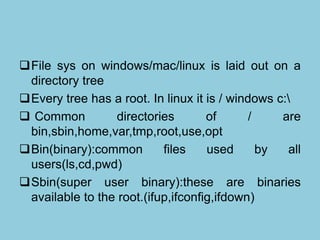
File sys on windows/mac/linux is laid out on a
directory tree
Every tree has a root. In linux it is / windows c:
 Common directories of / are
bin,sbin,home,var,tmp,root,use,opt
Bin(binary):common files used by all
users(ls,cd,pwd)
Sbin(super user binary):these are binaries
available to the root.(ifup,ifconfig,ifdown)
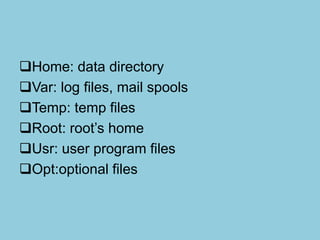
Home: data directory
Var: log files, mail spools
Temp: temp files
Root: root’s home
Usr: user program files
Opt:optional files
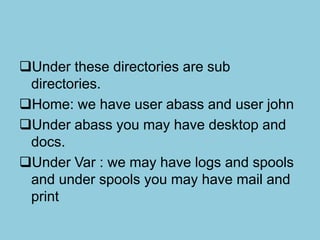
Under these directories are sub
directories.
Home: we have user abass and user john
Under abass you may have desktop and
docs.
Under Var : we may have logs and spools
and under spools you may have mail and
print
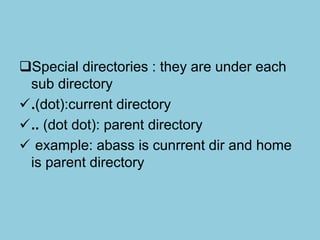
Special directories : they are under each
sub directory
.(dot):current directory
.. (dot dot): parent directory
 example: abass is cunrrent dir and home
is parent directory
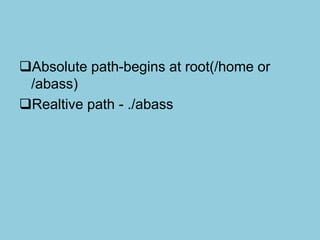
Absolute path-begins at root(/home or
/abass)
Realtive path - ./abass

Linuxfilesys

  • 1.
  • 2.
    File sys onwindows/mac/linux is laid out on a directory tree Every tree has a root. In linux it is / windows c:  Common directories of / are bin,sbin,home,var,tmp,root,use,opt Bin(binary):common files used by all users(ls,cd,pwd) Sbin(super user binary):these are binaries available to the root.(ifup,ifconfig,ifdown)
  • 3.
    Home: data directory Var:log files, mail spools Temp: temp files Root: root’s home Usr: user program files Opt:optional files
  • 4.
    Under these directoriesare sub directories. Home: we have user abass and user john Under abass you may have desktop and docs. Under Var : we may have logs and spools and under spools you may have mail and print
  • 5.
    Special directories :they are under each sub directory .(dot):current directory .. (dot dot): parent directory  example: abass is cunrrent dir and home is parent directory
  • 6.
    Absolute path-begins atroot(/home or /abass) Realtive path - ./abass