www.netprotocolxpert.in
 Site-to-Site IPSec VPN Tunnels are used to allow the secure
transmission of data, voice and video between two sites (e.g
offices or branches). The VPN tunnel is created over the
Internet public network and encrypted using a number of
advanced encryption algorithms to provide confidentiality of
the data transmitted between the two sites.
 ISAKMP (Internet Security Association and Key Management
Protocol) and IPSec are essential to building and encrypting
the VPN tunnel. ISAKMP, also called IKE (Internet Key
Exchange), is the negotiation protocol that allows two hosts
to agree on how to build an IPsec security association.
ISAKMP negotiation consists of two phases: Phase 1 and
Phase 2.
 Phase 1 creates the first tunnel, which protects later
ISAKMP negotiation messages. Phase 2 creates the tunnel
that protects data. IPSec then comes into play to encrypt
the data using encryption algorithms and provides
authentication, encryption and anti-replay services.
IPSECVPN REQUIREMENTS
 To help make this an easy-to-follow exercise, we have split
it into two steps that are required to get the Site-to-Site
IPSecVPNTunnel to work.
These steps are:
 (1) Configure ISAKMP (ISAKMP Phase 1)
 (2) Configure IPSec (ISAKMP Phase 2, ACLs, Crypto MAP)
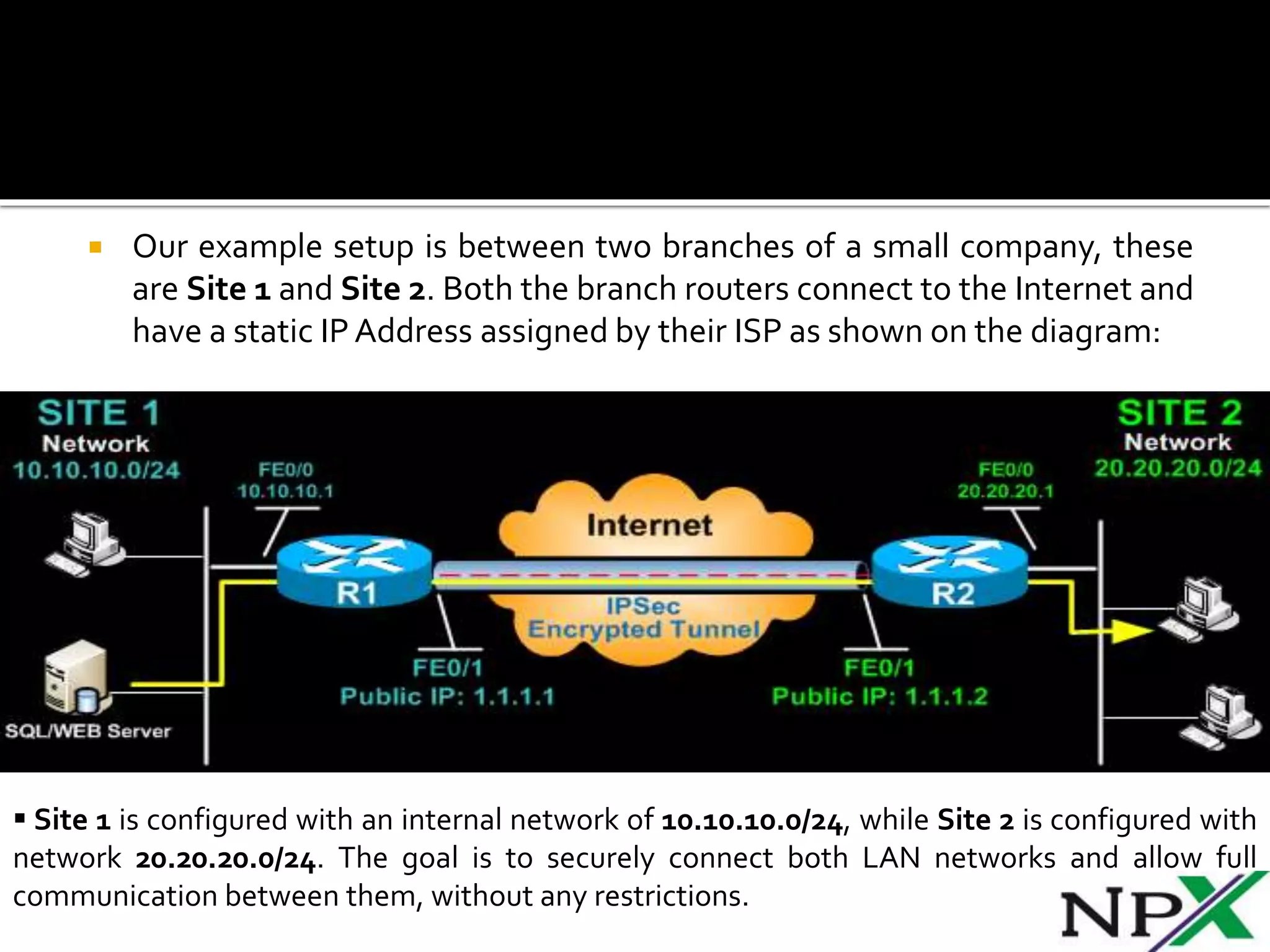
 Our example setup is between two branches of a small company, these
are Site 1 and Site 2. Both the branch routers connect to the Internet and
have a static IPAddress assigned by their ISP as shown on the diagram:
 Site 1 is configured with an internal network of 10.10.10.0/24, while Site 2 is configured with
network 20.20.20.0/24. The goal is to securely connect both LAN networks and allow full
communication between them, without any restrictions.
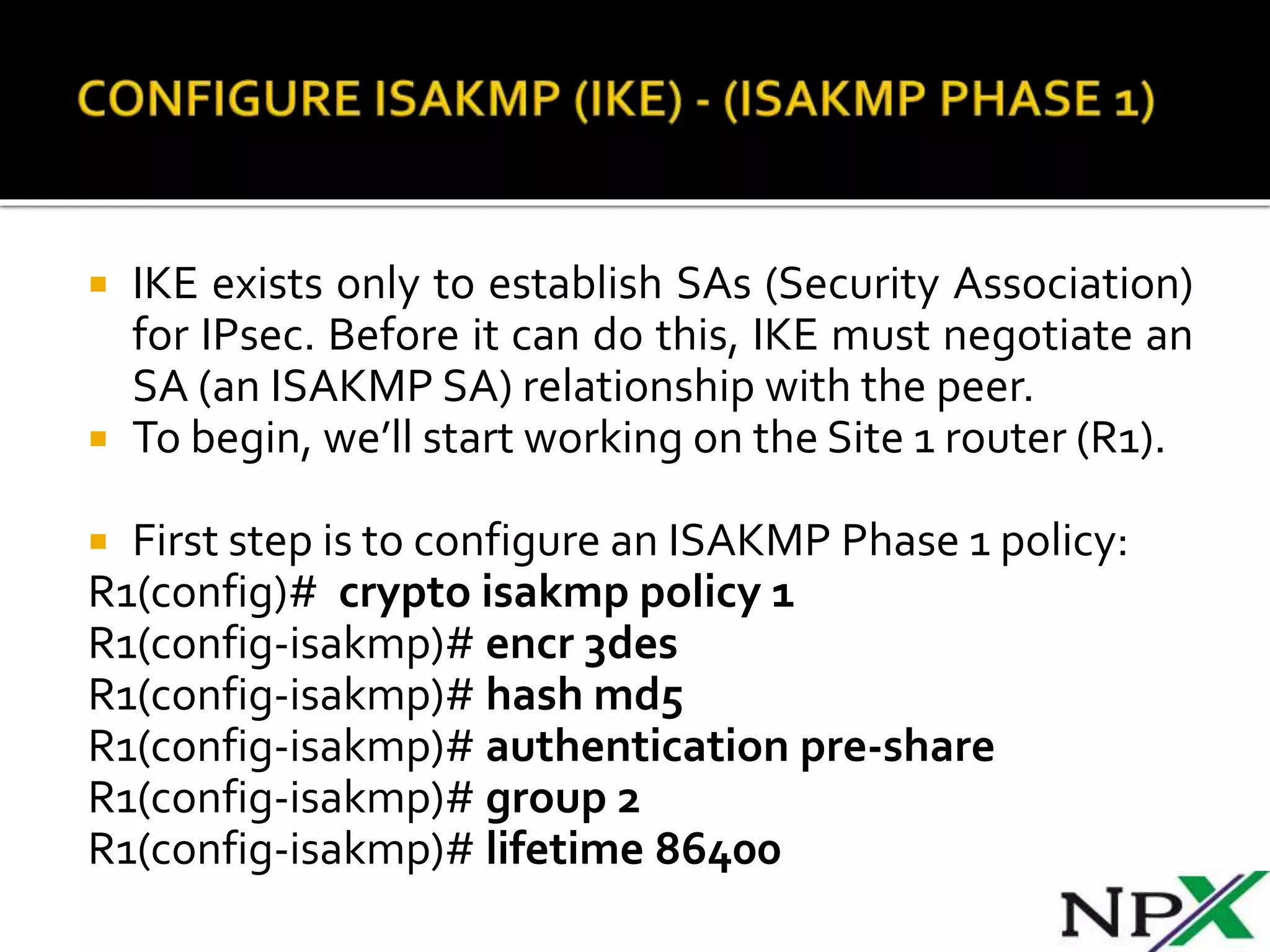
 IKE exists only to establish SAs (Security Association)
for IPsec. Before it can do this, IKE must negotiate an
SA (an ISAKMP SA) relationship with the peer.
 To begin, we’ll start working on the Site 1 router (R1).
 First step is to configure an ISAKMP Phase 1 policy:
R1(config)# crypto isakmp policy 1
R1(config-isakmp)# encr 3des
R1(config-isakmp)# hash md5
R1(config-isakmp)# authentication pre-share
R1(config-isakmp)# group 2
R1(config-isakmp)# lifetime 86400
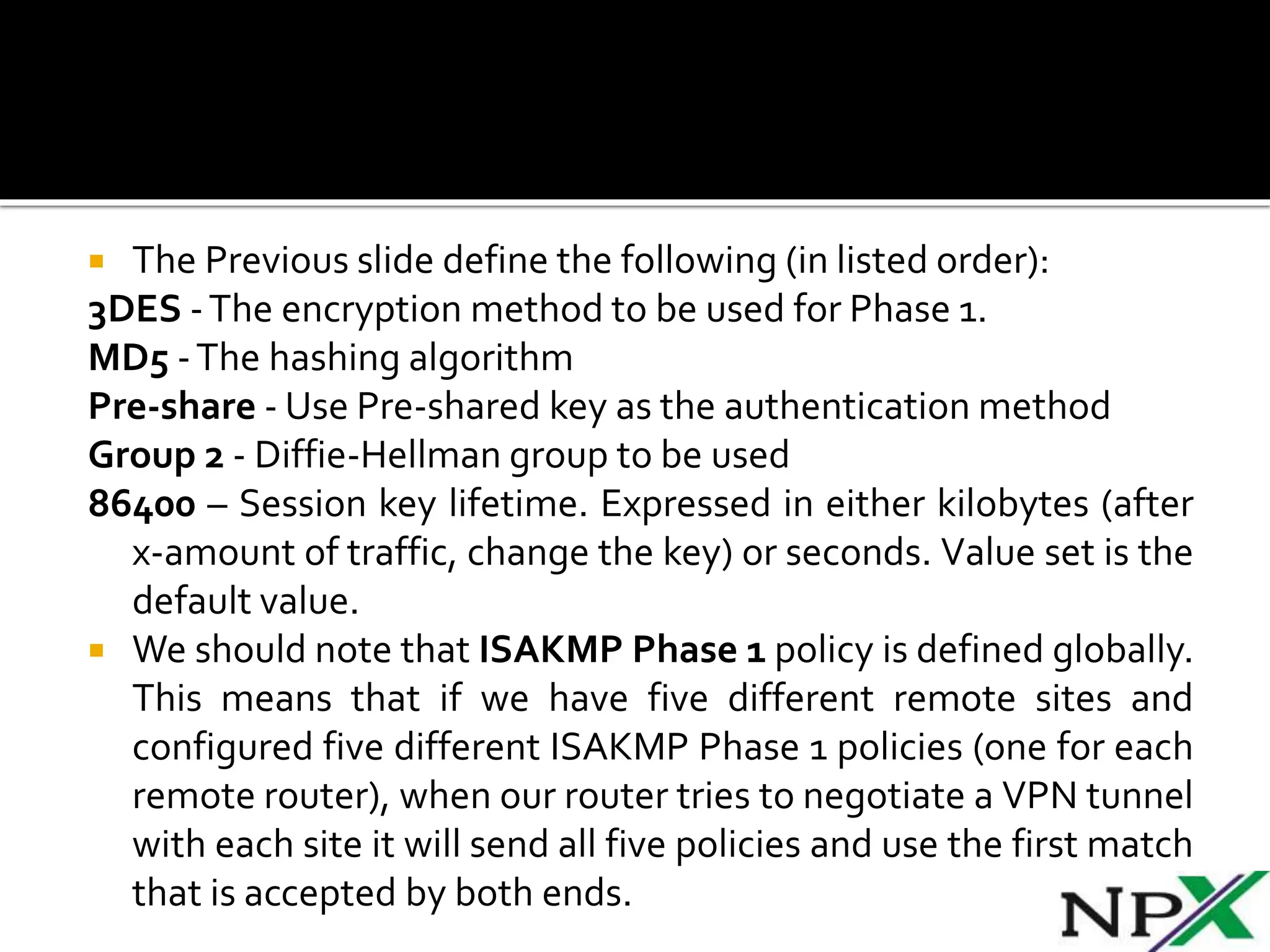
 The Previous slide define the following (in listed order):
3DES -The encryption method to be used for Phase 1.
MD5 -The hashing algorithm
Pre-share - Use Pre-shared key as the authentication method
Group 2 - Diffie-Hellman group to be used
86400 – Session key lifetime. Expressed in either kilobytes (after
x-amount of traffic, change the key) or seconds. Value set is the
default value.
 We should note that ISAKMP Phase 1 policy is defined globally.
This means that if we have five different remote sites and
configured five different ISAKMP Phase 1 policies (one for each
remote router), when our router tries to negotiate a VPN tunnel
with each site it will send all five policies and use the first match
that is accepted by both ends.
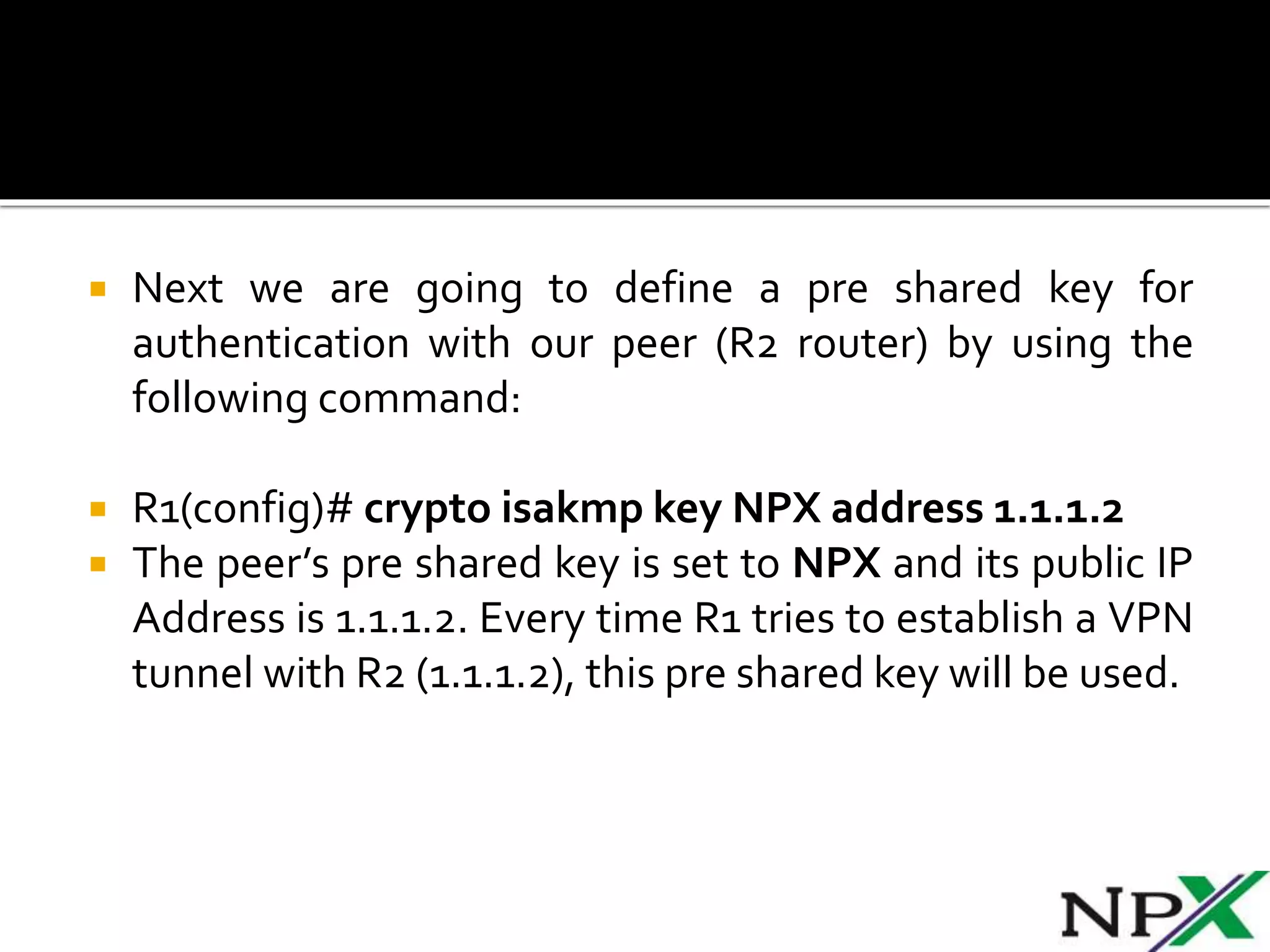
 Next we are going to define a pre shared key for
authentication with our peer (R2 router) by using the
following command:
 R1(config)# crypto isakmp key NPX address 1.1.1.2
 The peer’s pre shared key is set to NPX and its public IP
Address is 1.1.1.2. Every time R1 tries to establish a VPN
tunnel with R2 (1.1.1.2), this pre shared key will be used.
 To configure IPSec we need to setup the following in
order:
 Create extended ACL
 Create IPSecTransform
 Create Crypto Map
 Apply crypto map to the public interface
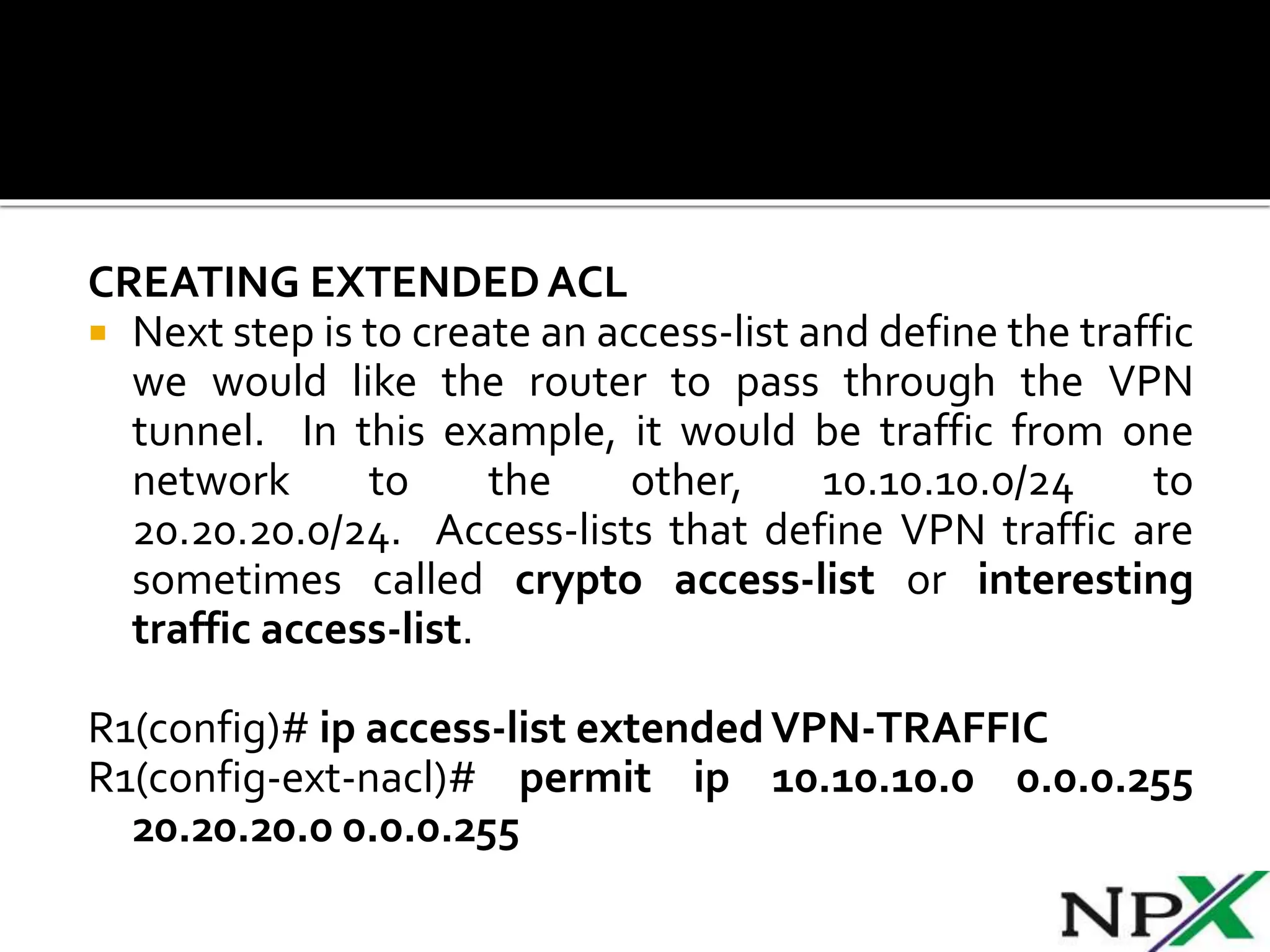
CREATING EXTENDEDACL
 Next step is to create an access-list and define the traffic
we would like the router to pass through the VPN
tunnel. In this example, it would be traffic from one
network to the other, 10.10.10.0/24 to
20.20.20.0/24. Access-lists that define VPN traffic are
sometimes called crypto access-list or interesting
traffic access-list.
R1(config)# ip access-list extendedVPN-TRAFFIC
R1(config-ext-nacl)# permit ip 10.10.10.0 0.0.0.255
20.20.20.0 0.0.0.255
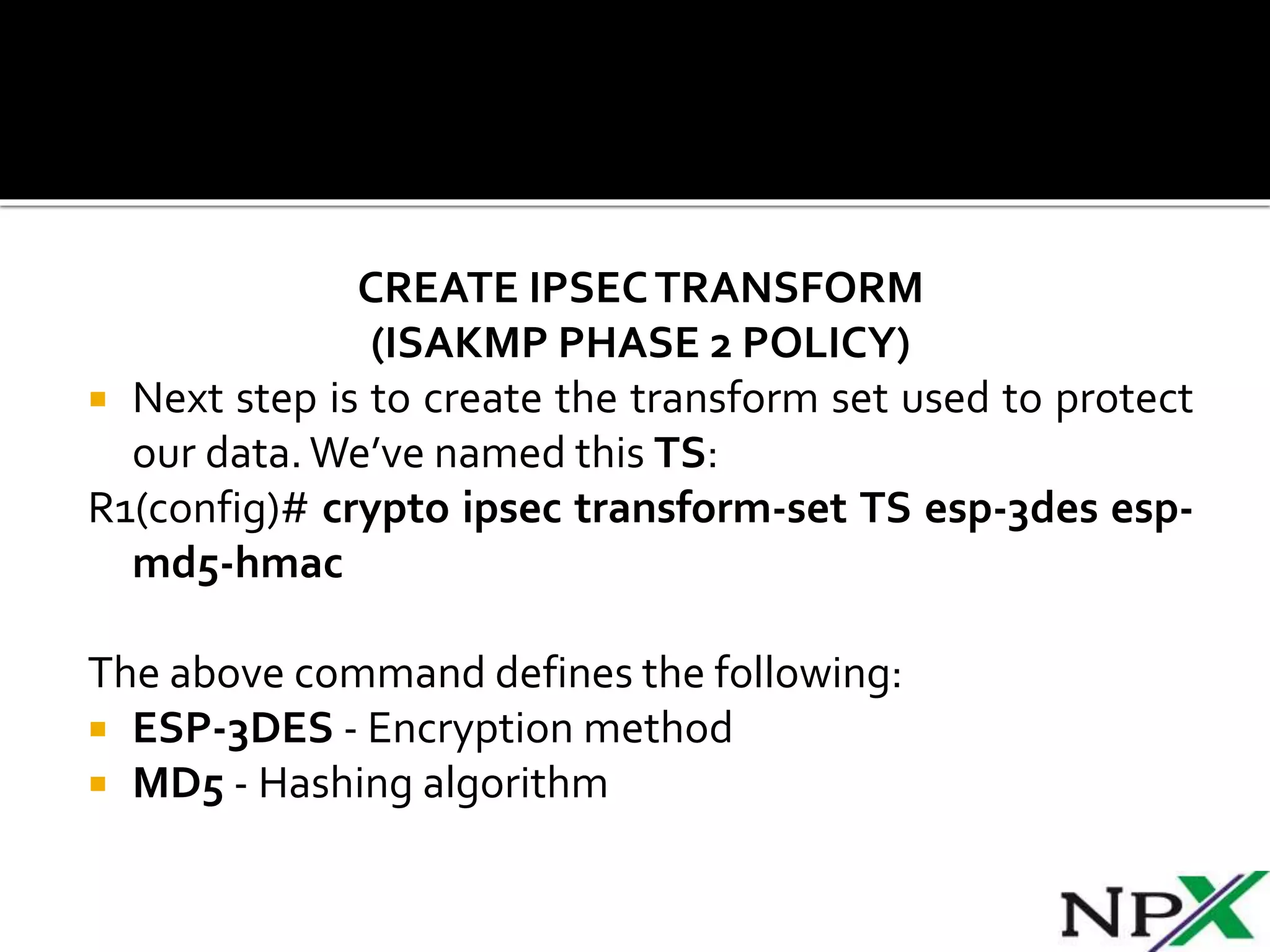
CREATE IPSECTRANSFORM
(ISAKMP PHASE 2 POLICY)
 Next step is to create the transform set used to protect
our data.We’ve named this TS:
R1(config)# crypto ipsec transform-set TS esp-3des esp-
md5-hmac
The above command defines the following:
 ESP-3DES - Encryption method
 MD5 - Hashing algorithm
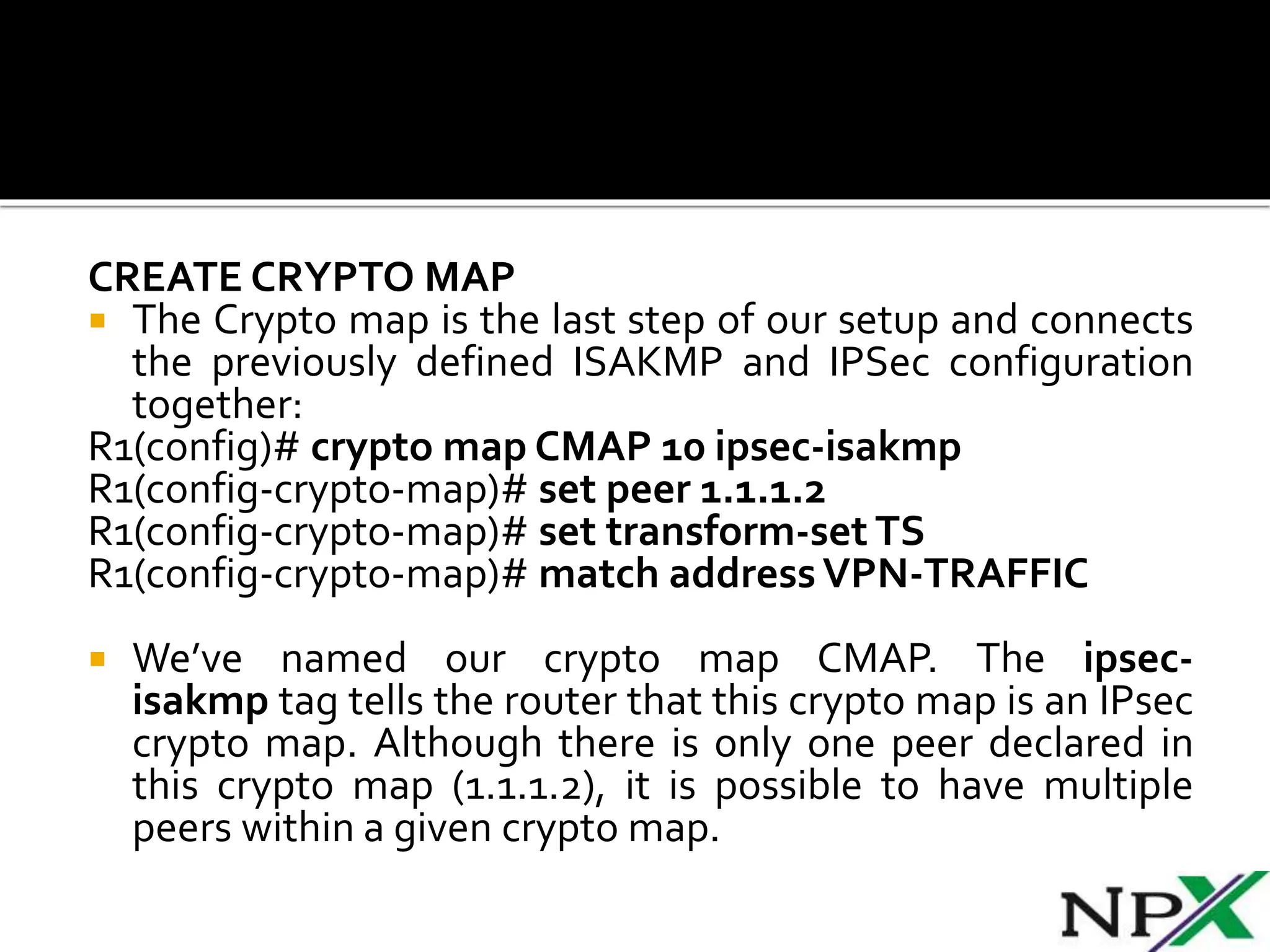
CREATE CRYPTO MAP
 The Crypto map is the last step of our setup and connects
the previously defined ISAKMP and IPSec configuration
together:
R1(config)# crypto map CMAP 10 ipsec-isakmp
R1(config-crypto-map)# set peer 1.1.1.2
R1(config-crypto-map)# set transform-set TS
R1(config-crypto-map)# match addressVPN-TRAFFIC
 We’ve named our crypto map CMAP. The ipsec-
isakmp tag tells the router that this crypto map is an IPsec
crypto map. Although there is only one peer declared in
this crypto map (1.1.1.2), it is possible to have multiple
peers within a given crypto map.
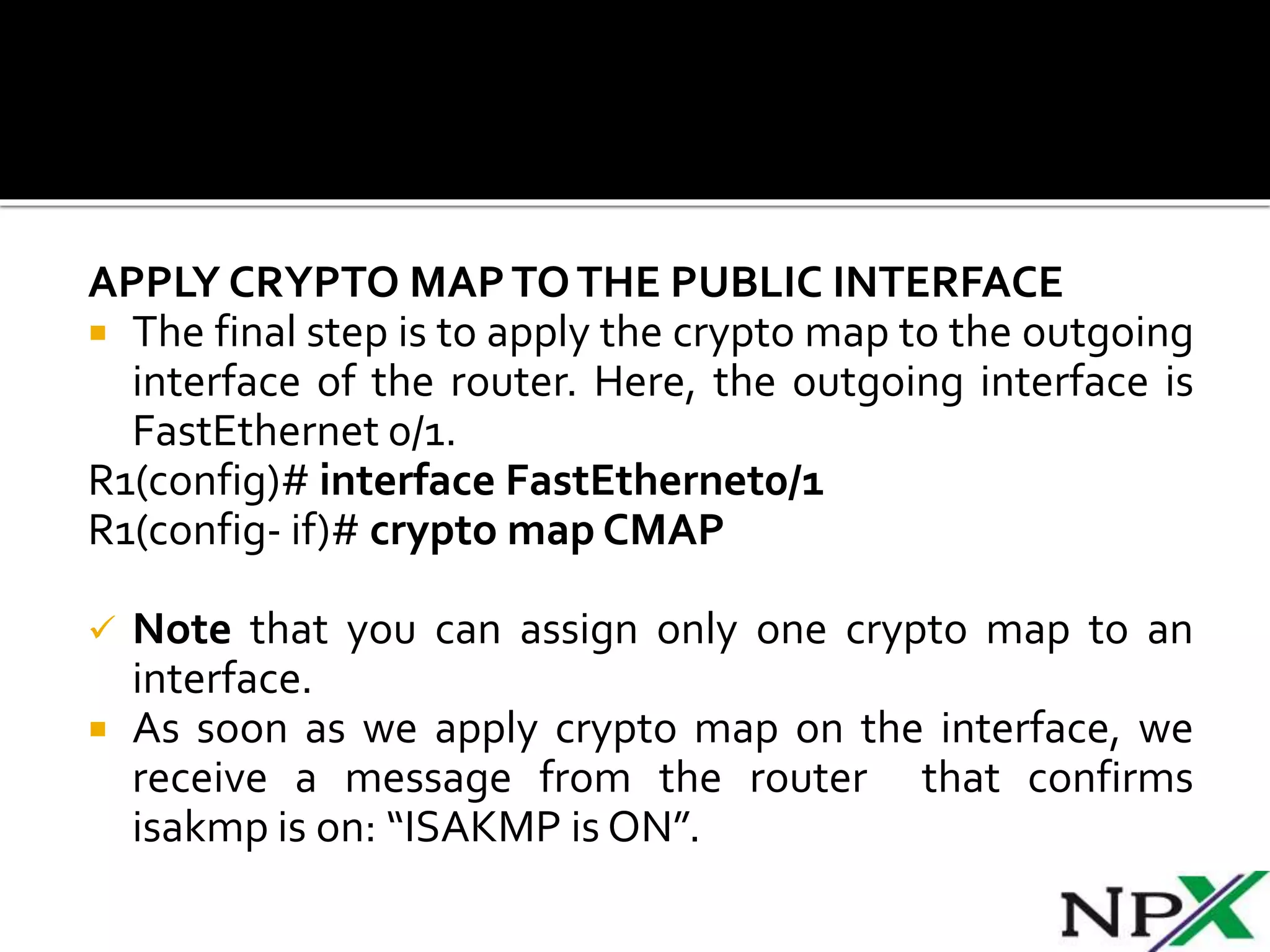
APPLY CRYPTO MAPTOTHE PUBLIC INTERFACE
 The final step is to apply the crypto map to the outgoing
interface of the router. Here, the outgoing interface is
FastEthernet 0/1.
R1(config)# interface FastEthernet0/1
R1(config- if)# crypto map CMAP
 Note that you can assign only one crypto map to an
interface.
 As soon as we apply crypto map on the interface, we
receive a message from the router that confirms
isakmp is on: “ISAKMP is ON”.
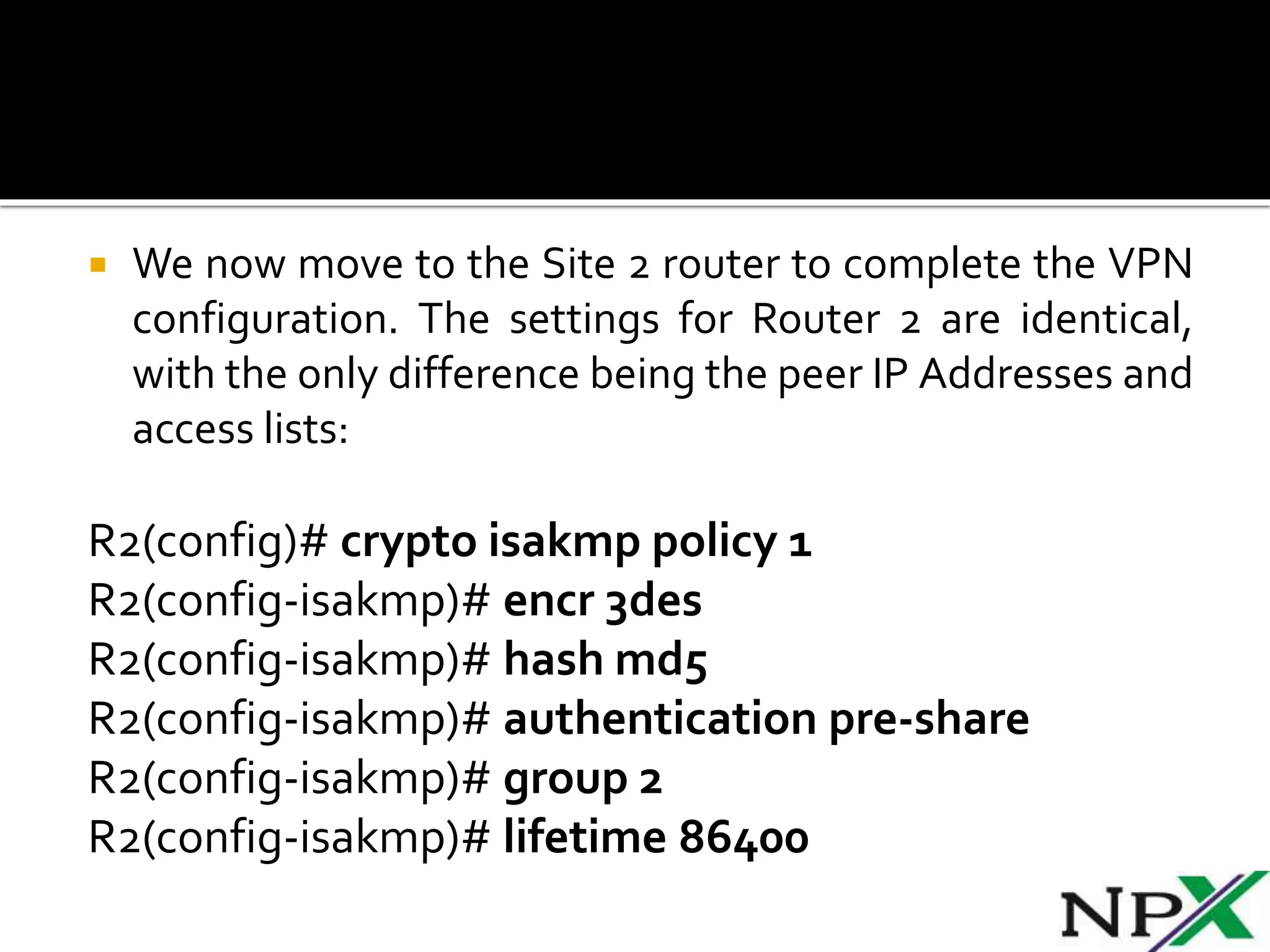
 We now move to the Site 2 router to complete the VPN
configuration. The settings for Router 2 are identical,
with the only difference being the peer IP Addresses and
access lists:
R2(config)# crypto isakmp policy 1
R2(config-isakmp)# encr 3des
R2(config-isakmp)# hash md5
R2(config-isakmp)# authentication pre-share
R2(config-isakmp)# group 2
R2(config-isakmp)# lifetime 86400
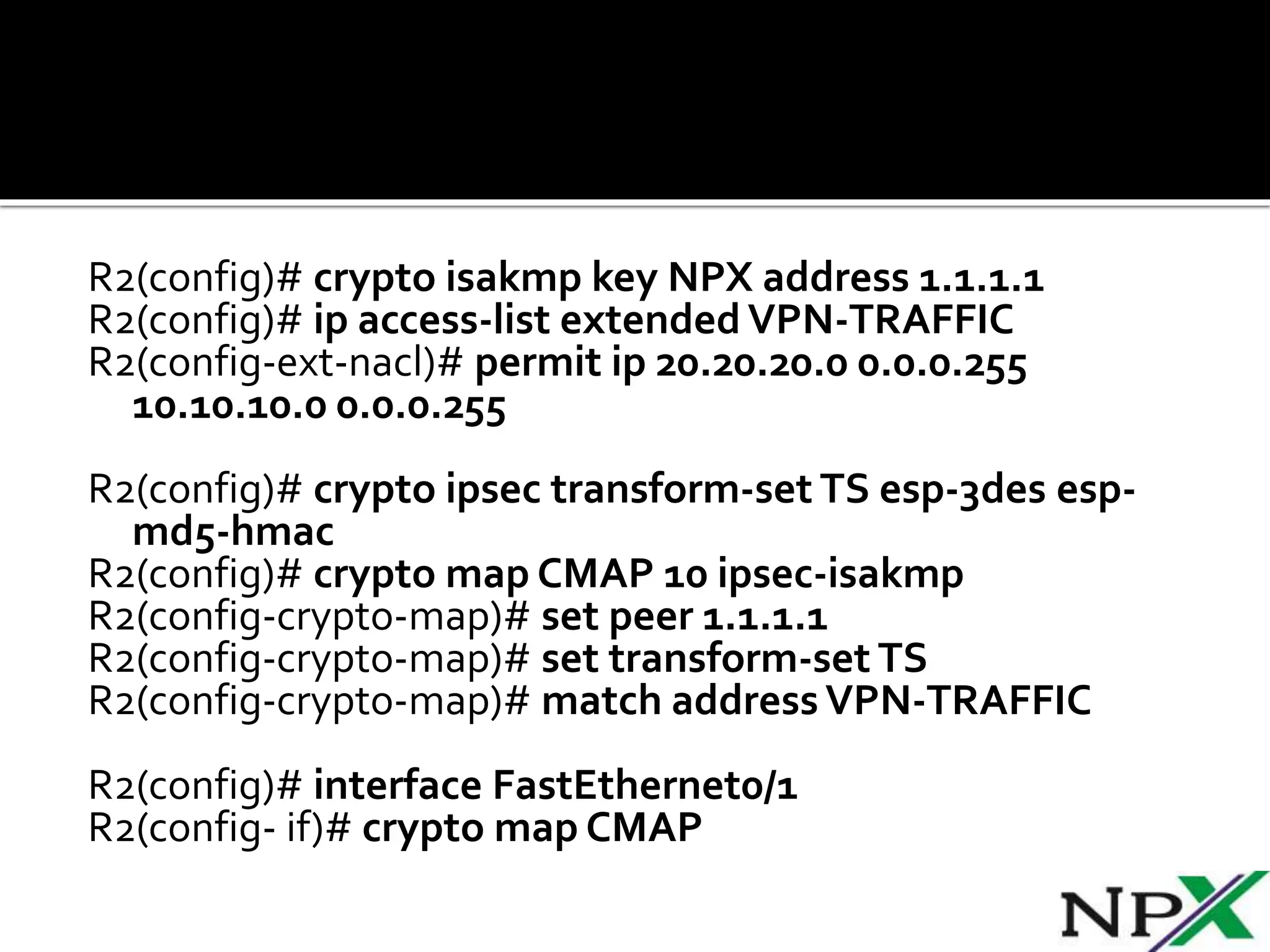
R2(config)# crypto isakmp key NPX address 1.1.1.1
R2(config)# ip access-list extended VPN-TRAFFIC
R2(config-ext-nacl)# permit ip 20.20.20.0 0.0.0.255
10.10.10.0 0.0.0.255
R2(config)# crypto ipsec transform-set TS esp-3des esp-
md5-hmac
R2(config)# crypto map CMAP 10 ipsec-isakmp
R2(config-crypto-map)# set peer 1.1.1.1
R2(config-crypto-map)# set transform-set TS
R2(config-crypto-map)# match address VPN-TRAFFIC
R2(config)# interface FastEthernet0/1
R2(config- if)# crypto map CMAP
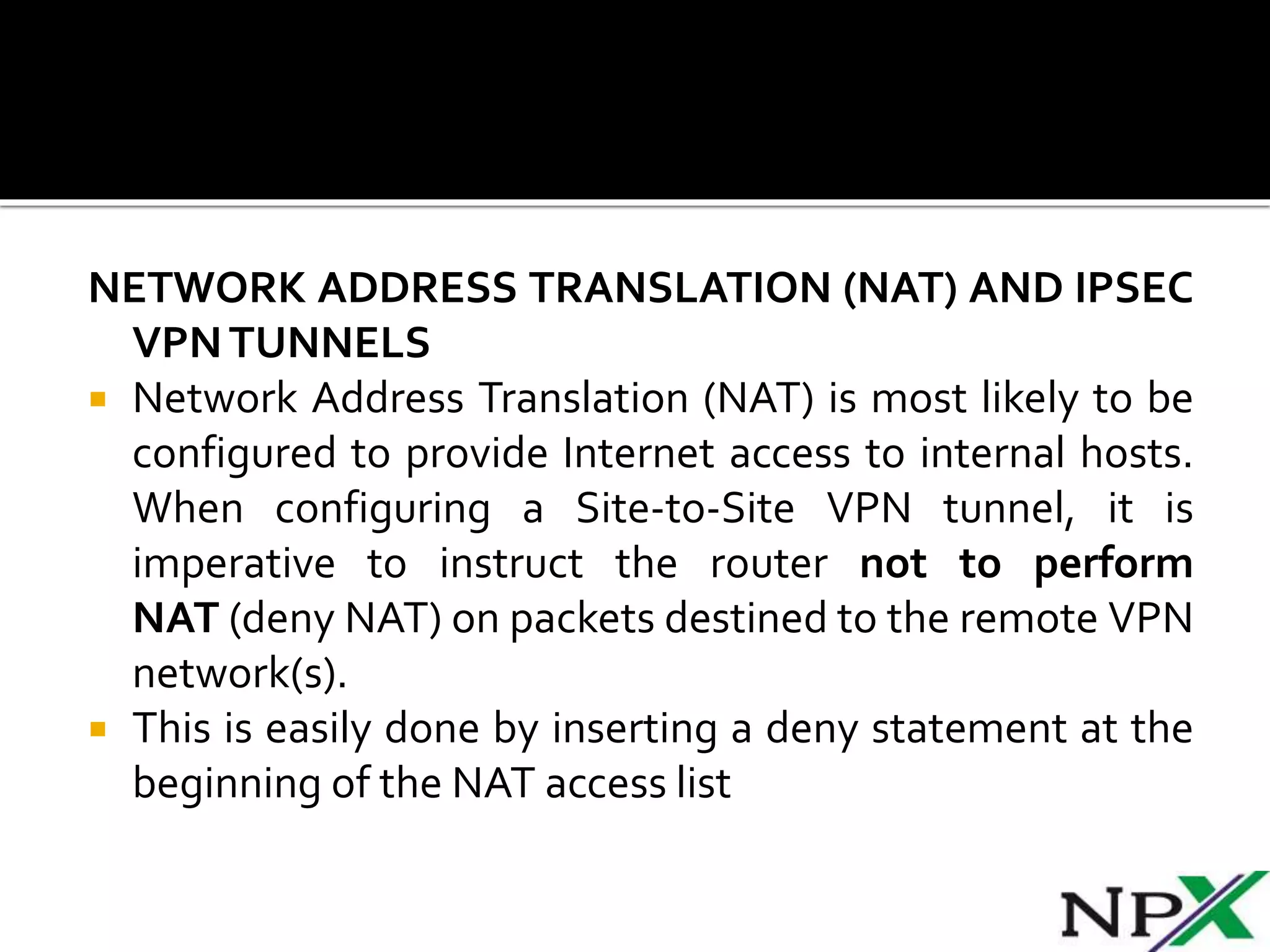
NETWORK ADDRESS TRANSLATION (NAT) AND IPSEC
VPNTUNNELS
 Network Address Translation (NAT) is most likely to be
configured to provide Internet access to internal hosts.
When configuring a Site-to-Site VPN tunnel, it is
imperative to instruct the router not to perform
NAT (deny NAT) on packets destined to the remote VPN
network(s).
 This is easily done by inserting a deny statement at the
beginning of the NAT access list
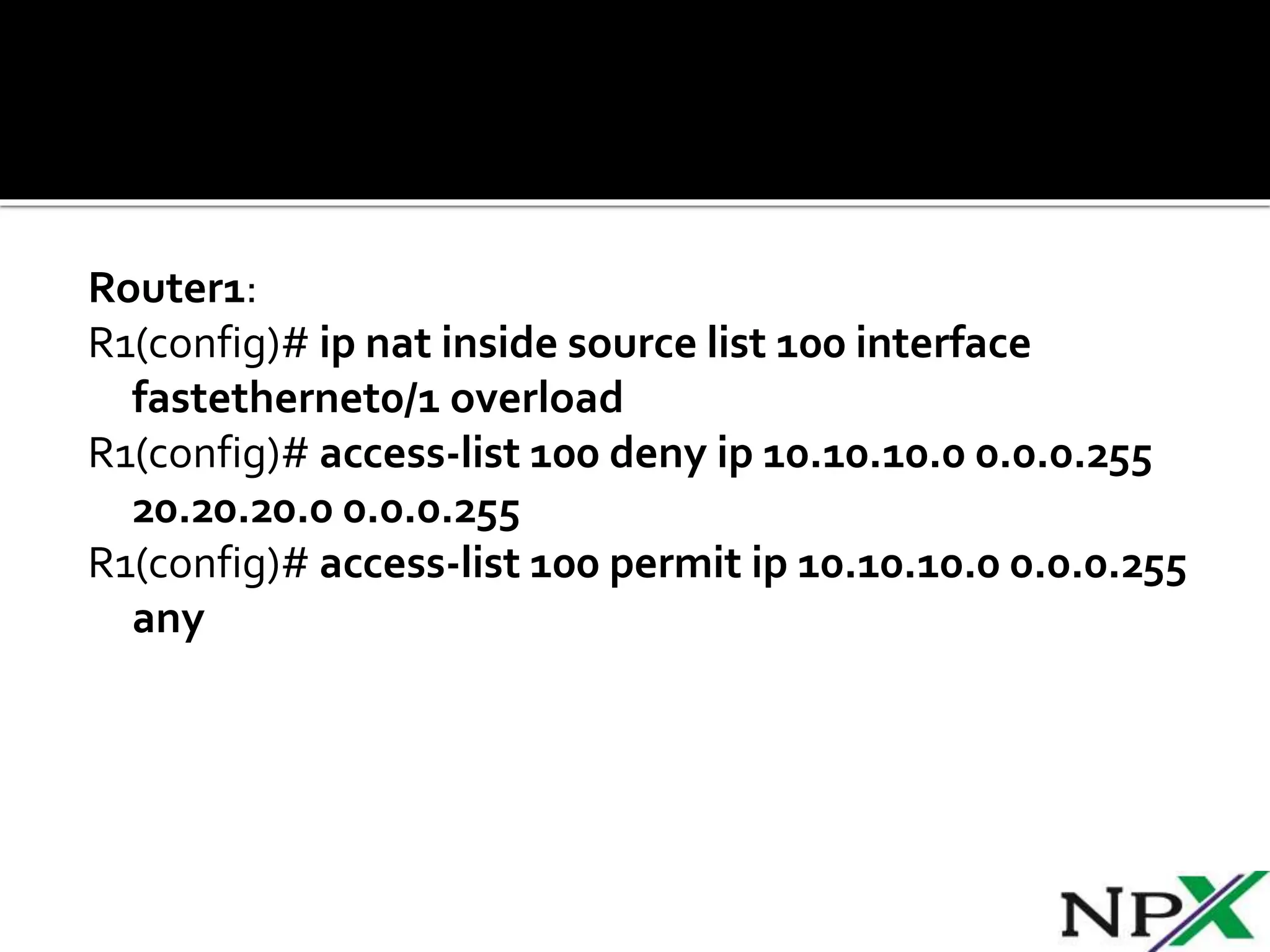
Router1:
R1(config)# ip nat inside source list 100 interface
fastethernet0/1 overload
R1(config)# access-list 100 deny ip 10.10.10.0 0.0.0.255
20.20.20.0 0.0.0.255
R1(config)# access-list 100 permit ip 10.10.10.0 0.0.0.255
any
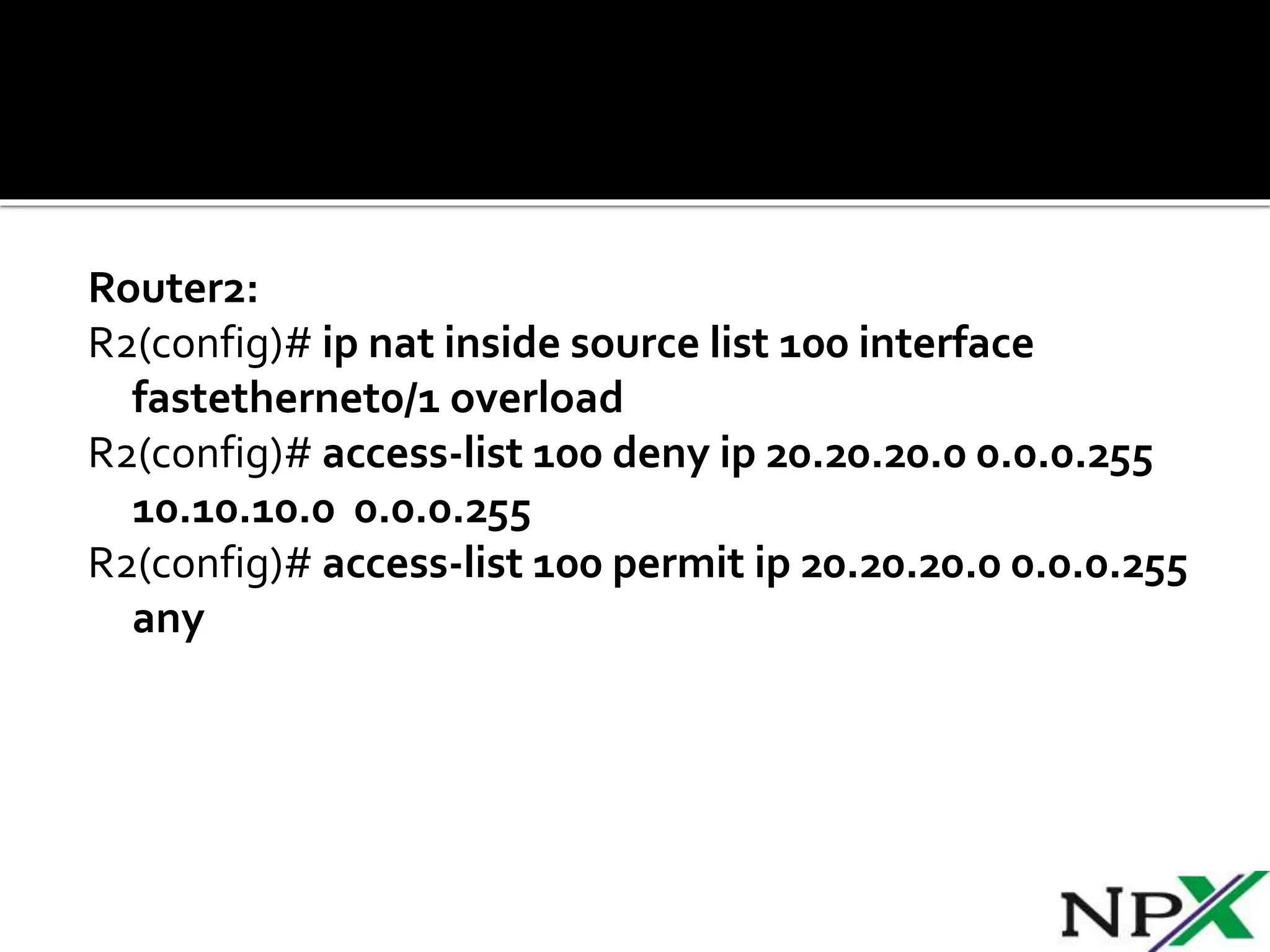
Router2:
R2(config)# ip nat inside source list 100 interface
fastethernet0/1 overload
R2(config)# access-list 100 deny ip 20.20.20.0 0.0.0.255
10.10.10.0 0.0.0.255
R2(config)# access-list 100 permit ip 20.20.20.0 0.0.0.255
any
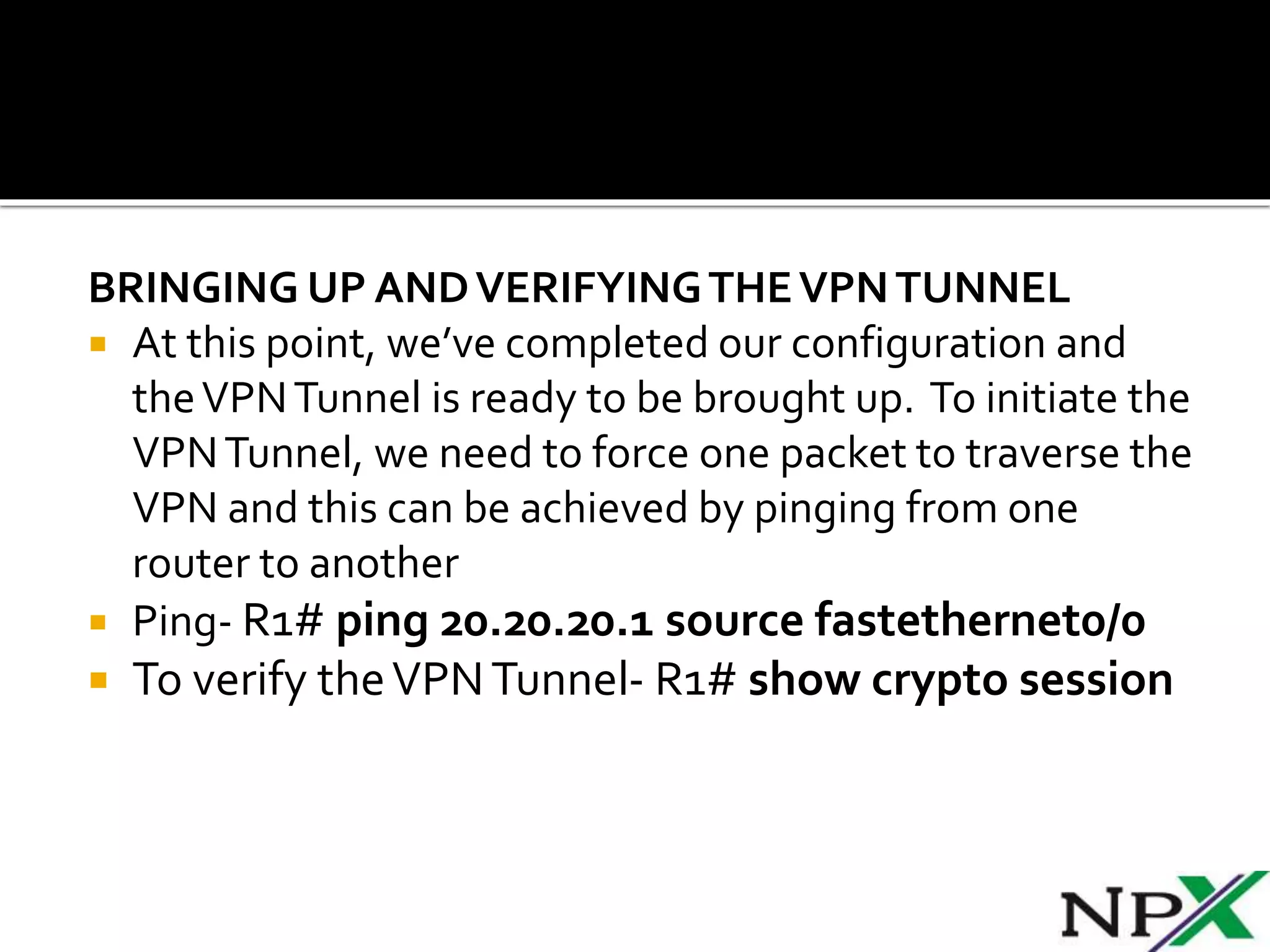
BRINGING UP ANDVERIFYINGTHEVPNTUNNEL
 At this point, we’ve completed our configuration and
theVPNTunnel is ready to be brought up. To initiate the
VPNTunnel, we need to force one packet to traverse the
VPN and this can be achieved by pinging from one
router to another
 Ping- R1# ping 20.20.20.1 source fastethernet0/0
 To verify theVPNTunnel- R1# show crypto session

SITE TO SITE IPSEC VPN TUNNEL B/W CISCO ROUTERS

  • 1.
  • 2.
     Site-to-Site IPSecVPN Tunnels are used to allow the secure transmission of data, voice and video between two sites (e.g offices or branches). The VPN tunnel is created over the Internet public network and encrypted using a number of advanced encryption algorithms to provide confidentiality of the data transmitted between the two sites.  ISAKMP (Internet Security Association and Key Management Protocol) and IPSec are essential to building and encrypting the VPN tunnel. ISAKMP, also called IKE (Internet Key Exchange), is the negotiation protocol that allows two hosts to agree on how to build an IPsec security association. ISAKMP negotiation consists of two phases: Phase 1 and Phase 2.
  • 3.
     Phase 1creates the first tunnel, which protects later ISAKMP negotiation messages. Phase 2 creates the tunnel that protects data. IPSec then comes into play to encrypt the data using encryption algorithms and provides authentication, encryption and anti-replay services. IPSECVPN REQUIREMENTS  To help make this an easy-to-follow exercise, we have split it into two steps that are required to get the Site-to-Site IPSecVPNTunnel to work. These steps are:  (1) Configure ISAKMP (ISAKMP Phase 1)  (2) Configure IPSec (ISAKMP Phase 2, ACLs, Crypto MAP)
  • 4.
     Our examplesetup is between two branches of a small company, these are Site 1 and Site 2. Both the branch routers connect to the Internet and have a static IPAddress assigned by their ISP as shown on the diagram:  Site 1 is configured with an internal network of 10.10.10.0/24, while Site 2 is configured with network 20.20.20.0/24. The goal is to securely connect both LAN networks and allow full communication between them, without any restrictions.
  • 5.
     IKE existsonly to establish SAs (Security Association) for IPsec. Before it can do this, IKE must negotiate an SA (an ISAKMP SA) relationship with the peer.  To begin, we’ll start working on the Site 1 router (R1).  First step is to configure an ISAKMP Phase 1 policy: R1(config)# crypto isakmp policy 1 R1(config-isakmp)# encr 3des R1(config-isakmp)# hash md5 R1(config-isakmp)# authentication pre-share R1(config-isakmp)# group 2 R1(config-isakmp)# lifetime 86400
  • 6.
     The Previousslide define the following (in listed order): 3DES -The encryption method to be used for Phase 1. MD5 -The hashing algorithm Pre-share - Use Pre-shared key as the authentication method Group 2 - Diffie-Hellman group to be used 86400 – Session key lifetime. Expressed in either kilobytes (after x-amount of traffic, change the key) or seconds. Value set is the default value.  We should note that ISAKMP Phase 1 policy is defined globally. This means that if we have five different remote sites and configured five different ISAKMP Phase 1 policies (one for each remote router), when our router tries to negotiate a VPN tunnel with each site it will send all five policies and use the first match that is accepted by both ends.
  • 7.
     Next weare going to define a pre shared key for authentication with our peer (R2 router) by using the following command:  R1(config)# crypto isakmp key NPX address 1.1.1.2  The peer’s pre shared key is set to NPX and its public IP Address is 1.1.1.2. Every time R1 tries to establish a VPN tunnel with R2 (1.1.1.2), this pre shared key will be used.
  • 8.
     To configureIPSec we need to setup the following in order:  Create extended ACL  Create IPSecTransform  Create Crypto Map  Apply crypto map to the public interface
  • 9.
    CREATING EXTENDEDACL  Nextstep is to create an access-list and define the traffic we would like the router to pass through the VPN tunnel. In this example, it would be traffic from one network to the other, 10.10.10.0/24 to 20.20.20.0/24. Access-lists that define VPN traffic are sometimes called crypto access-list or interesting traffic access-list. R1(config)# ip access-list extendedVPN-TRAFFIC R1(config-ext-nacl)# permit ip 10.10.10.0 0.0.0.255 20.20.20.0 0.0.0.255
  • 10.
    CREATE IPSECTRANSFORM (ISAKMP PHASE2 POLICY)  Next step is to create the transform set used to protect our data.We’ve named this TS: R1(config)# crypto ipsec transform-set TS esp-3des esp- md5-hmac The above command defines the following:  ESP-3DES - Encryption method  MD5 - Hashing algorithm
  • 11.
    CREATE CRYPTO MAP The Crypto map is the last step of our setup and connects the previously defined ISAKMP and IPSec configuration together: R1(config)# crypto map CMAP 10 ipsec-isakmp R1(config-crypto-map)# set peer 1.1.1.2 R1(config-crypto-map)# set transform-set TS R1(config-crypto-map)# match addressVPN-TRAFFIC  We’ve named our crypto map CMAP. The ipsec- isakmp tag tells the router that this crypto map is an IPsec crypto map. Although there is only one peer declared in this crypto map (1.1.1.2), it is possible to have multiple peers within a given crypto map.
  • 12.
    APPLY CRYPTO MAPTOTHEPUBLIC INTERFACE  The final step is to apply the crypto map to the outgoing interface of the router. Here, the outgoing interface is FastEthernet 0/1. R1(config)# interface FastEthernet0/1 R1(config- if)# crypto map CMAP  Note that you can assign only one crypto map to an interface.  As soon as we apply crypto map on the interface, we receive a message from the router that confirms isakmp is on: “ISAKMP is ON”.
  • 13.
     We nowmove to the Site 2 router to complete the VPN configuration. The settings for Router 2 are identical, with the only difference being the peer IP Addresses and access lists: R2(config)# crypto isakmp policy 1 R2(config-isakmp)# encr 3des R2(config-isakmp)# hash md5 R2(config-isakmp)# authentication pre-share R2(config-isakmp)# group 2 R2(config-isakmp)# lifetime 86400
  • 14.
    R2(config)# crypto isakmpkey NPX address 1.1.1.1 R2(config)# ip access-list extended VPN-TRAFFIC R2(config-ext-nacl)# permit ip 20.20.20.0 0.0.0.255 10.10.10.0 0.0.0.255 R2(config)# crypto ipsec transform-set TS esp-3des esp- md5-hmac R2(config)# crypto map CMAP 10 ipsec-isakmp R2(config-crypto-map)# set peer 1.1.1.1 R2(config-crypto-map)# set transform-set TS R2(config-crypto-map)# match address VPN-TRAFFIC R2(config)# interface FastEthernet0/1 R2(config- if)# crypto map CMAP
  • 15.
    NETWORK ADDRESS TRANSLATION(NAT) AND IPSEC VPNTUNNELS  Network Address Translation (NAT) is most likely to be configured to provide Internet access to internal hosts. When configuring a Site-to-Site VPN tunnel, it is imperative to instruct the router not to perform NAT (deny NAT) on packets destined to the remote VPN network(s).  This is easily done by inserting a deny statement at the beginning of the NAT access list
  • 16.
    Router1: R1(config)# ip natinside source list 100 interface fastethernet0/1 overload R1(config)# access-list 100 deny ip 10.10.10.0 0.0.0.255 20.20.20.0 0.0.0.255 R1(config)# access-list 100 permit ip 10.10.10.0 0.0.0.255 any
  • 17.
    Router2: R2(config)# ip natinside source list 100 interface fastethernet0/1 overload R2(config)# access-list 100 deny ip 20.20.20.0 0.0.0.255 10.10.10.0 0.0.0.255 R2(config)# access-list 100 permit ip 20.20.20.0 0.0.0.255 any
  • 18.
    BRINGING UP ANDVERIFYINGTHEVPNTUNNEL At this point, we’ve completed our configuration and theVPNTunnel is ready to be brought up. To initiate the VPNTunnel, we need to force one packet to traverse the VPN and this can be achieved by pinging from one router to another  Ping- R1# ping 20.20.20.1 source fastethernet0/0  To verify theVPNTunnel- R1# show crypto session