IPSec VPN with Dynamic Routing / Mikrotik
and Cisco
From MikroTik Wiki
This example shows how to setup an IPSec VPN using dynamic routing protocol (RIP), it can be
but it can be done just between Mikrotik routers, but to be more colorfull I decided to use Mikrotik
Mikrotik RouterOS
If you are using ROS v3.x or above, be sure to check the end of this list to see a list of necessary
mod.
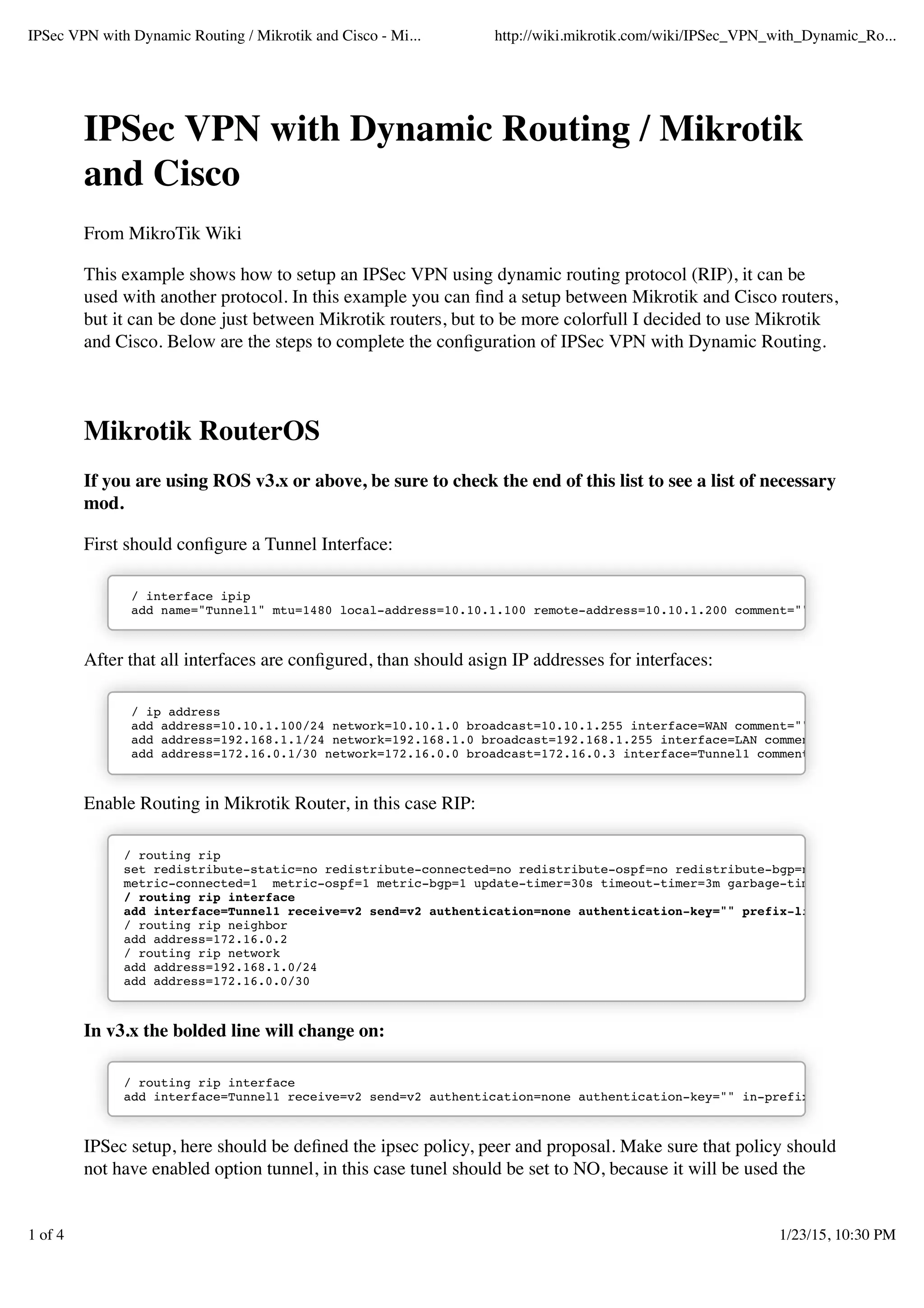
/ interface ipip
add name="Tunnel1" mtu=1480 local-address=10.10.1.100 remote-address=10.10.1.200 comment=""
/ ip address
add address=10.10.1.100/24 network=10.10.1.0 broadcast=10.10.1.255 interface=WAN comment=""
add address=192.168.1.1/24 network=192.168.1.0 broadcast=192.168.1.255 interface=LAN comment
add address=172.16.0.1/30 network=172.16.0.0 broadcast=172.16.0.3 interface=Tunnel1 comment=
/ routing rip
set redistribute-static=no redistribute-connected=no redistribute-ospf=no redistribute-bgp=no
metric-connected=1 metric-ospf=1 metric-bgp=1 update-timer=30s timeout-timer=3m garbage-time
/ routing rip interface
add interface=Tunnel1 receive=v2 send=v2 authentication=none authentication-key="" prefix-li
/ routing rip neighbor
add address=172.16.0.2
/ routing rip network
add address=192.168.1.0/24
add address=172.16.0.0/30
In v3.x the bolded line will change on:
/ routing rip interface
add interface=Tunnel1 receive=v2 send=v2 authentication=none authentication-key="" in-prefix-
not have enabled option tunnel, in this case tunel should be set to NO, because it will be used the
1 of 4
/ ip ipsec proposal
add name="IPSec" auth-algorithms=md5 enc-algorithms=3des lifetime=30m lifebytes=0 pfs-group=
/ ip ipsec peer
add address=10.10.1.200 secret="ipsec" generate-policy=no exchange-mode=main send-initial-co
proposal-check=obey hash-algorithm=md5 enc-algorithm=3des dh-group=modp1024 lifetime=1d li
/ ip ipsec policy
add src-address=10.10.1.100/32:any dst-address=10.10.1.200/32:any protocol=all action=encryp
ipsec-protocols=esp tunnel=no sa-src-address=10.10.1.100 sa-dst-address=10.10.1.200 
proposal=IPSec manual-sa=none dont-fragment=clear disabled=no
In v3.x the bolded line will change on:
/ ip ipsec proposal
add name="IPSec" auth-algorithms=md5 enc-algorithms=3des lifetime=30m pfs-group=modp1024 disa
/ ip ipsec peer
add address=10.10.1.200/32:500 secret="ipsec" generate-policy=no exchange-mode=main send-init
proposal-check=obey hash-algorithm=md5 enc-algorithm=3des dh-group=modp1024 lifetime=1d lif
/ ip ipsec policy
add src-address=10.10.1.100/32:any dst-address=10.10.1.200/32:any protocol=all action=encrypt
ipsec-protocols=esp tunnel=no sa-src-address=10.10.1.100 sa-dst-address=10.10.1.200 
proposal=IPSec manual-sa=none disabled=no
Cisco IOS
FastEthernet 0/0
description *** WAN ***
ip address 10.10.1.200 255.255.255.0
crypto map vpn
FastEthernet 0/1
description *** LAN ***
ip address 192.168.2.1 255.255.255.0
interface Tunnel1
description **Cisco Peer**
ip address 172.16.0.2 255.255.255.252
no ip redirects
no ip unreachables
no ip proxy-arp
ip mtu 1480
ip rip v2-broadcast
ip tcp adjust-mss 1400
load-interval 30
tunnel source 10.10.1.200
tunnel destination 10.10.1.100
tunnel mode ipip
hold-queue 1024 in
hold-queue 1024 out
router rip
version 2
timers basic 30 60 90 90
redistribute connected metric 1 route-map connected-to-rip
redistribute static metric 5 route-map static-to-rip
network 172.16.0.2
network 192.168.2.0
distribute-list prefix LAN out
no auto-summary
ip prefix-list LAN seq 10 permit 192.168.2.0/24
route-map connected-to-rip permit 10
match interface FastEthernet0/0
!
route-map static-to-rip permit 10
match ip address prefix-list LAN
!
crypto isakmp policy 1
encr 3des
hash md5
authentication pre-share
group 2
!
crypto isakmp key ipsec address 0.0.0.0 0.0.0.0
!
crypto ipsec security-association idle-time 600
!
crypto ipsec transform-set vpn esp-3des esp-md5-hmac
mode transport
!
crypto map vpn 1 ipsec-isakmp
description **To Mikrotik Peer**
set peer 10.10.1.100
set transform-set vpn
set pfs group2
match address mikrotik_peer
!
ip access-list extended mikrotik_peer
permit ipinip host 10.10.1.200 host 10.10.1.100
sh ip route
or
sh ip rip database
This example can be implemented also with another routing protocol like OSPF, and also very
simply we can setup here a failover connection. Regarding the failover, the setup is very easy, all that
we need is to create another set of tunnels via another ISP or gateway, but again the remote peer is
the same router. Instead of the routing protocol for the second set of tunnels, it needs static routes to
the failover link in inactive mode.Titolo del collegamento
Retrieved from "
"
VPN Routing
4 of 4

Ip sec vpn with dynamic routing mikrotik and cisco - mikro-tik wiki

  • 1.
    IPSec VPN withDynamic Routing / Mikrotik and Cisco From MikroTik Wiki This example shows how to setup an IPSec VPN using dynamic routing protocol (RIP), it can be but it can be done just between Mikrotik routers, but to be more colorfull I decided to use Mikrotik Mikrotik RouterOS If you are using ROS v3.x or above, be sure to check the end of this list to see a list of necessary mod. / interface ipip add name="Tunnel1" mtu=1480 local-address=10.10.1.100 remote-address=10.10.1.200 comment="" / ip address add address=10.10.1.100/24 network=10.10.1.0 broadcast=10.10.1.255 interface=WAN comment="" add address=192.168.1.1/24 network=192.168.1.0 broadcast=192.168.1.255 interface=LAN comment add address=172.16.0.1/30 network=172.16.0.0 broadcast=172.16.0.3 interface=Tunnel1 comment= / routing rip set redistribute-static=no redistribute-connected=no redistribute-ospf=no redistribute-bgp=no metric-connected=1 metric-ospf=1 metric-bgp=1 update-timer=30s timeout-timer=3m garbage-time / routing rip interface add interface=Tunnel1 receive=v2 send=v2 authentication=none authentication-key="" prefix-li / routing rip neighbor add address=172.16.0.2 / routing rip network add address=192.168.1.0/24 add address=172.16.0.0/30 In v3.x the bolded line will change on: / routing rip interface add interface=Tunnel1 receive=v2 send=v2 authentication=none authentication-key="" in-prefix- not have enabled option tunnel, in this case tunel should be set to NO, because it will be used the 1 of 4
  • 2.
    / ip ipsecproposal add name="IPSec" auth-algorithms=md5 enc-algorithms=3des lifetime=30m lifebytes=0 pfs-group= / ip ipsec peer add address=10.10.1.200 secret="ipsec" generate-policy=no exchange-mode=main send-initial-co proposal-check=obey hash-algorithm=md5 enc-algorithm=3des dh-group=modp1024 lifetime=1d li / ip ipsec policy add src-address=10.10.1.100/32:any dst-address=10.10.1.200/32:any protocol=all action=encryp ipsec-protocols=esp tunnel=no sa-src-address=10.10.1.100 sa-dst-address=10.10.1.200 proposal=IPSec manual-sa=none dont-fragment=clear disabled=no In v3.x the bolded line will change on: / ip ipsec proposal add name="IPSec" auth-algorithms=md5 enc-algorithms=3des lifetime=30m pfs-group=modp1024 disa / ip ipsec peer add address=10.10.1.200/32:500 secret="ipsec" generate-policy=no exchange-mode=main send-init proposal-check=obey hash-algorithm=md5 enc-algorithm=3des dh-group=modp1024 lifetime=1d lif / ip ipsec policy add src-address=10.10.1.100/32:any dst-address=10.10.1.200/32:any protocol=all action=encrypt ipsec-protocols=esp tunnel=no sa-src-address=10.10.1.100 sa-dst-address=10.10.1.200 proposal=IPSec manual-sa=none disabled=no Cisco IOS FastEthernet 0/0 description *** WAN *** ip address 10.10.1.200 255.255.255.0 crypto map vpn FastEthernet 0/1 description *** LAN *** ip address 192.168.2.1 255.255.255.0 interface Tunnel1 description **Cisco Peer** ip address 172.16.0.2 255.255.255.252 no ip redirects no ip unreachables no ip proxy-arp ip mtu 1480 ip rip v2-broadcast ip tcp adjust-mss 1400 load-interval 30 tunnel source 10.10.1.200 tunnel destination 10.10.1.100 tunnel mode ipip hold-queue 1024 in hold-queue 1024 out router rip version 2
  • 3.
    timers basic 3060 90 90 redistribute connected metric 1 route-map connected-to-rip redistribute static metric 5 route-map static-to-rip network 172.16.0.2 network 192.168.2.0 distribute-list prefix LAN out no auto-summary ip prefix-list LAN seq 10 permit 192.168.2.0/24 route-map connected-to-rip permit 10 match interface FastEthernet0/0 ! route-map static-to-rip permit 10 match ip address prefix-list LAN ! crypto isakmp policy 1 encr 3des hash md5 authentication pre-share group 2 ! crypto isakmp key ipsec address 0.0.0.0 0.0.0.0 ! crypto ipsec security-association idle-time 600 ! crypto ipsec transform-set vpn esp-3des esp-md5-hmac mode transport ! crypto map vpn 1 ipsec-isakmp description **To Mikrotik Peer** set peer 10.10.1.100 set transform-set vpn set pfs group2 match address mikrotik_peer ! ip access-list extended mikrotik_peer permit ipinip host 10.10.1.200 host 10.10.1.100 sh ip route or sh ip rip database
  • 4.
    This example canbe implemented also with another routing protocol like OSPF, and also very simply we can setup here a failover connection. Regarding the failover, the setup is very easy, all that we need is to create another set of tunnels via another ISP or gateway, but again the remote peer is the same router. Instead of the routing protocol for the second set of tunnels, it needs static routes to the failover link in inactive mode.Titolo del collegamento Retrieved from " " VPN Routing 4 of 4