Download to read offline






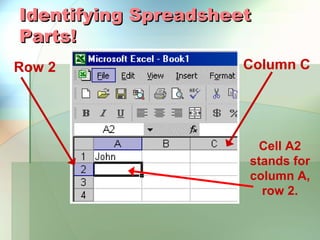
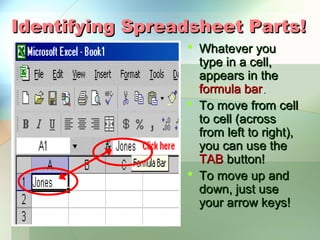




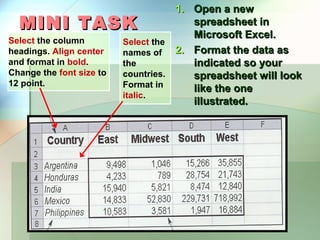
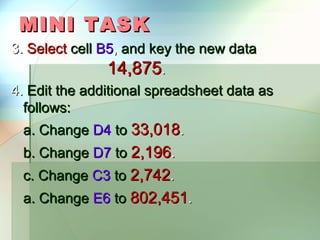


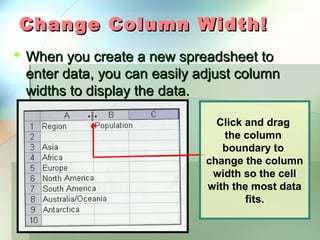
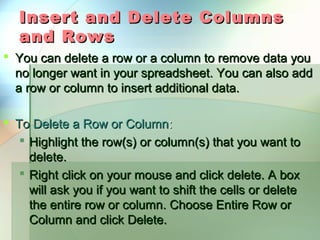
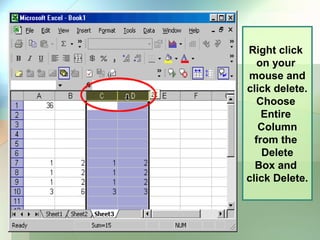

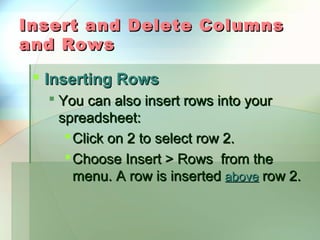
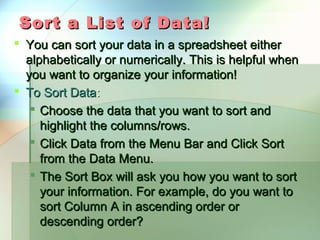


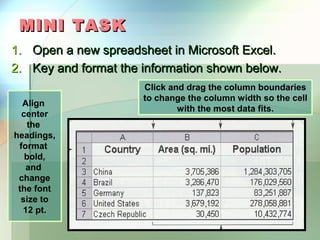
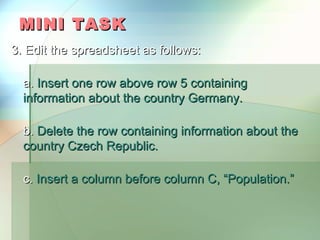
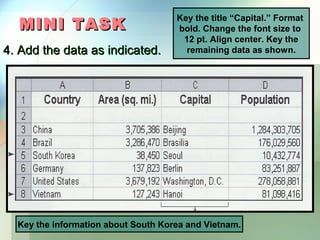


Here are the steps to complete the mini task: 1. Open a new spreadsheet in Excel. 2. Format the column headings as indicated and add the country data. 3. Insert a row above row 5 for Germany data. Delete the Czech Republic row. Insert a "Population" column before column C. 4. Add the "Capital" title and data as shown. Add South Korea and Vietnam data. 5. Insert 2 rows above for the title. Delete the "Area" column. 6. Highlight cells A5 to C10 and sort the "Country" column alphabetically. 7. Save as Excel Mini Task 2 to My Documents.


