Downloaded 181 times












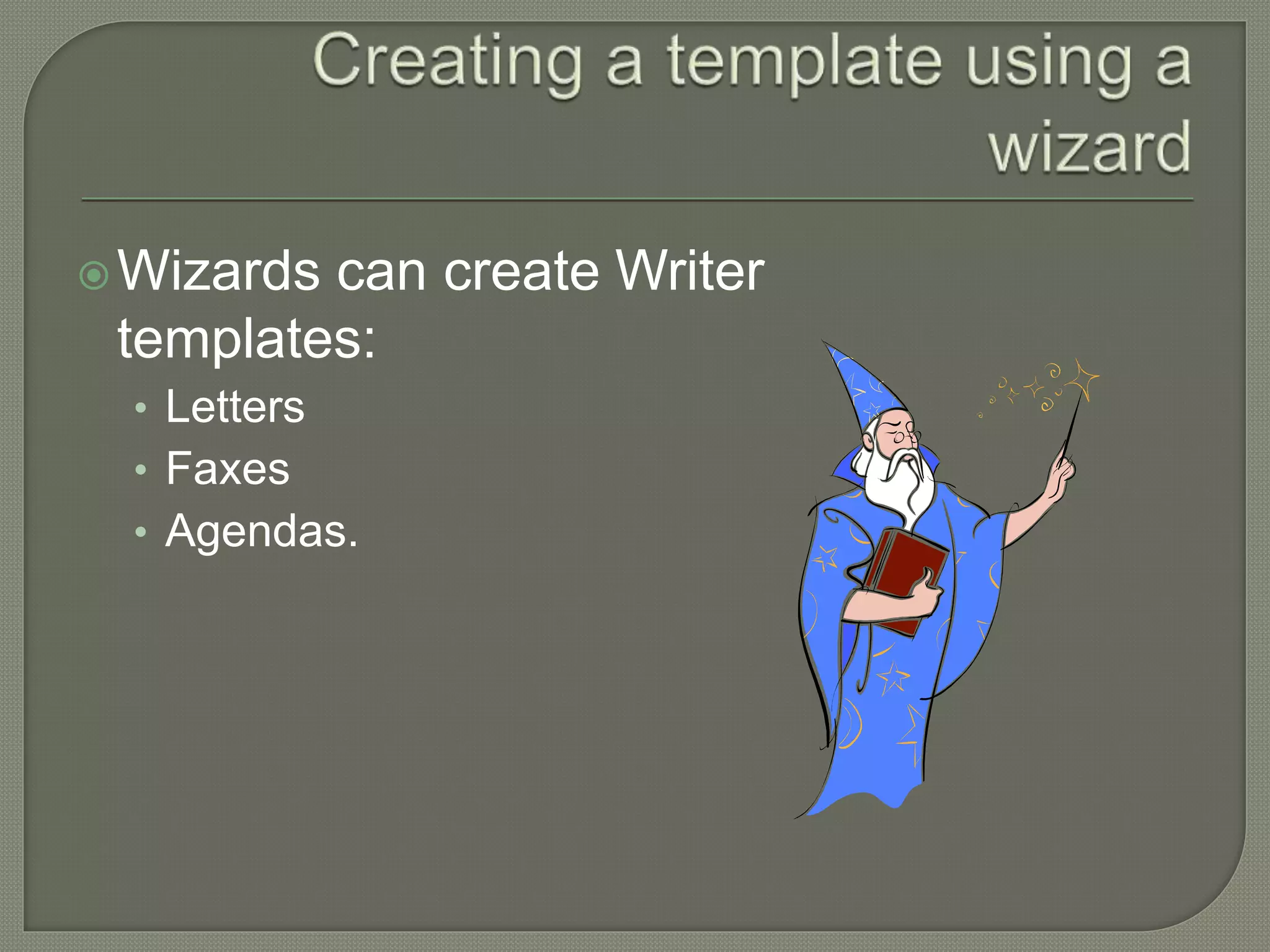
![ From the menu bar:
• Choose File > Wizards
> [type of template
required]
• Follow the instructions
of the wizard.](https://image.slidesharecdn.com/writerlesson4-140530110717-phpapp02/75/Libre-Office-Writer-Lesson-4-Working-with-tables-and-templates-35-2048.jpg)

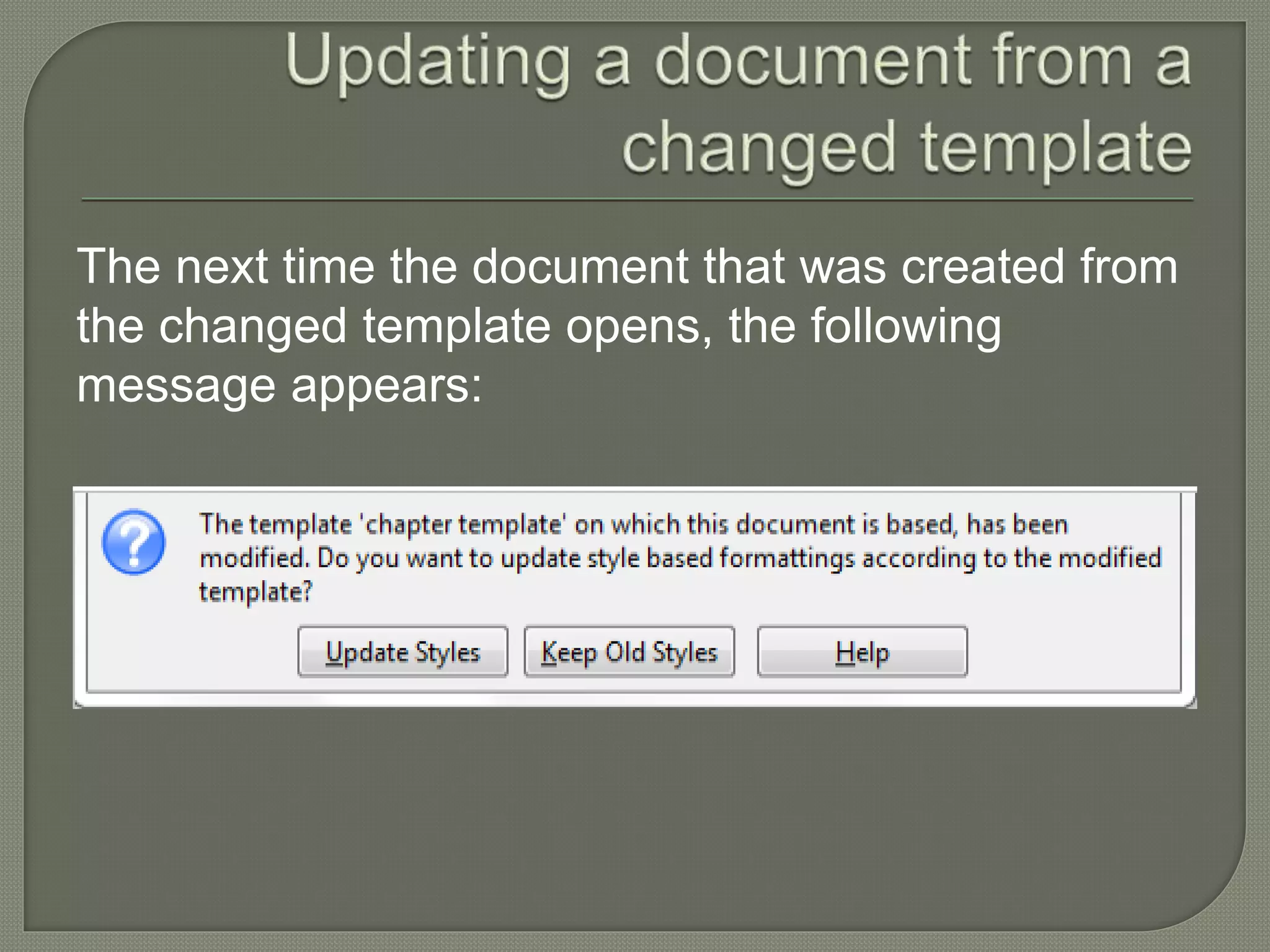
![In the template Management dialog box:
• Select the folder
• Click the commands button
• Find and select the template you want to import
• Click open [If you want] enter a new name for the
template
• Press enter.](https://image.slidesharecdn.com/writerlesson4-140530110717-phpapp02/75/Libre-Office-Writer-Lesson-4-Working-with-tables-and-templates-40-2048.jpg)

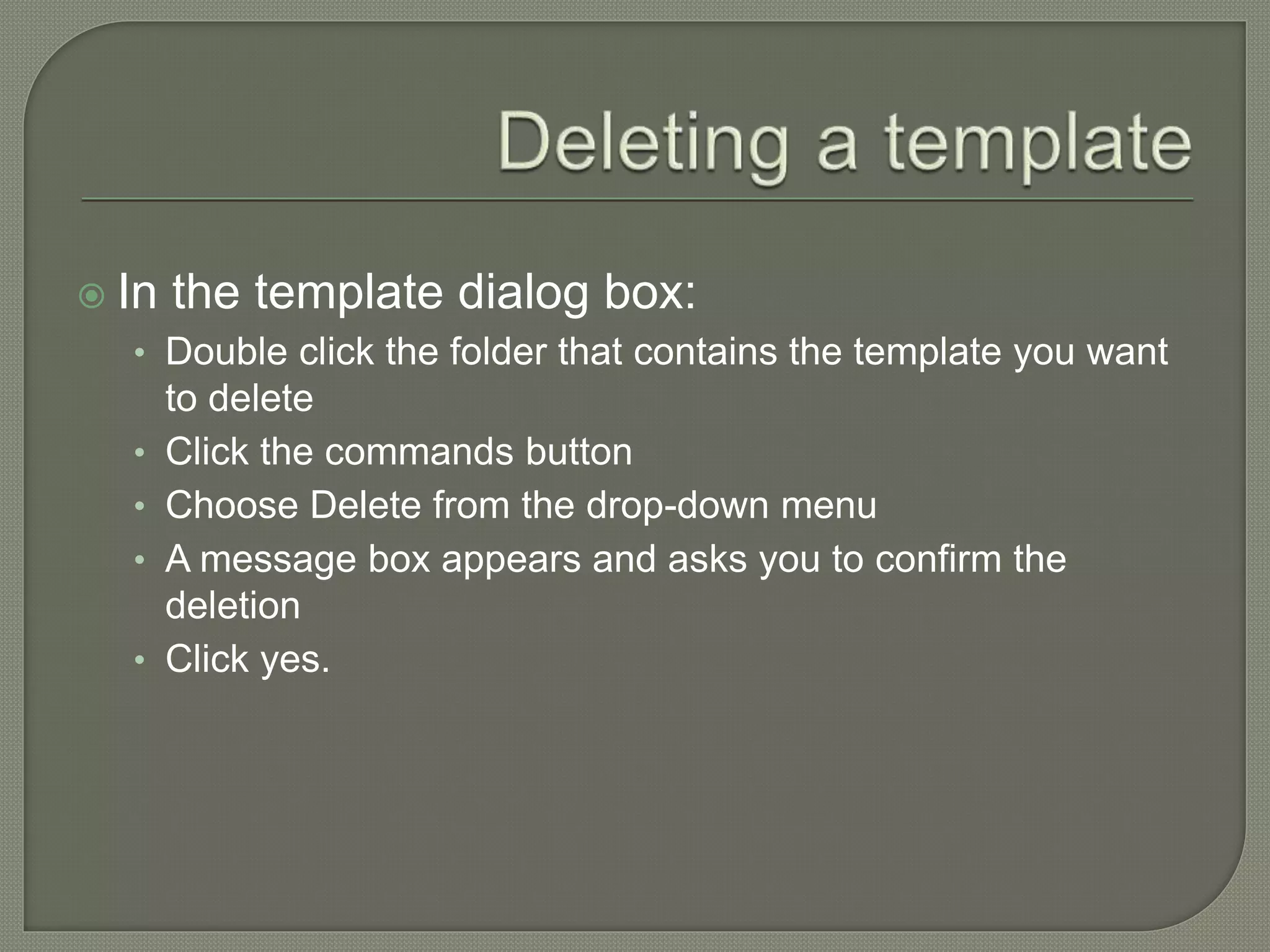
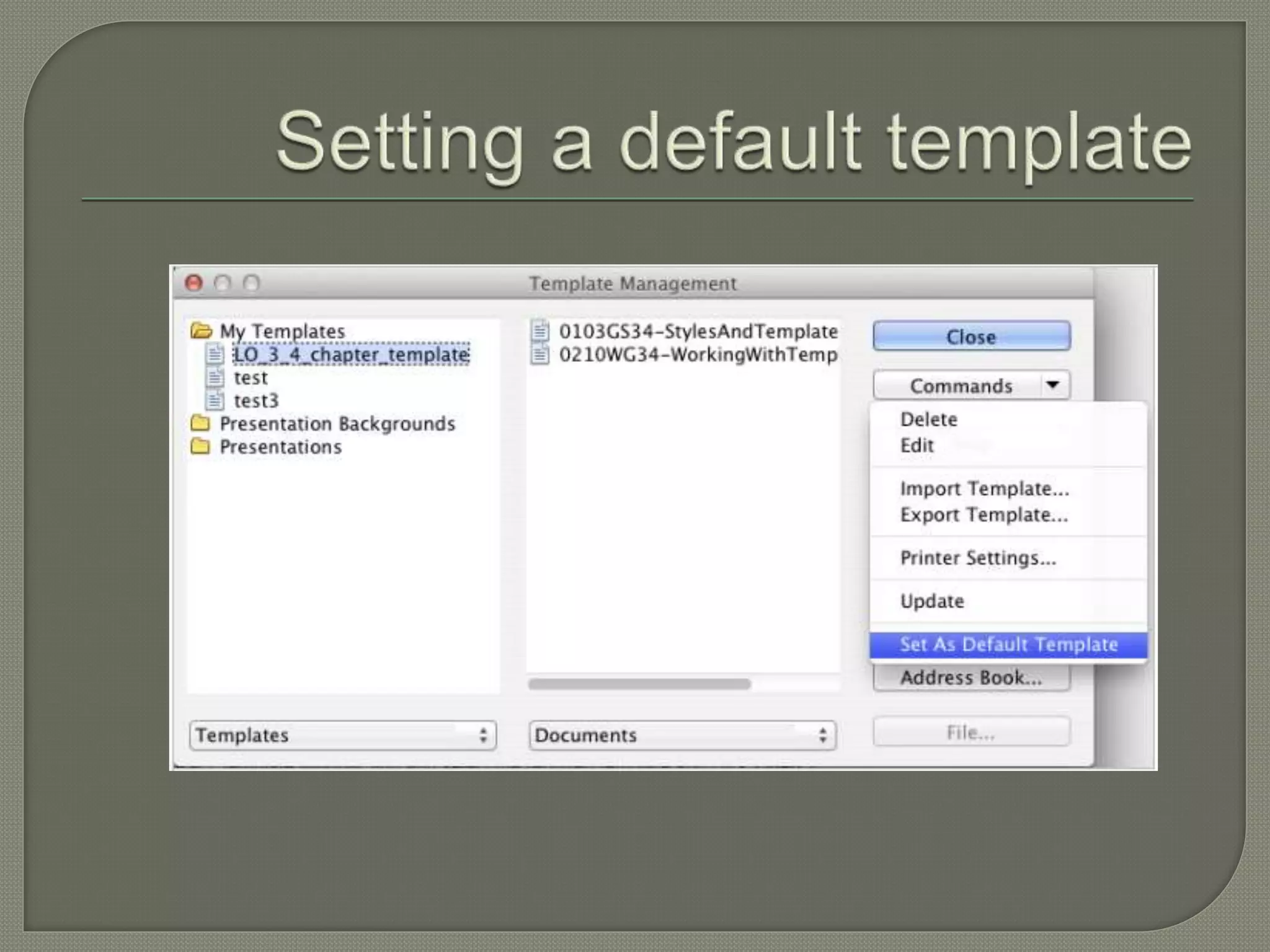
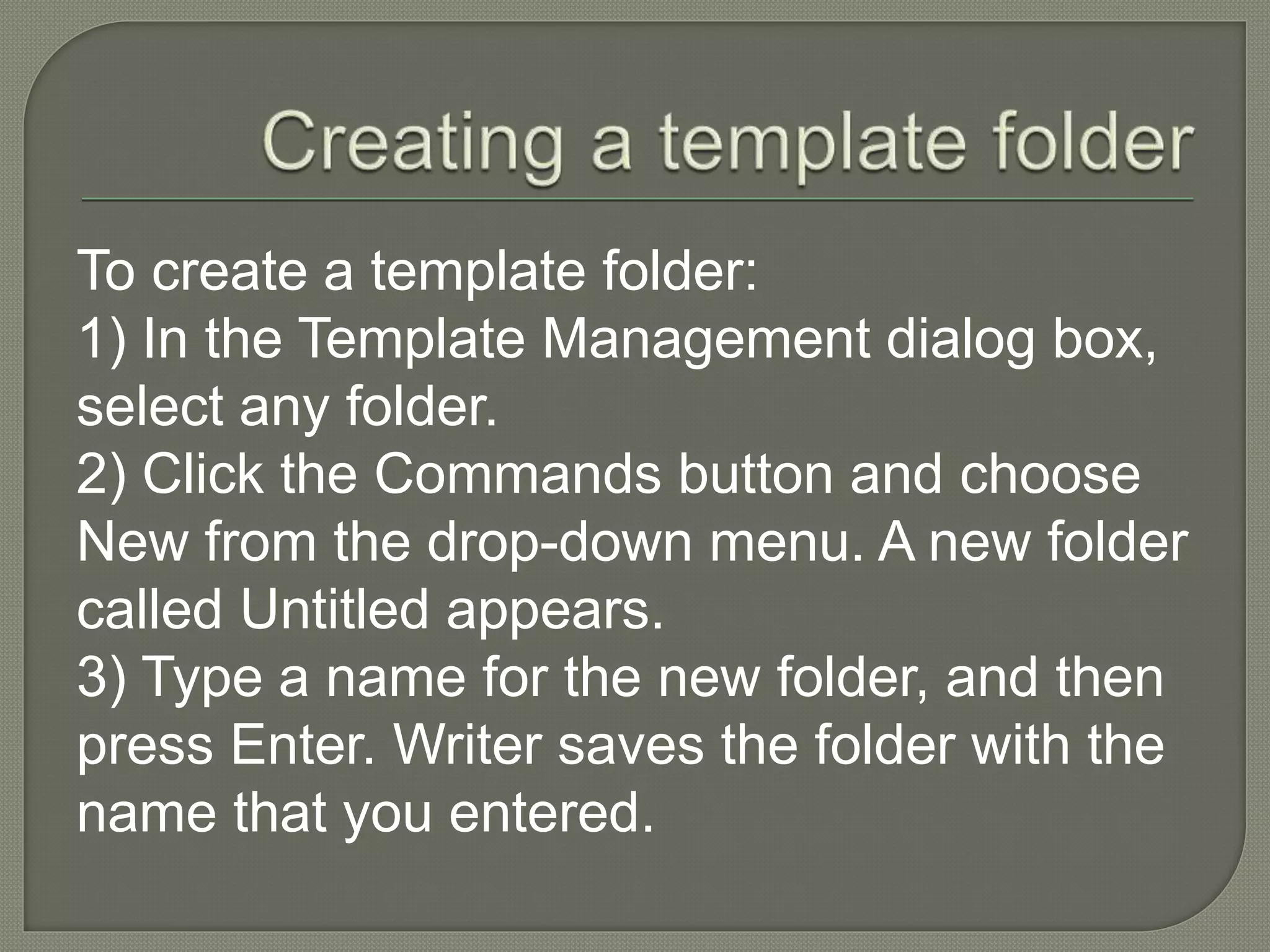


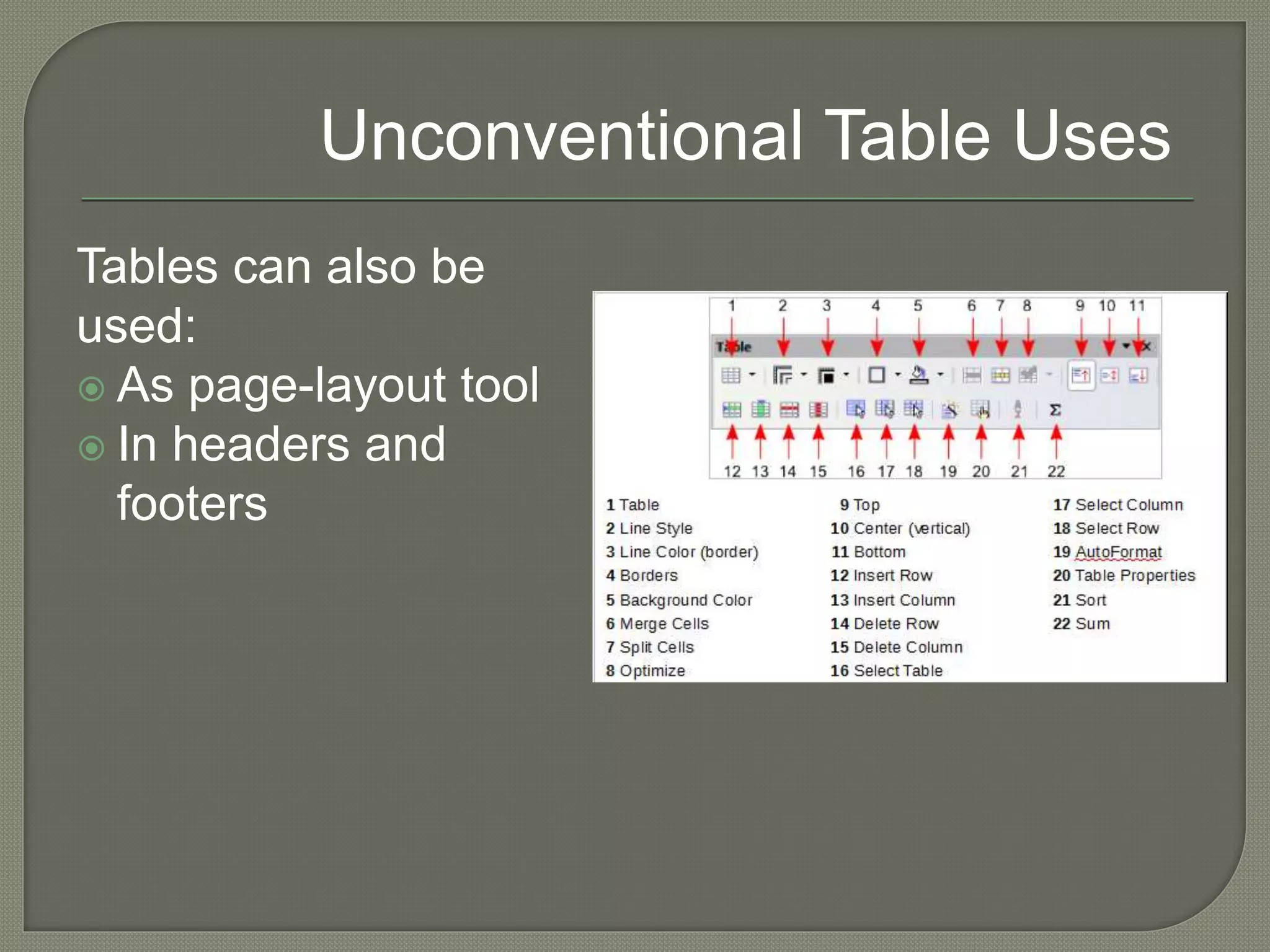
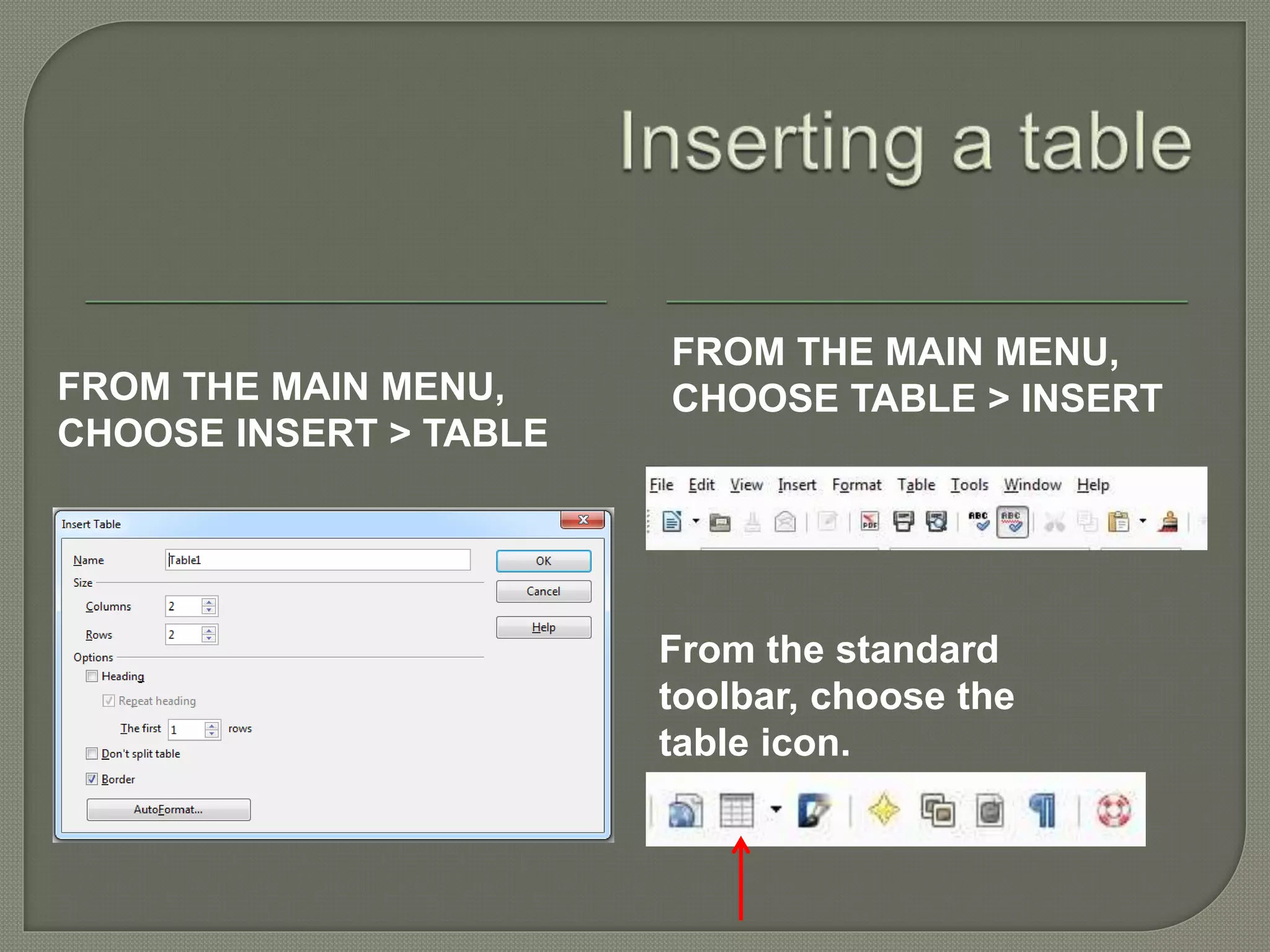
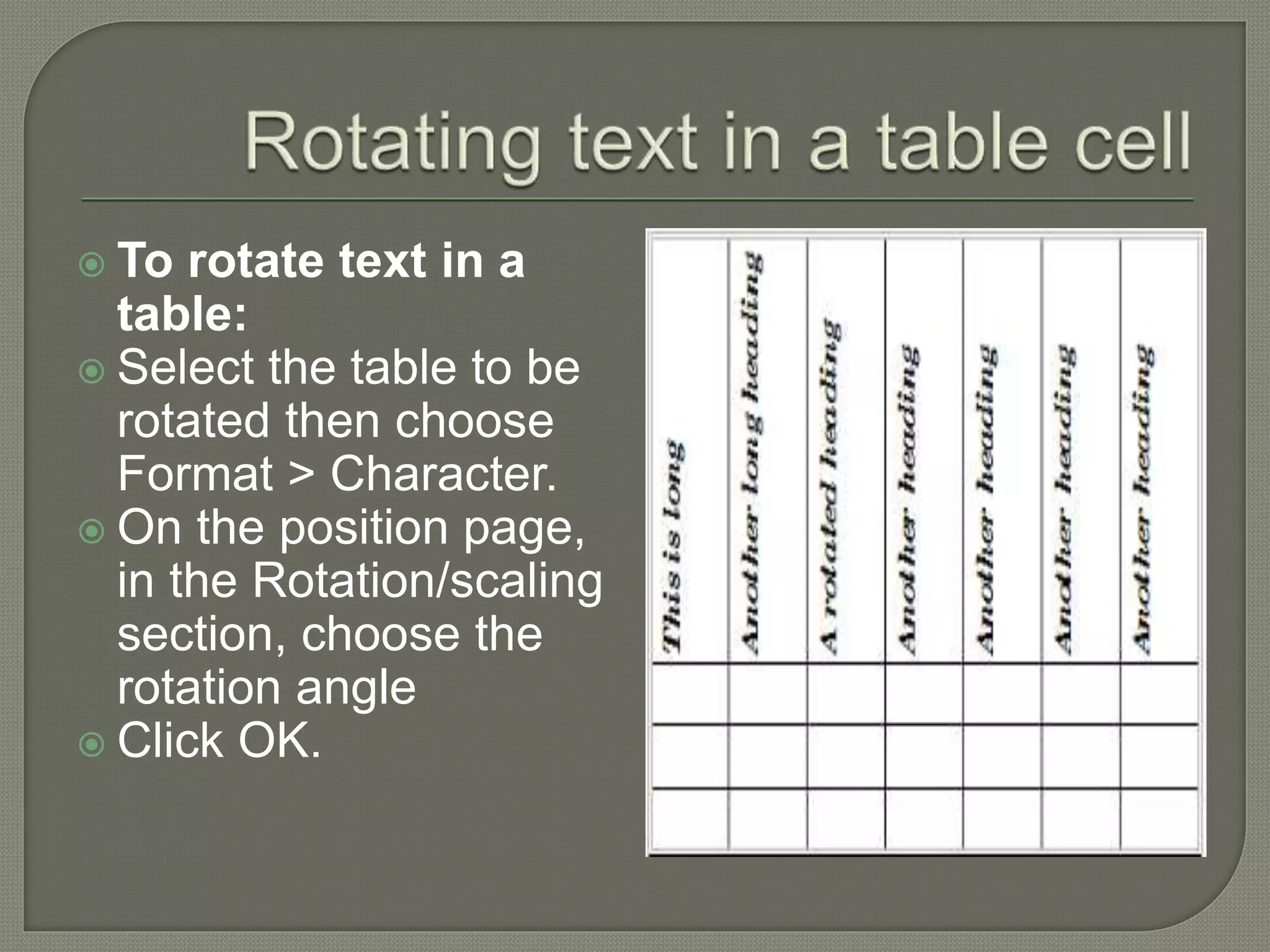
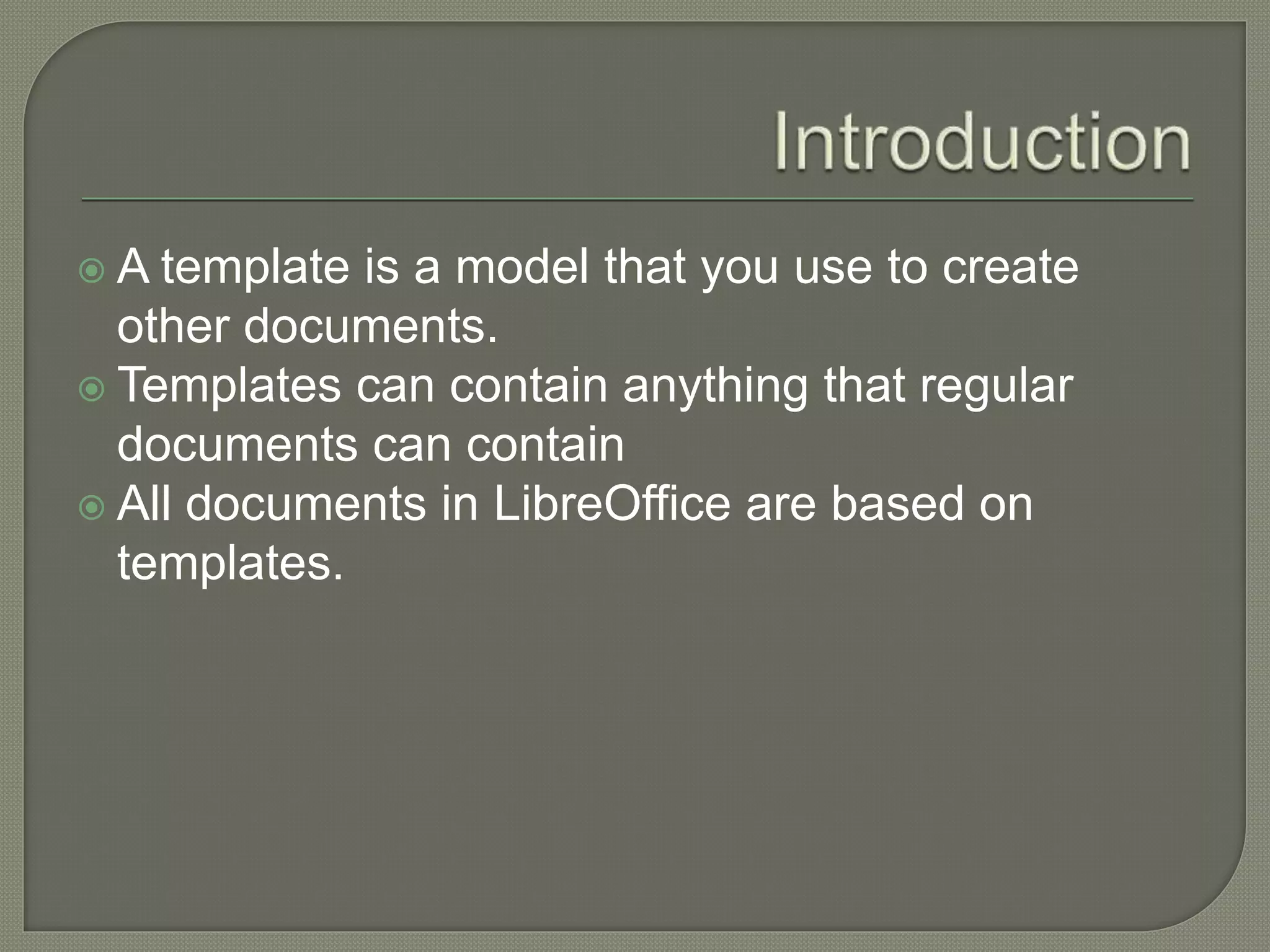
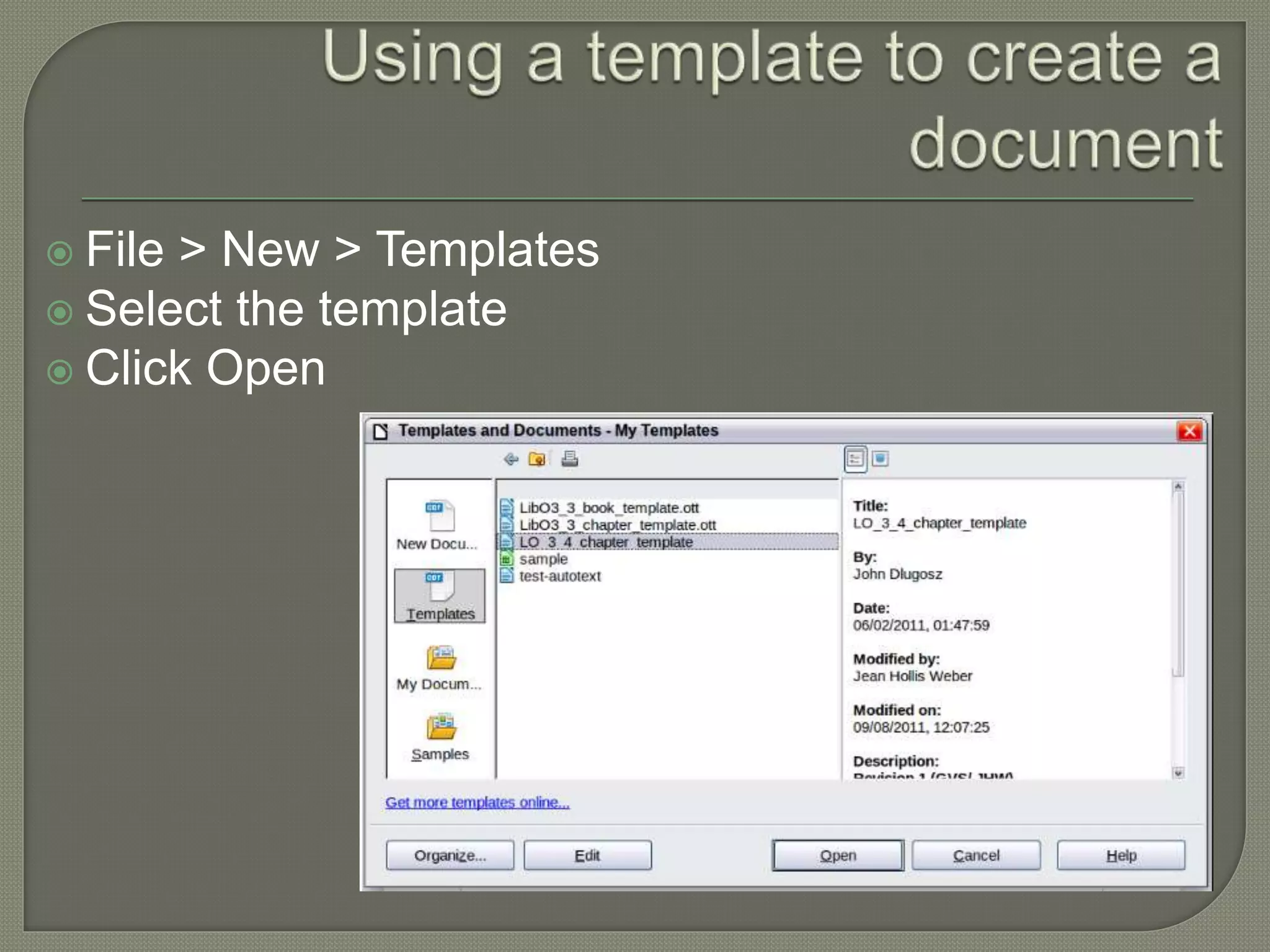
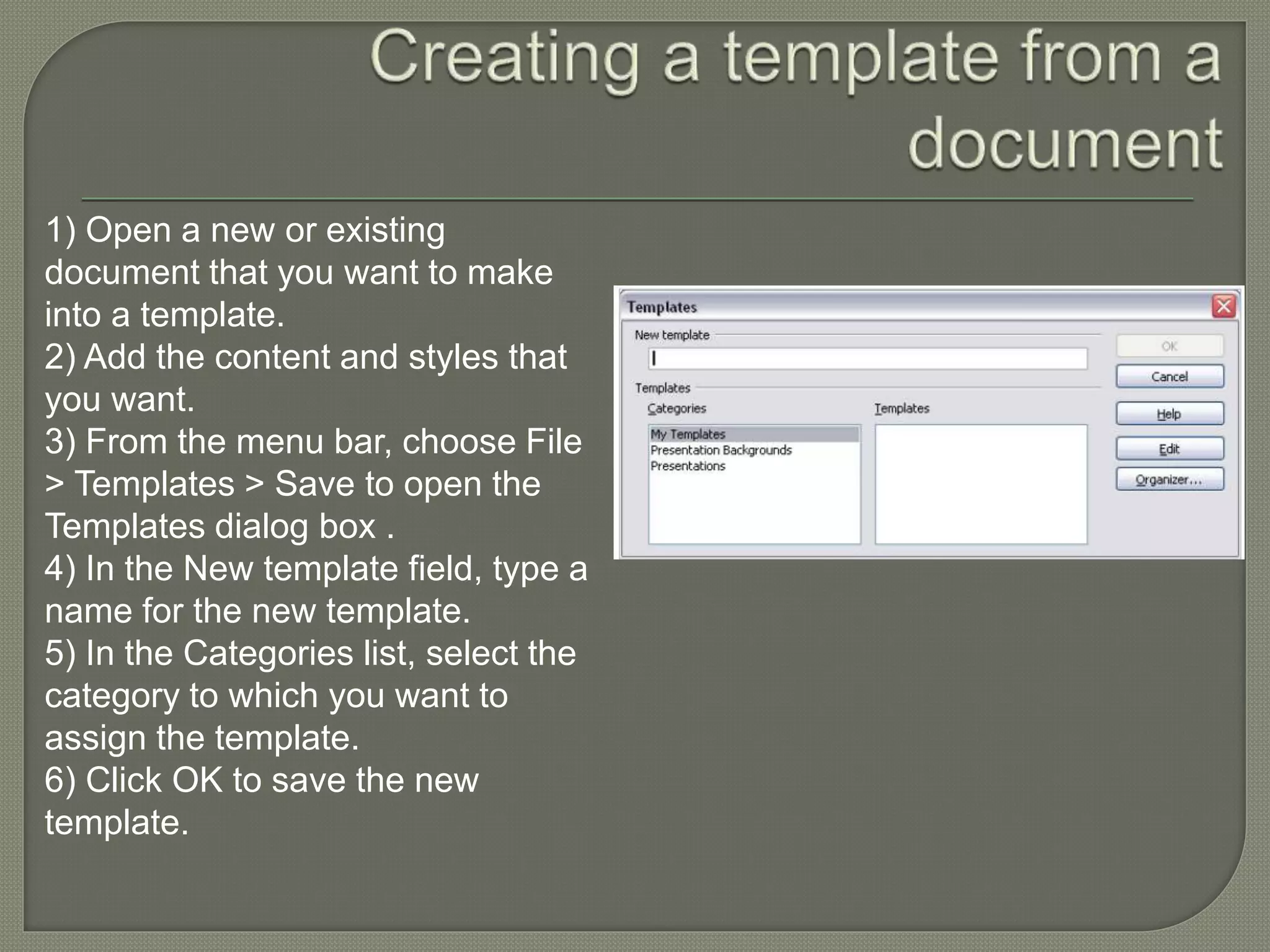
This document discusses working with tables and templates in LibreOffice. It provides information on creating and formatting tables, including adding borders, backgrounds, headers and footers. Templates are described as models used to create other documents. The document outlines how to create, edit, import, export and organize templates using the template management dialog box. Templates can be saved, installed from other sources, and deleted.


