Operations on a Directory

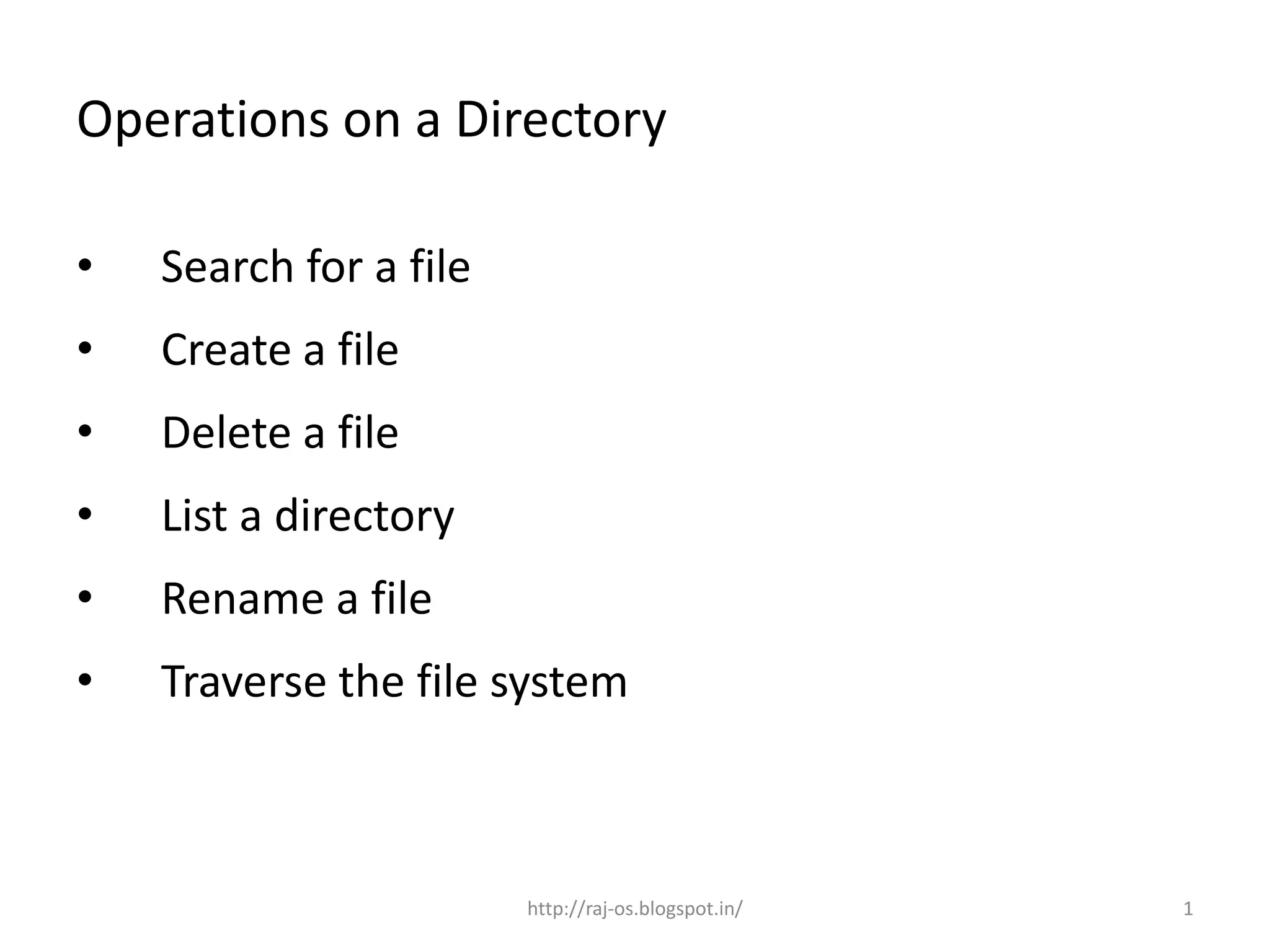
•   Search for a file
•   Create a file
•   Delete a file
•   List a directory
•   Rename a file
•   Traverse the file system


                        http://raj-os.blogspot.in/   1
Operations on a directory


1. Search for a file
   • Find the entry for a particular file


                          http://raj-os.blogspot.in/   2
Operations on a directory


2. Create a file
   • Create new file and add to directory


                         http://raj-os.blogspot.in/   3
Operations on a directory


3. Delete a file
    • Remove a file when no longer needed


                         http://raj-os.blogspot.in/   4
Operations on a directory


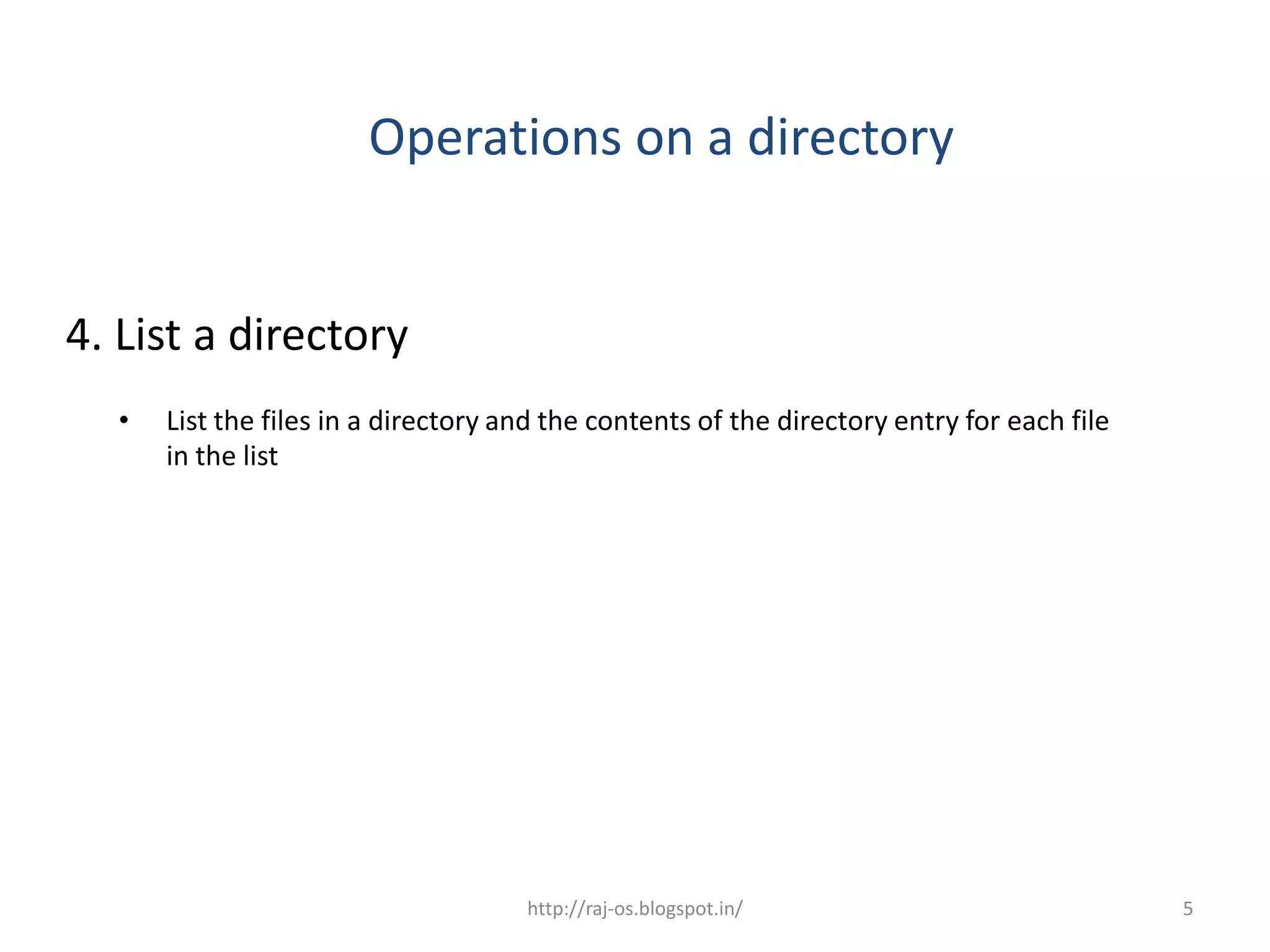
4. List a directory
  •   List the files in a directory and the contents of the directory entry for each file
      in the list


                                     http://raj-os.blogspot.in/                             5
Operations on a directory

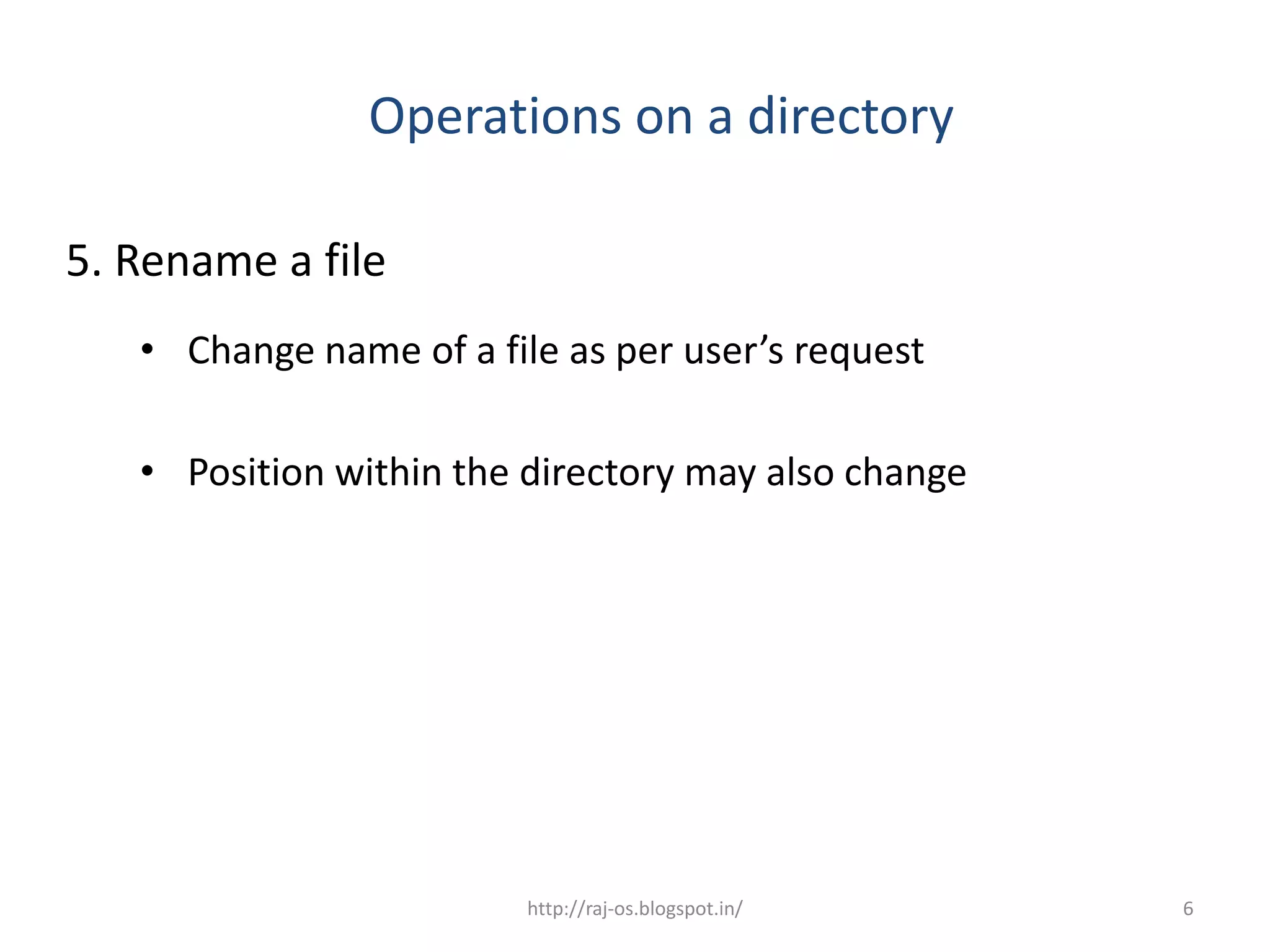
5. Rename a file
   • Change name of a file as per user’s request

   • Position within the directory may also change


                         http://raj-os.blogspot.in/   6
Operations on a directory
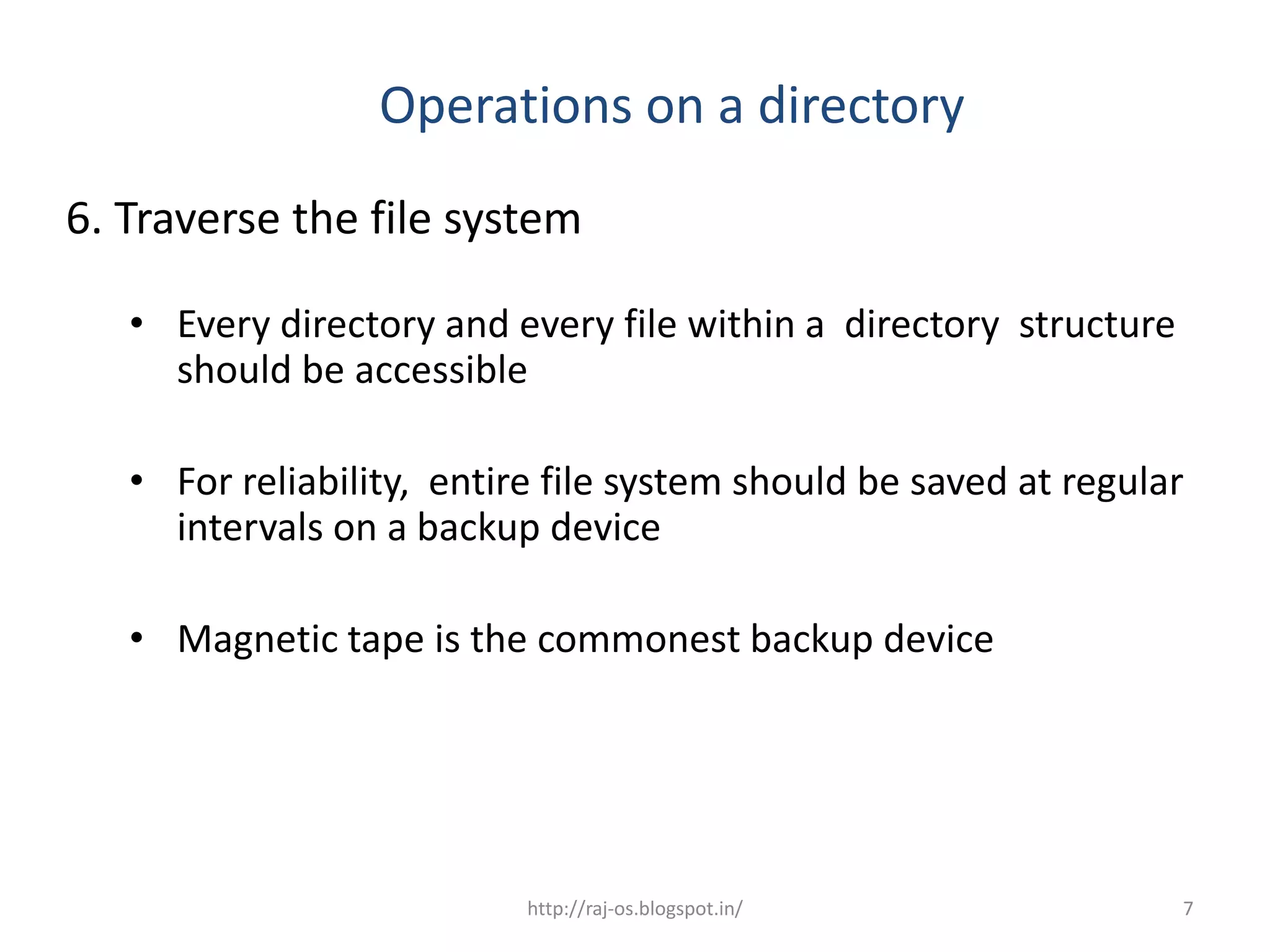
6. Traverse the file system

   • Every directory and every file within a directory structure
     should be accessible

   • For reliability, entire file system should be saved at regular
     intervals on a backup device

   • Magnetic tape is the commonest backup device


                           http://raj-os.blogspot.in/              7
Summary

In this class, you have learnt:

      - Sequential Access

      - Direct Access

      - Index file, primary index and

        secondary index

      Directory

                        http://raj-os.blogspot.in/   8
Frequently Asked Questions

1. Explain sequential file access method.

2. Explain direct access method

3. What is an index file

4. Explain file system organization

5. Explain various operations on a directory


                     http://raj-os.blogspot.in/   9

Operations on a directory 54(3

  • 1.
    Operations on aDirectory • Search for a file • Create a file • Delete a file • List a directory • Rename a file • Traverse the file system http://raj-os.blogspot.in/ 1
  • 2.
    Operations on adirectory 1. Search for a file • Find the entry for a particular file http://raj-os.blogspot.in/ 2
  • 3.
    Operations on adirectory 2. Create a file • Create new file and add to directory http://raj-os.blogspot.in/ 3
  • 4.
    Operations on adirectory 3. Delete a file • Remove a file when no longer needed http://raj-os.blogspot.in/ 4
  • 5.
    Operations on adirectory 4. List a directory • List the files in a directory and the contents of the directory entry for each file in the list http://raj-os.blogspot.in/ 5
  • 6.
    Operations on adirectory 5. Rename a file • Change name of a file as per user’s request • Position within the directory may also change http://raj-os.blogspot.in/ 6
  • 7.
    Operations on adirectory 6. Traverse the file system • Every directory and every file within a directory structure should be accessible • For reliability, entire file system should be saved at regular intervals on a backup device • Magnetic tape is the commonest backup device http://raj-os.blogspot.in/ 7
  • 8.
    Summary In this class,you have learnt: - Sequential Access - Direct Access - Index file, primary index and secondary index Directory http://raj-os.blogspot.in/ 8
  • 9.
    Frequently Asked Questions 1.Explain sequential file access method. 2. Explain direct access method 3. What is an index file 4. Explain file system organization 5. Explain various operations on a directory http://raj-os.blogspot.in/ 9