Represent By
Saroj patel
Abhinash panigrahi
Kishan sabat
Type of dialog box
 There are basically two type of dialog box in vb6.0
 MessageBox
 InputBox
MessageBox
 MessageBox simply display a message in a dialog box
and wait for the user to click a button and return an
integer indicating which button the user clicked.
 Syntax:
 MsgBox(prompt[,button+icon] [,title])
MessageBox continue……..
 Prompt :
 prompt is a single line of message(string
expression) if we want to more than one line then
we can use
 vbCrlf or chr(13)
 Buttons+Icon:
Specify Sum of the numeric value to display type of
button and icon
MessageBox continue…….
 Title :
 Title is just a string expression display in title bar.if we
don’t add any title then by default the application
name is placed in title bar.
Messagebox continue……
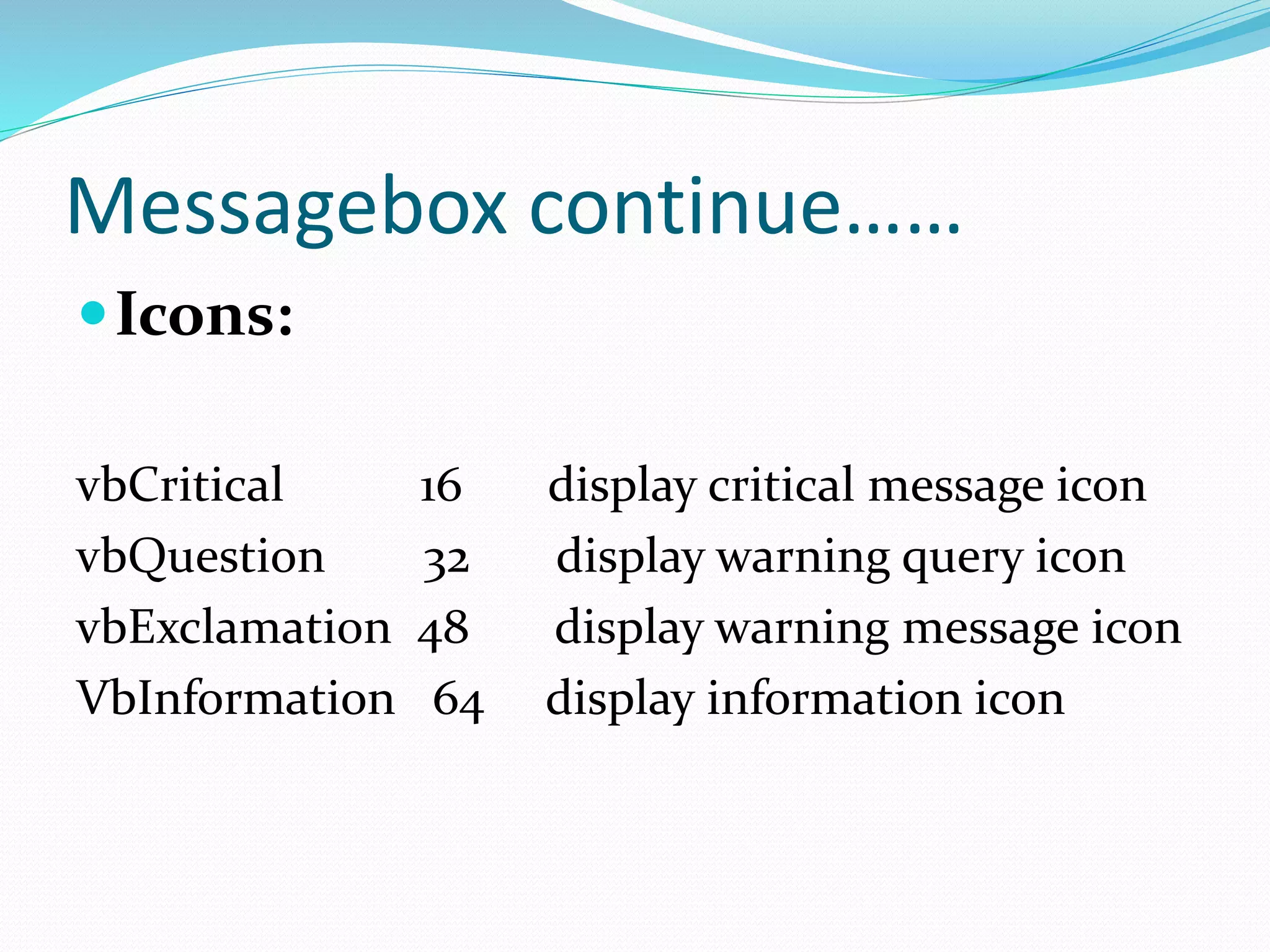
Icons:
vbCritical 16 display critical message icon
vbQuestion 32 display warning query icon
vbExclamation 48 display warning message icon
VbInformation 64 display information icon
MessageBox continue…….
 Buttons:
 vbOkOnly 0 display ok button only (by default)
 vbOkCancel 1 display ok and cancel button
 vbOk 1 display ok and cancel button
vbAbortRetryIgnore 2 display ignore,retry and ignore button
VbYesNoCancel 3 display yes,no and cancel button
vbYesNo 4 display yes and no button
vbRetryCancel 5 display retry and cancel button
MessageBox continue…….
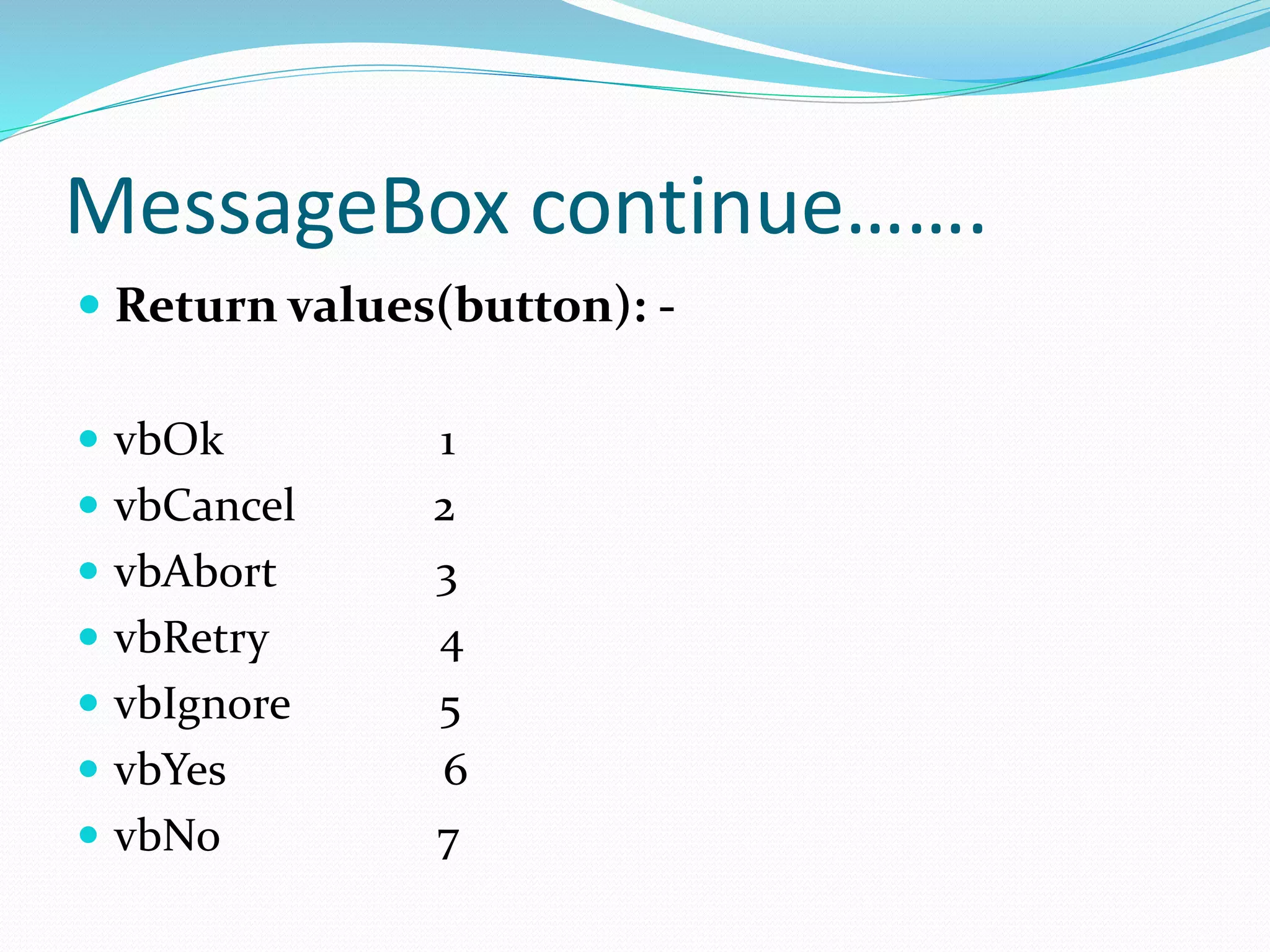
 Return values(button): -
 vbOk 1
 vbCancel 2
 vbAbort 3
 vbRetry 4
 vbIgnore 5
 vbYes 6
 vbNo 7
InputBox in vb6.0
 InputBox displays a prompt in a dialog box and wait for
the user to input text or click a button , and return a
string containing the contents of the text box.
 Syntax:
 Variable=InputBox(prompt[, title][, default])
InputBox continue……….
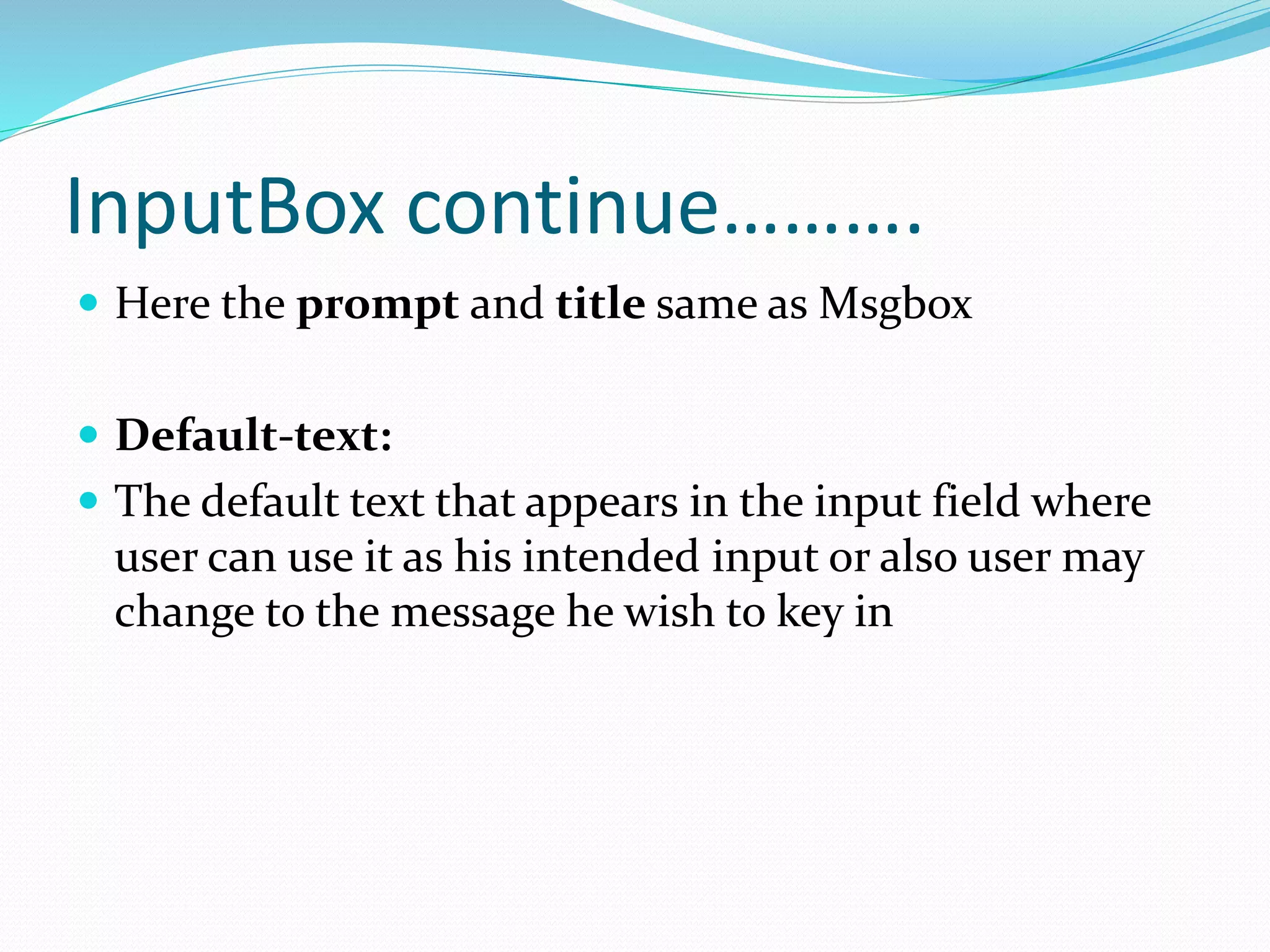
 Here the prompt and title same as Msgbox
 Default-text:
 The default text that appears in the input field where
user can use it as his intended input or also user may
change to the message he wish to key in
Any query…?

Dialog box in vb6

  • 1.
    Represent By Saroj patel Abhinashpanigrahi Kishan sabat
  • 2.
    Type of dialogbox  There are basically two type of dialog box in vb6.0  MessageBox  InputBox
  • 3.
    MessageBox  MessageBox simplydisplay a message in a dialog box and wait for the user to click a button and return an integer indicating which button the user clicked.  Syntax:  MsgBox(prompt[,button+icon] [,title])
  • 4.
    MessageBox continue……..  Prompt:  prompt is a single line of message(string expression) if we want to more than one line then we can use  vbCrlf or chr(13)  Buttons+Icon: Specify Sum of the numeric value to display type of button and icon
  • 5.
    MessageBox continue…….  Title:  Title is just a string expression display in title bar.if we don’t add any title then by default the application name is placed in title bar.
  • 6.
    Messagebox continue…… Icons: vbCritical 16display critical message icon vbQuestion 32 display warning query icon vbExclamation 48 display warning message icon VbInformation 64 display information icon
  • 7.
    MessageBox continue…….  Buttons: vbOkOnly 0 display ok button only (by default)  vbOkCancel 1 display ok and cancel button  vbOk 1 display ok and cancel button vbAbortRetryIgnore 2 display ignore,retry and ignore button VbYesNoCancel 3 display yes,no and cancel button vbYesNo 4 display yes and no button vbRetryCancel 5 display retry and cancel button
  • 8.
    MessageBox continue…….  Returnvalues(button): -  vbOk 1  vbCancel 2  vbAbort 3  vbRetry 4  vbIgnore 5  vbYes 6  vbNo 7
  • 9.
    InputBox in vb6.0 InputBox displays a prompt in a dialog box and wait for the user to input text or click a button , and return a string containing the contents of the text box.  Syntax:  Variable=InputBox(prompt[, title][, default])
  • 10.
    InputBox continue……….  Herethe prompt and title same as Msgbox  Default-text:  The default text that appears in the input field where user can use it as his intended input or also user may change to the message he wish to key in
  • 11.