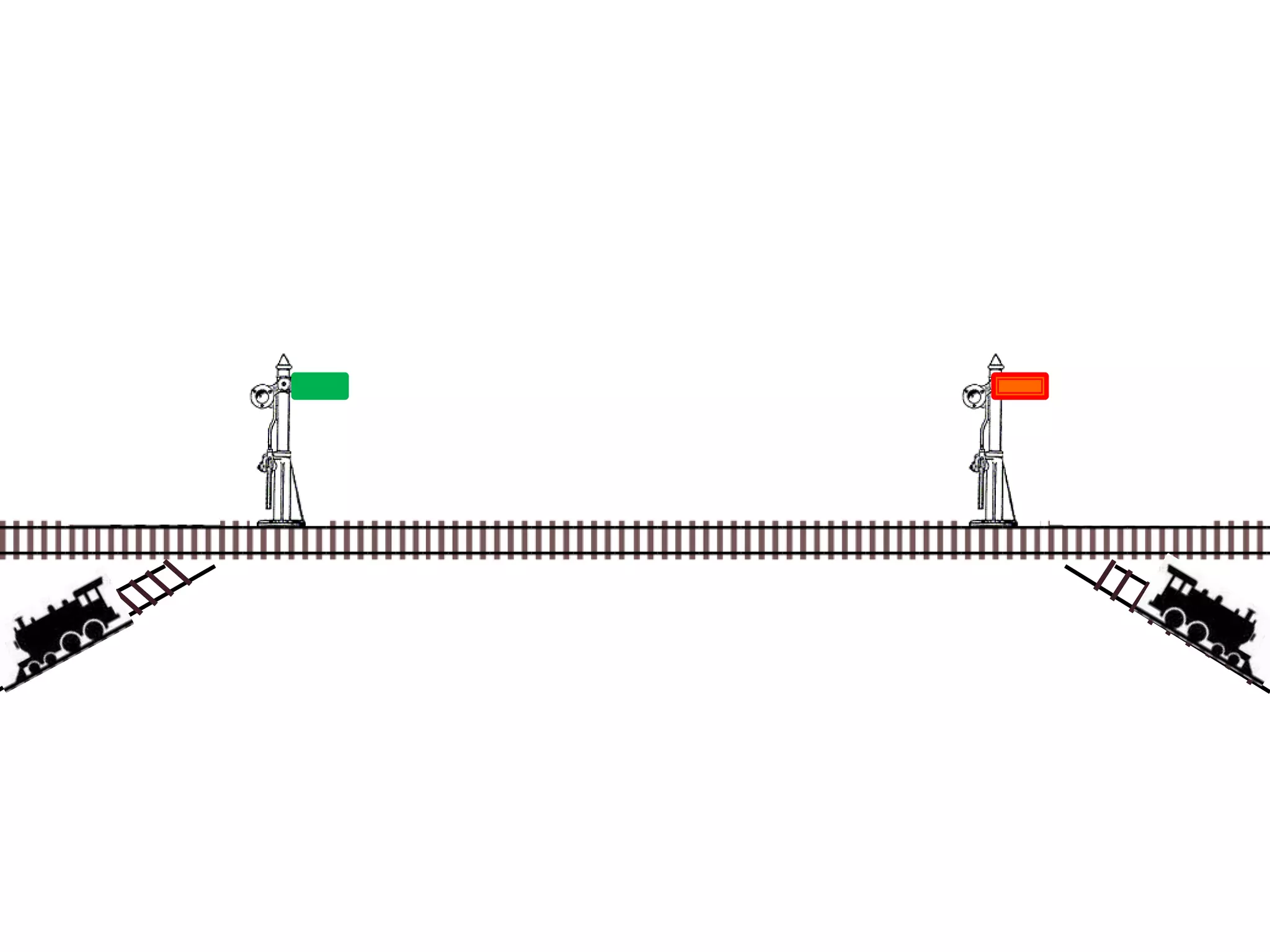
Damian Gordon
 What are good policies to schedule
processes?
 What are good policies to schedule
processes?
1. Maximum Throughput
2. Minimize Response Time
3. Minimize Turnaround Time
4. Minimize Waiting Time
5. Maximise CPU Efficiency
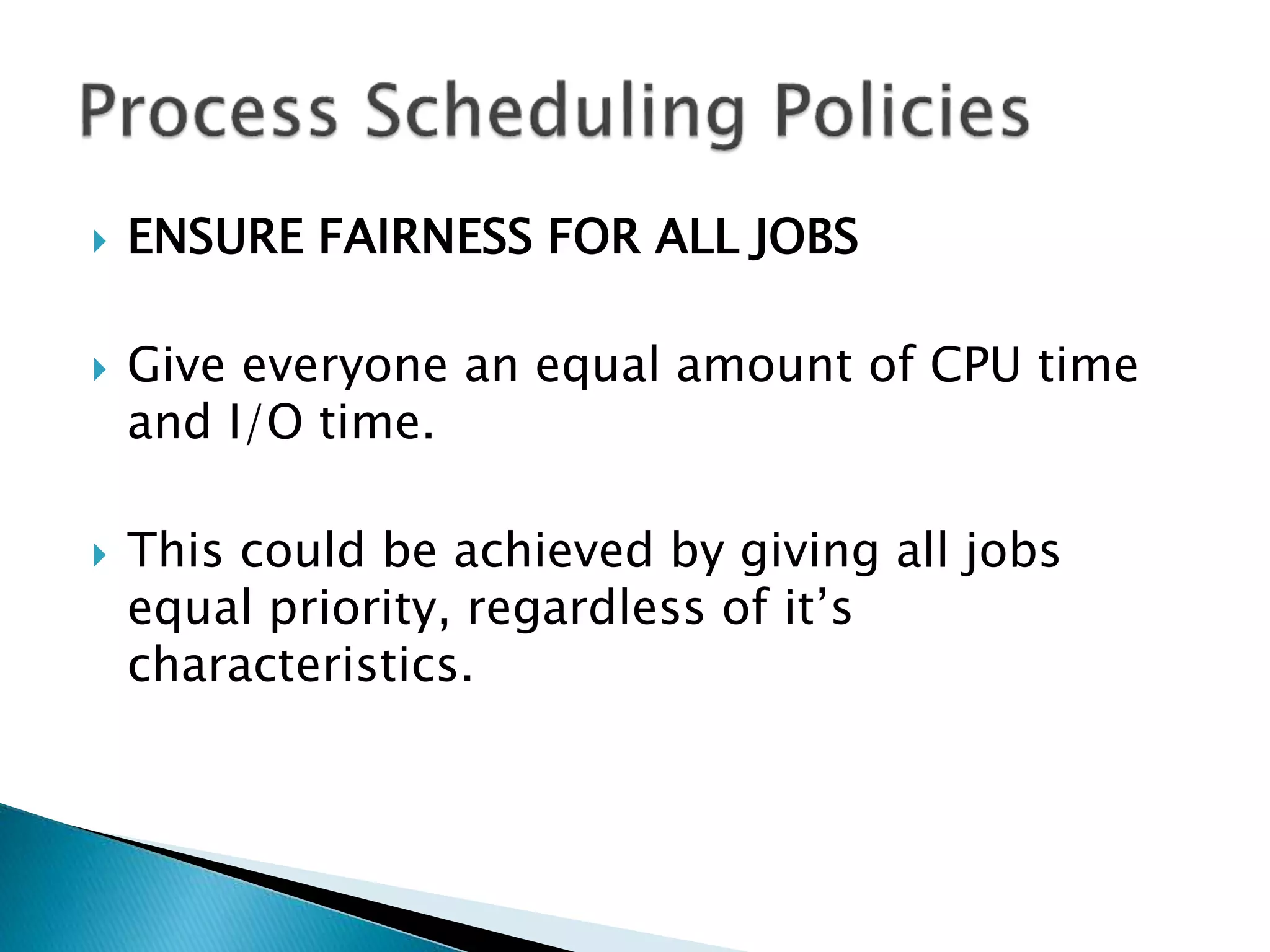
6. Ensure Fairness For All Jobs
 MAXIMUM THROUGHPUT
 Get as many jobs done as quickly as possible.
 There are several ways to achieve this, e.g.
run only short jobs, run jobs without
interruptions.
 MINIMIZE RESPONSE TIME
 Ensure that interactive requests are dealt with
as quickly as possible.
 This could be achieved by scheduling just
with a lot of I/O jobs first, and leave the
computational jobs for later.
 MINIMIZE TURNAROUND TIME
 Ensure that jobs are completed as quickly as
possible.
 This could be achieved by scheduling just
with a lot of computation jobs first, and leave
the I/O jobs for later, so there is no user
delays.
 MINIMIZE WAITING TIME
 Move jobs out of the READY status as soon as
possible.
 This could be achieved by reduce the number
of users allowed on the system, so that the
CPU would be available whenever a job enters
the READY status.
 MAXIMISE CPU EFFICIENCY
 Keep the CPU busy 100% of the time.
 This could be achieved by scheduling just
with a lot of computation jobs, and never run
the I/O jobs.
 ENSURE FAIRNESS FOR ALL JOBS
 Give everyone an equal amount of CPU time
and I/O time.
 This could be achieved by giving all jobs
equal priority, regardless of it’s
characteristics.
 Here are six commonly used process
scheduling algorithms
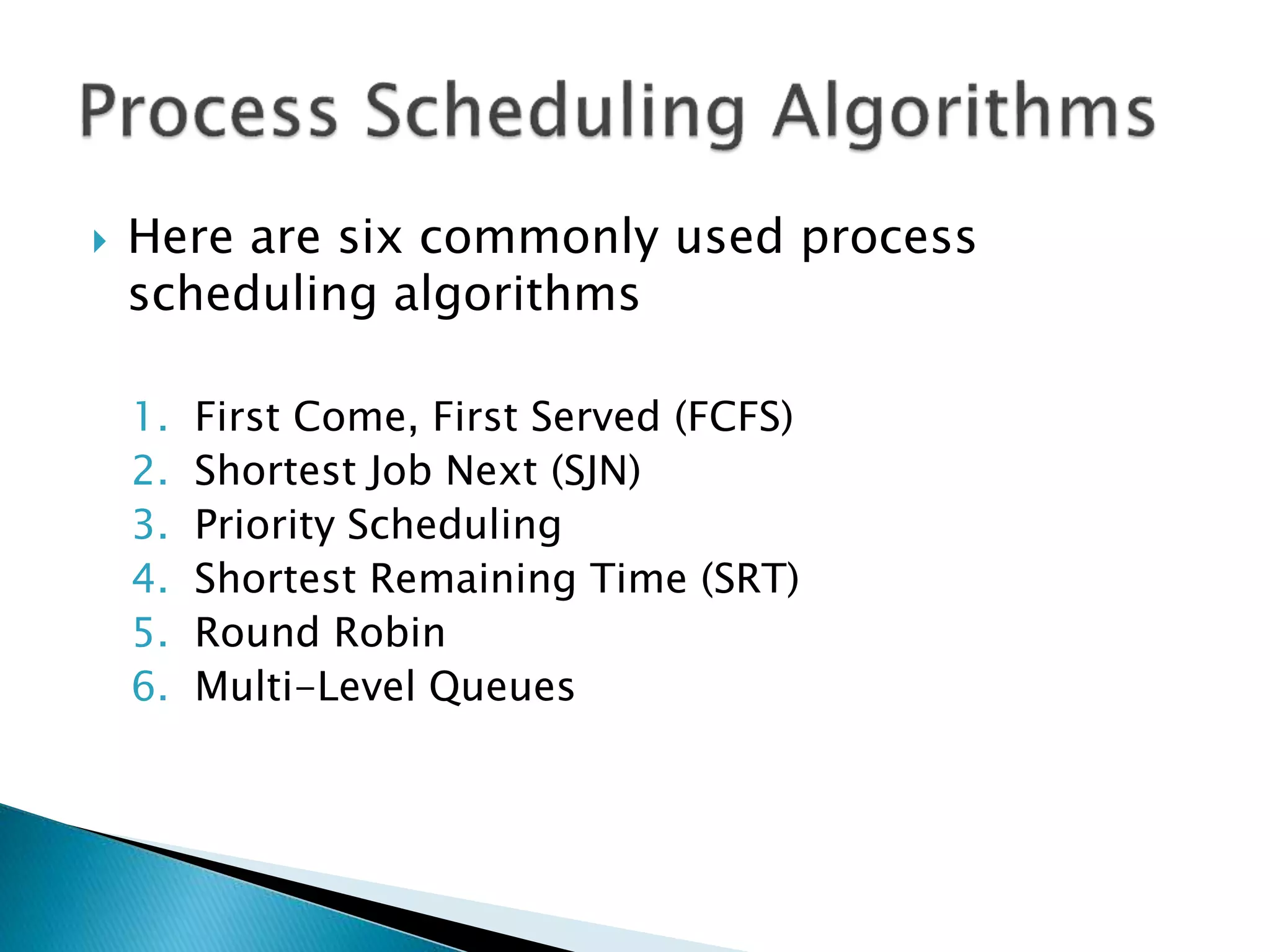
 Here are six commonly used process
scheduling algorithms
1. First Come, First Served (FCFS)
2. Shortest Job Next (SJN)
3. Priority Scheduling
4. Shortest Remaining Time (SRT)
5. Round Robin
6. Multi-Level Queues
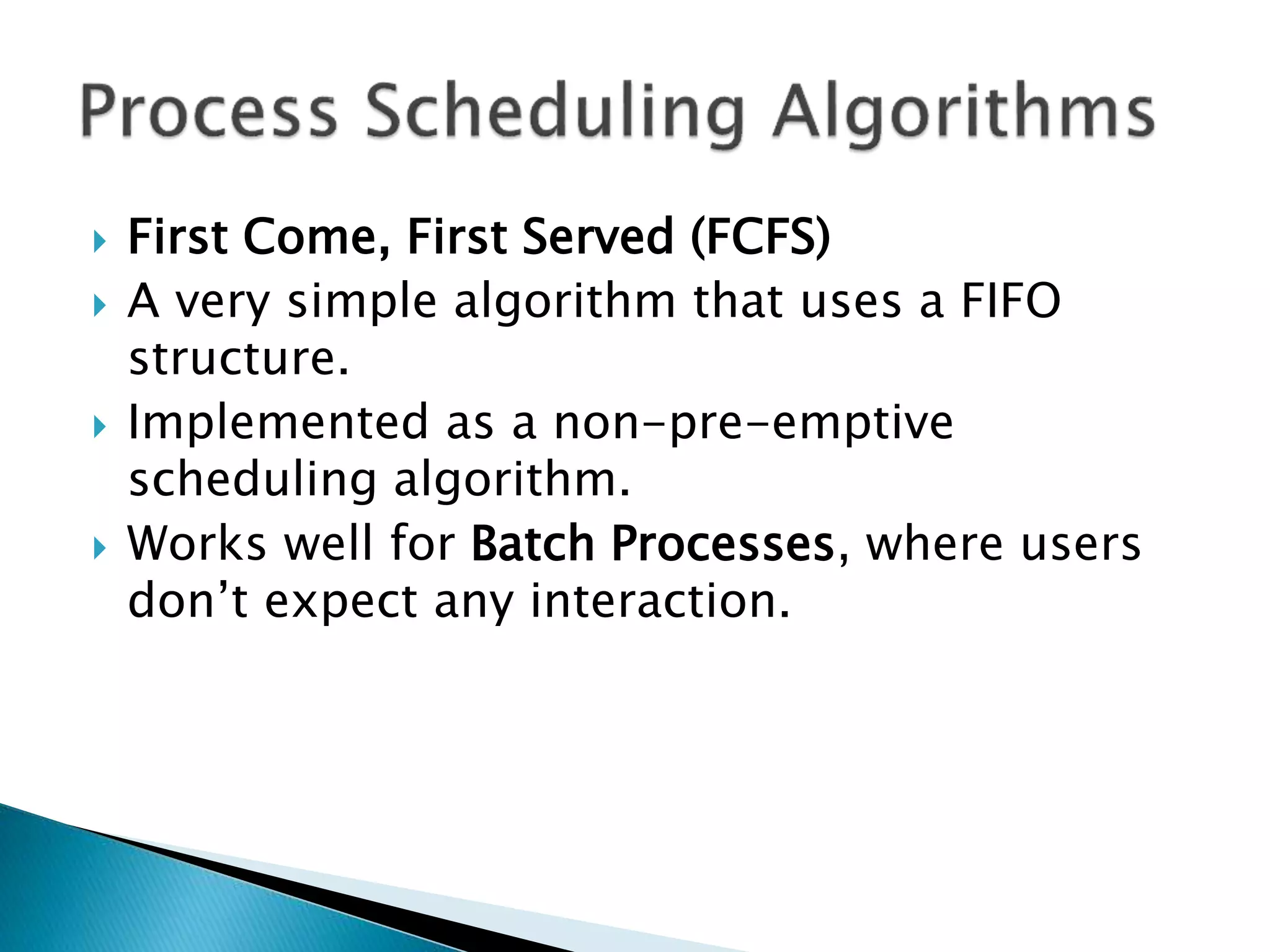
 First Come, First Served (FCFS)
 A very simple algorithm that uses a FIFO
structure.
 Implemented as a non-pre-emptive
scheduling algorithm.
 Works well for Batch Processes, where users
don’t expect any interaction.
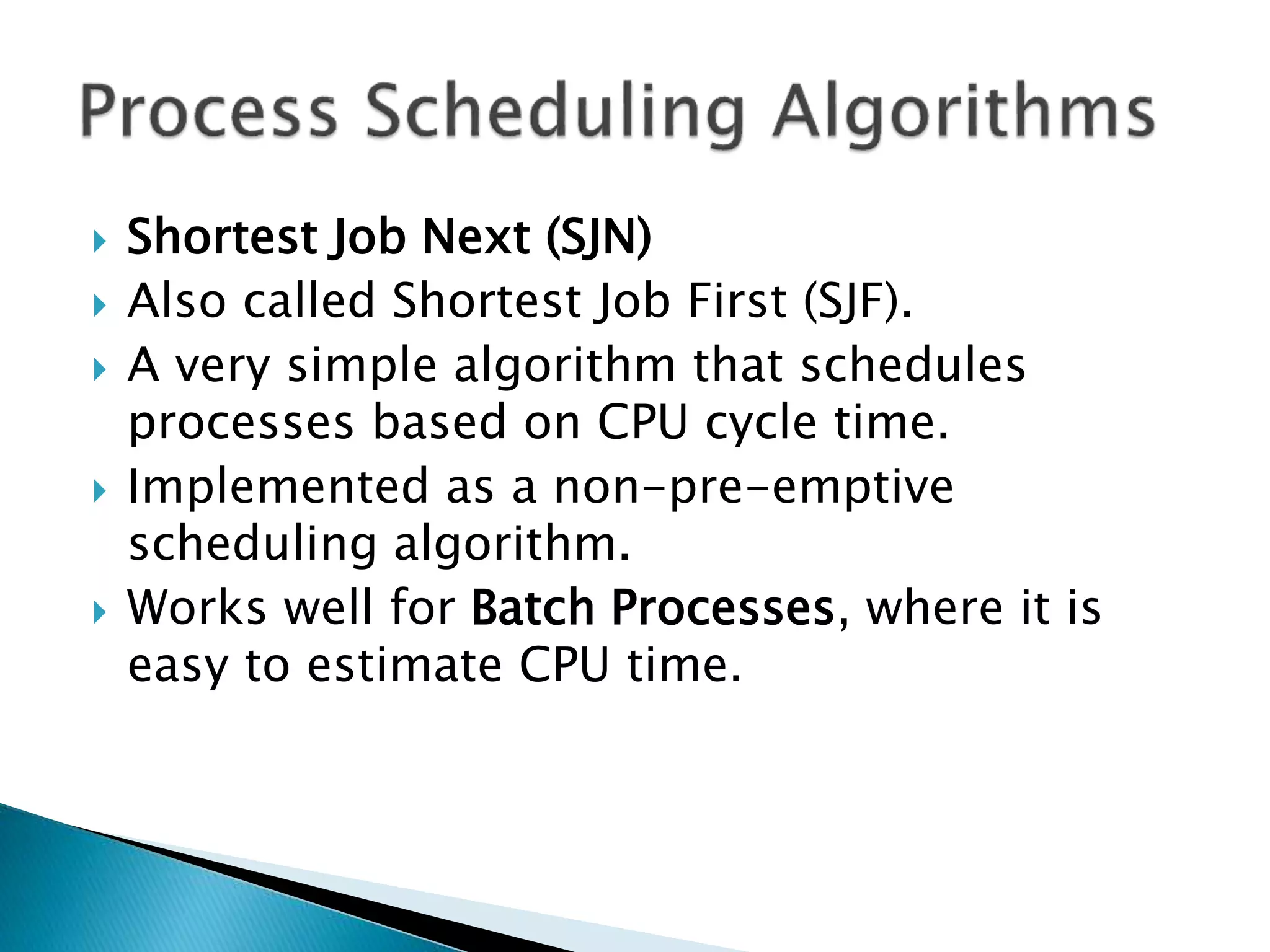
 Shortest Job Next (SJN)
 Also called Shortest Job First (SJF).
 A very simple algorithm that schedules
processes based on CPU cycle time.
 Implemented as a non-pre-emptive
scheduling algorithm.
 Works well for Batch Processes, where it is
easy to estimate CPU time.
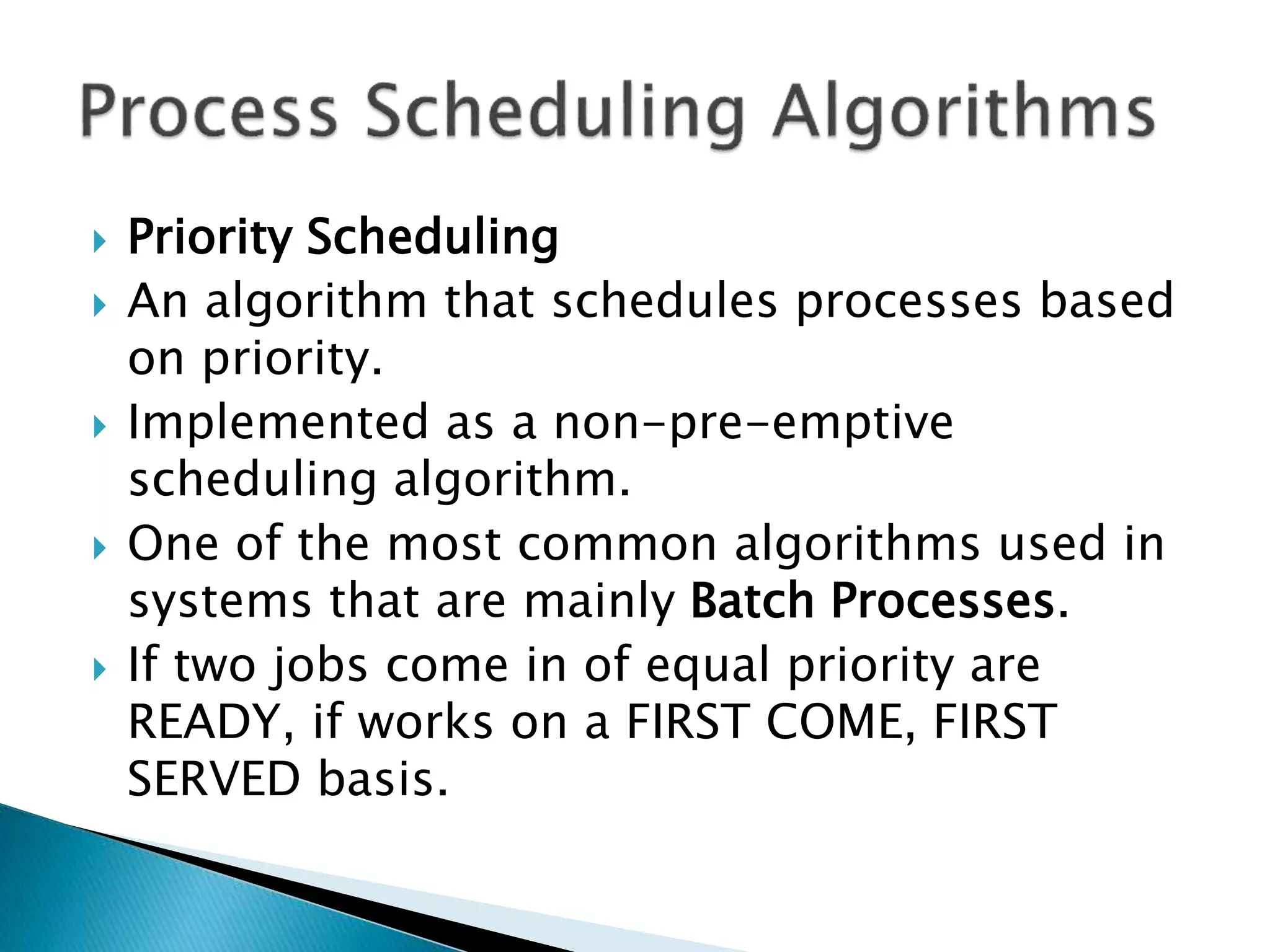
 Priority Scheduling
 An algorithm that schedules processes based
on priority.
 Implemented as a non-pre-emptive
scheduling algorithm.
 One of the most common algorithms used in
systems that are mainly Batch Processes.
 If two jobs come in of equal priority are
READY, if works on a FIRST COME, FIRST
SERVED basis.
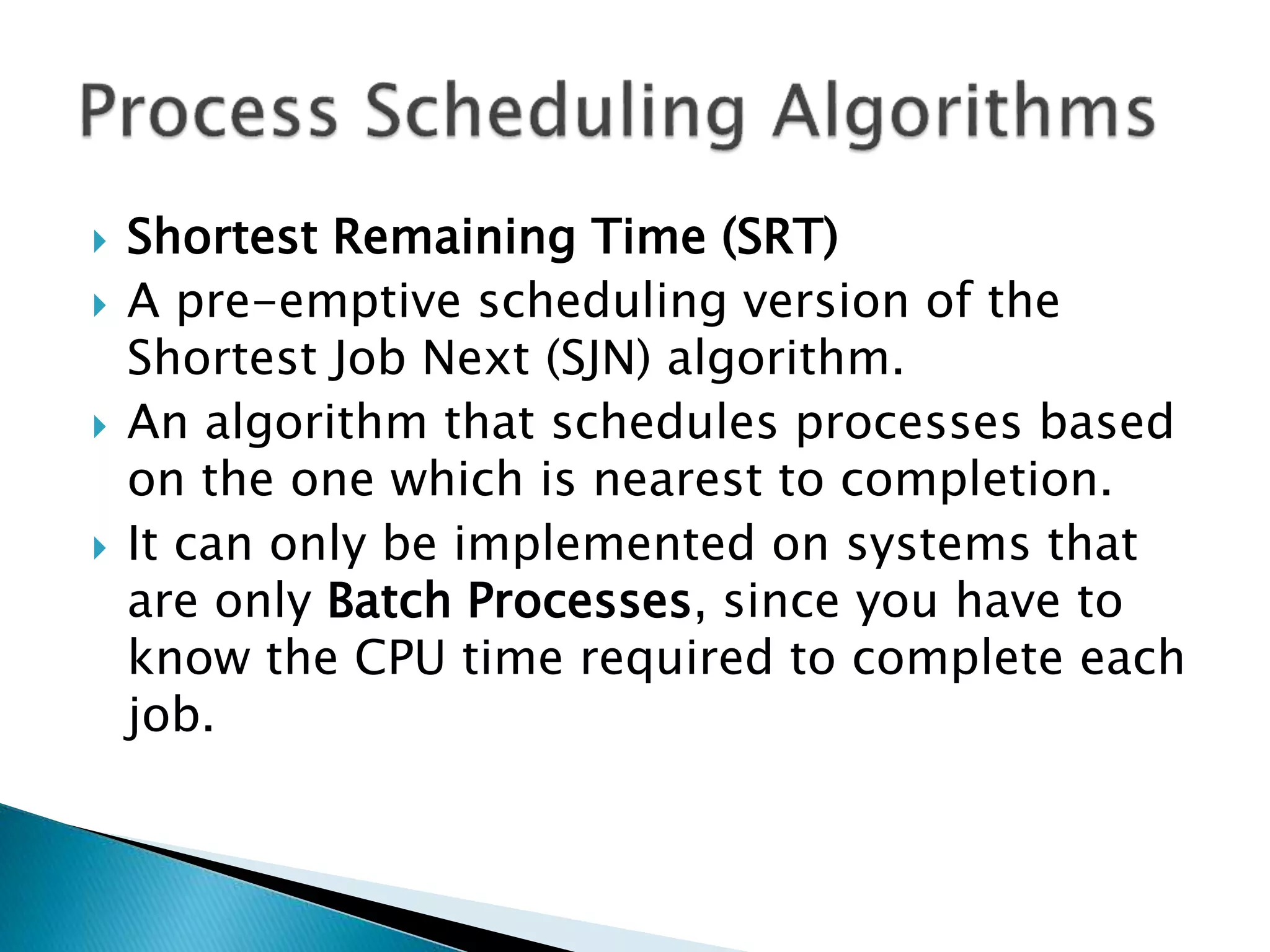
 Shortest Remaining Time (SRT)
 A pre-emptive scheduling version of the
Shortest Job Next (SJN) algorithm.
 An algorithm that schedules processes based
on the one which is nearest to completion.
 It can only be implemented on systems that
are only Batch Processes, since you have to
know the CPU time required to complete each
job.
 Round Robin
 A pre-emptive scheduling algorithm that is
used extensively in interactive systems
 All active processes are given a pre-
determined slice of time (“time quantum”).
 Choosing the time quantum is the key
decision, for interactive systems the quantum
must be small, whereas for batch systems it
can be longer.
 Multi-Level Queues
 This isn’t really a separate scheduling
algorithm, it can be used with others.
 Jobs are grouped together based on common
characteristics.
 For example, CPU-bound jobs based in one
queue, and the I/O-bound jobs in another
queue, and the process scheduler can select
jobs from each queue based on balancing the
load.
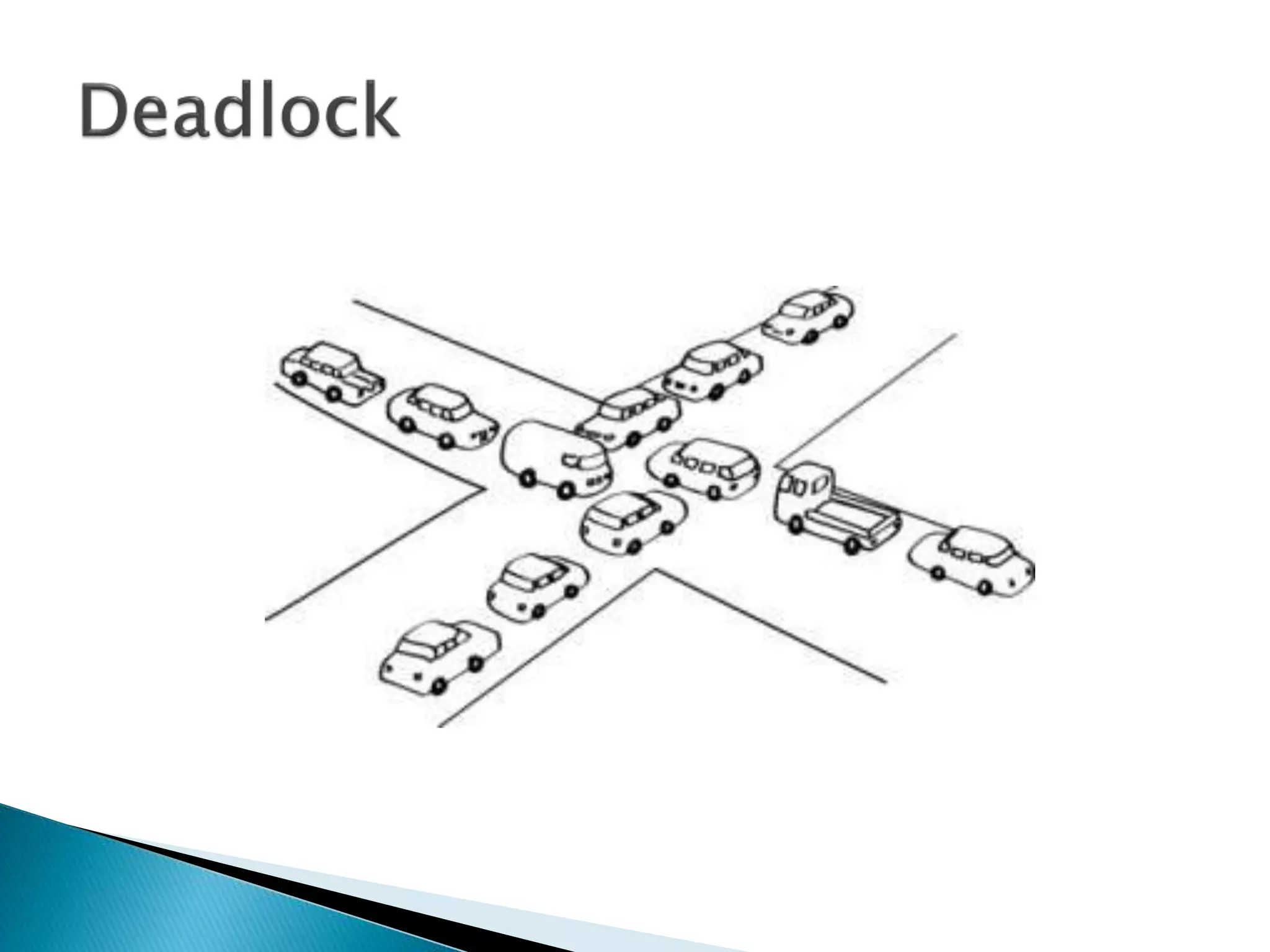
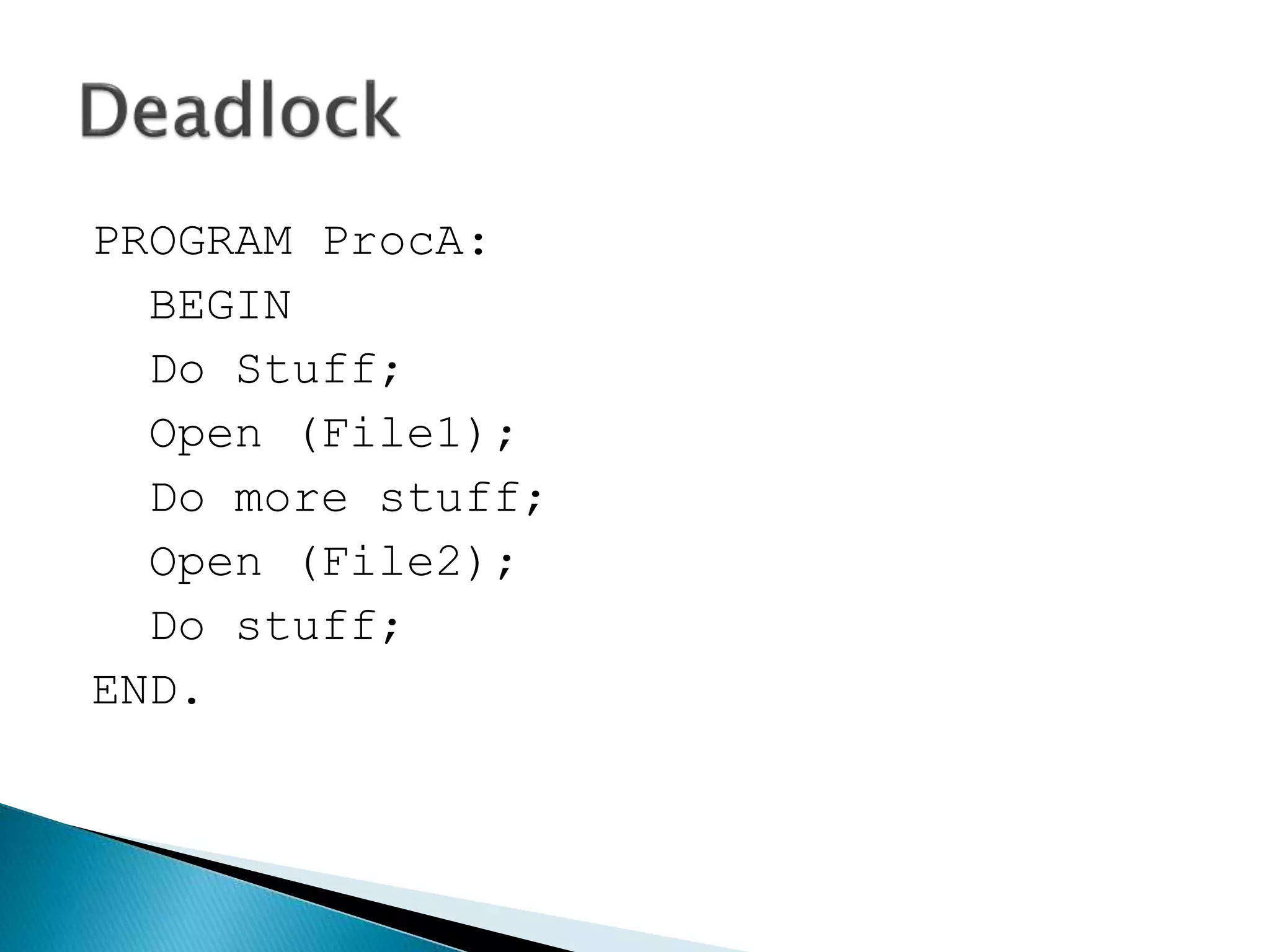
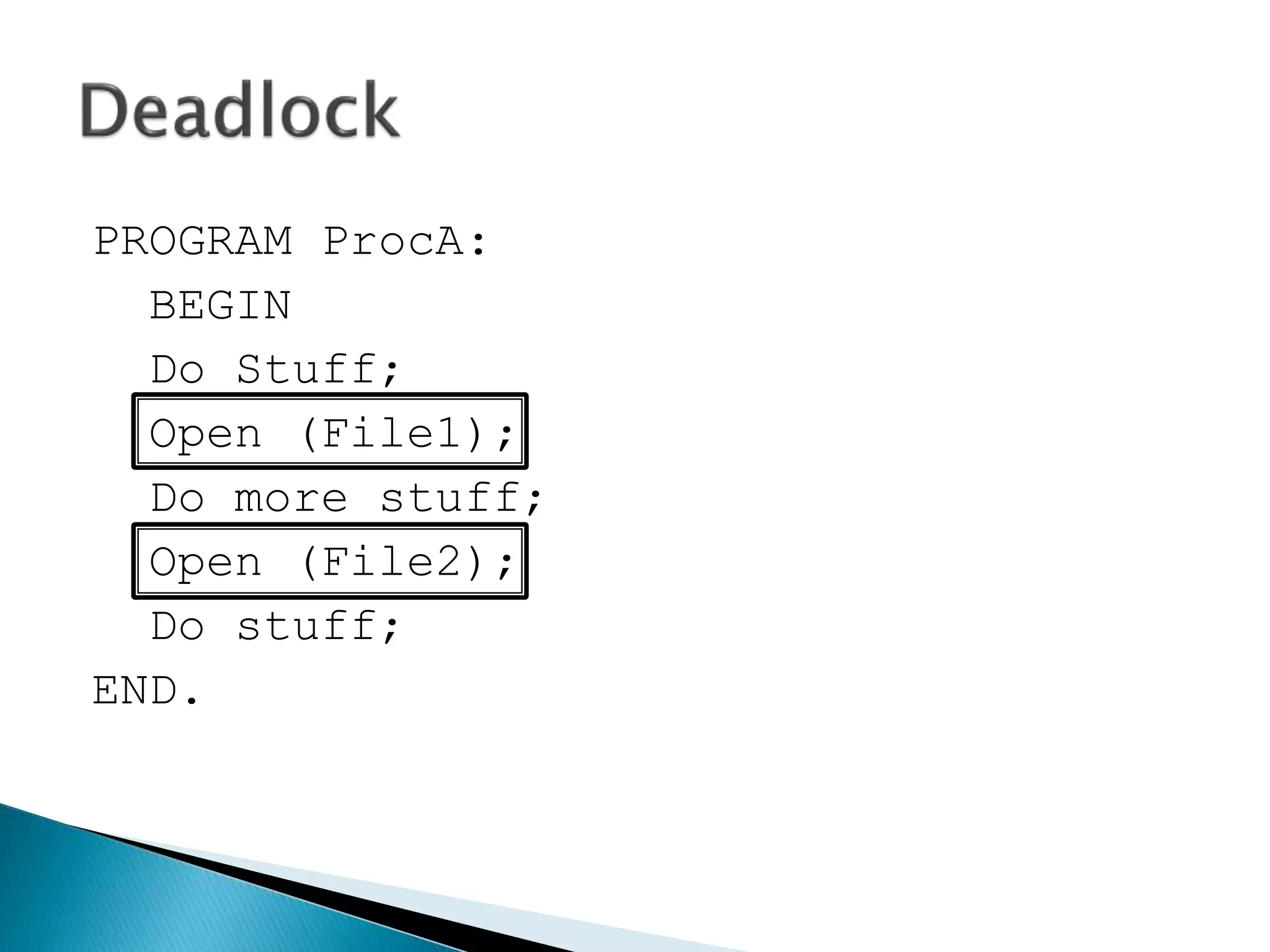
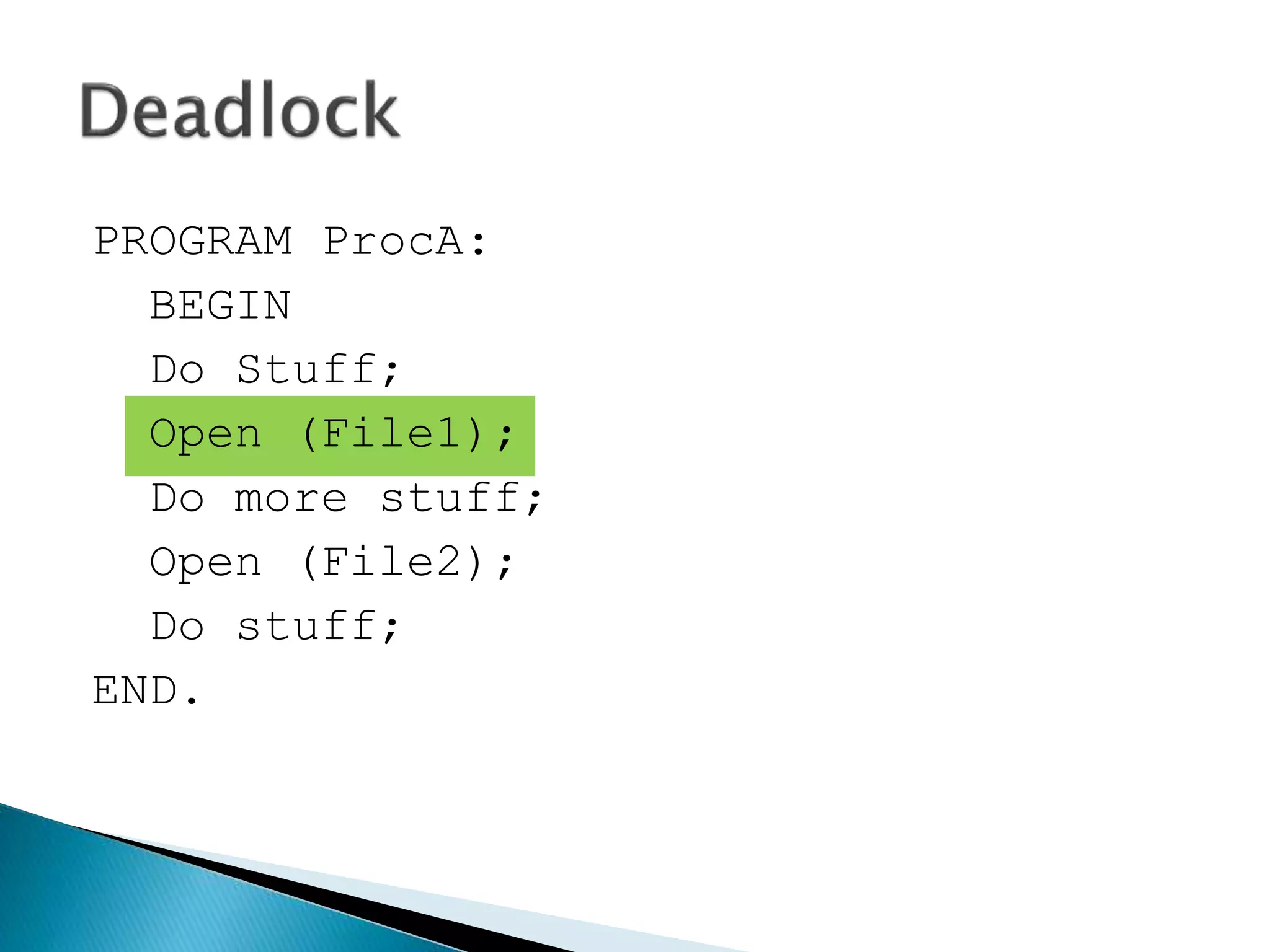
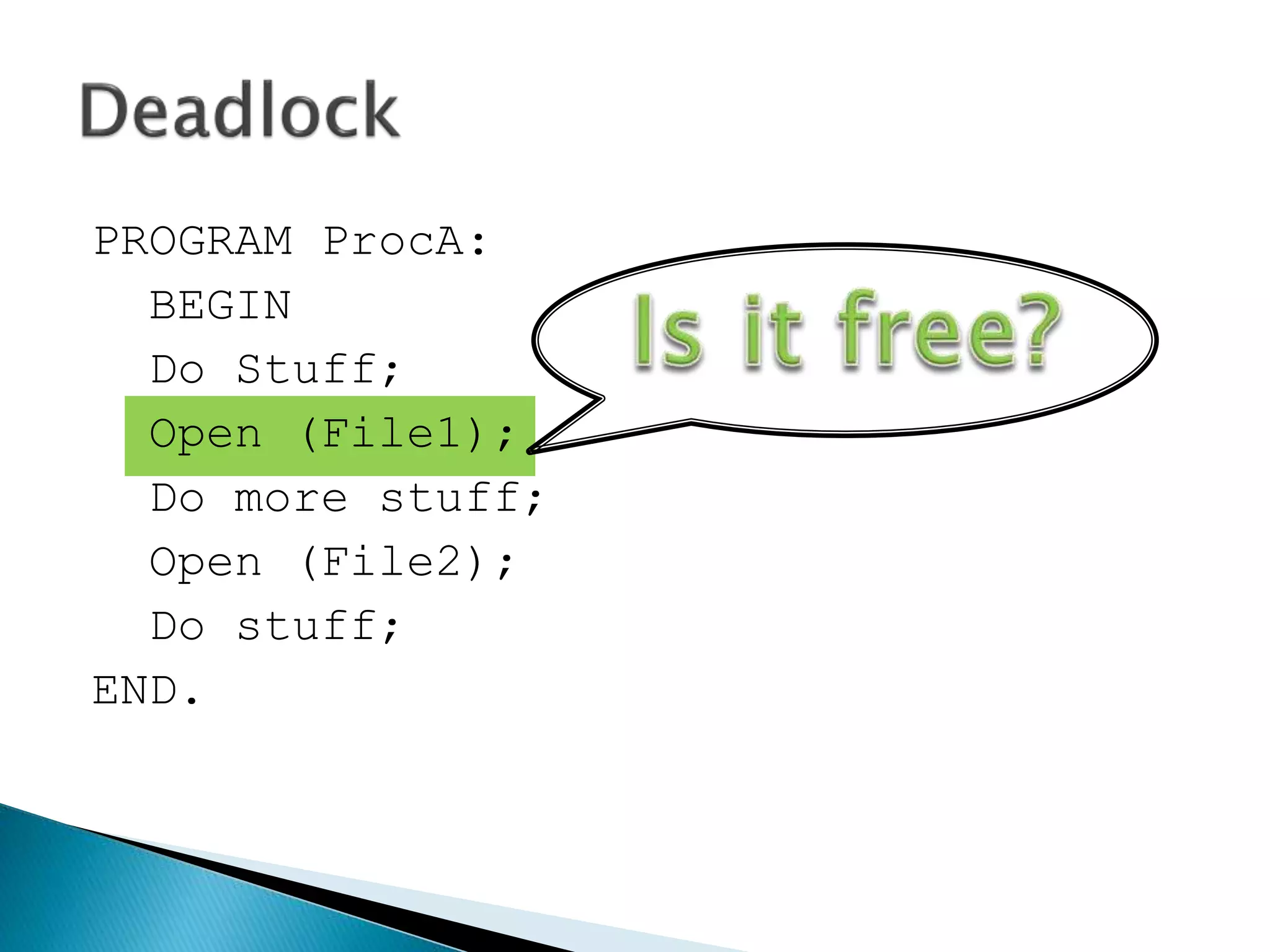
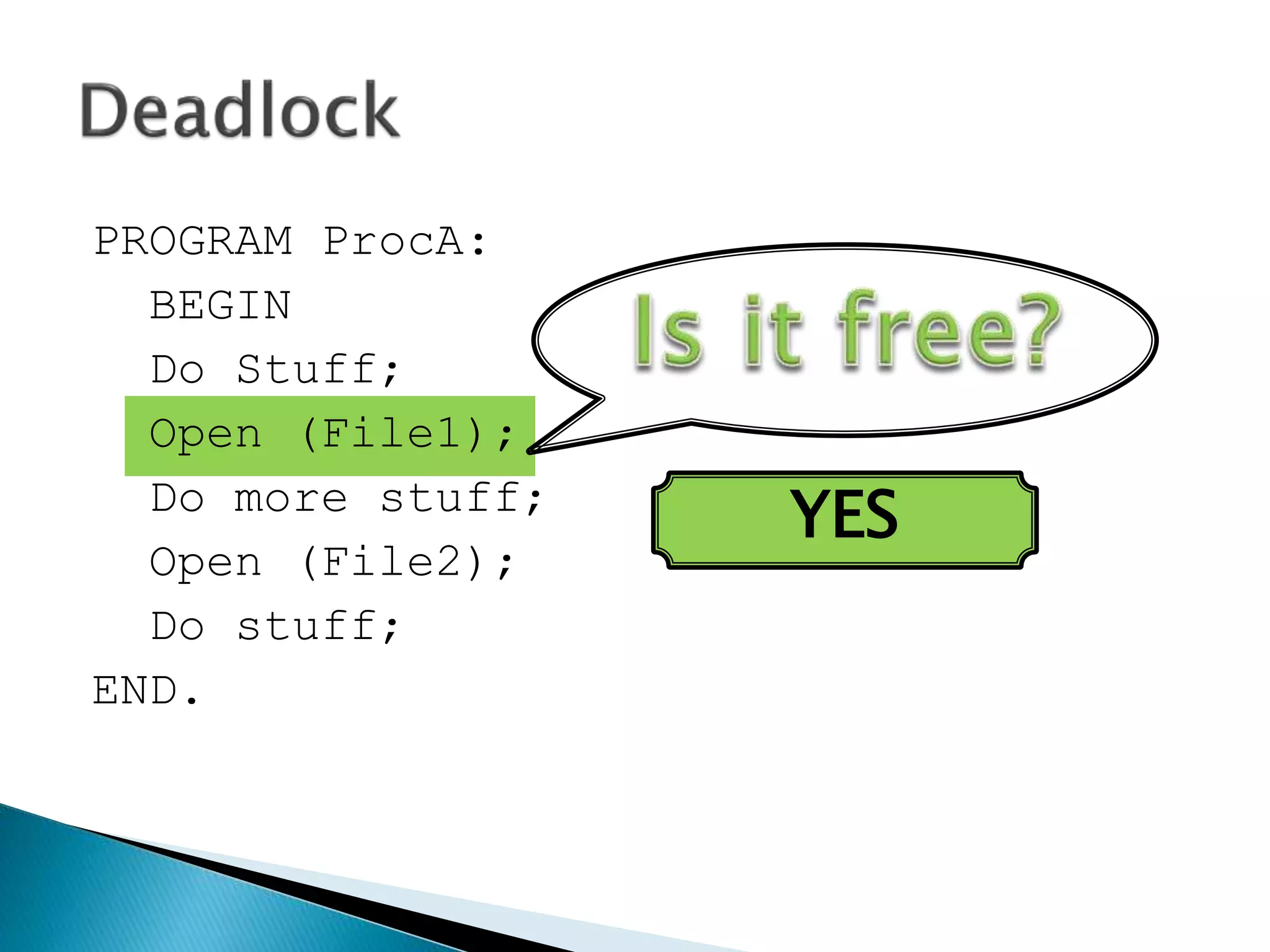
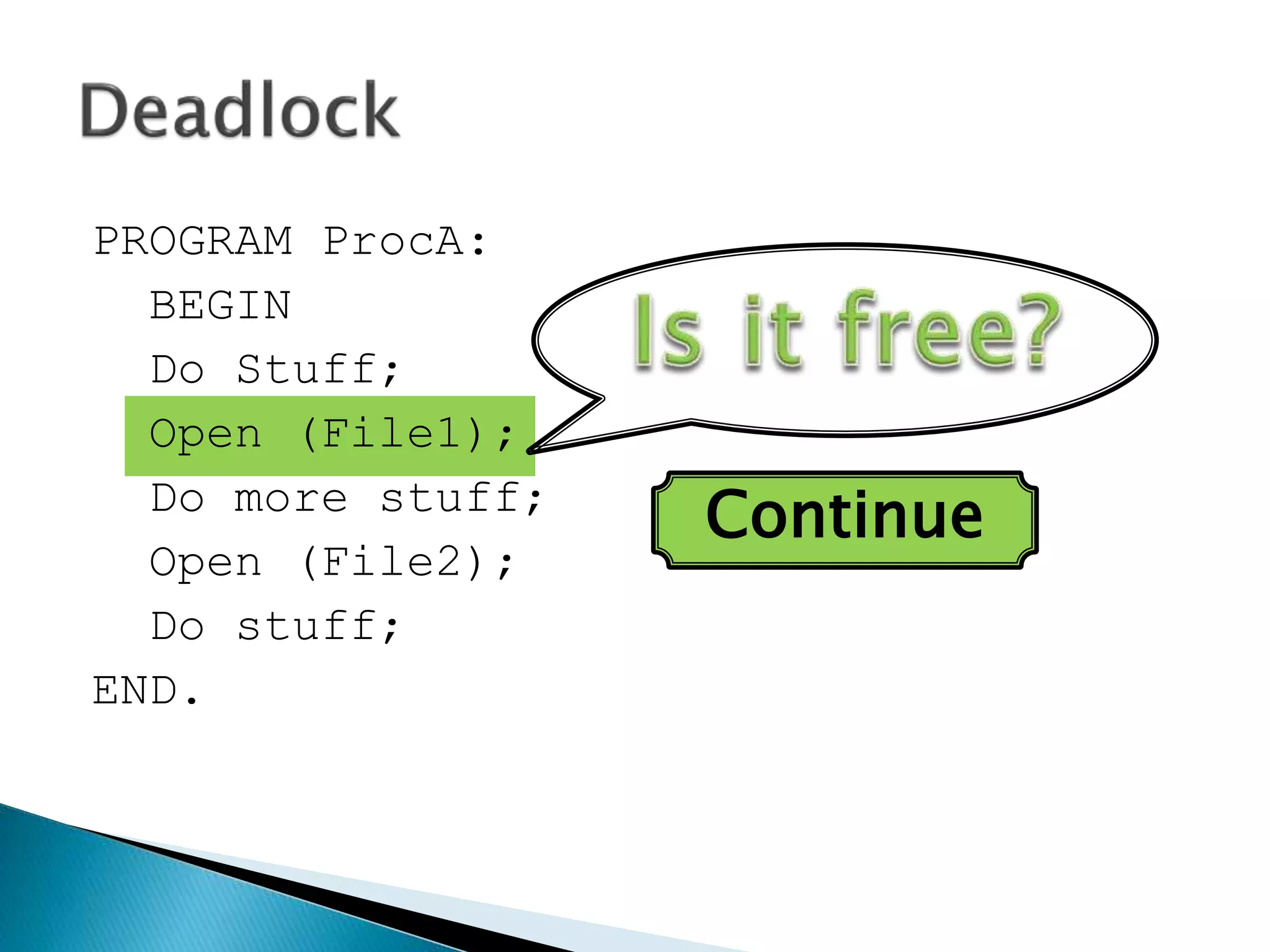
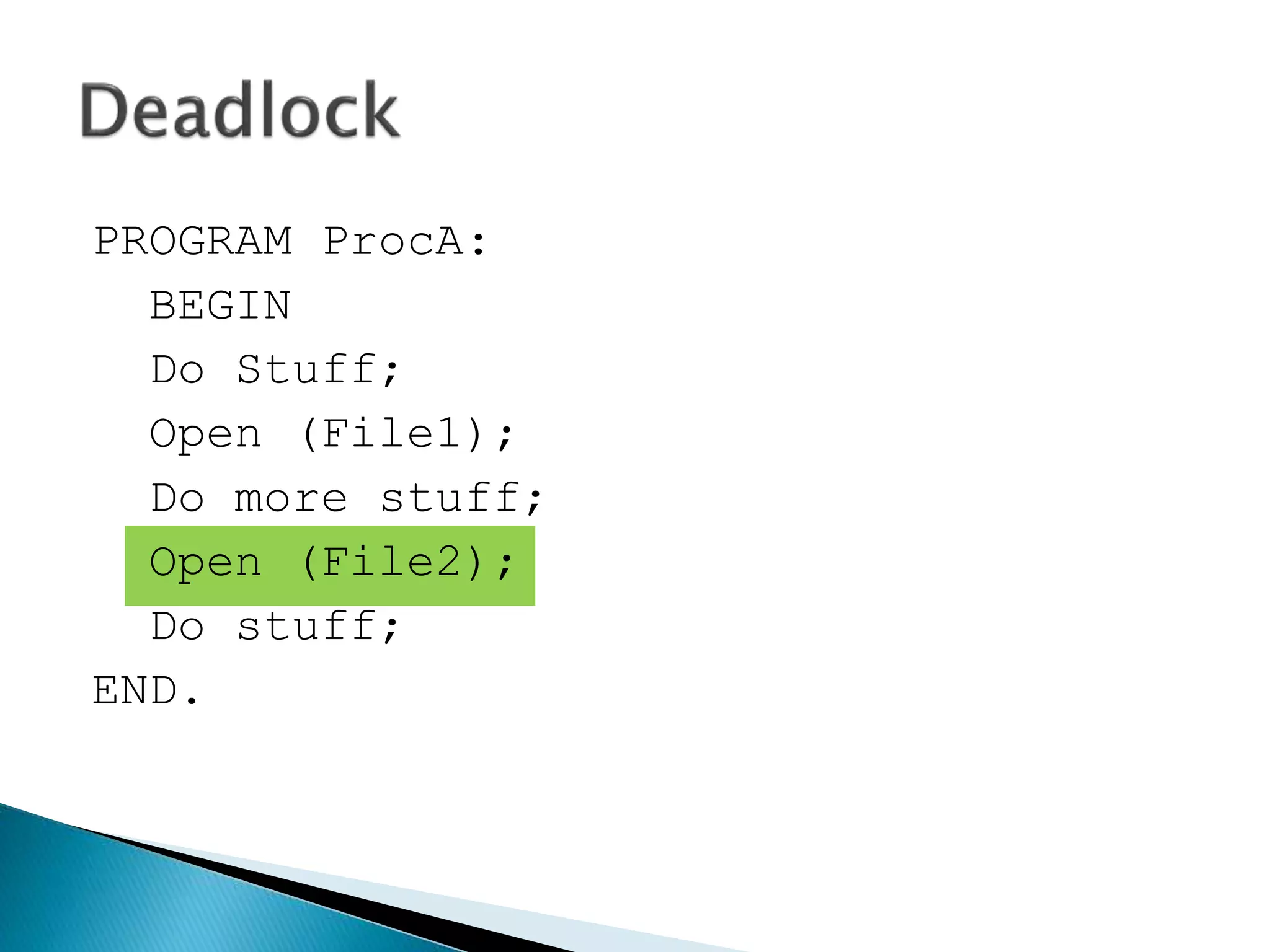
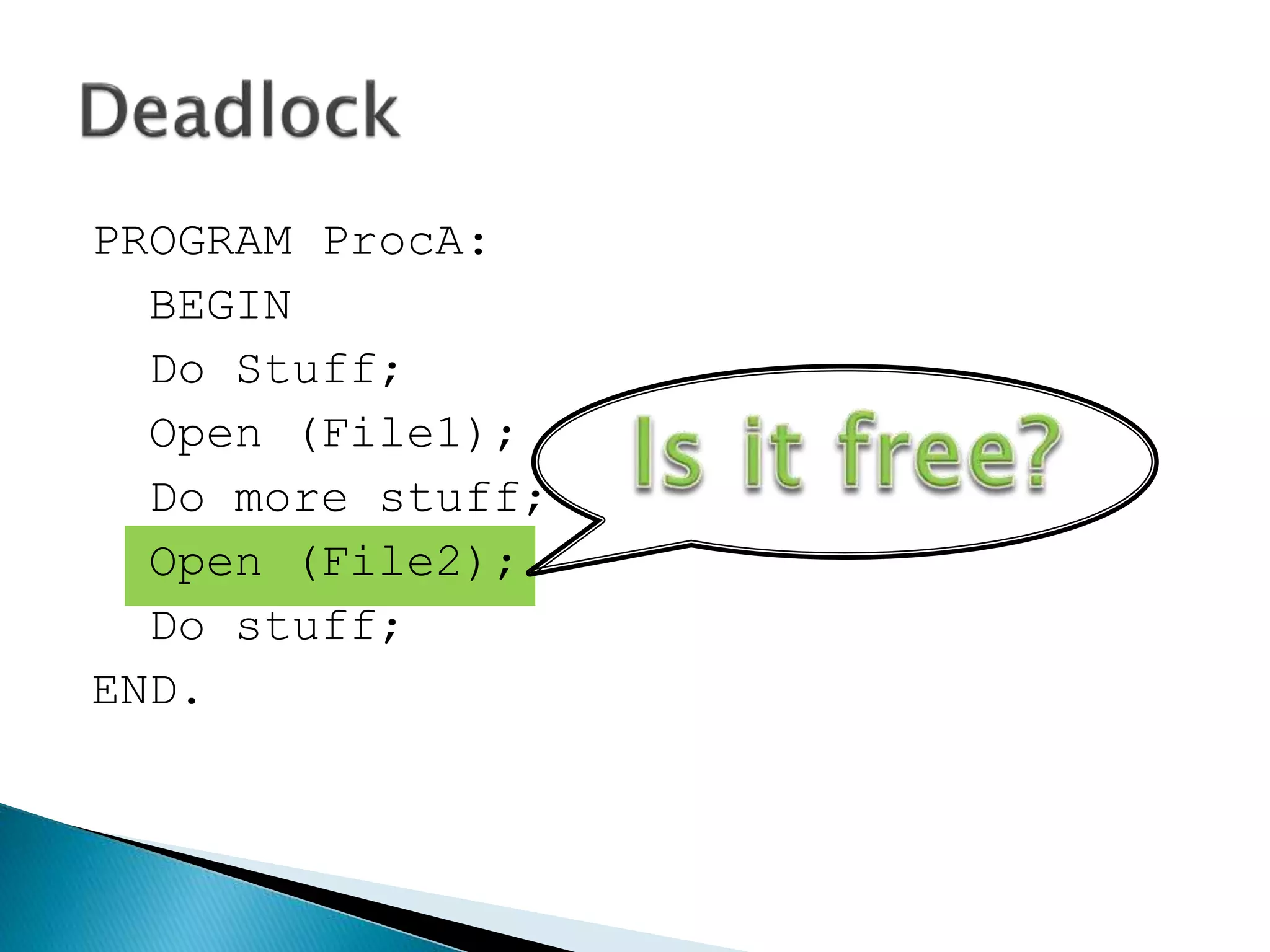
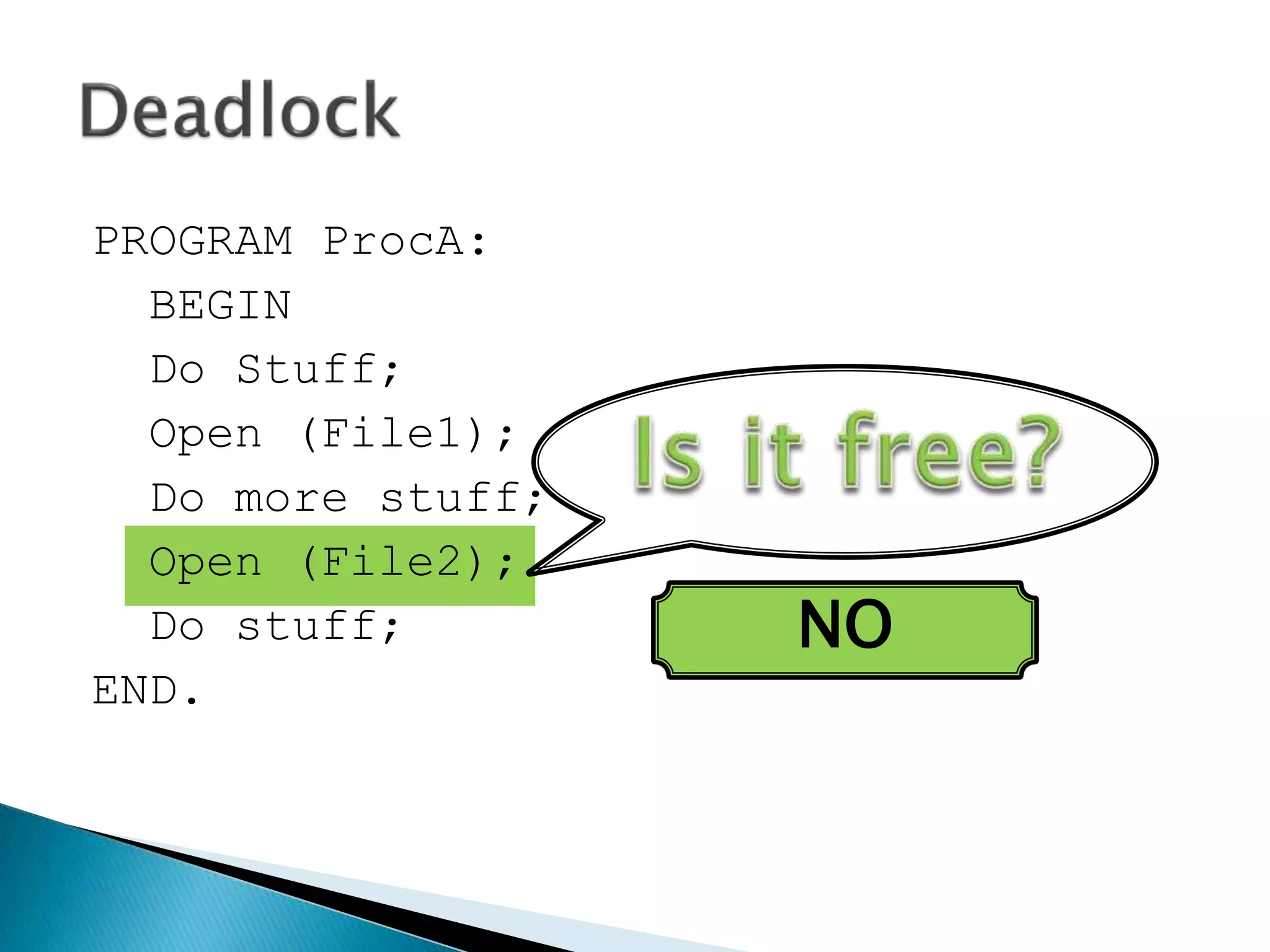
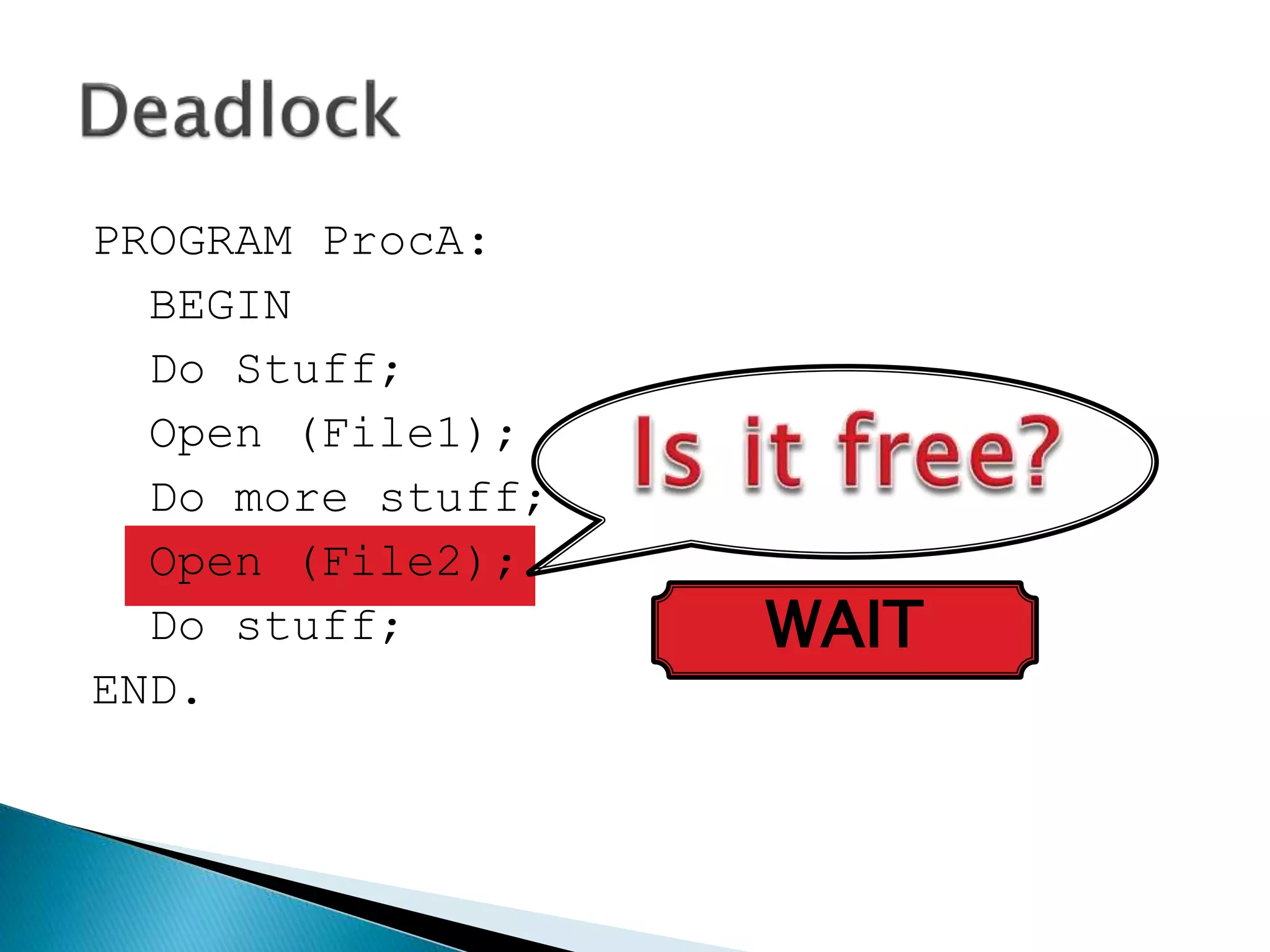
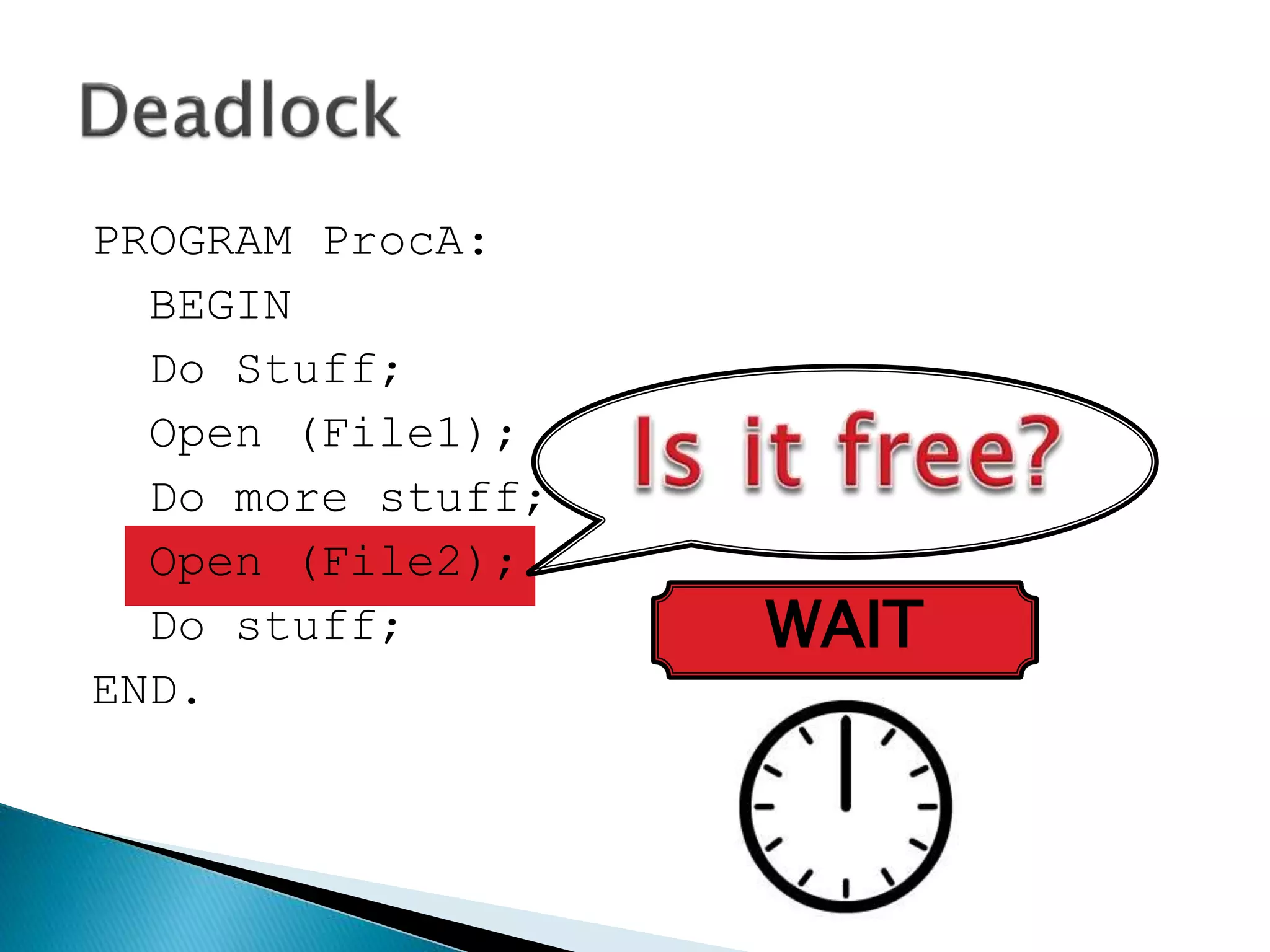
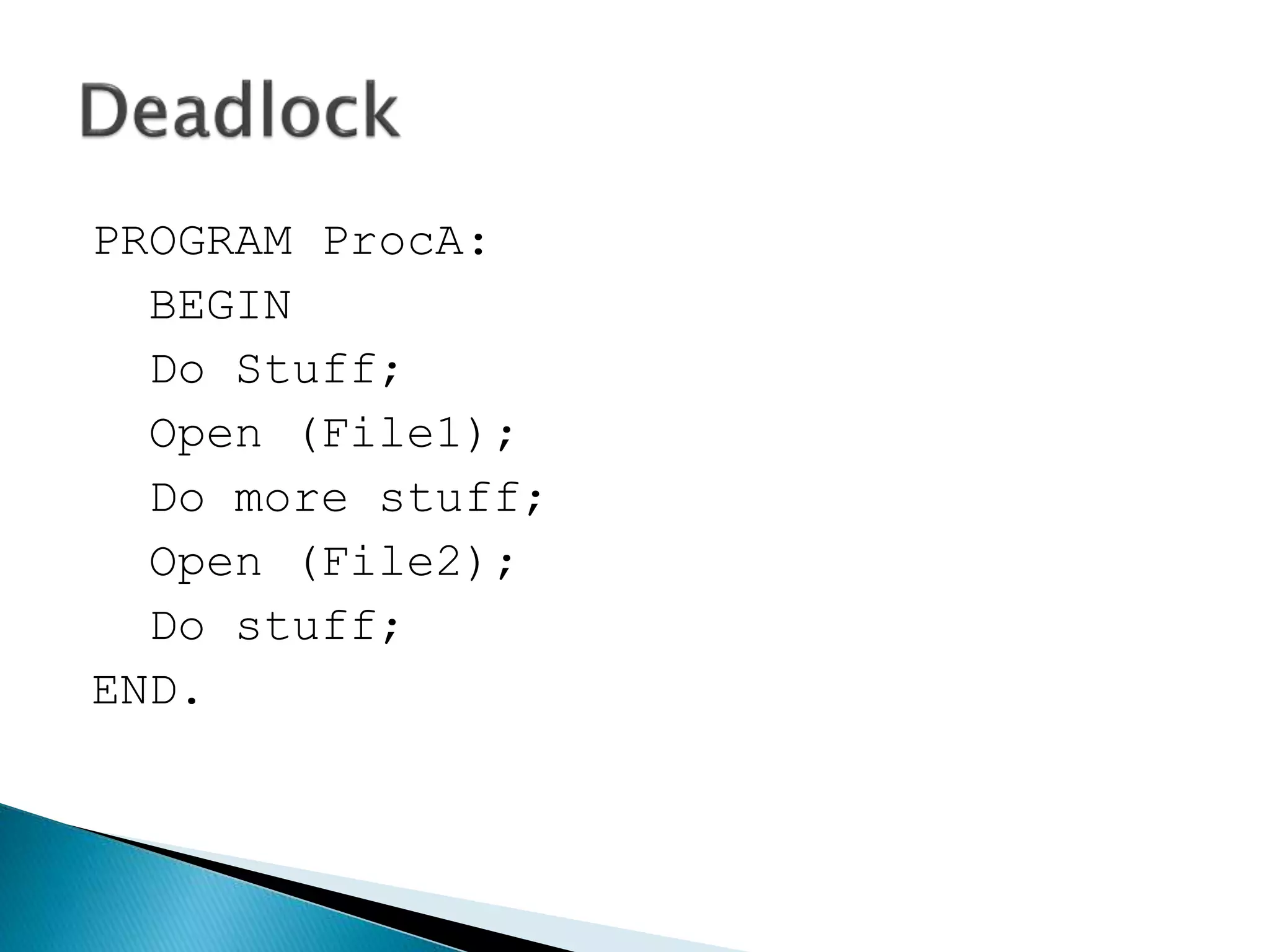
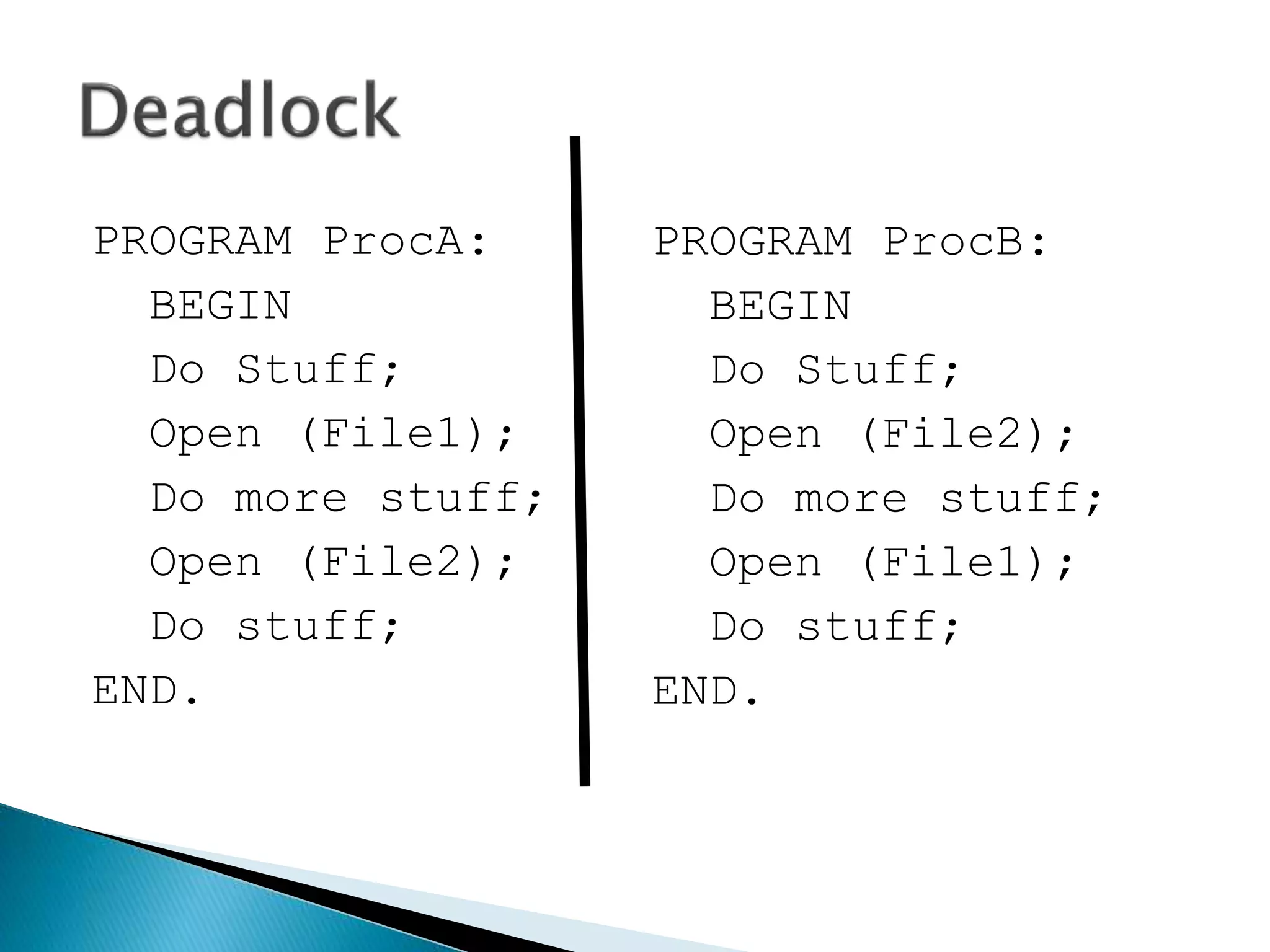
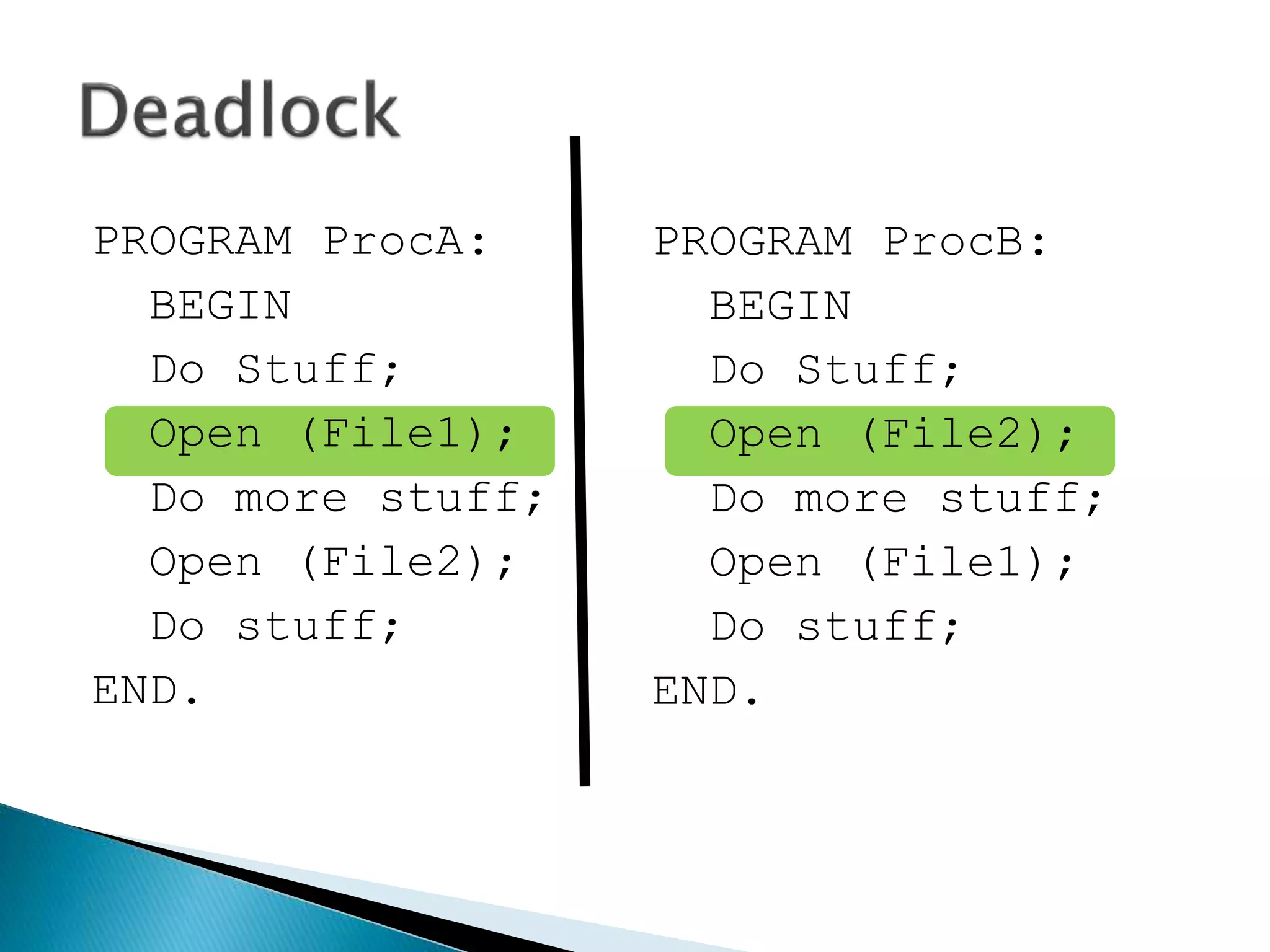
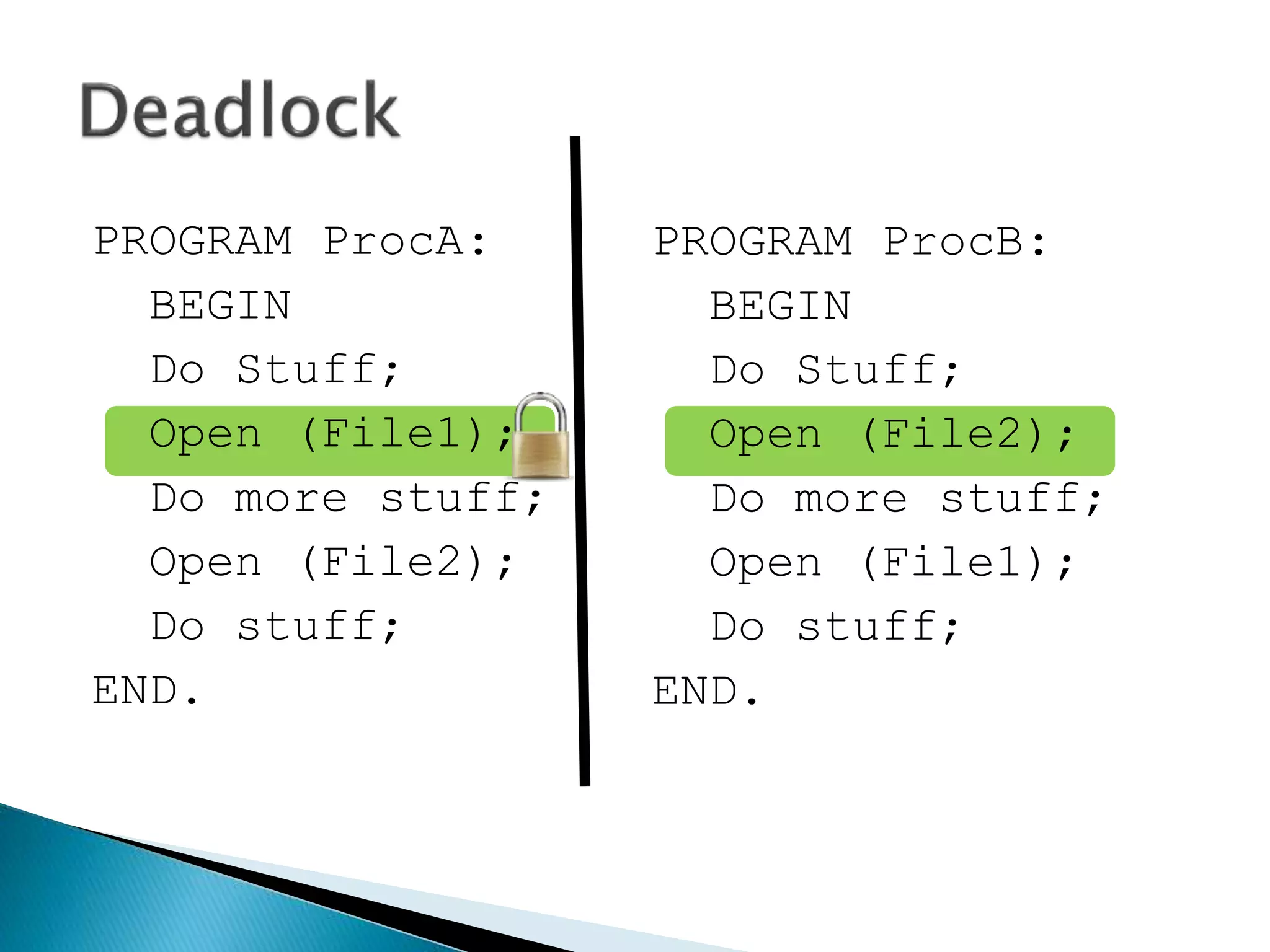
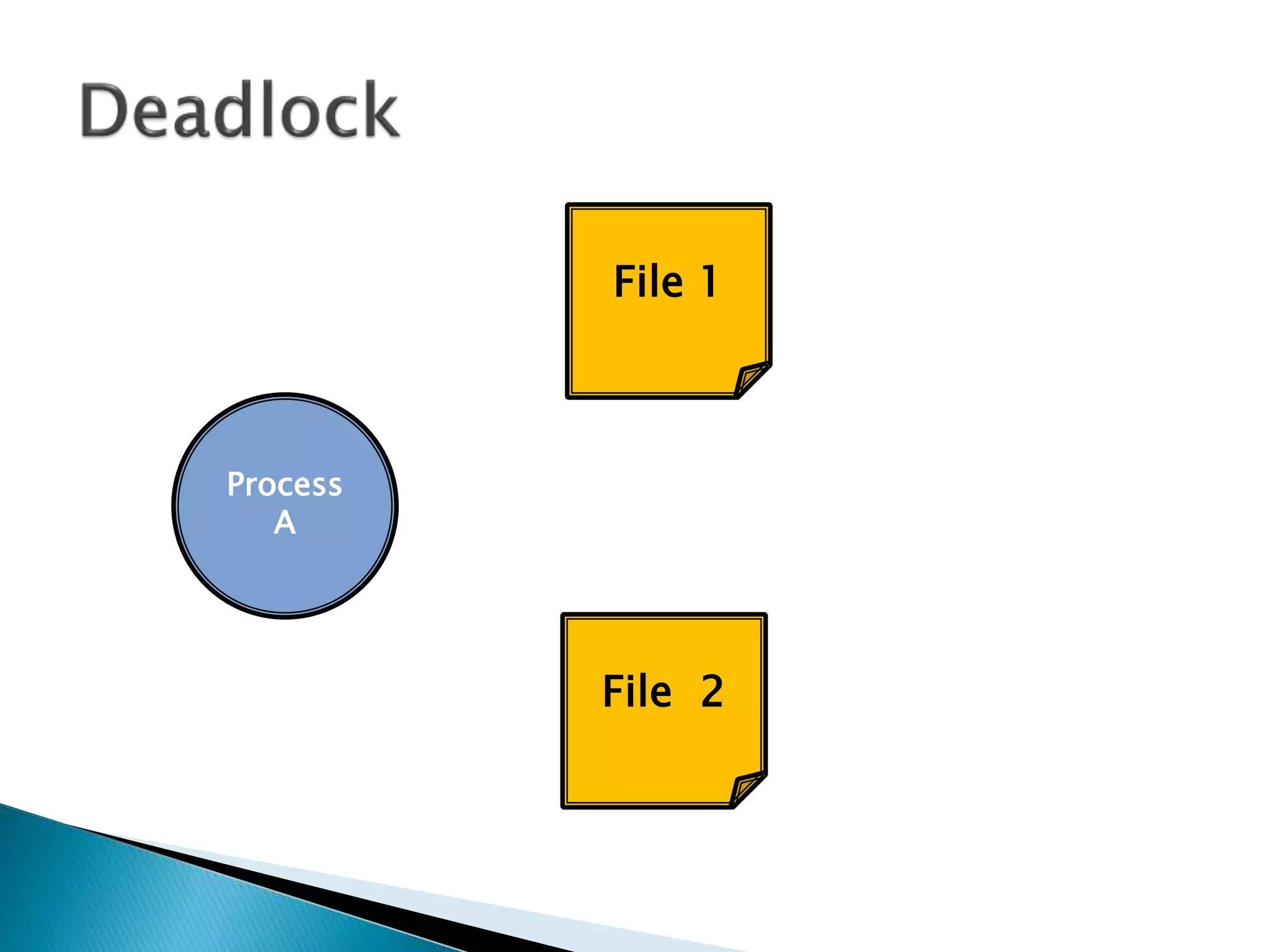
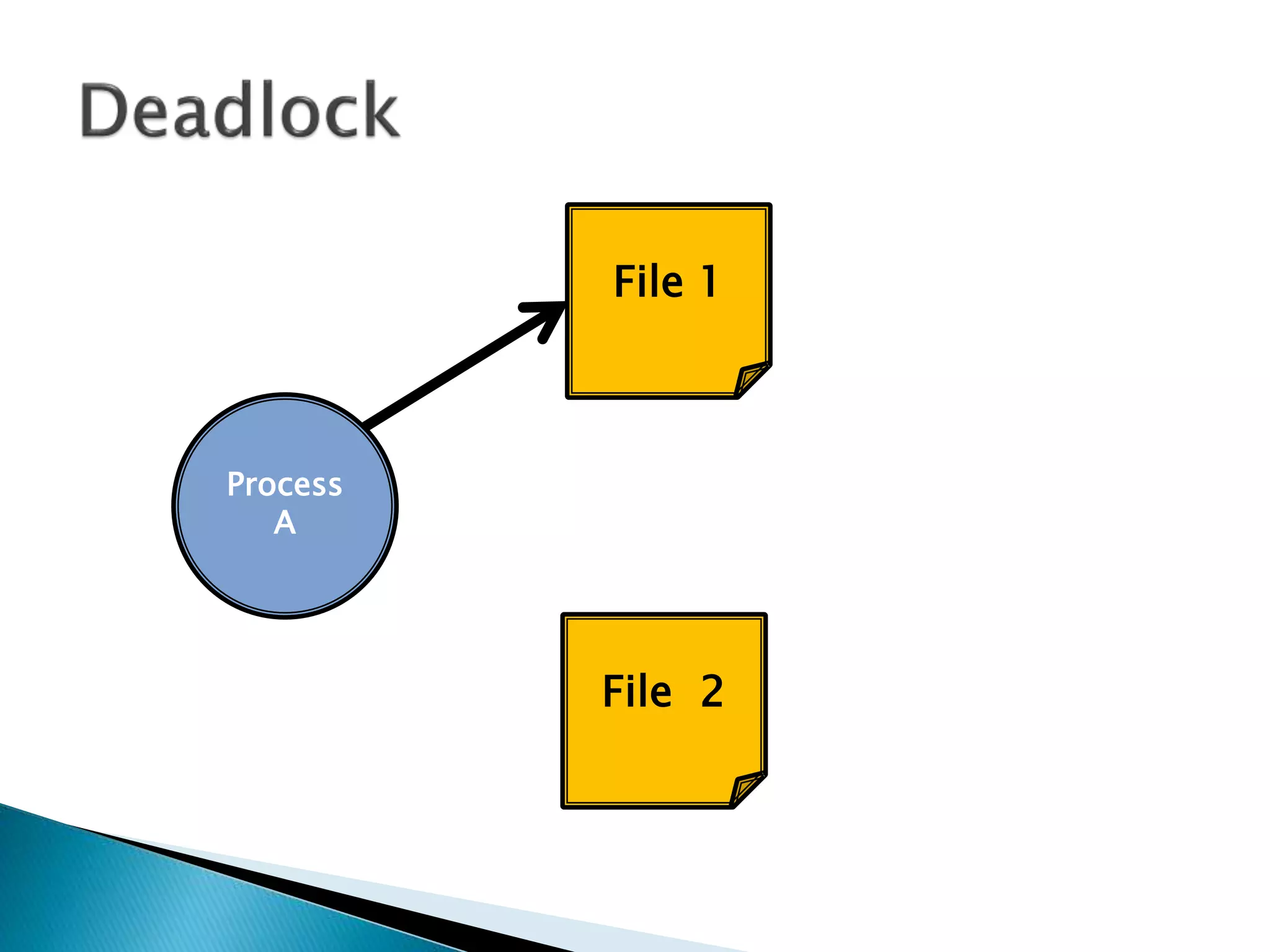
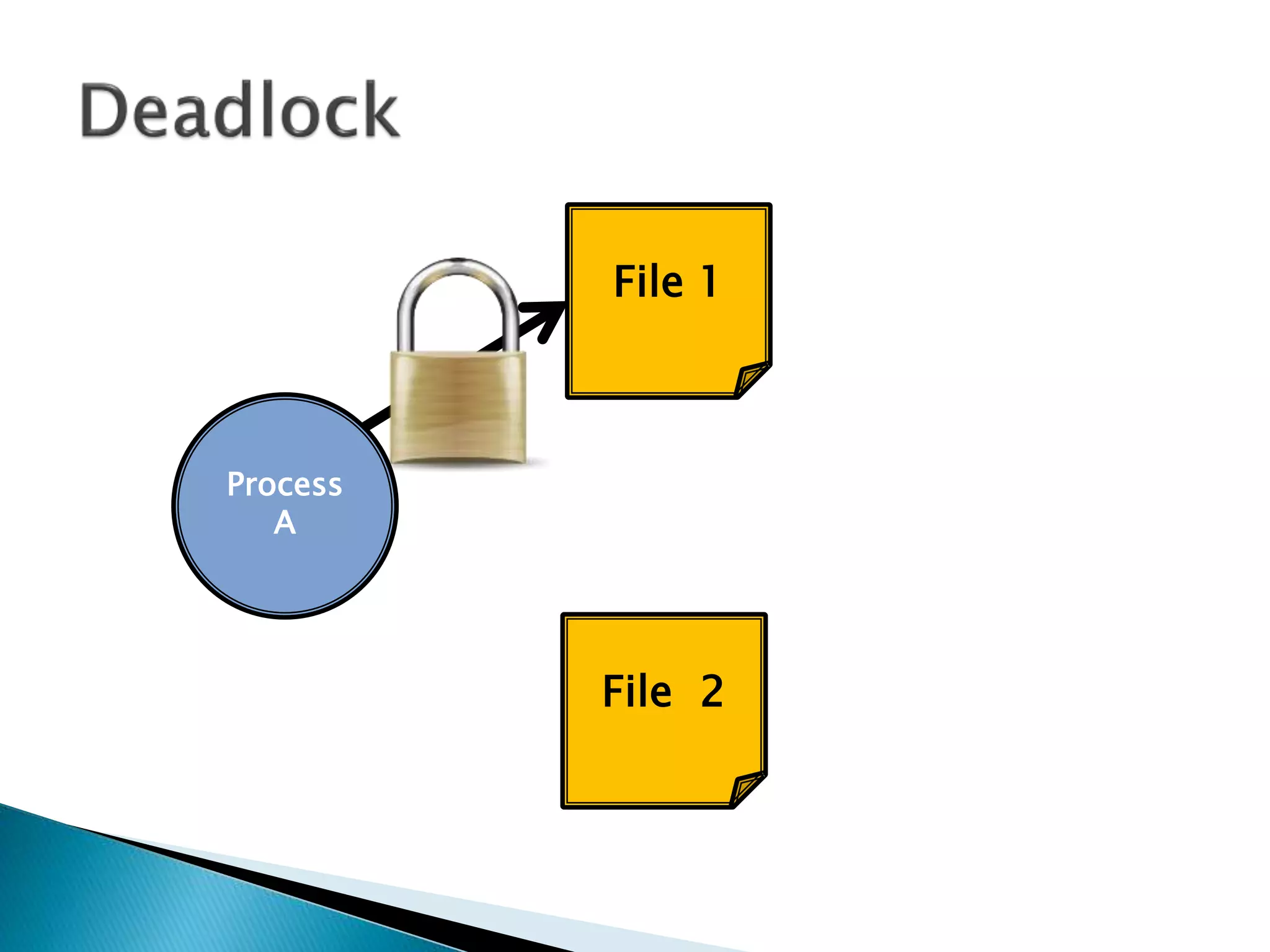
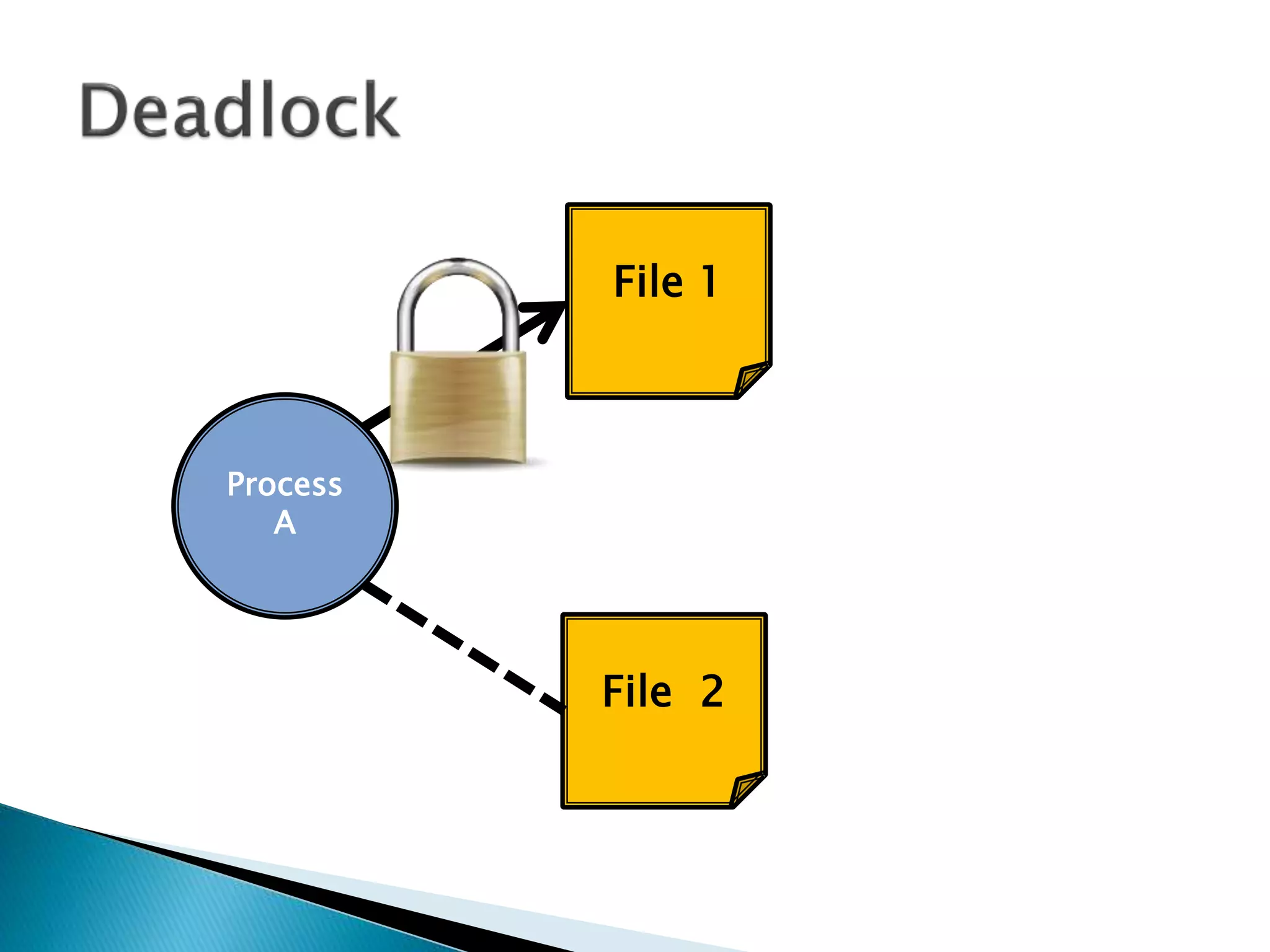
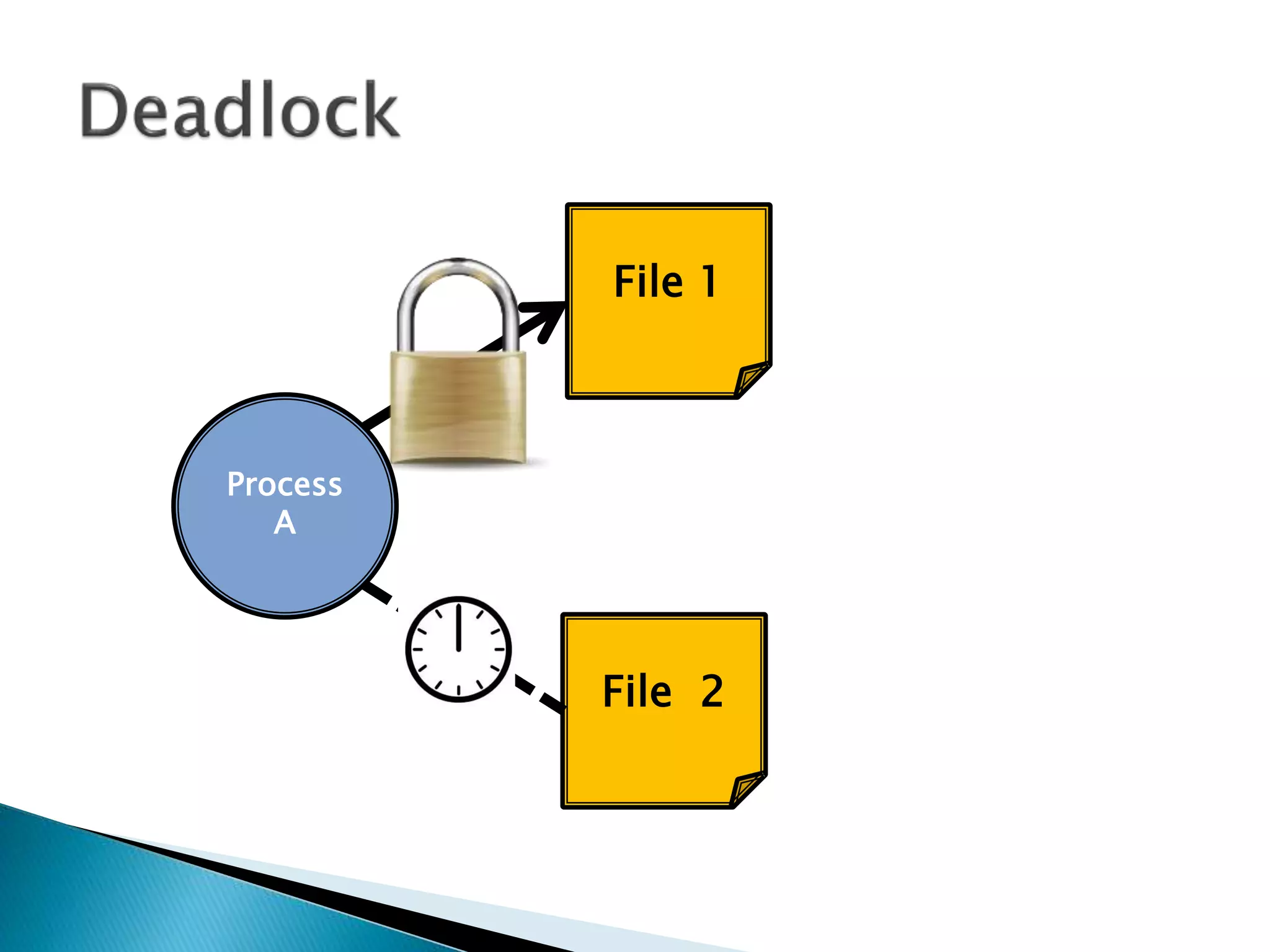
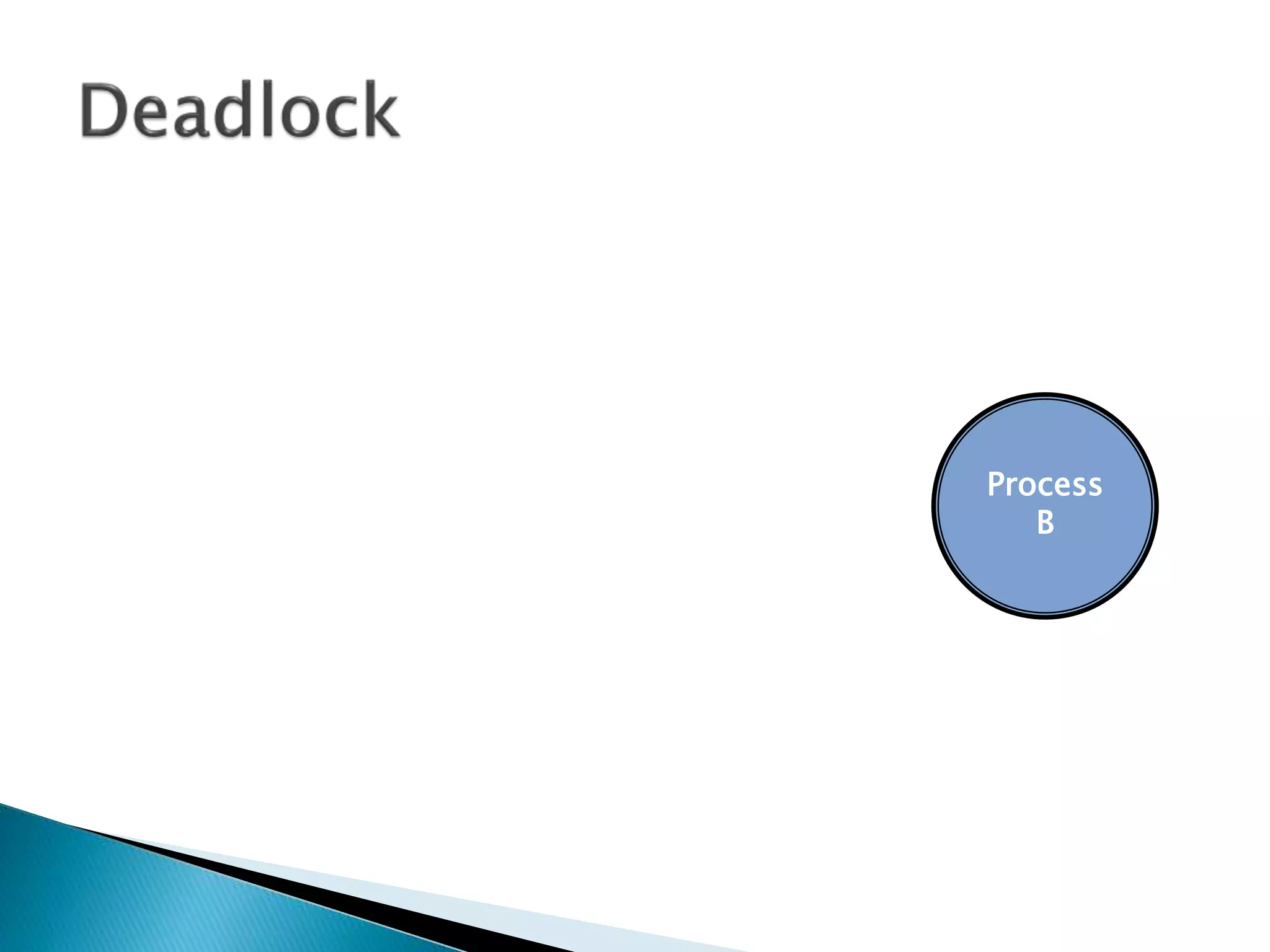
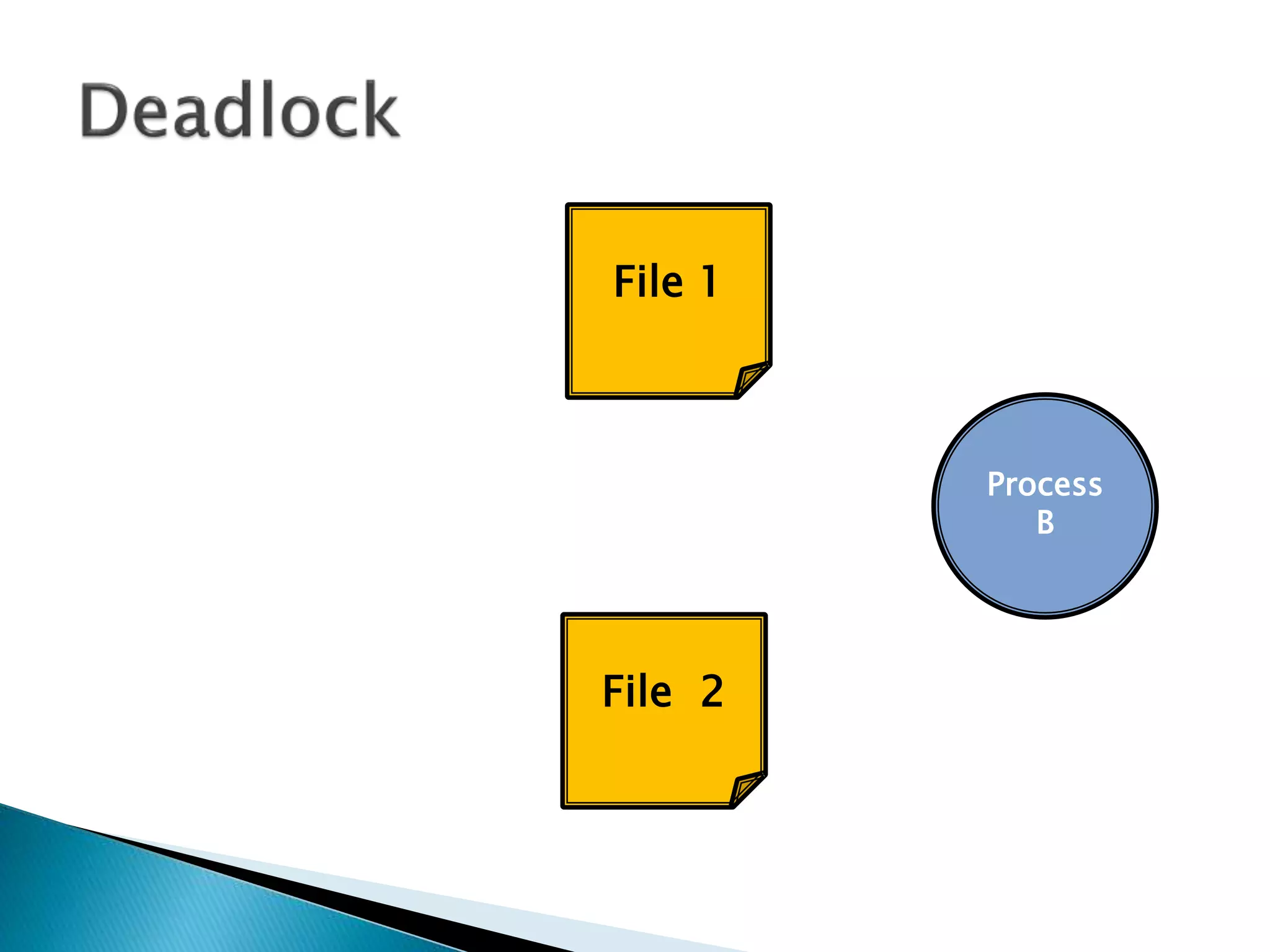
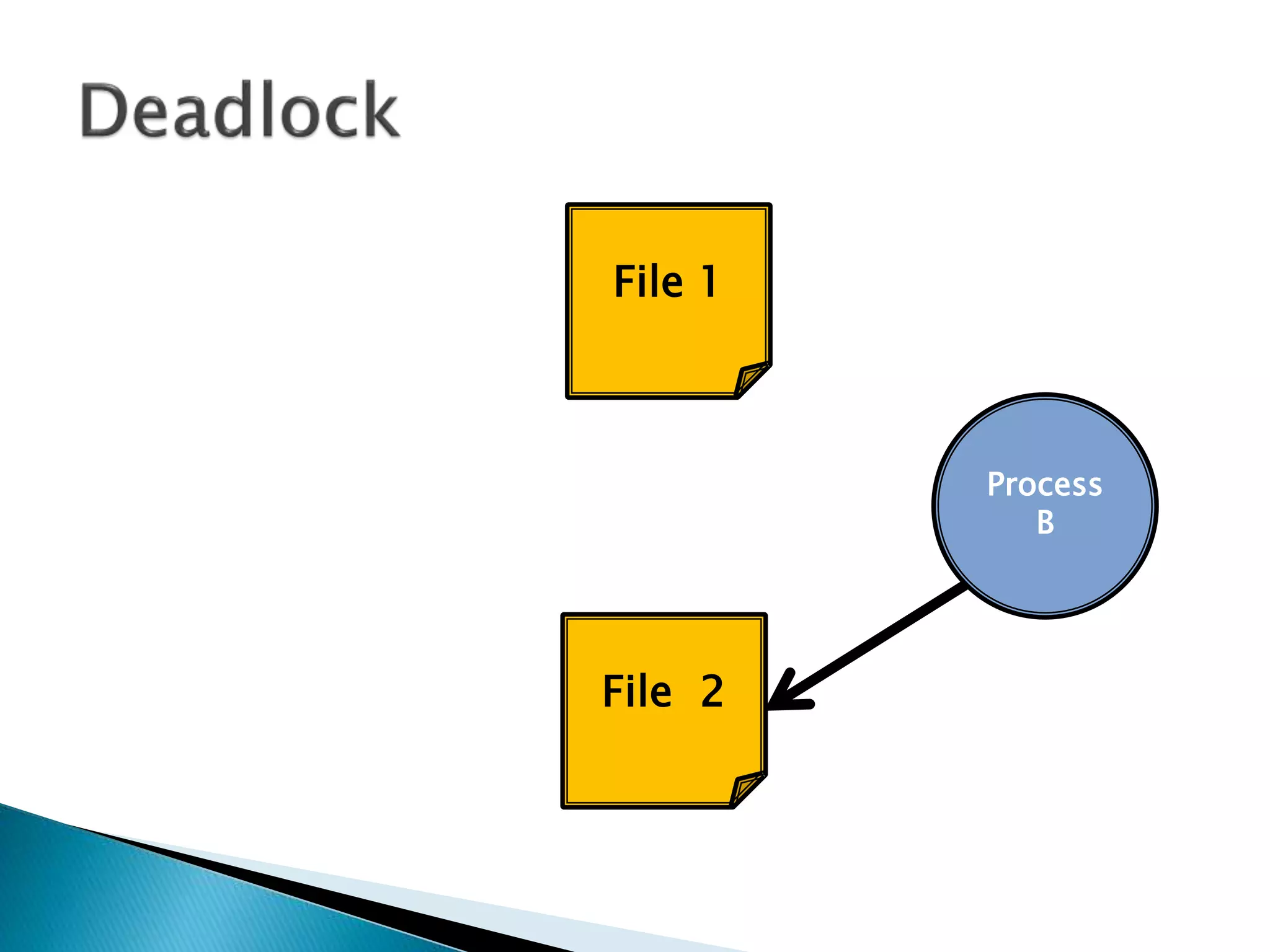
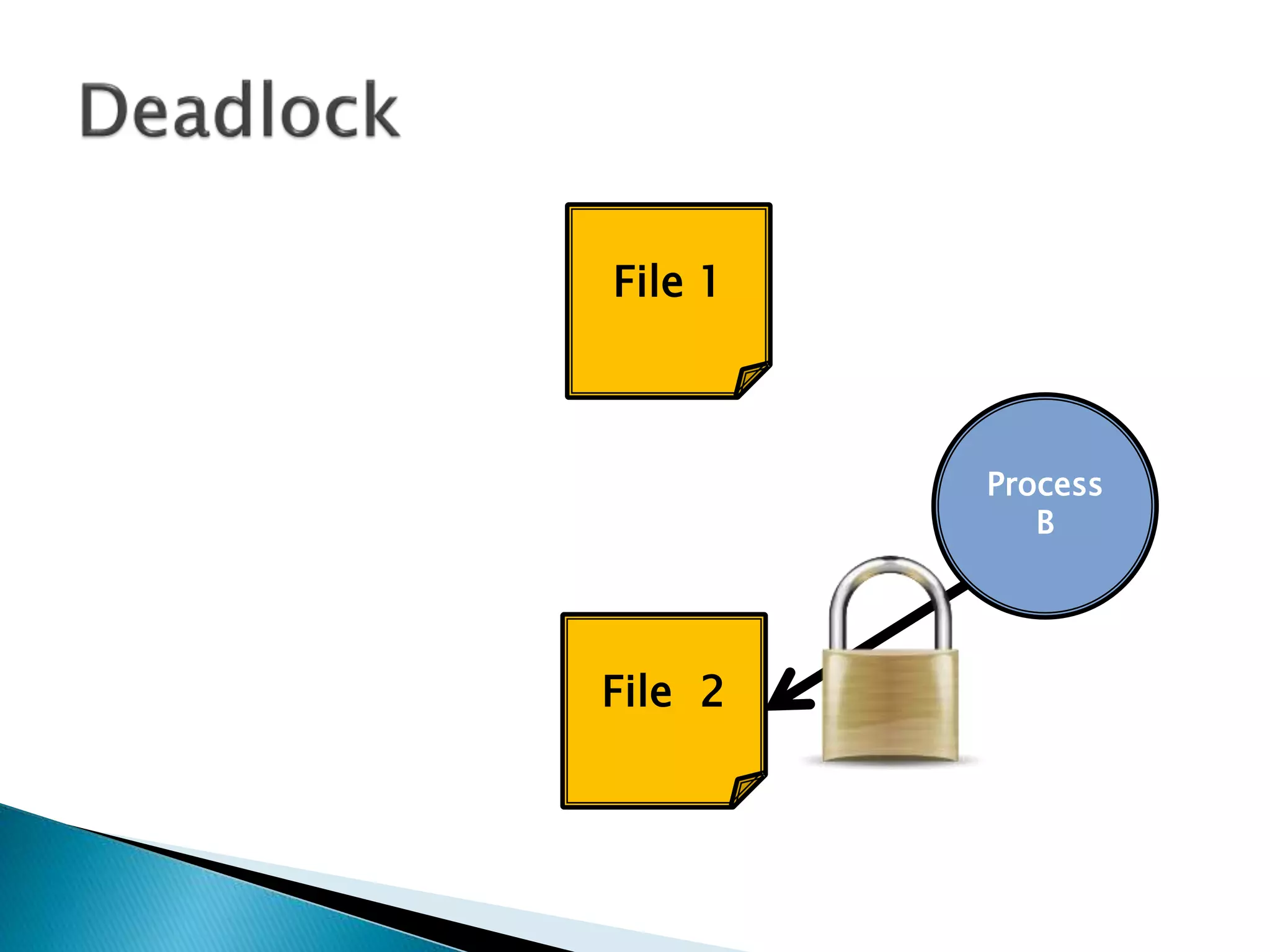
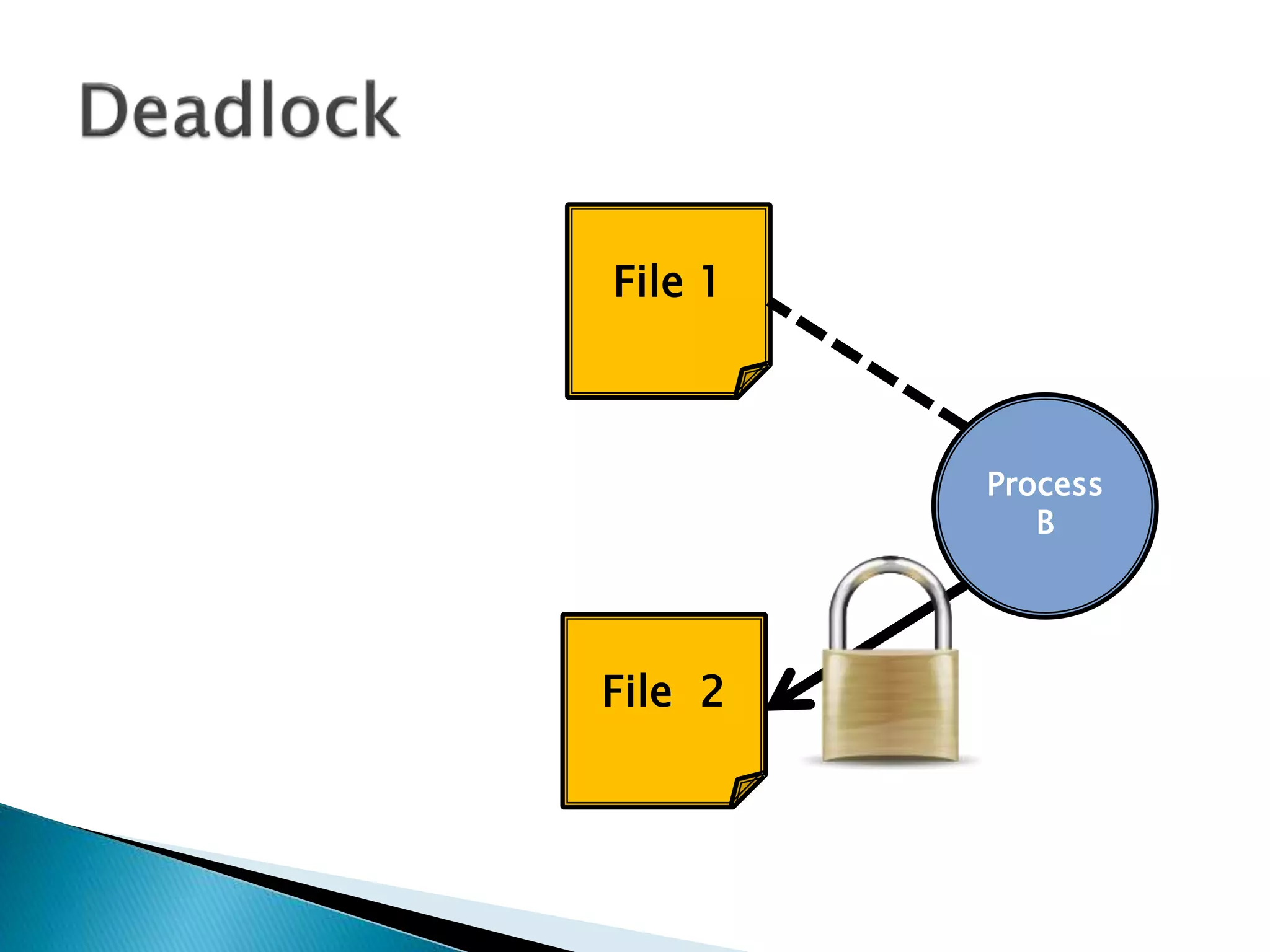
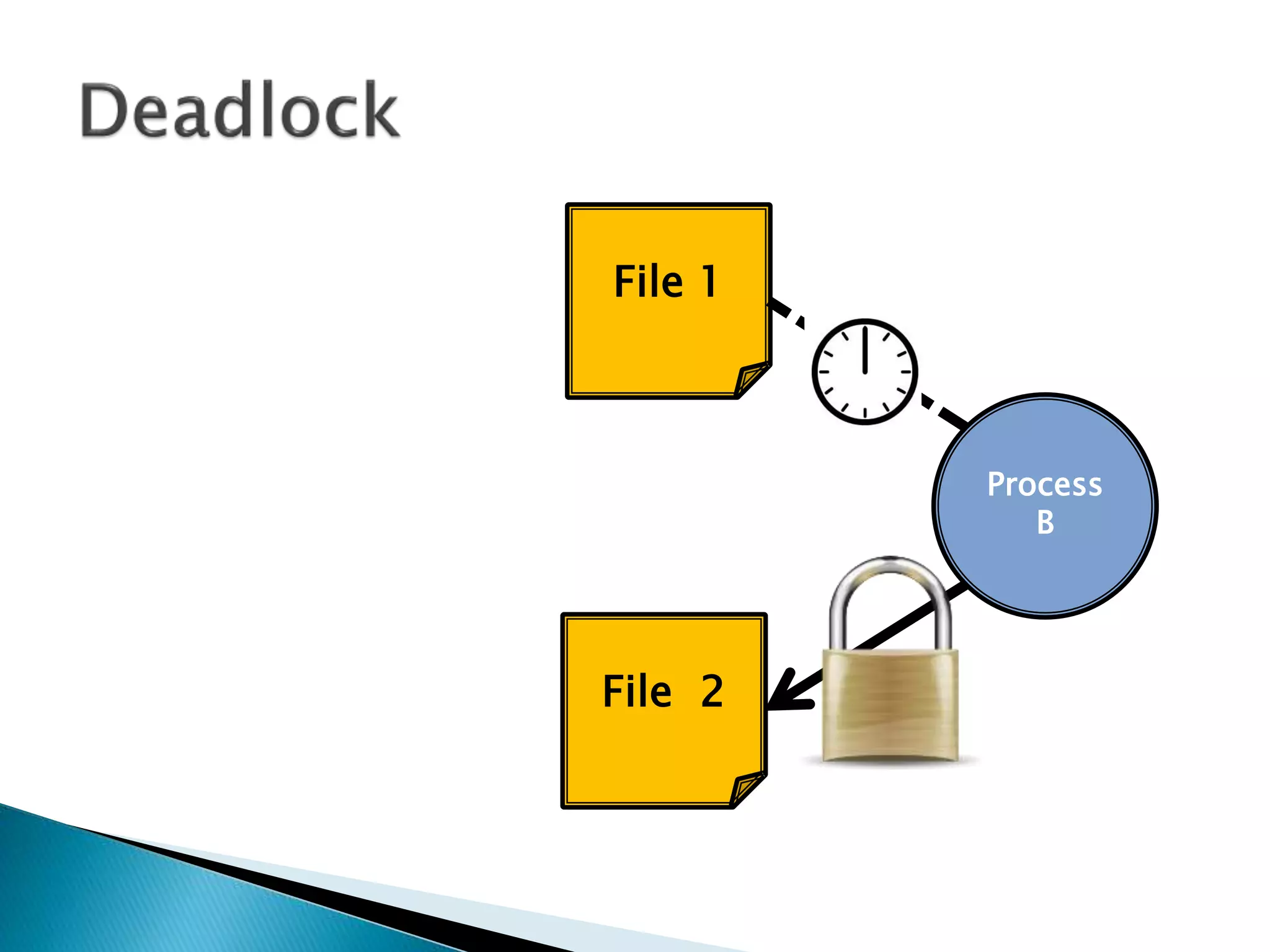
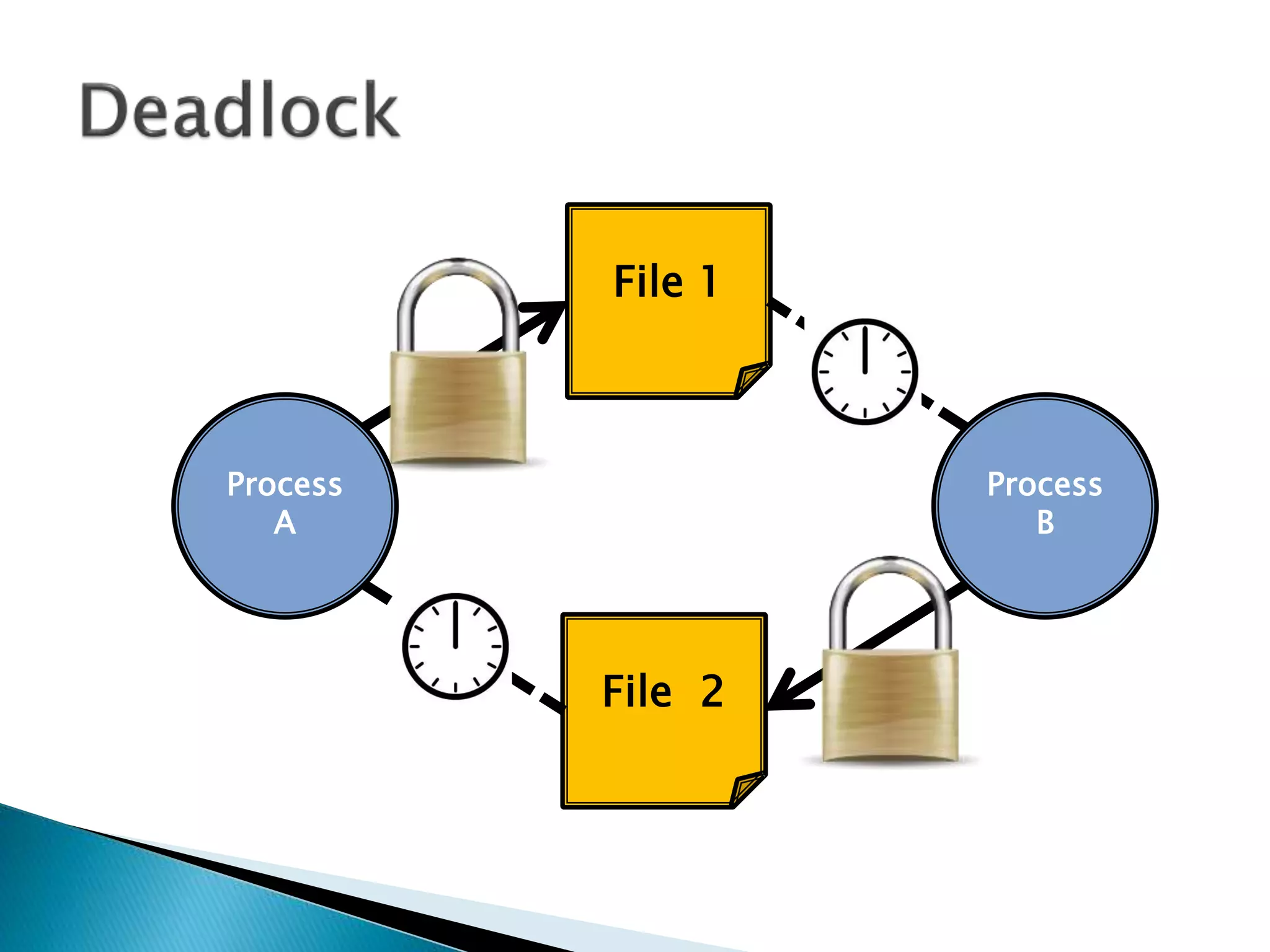
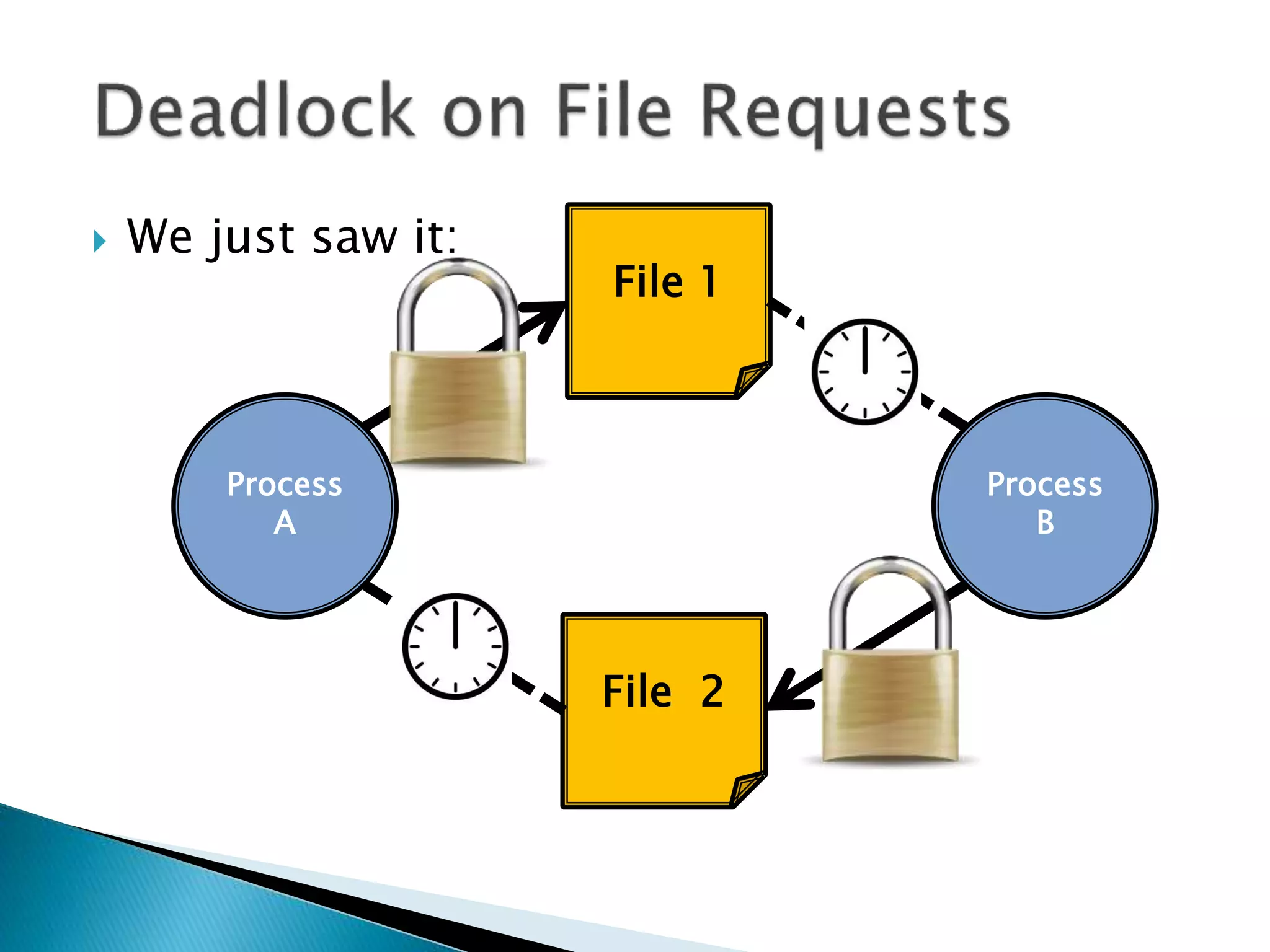
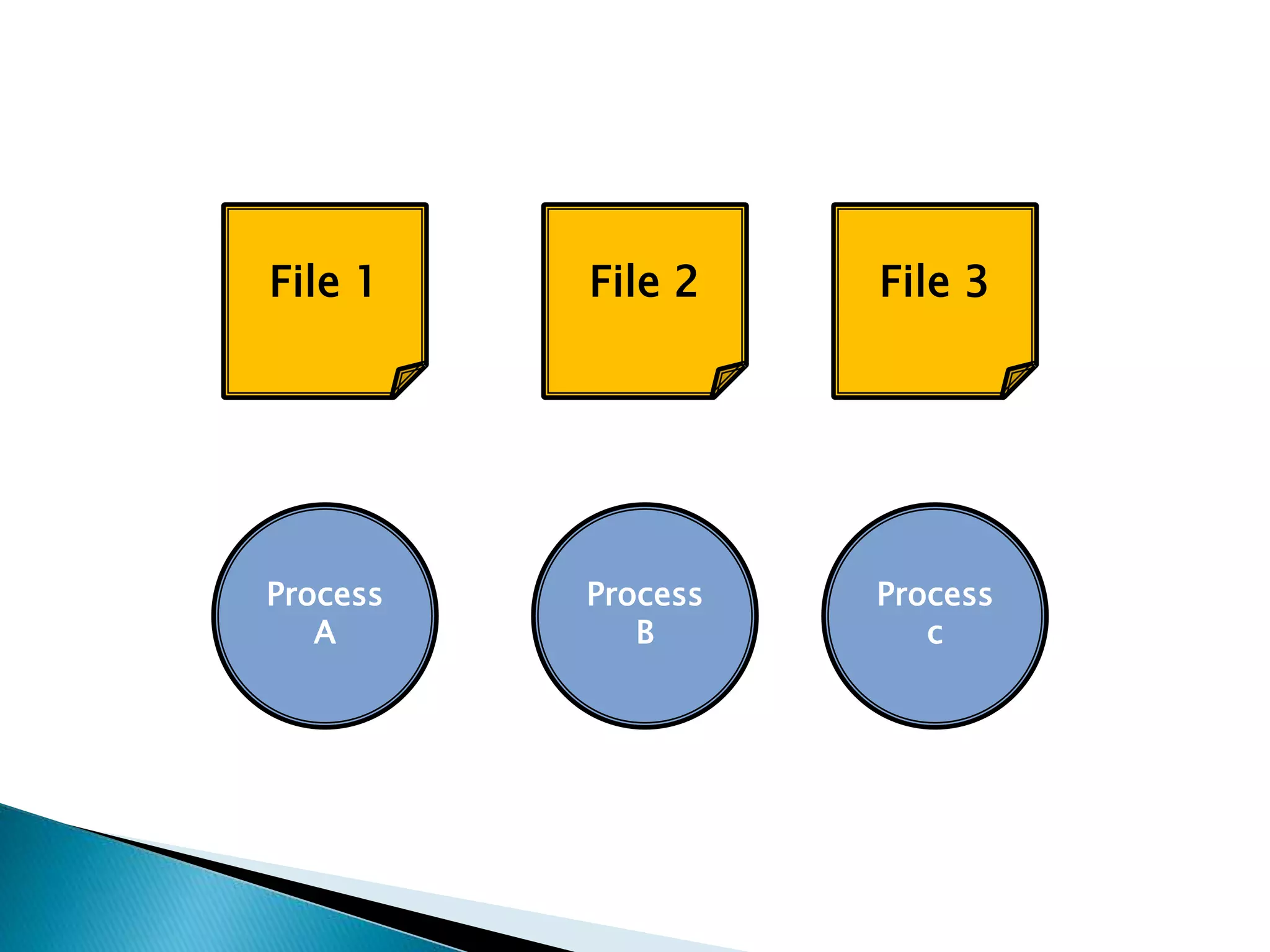
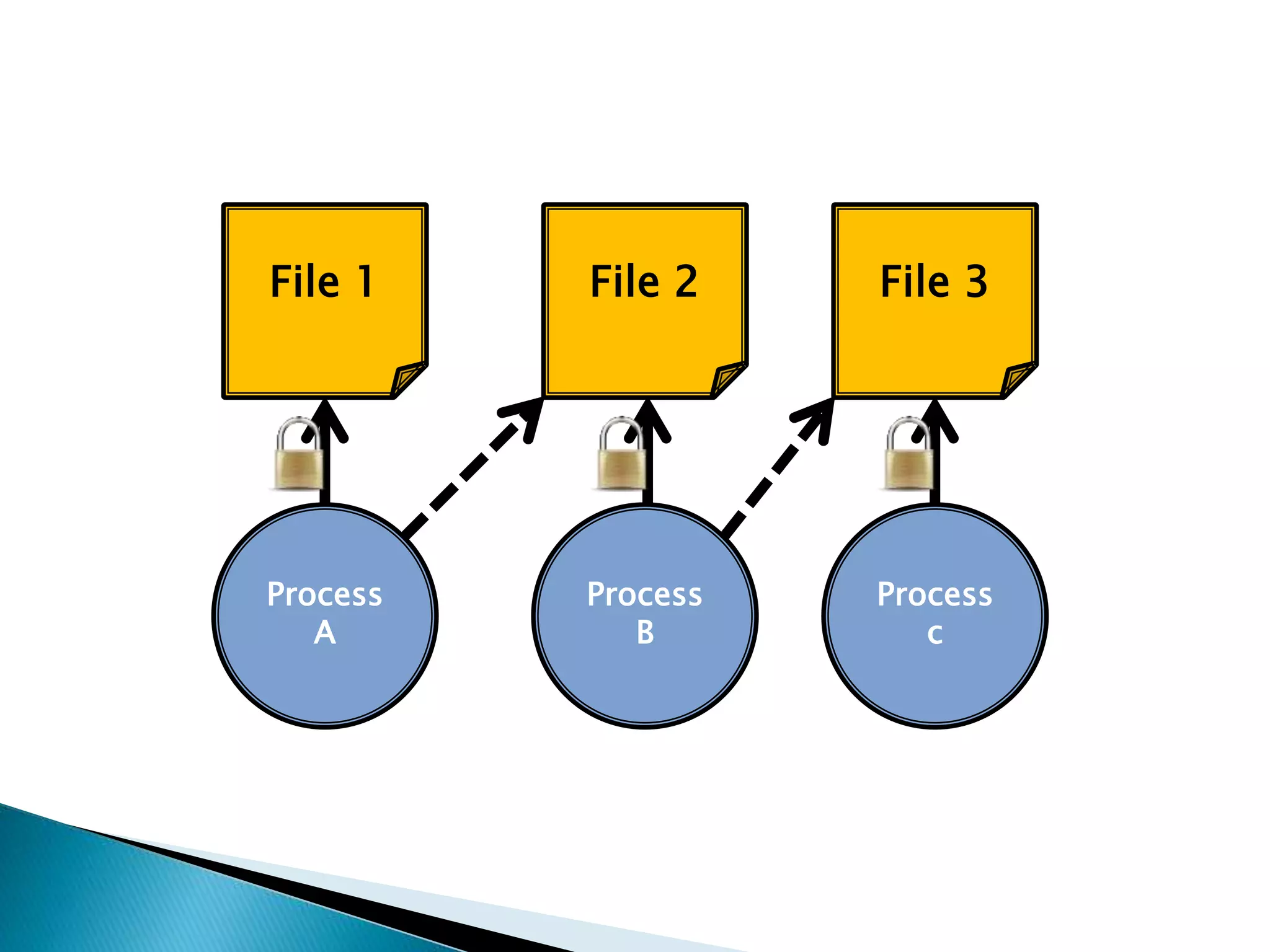
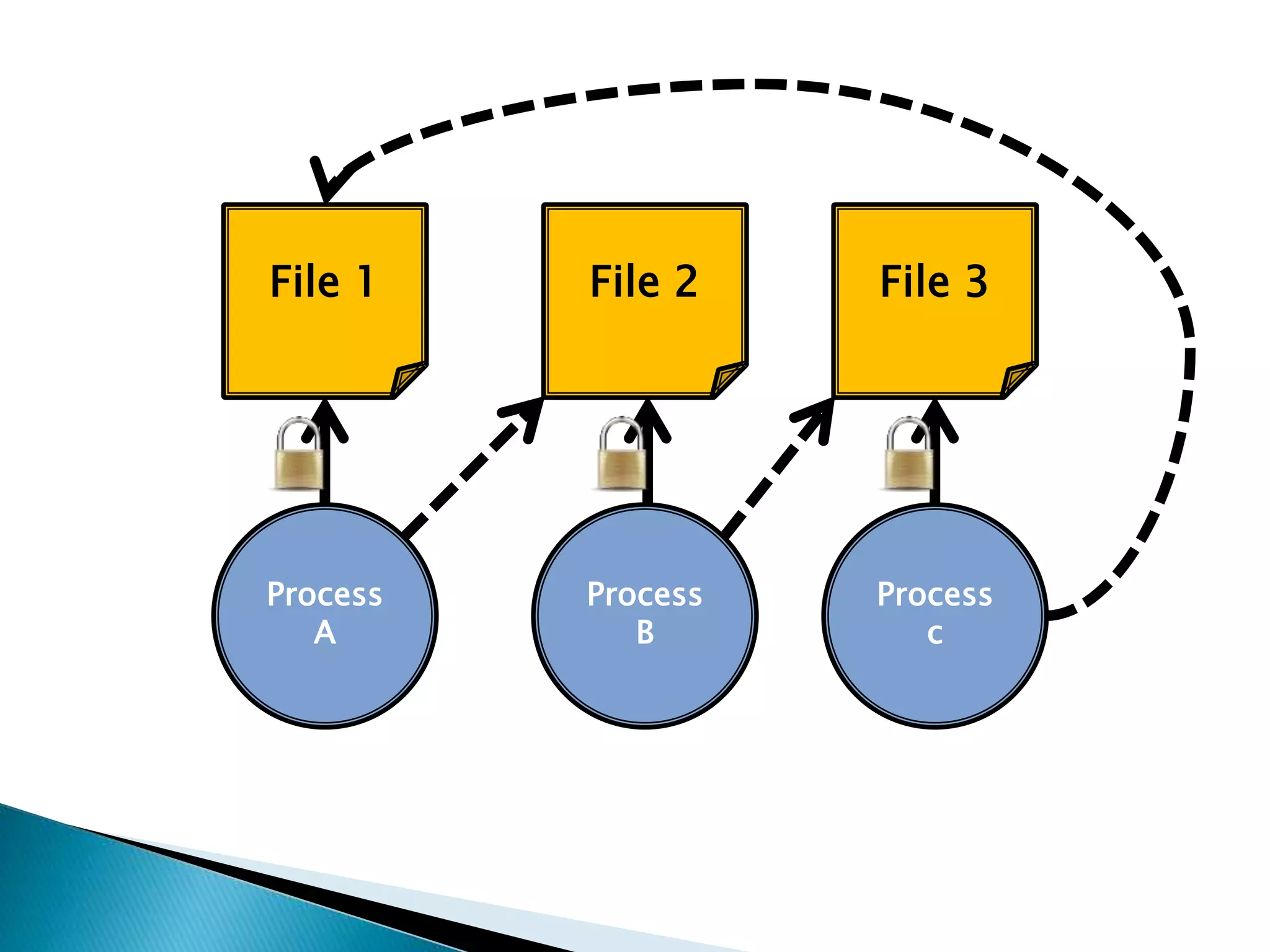
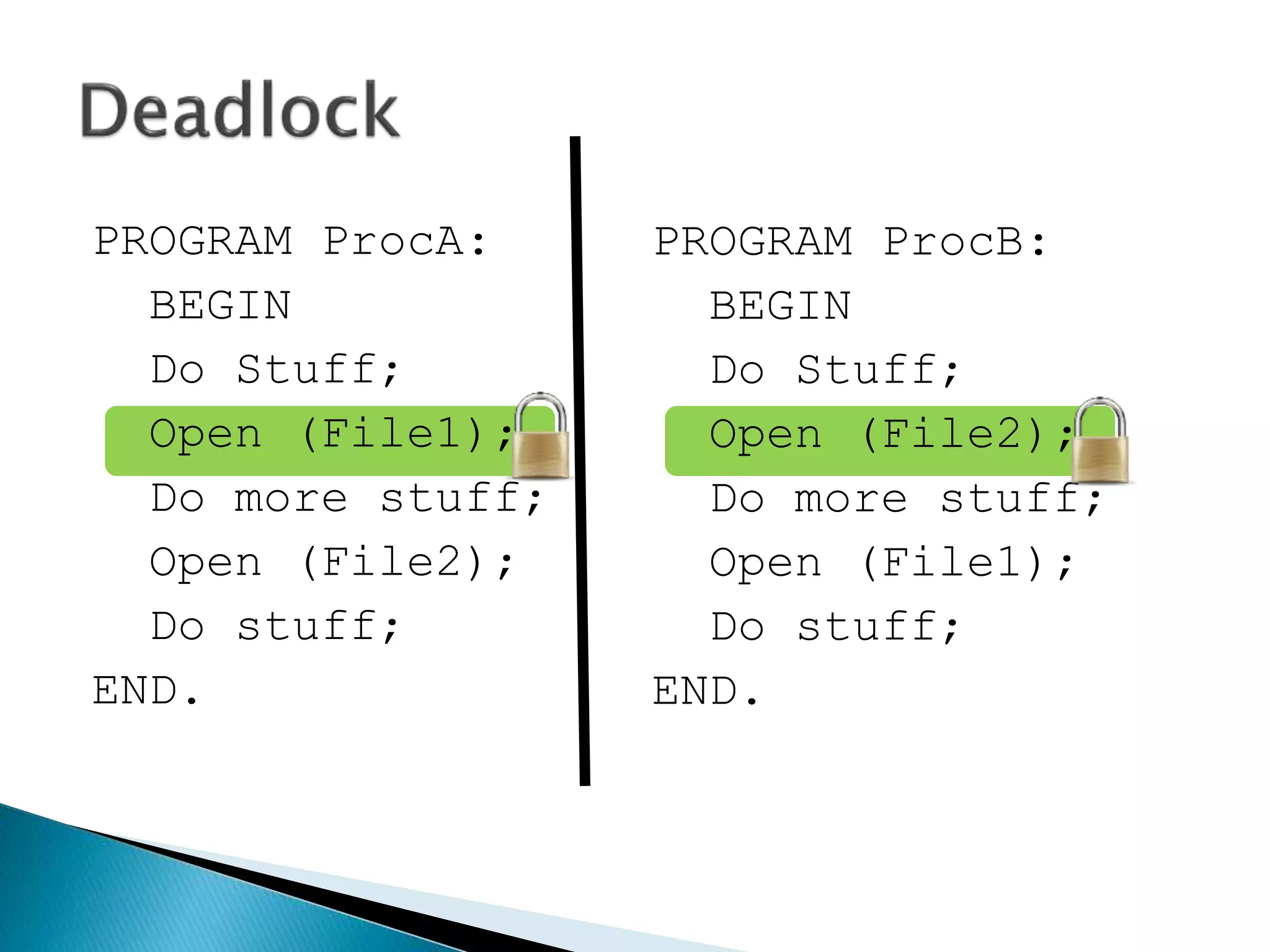
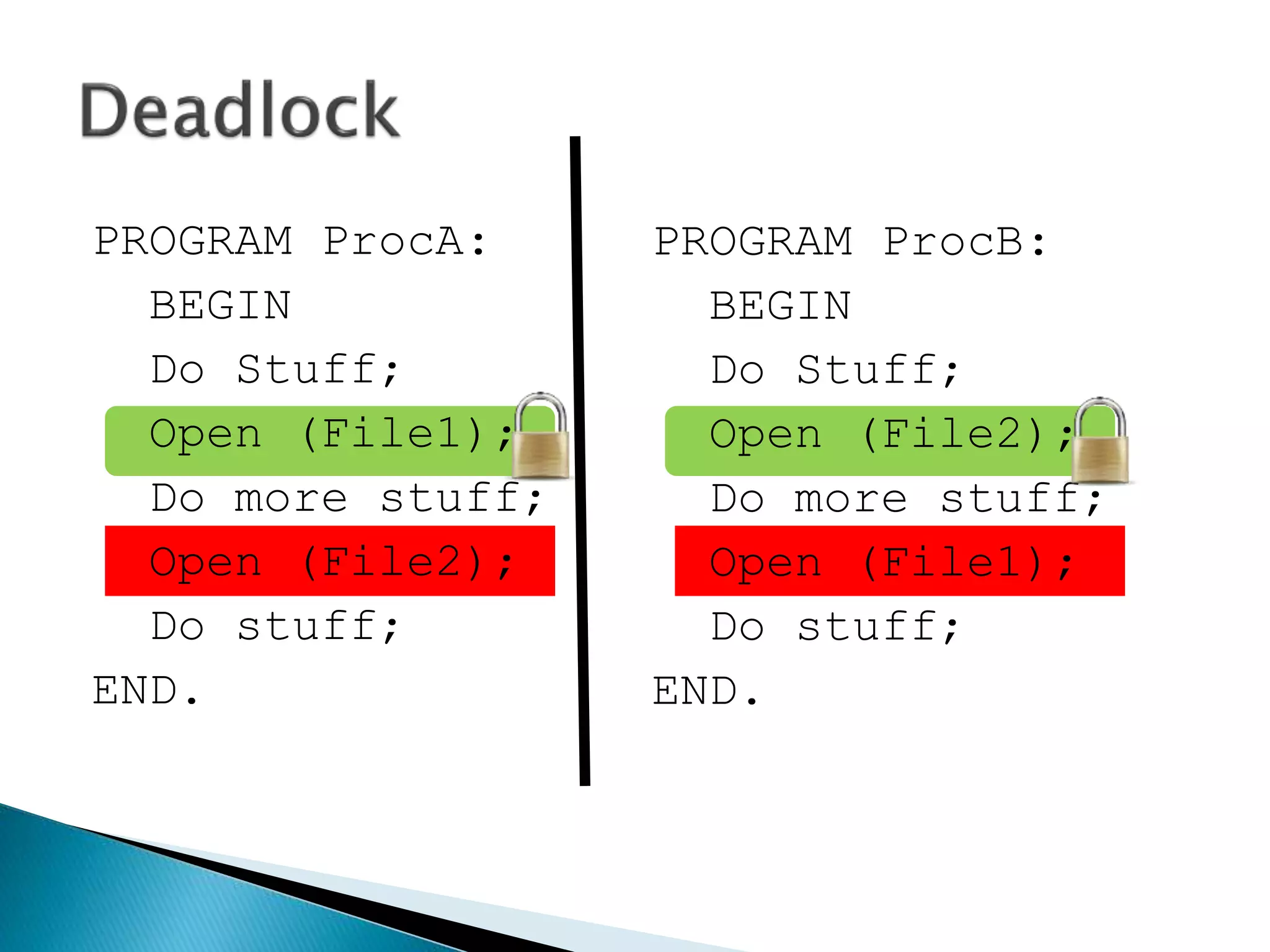
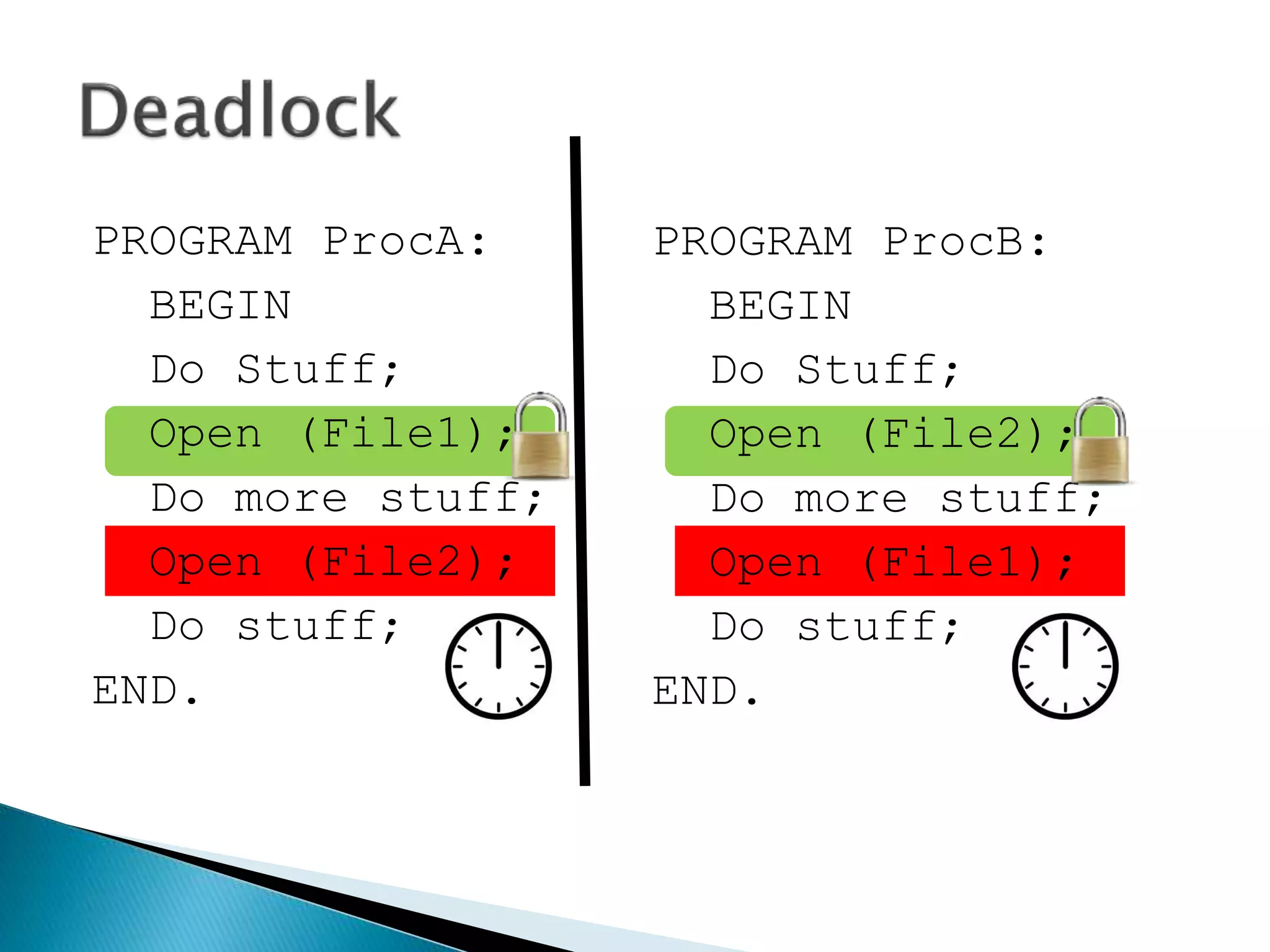
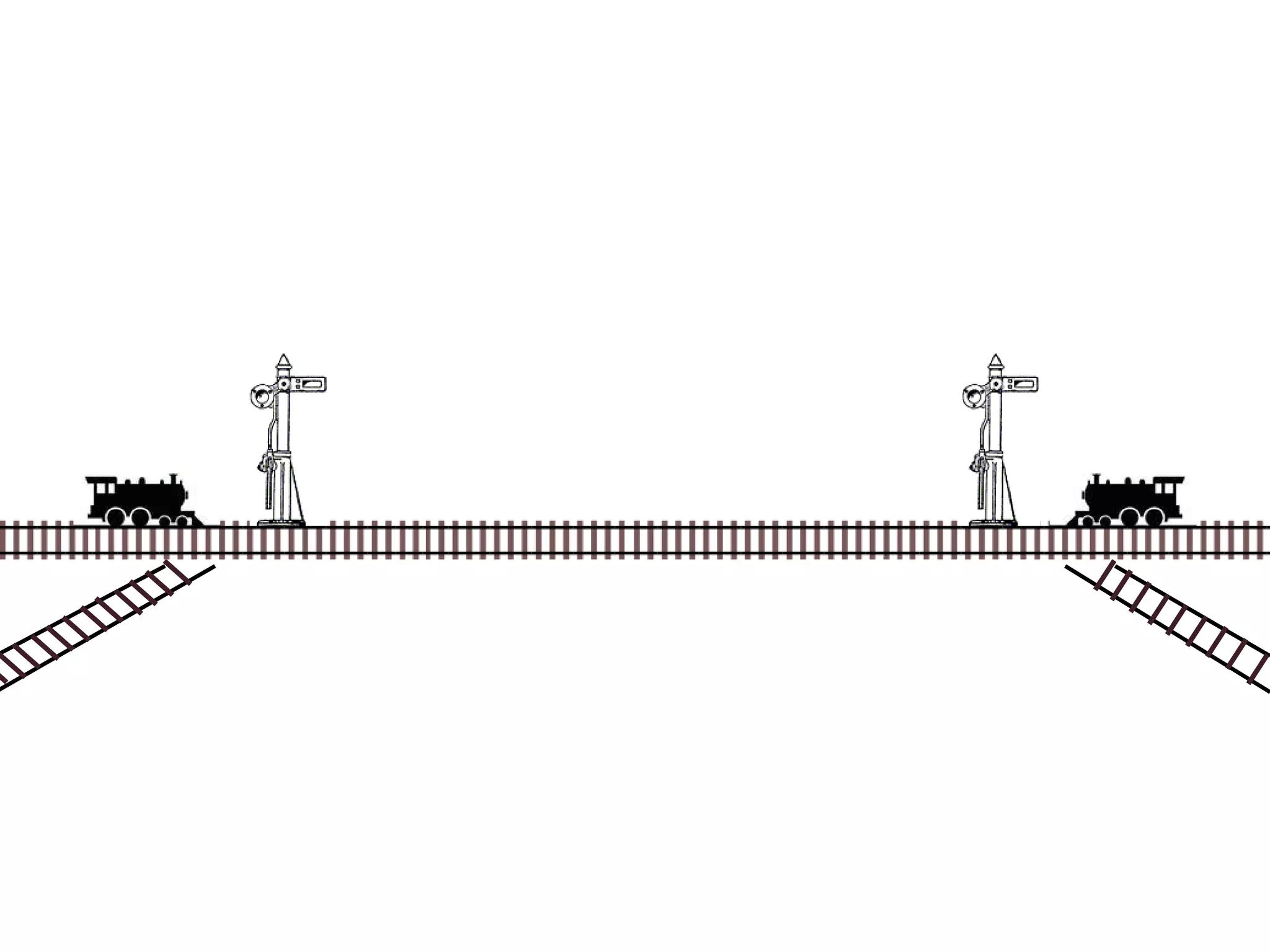
 Deadlock can be said to occur when a process
is allocated some non-sharable resources
(such as files, printers or scanners), but is
forced to wait for other non-sharable
resources.
PROGRAM ProcA:
BEGIN
Do Stuff;
Open (File1);
Do more stuff;
Open (File2);
Do stuff;
END.
PROGRAM ProcA:
BEGIN
Do Stuff;
Open (File1);
Do more stuff;
Open (File2);
Do stuff;
END.
PROGRAM ProcA:
BEGIN
Do Stuff;
Open (File1);
Do more stuff;
Open (File2);
Do stuff;
END.
PROGRAM ProcA:
BEGIN
Do Stuff;
Open (File1);
Do more stuff;
Open (File2);
Do stuff;
END.
PROGRAM ProcA:
BEGIN
Do Stuff;
Open (File1);
Do more stuff;
Open (File2);
Do stuff;
END.
YES
PROGRAM ProcA:
BEGIN
Do Stuff;
Open (File1);
Do more stuff;
Open (File2);
Do stuff;
END.
Continue
PROGRAM ProcA:
BEGIN
Do Stuff;
Open (File1);
Do more stuff;
Open (File2);
Do stuff;
END.
PROGRAM ProcA:
BEGIN
Do Stuff;
Open (File1);
Do more stuff;
Open (File2);
Do stuff;
END.
PROGRAM ProcA:
BEGIN
Do Stuff;
Open (File1);
Do more stuff;
Open (File2);
Do stuff;
END.
NO
WAIT
PROGRAM ProcA:
BEGIN
Do Stuff;
Open (File1);
Do more stuff;
Open (File2);
Do stuff;
END.
WAIT
PROGRAM ProcA:
BEGIN
Do Stuff;
Open (File1);
Do more stuff;
Open (File2);
Do stuff;
END.
PROGRAM ProcA:
BEGIN
Do Stuff;
Open (File1);
Do more stuff;
Open (File2);
Do stuff;
END.
PROGRAM ProcA:
BEGIN
Do Stuff;
Open (File1);
Do more stuff;
Open (File2);
Do stuff;
END.
PROGRAM ProcB:
BEGIN
Do Stuff;
Open (File2);
Do more stuff;
Open (File1);
Do stuff;
END.
PROGRAM ProcA:
BEGIN
Do Stuff;
Open (File1);
Do more stuff;
Open (File2);
Do stuff;
END.
PROGRAM ProcB:
BEGIN
Do Stuff;
Open (File2);
Do more stuff;
Open (File1);
Do stuff;
END.
PROGRAM ProcA:
BEGIN
Do Stuff;
Open (File1);
Do more stuff;
Open (File2);
Do stuff;
END.
PROGRAM ProcB:
BEGIN
Do Stuff;
Open (File2);
Do more stuff;
Open (File1);
Do stuff;
END.
PROGRAM ProcA:
BEGIN
Do Stuff;
Open (File1);
Do more stuff;
Open (File2);
Do stuff;
END.
PROGRAM ProcB:
BEGIN
Do Stuff;
Open (File2);
Do more stuff;
Open (File1);
Do stuff;
END.
PROGRAM ProcA:
BEGIN
Do Stuff;
Open (File1);
Do more stuff;
Open (File2);
Do stuff;
END.
PROGRAM ProcB:
BEGIN
Do Stuff;
Open (File2);
Do more stuff;
Open (File1);
Do stuff;
END.
PROGRAM ProcA:
BEGIN
Do Stuff;
Open (File1);
Do more stuff;
Open (File2);
Do stuff;
END.
PROGRAM ProcB:
BEGIN
Do Stuff;
Open (File2);
Do more stuff;
Open (File1);
Do stuff;
END.
Process
A
File 1
File 2
Process
A
File 1
File 2
Process
A
File 1
File 2
Process
A
File 1
File 2
Process
A
File 1
File 2
Process
A
Process
B
Process
B
File 1
File 2
Process
B
File 1
File 2
Process
B
File 1
File 2
Process
B
File 1
File 2
Process
B
File 1
File 2
Process
B
File 1
File 2
Process
A
1. Deadlock on file requests
2. Deadlock in databases
3. Deadlock in dedicated device allocation
4. Deadlock in multiple device allocation
5. Deadlock in spooling
6. Deadlock in a network
7. Deadlock in disk sharing
 We just saw it:
 We just saw it:
Process
B
File 1
File 2
Process
A
 Only occurs because a process is allowed to
lock a resource for the duration of its
execution.
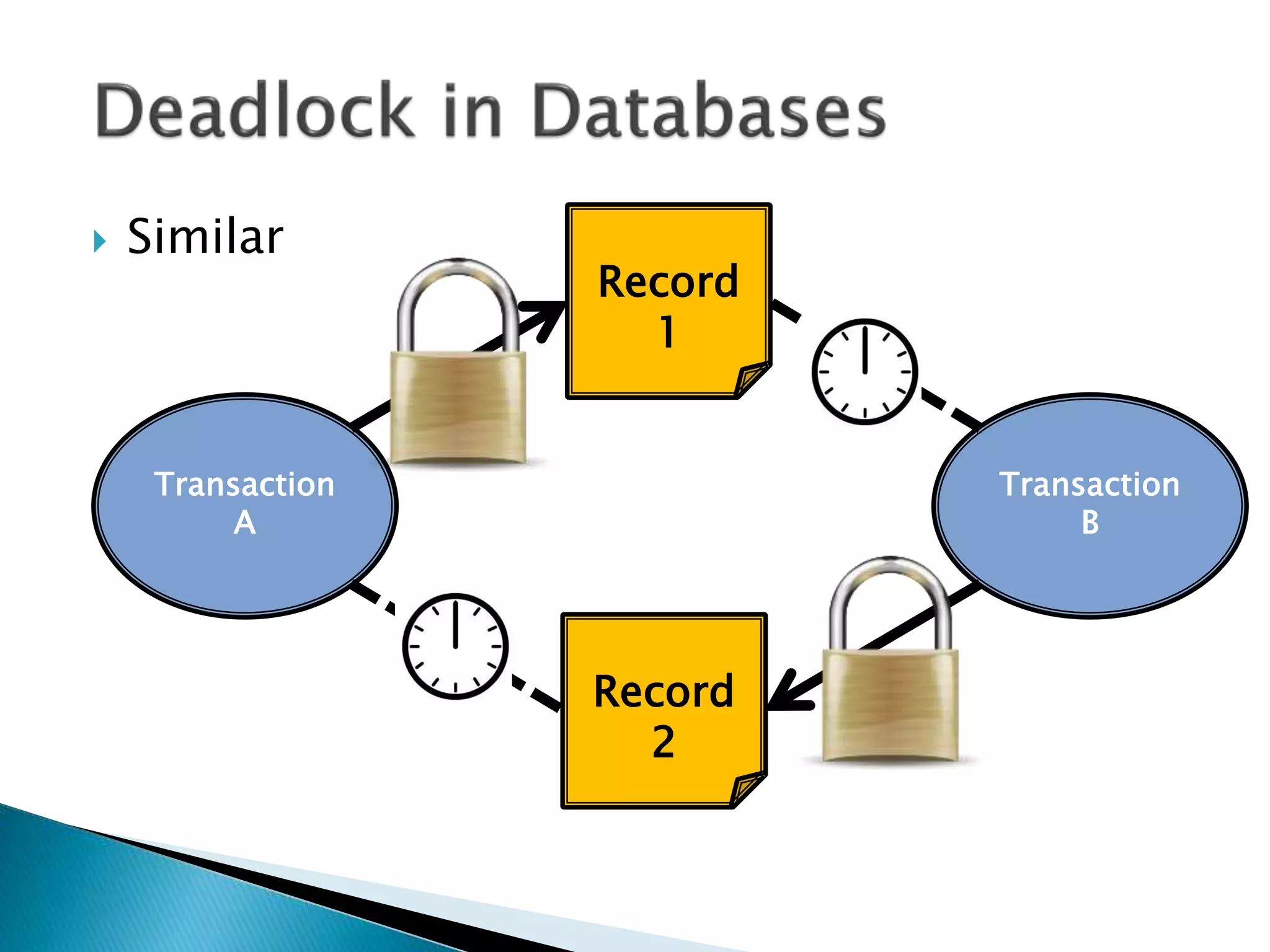
 Similar
Transaction
B
Record
1
Record
2
Transaction
A
Begin transaction TA:
read balance1 [ 100 ]
balance1 = balance1 - 100
if balance < 0
print “insufficient funds”
abort T1
end
write balance1 [ 0 ]
read balance2 [ 100 ]
Begin transaction TA:
read balance1 [ 100 ]
balance1 = balance1 - 100
if balance < 0
print “insufficient funds”
abort T1
end
write balance1 [ 0 ]
read balance2 [ 100 ]
Begin transaction TB:
read balance2 [ 100 ]
balance2 = balance2 - 100
if balance < 0
print “insufficient funds”
abort T2
end
write balance2 [ 0 ]
read balance1 [ 100 ]
Begin transaction TB:
read balance2 [ 100 ]
balance2 = balance2 - 100
if balance < 0
print “insufficient funds”
abort T2
end
write balance2 [ 0 ]
read balance1 [ 100 ]
Begin transaction TA:
read balance1 [ 100 ]
balance1 = balance1 - 100
if balance < 0
print “insufficient funds”
abort T1
end
write balance1 [ 0 ]
read balance2 [ 100 ]
Begin transaction TB:
read balance2 [ 100 ]
balance2 = balance2 - 100
if balance < 0
print “insufficient funds”
abort T2
end
write balance2 [ 0 ]
read balance1 [ 100 ]
Begin transaction TA:
read balance1 [ 100 ]
balance1 = balance1 - 100
if balance < 0
print “insufficient funds”
abort T1
end
write balance1 [ 0 ]
read balance2 [ 100 ]
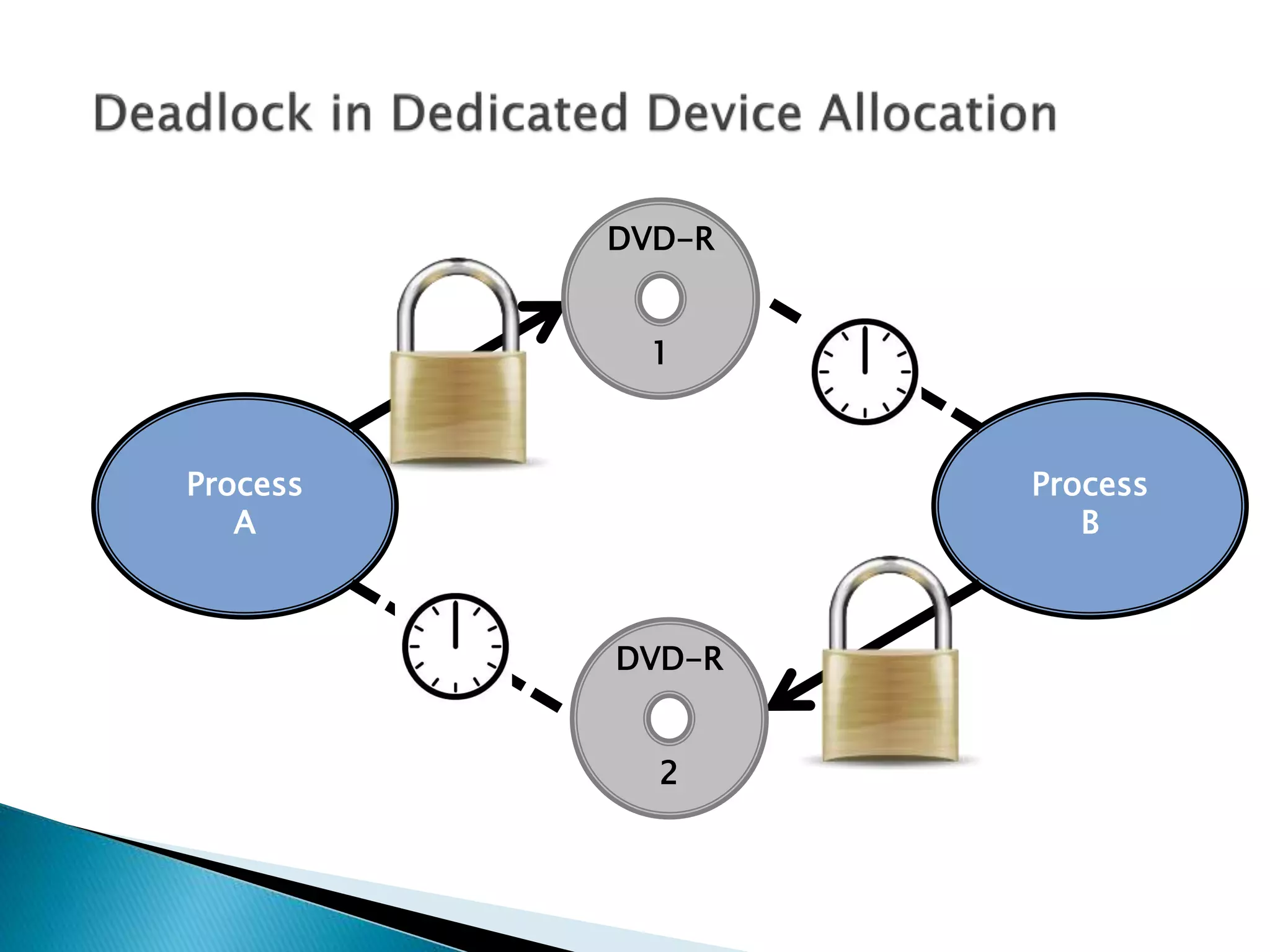
 For example DVD Read/Write drives
Process
B
Process
A
DVD-R
1
DVD-R
2
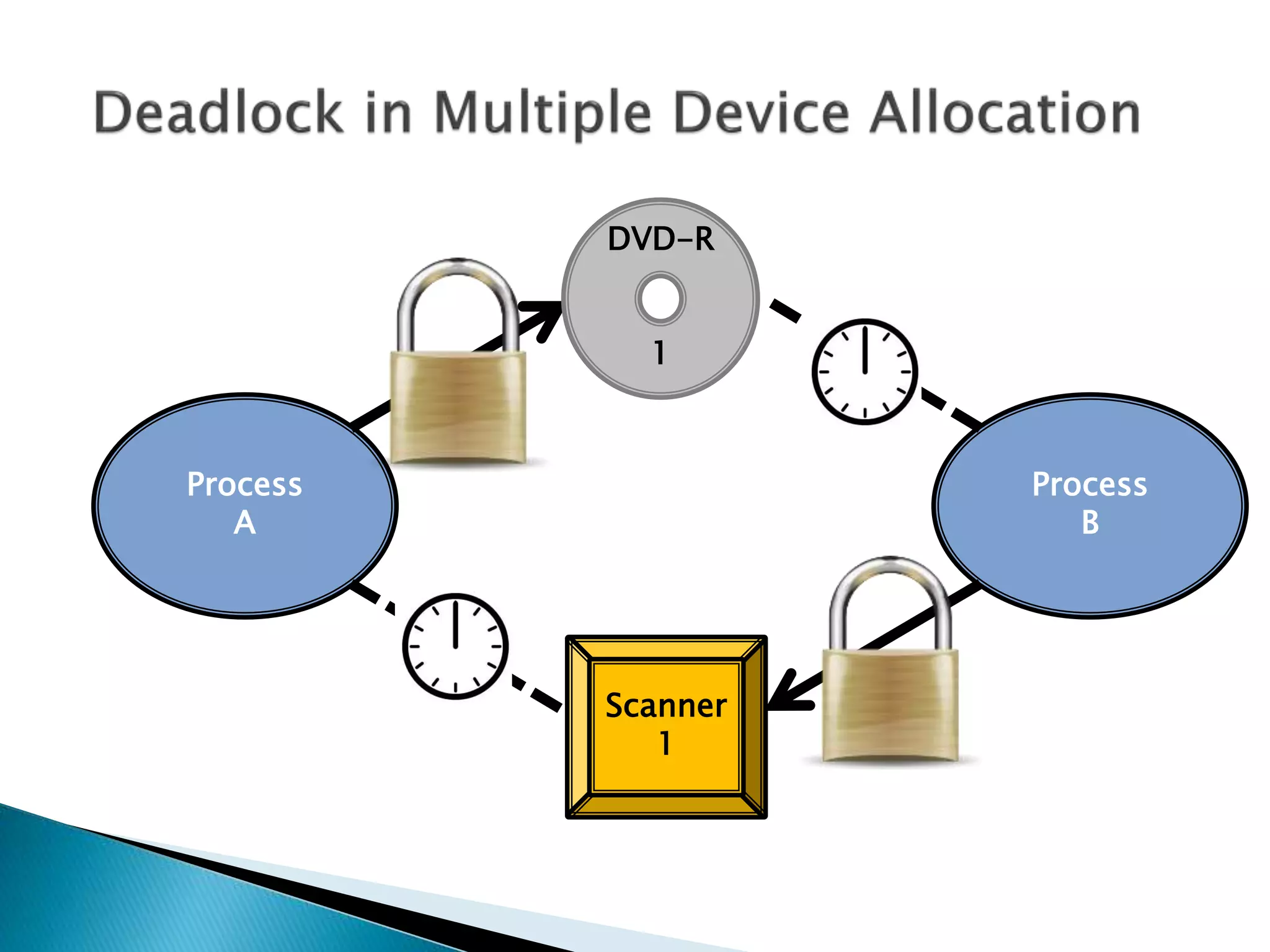
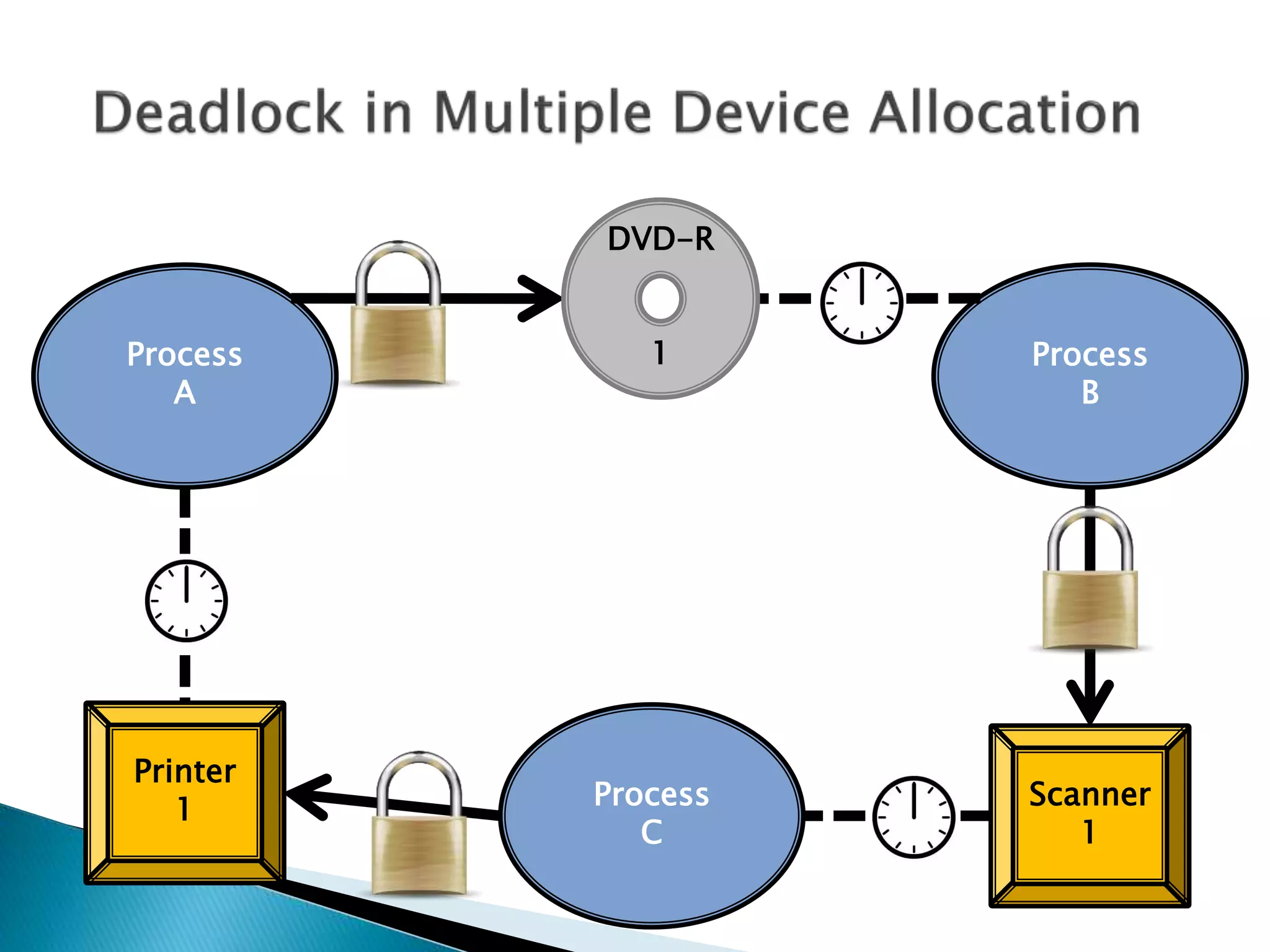
 More than over device, e.g. DVD-R, printer,
scanner.
Process
B
Process
A
DVD-R
1
Scanner
1
Process
B
Process
A
DVD-R
1
Scanner
1
Process
C
Printer
1
 What is Spooling?
 What is Spooling?
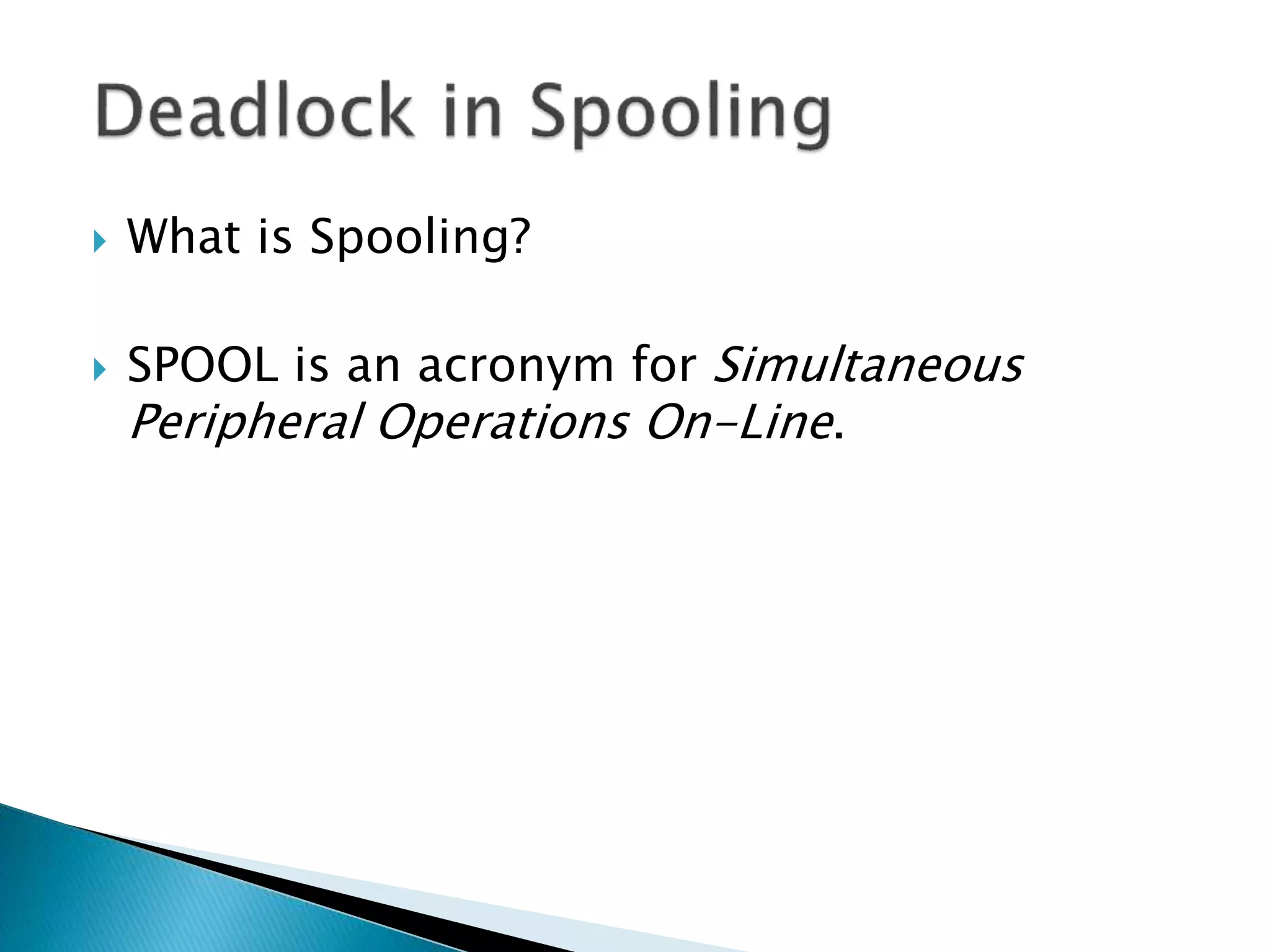
 SPOOL is an acronym for Simultaneous
Peripheral Operations On-Line.
 What is Spooling?
 SPOOL is an acronym for Simultaneous
Peripheral Operations On-Line.
 What is Spooling?
 SPOOL is an acronym for Simultaneous
Peripheral Operations On-Line.
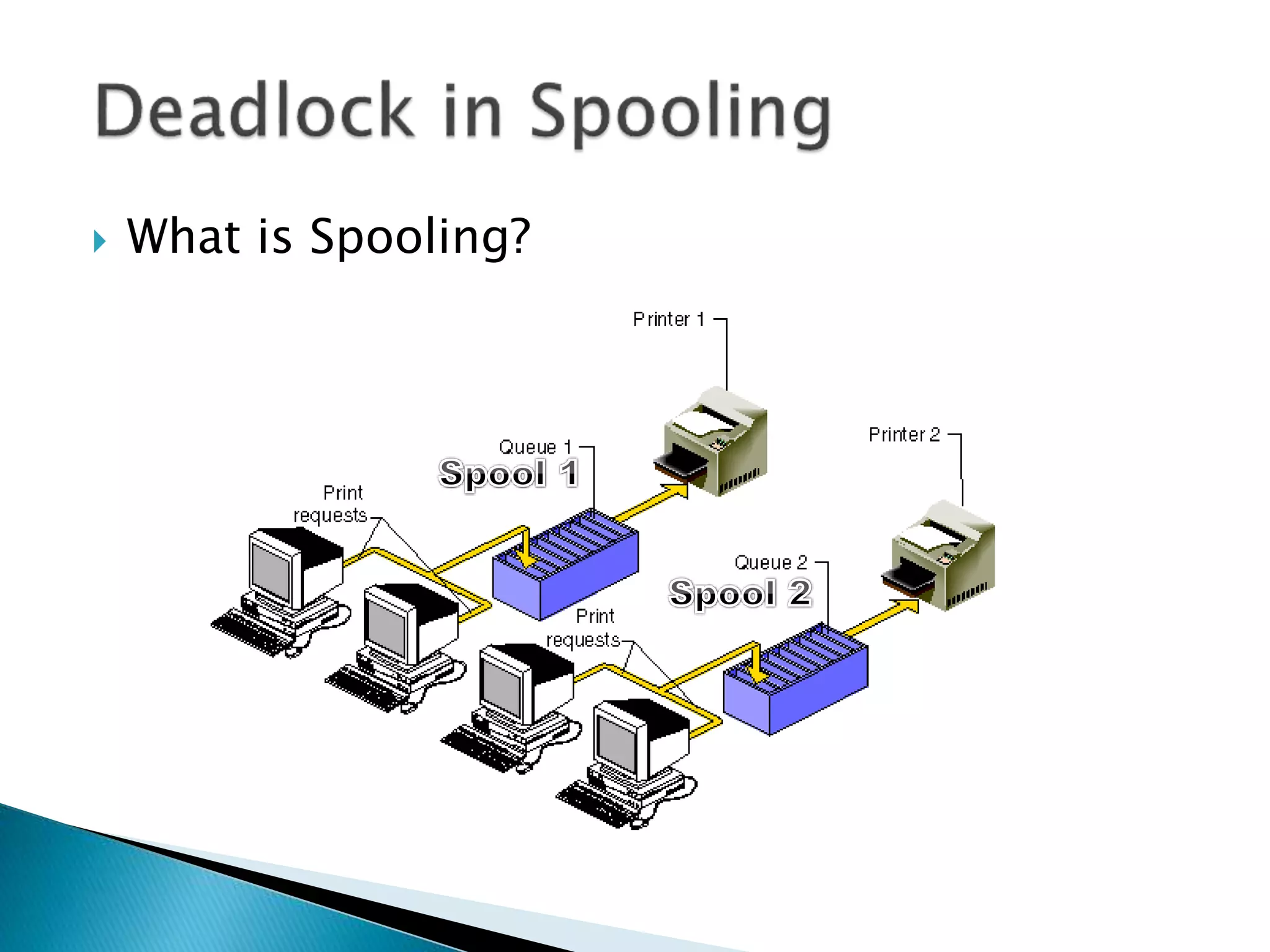
 A simple example of a spooling application is
print spooling, which places a print job a
queue for extended or later processing.
 What is Spooling?
 If all 108 of you guys had a 10-page
assignment you had to hand up by 11am and
you all printed your files at the same time at
10:55am, the spool might first accept page 1
from everyone, then page 2, and so on.,, but
if it gets to page 9 and then the spooler is
full, things get stuck. The printer might not
want to print any jobs unless it has a full 10
pages from any one job, so we are
deadlocked.
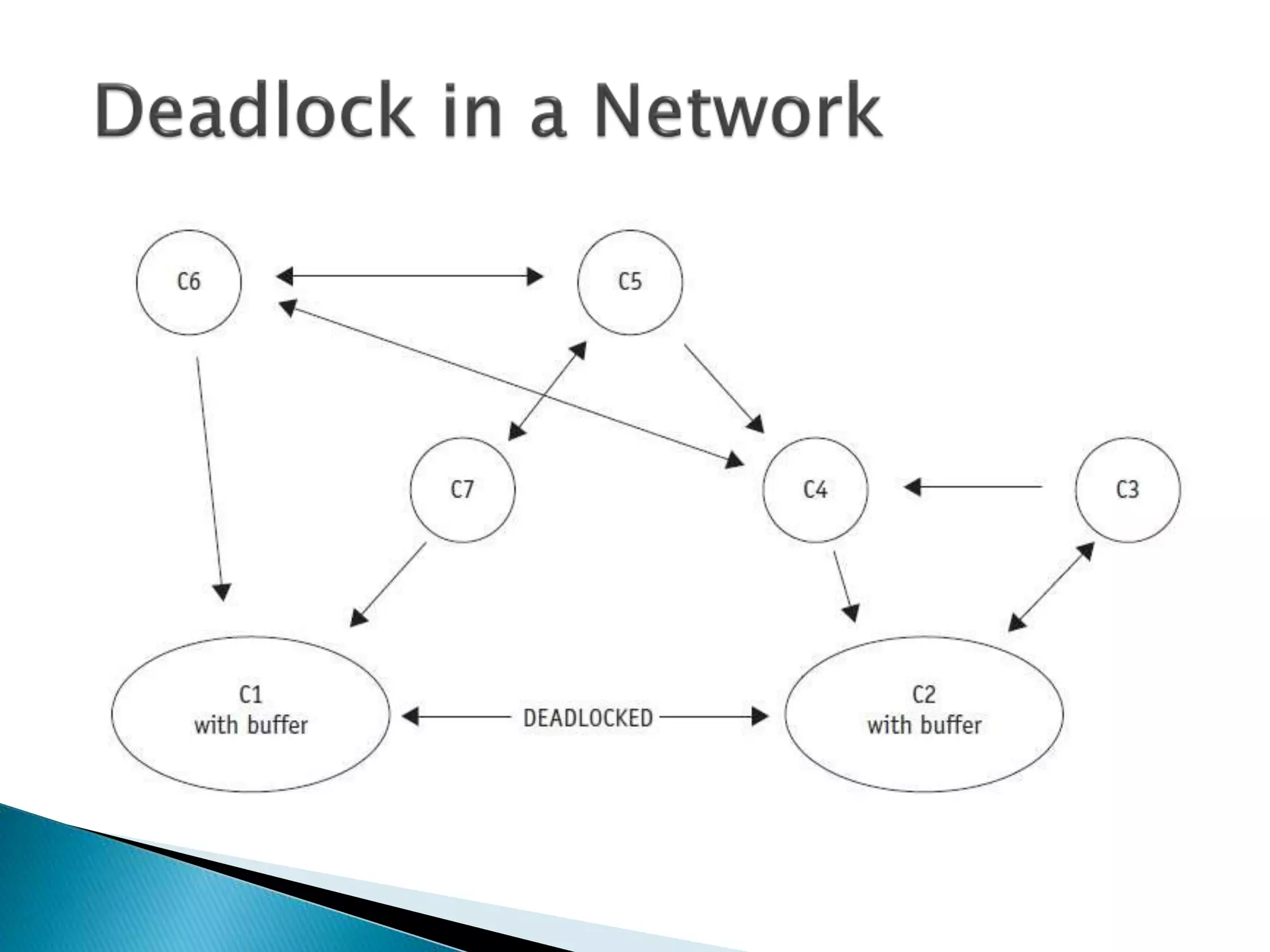
 For example, a medium-sized word-
processing centre has seven computers on a
network, each on different nodes. C1 receives
messages from nodes C2, C6, and C7 and
sends messages to only one: C2. C2 receives
messages from nodes C1, C3, and C4 and
sends messages to only C1 and C3. The
direction of the arrows in the diagram
indicates the flow of messages.
 Messages received by C1 from C6 and C7 and
destined for C2 are buffered in an output
queue. Messages received by C2 from C3 and
C4 and destined for C1 are buffered in an
output queue. As the traffic increases, the
length of each output queue increases until
all of the available buffer space is filled. At
this point C1 can’t accept any more messages
(from C2 or any other computer) because
there’s no more buffer space available to
store them.
 For the same reason, C2 can’t accept any
messages from C1 or any other computer,
not even a request to send. The
communication path between C1 and C2
becomes deadlocked; and because C1 can’t
send messages to any other computer except
C2 and can only receive messages from C6
and C7, those routes also become
deadlocked. C1 can’t send word to C2 about
the problem and so the deadlock can’t be
resolved without outside intervention.
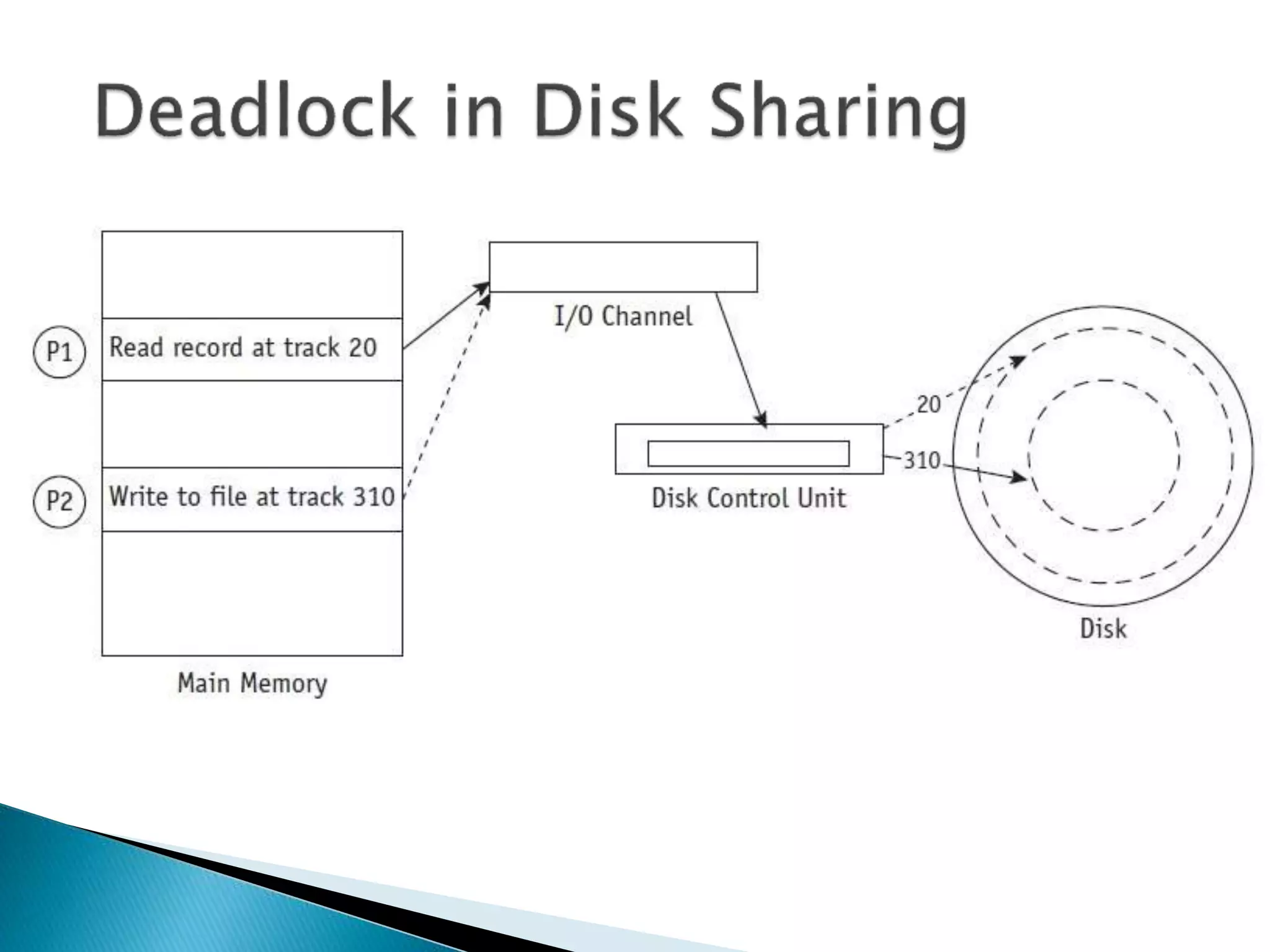
 For example, at an insurance company the
system performs many daily transactions.
One day the following series of events ties up
the system:
 1. Customer Service (P1) wishes to show a
payment so it issues a command to read the
balance, which is stored on track 20 of a disk.
 2. While the control unit is moving the arm to
track 20, P1 is put on hold and the I/O
channel is free to process the next I/O
request.
 3. While the arm is moving into position,
Accounts Payable (P2) gains control of the I/O
channel and issues a command to write
someone else’s payment to a record stored
on track 310. If the command is not “locked
out,” P2 will be put on hold while the control
unit moves the arm to track 310.
 4. Because P2 is “on hold” while the arm is
moving, the channel can be captured again by
P1, which reconfirms its command to “read
from track 20.”
 5. Because the last command from P2 had
forced the arm mechanism to track 310, the
disk control unit begins to reposition the arm
to track 20 to satisfy P1. The I/O channel
would be released because P1 is once again
put on hold, so it could be captured by P2,
which issues a WRITE command only to
discover that the arm mechanism needs to be
repositioned.
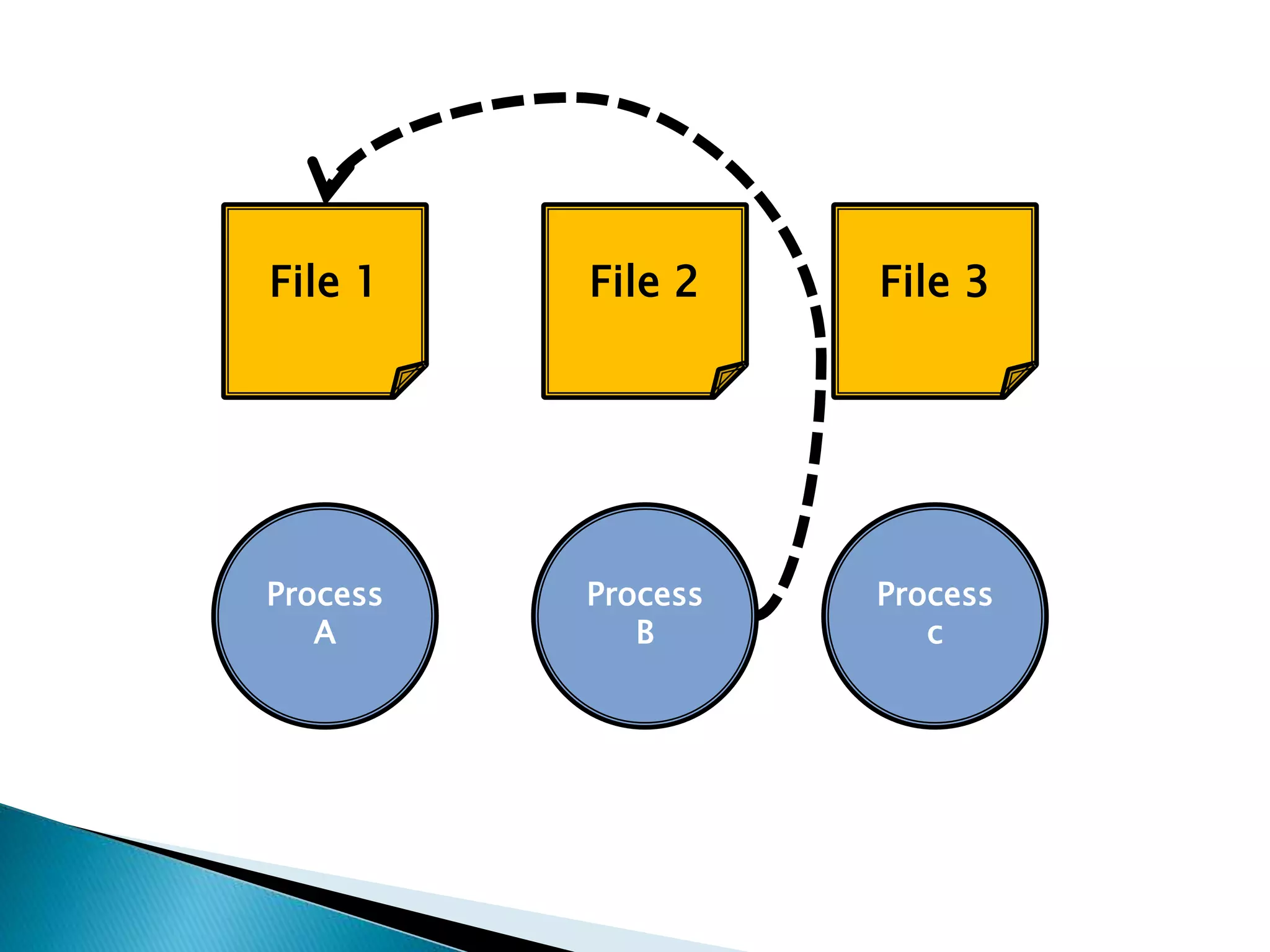
 This is LIVELOCK.
Process
B
File 1
Process
A
File 2 File 3
Process
c
Process
B
File 1
Process
A
File 2 File 3
Process
c
Process
B
File 1
Process
A
File 2 File 3
Process
c
Process
B
File 1
Process
A
File 2 File 3
Process
c
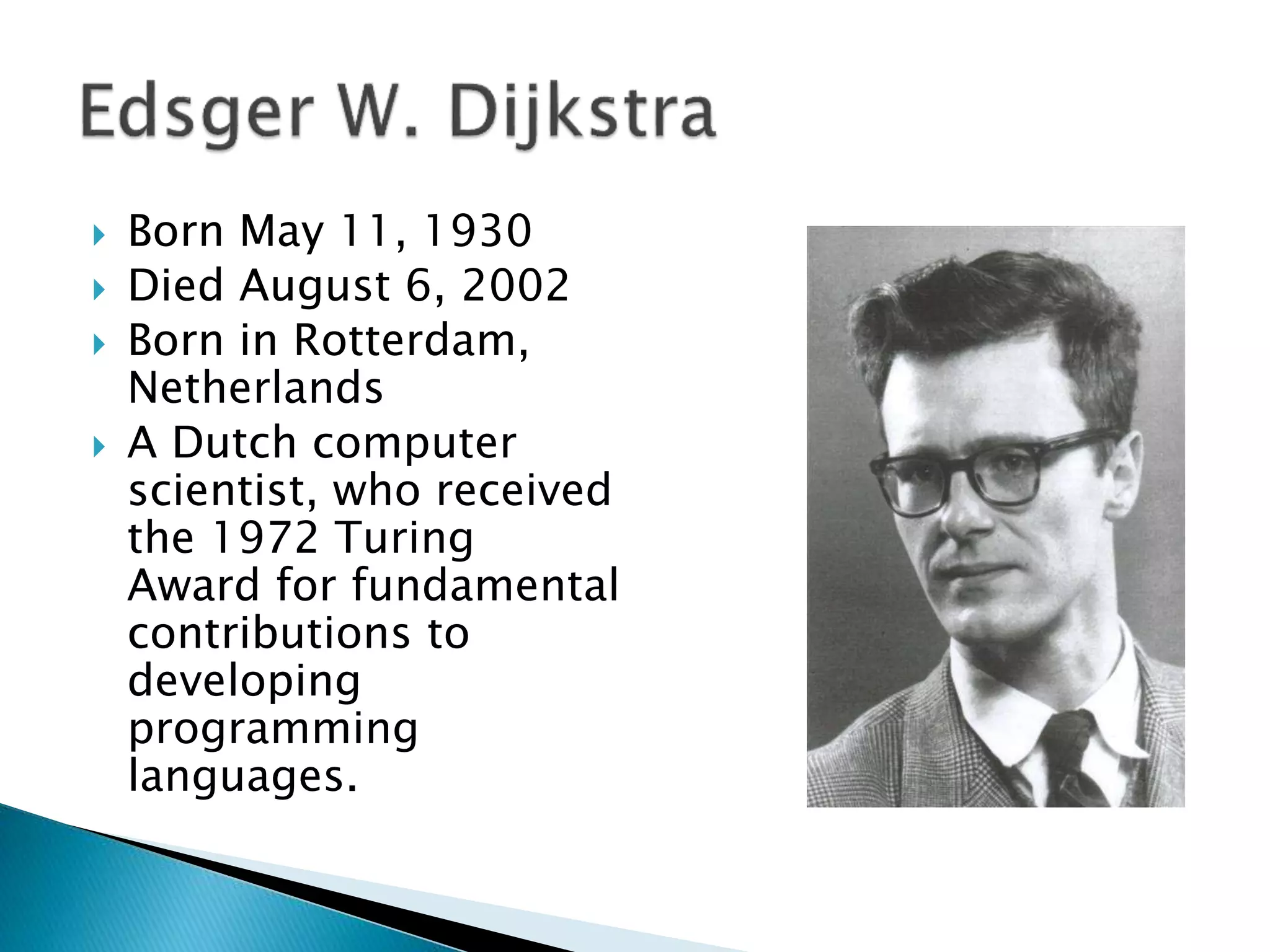
 Born May 11, 1930
 Died August 6, 2002
 Born in Rotterdam,
Netherlands
 A Dutch computer
scientist, who received
the 1972 Turing
Award for fundamental
contributions to
developing
programming
languages.
Operating Systems: Process Scheduling

Operating Systems: Process Scheduling

  • 1.
  • 3.
     What aregood policies to schedule processes?
  • 4.
     What aregood policies to schedule processes? 1. Maximum Throughput 2. Minimize Response Time 3. Minimize Turnaround Time 4. Minimize Waiting Time 5. Maximise CPU Efficiency 6. Ensure Fairness For All Jobs
  • 5.
     MAXIMUM THROUGHPUT Get as many jobs done as quickly as possible.  There are several ways to achieve this, e.g. run only short jobs, run jobs without interruptions.
  • 6.
     MINIMIZE RESPONSETIME  Ensure that interactive requests are dealt with as quickly as possible.  This could be achieved by scheduling just with a lot of I/O jobs first, and leave the computational jobs for later.
  • 7.
     MINIMIZE TURNAROUNDTIME  Ensure that jobs are completed as quickly as possible.  This could be achieved by scheduling just with a lot of computation jobs first, and leave the I/O jobs for later, so there is no user delays.
  • 8.
     MINIMIZE WAITINGTIME  Move jobs out of the READY status as soon as possible.  This could be achieved by reduce the number of users allowed on the system, so that the CPU would be available whenever a job enters the READY status.
  • 9.
     MAXIMISE CPUEFFICIENCY  Keep the CPU busy 100% of the time.  This could be achieved by scheduling just with a lot of computation jobs, and never run the I/O jobs.
  • 10.
     ENSURE FAIRNESSFOR ALL JOBS  Give everyone an equal amount of CPU time and I/O time.  This could be achieved by giving all jobs equal priority, regardless of it’s characteristics.
  • 12.
     Here aresix commonly used process scheduling algorithms
  • 13.
     Here aresix commonly used process scheduling algorithms 1. First Come, First Served (FCFS) 2. Shortest Job Next (SJN) 3. Priority Scheduling 4. Shortest Remaining Time (SRT) 5. Round Robin 6. Multi-Level Queues
  • 14.
     First Come,First Served (FCFS)  A very simple algorithm that uses a FIFO structure.  Implemented as a non-pre-emptive scheduling algorithm.  Works well for Batch Processes, where users don’t expect any interaction.
  • 15.
     Shortest JobNext (SJN)  Also called Shortest Job First (SJF).  A very simple algorithm that schedules processes based on CPU cycle time.  Implemented as a non-pre-emptive scheduling algorithm.  Works well for Batch Processes, where it is easy to estimate CPU time.
  • 16.
     Priority Scheduling An algorithm that schedules processes based on priority.  Implemented as a non-pre-emptive scheduling algorithm.  One of the most common algorithms used in systems that are mainly Batch Processes.  If two jobs come in of equal priority are READY, if works on a FIRST COME, FIRST SERVED basis.
  • 17.
     Shortest RemainingTime (SRT)  A pre-emptive scheduling version of the Shortest Job Next (SJN) algorithm.  An algorithm that schedules processes based on the one which is nearest to completion.  It can only be implemented on systems that are only Batch Processes, since you have to know the CPU time required to complete each job.
  • 18.
     Round Robin A pre-emptive scheduling algorithm that is used extensively in interactive systems  All active processes are given a pre- determined slice of time (“time quantum”).  Choosing the time quantum is the key decision, for interactive systems the quantum must be small, whereas for batch systems it can be longer.
  • 19.
     Multi-Level Queues This isn’t really a separate scheduling algorithm, it can be used with others.  Jobs are grouped together based on common characteristics.  For example, CPU-bound jobs based in one queue, and the I/O-bound jobs in another queue, and the process scheduler can select jobs from each queue based on balancing the load.
  • 21.
     Deadlock canbe said to occur when a process is allocated some non-sharable resources (such as files, printers or scanners), but is forced to wait for other non-sharable resources.
  • 22.
    PROGRAM ProcA: BEGIN Do Stuff; Open(File1); Do more stuff; Open (File2); Do stuff; END.
  • 23.
    PROGRAM ProcA: BEGIN Do Stuff; Open(File1); Do more stuff; Open (File2); Do stuff; END.
  • 24.
    PROGRAM ProcA: BEGIN Do Stuff; Open(File1); Do more stuff; Open (File2); Do stuff; END.
  • 25.
    PROGRAM ProcA: BEGIN Do Stuff; Open(File1); Do more stuff; Open (File2); Do stuff; END.
  • 26.
    PROGRAM ProcA: BEGIN Do Stuff; Open(File1); Do more stuff; Open (File2); Do stuff; END. YES
  • 27.
    PROGRAM ProcA: BEGIN Do Stuff; Open(File1); Do more stuff; Open (File2); Do stuff; END. Continue
  • 28.
    PROGRAM ProcA: BEGIN Do Stuff; Open(File1); Do more stuff; Open (File2); Do stuff; END.
  • 29.
    PROGRAM ProcA: BEGIN Do Stuff; Open(File1); Do more stuff; Open (File2); Do stuff; END.
  • 30.
    PROGRAM ProcA: BEGIN Do Stuff; Open(File1); Do more stuff; Open (File2); Do stuff; END. NO
  • 31.
    WAIT PROGRAM ProcA: BEGIN Do Stuff; Open(File1); Do more stuff; Open (File2); Do stuff; END.
  • 32.
    WAIT PROGRAM ProcA: BEGIN Do Stuff; Open(File1); Do more stuff; Open (File2); Do stuff; END.
  • 33.
    PROGRAM ProcA: BEGIN Do Stuff; Open(File1); Do more stuff; Open (File2); Do stuff; END.
  • 34.
    PROGRAM ProcA: BEGIN Do Stuff; Open(File1); Do more stuff; Open (File2); Do stuff; END. PROGRAM ProcB: BEGIN Do Stuff; Open (File2); Do more stuff; Open (File1); Do stuff; END.
  • 35.
    PROGRAM ProcA: BEGIN Do Stuff; Open(File1); Do more stuff; Open (File2); Do stuff; END. PROGRAM ProcB: BEGIN Do Stuff; Open (File2); Do more stuff; Open (File1); Do stuff; END.
  • 36.
    PROGRAM ProcA: BEGIN Do Stuff; Open(File1); Do more stuff; Open (File2); Do stuff; END. PROGRAM ProcB: BEGIN Do Stuff; Open (File2); Do more stuff; Open (File1); Do stuff; END.
  • 37.
    PROGRAM ProcA: BEGIN Do Stuff; Open(File1); Do more stuff; Open (File2); Do stuff; END. PROGRAM ProcB: BEGIN Do Stuff; Open (File2); Do more stuff; Open (File1); Do stuff; END.
  • 38.
    PROGRAM ProcA: BEGIN Do Stuff; Open(File1); Do more stuff; Open (File2); Do stuff; END. PROGRAM ProcB: BEGIN Do Stuff; Open (File2); Do more stuff; Open (File1); Do stuff; END.
  • 39.
    PROGRAM ProcA: BEGIN Do Stuff; Open(File1); Do more stuff; Open (File2); Do stuff; END. PROGRAM ProcB: BEGIN Do Stuff; Open (File2); Do more stuff; Open (File1); Do stuff; END.
  • 40.
  • 41.
  • 42.
  • 43.
  • 44.
  • 45.
  • 46.
  • 47.
  • 48.
  • 49.
  • 50.
  • 51.
  • 52.
  • 53.
    1. Deadlock onfile requests 2. Deadlock in databases 3. Deadlock in dedicated device allocation 4. Deadlock in multiple device allocation 5. Deadlock in spooling 6. Deadlock in a network 7. Deadlock in disk sharing
  • 54.
     We justsaw it:
  • 55.
     We justsaw it: Process B File 1 File 2 Process A
  • 56.
     Only occursbecause a process is allowed to lock a resource for the duration of its execution.
  • 57.
  • 58.
    Begin transaction TA: readbalance1 [ 100 ] balance1 = balance1 - 100 if balance < 0 print “insufficient funds” abort T1 end write balance1 [ 0 ] read balance2 [ 100 ]
  • 59.
    Begin transaction TA: readbalance1 [ 100 ] balance1 = balance1 - 100 if balance < 0 print “insufficient funds” abort T1 end write balance1 [ 0 ] read balance2 [ 100 ] Begin transaction TB: read balance2 [ 100 ] balance2 = balance2 - 100 if balance < 0 print “insufficient funds” abort T2 end write balance2 [ 0 ] read balance1 [ 100 ]
  • 60.
    Begin transaction TB: readbalance2 [ 100 ] balance2 = balance2 - 100 if balance < 0 print “insufficient funds” abort T2 end write balance2 [ 0 ] read balance1 [ 100 ] Begin transaction TA: read balance1 [ 100 ] balance1 = balance1 - 100 if balance < 0 print “insufficient funds” abort T1 end write balance1 [ 0 ] read balance2 [ 100 ]
  • 61.
    Begin transaction TB: readbalance2 [ 100 ] balance2 = balance2 - 100 if balance < 0 print “insufficient funds” abort T2 end write balance2 [ 0 ] read balance1 [ 100 ] Begin transaction TA: read balance1 [ 100 ] balance1 = balance1 - 100 if balance < 0 print “insufficient funds” abort T1 end write balance1 [ 0 ] read balance2 [ 100 ]
  • 62.
     For exampleDVD Read/Write drives
  • 63.
  • 64.
     More thanover device, e.g. DVD-R, printer, scanner.
  • 65.
  • 66.
  • 67.
     What isSpooling?
  • 68.
     What isSpooling?  SPOOL is an acronym for Simultaneous Peripheral Operations On-Line.
  • 69.
     What isSpooling?  SPOOL is an acronym for Simultaneous Peripheral Operations On-Line.
  • 70.
     What isSpooling?  SPOOL is an acronym for Simultaneous Peripheral Operations On-Line.  A simple example of a spooling application is print spooling, which places a print job a queue for extended or later processing.
  • 71.
     What isSpooling?
  • 72.
     If all108 of you guys had a 10-page assignment you had to hand up by 11am and you all printed your files at the same time at 10:55am, the spool might first accept page 1 from everyone, then page 2, and so on.,, but if it gets to page 9 and then the spooler is full, things get stuck. The printer might not want to print any jobs unless it has a full 10 pages from any one job, so we are deadlocked.
  • 74.
     For example,a medium-sized word- processing centre has seven computers on a network, each on different nodes. C1 receives messages from nodes C2, C6, and C7 and sends messages to only one: C2. C2 receives messages from nodes C1, C3, and C4 and sends messages to only C1 and C3. The direction of the arrows in the diagram indicates the flow of messages.
  • 75.
     Messages receivedby C1 from C6 and C7 and destined for C2 are buffered in an output queue. Messages received by C2 from C3 and C4 and destined for C1 are buffered in an output queue. As the traffic increases, the length of each output queue increases until all of the available buffer space is filled. At this point C1 can’t accept any more messages (from C2 or any other computer) because there’s no more buffer space available to store them.
  • 76.
     For thesame reason, C2 can’t accept any messages from C1 or any other computer, not even a request to send. The communication path between C1 and C2 becomes deadlocked; and because C1 can’t send messages to any other computer except C2 and can only receive messages from C6 and C7, those routes also become deadlocked. C1 can’t send word to C2 about the problem and so the deadlock can’t be resolved without outside intervention.
  • 78.
     For example,at an insurance company the system performs many daily transactions. One day the following series of events ties up the system:
  • 79.
     1. CustomerService (P1) wishes to show a payment so it issues a command to read the balance, which is stored on track 20 of a disk.
  • 80.
     2. Whilethe control unit is moving the arm to track 20, P1 is put on hold and the I/O channel is free to process the next I/O request.
  • 81.
     3. Whilethe arm is moving into position, Accounts Payable (P2) gains control of the I/O channel and issues a command to write someone else’s payment to a record stored on track 310. If the command is not “locked out,” P2 will be put on hold while the control unit moves the arm to track 310.
  • 82.
     4. BecauseP2 is “on hold” while the arm is moving, the channel can be captured again by P1, which reconfirms its command to “read from track 20.”
  • 83.
     5. Becausethe last command from P2 had forced the arm mechanism to track 310, the disk control unit begins to reposition the arm to track 20 to satisfy P1. The I/O channel would be released because P1 is once again put on hold, so it could be captured by P2, which issues a WRITE command only to discover that the arm mechanism needs to be repositioned.
  • 84.
     This isLIVELOCK.
  • 86.
  • 87.
  • 88.
  • 89.
  • 91.
     Born May11, 1930  Died August 6, 2002  Born in Rotterdam, Netherlands  A Dutch computer scientist, who received the 1972 Turing Award for fundamental contributions to developing programming languages.