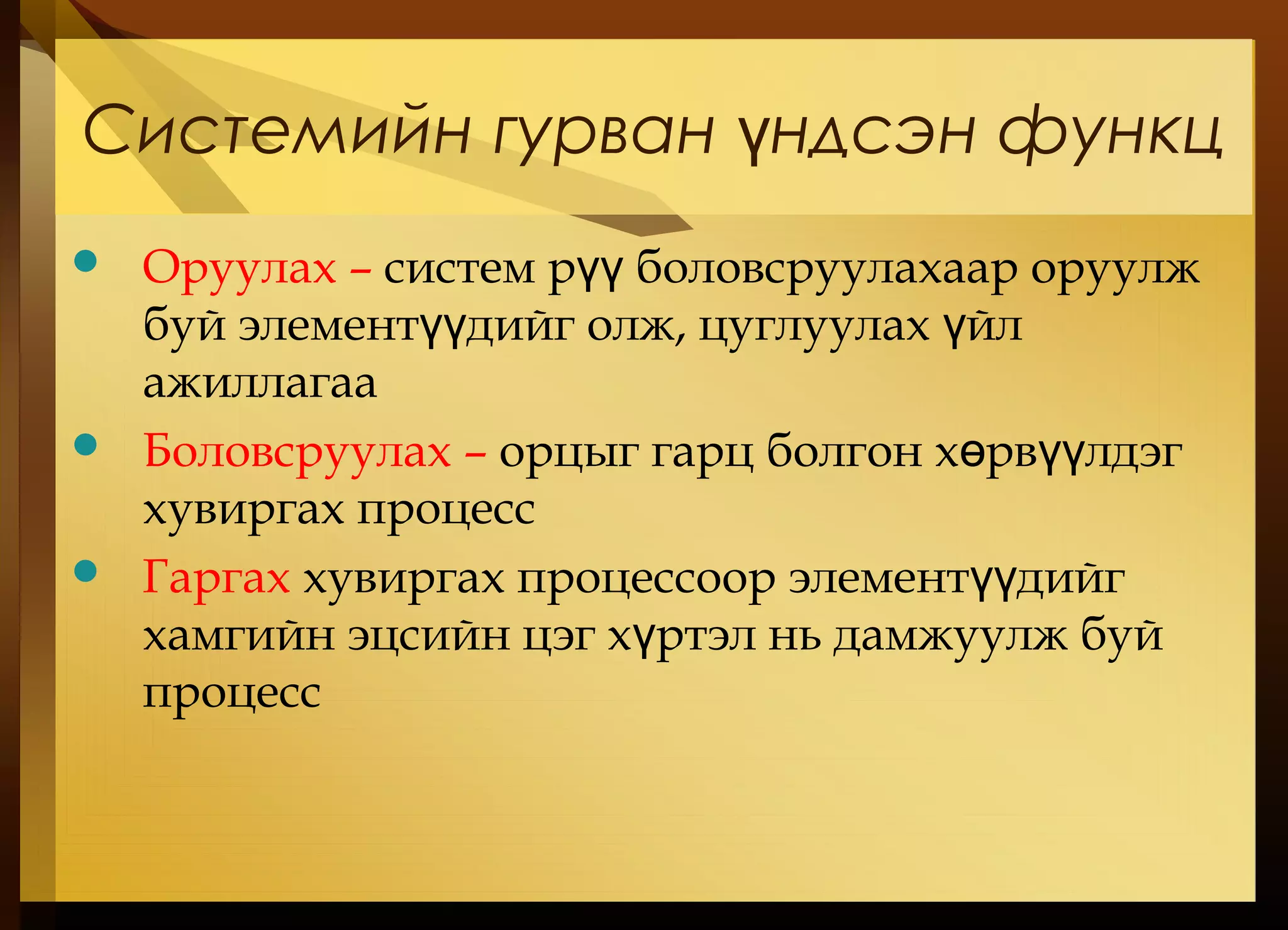
Системийн гурван ндсэнфункцү
Оруулах – систем р боловсруулахаар оруулжүү
буй элемент дийг олж, цуглуулах йлүү ү
ажиллагаа
Боловсруулах – орцыг гарц болгон х рв лдэгө үү
хувиргах процесс
Гаргах хувиргах процессоор элемент дийгүү
хамгийн эцсийн цэг х ртэл нь дамжуулж буйү
процесс
40.
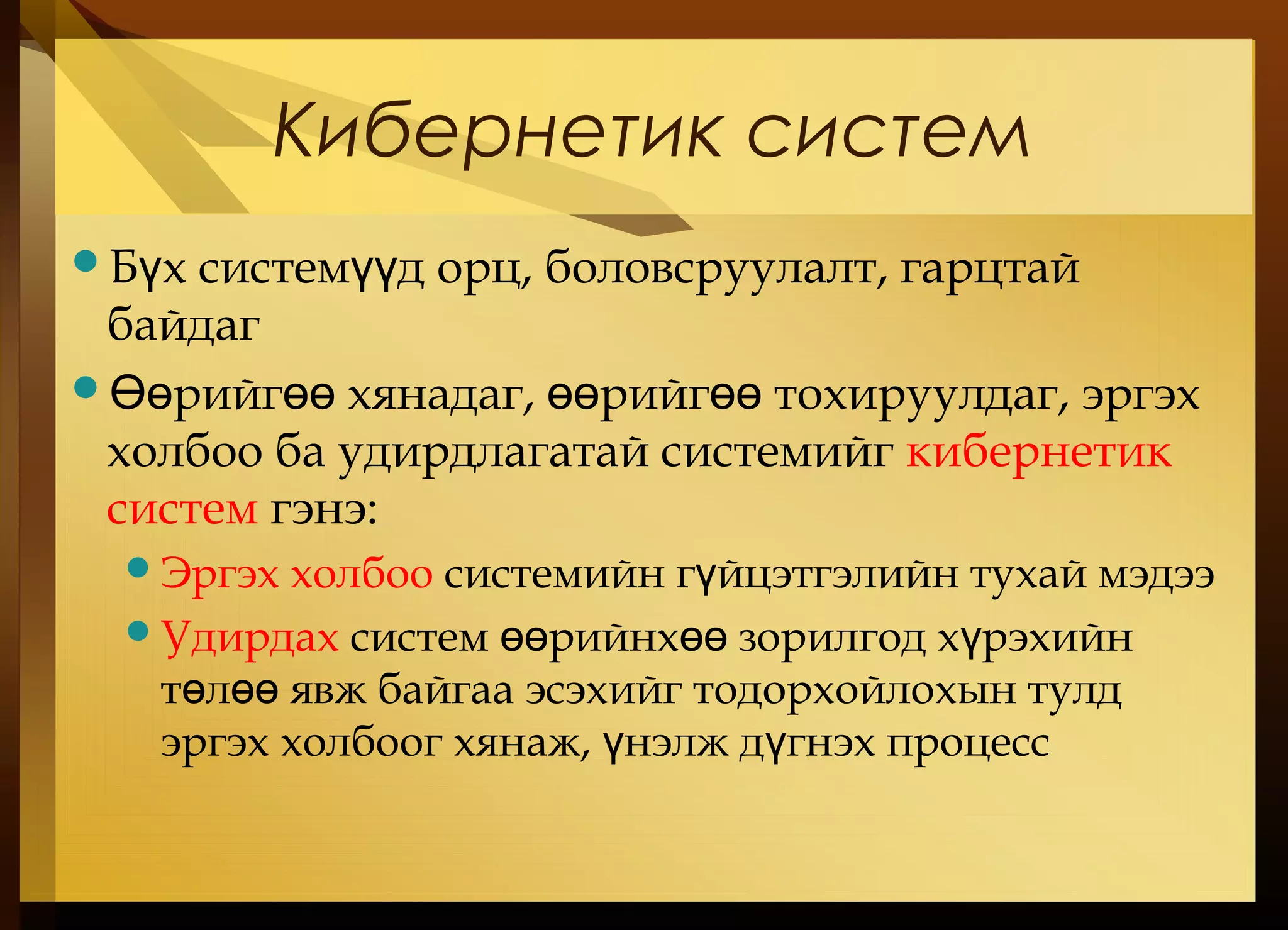
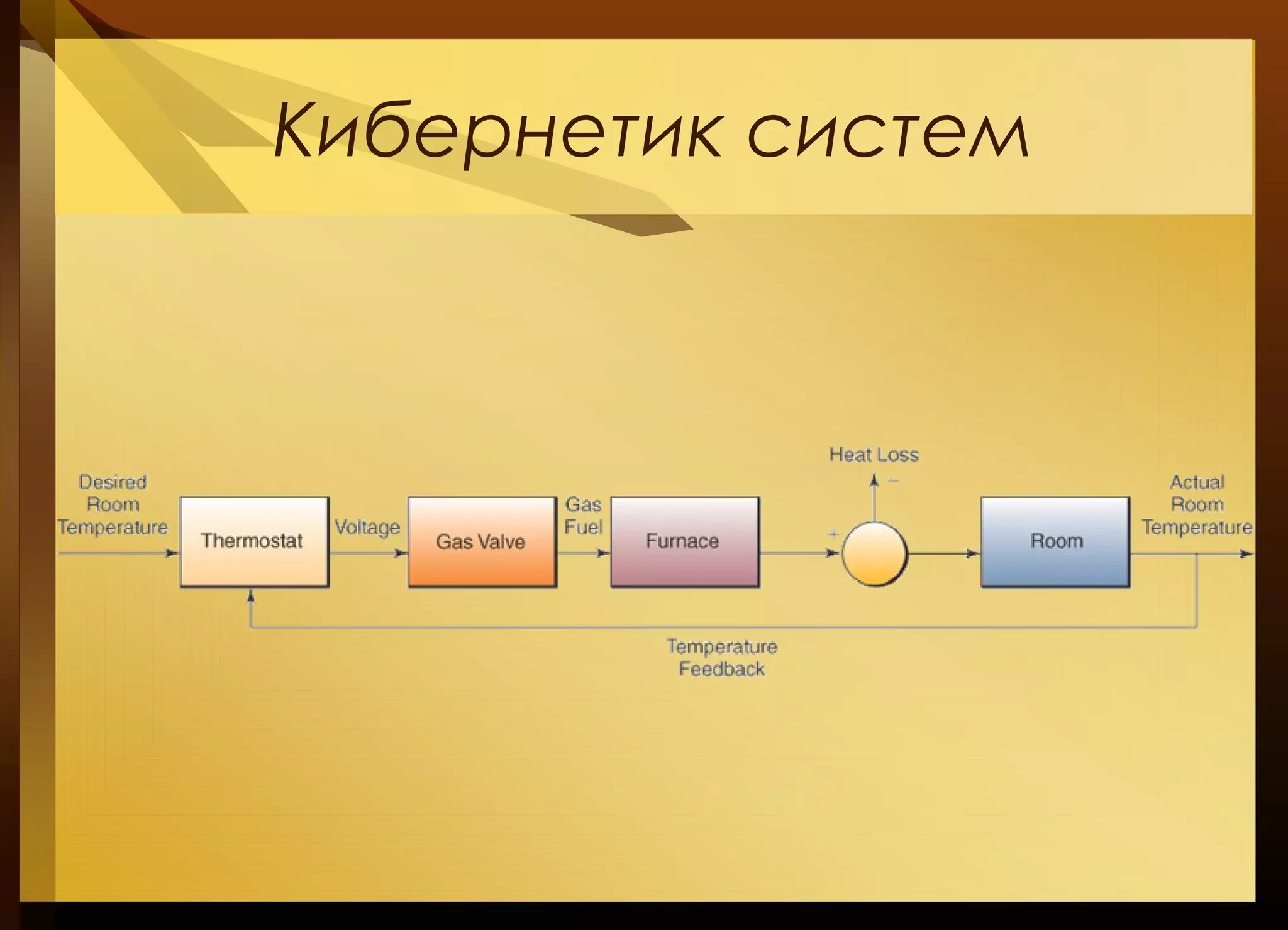
Кибернетик систем
Б хсистем д орц, боловсруулалт, гарцтайү үү
байдаг
рийг хянадаг, рийг тохируулдаг, эргэхӨө өө өө өө
холбоо ба удирдлагатай системийг кибернетик
систем гэнэ:
Эргэх холбоо системийн г йцэтгэлийн тухай мэдээү
Удирдах систем рийнх зорилгод х рэхийнөө өө ү
т л явж байгаа эсэхийг тодорхойлохын тулдө өө
эргэх холбоог хянаж, нэлж д гнэх процессү ү
Мэдээллийн системийн
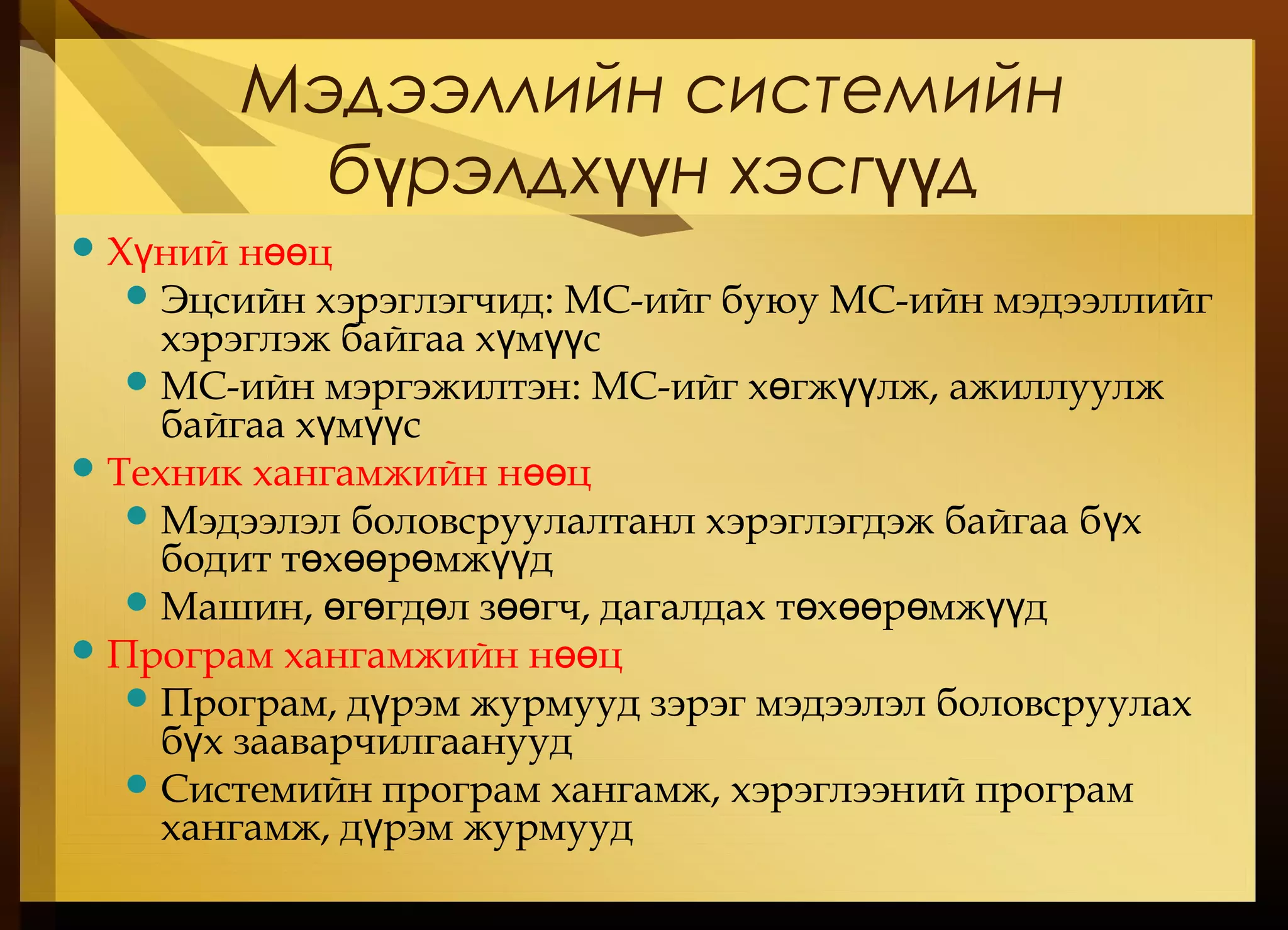
б рэлдхн хэсг дү үү үү
Х ний н цү өө
Эцсийн хэрэглэгчид: МС-ийг буюу МС-ийн мэдээллийг
хэрэглэж байгаа х м сү үү
МС-ийн мэргэжилтэн: МС-ийг х гж лж, ажиллуулжө үү
байгаа х м сү үү
Техник хангамжийн н цөө
Мэдээлэл боловсруулалтанл хэрэглэгдэж байгаа б хү
бодит т х р мж дө өө ө үү
Машин, г гд л з гч, дагалдах т х р мж дө ө ө өө ө өө ө үү
Програм хангамжийн н цөө
Програм, д рэм журмууд зэрэг мэдээлэл боловсруулахү
б х зааварчилгаануудү
Системийн програм хангамж, хэрэглээний програм
хангамж, д рэм журмуудү
45.
Мэдээллийн системийн
б рэлдхн хэсг дү үү үү ( ргэлжү .)
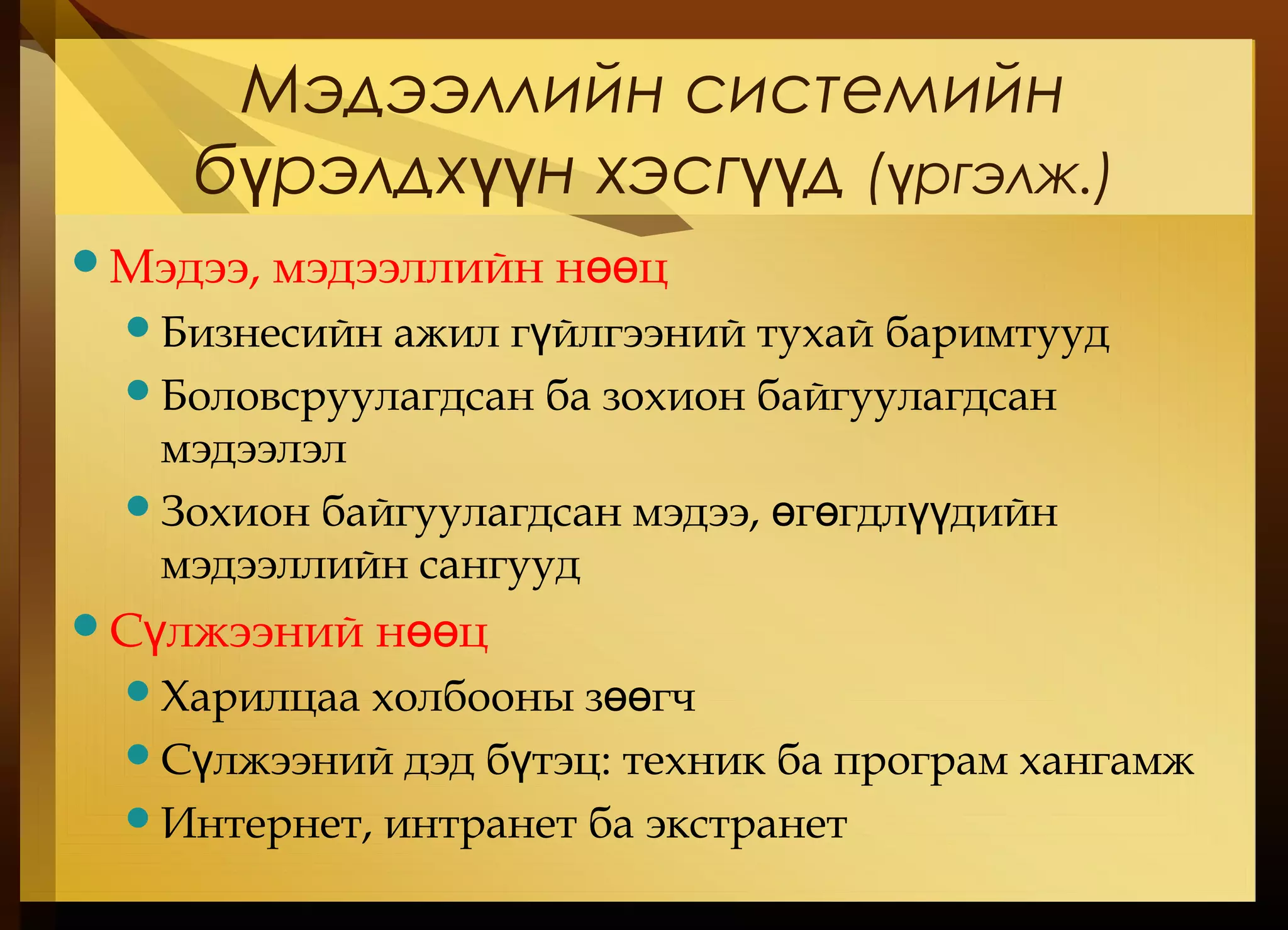
Мэдээ, мэдээллийн н цөө
Бизнесийн ажил г йлгээний тухай баримтуудү
Боловсруулагдсан ба зохион байгуулагдсан
мэдээлэл
Зохион байгуулагдсан мэдээ, г гдл дийнө ө үү
мэдээллийн сангууд
С лжээний н цү өө
Харилцаа холбооны з гчөө
С лжээний дэд б тэцү ү : техник ба програм хангамж
Интернет, интранет ба экстранет
46.
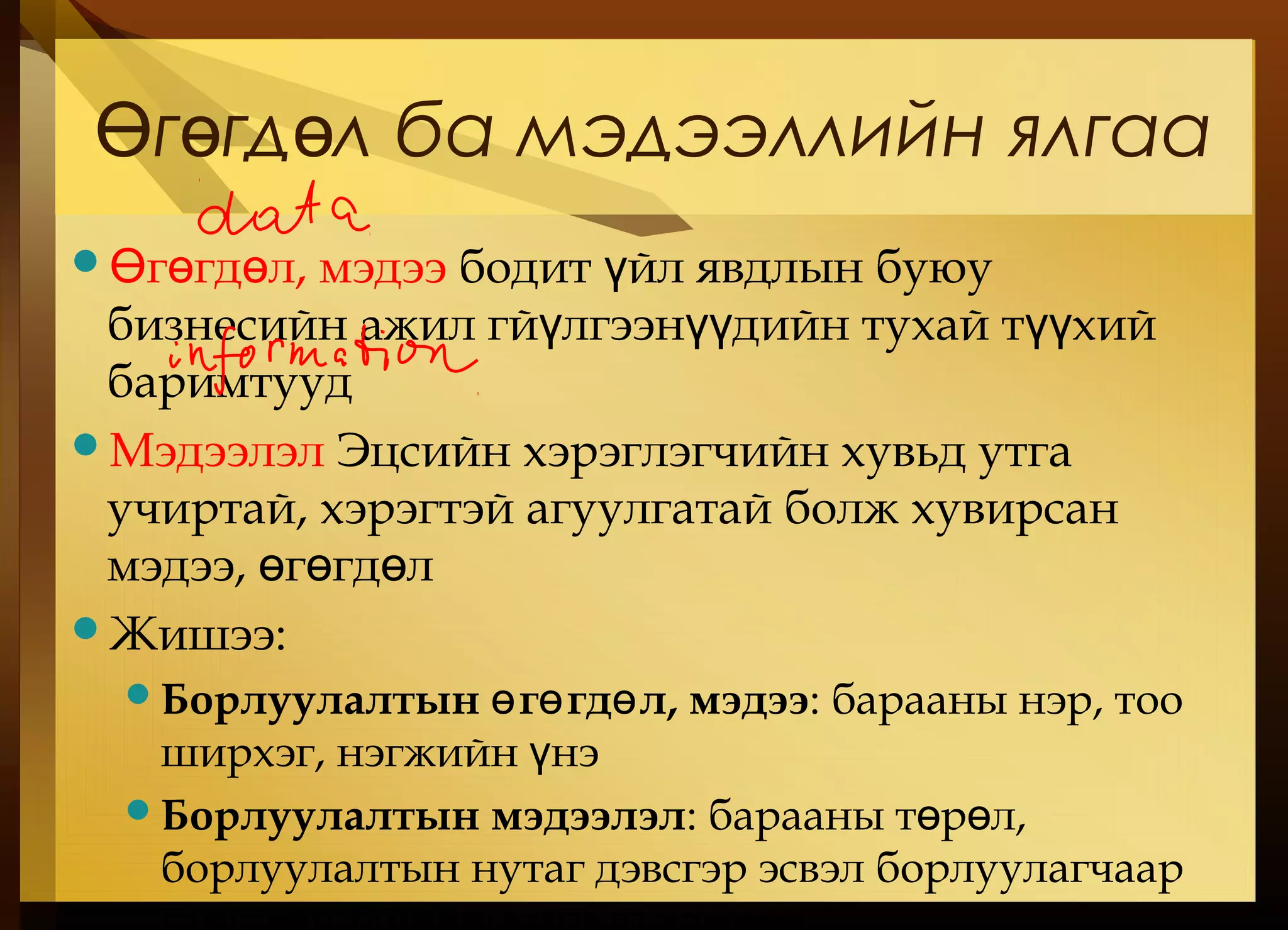
г гд лба мэдээллийн ялгааӨ ө ө
г гд л, мэдээӨ ө ө бодит йл явдлын буюуү
бизнесийн ажил гй лгээн дийн тухай т хийү үү үү
баримтууд
Мэдээлэл Эцсийн хэрэглэгчийн хувьд утга
учиртай, хэрэгтэй агуулгатай болж хувирсан
мэдээ, г гд лө ө ө
Жишээ:
Борлуулалтын г гд л, мэдээө ө ө : барааны нэр, тоо
ширхэг, нэгжийн нэү
Борлуулалтын мэдээлэл: барааны т р л,ө ө
борлуулалтын нутаг дэвсгэр эсвэл борлуулагчаар
47.
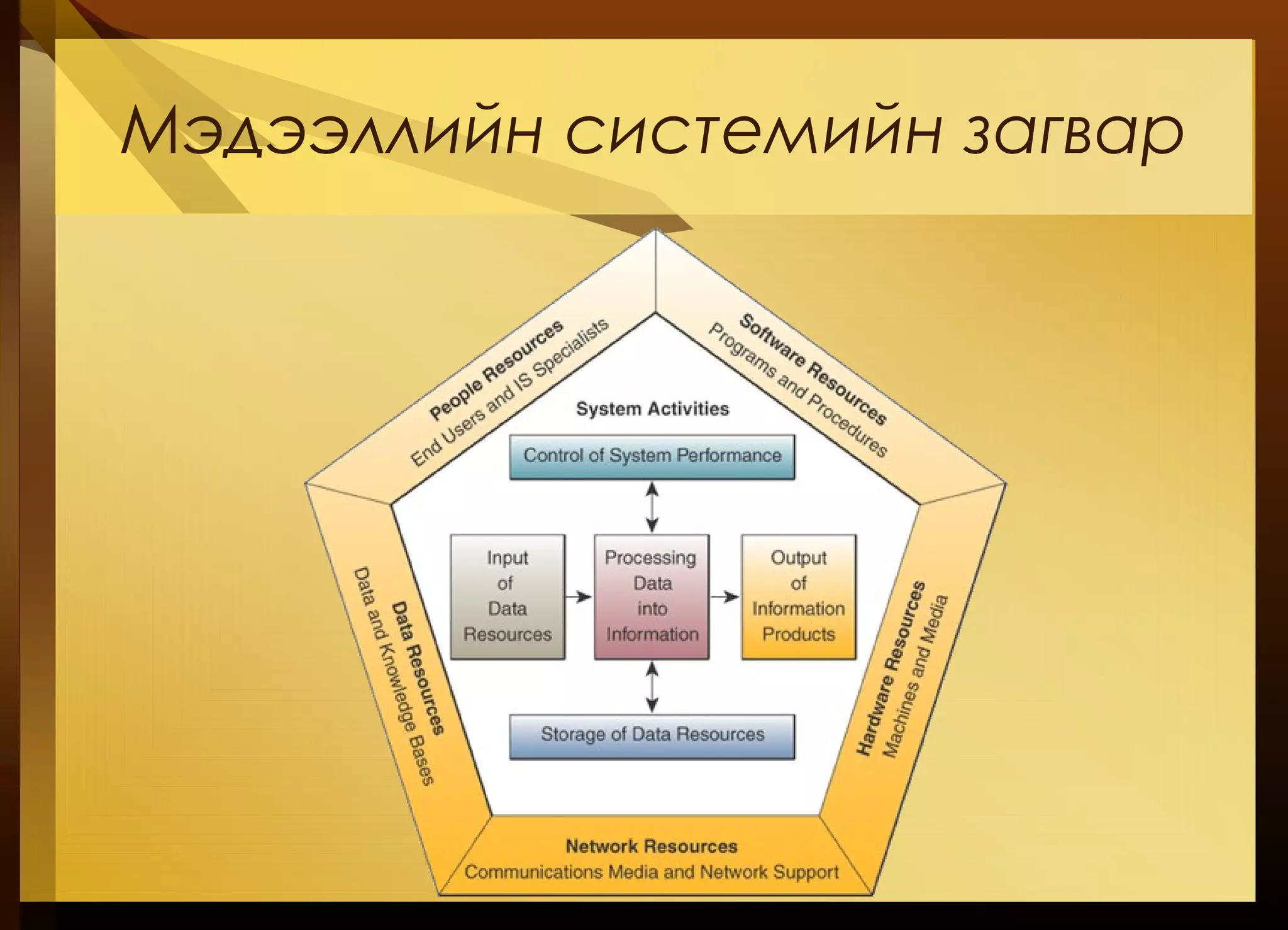
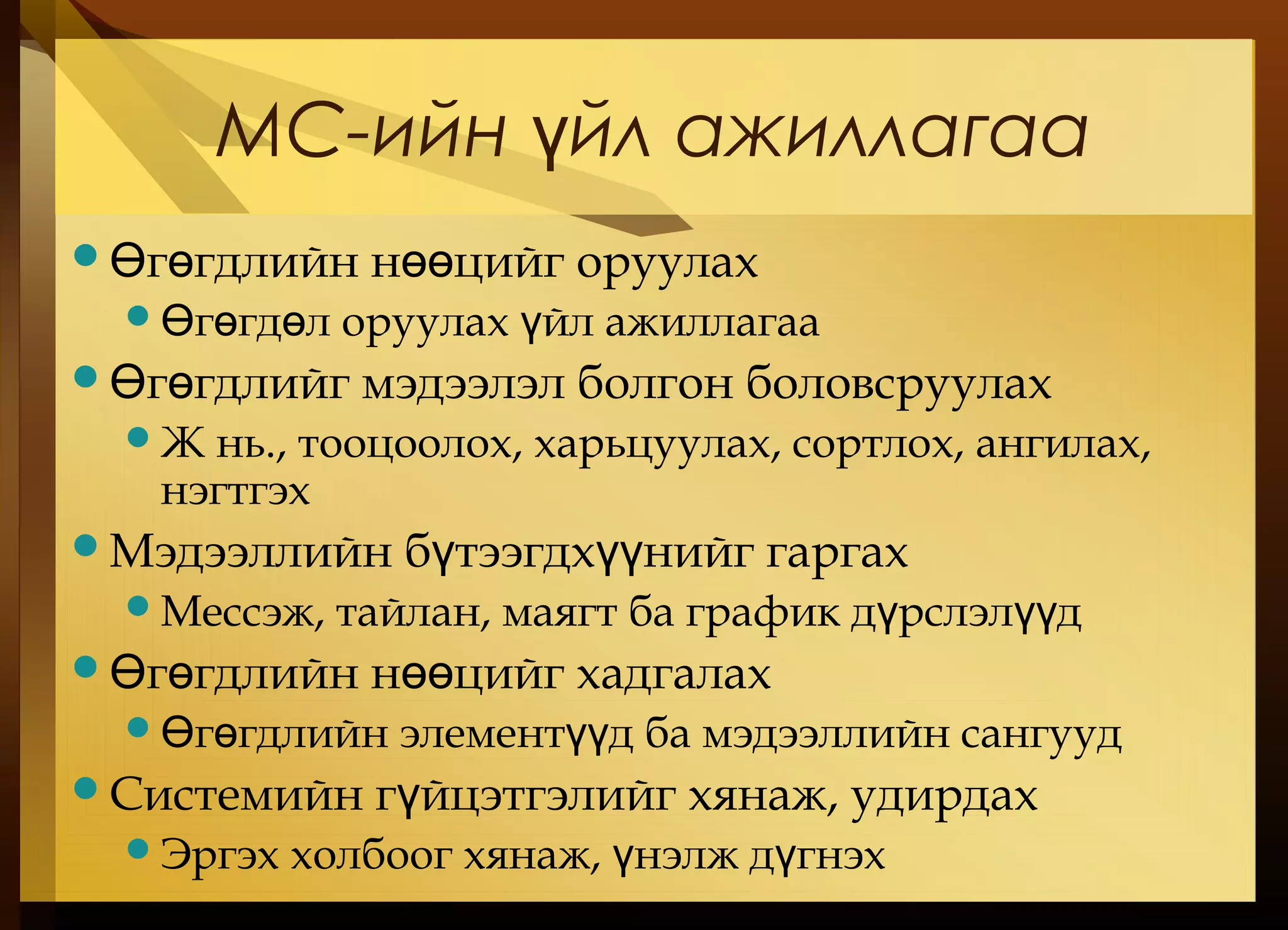
МС-ийн йл ажиллагааү
г гдлийн н цийг оруулахӨ ө өө
г гд л оруулах йл ажиллагааӨ ө ө ү
г гдлийг мэдээлэл болгон боловсруулахӨ ө
Ж нь., тооцоолох, харьцуулах, сортлох, ангилах,
нэгтгэх
Мэдээллийн б тээгдх нийг гаргахү үү
Мессэж, тайлан, маягт ба график д рслэл дү үү
г гдлийн н цийг хадгалахӨ ө өө
г гдлийн элемент д ба мэдээллийн сангуудӨ ө үү
Системийн г йцэтгэлийг хянаж, удирдахү
Эргэх холбоог хянаж, нэлж д гнэхү ү
48.
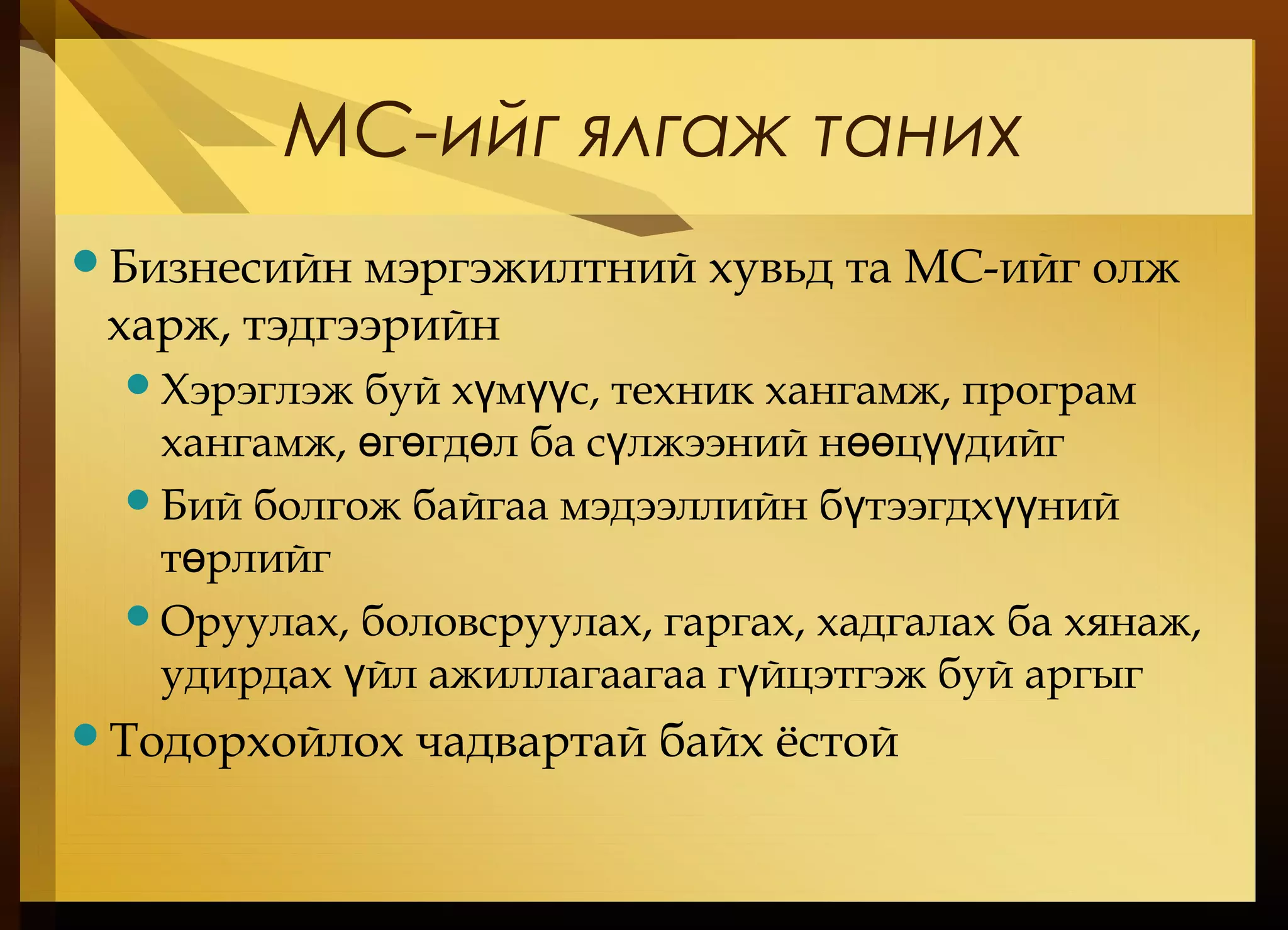
МС-ийг ялгаж таних
Бизнесийнмэргэжилтний хувьд та МС-ийг олж
харж, тэдгээрийн
Хэрэглэж буй х м с, техник хангамж, програмү үү
хангамж, г гд л ба с лжээний н ц дийгө ө ө ү өө үү
Бий болгож байгаа мэдээллийн б тээгдх нийү үү
т рлийгө
Оруулах, боловсруулах, гаргах, хадгалах ба хянаж,
удирдах йл ажиллагаагаа г йцэтгэж буй аргыгү ү
Тодорхойлох чадвартай байх ёстой
#7 You might just as well ask why study accounting, finance, operations management, marketing, human resources, management. Most business majors include a class in IS.
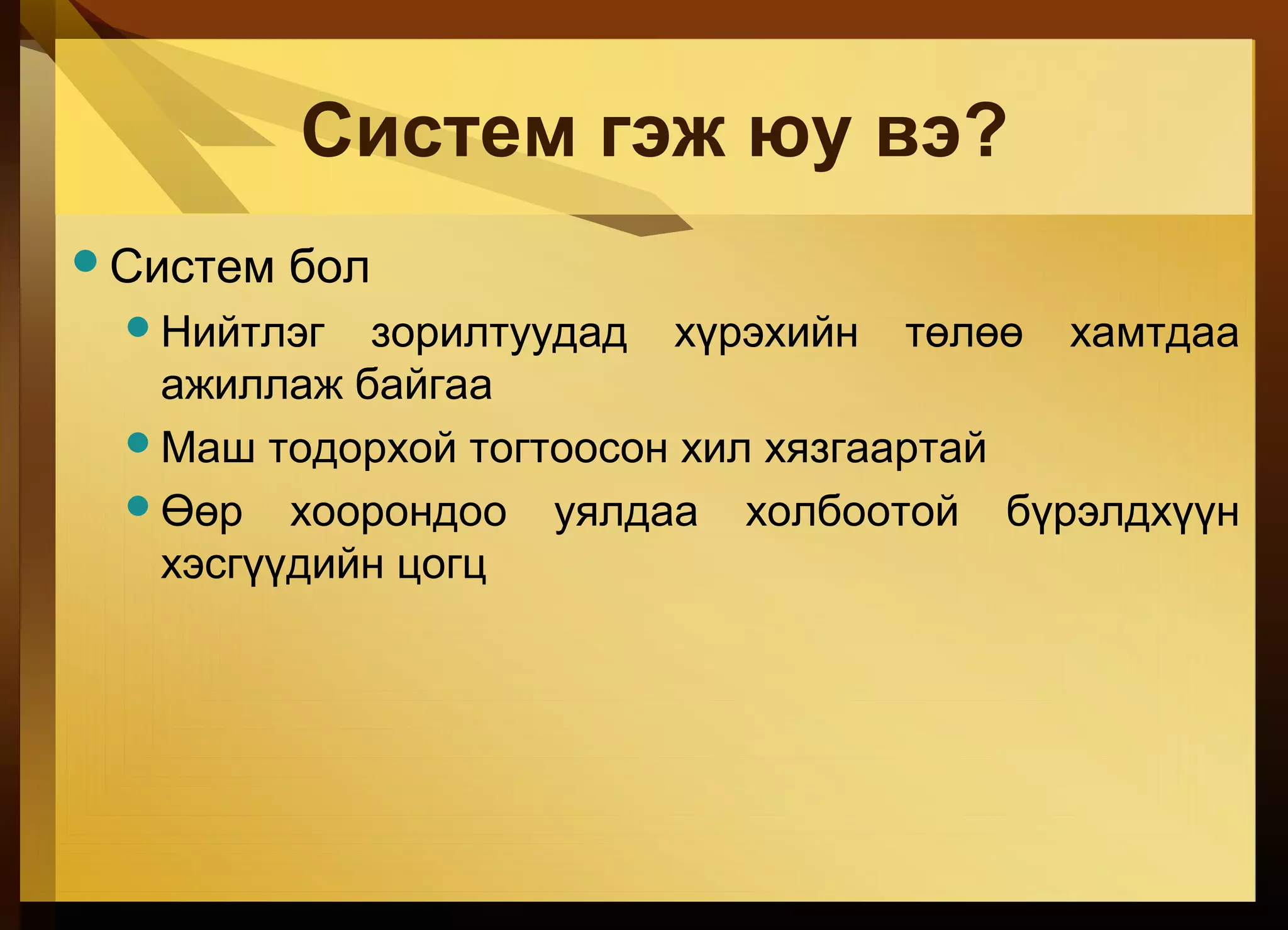
#8 Бараг бүх юмс систем юм. Нэг систем нь бусад системүүдээс тогтсон эсвэл нэг том системийн хэсэг байж болно.
#9 Энэ бол бид цаашид өргөжүүлэх энгийн тодорхойлолт юм. What’s an example? Smoke signals to transmit information Card catalogs in a library Book bag with day planner, notebooks, that allows you organize inputs from lectures, presentations and discussions. The output is homework and good exam grades Cash register at restaurant Other examples?
#10 Definition of IS from prior slide: An organized combination of People Hardware Software Communications networks Data resources Policies and procedures That stores, retrieves, transforms, and disseminates information in an organization In theory, an IS could be pencil and paper based
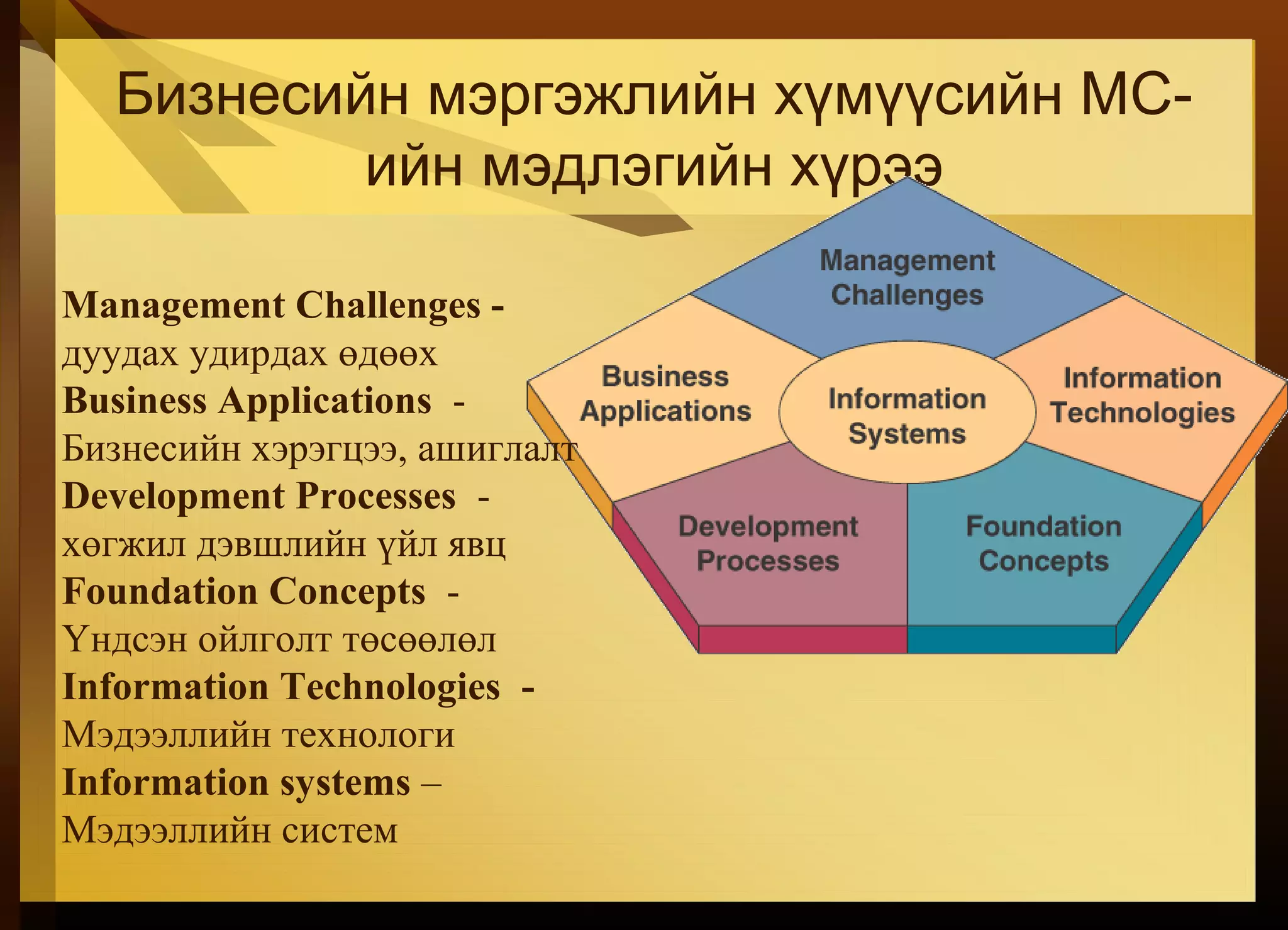
#12 Refers back to figure 1.2 on prior slide Foundation Concepts: Examples: general systems theory, competitive strategies. Covered in chapters 1, 2 Information Technology: Covered in chapters 3-6 Business Applications: Chapter 7: applications in functional areas, Chapter 8: electronic commerce applications and Chapter 9: decision making Development Processes: By both business professionals and IS specialists. Chapter 10. Management Challenges: Managing IT at the end user, enterprise and global levels of a business. Chapter 11 is security challenges and Chapter 12 is how to manage IT in global businesses.
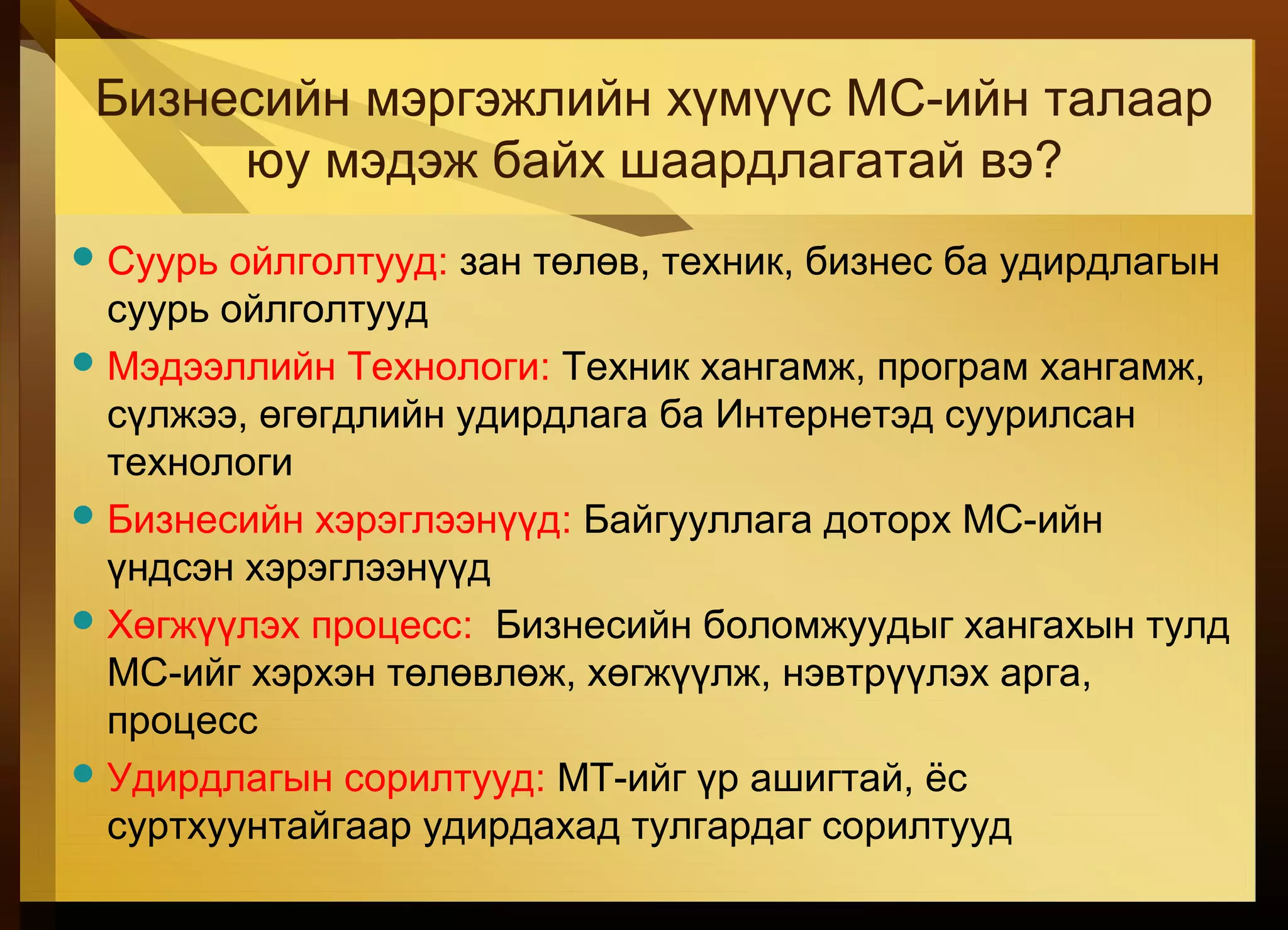
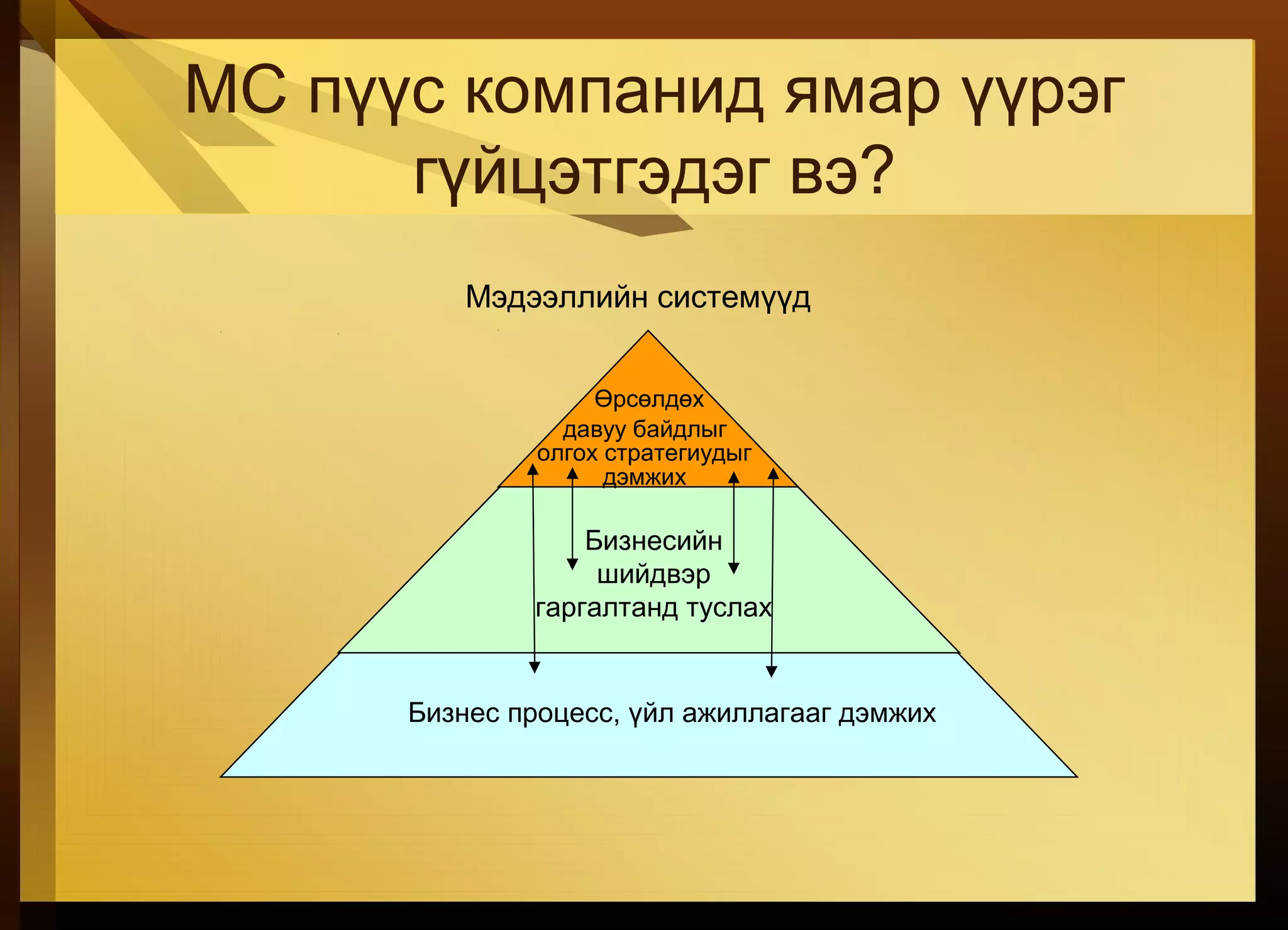
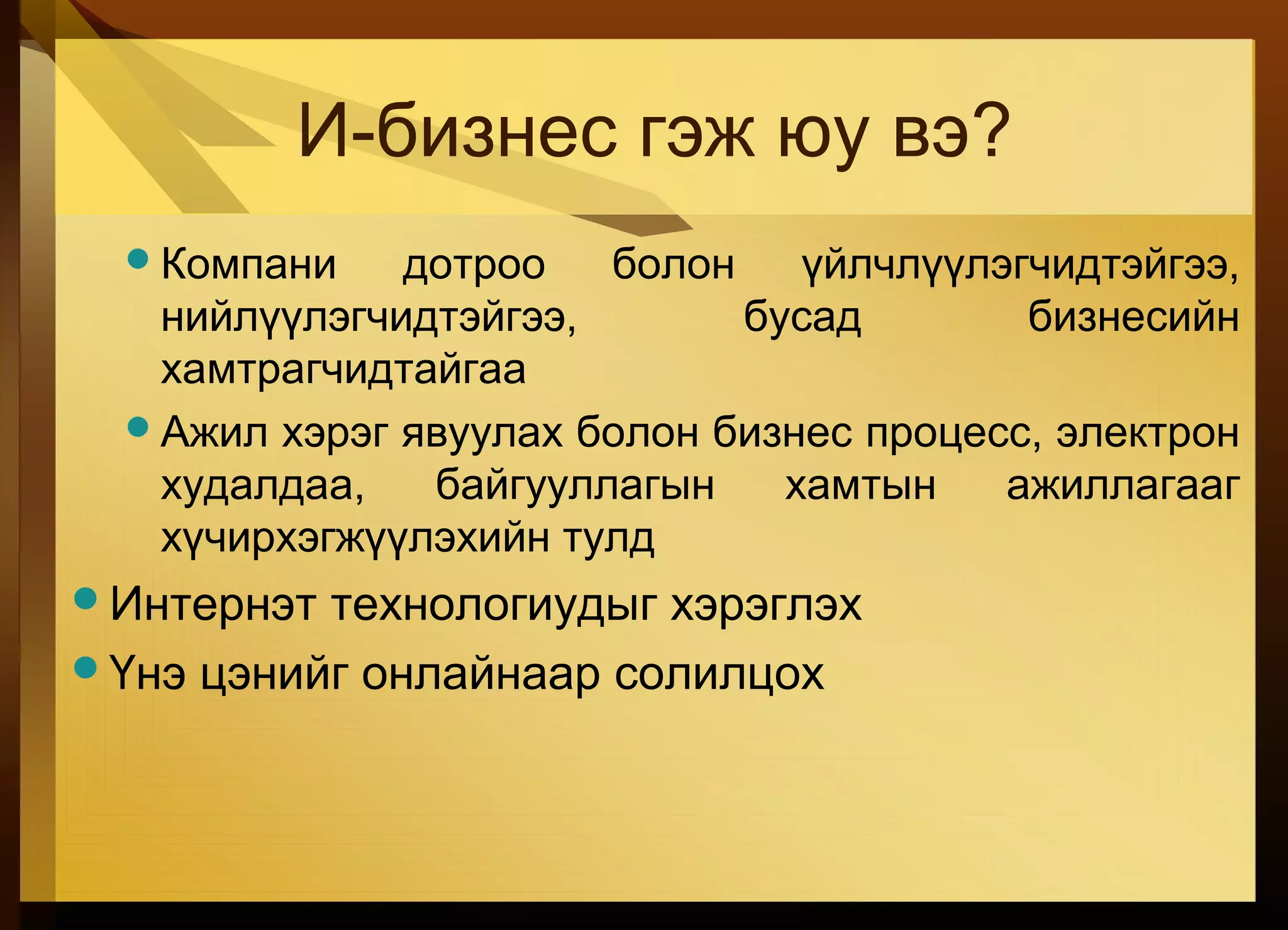
#13 Examples of business processes: record purchases, track inventory, pay employees, etc. Business would stop without such IS. Examples of decision making: what lines of merchandise need to be added, what kind of investment required. Examples of competitive advantage: put kiosk in store to connect to e-commerce website. Help gain advantage over competitor without such a kiosk.
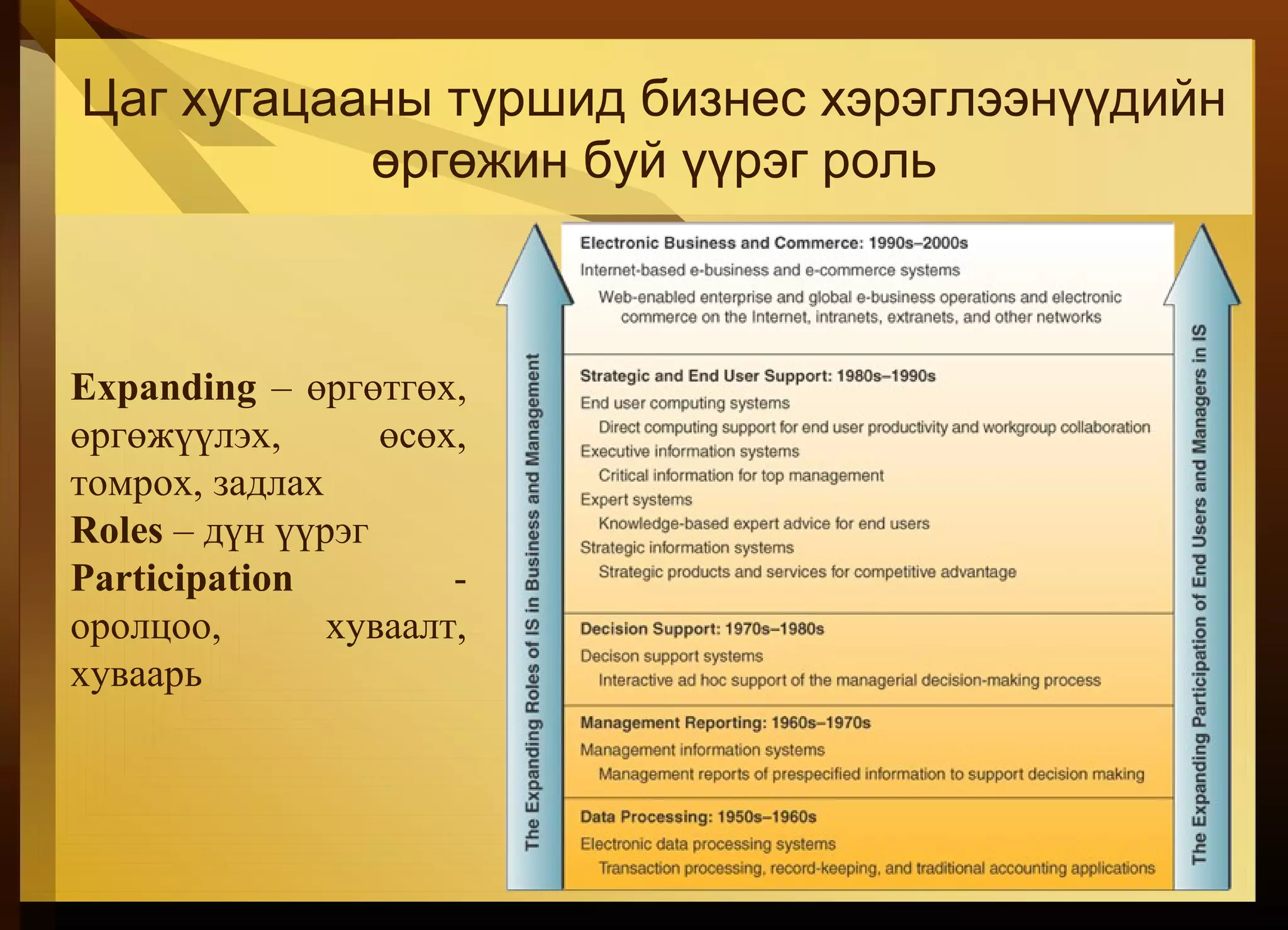
#14 Note that while IS has expanded, they are still doing the same basic things that they’ve been doing. What has changed is: more integration of functions, greater connectivity across components, better use for maximum advantage of business and strategic opportunities
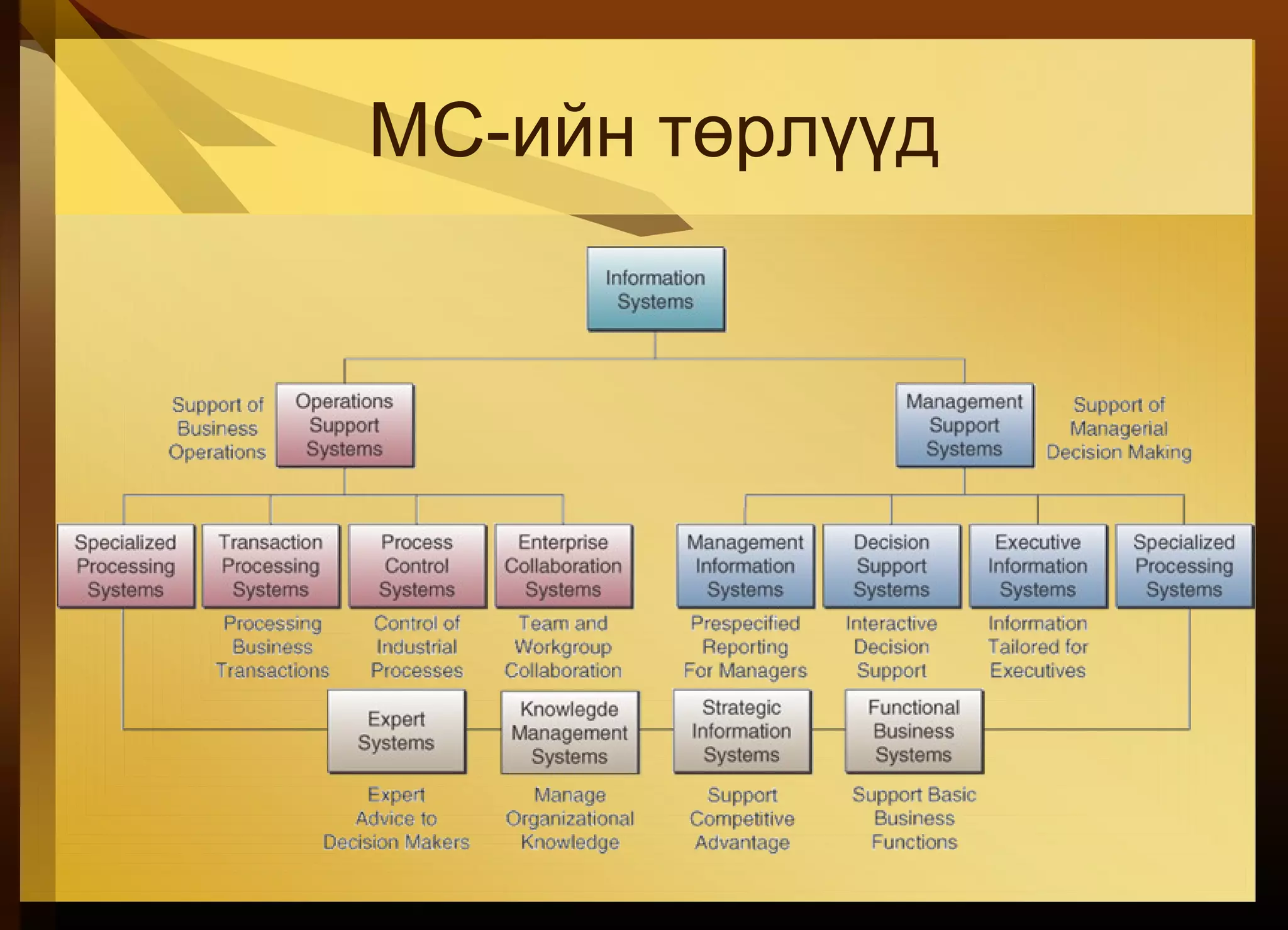
#25 Support either operations or management applications
#34 What uses of IT might be considered improper or harmful to other individuals or society? Improper uses might include collecting data that you don’t need, not protecting personal customer data, etc. What is the proper business use of the Internet or a company’s IT resources? Is it proper to use the company’s computers to surf the web, send personal e-mail, etc. How can you protect yourself from computer crime? Virus and spam protection, never replying to phishing, etc.
#39 Repeating definition from earlier but adding accepting inputs, producing outputs, and transformation
#42 A cybernetic system has both feedback and control. A home thermostat accepts the desired room temperature as input and sends a message to fire the furnace. The thermostat provides feedback to shut the system down when the desired temperature is reached.
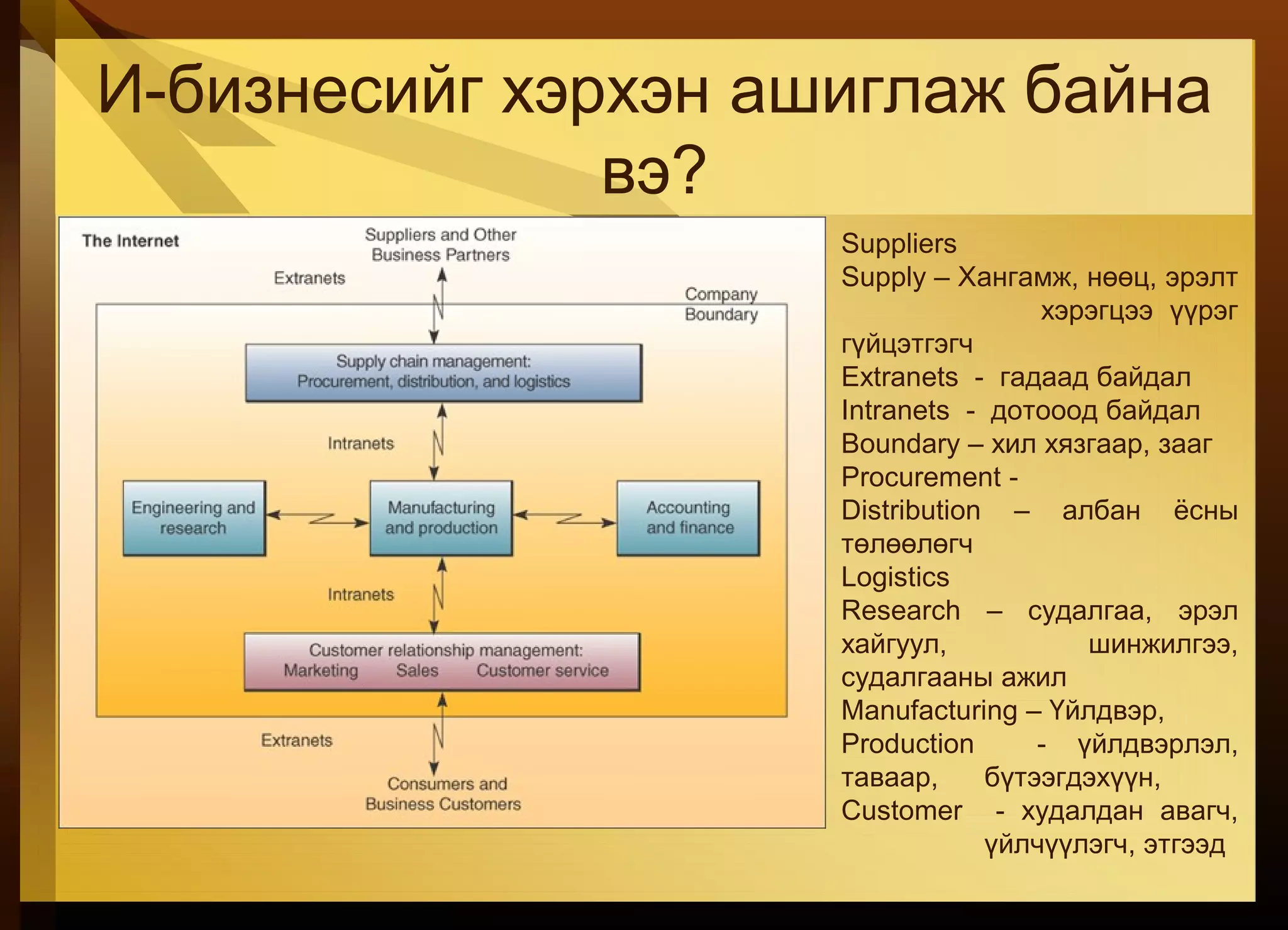
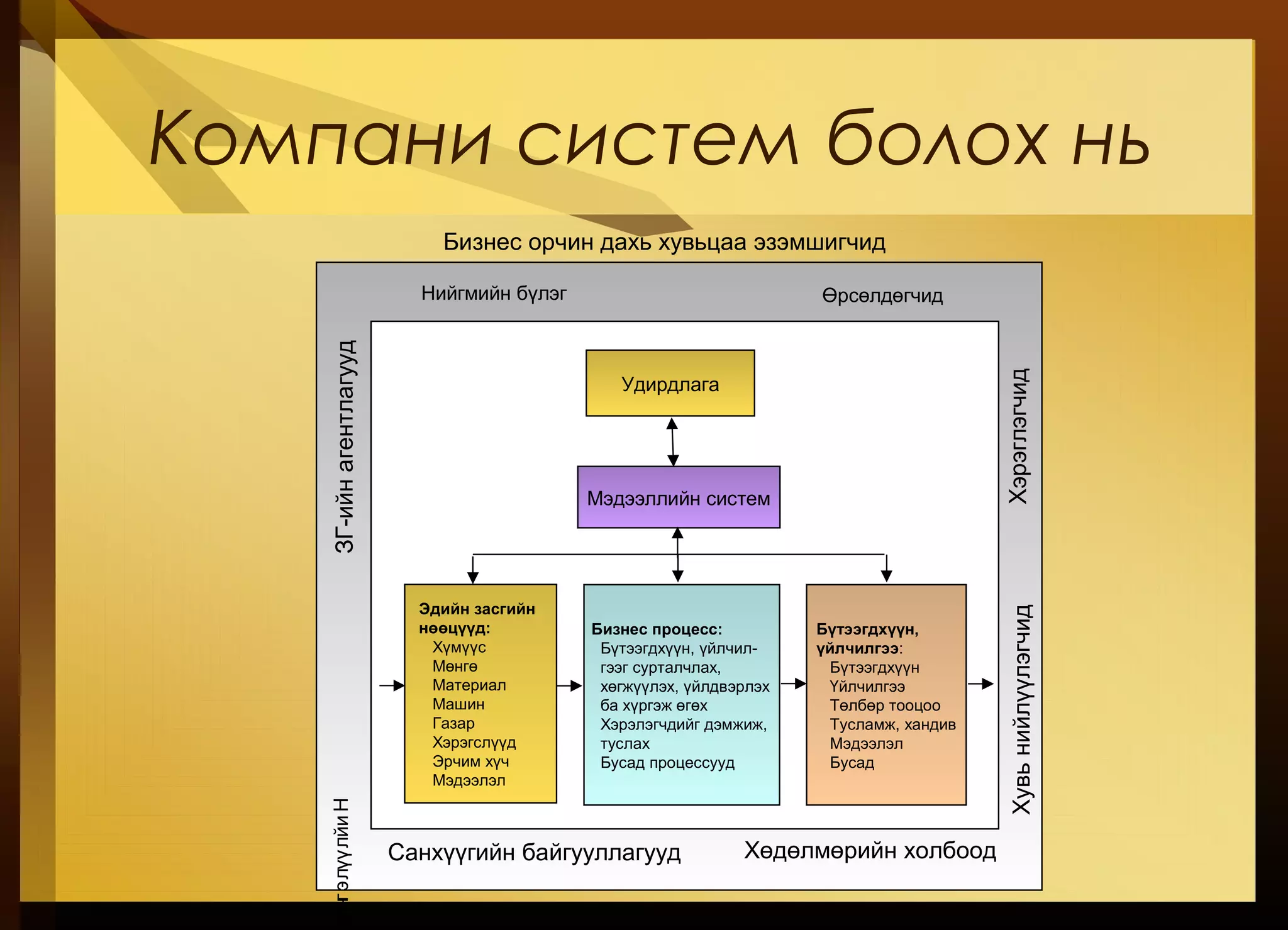
#43 A business can be viewed as a system. This system does not operate in a vacuum rather it functions in an environment containing other systems. A business is an open system in that it interacts with other systems in the environment. It is also an adaptive system in that it can change itself or its environment in order to survive.
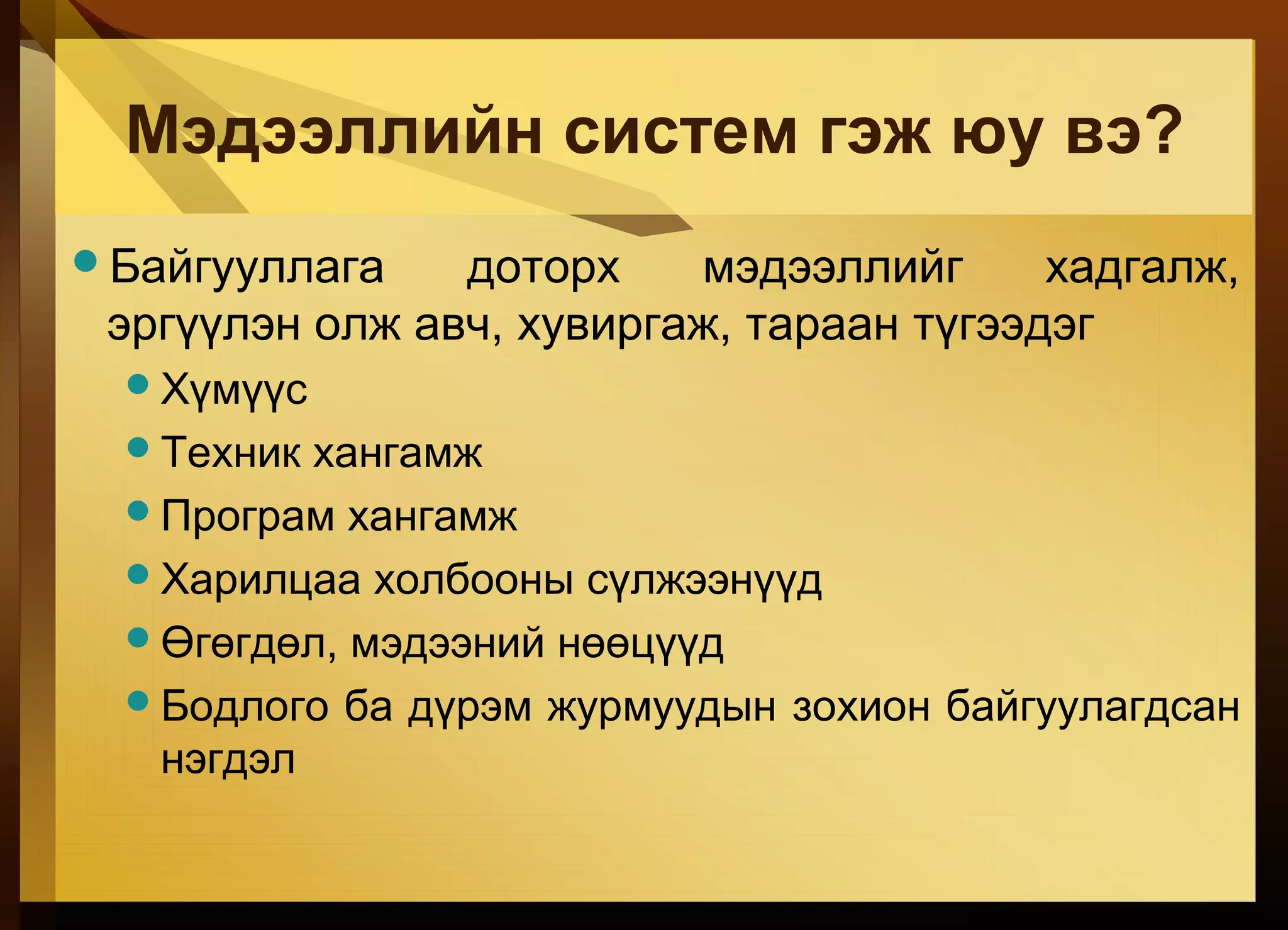
#44 Major components of an information: people, hardware, software, data and networks. These components perform input, processing, output, storage, and control activities.
#45 Hardware: Peripherals include keyboard, mouse, video screen, printer