Downloaded 603 times
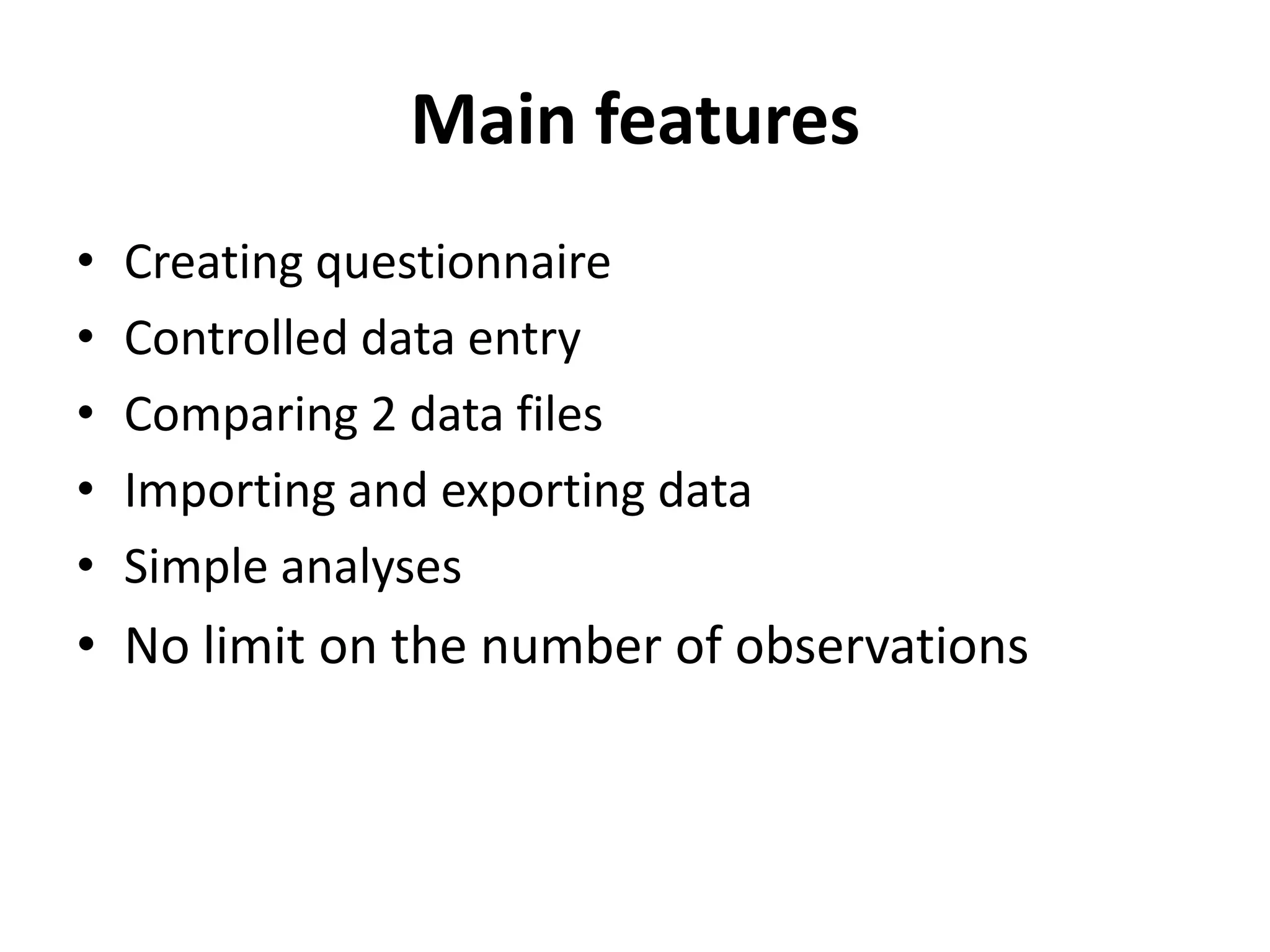
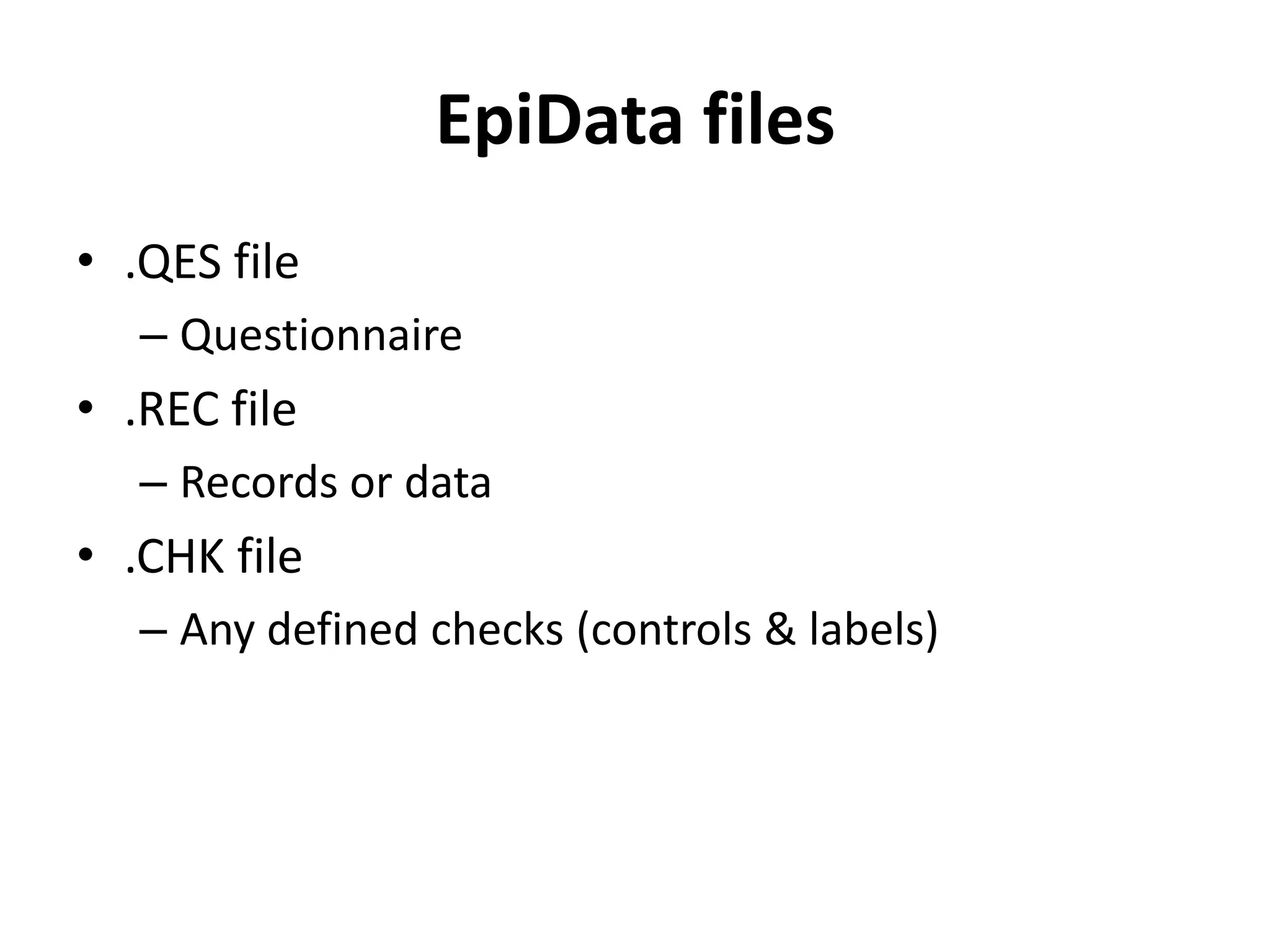
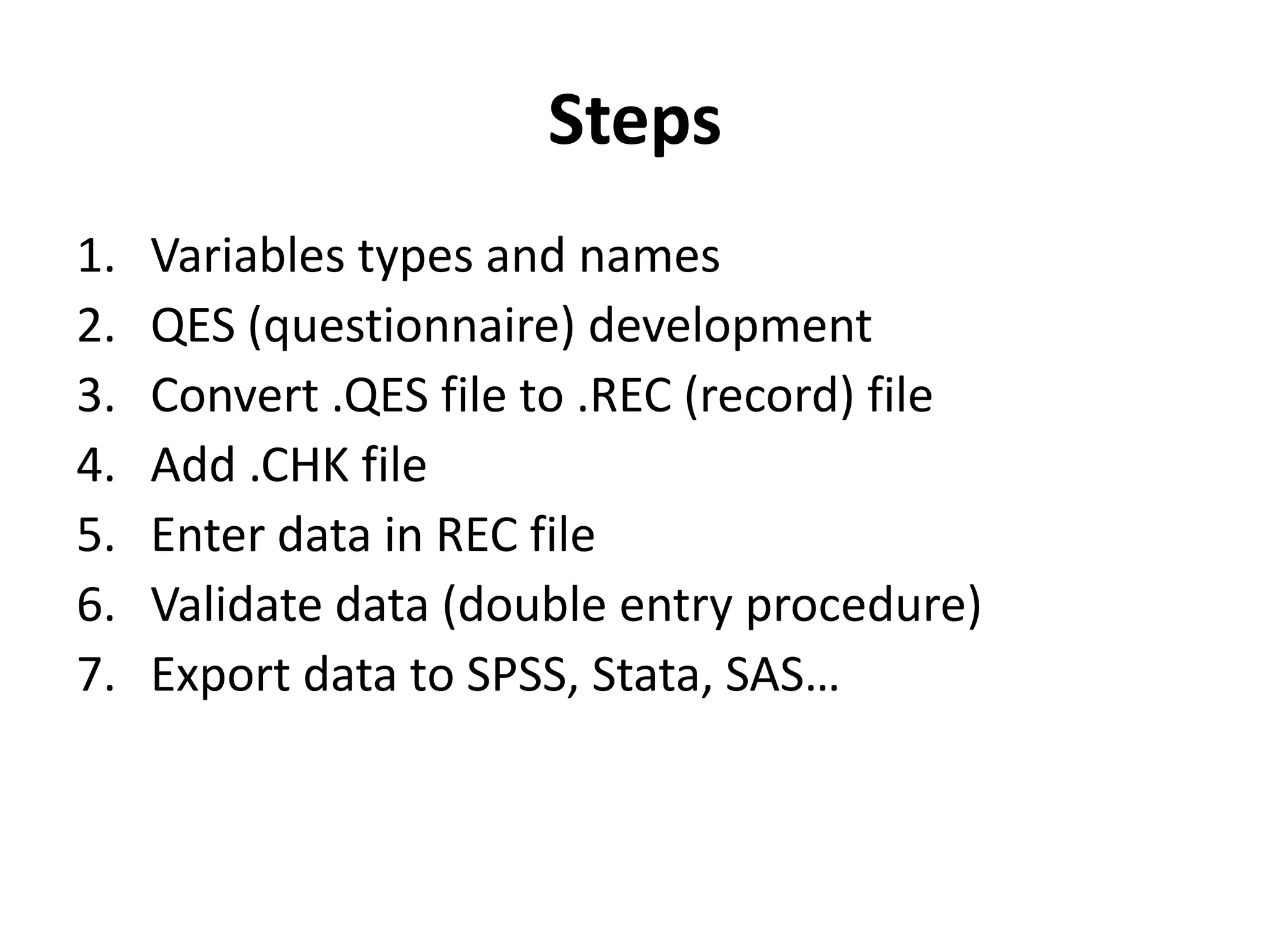
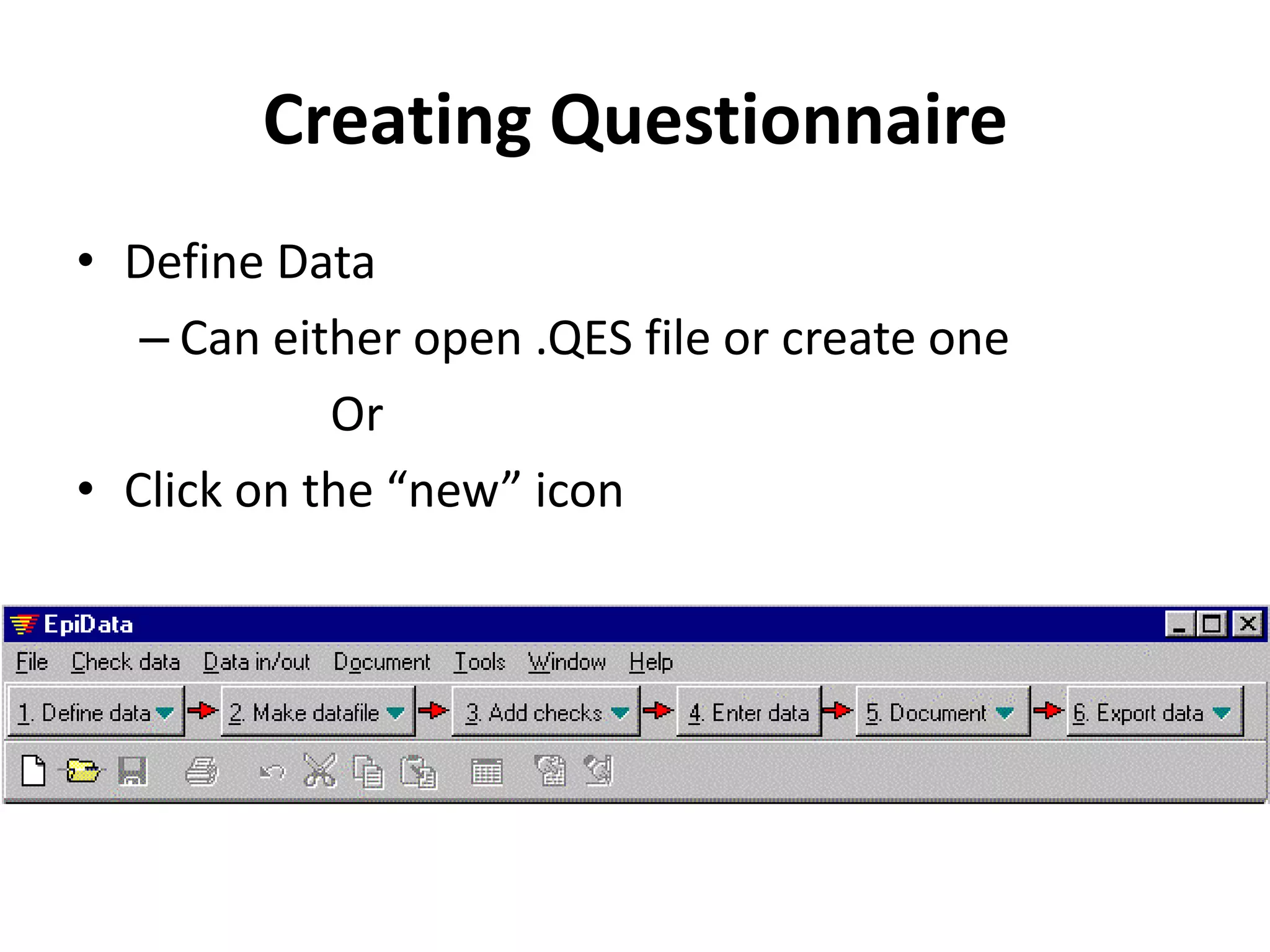
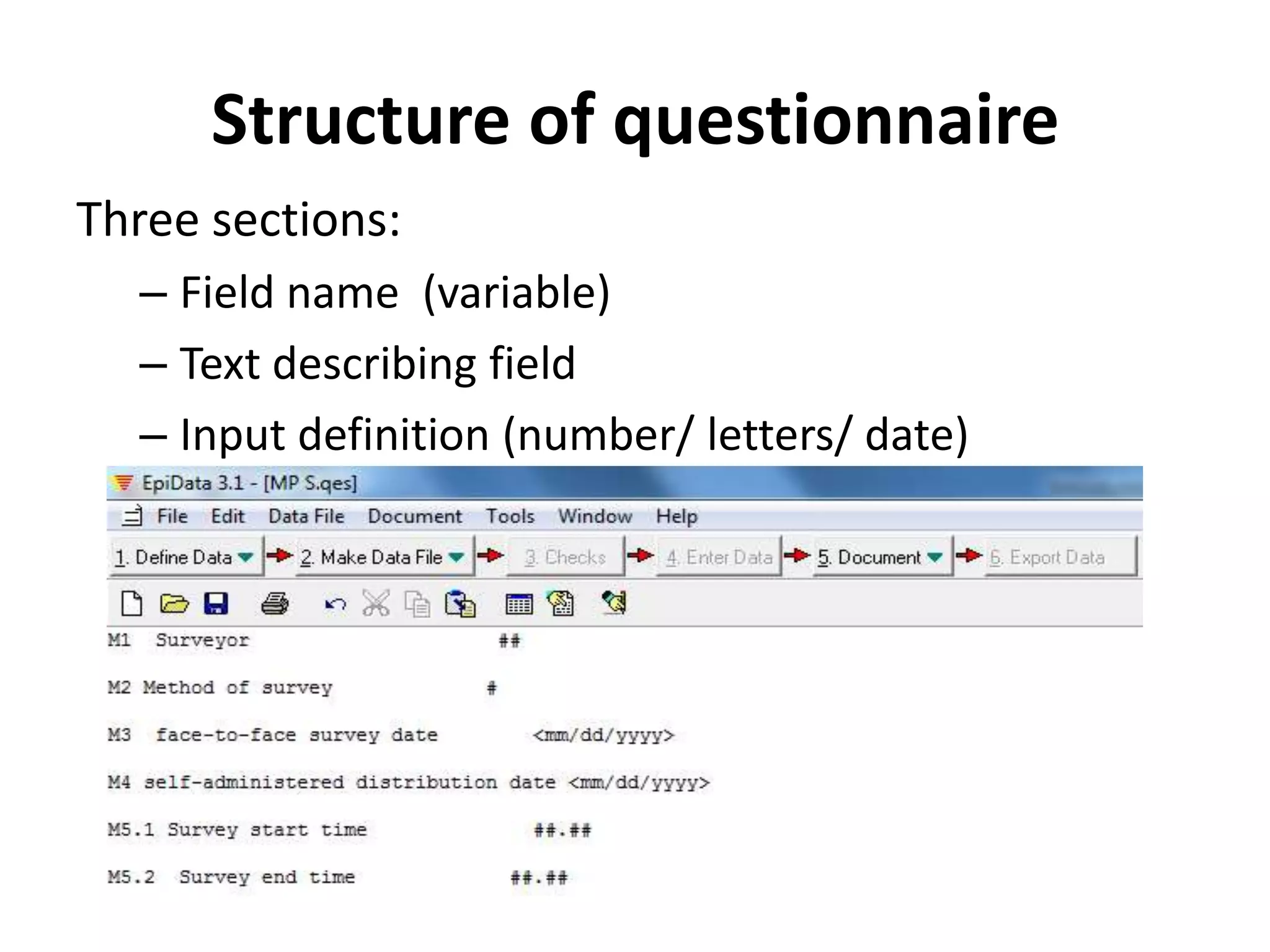
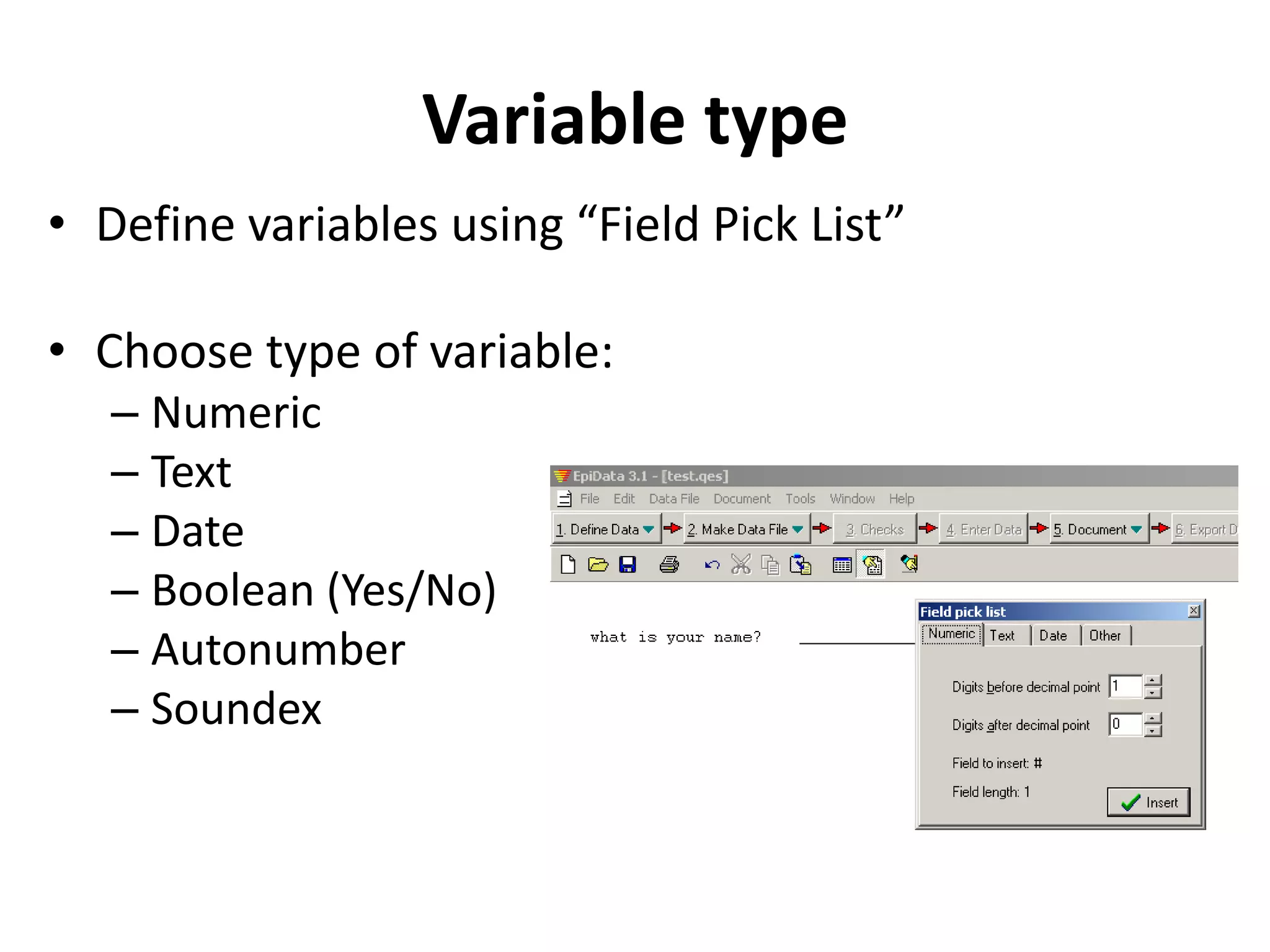
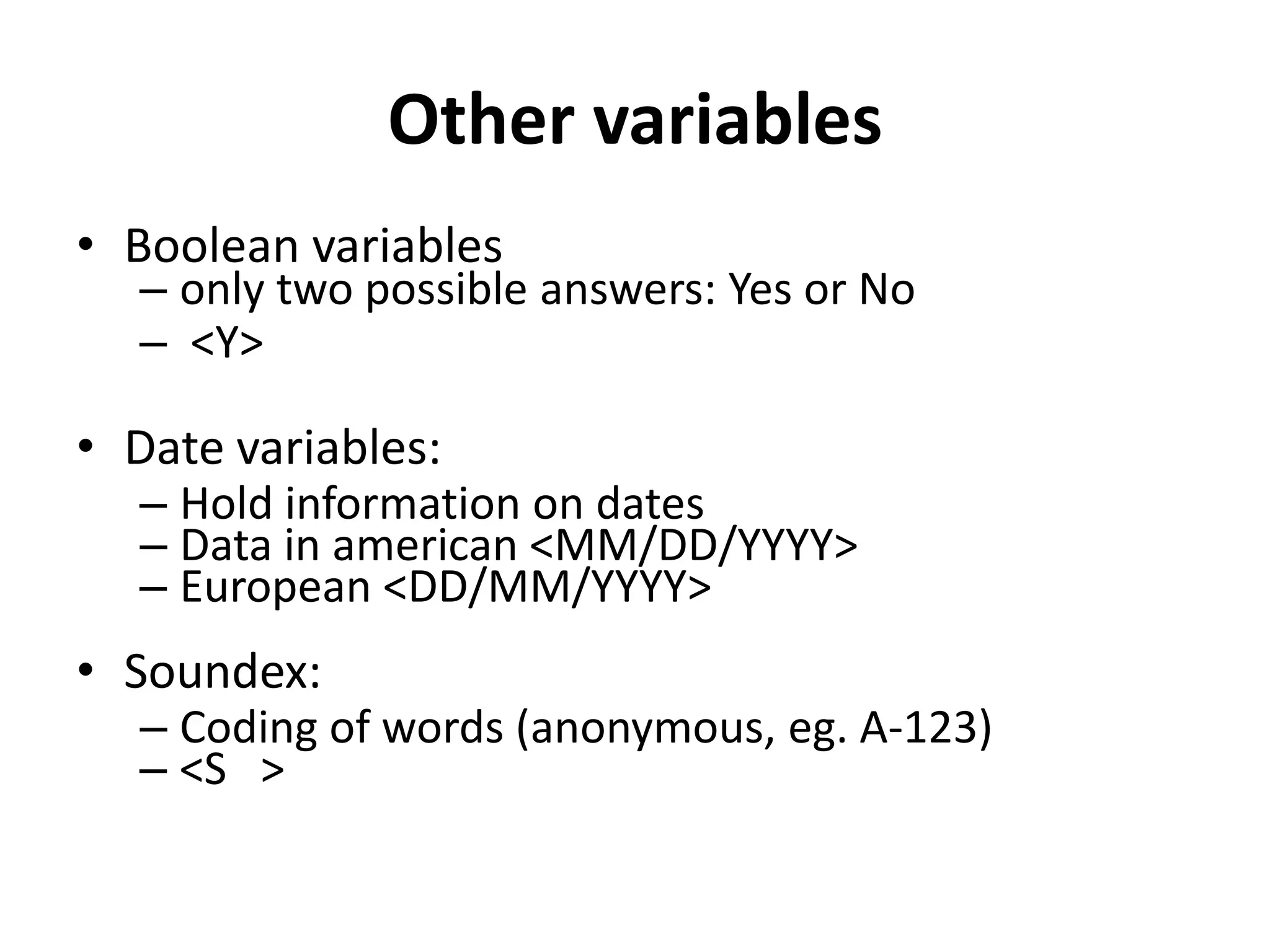
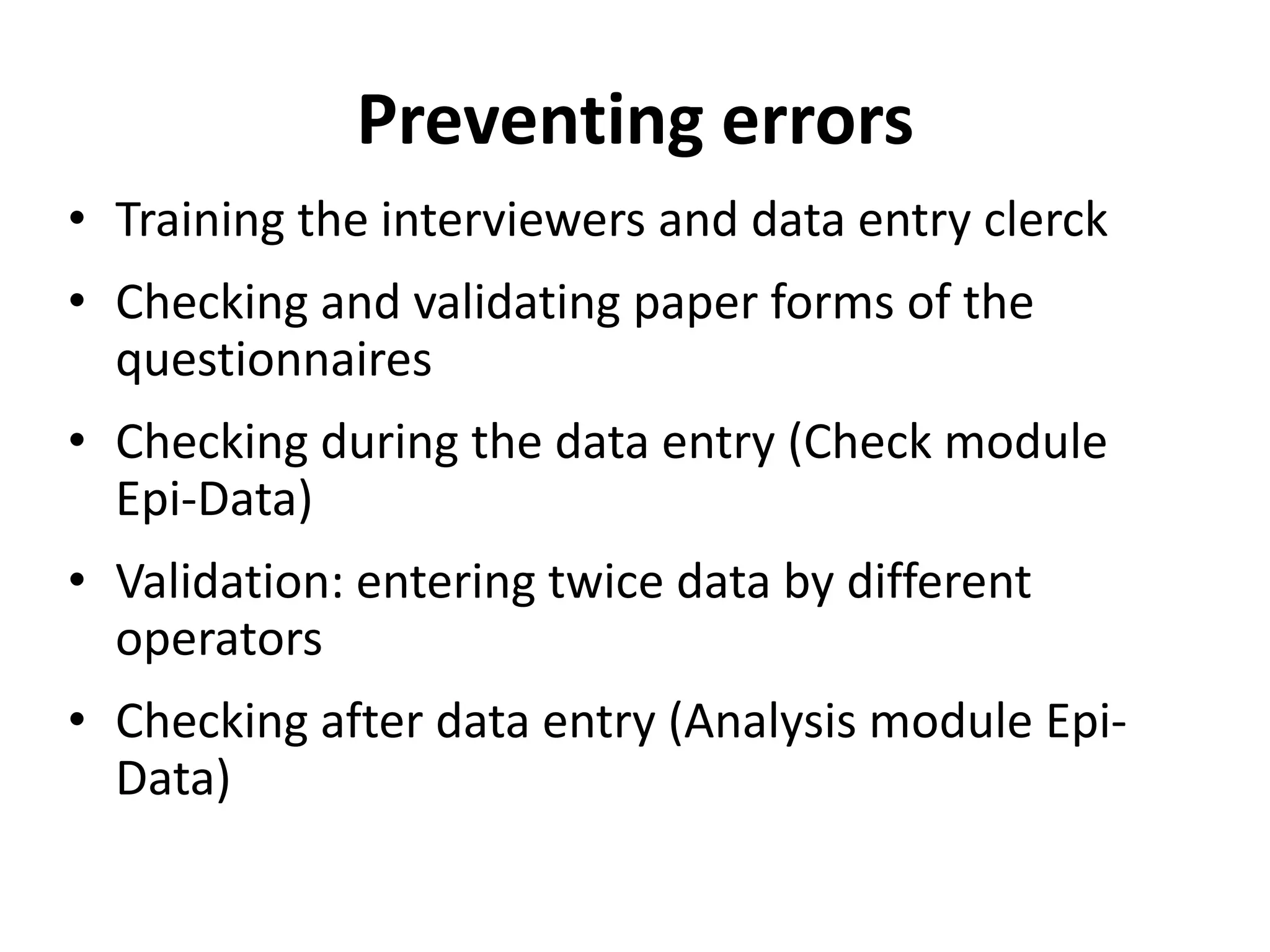
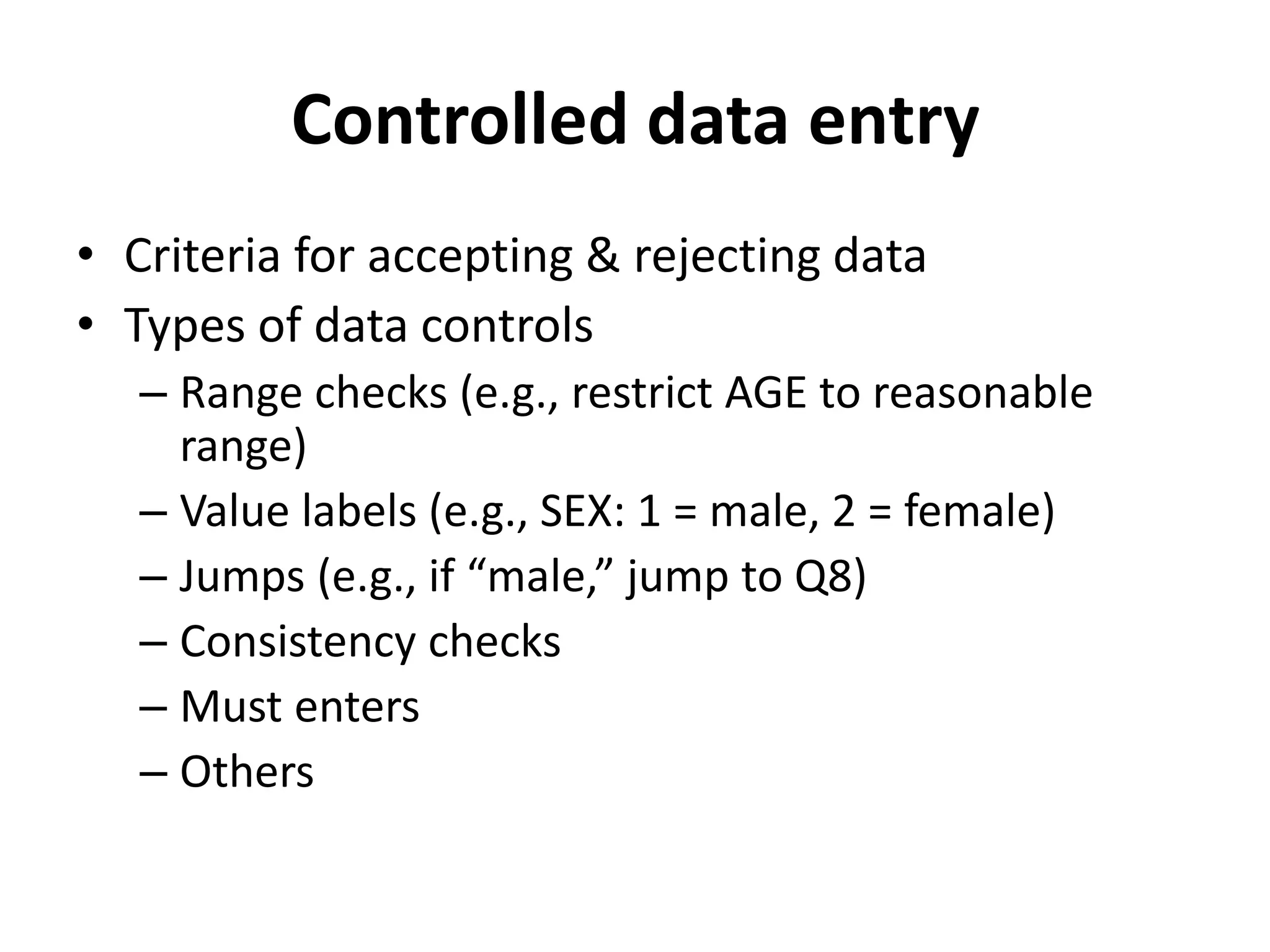
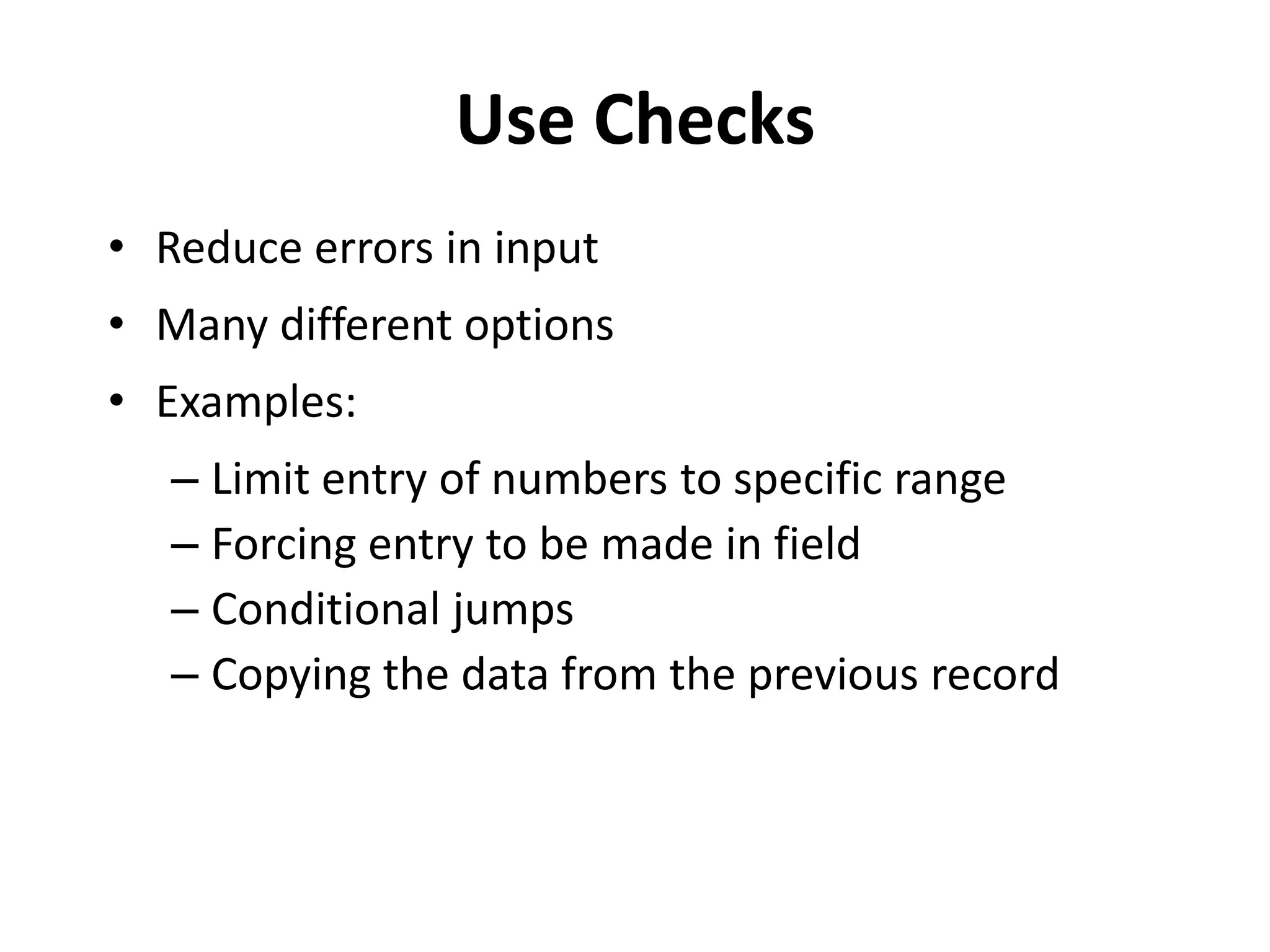
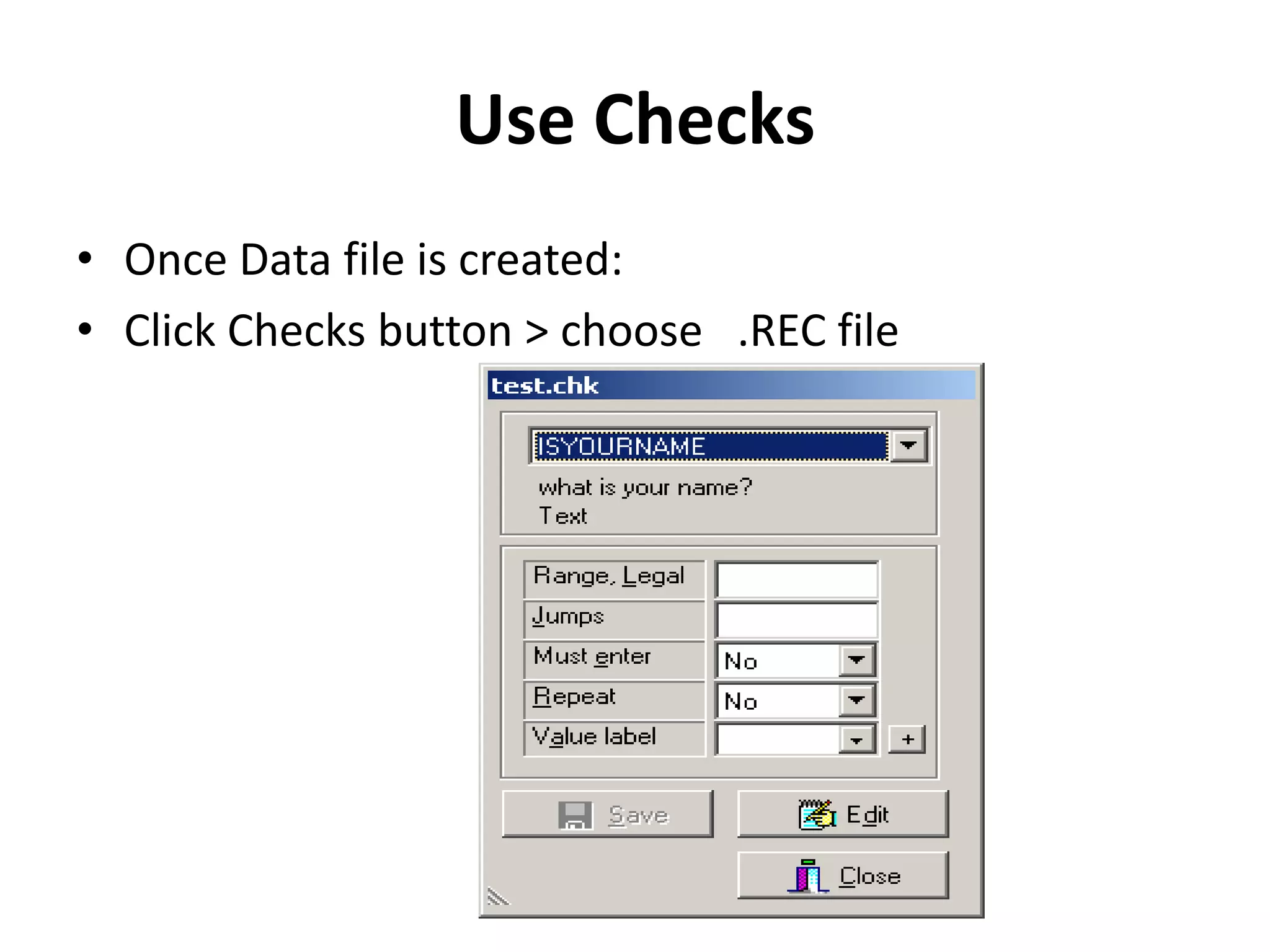
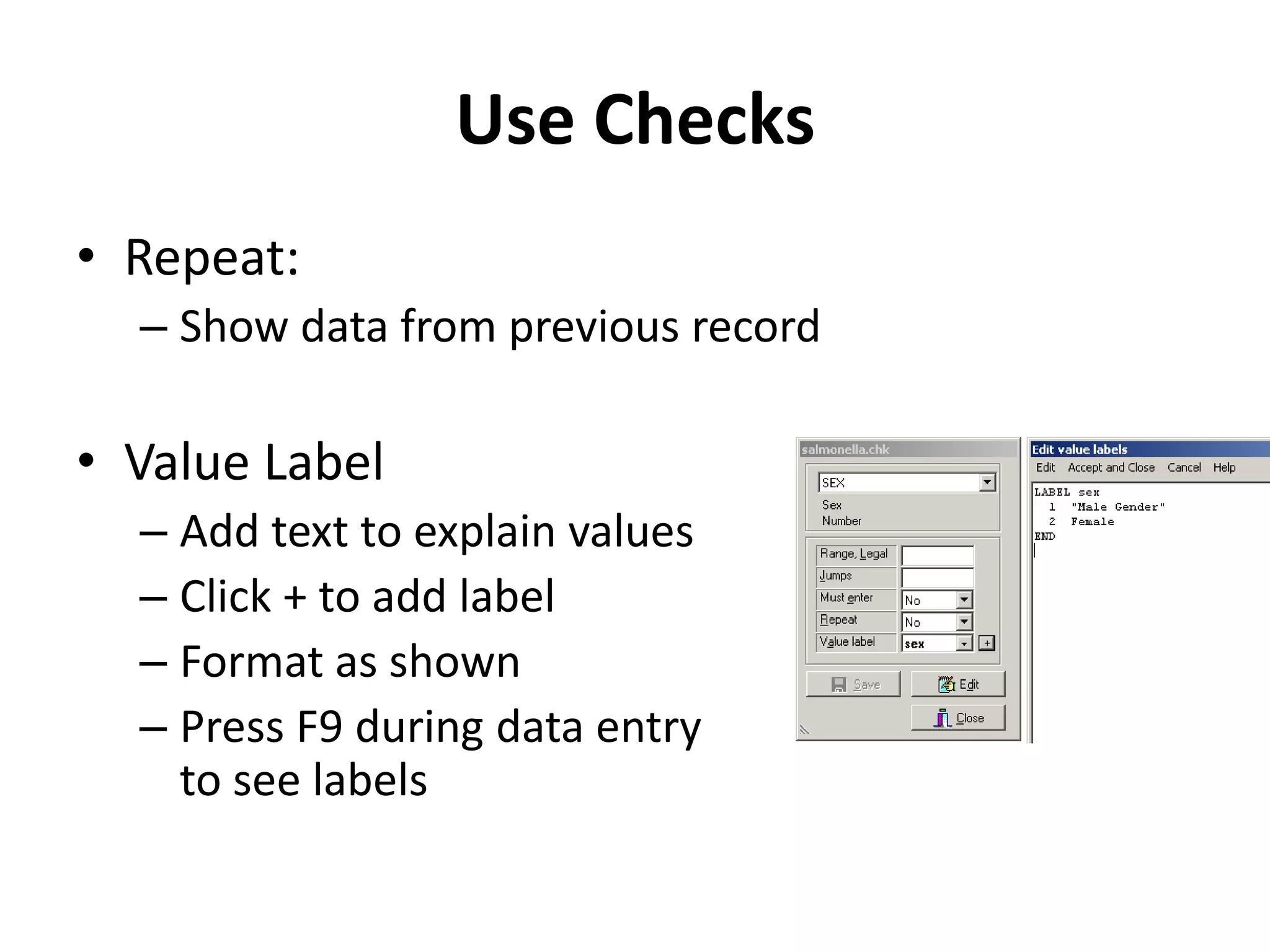
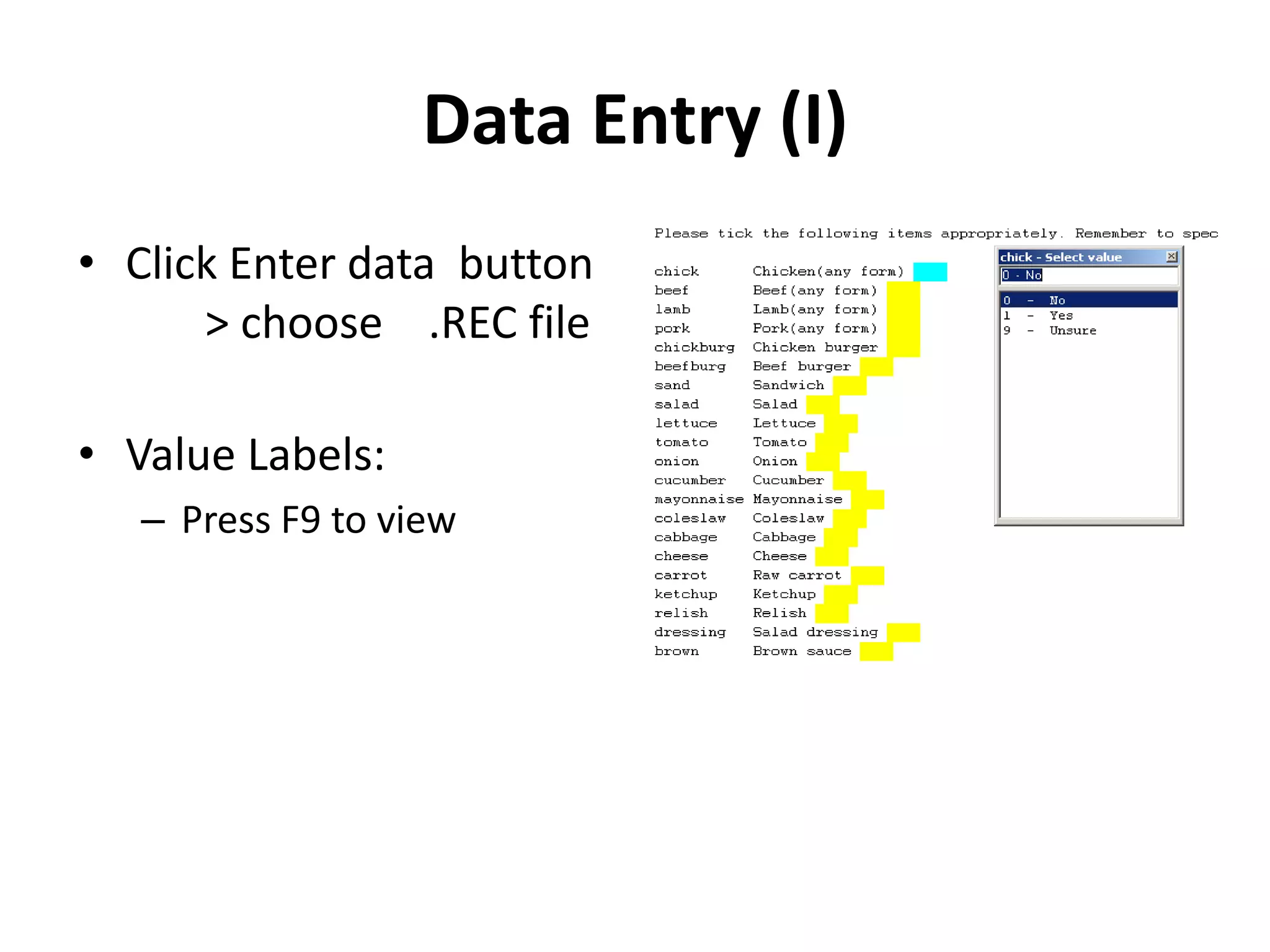
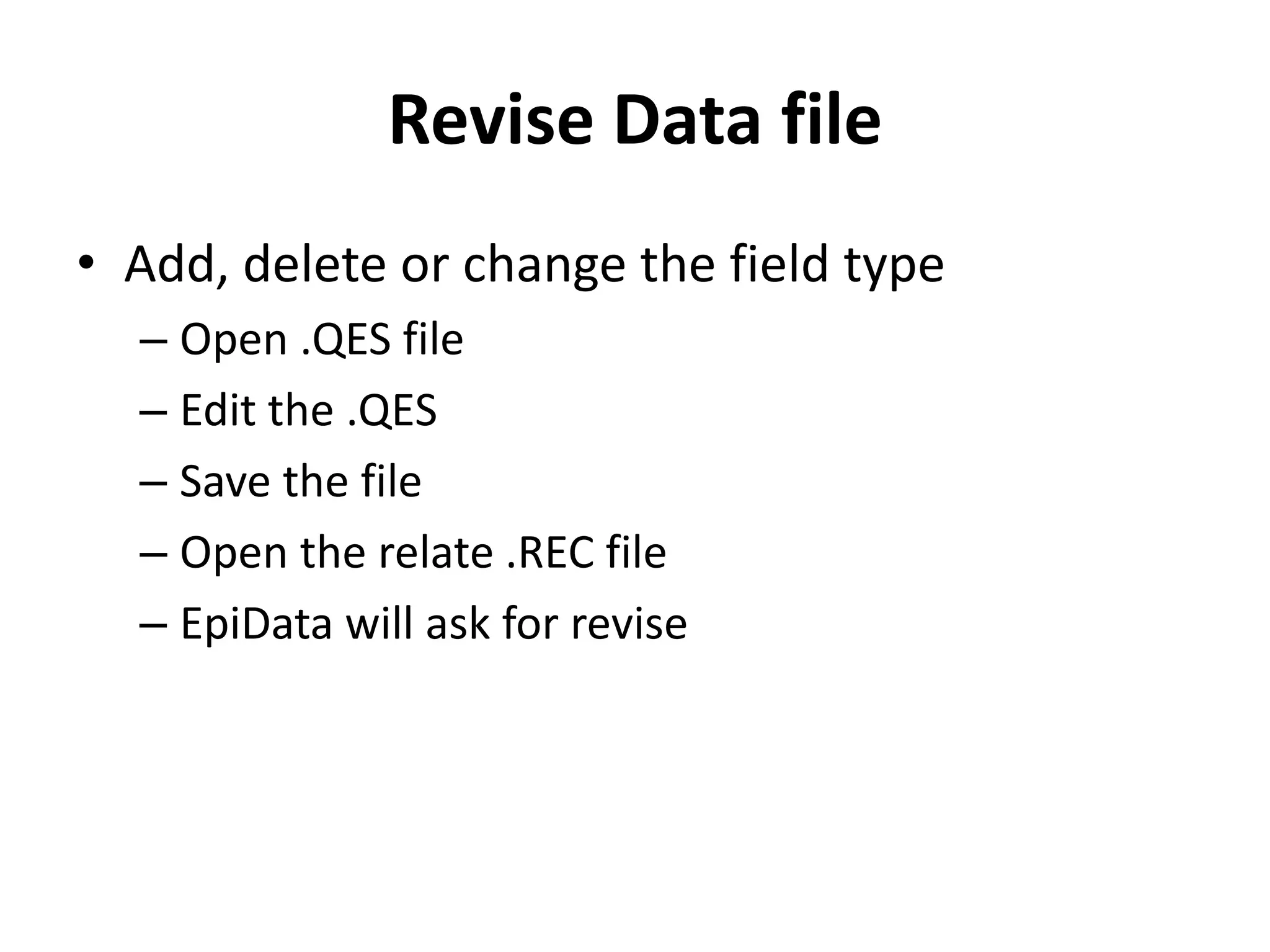
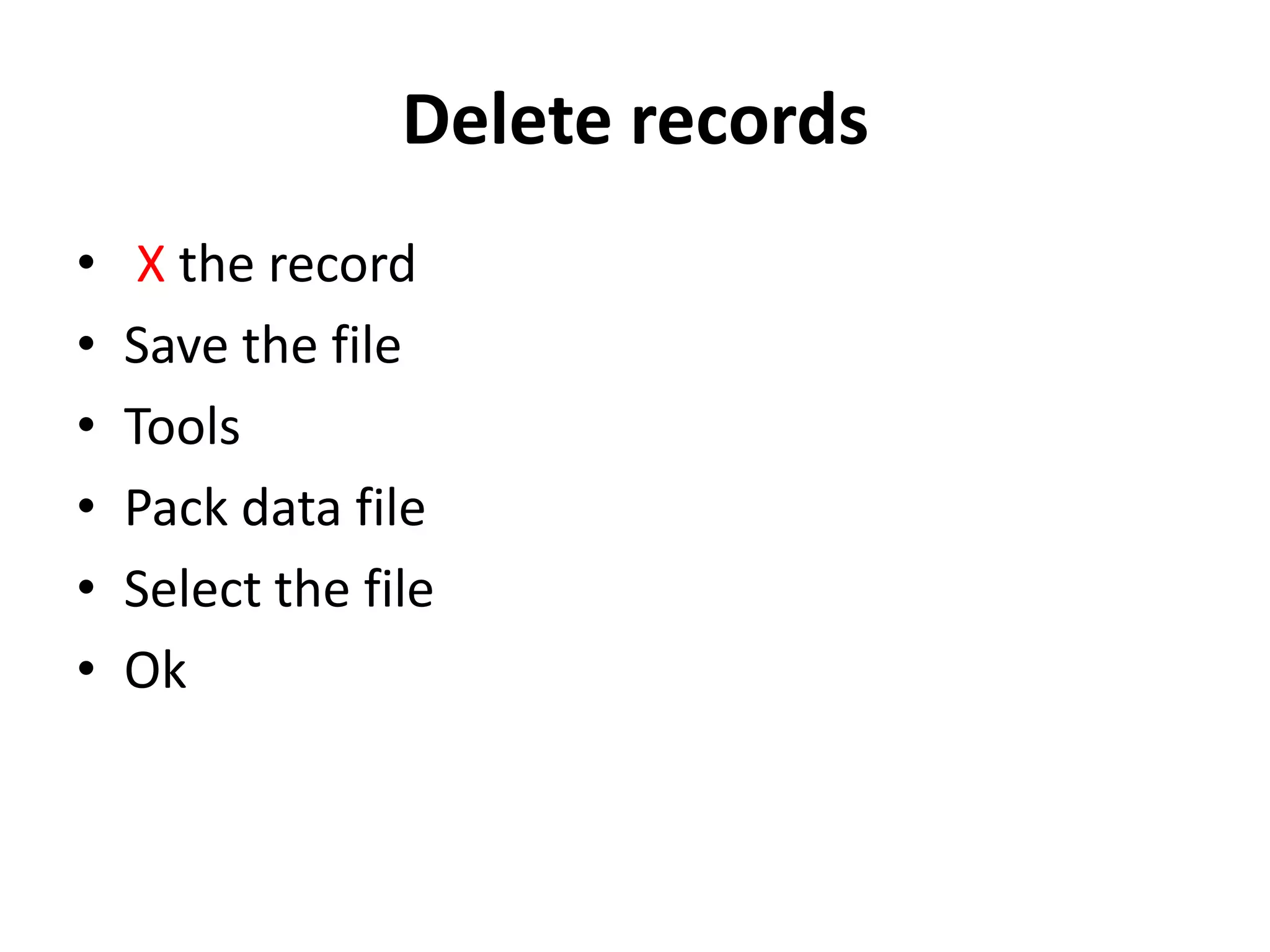
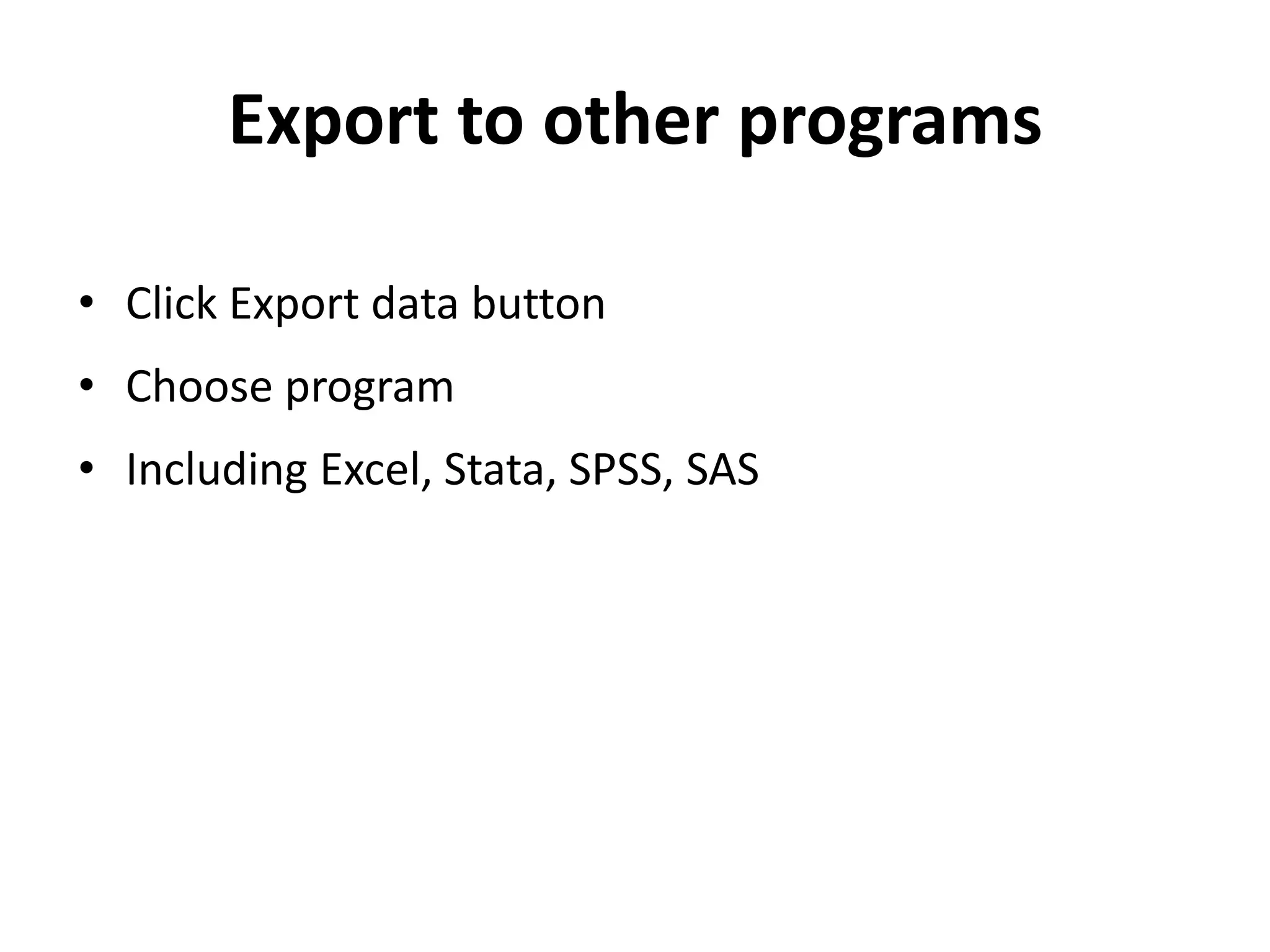

This document provides an introduction to using EpiData software for creating questionnaires, entering data, and performing basic analyses. It outlines the main steps: 1) defining variable types and names, 2) developing a questionnaire file, 3) converting it to a data file for entry, 4) adding data checks, 5) entering data, 6) validating through double entry, and 7) exporting data to other programs like SPSS or Stata. The document describes how EpiData allows controlling data quality through setting ranges, jumps, and consistency checks during the entry process.


