

EpiData Software for Operations Research in
Tuberculosis Control
A course developed by the EpiData Association
Authors:
Hans L Rieder, Kirchlindach, Switzerland
Jens M Lauritsen, Odense, Denmark
The input with major contributions to current content and recent revisions is greatly
acknowledged:
Nguyen Binh Hoa, Hanoi, Viet Nam
Ajay M V Kumar, Bengaluru, India
Zaw Myo Tun, Singapore
course_0-1_title
Page 2 of 3
Date last revised: July 21, 2015
Note on versions of EpiData software: Always use the most recent release
version of EpiData software which can be obtained freely from the EpiData
website http://www.epidata.dk. The course is updated at least whenever a new
version requires adaptation or following an in-class course, whichever comes
earlier.
course_0-1_title
Page 3 of 3
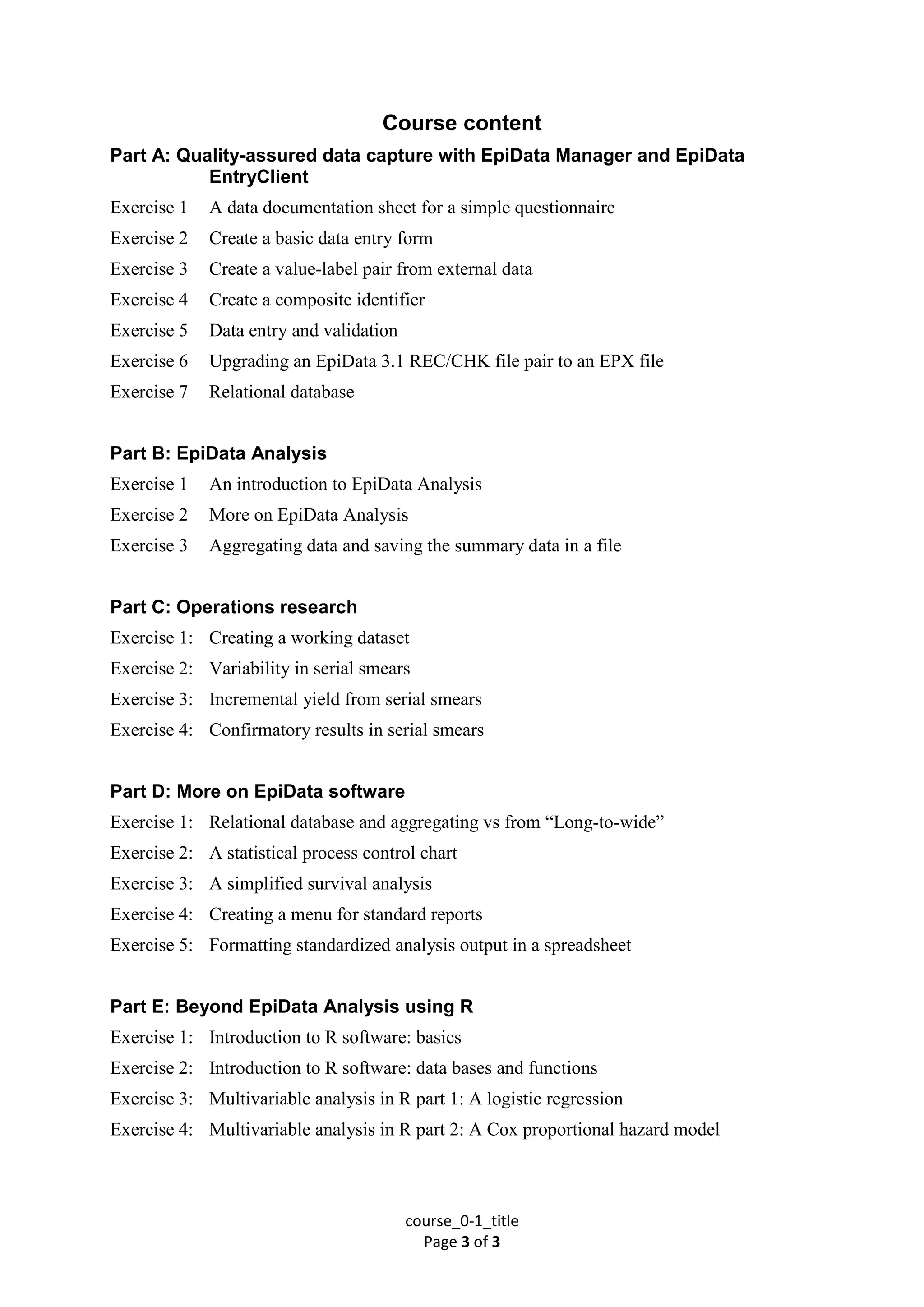
Course content
Part A: Quality-assured data capture with EpiData Manager and EpiData
EntryClient
Exercise 1 A data documentation sheet for a simple questionnaire
Exercise 2 Create a basic data entry form
Exercise 3 Create a value-label pair from external data
Exercise 4 Create a composite identifier
Exercise 5 Data entry and validation
Exercise 6 Upgrading an EpiData 3.1 REC/CHK file pair to an EPX file
Exercise 7 Relational database
Part B: EpiData Analysis
Exercise 1 An introduction to EpiData Analysis
Exercise 2 More on EpiData Analysis
Exercise 3 Aggregating data and saving the summary data in a file
Part C: Operations research
Exercise 1: Creating a working dataset
Exercise 2: Variability in serial smears
Exercise 3: Incremental yield from serial smears
Exercise 4: Confirmatory results in serial smears
Part D: More on EpiData software
Exercise 1: Relational database and aggregating vs from “Long-to-wide”
Exercise 2: A statistical process control chart
Exercise 3: A simplified survival analysis
Exercise 4: Creating a menu for standard reports
Exercise 5: Formatting standardized analysis output in a spreadsheet
Part E: Beyond EpiData Analysis using R
Exercise 1: Introduction to R software: basics
Exercise 2: Introduction to R software: data bases and functions
Exercise 3: Multivariable analysis in R part 1: A logistic regression
Exercise 4: Multivariable analysis in R part 2: A Cox proportional hazard model

Epidata Course 0 1-title

  • 1.
    EpiData Software forOperations Research in Tuberculosis Control A course developed by the EpiData Association Authors: Hans L Rieder, Kirchlindach, Switzerland Jens M Lauritsen, Odense, Denmark The input with major contributions to current content and recent revisions is greatly acknowledged: Nguyen Binh Hoa, Hanoi, Viet Nam Ajay M V Kumar, Bengaluru, India Zaw Myo Tun, Singapore
  • 2.
    course_0-1_title Page 2 of3 Date last revised: July 21, 2015 Note on versions of EpiData software: Always use the most recent release version of EpiData software which can be obtained freely from the EpiData website http://www.epidata.dk. The course is updated at least whenever a new version requires adaptation or following an in-class course, whichever comes earlier.
  • 3.
    course_0-1_title Page 3 of3 Course content Part A: Quality-assured data capture with EpiData Manager and EpiData EntryClient Exercise 1 A data documentation sheet for a simple questionnaire Exercise 2 Create a basic data entry form Exercise 3 Create a value-label pair from external data Exercise 4 Create a composite identifier Exercise 5 Data entry and validation Exercise 6 Upgrading an EpiData 3.1 REC/CHK file pair to an EPX file Exercise 7 Relational database Part B: EpiData Analysis Exercise 1 An introduction to EpiData Analysis Exercise 2 More on EpiData Analysis Exercise 3 Aggregating data and saving the summary data in a file Part C: Operations research Exercise 1: Creating a working dataset Exercise 2: Variability in serial smears Exercise 3: Incremental yield from serial smears Exercise 4: Confirmatory results in serial smears Part D: More on EpiData software Exercise 1: Relational database and aggregating vs from “Long-to-wide” Exercise 2: A statistical process control chart Exercise 3: A simplified survival analysis Exercise 4: Creating a menu for standard reports Exercise 5: Formatting standardized analysis output in a spreadsheet Part E: Beyond EpiData Analysis using R Exercise 1: Introduction to R software: basics Exercise 2: Introduction to R software: data bases and functions Exercise 3: Multivariable analysis in R part 1: A logistic regression Exercise 4: Multivariable analysis in R part 2: A Cox proportional hazard model