
Enterprise Mobility
Suite (EMS)
Lai Yoong Seng | MVP Hyper-V
Senior Consultant |
Yoongseng.lai@infrontconsulting.com
Part 2
Mobile Device and
Application
Management
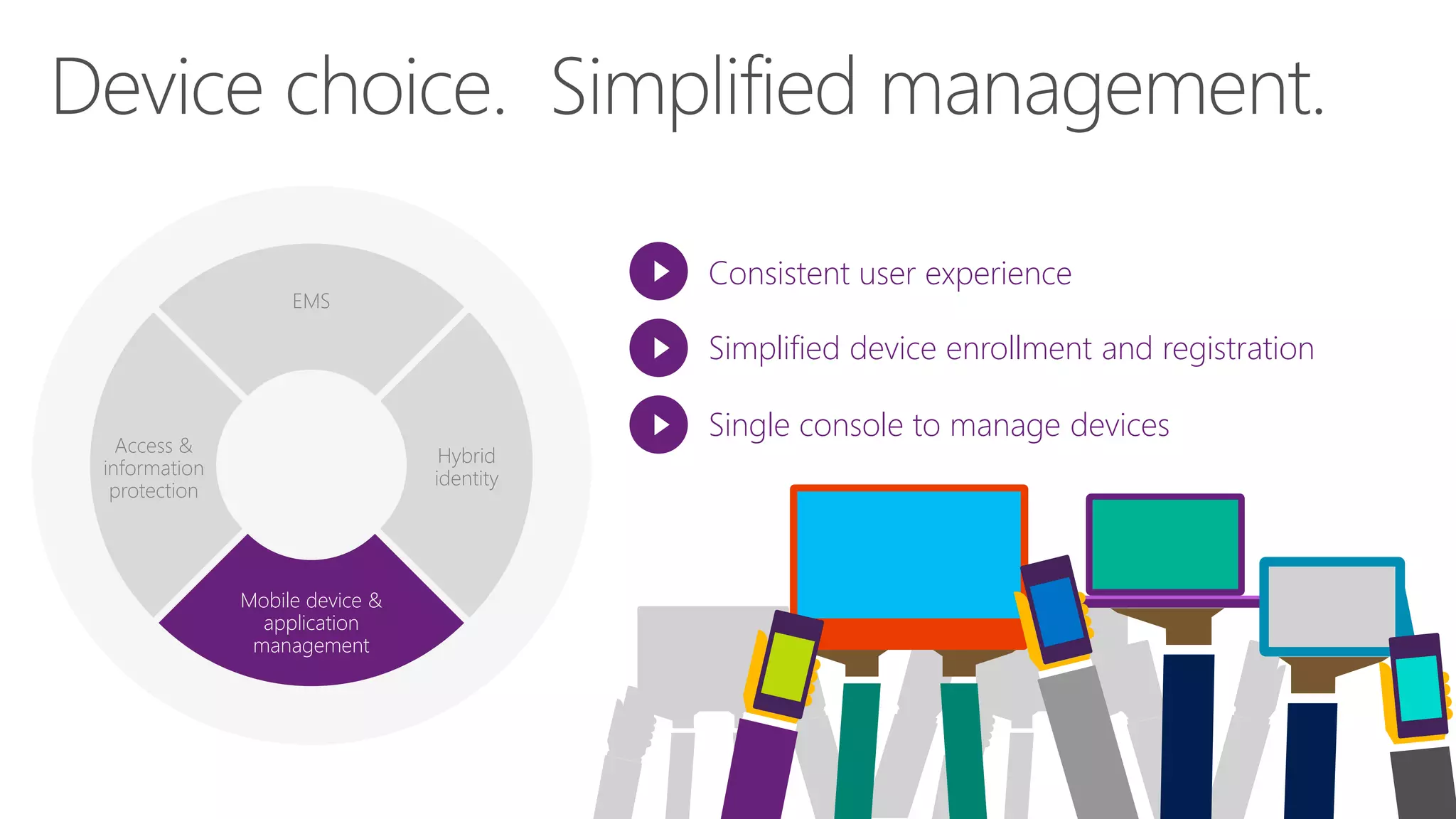
EMS
Access &
information
protection
Mobile device &
application
management
Hybrid
identity
Consistent user experience
Simplified device enrollment and registration
Single console to manage devices
Consistent experience across:
Discover and install corporate apps
Manage devices and data
Ability to contact IT
Customizable terms and conditions
Configuration Manager console (hybrid)Intune web console (cloud only)
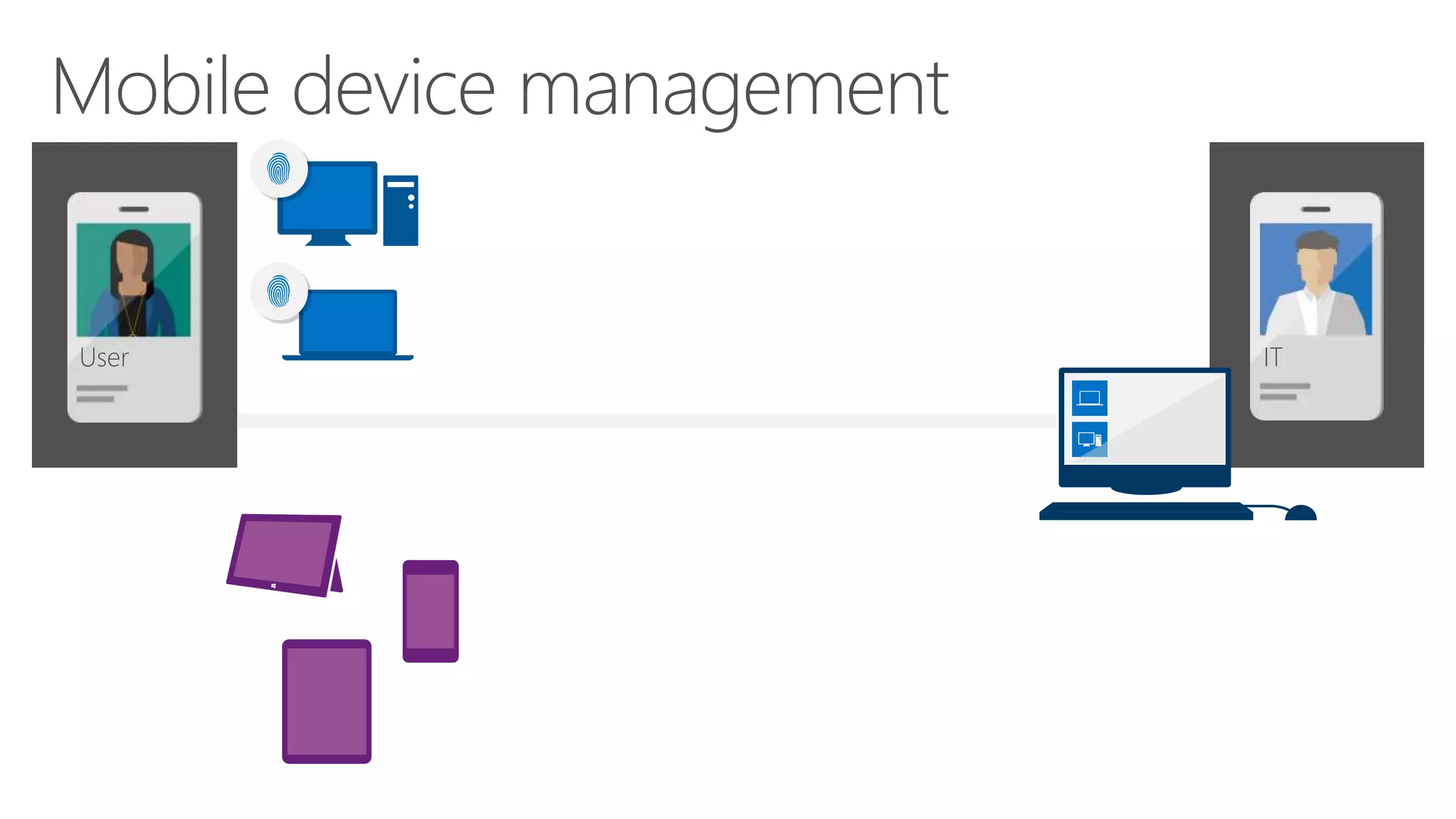
ITUser
Device
enrolled
Apply policy
Company Portal
Recommended apps for User’s devices
ITUser
Company Portal
Are you sure you want to wipe
corporate data and application
from User’s iPhone?
Yes No
ITUser
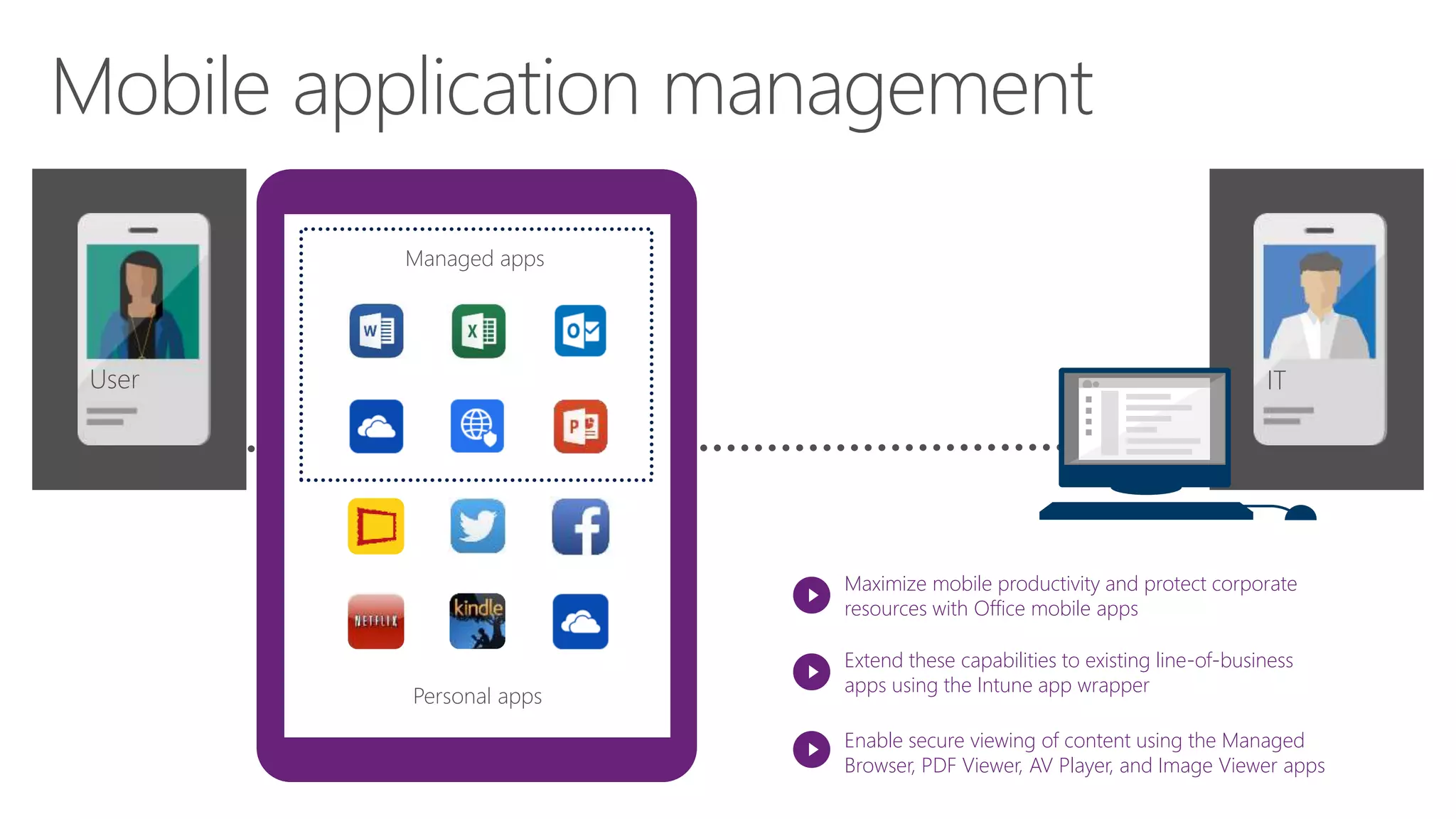
Maximize mobile productivity and protect corporate
resources with Office mobile apps
Extend these capabilities to existing line-of-business
apps using the Intune app wrapper
Enable secure viewing of content using the Managed
Browser, PDF Viewer, AV Player, and Image Viewer apps
Managed apps
Personal appsPersonal apps
Managed apps
ITUser
Personal apps
Managed apps
Maximize productivity while preventing leakage of company
data by restricting actions such as copy/cut/paste/save in
your managed app ecosystem
User
Personal apps
Managed apps Company Portal
Are you sure you want to wipe
corporate data and applications
from the user’s device?
OK Cancel
Perform selective wipe via self-service company portal or admin console
Remove managed apps and data
Keep personal apps and data intact
ITIT
Demo
Microsoft Intune
Log in with a single, verified identity
Work across multiple devices
Access apps and data
Enjoy a consistent experience

Enterprise Mobility Suite-Microsoft Intune

Editor's Notes

  • #4 Concept of BYOD. User got tablet/laptop/etc. The Microsoft solution offers a way to manage those devices in a way that does not impede the end user’s experience when using the device they love and gives users a degree of control over their own devices through the Intune Company Portal.   Users can enroll their devices and then access apps targeted to them by IT, based on their identity.   Once enrolled, IT can enforce policies and get a view of inventory or hardware and software across their estate.
  • #5 We had a application called “Company portal” at Apple Store, Google Play and Windows Store - Access to portal to enroll, install app (recommend by IT), deploy AV (remote computer) and information to contact IT staff.
  • #6 Intune maximum supported 5000 users. Each users can enroll up to 5 devices. Total devices is 25000
  • #7 In 1st session , we have talked about hybrid identity to access SaaS. Let look into scenario: -Jane got laptop/ PC, Guess what? She got Samsung tablet & Samsung Note phone (personal phone) and may Iphone from company. User don’t care about who own the devices. She only care about - Access app & data. Since device is own by her, she probably don’t care about security & management.
  • #8 MDM steps: Enrollment IT Admin perform provisioning – deploy app, set policy, deploy email , vpn or wifi profiles IT manage and protect by defining policy
  • #9 Retire device when user resign or stolen device Full wipe (complete factory reset). Get new devices but not company data. Selective wipe
  • #14 To summaries, our unified device management We got Hybrid Identity to access We can use any devices (Apple, android , Windows devices ) Able to access corporate data Use policy to control to protect data from leaking Last but not least 1 app called “Company portal- same experience on different devices)